The best interactive demo tools for marketing teams in 2026 focus on AI-powered personalization, high-fidelity HTML capturing, and seamless embedding for ABM campaigns. Static screenshots and explainer videos still dominate most B2B websites, but they ask prospects to imagine the product rather than experience ita limitation that interactive marketing addresses directly.
This guide compares nine of the best interactive demo tools for marketing teams in 2026, covering website embeds, nurture campaigns, paid ads, and content marketing. Each platform gets an honest breakdown of strengths, pricing, and best-fit scenarios.
What's inside
This guide covers nine interactive demo platforms evaluated specifically for marketing teams. You'll find tools built for website embeds, campaign integration, paid ads, and content marketing.
We selected platforms based on hands-on evaluation, marketing-specific features, integration depth with CRM and analytics stacks, and ease of use for non-technical teams. Each tool gets an honest breakdown of strengths, pricing, and best-fit scenarios.
TL;DR
- Guideflow: Best all-around for marketing teams needing speed, personalization, and CRM attribution
- Fable: Strong for teams prioritizing mobile-first demo experiences
- Tourial: Built for demand gen teams running multi-touch campaigns
- HowdyGo: High-fidelity HTML capture for complex UI interactions
- Key decision factor: Prioritize tools with native analytics that feed your existing attribution stack
What are interactive demo tools
Interactive demo software lets marketing teams create clickable, self-guided product experiences without engineering support. Instead of asking prospects to imagine what your product does from a video or screenshot, you let them click through it themselves.
The category has matured significantly. In 2026, the best tools focus on AI-powered personalization, high-fidelity HTML capturing, and seamless embedding for ABM campaigns. Top contenders include platforms optimized for rapid AI-driven tours, enterprise-grade HTML-first demos, and versatile no-code demo building.
What interactive demo software does
The core functionality breaks down into five areas:
- Capture: Record your product's UI via browser extension, screenshot, or HTML clone
- Edit: Customize text, images, branding, and flow without writing code
- Personalize: Tailor demos for specific personas, accounts, or campaigns using dynamic variables
- Distribute: Embed on websites, share via email, or run in paid ads
- Analyze: Track engagement, drop-off points, and conversion signals at the step level
Together, the five capabilities replace static content with experiences that generate measurable intent data.
How interactive demos compare to videos and screenshots
The difference comes down to engagement and data quality. Here's how the three asset types stack up:
Asset type | Engagement level | Personalization | Analytics depth | Maintenance effort |
|---|---|---|---|---|
Screenshots | Passive | None | None | Low |
Product videos | Passive | None | Views only | Medium |
Interactive demos | Active, self-guided | High (dynamic variables) | Step-level engagement | Medium |
Interactive demos let prospects control the pace and path. That self-directed exploration surfaces intent signals you can use for follow-up and attribution.
A video view tells you someone pressed play. An interactive demo tells you which features they explored, where they spent time, and where they dropped off.
When marketing teams need interactive demos
When does an interactive demo actually matter more than a good video? Here are the specific scenarios where interactive demos outperform static content.
Website and landing page embeds
Embedding an interactive demo above the fold replaces the generic explainer video with immediate product access. 67% of B2B buyers prefer that rep-free experience.
The engagement data feeds directly into lead scoring. When someone completes a demo focused on enterprise features, your marketing automation software can route them differently than someone who viewed the basic walkthrough.
Email and nurture campaigns
Interactive demos in email sequences give prospects a low-friction way to evaluate your product between touches. They can explore on their own time, at their own pace.
Click-through rates and completion data help you prioritize follow-up timing. If someone completes 80% of a demo at 11pm, they're probably researching seriously. That signal matters for your nurture workflows.
Paid ads and social media
You can embed demos directly in LinkedIn ads, retargeting campaigns, or social posts. Interactive content in paid media typically improves engagement metrics compared to static image or video ads.
One thing to watch: load times matter for ad performance. Test your demo's performance on mobile networks before scaling spend.
Content marketing and SEO
Embedding interactive demos in blog posts, help center articles, or resource pages increases time on page and engagement signals. The demo becomes the proof element in educational content, showing rather than telling.
This works well for product marketing tools comparison content, where readers want to see the product before a sales conversation.
Best interactive demo tools for marketing teams in 2026: comparison
Here's how the nine platforms stack up across key criteria:
# | Product | Best for | Key differentiator | Pricing | G2 rating |
|---|---|---|---|---|---|
1 | Guideflow | Marketing teams needing speed and CRM integration | AI-powered editing, full-funnel analytics | Free tier available, paid from $40/mo | 5.0/5 |
2 | Fable | Mobile-first demo experiences | Strong mobile capture and preview | Tiered pricing | 4.5/5 |
3 | Tourial | Demand generation campaigns | Multi-demo tour builder | Quote-based | 4.3/5 |
4 | HowdyGo | Teams wanting HTML fidelity | High-fidelity HTML capture | Usage-based | 4.7/5 |
5 | Testbox | Complex product environments | Live sandbox environments | Enterprise pricing | 4.6/5 |
6 | Hexus | AI-generated demo content | Automated demo creation from prompts | Tiered pricing | 4.4/5 |
7 | Demoleap | Live demo guidance and coaching | Real-time presenter assistance | Quote-based | 4.8/5 |
8 | Saleo | Data customization in live demos | Dynamic data overlays | Enterprise pricing | 4.8/5 |
9 | Lancey | PLG and self-serve motions | Product-led trial experiences | Usage-based | 4.5/5 |
1. Guideflow
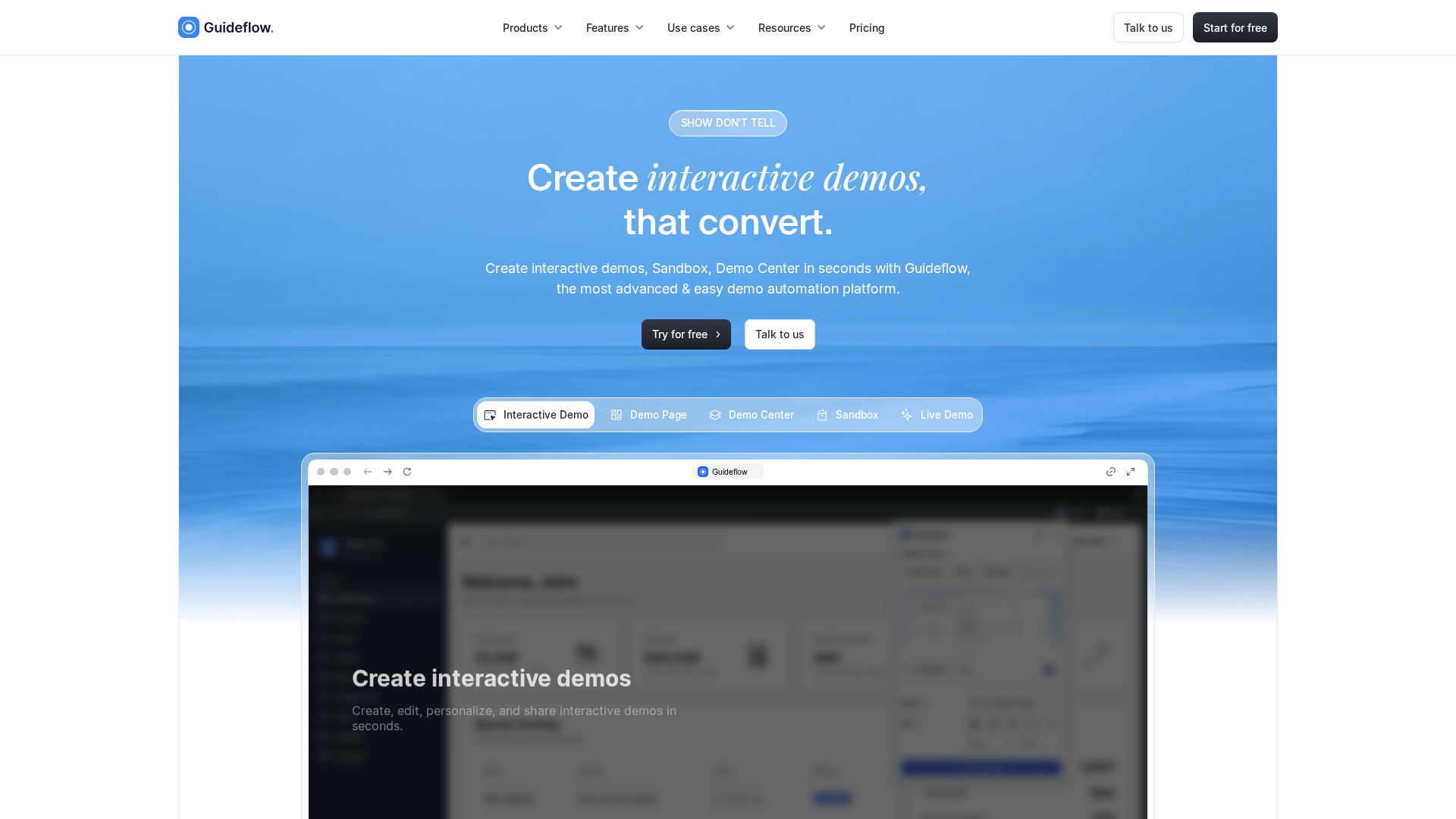
Guideflow is a demo automation platform built for B2B teams that want to create, personalize, and measure self-serve product experiences. The platform covers interactive demos, sandboxes, demo centers, and live demos in a single suite.
The core workflow is straightforward. Capture any workflow directly from your browser in a few clicks, follow the flow as you normally would, hit Finish, and the demo generates automatically. From there, you refine it in the builder.
Best for: Marketing teams that want fast demo creation, deep personalization, and analytics that connect to pipeline attribution.
Key strengths
- Browser-based capture: Record any web app without engineering involvement or access to staging environments
- AI-powered editing: Auto-generate steps, CTAs, translations, and voiceovers to polish demos quickly
- Dynamic personalization: Personalize demos for every prospect using CRM variables, editing text, images, and graphs at scale
- Full-funnel analytics: Track step completion, engagement depth, and conversion signals with data that syncs to your CRM
- Multi-format support: Interactive demos, sandboxes, demo centers, and live demos in one platform
The personalization capabilities stand out for marketing use cases. You can tailor paths, copy, and experiences by persona, role, or account context without recreating demos from scratch. 73% of customers expect companies to understand their needs.
Pricing
Guideflow offers a free tier with 5 guideflows, unlimited viewers, and 7-day analytics. Paid plans start at $40/month for Solo (unlimited guideflows, advanced analytics, lead forms, AI features). Growth plans begin at $499/month, with Enterprise options from $2,999/month.
Start your journey with Guideflow today!
2. Fable
Fable is a no-code demo platform used by go-to-market teams to create interactive product tours. The platform emphasizes mobile demo capture and preview, making it suitable for teams with mobile-first products.
The drag-and-drop editor lets marketing teams customize demos without technical skills. Output is embeddable on websites and landing pages.
Best for: Teams with mobile apps or mobile-responsive products who want demos that look good on smaller screens.
Key strengths
- Mobile-optimized capture: Strong support for capturing and displaying mobile app flows accurately
- No-code editor: Marketing teams customize without developer involvement
- Embeddable demos: Standard sharing and embed options for websites and campaigns
- Template library: Pre-built templates speed up demo creation for common use cases
Pricing
Fable uses tiered pricing based on features and usage. Free trial available. Contact their team for specific pricing based on your requirements.
3. Tourial
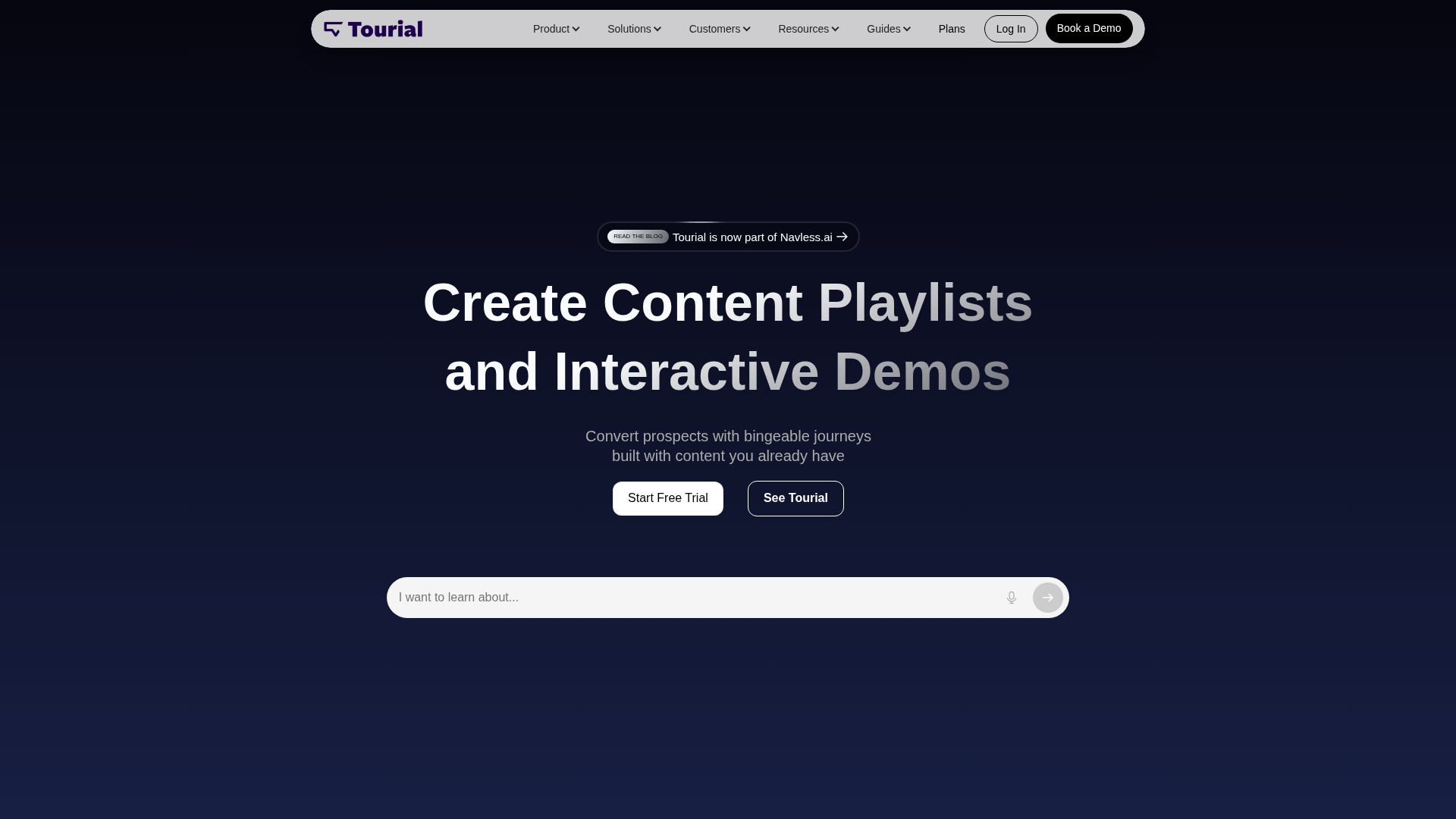
Tourial is built specifically for demand generation teams. The platform's "tour center" functionality lets marketing create multi-demo experiences where prospects choose their own path through different product areas or use cases, similar to how demo centers help sales teams organize product experiences.
This approach works well for companies with multiple products or complex feature sets. Instead of forcing everyone through the same linear demo, you let prospects self-select based on their interests.
Best for: Demand gen teams running multi-touch campaigns who want to track which demo paths correlate with conversion.
Key strengths
- Multi-demo tours: Combine multiple demos into guided journeys organized by persona or use case
- Demand gen focus: Built for campaign integration and lead capture workflows
- Analytics for attribution: Track which demo paths correlate with pipeline and closed revenue
- Branching logic: Let prospects choose their own adventure based on role or interest
Pricing
Tourial uses quote-based pricing typical for demand gen tools. Contact their sales team for specific pricing.
4. HowdyGo
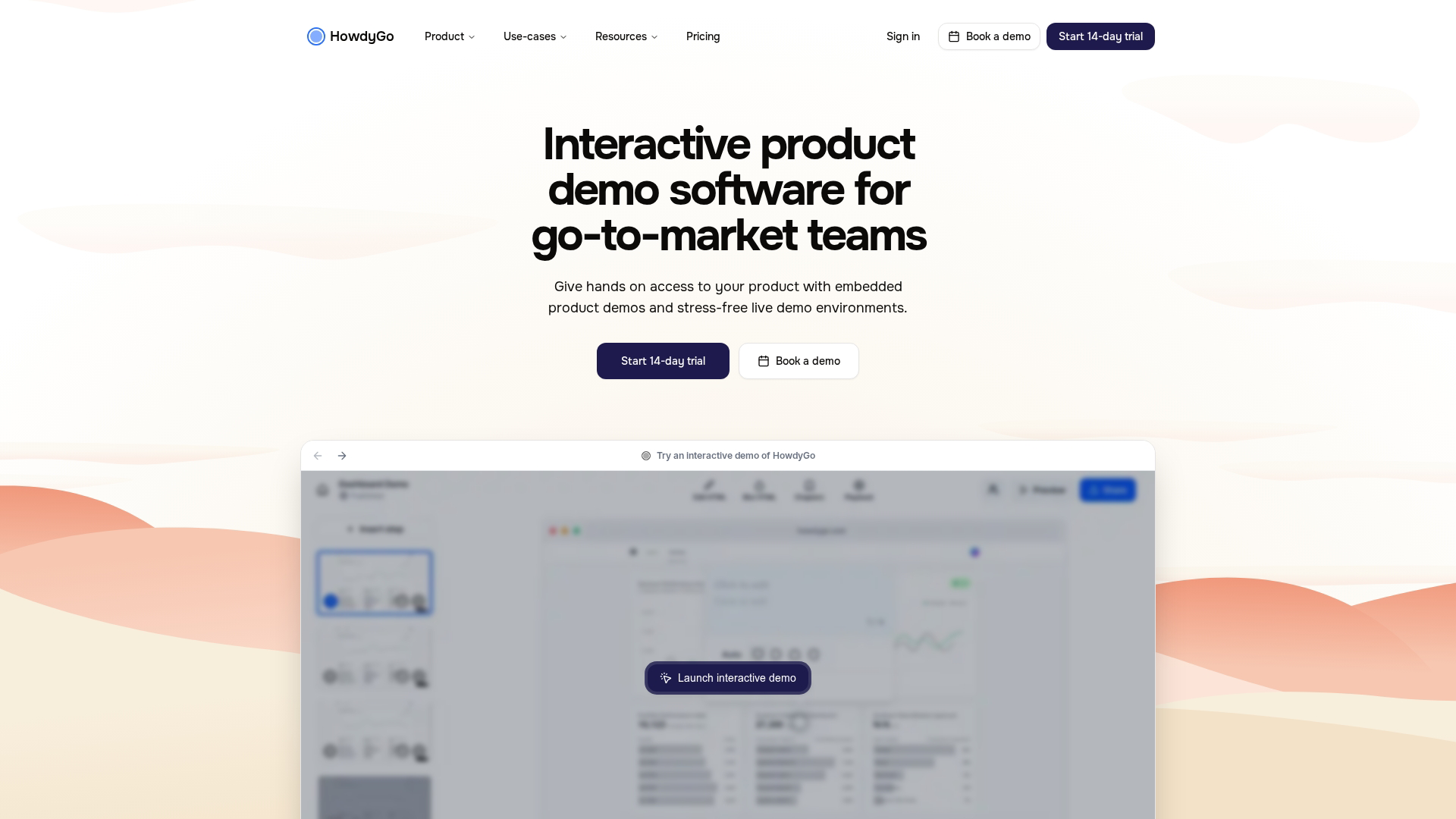
HowdyGo focuses on HTML capture fidelity. This matters for teams whose product has complex UI interactions that screenshot-based capture might miss, like animations, hover states, or dynamic elements.
The platform preserves interactive elements so demos look and feel like the real product. This accuracy comes with a tradeoff: setup can take longer than simpler screenshot-based tools.
Best for: Teams prioritizing visual accuracy for products with complex, interactive UIs.
Key strengths
- High-fidelity HTML capture: Preserves interactive elements, animations, and dynamic states
- Accurate UI reproduction: Demos look and feel like the actual product experience
- Embeddable output: Standard sharing and embed options for distribution
- Edit capabilities: Modify captured content without re-recording entire flows
Pricing
HowdyGo uses usage-based pricing. Plans scale with demo volume and viewer counts.
5. Testbox
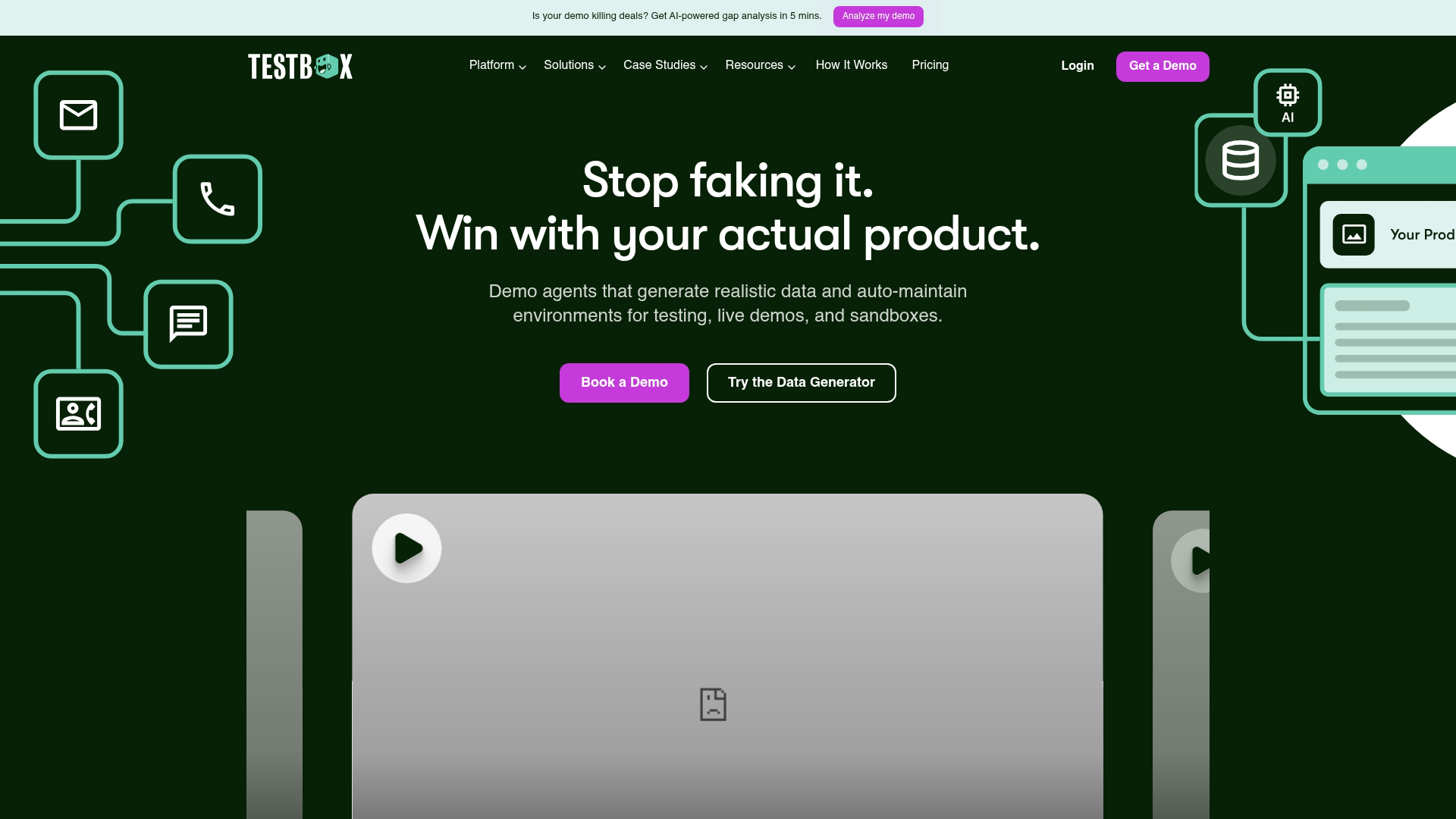
Testbox takes a different approach. Instead of captured demos, it focuses on live sandbox environments where prospects interact with a real (but isolated) product instance.
This approach requires more setup but offers deeper evaluation experiences. Prospects can test actual functionality with realistic data scenarios, not just click through a guided tour.
Best for: Complex products where prospects require hands-on testing with realistic data before buying.
Key strengths
- Live sandbox environments: Prospects interact with a real, isolated product instance
- Realistic data populations: Pre-configured data scenarios for different use cases and industries
- Deep evaluation support: Suited for technical buyers who want hands-on proof
- Reset capabilities: Environments reset between sessions to maintain consistency
Pricing
Testbox uses enterprise-oriented pricing given the infrastructure requirements. Contact their team for quotes.
6. Hexus
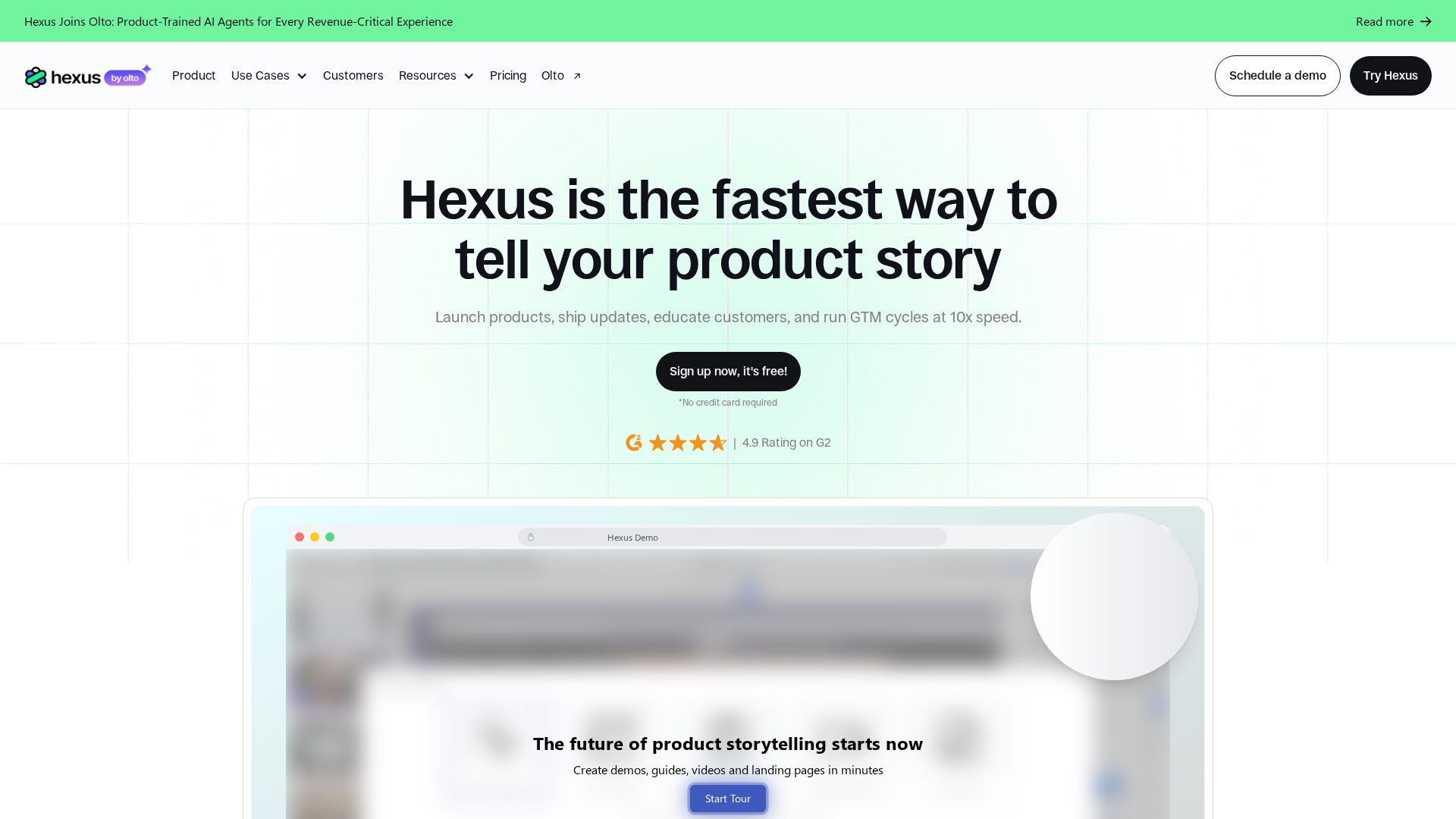
Hexus is an AI-forward demo creation tool. Users can generate demos from prompts or existing content, reducing manual capture and editing work.
The platform appeals to teams with high demo volume who want to accelerate production. Instead of manually capturing every flow, you describe what you want and the AI generates a starting point.
Best for: Teams with high demo volume who want AI to accelerate production and iteration.
Key strengths
- AI-generated demos: Create demos from prompts or existing documentation
- Automated content creation: Reduces manual capture and editing steps significantly
- Fast iteration: Quickly produce demo variants for A/B testing different approaches
- Multi-format output: Generate different demo types from the same source content
Pricing
Hexus uses tiered pricing with AI usage considerations. Plans vary based on generation volume and features.
7. Demoleap

Demoleap focuses on live demo delivery and presenter guidance rather than self-serve interactive demos. The platform provides real-time coaching and prompts during live sales calls.
While more sales-focused, it's relevant for marketing teams supporting sales enablement. Marketing can create the talk tracks and guidance that reps follow during live presentations.
Best for: Teams where marketing creates content that sales delivers in live demo calls.
Key strengths
- Live demo guidance: Real-time prompts and talking points during calls
- Presenter coaching: Helps reps stay on message and handle objections consistently
- Sales enablement focus: Connects marketing content to live delivery
- Analytics on delivery: Track which talk tracks and demo paths perform best
Pricing
Demoleap uses quote-based pricing typical for sales enablement tools.
8. Saleo
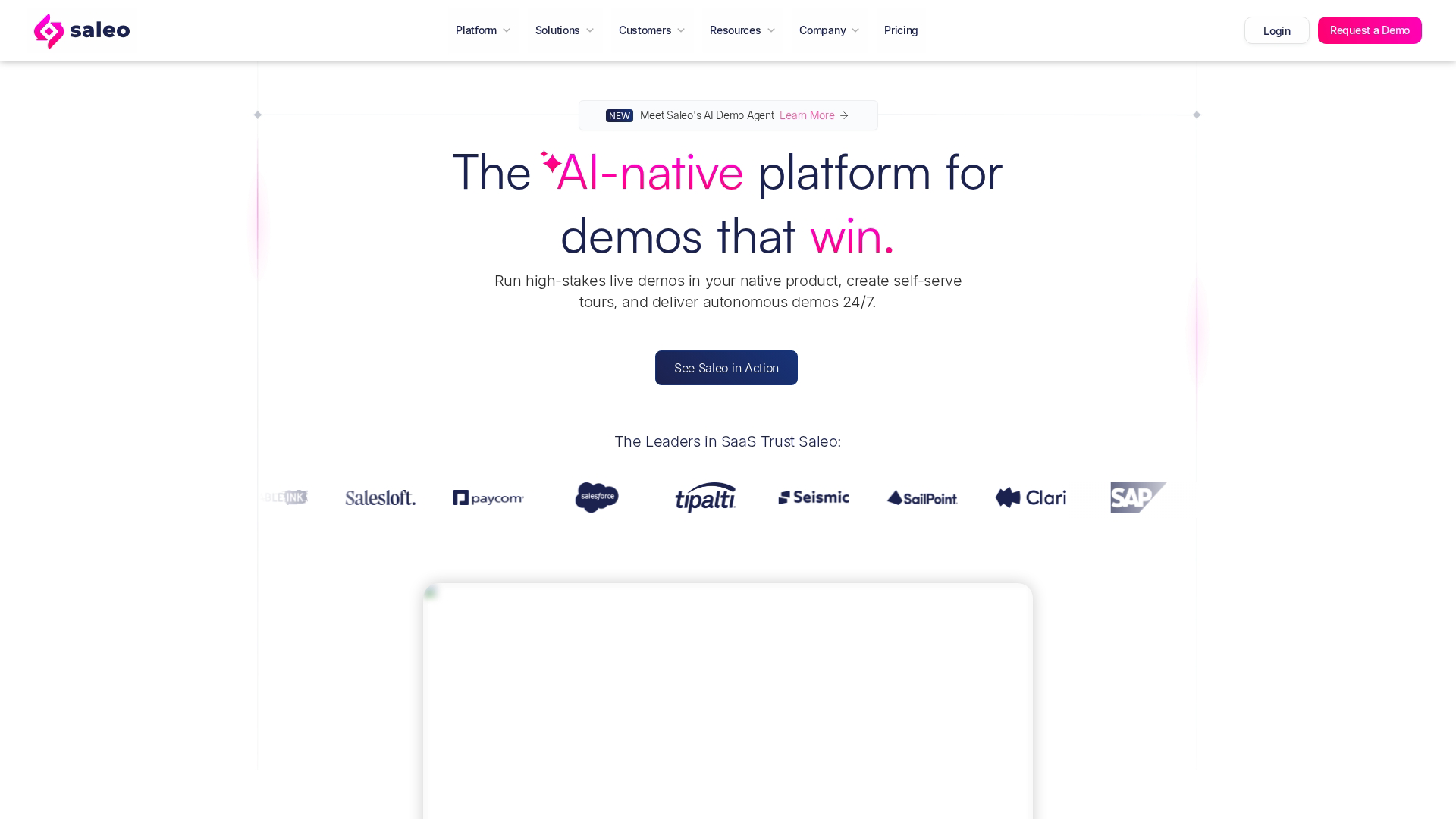
Saleo focuses on data customization within live demo environments. The platform overlays dynamic, personalized data onto your actual product during demos.
This eliminates the need for fake demo accounts with dummy data. Instead, you show prospect-specific data in your real product UI. The approach works well for account-based marketing motions where personalization matters.
Best for: Account-based marketing teams that want to show prospect-specific data in live demos.
Key strengths
- Dynamic data overlays: Show prospect-specific data in your real product UI
- No dummy data required: Eliminates maintenance of fake demo environments
- Account-based personalization: Tailor live demos for specific target accounts
- Real product experience: Prospects see the actual product, not a simulation
Pricing
Saleo uses enterprise pricing given the customization depth and integration requirements.
9. Lancey
Lancey focuses on product-led growth motions. The platform helps teams create self-serve trial experiences that let prospects evaluate the product independently.
Engagement data feeds qualification, helping marketing identify high-intent prospects. This approach suits PLG companies where marketing supports self-serve conversion.
Best for: PLG companies where marketing supports self-serve evaluation and trial conversion.
Key strengths
- PLG-focused design: Built for self-serve evaluation and trial experiences
- Engagement-based qualification: Use interaction data to identify high-intent prospects
- Marketing-to-product handoff: Smooth transition from demo to trial
- Behavioral analytics: Track how prospects explore and where they get stuck
Pricing
Lancey uses usage-based pricing aligned with PLG models. Plans scale with trial volume.
How to choose among the best interactive demo tools for marketing teams in 2026
The right tool depends on your specific marketing use cases, existing stack, and team capabilities. Here's a framework for evaluating options.
What integrations do you need
Marketing teams typically prioritize tools connecting to their existing stack: CRM, marketing automation, analytics, and communication tools.
Integration depth affects attribution accuracy. If demo engagement data doesn't flow into your CRM, you can't tie it to pipeline. Look for native integrations rather than Zapier for critical data flows.
Tip: Before evaluating demos, list your five most critical integrations. Eliminate any tool that doesn't support them natively.
How fast can you create demos
Compare capture methods: browser extension versus manual screenshot versus HTML clone. Each has tradeoffs between speed and fidelity.
Marketing teams often need to ship demos quickly for campaigns. You can't wait for engineering queues or complex setup processes. AI-assisted editing acts as a speed multiplier, handling tasks like step generation, copy refinement, and translation automatically.
What analytics and attribution do you get
Basic view counts tell you almost nothing useful. Step-level engagement analytics tell you which features prospects explored, where they spent time, and where they dropped off.
Marketing teams want data that feeds attribution models. The question isn't "did they view the demo?" but "which demo interactions correlate with pipeline?" Look for CRM sync and intent signals your attribution model can use.
How much personalization do you need
The spectrum runs from zero personalization (one demo for all visitors) to full dynamic personalization (CRM variables, persona-specific flows, account-based customization).
If you're running ABM campaigns, variable support and efficient editing workflows become more important. You can't manually create a custom demo for every target account.
How does pricing scale
Common pricing models include free tiers, seat-based, usage-based, and enterprise quotes. Watch for view limits, user limits, and feature gating that could create problems as you scale.
The right tool balances current requirements with growth capacity. A tool that's cheap at 1,000 monthly views might become expensive at 50,000.
Start converting website traffic into pipeline
The right interactive demo tool helps marketing teams replace passive content with self-serve product experiences that generate intent signals. Start with the tool that matches your integration stack, personalization requirements, and speed requirements.
Start your journey with Guideflow today!
FAQs about interactive demo software
How long does it take to create an interactive demo from scratch?
Most tools allow creation in minutes using browser capture. Editing and customization add time based on complexity. AI features can accelerate the editing phase significantly, handling tasks like step generation and copy refinement automatically.
Can marketing teams A/B test different interactive demo versions?
Most platforms support creating demo variants. Some offer built-in A/B testing while others require using external experimentation tools with different embed codes. Check whether your preferred tool supports native testing or requires workarounds.
How do interactive demo analytics integrate with CRM attribution models?
Leading tools sync engagement events (views, completions, specific interactions) to CRM contact and account records. This allows attribution models to weight demo engagement in pipeline analysis. The depth of integration varies, so verify what data actually flows to your CRM.
What happens to interactive demos when your product UI changes?
Screenshot-based demos require manual updates when UI changes significantly. Some tools offer easier re-capture workflows than others. Plan for demo maintenance as part of your content operations, especially if your product ships frequent UI updates.
Do interactive demos work on mobile devices?
Most tools offer mobile-responsive playback, but capture quality and mobile preview vary by platform. Test mobile experience before deployment if you have a mobile-heavy audience. Some tools handle mobile better than others.
Can you require email capture before prospects view an interactive demo?
Most tools support optional gating with lead capture forms. Marketing teams can choose ungated (higher engagement) or gated (lead capture) based on funnel stage. The tradeoff is real: gating reduces completion rates but captures contact information.
What is the difference between interactive demos and product sandboxes?
Interactive demos are guided, captured experiences optimized for messaging control and speed. Sandboxes are live product environments for deeper hands-on evaluation. Both serve different stages of the buyer journey.
Demos work well for awareness and consideration. Sandboxes work well for evaluation and technical validation.