

Payday arrives and your closing manager is still hunched over a spreadsheet at 11pm. Servers, bartenders, bussers, food runners. Different pool percentages, different shifts, a split that never quite reconciles against the POS report. One decimal off and someone on the floor thinks they got shorted.
That is the real cost of manual tip management. Not the ten minutes of math. The trust it erodes and the payroll error it plants three days before you find it.
The market has noticed. The global tip management software market reached $3.2 billion in 2025 and is projected to hit $8.7 billion by 2034, according to Dataintelo (2025). Adoption is following: 69% of service-based businesses now use automated tip distribution tools, per Global Growth Insights (2025). Yet only 52% have connected that software to payroll, which is where most of the manual reconciliation still lives.
This guide fixes that gap. It treats tip automation as an operations system, not a payout gimmick. Automate tip calculation once, sync it to your POS, and export clean numbers to payroll without a spreadsheet in the middle.
What's inside
This guide is for hospitality operators, restaurant founders, and finance-minded owners who want tip distribution software that actually reduces admin drag. Every tool here was evaluated against the criteria that matter when you scale across shifts and locations:
- Automation depth: rule-based tip pooling, splitting, and role-based allocation without manual math
- POS integration: native sync and reconciliation against sales data
- Payroll export: clean output that fits your existing restaurant payroll workflow
- Payout speed: instant tip payout, cashless options, and same-day access
- Auditability: reporting, logs, and employee transparency that hold up under review
We pulled pricing and ratings from vendor pages, G2, and Capterra. Where a vendor keeps pricing behind a quote, we say so rather than guess.
TL;DR
- Best for broad hospitality coverage: TipHaus automates tip pooling, offers next-day Earned Tip Access, and gives staff a free transparency app.
- Best for instant cashless tip payout: Kickfin pushes tips straight to employee bank accounts the moment a shift ends.
- Best for restaurant accounting workflows: Restaurant365 folds tip automation into full back-office accounting and payroll.
- Best for same-day tip access: Instant Financial pairs digital tip payouts with a pay card for immediate access.
- Best for one workforce system: Push Operations bundles tip distribution with scheduling, payroll, and time tracking.
What is tip management software?
Tip management software is a tool that automates how a hospitality business calculates, pools, splits, distributes, and reports gratuities across its staff. It replaces the closing-shift spreadsheet with rule-based logic tied to your POS and payroll.
Gratuity management software (the terms are used interchangeably) handles the full lifecycle of a tip from the moment it lands in the POS to the moment it reaches an employee's account and shows up on a pay stub. The core capabilities most operators need:
- Automate tip calculation: apply pooling and splitting rules automatically per shift, role, and hours worked
- Tip pooling software logic: house pools, tip-outs to support staff, and role-based allocation percentages
- POS integration: pull sales, hours, and tip data directly so numbers reconcile
- Payout options: instant tip payout, cashless tip payout, or standard payroll cycle
- Payroll export: send finalized tip totals to your payroll or accounting system
- Tip reconciliation and reporting: an audit trail showing who got what and why
The distinction worth knowing: tip distribution software focuses narrowly on splitting and paying out tips, while broader tip management platforms add reconciliation, compliance reporting, and employee-facing transparency. Most modern tools blur that line, which is why the comparison below matters more than the label.
When to use tip management software
Reduce manual tip spreadsheets
Spreadsheets work at one location with one pool. They break the moment you add a second shift structure, a support-staff tip-out, or a manager who calculates differently than the last one. Errors compound quietly. By the time payroll flags a mismatch, three pay periods have passed and two employees are frustrated. If a manager spends more than 20 minutes a night on tip math, the spreadsheet is already costing you more than software would.
Speed up employee payouts
Tipped workers feel the gap between earning a tip and holding it. Cashless payment means less cash in the drawer to hand out, so tips get held until the next paycheck. That delay drives turnover in a labor market that punishes it. Instant and cashless tip payout tools close the gap, moving tips to employee accounts within hours of a shift ending rather than days.
Standardize multi-location operations
The moment you run more than one venue, consistency becomes the problem. Each location invents its own pooling logic, its own tip-out rules, its own spreadsheet quirks. Standardized software enforces the same rules everywhere, so a regional operator sees one reconciled report instead of five inconsistent ones. This is where repeatability stops being a nice-to-have and starts protecting the business.
Comparison table
Here is how the seven tools compare on the factors that decide fit: what they are best for, their key differentiator, pricing, and G2 rating. Read it as a shortlist, not a ranking. The right pick depends on whether payout speed, accounting depth, or one-system consolidation matters most to you.
| # | Product | Best for | Key differentiator | Pricing | G2 rating |
|---|---|---|---|---|---|
| 1 | TipHaus | Broad hospitality coverage | Earned Tip Access plus free staff transparency app | From $89 per feature/month (Capterra) | 4.8/5 |
| 2 | Kickfin | Instant cashless payouts | Tips to bank accounts the moment a shift ends | Quote-based; 30-day free trial | 4.8/5 |
| 3 | Restaurant365 | Restaurant accounting workflows | Tip automation inside full back-office accounting | Custom quote | 4.6/5 |
| 4 | AnyDay | Flexible consumer payments | Installment checkout and merchant tools | Free Basic; Premium from 159 kr./mo | 4.3/5 |
| 5 | Branch | Faster worker payouts | Free earned wage access and bank account | Free to companies | Not listed |
| 6 | Instant Financial | Same-day tip access | Digital tip payouts plus a Visa pay card | Quote-based | Not listed |
| 7 | Push Operations | One workforce system | Tips bundled with payroll, scheduling, time tracking | From $30/mo for 5 employees | 4.4/5 |
Best tip management software for 2026
1. TipHaus
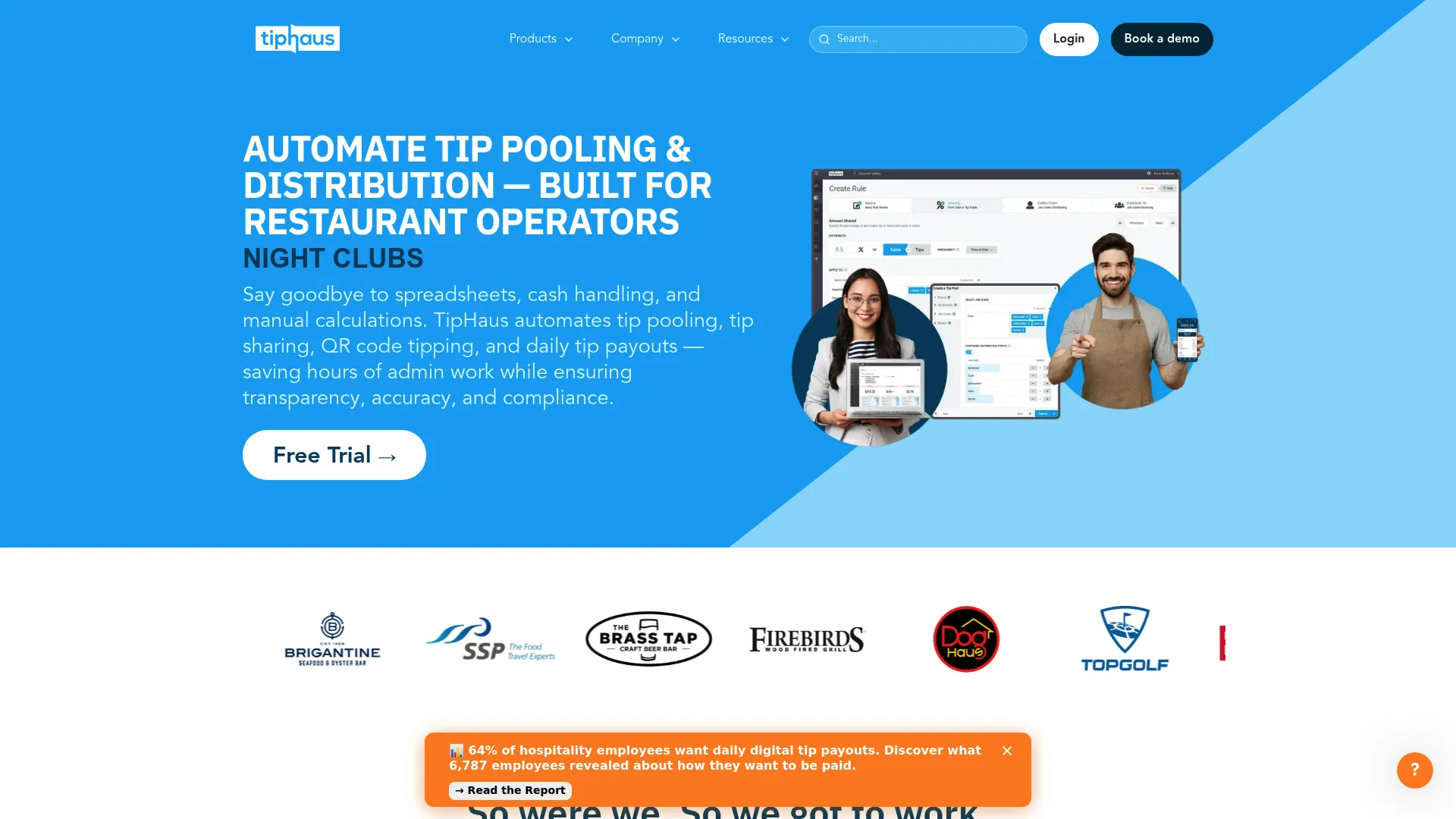
TipHaus is built for hospitality operators who want tip distribution and transparency in one place. It automates tip calculations and rule-based pooling from your POS data, then pushes payouts to staff. Its Earned Tip Access feature moves tips to employees on a next-day or daily basis, and a free employee web app lets staff see exactly how their tips were calculated. That last piece matters more than it sounds. Most tip disputes are really transparency disputes.
Best for: Restaurants, bars, and hotels that want automated tip pooling paired with employee-facing visibility.
Key strengths
- Automated tip calculations and rule-based pooling
- Earned Tip Access for next-day or daily payouts
- Free employee web app for tip transparency
- POS-driven data for accurate reconciliation
- Reporting that supports tip compliance reviews
Why choose TipHaus: If employee trust is the friction point, TipHaus solves it by showing staff the math behind every payout. The free transparency app cuts the "why is my tip short" conversation off before it starts, which is worth real money in a high-turnover business.
TipHaus pricing: Capterra lists TipHaus starting at $89 per feature, per month, with a free trial available. TipHaus does not publish first-party pricing on its site, so confirm your specific configuration with them directly.
2. Kickfin
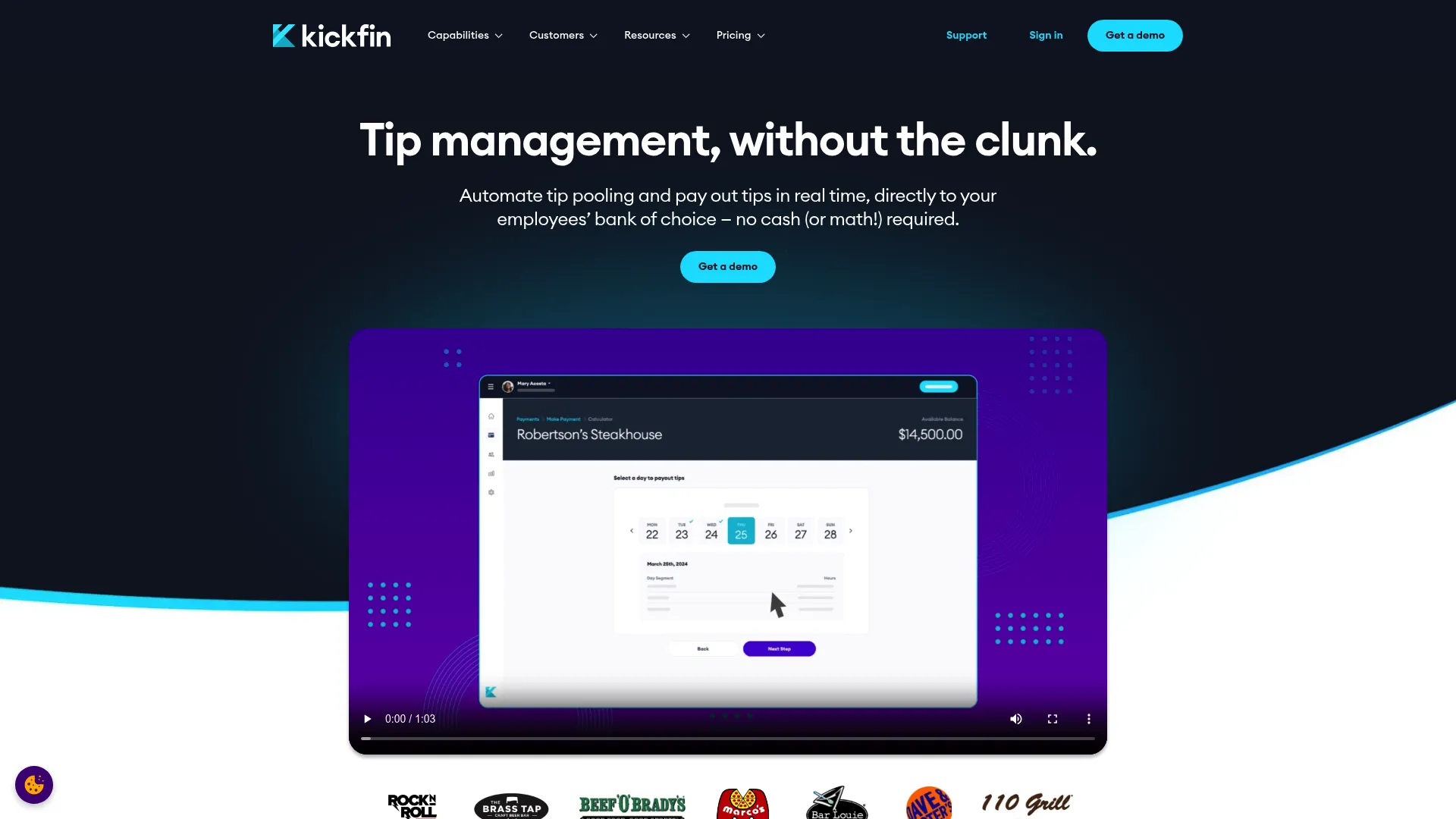
Kickfin is the pick when payout speed is the whole point. It automates tip calculations from POS data and then sends instant cashless tip payouts directly to employee bank accounts the moment a shift closes. No cash drawer, no waiting for the next payroll run. The platform also keeps a tip tracking and reporting layer with an audit trail, which makes it useful across multiple locations where a manager needs one reconciled view rather than a stack of nightly cash-outs.
Best for: Restaurants and hospitality operators who want real-time, cashless tip distribution with POS integration.
Key strengths
- Instant cashless payouts to employee bank accounts
- Automated tip calculations from POS data
- Tip tracking and reporting with an audit trail
- Multi-location payout management
- Reduced cash handling at close
Why choose Kickfin: For operators who have gone mostly cashless, holding tips until payday is a retention problem. Kickfin removes it by settling tips instantly, which is a concrete lever on turnover in a market where every open shift is expensive.
Kickfin pricing: Kickfin doesn't show any actual pricing numbers, you'll need to request a quote. They do offer a 30-day free trial though, so you can test it out before committing.
3. Restaurant365
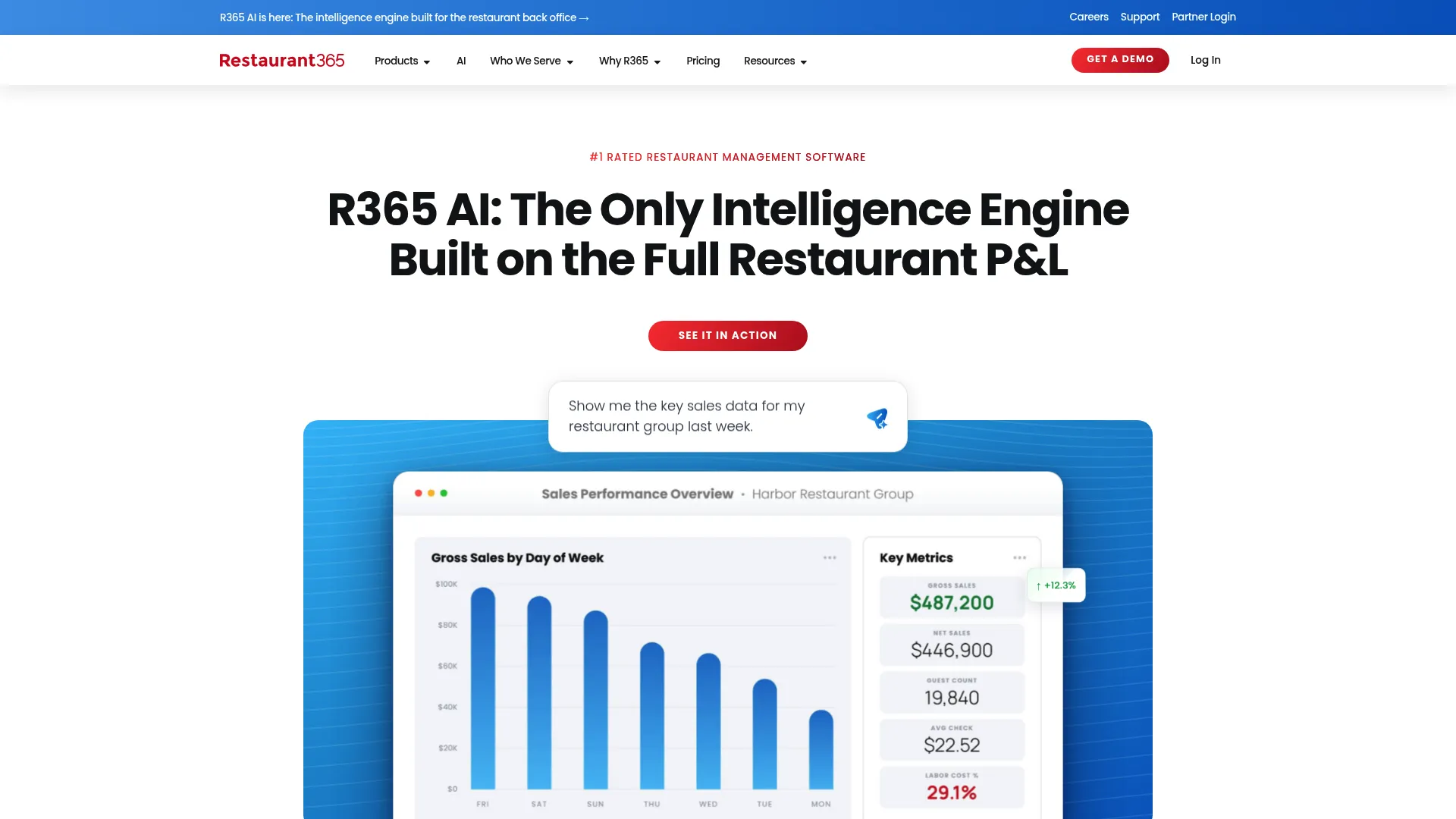
Restaurant365 approaches tips from the accounting side. It is an all-in-one restaurant management platform covering accounting, inventory, workforce, and payroll, with tip automation living inside that stack. If your bottleneck is not the tip split itself but how tip data flows into your books and payroll cycle, this is the fit. Automated rules replace the spreadsheet, POS integration keeps sales and tip data aligned, and the payroll export lands in the same system you already close the month in.
Best for: Multi-location restaurant operators who want integrated back-office operations, not a standalone tip tool.
Key strengths
- Restaurant-specific accounting and financial reporting
- Inventory and purchasing controls
- Workforce management, payroll, and HR
- Tip automation rules feeding directly into accounting
- POS integration for reconciled financials
Why choose Restaurant365: Choose it when you want fewer systems, not a best-in-class point tool. Finance-minded operators get tip automation as one thread inside a platform that also owns their accounting and payroll, which removes a hand-off that usually leaks errors.
Restaurant365 pricing: Restaurant365 uses quote-based pricing. The pricing page directs you to request a custom quote and does not display public tier prices, so budget for a sales conversation scoped to your location count.
4. AnyDay
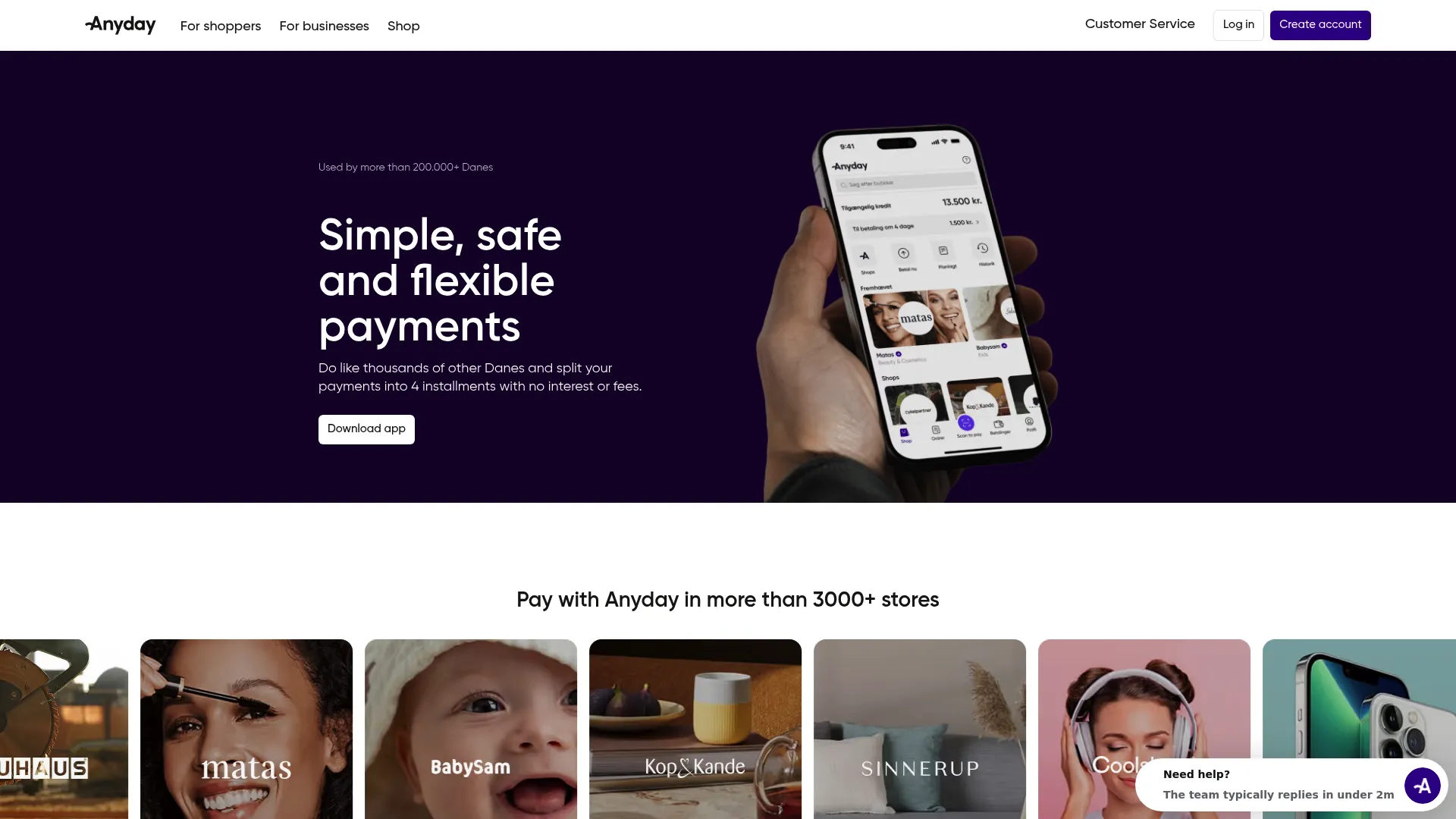
AnyDay sits slightly adjacent to the pure tip-management category. It is a buy-now-pay-later payment platform for shoppers and merchants, with installment checkout and a merchant plan that adds weekly payouts, analytics, and promotional tools. Some hospitality operators evaluate it alongside tip tools because of its payment and payout mechanics rather than tip-specific automation. Know the fit going in: AnyDay is stronger as a consumer payment and merchant-payout layer than as a dedicated tip reconciliation engine.
Best for: Merchants who want flexible checkout payments and merchant-side promotional and analytics tools.
Key strengths
- Split purchases into installments at checkout
- Interest-free four-installment option when paid on time
- Merchant plan with weekly payouts and analytics
- Priority listing and storefront features
- Full merchant dashboard on the Premium tier
Why choose AnyDay: Consider it if your payment and payout needs extend beyond tips into consumer financing and merchant marketing. It is the right call only when that broader payment layer matters more than dedicated tip automation.
AnyDay pricing: AnyDay offers a free Basic plan with a 29 kr. fee per weekly payout and a limited dashboard. The Premium plan starts from 159 kr. per month and adds weekly payouts, priority listing, stories, and full analytics. The public pricing page displays Danish kroner only.
5. Branch
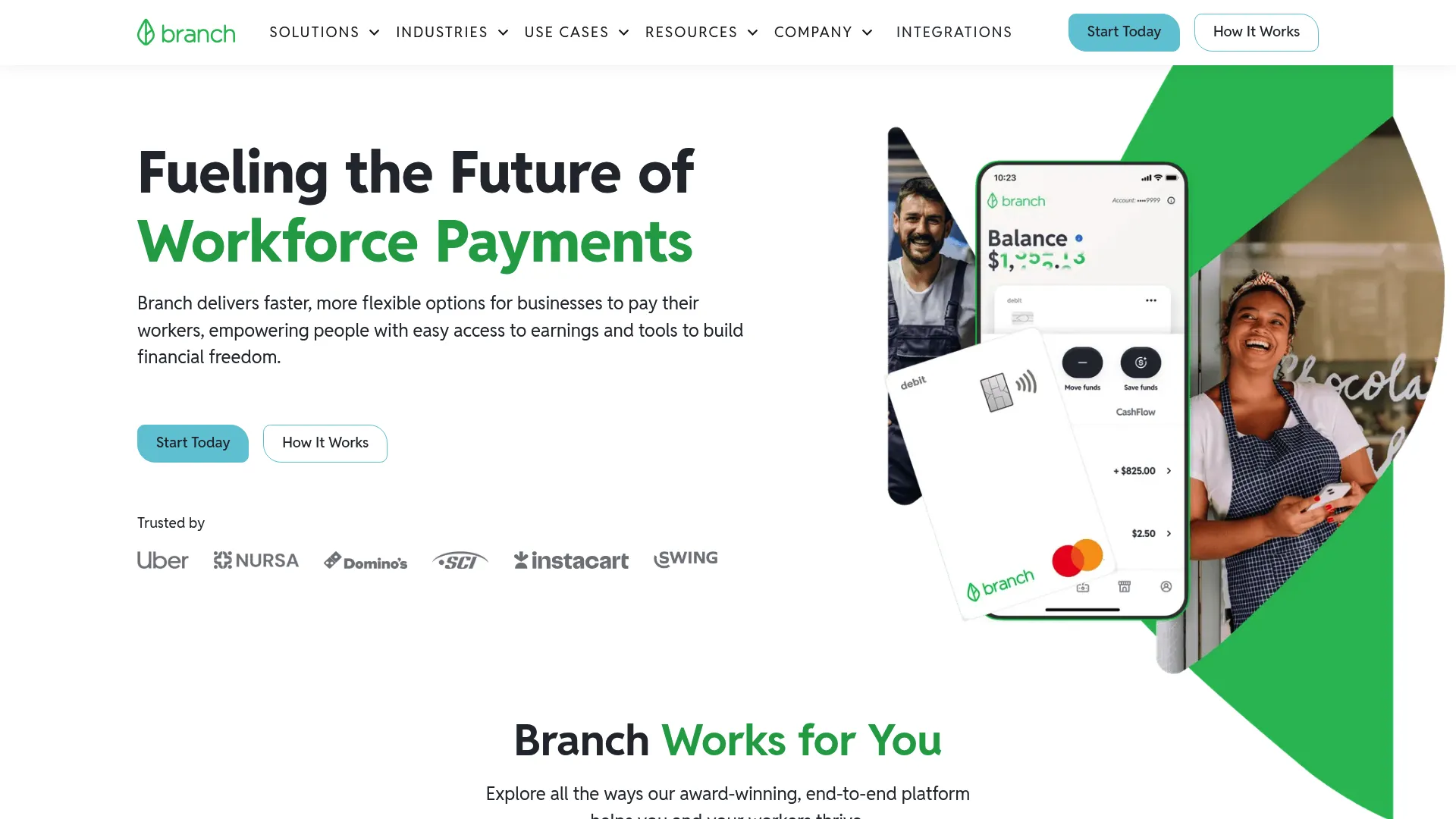
Branch is payout infrastructure more than tip-specific automation. It gives workers fast access to earned wages, a free digital bank account and debit card, and gives employers flexible payout and payroll payment options. Operators evaluate it alongside tip tools because the underlying job (getting money to hourly staff faster) overlaps. If your priority is a disbursement rail that handles wages and tips together, Branch fits. If you need rule-based tip pooling and reconciliation, pair it with a dedicated tip engine.
Best for: Employers who want faster worker payouts and an embedded earned wage access option.
Key strengths
- Fast access to earned wages
- Free digital bank account and debit card
- Employer payout and payroll payment options
- No cost to companies for the core offering
- Worker-facing financial tools
Why choose Branch: Choose Branch when the problem is speed of disbursement across your whole hourly workforce, not the tip calculation itself. It is a payout layer, so it works best paired with software that owns the pooling and reconciliation logic.
Branch pricing: Branch states it is available at no cost to companies and offers free options for workers. A separate public pricing page with additional paid tiers was not available on the brand site, so confirm any premium employer features directly.
6. Instant Financial
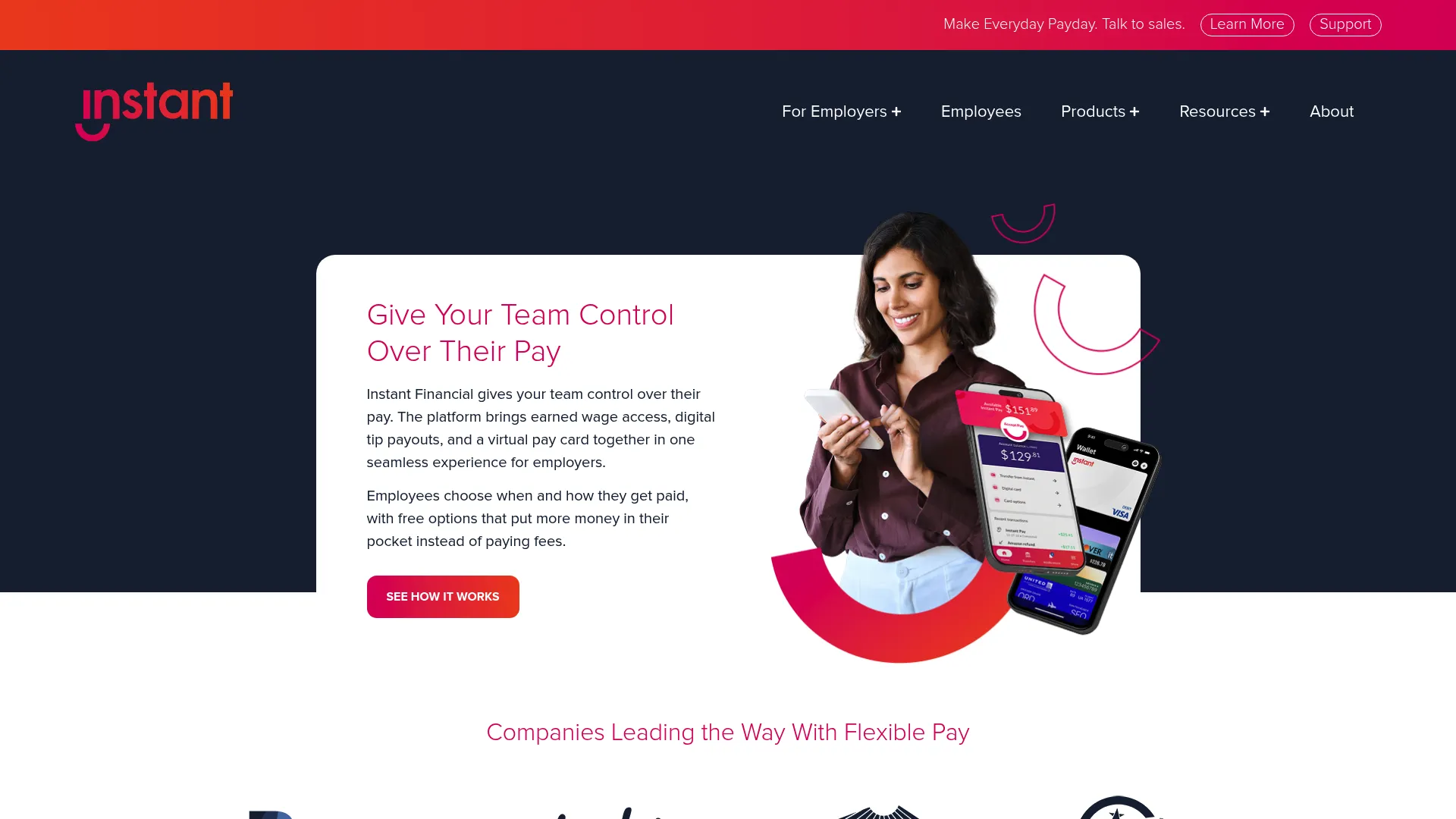
Instant Financial is an earned wage access and pay card platform aimed at frontline employers. Its relevance to tips comes from digital tip payouts paired with immediate access. Staff can receive tips digitally and reach them through a virtual or physical Visa pay card rather than waiting for a payroll cycle. For operators who care most about the employee experience of getting paid, and about reducing cash on premises, this is a payout-timing play with hospitality use cases baked in.
Best for: Frontline employers who need flexible pay access and pay card options for tipped staff.
Key strengths
- Earned wage access for hourly staff
- Digital tip payouts
- Virtual and physical Visa pay card
- Reduced cash handling on premises
- Same-day access to earned funds
Why choose Instant Financial: Pick it when the employee payout experience is the differentiator you care about most. Same-day access and a pay card give tipped workers immediate use of their money, which is a tangible retention signal in frontline hospitality.
Instant Financial pricing: Instant Financial does not publish employer pricing; it appears to be quote-based. Its help center notes some employee-facing actions are fee-free, while certain convenience transfers or ATM uses may carry fees. Confirm employer terms with their sales team.
7. Push Operations
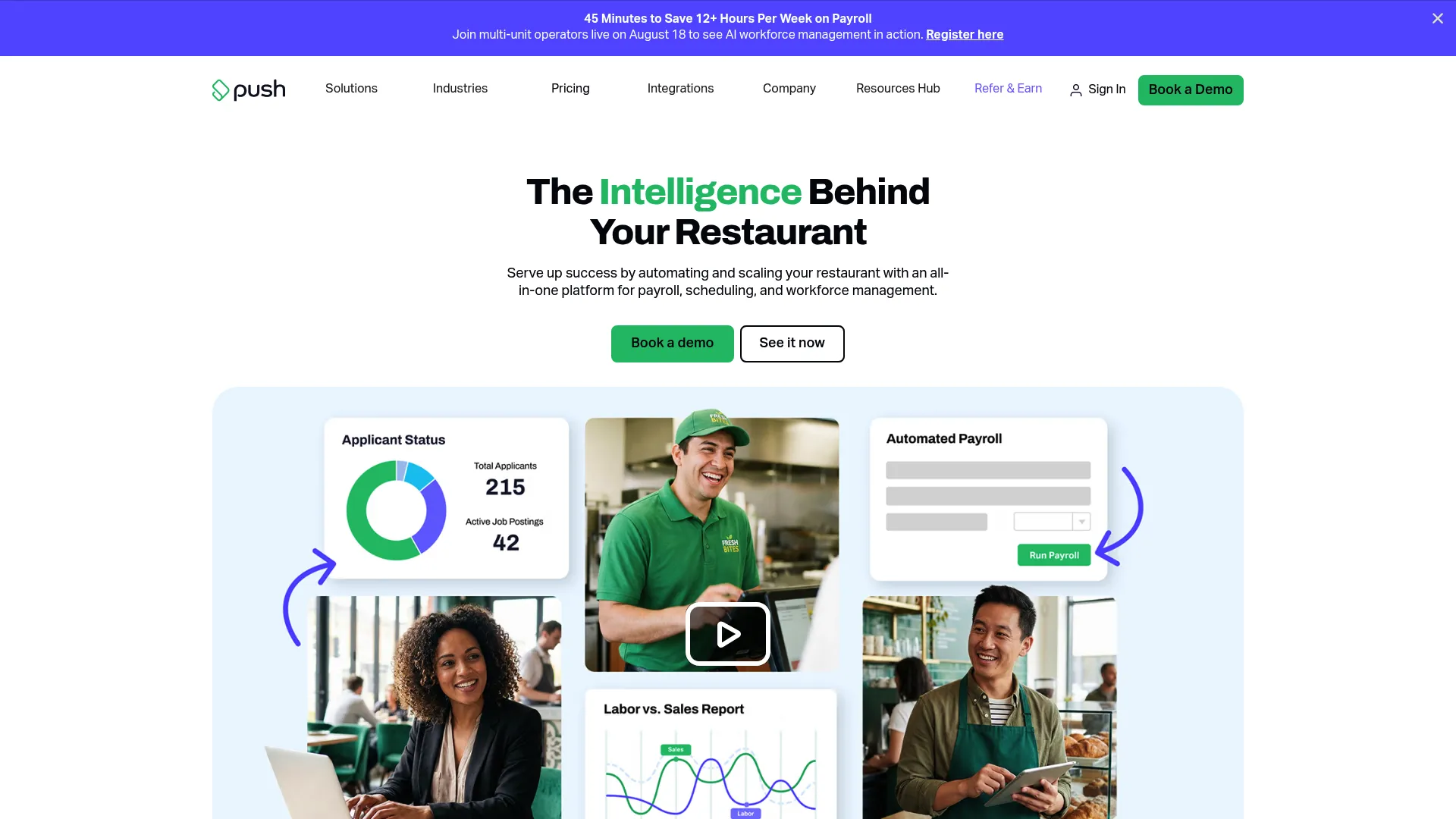
Push Operations is workforce management software for restaurants, with tip distribution as one part of a broader people-operations platform. It combines payroll, scheduling, time tracking, and HR, so tip data reconciles against the same hours and roles the rest of the system already tracks. For operators who want one touchpoint instead of a stitched-together stack, that consolidation is the pitch. Tip distribution rides on top of the payroll and scheduling data you are already maintaining.
Best for: Restaurants that want an all-in-one people management platform with tips included.
Key strengths
- Payroll built for restaurant workflows
- Scheduling and shift management
- Time tracking tied to tip allocation
- Tip distribution inside one workforce system
- Reporting across labor and tips
Why choose Push Operations: Choose it when reducing your tool count matters more than a specialized tip engine. Because scheduling and time tracking already live here, tip distribution inherits accurate hours and roles, which cuts the reconciliation step that trips up standalone tools.
Push Operations pricing: The US pricing page shows four plans: Starter, Signature, Supreme, and Enterprise. Public pricing starts at $30 per month for 5 employees. Teams over 50 employees require a custom quote.
Considerations
POS integration depth
Native sync beats manual import every time. Check whether the tool pulls sales, hours, and tip data directly from your specific POS, and how often it syncs. Sync frequency determines how current your reconciliation is. A daily pull is fine for payroll, but real-time matters if you are doing instant payouts. Verify the integration covers your exact POS version, not just the vendor family.
Payroll export and accounting fit
Tip totals have to land in payroll cleanly and on the right cycle. Confirm the export format matches your payroll or accounting system and that it maps roles and hours the way your books expect. A mismatch here recreates the manual reconciliation the software was supposed to kill. If you run accounting-led operations, prioritize tools that feed payroll natively.
Compliance and audit trail
Tip compliance is not optional, and the burden falls on the operator. Verify the tool keeps a complete audit trail: who received what, under which pool rule, on which date. Look for reporting that reconstructs any payout on demand. Clean logs protect you in a wage dispute or a labor audit, and they are far easier to produce from software than from a folder of spreadsheets.
Employee transparency
Real-time visibility reduces disputes. When staff can see how their tips were calculated, the "I got shorted" conversation mostly disappears. A free or included employee app, like the ones several tools here offer, turns tip math from a black box into something staff trust. That trust is a retention lever, not a nice-to-have.
Payout speed and funding model
Faster payouts help retention, but understand the funding model behind them. Some instant payout tools front the money and settle later; others move only funds already in your account. Ask how the cash flow works, what fees apply to employees, and whether same-day access carries a cost. The right model depends on your cash position and how you want to position the perk to staff.
Conclusion
There is no single best tip management software, only the best fit for your bottleneck. Sort by what actually hurts.
If you want broad hospitality coverage with employee transparency built in, TipHaus is the strongest all-rounder. If instant cashless tip payout is the retention lever you care about, Kickfin settles tips the moment a shift ends. If your problem is accounting flow rather than the split itself, Restaurant365 folds tips into full back-office operations. For same-day access through a pay card, Instant Financial leads on payout timing. And if you would rather run one workforce system than stitch several together, Push Operations bundles tips with payroll and scheduling.
Your next step is not to shortlist on features. It is to name your bottleneck first: payout speed, POS integration, or payroll fit. Then pick the tool that solves that one thing cleanly, confirm it syncs with your exact POS, and run a single location before you roll it across the group.
FAQs
Tip distribution software focuses narrowly on splitting and paying out tips based on pool rules. Tip management software is broader, adding reconciliation, compliance reporting, payroll export, and employee-facing transparency. In practice most modern tools cover both, so evaluate the actual feature set rather than the label a vendor uses.
Yes. Rule-based tip pooling software applies your house pool, tip-out percentages, and role-based allocation automatically per shift. Good tools handle both pooling (a shared pot split by rules) and tip sharing (direct tip-outs from servers to support staff), calculated from POS and hours data so the math stays consistent across every shift.
Through POS integration that pulls sales, hours, and tip data directly from your point-of-sale. Native integrations sync automatically, so tip totals reconcile against actual sales without manual export. Before buying, confirm the tool supports your specific POS and how often it syncs, since sync frequency affects how current your reconciliation and payouts are.
Most can. Payroll export sends finalized tip totals into your payroll or accounting system on the right pay cycle, mapping roles and hours the way your books expect. This is the step that eliminates the manual reconciliation between tips and paychecks, so confirm the export format matches your payroll provider before committing.
A complete record of every payout: who received what, under which pool rule, and on which date. The audit trail should let you reconstruct any tip distribution on demand and produce clean reporting for a wage dispute or labor audit. Strong logs are a core part of tip compliance and are far easier to generate from software than from spreadsheets.
No, though they overlap. Instant tip payout moves gratuities to employees quickly, often the moment a shift ends. Earned wage access lets workers draw on wages they have already earned before payday. Some platforms offer both, but a tip payout tool is not automatically an earned wage access provider, so check which mechanism a vendor actually provides.
It depends on your priority. For consistent pooling rules and reconciliation across venues, TipHaus and Kickfin both handle multi-location payouts with a single reconciled view. If you want tips inside a full accounting stack, Restaurant365 fits multi-unit operators. For one workforce system across locations, Push Operations consolidates tips with payroll and scheduling.