You wrote the book. Now comes the part nobody warned you about.
The manuscript is done, so you export it, open the file, and the layout is broken. Chapter headings sit in the wrong place. The table of contents links to nothing. Your EPUB looks fine on one device and falls apart on another. Hours disappear into fixing spacing and margins that had nothing to do with the story you spent months writing.
This is the real friction in self-publishing. Drafting is one job. Turning that draft into clean, publish-ready files for both ebook and print is a completely different one. Some tools are built for writing first. Others are built for formatting and interior design. Only a few handle the full workflow, from planning and drafting to formatting, export, and getting files ready for a store or a printer.
The market backs up how much this matters. Within the broader publishing software market, valued at USD 9.9 billion in 2025, the book publishing segment accounts for 40.6% of global revenue, making it the largest application segment, according to Future Market Report (2025). Authoring and publishing tools are growing fast because writers want fewer handoffs and cleaner output.
So the real question is not "which app writes best." It is which software gets you from a blank page to a file you can actually publish, without making the process messy. This guide compares eight tools across workflow completeness, platform support, export quality, and pricing model, so you can pick the one that fits how you work.
What's inside
This guide covers book publishing software for authors who plan, write, format, and export their own books. It is written for self-publishers weighing a single end-to-end tool against a split writing-and-formatting workflow.
We selected these eight tools based on four things that matter most when you are shipping a book: workflow completeness across drafting, formatting, and export; platform and device support; export quality for EPUB, PDF, and print-ready files; and pricing clarity, including one-time purchase versus subscription. Every pick handles at least one core stage of the publishing workflow well, and several handle the whole thing.
TL;DR
- Best overall all-in-one: Atticus, for writing and book formatting software in one workspace.
- Best free web-based option: Reedsy Studio, free core writing and formatting with EPUB and PDF export.
- Best for complex drafting and organization: Scrivener, with binder, corkboard, and outlining tools.
- Best print design on a budget: Blurb BookWright, free desktop layout software for print.
- Best for Apple-focused writers: Ulysses, distraction-free drafting across Mac, iPad, and iPhone.
- Best for guided novel planning: The Novel Factory, structured roadmap for newer writers.
- Best browser-based writing: Novlr, cloud writing with goals and progress tracking.
- Best for visual plot planning: Plottr, timelines and story structure for planners.
What is book publishing software?
Book publishing software is any tool that helps an author move a manuscript from draft to publish-ready output, including formatted files for ebook stores and print. The best options reduce the number of manual steps between "I finished writing" and "the file is ready to upload."
Strong self-publishing software usually covers some or all of these capabilities:
- Manuscript planning and drafting: outlining, chapter structure, and a focused editor for writing.
- Formatting and interior design: styles for chapter headings, scene breaks, drop caps, and consistent typography, which is the core of book formatting software.
- Ebook and print export: clean output to EPUB and print-ready PDF, so files work across stores and printers.
- Collaboration or device sync: cloud sync and backup, plus the ability to share drafts with an editor.
- Templates and structure tools: presets that handle layout so you are not fixing margins by hand.
The category splits into three rough types. Writing-first tools prioritize the drafting experience and organization. Formatting-first tools prioritize interior design and export quality. A smaller group of book writing and formatting software aims to do both in one place, which is where much of the demand sits in 2026. Cross-platform book software that runs on Windows, Mac, and the web widens who can use it and keeps files in sync across devices.
When to use each type of software
Not every author needs the same setup. The right choice depends on how complex your book is and whether you want one tool or several.
Use one platform end to end
If you want a single place to plan, write, format, and export, an all-in-one tool removes the biggest source of friction: moving files between apps. Fewer handoffs means fewer version-control problems and fewer formatting surprises at export. This suits authors publishing straightforward fiction or nonfiction who value a clean path from draft to file over deep customization at every stage.
Use a split writing-and-formatting workflow
Some writers prefer one app for drafting and another for formatting. This makes sense for research-heavy books, complex nonfiction, or manuscripts with a lot of structural moving parts. You draft in a tool built for organization, then move the finished manuscript into a dedicated book formatter for interior design and export. The tradeoff is one extra handoff, but you get best-in-class tools at each stage.
Use a free or low-cost option first
New authors often want to validate their workflow before spending money. Free book publishing software lets you test how a tool handles your manuscript and export needs before committing. Many writers start on a free plan or a free download, learn what their formatting needs actually are, then upgrade to a paid tool once those needs are clear.
Comparison table
This table helps you compare workflow fit at a glance. Scan the intent and key use case columns first to find the tools that match how you work, then check pricing and rating.
| # | Product | Intent | Key use case | Pricing | G2 rating |
|---|---|---|---|---|---|
| 1 | Atticus | All-in-one writing and formatting | Write and format a book in one workspace | $147 one-time | 3.0/5 |
| 2 | Reedsy Studio | Free web writing and formatting | Draft and export EPUB/PDF for free | Free core, from $4.99/mo | Not rated |
| 3 | Scrivener | Long-form drafting and organization | Structure complex, research-heavy books | From US$23.99 one-time | 4.5/5 |
| 4 | Blurb BookWright | Print book design | Design print-ready interiors and covers | Free software, pay to print | 3.7/5 |
| 5 | Ulysses | Apple-focused writing | Distraction-free drafting on Mac and iOS | From $5.99/mo | 4.5/5 |
| 6 | The Novel Factory | Guided novel planning | Plan and track a novel with structure | From $7.50/mo | Not rated |
| 7 | Novlr | Browser-based writing | Draft with goals and progress tracking | Free, from $8/mo | Not rated |
| 8 | Plottr | Visual plot planning | Map timelines, arcs, and beats | From $9.99/mo | 4.5/5 |
The 8 best book publishing software tools for authors
1. Atticus
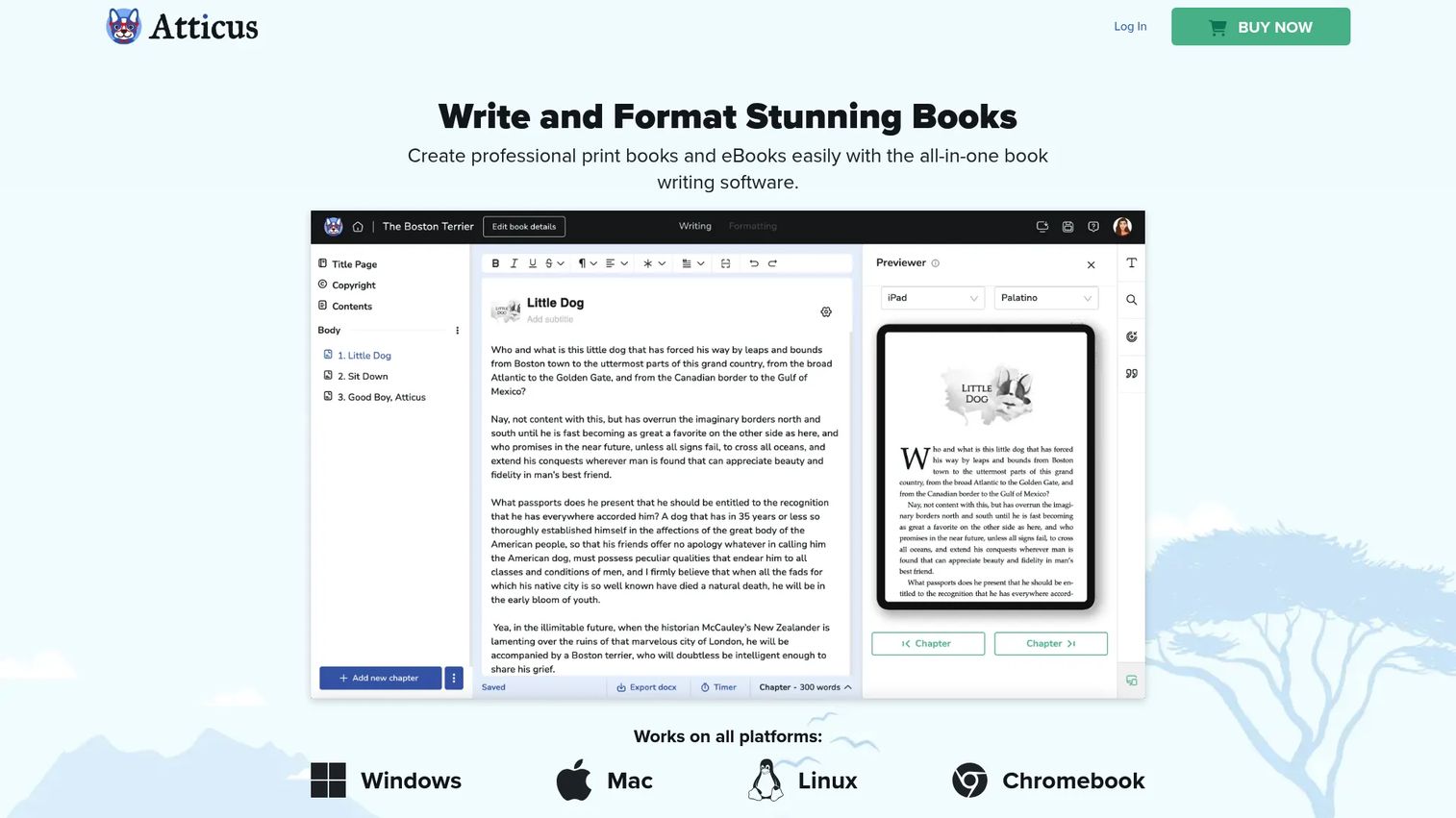
Atticus is writing and book-formatting software built to handle both drafting and interior design in one workspace. It runs in the browser and installs as a Progressive Web App, so you can write on Windows, Mac, Linux, or ChromeOS without juggling separate installs. That single-workspace approach is what puts it at the top for authors who want one tool from first draft to export.
Best for: authors who want to write and format a book in the same place, without moving files between apps.
Key strengths
- One-workspace workflow: Write and format in the same tool, so there is no export-and-fix cycle between drafting and layout.
- Cross-platform access: Browser-based and installable as a PWA, which keeps it working across Windows, Mac, and more.
- Clean export: Output to EPUB, PDF, and DOCX for both ebook stores and print-ready files.
Why choose Atticus: If you have watched formatting eat hours after a manuscript was done, an all-in-one tool removes that handoff entirely. Atticus fits authors who want cross-platform book software without a subscription and who publish straightforward fiction or nonfiction where a clean, consistent interior matters more than deep custom design.
Atticus pricing: Atticus is a one-time purchase at $147, with no monthly fees and no separate free tier listed on its site. For authors who dislike recurring costs, one-time purchase book software like this is often the deciding factor. Its G2 rating sits at 3.0/5, though from a very small review sample, so weigh it alongside a hands-on trial of your own manuscript.
2. Reedsy Studio
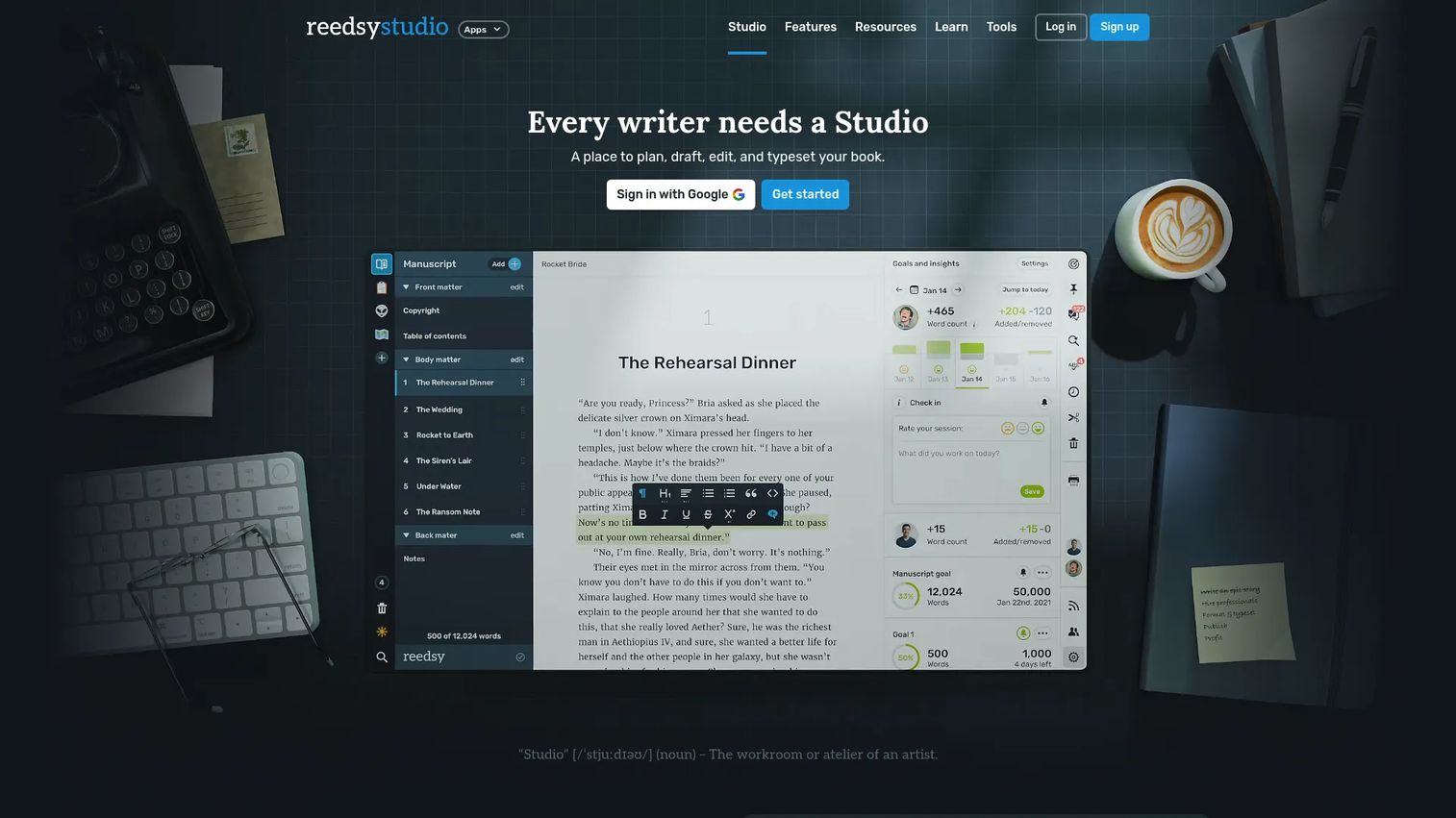
Reedsy Studio is an online writing app that lets authors plan, write, edit, collaborate, and format books in the browser. Its core writing and formatting features are free, which makes it one of the strongest free book publishing software options for authors who want to test a full workflow before paying anything.
Best for: authors who want a free, browser-based workspace to draft and produce clean ebook and print files.
Key strengths
- Free core product: Writing and formatting features are available at no cost, with premium add-ons if you want more.
- Planning boards: Outline notes, characters, and research alongside the manuscript editor.
- Ebook and print export: Export to EPUB and print-ready PDF straight from the app.
Why choose Reedsy Studio: For a first-time self-publisher, starting free removes the risk of buying before you know what you need. You draft, format, and export without spending anything, then add premium tools only if your workflow calls for them. Collaboration and notes also make it a fit for authors working with an editor.
Reedsy Studio pricing: The core plan is free. Premium plans include Studio Essential at $4.99 per month and an Outlining add-on at $7.99 per month, with a combined plan available, and a 30-day free trial on premium features. Reedsy Studio does not carry a meaningful G2 aggregate rating yet, so judge it on the free plan directly.
3. Scrivener
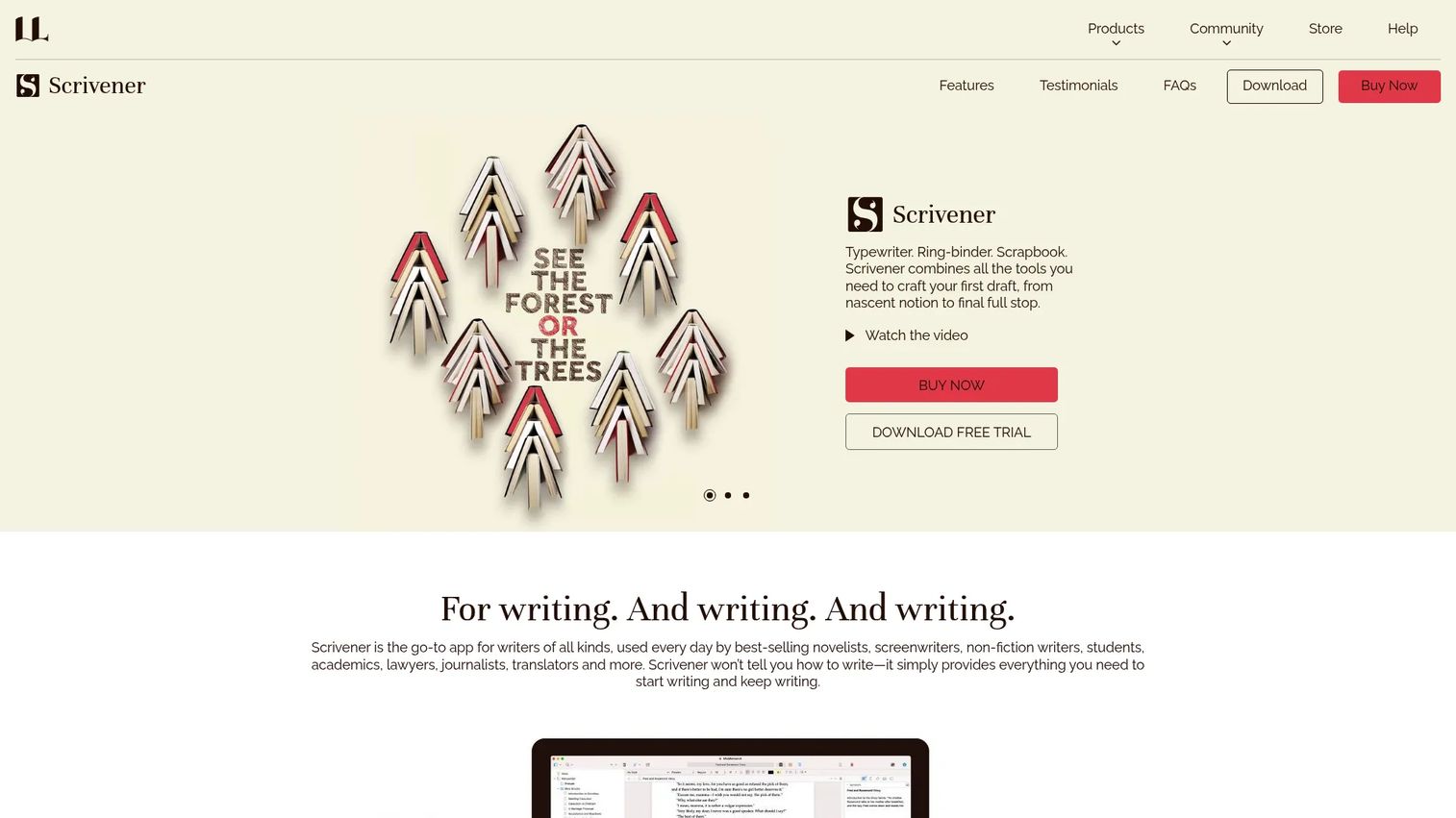
Scrivener is long-form writing software built for organizing, drafting, and compiling complex projects. Where all-in-one tools focus on a straight path to export, Scrivener is the writing-first choice for manuscripts with a lot of moving parts: multiple threads, heavy research, or nonlinear drafting.
Best for: writers managing long manuscripts, screenplays, or research-heavy projects that need serious structure.
Key strengths
- Binder organization: Keep chapters, scenes, and research in one navigable structure.
- Corkboard and outliner: Plan and rearrange with index cards and outline views before you write.
- Flexible compile: Export to Word, PDF, Final Draft, plain text, and ebook formats.
Why choose Scrivener: If your book lives in dozens of scenes, notes, and reference files, Scrivener keeps all of it in one project instead of scattered documents. It pairs well with a dedicated formatter for final interior design, which is the classic split writing-and-formatting workflow. Writers who value drafting power over one-click layout tend to prefer it.
Scrivener pricing: Scrivener uses a one-time license model rather than a subscription. The iOS and iPadOS app is listed at US$23.99, and a 30-day free trial is offered. Desktop license prices for macOS and Windows are set on its store, and pricing differs by platform. Scrivener holds a strong 4.5/5 on G2.
4. Blurb BookWright
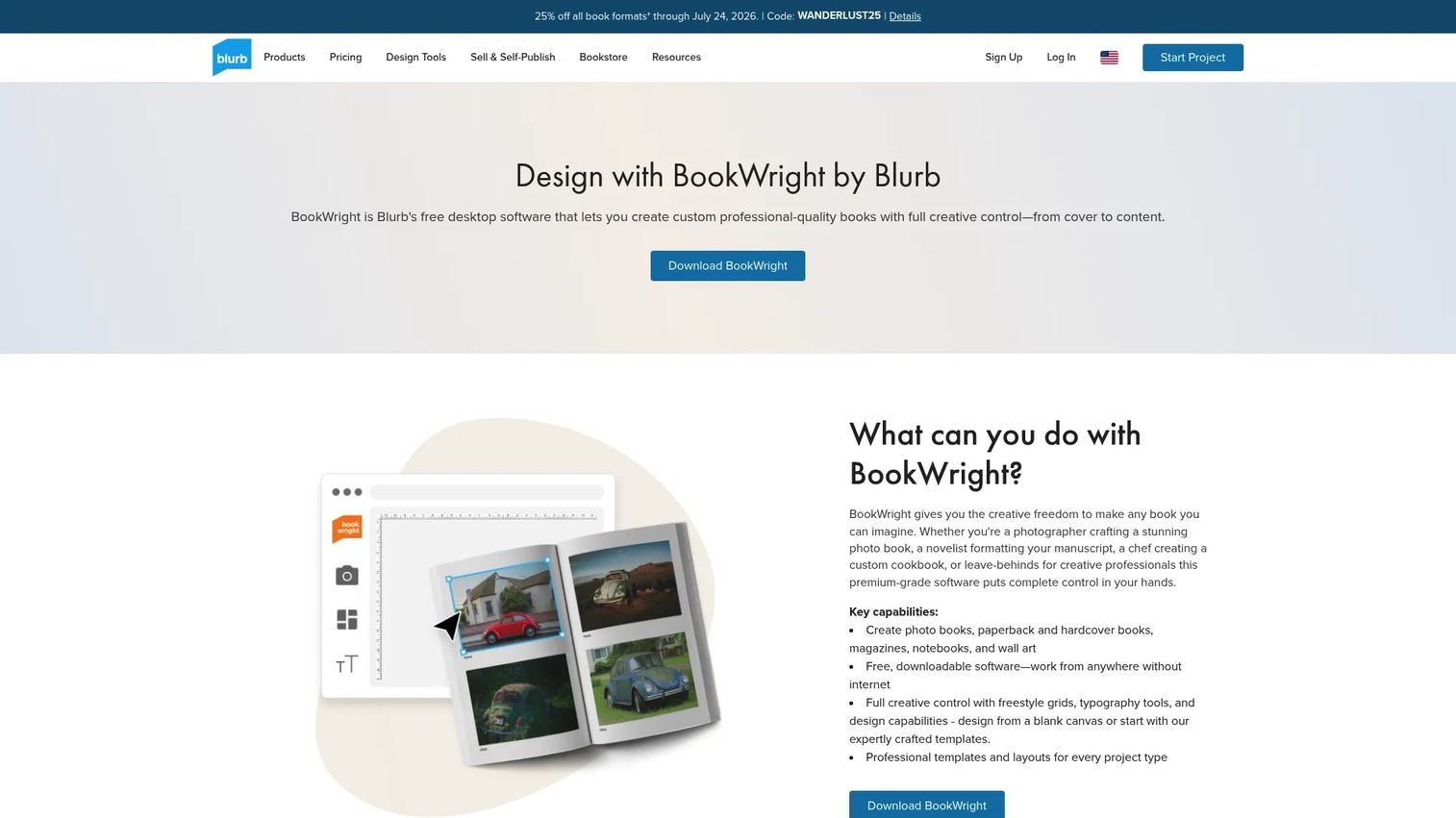
Blurb BookWright is free desktop book-design software for creating and publishing custom books, magazines, and more. It leans toward the formatting-first end of the workflow, giving you real control over print layout, typography, and images rather than focusing on drafting.
Best for: authors, photographers, and small businesses building print books or magazines that need design control.
Key strengths
- Free download: Full desktop software for Windows and Mac at no cost.
- Print design controls: Freestyle grids, advanced typography, cover tools, bleed lines, and trim guides.
- Text and image handling: Text Flow with RTF importing plus auto-layout and templates.
Why choose Blurb BookWright: If your book is image-heavy or you care about print interior design specifically, BookWright gives you layout control that pure writing apps do not. It is a strong fit when print is the priority and you want to design the physical book yourself before ordering copies.
Blurb BookWright pricing: The software itself is free to download and use. You pay only when you print or publish through Blurb, and print pricing depends on your book's format, size, and options. That model makes it easy to design first and commit cost later. BookWright's parent brand carries a 3.7/5 rating on G2.
5. Ulysses
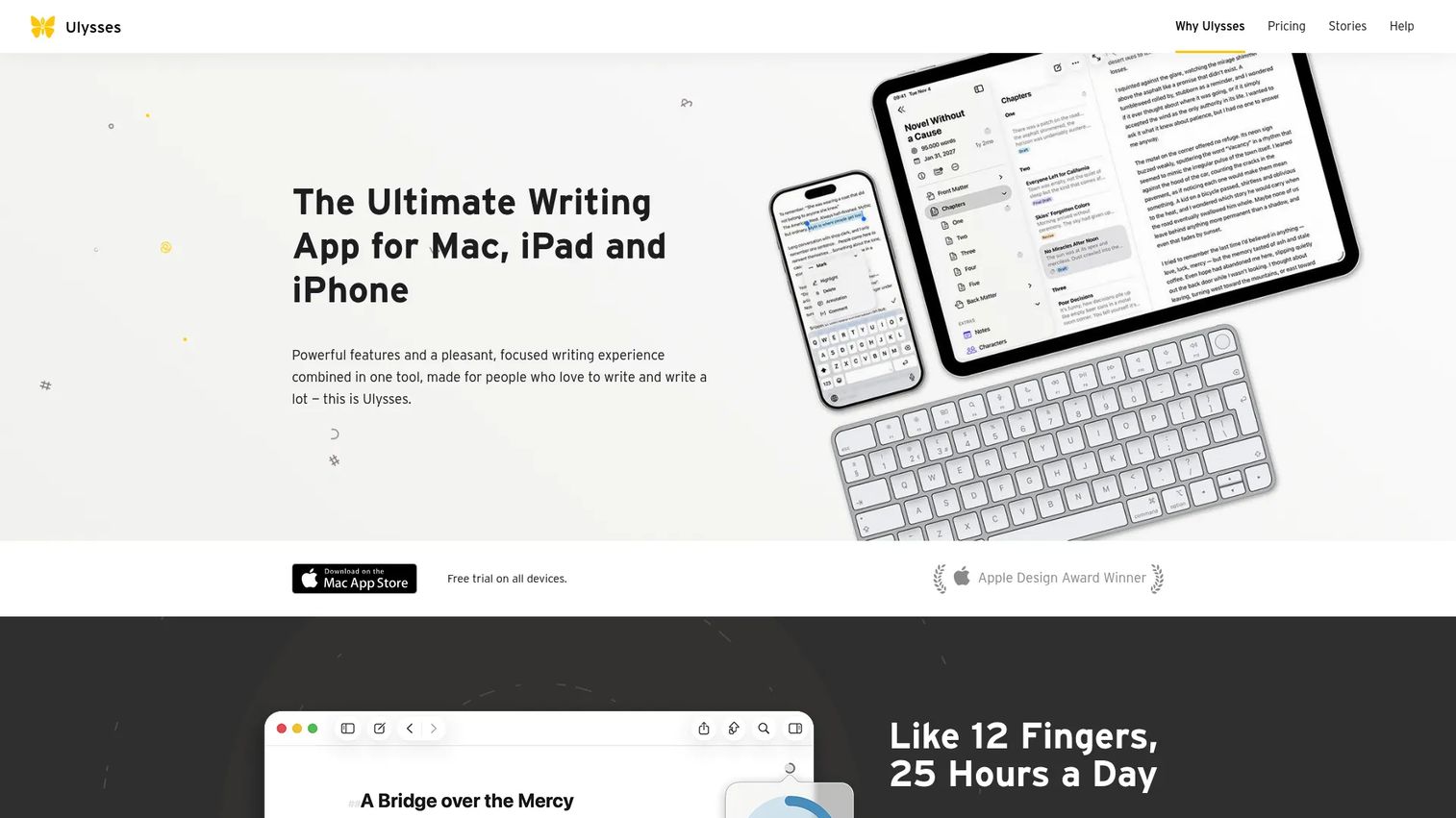
Ulysses is a writing app for Mac, iPad, and iPhone with distraction-free editing, organization, sync, and export tools. It is a Markdown-based drafting environment built for writers who live inside the Apple ecosystem and want their work synced across every device.
Best for: Apple-only writers who want a focused, Markdown-based drafting app with strong organization and export.
Key strengths
- Apple ecosystem sync: Write on Mac, pick up on iPad or iPhone, with everything kept in sync.
- Clean, focused interface: A distraction-free plain-text editor built on Markdown XL.
- Export and goal tracking: Library, folders, keywords, goals, and export to PDF, Word, ebooks, and direct blog publishing.
Why choose Ulysses: If you draft across an iPhone on the train and a Mac at your desk, multi-device writing software that syncs cleanly matters more than layout features. Ulysses excels at the drafting stage and exports to ebook formats, then pairs well with a dedicated formatter when you want fine print interior control.
Ulysses pricing: Ulysses is subscription-based at $5.99 per month or $39.99 per year, with a free trial, a student discount, and volume licensing for organizations. The subscription unlocks all your Apple devices. It holds a 4.5/5 rating on G2.
6. The Novel Factory
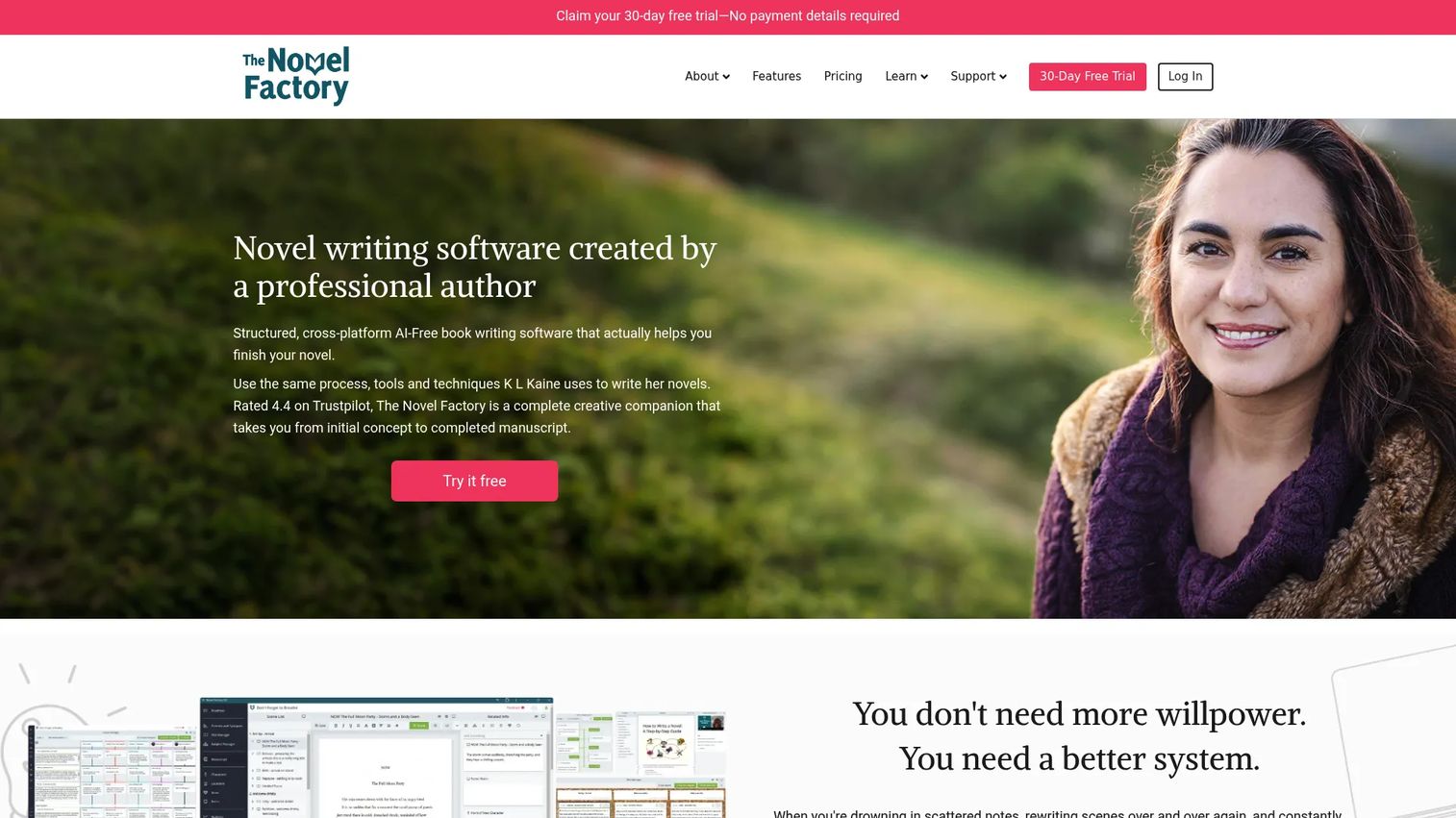
The Novel Factory is novel-writing software that helps authors plan, organize, and track a novel through structured tools and guided lessons. It stands out for handholding: instead of a blank page, it gives newer writers a roadmap from idea to finished draft.
Best for: writers who want structured novel-planning and progress-tracking tools with more guidance.
Key strengths
- Step-by-step roadmap: Guided lessons and structure that walk you through developing a novel.
- Character and plot templates: A Plot Manager with drag-and-drop index cards and genre plot templates, plus a Subplot Manager for cross-referencing threads.
- Progress tracking: Automated statistics for word count goals and progress graphs, with cross-device support.
Why choose The Novel Factory: If a blank document stalls you, the structured roadmap gives you next steps instead of guesswork. It suits first-time novelists who want the planning and drafting stages scaffolded, then handles export or handoff to a formatter for final files.
The Novel Factory pricing: It offers a 30-day free trial, a subscription starting at $7.50 per month, and a lifetime perpetual option for authors who prefer one-time purchase book software over recurring fees. A verified G2 rating was not available at the time of writing, so trial it against your own project.
7. Novlr
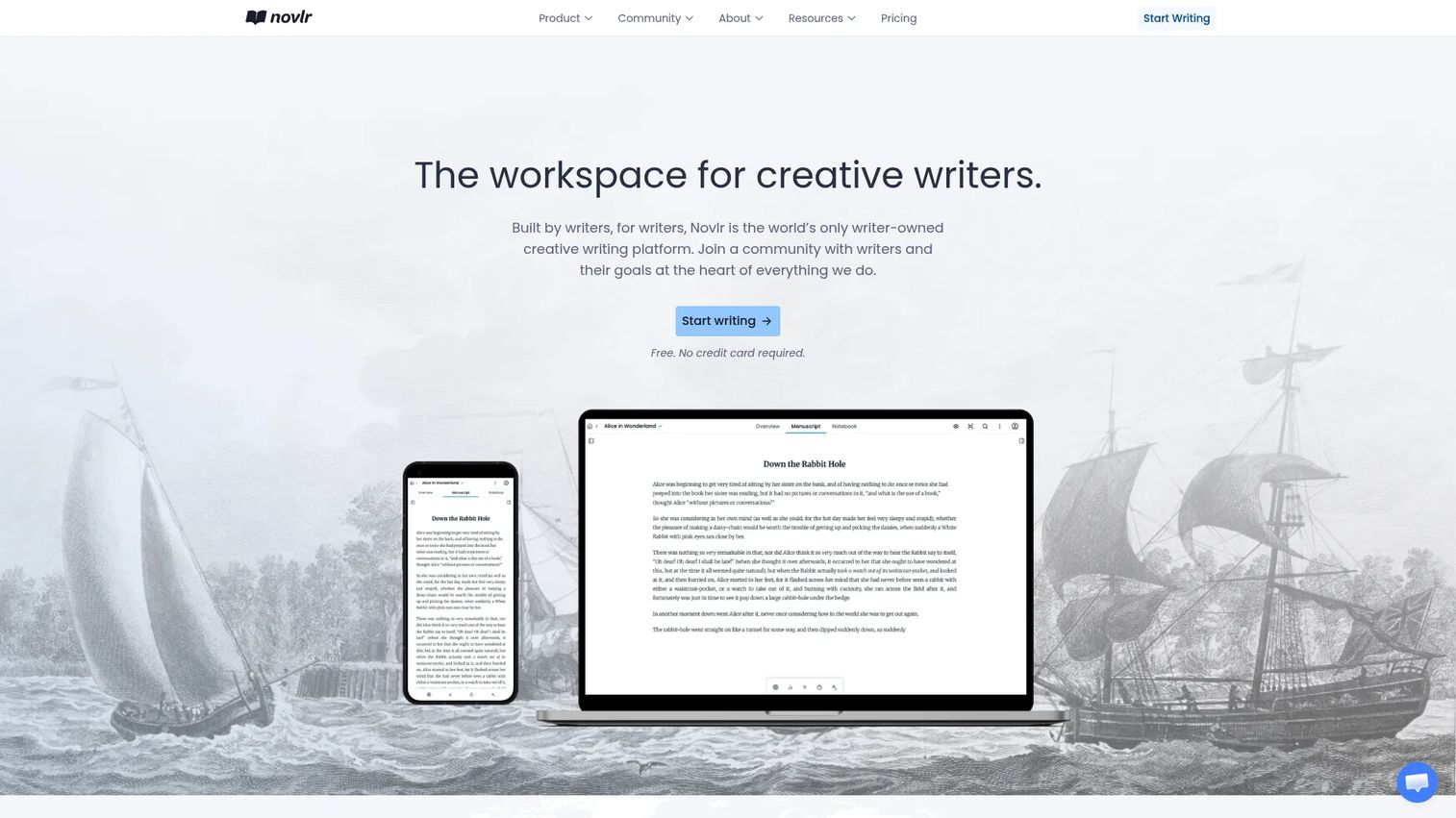
Novlr is a writer-owned creative writing workspace for drafting, organizing, and tracking novels in the browser. It focuses on the writing habit itself, with a distraction-free workspace, analytics, and progress features that keep long-form projects moving.
Best for: novelists and long-form writers who want a cloud workspace with habit tracking and analytics.
Key strengths
- Cloud-based access: Web-based writing with sync, so your work is available and backed up across devices.
- Goals and progress tracking: Writing analytics, focus mode, writing sprints, and streaks to build momentum.
- Collaborative workflow: Comments and shared features that help you work with an editor or writing partner.
Why choose Novlr: If consistency is your bottleneck, Novlr's sprints, streaks, and analytics are built to keep you writing. The browser-based model means no installs and automatic cloud sync and backup, which suits writers who move between machines.
Novlr pricing: The Free plan includes two projects, syncing, notes, focus mode, sprints, and analytics. Starter is $8 per month billed yearly and adds unlimited projects and 30-day version history. Studio is $16 per month billed yearly with unlimited version history, a proofreader, and backups, and a Lifetime Studio membership is available at $499 one-time. A verified G2 rating was not available at the time of writing.
8. Plottr
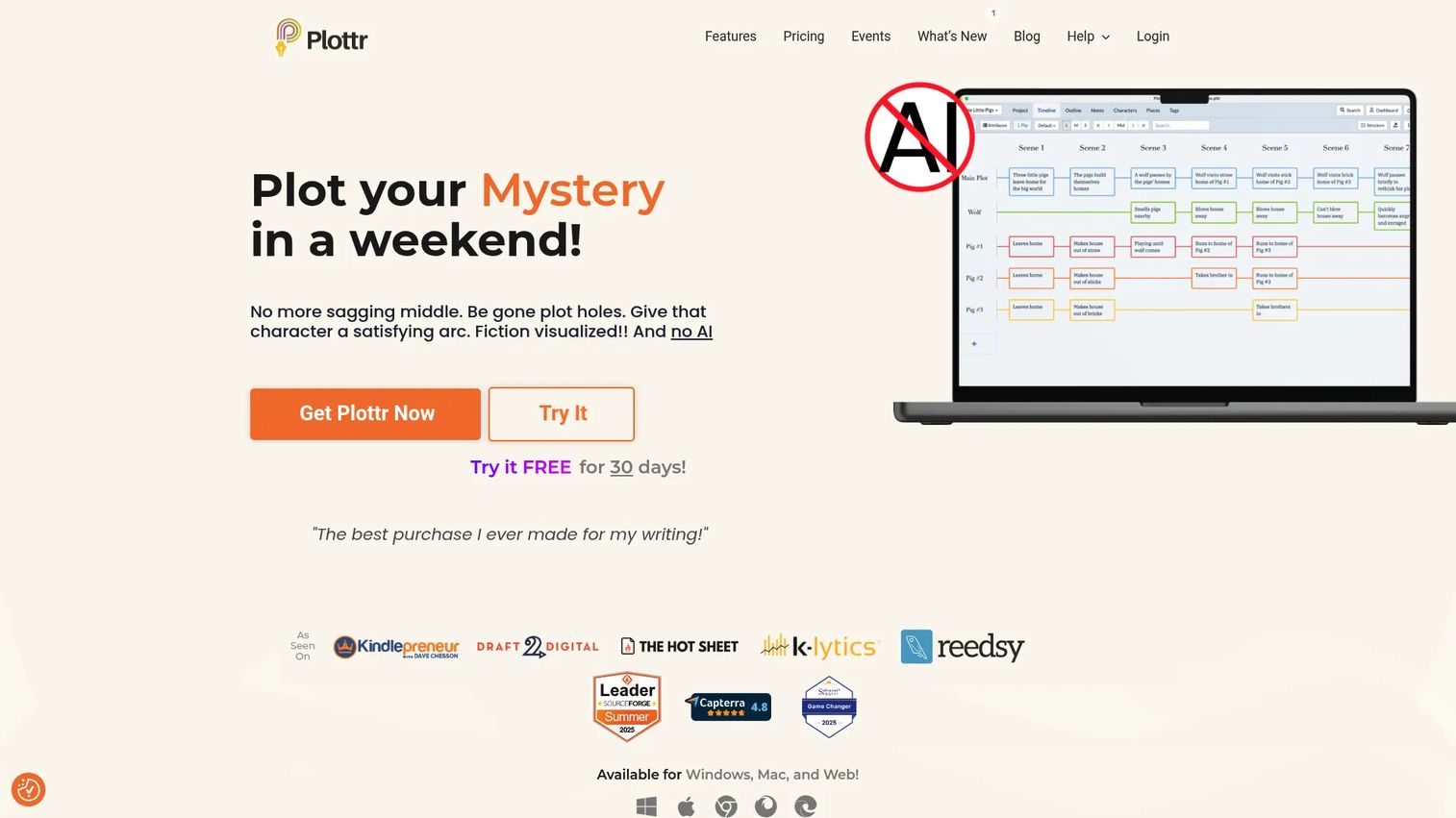
Plottr is visual book outlining and series-bible software for writers who think in timelines, arcs, and beats. It is a planning tool first, built to map a story visually before or alongside drafting, then hand the structure off to your writing or formatting tool.
Best for: writers who want visual story planning, series management, and cloud-based collaboration.
Key strengths
- Visual plotting: Timelines and scene cards that lay out your story structure at a glance.
- Story bibles and templates: Bibles for characters, places, notes, and tags, plus 30-plus plot and scene templates.
- Export and handoff: Export to Microsoft Word and Scrivener, with Plottr Pro adding a web app, cloud sync, and real-time collaboration.
Why choose Plottr: If you plan visually and struggle to hold a complex plot in your head, Plottr turns structure into something you can see and rearrange. It pairs naturally with a drafting tool like Scrivener and a dedicated formatter, slotting into the planning stage of a split workflow.
Plottr pricing: Plottr offers monthly, annual, and lifetime tiers. Plottr starts at $60 per year or $150 lifetime. Plottr Pro starts at $9.99 per month, $99 per year, or $599 lifetime, and Plottr Pro + Community starts at $14.99 per month, $129 per year, or $649 lifetime. It holds a 4.5/5 rating on G2.
What to look for before buying author software
Before you commit time or money, run each tool through this short checklist.
Workflow completeness
Decide whether you want one tool for planning, writing, formatting, and export, or separate tools for each stage. An all-in-one reduces handoffs and version confusion. A split workflow gives you best-in-class drafting and formatting but adds one export step between them.
Platform and device support
Check that the software runs where you work. Cross-platform book software that covers Windows, Mac, and the web keeps files in sync and avoids lock-in. If you draft on multiple devices, prioritize multi-device writing software with reliable cloud sync and backup.
Export quality
The whole point is publish-ready output. Confirm the tool exports clean EPUB for ebook stores and print-ready PDF for printers. If print interior design matters, look for real layout control, not just a basic export button.
Pricing model
Weigh one-time purchase book software against subscriptions. A one-time license or lifetime option avoids recurring fees but may charge for major upgrades. A subscription spreads cost and usually includes ongoing updates and cloud features. Match the model to how long you plan to use the tool.
Collaboration and support
If an editor or co-writer will touch the manuscript, check for comments, sharing, and version history. Free plans and trials also let you test the full workflow, including a real export, before you pay.
Conclusion
The right book publishing software depends on one decision: do you want a single tool for everything, or a split workflow?
For most self-publishers, an all-in-one is the strongest default. Atticus covers writing and book formatting software in one workspace with clean EPUB, PDF, and DOCX export and a one-time price, which is why it leads this list. If you want to start without spending, Reedsy Studio gives you a free browser-based workflow with ebook and print export. For complex, research-heavy books, Scrivener remains the best drafting environment, and it pairs well with a dedicated formatter.
The specialists matter too. Blurb BookWright is the pick when print design is the priority. Ulysses suits Apple-focused writers who draft across devices. The Novel Factory guides newer novelists step by step. Novlr keeps you writing with goals and analytics. Plottr maps your plot visually before you draft a word.
Start with the workflow question, test on a real chapter, and export early to see the files for yourself. That single test will tell you more than any feature list.
FAQs
For beginners, a free or all-in-one tool is usually the easiest starting point. Reedsy Studio lets you write, format, and export for free, so you can learn the workflow without spending money. Atticus is a strong paid option if you want writing and formatting in one place from the start.
Yes. Most of the tools here export both EPUB for ebook stores and print-ready PDF. Atticus, Reedsy Studio, and Scrivener all handle ebook and print export, while Blurb BookWright specializes in print interior design specifically.
It depends on how long you will use the tool. One-time purchase book software like Atticus avoids recurring fees, which suits authors publishing over many years. Subscriptions like Ulysses or Novlr spread cost and usually bundle ongoing updates and cloud sync, which suits writers who want the latest features and multi-device access.
Atticus runs in the browser and installs as a Progressive Web App, so it works across Windows, Mac, and more. Reedsy Studio and Novlr are browser-based and cross-platform too. Scrivener sells separate licenses for macOS and Windows, and Ulysses is Apple-only.
Not necessarily. All-in-one tools like Atticus and Reedsy Studio handle writing and book formatting software needs in one workspace. A split workflow, drafting in Scrivener and formatting elsewhere, makes more sense for complex or research-heavy books where drafting power matters most.
For a clean path from draft to publish-ready files, all-in-one tools tend to be easiest because they remove the export-and-fix cycle between apps. Reedsy Studio is a good free starting point, and Atticus is a strong paid choice if you want one workspace for both writing and formatting.
Yes, several support collaboration. Reedsy Studio offers collaboration and notes, and Novlr includes comments and shared features for working with an editor or co-writer. If editor collaboration is central to your process, check each tool's sharing and version-history features before committing.
Start with your book's complexity and your export needs. If you have a complex, research-heavy manuscript, a drafting-first tool like Scrivener plus a dedicated formatter often works best. If you want the fewest steps from draft to file, choose an all-in-one that handles both writing and formatting so you only export once.