Your front desk answers the same call forty times a day. "I need to move my Thursday appointment." "Can you text me a reminder?" "Do you have anything sooner?" Every one of those calls is a task a modern scheduling system could have handled without a person picking up the phone.
The gap is measurable. A 2024 Accenture survey found 78% of patients prefer to book, reschedule, or cancel appointments online, yet only 52% of U.S. offices offer full self-service digital booking. That mismatch shows up everywhere: overloaded phone lines, empty slots nobody backfilled, and no-shows that quietly drain revenue every week.
Patient scheduling software closes that gap. Good medical scheduling software lets patients book, reschedule, cancel, and get reminders on their own, while giving your team centralized availability, waitlist management, and clean EHR integration behind the scenes. The category has matured fast. Patient scheduling accounted for 62.3% of the medical scheduling software market in 2025, according to Market Research Future, and cloud-based deployment captured 73.8% of demand.
This guide compares 11 healthcare scheduling software platforms through the lens that actually matters to operations teams: patient self-scheduling, appointment reminders, EHR integration, HIPAA compliant scheduling software requirements, and no-show reduction. The right medical office scheduling software depends on your workflow complexity, not a feature-count contest. If you also evaluate broader operational tooling, our roundups of AI customer service software and feedback software cover adjacent stacks worth a look.
What's inside
This list covers scheduling tools built for clinics, medical practices, specialty groups, and healthcare operations teams. Some are dedicated scheduling and patient access platforms; others fold scheduling into a broader practice management system.
We evaluated each tool against the criteria that decide real deployments:
- Appointment workflows and patient self-scheduling
- Multi-channel appointment reminders and no-show reduction
- EHR and practice management system integration
- HIPAA readiness, security controls, and BAA availability
- Multi-location and multi-provider support
- Pricing transparency
TL;DR
Short on time? Here is the fast read by scenario:
- Best for balancing appointments and walk-in flow: WaitWell pairs scheduling with virtual queue management.
- Best for intake plus scheduling in one motion: Phreesia unifies patient access, registration, and reminders.
- Best for enterprise scheduling logic: Relatient handles rules-based provider matching and centralized availability.
- Best for operational visibility across care settings: WellSky layers scheduling onto capacity and workflow management.
- Best for teams already in an EHR ecosystem: NextGen Healthcare puts scheduling inside a full clinical stack.
- Best for small and independent practices: Tebra and ClinicSense keep booking, reminders, and admin simple.
- Best for straightforward self-scheduling: Acuity Scheduling delivers clean booking pages and reminders.
What patient scheduling software does
Patient scheduling software is a healthcare tool that lets patients book, reschedule, cancel, and confirm appointments online while automating reminders, waitlists, and calendar coordination for clinical staff.
At its core, the category replaces manual phone booking and paper calendars with a system that connects patient-facing booking to back-office availability. The strongest patient appointment scheduling software does more than show open slots. It routes patients to the right provider, protects utilization when cancellations happen, and syncs cleanly with the systems that hold clinical and billing data.
Interoperability is where healthcare scheduling software separates from generic booking apps. Real integration relies on standards like HL7 and FHIR, plus documented APIs, so an appointment created in the scheduler updates the EHR and the practice management system without double entry.
Core capabilities buyers should expect
- Appointment booking and self-scheduling: patients book, reschedule, and cancel through a web or mobile flow.
- Multi-channel reminders: SMS, email, and voice reminders that reduce missed visits.
- Waitlist and empty-slot recovery: automated backfill when a cancellation opens a slot.
- Digital intake and registration: forms, insurance capture, and consents before arrival.
- Reporting and productivity visibility: utilization, no-show rates, and provider throughput.
- EHR and practice management integration: bidirectional sync over HL7, FHIR, or APIs.
Teams comparing broader automation may also find our list of agentic AI platforms and AI recruiting software useful when mapping the full operational stack.
When to use patient scheduling software
Reduce front-desk call volume
When patients can book and reschedule themselves, the phone stops being the only door into your calendar. Self-scheduling plus automated appointment reminders cuts the repetitive calls that eat front-desk hours. Staff spend less time confirming and rebooking, and more time on the patients standing in front of them. For high-volume practices, that shift alone often justifies the software.
Recover cancellations and fill open slots
Every empty slot is lost revenue you cannot recover after the day ends. Waitlist management, automated rescheduling prompts, and empty-slot recovery turn cancellations into backfilled appointments instead of dead time. When a patient cancels, the system can offer the slot to the next waitlisted patient automatically, protecting utilization without a staff member manually working a callback list.
Support multi-provider and multi-location scheduling
A single-doctor clinic and a 40-provider group have different scheduling problems. Larger organizations need centralized availability, provider matching rules, and location-level control so a patient books the right provider at the right site. Multi-location scheduling done well prevents double-booking, routing errors, and the fragmented calendars that plague groups managing many providers across many sites.
Comparison table
The table below sorts the 11 tools by relevance to broad patient scheduling needs. Use it to scan intent, differentiation, pricing, and ratings fast, then read the full sections for fit. Pricing reflects publicly listed figures where available; several healthcare platforms use quote-based pricing tied to provider count and configuration.
| # | Product | Intent | Key differentiation | Pricing | G2 rating |
|---|---|---|---|---|---|
| 1 | WaitWell | Scheduling plus queue management | Virtual queue and appointment booking in one | From $250/month/location | 4.7/5 |
| 2 | Phreesia | Intake plus scheduling | Unified patient access and registration | Custom quote | 3.9/5 |
| 3 | Relatient | Enterprise scheduling logic | Rules-based provider matching | Custom quote | 4.8/5 |
| 4 | WellSky | Scheduling plus operational visibility | Capacity and workflow management | Quote-based | 4.2/5 |
| 5 | NextGen Healthcare | Scheduling inside an EHR | Integrated clinical and admin platform | Custom quote | 3.8/5 |
| 6 | Tebra | Practice management plus scheduling | All-in-one for independent practices | From $49/provider/month | Not listed |
| 7 | Solutionreach | Communication-led scheduling | Reminders and two-way texting | Custom quote | 4.5/5 |
| 8 | DexCare | Health-system access orchestration | Demand matching and routing | Quote-based | Not listed |
| 9 | CentralReach | Specialty care scheduling | ABA and IDD practice management | Seat-based quote | 3.7/5 |
| 10 | ClinicSense | Small-practice scheduling | Booking, charting, and intake | From $39/month | Not listed |
| 11 | Acuity Scheduling | Simple self-scheduling | Clean booking pages and reminders | From $16/month | 4.7/5 |
1. WaitWell
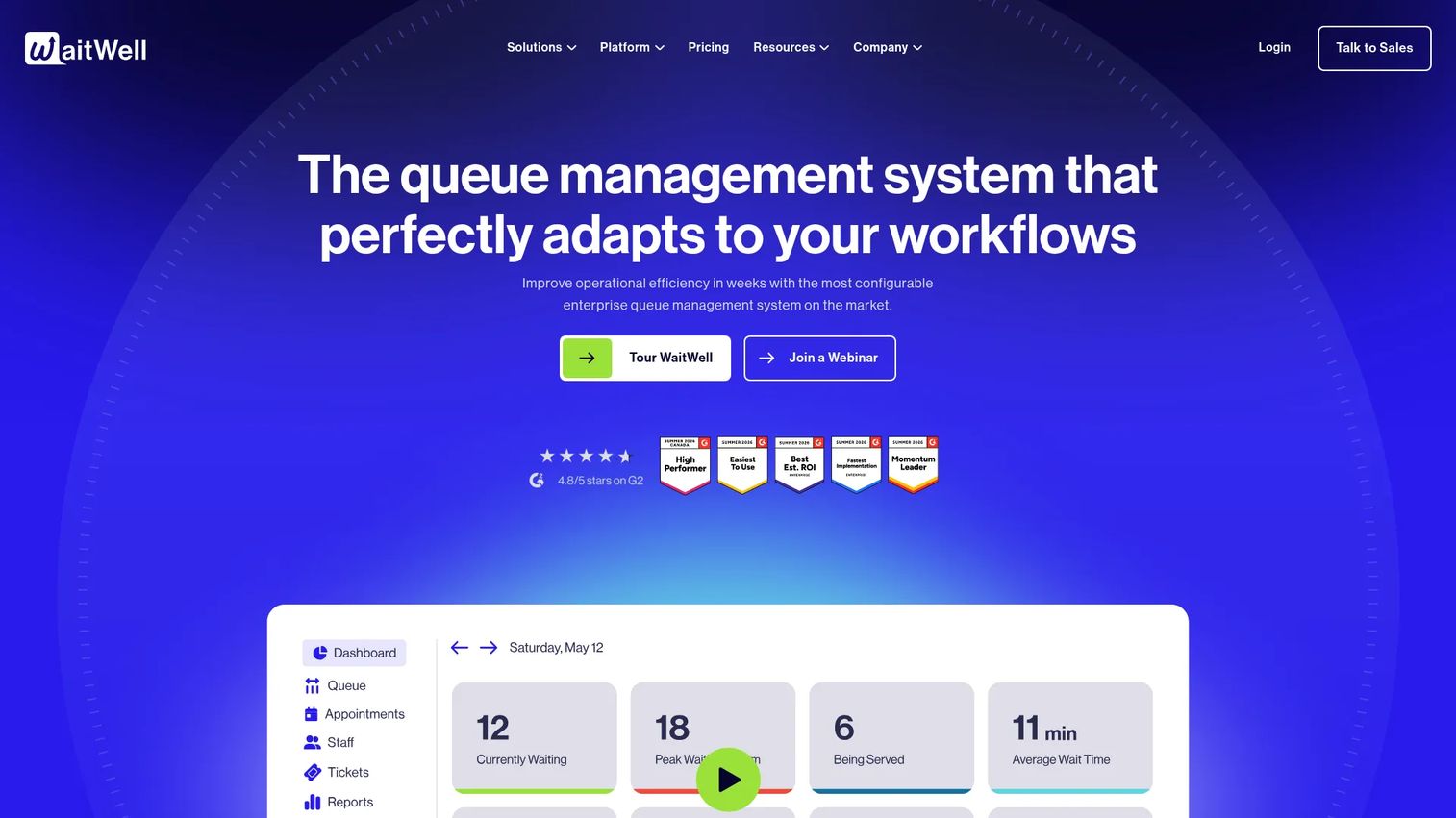
WaitWell combines appointment scheduling with virtual queue management, which makes it distinct in a category dominated by pure booking tools. For healthcare operations that run both scheduled visits and walk-in flow, it manages the whole patient journey from booking to being called for service. Real-time patient updates and two-way communication keep people informed while they wait, cutting the anxiety and the "how much longer" questions at the desk.
Best for: Multi-location organizations balancing scheduled appointments with walk-in and queue-based service.
Key strengths
- Virtual queue management: patients join a line remotely and get real-time status, reducing crowded waiting rooms.
- Appointment management: booking, rescheduling, and cancellation handled alongside the live queue.
- Workflow automation: routing and notifications move patients through service steps without manual tracking.
Why choose WaitWell: If your operation mixes booked appointments with drop-in demand, most pure scheduling tools only solve half the problem. WaitWell fits organizations that need both a calendar and a queue in one system, especially across multiple locations where consistency matters.
WaitWell pricing: The Business plan starts at $250 per month per location. Enterprise is custom priced, and the Campus option uses flexible per-student pricing. Add-ons start at $50 per month per location. There is no free tier. WaitWell holds a 4.7/5 rating on G2.
2. Phreesia
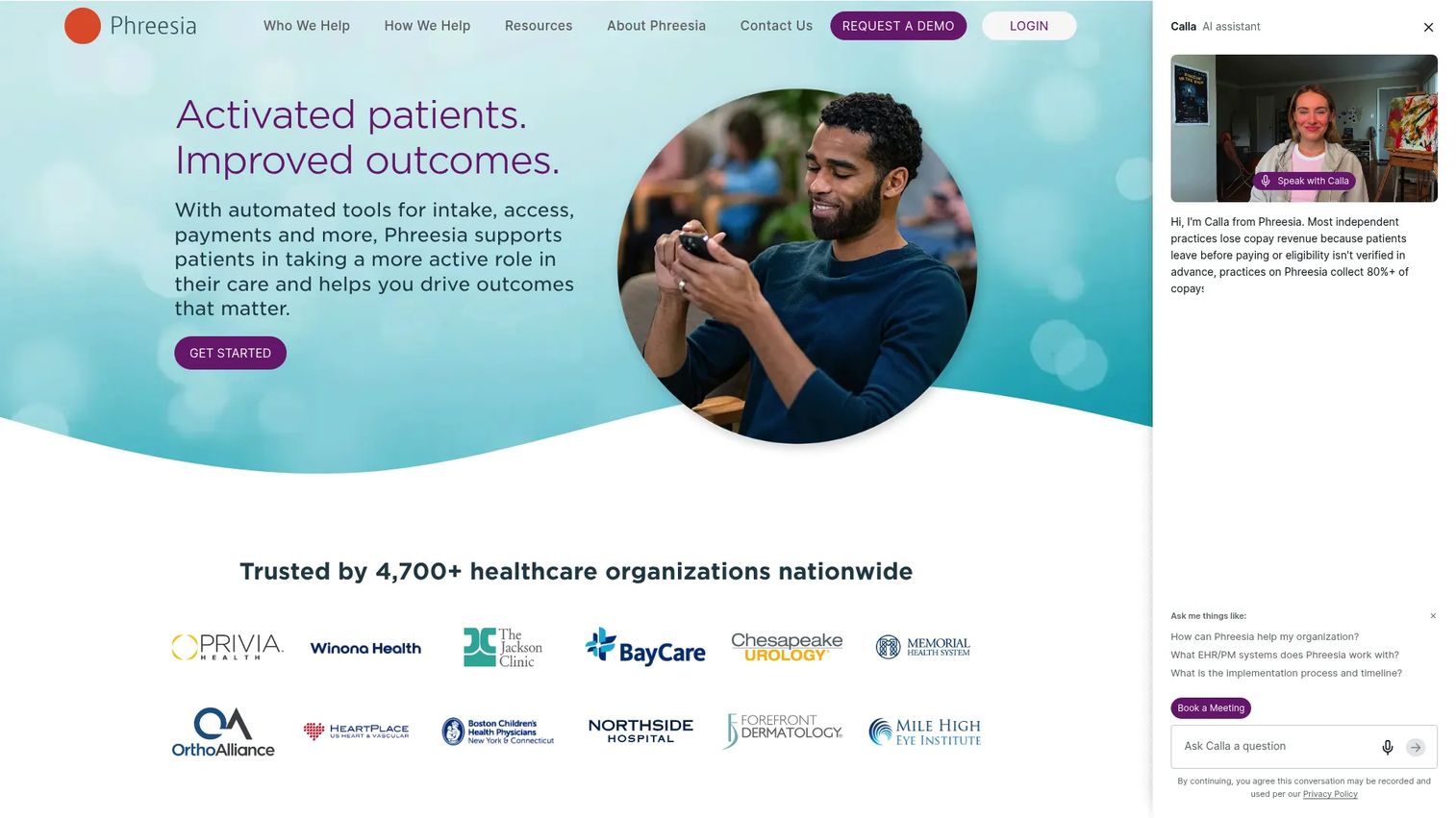
Phreesia approaches scheduling as one piece of a broader patient access and intake platform. It combines digital patient intake and registration, scheduling and appointment management, and patient engagement with reminders and payments. For practices that want intake and booking to happen in one motion, Phreesia removes the gap between "appointment booked" and "patient ready to be seen."
Best for: Healthcare organizations that need a unified patient access and revenue cycle workflow, not just a booking calendar.
Key strengths
- Digital intake and registration: patients complete forms, consents, and insurance capture before arrival.
- Scheduling and appointment management: self-scheduling and staff-side booking in one platform.
- Engagement, reminders, and payments: appointment reminders and patient payments tied to the same workflow.
Why choose Phreesia: Phreesia suits patient access teams and front desks that lose time chasing intake paperwork after booking. Bringing registration, scheduling, and payments together reduces manual handoffs and speeds up the path from booking to a completed visit.
Phreesia pricing: Phreesia lists customizable pricing packages and asks prospects to request pricing; no public numeric price is shown. Plan on a scoping conversation tied to your organization's size and workflow needs. Phreesia holds a 3.9/5 rating on G2.
3. Relatient
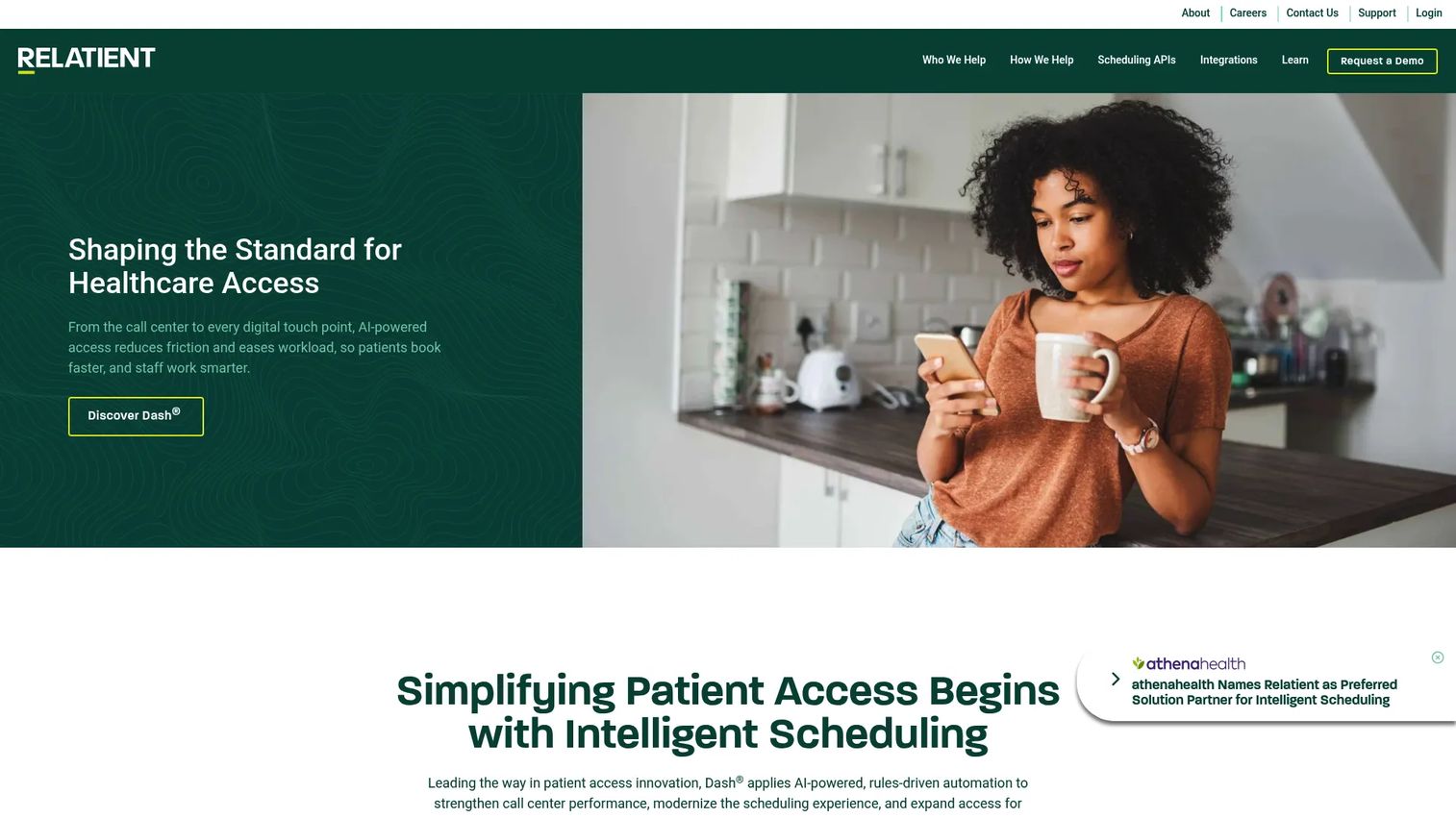
Relatient is built for organizations with complex scheduling logic. Its platform centers on intelligent patient scheduling, automated patient communication and reminders, and AI-powered voice and call deflection. The rules-based approach matches patients to the right provider using availability, appointment type, and routing logic, which matters most when you manage many providers across many locations.
Best for: Hospitals, health systems, and large practices that need rules-based provider matching and centralized availability.
Key strengths
- Intelligent patient scheduling: rules-based routing matches patients to the correct provider and slot.
- Automated patient communication: multi-channel appointment reminders reduce no-shows across large patient bases.
- AI-powered call deflection: voice automation moves routine scheduling calls off the front desk.
Why choose Relatient: When scheduling rules get complicated across specialties, providers, and sites, simpler tools force staff into manual workarounds. Relatient fits enterprise scheduling where centralized control and consistent routing protect both utilization and patient experience.
Relatient pricing: Relatient does not list public pricing and directs visitors to request a demo or quote. Pricing is quote-based and scoped to organization size. Relatient holds a 4.8/5 rating on G2.
4. WellSky
WellSky is a healthcare software and services company focused on home-based, post-acute, and human services care. Its scheduling capability sits inside a broader operational layer that covers referral, documentation, and revenue cycle workflows. For organizations that need scheduling plus visibility into capacity and productivity, WellSky pairs booking with the operational data to manage it.
Best for: Health and social care organizations that need scheduling alongside capacity management and workflow visibility.
Key strengths
- AI-powered software and analytics: operational insight into capacity, utilization, and productivity.
- Care-setting solutions: home health, hospice, and personal care workflows including scheduling.
- End-to-end workflows: referral, scheduling, documentation, and revenue cycle in one platform.
Why choose WellSky: WellSky fits organizations in home-based and post-acute care where scheduling cannot be separated from resource coordination and documentation. If you need to see and manage capacity, not just book slots, the broader platform earns its place.
WellSky pricing: Most WellSky solutions use quote-based pricing. Publicly listed pricing exists for the WellSky Learning Center LMS Subscription, which starts at $205 for one year with volume discounts, but core software suites are scoped by quote. WellSky holds a 4.2/5 rating on G2.
5. NextGen Healthcare
NextGen Healthcare delivers scheduling as part of a full ambulatory platform spanning EHR, practice management, and patient experience tools. Scheduling, messaging, payments, and the patient portal live alongside clinical documentation and revenue cycle workflows. For groups already committed to the NextGen ecosystem, keeping scheduling inside the same stack removes integration friction.
Best for: Ambulatory healthcare organizations wanting scheduling inside an integrated clinical, administrative, and patient-engagement platform.
Key strengths
- Integrated EHR and practice management: scheduling connects directly to clinical and billing workflows.
- Patient experience tools: scheduling, messaging, payments, and portal in one experience.
- Interoperability and population health: data exchange and value-based care support built in.
Why choose NextGen Healthcare: If your clinical documentation and billing already run on NextGen, adding a separate scheduler creates duplicate data and reconciliation work. NextGen fits teams that value one connected system over best-of-breed point tools.
NextGen Healthcare pricing: NextGen does not publish pricing on its site and directs prospects to contact sales or schedule a demo. Expect quote-based pricing scoped to practice size and modules. NextGen Healthcare holds a 3.8/5 rating on G2.
6. Tebra
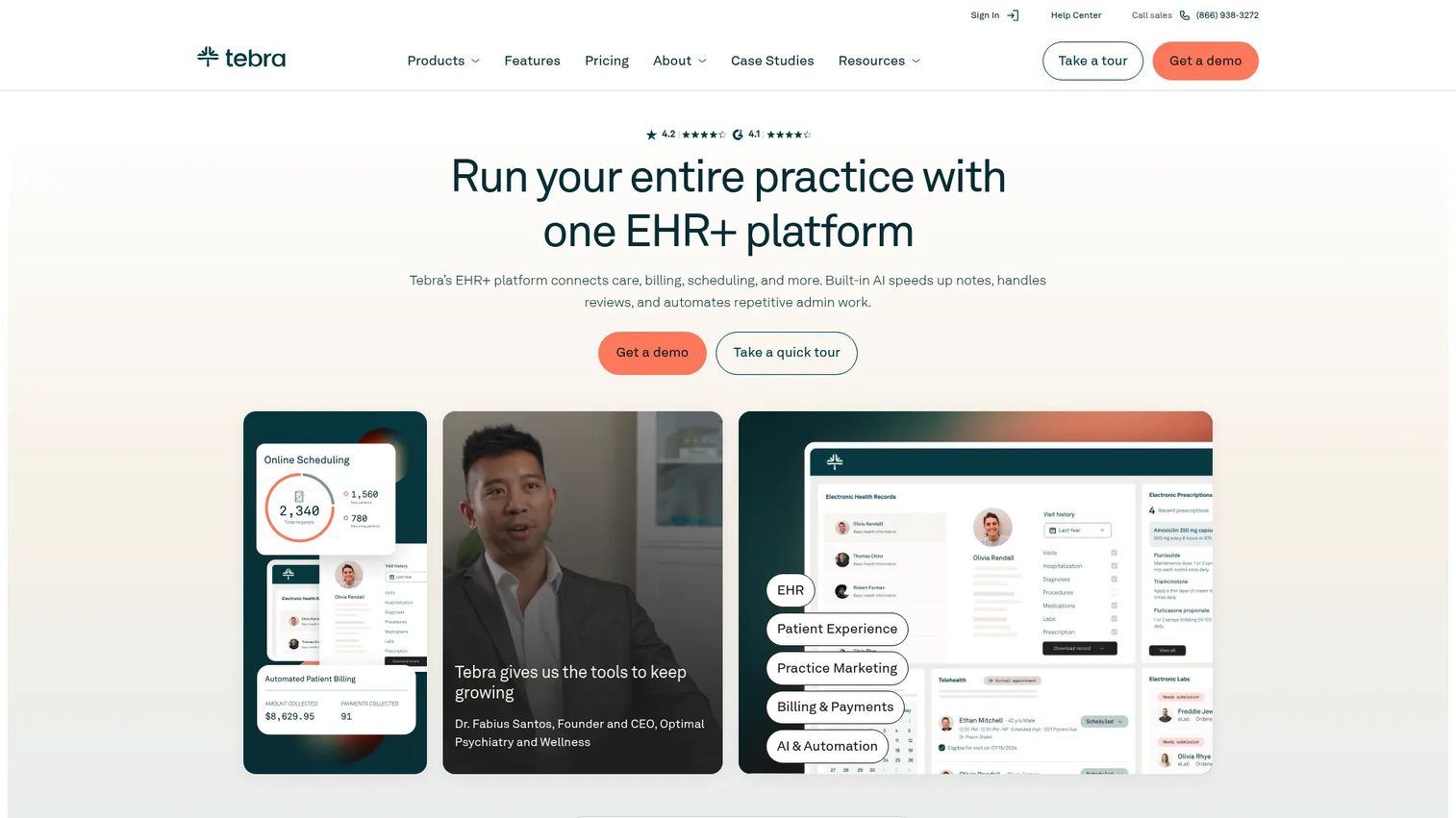
Tebra combines EHR, billing, telehealth, and patient engagement into one platform aimed at independent and private practices. Scheduling sits within that all-in-one stack, so booking, reminders, and administrative work happen in the same system as charting and billing. For smaller practices that do not want to stitch together multiple vendors, that simplicity is the draw.
Best for: Independent medical practices that want an all-in-one EHR, billing, and patient engagement platform.
Key strengths
- AI-powered charting: clinical documentation supported alongside scheduling and billing.
- Electronic prescriptions: prescribing built into the same platform as the calendar.
- Telehealth: virtual visits scheduled and run within Tebra.
Why choose Tebra: Tebra fits practices that want one login for scheduling, records, and billing rather than integrating separate systems. It is a practical middle ground for practices too small for enterprise platforms but past the point where a bare booking tool is enough.
Tebra pricing: Tebra publishes pricing on its site. Single-solution plans start at $49 per provider per month for Patient Experience and Marketing, with EHR Starter and Billing Starter from $99. Platform bundles include Practice Essentials from $199 and Practice Automation from $249 per provider per month, varying by provider type and claim volume. There is no free tier.
7. Solutionreach
Solutionreach leads with patient communication, which makes it a strong fit for no-show reduction. Appointment reminders, two-way texting, and online scheduling work together to keep patients engaged and appointments confirmed. Where dedicated schedulers focus on the calendar, Solutionreach focuses on the messaging that gets patients to actually show up.
Best for: Healthcare practices that need patient communication and recall automation tied to scheduling.
Key strengths
- Appointment reminders: automated multi-channel reminders reduce missed visits.
- Two-way texting: patients confirm, reschedule, or ask questions by text.
- Online scheduling: patient self-scheduling connected to the communication workflow.
Why choose Solutionreach: If your biggest problem is patients forgetting or ghosting appointments, a communication-first platform attacks that directly. Solutionreach suits practices where reminder cadence and recall outreach drive attendance more than complex booking logic.
Solutionreach pricing: Solutionreach shows packaged plans, Patient Connect, Practice Efficiency, Practice Growth, and Enterprise, but no public numeric prices; every option directs to a quote or contact request. Solutionreach holds a 4.5/5 rating on G2.
8. DexCare
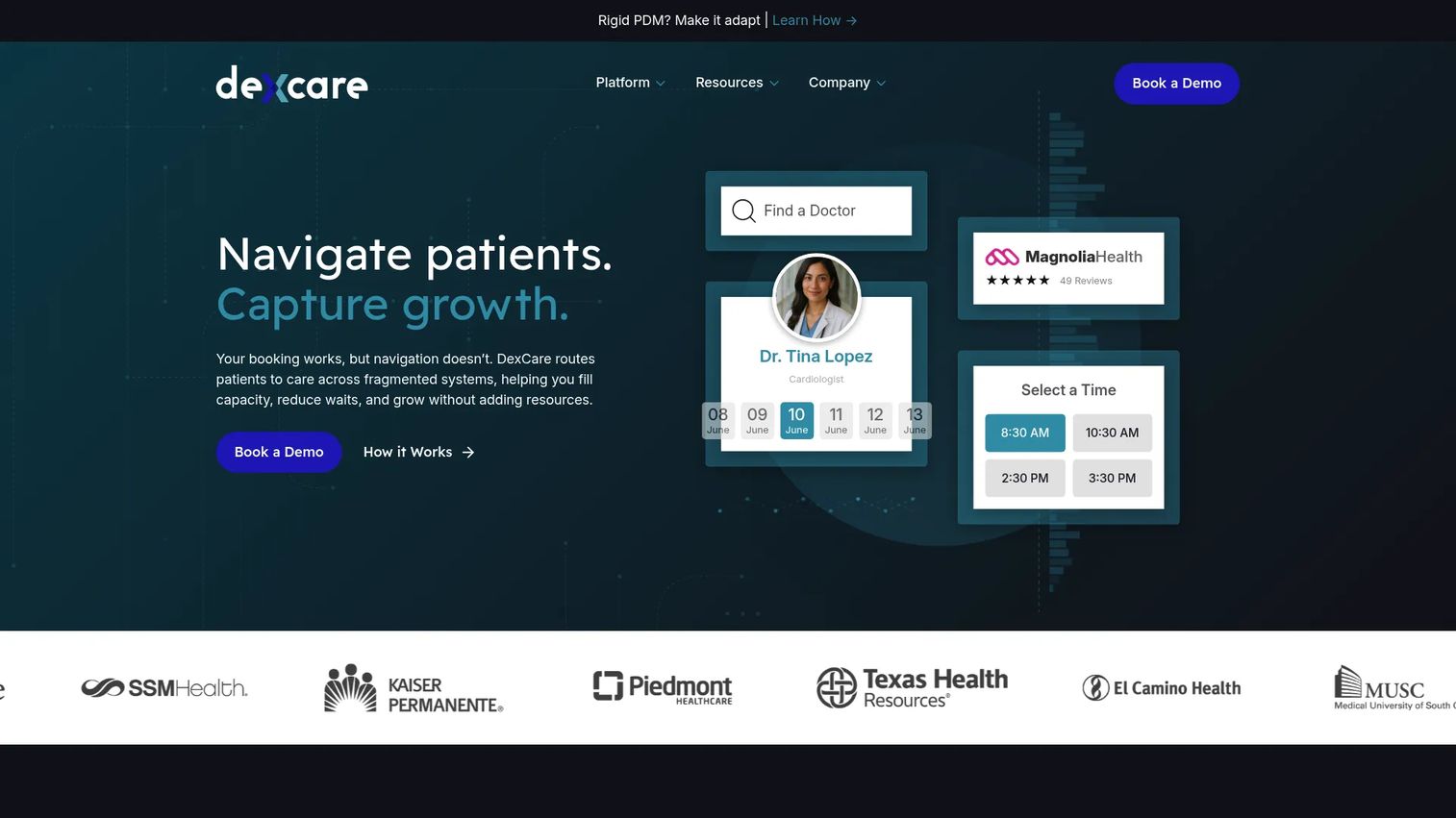
DexCare is a healthcare access and patient navigation platform built for health systems. It focuses on demand matching, routing, and patient navigation at scale, using a rules engine to steer patients toward the right care option and available capacity. For large networks, the value is in orchestrating access across many entry points, not just booking a single slot.
Best for: Large healthcare organizations that need patient access, routing, and scheduling infrastructure.
Key strengths
- Rules engine for routing: intelligent decisions steer patients to the right care and capacity.
- Search, schedule, and navigate: patients find and book care through a guided access flow.
- Provider data management: accurate provider data underpins scheduling and search.
Why choose DexCare: DexCare fits health systems where the challenge is matching demand to capacity across a large, distributed network. It is access orchestration infrastructure, best suited to organizations with the scale and complexity to need it.
DexCare pricing: DexCare does not publish public pricing; it appears to be request or demo based, scoped to enterprise health system deployments. Plan on a scoping conversation with the vendor to understand cost.
9. CentralReach
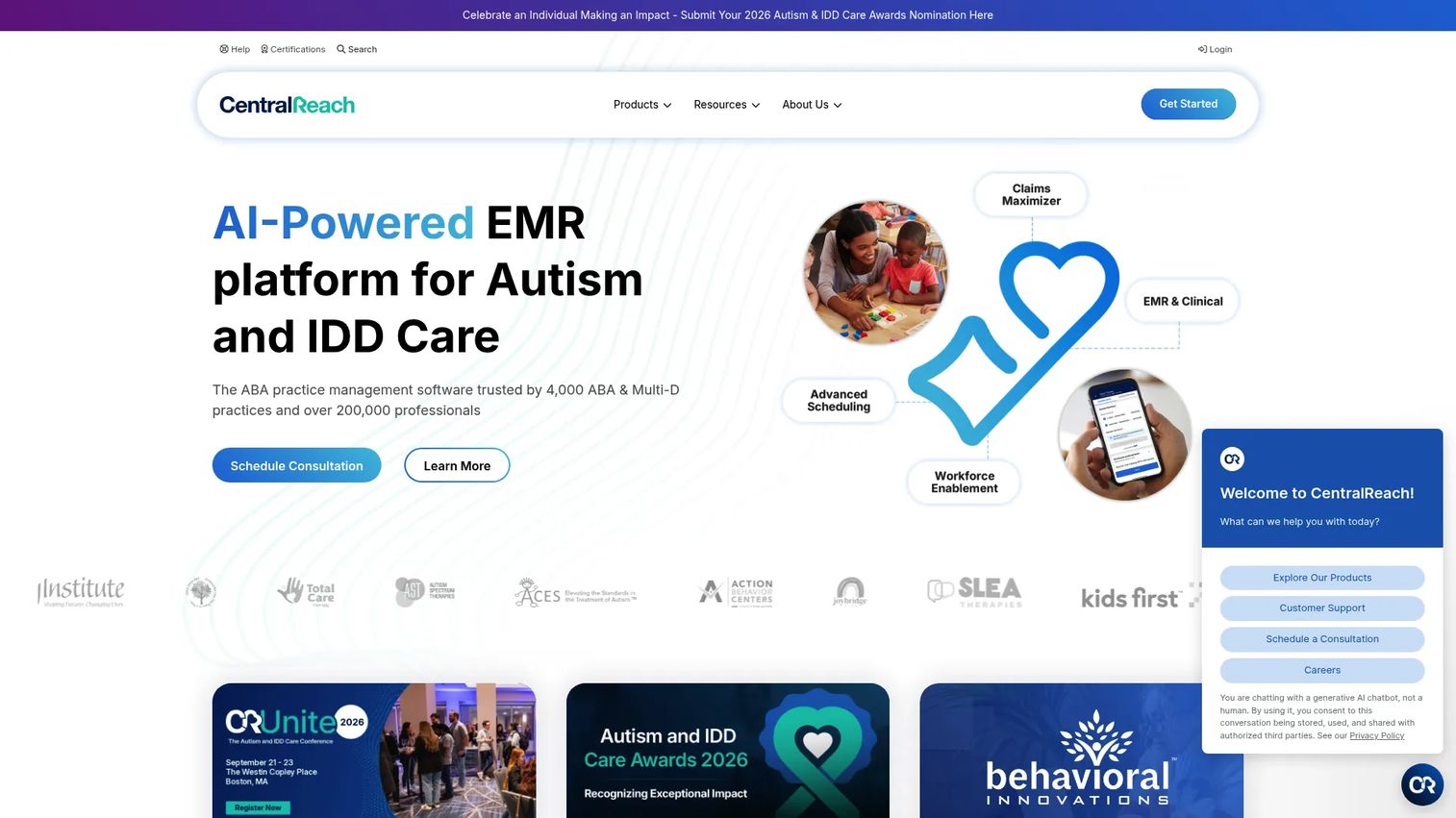
CentralReach is AI-powered software for ABA and IDD care, covering practice management, EMR, billing, analytics, and training. Scheduling sits inside a platform built for the recurring, structured visits that specialty care delivery requires. For organizations coordinating frequent sessions and staff assignments, scheduling and workflow management working together is essential.
Best for: ABA and IDD providers that need integrated practice management and clinical workflows.
Key strengths
- Practice management: intake, scheduling, billing, and documentation in one platform.
- Reporting and analytics: operational and clinical performance visibility.
- Learning management system: staff training built into the same environment.
Why choose CentralReach: CentralReach fits specialty care settings where recurring visits, staff coordination, and clinical documentation are tightly linked. General-purpose schedulers rarely handle the recurring-session complexity that ABA and IDD delivery demands.
CentralReach pricing: CentralReach does not display public pricing; its policy indicates charges are based on active seats and customer orders. Pricing is quote-based and scoped to your active-seat count. CentralReach holds a 3.7/5 rating on G2.
10. ClinicSense
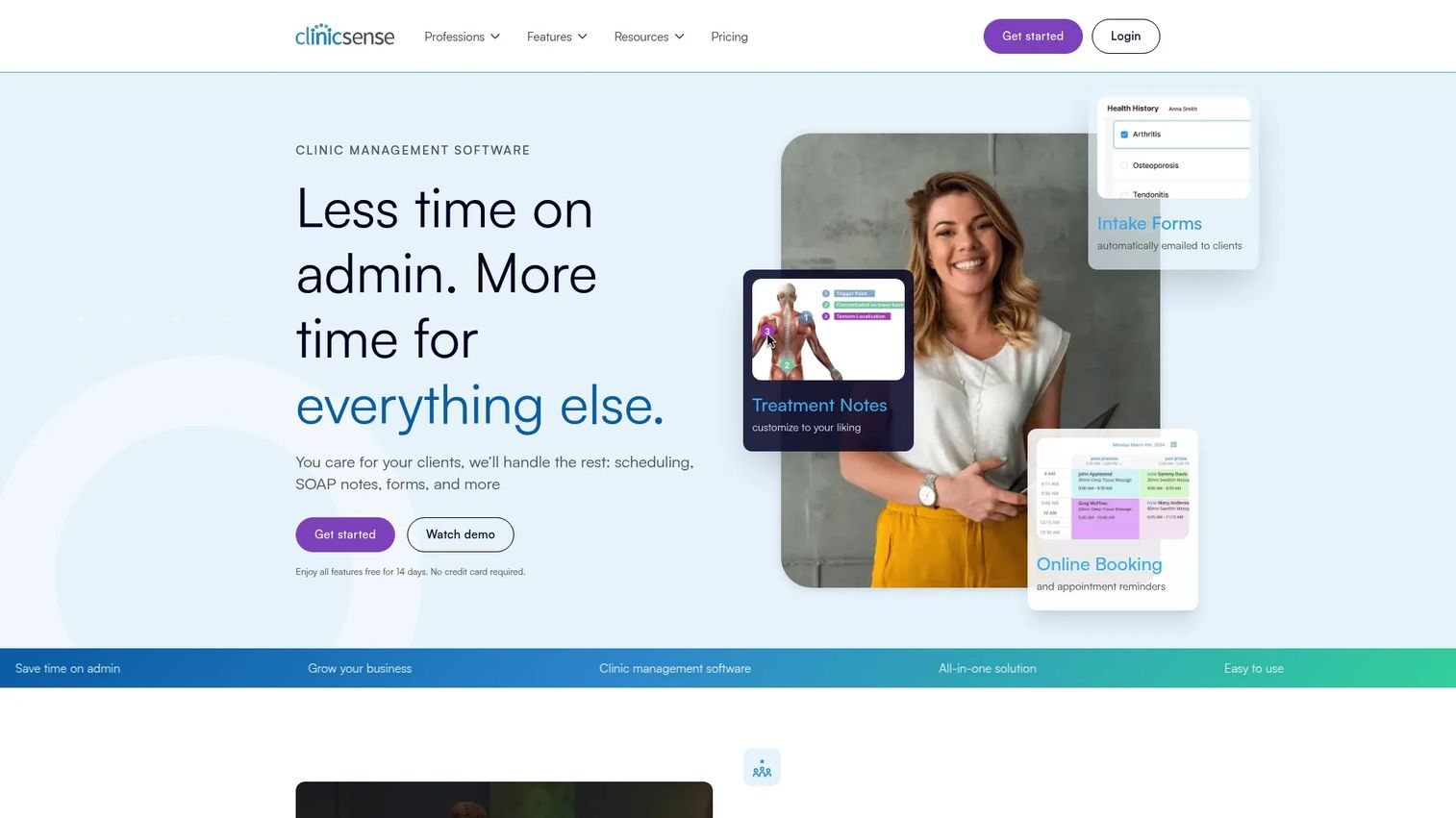
ClinicSense is practice management software for clinics and wellness practitioners, with online booking, automated reminders, charting, and intake in one system. Its appeal is a simpler scheduling stack for smaller, appointment-driven practices that want ease of use over enterprise depth. Booking, SOAP notes, and intake forms live together without heavy setup.
Best for: Small to mid-sized massage therapy and wellness practices needing scheduling, charting, and billing in one system.
Key strengths
- Online booking and reminders: patient self-scheduling with automated appointment reminders.
- SOAP notes and intake: charting and digital intake forms in the same platform.
- Invoicing and payments: billing, reporting, and gift certificates alongside scheduling.
Why choose ClinicSense: ClinicSense fits practitioners who want to run booking, notes, and payments without an IT project. For a solo or small clinic, its focused feature set covers the essentials without the overhead of a larger platform.
ClinicSense pricing: ClinicSense publishes pricing with a 14-day free trial and three paid plans. Lite is $39 per month for up to 20 appointments, Standard is $69 per month for up to 200 appointments, and Premium is $99 per month with unlimited appointments and VIP support.
11. Acuity Scheduling
Acuity Scheduling is online appointment scheduling software focused on booking, client management, payments, and calendar management. It is not a healthcare-specific platform, but for healthcare-adjacent workflows or small practices with straightforward booking needs, its clean self-scheduling and reminders do the job well. Customizable booking pages and calendar syncing make setup fast.
Best for: Small businesses and practices that need client self-scheduling with payments and automated reminders.
Key strengths
- Online booking pages: customizable self-scheduling pages patients can use on any device.
- Client management: intake forms and reminders tied to each booking.
- Calendar syncing and mobile app: availability stays current across calendars and devices.
Why choose Acuity Scheduling: Acuity fits practices whose scheduling needs are simple and whose compliance requirements are light. For anything involving protected health information at scale or deep EHR integration, a healthcare-specific platform is the safer fit. For clean, low-friction booking, Acuity is hard to beat on ease.
Acuity Scheduling pricing: Acuity offers three plans, Starter, Standard, and Premium, with a 7-day free trial. Starter begins at $16 per month billed annually, or $20 per month billed monthly. There is no free tier. Acuity Scheduling holds a 4.7/5 rating on G2.
Considerations before you buy
Verify HIPAA and BAA coverage
In healthcare, compliance is not a feature you assume. Confirm the vendor supports HIPAA, will sign a Business Associate Agreement, and documents its security controls. Marketing language claiming "HIPAA compliant scheduling software" means little without the signed BAA and audit documentation to back it. Ask for both before procurement moves forward.
Check EHR and practice management integration depth
Not all integrations are equal. A basic calendar-style connection is very different from true bidirectional sync where appointments, updates, and cancellations flow both ways. Ask which EHR and practice management systems the vendor supports natively, whether it uses HL7 or FHIR, and what implementation actually requires. Shallow integration creates the double-entry problem you bought the tool to solve.
Confirm no-show and cancellation workflows
Evaluate the full recovery loop, not just whether reminders exist. Which channels do reminders use? How does waitlist management fill a canceled slot? Can patients reschedule themselves without calling? Empty-slot recovery and rescheduling logic directly protect utilization and revenue, so test these workflows against your real cancellation patterns.
Match the tool to operational complexity
A solo clinic and a multi-site health system need different depth. Simple booking tools excel for small, appointment-driven practices, while enterprise platforms support rules-based routing, multi-location scheduling, and provider matching. Buying more complexity than you need wastes budget; buying less creates manual workarounds. Match the platform to your actual operational reality.
Review pricing and total cost of ownership
Sticker price rarely tells the whole story. Ask about setup fees, implementation time, SMS costs, integration costs, and support tiers. A quote-based platform may cost far more after implementation than a transparent per-provider plan. Get the full picture, including ongoing costs, before you commit.
Conclusion
The best patient scheduling software depends on your workflow, not a leaderboard. For operations mixing appointments and walk-ins, WaitWell's queue-plus-scheduling model fits. For intake and booking in one motion, Phreesia is strong. Enterprise scheduling logic points to Relatient or DexCare, while teams already in an EHR ecosystem should look hard at NextGen Healthcare. Small and independent practices are well served by Tebra, ClinicSense, or Acuity Scheduling, and communication-led no-show reduction is Solutionreach's strength.
Shortlist three tools that match your operational complexity, then test them against your actual scheduling pain: your no-show rate, your cancellation patterns, your EHR, and your compliance requirements. Ask every finalist for a signed BAA and a clear picture of integration depth and total cost. The right medical scheduling software should reduce front-desk workload and protect utilization, not add another system your team has to manage.
FAQs
Patient scheduling software, also called medical or healthcare scheduling software, is used to schedule patients. It handles online booking, self-scheduling, appointment reminders, waitlists, and cancellations, and connects to the EHR or practice management system so appointments sync without manual re-entry.
There is no single best choice; it depends on practice size, intake needs, and integration requirements. Small and independent practices often fit ClinicSense, Tebra, or Acuity Scheduling for simplicity, while larger groups needing rules-based routing lean toward Relatient or NextGen Healthcare.
Yes. Any system that handles protected health information must support HIPAA, and buyers should treat a signed Business Associate Agreement as non-negotiable. Confirm HIPAA support, request the BAA, and review security documentation before purchase rather than trusting marketing claims.
Pricing models vary widely. Some tools publish per-provider or per-month pricing, such as Tebra from $49 per provider per month or ClinicSense from $39 per month, while enterprise platforms like Relatient, Phreesia, and DexCare use custom quotes scoped to organization size, provider count, and modules.
Most healthcare scheduling software integrates with EHR and practice management systems, commonly over HL7, FHIR, or APIs. Bidirectional sync matters because it keeps appointments, updates, and cancellations consistent across systems, avoiding the double-entry and reconciliation errors that basic calendar connections cause.
It reduces no-shows through automated multi-channel appointment reminders and easy self-rescheduling. When cancellations happen, waitlist management and empty-slot recovery automatically offer the open slot to the next patient, protecting utilization and recapturing revenue that would otherwise be lost.
Centralized availability, location-level rules, provider matching, and consolidated reporting matter most. These features prevent double-booking and routing errors across sites, ensure patients reach the right provider at the right location, and give operations leaders visibility into utilization across the entire organization.
It varies. Platforms like Phreesia and Tebra include digital intake and registration directly, while other tools offer it as an add-on module or expect a separate intake system. If pre-visit forms, consents, and insurance capture matter, confirm intake is included before you buy.