A single outage rarely fails quietly. The pager fires at 2am. Three engineers jump into a Slack channel that nobody owns. One person is digging through dashboards, another is paging the wrong team, and a third is fielding "is it down?" messages from customers.
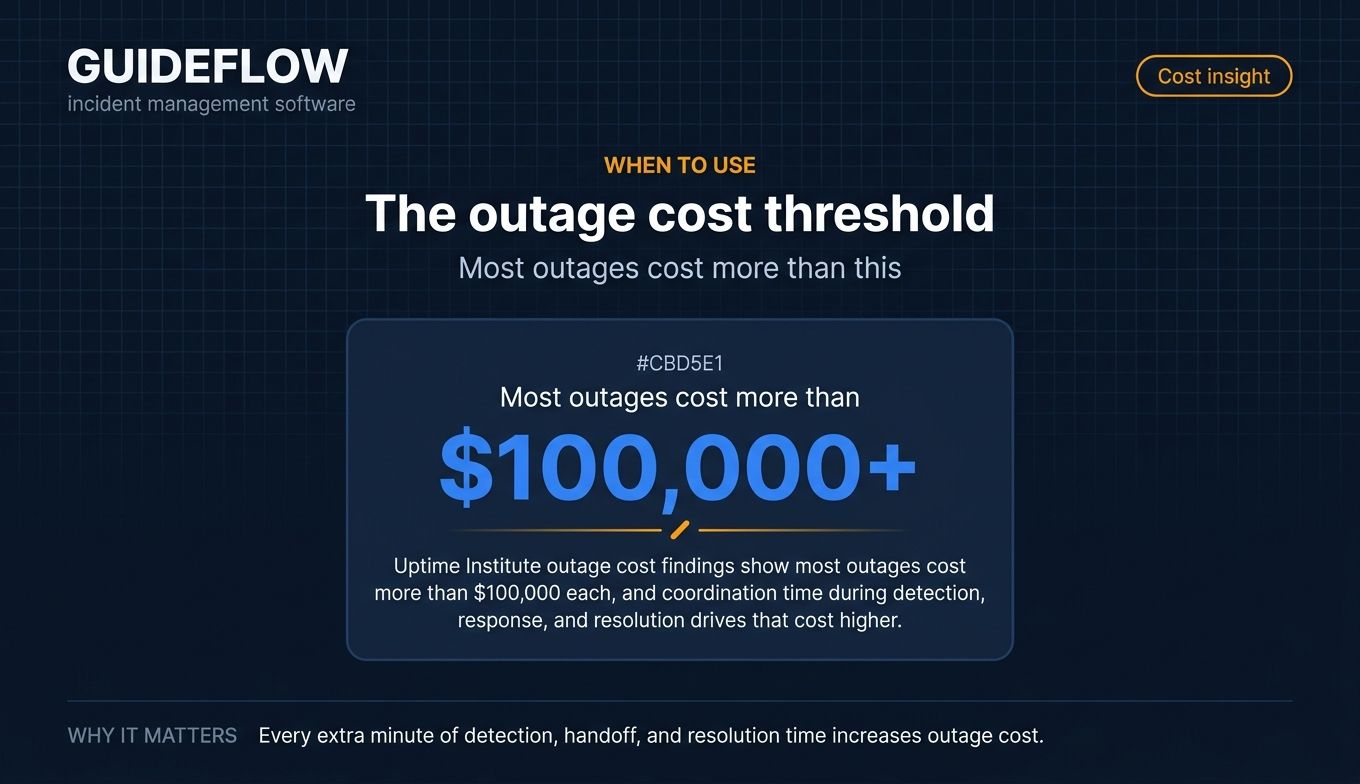
That chaos has a price. IBM's 2024 Cost of a Data Breach Report put the average breach near the multi-million-dollar mark, and Uptime Institute outage cost findings show that most outages cost more than $100,000 each. The longer detection, coordination, and resolution take, the higher that number climbs.
The friction is rarely the failure itself. It is everything around it. Alerts pile up with no deduplication. Context scatters across email, calls, and chat. Handoffs drop critical details. And once the fire is out, the postmortem that would prevent the next one never gets written.
Good tooling does not make incidents disappear. It removes the coordination tax. It routes the right alert to the right person, gives responders one place to work, and captures the timeline automatically so the retrospective writes most of itself.
So the question is not whether you need an incident management process. It is which platform fits your stack, your team, and the way you already work.
What's inside
This guide is for the people who get paged: IT, SRE, DevOps, platform engineers, and on-call managers evaluating incident management tools. Adjacent teams matter too, so we flag scope-specific options for security and EHS (workplace safety) incidents where relevant.
We selected the 10 tools on four criteria that decide real-world value:
- End-to-end response workflow depth (declare, coordinate, resolve, learn)
- On-call scheduling, alerting, and noise reduction
- Integrations with your existing stack (monitoring, ticketing, Slack, Teams, CRM)
- Reporting, postmortems, and analytics
Pricing and G2 ratings were verified against live vendor and G2 listings.
TL;DR
Short on time? Here are the decision shortcuts.
- Best all-in-one incident response platform: incident.io, for Slack and Teams-native response plus on-call and status pages in one place.
- Best for enterprise ITSM and ITIL teams: ServiceNow, for governed, ITIL-aligned incident management at scale.
- Best free or entry tier: Splunk On-Call starts at $5 per user per month; PagerDuty, incident.io, and FireHydrant all offer free plans for small teams.
- Best observability-native option: Datadog Incident Management, if your alerting already lives in Datadog.
- Best Slack-native incident management solution: Rootly, for automated response workflows and AI-assisted root cause analysis.
- Best for EHS and workplace incidents: EHS Insight, for OSHA recordkeeping and safety incident tracking.
What is incident management software
Incident management software is a platform that helps teams detect, coordinate, resolve, and learn from incidents, from IT outages to security events, through alerting, on-call scheduling, response workflows, communication, and post-incident reporting.
In practice, it is the connective tissue between your monitoring tools and your responders. When something breaks, it tells the right person, gives them a structured place to work, keeps stakeholders informed, and records what happened so you can improve.
Core capabilities
Most incident response software shares the same building blocks. The depth and polish vary, but the categories are consistent.
- Detection and alerting: Ingest signals from monitoring tools, deduplicate noise, and notify the right responder.
- On-call scheduling: Build rotations, escalation policies, and overrides so coverage never has gaps.
- Incident response and coordination: Declare an incident, assign roles, and run the response from a single channel.
- Status pages and communication: Keep customers and internal stakeholders updated without manual copy-paste.
- Postmortems and RCA: Capture the timeline, document root cause, and assign follow-up actions.
- Analytics and reporting: Track mean time to resolution (MTTR) metrics, MTTA, and recurring failure patterns.
- Integrations: Connect to monitoring, ticketing, chat, and CRM so the tool fits your workflow.
ITIL vs DevOps/SRE approaches
Two philosophies shape how these tools work. ITIL incident management framework is structured and ticket-driven. It emphasizes categorization, prioritization, change control, and clear ownership. It fits enterprises with formal service management requirements.
The DevOps and SRE approach is faster and automation-heavy. Response often happens in Slack, blameless postmortem practices are standard, and the goal is to reduce MTTR through tooling rather than process gates.
Neither is wrong. ITIL-aligned platforms suit governed enterprise environments. SRE-style tools suit fast-moving engineering teams. Many modern platforms now blend both, layering automation onto a structured incident management process.
When to use incident management software
Not every team needs a dedicated platform on day one. Here are the moments when it pays for itself.
Coordinate fast-moving IT outages
When a system goes down, minutes matter. A dedicated tool gives you one place to declare the incident, pull in responders, assign a lead, and track every action. No more guessing who is working what. IT incident management tools centralize the response so the team can focus on the fix instead of the logistics around it.
Standardize on-call and reduce alert fatigue
If your alerts fire into a channel nobody owns, or your on-call rotation lives in a spreadsheet, you are leaking response time. On-call scheduling, escalation policies, and alert deduplication route the right signal to the right person and suppress the noise. Less fatigue means faster acknowledgment and fewer missed pages.
Run blameless postmortems and track follow-ups
The incident is not over when the system recovers. The value is in the learning. Good incident response software captures the timeline automatically, structures the retrospective, and turns action items into tracked tasks. That closes the loop and stops the same failure from recurring next quarter.
Comparison table
Here is how the 10 best incident management software tools compare on intent, primary use case, entry pricing, and G2 rating. Pricing reflects published entry tiers, and ratings reflect current G2 listings.
| # | Product | Intent | Key use case | Pricing | G2 rating |
|---|---|---|---|---|---|
| 1 | incident.io | All-in-one incident response | Slack/Teams-native response, on-call, status pages | Free; Team from $15/user/mo | 4.8/5 |
| 2 | PagerDuty | On-call alerting and response | Alerting, AIOps, on-call at scale | Free up to 5 users; Pro $21/user/mo | 4.5/5 |
| 3 | Jira Service Management | ITSM + ITIL incident management | Service desk plus incident and on-call | Free for 3 agents; Standard $20/agent/mo | 4.3/5 |
| 4 | Opsgenie | Alerting and on-call | Alert routing, escalations, schedules | Free up to 5 users; Essentials $9.45/user/mo | 4.3/5 |
| 5 | ServiceNow | Enterprise ITSM | Governed, ITIL-aligned incident management | Custom quote | 4.4/5 |
| 6 | Datadog | Observability-native incident management | Auto incident creation from monitoring | From $15/host/mo (infra) | 4.4/5 |
| 7 | Splunk On-Call | On-call incident response | Mobile-first on-call and escalation | $5/user/mo (up to 10 seats) | 4.5/5 |
| 8 | FireHydrant | Incident response + reliability | Runbooks, retrospectives, on-call | Free; Pro $25/responder/mo | 4.5/5 |
| 9 | Rootly | Slack-native incident management | Automated workflows, AI SRE | From $20/user/mo | 4.8/5 |
| 10 | EHS Insight | EHS / workplace incidents | OSHA recordkeeping, safety incidents | From $5k/year | 4.7/5 |
The 10 best incident management software tools for 2026
1. incident.io
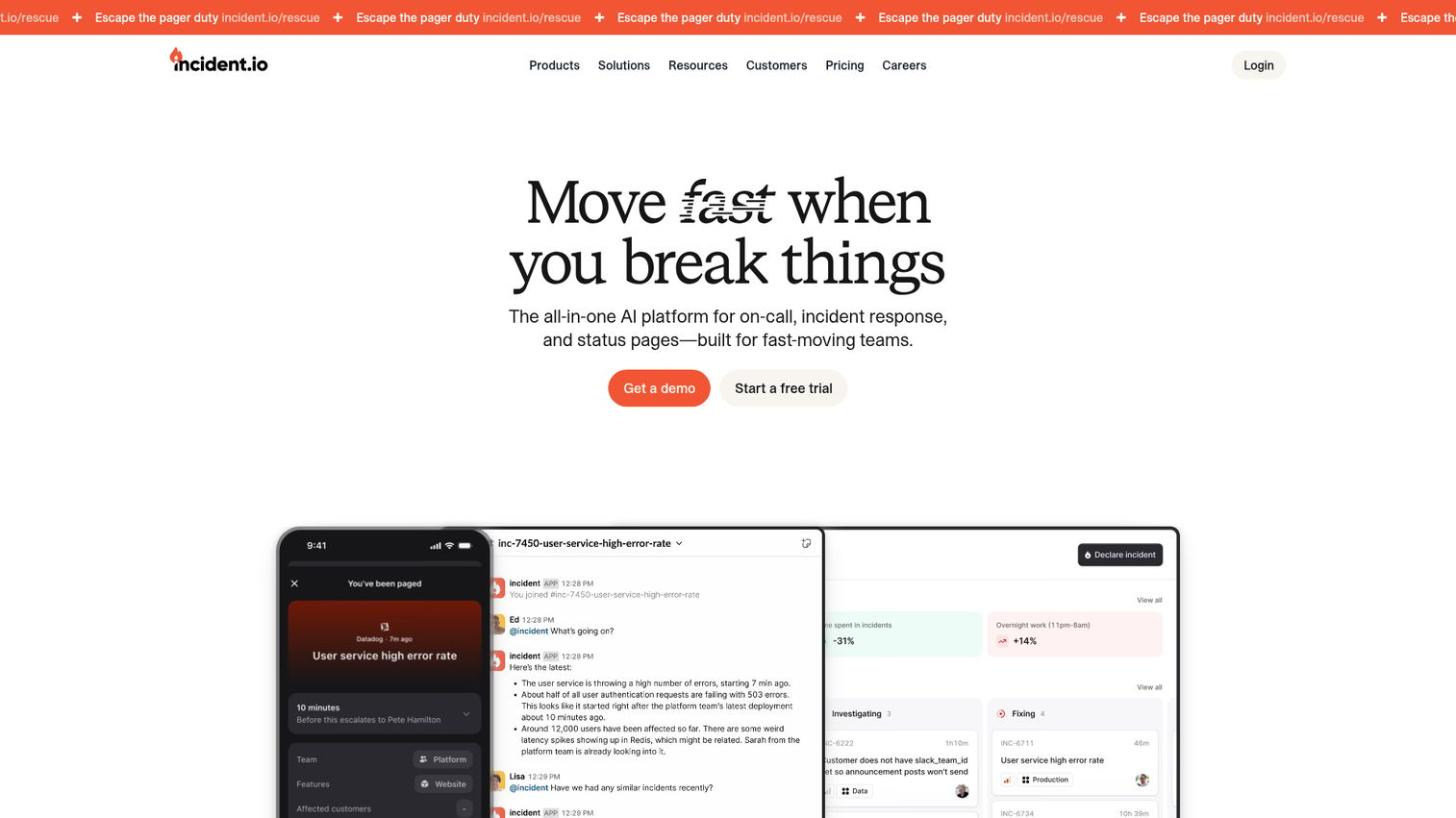
incident.io is an all-in-one AI platform for on-call, incident response, and status pages, built for fast-moving teams. It lives where engineers already work, in Slack or Microsoft Teams, and pulls the entire response into one structured flow. From declaring an incident to paging the right responder to updating a status page, the whole lifecycle runs in one place.
Best for: Engineering and operations teams that want incident response, on-call, and customer communication in a single Slack or Teams-native platform.
Key strengths
- Slack and Teams-native response: Run the entire incident from the chat tool your team already uses, with structured roles and actions.
- On-call management: Alert routing, grouping, schedules, escalations, and overrides keep coverage tight and pages relevant.
- Status pages: Communicate incident status to customers without leaving the platform or copy-pasting updates.
Why choose incident.io: If your team treats Slack or Teams as command central during an outage, incident.io meets you there instead of forcing a context switch. It combines response, on-call, and comms so you are not stitching three tools together. The 4.8/5 G2 rating reflects how well it fits SRE and DevOps workflows.
incident.io pricing: The Basic plan is free forever. The Team plan starts at $15 per user per month with an annual discount, with on-call as a $10 per user add-on. Pro is $25 per user per month. Enterprise is custom. A standalone On-call product is also available at $20 per user per month.
2. PagerDuty
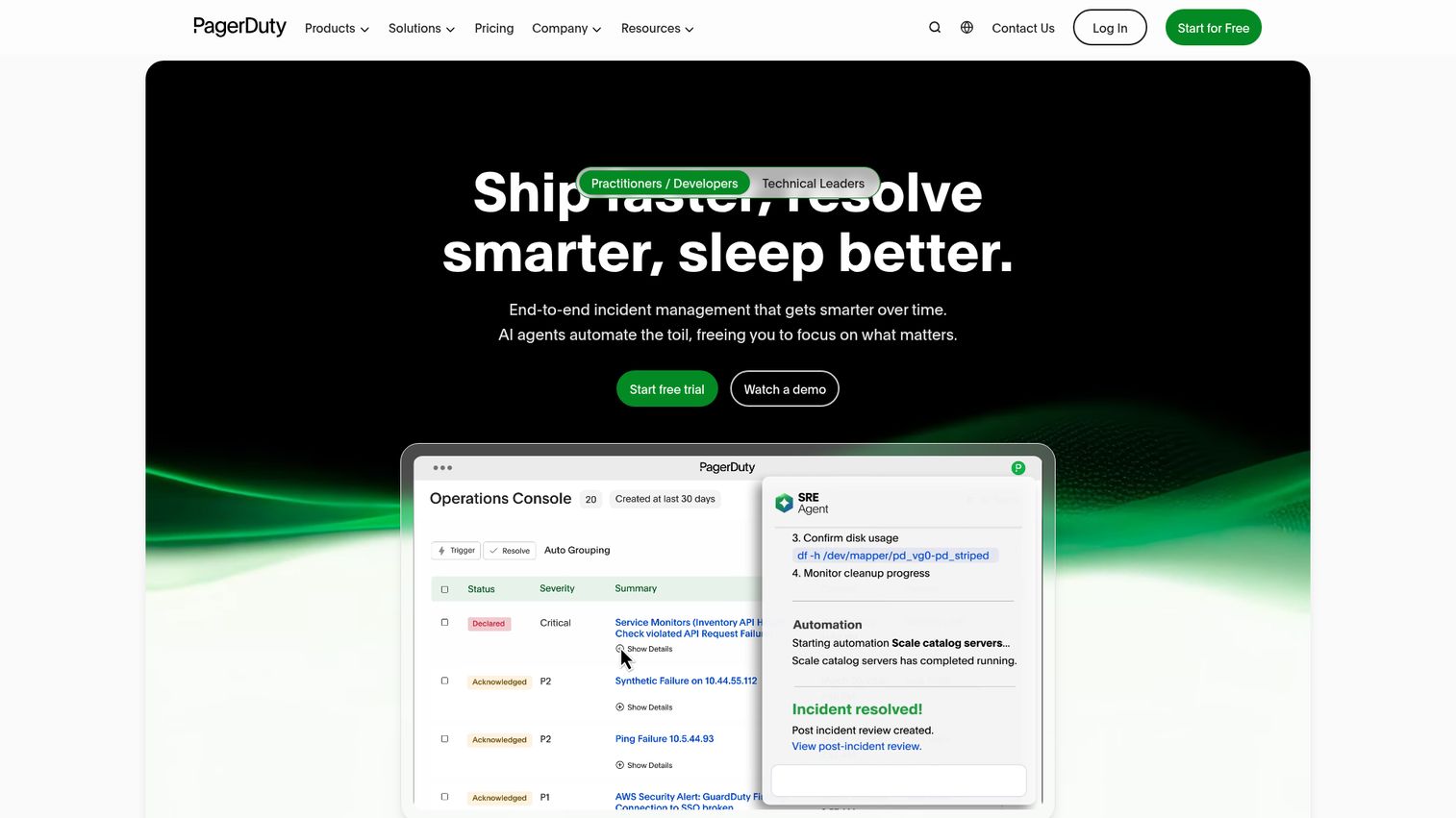
PagerDuty Operations Cloud is an AI-powered digital operations platform spanning incident management, on-call response, automation, AIOps, and customer-service operations. It is one of the most widely deployed tools in the category, with deep integration breadth and mature alerting logic that scales from small teams to large enterprises.
Best for: IT, DevOps, SRE, and operations teams that need reliable on-call management and incident response at scale.
Key strengths
- End-to-end incident management: Guided remediation, roles, tasks, workflows, and post-incident reviews in one flow.
- On-call and alerting: Scheduling, escalation policies, real-time alerting, and stakeholder communications.
- AIOps and automation: Reduce alert noise, accelerate triage, and run automated workflows to cut manual toil.
Why choose PagerDuty: PagerDuty wins on breadth and reliability. If you have a complex stack and need a tool that integrates with nearly everything while handling heavy alert volume, it is a safe, proven pick. The trade-off is that the full feature set sits in higher tiers, so cost scales with your needs.
PagerDuty pricing: The Free plan covers up to 5 users. Professional is $21 per user per month on annual pricing, and Business is $41 per user per month. Enterprise is custom. Its G2 rating sits at 4.5/5.
3. Atlassian Jira Service Management
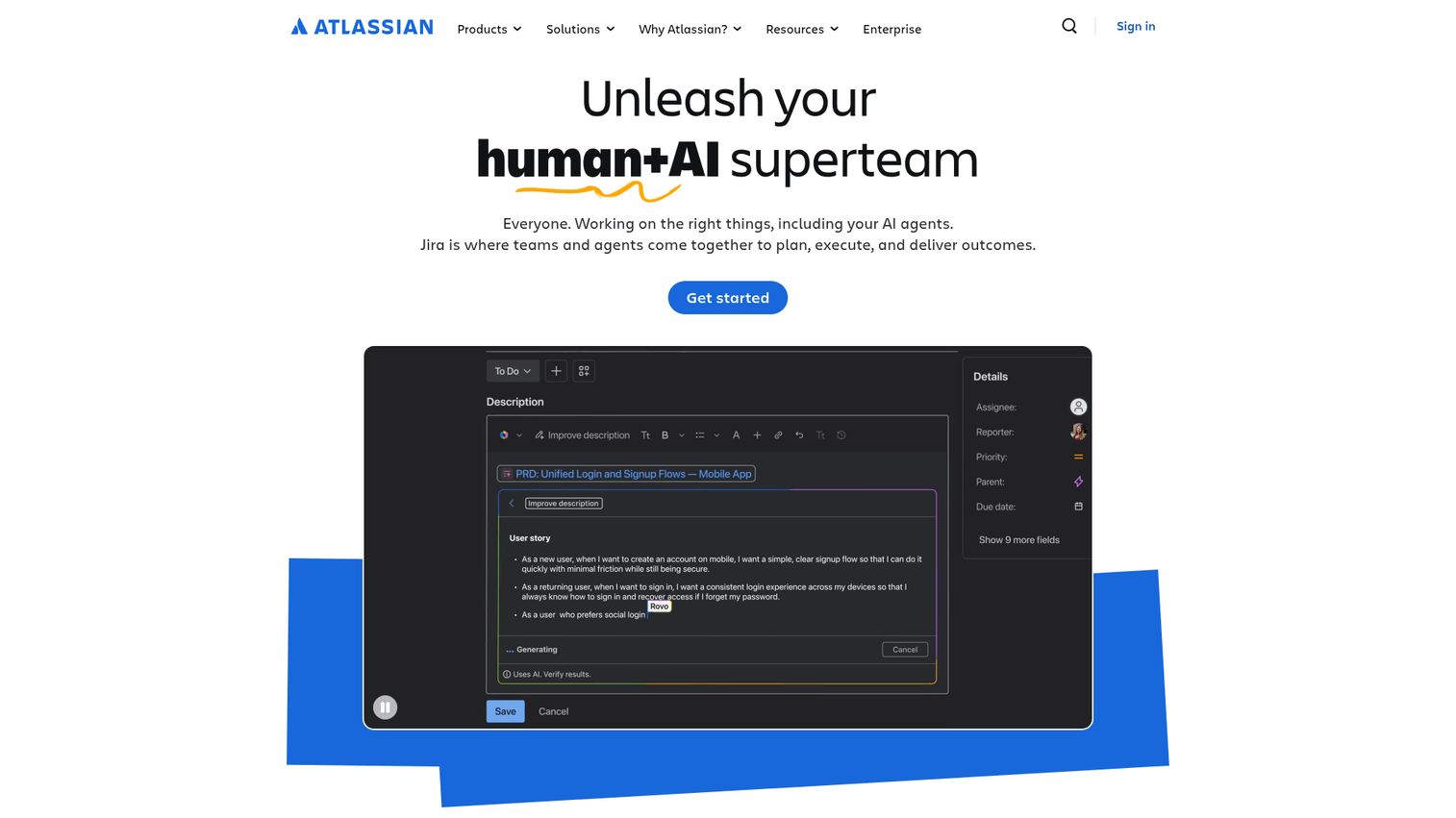
Jira Service Management is Atlassian's ITSM platform for delivering and managing services across IT, development, operations, and other teams. It pairs a full service desk with incident, alert, and on-call capabilities, making it a strong fit for teams that already run on Jira and want incident response management software inside the same ecosystem.
Best for: IT and service teams that need a scalable ITSM platform covering request, incident, change, asset, and knowledge management.
Key strengths
- Multi-channel intake: Requests come in via portal, email, chat, embedded widget, Microsoft Teams, and Slack.
- Customizable workflows: Forms, workflows, queues, and automation tailor the service management process to your team.
- Incident and on-call coverage: Incident, alert, on-call, asset, knowledge base, and AI-powered capabilities in one platform.
Why choose Jira Service Management: If your engineering team lives in Jira, keeping incidents in the same system removes friction between dev work and service operations. It also supports ITIL incident management for teams that need structured, governed workflows. Higher tiers add advanced AIOps and real-time incident monitoring.
Jira Service Management pricing: The Free plan covers 3 agents. Standard is $20 per agent per month, and Premium is $51.42 per agent per month with advanced incident and change management. Enterprise pricing is by sales contact. Its G2 rating is 4.3/5.
4. Opsgenie
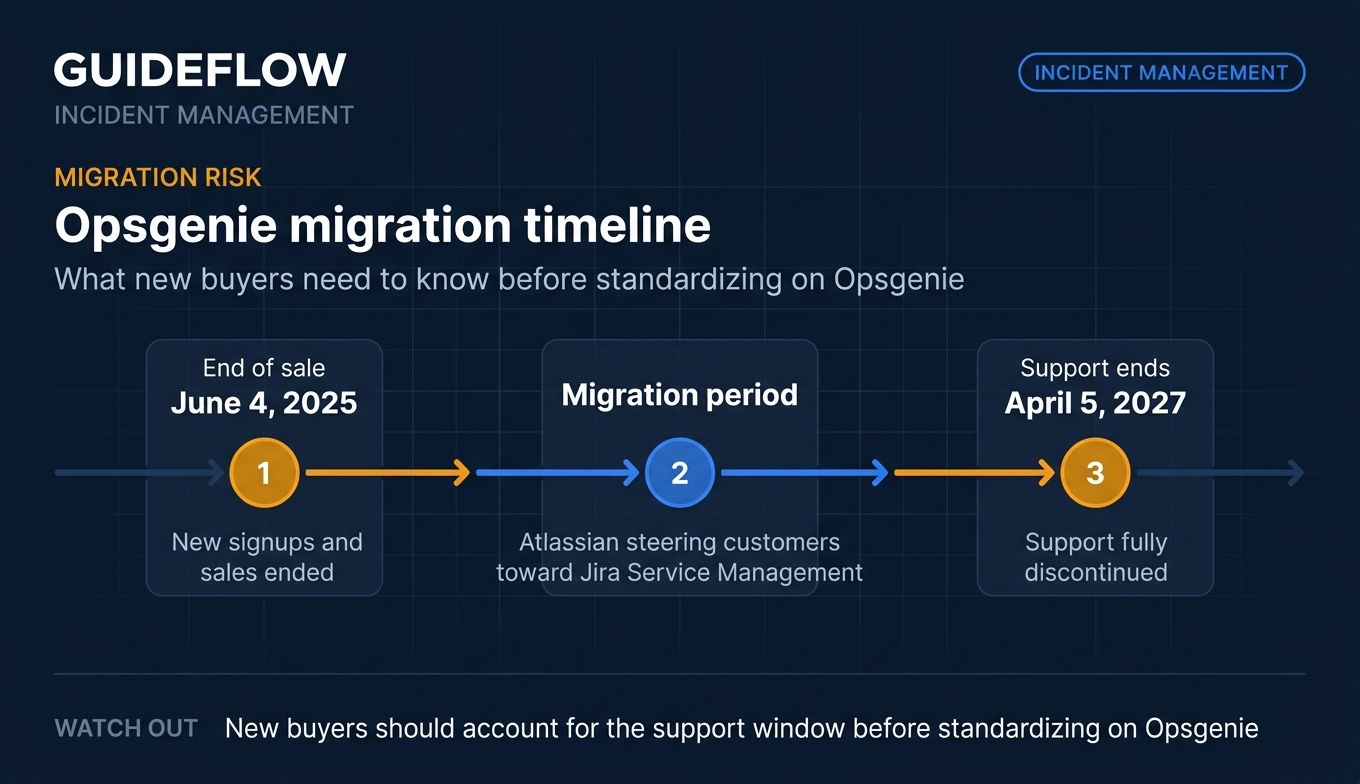
Opsgenie is Atlassian's incident management platform for alerting, on-call scheduling, escalations, and incident response. It remains a capable, focused alerting tool with reliable routing and strong reporting. Note that Atlassian's Opsgenie end-of-sale announcement confirms new signups and sales ended effective June 4, 2025, with support ending April 5, 2027, and is steering customers toward Jira Service Management.
Best for: DevOps, SRE, and IT teams managing on-call rotations, alert routing, and incident response, especially those already inside the Atlassian ecosystem.
Key strengths
- Reliable alerting: Multiple notification channels, alert enrichment, policies, and heartbeats keep signals actionable.
- On-call management: Schedules, routing rules, escalations, overrides, and reminders ensure coverage.
- Reporting and analytics: Reporting on alerts, incidents, on-call workload, and post-incident analysis.
Why choose Opsgenie: Opsgenie still delivers dependable alerting and on-call routing, and its published pricing remains visible. Given the end-of-sale and support timeline, most new buyers should evaluate Jira Service Management instead. Existing users planning a migration path will find the transition well-documented within Atlassian.
Opsgenie pricing: Listed prices remain public on Atlassian's pricing page. The Free plan covers up to 5 users, Essentials is $9.45 per user per month billed annually, Standard is $19.95 per user per month, and Enterprise is $31.90 per user per month. Its G2 rating is 4.3/5.
5. ServiceNow
ServiceNow is an enterprise AI platform for automating work across IT, customer service, HR, security, and app development. Its IT service management module handles incident, change, problem, and service request management with the governance and scale that large organizations require. This is the heavyweight choice for ITIL incident management in regulated, complex environments.
Best for: Large enterprises that need an AI-enabled workflow platform to automate IT service management and adjacent business operations at scale.
Key strengths
- Full ITSM coverage: Incident, change, problem, and service request management in one governed platform.
- AI agents and Now Assist: Summarization, suggested solutions, drafted responses, and autonomous workflow support.
- Platform depth: Workflow automation, CMDB, knowledge management, predictive intelligence, and low-code app development.
Why choose ServiceNow: When you need enterprise governance, major incident management, and a CMDB that ties everything together, ServiceNow is built for it. It is more than an incident tool; it is a workflow platform. That power comes with implementation effort, so it suits organizations ready to invest in a system of record. Walking large teams through a complex rollout often benefits from interactive product walkthroughs that flatten the learning curve.
ServiceNow pricing: ServiceNow lists ITSM Foundation, ITSM Advanced, and ITSM Prime packages without public prices, directing buyers to request a custom quote. Its G2 rating is 4.4/5.
6. Datadog
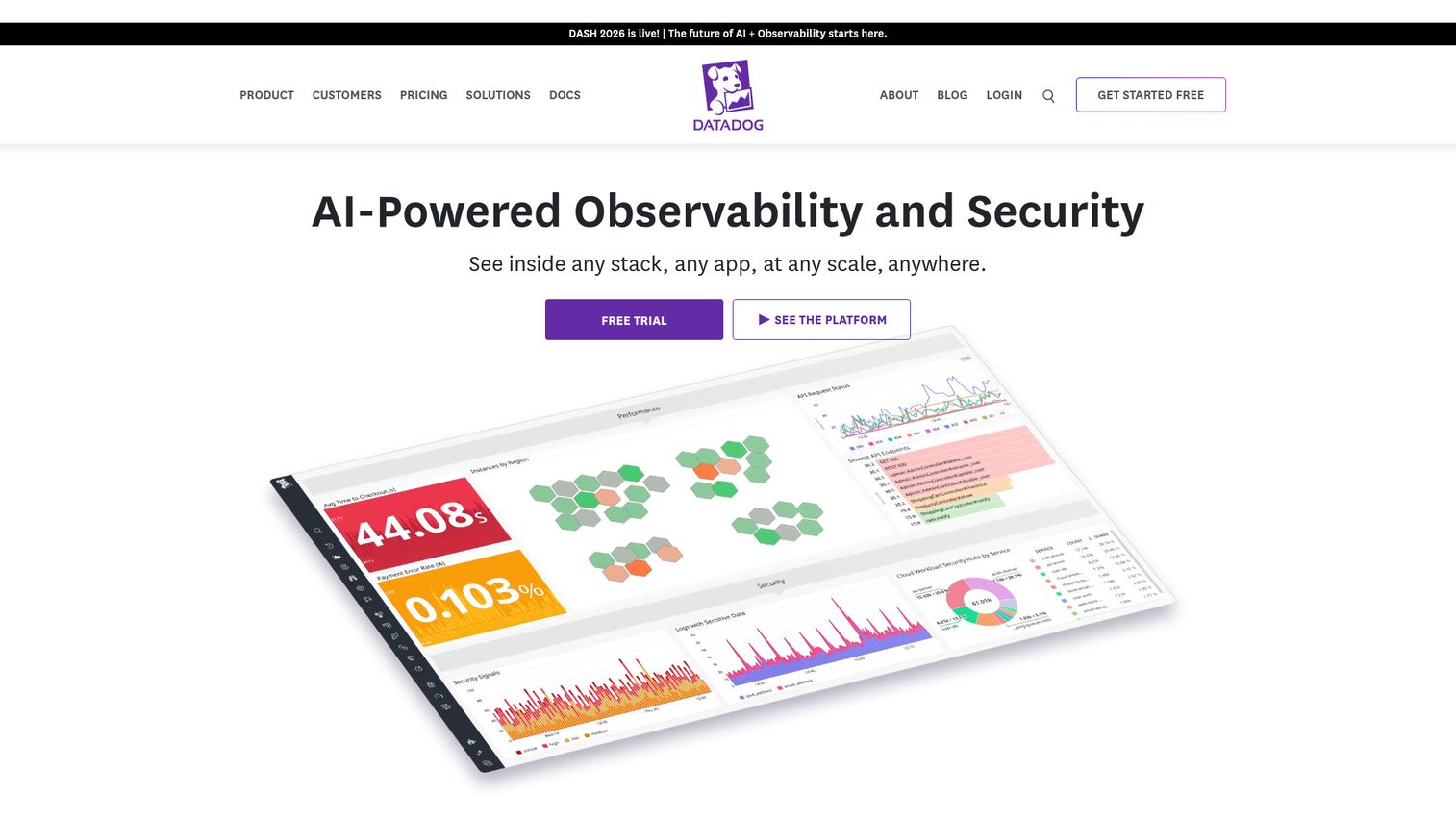
Datadog is a monitoring, security, and analytics platform for developers, IT operations, and security teams. Its incident management capability is native to its observability suite, so incidents can be created automatically from the same monitors and dashboards your team already watches. If your alerting lives in Datadog, response can live there too.
Best for: Engineering, DevOps, and IT operations teams that already use Datadog for observability and want incident management in the same platform.
Key strengths
- Observability-native: Tight integration with infrastructure monitoring, APM, and log management.
- Automated incident creation: Trigger incidents directly from monitors, cutting detection-to-declaration time.
- Timeline and postmortems: Capture the response timeline and feed structured retrospectives.
Why choose Datadog: The case for Datadog is consolidation. If you are already paying for its observability stack, running incident management in the same tool removes context-switching and links alerts to response automatically. Teams without Datadog monitoring will get less out of the incident features alone.
Datadog pricing: Datadog uses usage-based pricing across products. Infrastructure monitoring starts at $15 per host per month on the Pro plan and $23 per host on Enterprise, billed annually. A free trial is available. Its G2 rating is 4.4/5.
7. Splunk On-Call
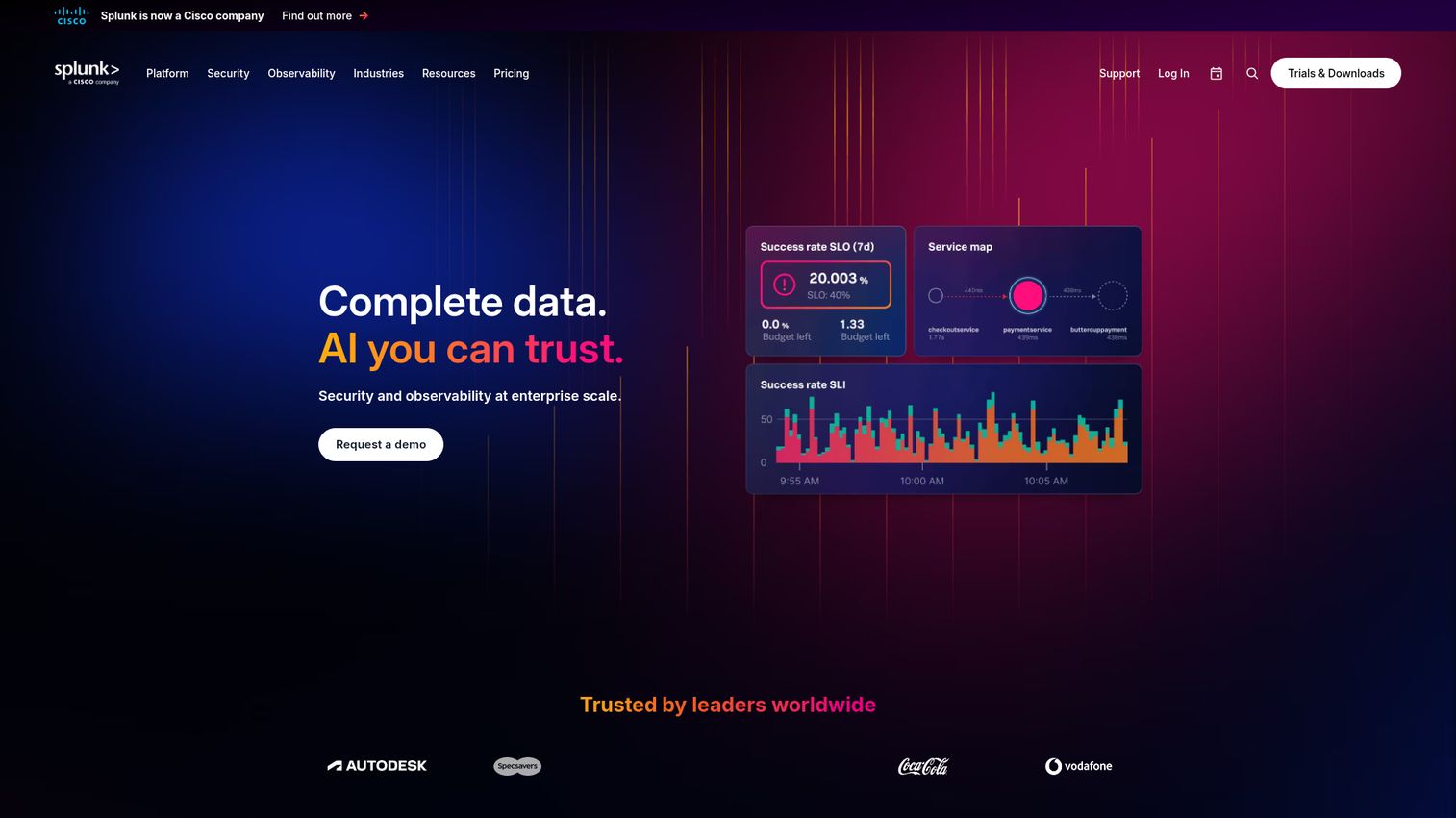
Splunk On-Call, formerly VictorOps, is automated incident response software for on-call incident management, alerting, escalation, and collaboration. It is mobile-first by design, with strong iOS and Android apps that let responders manage incidents from anywhere. The pricing is among the most accessible in the category.
Best for: DevOps and SRE teams that need mobile-first on-call scheduling, alert routing, escalations, and incident collaboration.
Key strengths
- On-call scheduling: Schedules and escalation policies keep coverage organized and pages routed.
- Mobile incident response: iOS and Android apps let on-call engineers respond on the go.
- Incident context and audit trail: Full context and an audit trail support clean post-incident reports.
Why choose Splunk On-Call: At $5 per user per month, Splunk On-Call is one of the most cost-effective ways to put structured on-call and alerting in place. The mobile experience is a genuine strength for distributed teams. It pairs naturally with the broader Splunk observability stack.
Splunk On-Call pricing: Splunk lists On-Call at $5 per user per month, billed annually, for up to 10 seats, with a free trial and a contact-sales path for larger deployments. Its G2 rating is 4.5/5.
8. FireHydrant
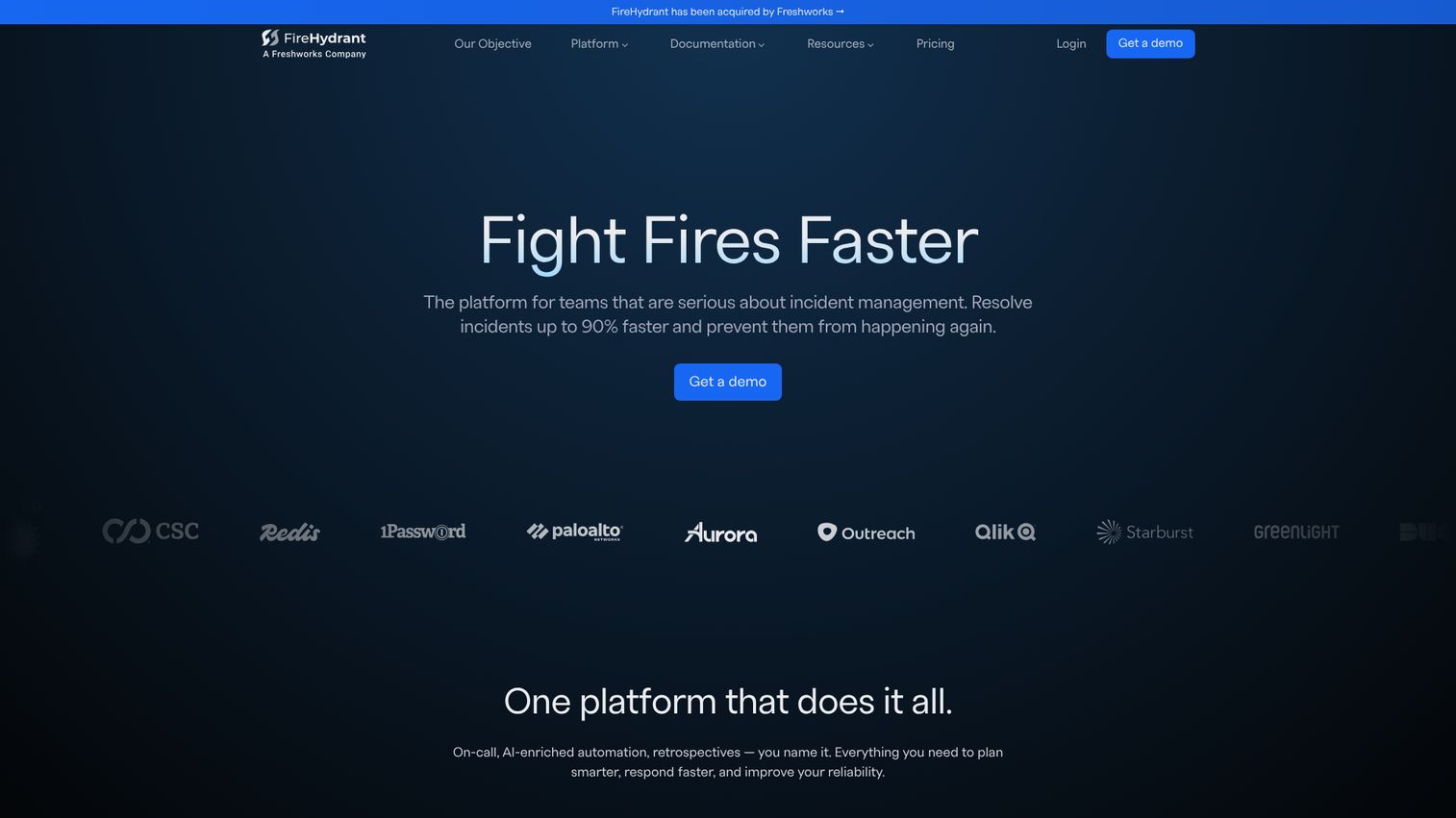
FireHydrant is an all-in-one incident management platform covering incident response, alerting and on-call, runbooks, retrospectives, service catalog, status pages, and analytics. It leans hard into automation, letting teams codify their response into runbooks that fire automatically when an incident is declared. The Slack and Teams chatbot keeps the response in chat.
Best for: Engineering and SRE teams that need coordinated incident response with on-call alerting, automated runbooks, and structured retrospectives.
Key strengths
- Runbook automation: Codify response steps so the right actions trigger automatically during an incident.
- Signals on-call: Scheduling, escalation policies, and notifications via SMS, voice, push, Slack, Teams, and email.
- Retrospectives and analytics: Service catalog, status pages, retrospectives, and incident analytics close the loop.
Why choose FireHydrant: FireHydrant suits teams that want to standardize and automate their response process rather than improvise each time. The runbook approach reduces variance and speeds resolution. Its free tier makes it approachable for smaller teams that still want structure.
FireHydrant pricing: The Free plan includes up to 10 responders, 2 runbooks, Slack and Teams chatbot, 1 public status page, and 3 integrations. Pro is $25 per responder per month billed annually, adding Signals on-call, SSO, and advanced incident management. Enterprise is custom and adds FireHydrant AI, unlimited runbooks, and analytics. Its G2 rating is 4.5/5.
9. Rootly
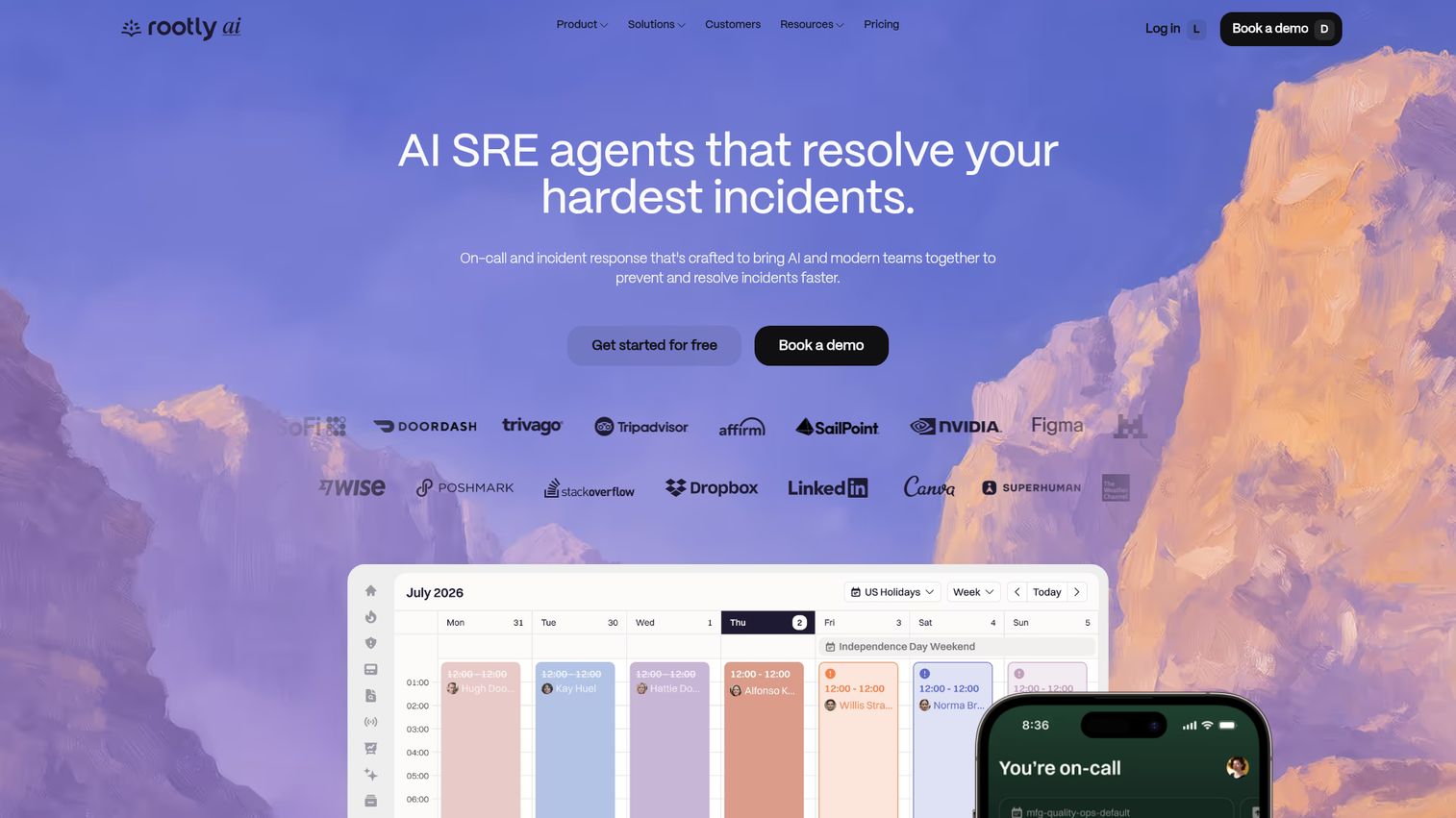
Rootly is an AI-native on-call and incident management platform for detecting, managing, and resolving incidents faster. It is built around Slack and Microsoft Teams, automating the repetitive parts of incident response so responders can focus on the fix. Its AI SRE capability adds automated root cause analysis and suggested fixes.
Best for: Engineering, SRE, and operations teams that want Slack-native incident response, on-call management, and AI-assisted troubleshooting.
Key strengths
- Slack and Teams response: Run incidents end to end in chat with automated workflows that cut manual steps.
- AI SRE: Automated root cause analysis and suggested fixes accelerate diagnosis.
- On-call and mobile: Scheduling, alert routing, escalation policies, and a mobile app keep coverage tight.
Why choose Rootly: Rootly is a strong pick for teams that want heavy automation and AI assistance layered onto a Slack-native workflow. The 4.8/5 G2 rating reflects how well its automation resonates with SRE teams. If reducing manual toil during incidents is a priority, it earns a shortlist spot.
Rootly pricing: Incident Response Essentials and On-Call Essentials are each listed at $20 per user per month. Enterprise tiers for both, plus the AI SRE product, are contact-us pricing. Rootly mentions a typical two-week trial. Its G2 rating is 4.8/5.
10. EHS Insight
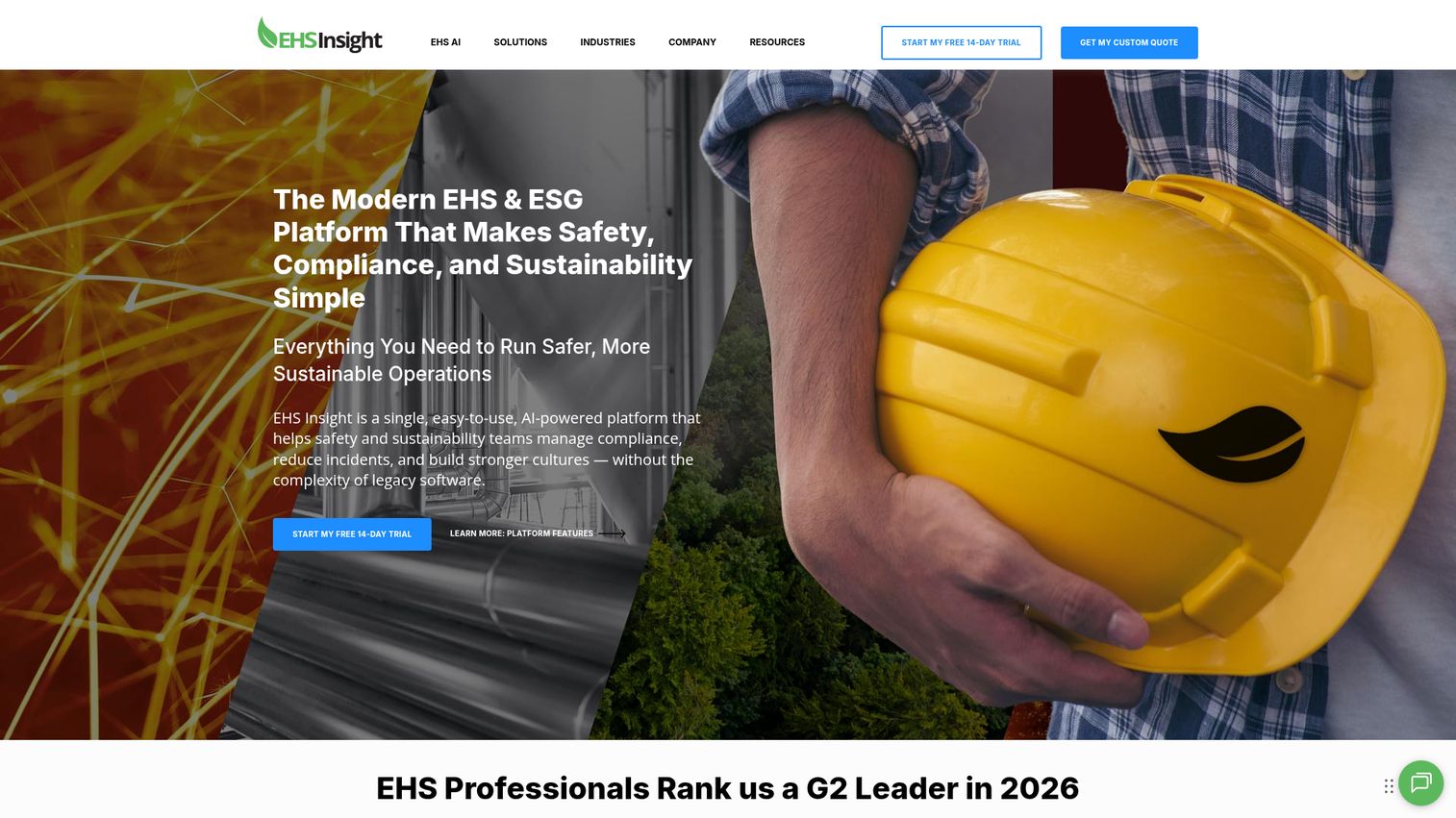
EHS Insight is a cloud-based Environmental, Health, and Safety management platform for audits, incidents, compliance, training, risk, quality, and sustainability programs. It serves a different scope from the IT tools above: workplace and safety incidents rather than system outages. If your incidents involve injuries, near-misses, or regulatory recordkeeping, this is the relevant category.
Best for: Organizations that need a modular EHS platform to manage safety, compliance, audits, incidents, training, and risk workflows.
Key strengths
- Incident management: Report, track, and investigate workplace incidents with root cause analysis.
- Compliance management: Audit management, corrective and preventative actions (CAPA), and hazard identification.
- Mobile with offline capabilities: Field workers can report incidents even without connectivity.
Why choose EHS Insight: For EHS and operations teams, this is purpose-built for safety incident reporting and regulatory compliance rather than IT outages. Its modular design lets you adopt only the workflows you need. The mobile offline capability matters for field and industrial environments where connectivity is unreliable.
EHS Insight pricing: Pricing is based on employee and contractor count, selected modules, and implementation needs. The Small and Medium Business Solution starts at $5,000 per year. The Enterprise Solution adds platform customization, onboarding, 24x7 support, and a sandbox, with pricing by quote. Its G2 rating is 4.7/5.
Considerations: how to choose incident management software
The right tool depends on your stack, your team size, and how formal your process needs to be. Score your shortlist against these criteria before you commit.
Integration depth
Does it connect to your monitoring, ticketing, CRM, and chat? An incident tool that does not ingest alerts from your monitoring stack or post to your Slack and Teams channels creates more work, not less. Confirm the specific integrations you rely on are supported, not just listed as "available."
On-call and alert noise reduction
Look closely at escalation policies, deduplication, and routing logic. The difference between a good and a great tool often comes down to how well it suppresses noise. If everything pages, nothing gets the attention it deserves. Test how the tool groups and dedupes alerts during evaluation.
Postmortems and analytics
Check for RCA templates, automatic timeline capture, and exportable MTTR and MTTA reporting. The learning phase is where you prevent the next incident, and a tool that makes retrospectives easy gets them written. Reporting also helps you make the case for reliability investment to leadership.
Scalability and governance
For larger organizations, verify SSO, RBAC, audit logs, and SOC 2 compliance standards. Confirm the tool fits both your current team and where you are headed. ITIL-aligned platforms suit governed enterprises; lighter SRE tools suit fast-moving teams.
Time to value and adoption
Setup speed and ease of use determine whether the tool gets adopted or abandoned. Many teams now evaluate software through hands-on trials and interactive product walkthroughs before committing, which works best when you want to see the real response flow before buying. Pairing onboarding with the right user onboarding software and a strong digital adoption platform keeps new responders productive faster. Run a trial against a recent incident to test fit.
Conclusion
The best incident management solution is the one that fits how your team already works. For Slack and Teams-native response that bundles on-call and status pages, incident.io and Rootly lead. For broad, proven alerting at scale, PagerDuty is the safe pick. ITSM and ITIL teams should look at Jira Service Management or, for enterprise governance, ServiceNow.
If your alerting already lives in your observability stack, Datadog keeps everything in one place. Splunk On-Call offers the most accessible entry price for structured on-call. FireHydrant suits teams that want to automate their response with runbooks. And for workplace safety and OSHA recordkeeping, EHS Insight serves a different but important scope.
Your next step is simple. Shortlist two or three tools that match your stack and process. Run a trial against a real, recent incident. Then score each against the considerations checklist above: integration depth, noise reduction, postmortems, governance, and time to value. The tool that holds up under a real outage is the one to buy. To keep exploring software shortlists, browse more of our best tools comparisons, including the latest on product analytics software and session replay tools that complement your incident workflow.
FAQs
Incident management software is a platform that helps teams detect, coordinate, resolve, and learn from incidents such as IT outages or security events. It combines alerting, on-call scheduling, response workflows, communication, and post-incident reporting in one place. The goal is to reduce mean time to resolution and standardize how teams respond.
Incident management is the full lifecycle and process: detection, coordination, resolution, communication, and learning. Incident response is the active resolution phase within that lifecycle, where responders diagnose and fix the problem. In short, response is one critical part of the broader management process.
The core features are alerting and detection, on-call scheduling, incident response workflows, status pages and communication, postmortems and root cause analysis, integrations with your monitoring and chat tools, and analytics. Strong noise reduction and escalation logic separate good tools from great ones. The right mix depends on whether you follow an ITIL or SRE approach.
Pricing ranges from free tiers for small teams to enterprise per-user plans. Entry paid tiers commonly start between $5 and $25 per user or responder per month. For example, Splunk On-Call starts at $5 per user per month, while incident.io's Team plan starts at $15. Cost scales with on-call seats, integrations, and advanced features like AIOps and analytics.
ITIL incident management is a structured, process-driven approach to handling incidents based on the ITIL framework. It emphasizes categorization, prioritization, clear ownership, and restoring service as quickly as possible. It is common in enterprises with formal service management requirements, and platforms like ServiceNow and Jira Service Management are built to support it.
Small teams should start with tools that have free or low-cost entry tiers. PagerDuty is free up to 5 users, incident.io offers a free Basic plan, and FireHydrant's free tier covers up to 10 responders. Splunk On-Call at $5 per user per month is also a budget-friendly entry point for structured on-call.
Yes. Several tools offer free plans for small teams, including PagerDuty (up to 5 users), incident.io (Basic plan), Jira Service Management (3 agents), Opsgenie (up to 5 users, though no longer sold to new customers), and FireHydrant (up to 10 responders). Free tiers usually limit users, integrations, or advanced features, so check the limits against your needs.
IT incident management software handles technical incidents like system outages, performance degradation, and security events, focusing on MTTR and service restoration. EHS incident management software handles workplace safety incidents such as injuries and near-misses, focusing on investigation, corrective actions, and regulatory recordkeeping like OSHA recordkeeping requirements. They serve different teams and compliance needs, so choose based on the type of incident you manage.