
You set up the event page in one tool. You track RSVPs in a spreadsheet. You chase payments in another. Then someone shows up at the door with a screenshot of a confirmation email that your team can't verify against any list. By the time the event ends, you have no clean attendee record, no conversion data, and no easy way to show leadership what the program returned.
That is the friction event ticketing software is built to remove. The right online ticketing platform pulls ticket sales, registration, payments, promotion, and check-in into one place, then hands you the reporting to prove what worked. For marketers, that matters twice: once for the attendee experience and once for the pipeline and ROI story you have to defend afterward.
The category is also growing fast. The online event ticketing market reached USD 42.67 billion in 2025 and is projected to hit USD 79.77 billion by 2034 at a 7.2% CAGR, according to Straits Research (2025). More volume means more vendors, more pricing models, and more decisions to make before you commit.
This guide compares 15 platforms on the factors that actually drive a buying decision: fees, attendee management, scanning, payments, integrations, and event format support. If your events overlap with broader programs, it pairs well with our roundups of event management software, event marketing software tools, and event planning software.
What's inside
This is a buyer-focused shortlist for event marketers, demand gen managers, community managers, and small event operators comparing an event ticketing solution before they commit budget. It covers both established ticketing companies and smaller, budget-friendly options so you can match a tool to your event size and workflow.
We selected and ranked each event ticketing platform on five criteria:
- Pricing, fees, and affordability: per-ticket fees, free-event handling, and whether there are monthly costs.
- Attendee management and check-in: registration forms, QR codes, ticket scanning, and on-site flow.
- Promotion and conversion: discount codes, branded pages, email, and campaign reporting.
- Payments and payout: processor support, secure checkout, and payout speed.
- Integrations and format support: CRM, email, analytics, and in-person, virtual, and hybrid events.
TL;DR
- Best for low fees and free events: TicketSource and Ticketbud both stay free for organizers and free events, with fees only on paid online tickets.
- Best for marketplace reach: Eventbrite combines ticketing, promotion, and built-in discoverability for many event formats.
- Best for large-scale events: Ticketmaster and AXS handle high-volume live events and venue infrastructure.
- Best for marketing-led programs: Splash ties branded registration and ticketing to campaign reporting and analytics.
- Best for enterprise scale and governance: Cvent covers end-to-end event management across in-person, virtual, and hybrid events.
- Best for mission-driven ticketing: Humanitix routes booking fees to charity while keeping free events free.
What event ticketing software is
Event ticketing software is a tool that lets organizations create events, sell tickets, manage registrations, process payments, and track attendance from one system.
Instead of stitching together a form builder, a payment link, and a spreadsheet, an event ticketing system centralizes the full ticket sales workflow. Most platforms in this category share a common set of capabilities:
- Event setup and ticket types: general admission, reserved seating, timed entry, early bird tickets, and group ticketing.
- Secure checkout and payment processing: card payments, multiple processors, and payout handling.
- Registration and attendee data: custom registration forms, order management, and attendee records.
- Promotion tools: discount codes, branded event pages, email campaigns, and shareable links.
- Check-in and scanning: QR codes, barcode scanning, and a mobile event check-in app.
- Reporting: ticket sales, attendance, and revenue analytics.
That structure is what separates an online event ticketing system from a generic registration form. It is built to sell, collect, and reconcile, not just to capture sign-ups.
Why event teams use it
The business case is about removing manual steps and getting cleaner data. Event teams adopt an event ticketing platform because it does a few things measurably better than a patchwork of tools:
- Fewer manual steps: ticket sales, payments, and attendee records update in one place instead of three.
- Better conversion: branded checkout, discount codes, and mobile tickets reduce drop-off at purchase.
- Cleaner reporting: sales, attendance, and revenue sit in one dashboard you can hand to leadership.
- Smoother event day: scanning and live check-in cut entry lines and give real-time attendance visibility.
- Easier consolidation: one platform replaces several point tools, which matters when you are defending tool spend.
For a digital marketer, the payoff is time saved on operations and a clearer line from ticket revenue back to the campaign that drove it.
What buyers usually compare
Most buyers weigh the same checklist when shortlisting event ticket management software:
- Ticket fees and payout structure: per-ticket fees, who absorbs them, and how fast you get paid.
- Payment processor support: native processing, Stripe, or your own gateway.
- Promotion tools: discount codes, early bird tiers, landing pages, and email.
- Attendee management and scanning: registration forms, QR codes, and check-in apps.
- Support and trust signals: reviews, ratings, and responsiveness.
- Integrations: CRM, email marketing, analytics, and payment tools.
- Event format support: in-person, virtual, and hybrid events.
One more distinction worth flagging early: buyers often compare ticketing software with event registration platforms. The next section and the FAQs cover where each fits.
When to use event ticketing software
Sell tickets without manual spreadsheets
Manual RSVP tracking works until it doesn't. Once you are reconciling payments by hand, copying names between tools, or losing track of who actually paid, you have outgrown the spreadsheet.
An event booking software platform gives you real checkout, automatic order records, and a single source of truth for attendees. Setup is faster, errors drop, and your attendee data stays clean enough to push into your CRM or email tool without cleanup.
Run events with on-site check-in and scanning
Event day is where a good system earns its fee. Most platforms here support QR codes and barcode scanning through a mobile event check-in app, so staff can validate tickets at the door in seconds.
- Faster entry: scan a QR code instead of searching a printed list.
- Live attendance data: see who has arrived in real time.
- Fewer disputes: valid tickets confirm instantly, duplicates flag immediately.
That flow keeps lines short and gives you accurate headcount for follow-up and reporting.
Promote events across email, social, and landing pages
Ticketing tools are also promotion tools. Most support discount codes, early bird tiers, branded landing page links, email campaigns, and social sharing built into the ticket sales workflow.
For the Digital Marketer persona, this is the part that ties events back to performance. You can run an early-bird push, track which discount codes convert, and connect ticket sales to the campaign that drove them, instead of guessing after the fact.
Comparison table
Here is a quick view of how the 15 platforms compare on intent, core use case, pricing, and rating. Pricing reflects publicly listed organizer fees or plan prices as of mid-2026; many of these tools charge per paid ticket rather than a monthly subscription.
Best event ticketing software options for 2026
Every tool below is a specific named platform, ranked by how broadly it fits the event ticketing job. Pricing and ratings reflect verified public sources at the time of writing.
1. EventBookings
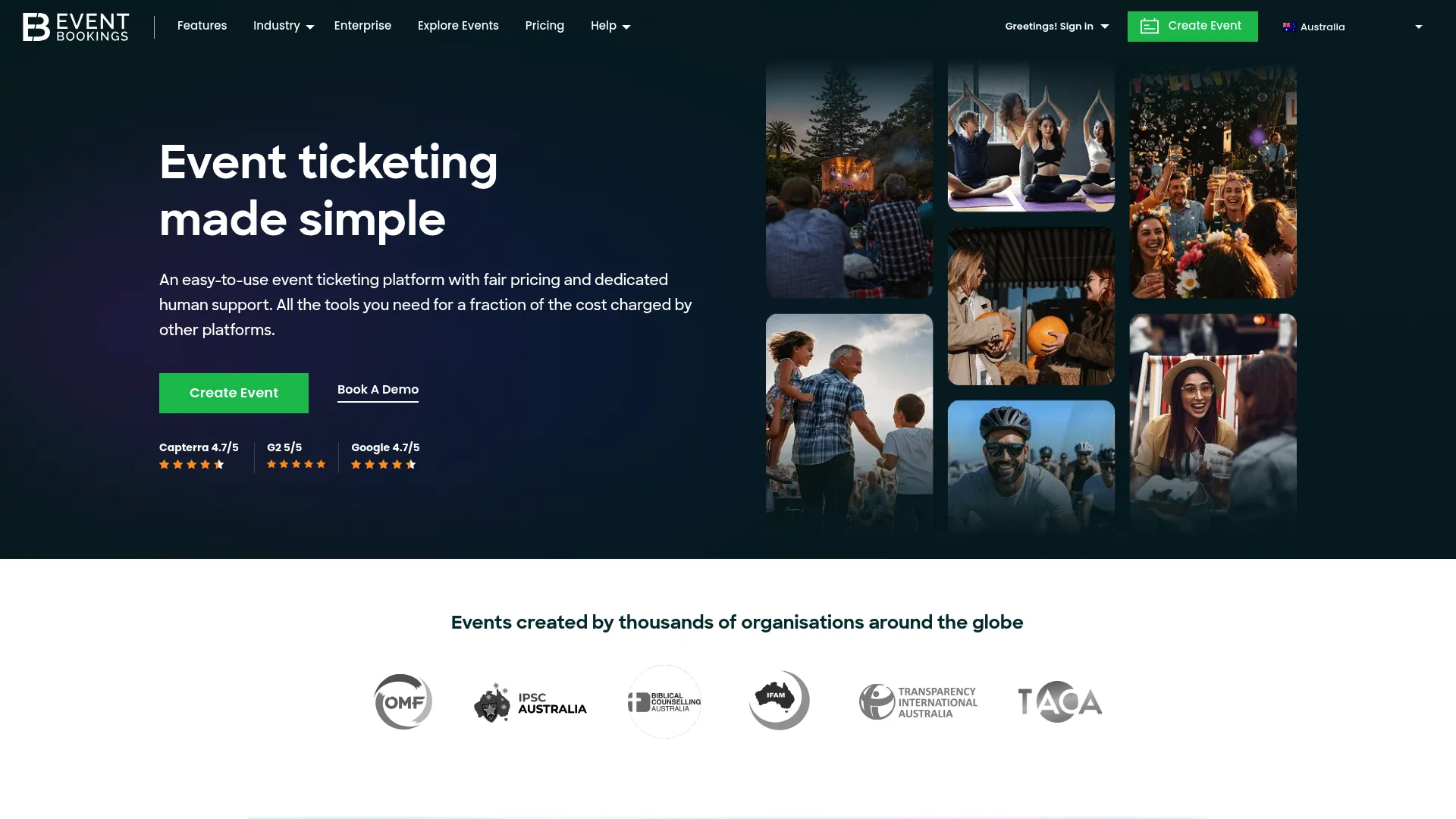
EventBookings is an event ticketing and registration platform built for both paid and free events. It leans hard on fee transparency and low-friction setup, which makes it a strong starting point for organizers who want to sell tickets online free for unpaid events and keep paid-ticket fees predictable. You can build registration forms, sell tickets, run email invitations, and scan attendees in from one place.
Best for: Organizers wanting low-fee ticketing with free-event tools and an optional premium upgrade.
Key strengths
- Mobile ticket scanning: validate QR codes at the door with a scanning app.
- Customizable registration forms: collect the attendee data you actually need.
- Email campaigns and invitations: promote events without a separate tool.
Why choose EventBookings: It fits teams that want clear pricing and a simple workflow rather than a heavy platform. Free events carry no service fee, so community and internal events stay cost-free while paid events still get full ticketing and scanning.
EventBookings pricing: There is a free plan with no monthly fee, billed per event, plus a Premium plan listed at AUD $99 per month. Paid tickets carry a service fee, and free events have no service fee. It holds a 5.0/5 rating on G2.
2. TicketSource
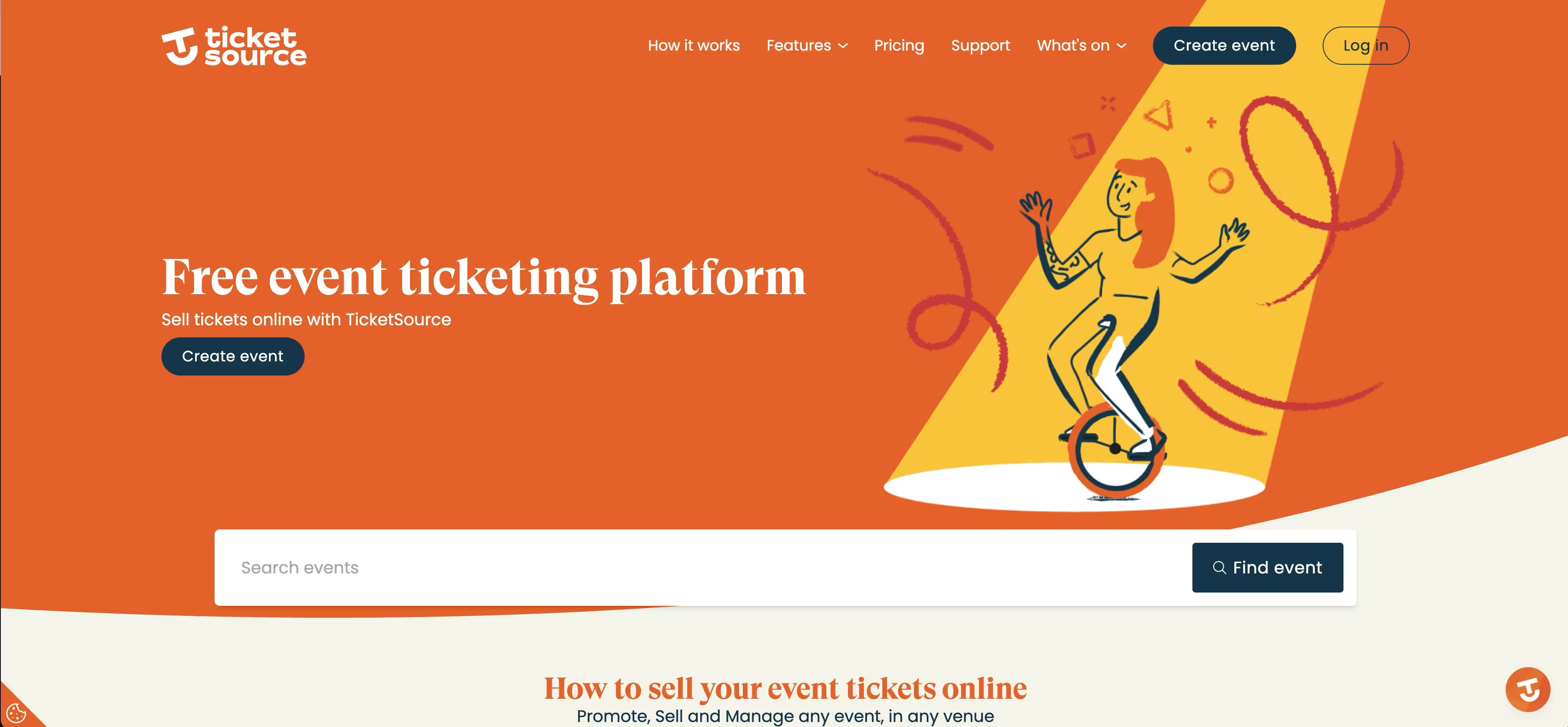
TicketSource is an online ticketing platform built around a clean create, promote, sell, and manage workflow. It is free for organizers to use, with booking fees applied only to paid online bookings, which makes it one of the more straightforward low-fee event ticketing software options for small to mid-sized organizers.
Best for: Small to mid-sized organizers that want a free-to-start system with broad ticketing and scanning features.
Key strengths
- Flexible event setup: general entry, seat selection, and timed sessions in one builder.
- Multiple ticket delivery options: print-at-home, mobile tickets, Apple Wallet, Google Wallet, and printed tickets.
- Attendee management and scanning: seating plans, waiting lists, merchandise add-ons, and ticket scanning.
Why choose TicketSource: It pairs strong reporting and attendee management with a no-contract, free-to-start model. In-person bookings and free events cost nothing, so you only pay fees when you sell paid tickets online.
TicketSource pricing: Free to use for organizers, with no contracts or plan tiers. Paid online tickets incur a booking fee: 3.5% + 0.99¢ per paid ticket with TicketSource payment processing, or 0.99¢ per paid ticket when you use Stripe. It holds a 4.9/5 rating on G2.
3. Cvent
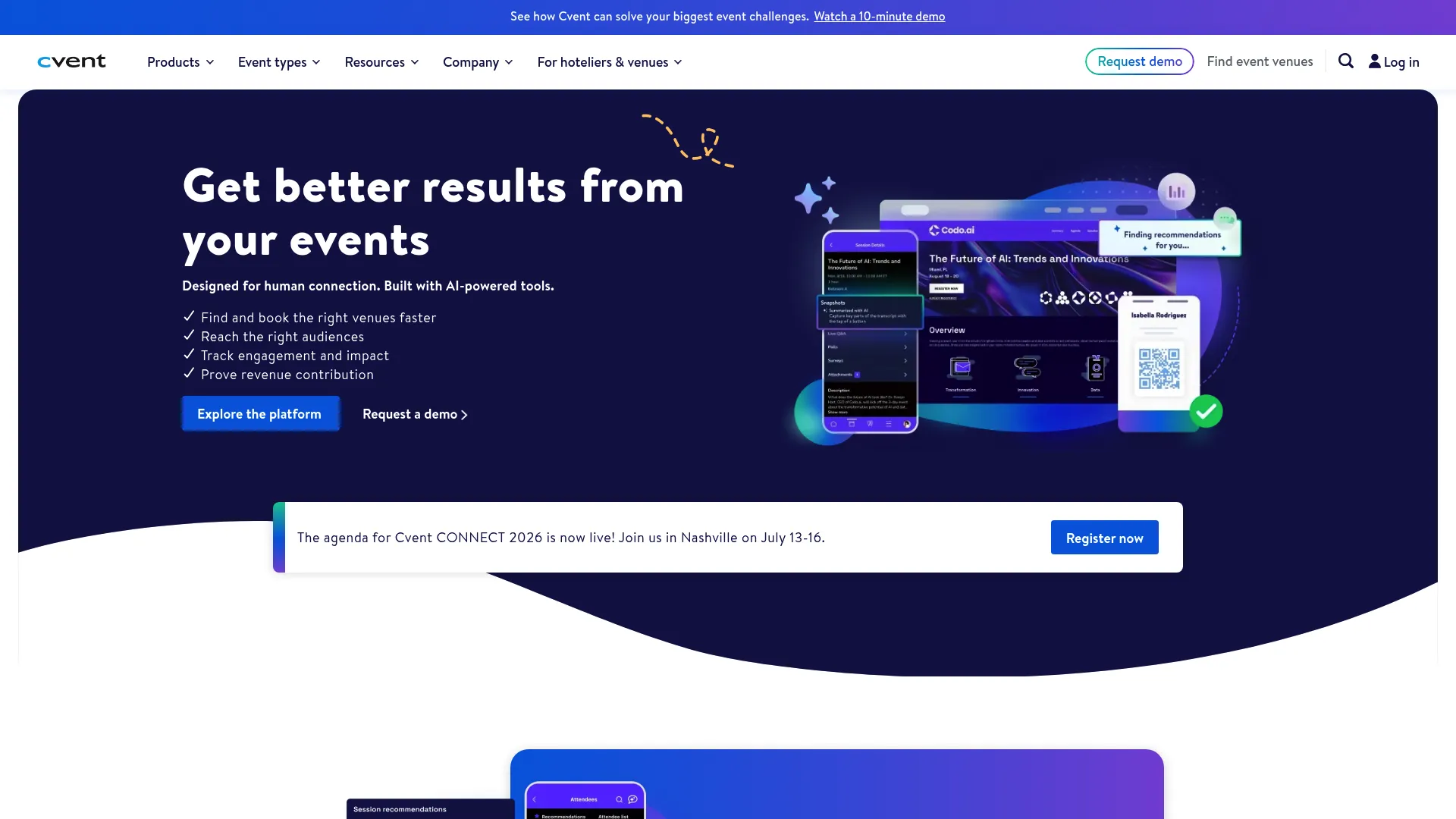
Cvent is enterprise event management and marketing software that covers in-person, virtual, and hybrid events end to end. It is the right category fit when you need scale, governance, and reporting across a full event program rather than a single ticketed show. Cvent also makes the ticketing-versus-registration distinction concrete: it handles registration, marketing, attendee engagement, and on-site operations as connected layers.
Best for: Organizations that need an enterprise event platform for end-to-end planning and attendee engagement.
Key strengths
- Registration and marketing: structured registration paths tied to promotion.
- Attendee Hub: a central experience for virtual and hybrid attendees.
- OnArrival: on-site check-in and badge printing for in-person events.
Why choose Cvent: It suits teams running many events at scale who need compliance, integrations, and consistent reporting. The tradeoff is complexity, so it is best when event volume and governance needs justify a full platform.
Cvent pricing: Public numeric pricing is not shown. Cvent states pricing has two core components, an annual license fee and a per-registrant fee, across Professional and Enterprise options, with a free products hub available. It holds a 4.3/5 rating on G2.
4. Eventbrite
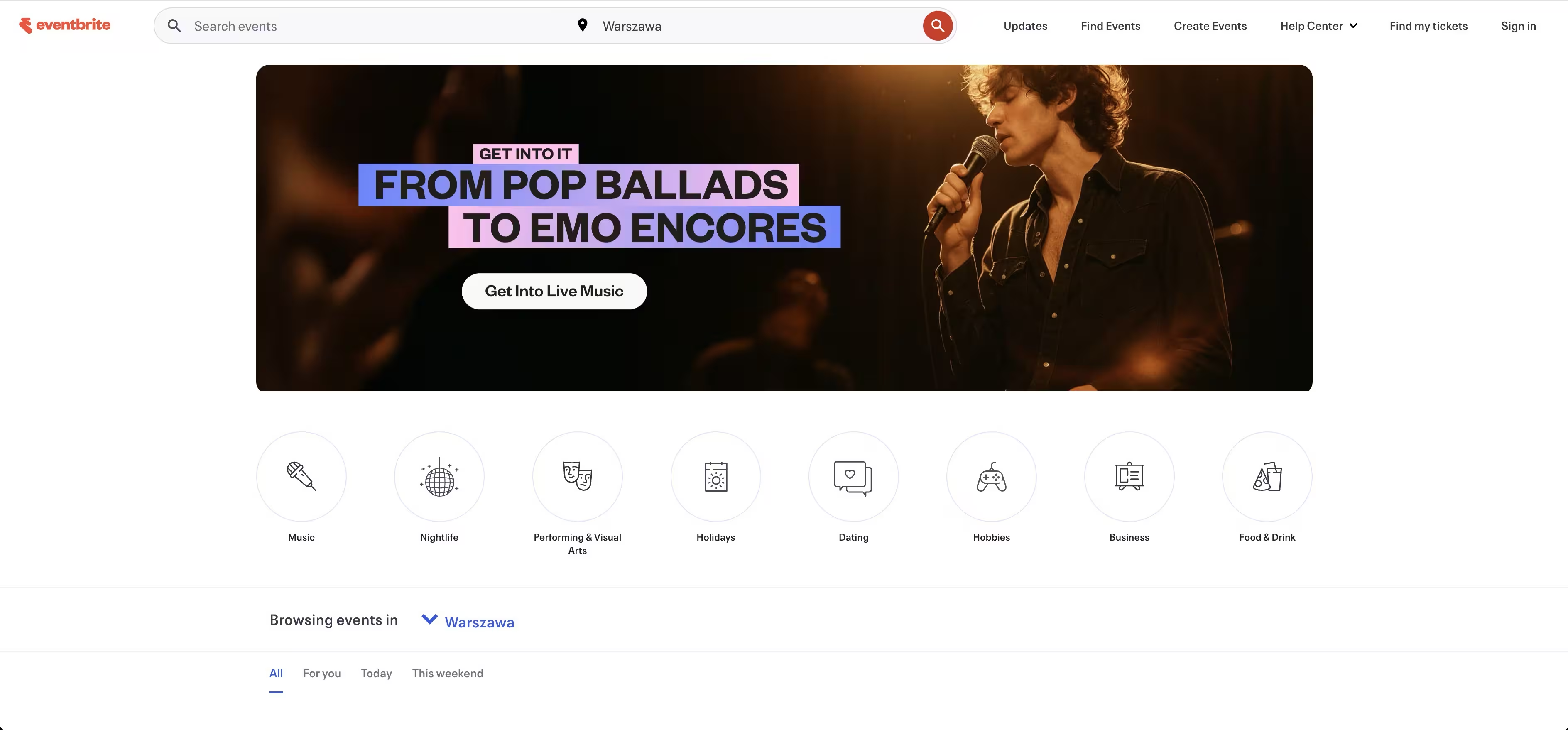
Eventbrite is one of the most recognizable event ticketing platforms, combining event creation, ticketing, promotion, checkout, and attendee management with built-in discoverability. Its marketplace reach means events can surface to people already browsing for things to do, which is a real acquisition advantage for public events.
Best for: Organizers who need ticketing, promotion, and attendee management in one widely-used platform.
Key strengths
- Event pages and ticket sales: publish and sell quickly across many formats.
- Email campaigns and marketing tools: promote directly from the platform.
- Mobile check-in and attendee management: scan and manage attendees on event day.
Why choose Eventbrite: It is hard to beat for ease of use and audience reach. Free events publish at no cost, and the marketplace exposure helps fill public events that benefit from organic discovery.
Eventbrite pricing: Organizers publish events for free, and paid tickets incur ticketing fees. Optional Pro plans are priced by daily marketing email volume: Pro 2K at $15/month or $144/year, Pro 6K at $50/month or $480/year, and Pro 10K at $100/month or $960/year. It holds a 4.3/5 rating on G2.
5. Ticketmaster
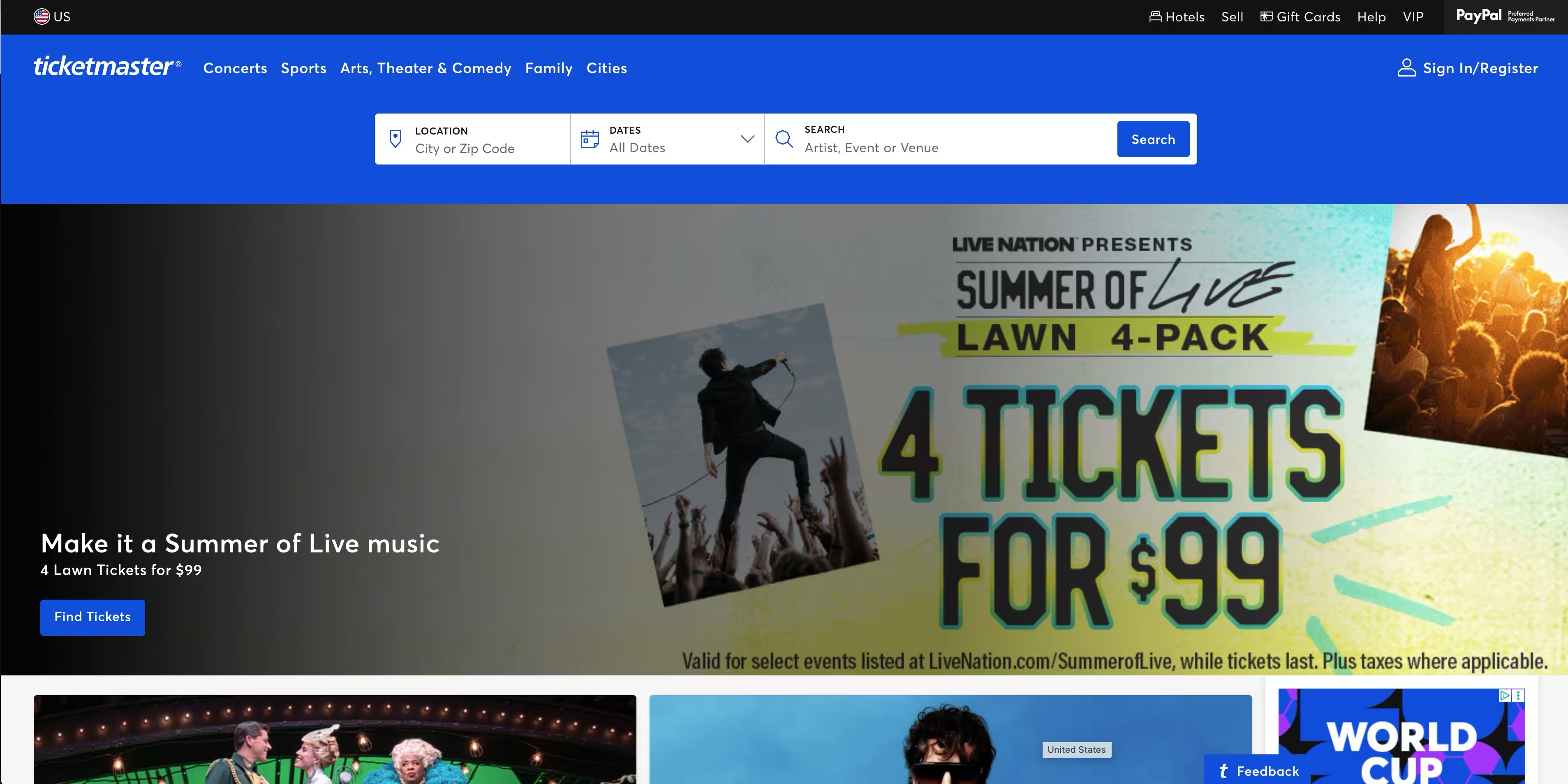
Ticketmaster is a live-event ticketing marketplace and enterprise platform built for high-volume, high-complexity events. It fits major events, venues, and tours where scale, fan reach, and resale infrastructure matter more than lightweight setup. Its all-in pricing and large fan base make it a fit for sizable consumer events.
Best for: Organizers and venues needing a large-scale live-event ticketing platform.
Key strengths
- All-in pricing shown upfront: ticket costs display clearly to buyers.
- Mobile app management: ticket transfers, purchase access, and management on mobile.
- Interactive seat maps and resale: detailed seating plus fan-to-fan resale.
Why choose Ticketmaster: Choose it for scale and event complexity. When you are selling thousands of tickets across a venue with resale and transfer needs, the infrastructure is built for that volume.
Ticketmaster pricing: Ticketmaster does not publicly list a SaaS subscription price; its public materials describe ticket pricing and fees for buyers rather than packaged software plans. It holds a 4.2/5 rating on G2.
6. AXS
AXS is a live-entertainment ticketing and fan-experience platform for venues, promoters, teams, and event organizers. It belongs on this list for organizers who need broader venue and live-event infrastructure, including mobile ticketing and access control, alongside ticket sales.
Best for: Venues, promoters, teams, and organizers needing enterprise ticketing and fan-access tools.
Key strengths
- Primary and secondary marketplace: sell and manage resale in one system.
- AXS Mobile ID contactless ticketing: secure, mobile-first venue entry.
- Data and venue operations: analytics, marketing services, and venue experience tools.
Why choose AXS: It fits high-volume live events that need venue-grade access control and fan data. The platform is built for organizers operating at venue and tour scale.
AXS pricing: AXS does not publish numeric pricing on its site and directs prospective clients to request a demo. Its approach is enterprise and consultation-led rather than self-serve.
7. Universe
Universe is an event ticketing and registration platform for creating, selling, promoting, and managing events with a clean online purchase flow. It works well for organizers who want flexible event creation, easy promotion, and on-site check-in without a heavy setup.
Best for: Organizers needing ticketing, registration, promotion, and onsite check-in in one platform.
Key strengths
- Unlimited ticket types: structure tiers, early bird tickets, and group ticketing freely.
- Custom checkout questions: capture the attendee data you need at purchase.
- On-site scanning and door sales: check in attendees and sell at the door.
Why choose Universe: It balances a creator-friendly setup with solid attendee flow. The per-ticket pricing keeps costs predictable, and the checkout experience stays clean for buyers.
Universe pricing: Starter and Standard plans charge 2% + $0.59 per ticket, with Standard adding team permissions, presales, payment plans, and tiered ticketing. Pro is custom and includes a la carte features and services. It holds a 4.4/5 rating on G2.
8. Tixr

Tixr is a modern ticketing and commerce platform for live events, built around a polished, unified buyer experience. It appeals to teams that want branded checkout, fan-management tools, and commerce features like merchandise and hospitality alongside ticketing.
Best for: Event organizers needing enterprise ticketing plus commerce and fan-management tools.
Key strengths
- Unified commerce checkout: tickets, merchandise, and add-ons in one cart.
- Waitlists and payment plans: capture demand for sold-out events and offer layaway.
- Resale, transfers, and upgrades: flexible post-purchase options for fans.
Why choose Tixr: It leans into branded commerce and audience experience for larger consumer events. When the buyer journey and brand polish matter, the unified checkout is a strong fit.
Tixr pricing: Tixr does not publicly display plan names or prices; its product pages describe capabilities without listed figures. It holds a 4.8/5 rating on G2.
9. Etix
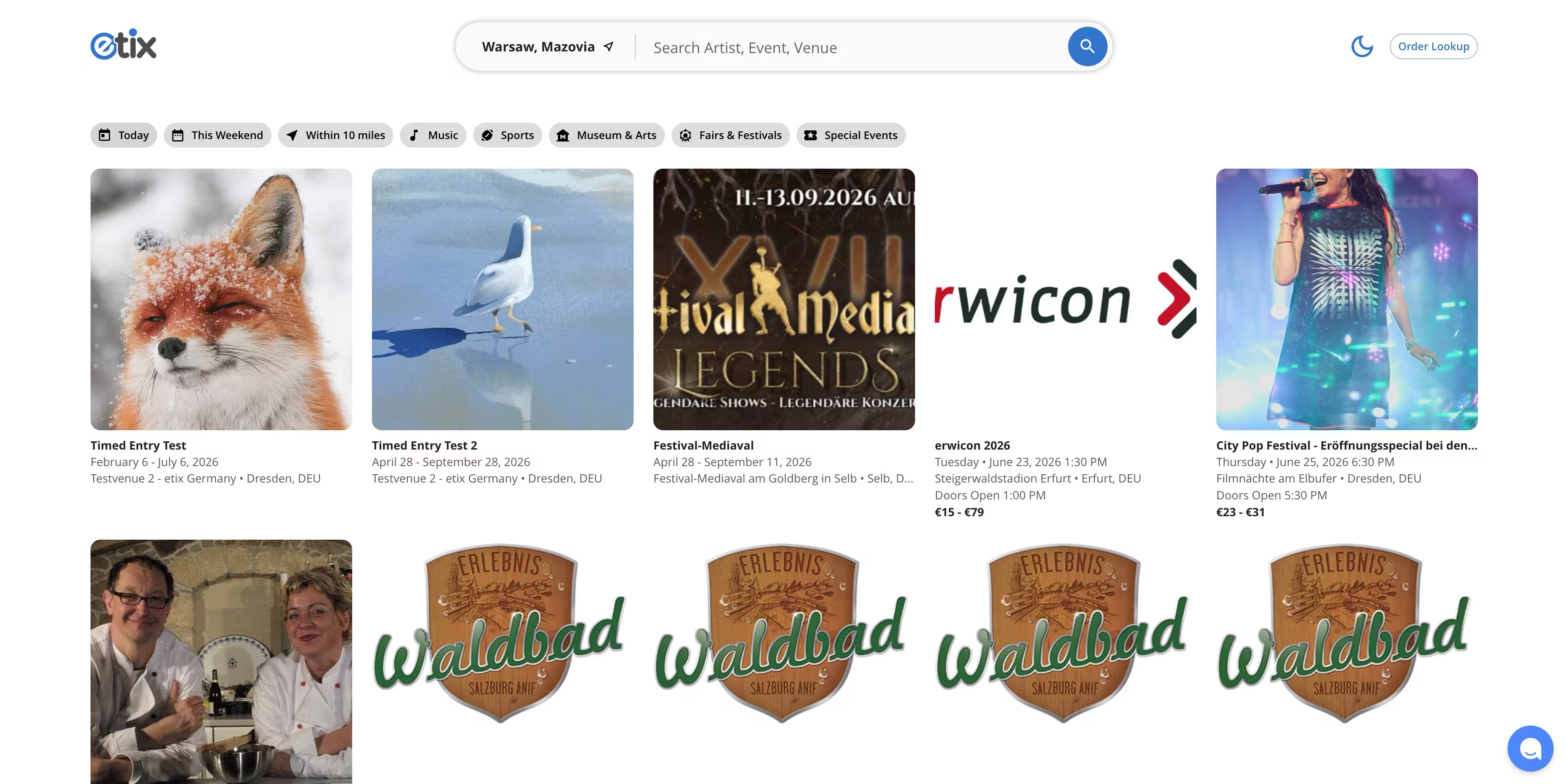
Etix is a web-based ticketing and marketing platform for events, venues, and attractions. It fits organizations that want operational control across box office, scanning, and marketing rather than sales features alone.
Best for: Event organizers needing ticketing, box office, and marketing workflows.
Key strengths
- Mobile Box Office: sell tickets on-site and off-site from a mobile device.
- Real-time listings and seat availability: digital and printed receipts with live data.
- Wallet support: mobile ticket access through digital wallets.
Why choose Etix: It suits venues and attractions that need ticketing plus operational tooling. The box office and marketing layers give organizers more control than a sales-only tool.
Etix pricing: Etix does not display a public price; fees vary by event and venue. Pricing is arranged per event or per venue rather than as a fixed plan. It holds a 5.0/5 rating on G2 based on a small number of reviews.
10. Ticketleap
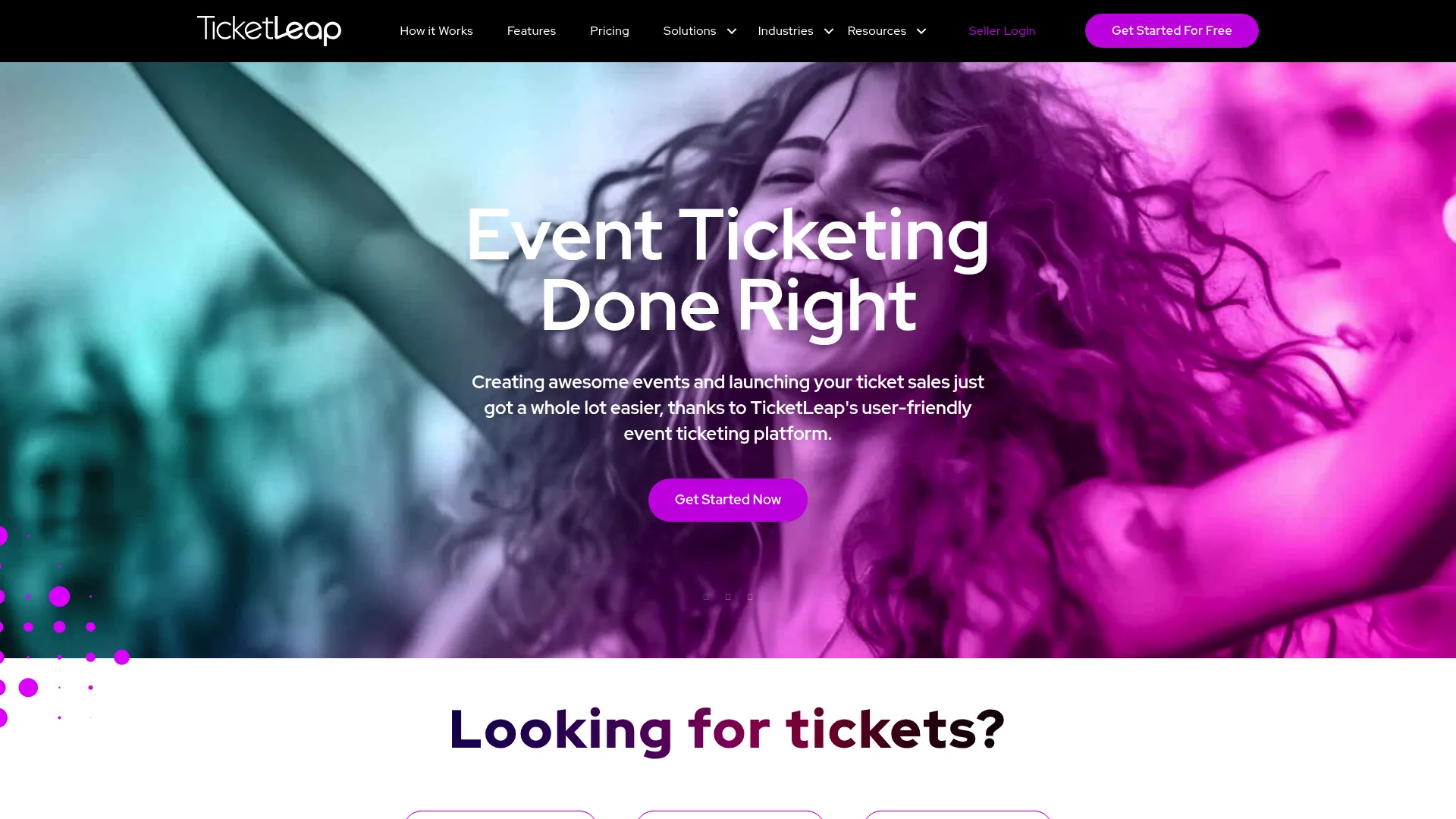
Ticketleap is an online event ticketing platform built to be simple and accessible for self-service organizers. It covers branded event pages, ticket sales, promo tools, and basic on-site check-in, which makes it a practical pick for smaller teams.
Best for: Self-service organizers needing low-fee ticketing and basic on-site check-in.
Key strengths
- Branded event pages: create a polished page without design work.
- Timed entry ticketing: manage capacity across time slots.
- Reserved seating: assign seats for events that need it.
Why choose Ticketleap: It is free for organizers to use, with fees passed to buyers and free events always free. That makes it easy to start small and scale without contracts.
Ticketleap pricing: Free events are always free. Paid tickets cost $1 + 2% of the ticket price plus a 3% online transaction fee, with a reduced $0.49 fee on tickets priced $5 and below plus the 3% transaction fee. It holds a 3.7/5 rating on G2.
11. Splash
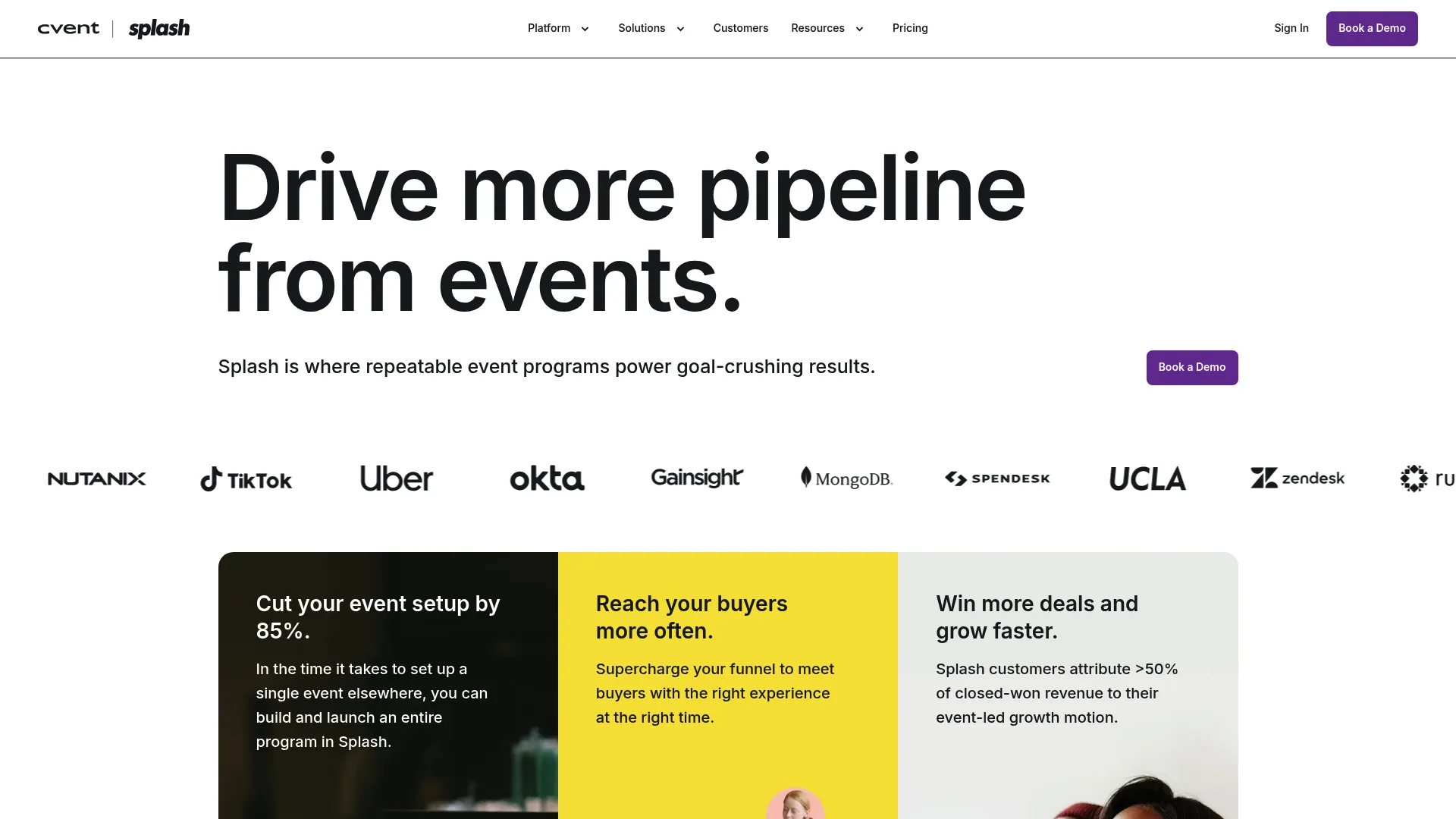
Splash is an event marketing platform for creating, managing, and measuring virtual, hybrid, and in-person events. It fits marketing-led event programs that need branded registration, ticketing, and analytics tied directly to campaign performance.
Best for: Teams running branded event programs that need registration, ticketing, and analytics.
Key strengths
- Unlimited events and attendees: scale your event program without per-event caps.
- Branded registration and email: consistent event pages and outreach on-brand.
- Reporting and custom dashboards: measure events against campaign goals.
Why choose Splash: It is built for the Digital Marketer persona that treats events as a channel. The reporting and branded pages tie registration and ticketing back to conversion and pipeline.
Splash pricing: Splash lists Pro and Enterprise plans but does not display public prices, directing visitors to contact sales. It holds a 4.4/5 rating on G2.
12. Humanitix
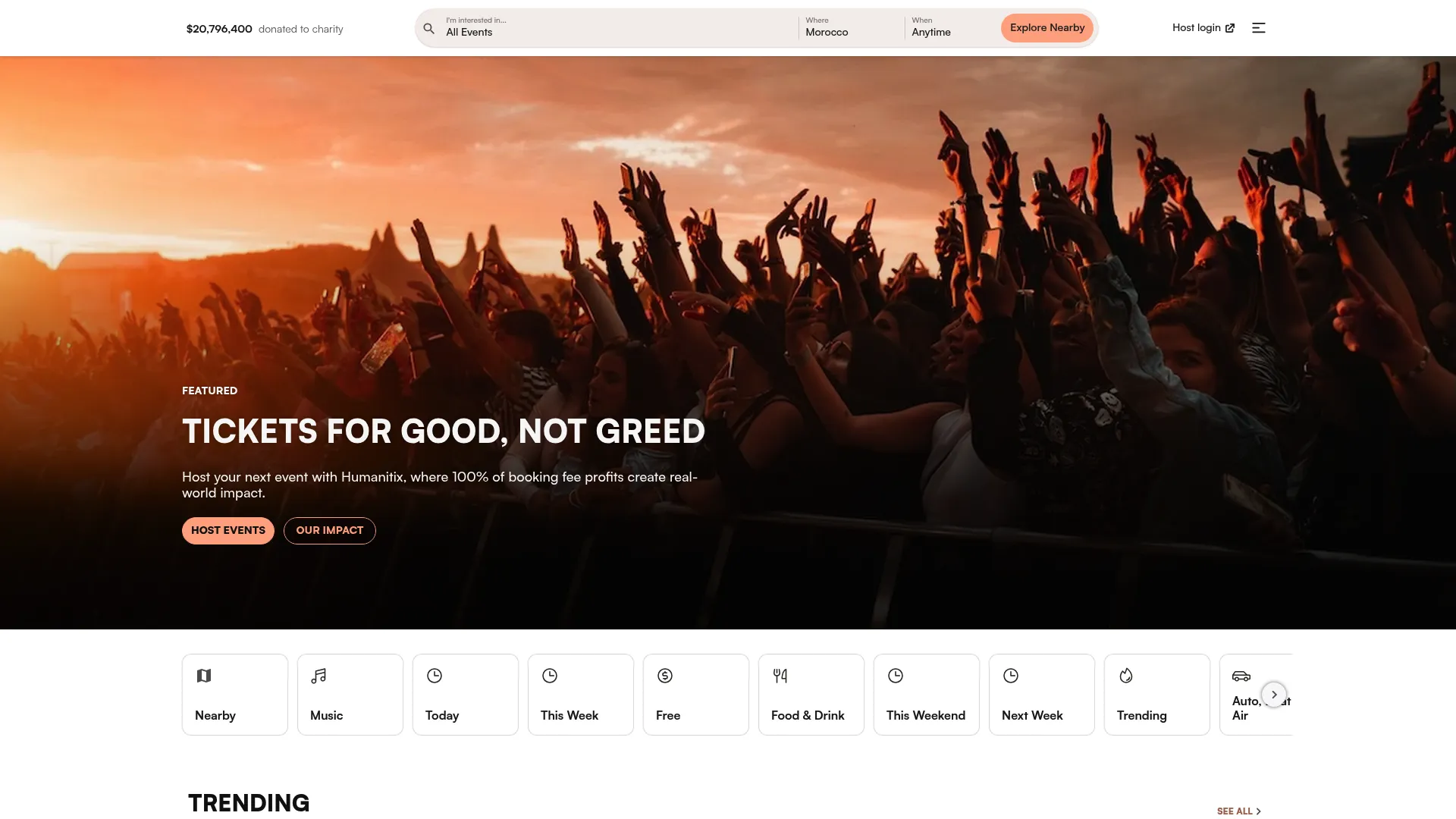
Humanitix is an event ticketing and management platform with a distinct angle: booking fees on paid tickets fund charitable causes. It pairs that mission-driven positioning with practical ticketing functionality, so organizers get a social-impact story alongside the tools they need.
Best for: Event organizers seeking ticketing with charitable fee impact and no subscription fees.
Key strengths
- Unlimited ticket types: structure tiers and pricing freely.
- Reserved seating and seat maps: assign seats for seated events.
- Waitlist and scanning app: capture demand and check attendees in on-site.
Why choose Humanitix: Free events carry no fees, and paid-ticket booking fees support charity. For mission-aligned organizers, that is a credible value proposition on top of solid ticketing.
Humanitix pricing: Free events have no fees. The Standard plan charges 2.1% + $0.99 per paid ticket, while Charities & Schools pay 1% + $0.99 per paid ticket, with custom pricing available on request. It holds a 4.4/5 rating on G2.
13. Yapsody
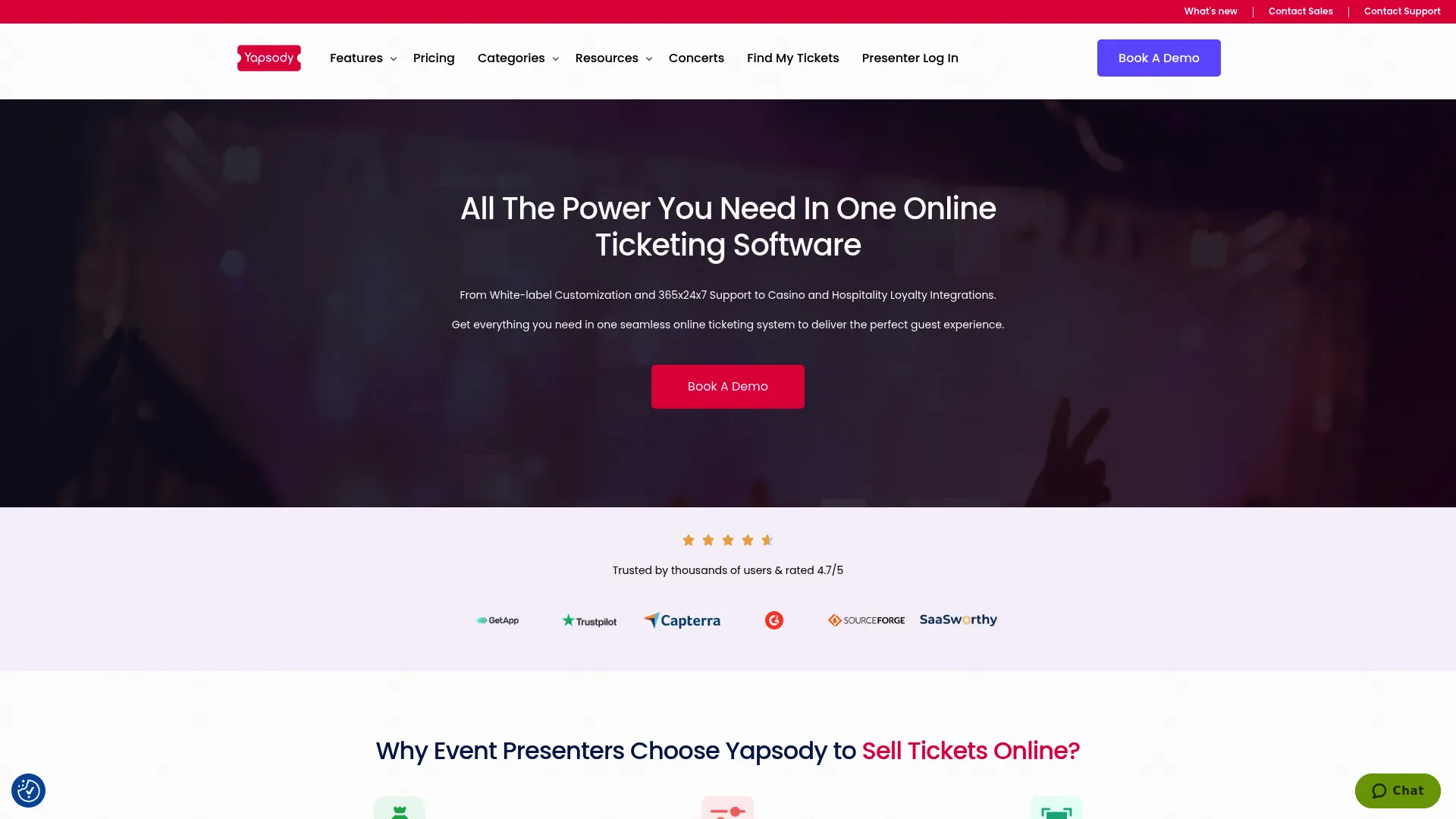
Yapsody is an online event ticketing and management platform for presenters and venues that want branded ticketing with reserved seating and per-ticket pricing. It gives organizers straightforward controls over event creation, ticket sales, and check-in.
Best for: Event organizers needing branded ticketing with reserved seating and per-ticket fee pricing.
Key strengths
- Reserved seating management: seat maps with pricing tiers.
- Fraud prevention: blocklist by email or IP to protect sales.
- White-label branding: custom domain for a branded buyer experience.
Why choose Yapsody: It serves presenters and venues that want branded, seated ticketing without a subscription. The per-ticket fee model keeps costs tied to actual sales.
Yapsody pricing: General Seating costs 59¢ + 1.75% per ticket sold, and Reserved Seating costs 98¢ + 2.49% per ticket sold, with no setup costs stated. It holds a 4.7/5 rating on G2.
14. Ticketbud
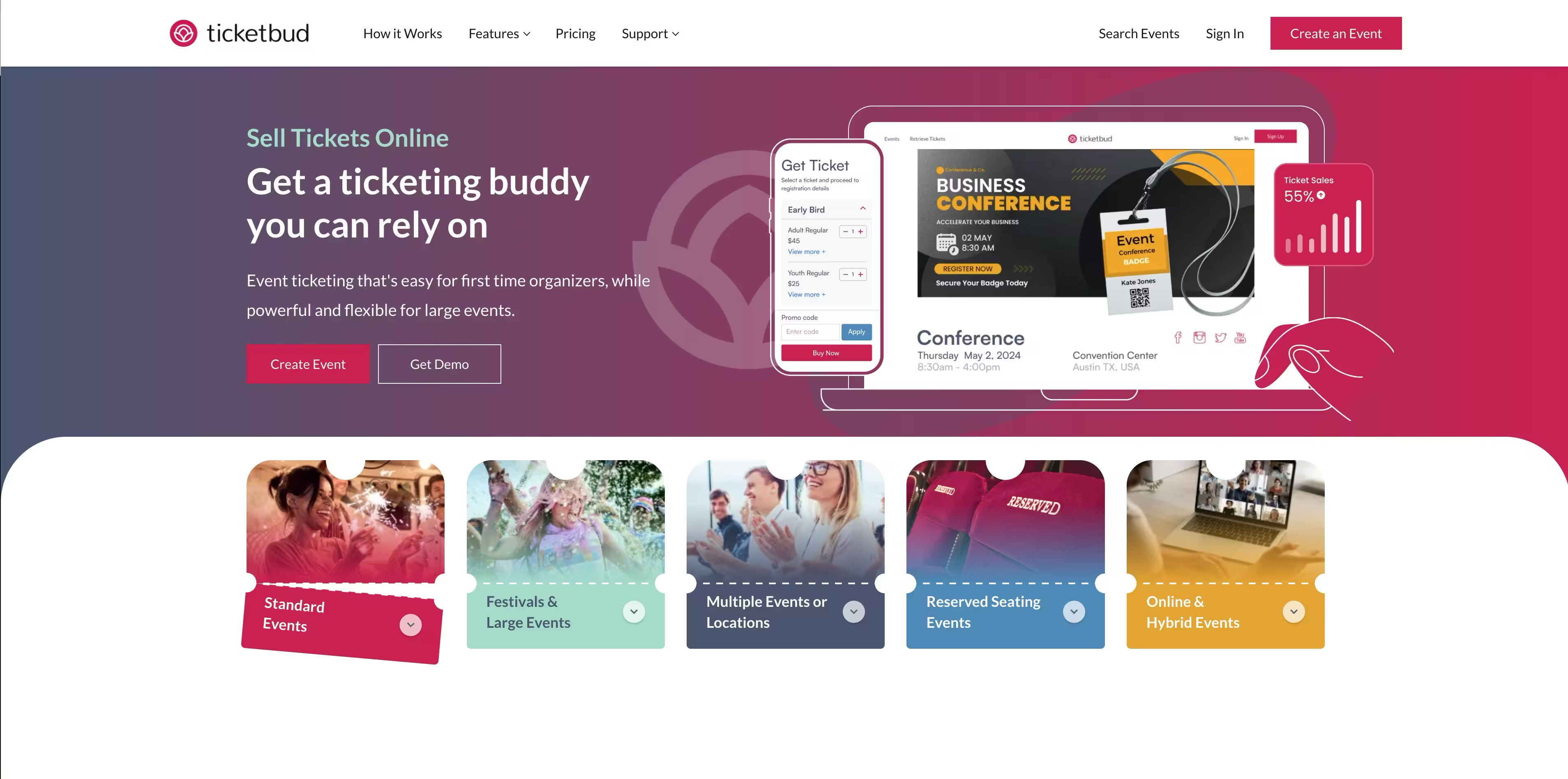
Ticketbud is an online event ticketing and registration platform built for simple ticketing with built-in check-in and no subscription. It suits small to mid-sized organizers that want a lighter-weight option with clean control over events.
Best for: Event organizers that want simple ticketing with built-in check-in and no subscription.
Key strengths
- Custom event page builder: build a branded event page quickly.
- Unlimited ticket types and registration: structure as many options as you need.
- Mobile check-in app and scanning: validate tickets on event day.
Why choose Ticketbud: It keeps things simple with no tiers, no contracts, and no subscription. Free events are free, and paid events use a single per-ticket fee, which makes budgeting predictable.
Ticketbud pricing: Free events cost nothing. Paid events use a flat fee of 2% + $0.99 per ticket, with no pricing tiers or contracts. It holds a 4.3/5 rating on G2.
15. Brown Paper Tickets
Brown Paper Tickets is an event ticketing and registration service known for flat buyer fees and support for multiple currencies. It is a fit for budget-conscious organizers and community-driven events that want low-fee ticketing without a subscription.
Best for: Organizers needing low-fee ticketing for small to mid-sized events.
Key strengths
- Online ticket sales and registration: sell and register attendees online.
- Multiple currency pricing: support events across currencies.
- Free events supported: run free events at no cost.
Why choose Brown Paper Tickets: It is direct about affordability, with a flat buyer fee structure across currencies. That makes it appealing for community events where keeping costs low matters most.
Brown Paper Tickets pricing: Free events are free. Paid tickets carry a buyer fee of $1.49 + 6.0% of the ticket price. The brand has noted it is transitioning following acquisition by Events.com, so confirm current details before committing.
Considerations
Before you commit to any event ticketing solution, verify these factors against your real workflow rather than the marketing page.
- Fees and payout structure: Confirm the per-ticket fee, whether buyers or organizers absorb it, and how free events are handled. Then check payout speed, since slow payouts can strain cash flow for back-to-back events.
- Promo and marketing tools: Look for discount codes, early bird tiers, branded pages, and email built into the platform. The fewer separate tools you need, the cleaner your reporting stays.
- Attendee management and scanning: Test the registration forms, QR codes, and the mobile check-in app. Event-day flow is hard to fix once doors open, so validate it before you buy.
- Payment processor support: Check whether the platform uses native processing, Stripe, or your own gateway, and confirm the checkout is secure and familiar to buyers.
- Integrations: Verify connections to your CRM, email marketing, and analytics tools so ticket and attendee data flows into the systems you already use.
- Support quality and trust signals: Read recent reviews and ratings, and test responsiveness during your trial. Support matters most on event day, when you have no time to wait.
Conclusion
The right pick comes down to event size and workflow. For simple events and tight budgets, low-fee tools like TicketSource, Ticketbud, Ticketleap, and Brown Paper Tickets keep costs tied to actual sales. For large-scale live events, Ticketmaster and AXS bring venue-grade infrastructure. Eventbrite earns its place on marketplace reach and ease of use, while Universe, Tixr, Yapsody, and Etix cover branded checkout, reserved seating, and box office control.
For marketing-led programs, Splash ties branded registration and ticketing to campaign reporting, and Cvent covers enterprise scale across in-person, virtual, and hybrid events. Humanitix adds a mission-driven angle without sacrificing core ticketing.
Match the tool to your event: weigh fees, scanning, integrations, and format support, then shortlist two and run a real test event before you commit. If your events feed broader programs, pair your ticketing choice with the right event management software and a clean customer data platform so attendee data actually reaches your stack.