A locksmith gets a lockout call at 9 p.m. The nearest tech is 40 minutes out, but the dispatcher does not know that because job locations live in a text thread and a paper board. The tech shows up, replaces a cylinder, and the invoice goes out three days later because someone has to type it up by hand. The customer pays two weeks after that. Multiply that friction across 200 jobs a month and you are not running a business, you are running a leak.
That leak is exactly what locksmith software is built to plug. The global locksmith software market was valued at roughly USD 3.87 billion in 2024 and is projected to reach USD 11.6 billion by 2033, growing at a 10.5% CAGR according to Business Research Insights (2025). The reason is simple: the US locksmith industry generates around USD 2.6 to 2.9 billion across roughly 26,000 to 29,000 establishments per TheKeybot (2026), and almost all of them are small, fragmented shops still running dispatch, invoicing, and inventory on tools never designed for field service.
The problem is rarely a lack of tools. It is the wrong stack. Generic spreadsheets and consumer calendar apps cannot see where a tech is, cannot turn a completed job into a paid invoice, and cannot tell you which key blanks are about to run out. This guide gives you a ranked shortlist of platforms that can, whether you need a dedicated locksmith dispatch software vertical or a broader locksmith management software platform that flexes to your workflow.
What's inside
This guide covers seven platforms that support locksmith workflows, from tools built specifically for the trade to broader field service management software that locksmith shops run successfully every day. We evaluated each on five criteria that actually move cash and time for a locksmith business: dispatch and scheduling depth, mobile app quality for field techs, invoicing and payments including QuickBooks integration, inventory and CRM maturity, and total cost including hidden fees. The list is ordered by relevance to locksmith buyers, not alphabetically. We also flag which tools suit a solo operator versus a multi-location commercial locksmith, because those are different businesses with different needs.
TL;DR
- Best overall for locksmiths: Workiz. Strongest vertical fit for locksmith dispatch software, with scheduling, inventory, payments, and a built-in phone system.
- Best for a lower-cost or free entry: Orcatec. Free access tier plus AI route optimization and QuickBooks sync for budget-conscious shops.
- Best for larger teams and multi-location: ServiceTitan. Deep dispatch, CRM, and reporting built for scale.
- Best for QuickBooks-heavy operations: Housecall Pro and Orcatec both sync cleanly with accounting workflows.
- Best for mobile-first field teams: ServiceM8. Built around a mobile app so techs run the whole job from a phone.
- Best for simple SMB field ops: Jobber. Clean scheduling, quoting, and invoicing without a steep learning curve.
What is locksmith software?
Locksmith software is field service management software tailored to the way locksmith businesses actually operate: dispatching techs to lockouts and installs, generating work orders, quoting and invoicing on site, syncing to accounting, tracking parts and key blanks, and keeping customer and job history in one record. It sits at the center of the operation, connecting the office, the field, and the books.
The best locksmith business software replaces a stack of disconnected tools with one system. Instead of a calendar for scheduling, a texting app for dispatch, a paper pad for work orders, and a separate accounting file, everything runs from a single record that follows the job from call to cash.
Core capabilities to expect from a locksmith platform:
- Dispatch and scheduling: assign techs, see availability, and route emergency lockout calls fast.
- Work order management: turn a call into a structured job with notes, photos, and required parts.
- Invoicing and payments: quote on site, invoice on completion, and take card payments in the field.
- Inventory and parts tracking: monitor key blanks, cylinders, and hardware so techs are never short.
- Customer management: keep contact details, service history, and key-code records in one place.
- Mobile app: give field techs job details, navigation, and invoicing from their phone.
- Accounting integration: push invoices and payments into QuickBooks or similar without double entry.
Locksmith-specific software vs generic FSM
One of the first real decisions is whether you need locksmith-specific software or a broader field service management platform. The choice is not obvious, and the honest answer is that it depends on how specialized your workflow is.
| Factor | Locksmith-specific software | Generic FSM software |
|---|---|---|
| Workflow fit | Built around lockouts, key codes, and locksmith job types | Configurable to locksmith work but not purpose-built |
| Trade-specific fields | Key-code storage, VIN decoding, hardware SKUs often included | Usually needs custom fields or workarounds |
| Breadth | Focused on trades like locksmithing | Serves many home and field service verticals |
| Ecosystem | Dispatch, pricing, and sometimes a customer network | Dispatch, CRM, accounting, routing, payments |
| Best fit | Shops that want the trade baked into the software | Shops that want proven, mature FSM with locksmith flexibility |
The broader ecosystem around any locksmith stack includes dispatch, CRM, accounting sync, payments, route optimization, and in some cases key-code and VIN tools. Where a platform lands on the specific-versus-generic spectrum shapes how much configuration you will do before it fits your shop.
When to use locksmith software
Not every shop needs the same system on day one. Here is how to pattern-match your situation to the right kind of platform.
Use it when dispatch is the bottleneck
If jobs are slipping because nobody can see which tech is free or nearest, dispatch is your bottleneck. Locksmith scheduling software gives you a live board of technician availability and location, so an emergency lockout goes to the closest available tech instead of the one who happens to answer the phone. Route efficiency matters when half your revenue is time-sensitive. GPS tracking and route optimization turn a chaotic day of backtracking into a tighter sequence of jobs, which means more calls completed per tech per day.
Use it when invoicing and payments slow cash flow
If you are still typing invoices at the end of the week and waiting weeks to get paid, your locksmith invoicing software is the problem. The fix is quote-to-invoice speed: build the estimate on site, convert it to an invoice the moment the job is done, take a card payment before you leave, and let the system sync the transaction to accounting. Deposits on scheduled jobs and same-day card payments close the gap between doing the work and getting paid for it.
Use it when inventory and job history get messy
If techs show up without the right cylinder or you cannot tell which blanks are running low, inventory drift is costing you. Locksmith inventory software tracks parts usage against jobs, so stock counts stay accurate and reorders happen before you run out. Clean job history also means the next tech on a repeat call sees exactly what was installed last time, which cuts callbacks and speeds up diagnosis.
Comparison table
Here is the shortlist at a glance. Pricing and ratings reflect publicly available figures at the time of writing. All seven support core locksmith work order software workflows, but they differ sharply on vertical depth, mobile experience, and price.
| # | Product | Intent | Key differentiation | Pricing | G2 rating |
|---|---|---|---|---|---|
| 1 | Workiz | Locksmith and field service ops | Strongest locksmith vertical fit, built-in phone system | Free plan; paid from $187/mo (annual) | 4.5/5 |
| 2 | Orcatec | Budget-friendly field service | Free access tier, AI route optimization, QuickBooks sync | Free trial; Basic from $19/mo | 5.0/5 |
| 3 | Unlokt | Locksmith-specific software plus network | Locksmith marketplace with dispatch and pricing tools | Essentials from $39/mo | Not listed |
| 4 | Housecall Pro | Home service FSM | Broad FSM with strong invoicing and payments | From $59/mo (annual) | 4.3/5 |
| 5 | Jobber | Simple SMB field ops | Clean scheduling, quoting, and client communication | Free trial; plans from $29/mo | 4.6/5 |
| 6 | ServiceM8 | Mobile-first field service | Runs the whole job from a mobile app | Free plan; paid from $29/mo | 3.8/5 |
| 7 | ServiceTitan | Large-scale operations | Deep dispatch, CRM, and reporting for multi-location | Custom, per-technician | 4.4/5 |
1. Workiz
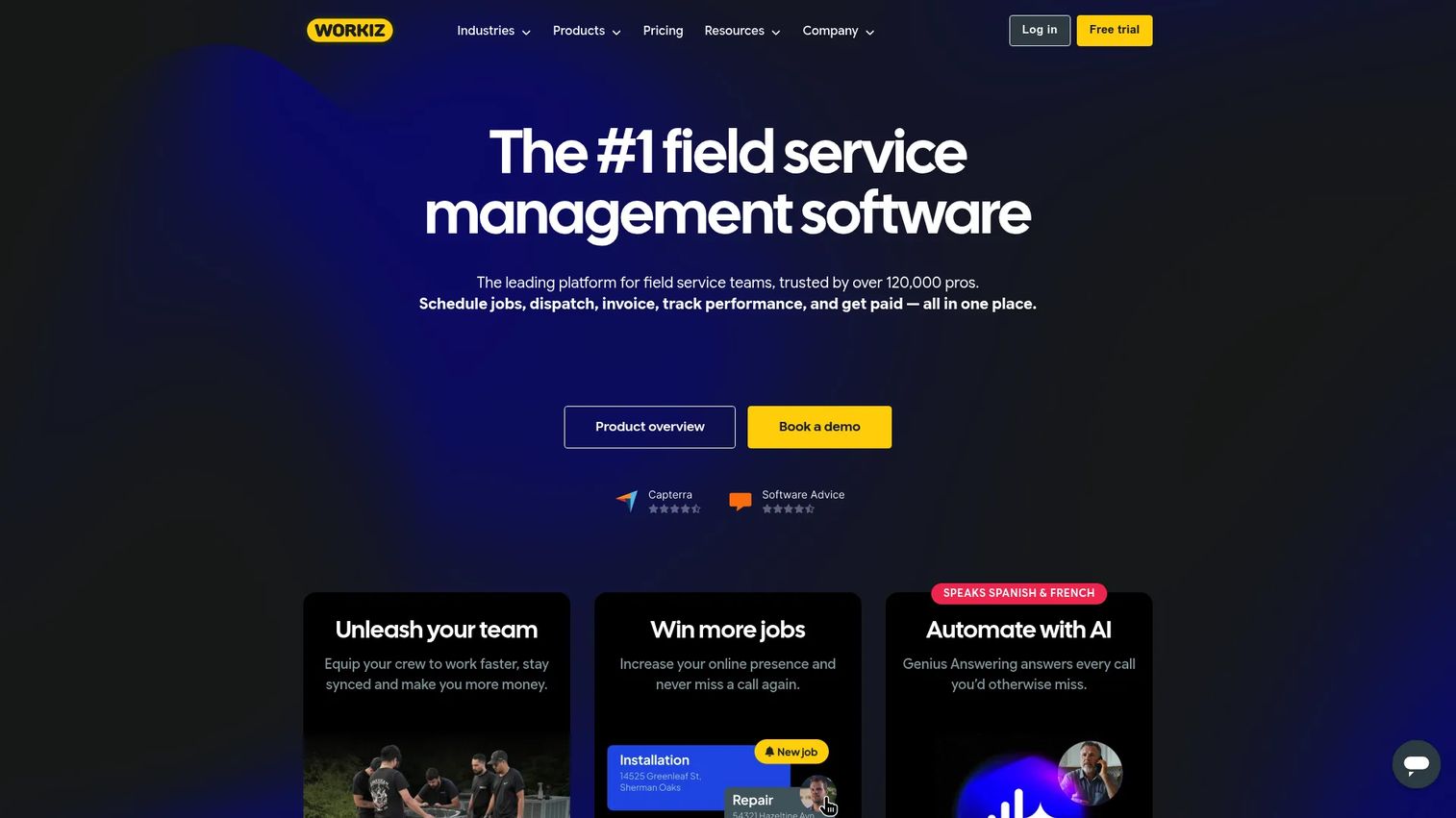
Workiz is field service business management software with a strong locksmith vertical, covering scheduling, invoicing, CRM, payments, and communications in one system. It is one of the few platforms that treats locksmithing as a first-class use case rather than a configuration exercise, which shows up in its dispatch flow, online booking, and built-in phone and messaging tools. For a shop that wants the trade baked into the software, Workiz is the most natural fit on this list.
Best for: Locksmith operators who want an all-in-one system with genuine vertical fit for dispatch, jobs, invoices, and customer communication.
Key strengths
- Scheduling and dispatching: A live dispatch board assigns techs to lockouts and installs and keeps the whole day visible in one view.
- Invoicing and estimates: Build quotes on site, convert to invoices on completion, and take payment without leaving the job.
- Built-in phone and messages: Calls and texts route through the platform, so every customer interaction ties back to the job record.
Why choose Workiz: If dispatch is your core pain and you want software that already speaks locksmith, Workiz removes the configuration burden that generic tools impose. The built-in phone system is a genuine differentiator for shops that live on inbound emergency calls, because it links every conversation to a job and a customer without a separate telephony tool.
Workiz pricing: Workiz offers a free forever Lite plan. Paid plans start at $187 per month on annual billing for the Kickstart tier, which includes the first three users, followed by Standard at $229 per month and Pro at $270 per month, both on annual billing. The Ultimate plan is contact-sales. Workiz carries a 4.5 out of 5 rating on G2.
2. Orcatec
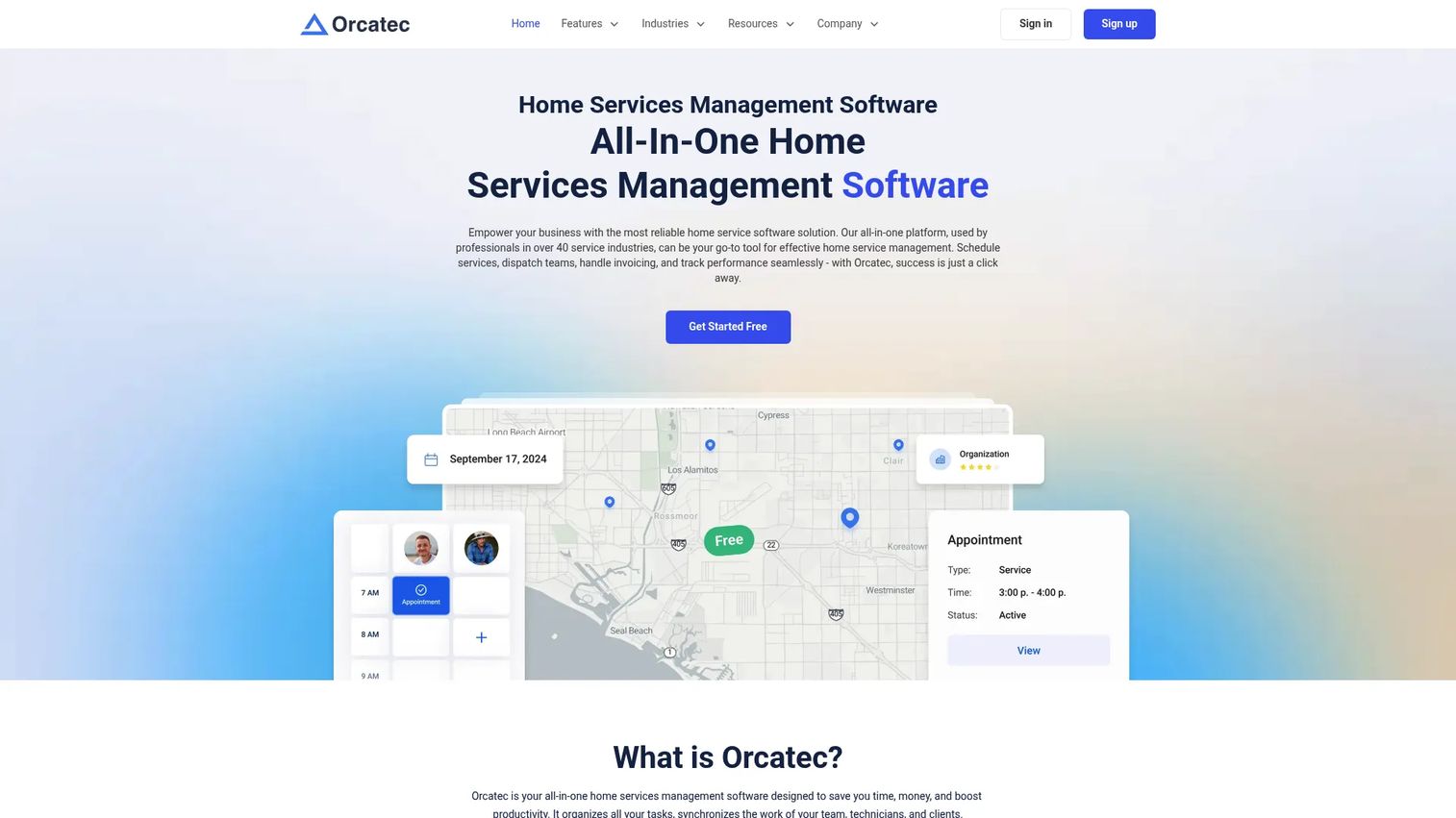
Orcatec is all-in-one home services management software that covers scheduling, dispatch, invoicing, and payment processing, with a free access tier that makes it a strong starting point for budget-conscious shops. It adds AI route optimization and automatic QuickBooks synchronization, two features that punch above the price point for a solo or early-stage locksmith business.
Best for: Field service and home service teams that need scheduling, dispatch, invoicing, and payment processing without a large upfront commitment.
Key strengths
- Scheduling and dispatching: Assign and reassign jobs quickly and keep field visibility on who is where.
- Invoicing and payments: Generate invoices and collect payments with transparent processing pricing.
- AI route optimization: Sequence a tech's day automatically to cut drive time between jobs.
Why choose Orcatec: For a shop watching every dollar, the free access tier and low Basic price make Orcatec easy to try without risk. The QuickBooks sync and AI routing mean you are not sacrificing core operational leverage to get a lower price, which is rare at this end of the market.
Orcatec pricing: Orcatec offers a free trial and a Basic plan reported at $19 per month, with an Ultimate tier available on a contact-sales basis. The company also references flexible payment-processing pricing separate from the software subscription. Orcatec holds a 5.0 out of 5 rating on G2.
3. Unlokt
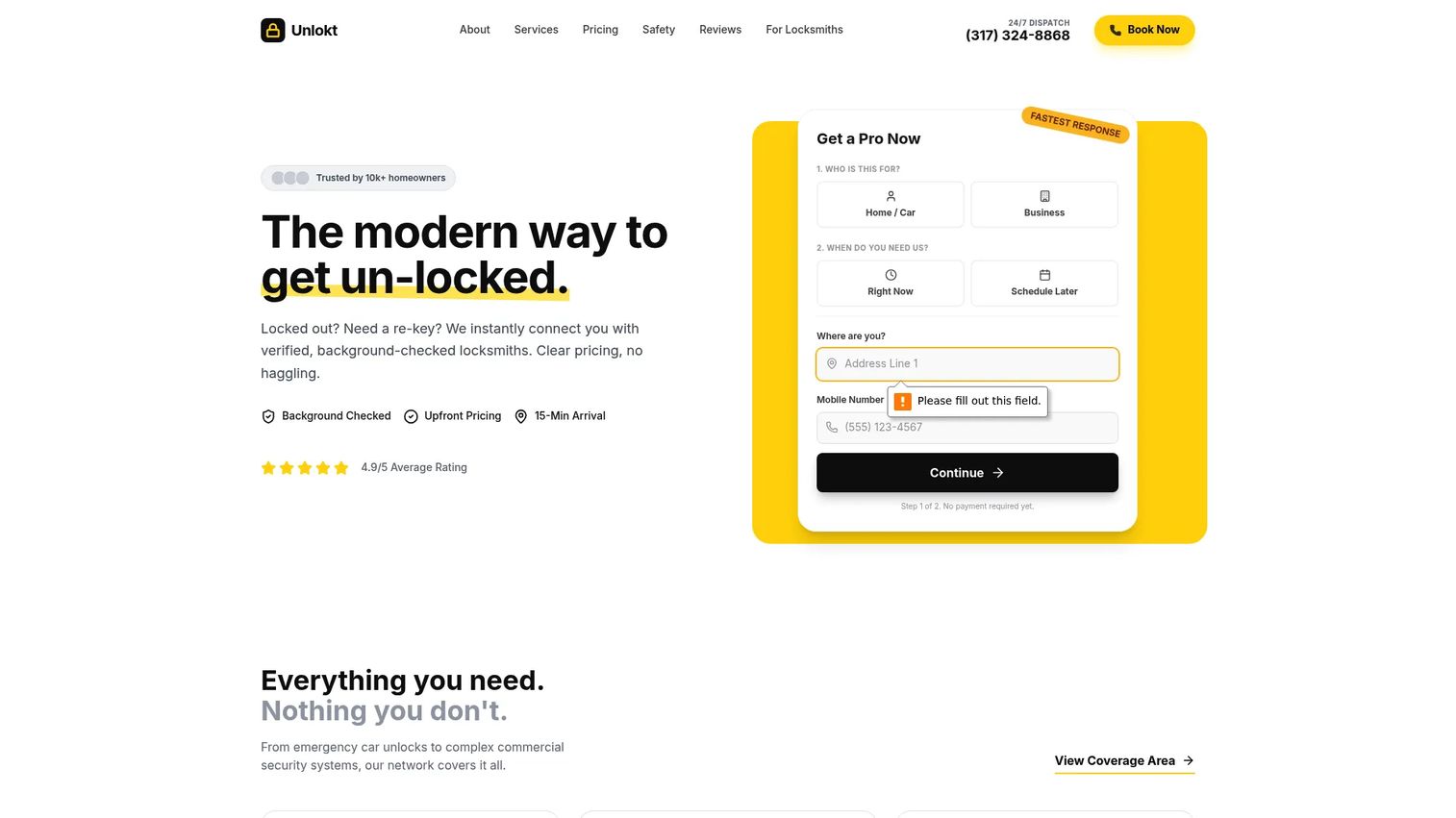
Unlokt is the most locksmith-specific option on this list, combining business software for dispatch, pricing, and job management with a customer-facing locksmith marketplace. It is built for the trade from the ground up, with a verified locksmith network, upfront price ranges shown before dispatch, live GPS tracking, and locksmith-specific tools like VIN decoding for automotive work.
Best for: Locksmith businesses that want dispatch and pricing software paired with access to a customer-facing service network.
Key strengths
- Locksmith-specific workflow: Dispatch, pricing, and job management designed around how locksmith jobs actually run.
- Live GPS tracking and profiles: Customers and dispatchers see technician location and profiles in real time.
- Inventory and VIN decoding: Parts tracking and automotive VIN tools built for locksmith and automotive work.
Why choose Unlokt: If you want the trade genuinely built into the software rather than configured around it, Unlokt is the purest locksmith-specific play here. The marketplace angle also gives shops a lead channel that generic FSM tools do not offer, which matters for an automotive locksmith or a shop trying to grow inbound demand.
Unlokt pricing: Unlokt lists an Essentials plan reported at $39 per month. The company publicly shows service pricing for customers but does not expose full software subscription pricing on its own site, so confirm current plan details directly before committing.
4. Housecall Pro
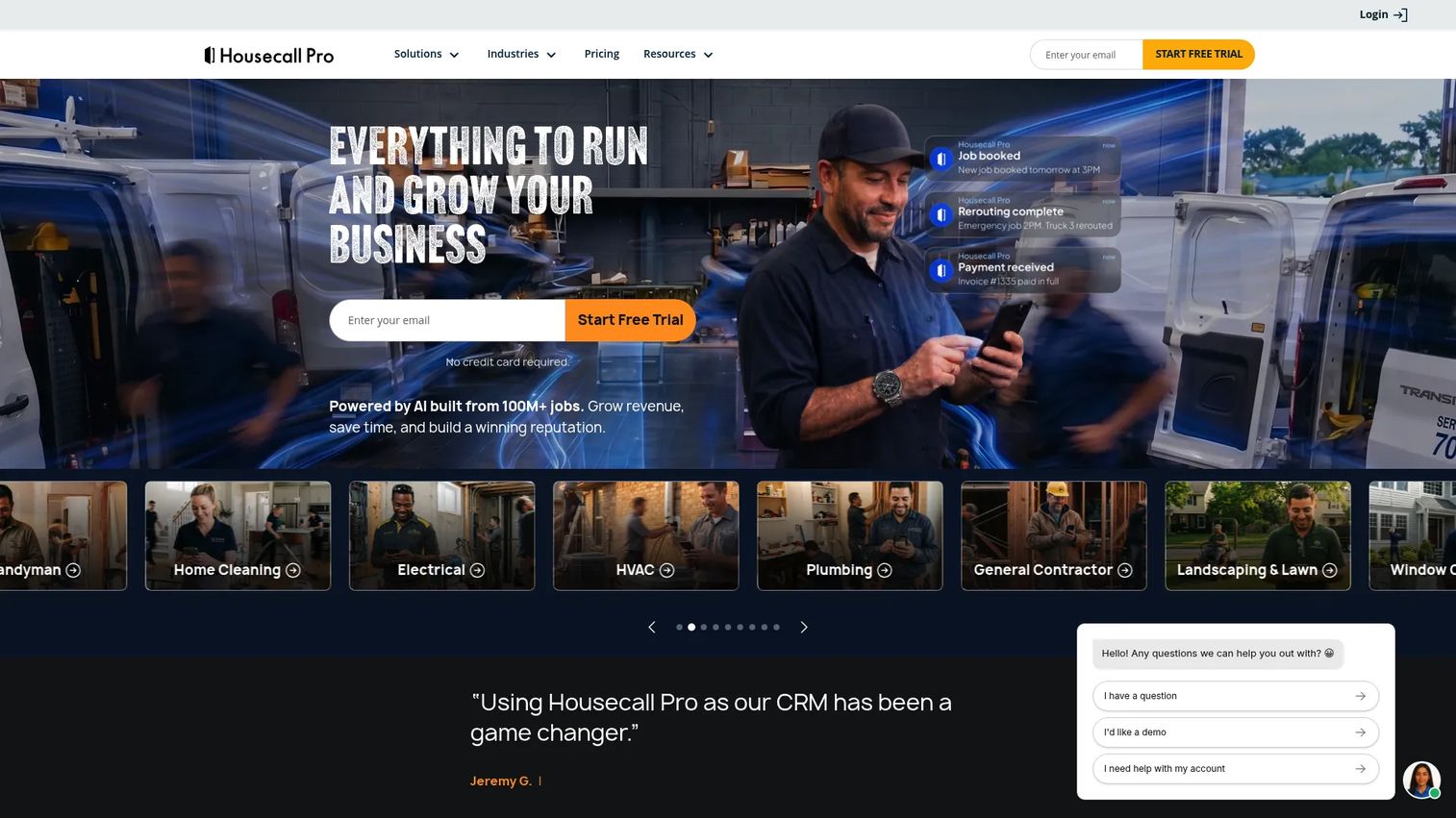
Housecall Pro is field service management software for home service businesses, with broad coverage across online booking, scheduling, dispatch, invoicing, payments, and a mobile app. It is not locksmith-only, but its maturity in invoicing and payment workflows makes it a strong option for a locksmith shop that also does adjacent home service work or simply wants a proven, well-supported platform.
Best for: Home service businesses, including locksmith shops, that want an all-in-one scheduling, invoicing, and dispatch platform with polished customer communication.
Key strengths
- Online booking: Let customers book jobs directly, reducing phone tag for routine work.
- Invoicing and payments: Fast quote-to-invoice flow with card payments and accounting sync.
- Scheduling and dispatching: Assign techs and manage the day from a clear calendar and dispatch view.
Why choose Housecall Pro: Because it is broader than a locksmith-only tool, Housecall Pro performs best for shops that see themselves as a service business first and a locksmith second, or that want the reliability of a large, well-resourced platform. Its customer communication features help drive repeat business, which matters when residential lockouts are a one-time touch unless you earn the callback.
Housecall Pro pricing: Housecall Pro starts at $59 per month for the Basic plan billed annually, with Essentials at $149 per month and Max at $299 per month. A 14-day free trial is available. Housecall Pro holds a 4.3 out of 5 rating on G2.
5. Jobber
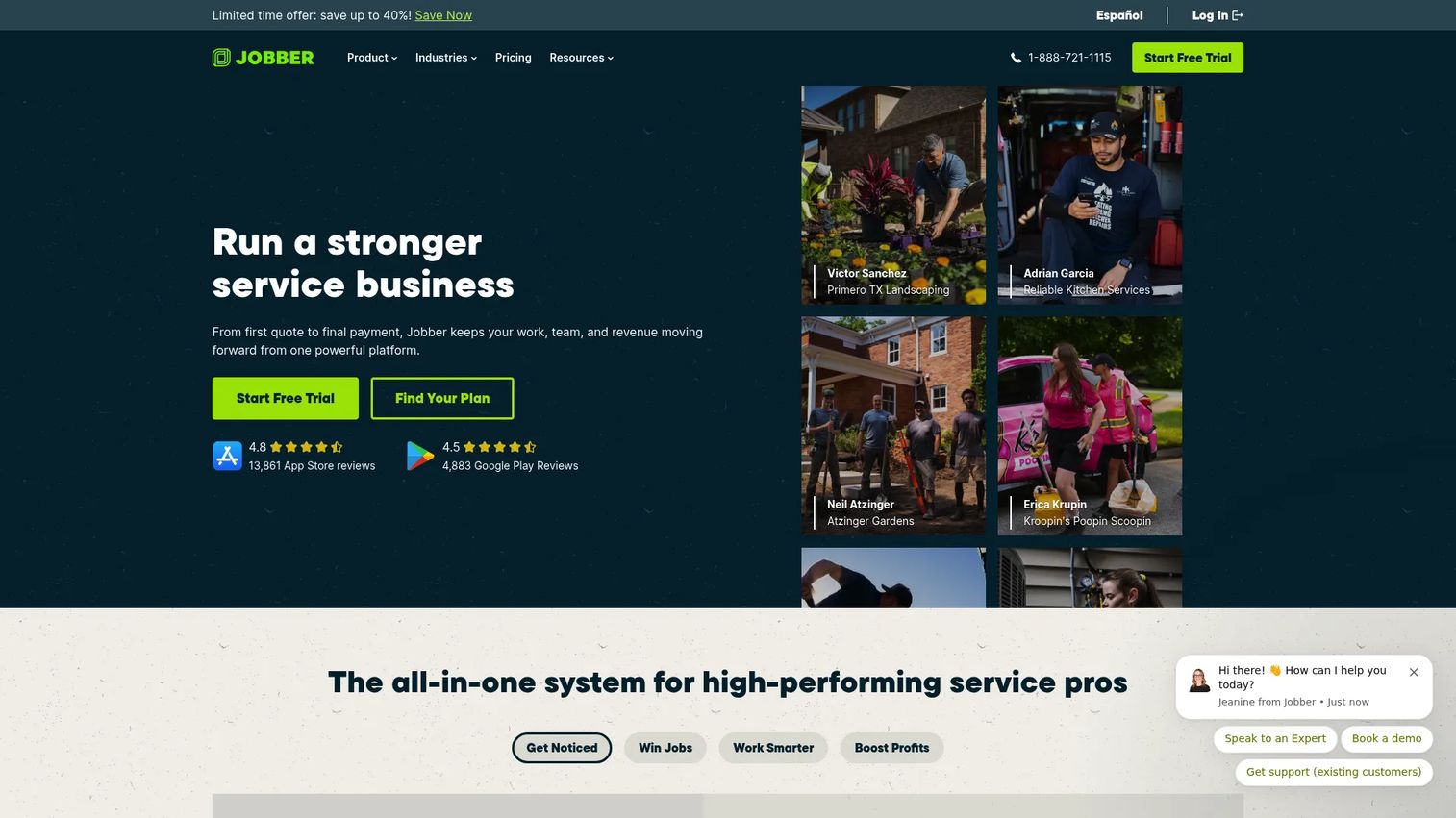
Jobber is field service management software for home service businesses, known for clean scheduling, quoting, invoicing, and client communication that small teams can adopt without a steep learning curve. For a solo locksmith or a small crew that wants a straightforward operating system rather than a sprawling platform, Jobber hits a sweet spot of capability and simplicity.
Best for: Home service teams that need scheduling, quoting, invoicing, and client communication in one system without heavy setup.
Key strengths
- Online booking: Customers request and book service directly, cutting back-and-forth.
- Job scheduling and tracking: A clear calendar and job view keep small teams organized.
- Client portal and communication: A customer portal and automated messaging keep clients informed and paying.
Why choose Jobber: Jobber excels for small locksmith shops that value ease of use over deep vertical configuration. The client portal and communication tools make a solo operator look professional, and the quote-to-invoice flow keeps cash moving without administrative overhead. It is a straightforward locksmith scheduling software choice for teams that want to be running in days, not weeks.
Jobber pricing: Jobber offers a 14-day free trial with paid plans starting at $29 per month. Higher tiers include Pipeline, Marketing Suite, Grow, and Plus, scaling up in capability and price. Jobber carries a 4.6 out of 5 rating on G2.
6. ServiceM8
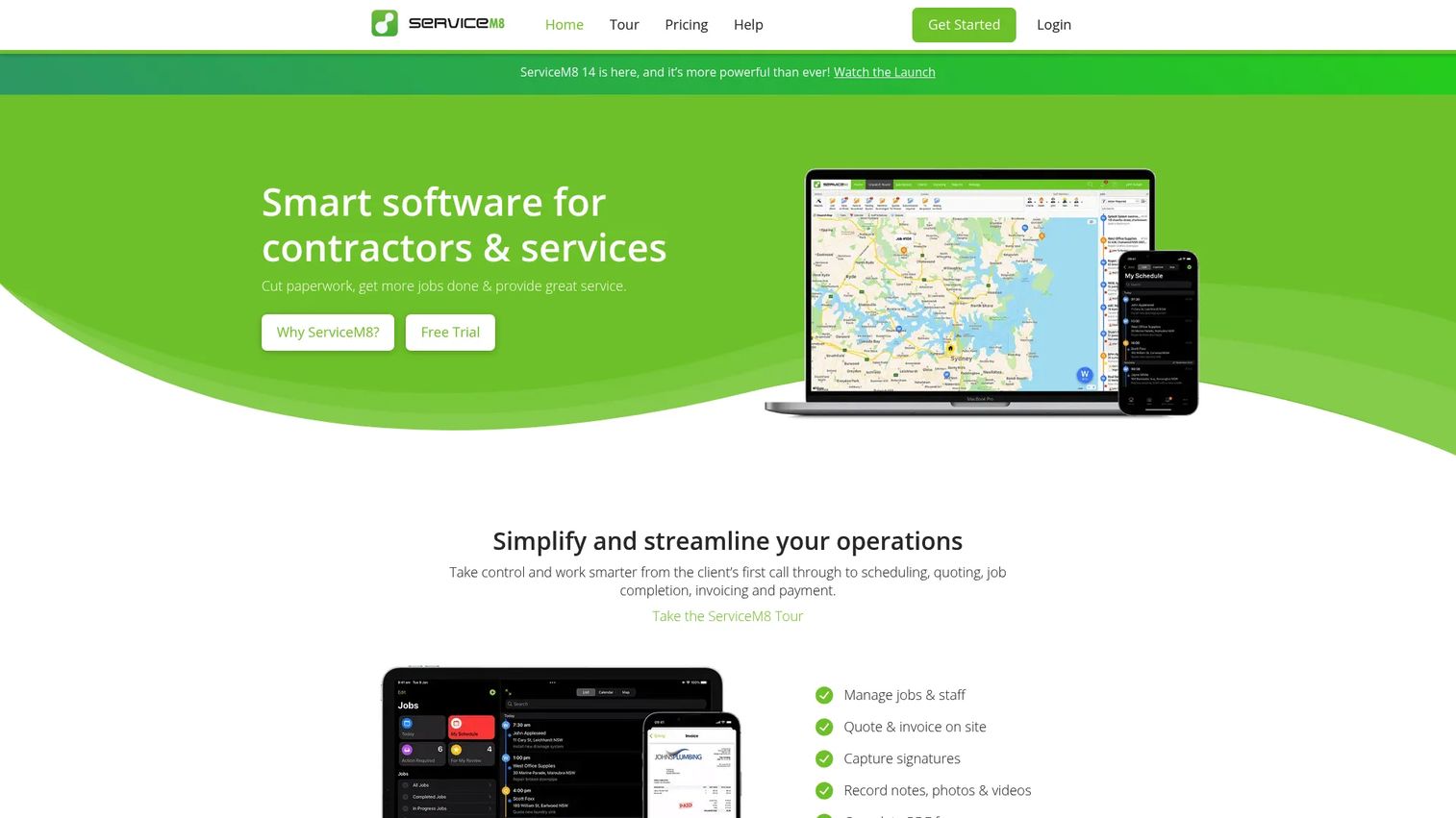
ServiceM8 is field service management software for trades and service businesses, built around a mobile-first workflow that lets techs run the entire job from a phone. Job management, scheduling, quoting, invoicing, payments, online bookings, forms, and a built-in phone feature all live in one mobile-centric system, which suits locksmith teams whose work happens almost entirely in the field.
Best for: Trades and service contractors, including mobile locksmith teams, who need to manage jobs, quotes, and invoices from the field.
Key strengths
- Job management and scheduling: Create, assign, and track jobs from the office or the field.
- Quoting, invoicing, and payments: Build quotes and invoices and take payment on site from the mobile app.
- Online bookings and forms: Capture bookings and job data with digital forms and asset management.
Why choose ServiceM8: ServiceM8 is the pick for teams that live on their phones. If your techs rarely sit at a desk, a mobile-first locksmith app that handles the whole job from quote to payment removes the office bottleneck entirely. The forms and asset management features also help with commercial work that needs documentation.
ServiceM8 pricing: ServiceM8 offers a free plan at $0 per month, with paid plans starting at $29 per month for Starter, followed by Growing at $79, Premium at $149, and Premium Plus at $349 per month. Paid plans include unlimited users with job limits by tier. ServiceM8 holds a 3.8 out of 5 rating on its G2 seller profile.
7. ServiceTitan
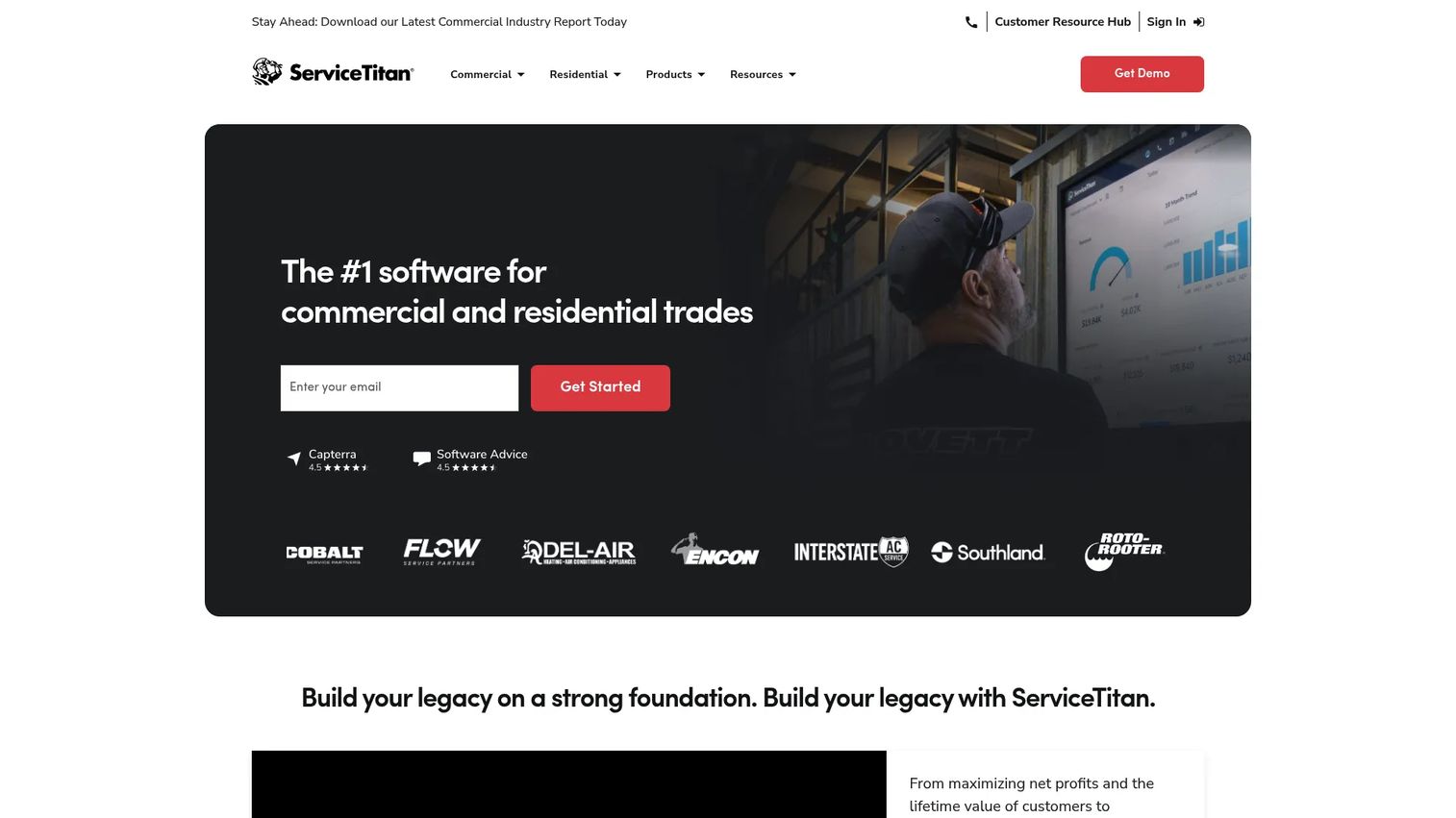
ServiceTitan is cloud-based operations software for contractors, covering scheduling, dispatch, invoicing, pricebook, CRM, sales, and reporting at a scale most other tools on this list do not target. It is built for larger operations and multi-location businesses, where deep reporting and operational control justify a heavier platform. For a growing commercial locksmith company managing multiple crews, ServiceTitan is the enterprise-grade option.
Best for: Trade contractors and multi-location locksmith companies that need an all-in-one operations platform with deep reporting and control.
Key strengths
- Scheduling and dispatch: Manage complex dispatch across multiple crews and locations.
- Invoicing and pricebook: A structured pricebook keeps pricing consistent across every tech and job.
- CRM, sales, and reporting: Deep customer records and reporting give owners real operational visibility.
Why choose ServiceTitan: ServiceTitan performs best when your operation has outgrown simpler tools and you need reporting that survives real scrutiny. The pricebook and CRM depth support consistent pricing and customer management across a large team, which is where lighter platforms start to strain. It is overkill for a solo shop and purpose-built for a company running multiple locations.
ServiceTitan pricing: ServiceTitan uses per-technician packages named Starter, Essentials, and The Works, with pricing available on request rather than published publicly. There is no free plan. ServiceTitan holds a 4.4 out of 5 rating on G2.
Considerations before you buy
Before you commit, run every shortlisted tool against the criteria that actually determine whether it fits your shop.
Verify locksmith-specific dispatch depth
Generic FSM tools handle dispatch well, but locksmith work has quirks like emergency lockouts and key-code jobs. Confirm the platform can prioritize emergency calls, show technician location, and route jobs efficiently. If your revenue leans on fast lockout response, dispatch depth is not negotiable.
Check mobile app quality for field technicians
Your techs live in the field, so the locksmith app they use every day matters as much as the office dashboard. Test whether they can see job details, navigate, capture photos, build invoices, and take payment from a phone without friction. A weak mobile experience quietly kills adoption.
Confirm invoicing, payments, and QuickBooks workflow
Cash flow depends on how fast a job becomes a paid invoice. Verify quote-to-invoice speed, in-field card payments, deposits, and that the QuickBooks integration actually syncs both invoices and payments without manual re-entry. Test the accounting sync with your own file before you trust it.
Assess inventory and parts tracking maturity
If you carry key blanks, cylinders, and hardware, confirm the locksmith inventory software tracks usage against jobs and flags low stock. Shallow inventory features mean you keep managing parts in a spreadsheet anyway.
Check hidden costs and implementation effort
Sticker price is rarely the real price. Look for per-seat charges, payment-processing fees, add-on costs for features like extra users or advanced reporting, and how much setup time the platform demands. A cheap plan that takes a month to configure is not cheap.
Conclusion
The right locksmith software depends on how your shop actually runs, not on which vendor has the biggest feature list. For most locksmith operators who want genuine vertical fit, Workiz is the strongest all-around choice, with dispatch, payments, and a built-in phone system built for the trade. If budget is the constraint, Orcatec delivers free access plus AI routing and QuickBooks sync that outperform its price. Unlokt is the purest locksmith-specific play, especially for shops that want a customer network alongside their software.
For broader operations, Housecall Pro and Jobber both offer mature, well-supported field service management software that locksmith shops run well, with Jobber leaning simpler and Housecall Pro leaning broader. ServiceM8 is the mobile-first pick for teams that work entirely from a phone, and ServiceTitan is the enterprise option for multi-location companies that need deep reporting and control.
Start with your biggest bottleneck. If dispatch is the leak, prioritize scheduling depth. If cash flow is the problem, prioritize invoicing and QuickBooks fit. The locksmith-specific versus generic FSM decision comes down to how specialized your workflow is: buy specialized when the trade is your whole business, and buy broad, mature FSM when you value proven reliability and flexibility over baked-in locksmith features.
FAQs
Locksmith software is field service management software tailored to locksmith operations, covering dispatch, work orders, invoicing, mobile technician coordination, inventory, and customer records in one system. It replaces the mix of calendars, texting apps, and paper work orders that most shops start with, connecting the office, the field, and accounting so a job flows from call to cash without manual re-entry.
Locksmith-specific software is built around trade workflows like emergency lockouts, key-code storage, and VIN decoding, often with those fields ready out of the box. Generic field service management software is configurable to locksmith work and usually more mature and broadly supported, but you may need custom fields or workarounds to match your exact workflow. The right choice depends on how specialized your operation is.
Pricing ranges widely. Some platforms offer free tiers, such as Workiz Lite and ServiceM8's free plan, while entry paid plans can start as low as around $19 to $39 per month for tools like Orcatec and Unlokt. Broader platforms like Housecall Pro start near $59 per month, and enterprise-grade options like ServiceTitan use custom per-technician pricing. Watch for hidden costs like payment-processing fees, per-seat charges, and paid add-ons.
Many locksmith and field service platforms offer QuickBooks integration so invoices and payments sync to your accounting file without double entry. Orcatec advertises automatic QuickBooks synchronization, and broader FSM tools like Housecall Pro and Jobber commonly support accounting sync. Always test the integration with your own QuickBooks file before you rely on it, since sync depth varies between tools.
Yes, most locksmith inventory software tracks parts like key blanks, cylinders, and hardware, deducting usage against jobs and flagging low stock for reorder. Depth varies: dedicated locksmith tools like Unlokt include locksmith-specific parts and VIN features, while broader FSM platforms offer general inventory that you configure to your SKUs. Confirm the tool tracks the specific hardware your shop carries.
Nearly all modern platforms include a locksmith app for field techs, letting them see job details, navigate with GPS, capture photos, build invoices, and take payment from a phone. ServiceM8 is built mobile-first around this workflow, and tools like Workiz, Jobber, and Housecall Pro all offer capable technician apps. Test the app with a real tech before you buy, since day-to-day usability drives adoption.
For most small shops, yes. Even a solo locksmith loses real money to slow invoicing, missed dispatches, and inventory guesswork, and an entry-level plan often pays for itself in faster payments alone. Low-cost options like Orcatec, Jobber, and ServiceM8's free tier let a small shop start without a large commitment and scale up as the business grows.
Commercial and multi-location locksmiths should prioritize dispatch depth across multiple crews, a structured pricebook for consistent quoting, strong reporting for operational visibility, and robust security and permissions for sensitive key-code data. Platforms built for scale, like ServiceTitan, handle multi-location complexity and deep reporting that lighter tools were not designed for. Audit logs and role-based permissions matter more as headcount grows.