A bad reservoir assumption does not announce itself. It shows up six months later as a production forecast that missed by 30%, a well that underperforms, or a facility sized for throughput that never arrived. By then the capital is committed and the argument about what went wrong costs as much as the mistake itself.
The global oil and gas simulation software market hit $817.6 million in 2025 and is projected to reach $1.99 billion by 2033, growing at 11.7% CAGR, according to Grand View Research (2025). That growth reflects how seriously operators now treat simulation as a decision tool rather than an academic exercise. Yet 92% of energy companies are implementing or planning digital-twin applications within five years, while only 14% say the technology is living up to expectations, according to the EY Future of Energy Survey (2025). The gap between adoption and impact is real, and it usually traces back to tool mismatch: Teams pick a simulator built for one job and expect it to answer a different question entirely.
This guide gives you a clear map across five simulation categories, so the right tool ends up in the right team's hands.
What's inside
This guide compares 11 oil and gas simulation software options across commercial and open-source categories. Tools were selected for direct relevance to petroleum workflows, evaluated against these four criteria:
- Simulation category fit: Does the tool actually address the target workflow, whether reservoir, operations, drilling, or training?
- Engineering depth: Can it handle the physics, data structures, and model complexity the job demands?
- Buyer transparency: Is pricing or access clearly explained, or does it require a prolonged sales process?
- Operational usefulness: Can a team get a working model within a reasonable timeframe, or does it require months of setup?
Pricing and G2 ratings were verified against live sources during drafting. Where no G2 listing exists, the rating column shows N/A.
TL;DR
- Best overall for operational simulation: AnyLogic handles logistics networks, pipeline analysis, refinery throughput, and digital twin modeling in one platform
- Best for discrete-event operations planning: Arena Simulation Software excels at facility scheduling, capacity planning, and what-if scenario analysis
- Best open-source reservoir simulator: OPM Flow runs black-oil reservoir simulation with Eclipse-compatible input decks, at no license cost
- Best for petroleum engineering research: MRST (the MATLAB Reservoir Simulation Toolbox) gives researchers a flexible, extensible platform for method development
- Best for enhanced oil recovery: UTCHEM covers chemical flooding, polymer, and surfactant EOR processes with field-scale accuracy
- Best for workforce and safety training: Program-Ace virtual training builds custom VR environments matched to specific equipment and hazard scenarios
What is oil and gas simulation software?
Oil and gas simulation software is software used to model, test, and optimize petroleum workflows before teams make physical, financial, or operational changes.
The category is broader than most buyers expect. A reservoir engineer and a drilling trainer are both searching for "simulation software," but they need fundamentally different tools. Understanding the five subcategories is the most important step before evaluation begins.
Reservoir simulation software models subsurface fluid behavior, including pressure, saturation, and flow through porous rock. Tools in this group answer questions about production forecasts, well placement, water injection, and enhanced recovery. Representative tools in this guide: OPM Flow, MRST, DuMux, UTCHEM, BOAST 3-PC.
Operations and logistics simulation models surface systems: Pipelines, ports, tankers, refineries, storage, maintenance windows, and facility utilization. These are discrete-event or agent-based simulators, not subsurface physics engines. Representative tools: AnyLogic, Arena Simulation Software.
Process control and plant automation platforms manage continuous industrial processes in real time. They sit on the operations floor, not in an engineering workstation. Representative tool: PlantPAx.
Drilling and well-control simulation covers wellbore mechanics, drillstring dynamics, kick detection, and blowout-prevention training. Representative tools: OpenLab Drilling, Well Control Simulator.
Workforce and VR training simulation builds custom environments for hazard recognition, emergency response, and procedure practice. Representative tool: Program-Ace virtual training.
Key capabilities to evaluate across any category:
- Physics-based or discrete-event modeling engine
- Scenario testing and what-if analysis
- 2D or 3D visualization and dashboard reporting
- Integration with field data, SCADA, or historian systems
- Support for parallel computing (relevant for large reservoir models)
- Training scenario design and scoring (relevant for safety platforms)
No single tool covers every workflow equally well. The selection decision starts with identifying which decision the simulation needs to support.
When to use oil and gas simulation software
Test operational decisions before they touch the field
Operations simulation is most valuable when a change carries real financial or safety risk: Adjusting crude loading sequences, redesigning port scheduling, adding a maintenance window, or rerouting tankers. Running those scenarios in a discrete-event model costs nothing compared to getting it wrong in the field. AnyLogic and Arena Simulation Software are both built for this kind of analysis, covering facility throughput, resource allocation, and bottleneck identification across complex operational networks.
Model subsurface and reservoir behavior
Reservoir simulation answers subsurface questions: How will this reservoir produce over 10 years, where should the next injection well go, how does water cut affect recovery under different pressure regimes? This is specialist engineering work. Black-oil simulation covers oil, gas, and water phases under pressure-dependent properties. Multiphase flow simulation handles more complex compositional behavior. Tools like OPM Flow, MRST, and DuMux are built for this, and they require petroleum engineering expertise to use properly. Do not expect a logistics planner to run a reservoir model.
Train teams for high-risk scenarios
Well control is one of the most consequential skills in drilling operations, and it cannot be practiced during a real kick. Simulation gives teams repetitions on kick detection, choke manifold management, and blowout prevention without risk. The same logic applies to VR safety training: A worker can practice a high-pressure bypass procedure or an emergency shutdown scenario dozens of times in a simulator before touching live equipment. OpenLab Drilling, Well Control Simulator, and Program-Ace virtual training serve this use case specifically.
Oil and gas simulation software comparison
The table below is a routing guide across 11 tools. Use it to identify the right category before diving into individual features. Pricing was verified against official vendor pages; where no price is public, the entry reflects the vendor's actual sales process.
| # | Product | Best for | Key differentiator | Pricing | G2 rating |
|---|---|---|---|---|---|
| 1 | AnyLogic | Operations, logistics, digital twins | Multimethod simulation across complex oil and gas systems | Free personal edition; paid plans by quote | N/A |
| 2 | Arena Simulation Software | Discrete-event operations planning | Mature process-flow modeling for facilities and logistics | Free demo version; Professional by quote | 4.0/5 |
| 3 | OPM Flow | Open-source reservoir simulation | Black-oil reservoir simulation, Eclipse-compatible | Free and open source | N/A |
| 4 | MRST | Reservoir research and prototyping | MATLAB-based simulation toolbox for method development | Free (MATLAB license may apply) | N/A |
| 5 | DuMux | Porous-media and multiphase flow research | Open-source C++ framework for complex flow problems | Free and open source | N/A |
| 6 | UTCHEM | Enhanced oil recovery modeling | Chemical flooding and EOR simulation | Contact UT Austin for access | N/A |
| 7 | OpenLab Drilling | Drilling education and practice | Browser-based drilling simulator with free tier | Free tier; Academic and Business by quote | 4.2/5 |
| 8 | Well Control Simulator | Kick detection and well-control training | Focused simulator for well-control scenarios | Contact vendor for pricing | N/A |
| 9 | Program-Ace virtual training | VR safety and workforce training | Custom simulation environments for specific procedures | Custom project pricing | N/A |
| 10 | PlantPAx | Process automation and plant operations | Distributed control system for process-intensive facilities | Contact Rockwell Automation for pricing | 4.5/5 |
| 11 | BOAST 3-PC | Legacy black-oil simulation learning | Classic three-phase simulator for petroleum education | Free legacy software via OSTI | N/A |
Best 11 oil and gas simulation software for 2026
1. AnyLogic
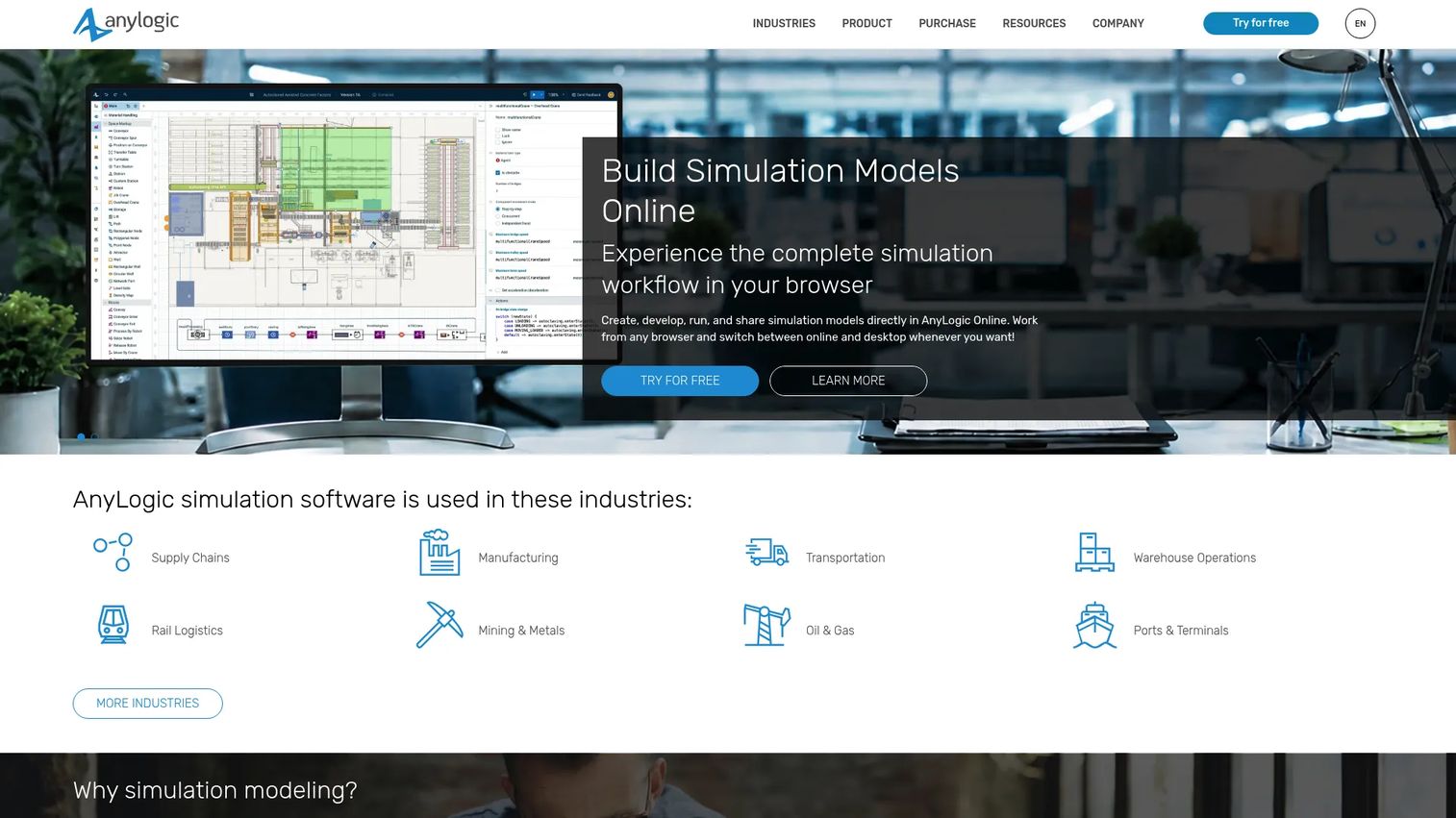
AnyLogic is a multimethod simulation platform that combines discrete-event, agent-based, and system dynamics modeling in a single environment. Oil and gas teams use it to model pipeline networks, port and tanker logistics, refinery throughput, field production optimization, maintenance scheduling, and digital twin scenarios. It includes a Fluid Library specifically designed for oil, gas, and fluid-material modeling across complex networks.
Best for: Operations leaders and engineering teams modeling interconnected oil and gas systems where decisions ripple across multiple assets simultaneously.
Key features
- Discrete-event, agent-based, and system dynamics modeling in one platform
- Fluid Library for oil and gas network simulation
- GIS maps integration for spatial logistics models
- 2D and 3D animation with cloud-based collaboration
- Digital twin development and AI model integration
Why choose AnyLogic: Choose AnyLogic when the problem spans multiple connected systems, a port, a pipeline, a refinery, a storage terminal, and a single-method simulator cannot capture the interactions between them. For a founder evaluating whether operational simulation can replace spreadsheet-based planning, AnyLogic shows bottlenecks across the full operating model, not just inside one asset.
AnyLogic pricing: AnyLogic offers a free Personal Learning Edition for evaluation and personal use. University Researcher, Professional desktop, and Private Cloud editions all require a quote from the vendor. Contact AnyLogic directly through the purchase page for current contract pricing.
2. Arena Simulation Software
Arena Simulation Software, from Rockwell Automation, is a discrete-event simulation platform built for process-flow modeling and operational analysis. Oil and gas applications include drilling operations scheduling, tanker and crude-oil port logistics, facility utilization analysis, and capacity planning. Its flowchart-based modeling interface requires no custom code for standard process models, which shortens the path from problem to working simulation.
Best for: Operations and planning teams that need to test scheduling changes, evaluate facility capacity, or identify bottlenecks before committing to physical changes.
Key features
- Flowchart-based discrete-event modeling without custom code
- 2D and 3D process animation with dynamic dashboards
- Project Analyzer for batch scenario runs and comparison
- Excel and SQLite reporting outputs
- Python, C#, and C++ extension capability for advanced models
Why choose Arena Simulation Software: Arena is a strong fit when leadership needs to evaluate operational alternatives, such as whether adding a second loading berth improves throughput enough to justify the capital, without a modeling background in the team. It is more operations-oriented than reservoir-focused, so it does not belong in a subsurface engineering workflow.
Arena Simulation Software pricing: A free demo version is available with full features but limited model size. The Professional Edition is sold through Rockwell Automation distributors and Arena partners; ask the vendor directly for current contract pricing.
3. OPM Flow
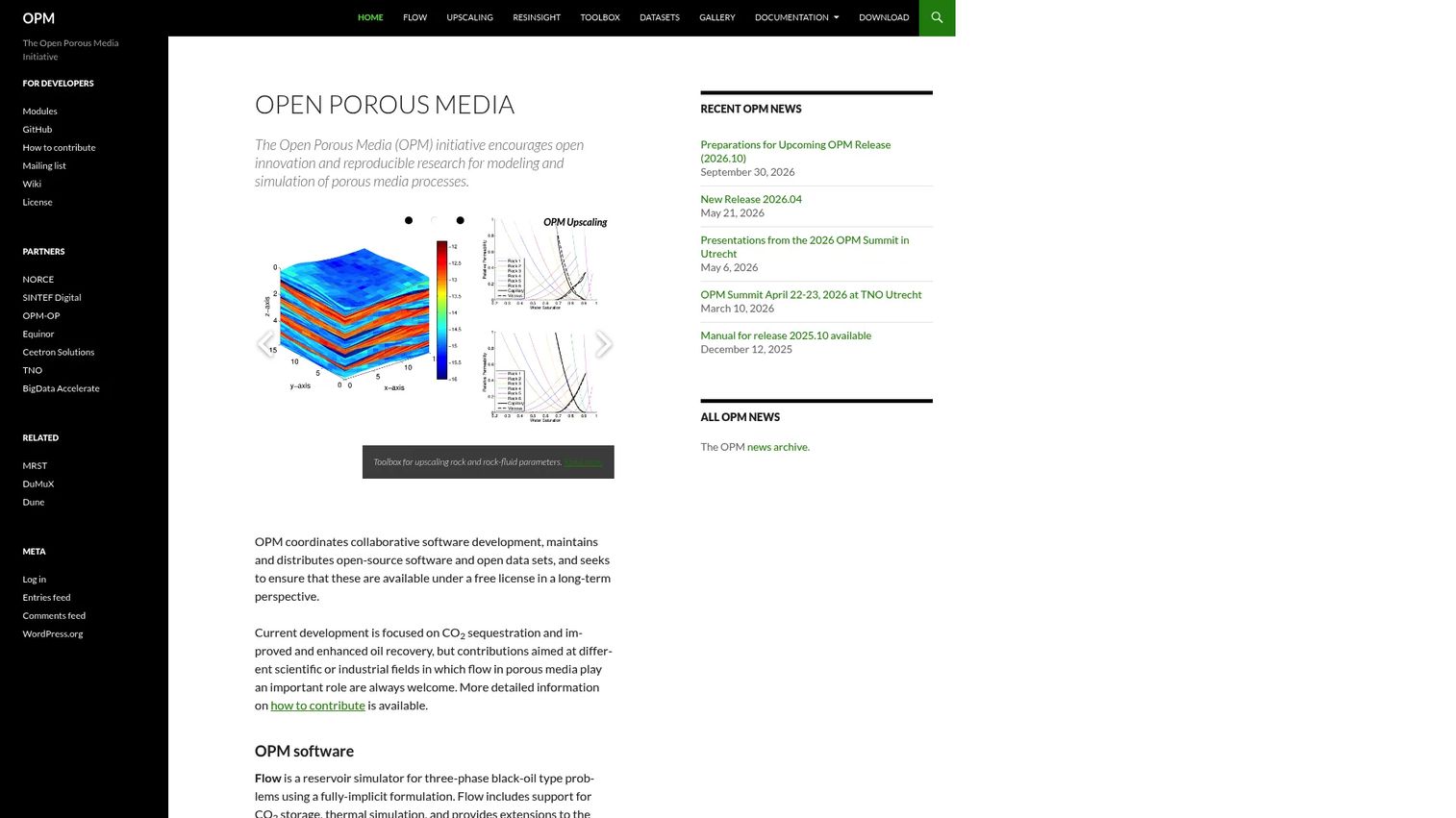
OPM Flow is a fully implicit, open-source black-oil reservoir simulator developed under the Open Porous Media project. It supports dissolved gas, vaporized oil, CO2 storage in aquifers, and thermal simulation with temperature-dependent properties. OPM Flow accepts Eclipse-format input decks, which makes it compatible with industry-standard reservoir model workflows. It supports parallel computing through CPR preconditioning and multigrid solvers.
Best for: Reservoir engineers, researchers, and technical teams that need a capable open-source simulator without commercial licensing costs.
Key features
- Black-oil simulation with dissolved gas and vaporized oil phases
- CO2 sequestration modeling for carbon storage workflows
- Eclipse input and output format support
- Automatic differentiation with Newton and NLDD nonlinear solvers
- Rectilinear and fully unstructured grid support
Why choose OPM Flow: OPM Flow is the practical open-source pick for teams that want technical control and transparency over their reservoir simulator. It requires petroleum engineering knowledge and comfortable command-line setup. Internal compute, model validation, and engineering time still carry real cost even though the license is free.
OPM Flow pricing: Free and open source, distributed under an open license through binary packages or source builds. There are no paid tiers. Factor in the cost of engineering time and compute infrastructure when planning adoption.
4. The MATLAB Reservoir Simulation Toolbox (MRST)
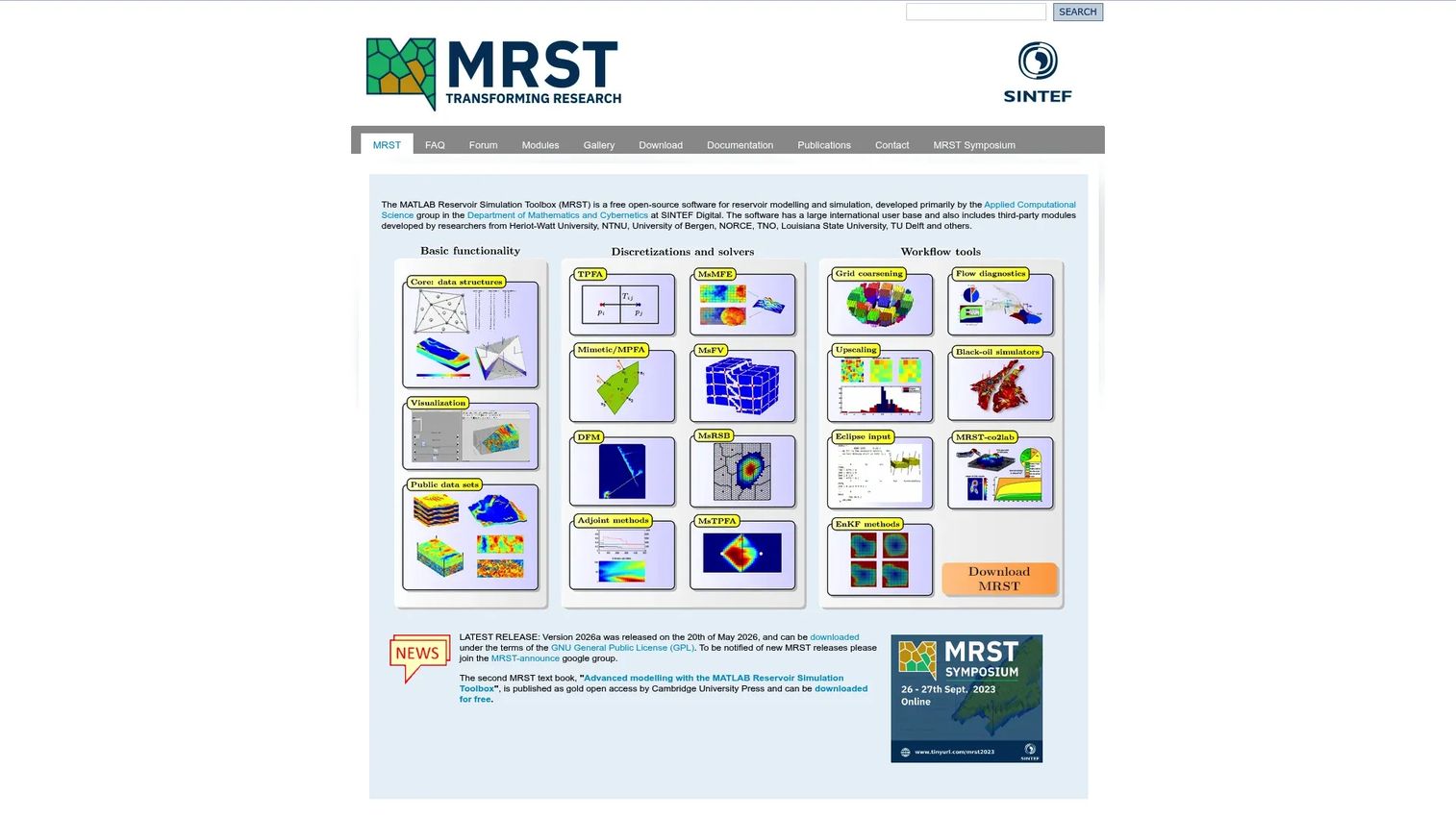
MRST, developed at SINTEF Digital, is a free open-source toolbox for rapid prototyping of reservoir simulation methods inside MATLAB. It covers black-oil and compositional simulation, automatic-differentiation-based fully implicit solvers, adjoint sensitivities, CO2 storage, geomechanics, and geothermal workflows. Petroleum engineers who already work in MATLAB can extend and test new simulation algorithms without building a solver from scratch.
Best for: Researchers, educators, and petroleum engineers prototyping new simulation methods or teaching reservoir mechanics with an extensible codebase.
Key features
- Modular core library with add-on modules for grids, solvers, and physical models
- Black-oil and compositional simulation with fully implicit solvers
- Grid generation for Cartesian, unstructured, corner-point, and fractured models
- Adjoint sensitivities and optimization capabilities
- Visualization and interactive graphical tools for reservoir states
Why choose MRST: MRST is the right pick when the goal is experimentation and teaching rather than packaged production workflows. Researchers value its extensibility; educators use it to show students exactly how a solver works. MATLAB fluency matters for getting value quickly.
MRST pricing: Free and open source under the GNU General Public License. A MATLAB license is required for practical use and represents the primary cost of adoption.
5. DuMux
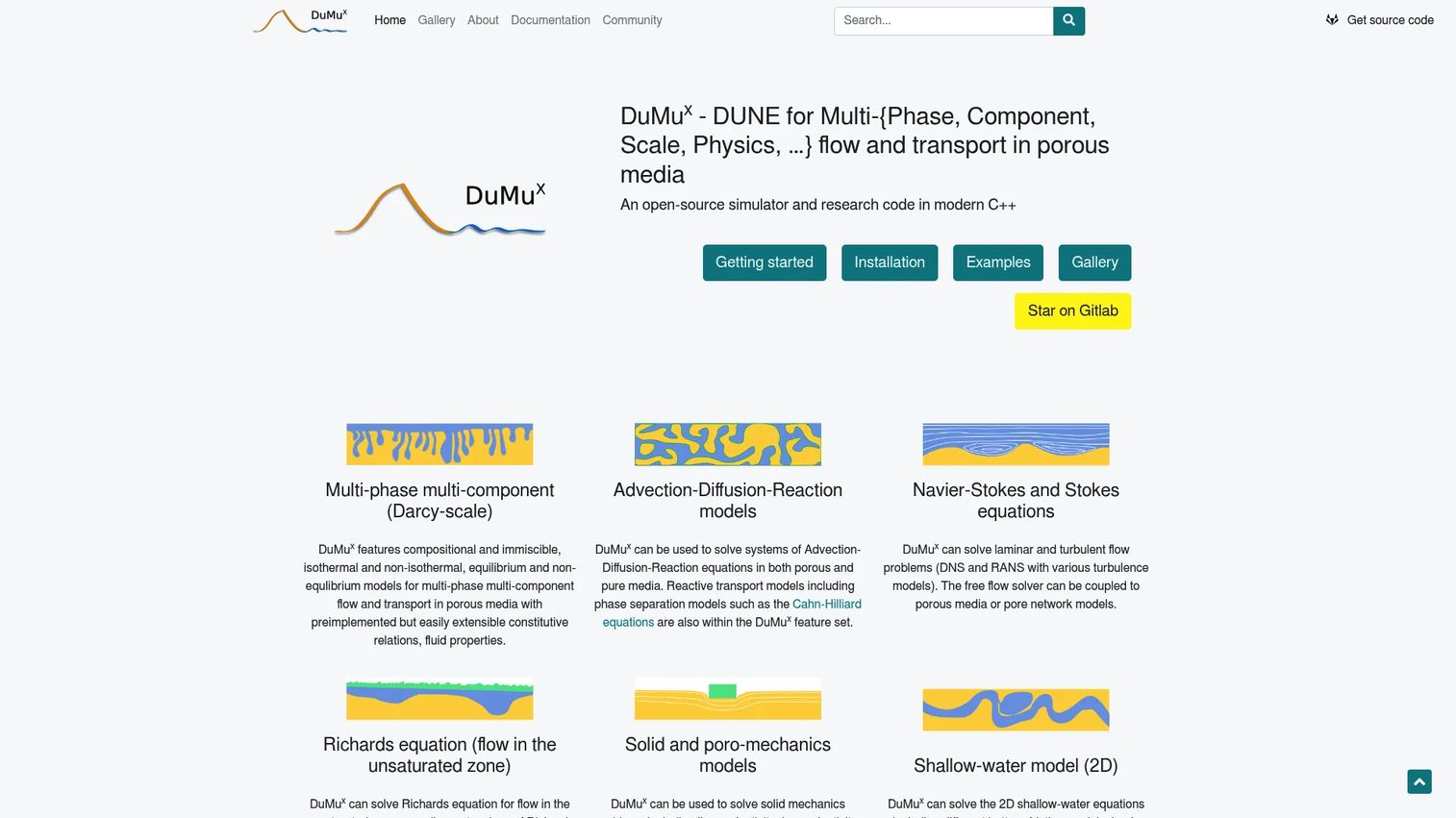
DuMux is an open-source C++ simulation framework for flow and transport processes in porous media. It builds on the Dune numerical framework and supports multiphase, multicomponent flow problems alongside Navier-Stokes, solid mechanics, poromechanics, and pore-network models. Research teams use it to develop and benchmark simulation methods for subsurface transport, geothermal systems, and environmental engineering alongside petroleum applications.
Best for: Research teams with strong computational modeling skills who need a reproducible, extensible framework for complex multiphysics porous-media problems.
Key features
- Multiphase and multicomponent flow and transport modeling
- Finite-volume and control-volume finite-element discretization
- Multidomain multiphysics coupling
- Parallel computing with MPI and shared-memory backends
- VTK output and experimental Python bindings
Why choose DuMux: DuMux is a research and numerical simulation framework, not a plug-and-play commercial operations tool. It fits teams building new physical models or validating methods at the code level. Teams looking for a production reservoir simulator with a GUI should look at OPM Flow instead.
DuMux pricing: Free and open source. Implementation cost comes from technical labor, compute infrastructure, and model development time.
6. UTCHEM
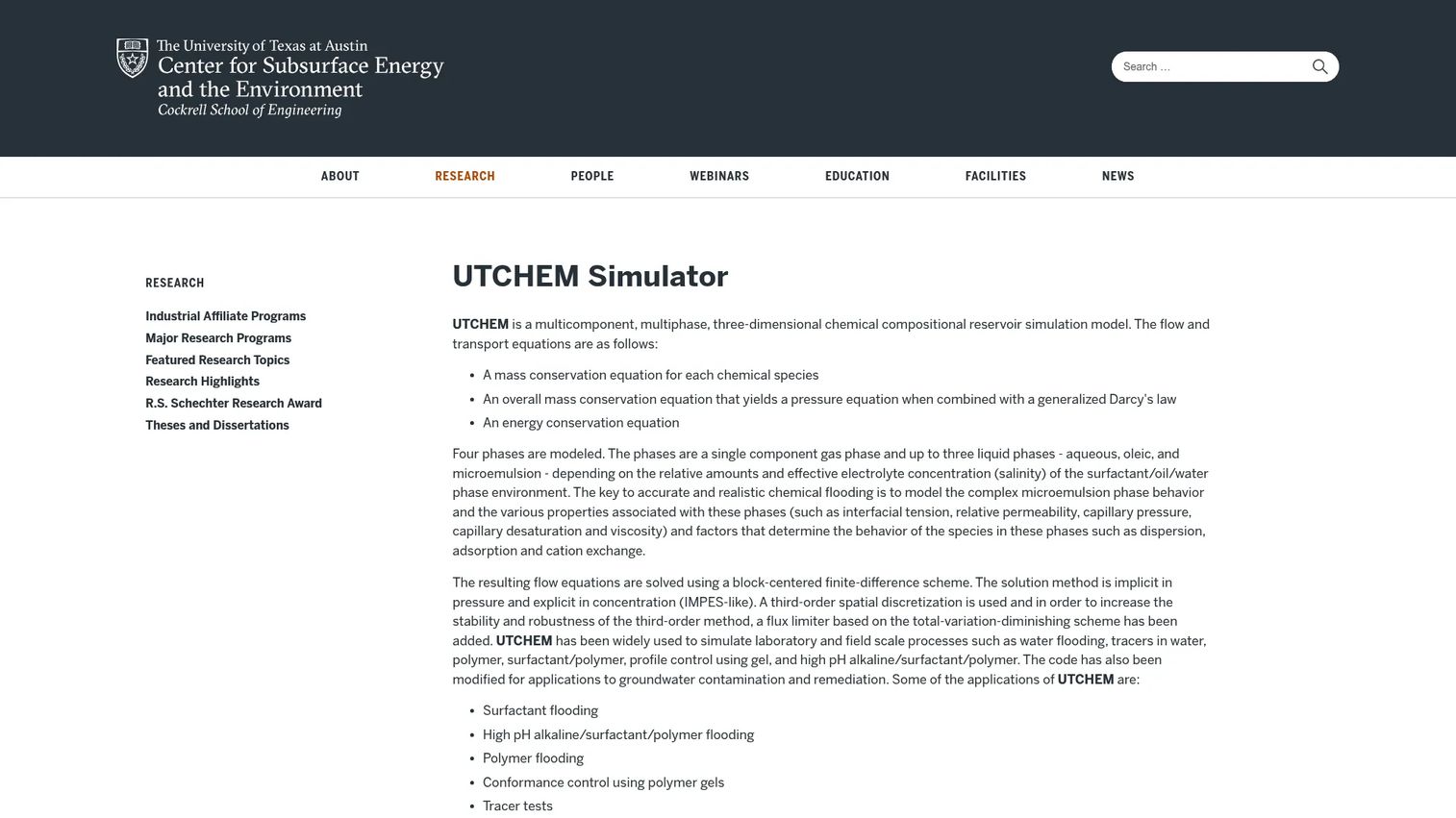
UTCHEM, developed at the University of Texas at Austin, is a multicomponent, multiphase three-dimensional chemical compositional reservoir simulation model. It covers four-phase modeling of gas, aqueous, oleic, and microemulsion phases, and handles surfactant, alkaline/surfactant/polymer, polymer, gel, tracer, soil-remediation, and microbial EOR processes. Microemulsion phase behavior, interfacial tension, relative permeability, capillary pressure, adsorption, and cation exchange are all modeled.
Best for: Petroleum engineers and researchers focused specifically on enhanced oil recovery, chemical flooding design, and advanced subsurface transport behavior.
Key features
- Four-phase gas, aqueous, oleic, and microemulsion modeling
- Surfactant, polymer, alkaline, and gel EOR process simulation
- Microemulsion phase behavior and interfacial tension modeling
- Relative permeability, capillary pressure, and adsorption
- Field-scale reservoir simulation for chemical flooding studies
Why choose UTCHEM: UTCHEM is a specialist tool. It answers chemical EOR questions that general black-oil simulators cannot address. It is not a general operations platform, and teams without a specific EOR modeling requirement will find more value in OPM Flow or MRST.
UTCHEM pricing: Access is managed through the University of Texas at Austin's Chemical EOR Industrial Affiliate Program. Contact the UT Austin research group directly for current access terms. No public pricing page or subscription tier was available during verification.
7. OpenLab Drilling
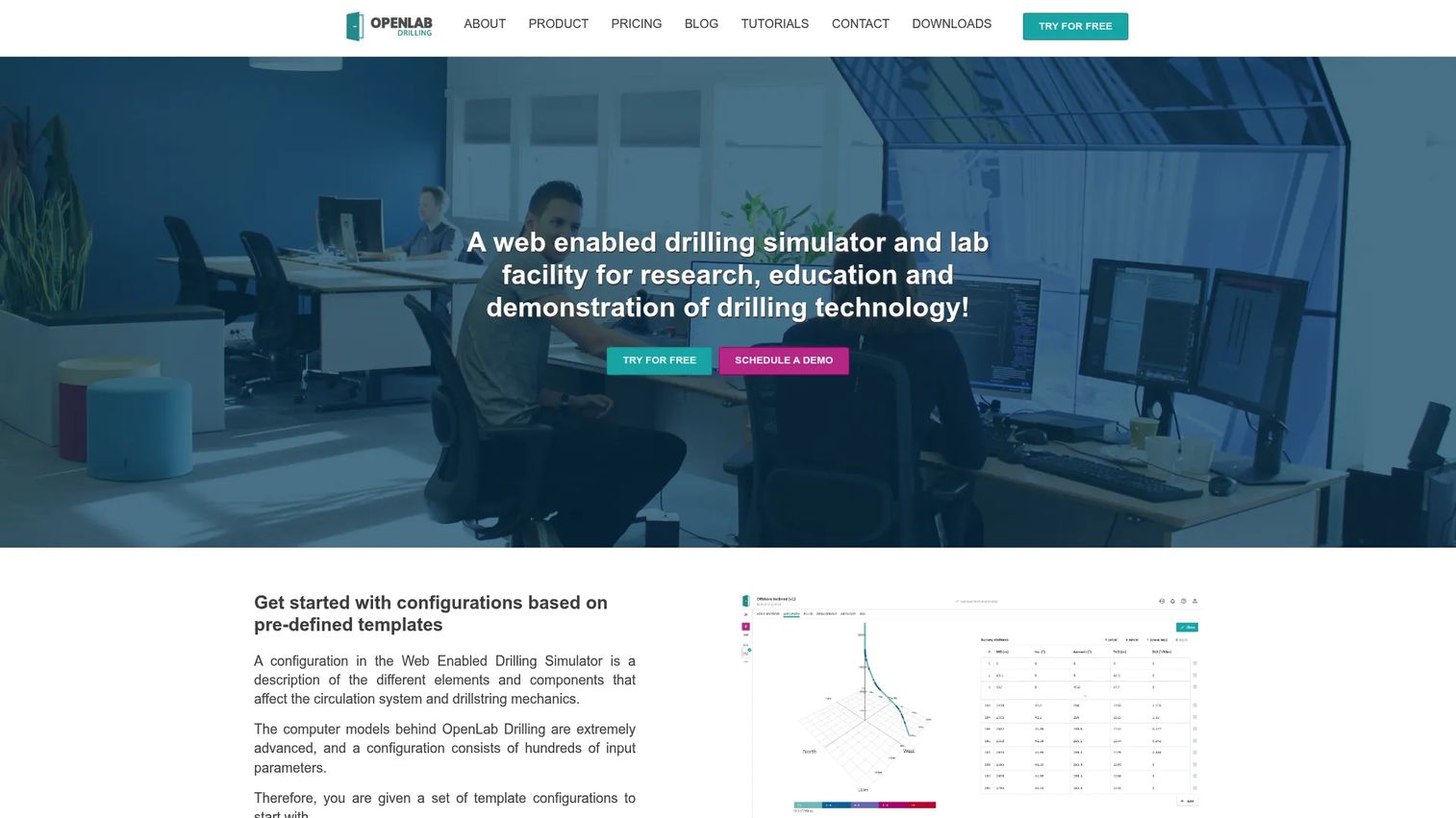
OpenLab Drilling is a web-enabled drilling simulator for research, education, testing, and technology demonstration. It runs high-fidelity drilling simulations using well-flow and drillstring-mechanics models directly in a browser, with no local installation required. Interactive access is available for manual drilling scenarios; MATLAB and Python clients provide programmatic control for research workflows. The platform also supports hardware-in-the-loop integration and 3D drill-floor visualization.
Best for: Universities, training programs, and drilling technology teams that need hands-on simulation access for learning, testing, or algorithm development.
Key features
- Browser-based high-fidelity drilling simulation
- MATLAB and Python client access for research workflows
- Hardware-in-the-loop integration
- 3D drill-floor visualization
- Free tier for initial access with 15 minutes of simulation time
Why choose OpenLab Drilling: OpenLab fits drilling practice and technology development rather than reservoir economics or refinery logistics. The free tier gives students and researchers immediate access without a procurement process. Academic and Business plans add simulation capacity for larger teams.
OpenLab Drilling pricing: A free plan includes 15 minutes of simulation time and one concurrent simulation. Academic and Business plans are available with additional capacity; contact OpenLab for current pricing on those tiers.
G2 rating
4.2/5 on G2, based on verified reviewer data.
8. Well Control Simulator
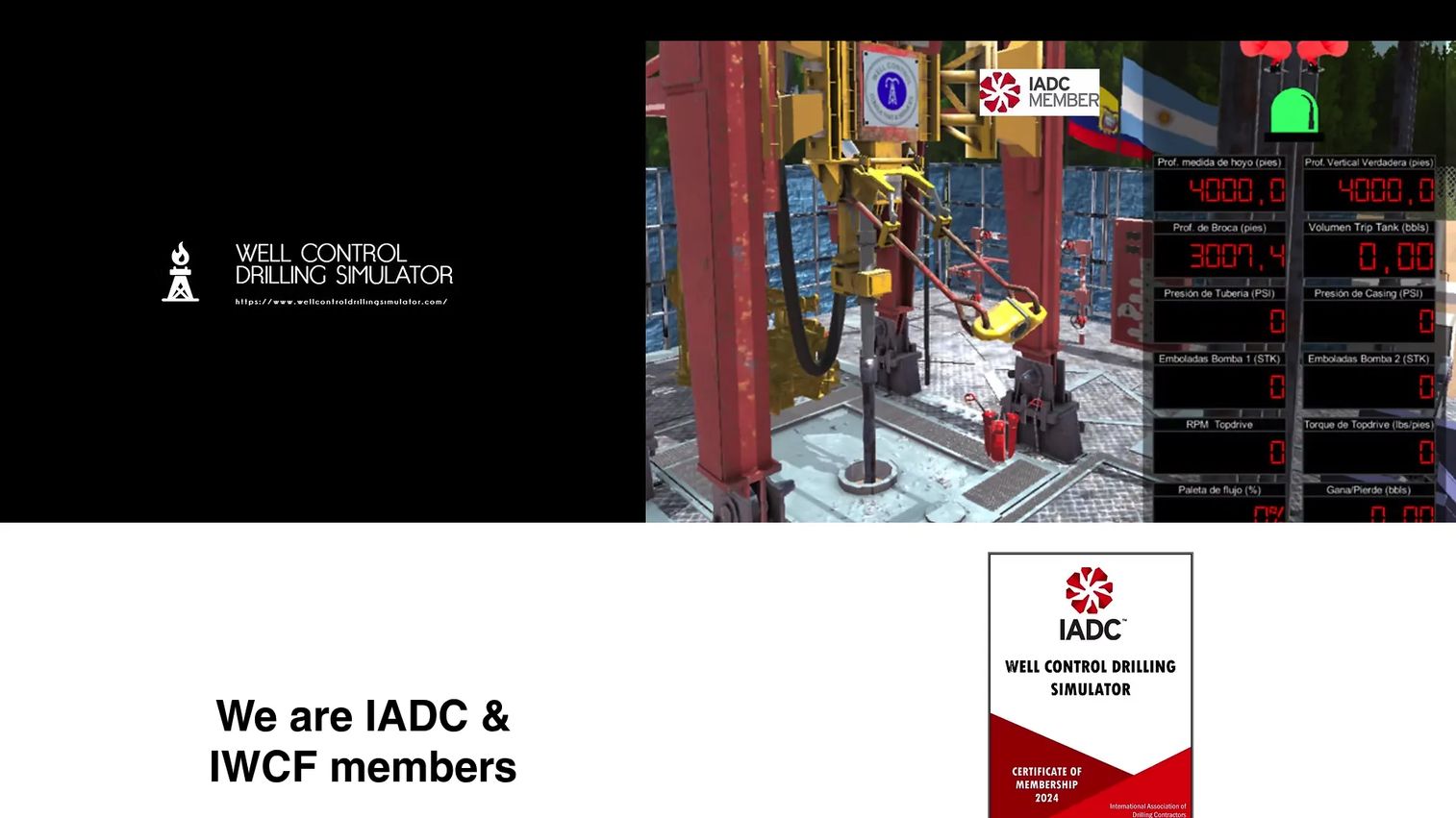
Well Control Simulator is a focused training platform for well-control and drilling operations. It simulates blowout preventers, choke manifolds, safety valves, and other well-control equipment with interactive feedback on operator actions. Training scenarios cover drilling operations, workover operations, drilling hazards, stuck-pipe prevention, underbalanced drilling, managed pressure drilling, and well-control response. The vendor also provides custom simulation builds, client needs assessment, and technical support.
Best for: Oil and gas organizations training drillers and well-control personnel in realistic, controlled scenarios without waiting for a live incident.
Key features
- Simulates BOPs, choke manifolds, and safety valve configurations
- Interactive feedback on operator actions during scenarios
- Scenarios covering stuck pipe, hazards, UBD, MPD, and well control
- Custom simulation development and client needs assessment
- Workover and drilling operations training modules
Why choose Well Control Simulator: This tool is narrow by design. Its value is in giving drilling teams repeatable practice on high-consequence events. Teams that need broad operations modeling or subsurface analysis should look elsewhere; this is a safety training investment, not a general-purpose simulator.
Well Control Simulator pricing: The vendor does not publish pricing on the official site. Contact the Well Control Simulator team directly for a quote based on team size and training requirements.
9. Program-Ace virtual training
Program-Ace builds custom virtual training and simulation software for mobile, desktop, and XR environments. In oil and gas, this means procedure simulations matched to specific rigs, equipment layouts, and operating standards, covering hazard recognition, emergency shutdown, high-pressure bypass procedures, and safety response. Each project includes scenario and competency design with branching logic, scoring, and pass criteria. Analytics and LMS integrations track competency and readiness across the workforce.
Best for: Companies in safety-critical environments that need tailored training simulations for hazardous procedures specific to their equipment and site conditions.
Key features
- Custom simulation environments matched to specific equipment and standards
- VR, AR, and MR training module delivery
- Branching scenario logic with scoring and pass criteria
- LMS, ERP, and analytics integrations
- Competency and readiness reporting across the workforce
Why choose Program-Ace virtual training: Program-Ace is a service-led custom build, not packaged engineering software. It fits teams with specific safety risks that off-the-shelf training tools cannot address. The investment makes sense when the cost of a real incident far exceeds the cost of a custom simulation environment, which is true for most offshore and process-heavy operations.
Program-Ace virtual training pricing: Custom project pricing. Program-Ace estimates each engagement individually after a discovery conversation. Contact the team directly to scope a project.
10. PlantPAx
PlantPAx is Rockwell Automation's modern distributed control system (DCS) for plant-wide process, power, information, and safety control. It scales from small facilities to large integrated plants and includes process controllers with embedded process instructions, alarm management, and device health diagnostics. Analytics dashboards surface alarm data, device health, and operational metrics. Cybersecurity architecture aligns with ISA99 and IEC 62443 standards, and the platform supports simulation and digital-twin integration.
Best for: Large and mid-sized industrial process plants, including refineries and gas processing facilities, that need integrated control across process, electrical, and safety systems.
Key features
- Plant-wide scalable control architecture
- Embedded process instructions, alarms, and diagnostics in controllers
- Integrated process and electrical power control
- Analytics dashboards for alarms and device health
- Cybersecurity aligned with ISA99 and IEC 62443
Why choose PlantPAx: PlantPAx belongs in an evaluation when the requirement is plant control and operational visibility, not reservoir modeling or logistics simulation. It fits facilities already running within the Rockwell Automation ecosystem and teams that need integrated process and safety control under a single architecture.
PlantPAx pricing: Rockwell Automation does not publish list prices for PlantPAx. Contact a Rockwell distributor or the vendor directly for pricing; cost depends on facility scale, control architecture, and implementation services.
G2 rating
4.5/5 on G2, based on verified reviewer data.
11. BOAST 3-PC
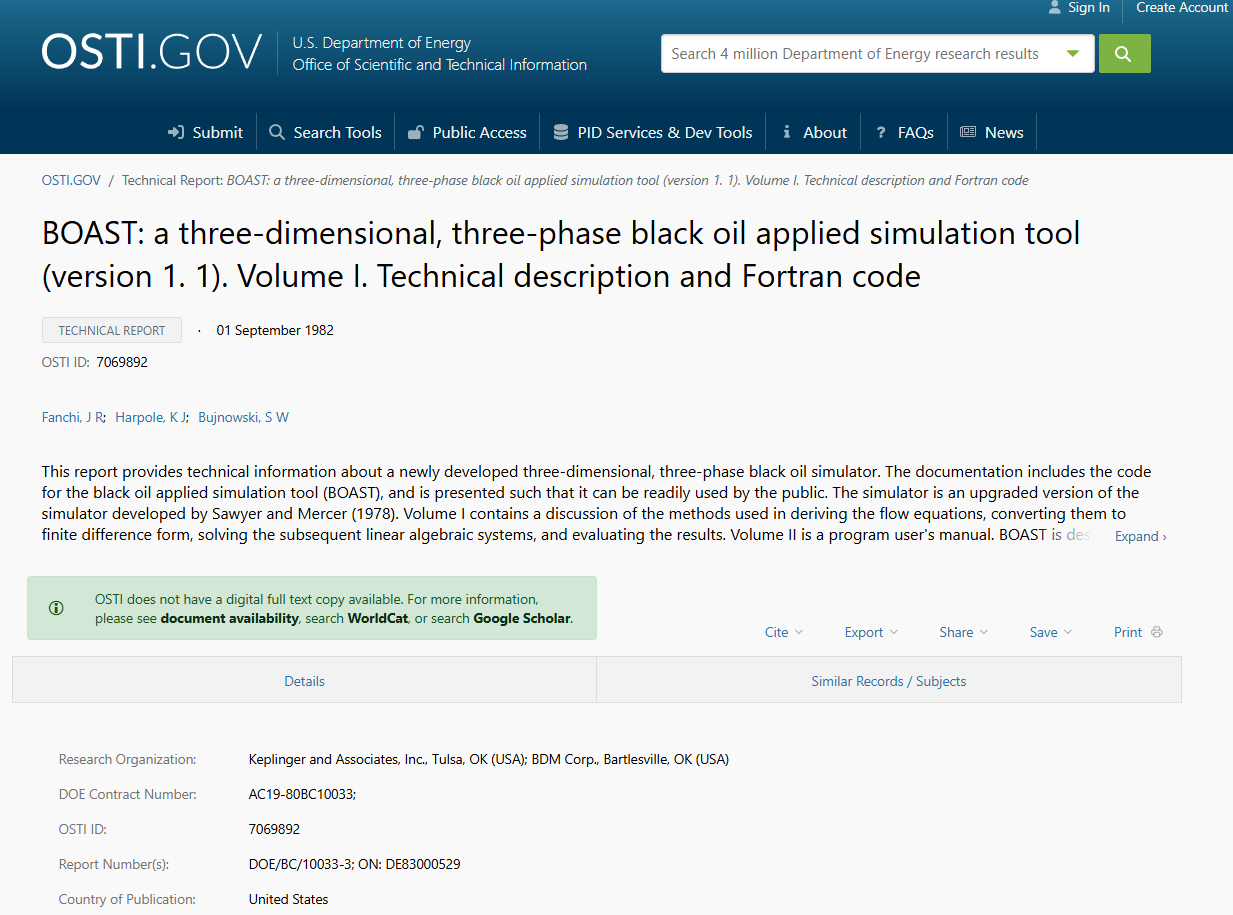
BOAST 3-PC is a three-dimensional, three-phase black-oil reservoir simulation tool developed under the U.S. Department of Energy program and documented through OSTI. It models oil, gas, and water phases with pressure-dependent physical properties and supports primary depletion, water and gas injection, displacement, gravity drainage, and capillary imbibition. Companion postprocessors COLORGRID and B3PLOT2 handle output visualization. The software runs on Windows.
Best for: Students, educators, and engineers studying foundational black-oil simulation concepts without a budget for commercial software.
Key features
- Three-dimensional, three-phase black-oil reservoir simulation
- Pressure-dependent physical properties for oil, gas, and water
- Primary depletion, water and gas injection, and gravity drainage
- COLORGRID and B3PLOT2 postprocessor tools
- Windows compatible
Why choose BOAST 3-PC: BOAST 3-PC is valuable for understanding how black-oil simulation works at a fundamental level. Use it for education and foundational research, not as a production tool for active reservoir management. Modern teams with real field decisions will need OPM Flow or a commercial simulator.
BOAST 3-PC pricing: Available as free legacy software through the OSTI database. Verify current download availability through the OSTI portal before planning adoption.
Considerations when choosing oil and gas simulation software
Match the simulator to the decision type
A reservoir question and an operations question rarely belong in the same tool. Before evaluating any software, write down the specific decision the simulation needs to support, whether that is well placement, tanker scheduling, or kick-response training. Mismatched tools produce models that are technically impressive and practically useless.
Check the model skill required
Open-source simulators like OPM Flow, MRST, and DuMux are capable, but they require reservoir engineering expertise and comfort with command-line or MATLAB environments. Commercial operations tools like AnyLogic and Arena are more accessible to planners, but still need modeling discipline to produce reliable results. Evaluate the team's current skills before committing to a tool that assumes different ones.
Evaluate integration with existing data systems
Operations simulators gain most of their value from real data inputs: Production rates, equipment states, maintenance records, and logistics constraints. Ask specifically which data connections each tool supports and how much engineering work is required to establish them. For predictive analytics software buyers, the integration question is often the deciding factor between tools that look similar on paper.
Check visualization and communication quality
A model that produces correct results but cannot communicate them to a leadership team or board has limited operational value. For AnyLogic and Arena models, 2D or 3D animation and dashboard outputs matter for cross-functional buy-in. For reservoir models, output visualization tools determine whether a non-engineer can interpret the results.
Price the full implementation, not just the license
For open-source tools, the license is free but the engineering time, compute infrastructure, model validation, and ongoing maintenance are not. For commercial tools, add setup, data preparation, training, and long-term support to any quoted license cost. The payback calculation changes significantly when implementation is included. Sales analytics software buyers run the same math: The subscription is rarely the largest line item.
Conclusion
Oil and gas simulation software is not a single category. The right tool depends entirely on the decision you are trying to make before it becomes expensive in the field.
For broad operations and logistics simulation, start with AnyLogic or Arena Simulation Software. For reservoir simulation and technical control, evaluate OPM Flow, MRST, DuMux, UTCHEM, or BOAST 3-PC based on whether the need is production engineering, research, or education. For drilling training and well-control response, OpenLab Drilling and Well Control Simulator serve different audiences within that workflow. For custom safety and workforce training, Program-Ace virtual training builds environments matched to specific equipment and site conditions. For plant control and automation in process-intensive facilities, PlantPAx belongs on the shortlist.
The buying risk in this category is not picking a bad tool within a subcategory. The buying risk is picking a tool from the wrong subcategory entirely.
Start with the decision. Then find the tool that answers it.
FAQs
The answer depends on which type of simulation you need. AnyLogic is the strongest choice for operations and logistics simulation across complex oil and gas systems. OPM Flow leads in the open-source reservoir category. Arena Simulation Software fits discrete-event operations and facility planning. No single tool is best across all five categories.
Reservoir simulation software models how fluids, including oil, gas, and water, behave in subsurface rock formations over time. Engineers use it to forecast production, optimize well placement, evaluate injection strategies, and test enhanced recovery scenarios before committing capital. Black-oil simulation covers the most common three-phase cases; compositional simulation handles more complex fluid behavior.
Reservoir simulation models subsurface behavior: Fluid flow through porous rock, pressure decline, and production over time. Process simulation models surface systems: Refineries, gas plants, pipelines, and logistics networks. Both are called "simulation" but they answer different questions for different teams. Many oil and gas operators need both, just not from the same tool.
Yes. OPM Flow, MRST, and DuMux are free open-source reservoir simulators. BOAST 3-PC is free legacy software available through the OSTI database. OpenLab Drilling offers a free tier with 15 minutes of simulation time. Free tools still carry real costs in engineering time, compute resources, and model validation work.
OpenLab Drilling supports drilling education and technology development through browser-based simulation with MATLAB and Python access. Well Control Simulator focuses specifically on kick detection and well-control response training. Program-Ace virtual training builds custom VR environments for hazard recognition and procedure practice. The right choice depends on whether the training need is drilling mechanics, well-control response, or broader safety scenario training.
Some platforms support digital twin development directly. AnyLogic is built for it, connecting simulation models to live or regularly updated operational data. PlantPAx includes digital-twin integration as part of its plant control architecture. According to the EY Future of Energy Survey (2025), 92% of energy companies are implementing or planning digital-twin applications, but only 14% say the technology meets expectations. The gap usually traces to integration complexity and data quality rather than the simulation platform itself.
Verify the tool's category fit before evaluating individual features. Check whether the team has the technical skills the tool requires, what integration work is needed to connect it to real data, and how the outputs will be communicated to decision-makers. For enterprise procurement, also check data governance requirements, security certifications, and long-term maintenance obligations. The best digital adoption platforms list covers adjacent considerations for teams rolling out complex technical software internally.
Cost ranges from free (OPM Flow, MRST, DuMux, BOAST 3-PC) to custom enterprise contracts for commercial operations tools, process control systems, and VR training builds. For commercial tools that require a sales conversation, the contract cost depends on deployment scale, number of users, and implementation services. Factor in engineering time, compute infrastructure, model validation, and training when calculating total investment. The license is rarely the largest line item.
For open-source reservoir simulators, teams with strong engineering backgrounds can run first models within days. For commercial operations tools like AnyLogic or Arena, a working model of a simple process can take one to four weeks depending on data availability. For custom VR training builds from vendors like Program-Ace, project timelines run longer because the simulation environment is built from scratch. Set realistic expectations with leadership based on tool complexity and internal bandwidth, not vendor marketing timelines. Reviewing onboarding flow software and acoustic simulation software comparisons can help frame realistic adoption timelines across technical software categories.