Your last awareness campaign hit a 4% click rate. Leadership called it a win. Six months later, a finance coordinator wired $84,000 to a spoofed vendor after clicking a real invoice lure. The click rate never predicted that.
Most teams treat phishing simulation software as a scoreboard. Send fake emails, count who clicks, report the number, move on. But a low click rate on a generic template tells you almost nothing about how your people respond to a targeted spear phishing attempt, a business email compromise message, or a callback lure that skips email entirely. The gap between "passed the test" and "safe under pressure" is where breaches live.
The phishing simulation software market reached roughly US$2.4B in 2025 and is projected to hit US$6.8B by 2034 at an 11.8% CAGR, according to DataIntelo (2025). That growth reflects a shift in how buyers think. The question is no longer "can we send a fake email." It is "can we measurably reduce risky behavior, prove it to a board, and automate a program that does not become another manual job."
That reframe is human risk management, and it changes how you should evaluate every tool below. If you buy security tooling the way enablement teams evaluate platforms, you already know governance, adoption, and reporting matter as much as raw features. The same logic applies to audit management software and AI security posture management tools that sit alongside phishing simulators in a mature security stack. Let's break down the platforms worth shortlisting in 2026.
What's inside
This guide is for security leaders, IT admins, and enablement-adjacent operators evaluating phishing simulation tools for behavior change, not just reporting theater. We selected eight platforms based on four criteria that matter for real programs: simulation realism and template freshness, adaptive personalization, automation depth (so the program runs without constant manual effort), and reporting that ties to measurable risk reduction. Every entry includes verified pricing where public, G2 ratings where available, and honest guidance on which team each tool fits. We excluded tools that only send static emails without a training or remediation loop.
TL;DR
- Best for simulation plus training in one platform: PhishingBox pairs a deep simulation engine with a built-in LMS and transparent annual pricing.
- Best for AI-driven detection and remediation: IRONSCALES combines phishing simulation with autonomous email security and response.
- Best for large enterprises: Proofpoint backs simulations with threat intelligence and a broad security awareness ecosystem.
- Best benchmark for mature programs: KnowBe4 offers the largest template library, SmartRisk scoring, and automation depth at scale.
- Best for behavior change and engagement: Hoxhunt leans on adaptive, gamified training with a strong human risk management focus.
- Best for bundled security on a budget: Defendify packages phishing simulation with 13 modules for smaller teams.
What is phishing simulation software?
Phishing simulation software is a security tool that sends controlled, fake phishing emails to employees, measures how they respond, and delivers targeted training to the people who fall for the lure. It sits at the center of a broader security awareness training program and, increasingly, a human risk management strategy that treats employee behavior as a measurable, reducible risk.
A modern phishing simulator does more than track who clicks. It builds a repeatable program: schedule campaigns, vary the difficulty, personalize lures by role, and route failers into remediation training automatically.
Core features to expect in 2026:
- Phishing templates: A library of realistic lures covering credential harvesting, attachment-based attacks, spear phishing, and BEC simulation scenarios.
- Adaptive phishing: Campaigns that adjust difficulty and content based on each user's prior behavior and risk profile.
- Risk scoring: A quantified view of individual and departmental risk, so you can target the riskiest cohorts first.
- Remediation training: Automated, just-in-time lessons triggered the moment someone fails a simulation.
- Phishing campaign automation: Scheduled, randomized sends that run [without an admin manually launching each wave.
- Reporting dashboard: Board-ready views of click rate tracking, report rates, and risk trends over time.
- Email security training integrations: Connections to Microsoft 365 or Google Workspace for user sync, deployment, and message delivery.](https://www.microsoft.com/en-us/microsoft-365)
The category overlaps with adjacent tooling. Teams building a full governance stack often pair a phishing simulator with audit management workflows and broader posture management. The strongest programs treat all of these as one connected system rather than isolated point tools.
When to use phishing simulation software
Reduce risky employee behavior at scale
You have outgrown ad hoc awareness emails and one-off training videos. When your headcount grows and human error becomes your largest attack surface, a phishing simulator lets you measure baseline risk, target the riskiest users, and drive behavior change across the whole organization without manual effort per campaign.
Prove measurable improvement to leadership
Boards and auditors increasingly want evidence that security investment changes outcomes, not just activity. Phishing training software with a strong reporting dashboard lets you show a defensible trend: risk scores dropping, report rates climbing, and repeat-clicker cohorts shrinking quarter over quarter. This mirrors how enablement teams tie tool adoption to win rates rather than raw usage.
Automate a program that runs itself
Manual phishing programs stall. Someone has to build the email, pick recipients, schedule the send, and chase the failers into training. Phishing campaign automation removes that burden with randomized scheduling, adaptive difficulty, and auto-assigned remediation. The program keeps running even when your security team is buried in incident response.
Comparison of the best phishing simulation software
The table below compares the top phishing simulation tools on buyer intent, key use case, verified pricing, and G2 rating. Pricing reflects publicly listed figures at the time of writing; several enterprise platforms use quote-based models.
| # | Product | Intent | Key use case | Pricing | G2 rating |
|---|---|---|---|---|---|
| 1 | PhishingBox | Simulation plus training in one platform | Phishing simulation and awareness training with a built-in LMS | From $825.00/year | 4.5/5 |
| 2 | IRONSCALES | AI email security plus simulation | Phishing defense, autonomous remediation, and user training | Quote-based | 4.7/5 |
| 3 | Proofpoint | Enterprise security awareness ecosystem | Threat-intelligence-backed simulations and risk reporting | Quote-based | 4.5/5 |
| 4 | KnowBe4 | Benchmark for mature programs | Large-scale simulation, SmartRisk scoring, automated training | From $1.63/seat/mo | 4.6/5 |
| 5 | Hoxhunt | Behavior change and engagement | Adaptive, gamified training and human risk management | Quote-based | 4.8/5 |
| 6 | Phished AI | Adaptive, automated programs | AI-personalized simulations with automated follow-up training | Quote-based | 4.5/5 |
| 7 | Defendify | Bundled security for smaller teams | Phishing simulation within a 13-module security package | From $150/month | Not listed |
| 8 | HookPhish | Newer behavior-centered option | Multi-channel simulation and human risk management | Free tools available | Not listed |
1. PhishingBox
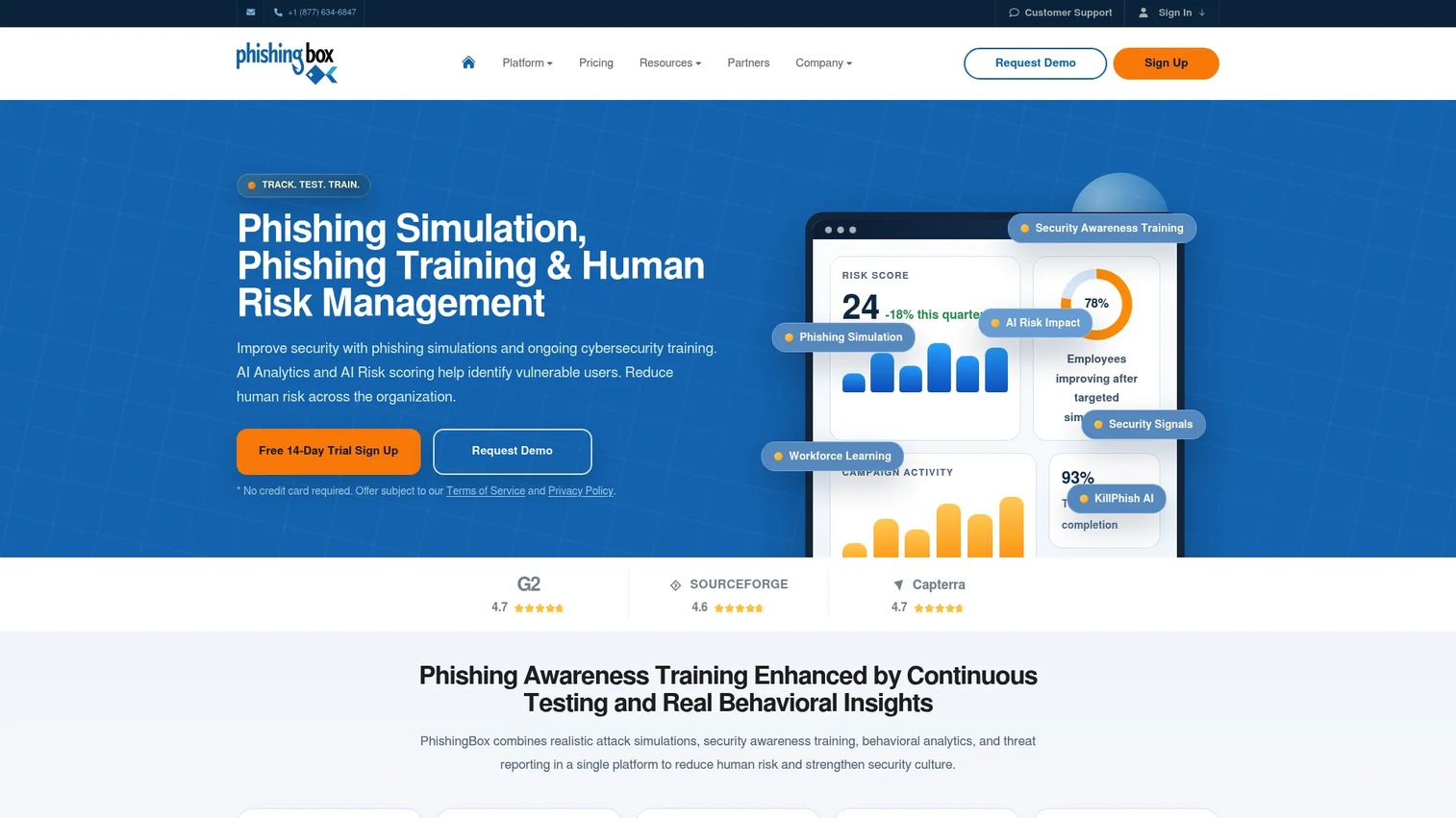
PhishingBox is a human risk management platform that brings phishing simulation and security awareness training into one place. It is built for teams that want to run realistic phishing campaigns and follow them with training, without stitching together two separate tools. The onboarding is straightforward, the template library stays current, and pricing is unusually transparent for the category.
Best for: Organizations that want phishing simulation and security awareness training combined in a single, affordable platform.
Key strengths
- Combined simulation and LMS: Run phishing campaigns and assign remediation training from the same dashboard, closing the loop on every failed simulation.
- Fresh phishing templates: A maintained library of realistic lures covering credential, attachment, and spear phishing scenarios keeps campaigns believable.
- Transparent pricing: Public annual plans make budgeting predictable, a rarity in a category dominated by quote-based sales.
Why choose PhishingBox: If you want simulation and awareness training in one platform without an enterprise sales cycle, PhishingBox is a practical fit. The transparent pricing and built-in LMS make it especially appealing to lean security teams that need to prove a program quickly without a heavy procurement process.
PhishingBox pricing: PhishingBox lists three public annual tiers on its pricing page: Standard at $825.00/year, Professional at $1,196.25/year, and Enterprise at $1,567.50/year. A 14-day free trial is available so teams can test simulations and training before committing. This kind of upfront pricing lets buyers compare cost against outcomes without a sales call, which matters when you are justifying spend to finance.
2. IRONSCALES
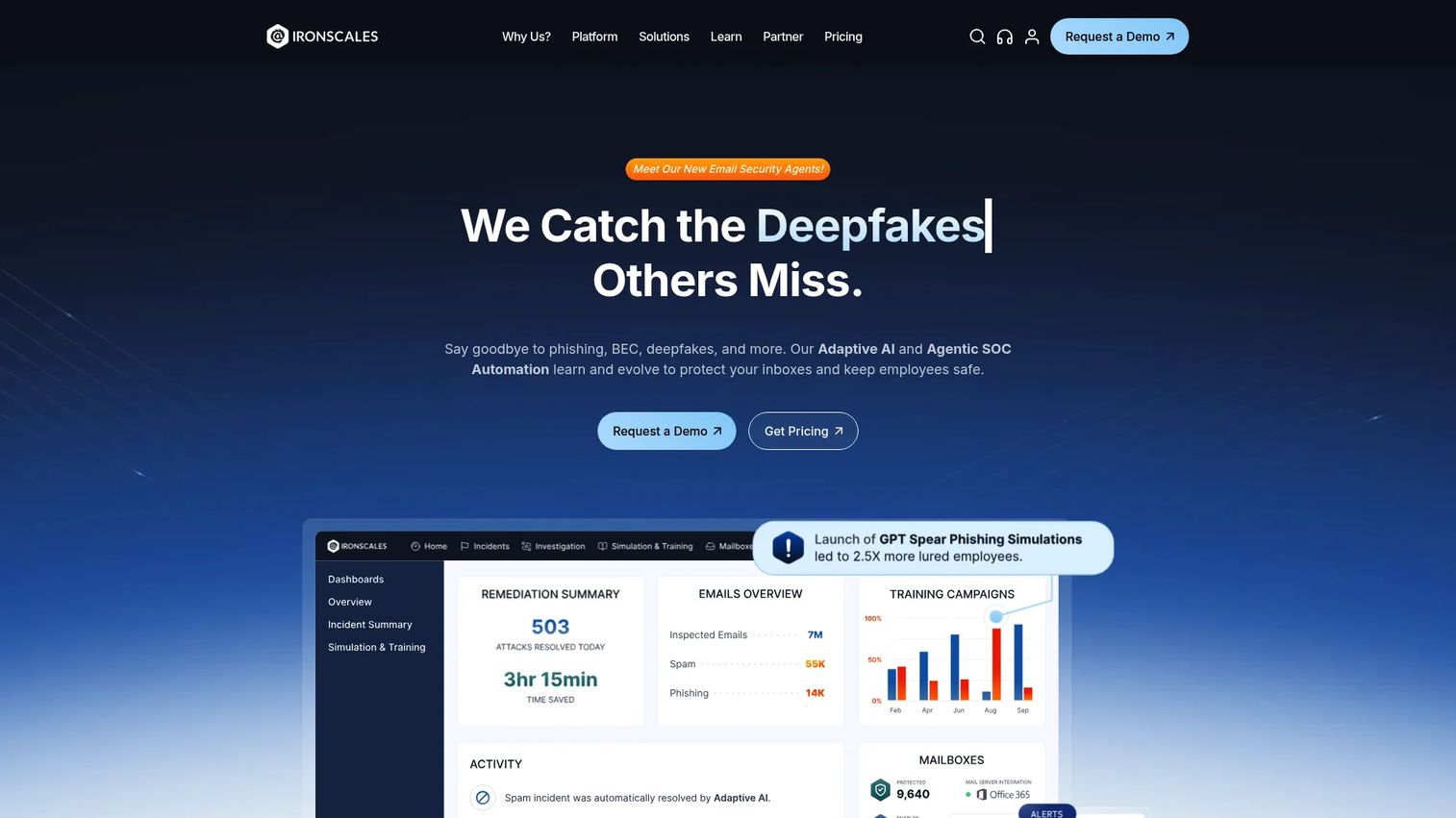
IRONSCALES is an AI-powered email security platform that folds phishing simulation and security awareness training into a broader detection and response workflow. Rather than treating simulation as a standalone exercise, it connects the training layer to live email defense, so the same platform that trains your people also blocks and remediates real threats.
Best for: Organizations that want AI-driven email security with phishing defense and user training in one workflow.
Key strengths
- Adaptive AI threat detection: Machine learning spots and flags suspicious email patterns, giving your simulation program real-world context.
- Autonomous remediation: The platform can automatically pull malicious messages from inboxes, reducing dwell time without manual admin work.
- Simulation plus training: Phishing simulation and awareness training run alongside live protection, so behavior data feeds directly into defense.
Why choose IRONSCALES: Teams that see simulation and real-time email security as two halves of the same problem will value the combined workflow. Instead of running a phishing simulator in one tool and email defense in another, IRONSCALES puts detection, remediation, and training in one place, which appeals to lean security teams managing both.
IRONSCALES pricing: IRONSCALES uses a quote-based model. Its pricing page lists plans including Email Protect, Complete Protect, Email Protect Pro, and a dedicated Human Risk Management tier, but does not publish numeric prices. You will need to contact sales for a quote scoped to your seat count and module mix. The platform holds a 4.7/5 rating on G2, among the highest in this roundup.
3. Proofpoint
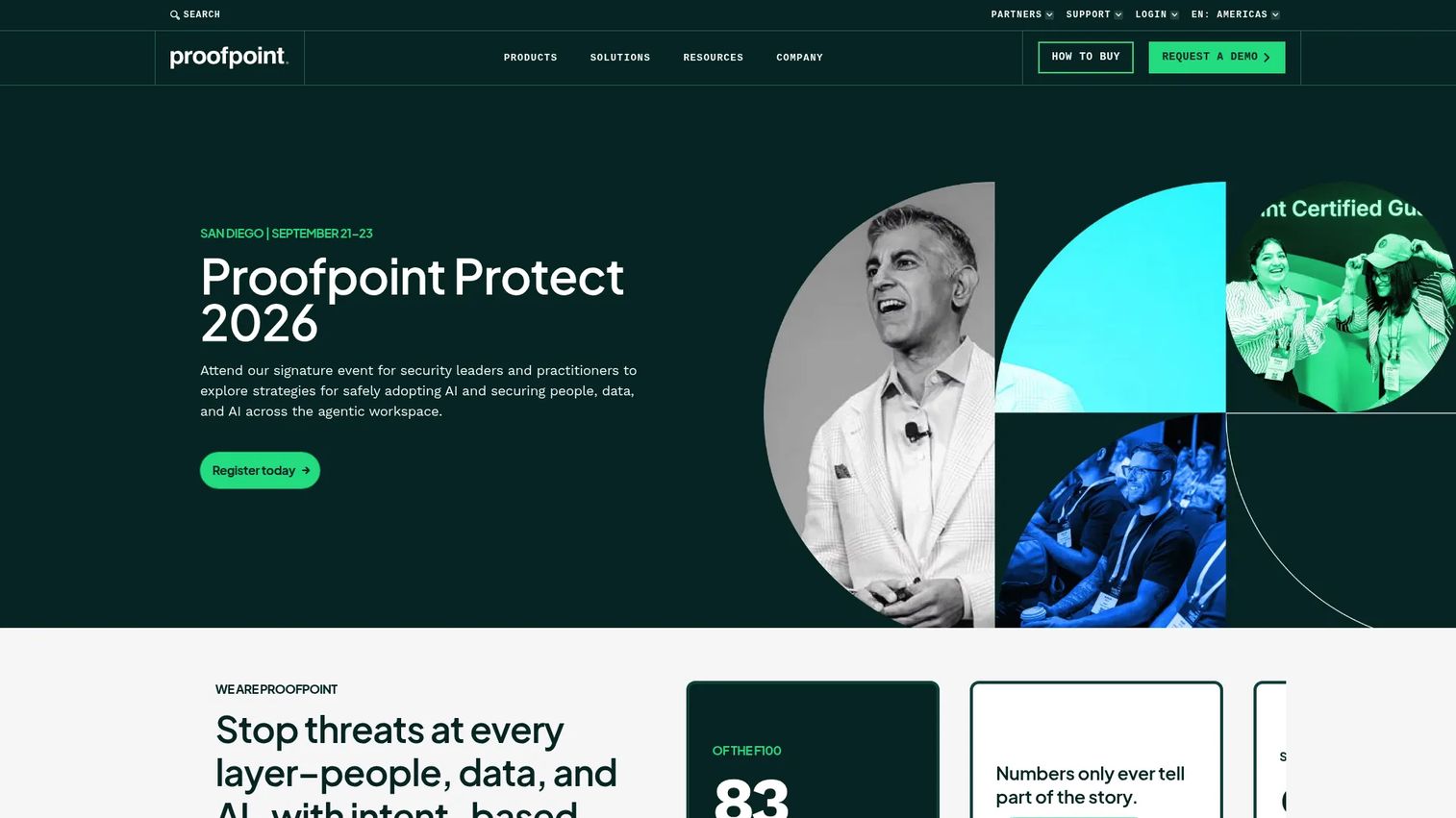
Proofpoint is a human- and AI-centric cybersecurity platform that treats phishing simulation as one layer inside a much larger security awareness and threat protection ecosystem. Its simulations draw on the same threat intelligence that powers its email security products, so the lures your employees see reflect the attack patterns actually hitting inboxes in the wild.
Best for: Enterprises that want unified email, data, and security awareness from a single vendor with deep threat intelligence.
Key strengths
- Threat-intelligence-backed templates: Simulations mirror real, active phishing campaigns rather than generic lures, raising fidelity for sophisticated attacks.
- Broad security ecosystem: Email and collaboration security, data governance, and AI security sit alongside awareness training under one roof.
- Enterprise reporting orientation: Risk reporting is built for large organizations that need to roll up data across many departments and regions.
Why choose Proofpoint: Large organizations already running enterprise email security often choose Proofpoint so their simulation program inherits the same threat intelligence and reporting backbone. If you need one vendor to cover email defense, data security, and security awareness training at scale, the consolidation is the draw.
Proofpoint pricing: Proofpoint does not publish public pricing. Its buying pages direct prospects to request a quote scoped by product mix and seat count. Given the enterprise positioning and breadth of its platform, expect a solution-tier conversation rather than a self-serve purchase. The platform holds a 4.5/5 rating on G2.
4. KnowBe4
KnowBe4 is a security awareness training and human risk management platform widely treated as the category benchmark. It offers one of the largest phishing template libraries available, high simulation volume, and automated training that scales across very large rollouts. For mature programs that need breadth and depth, it is often the default comparison point.
Best for: Organizations that want phishing simulation and security awareness training at scale with deep automation.
Key strengths
- Large template library: A vast catalog of phishing templates, including callback phishing and localized lures, keeps campaigns varied and realistic.
- SmartRisk scoring: Risk scoring quantifies individual and group risk, so you can target the riskiest cohorts and track reduction over time.
- AI-driven adaptive training: Defense agents and adaptive training route users into remediation automatically based on behavior.
Why choose KnowBe4: KnowBe4 is the safe benchmark for large, mature programs that need automation, a deep content library, and defensible risk scoring. Enablement and security teams running rollouts across thousands of seats value the breadth and the reporting depth, even if that scale is more than a small team needs.
KnowBe4 pricing: KnowBe4 publishes MSRP pricing for its Security Awareness Training tiers on a three-year term. The SAT Foundation tier starts at $1.63 per seat per month, and SAT Advanced starts at $2.79 per seat per month, both billed on a three-year term with seat-band pricing. Add-on options carry additional public MSRP figures, and larger seat counts (1,001+) move to a custom quote. The platform holds a 4.6/5 rating on G2.
5. Hoxhunt
Hoxhunt is a human risk management platform built around behavior change rather than one-off testing. Its adaptive phishing training personalizes difficulty to each user, and its gamified design keeps employees engaged over time instead of dreading the next test. The focus is on building durable habits, not just recording who clicked.
Best for: Enterprises focused on sustained habit change and high employee engagement in their security program.
Key strengths
- Adaptive phishing training: Each user gets simulations tuned to their skill level, so the program keeps challenging strong performers and supporting weaker ones.
- Gamified engagement: Points, streaks, and feedback loops drive genuine participation, which raises report rates over time.
- Automated incident response: One-click reporting and automated phishing email response tie employee behavior directly into the security workflow.
Why choose Hoxhunt: If your problem is participation and long-term habit change rather than raw simulation volume, Hoxhunt's engagement-first design stands out. Teams that have struggled to get employees to care about awareness training often see higher sustained participation here, which is what actually moves risk over the long run.
Hoxhunt pricing: Hoxhunt uses a request-a-meeting pricing model and does not publish public prices. You will book a conversation with a pricing expert to get a quote scoped to your organization. The platform holds a 4.8/5 rating on G2, the highest in this roundup, reflecting strong sentiment around its engagement and behavior-change approach.
6. Phished AI
Phished AI is an AI-driven security awareness training and phishing simulation platform built for organizations that want an adaptive, largely hands-off program. It uses automation and behavior-based personalization to tailor simulations to each user, then follows up with training through its Phished Academy. Language localization makes it a fit for distributed, multi-region teams.
Best for: Organizations that want an adaptive phishing program with automated follow-up training and multi-language support.
Key strengths
- AI-driven simulations: Automated, personalized lures adjust to each user's behavior, reducing the manual work of building and targeting campaigns.
- Phished Academy training: Automated follow-up training routes users into lessons based on how they respond to simulations.
- Threat alerts and reporting: Built-in reporting and threat alerts give admins a clear view of risk trends across the organization.
Why choose Phished AI: For teams that want adaptive phishing and automated remediation without heavy manual campaign management, Phished AI leans hard into automation. The behavior-based personalization and localization make it a strong fit for organizations spread across regions and languages that need one consistent program.
Phished AI pricing: Phished AI publishes plan names, Core, Advanced, and All-in-One, but no numeric prices; each plan directs prospects to request advice or a demo. You will need a sales conversation to scope pricing to your team size and feature needs. The platform holds a 4.5/5 rating on G2.
7. Defendify
Defendify is an all-in-one cybersecurity platform that bundles phishing simulation and security awareness training with a broader set of security modules. Rather than buying a standalone phishing simulator, smaller teams get simulation alongside vulnerability scanning, penetration testing, incident response planning, and managed detection in one subscription. It is a practical way to cover multiple bases without assembling a stack of point tools.
Best for: Small and mid-sized organizations that want bundled cybersecurity, including phishing simulation, in one subscription.
Key strengths
- All-in-one coverage: 13 modules across three security layers include phishing simulation, awareness training, vulnerability scanning, and penetration testing.
- Managed detection and response: Threat alerts and incident response planning sit alongside the training layer for broader protection.
- Modular pricing: Pricing scales by the number of modules and protected assets, so teams pay for what they use.
Why choose Defendify: Smaller teams without a dedicated security staff often want breadth over depth in any single tool. Defendify delivers phishing simulation as part of a wider package, which makes it a compact way to raise overall security maturity rather than adding one more isolated product to manage.
Defendify pricing: Defendify prices by modules and protected assets, with several public starting figures on its pricing page. The Policies & Training Package starts at $150/month, the Detection & Response Package at $325/month, the Assessments & Testing Package at $450/month, and the full All-In-One Cybersecurity Package at $925/month. A free Defendify Essentials Package is also offered for teams getting started.
8. HookPhish
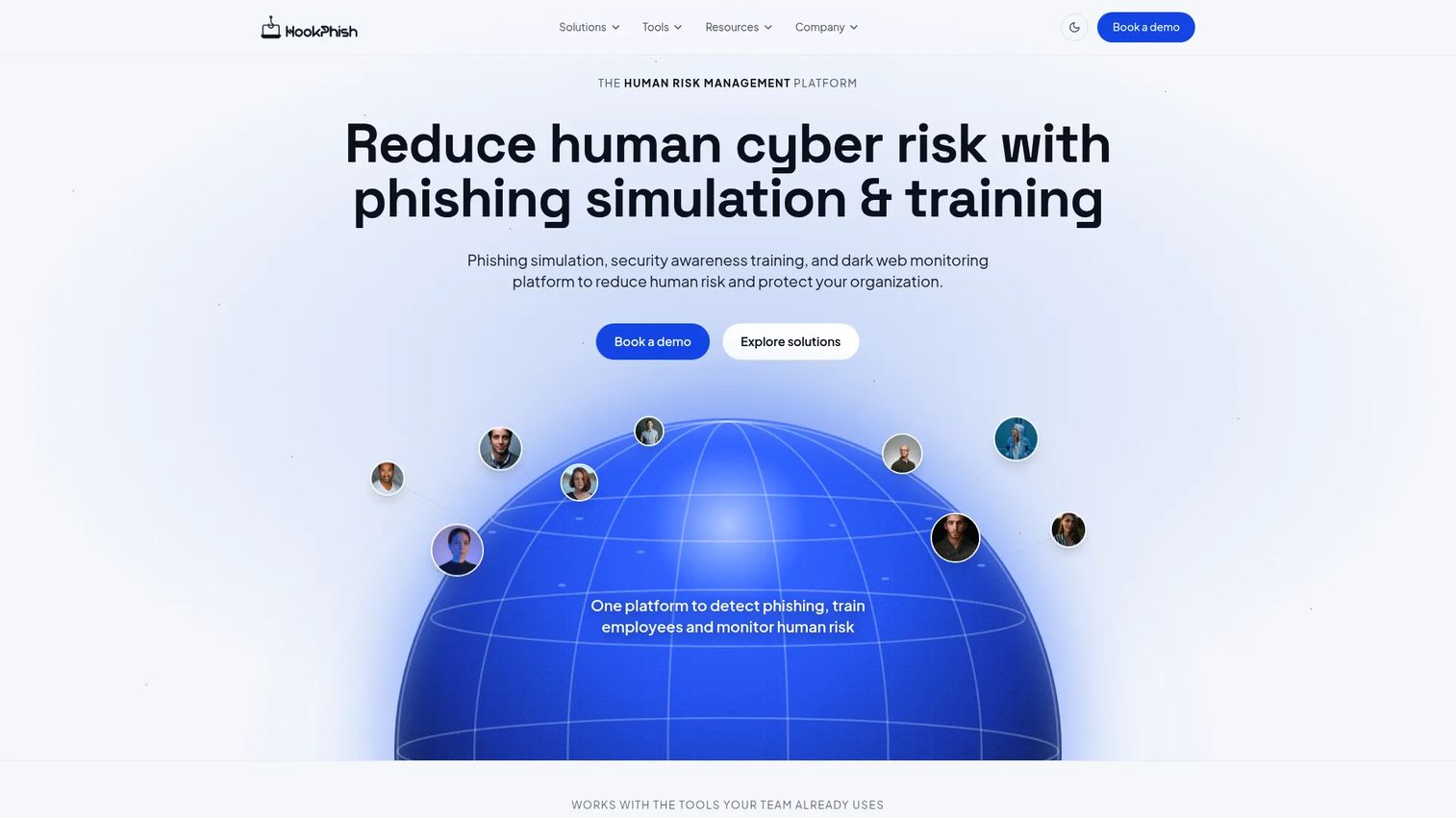
HookPhish is a newer human risk management platform that spans phishing simulation, security awareness training, and threat monitoring. What sets it apart is multi-channel simulation: it can run AI-driven lures across email, Slack, and Teams, reflecting how modern social engineering increasingly moves beyond the inbox. For teams that want a behavior-centered option built for today's attack surface, it is worth a look.
Best for: SMBs, MSPs, and security teams that want an all-in-one human-risk platform with multi-channel simulation.
Key strengths
- Multi-channel simulation: AI-driven phishing simulations run across email, Slack, and Teams, covering channels that email-only tools miss.
- Role-specific training: Security awareness training with role-based lessons targets the scenarios each employee is most likely to face.
- Threat and breach monitoring: AI-powered email threat detection plus dark web and breach monitoring extend the platform beyond simulation.
Why choose HookPhish: Teams that recognize social engineering now spans chat tools, not just email, will appreciate the multi-channel approach. As a newer, behavior-centered platform, HookPhish fits organizations that want simulation, training, and monitoring in one place and are comfortable evaluating an emerging vendor.
HookPhish pricing: HookPhish does not publish numeric pricing on its primary pages. The site offers a demo and a set of free tools rather than a listed priced plan, so you will need to request a demo to scope cost. Its free tools give teams a low-commitment way to try the platform before a paid conversation.
Considerations before you buy
Before you shortlist, pressure-test each tool against how your program will actually run, not just its feature list.
Look beyond click rate
A single click rate hides more than it reveals. Evaluate whether the tool tracks report rates, repeat-clicker cohorts, and risk scoring over time. The goal is measurable behavior change, and a tool that only reports raw clicks will not prove it. This mirrors how enablement teams distrust vanity metrics and demand outcome data.
Verify adaptive personalization
Generic lures train people to spot generic lures. Check whether the platform supports adaptive phishing that adjusts difficulty per user, plus spear phishing and BEC simulation scenarios. Adaptive programs keep challenging strong performers instead of letting the whole organization coast.
Confirm automation depth
A program that needs manual work per campaign will stall. Confirm the tool supports phishing campaign automation: randomized scheduling, auto-assigned remediation training, and hands-off reporting. The less your team has to touch it, the longer it runs.
Check integrations and deployment
Confirm the tool integrates cleanly with Microsoft 365 or Google Workspace for user sync, allow-listing, and message delivery. Weak integration turns deployment into a manual chore and undermines adoption. Teams building a wider governance stack should also weigh how a simulator fits with audit management software and lead scoring software style risk models already in use.
Weigh reporting and governance
Boards want defensible trends, not screenshots. Prioritize a reporting dashboard that rolls up risk by department, tracks improvement over quarters, and exports cleanly. Governance features, role-based access, and audit trails matter as much here as in any enterprise tool.
Conclusion
The best phishing simulation software in 2026 is not the one with the flashiest click-rate chart. It is the one that reduces risky behavior, proves it to leadership, and runs without becoming another manual job.
By use case: PhishingBox fits teams that want simulation and training combined with transparent pricing. IRONSCALES suits teams that want simulation fused with live email defense. Proofpoint and KnowBe4 are the enterprise benchmarks for scale, threat intelligence, and deep risk scoring. Hoxhunt wins on engagement and durable behavior change, Phished AI on adaptive automation and localization, Defendify on bundled breadth for smaller teams, and HookPhish on multi-channel simulation for today's attack surface.
Your next step: shortlist two or three based on deployment fit and reporting needs, then run a trial or demo against a real cohort. Measure report rates and risk scores, not just clicks. The tool that moves those numbers over a quarter is the one worth buying.
FAQs
Phishing simulation software sends controlled, fake phishing emails to employees, measures how they respond, and delivers targeted training to anyone who falls for the lure. It is a core part of a security awareness training program and, increasingly, a human risk management strategy that treats employee behavior as a measurable, reducible risk rather than a fixed variable.
Most programs run monthly simulations, with higher-risk roles or repeat clickers tested more frequently. Consistency matters more than volume: regular, varied simulations build durable habits, while infrequent one-off tests train people to spot only the specific lure they saw. Adaptive programs automatically adjust frequency based on each user's risk profile.
Look for fresh phishing templates, adaptive personalization, risk scoring, automated remediation training, phishing campaign automation, and a reporting dashboard that ties to behavior change. Integration with Microsoft 365 or Google Workspace also matters for clean deployment. Prioritize tools that measure risk reduction over time, not just a single click rate.
No. Click rate is a useful baseline, but it hides too much on its own. A low click rate on an easy template says little about how people handle targeted spear phishing or BEC simulation attempts. Track report rates, repeat-clicker cohorts, and risk scores over time to understand actual behavior change and measurable risk reduction.
Yes. Modern phishing simulation tools use risk scoring to quantify individual and departmental risk, then track that score across campaigns. This lets you show a defensible trend to leadership: risk dropping, report rates climbing, and repeat-clicker cohorts shrinking. That trend, not a single number, is the evidence auditors and boards actually want.
Adaptive phishing simulation adjusts the difficulty and content of each campaign based on a user's prior behavior and risk profile. Strong performers get harder, more targeted lures, while users who struggle receive more support and remediation training. The result is a program that keeps challenging everyone at the right level instead of testing the whole organization on the same generic email.
Most platforms integrate through directory sync for user provisioning, allow-listing to ensure simulation emails reach inboxes, and reporting hooks that capture responses. Clean integration with Microsoft 365 or Google Workspace is what makes deployment hands-off, so confirm the depth of support before you buy rather than assuming basic sync is enough.
Phishing simulation is the testing layer: controlled fake attacks that measure how employees respond under realistic conditions. Security awareness training is the education layer: lessons, videos, and just-in-time remediation that build knowledge and habits. The strongest programs connect the two, so a failed simulation automatically triggers targeted training, closing the loop between measuring risk and reducing it.