One unpatched laptop, a reused password, or a single phishing click can become a company-wide incident. Yet most security comparisons make the buying decision harder by treating household antivirus suites and enterprise detection platforms as if they belong on the same shortlist.
They don't. System security software is a category that spans consumer privacy bundles, endpoint protection platforms, XDR, firewalls, and DNS-layer filtering. The right choice depends on whether you need device protection for a household, endpoint coverage for a distributed SaaS team, or detection and response for a complex environment with sensitive customer data.
According to the World Economic Forum (2025), 72% of organizations reported an increase in cyber risks, yet only 4% of organizations reached the mature stage of cybersecurity readiness, per Cisco (2025). That gap is where incidents happen.
This guide separates the market into clear buying contexts, covers 12 tools across consumer and enterprise use cases, and gives you a practical framework to match the right product to your actual risk exposure.
What's inside
This guide is for product managers, IT stakeholders, and security-adjacent buyers who need to evaluate security software without spending a week decoding vendor positioning.
- A clear category definition: What system security software covers, and where the boundaries are
- 12 tools compared: Consumer suites, endpoint protection, XDR platforms, firewalls, and DNS security
- Buying guidance: How to match a tool to your device estate, threat model, and operational capacity
- Selection criteria: What to evaluate beyond the feature list
Tools were chosen based on category coverage, verified pricing availability, G2 ratings, and relevance to both consumer and business buying contexts.
TL;DR
- Best overall consumer suite: Bitdefender Total Security for multi-device malware, ransomware, and phishing protection across Windows, macOS, Android, and iOS
- Best for identity and privacy bundles: Norton 360 Deluxe for households that want VPN, dark web monitoring, and parental controls alongside antivirus
- Best for Microsoft-centric teams: Microsoft Defender for Endpoint for organizations already running Microsoft 365 security and identity tooling
- Best for enterprise endpoint and response: CrowdStrike Falcon Platform for large endpoint estates with mature incident-response requirements
- Best for managed coverage: Sophos Fusion for organizations needing cross-domain protection with optional managed detection and response
- Best for network-layer protection: Fortinet FortiGate for firewall and network control, or Cisco Umbrella for DNS-layer threat filtering at the organization's edges
What is system security software?
System security software is a set of tools that protects devices, users, networks, applications, and data from malware, phishing, unauthorized access, and security incidents.
The category spans several distinct product types, each addressing a different part of the attack surface.
Antivirus and internet security suites
Consumer and small-business packages that provide real-time malware scanning, ransomware protection, web filtering, privacy features, and multi-device licenses. These cover the household or small team that needs broad coverage without a security operations function behind it.
Endpoint protection and endpoint detection and response
Business-oriented tools that protect laptops, servers, and managed devices. Endpoint detection and response (EDR) adds centralized visibility, behavioral detection, investigation, and response capabilities on top of basic prevention. The output is telemetry and alerts your security team can act on.
Extended detection and response and security operations platforms
XDR software connects signals across endpoints, identity systems, email, cloud workloads, and network traffic. The goal is cross-source detection and response, giving analysts a consolidated view of threats rather than isolated alerts from each product.
Firewall and DNS security tools
Firewall software controls network traffic between zones, inspects application-layer connections, and enforces security policy across physical or cloud-based network infrastructure. DNS security filters malicious domains before a connection is ever established, blocking phishing sites and command-and-control traffic at the network's edge.
Core features to look for
- Real-time malware and ransomware prevention
- Phishing and credential-theft protection
- Endpoint visibility and device management
- Network filtering and firewall controls
- Detection, investigation, and response workflows
- Identity and access integrations
- Centralized reporting and audit evidence
- Policy controls for distributed teams
| Feature area | Consumer suite | Endpoint protection | XDR platform | Firewall or DNS |
|---|---|---|---|---|
| Malware prevention | Yes | Yes | Yes | Partial |
| Centralized device management | No | Yes | Yes | No |
| Cross-source detection | No | Limited | Yes | No |
| Network traffic control | Limited | No | Partial | Yes |
| Managed response option | Rare | Sometimes | Often | No |
When to use system security software
Protect personal or family devices
A consumer suite covers Windows, macOS, and mobile devices with antivirus, VPN access, password management, and identity monitoring. This is the right starting point when the risk surface is household devices, personal payment activity, and online privacy rather than a managed corporate environment.
Secure a distributed SaaS team's devices and accounts
When employees use personal or company-managed laptops across multiple locations, endpoint protection adds centralized device posture, phishing prevention, and visibility into coverage gaps. Combine this with identity controls to reduce risk from credential theft and employee offboarding scenarios. Our guide to best endpoint protection software covers additional options in depth.
Build detection and response for high-risk environments
Organizations handling sensitive customer data, running multi-site networks, or operating under compliance requirements need more than prevention. Detection and response coverage means 24/7 alert monitoring, cloud workload visibility, and defined incident-containment playbooks. This is where XDR platforms and managed detection and response services become relevant. If you're evaluating the AI-assisted detection layer specifically, the best AI cybersecurity solutions roundup provides a useful parallel view.
System security software comparison
The 12 tools below span consumer suites, endpoint platforms, XDR, firewalls, and DNS security. Compare against your environment rather than treating rank as a universal quality signal. A consumer suite is not inferior to a XDR platform; it serves a different buyer with different operational requirements.
| # | Product | Best for | Key differentiator | Pricing | G2 rating |
|---|---|---|---|---|---|
| 1 | Bitdefender Total Security | Families and small teams | Multi-device consumer suite | From $59.99/yr | N/A |
| 2 | Norton 360 Deluxe | Households needing identity and privacy | Broad consumer security and privacy bundle | $49.99 first yr | N/A |
| 3 | McAfee+ | Multi-device household protection | Antivirus, VPN, identity, and privacy | From $49.99/yr | N/A |
| 4 | Microsoft Defender for Endpoint | Microsoft-centric businesses | Endpoint protection linked to Microsoft security tooling | Via Microsoft 365 E5, from $60/user/mo | 4.4/5 |
| 5 | CrowdStrike Falcon Platform | Enterprise endpoint and response teams | Cloud-native endpoint telemetry and detection | From $7.99/device/mo | 4.7/5 |
| 6 | Sophos Fusion | Teams needing platform coverage and MDR | Endpoint, email, cloud, and MDR in one platform | Contact Sophos | N/A |
| 7 | SentinelOne Singularity XDR | Organizations prioritizing automated response | XDR across endpoint, cloud, and identity | From $179.99/yr per endpoint | N/A |
| 8 | Palo Alto Networks Cortex XDR | Enterprises with complex multi-source environments | Detection and investigation across integrated security telemetry | Contact Palo Alto Networks | 4.5/5 |
| 9 | Fortinet FortiGate | Organizations prioritizing firewall and network control | Next-generation firewall and network security | Contact Fortinet | 4.6/5 |
| 10 | Cisco Umbrella DNS Security | Distributed organizations needing DNS-layer security | Cloud-delivered DNS and web-layer threat blocking | Contact Cisco | 4.4/5 |
| 11 | Trend Micro Maximum Security | Individuals and smaller organizations | Consumer suite with malware and web protection | From $74.95/yr | N/A |
| 12 | ESET Smart Security Premium | Users wanting configurable endpoint protection | Security suite with encryption and privacy controls | Contact ESET | N/A |
12 best system security software tools for 2026
1. Bitdefender Total Security
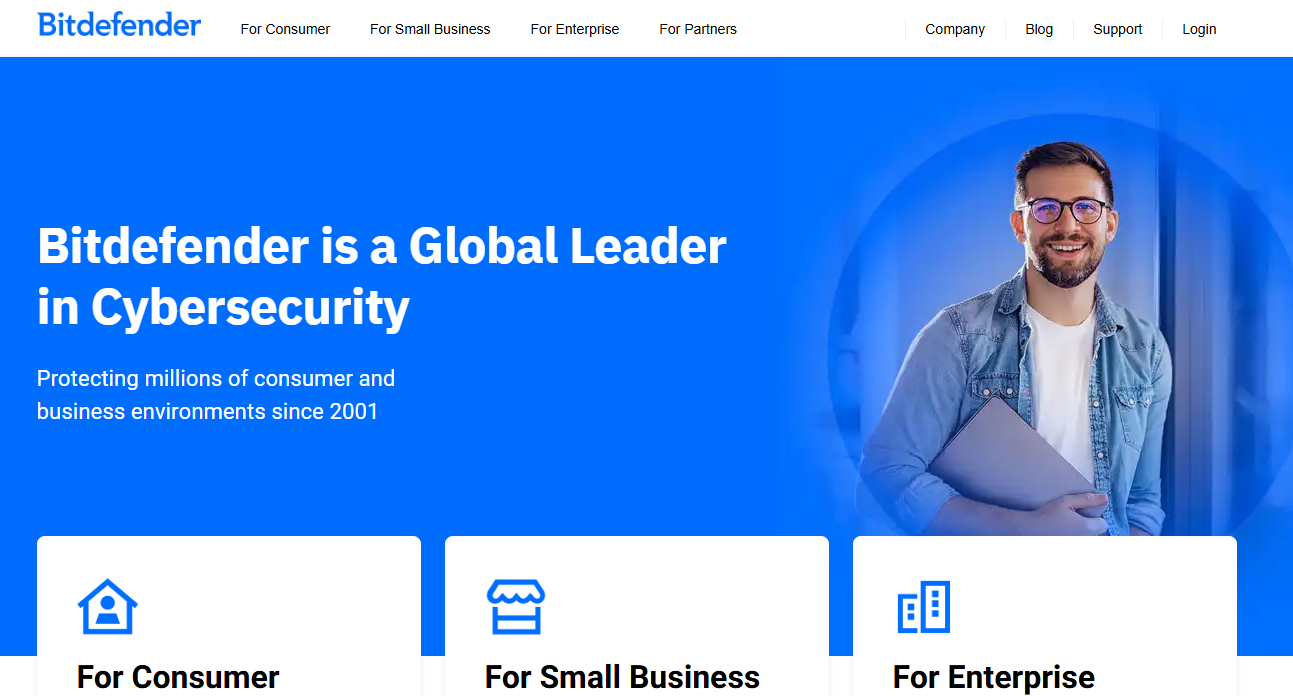
Bitdefender Total Security is a cross-platform cybersecurity suite covering Windows, macOS, Android, and iOS. It protects up to five devices on the Individual plan and up to 25 devices on the Family plan, making it practical for households or small teams that want coverage without managing separate subscriptions. The platform consistently earns strong marks in independent antivirus lab tests for detection rates and performance impact.
Best for: Individuals, families, and small teams needing broad device protection without an enterprise security operations function.
Key features
- Real-time malware and ransomware protection across platforms
- Anti-phishing and web attack prevention
- 200 MB/day VPN traffic per device
- Webcam and microphone protection
- Device optimization tools
Why choose Bitdefender Total Security: It's the right starting point when your risk surface is personal and small-team devices rather than a managed corporate endpoint estate. Product managers evaluating vendor risk or employee device posture often use a consumer suite as a first coverage layer before centralizing to endpoint management.
Bitdefender Total Security pricing: The Individual plan (up to 5 devices) starts at $59.99/year for the first year. The Family plan (up to 25 devices for 5 members) is $79.99/year for the first year. Two-year options are also available at $119.99 and $159.99 respectively.
2. Norton 360 Deluxe

Norton 360 Deluxe covers up to five devices with antivirus, a secure VPN, 50 GB of cloud backup, dark web monitoring, parental controls, and a password manager. Its AI-powered scam protection feature adds a layer of phishing detection across email, text, and web. Norton is one of the most recognized consumer security brands, and the Deluxe tier sits in the sweet spot for households that want several protection types bundled into a single subscription.
Best for: Households that want multi-device security with privacy and identity-monitoring features alongside core antivirus.
Key features
- Real-time threat protection across five devices
- Secure VPN for all covered devices
- 50 GB cloud backup
- Dark web monitoring
- Parental controls
Why choose Norton 360 Deluxe: It fits buyers who want a broad protection bundle rather than antivirus alone. The dark web monitoring and VPN features address identity and privacy risks that pure malware protection misses, which matters when your household or small team shares cloud accounts and uses public networks.
Norton 360 Deluxe pricing: Available at $49.99 for the first year, renewing at $124.99 annually. Note that some identity-monitoring features vary by region.
3. McAfee+

McAfee+ positions itself as an all-in-one security and privacy platform. The Premium Individual plan bundles antivirus, VPN, a scam detector, identity monitoring, and personal information cleanup into one subscription covering unlimited devices for a single user. Advanced and Ultimate tiers add identity-theft coverage up to $1M or $2M and broader financial protection features.
Best for: Multi-device households that want a single subscription covering security, privacy, and identity-related protection.
Key features
- Award-winning antivirus and malware scanning
- Scam Detector for phishing and fraud detection
- Secure VPN with unlimited bandwidth
- Identity monitoring with alerts
- Personal information and online-account cleanup
Why choose McAfee+: The appeal is the breadth of the subscription rather than a single feature. If you want antivirus, VPN, scam protection, and identity monitoring without managing separate tools, McAfee+ packages them under one account with unlimited device coverage on the Premium plan.
McAfee+ pricing: Premium Individual starts at $49.99/year (introductory, renews annually). Advanced Individual is $89.99/year introductory. Ultimate Individual pricing was not publicly rendered on the official page at time of research; contact McAfee for that tier.
4. Microsoft Defender for Endpoint
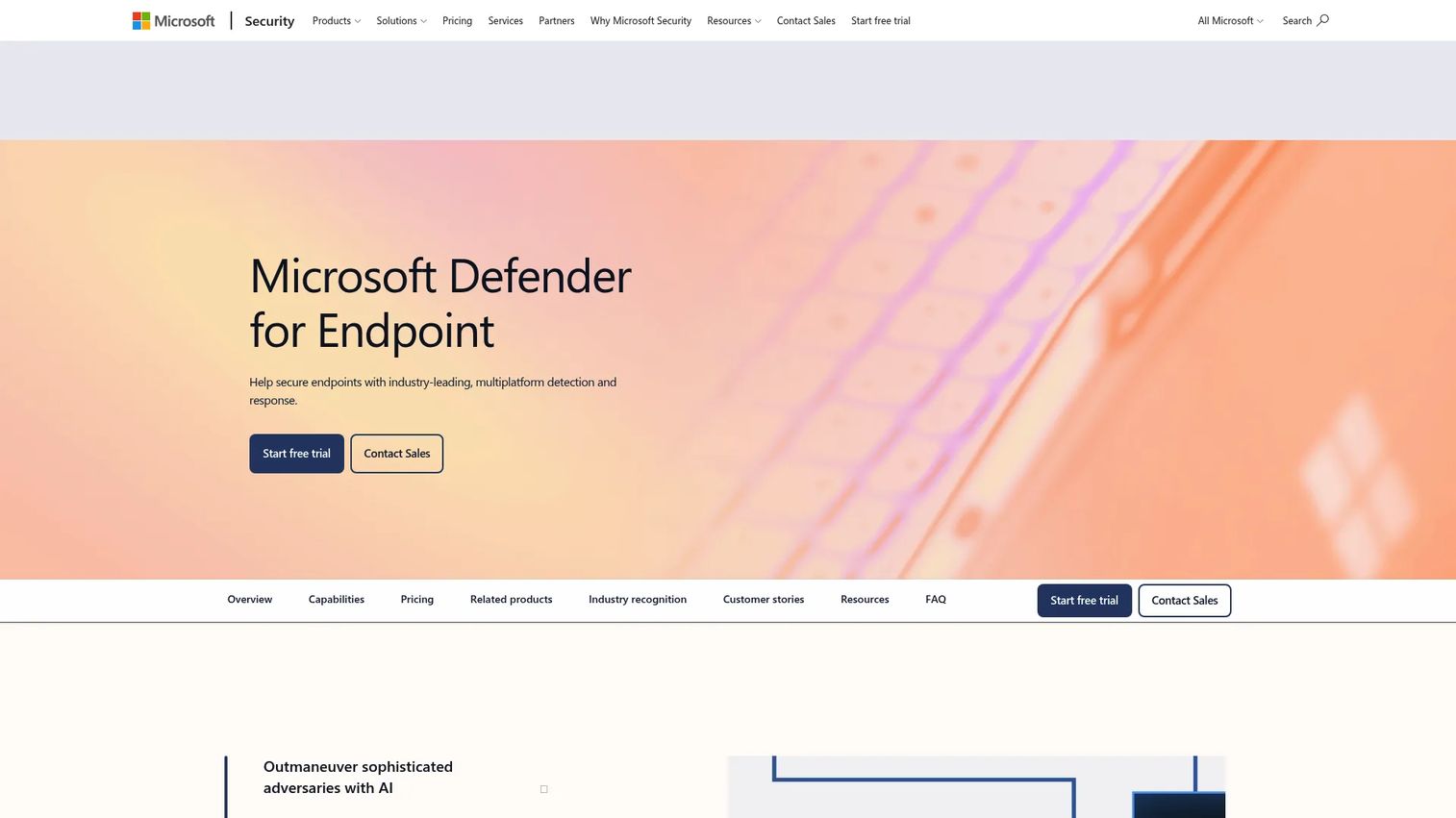
Microsoft Defender for Endpoint is an enterprise endpoint security platform that integrates with Microsoft 365, Intune, Entra ID, and the broader Microsoft security stack. It covers endpoint detection and response, next-generation antivirus, automated investigation, vulnerability management, and attack surface reduction, all surfaced through the Microsoft Defender portal. For teams already running Microsoft for identity, productivity, and device management, it reduces the integration cost that comes with a third-party endpoint tool.
Best for: IT and security teams in Microsoft-heavy environments that need endpoint protection with tight integration into existing Microsoft tooling.
Key features
- Endpoint detection and response (EDR)
- Automated investigation and response
- Vulnerability management and device insights
- Attack surface reduction rules
- Advanced threat analytics and hunting
Why choose Microsoft Defender for Endpoint: Stack fit is the core argument. When your identity provider, device management, and cloud administration already sit inside Microsoft, adding a third-party endpoint tool creates telemetry gaps and additional maintenance overhead. Defender for Endpoint closes those gaps by sharing signals across the same control plane.
Microsoft Defender for Endpoint pricing: Access is included in Microsoft 365 E5 ($60/user/month, billed annually) and Microsoft 365 E5 without Teams ($51.45/user/month). Standalone licensing is available; contact Microsoft for current standalone terms.
G2 rating: 4.4/5.
5. CrowdStrike Falcon Platform
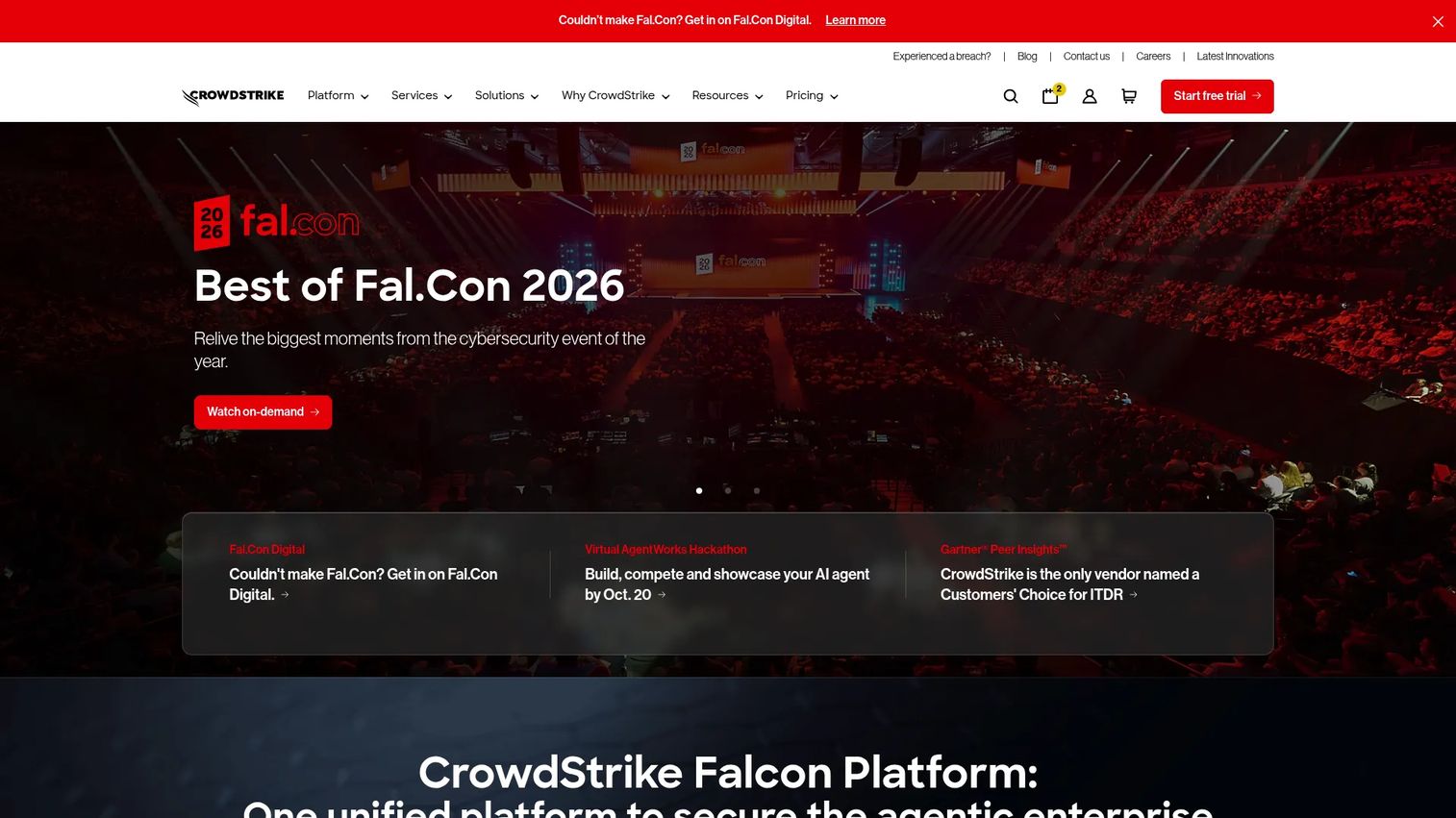
CrowdStrike Falcon Platform is a cloud-native security platform that provides endpoint protection, EDR, threat intelligence, identity security, cloud workload protection, and next-generation SIEM under a unified agent and console. Its modular packaging means organizations can start with endpoint protection and expand into broader cross-domain coverage as their security maturity grows. A 15-day free trial is available for evaluation.
Best for: Security teams managing a large or distributed endpoint estate that need dedicated detection, investigation, and response workflows.
Key features
- Cloud-native endpoint telemetry and detection
- Threat intelligence context on every alert
- Device containment and incident-response actions
- Cross-domain visibility across endpoint, identity, cloud, and SaaS
- AI-driven detection, investigation, and automated response
Why choose CrowdStrike Falcon Platform: Enterprise security teams that need depth of investigation, not just prevention, typically find that consumer suites and basic endpoint tools fall short. CrowdStrike's cloud-native architecture means no on-premises infrastructure to manage, and its threat intelligence layer gives analysts context on adversary behavior rather than raw indicators alone.
CrowdStrike Falcon pricing: Falcon Go starts at $7.99/device/month. Falcon Pro is $14.99/device/month, and Falcon Enterprise is $19.99/device/month. Falcon Complete (fully managed) requires contacting sales. A 15-day free trial is available.
G2 rating: 4.7/5.
6. Sophos Fusion

Sophos Fusion is a cyber defense platform that unifies Sophos and third-party security products into a coordinated defense architecture. Rather than a separate product or SKU, Fusion is the integration and orchestration layer that runs across Sophos endpoint, firewall, email, cloud, and identity tools. Its Synchronized Security capability means that when a threat is detected on one control point, other connected tools respond automatically. Sophos also offers managed detection and response (MDR) services for organizations that want 24/7 security operations coverage. For a broader view of how AI-assisted tooling fits into security posture management, the best AI security posture management tools guide covers complementary options.
Best for: Small and mid-sized organizations that need cross-domain security coverage and may want to extend it with a managed security service.
Key features
- Unified context lake with real-time telemetry sharing across products
- Synchronized Security for coordinated cross-layer response
- Agentic AI for automated detection, investigation, and response
- 500+ third-party security and IT integrations
- Single-console management, reporting, and security operations
Why choose Sophos Fusion: The value is coordination across security layers, not any single product. For organizations that lack a dedicated security operations team, the combination of automated cross-product response and optional MDR services can provide coverage that would otherwise require significant internal headcount.
Sophos Fusion pricing: Sophos Fusion has no separate license or pricing; access requires purchasing one or more Sophos products or services. Contact Sophos for product and MDR service pricing.
7. SentinelOne Singularity XDR
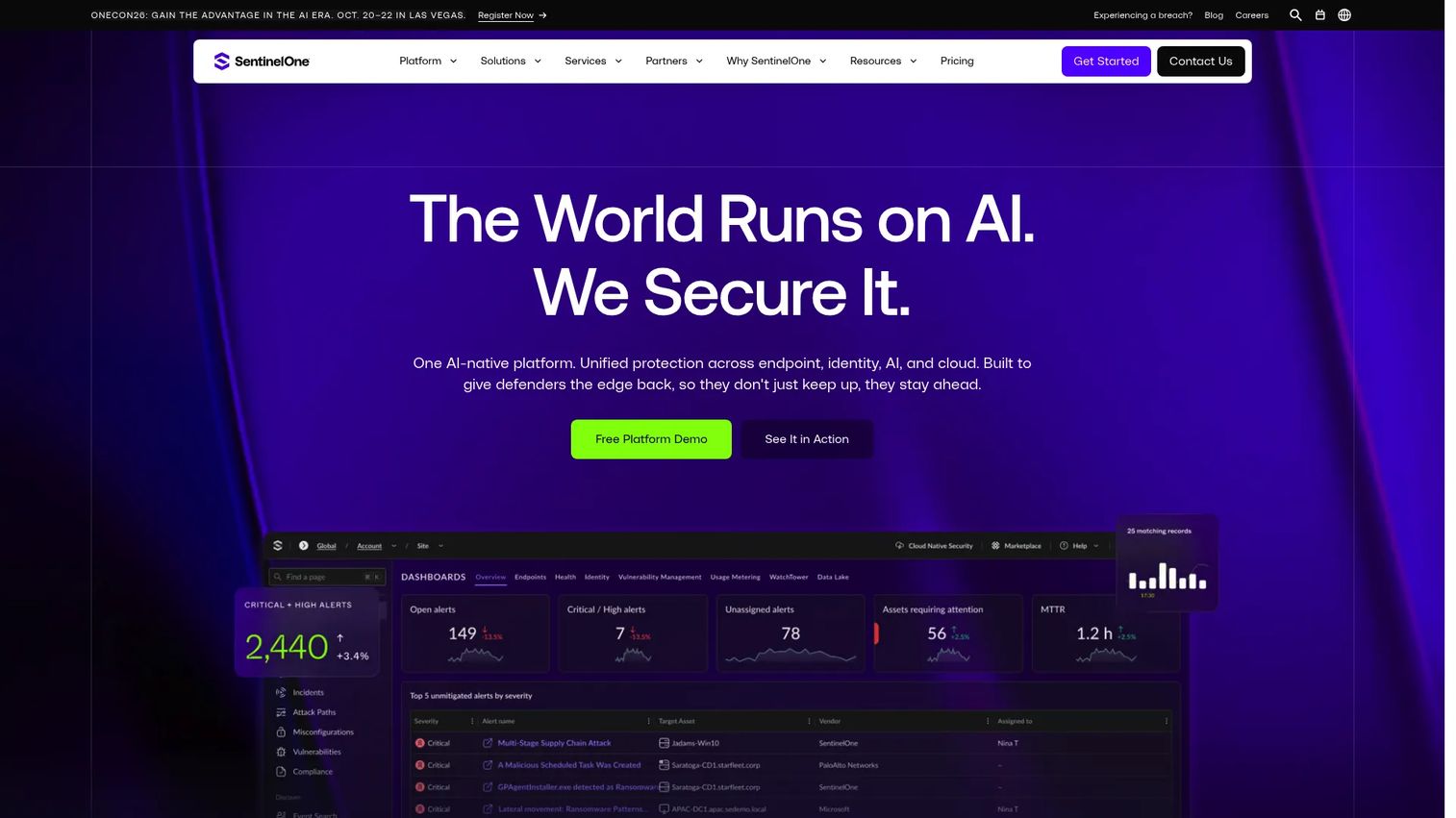
SentinelOne Singularity XDR delivers extended detection and response across endpoint, cloud workloads, identity, and AI systems through a unified platform. Its Singularity Complete tier covers endpoint and cloud workload protection, real-time detection and response, and an AI Security Assistant with 14 days of data retention. The Commercial tier adds Identity Detection and Response and 90 days of data retention. SentinelOne's automated remediation workflows reduce the manual work required after an alert fires.
Best for: Security teams that want detection and response across endpoints and connected security signals, with automated containment reducing analyst workload.
Key features
- Cross-surface signal correlation across endpoint, identity, cloud, and AI systems
- AI-powered incident prioritization and investigation
- Automated containment, remediation, and rollback
- Threat hunting support
- Device discovery capabilities
Why choose SentinelOne Singularity XDR: Organizations focused on reducing mean time to respond will find the automated remediation workflows valuable. When your security team reviews alerts from multiple surfaces, having investigation and containment steps execute automatically changes the operational model from reactive firefighting to exception handling.
SentinelOne Singularity XDR pricing: Singularity Complete starts at $179.99/year per endpoint. Singularity Commercial is $229.99/year per endpoint. Singularity Enterprise requires contacting sales.
8. Palo Alto Networks Cortex XDR
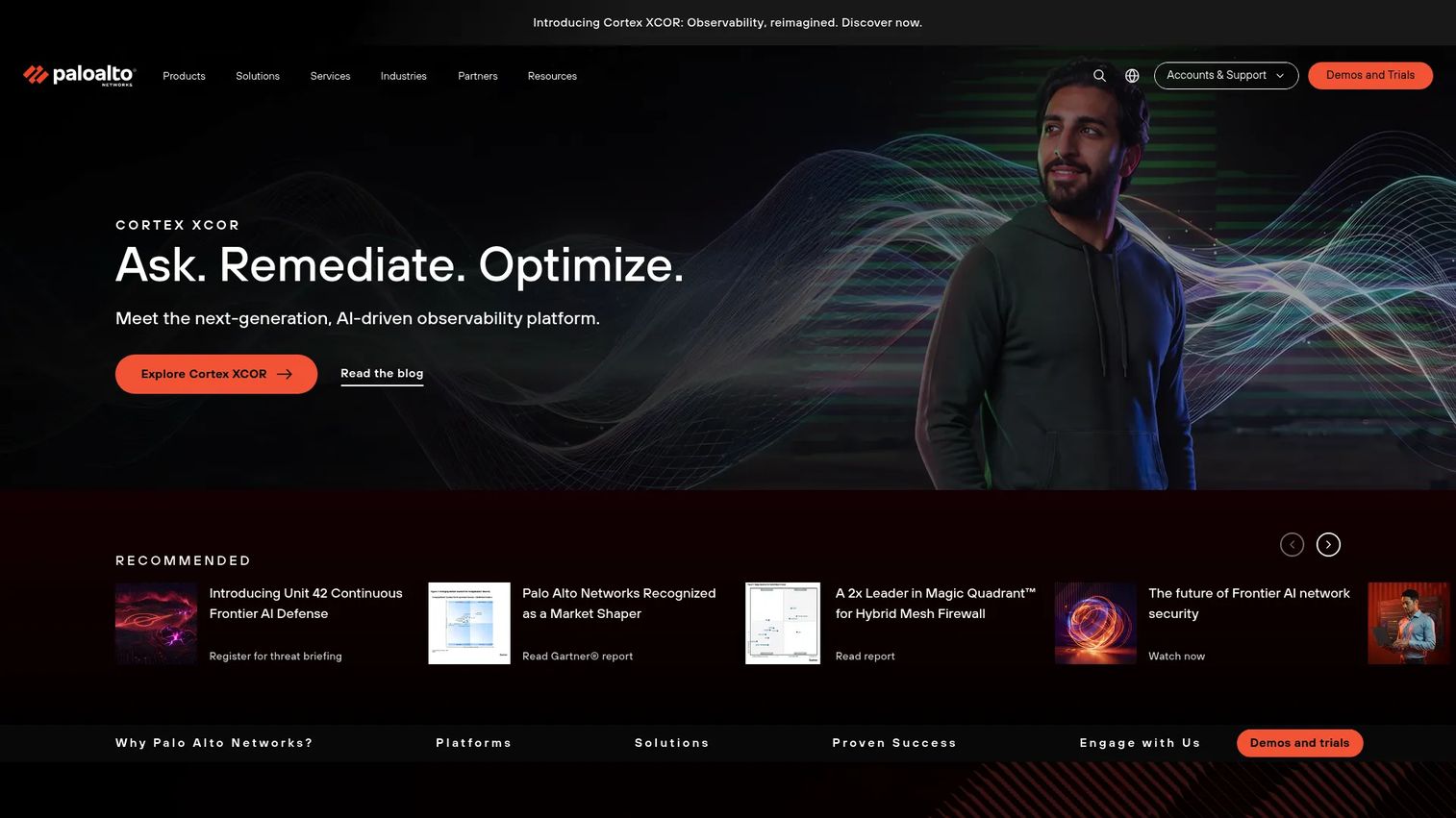
Palo Alto Networks Cortex XDR is an enterprise detection and response platform that correlates signals across endpoint data, network traffic, identity events, and cloud workloads. Its investigation workbench gives analysts a structured view of attack timelines and root-cause chains rather than isolated alert queues. Cortex XDR works best when the organization already has other Palo Alto Networks products contributing telemetry, though it also supports third-party data sources.
Best for: Enterprise security operations teams that investigate threats across multiple data sources and need cross-source correlation and automated response.
Key features
- Cross-source threat correlation across endpoint, network, and cloud
- AI-driven behavioral analytics and detection
- Investigation workbench with root-cause analysis
- Automated response actions
- Security analytics workflows
Why choose Palo Alto Networks Cortex XDR: Cross-domain investigation is the differentiator. When a threat spans endpoints, cloud workloads, and network activity simultaneously, analysts need correlation across all three rather than separate tools for each. Cortex XDR is built for that scenario.
Palo Alto Networks Cortex XDR pricing: Cortex XDR offers Prevent, Pro per Endpoint, and Pro per GB licensing tiers. Specific prices are not displayed on the official site; contact Palo Alto Networks for a quote.
G2 rating: 4.5/5.
9. Fortinet FortiGate
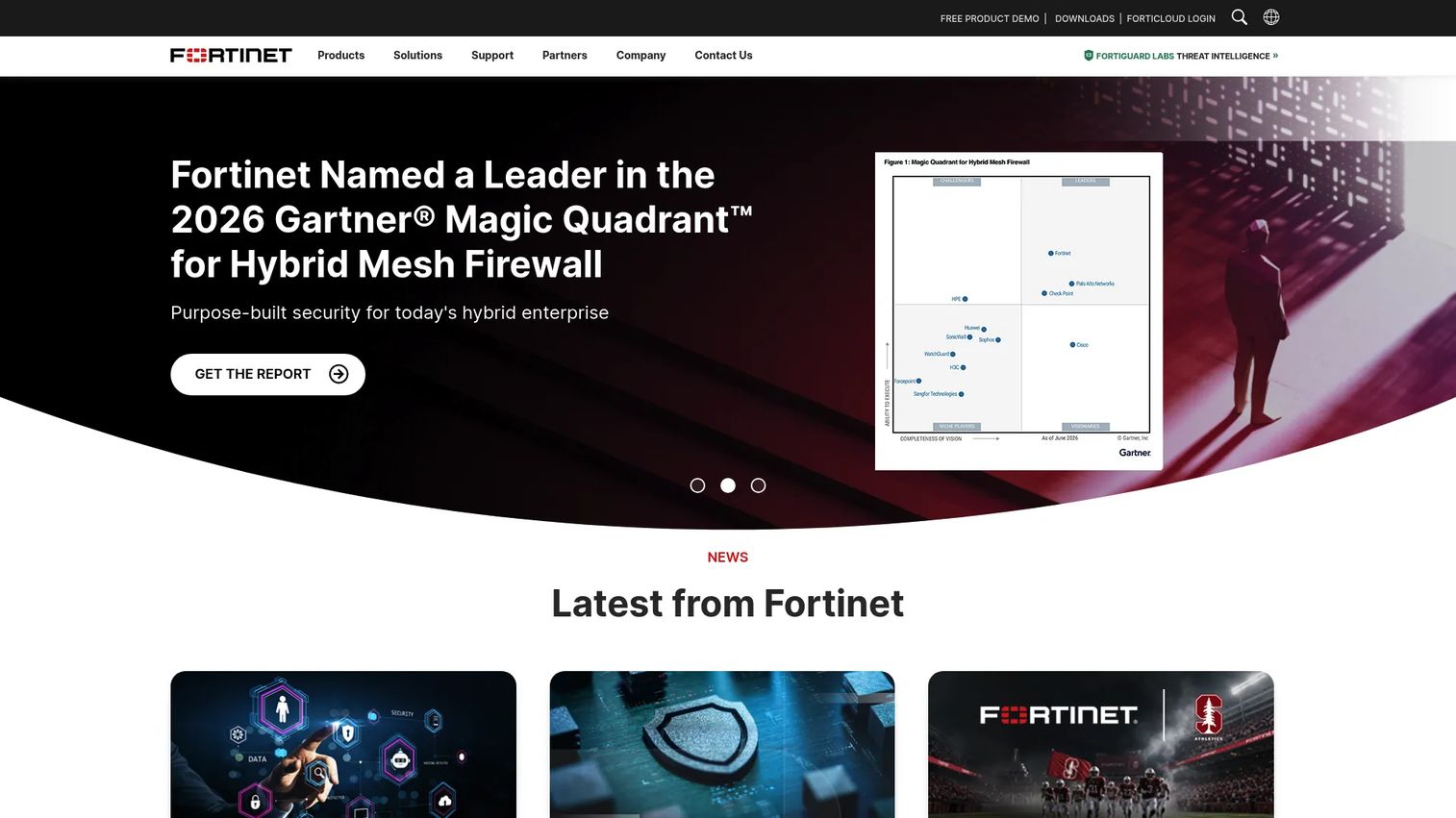
Fortinet FortiGate is a next-generation firewall platform for protecting hybrid environments across physical appliances, virtual instances, and cloud deployments. It combines network traffic inspection, AI-powered threat intelligence, secure SD-WAN, VPN, Zero Trust Network Access, and centralized policy management. FortiGate belongs on the shortlist when network controls are the immediate gap, whether that's securing branch offices, controlling lateral movement, or providing secure remote access for distributed employees.
Best for: IT and security teams that need firewall policy, network traffic inspection, and secure remote access across physical or hybrid network environments.
Key features
- Next-generation firewall inspection and application control
- AI-powered threat intelligence and prevention
- Secure SD-WAN and advanced routing
- Zero Trust Network Access
- Centralized configuration, logging, and reporting
Why choose Fortinet FortiGate: A firewall fills a different gap than endpoint protection. If your highest-risk exposure is network perimeter control, lateral movement between segments, or branch-office connectivity, a firewall addresses that directly. FortiGate is a leading option in that category for organizations managing physical or hybrid network infrastructure. For more on how password management fits alongside perimeter controls, see the best password manager software guide.
Fortinet FortiGate pricing: Pricing varies by FortiGate model, subscription length, deployment type, and security service bundles. Contact Fortinet for a quote.
G2 rating: 4.6/5.
10. Cisco Umbrella DNS Security
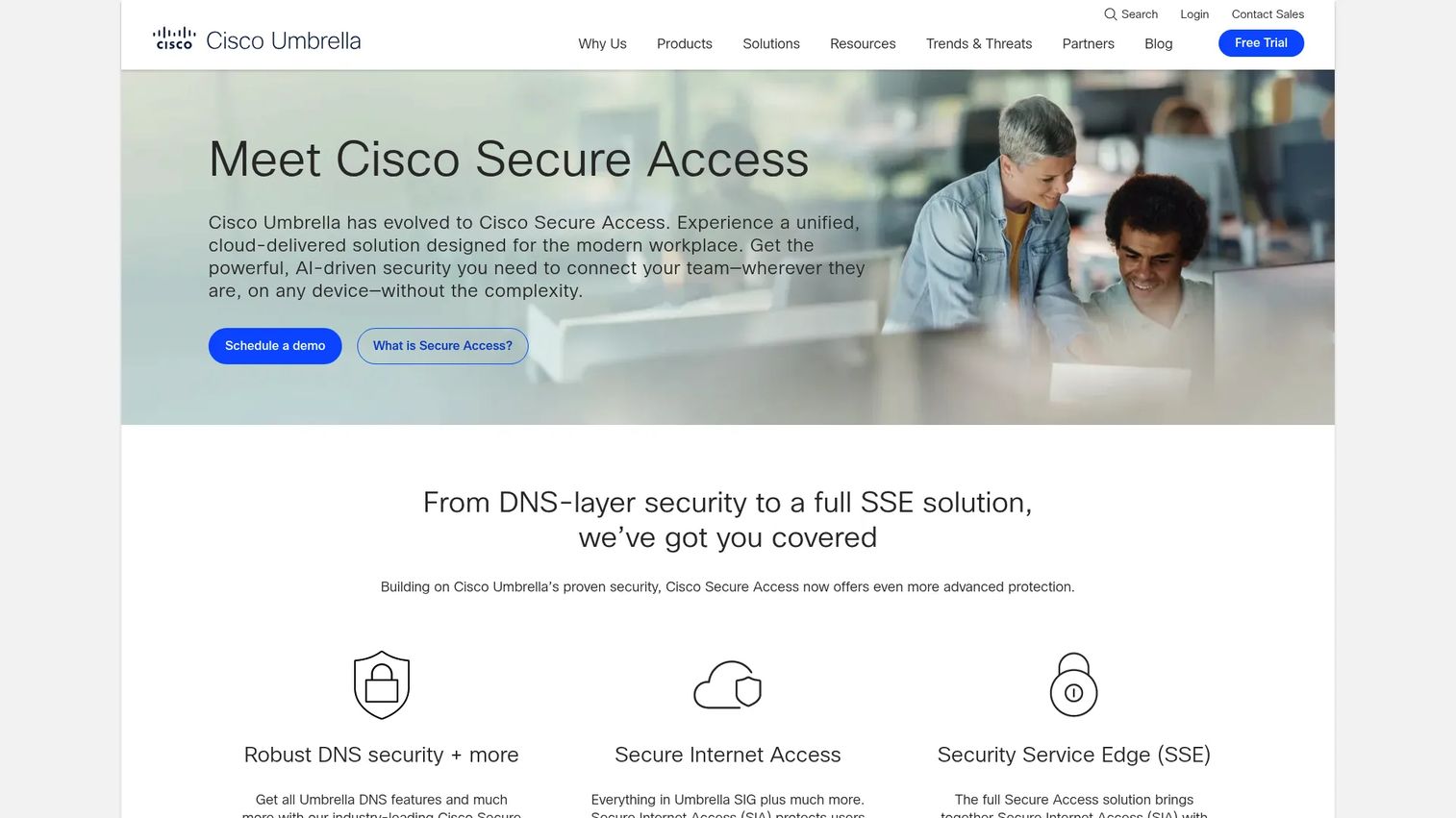
Cisco Umbrella DNS Security is a cloud-delivered DNS-layer security platform that blocks malicious and unwanted internet destinations before a connection is established. It protects on-network users through DNS filtering and extends coverage to roaming employees through a lightweight client. Beyond DNS, Umbrella includes a selective proxy for deeper URL and file inspection, cloud application discovery and blocking, and content filtering across 100+ categories.
Best for: Organizations that want to block phishing domains, malware destinations, and risky web traffic at the DNS layer for both office and remote users.
Key features
- DNS-layer threat blocking across ports and protocols
- Selective web proxy for deeper URL and file inspection
- Cloud application discovery and blocking
- Content filtering with 100+ categories
- Roaming user coverage via lightweight client
Why choose Cisco Umbrella DNS Security: DNS security stops threats before a connection is made, which means a compromised credential or phishing click hits a block page rather than a malicious server. It complements endpoint protection by adding a network-layer control that works regardless of device state or installed agent. Note that Umbrella DNS has been evolving into Cisco's Secure Access platform; confirm current product status with Cisco.
Cisco Umbrella DNS Security pricing: Contact Cisco for current package pricing. Licensing is based on users or devices.
G2 rating: 4.4/5.
11. Trend Micro Maximum Security

Trend Micro Maximum Security is a consumer suite covering up to five devices across Windows, macOS, Android, iOS, and Chromebook. It provides antivirus, ransomware defense, phishing and scam blocking, parental controls, password management, and banking protection. A notable addition in recent versions is protection against tampering and misuse of AI applications, reflecting the evolving consumer threat landscape.
Best for: Individuals and smaller organizations that want broad device coverage with malware, phishing, and web protection across multiple device types.
Key features
- Antivirus, ransomware, and spyware protection across five devices
- Phishing and scam blocking
- Parental controls and password manager
- Banking and shopping protection
- Protection against AI application abuse
Why choose Trend Micro Maximum Security: It fits buyers who want a familiar, established antivirus brand with coverage across a mixed device environment. The cross-platform support covering Chromebook is a practical differentiator for households with diverse device types.
Trend Micro Maximum Security pricing: $74.95/year for up to five devices on the standard 12-month plan. A 24-month plan is $139.95. Promotional pricing may apply.
G2 does not currently list a verified aggregate rating for Trend Micro Maximum Security as a distinct product.
12. ESET Smart Security Premium
ESET Smart Security Premium is a configurable Windows security suite that includes antivirus and anti-ransomware protection, file and removable-media encryption (Secure Data), Safe Banking and Browsing, cloud sandboxing via ESET LiveGuard, and a network inspector. It targets users who want more control over device security settings, including granular firewall configuration and privacy controls, without moving to an enterprise XDR platform. ESET has recently integrated its consumer products into the ESET HOME Security Premium and Ultimate subscription tiers.
Best for: Security-conscious users and small teams that want a configurable suite with encryption, banking protection, and advanced privacy controls.
Key features
- Real-time antivirus and anti-ransomware protection
- Secure Data file and removable-media encryption
- Safe Banking and Browsing protection
- ESET LiveGuard cloud sandboxing for suspicious files
- Network Inspector and webcam protection
Why choose ESET Smart Security Premium: The encryption and banking-protection features set it apart from most consumer suites. Users who handle sensitive documents or financial transactions on personal devices, and who want granular control over firewall and network rules, will find ESET more configurable than typical antivirus bundles.
ESET Smart Security Premium pricing: Now bundled into ESET HOME Security Premium and Ultimate subscriptions. The US pricing page did not display readable prices at time of research; contact ESET or visit the pricing page directly for current rates.
Considerations when choosing system security software
Match the tool to the security layer you need
A firewall addresses network perimeter risk. An endpoint tool addresses device-level detection and response. A consumer suite addresses individual and household device protection. Starting by identifying your highest-risk exposure, such as unmanaged endpoints, phishing, remote access gaps, or network traffic, prevents buying the wrong category entirely.
Check centralized management and reporting
PMs and IT stakeholders need clear ownership of alerts, policy changes, and incident follow-up. Ask whether the tool provides centralized dashboards, audit records, and reporting that fit into your existing operational reviews. A tool with no central management console creates alert sprawl and unclear ownership.
Evaluate integration with identity and device workflows
Security tools that don't connect to your identity provider, device management platform, or ticketing system create gaps in your telemetry. Evaluate integration depth before purchase, not after. The cost of disconnected alerts and manual correlation typically appears six to twelve months post-deployment.
Compare the operating model, not only the feature list
Some teams can run an XDR platform in-house with dedicated analysts. Others need managed detection and response to cover after-hours monitoring and incident response. Compare your alert volume, analyst availability, response playbooks, and coverage windows against what the tool actually requires. For a parallel view of AI-assisted options in this space, the best AI cybersecurity solutions guide is useful context.
Model total cost beyond the entry price
Endpoint count, server count, network appliances, add-on modules, MDR services, implementation time, and renewal pricing all affect total cost of ownership. A low per-device price can compound quickly at scale when support tiers and required modules are factored in.
How to choose the right system security software for your team
If you need protection for personal devices or a small household
Start with Bitdefender Total Security, Norton 360 Deluxe, McAfee+, Trend Micro Maximum Security, or ESET Smart Security Premium. The decision between them comes down to device mix, whether identity and privacy features matter, and renewal pricing tolerance. Norton and McAfee include the broadest identity monitoring features; Bitdefender and Trend Micro lead on malware detection performance in lab tests; ESET offers the most configuration control.
If your company uses Microsoft for identity and productivity
Evaluate Microsoft Defender for Endpoint first. Its strongest fit is a Microsoft-centered environment where endpoint security, identity, and device administration already share ownership through Microsoft Intune and Entra ID. Adding a third-party endpoint tool in this context creates telemetry duplication and additional management overhead.
If you need enterprise endpoint detection and incident response
Prioritize CrowdStrike Falcon Platform, SentinelOne Singularity XDR, or Palo Alto Networks Cortex XDR. CrowdStrike fits organizations that want modular expansion from endpoint to full-platform coverage. SentinelOne suits teams prioritizing automated remediation workflows. Cortex XDR fits enterprises that already run Palo Alto Networks infrastructure and want correlated detection across it. For endpoint-specific coverage comparisons, the best endpoint protection software guide covers this category in more depth.
If network policy and risky web access are the immediate problem
Evaluate Fortinet FortiGate for firewall and network control across physical or hybrid infrastructure. Evaluate Cisco Umbrella for DNS-layer filtering across office and remote users. Many organizations deploy both layers alongside endpoint security, since each covers a different attack vector.
If you need broader platform coverage plus managed support
Evaluate Sophos Fusion alongside its MDR service options. This is most relevant for organizations that need cross-domain protection across endpoint, email, and cloud but cannot staff 24/7 internal monitoring. Sophos MDR provides escalation paths and after-hours coverage that in-house teams of fewer than five security staff typically cannot sustain.
Conclusion
System security software is not a single category, and the tools above reflect that range. Bitdefender Total Security is the strongest all-around consumer starting point. Norton 360 Deluxe and McAfee+ fit households wanting privacy and identity features alongside antivirus. Microsoft Defender for Endpoint makes clear sense for Microsoft-centered organizations. CrowdStrike Falcon Platform, SentinelOne Singularity XDR, and Palo Alto Networks Cortex XDR address mature enterprise detection and response requirements. Fortinet FortiGate and Cisco Umbrella fill network and DNS-layer gaps that endpoint tools don't cover. Sophos Fusion fits teams needing broad protection with the option to extend into managed security services.
Before scheduling vendor evaluations, build a short requirements matrix. Include your device estate, user locations, current identity provider, highest-risk workflows, monitoring coverage hours, and the name of whoever owns incident response. That single document will eliminate at least half the tools on any shortlist before a first call.
Start your journey with Guideflow today!
FAQs
The right product depends on whether you need consumer device protection, business endpoint management, firewall controls, or enterprise detection and response. A household user with Windows and macOS devices has different requirements than a SaaS PM evaluating endpoint coverage for a distributed team. Use the category definitions above to find your starting layer, then select within that category based on device count, operating model, and budget.
Built-in Windows protection provides a meaningful baseline for malware prevention on individual devices. Organizations typically still need centralized endpoint management, identity controls, network filtering, advanced investigation workflows, and in some cases managed monitoring. Microsoft Defender for Endpoint addresses those enterprise-grade needs on top of the built-in consumer protection.
Antivirus focuses on detecting and blocking known malware through signature scanning and behavioral heuristics on a single device. Endpoint protection platforms add centralized device visibility, policy management, telemetry collection, behavioral detection, investigation tools, and response workflows across an entire device fleet. The organizational difference is that endpoint protection gives a security team a console; antivirus gives an individual device a scanner.
XDR stands for extended detection and response. It connects signals from endpoints, identity systems, email, cloud workloads, and network traffic to help security teams detect, investigate, and respond to threats across a broader environment than a single-source EDR tool covers. The practical benefit is fewer isolated alerts and more correlated attack timelines that analysts can investigate and contain efficiently.
Firewalls are an important network control layer, but they address one part of the attack surface. They don't replace endpoint security for device-level detection, identity management for credential risk, email protection for phishing, vulnerability patching for software weaknesses, or incident-response processes for when a threat gets through. Most organizations need firewall controls alongside endpoint protection rather than instead of it.
Phishing protection requires multiple controls working together: Safe browsing that blocks malicious URLs, DNS filtering that stops connections to phishing domains, email security that scans inbound messages for credential-harvesting links, and multi-factor authentication that limits the damage when a credential is stolen anyway. No single software product replaces security awareness training and access controls, but DNS security tools like Cisco Umbrella and consumer suites with anti-phishing web filters address a meaningful share of the technical prevention layer.
MDR is worth evaluating for organizations without 24/7 internal monitoring capability. The key questions are what escalation paths and response authority the MDR provider holds, what hours they cover, how they access your environment, and what reporting they provide. A small business with fewer than three internal security staff and sensitive customer data is typically a good fit for MDR, since the alternative is alerts that go unreviewed during off-hours.
PMs evaluating security tools as stakeholders should focus on coverage gaps relative to current device posture, risk to product or customer data, integrations with existing identity and endpoint management workflows, reporting that feeds into engineering and incident processes, and operational ownership clarity. The questions that matter most are who gets paged when an alert fires, how that signal enters your incident workflow, and whether the tool's release cadence or agent updates create friction for engineering teams managing deployment.