Your headcount plan looked solid in January. Then a hiring freeze hit, a big customer churned, and demand shifted to a product line you barely staffed. The plan you spent three weeks building is now a museum piece.
That is the real problem. Static plans assume the world holds still. It never does.
Scenario planning software exists because one plan is not enough when assumptions move. You need to compare several possible futures side by side, see what each one does to revenue, staffing, and cash, then pick the path that survives contact with reality.
The market agrees. The global scenario planning software market reached $1.8 billion in 2025 and is projected to hit $4.2 billion by 2034 at a 12.4% CAGR, according to MarketIntelo (2025). Cloud deployments already hold 71.5% of that market.
This guide breaks down seven tools worth your shortlist. It covers what the category actually does, when dedicated software beats a spreadsheet, and which tool fits which team.
What's inside
This guide is for product managers, finance leads, and operations owners who need to compare futures across functions, not just build a budget.
We selected tools based on four criteria that matter for cross-functional planning:
- Modeling depth: how well the tool handles multiple scenarios and complex assumptions
- Data connectivity: integrations with ERP, CRM, HRIS, project, and warehouse systems
- Collaboration and control: versioning, permissions, and shared access across teams
- Adoption effort: how fast a team reaches a working model versus deep configuration
Every tool includes verified pricing where public, current G2 ratings, and a clear "best for" recommendation.
TL;DR
- Best overall for enterprise planning: Anaplan, for connected modeling across finance, supply chain, and operations
- Best for finance teams needing guided planning: Workday Adaptive Planning, for fast setup and ERP connectivity
- Best for Excel-centric teams: Vena, for Excel-native modeling with governance
- Best for strategic financial depth: Synario, for long-range modeling and contingency planning
- Best for project and resource bottlenecks: Epicflow, for what-if analysis on staffing and load
- Best for all-in-one operational planning: Productive, for resource, budget, and financial forecasting in one place
- Best for lightweight scenario work: Microsoft Excel, for flexibility at near-zero cost
What is scenario planning software
Scenario planning software is a tool that lets teams build multiple possible versions of a plan, compare their outcomes side by side, and choose the plan that best fits how the future actually unfolds.
It differs from standard forecasting. A forecast projects one expected outcome. Scenario planning models several, including the ones you hope never happen. It differs from budgeting too. A budget locks in a target. Scenario planning stress-tests that target against demand swings, hiring changes, and revenue shocks.
Core capabilities you should expect:
- Create multiple scenarios: build best-case, worst-case, and everything between
- Compare outcomes side by side: see how each path affects revenue, cost, and headcount
- Model assumptions and constraints: adjust drivers and watch downstream effects update
- Connect planning data across systems: pull actuals from ERP, CRM, and HRIS instead of manual copy-paste
- Choose and apply the best plan: move from analysis to a committed plan without rebuilding
The AI layer is growing fast. The AI-driven financial scenario planning market is expected to grow from $5.34 billion in 2025 to $14.78 billion by 2030 at roughly 22.6% CAGR, according to The Business Research Company (2025). That shift matters because AI cuts the manual work of building and comparing dozens of scenarios.
Adoption is already broad. Over 68% of enterprises with more than 500 employees used at least one strategic planning software tool by 2024, per MarketGrowthReports (2024).
When to use scenario planning software
When demand, staffing, or revenue can change fast
Static plans break the moment a core assumption moves. If your demand can double or halve in a quarter, a single-line forecast gives you no room to react. Scenario planning software lets you pre-build the responses. When the shock hits, you already know what each path does to cash and headcount.
When multiple teams need one planning model
Cross-functional planning falls apart when finance, product, and operations each keep their own version. One team plans for aggressive growth while another staffs for flat demand. Dedicated software gives everyone one model with shared assumptions. Product sees how a roadmap delay hits revenue, and finance sees it the same way.
When spreadsheet planning has become too fragile
There is a tipping point. When your planning workbook has twelve tabs, four owners, and a version naming scheme nobody follows, manual updates start breaking more than they fix. If one wrong cell reference can misstate a quarter, that is the signal. Dedicated tools add auditability and connected data that spreadsheets cannot match at scale.
Comparison table
Here is how the seven tools compare on fit, differentiator, pricing, and rating. Pricing reflects publicly available figures at the time of writing. Where vendors do not publish prices, plans are quote-based.
| # | Product | Best for | Key differentiator | Pricing | G2 rating |
|---|---|---|---|---|---|
| 1 | Anaplan | Enterprise connected planning | Connected modeling across every function | Quote-based | 4.6/5 |
| 2 | Workday Adaptive Planning | Finance teams needing guided planning | Unlimited what-if versions, ERP/GL connectivity | 30-day free trial, then quote-based | 4.3/5 |
| 3 | Vena | Excel-centric finance teams | Full Excel integration with governance | Quote-based | 4.5/5 |
| 4 | Synario | Strategic long-range modeling | Unlimited scenario analysis with audit trails | Quote-based | 5.0/5 |
| 5 | Epicflow | Project and resource planning | AI what-if analysis on load and staffing | From 22.5€ per user/month, billed annually | 4.4/5 |
| 6 | Productive | Operational planning in one tool | Scenario builder plus PSA and forecasting | From $10/month | 4.6/5 |
| 7 | Microsoft Excel | Lightweight scenario work | Total flexibility with Copilot assistance | Free web version; Microsoft 365 from $9.99/month | 4.7/5 |
Best scenario planning software for 2026
1. Anaplan
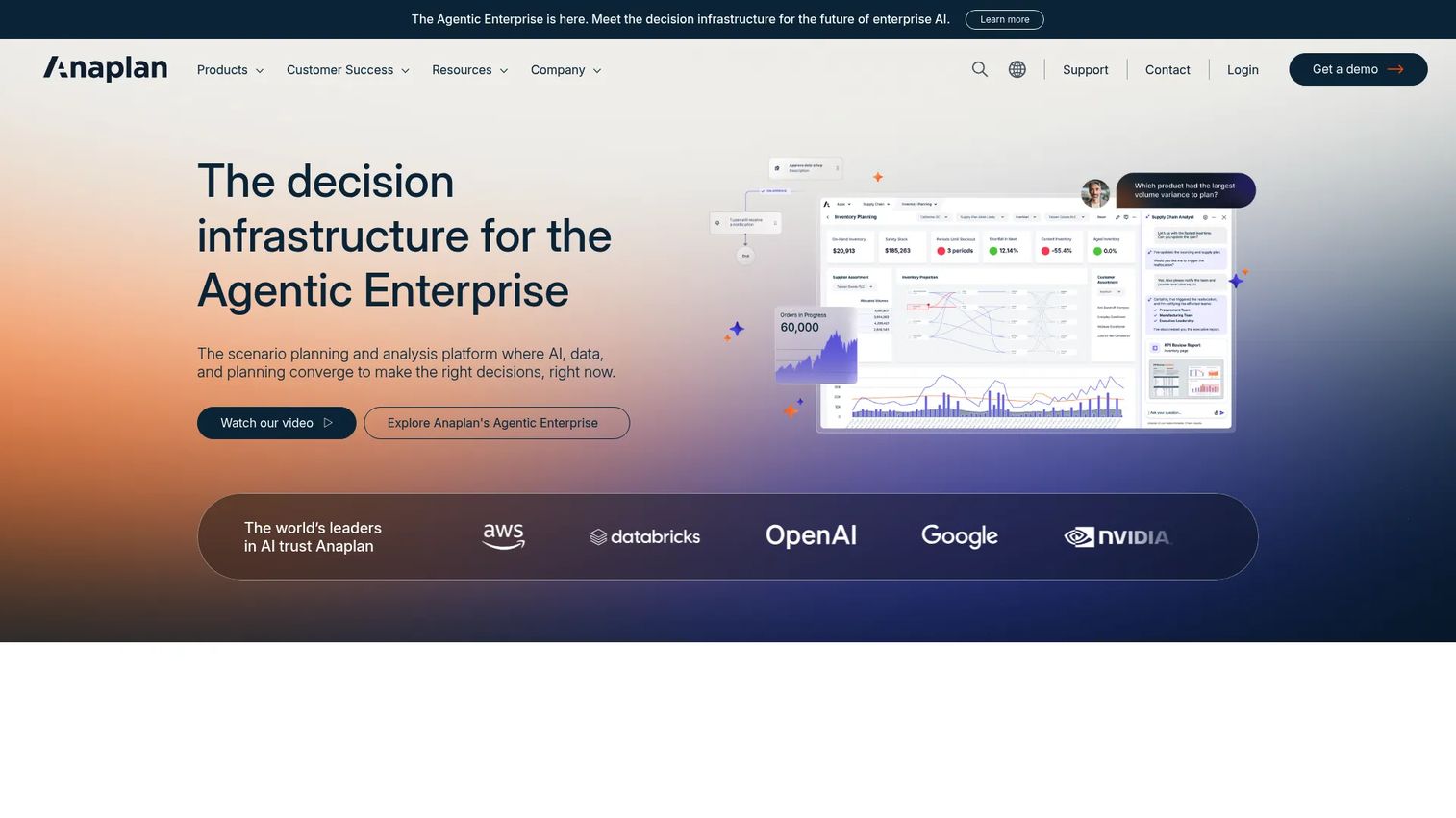
Anaplan is a connected planning platform built for large organizations that model across finance, supply chain, sales, HR, and operations at once. Its core pitch is one shared model instead of siloed spreadsheets. When a change hits one function, the downstream effects update everywhere. That is the difference between planning in parts and planning as a system.
The platform pairs deterministic calculations with AI-driven scenario analysis. You get repeatable, auditable math plus faster scenario generation. Role-based workflows and agents keep large planning teams coordinated without stepping on each other.
Best for: Large enterprises that need governed, connected scenario planning across multiple business functions.
Key strengths
- AI-driven scenario planning and what-if analysis
- Connected planning across finance, supply chain, sales, HR, and operations
- Deterministic calculations, workflows, and role-based agents
Why choose Anaplan: Choose it when your planning problem spans departments and one static model cannot hold the complexity. It fits organizations where finance, ops, and sales must plan against the same numbers, not three versions of them.
Anaplan pricing: Anaplan does not publish pricing publicly. Plans are quote-based and scaled to your organization's needs. Contact their sales team for a tailored quote.
2. Workday Adaptive Planning
Workday Adaptive Planning is cloud planning software built for finance and business teams that need budgeting, forecasting, reporting, and scenario modeling in one place. It leans into guided setup, which means finance teams reach a working model without waiting months on configuration.
The standout for scenario work is unlimited versions. You can spin up as many what-if scenarios as you need and compare them without hitting a cap. It connects with any ERP or GL, so actuals flow in without manual re-keying. Active dashboards keep stakeholders looking at the same live numbers.
Best for: Finance and business teams that need enterprise planning, forecasting, and consolidation with fast time to value.
Key strengths
- Unlimited versions and what-if scenarios
- Connects with any ERP or GL
- Active dashboards and process management
Why choose Workday Adaptive Planning: Pick it when finance owns the planning process and wants speed over heavy customization. The unlimited scenario versions suit teams that model many futures rather than one or two.
Workday Adaptive Planning pricing: A 30-day free trial is available. Subscription pricing is not published publicly and varies by quote. Both the core planning product and the Close and Consolidation module use quote-based pricing.
3. Vena
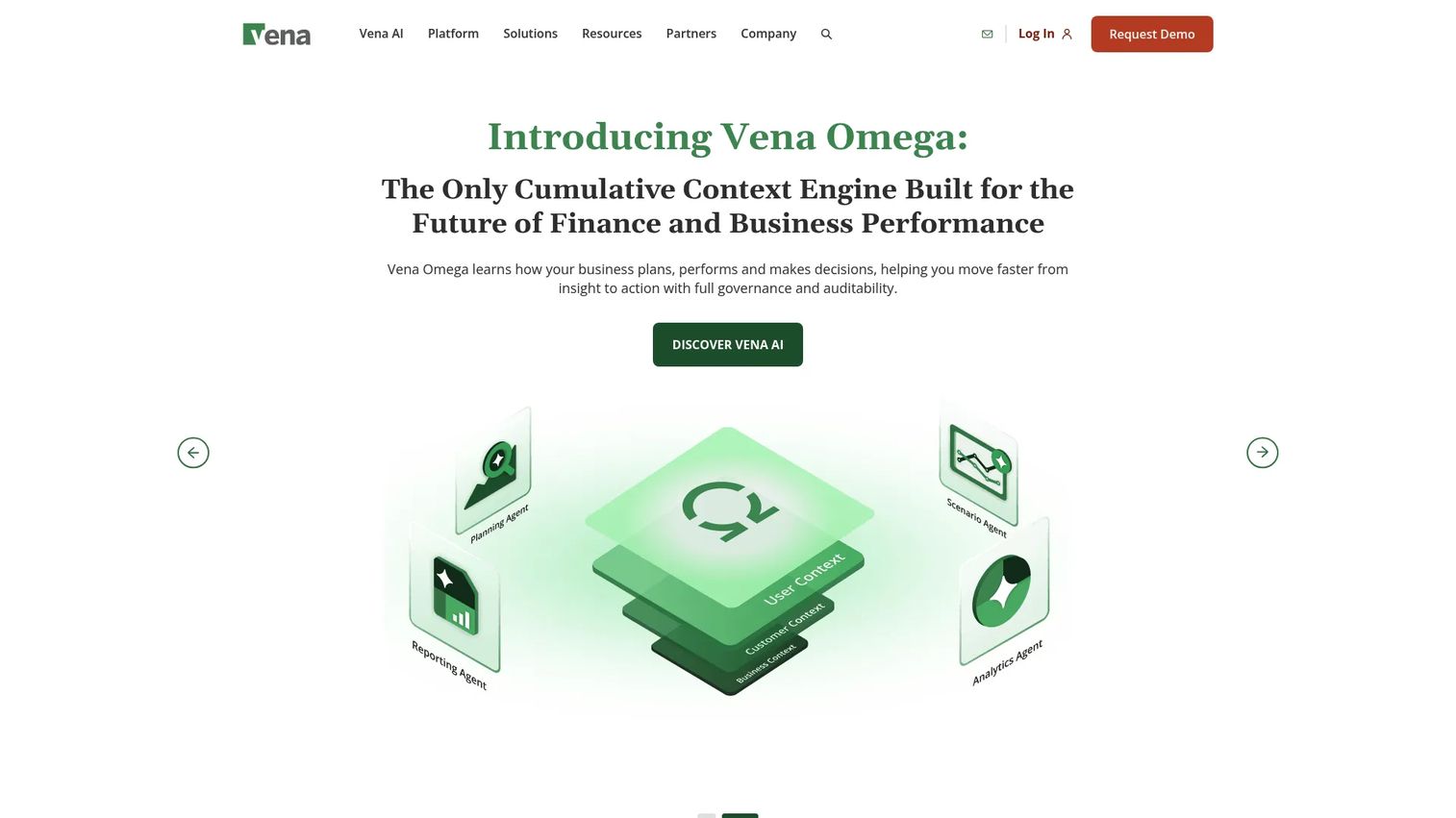
Vena is an FP&A platform that keeps Microsoft Excel as the front end while adding a central database, workflows, and governance behind it. For teams that already live in spreadsheets, this removes the biggest adoption hurdle. Analysts keep their formulas and layouts, but the numbers now sit in a controlled system instead of scattered files.
That structure is what turns fragile spreadsheet planning into something auditable. You get scenario modeling and what-if analysis inside familiar Excel, plus workflow controls that route approvals and track who changed what. Finance and other departments collaborate on one source instead of emailing versions around.
Best for: Finance teams that want Excel-native FP&A planning and reporting with real governance.
Key strengths
- Full Microsoft Excel integration
- Central database
- Workflow and collaboration
Why choose Vena: Choose Vena when your team's expertise is in Excel and you want governance without forcing everyone onto a new interface. It bridges the gap between spreadsheet flexibility and controlled, connected planning.
Vena pricing: Vena lists Professional and Complete plans on its pricing page but does not display public figures. Pricing is quote-based and scaled to your team and requirements.
4. Synario
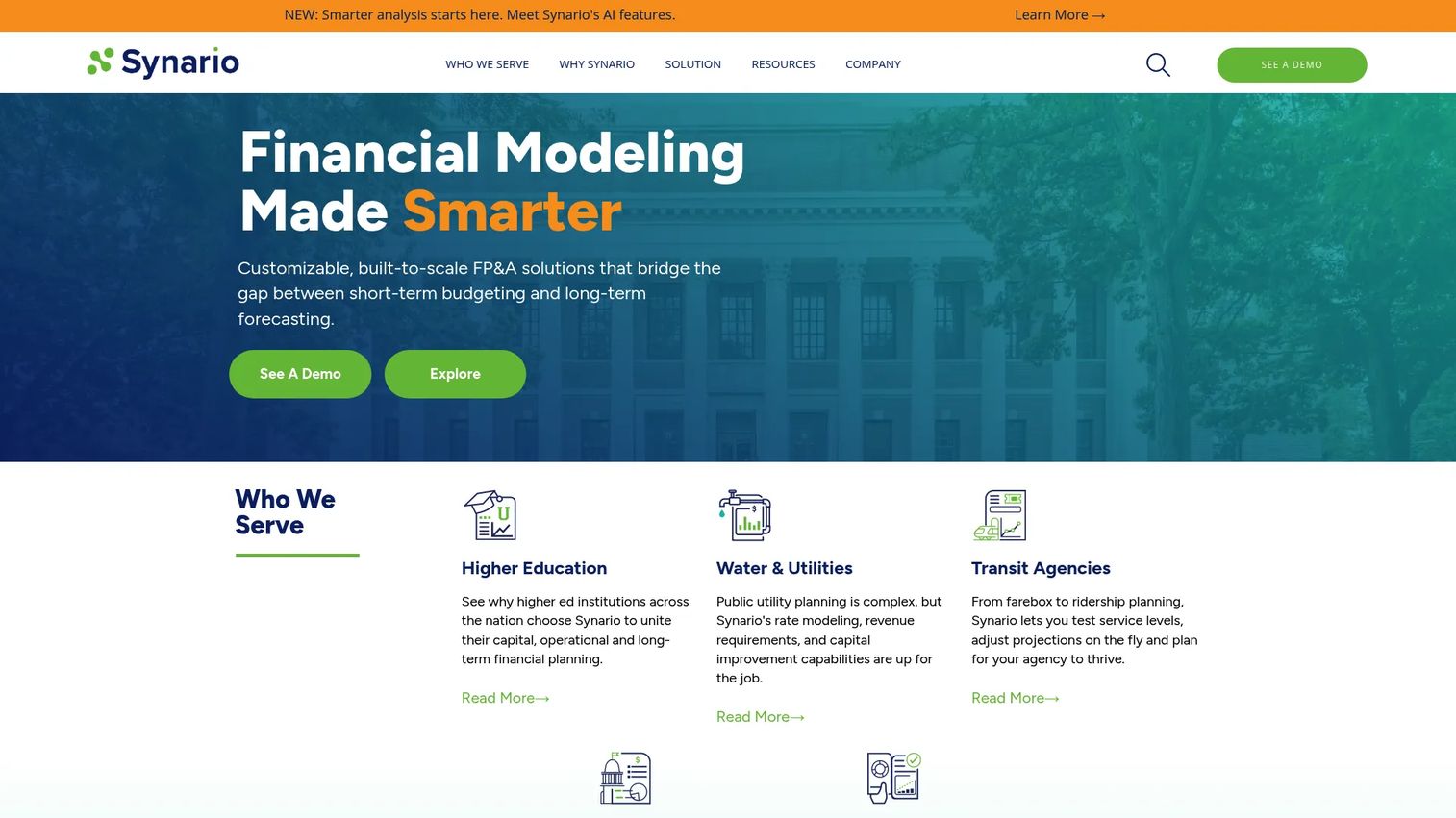
Synario is a cloud financial modeling and FP&A platform built for strategic, long-range planning. Where quick forecasting tools stop at the next quarter, Synario is designed for multi-year modeling and the kind of contingency planning that boards and CFOs care about. It treats scenario analysis as the main event, not a side feature.
The platform allows unlimited scenario analysis, so you can model as many strategic paths as a decision requires. Real-time collaboration keeps stakeholders aligned, and drill-down explainability lets anyone trace a number back to its assumptions. That auditability matters when you are defending a long-range plan to leadership.
Best for: Organizations that need customizable long-range financial planning and deep scenario modeling.
Key strengths
- Unlimited scenario analysis
- Real-time collaboration
- Drill-down and explain auditability
Why choose Synario: Reach for Synario when the decisions are strategic and multi-year, not monthly. Its depth and auditability fit teams presenting contingency plans to executives and boards.
Synario pricing: Synario does not list public pricing. The company states that pricing depends on company size and specific needs, and directs prospects to contact sales for a quote.
5. Epicflow
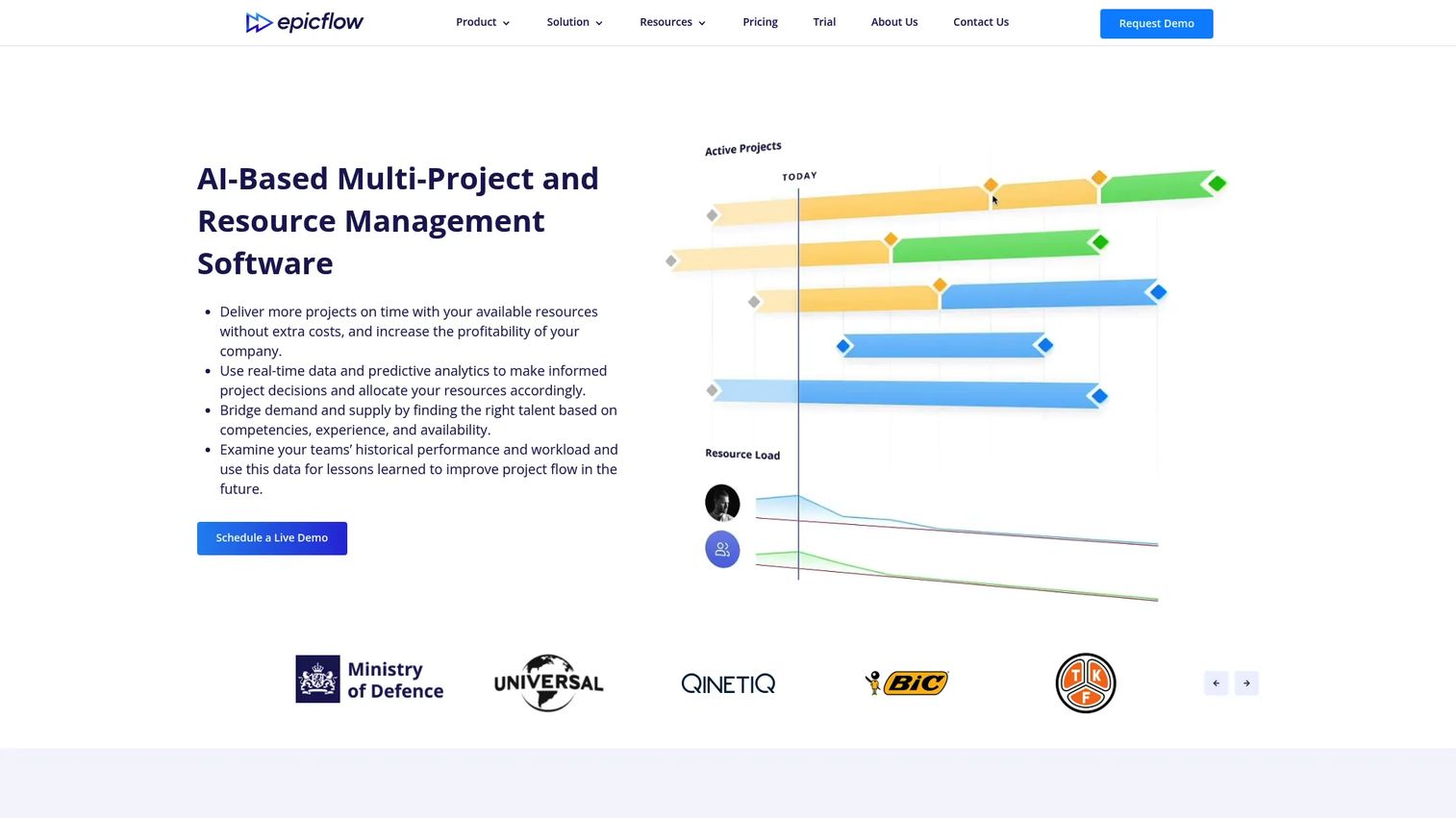
Epicflow is AI-driven multi-project resource and portfolio management software. It shines when your planning problem is not money but people and load. If you run many concurrent projects that share the same resources, Epicflow shows you where the bottlenecks are and what happens if you shift them.
Its what-if analysis runs against a simulation mode that does not touch live projects, so you can test staffing and staggering decisions safely. The system prioritizes tasks across projects automatically, balances workload, and forecasts capacity. For a product manager juggling shared engineering and design resources, that is scenario planning applied to delivery risk.
Best for: Organizations managing many concurrent projects with shared resources.
Key strengths
- Automatic cross-project task prioritization
- Resource workload balancing and capacity planning
- AI-based forecasting and what-if scenario planning
Why choose Epicflow: Choose Epicflow when your scenarios are about capacity and delivery, not financial statements. It answers "what if we pull two engineers onto the launch" better than any FP&A tool.
Epicflow pricing: The Growth plan starts at 22.5€ per user per month billed annually, or 25€ per person per month billed monthly, for 20 to 50 users. The Enterprise plan uses custom pricing for 50 or more users with unlimited projects.
6. Productive
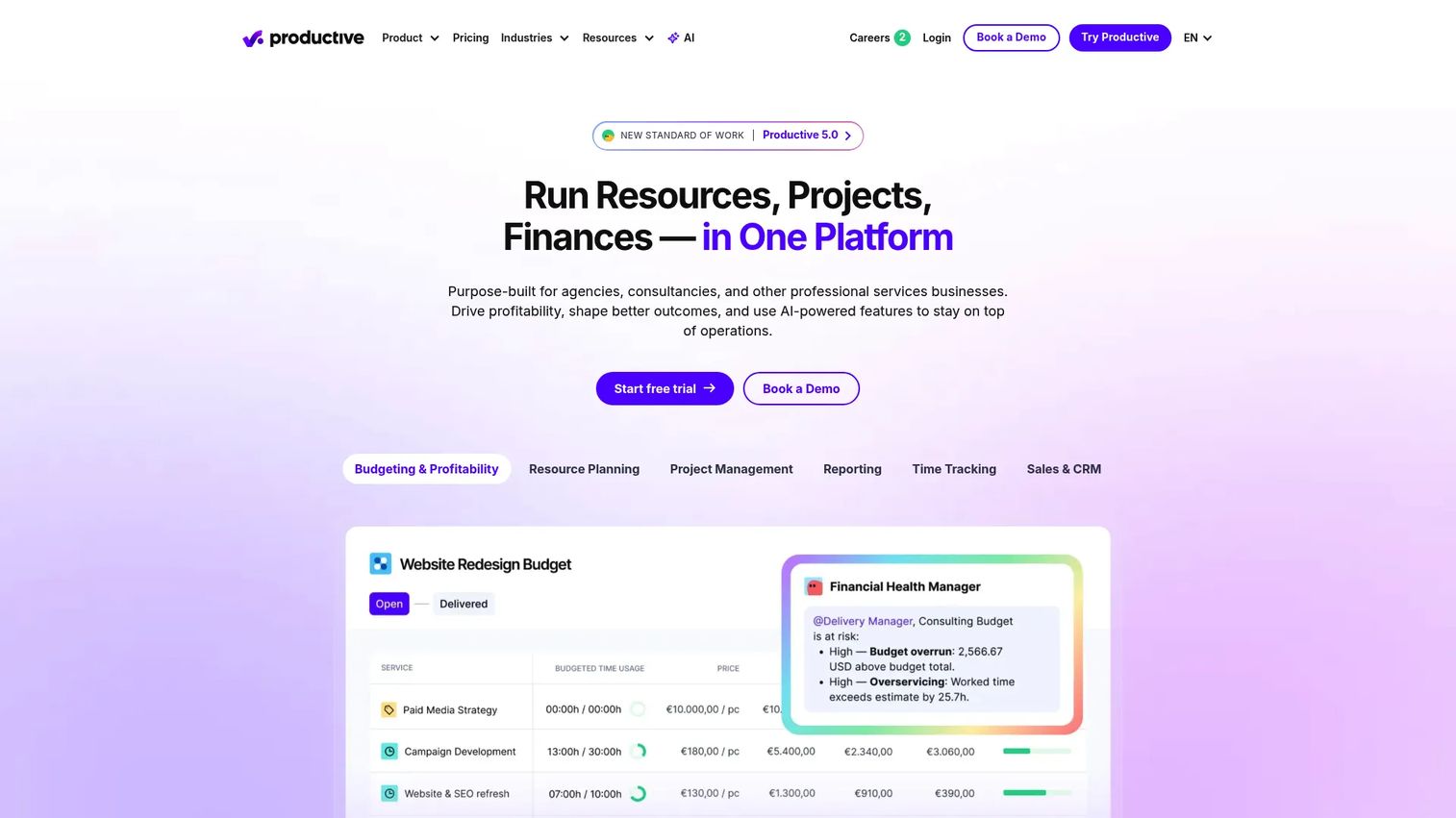
Productive is an all-in-one professional services automation platform that folds scenario planning into a broader operational toolkit. For agencies, consultancies, and service businesses, it combines project, budget, and resource planning with financial forecasting in one system. That consolidation means your scenario work sits next to the actuals it depends on.
The scenario builder lets you model resourcing and budget changes, then see the financial forecast update alongside. Time tracking, expense management, invoicing, and a built-in CRM round out the picture. For a service business, this removes the gap between "what if we win this project" and the operational plan to deliver it.
Best for: Service firms that need PSA, resourcing, and financial tracking in one tool.
Key strengths
- Project, task, budget, and resource planning
- Time tracking, expense management, and time-off management
- Reporting, invoicing, CRM, and integrations
Why choose Productive: Pick Productive when you want operational scenario planning without stitching together separate tools. It fits service teams that plan people and money in the same breath.
Productive pricing: The Essential plan starts at $10 per month billed monthly, or $12 per month billed yearly. The Professional plan is $25 per month. The Ultimate plan is contact-sales. A 14-day free trial is available with a three-seat minimum.
7. Microsoft Excel
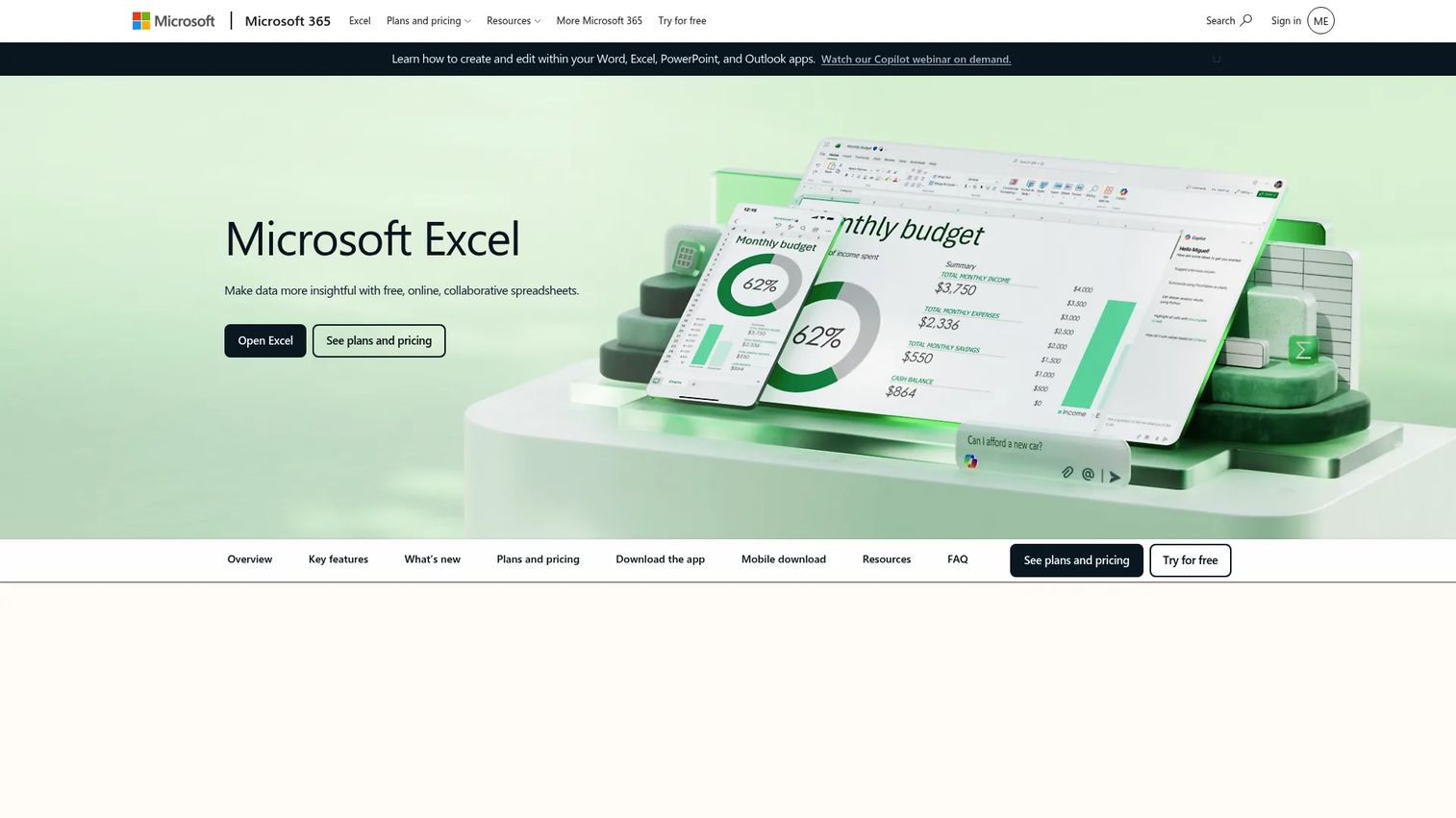
Microsoft Excel is still where a huge amount of scenario work happens, and for good reason. Its flexibility is unmatched. You can build any model you can imagine, and almost everyone already knows how to use it. For lightweight scenario work, a well-built workbook with a few scenario tabs covers real ground at near-zero cost.
Copilot in Excel now adds AI assistance for building formulas and analyzing data, which lowers the skill barrier further. Real-time collaboration and the free web version mean teams can share and co-edit models without a dedicated platform. The honest tradeoff is governance: at scale, spreadsheets lack the versioning and connected data that dedicated tools provide.
Best for: Individuals and teams needing spreadsheet analysis, visualization, and online collaboration.
Key strengths
- Copilot in Excel
- Sharing and real-time collaboration
- Excel for the web and mobile
Why choose Microsoft Excel: Use Excel when your scenarios are simple, your team is small, or you want to prove out a modeling approach before buying dedicated software. It is the lowest-friction starting point in the category.
Microsoft Excel pricing: Excel for the web is free. Microsoft 365 Personal is $9.99 per month or $99.99 per year. Microsoft 365 Family is $12.99 per month or $129.99 per year.
Considerations
Before you commit to a tool, run through this checklist against your actual planning reality.
Planning model complexity
Match the tool to the decisions you model, not the ones you wish you modeled. A single-department budget with a few what-if toggles does not need enterprise connected planning. A cross-functional model with thousands of drivers does. Overbuying here means paying for depth you never use.
Cross-functional collaboration
If finance, product, and operations all need access, verify that the tool supports concurrent editing, role-based views, and shared assumptions. Ask how conflicting edits are handled and whether each team sees the numbers relevant to them without wading through everything else.
Data connectivity
Your plan is only as current as its inputs. Check for native integrations with the systems that hold your actuals: ERP, CRM, HRIS, project tools, and data warehouses. Manual data entry is where errors creep in and where planning cadence slows to a crawl.
Auditability and control
When a number changes, someone will ask why. Look for version history, drill-down to source assumptions, and permission controls. Auditability is not bureaucratic overhead. It is what lets you defend a plan to leadership and roll back a bad change without rebuilding.
Implementation effort
Be honest about time-to-value. Some tools deliver a working model in weeks with guided setup. Others reward deep configuration with a model tailored to your exact business. Neither is wrong. Pick based on whether you need speed now or precision later.
Conclusion
The shortlist comes down to fit. Anaplan is the strongest choice for enterprise connected planning across functions. Workday Adaptive Planning suits finance teams that want guided setup and unlimited what-if versions. Vena wins for Excel-native teams that need governance without a new interface.
Synario goes deep on strategic, long-range financial modeling. Epicflow answers resource and delivery scenarios that FP&A tools cannot. Productive bundles operational planning for service firms. And Microsoft Excel remains the flexible, low-cost entry point for lightweight scenario work.
Here is a practical next step. Pick one enterprise platform, one Excel-centric option, and one lightweight tool, then run your current planning workflow against each. Model one real decision you are facing right now in all three. The one that gets you to a confident answer fastest, with numbers you can defend, is your tool.
Start your journey with Guideflow today!
FAQs
A forecast projects one expected outcome based on current trends. Scenario planning models several possible futures at once, including unlikely ones, so you can compare paths and prepare responses. Forecasting answers "what will probably happen." Scenario planning answers "what if it doesn't."
No. Budgeting software locks in a target and tracks performance against it. Scenario planning software stress-tests that target against changing assumptions like demand swings and hiring shifts. Many platforms do both, but the scenario capability is what lets you compare multiple versions of a plan side by side.
Finance teams lead adoption, using it for budgeting, forecasting, and long-range modeling. But product, operations, sales, and HR increasingly use it too. The strongest use cases are cross-functional, where one shared model connects revenue, headcount, and resource plans across departments instead of leaving each team with its own spreadsheet.
Not always. Excel handles lightweight scenario work well, especially for small teams or simple models. The tipping point comes when your workbook grows fragile, multiple people edit it, and version chaos sets in. At that scale, dedicated tools add auditability, connected data, and controlled collaboration that spreadsheets struggle to match.
At minimum, it should connect to the systems that hold your actuals. That means ERP and general ledger for financials, CRM for pipeline data, HRIS for headcount, and project tools for resourcing. Warehouse connectivity matters for larger teams. Native integrations reduce manual data entry, which is the main source of planning errors.
Watch for three signals. Your planning spreadsheet has become too fragile to trust. Multiple teams need one shared model but keep working from different versions. And you find yourself unable to answer "what if" questions quickly because rebuilding the model takes too long. Any one of these is a reason to evaluate dedicated tools.
What-if analysis lets you change an input, like sales growth or headcount, and instantly see how it ripples through the rest of the model. It is the mechanism behind comparing scenarios. Instead of building each version from scratch, you adjust drivers and watch revenue, cost, and cash update automatically.
AI cuts the manual work of building and comparing many scenarios. It can generate scenarios faster, surface patterns in the data, and suggest which assumptions drive the most risk. The AI-driven financial scenario planning market is expected to reach $14.78 billion by 2030, per The Business Research Company (2025), which signals how quickly this capability is becoming standard rather than optional.