You wrapped a discovery call an hour ago. The prospect mentioned a budget number, named two competitors, and flagged one objection you promised to address. Now you're staring at your CRM trying to reconstruct all of it from memory. You get maybe 60% right.
That gap is where deals leak. Not because you asked bad questions, but because the details evaporated before the handoff to your AE.
Most people treat call recording as a storage problem. Capture the audio, file it away, move on. But the storage is the easy part. The hard part is turning a recorded call into something you can search, review, coach against, and hand off cleanly, without adding admin work to a day that already has 40 tabs open.
The market backs this up. The global call recording market is valued at $4.8B in 2025 and projected to hit $9.2B by 2034 at an 8.2% CAGR, according to MarketIntelo (2025). And 58.3% of deployments are now cloud-based, which tells you where the value moved: from local audio files to searchable, shareable, transcribed archives that plug into a workflow.
So the real decision isn't "can this tool record." Almost all of them can. The decision is whether it helps you search the conversation, keep it secure and compliant, and reuse it to book and hand off better meetings.
What's inside
This guide compares 7 call recording software tools for SDRs, sales teams, mobile-first users, and teams that need compliance. Some are revenue intelligence platforms, some are mobile call recorder apps, and some are meeting tools with recording built in.
We selected and ranked tools based on four criteria that matter most for a sales workflow:
- Device and platform support: phone, VoIP, Zoom, Microsoft Teams, Android, iPhone
- Transcription and search: automatic transcripts, summaries, searchable recordings
- Security and consent: encryption, permissions, retention, audit trails
- Workflow fit: CRM integrations, coaching, and low admin overhead
TL;DR
- Best for sales coaching and revenue teams: Gong
- Best for AI phone system with CRM sync: Allo
- Best call recorder app for Android: Cube ACR
- Best for transcription and review workflows: Rev
- Best for compliance and contact centers: NICE
- Best for workplace meetings and remote sellers: Zoom
- Best for Microsoft-heavy organizations: Microsoft Teams
If you sell for a living and want coaching plus deal intelligence, start with Gong. If you record on a phone, Cube ACR is the mobile-first pick.
What is call recording software?
Call recording software captures phone, VoIP, or meeting conversations as audio or video files, then stores them for playback, transcription, search, and review. Some tools stop at capture and storage. Others layer on transcription, AI summaries, coaching insights, and CRM sync to turn raw calls into usable sales intelligence.
The category splits into three tiers, and knowing which tier you need saves you from overbuying or underbuying.
Basic recorders capture the call and store the file. Mobile call recorder apps and lightweight VoIP tools live here. They're cheap, fast, and device-focused.
Transcription-first tools turn audio into searchable text and summaries. Good for after-call cleanup, follow-up context, and teams that want to read instead of relisten.
Revenue intelligence platforms record, transcribe, analyze, and coach. They tie call data to deals, surface objection patterns, and sync insights into your CRM. This is where deal intelligence and coaching live.
Common features across the category:
- Auto recording: captures calls without manual start-stop
- Secure storage: encrypted cloud or on-premises retention
- Transcription and summaries: turns audio into searchable text
- Search: find a specific call, phrase, or objection fast
- Permissions and access controls: who can hear what
- CRM integrations: logs calls and insights to the deal record
- Analytics: talk ratios, sentiment, and coaching signals
One note before you buy: recording carries legal and consent requirements that vary by region. In the United States, some states require one-party consent and others require two-party (all-party) consent. Confirm the rules for your calls before you flip recording on.
When to use call recording software
Record sales calls for coaching
SDRs live and die by how they handle objections, qualify fast, and stick to a talk track. Recorded calls turn that into something reviewable. You listen back, catch where the conversation stalled, and adjust before the next dial.
For managers, recordings replace vague coaching with specific moments. Instead of "work on your discovery," it's "listen to minute 4, where you skipped the budget question." That specificity is what shortens rep onboarding and tightens the AE handoff, because the context travels with the recording.
Capture VoIP and meeting calls
Remote and hybrid selling runs on Zoom and Microsoft Teams, not desk phones. So your recording tool has to work where the calls actually happen. Meeting platforms record natively, but plan limits and admin settings decide whether recording is even available to you.
Device and platform support matters as much as recording quality here. A tool that captures cellular calls but not VoIP leaves half your conversations uncaptured. Match the tool to your stack: phone, VoIP, Android, iPhone, Zoom, or Teams.
Stay compliant and keep records searchable
Regulated teams and contact centers need more than audio files. They need permissions, audit trails, retention policies, and controlled access so the right people hear the right calls and nobody else does.
Searchable archives do double duty. They keep you compliant and they cut the time you waste hunting for one specific call among thousands. When a dispute or a coaching question comes up, you find the moment in seconds instead of scrubbing through recordings.
Comparison table
Here's how the 7 tools stack up across use case, differentiator, pricing, and rating. Pricing and ratings reflect verified public values at the time of writing and can change, so confirm current numbers before you buy.
| # | Product | Best for | Key differentiator | Pricing | G2 rating |
|---|---|---|---|---|---|
| 1 | Gong | Sales coaching and revenue teams | Revenue intelligence with deal and coaching insights | Custom pricing | 4.7/5 |
| 2 | Allo | AI phone system for sales and support | AI call summaries with CRM sync | From $25/month | Not listed |
| 3 | Cube ACR | Android and mobile call recording | Cellular and VoIP recording on mobile | Free app with in-app options | Not listed |
| 4 | Rev | Transcription and review workflows | AI and human transcription options | Free tier; from $25.49/seat/month | 4.7/5 |
| 5 | NICE | Compliance and contact centers | Enterprise CX and governance | From $110/agent/month | 4.3/5 |
| 6 | Zoom | Workplace meetings and remote sellers | Cloud meeting recording with transcripts | Free; Pro from $13.32/user/month | Not listed |
| 7 | Microsoft Teams | Microsoft 365 organizations | Native recording inside Microsoft 365 | Free; paid from $4.00/user/month | 4.4/5 |
Best 7 call recording software tools for 2026
1. Gong
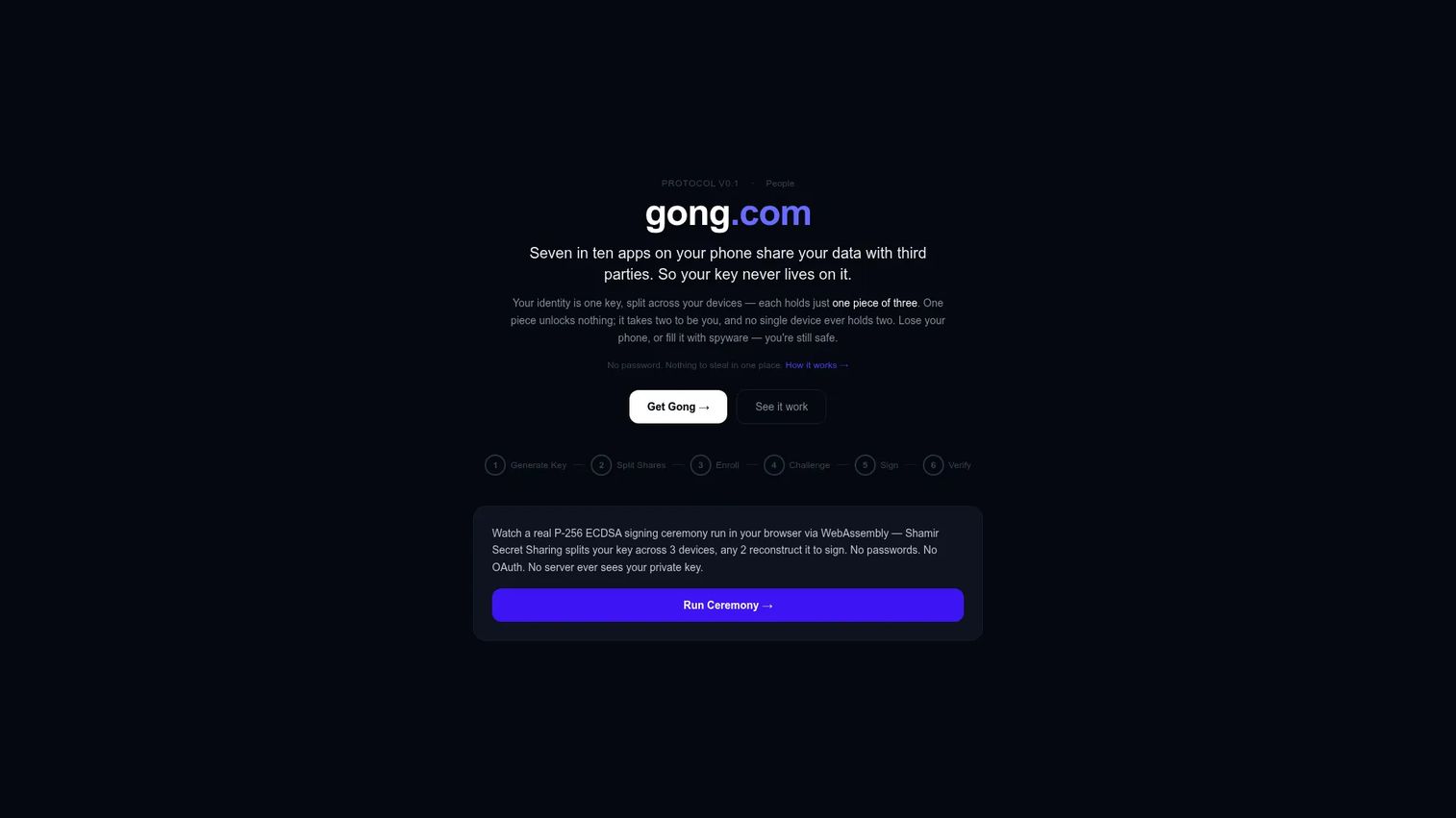
Gong is a revenue AI platform built around capturing and analyzing customer interactions. It records calls, transcribes them, and turns conversations into coaching and pipeline insights. For sales teams, it's less a call recorder and more a system that reads every deal and tells you where they stall.
For an SDR, the value shows up in the handoff. Every call is captured, searchable, and tied to the deal, so your AE inherits context instead of guesswork. Managers use it to coach against real moments rather than gut feel.
Best for: revenue teams that want conversation intelligence and sales coaching tied directly to pipeline.
Key strengths
- Call recording and conversation intelligence
- Forecasting and pipeline insights
- Coaching and workflow automation
- Deal intelligence tied to CRM records
- Searchable transcripts across every call
Why choose Gong: If your goal is to improve call quality, shorten rep ramp, and give leaders visibility into what's actually said in deals, Gong is the strongest fit. It's built for sales outcomes, not just storage.
Gong pricing: Gong does not publish public pricing. Plans are quote-based and depend on team size and requirements, so you'll need to contact their sales team for a number.
2. Allo
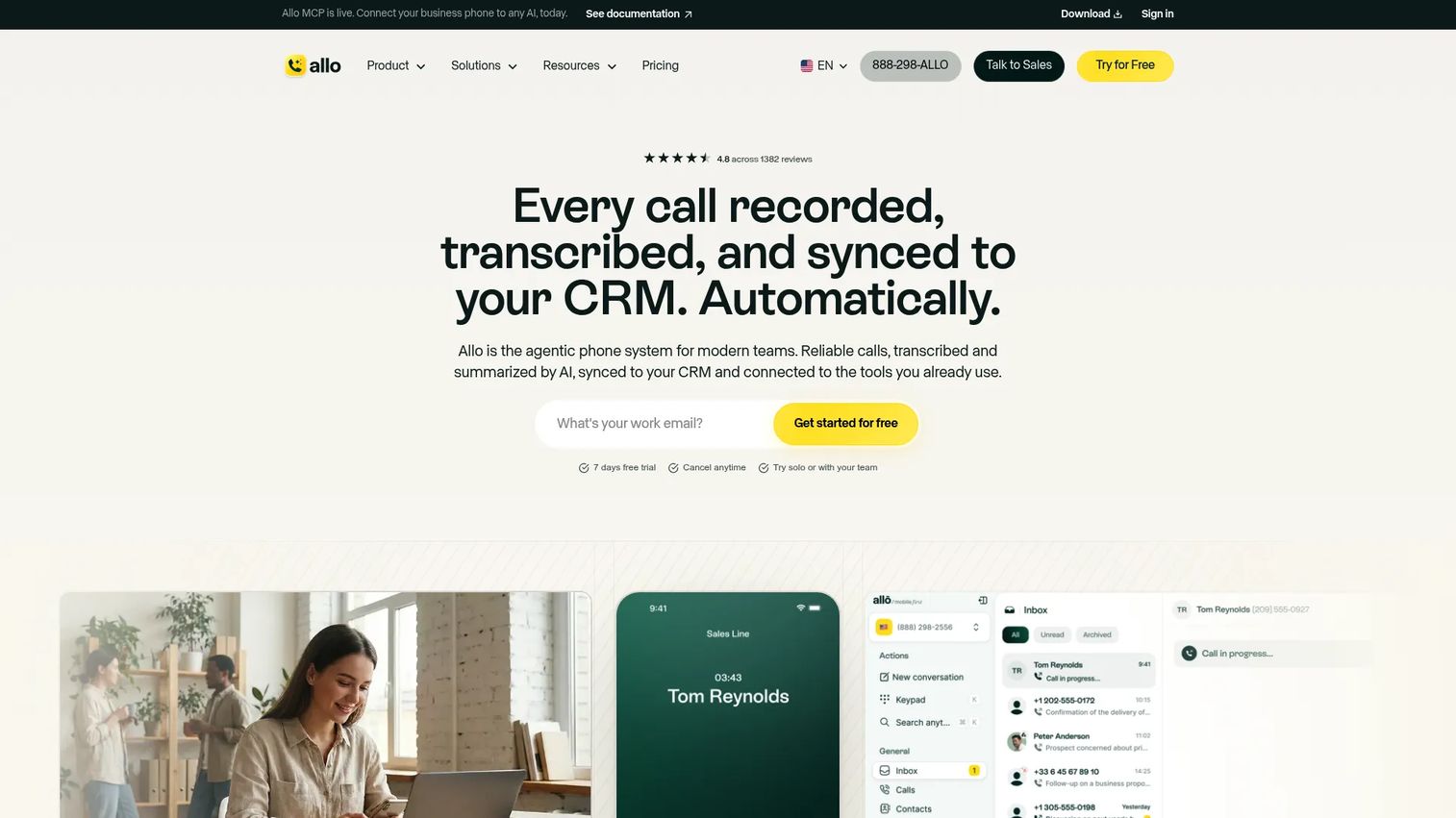
Allo is an AI-powered business phone system built for sales and support teams. It handles calling and messaging across desktop, web, and mobile, then layers AI call summaries and transcripts on top. It also includes an AI receptionist that can book appointments.
For SDRs working inbound and outbound at volume, the CRM sync is the draw. Calls, summaries, and transcripts land in the deal record without manual note-taking, which keeps your pipeline hygiene clean while you keep dialing.
Best for: sales and support teams that want an AI phone system with CRM sync and call automation.
Key strengths
- AI call summaries and transcripts
- AI receptionist and appointment booking
- CRM sync across desktop, web, and mobile
- Calling and messaging in one system
Why choose Allo: If you want the phone system and the recording layer in one tool, plus automation that cuts manual admin, Allo fits. It's aimed at teams that dial daily and want summaries without extra clicks.
Allo pricing: The Starter plan runs $25/month, or $214.99/year. The Business plan is $45/user/month, or $384.99/user/year, and includes a 7-day free trial.
3. Cube ACR
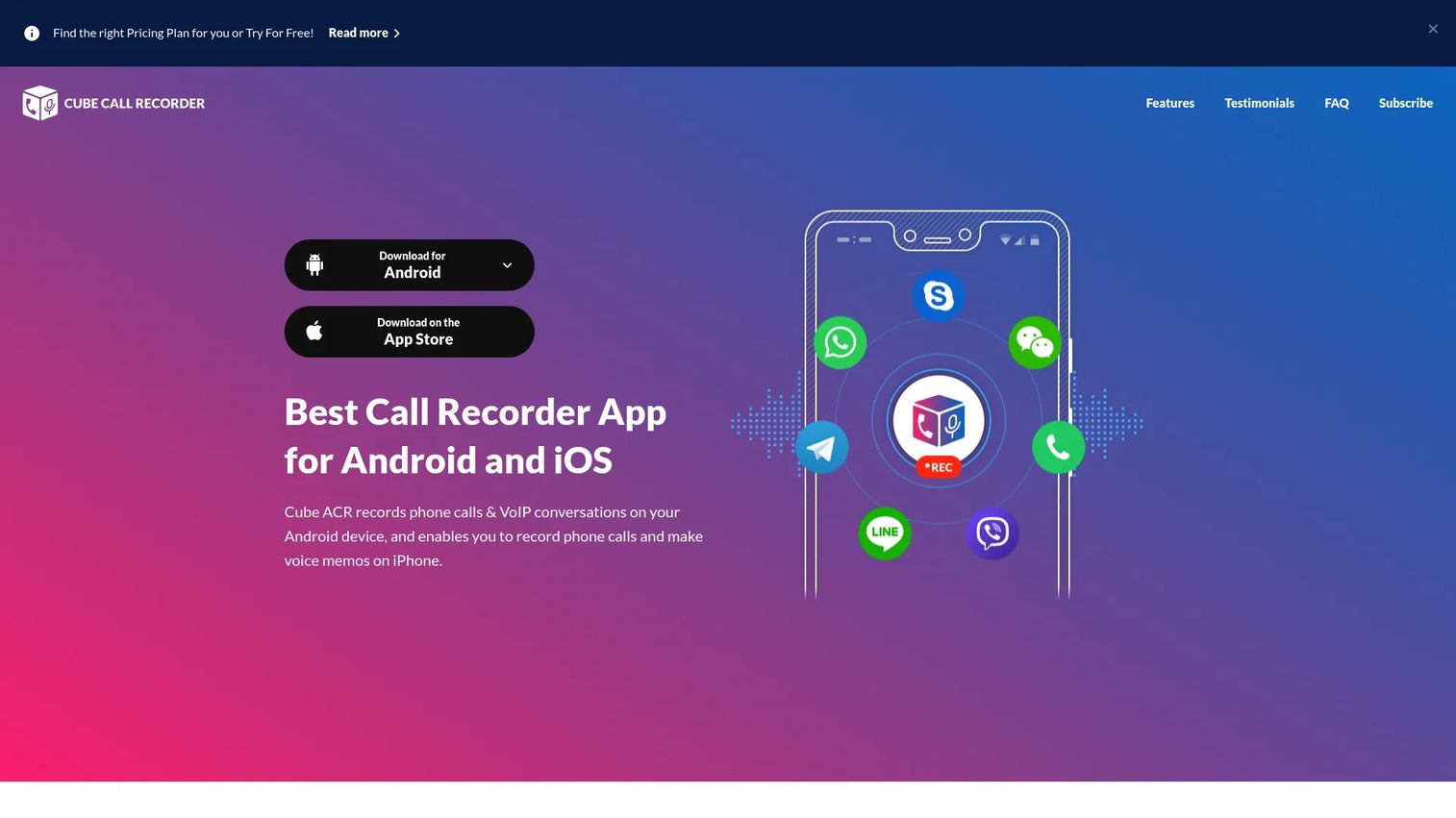
Cube ACR is a call recorder app for Android and iPhone that records both cellular and VoIP conversations. It adds cloud backup to Google Drive or email and privacy controls like PIN lock, Touch ID, and Face ID. This is the mobile-first pick for people who record on a phone, not a laptop.
For field sellers and SDRs who take calls on mobile, the VoIP coverage matters. It captures conversations across common calling apps, not just standard phone calls, so more of your day gets recorded.
Best for: people who need a mobile call recorder with VoIP support and basic privacy and backup features.
Key strengths
- Records cellular and VoIP calls on Android
- Cloud backup to Google Drive or email
- PIN lock, Touch ID, and Face ID protection
- Storage management for recordings
Why choose Cube ACR: If your calls happen on a phone and you want the best phone call recording app for Android with VoIP support, this is the one. Note that mobile recording availability depends on your OS version, device, and carrier, so test it on your exact phone first.
Cube ACR pricing: The app is free to download with a free tier, and it invites users to explore paid options in-app. Public plan prices are not listed on the site, so check the app for current upgrade pricing.
4. Rev
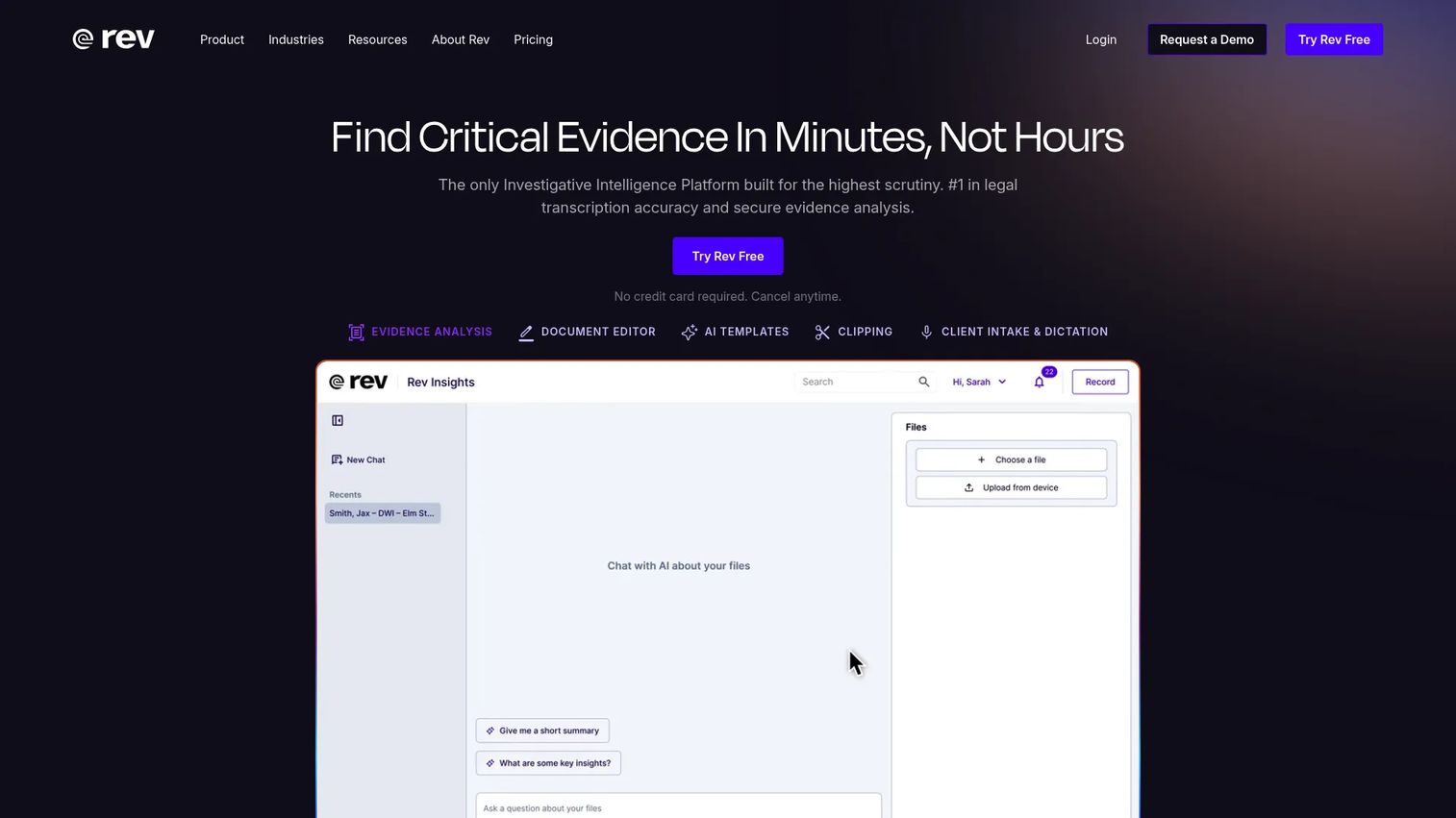
Rev is a speech-to-text, captioning, and transcription platform that offers both AI and human-verified services. It's transcription-first, which makes it a strong fit for after-call cleanup, follow-up context, and turning recorded calls into searchable notes you can act on fast.
For SDRs and small teams, the appeal is simple: record the call, get a clean transcript, and pull the objections or next steps into your follow-up. When accuracy really matters, the human transcription option catches what AI alone might miss.
Best for: teams needing transcription and captioning with both AI and human review options.
Key strengths
- AI transcription for speed
- Human transcription for accuracy
- AI and human captions
- Searchable text output from recordings
Why choose Rev: If your priority is reading calls rather than relistening, and you want the option to escalate to human accuracy, Rev fits. It's a lightweight review layer rather than a full revenue platform.
Rev pricing: The Free plan includes 45 AI transcription and caption minutes per month. Essentials is $25.49 per seat/month and Pro is $47.99 per seat/month. Unlimited is custom pricing, and AI transcription starts around $0.25/min.
5. NICE
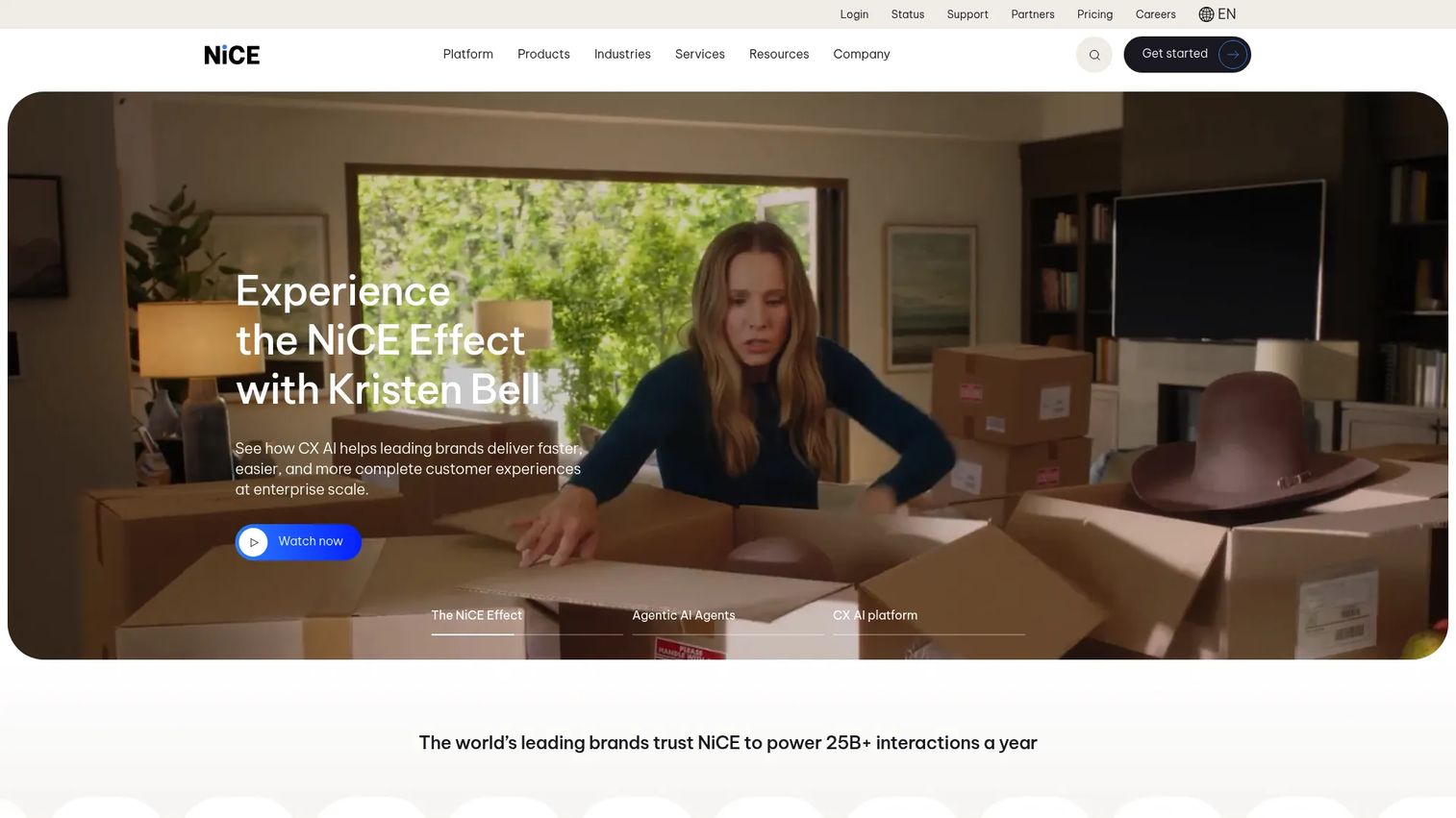
NICE makes CXone, an AI-powered customer experience platform for contact centers and enterprise CX operations. Call recording here sits inside a broader system for omnichannel routing, quality assurance, workforce management, and governance. This is the compliance-and-scale option.
For regulated or high-volume sales and support environments, NICE fits where governance is non-negotiable. Permissions, retention, and audit controls are built for teams that answer to auditors, not just managers.
Best for: large organizations needing an AI-driven contact center and CX platform with strong governance.
Key strengths
- AI-first CX platform
- Omnichannel routing and engagement
- Workforce and service automation
- Enterprise governance and compliance controls
Why choose NICE: If you run a contact center or a regulated environment where quality assurance and compliance drive the decision, NICE is built for that scale. It's more platform than point tool.
NICE pricing: CXone suites are publicly listed and start at $110 per agent/month for the Omnichannel Suite. Essential is $135, Core is $169, Complete is $209, and Ultimate is $249 per agent/month, with some items priced on application.
6. Zoom
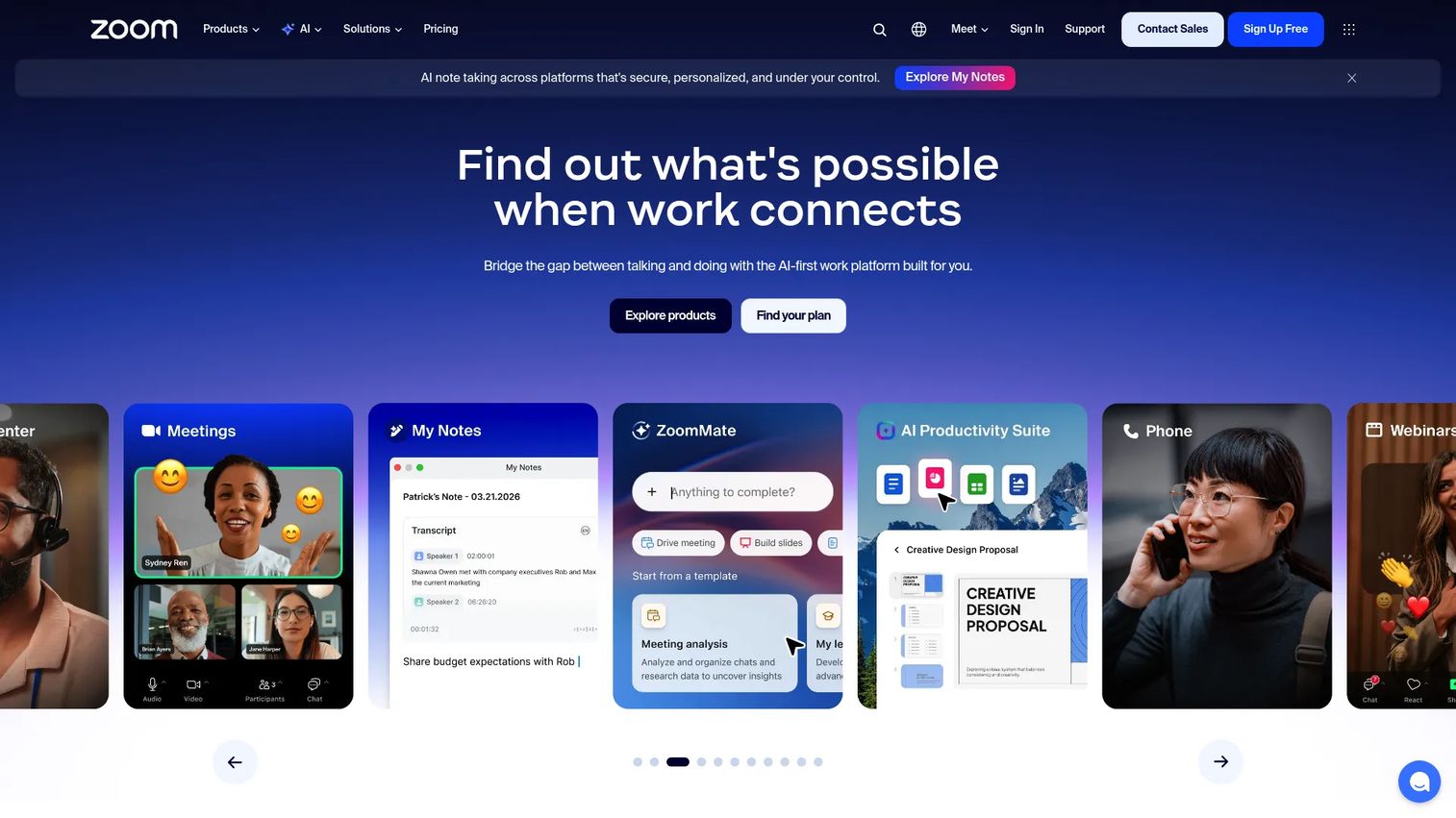
Zoom is an AI-first collaboration platform for meetings, chat, phone, and workspace tools. For call recording, it captures meetings to the cloud, generates transcripts, and stores recordings your team can revisit. Since so much remote selling already runs on Zoom, recording where the calls happen is the practical win.
For hybrid SDR teams and remote sellers, Zoom's recording is often already in the stack. You record the demo or discovery call, get a transcript, and share it, without adding another tool to your tabs.
Best for: teams wanting an all-in-one meetings and collaboration suite with a free entry tier.
Key strengths
- Cloud meeting recording and storage
- Meeting transcripts
- AI Companion on eligible paid plans
- Chat, mail, calendar, and docs in one place
Why choose Zoom: If your calls are meetings and your team already uses Zoom, recording is right there. It's the low-friction choice for capturing demos and discovery calls without new software.
Zoom pricing: Workplace Basic is free for one user. Workplace Pro is $15.99/user/month billed monthly, or $13.32/user/month billed annually. Recording features vary by plan, so check the tier before you rely on cloud recording.
7. Microsoft Teams
Microsoft Teams is Microsoft's collaboration and communication platform for chat, meetings, calling, and workflows. It records meetings, generates transcripts, and stores recordings inside Microsoft 365, with compliance controls that IT teams already manage. For Microsoft-heavy organizations, this is the natural standard.
For SDRs at companies running Microsoft 365, Teams recording means no extra vendor and no new login. Recordings and transcripts live where your files already are, and admin policies govern who can record and who can access what.
Best for: organizations already using Microsoft 365 that want integrated collaboration and meetings.
Key strengths
- Meeting recording inside Microsoft 365
- Video meetings and calling
- Copilot and AI-powered meeting features
- Compliance controls managed by IT
Why choose Microsoft Teams: If you're standardized on Microsoft 365, Teams recording fits your governance and storage without adding a tool. Organization policies can enable or block recording, so confirm your admin settings.
Microsoft Teams pricing: There's a free tier. Teams Essentials is $4.00/user/month paid yearly, and Teams Premium is $10.00/user/month paid yearly. Recording and advanced meeting features depend on the plan and your Microsoft 365 license.
Considerations
Before you shortlist, run each tool through this checklist against your actual workflow.
Device and platform support
Confirm the tool records where your calls happen. A mobile-first app like Cube ACR handles phone and VoIP, while Zoom and Microsoft Teams cover meetings. Test on your exact device and OS, since Android and iPhone recording availability depends on version and carrier.
Transcription and search quality
Transcription is only useful if it's accurate and searchable. Check whether the tool auto-transcribes, how well it handles your accents and jargon, and whether you can search across recordings to find a specific call or objection in seconds.
Security, consent, and retention
Look for encryption, access controls, retention policies, and audit trails. Confirm the tool supports the consent rules for your region, since some U.S. states require all-party consent. Cloud backup and recording permissions should be configurable, not all-or-nothing.
CRM and workflow fit
The best recording tool is the one that fits your existing stack. Check CRM integrations so calls and insights log automatically. For SDRs, the winning criterion is low admin: the tool should reduce clicks, not add them.
Coaching and revenue intelligence
If coaching and deal insight matter, weigh whether the tool surfaces talk ratios, objection patterns, and deal signals. Revenue intelligence platforms do this; basic recorders don't. Match the depth to whether you're capturing calls or actively coaching against them.
Conclusion
Call recording software isn't one category, it's three: mobile recorders, meeting platforms, and revenue intelligence tools. The right pick depends on where your calls happen and what you do with them after.
For sales coaching and deal intelligence, Gong leads. For Android and mobile-first recording, Cube ACR is the practical choice. For compliance and contact centers, NICE brings the governance. And if your calls are meetings, Zoom or Microsoft Teams record right where you already work.
Don't choose on the ability to press record alone. Every tool here can capture audio. The difference is in search, security, transcription, and how cleanly the recording flows into your CRM and your AE handoff.
Practical next step: shortlist two tools that match your device and workflow, then test three things before you commit. Recording quality, search speed, and the export flow. That fifteen-minute test will tell you more than any feature list.
If your first touch with a prospect is about showing value rather than capturing a call, an interactive demo lets you show your product across cold outbound, landing pages, sales follow-ups, and onboarding, without scheduling a live call.
FAQs
Consent rules vary by state and by use case. Some states follow one-party consent, meaning one person on the call can approve recording, while others require two-party or all-party consent. Check the rules for the states you're calling into before you record, and when in doubt, disclose that the call is being recorded.
For sales, the strongest fit is a revenue intelligence platform rather than a basic recorder. Gong records, transcribes, and turns calls into coaching and deal intelligence tied to your CRM. If you want to improve call quality and give leaders visibility into deals, that's the category to shortlist.
Cube ACR is the mobile-first pick for Android, since it records both cellular and VoIP calls and adds cloud backup and privacy locks. Recording availability on Android depends on your OS version, device model, and carrier, so test the app on your exact phone before relying on it.
Yes, most modern tools transcribe automatically, though quality varies by platform and audio clarity. Transcription-first tools like Rev offer both AI and human review, while revenue platforms like Gong transcribe and analyze in one pass. Clean audio and clear speech produce more accurate transcripts and better search.
Use encryption at rest and in transit, set access controls so only authorized people can hear recordings, and define a retention policy that matches your compliance needs. Look for audit trails that log who accessed which recording, plus cloud backup so you don't lose records to a lost device.
Yes, both Zoom and Microsoft Teams support meeting recording natively, but plan limits and admin settings decide whether it's available to you. Organization policies can block recording entirely, and cloud versus local recording depends on your tier. Confirm your plan and admin settings before you rely on it.
Transcription, summaries, search, CRM sync, permissions, and analytics are what separate a storage tool from a workflow tool. For SDRs, reuse and handoff quality matter most: the ability to pull objections and next steps into a follow-up and pass clean context to an AE without rebuilding notes from memory.
Prioritize speed, search, workflow fit, and coaching value. The tool should reduce clicks inside your existing CRM and sequencer, let you find a specific call or objection fast, and help you review talk tracks. Above all, it should create almost no admin, since adoption dies the moment a tool adds work to a busy dialing day.