



You answer the same "how do I reset my password" question five times before lunch. Then it comes back tomorrow. And the day after.
Most support leaders think the fix is more agents. It isn't. It's that customers can't solve the problem themselves, so they open a ticket instead. The friction of finding an answer is higher than the friction of asking a human.
Organizations with mature self-service programs deflect 25 to 40% of inbound support tickets before they ever reach an agent, according to Gartner (2025). That's not a rounding error. That's a headcount decision, a burnout decision, and a CSAT decision all at once.
So the question isn't whether to invest in ticket deflection software. It's which tool actually deflects tickets without frustrating the people you're trying to serve.
What's inside
This guide is for support leaders, support operations managers, and frontline agents at SaaS companies who own the ticket queue and the self-service layer above it.
Here's what we cover:
- What ticket deflection software is, and how it differs from a knowledge base alone
- The main software types, from help center to chatbot to AI agents
- A side-by-side comparison of 7 tools with pricing and G2 ratings
- How to measure deflection rate honestly, including what counts as a deflected ticket
- How to choose based on your support motion, content maturity, and stack
We selected tools based on deflection capability, self-service coverage, escalation quality, and how well they fit real support workflows.
TL;DR
- Best for enterprise support teams: Zendesk, for omnichannel ticketing plus AI agents and a mature knowledge base.
- Best for modern shared inbox and support workflow teams: Pylon, for B2B support across Slack, Teams, and email.
- Best for AI-first support automation: Aisera, for agentic AI across customer and employee workflows.
- Best for mobile and in-app support: Helpshift, for deflection inside the product experience.
- Best for cross-functional messaging and support: Intercom, for chatbot-driven deflection and proactive support.
- Best for SMB teams wanting fast setup: Freshdesk, for accessible self-service and automation.
- Best for large service organizations: Salesforce Service Cloud, for CRM-native case management at scale.
What is ticket deflection software?
Ticket deflection software is software that helps customers resolve their own issues before they create a support ticket. It combines self-service content, search, automation, and AI so common questions get answered without an agent.
The category works in layers. Each layer catches a different type of question before it reaches the queue:
- Knowledge base and help center: searchable articles and FAQs that answer repeat questions
- Self-service portal: a customer-facing hub for account actions, status, and answers
- Chatbot or AI agents: conversational tools that match intent and surface or generate the right answer
- Proactive suggestions: contextual help shown before the customer asks
- Community forum: peer answers that scale support beyond your team
- Escalation path: a clean handoff to a human when self-service isn't enough
A knowledge base alone is passive. It waits for someone to find it. Ticket deflection software wraps intent matching, automation, and measurement around that content so the right answer reaches the right person at the right moment. Here's the difference in practice:
| Capability | Knowledge base alone | Ticket deflection software |
|---|---|---|
| Content storage | Yes | Yes |
| Intent matching and search | Basic | Advanced, AI-assisted |
| Chatbot or AI agents | No | Yes |
| Proactive suggestions | No | Yes |
| Deflection rate measurement | No | Yes |
| Clean escalation with context | No | Yes |
The distinction matters because customer self-service only deflects tickets when the content is findable, relevant, and delivered in context. Storing articles is table stakes. Getting them read at the right moment is the actual work.
When to use ticket deflection software
Deflect repetitive how-to questions
Some questions arrive dozens of times a week. "Where do I find my invoice." "How do I reset this setting." "Why can't I log in." These are the clearest deflection wins because the answer never changes. A well-structured help center article or a chatbot flow resolves them without an agent typing the same reply again.
Reduce queue volume without hiding from customers
Lower ticket volume is not the same as good containment. If a customer bounces off a chatbot that never answered their question, you deflected a ticket and lost trust. Deflection improves experience when the answer is genuinely faster to reach than a human. It frustrates people when it becomes a wall. Measure both, not just the volume drop.
Support onboarding and product adoption
Deflection is not only reactive. Proactive suggestions and self-service content help new users get to value without opening a ticket in the first place. Feature education, onboarding walkthroughs, and in-app guidance reduce the tickets that come from confusion. Many support teams pair help center articles with interactive demos so users can experience a workflow instead of reading a wall of text. Those guided walkthroughs work across help center documentation, ticket replies, onboarding flows, and customer education, giving customers a clickable path to the answer.
Comparison table
These seven tools span the full deflection stack: knowledge base, self-service portal, chatbot, AI agents, messaging, and service desk workflows. Some are full support suites. Others focus on one layer and do it well. Pricing and G2 ratings below reflect each vendor's public listings as of August 2026.
| # | Product | Best for | Key differentiator | Pricing | G2 rating |
|---|---|---|---|---|---|
| 1 | Zendesk | Enterprise support teams | Omnichannel ticketing with AI agents and knowledge base | From $19 agent/month | 4.3/5 |
| 2 | Pylon | Modern B2B shared inbox teams | Support across Slack, Teams, email, and chat | From $59 seat/month | 4.7/5 |
| 3 | Aisera | AI-first support automation | Agentic AI across customer and employee workflows | Custom pricing | 4.4/5 |
| 4 | Helpshift | Mobile and in-app support | In-app support with AI-driven engagement | Custom pricing | 4.3/5 |
| 5 | Intercom | Cross-functional messaging and support | Messenger, AI chat, and proactive support | Custom pricing | 4.5/5 |
| 6 | Freshdesk | SMB teams wanting fast setup | Accessible help desk with self-service portal | From $19 agent/month | 4.4/5 |
| 7 | Salesforce Service Cloud | Large service organizations | CRM-native case management and AI | From $25 user/month | 4.4/5 |
7 best ticket deflection software for 2026
1. Zendesk
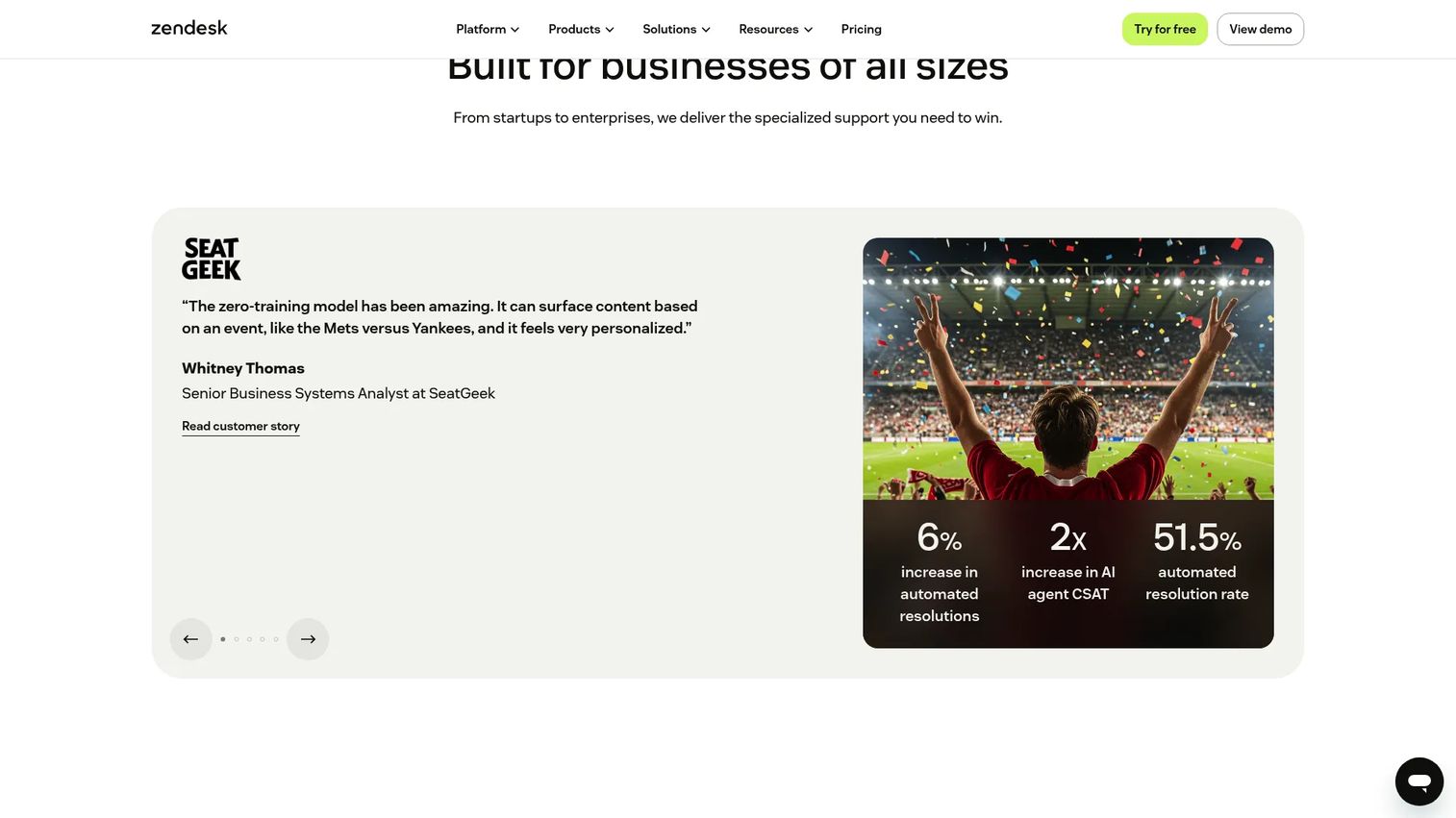
Zendesk is the most established support suite in the category, and for teams already running it as their service desk, it's the natural home for deflection. Its knowledge base, messaging, AI agents, and routing all feed self-service, so customers can find answers across web, chat, and email before a ticket lands. Reporting ties the whole thing to a deflection rate you can actually track.
The reason a mature support stack chooses Zendesk is coverage. You get the help center, the chatbot, the omnichannel queue, and the analytics in one place, plus a large marketplace of integrations. That breadth is worth the overhead when you're deflecting at scale across multiple channels and languages.
Best for: Enterprise and scaling support teams that want ticketing, AI, and self-service in one platform.
Key strengths
- Knowledge base and help center
- AI agents and workflow automation
- Omnichannel ticketing and messaging
- Reporting and analytics
- Marketplace integrations
Why choose Zendesk: Pick it when you need one platform to handle the entire support motion, from self-service through to agent escalation, and you have the volume to justify a full suite.
Zendesk pricing: Support Team starts at $19 per agent per month billed yearly. Suite Team is $55 per agent per month, Suite Professional is $115 per agent per month, and Suite Enterprise plus Copilot is quoted by sales. A free trial is available.
2. Pylon
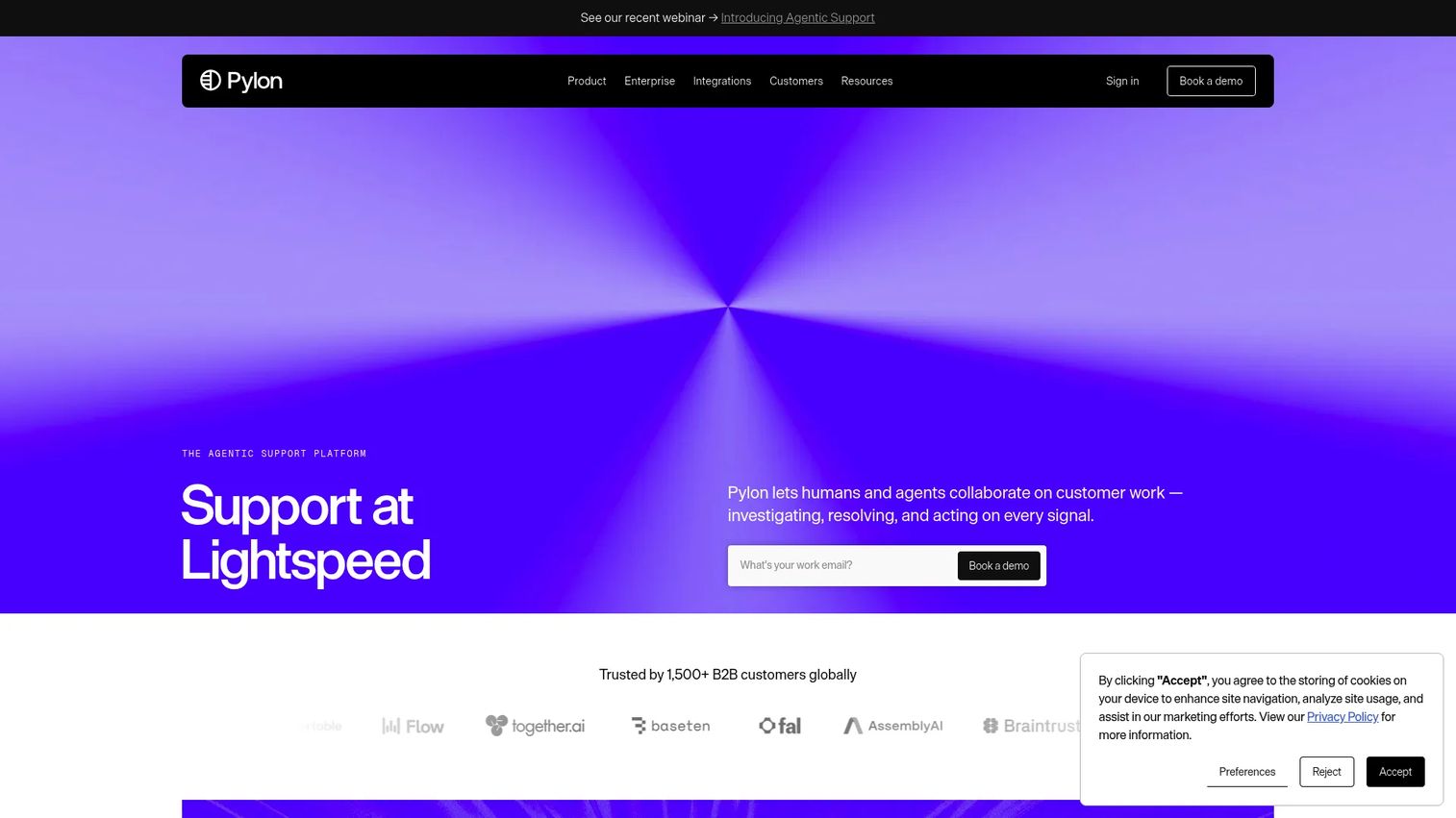
Pylon is built for B2B SaaS teams that support customers where those customers actually work: Slack, Microsoft Teams, email, and chat. That matters for deflection because it puts self-service and AI assistance inside the conversation, not on a separate portal customers have to go find. Its knowledge base, AI agents, and workflow automation cut repetitive volume without forcing a channel switch.
Lean support teams often prefer Pylon over heavier platforms because it maps to how modern B2B support runs. Account intelligence, analytics, and a knowledge base sit alongside omnichannel support, so a small team can deflect and route without stitching five tools together.
Best for: Modern B2B SaaS teams supporting customers in Slack or Microsoft Teams.
Key strengths
- Omnichannel support across Slack, Teams, email, and chat
- AI agents and assistants for automation
- Knowledge base
- Account intelligence and analytics
- Automation and routing
Why choose Pylon: Choose it if your customers live in shared channels and you want deflection and workflow automation without the weight of a legacy help desk.
Pylon pricing: Starter is $59 per seat per month and Professional is $89 per seat per month. Enterprise is custom pricing.
3. Aisera
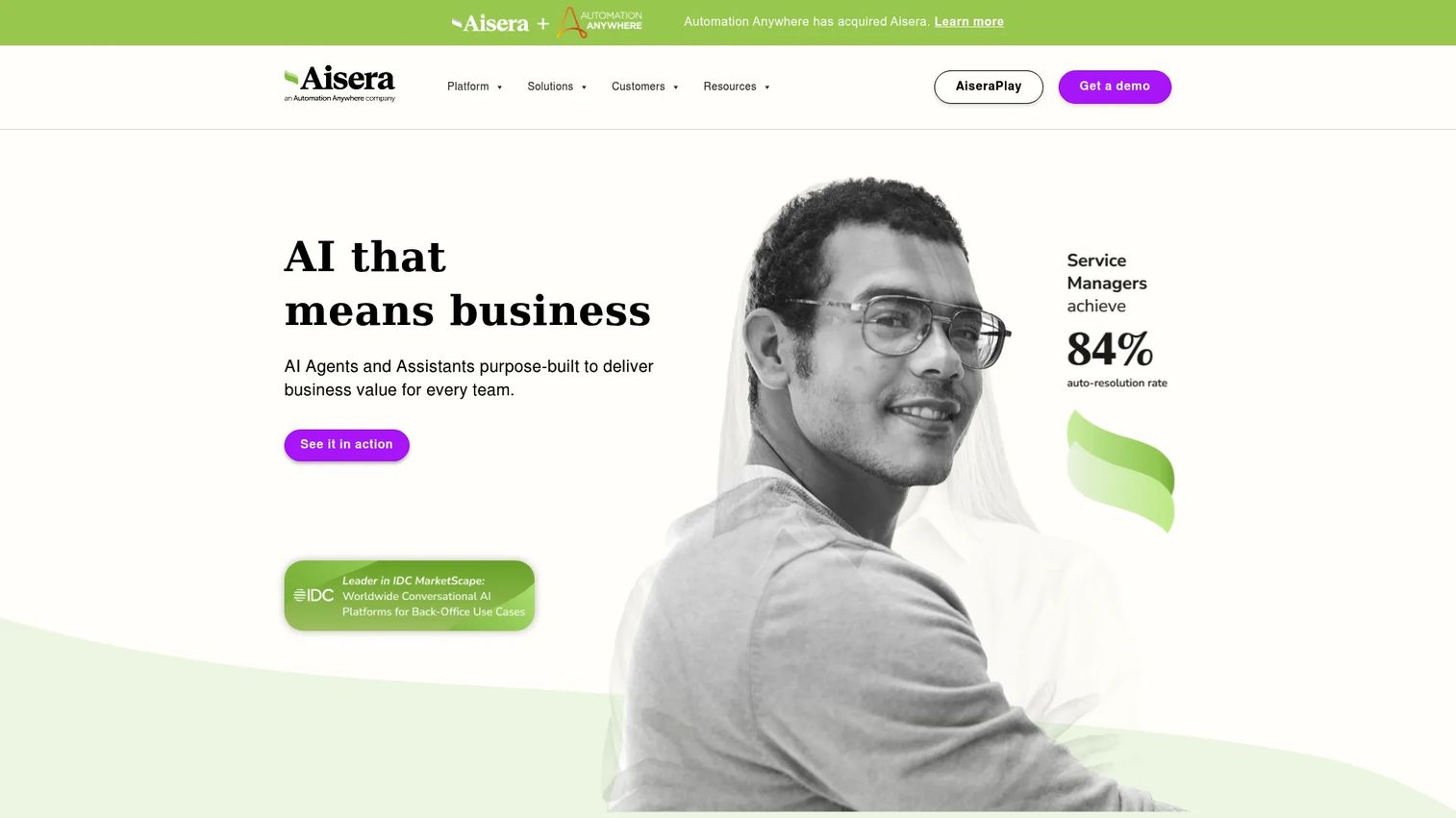
Aisera is an AI-first platform for teams that want virtual agents and automation doing the heavy lifting on deflection. Its agentic AI matches intent, orchestrates multi-step workflows, and resolves requests across chat, voice, email, and phone. For complex environments spanning customer service, IT, and HR, that breadth of automation is the point.
Aisera fits best where scale and complexity make manual deflection impractical. The platform's no-code, low-code, and pro-code tools let teams build and tune AI agents against their own content, and continuous learning improves intent matching over time.
Best for: Large enterprises automating customer and employee support workflows with AI.
Key strengths
- AI agents with no-code to pro-code tooling
- Intent matching and NLP
- Agent orchestration and workflow automation
- Omnichannel support across chat, voice, email, and phone
- Continuous learning
Why choose Aisera: Choose it when AI containment across many workflows is the priority and you're operating at enterprise scale, including IT and HR service management alongside customer support.
Aisera pricing: Aisera does not publish public pricing. The site directs teams to request a personalized quote or demo.
4. Helpshift
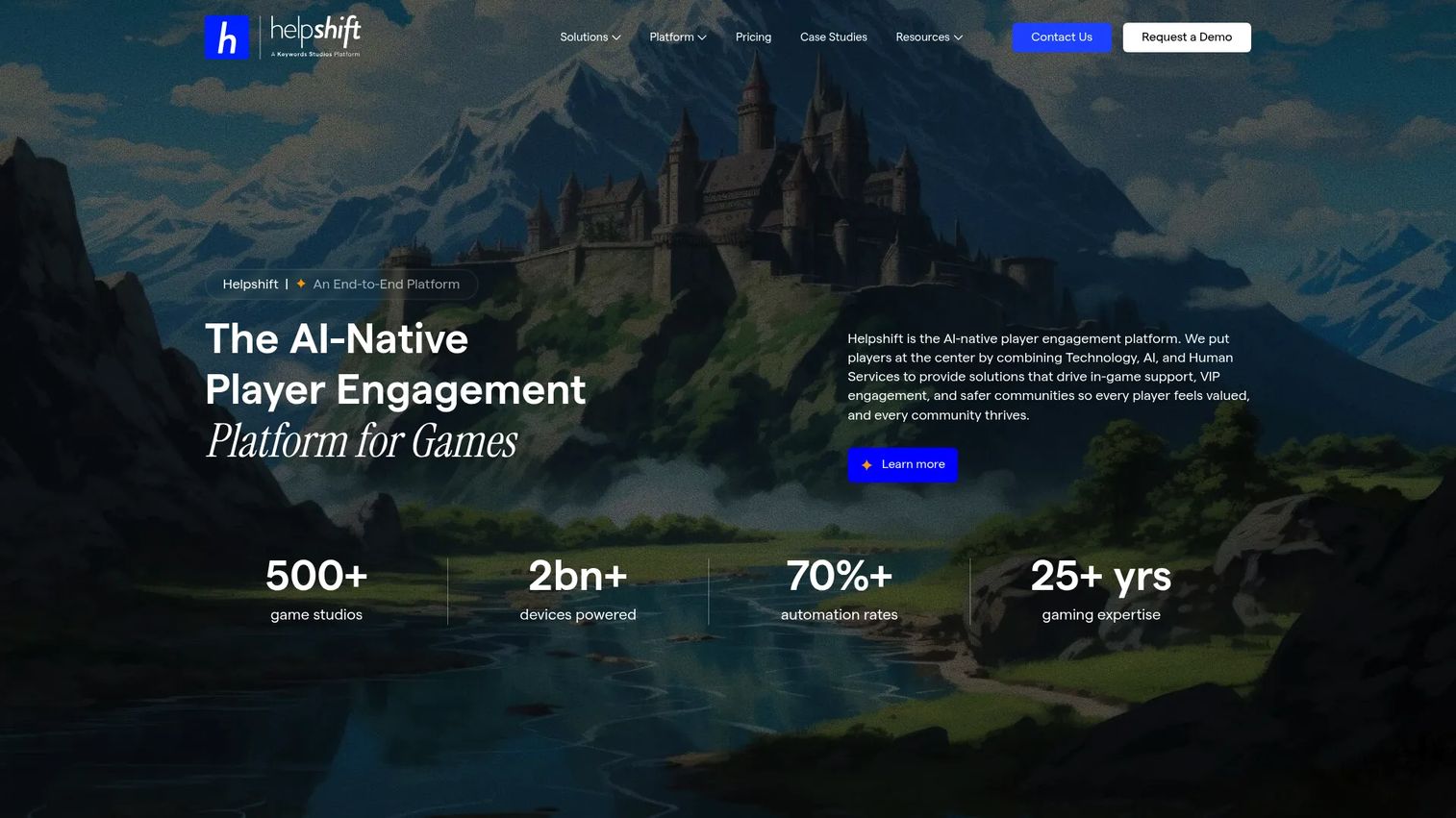
Helpshift puts deflection inside the product, which is where mobile-first and app-first teams need it. Instead of routing users to a separate help center, it embeds messaging, FAQ, and automation directly in the app experience. That context keeps users in the flow and answers questions before they escalate to a ticket.
Helpshift is a strong fit for product-led and app-first support, with a particular focus on gaming studios. Its in-game support SDKs, AI Agent Copilot, and Care AI automate resolution where the customer already is, which is the most natural place to deflect.
Best for: Mobile-first and product-led teams, including game studios, that need in-app support.
Key strengths
- In-app support SDKs
- Mobile support workflows
- AI Agent Copilot and Care AI automation
- FAQ and self-service
- Omnichannel messaging
Why choose Helpshift: Pick it when your support surface is inside a mobile app and you want deflection and engagement handled without pushing users to an external portal.
Helpshift pricing: Helpshift uses request-based, customized pricing. The official pricing page does not list a public numeric plan price.
5. Intercom
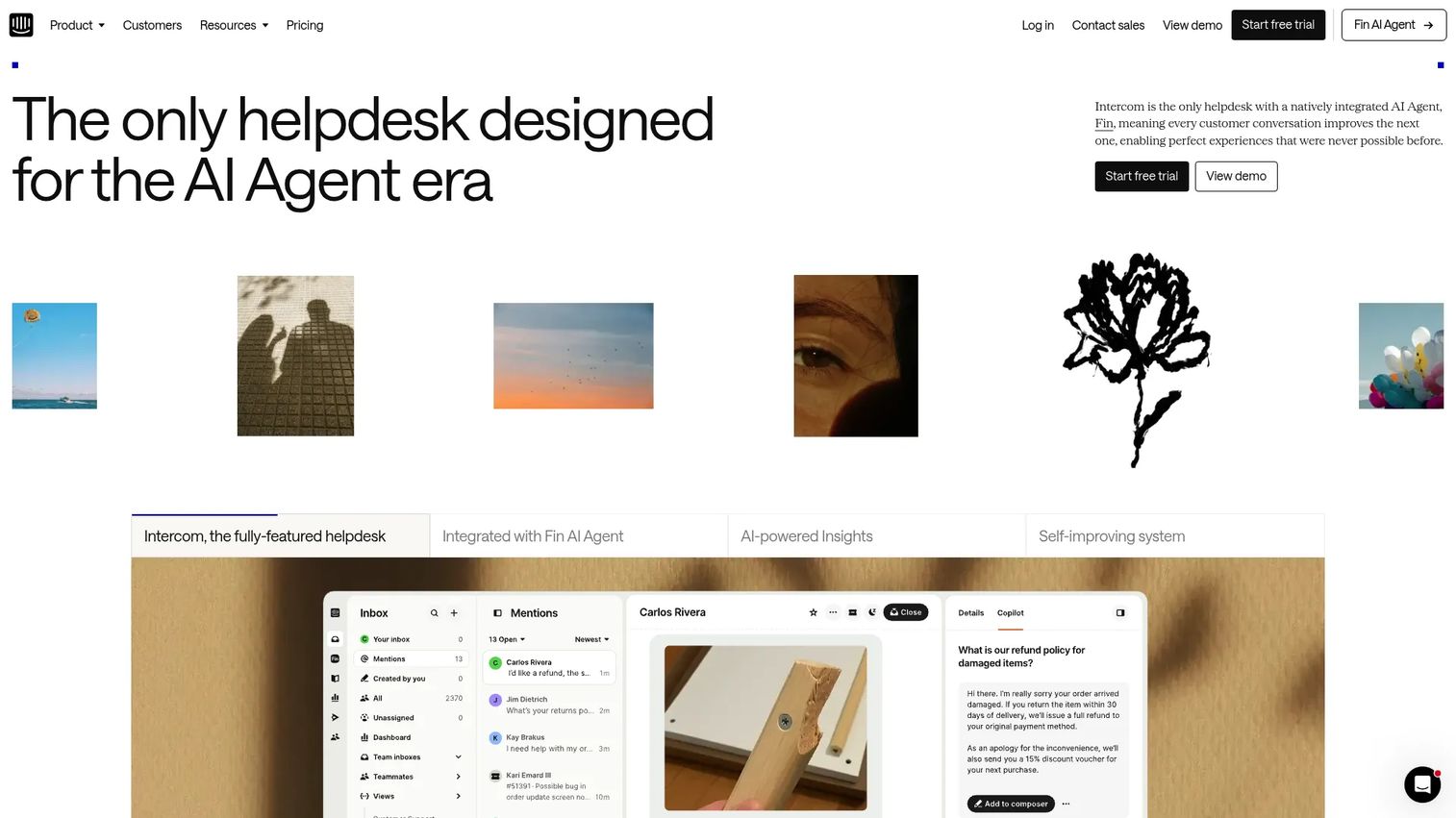
Intercom pairs customer messaging with strong self-service and chatbot-driven deflection. Its Messenger, AI chat, and help center work together so customers get answers in the conversation, and proactive support surfaces help before a question turns into a ticket. For teams that care about lifecycle and onboarding, that proactive layer is a real deflection lever.
Teams with heavy onboarding and adoption needs often evaluate Intercom because it blends support and engagement. Automated workflows route what needs a human and resolve what doesn't, keeping the queue lighter without a cold experience.
Best for: Teams that want messaging, proactive support, and self-service in one place.
Key strengths
- Messenger and shared inbox
- AI chat
- Help center
- Proactive support
- Automated workflows
Why choose Intercom: Choose it when your support motion overlaps with lifecycle messaging and you want chatbot deflection plus proactive nudges in the same tool.
Intercom pricing: Intercom publishes plan tiers on its site, with pricing that varies by plan and usage. Confirm current figures on the vendor's pricing page for your team size.
6. Freshdesk
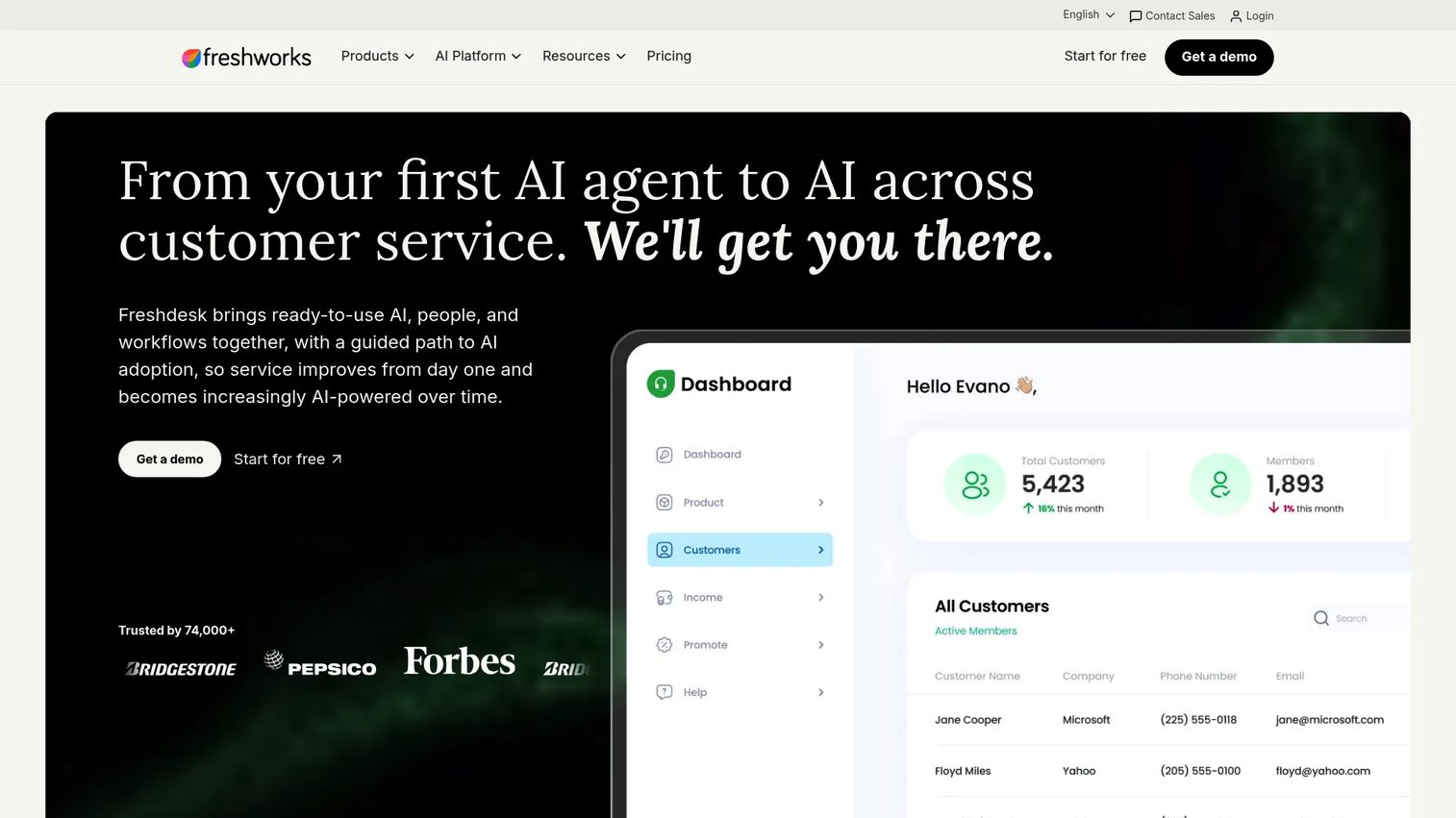
Freshdesk is the practical pick for teams that want broad support functionality and fast setup. Its knowledge base, self-service portal, automation, and AI assistant cover the core deflection layers without a long implementation. Customers get a searchable portal and automated answers, and agents get a clean queue for what escalates.
SMB and mid-market teams often shortlist Freshdesk because it's accessible and quick to stand up. You get omnichannel support and self-service content out of the box, which makes it easy to start deflecting common questions early.
Best for: SMB and mid-market teams that want a scalable help desk with self-service and AI.
Key strengths
- Knowledge base
- Automation and routing
- AI assistant
- Self-service portal and customer portal
- Omnichannel support
Why choose Freshdesk: Pick it when you want ticketing, self-service, and automation running quickly without heavy configuration or a large admin lift.
Freshdesk pricing: Growth is $19 per agent per month, Pro is $55 per agent per month, and Enterprise is $89 per agent per month, all billed annually. A 14-day free trial is available.
7. Salesforce Service Cloud
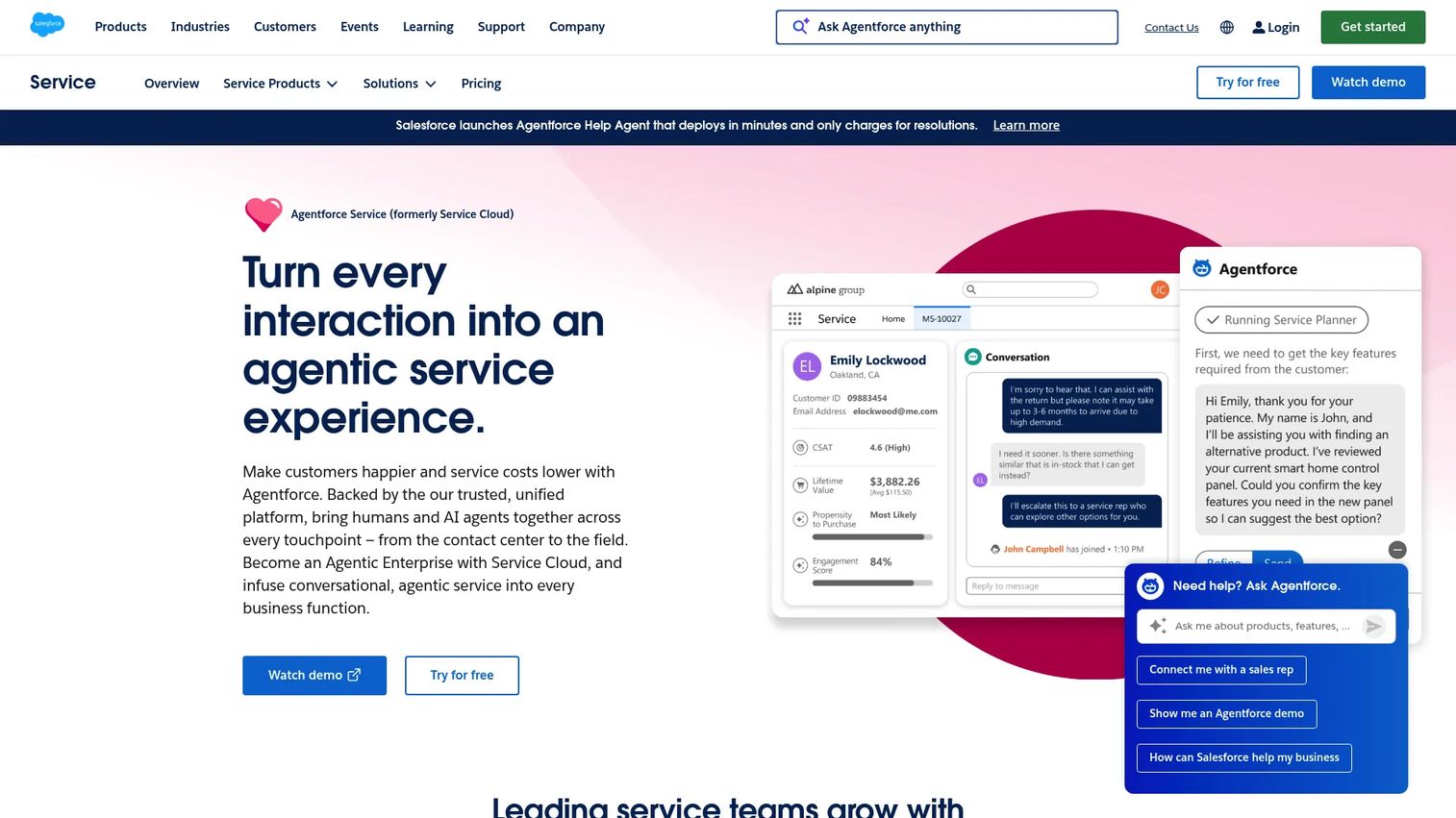
Salesforce Service Cloud is the enterprise choice when support needs deep CRM integration and scalable service workflows. Case management, omnichannel routing, and knowledge management sit natively on customer data, so deflection and escalation both run with full context. For organizations already in the Salesforce ecosystem, that connection is the differentiator.
Large service organizations choose it because the deflection layer is part of a broader service platform. Self-service and AI reduce case volume, and when a case does reach an agent, the CRM context is already there for a clean handoff.
Best for: Enterprise service teams that need CRM-native support with AI and omnichannel case handling.
Key strengths
- CRM-native case management
- Knowledge management and self-service
- Automation and AI
- Omnichannel routing
- Case management at scale
Why choose Salesforce Service Cloud: Choose it when you're already on Salesforce and want deflection, case management, and analytics running on the same customer data.
Salesforce Service Cloud pricing: Starter Suite is $25 per user per month, Pro Suite is $100 per user per month, Enterprise is $175 per user per month, and Unlimited is $350 per user per month. Agentforce 1 Service is $550 per user per month. A 30-day free trial is available.
What to look for in ticket deflection software
Knowledge base quality and search relevance
A great knowledge base is table stakes, but content only deflects if it's findable. Evaluate search relevance, article structure, and how easy it is to keep articles fresh as the product changes. Stale content that ranks first is worse than no content, because it sends customers the wrong answer with confidence.
AI and intent handling
Chatbots and AI agents should match intent and return accurate answers, not confident guesses. Test how the tool handles ambiguous questions and whether it grounds answers in your knowledge base rather than hallucinating. Good intent handling is the difference between deflection and a frustrated customer who now needs an agent and an apology.
Escalation quality and context handoff
Deflection won't catch everything, and that's fine. What matters is what happens when it doesn't. The case should reach an agent with full history and context, so the customer never repeats themselves. Clean handoff is a deflection feature, because it protects CSAT on the tickets that do get through.
Measurement and reporting
You can't improve what you don't measure. Look for reporting on deflection rate, AI containment rate, CSAT, CES, FCR, and repeat contacts. The tool should show you where self-service works and where customers drop off, so you can fix the gaps instead of guessing.
Omnichannel and multilingual coverage
Customers arrive on web, in-app, chat, and email, and they arrive in different languages. Deflection has to work across all of them, or you're only catching a slice of the volume. Check that self-service content, chatbot flows, and AI agents cover your channels and your language needs.
How to measure ticket deflection rate
Standard formula
The common deflection rate formula divides self-service resolutions by total support interactions. If 1,000 customers engage self-service and 300 leave without opening a ticket, that's a 30% deflection rate. The inputs are self-service sessions and the tickets that would have been created without them.
Conservative formula
A stricter approach only counts a deflected interaction when the customer engaged meaningfully and did not open a ticket within a follow-up window. This avoids inflating the number with people who bounced off a page immediately. It's the more honest measure, and the one worth reporting to leadership.
What counts as a deflected ticket
Engagement validation matters. A deflected ticket is one where the customer found or received an answer and then did not contact support about the same issue inside a defined window, often 24 to 72 hours. Counting a page view as a deflection overstates the impact. Counting a resolved intent that didn't reopen is closer to the truth.
Related metrics to track
Deflection rate alone hides too much. Track it alongside these:
- AI containment rate: the share of conversations an AI agent resolves without a human
- CSAT: satisfaction on both deflected and handled interactions
- CES: how much effort the self-service path required
- FCR: first-contact resolution on tickets that do reach agents
- Average handle time: on human-handled tickets
- Repeat contact rate: whether "deflected" issues come back
- Self-service engagement: how customers actually use your content
How to choose the right ticket deflection software
Match the tool to your support motion
SMB, mid-market, and enterprise support run differently. SMB teams need fast setup and low overhead, which points toward Freshdesk or Pylon. Enterprise teams with high volume across channels lean toward Zendesk or Salesforce Service Cloud. Match the platform to the shape of your queue, not the other way around.
Match the tool to your content maturity
If your knowledge base is thin, a strong content and search foundation matters more than the fanciest AI. AI agents amplify good content and expose bad content. Build the help center first, then layer AI containment on top of articles that actually answer the question.
Match the tool to your stack
Deflection software has to fit what you already run. Check integrations with your CRM, chat, help desk, analytics, and product data. Salesforce Service Cloud is the obvious fit inside the Salesforce ecosystem. Pylon fits teams living in Slack and Teams. The right integration depth saves you months of workarounds.
Match the tool to your escalation model
When self-service doesn't resolve an issue, the handoff decides the experience. Evaluate routing logic and how much context travels with the escalation. A tool that deflects well but hands off blind will cost you the CSAT you saved. Prioritize clean handoff as much as containment.
Start your journey with Guideflow today!
If part of your deflection strategy is showing customers how to do something instead of describing it, Guideflow lets you build clickable, self-serve interactive demos and embed them in help center articles, ticket replies, and onboarding flows. Start your journey with Guideflow today!
Conclusion
The best ticket deflection software depends on what your team actually needs. Zendesk and Salesforce Service Cloud fit enterprise teams that want a full suite on connected data. Pylon fits modern B2B teams working in Slack and Teams. Aisera fits AI-first automation at scale. Helpshift owns in-app and mobile support. Intercom blends messaging with proactive deflection. Freshdesk gets SMB and mid-market teams deflecting fast.
Start with your support motion, then your content maturity, then your stack. Measure deflection rate honestly, pair it with AI containment rate and CSAT, and define what actually counts as a deflected ticket before you report a number. The tool matters, but the measurement discipline matters more.
Pick the platform that fits your queue, then invest in the self-service content and clean escalation that make deflection work without frustrating your customers.
FAQs
Ticket deflection software helps customers resolve issues on their own before opening a support ticket. It combines a knowledge base, self-service portal, chatbot or AI agents, and proactive suggestions with measurement, so common questions get answered without an agent. The goal is lower volume and faster resolution without hurting CSAT.
A knowledge base stores articles and waits for customers to find them. Ticket deflection software wraps intent matching, chatbots, AI agents, proactive suggestions, and measurement around that content, so the right answer reaches the customer at the right moment. A knowledge base is one layer of deflection, not the whole thing.
Mature self-service programs deflect 25 to 40% of inbound tickets, per Gartner (2025). What counts as good depends on your baseline, your product complexity, and how strictly you define a deflected ticket. A conservative 30% that holds up under scrutiny beats an inflated 60% built on page views.
It depends on whether the AI actually answers the question. AI containment improves CSAT when it resolves the intent faster than a human could. It hurts CSAT when it becomes a wall the customer has to fight through to reach an agent. Track CSAT and CES on deflected interactions, not just the volume drop.
Track AI containment rate, CSAT, CES, and FCR alongside deflection rate. Add average handle time, repeat contact rate, and self-service engagement. Deflection rate alone can hide a bad experience, so pair the volume metric with quality and effort metrics to see the full picture.
Yes. Many platforms extend the same self-service portal, knowledge base, chatbot, and AI agents to internal IT and HR through ITSM workflows. Aisera and Zendesk both support employee-facing deflection. The mechanics are the same: match intent, surface the answer, escalate cleanly when self-service isn't enough.
Assign an owner, tie content updates to your release cycle, and audit for stale articles regularly. Keep content short so it's cheap to update, and centralize it so one fix propagates everywhere. Pairing articles with interactive walkthroughs also helps, because a captured product flow is quick to recapture when the UI shifts.
Deflection rate measures the share of interactions resolved through self-service before a ticket is created, across all self-service channels. AI containment rate measures the narrower share of conversations an AI agent resolves without handing off to a human. Containment is one contributor to deflection, not a synonym for it.










