You closed the verbal. The champion is bought in. Then the contract goes to legal, and it disappears.
Three days later it comes back with tracked changes in a Word file called MSA_v4_FINAL_redline_updated_KLrevised.docx. Procurement has their own copy. Someone emailed a version to the wrong stakeholder. Nobody is sure which set of edits is current. Your close date just slid a week, and your forecast slid with it.
That is not a legal problem. It is a workflow problem, and it kills deal velocity as surely as a bad discovery call. Contract redlining software exists to stop the version sprawl, the lost approvals, and the security gaps that turn a signed verbal into a stalled deal.
The category is growing fast. The redlining software market hit USD 1.48B in 2024 and is forecast to reach USD 4.19B by 2033 at a 13.2% CAGR, according to Dataintelo (2024). AI is a big part of that: Gartner data cited by Dioptra (2025) found 74% of legal leaders are deploying or planning to deploy generative AI, with 65% already using it for contract management.
This guide ranks seven tools that actually move contracts from draft to signature without the chaos.
What's inside this guide
This guide is for account executives, legal ops leaders, and revenue teams who need contracts to close on time, not stall in review. Every tool here was chosen for how well it handles the parts of redlining that affect deal velocity.
We evaluated tools on:
- Collaborative contract editing: shared editing, comments, and approvals across legal, sales, and the counterparty
- Version control for contracts: clean version history and an audit trail so nobody loses the current draft
- AI support: change detection, clause analysis, and playbook-based suggestions
- Integrations, permissions, and security: CRM, e-signature, storage, and access controls for sensitive terms
TL;DR: Which contract redlining software fits which team
Short on time? Here is the fast decision.
- Best for full contract workflows: CLM software (like Concord) when redlining sits inside routing, approvals, and a central repository.
- Best for teams living in Word: Microsoft Word when Track Changes plus e-signature covers your volume and complexity.
- Best for browser-native collaboration: Google Docs when real-time editing and easy sharing matter more than governance.
- Best for semantic comparison: Draftable and Workshare Compare when detecting every change across complex documents is the priority.
- Best for legal drafting depth: Litera when in-house teams and firms need document automation alongside comparison.
- Best for AI-assisted review: LegalSifter when AI contract redlining software accelerates volume without replacing legal judgment.
What contract redlining software is
Contract redlining software is a tool that lets multiple parties propose, track, review, and approve changes to a contract, keeping a clear record of every edit and who made it. It replaces the email-attachment shuffle with a single controlled place to negotiate terms.
Basic tracked changes in a document editor handle the editing. Purpose-built redline software handles everything around it: version control, approval routing, security, and the audit trail that tells you exactly how a clause got to its final wording.
Core features to look for:
- Collaborative contract editing: shared editing and comments for internal reviewers and the counterparty
- Version control and audit trails: a full history of who changed what, and when
- Clause libraries and playbooks: approved language and fallback positions your team can reuse
- Permissions and security: access control so only the right people see sensitive terms
- AI-assisted change detection: semantic comparison that catches moved clauses and reworded obligations
- Integrations: connections to CRM, cloud storage, and e-signature tools
How it supports electronic negotiation
Electronic negotiation is the whole point. Instead of contracts bouncing through inboxes, redlines move through a structured flow: internal review, approval, and counterparty exchange, all with a trackable record.
For an AE, that means you can see where a contract sits without pinging legal. The champion can share a clean version with the buying committee. And when procurement asks how a liability cap ended up where it did, the audit trail answers before the question stalls the deal.
How contract redlining works in practice
Most redlining follows the same sequence, whether you use a CLM platform or a document editor plus a comparison tool. Understanding the flow helps you spot where deals stall.
Share the draft
The originating party sends the first draft. Good redline software controls who can view, comment, and edit, so internal reviewers work first and the counterparty gets a clean handoff. Access control keeps early-stage terms from leaking to the wrong stakeholder.
Manage redlines
This is where tracked changes, comments, and approvals live. Every edit is attributed. Version control keeps one current draft instead of five conflicting files. When two people edit at once, the system reconciles rather than forking the document.
Review and negotiate with AI support
AI contract redlining software adds a layer on top. Semantic comparison catches changes that plain tracked changes miss, like a moved clause or a reworded obligation. Playbook-based suggestions flag terms that fall outside your approved positions, so reviewers focus on what matters instead of reading every line twice.
Comparison table
Here is how the seven tools compare on intent, differentiator, pricing, and rating. Pricing reflects publicly listed figures at the time of writing; several enterprise tools use quote-based pricing.
| # | Product | Best for | Key differentiator | Pricing | G2 rating |
|---|---|---|---|---|---|
| 1 | CLM software / platforms | Full contract workflows | Redlining inside routing, approvals, and a central repository | Varies by vendor | 4.3/5 |
| 2 | Microsoft Word | Teams living in Word | Universal Track Changes and near-zero training | Free tier; $179.99 one-time | 4.7/5 |
| 3 | Google Docs | Browser-native collaboration | Real-time editing and easy sharing | Free; Workspace from $7/user per month | 4.7/5 |
| 4 | Draftable | Semantic comparison | Fast, accurate change detection across file types | From $10.75/user per month | 4.4/5 |
| 5 | Workshare Compare | Legal-grade comparison | Redline output across documents and email threads | Quote-based | 4.3/5 |
| 6 | Litera | Legal drafting depth | Comparison plus drafting and workflow tools | Quote-based | 4.2/5 |
| 7 | LegalSifter | AI-assisted review | AI redlines and playbooks inside Microsoft Word | Quote-based | 4.2/5 |
Best contract redlining software for 2026
Here is each tool in detail, ranked by how completely it handles the redlining workflow for revenue and legal teams.
1. Contract Lifecycle Management (CLM) software / platforms
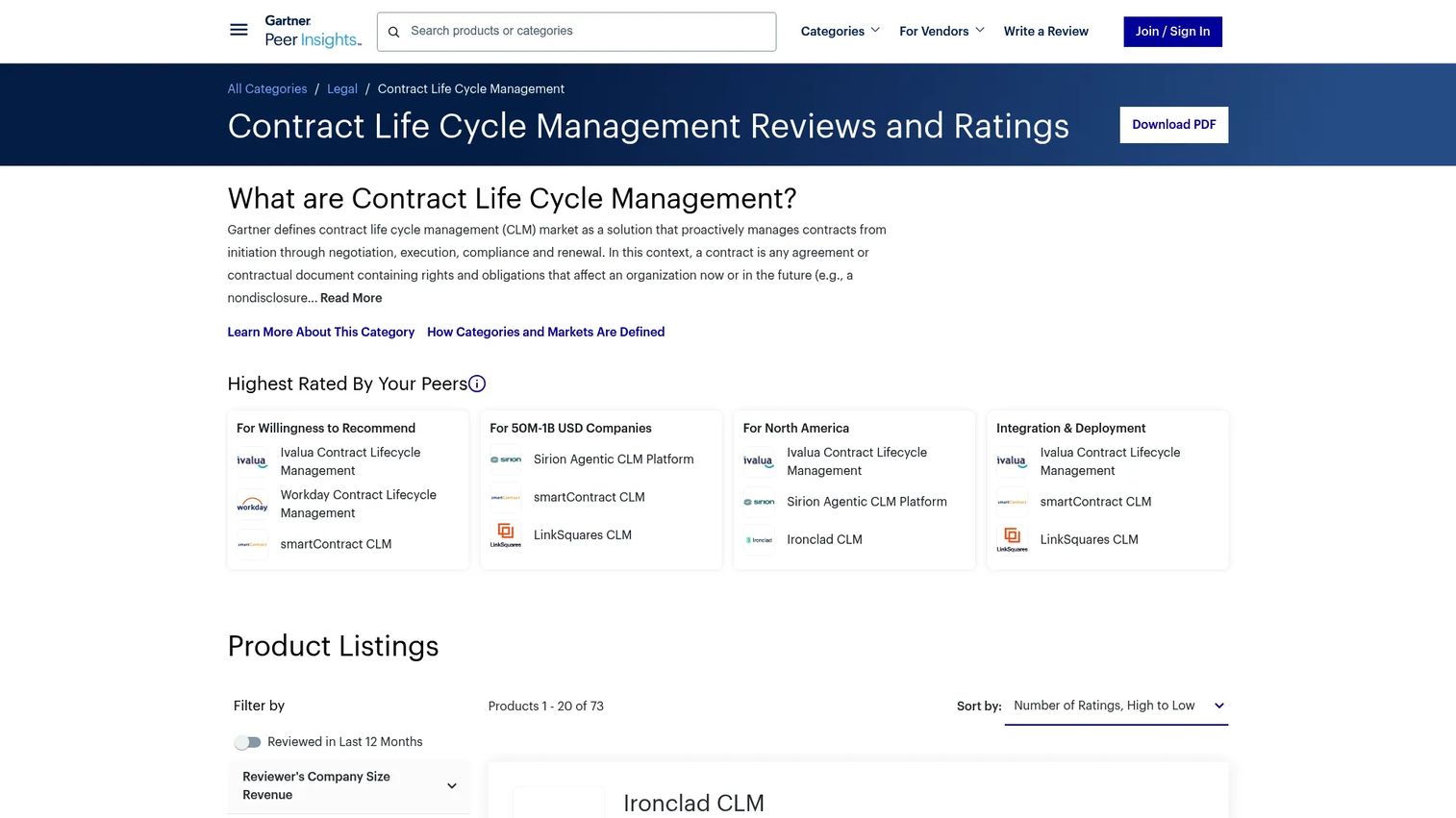
CLM software is the most complete option because redlining is only one part of what it does. A CLM platform manages the full contract lifecycle: request, drafting, negotiation, approval routing, e-signature, and a searchable repository. Redlining happens inside that flow rather than in a separate file that gets emailed around.
For AEs and legal ops teams, this is the difference between one system of record and scattered edits. When a contract stalls, you can see which stage it sits in and who owns the next action. Concord, for example, offers online redlining, live editing, version control, and an AI Copilot inside its CLM, with plans starting at $499/month billed annually for five users.
Best for: Revenue and legal ops teams that want redlining, approvals, and storage governed in one platform.
Key strengths
- Redlining inside a full request-to-signature workflow
- Approval routing and governance for multi-stakeholder deals
- Central repository with search and audit trail
- Integrations with CRM, e-signature, and storage
Why choose CLM software: Choose a CLM platform when contracts involve multiple approvers, repeatable terms, and a need to prove how a clause reached its final form. It is the strongest fit when redlining is a symptom of a bigger workflow problem.
Pricing: Pricing varies widely by vendor, deployment size, and workflow complexity. Concord publishes Essentials at $499/month, Business at $899/month, and Enterprise at $1,299/month, each billed annually for five users. Most enterprise CLM vendors quote custom pricing.
2. Microsoft Word
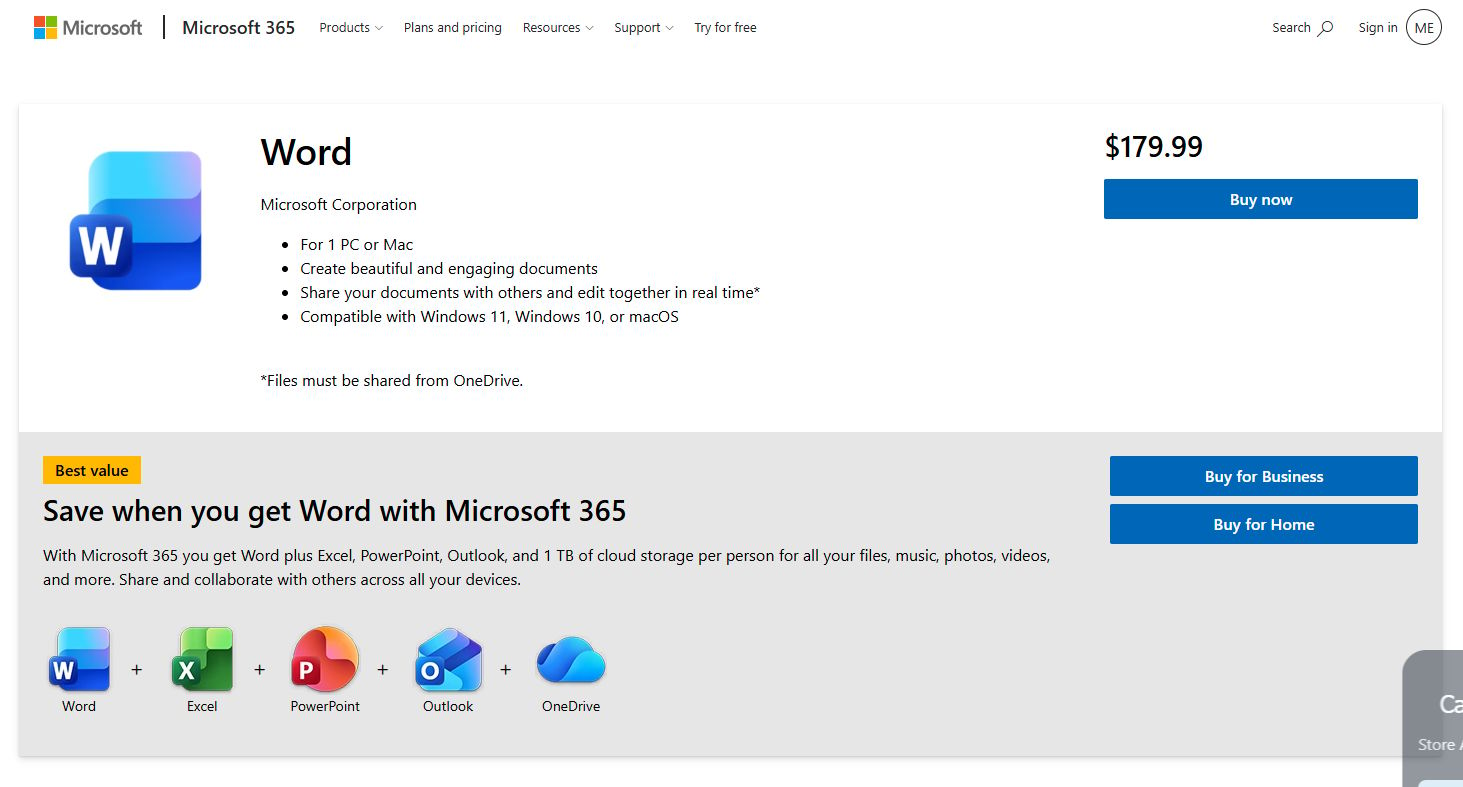
Microsoft Word is where most contract redlining still starts. Track Changes, comments, and compare-documents have been the default for decades, and nearly every counterparty knows how to use them. That familiarity is its biggest asset: no training, no adoption curve, no new login for the other side.
Word handles lightweight collaboration well, and Copilot now adds AI-assisted rewriting and summarization. It works best when contract volume is manageable and version control can be handled with disciplined file naming and e-signature.
Best for: Small teams or isolated deals where Track Changes plus e-signature covers the workflow.
Key strengths
- Universal Track Changes and comments
- Copilot-assisted rewriting and summarization
- Real-time collaboration and sharing
- Zero training overhead for counterparties
Why choose Microsoft Word: Choose Word when your redlining volume is low, deals are simple, and everyone already lives in Microsoft 365. It performs best as a baseline, not as a system of record for high-volume negotiation.
Microsoft Word pricing: A free Word tier is available for the web. Microsoft 365 Personal is $99.99/year, and a standalone one-time purchase of Word is listed at $179.99.
3. Google Docs
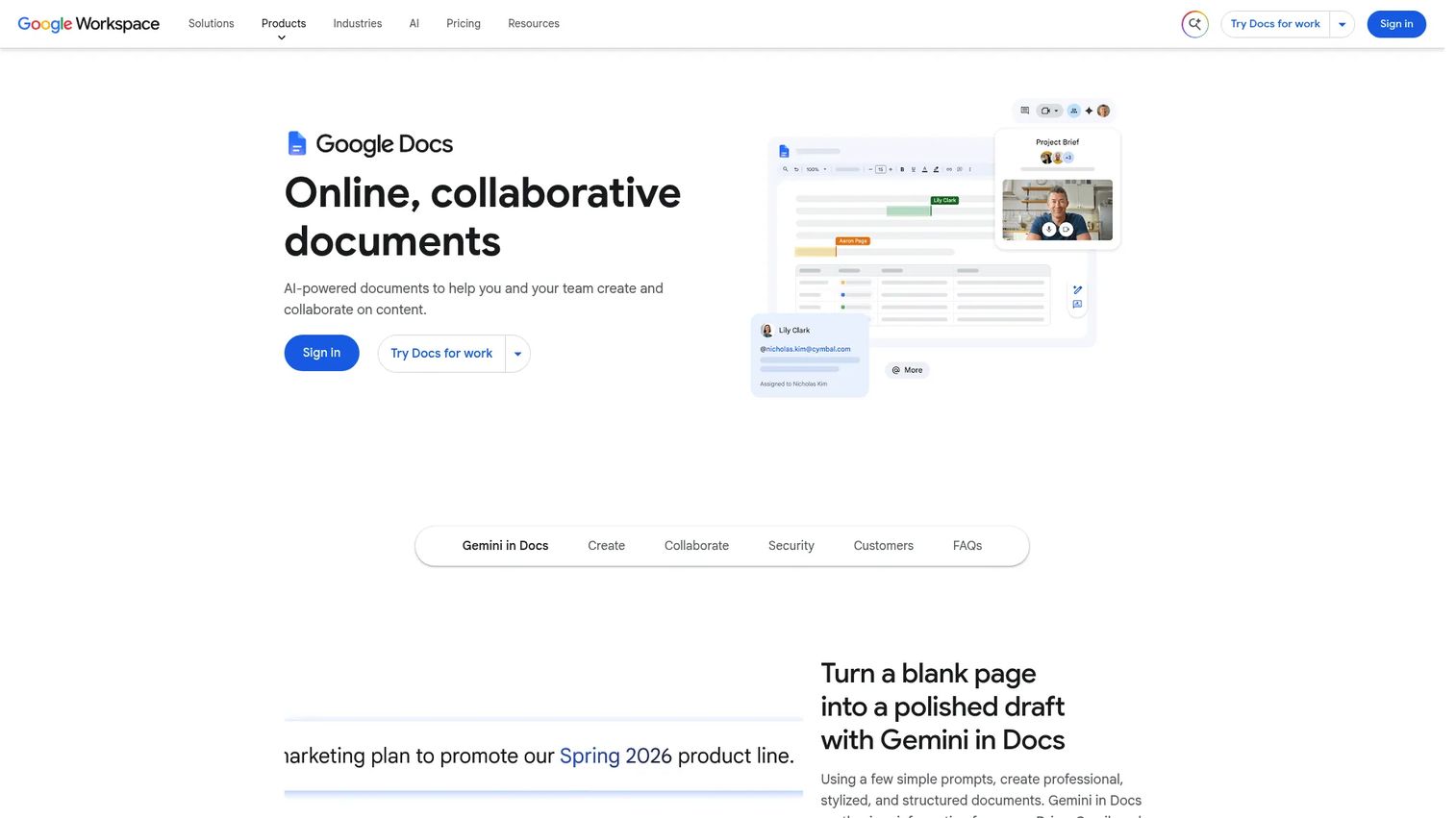
Google Docs is the browser-native option for teams already inside Google Workspace. Suggested edits work like tracked changes, comments thread cleanly, and version history captures every revision automatically. Sharing controls let you set view, comment, or edit access per person.
Real-time collaboration is where Docs shines. Two people can work the same clause at once without emailing files back and forth. Gemini adds AI-assisted drafting and rewriting for teams that want it.
Best for: Workspace-native teams that value real-time editing and easy sharing over heavy governance.
Key strengths
- Suggested edits and threaded comments
- Automatic version history
- Granular sharing and access controls
- Gemini AI drafting and rewriting
Why choose Google Docs: Choose Docs when your team runs on Google Workspace and speed of collaboration beats formal approval routing. It performs best for fast-moving deals with a small circle of reviewers.
Google Docs pricing: Anyone with a Google Account can create in Docs for free. Google Workspace plans start at $7/user per month billed annually, with Standard, Plus, and Enterprise tiers above that.
4. Draftable
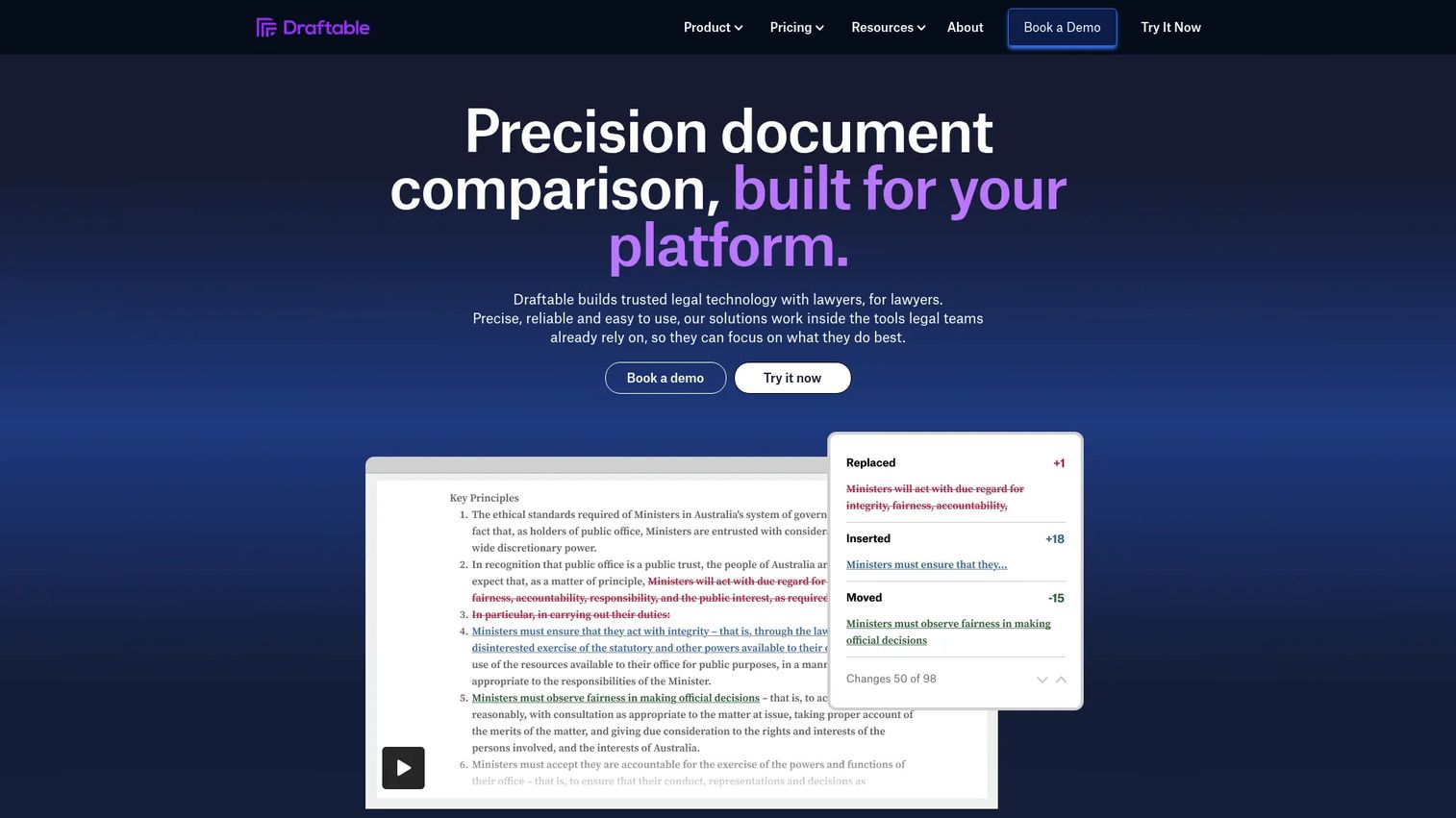
Draftable is a dedicated document comparison tool built to spot changes fast. It compares PDF, Word, PowerPoint, Excel, and text files side by side, or in a single-page redline view, and it catches moved clauses and formatting differences that a quick read would miss.
Teams reach for Draftable when change detection matters more than full contract workflow. It answers one question well: what actually changed between these two versions? For an AE staring at a counterparty's returned draft, that clarity is worth a lot.
Best for: Teams that need fast, accurate comparison across common office file types.
Key strengths
- Side-by-side and single-page redline views
- Comparison across PDF, Word, PowerPoint, Excel, and text
- Detects moved and reformatted content
- Desktop, legal, and API options
Why choose Draftable: Choose Draftable when your bottleneck is spotting differences, not routing approvals. It pairs well with a document editor and an e-signature tool rather than replacing a CLM.
Draftable pricing: The Business plan is $10.75/user per month billed annually ($129/user per year). The Legal plan is $21.75/user per month billed annually ($261/user per year). A 5-day free trial is available on the desktop product.
5. Workshare Compare
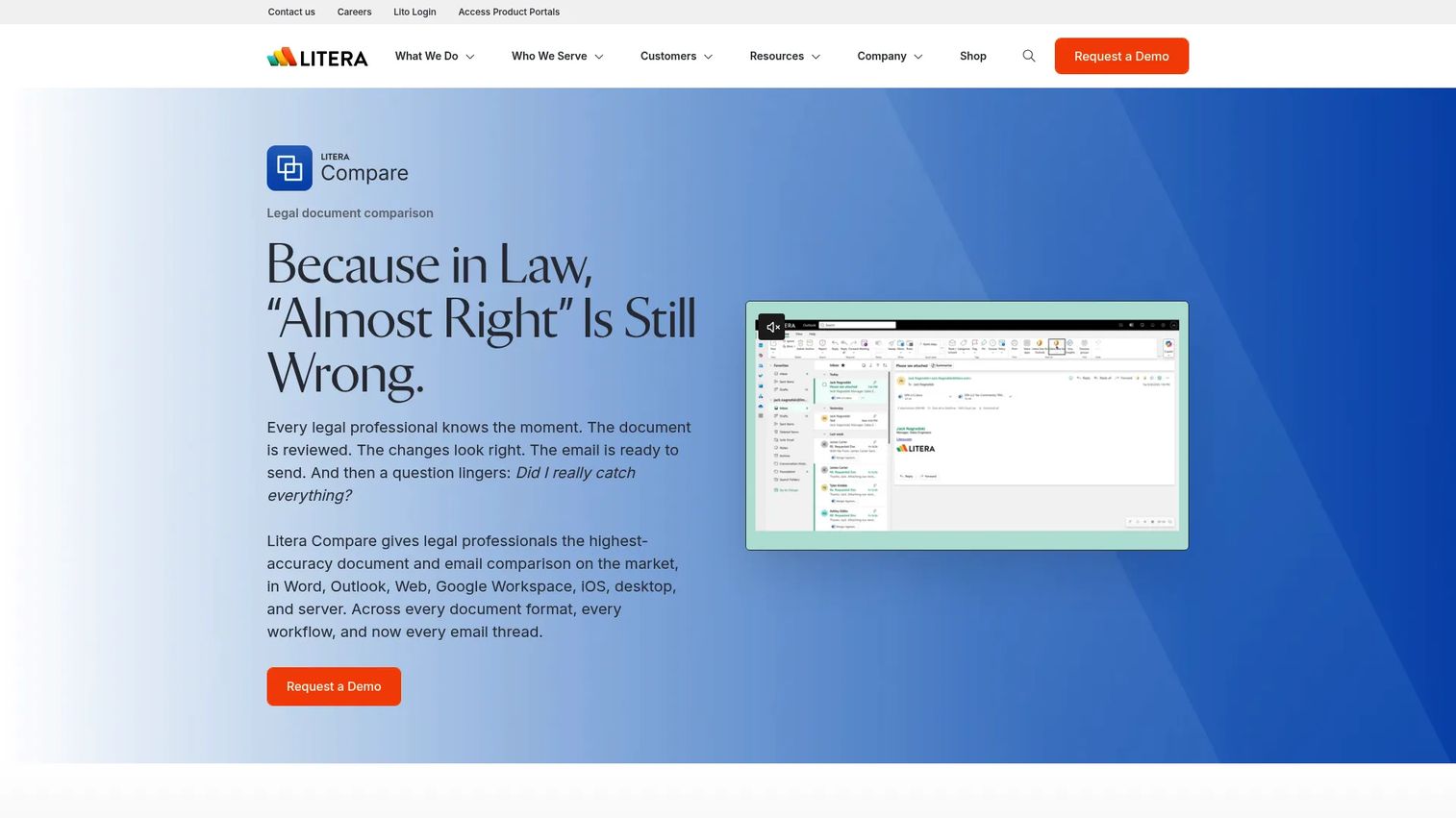
Workshare Compare, now presented as Litera Compare, is a professional comparison tool built for legal and regulated teams. It produces accurate redline output across Word, PDF, Excel, PowerPoint, and Outlook email threads, and offers desktop, server, cloud, and Google Workspace comparison options.
Where a general comparison tool checks a box, Workshare Compare is built for the accuracy legal teams demand across complex, high-stakes documents. Its Lito feature adds AI-powered risk analysis on top of the comparison engine.
Best for: Legal teams that need precise redlines across many file types, including email.
Key strengths
- Redline comparison across Word, PDF, Excel, PowerPoint, and email
- AI-powered risk analysis via Lito
- Desktop, server, cloud, and Google Workspace options
- Legal-grade accuracy for complex documents
Why choose Workshare Compare: Choose it when comparison accuracy is non-negotiable and your documents span multiple formats and email threads. It suits teams that treat a missed change as a real risk, not an inconvenience.
Workshare Compare pricing: Litera does not publish a numeric price for Compare. The product is sold as a one-year subscription, with online purchase limited to organizations of fewer than ten employees; larger teams contact sales.
6. Litera

Litera is a broad legal technology platform used by law firms and in-house teams. Beyond comparison, it covers drafting, document review and repair, deal and transaction management, and legal AI. Redlining sits inside a wider toolkit for producing and managing legal work.
For teams that need more than change detection, Litera adds document automation and workflow depth. It fits organizations where legal drafting is a core function rather than an occasional task in a sales cycle.
Best for: Law firms and in-house legal teams that need a broad legal tech stack, not just comparison.
Key strengths
- Legal AI and workflow tools
- Document review and repair
- Deal and transaction management
- Comparison and drafting in one platform
Why choose Litera: Choose Litera when your team needs deep legal drafting support and document automation alongside redlining. It performs best for legal-heavy organizations rather than sales teams that touch contracts occasionally.
Litera pricing: Litera does not publish public pricing. The store uses quote-based, quantity-driven purchasing, so teams contact sales for a figure.
7. LegalSifter
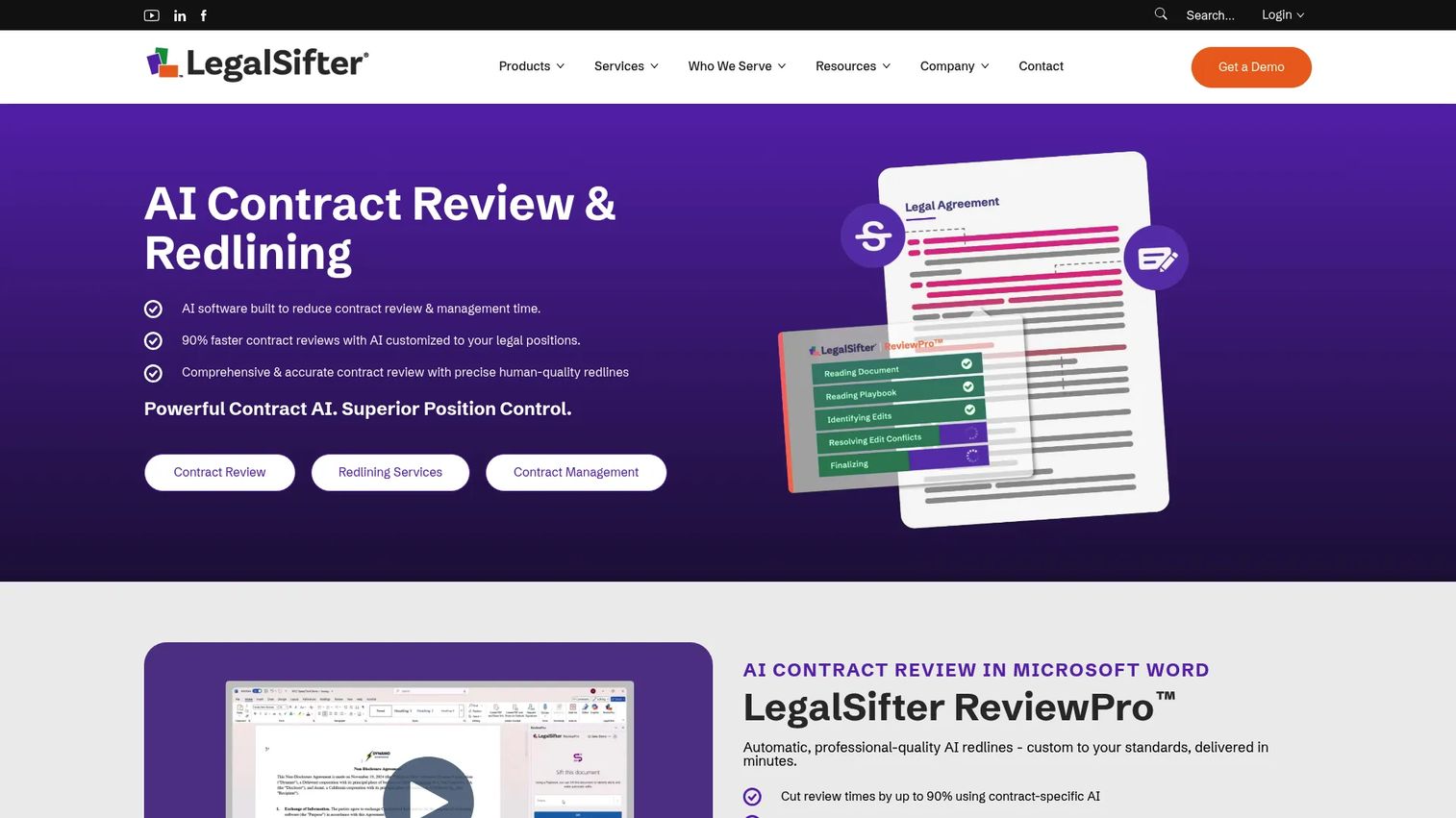
LegalSifter is AI-assisted contract review and redlining software that works inside Microsoft Word. It reads a contract, flags risks, and generates suggested redlines against your playbook, so reviewers spend time on judgment calls instead of first-pass reading. It also offers contract management with a repository, workflows, and AI data extraction.
This is where AI earns its place: consistency and speed on high-volume review. LegalSifter accelerates the review without replacing legal judgment, which is the right framing for AI in redline-heavy negotiations.
Best for: In-house legal and procurement teams that want AI redlines in Word without leaving their editor.
Key strengths
- AI-driven contract redlines in Microsoft Word
- Playbook management for standardized clauses
- Contract repository, workflows, and search
- AI data extraction from contracts
Why choose LegalSifter: Choose LegalSifter when review volume is high and consistency matters more than one-off drafting. It performs best as a review accelerator paired with human sign-off, and it offers optional managed review services for teams that want extra support.
LegalSifter pricing: LegalSifter does not publish numeric pricing. It lists Basic, Team, and Enterprise plans defined by review volume and user limits, with a 14-day free trial available for ReviewPro. Teams contact sales for a quote.
How to choose the right contract redlining software
The right tool depends on your contract volume, your team, and where deals actually stall. Use this checklist.
Ease of use and adoption
The best tool is the one people use under deadline pressure. If the counterparty needs a login and a tutorial, adoption drops and deals slow. Weigh how much your buyers and reviewers already know a tool before you weigh its feature list.
Integrations
Redlining does not happen in isolation. Check for connections to your CRM, e-signature tool, cloud storage, and, if you run one, your CLM. Tight integrations keep contract status visible in the systems your team already lives in.
Permissions and security
Contracts carry sensitive terms. Look for granular access control, so only the right people see pricing and liability clauses, and a clear audit trail that records every change. In late-stage deals, that accountability protects both the negotiation and the relationship.
AI support and accuracy
AI helps most with volume and consistency: semantic comparison, clause detection, and playbook checks. It helps least when it generates noise reviewers have to sort through. Evaluate whether the AI reduces review time or just adds another thing to read.
Scale and onboarding
Think past the first deal. Consider setup, training, and how the tool handles handoffs across legal and sales as volume grows. A tool that fits a two-person team may not survive a doubling of headcount, and the reverse is also true.
When to choose Word, comparison tools, or CLM software
Match the tool type to your team's maturity and contract complexity.
Choose Word (or Docs) when
Volume is low, complexity is manageable, and edits are isolated. Small teams and simple deals rarely need more than Track Changes or suggested edits plus e-signature. The universal familiarity of a document editor keeps counterparties moving.
Choose comparison tools when
Your bottleneck is change detection and review, not process orchestration. Draftable and Workshare Compare shine when you need to know exactly what changed across versions or file types, and you already have an editor and signature flow in place.
Choose CLM software when
You need governed workflows, approval routing, and end-to-end contracting with an audit trail. When contracts involve multiple stakeholders and repeatable terms, a CLM platform turns redlining from a scramble into a repeatable process, with LegalSifter-style AI available for high-volume review inside it.
Common mistakes to avoid with contract redlining software
The tool matters less than how you use it. These patterns slow deals no matter what software you pick.
Mistake 1: Treating Track Changes as a full redlining system
Track Changes is great for editing and weak for governance. The fix is not to abandon it, but to add version control and approval routing once more than two people touch a contract. Basic editing breaks down in multi-stakeholder workflows; layer structure on top before it does.
Mistake 2: Ignoring version control
Version sprawl is where deals die. Five files named "final" mean nobody knows the current draft, and someone signs the wrong one. The fix is a single source of truth, whether that is a CLM repository or disciplined naming plus a comparison tool that shows exactly what changed.
Mistake 3: Overbuying AI without workflow fit
AI contract redlining software is powerful when it targets a real bottleneck, like high-volume first-pass review. It creates noise when it flags things nobody needs. The fix is to buy AI that supports your review process, not AI that adds another queue to clear.
Mistake 4: Skipping permissions and audit trails
Sensitive terms leaking to the wrong stakeholder, or an unexplained clause change surfacing during procurement, both stall deals. The fix is granular permissions and a full audit trail from the start, so security and accountability are built in rather than bolted on late.
Conclusion
Contract redlining is a revenue workflow, not just a legal chore. The right tool depends on where your deals stall.
If contracts bounce between many stakeholders and you need governance, a CLM platform like Concord gives you redlining inside a full request-to-signature flow. If your team lives in Microsoft 365 or Google Workspace and volume is manageable, Word or Docs plus e-signature keeps things simple. When change detection is the pain, Draftable and Workshare Compare deliver fast, accurate comparison. For deep legal drafting, Litera adds document automation. And when high-volume review slows you down, LegalSifter brings AI redlines into Word.
Start by naming where your contracts actually get stuck. Then pick the tool that fixes that stage, not the one with the longest feature list. The goal is simple: contracts that close on the date you forecast.
FAQs
Contract redlining software lets multiple parties propose, track, review, and approve changes to a contract while keeping a record of every edit and who made it. It replaces email attachments with a controlled place to negotiate, adding version control, permissions, and an audit trail on top of basic editing.
For small teams and simple deals, Word's Track Changes plus e-signature often works fine, and its universal familiarity is a real advantage. It falls short when contract volume rises and version control depends on file naming, since multi-stakeholder workflows need approval routing and a single source of truth that Word alone does not provide.
Many do. CLM software with redlining features handles editing, comments, and approvals inside a broader lifecycle that covers request, drafting, signature, and storage. Implementation varies by vendor, so confirm that live redlining, version control, and audit trails are native rather than bolted on.
Redlining is the collaborative act of proposing and tracking changes during negotiation. Document comparison is the detection step: showing exactly what differs between two versions, including moved clauses and formatting. Comparison tools like Draftable and Workshare Compare specialize in detection, while redlining covers the full editing and approval flow.
Yes, especially for volume and consistency. AI contract redlining software runs semantic comparison, flags clauses against a playbook, and suggests edits, which cuts first-pass review time. Treat it as a review accelerator that supports legal judgment, not a replacement for it. Gartner data cited by Dioptra (2025) found 65% of legal leaders already use generative AI for contract management.
Permissions keep sensitive terms visible only to the right people, so early-stage pricing or liability language does not leak to the wrong stakeholder. An audit trail records every change and approval, so when procurement asks how a clause reached its final form, the answer is documented rather than stalling the deal.
Match the tool to complexity. Choose Word or Google Docs when volume is low, edits are isolated, and your team already lives in Microsoft 365 or Google Workspace. Choose CLM software when contracts involve multiple approvers, repeatable terms, and a need for governed workflows with version control for contracts and a full audit trail.
Good redlining and comparison tools detect additions, deletions, moved clauses, formatting changes, and reworded obligations. AI-assisted tools add semantic comparison, catching meaning changes that plain tracked changes miss, such as a clause that was relocated or softened rather than simply edited in place.