You have a product to explain, a landing page that needs a hook, and a deadline that landed yesterday. The old answer was to brief an agency, wait three weeks, and pay four figures for a 60-second clip. That math no longer works when you are shipping campaigns weekly.
Here is why the timing matters. Landing pages with explainer videos convert up to 86% higher than those without, according to the Wyzowl Video Marketing Survey (2026). And 96% of people say they have watched an explainer video to learn about a product or service. Video is not a nice-to-have on your conversion path. It is often the fastest way to move a skeptical visitor from confused to curious.
The good news for marketers under resource pressure: explainer video software has closed most of the gap between "hire a studio" and "do it yourself." Modern tools ship template libraries, AI script-to-video generation, brand kits, and voiceover in one place. The global AI video generator market is projected to grow from $847M in 2026 to $3.35B by 2034 at an 18.8% CAGR, per Fortune Business Insights, which tells you how fast AI-assisted creation is becoming the default.
That speed changes what you can test. When a promo clip takes an afternoon instead of a month, you can run variants, cut down for social, and localize without a new budget line. If video sits alongside other assets in your stack, it is worth reviewing how your ai content creation tools and best ai video generators overlap before you add another subscription. This guide helps you choose the explainer video maker that fits your workflow, not just your budget.
What's inside
This guide compares 8 explainer video software tools chosen for how well they serve marketing teams and non-designers who need fast turnaround. We weighted six things: ease of use, template quality, AI support, branding controls, export options, and marketing fit. Every tool here can take you from a blank canvas to a shareable video without a dedicated video editor on staff. We flag which tools lean toward animation, which lean toward whiteboard style, and which prioritize AI-assisted speed, so you can match the tool to the explainer style your campaign actually needs.
TL;DR
- Best overall for most marketers: Canva, for its free tier, huge template library, and drag-and-drop editing that pairs with the rest of your marketing assets.
- Best free or low-cost option: Renderforest and Canva both offer usable free plans for a free explainer video maker starting point.
- Best for animation-heavy explainers: Vyond, for character animation and polished, presentation-ready business storytelling.
- Best for whiteboard-style videos: VideoScribe, for hand-drawn, script-driven explainers.
- Best for AI-assisted speed: InVideo, for script-to-video generation and fast social output.
- Best for brand control and team workflows: Powtoon and Animaker, for brand kits, collaboration, and template consistency across a team.
What is explainer video software?
Explainer video software is a tool that lets you create short, focused videos that explain a product, service, or concept, usually through templates, animation, or AI-assisted script-to-video workflows. The goal is to simplify a complex idea fast enough to hold attention and drive a next action.
Most tools you will evaluate fall into four formats:
- Animated explainer: Character or motion-graphic videos that dramatize a scenario or walk through a concept. Common for product marketing and brand storytelling.
- Whiteboard explainer: Hand-drawn, illustration-style videos where elements appear as if sketched in real time. Strong for teaching and step-by-step explanations.
- Template-based marketing video: Pre-built scene sequences you swap with your own text, footage, and brand colors. Fast for social ads, promos, and landing page clips.
- AI-assisted script-to-screen: You paste a script or prompt, and the tool assembles scenes, media, and voiceover automatically. Built for volume and speed.
When you shortlist an explainer video creator, expect these features:
- Template library: A deep, current set of explainer video templates so you start from a structure, not a blank timeline.
- Stock assets: Built-in footage, images, icons, and music you can drop in without licensing headaches.
- Voiceover tools: AI text-to-speech or recording so you narrate without a booth.
- Brand kit: Saved logos, fonts, and colors that keep every video on-brand.
- Export formats: MP4, GIF, and social-ready aspect ratios for wherever the video lives.
- Collaboration: Comments, shared workspaces, and approvals for team review.
For a broader look at AI-native creation, the roundup of best ai avatar generators and ai design tools pairs well with this category when you want synthetic presenters or branded visuals.
When to use explainer video software
Explainer videos earn their place in specific moments. Here is where they pull the most weight for a marketing team.
Explain a product or feature
Complex software, layered services, and abstract concepts lose people in text. A 60-second explainer compresses the "what it is and why it matters" into something a visitor absorbs in one sitting. Use them on landing pages to lift conversion, on launch pages to frame a new feature, and in sales follow-ups so a champion can forward the story to their buying committee without re-explaining it.
Improve conversion on campaigns
Video reduces the friction of evaluation. Instead of reading three paragraphs, a prospect watches and gets it. That is why marketers embed explainers in paid social, paid search, email nurture, and retargeting sequences. With 68% of video marketers already creating explainer videos, per Wyzowl (2026), the format is table stakes for competitive campaigns, not an experiment. Video also gives you a clean creative to test against static assets when CPMs climb.
Reduce production bottlenecks
The real unlock for small teams is removing the dependency on a video editor. When a marketer can produce a promo, a tutorial, and three social cutdowns in an afternoon, the pipeline stops stalling on a shared resource. Repeatability matters here: templates and brand kits mean the fifth video costs a fraction of the first. This is the consolidation case your CFO wants to hear, one tool replacing a queue of agency invoices.
Comparison table
Use this table to narrow by use case and budget before you read the full write-ups. Intent tells you what job each tool is built for. Pricing reflects current public plans, and ratings are from G2 where available.
| # | Product | Intent | Key use case | Pricing | G2 rating |
|---|---|---|---|---|---|
| 1 | Canva | Templates plus design | All-round marketing videos and social clips | Free; Pro US$144/yr | 4.7/5 |
| 2 | Powtoon | Animated explainers | Beginner-friendly animation and training videos | Free; Lite $15/mo | Not listed |
| 3 | VideoScribe | Whiteboard style | Hand-drawn, script-driven explainers | Free trial; Lite $12.50/mo | 4.1/5 |
| 4 | Vyond | Character animation | Polished, branded business storytelling | Starter US$58/mo | 4.8/5 |
| 5 | Animaker | Animated creation | Flexible animated explainers with voiceover | Free; Yearly $19/mo | 4.7/5 |
| 6 | InVideo | AI script-to-video | Fast social ads and promo clips | Free plan available | 4.3/5 |
| 7 | VEED | Browser editing | Captions, cutdowns, and quick repurposing | Free start | 4.6/5 |
| 8 | Renderforest | Template-based | Quick branded explainers and intros | Free; Lite $8/mo | 4.7/5 |
For adjacent tooling that shows up in the same buying conversation, marketers often cross-reference the best ai image generators and ai writing tools for marketers roundups when building out a full content workflow.
1. Canva
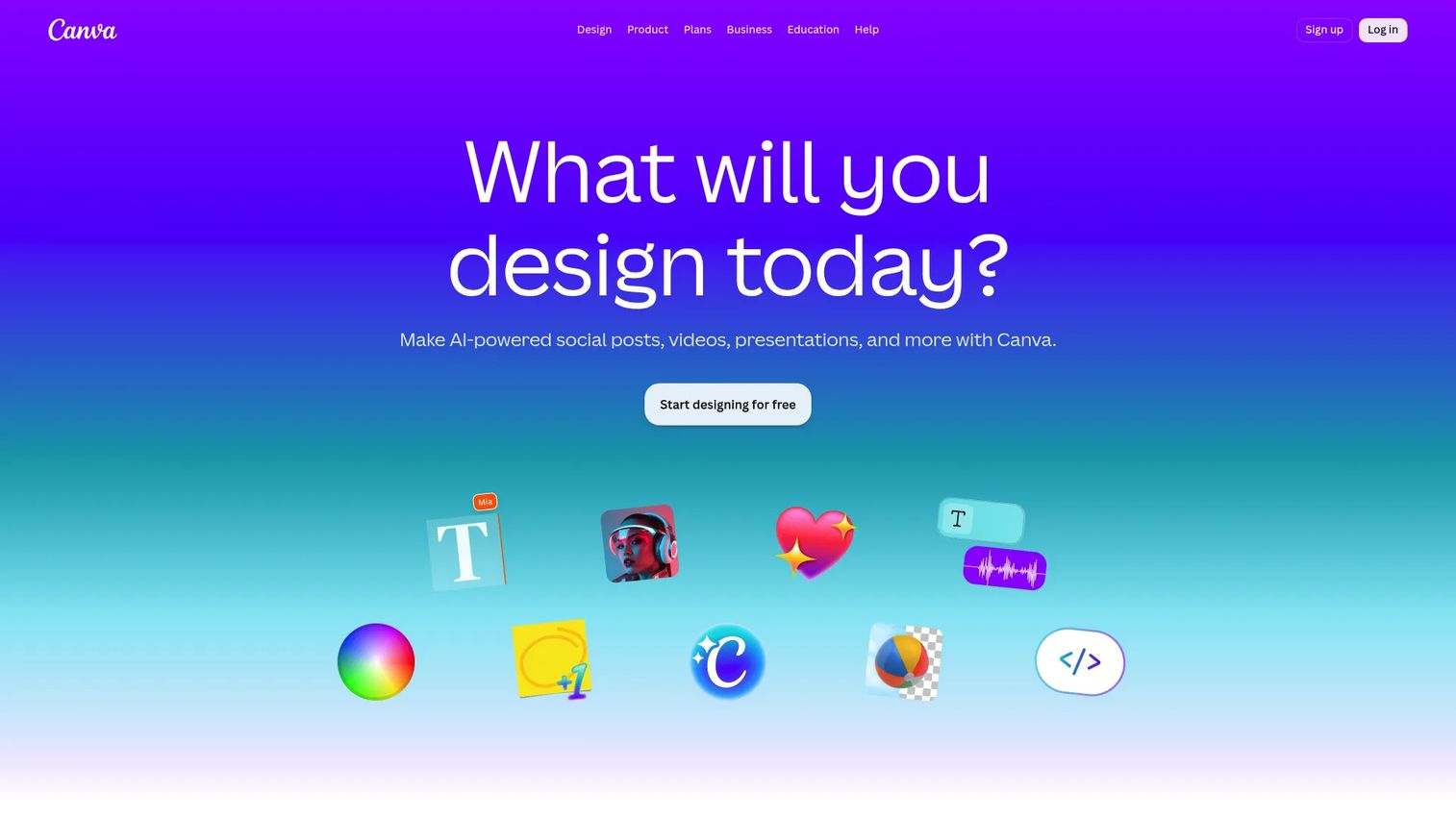
Canva is the broad visual design platform most marketing teams already touch, and its video editor rides on the same drag-and-drop simplicity. You get a deep template library, stock assets, and AI design tools without leaving the tool you use for social graphics and decks. For a team that wants one place to produce a promo, a landing page clip, and matching thumbnails, the consolidation is the pitch.
Best for: Marketing teams and non-designers who want fast, template-based video alongside the rest of their visual assets.
Key strengths
- Template library: Thousands of editable video templates covering social, promo, and explainer formats.
- Brand kit: Saved logos, fonts, and colors keep every asset consistent across a team.
- AI design tools: Text-to-image, background removal, and quick edits speed up production.
Why choose Canva: If your team is already in Canva for graphics, adding video removes a tool and a handoff. The learning curve is near zero, which matters when non-designers own the output. It is less specialized than a dedicated animation studio, but for most marketing videos, that trade is worth it.
Canva pricing: The Free plan is available to anyone. Pro runs US$144 per year for one person, and Business is US$250 per year per person. Enterprise is contact sales. Pro and Business offer free trials. G2 rates Canva 4.7/5.
Practical use case: Spin up a 30-second product explainer for a paid social test, export it in vertical and square, and reuse the brand kit so the next five variants match without rework.
2. Powtoon

Powtoon is a browser-based animation platform built around beginner-friendly animated explainers. It ships more than 10,000 animations and templates, so you assemble a polished video by editing scenes rather than building motion from scratch. For marketing and internal comms teams that need to make a complex idea approachable, the animated style does a lot of the explaining.
Best for: Teams and individuals making animated explainers, training videos, and presentation content without animation skills.
Key strengths
- Template depth: Over 10,000 animations and templates to start from a structure.
- Format range: Video maker, presentation maker, and GIF maker in one tool.
- Team collaboration: Comments, content management, and shared workspaces for review.
Why choose Powtoon: Powtoon fits teams that value brand consistency and want animated output without a specialist. The animated explainer library keeps videos on-message, and the collaboration features suit a marketing team routing work through approvals. If you need character-level animation depth, a dedicated animation tool goes further.
Powtoon pricing: A Free plan is available. Lite is $15 per month billed yearly, Professional is $40 per month, and Business is $125 per month. An Education plan starts at $8 per month. All prices are in USD.
Practical use case: Build an animated onboarding explainer that walks new users through your product's core workflow, then embed it in your welcome email and help center.
3. VideoScribe
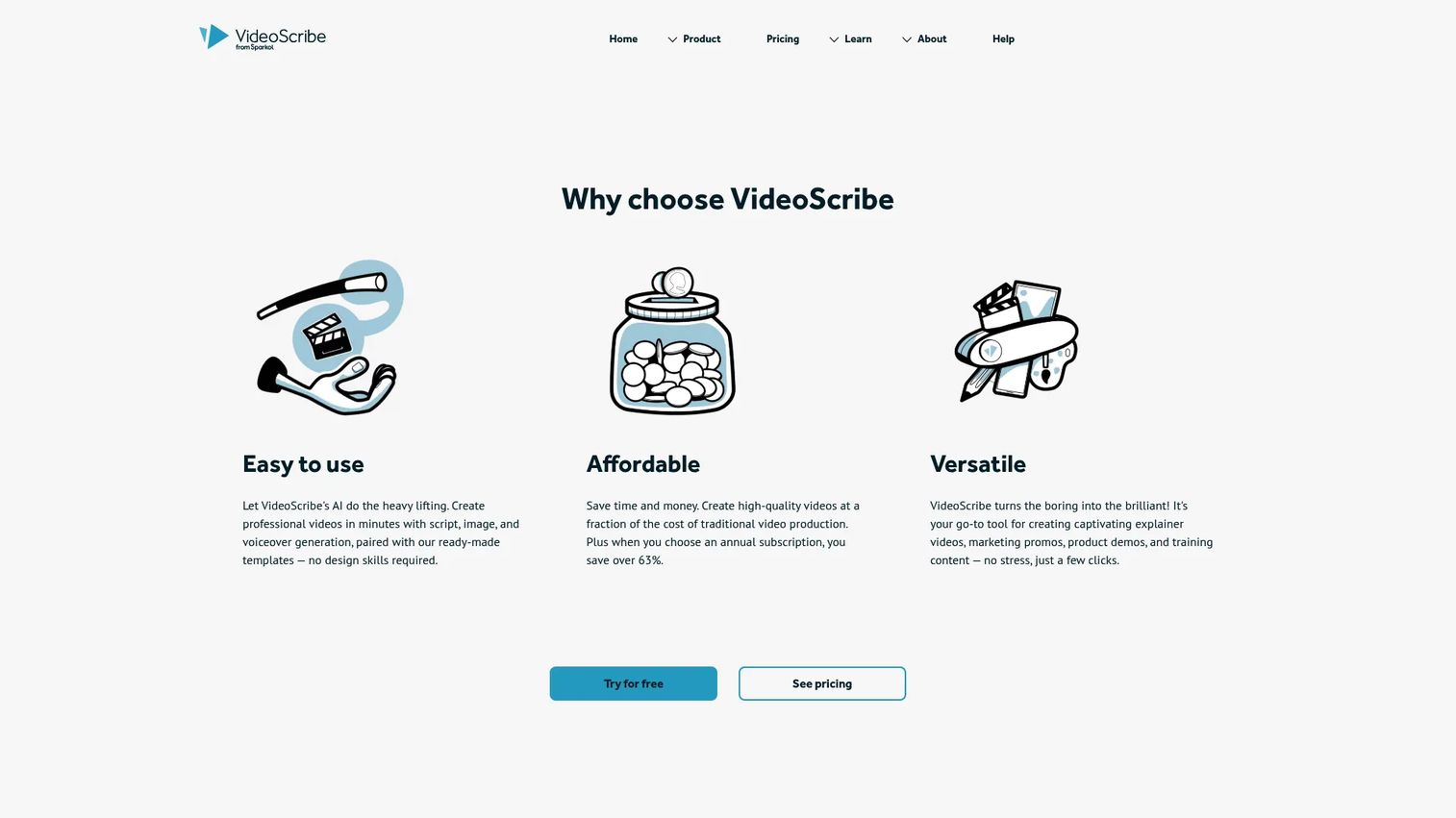
VideoScribe is the go-to for whiteboard explainer video creation, where elements appear as if a hand is sketching them in real time. It pairs a scene-based timeline with AI script generation, AI voice-over, and a royalty-free media library, so you can take a rough idea to a finished hand-drawn video in one sitting. The style reads as clear and instructional, which suits teaching a concept over selling a feature.
Best for: Teams and creators who want a hand-drawn, explanatory look for tutorials and concept explainers.
Key strengths
- Whiteboard animation: The signature sketch style that makes step-by-step ideas easy to follow.
- AI script to video: Generate a script, images, and voiceover to accelerate the first draft.
- Media library: Royalty-free images and a drag-and-drop canvas keep assets in one place.
Why choose VideoScribe: Choose VideoScribe when the hand-drawn look fits your message, like explaining a process, a framework, or an abstract concept. The script-to-video flow reduces the blank-canvas problem. It is narrower in style than a general animation tool, so it shines when whiteboard is exactly the aesthetic you want.
VideoScribe pricing: A 7-day free trial is available at no cost. Lite is $12.50 per month billed at $150 annually, and Core is $18.75 per month billed at $225 annually. G2 rates VideoScribe 4.1/5.
Practical use case: Turn a dense white paper into a two-minute whiteboard explainer for the top of a nurture sequence, using AI script generation to draft the narration.
4. Vyond
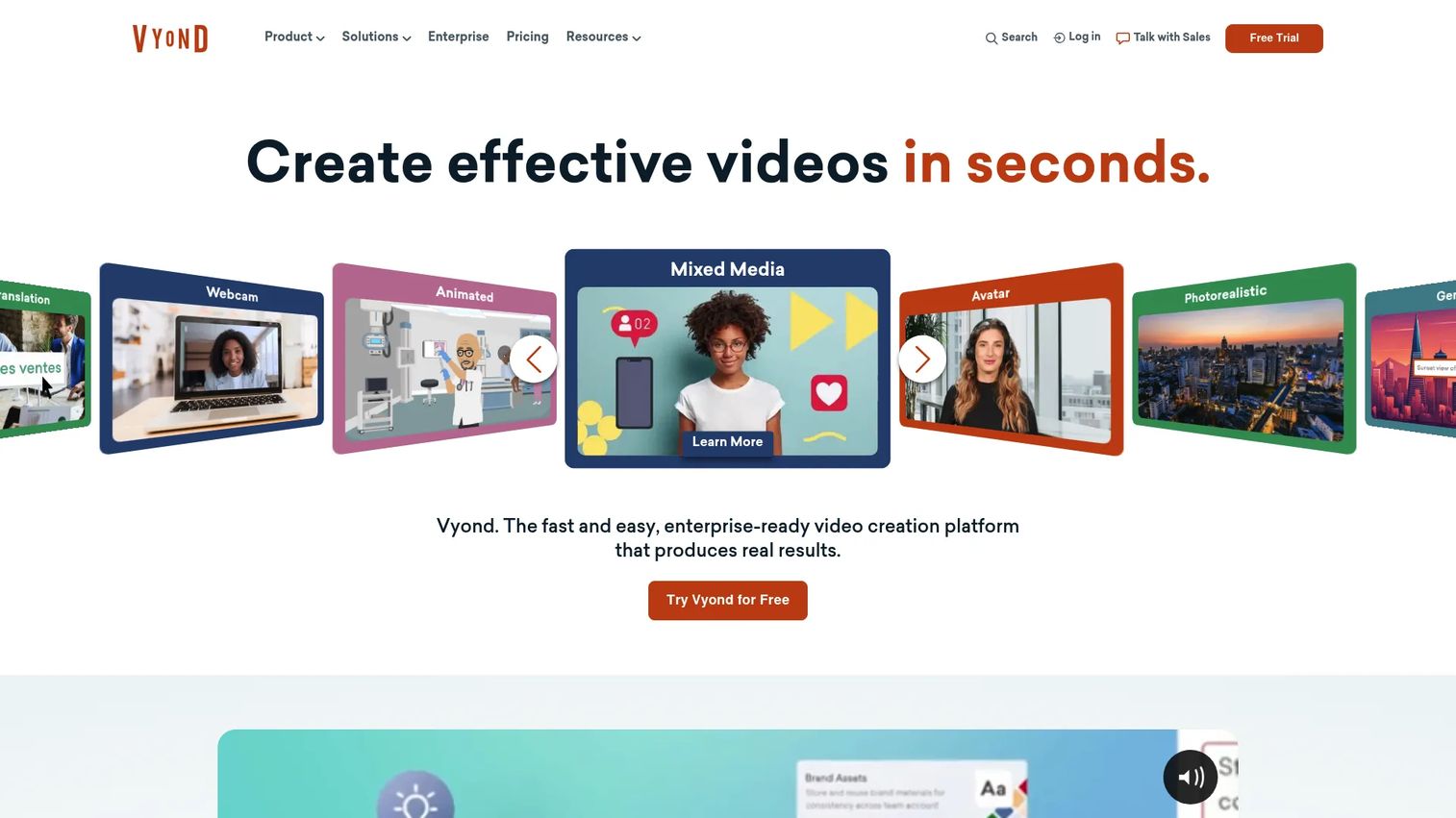
Vyond is an AI video creation platform built for businesses that need polished, presentation-ready animated videos. Its strength is character animation and business storytelling, backed by AI-powered instant video creation, a drag-and-drop editor, and screen and webcam recording. When an explainer needs to look like a produced piece rather than a template, Vyond is where teams reach.
Best for: Teams creating branded, character-driven animated videos and AI-assisted business content.
Key strengths
- Character animation: Expressive characters and scenes for narrative-driven explainers.
- AI instant video: Generate a first-pass animated video from text to skip setup.
- Brand control: Repeatable, on-brand workflows for teams producing at scale.
Why choose Vyond: Vyond fits teams that want animation depth and a presentation-ready finish, not just a template swap. The character system supports storytelling that flat templates cannot match. It sits at a higher price point than beginner tools, so it earns its keep when animation quality is central to the brief.
Vyond pricing: Vyond does not list a free tier. Starter is US$58 per month, or $699 billed annually. Professional is US$100 per month per user, Enterprise is US$137 per month per user, and Agency is US$167 per month per user. G2 rates Vyond 4.8/5.
Practical use case: Produce a branded animated explainer for a product launch, then reuse the characters and scenes across a webinar intro and a sales follow-up video.
5. Animaker
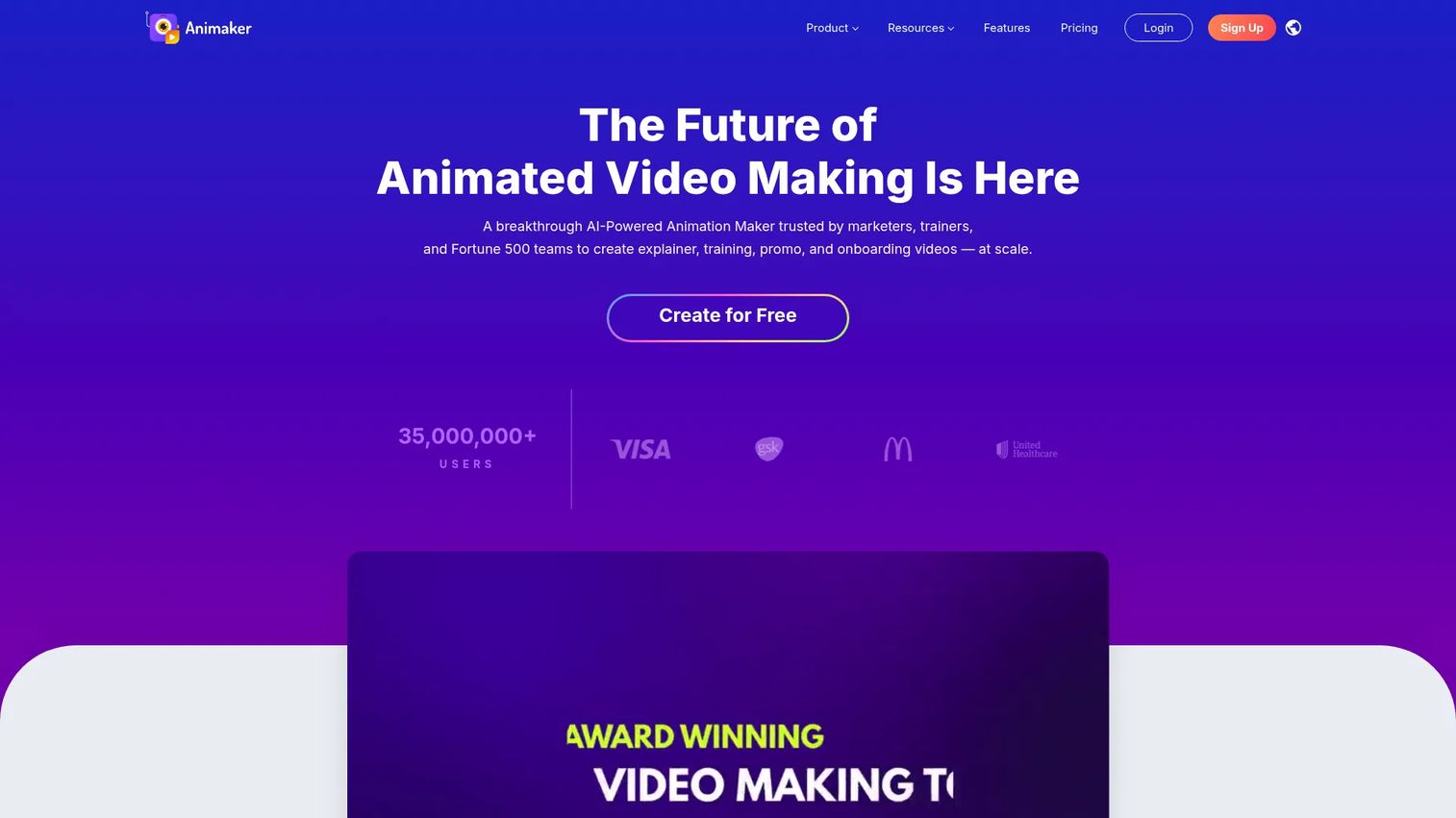
Animaker is an AI-powered animation and video platform that balances template depth with real editing flexibility. It ships more than 1,000 templates, a character builder, AI voice generation with auto lip sync, and AI subtitle and translation tools. For a marketer who wants animated output without hiring a specialist, it covers a wide range of styles in one place.
Best for: Teams and creators making animated explainer, training, marketing, or presentation videos.
Key strengths
- AI voice and lip sync: Generate narration with automatic lip sync for character videos.
- Brand kit and characters: A brand kit plus a character builder keep output consistent and custom.
- Localization: AI subtitle generation and translation open videos to more markets.
Why choose Animaker: Animaker suits marketers who want flexibility across explainer styles without a steep learning curve. The AI voiceover and translation features make it practical for teams running multi-market campaigns. It is a generalist animated explainer video maker, so it trades some niche depth for range.
Animaker pricing: A 7-day free trial and a free plan are available. The Yearly plan is $19 per month billed yearly, the Monthly plan is $49 per month, and Enterprise is custom pricing. G2 rates Animaker 4.7/5.
Practical use case: Create a localized animated explainer for three regions using the translation and AI voice tools, then export in 4K for a landing page hero.
6. InVideo
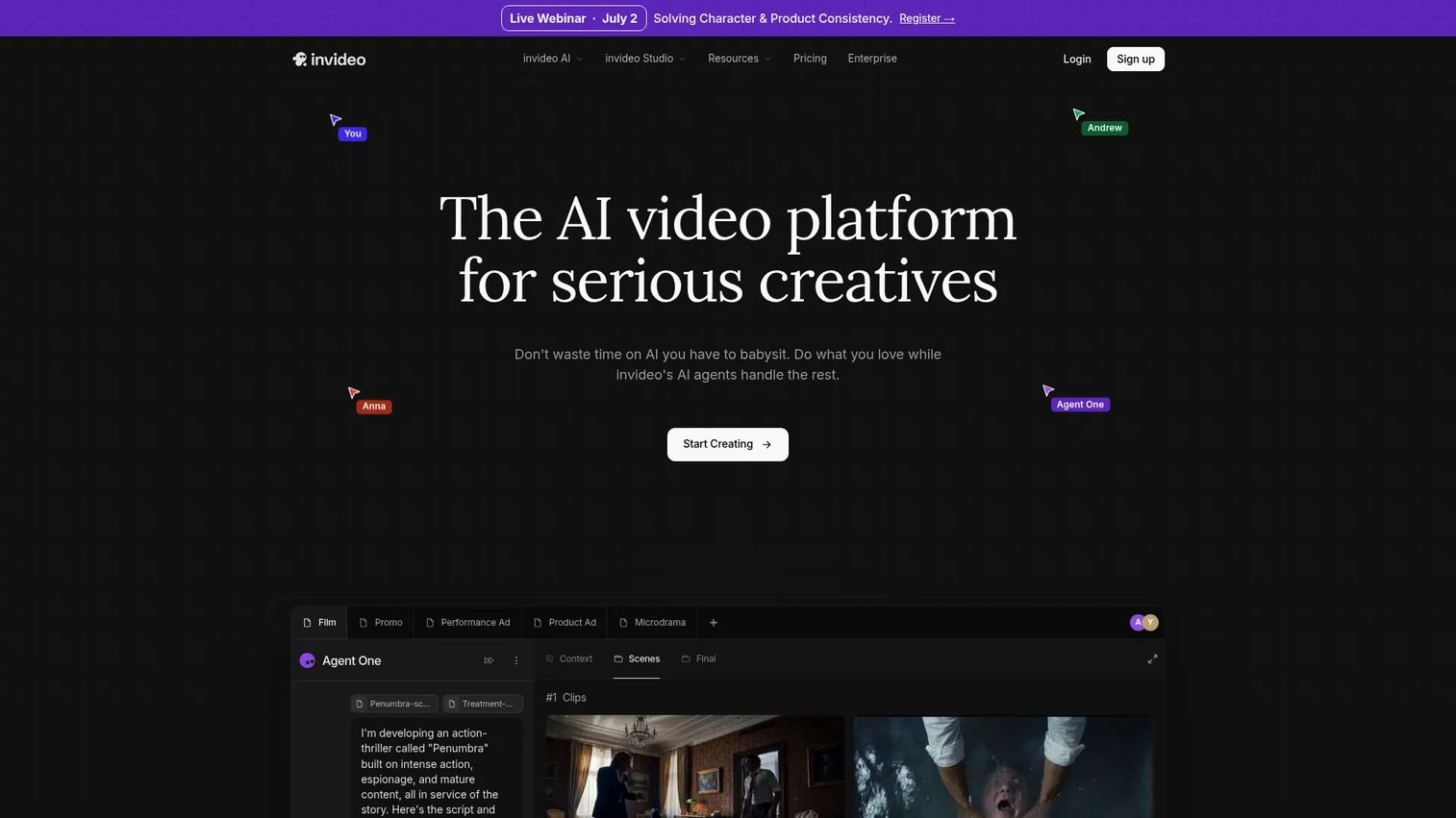
InVideo is an AI video platform built for speed, turning a script or prompt into a finished video with AI generation, AI avatars, voice cloning, subtitles, and translation. Its online editor and studio tools suit marketers who need volume: social ads, promo clips, and lightweight explainers produced on a fast cycle. The script-to-video flow is the headline feature for teams testing creative at pace.
Best for: Marketers who need fast, AI-assisted video creation for social ads and promo content.
Key strengths
- AI script to video: Generate a full video from a prompt or script to cut production time.
- AI avatars and voice: Synthetic presenters, voice cloning, and translation for scalable output.
- Online editor: Studio tools for trimming, captioning, and finishing without a separate app.
Why choose InVideo: InVideo fits teams that prioritize output speed and want an AI explainer video engine that keeps up with a weekly test cadence. The avatar and translation tools help you localize without reshooting. If you need character animation depth, an animation-first tool is the better fit, but for fast marketing clips, InVideo moves.
InVideo pricing: InVideo lists Individual, Team, and Enterprise plans. Public prices were not visible at the time of writing, so check the pricing page for current tiers. G2 rates InVideo 4.3/5.
Practical use case: Feed a product announcement script into InVideo, generate an AI-voiced explainer, and ship three aspect-ratio cutdowns for paid social the same day.
7. VEED
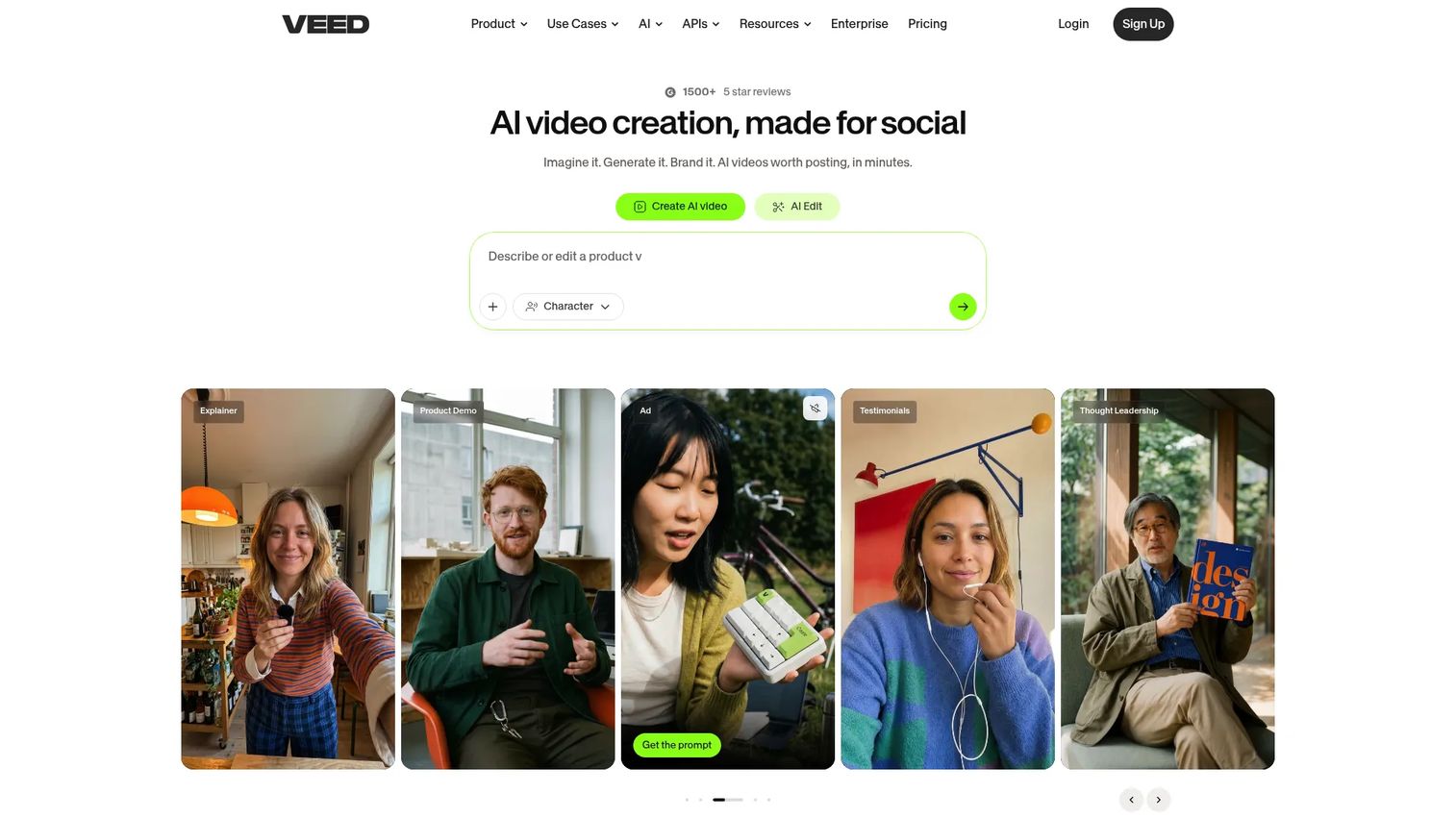
VEED is a browser-based video editing platform strong on captions, subtitles, and quick repurposing. It handles automatic subtitles and translation alongside AI video generation and editing tools, which makes it a fit for marketers who need explainers plus a steady stream of social cutdowns. If your workflow is more "edit and repurpose" than "animate from scratch," VEED slots in cleanly.
Best for: Teams and creators needing browser-based AI video editing with captions and repurposing.
Key strengths
- Auto subtitles: Automatic captions and translation for accessibility and reach.
- Browser editing: Full editing in the browser with no install required.
- AI editing tools: Generation and editing features that speed up cutdowns and cleanup.
Why choose VEED: VEED fits marketers who live in short-form social and need captions, text overlays, and fast repurposing without a heavy editor. The subtitle and translation tools are a practical win for reach. It leans toward editing and repurposing over deep animation, so pair it with an animation tool if you need both.
VEED pricing: VEED offers a free start option. Public plan prices were not visible at the time of writing, so review the pricing page for current tiers and team features. G2 rates VEED 4.6/5.
Practical use case: Take a recorded product walkthrough, add branded captions and text overlays in the browser, then cut it into vertical clips for social.
8. Renderforest
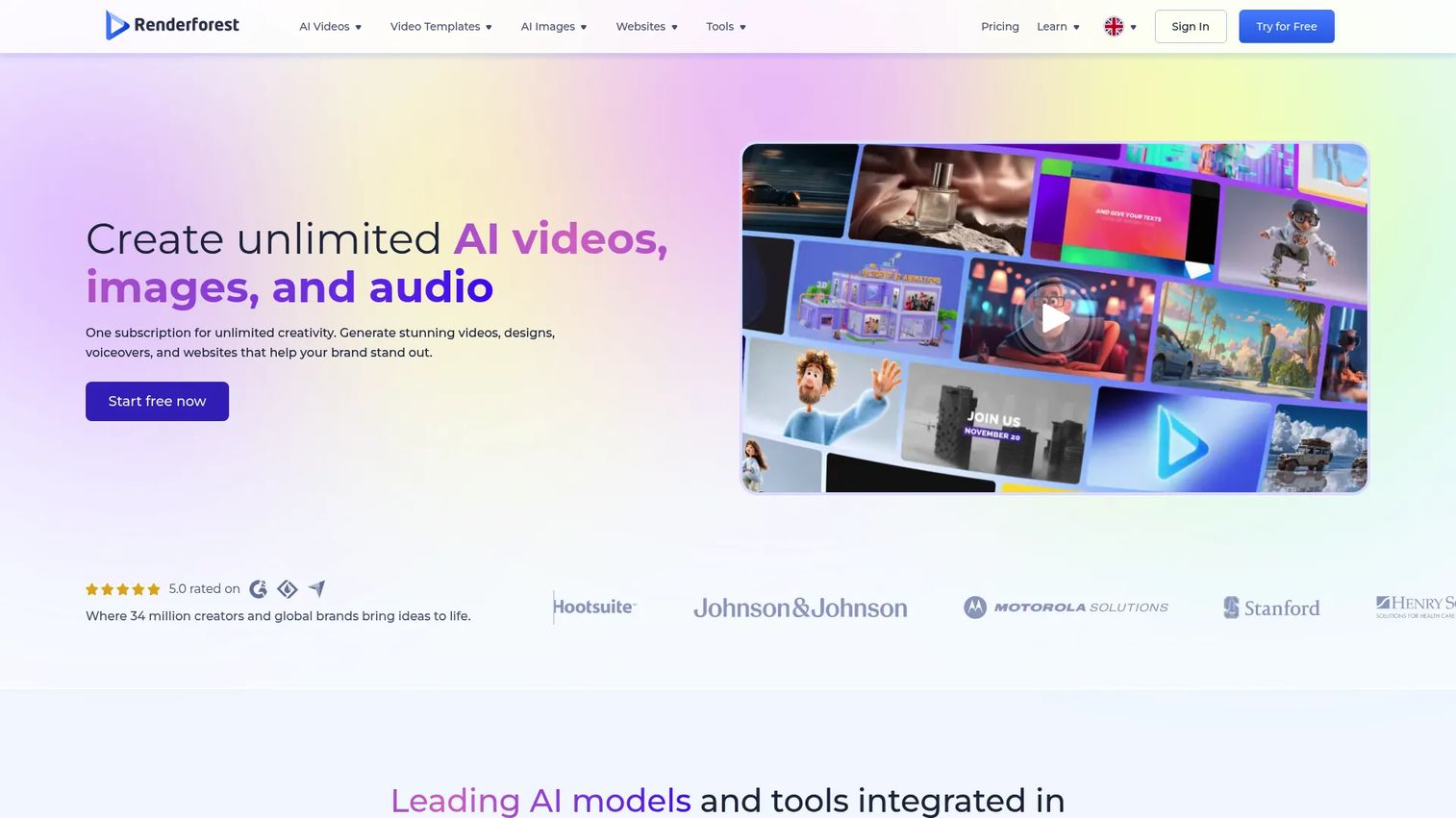
Renderforest is an all-in-one AI-powered platform for videos, animations, logos, mockups, and websites, with a strong template-based explainer workflow. You can generate video from text, images, or a script, and its template and editor tools cover intros, explainers, reels, and branded business content. For marketers who want quick, polished results from templates, it delivers without a steep ramp.
Best for: Teams and individuals needing fast branded video and visual content creation in one platform.
Key strengths
- AI video generation: Create video from text, images, or scripts to skip the blank timeline.
- Template range: Intros, explainers, reels, and business templates in one library.
- All-in-one toolkit: Logo, mockup, and website tools alongside video for full brand coverage.
Why choose Renderforest: Renderforest suits teams that want a template-first explainer video maker plus a wider branding toolkit in one subscription. The free plan makes it a low-risk starting point, and the template range covers most marketing needs. It is breadth over specialization, which is the right call for lean teams.
Renderforest pricing: A free plan is available. Lite is $8 per month and Pro is $12 per month, with annual billing offered alongside monthly. A Business tier is also available. G2 rates Renderforest 4.7/5.
Practical use case: Build a branded explainer with an animated intro and outro from a template, then use the same brand assets to generate matching social graphics.
Considerations before you buy
Positive picks aside, run every shortlist through this checklist before you commit a budget line.
Template quality
Open the template library and judge it like a buyer, not a browser. Look for depth in your actual format, whether that is animated, whiteboard, or template-based marketing video. Check how recent the designs look, how much a template constrains your structure, and how fast you can swap in your own copy and brand. A large library of stale templates is slower than a smaller current one.
Branding controls
Inspect how much the tool lets you lock down logos, colors, and fonts. A real brand kit saves time on every video and keeps output consistent across a team. Ask whether brand controls sit on the free plan or gate behind a paid tier, because that changes the true cost of staying on-brand at volume.
AI support
Decide how much AI you actually need. Some tools help with scripting, some generate scenes and media, and some add AI voiceover or avatars. If you are producing at volume, an AI explainer video workflow that turns a script into a first draft saves real hours. If you value hand control, lighter AI is fine. Match the depth to your cadence, not the marketing copy.
Export and distribution
Confirm the export formats and aspect ratios you need, MP4 and social-ready vertical and square at minimum. Check whether free-tier exports carry a watermark, since that can rule a plan out for public campaigns. Where the video lands, embeds, downloads, social, matters as much as how it is made.
Price versus output volume
Judge the plan against how often you will actually create. A per-seat animation tool is expensive if one person makes two videos a month, and cheap if a team ships weekly. Map the entry tier's limits, seats, and watermark rules to your real cadence before you pay for capacity you will not use.
Conclusion
The right explainer video software depends on the style you need and the pace you work at, not just the sticker price. For most marketing teams, Canva is the safest starting point: free to try, deep templates, and it consolidates video with the graphics work you already do. If you want animation depth and a produced finish, Vyond leads. For whiteboard explainers, VideoScribe owns the style. When speed and AI script-to-video matter most, InVideo keeps pace with a weekly test cadence, and Powtoon and Animaker give teams brand control with beginner-friendly animation. Renderforest and Canva both offer real free plans if you want to prove value before you spend.
Pick based on the explainer style your campaigns actually need and the volume you will produce. Start with a free plan or trial, ship one video, and measure whether it lifts conversion before you scale the subscription. That is the fastest path from evaluating tools to shipping video marketing that moves a number.
FAQs
Canva is the most beginner-friendly pick for most people, with drag-and-drop editing, a free tier, and a huge template library. Renderforest and Animaker are also strong for beginners who want animated output without a learning curve. If you want a hand-drawn look, VideoScribe keeps whiteboard creation simple.
Canva and InVideo are the strongest marketing picks: Canva for consolidating video with your other assets, and InVideo for fast, AI-assisted social ads and promos. Vyond fits when you need polished, branded animation for launches. The best choice depends on whether you optimize for speed, brand polish, or template range.
Yes. Canva, Renderforest, Animaker, and Powtoon all offer free plans that let you produce real explainer videos, though most gate watermark removal, higher exports, or premium assets behind paid tiers. Start on a free plan to test fit, then upgrade once you confirm the tool matches your cadence. Check watermark rules before publishing anything public.
Look for a deep template library, stock assets, voiceover tools, a brand kit, flexible export formats, and collaboration features. AI script-to-video and translation are increasingly standard and worth having if you produce at volume. Prioritize the features that match your explainer style, whether that is animated, whiteboard, or template-based.
Vyond leads for character animation and polished business storytelling, while Powtoon and Animaker are strong beginner-friendly animated explainer video makers. Vyond suits teams that need a produced finish; Powtoon and Animaker suit teams that want speed and brand consistency. All three ship template libraries so you start from a structure.
Most effective explainer videos run 60 to 90 seconds, long enough to explain the value and short enough to hold attention. For social ads, aim shorter, often 15 to 30 seconds. For onboarding or product tutorials, you can run longer if the content stays focused and paced.
Yes. Every tool in this guide is built for non-designers, with templates, drag-and-drop editing, and AI assistance that handles the heavy lifting. Canva, Renderforest, and Animaker are especially forgiving for first-timers. The template does the structural work, so you focus on your message and brand.
Evaluate template quality, branding controls, AI support, export and distribution options, and price against your real output volume. Confirm whether brand kits and watermark-free exports sit on the plan you can afford. The best fit is the tool that matches your explainer style and cadence, not the one with the longest feature list.