You can model a part perfectly and still lose hours at the machine. The gap is not the geometry. It is the path from CAD design to safe, repeatable toolpaths your CNC equipment can run without surprises, scrap, or manual G-code edits at the controller.
CAM software closes that gap, and the market is growing because shops know it. The global CAM software and related-services market reached $3.1 billion in 2025, up 9.5% year over year, according to CIMdata (2026). That growth reflects pressure from manufacturers who need shorter setup times, fewer programming errors, and consistent output across more machine types.
The problem is that choosing the wrong CAM software for CNC machining creates new friction: Post processors that don't match your controller, simulation that misses collisions, CAD handoffs that break when the design changes. This guide gives you a practical shortlist to avoid that mismatch.
What's inside
This guide compares 12 CAM software options for CNC machining in 2026, chosen for technical evaluators supporting software purchasing decisions across manufacturing environments. Items were selected based on four criteria:
- CNC programming fit: Support for real milling, turning, multi-axis, and routing workflows
- CAD/CAM workflow coverage: Integrated or associative CAD-to-toolpath handling
- Machine compatibility and post-processor support: Ability to output code for actual shop equipment
- Pricing and implementation clarity: Enough public information to make an informed shortlist decision
The guide covers commercial, cloud, enterprise, and free or open-source options.
TL;DR
- Best overall for integrated CAD/CAM: Autodesk Fusion gives small and mid-sized teams design, machining, simulation, and cloud collaboration in one accessible package, starting at $57/month billed annually
- Best for established CNC programming teams: Mastercam is the go-to for shops needing mature milling, turning, mill-turn, and multi-axis depth with a broad post-processor library
- Best for enterprise manufacturing: Siemens NX fits organizations that need advanced machining tied to PLM, complex assemblies, and engineering governance
- Best for SolidWorks shops: SolidCAM and CAMWorks embed CAM directly inside SolidWorks, reducing geometry handoffs and keeping toolpaths associative with design changes
- Best for cloud-native teams: Onshape CAM Studio delivers browser-based CAD-to-CNC workflows with version control, included in Professional plans at $2,500/user/year
- Best free options: FreeCAD Path Workbench and Kiri:Moto are both free; Carbide Create offers a solid free tier for CNC router users
- Key buying filter: Confirm post processor coverage, machine axis support, and simulation depth before comparing feature lists
What is CAM software?
CAM software, short for computer aided manufacturing software, converts digital part designs into manufacturing instructions such as CNC toolpaths, G-code, setup sheets, and machine-specific programs. It sits after CAD in the production workflow: CAD defines the geometry, and CAM defines how a machine cuts, builds, or inspects it.
The CAD to CAM workflow typically runs like this: A programmer imports or creates geometry, selects cutting tools and strategies, generates toolpaths, runs a simulation to check for collisions and verify stock removal, then outputs code through a post processor configured for the target machine. That post processor step is critical. A toolpath that looks correct in simulation can still produce bad output if the post processor does not match the controller.
CAM software reduces manual G-code writing, but it does not replace machining knowledge. The programmer still decides on feeds, speeds, tooling, fixturing, and setup sequence.
Core capabilities of CAM software
- Toolpath generation for milling, turning, routing, and EDM
- G-code or NC code output through post processors
- Machining simulation and collision detection
- Tool libraries, feeds, speeds, and setup sheets
- CAD associativity so toolpaths update when geometry changes
- Multi-axis and high-speed machining strategies
- Machine-specific configuration and post-processor management
- Additive, inspection, or hybrid workflows where supported
CAD versus CAM
CAD answers: What should the part look like? CAM answers: How should a machine cut or build it? Integrated CAD CAM software reduces translation friction by keeping geometry and toolpaths in the same environment. Standalone CAM tools can offer deeper machining coverage, but they require clean file import from whatever CAD system your team uses.
When to use CAM software
Program CNC parts without writing code by hand
Manual G-code programming is slow, error-prone, and difficult to verify before the first cut. CAM software generates that code automatically from 3D geometry, then lets you simulate it before touching the machine. Machinists still validate tools, materials, and setups, but the core programming loop moves from hours to minutes on most jobs.
Standardize toolpaths across jobs and machines
Shops running more than one programmer or more than one machine need consistency. CAM software stores tool libraries, machining templates, and post configurations so a second programmer can reproduce what the first one built. That consistency also matters at handoff: Good setup sheets and documented strategies reduce mistakes on the floor.
Validate complex machining before the first cut
Simulation catches what a programmer can not visualize in their head: Collisions between the tool and fixture, undercuts on a 5-axis move, material left behind on a finishing pass. The depth of that simulation varies significantly by tool and license tier, so it is worth testing on a real part before committing.
CAM software comparison
The table below covers all 12 tools with verified pricing and ratings. Pricing reflects the lowest publicly confirmed starting point. G2 ratings are listed where a current verified listing exists; others are marked N/A.
| # | Product | Best for | Key differentiator | Pricing | G2 rating |
|---|---|---|---|---|---|
| 1 | Autodesk Fusion | Integrated CAD/CAM for small and mid-sized teams | CAD, CAM, simulation, electronics, and cloud in one package | From $57/month (annual) | 4.5/5 |
| 2 | Mastercam | CNC shops needing mature multi-process coverage | Deep milling, turning, mill-turn, and a large post ecosystem | Quote via reseller | 4.1/5 |
| 3 | Siemens NX | Enterprise manufacturing with PLM requirements | Advanced machining tied to engineering data management | Quote via Siemens | N/A |
| 4 | SolidCAM | SolidWorks-centered shops | Embedded CAM inside SolidWorks with iMachining | Quote via SolidCAM | 4.3/5 |
| 5 | CAMWorks | Feature-based machining in SolidWorks or Solid Edge | Knowledge-based automation with tolerance-driven toolpaths | Quote via reseller | 4.1/5 |
| 6 | ENCY | Simulation-focused CNC and robot programming | Machine-aware toolpaths with integrated NC-code verification | Quote via ENCY | N/A |
| 7 | Creo | PTC CAD users adding machining workflows | Associative CAD/CAM within the Creo product environment | Quote via PTC | 4.1/5 |
| 8 | Onshape CAM Studio | Cloud CAD teams needing browser-based CAM | CAM versioned alongside CAD in a single cloud platform | From $2,500/user/year (Professional) | 4.7/5 |
| 9 | FreeCAD Path Workbench | Open-source CAD/CAM learners and makers | Free, open-source toolpath generation inside FreeCAD | Free | 4.1/5 |
| 10 | Carbide Create | CNC router users and Shapeoko owners | Beginner-friendly router CAD/CAM with a free core tier | Free core / Pro $120/year | N/A |
| 11 | Kiri:Moto | Browser-based CAM for CNC, 3D printing, and laser | Runs entirely in the browser with no installation required | Free | N/A |
| 12 | LinuxCNC | Open-source CNC machine control | Real-time G-code interpretation and hardware configuration | Free | N/A |
Best 12 CAM software tools for CNC machining in 2026
1. Autodesk Fusion
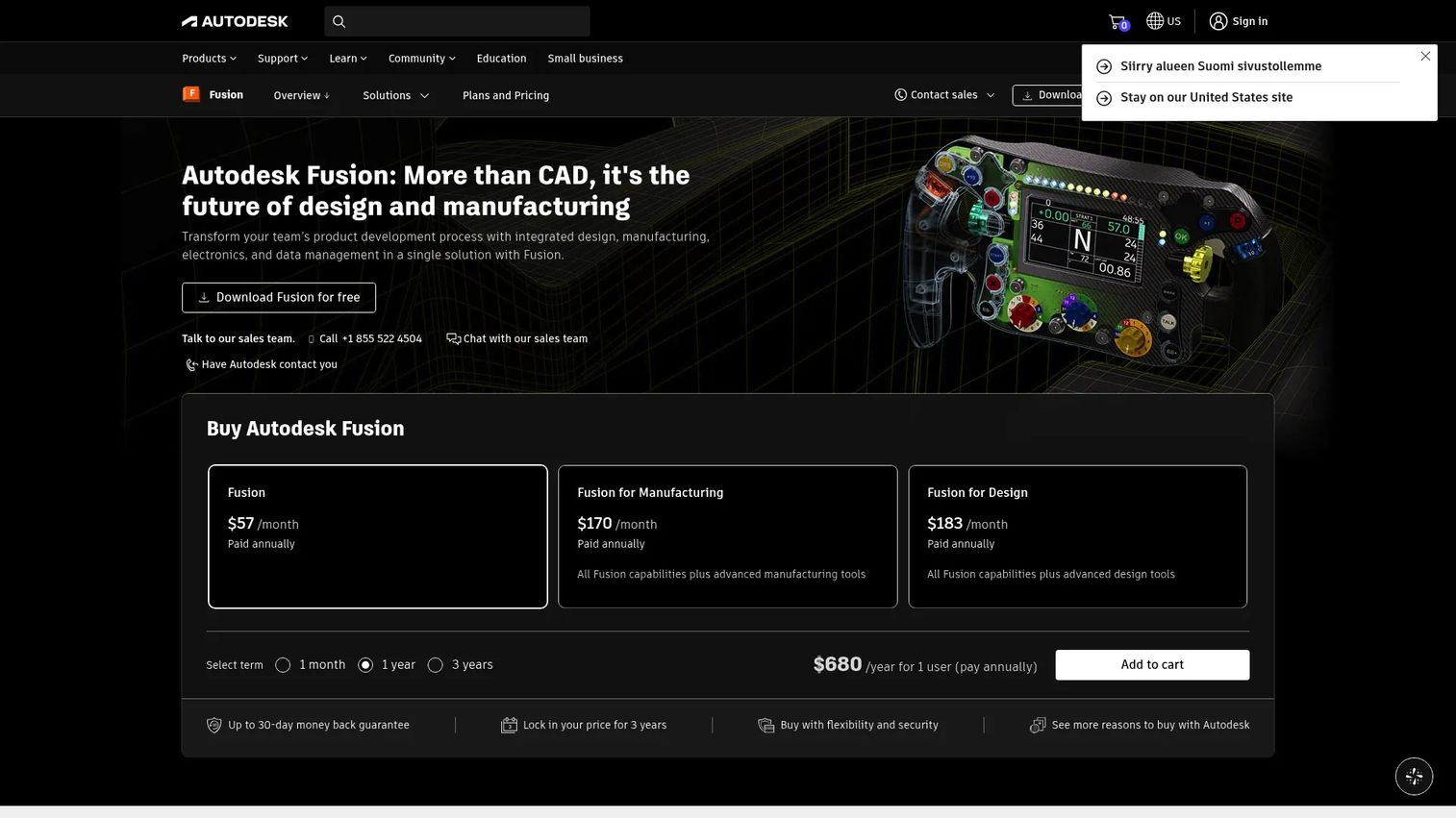
Autodesk Fusion is a cloud-based product development platform that combines CAD, CAM, simulation, electronics design, and data management in one environment. It is one of the few accessible options that does not require separate licensing for the CAD and machining sides of a project. Teams using Fusion 360 CAM, now the CAM workspace inside Autodesk Fusion, get toolpath generation tied directly to the design geometry.
Best for: Small and mid-sized product teams and machine shops that want CAD, machining simulation, and cloud collaboration without managing separate systems.
Key features
- Integrated CAD and CAM workspace with associative toolpaths
- 2D, 3D, and multi-axis machining strategies
- Toolpath simulation and verification
- Additive manufacturing and generative design support
- Cloud collaboration and version-controlled data management
Why choose Autodesk Fusion: It is the most practical all-in-one starting point for teams that do not yet have a committed CAD or CAM environment. Advanced manufacturing extensions and enterprise-scale needs can raise the total cost, so validate the extension requirements for your specific machining workflows before purchasing.
Autodesk Fusion pricing: The base plan starts at $57/month billed annually, with a free personal-use tier available for eligible non-commercial users. Manufacturing-specific extensions are priced separately through Autodesk's extension marketplace. A free trial is available.
G2 rating: 4.5/5
2. Mastercam
Mastercam is one of the most established CAD/CAM platforms for CNC programming, covering mill, lathe, mill-turn, Swiss, router, and wire EDM workflows. It includes integrated CAD tools for modeling, importing, and preparing parts for machining. The Mastercam Copilot AI assistant and EverPath Technology for automated toolpath creation are among the more recent additions to its programming environment.
Best for: CNC shops and manufacturing teams that need mature, well-documented programming depth across many machine types and controller environments.
Key features
- Mill, lathe, mill-turn, Swiss, router, and wire EDM support
- Dynamic Motion material-aware toolpath optimization
- Mastercam Copilot AI programming assistant
- EverPath Technology for automated toolpath generation
- Large post-processor library and reseller-supported configuration
Why choose Mastercam: It is the safe shortlist pick for shops that need toolpath depth, a mature support structure, and a large community of programmers who already know the system. Plan for reseller-led purchasing and allocate onboarding time for new users coming from lighter CAM tools.
Mastercam pricing: Pricing is set through Mastercam representatives and authorized resellers; it is not posted publicly. Both subscription (12, 24, or 36-month terms) and perpetual licensing options are available. A free Mastercam Learning Edition is available for educational and evaluation use.
G2 rating: 4.1/5
3. Siemens NX
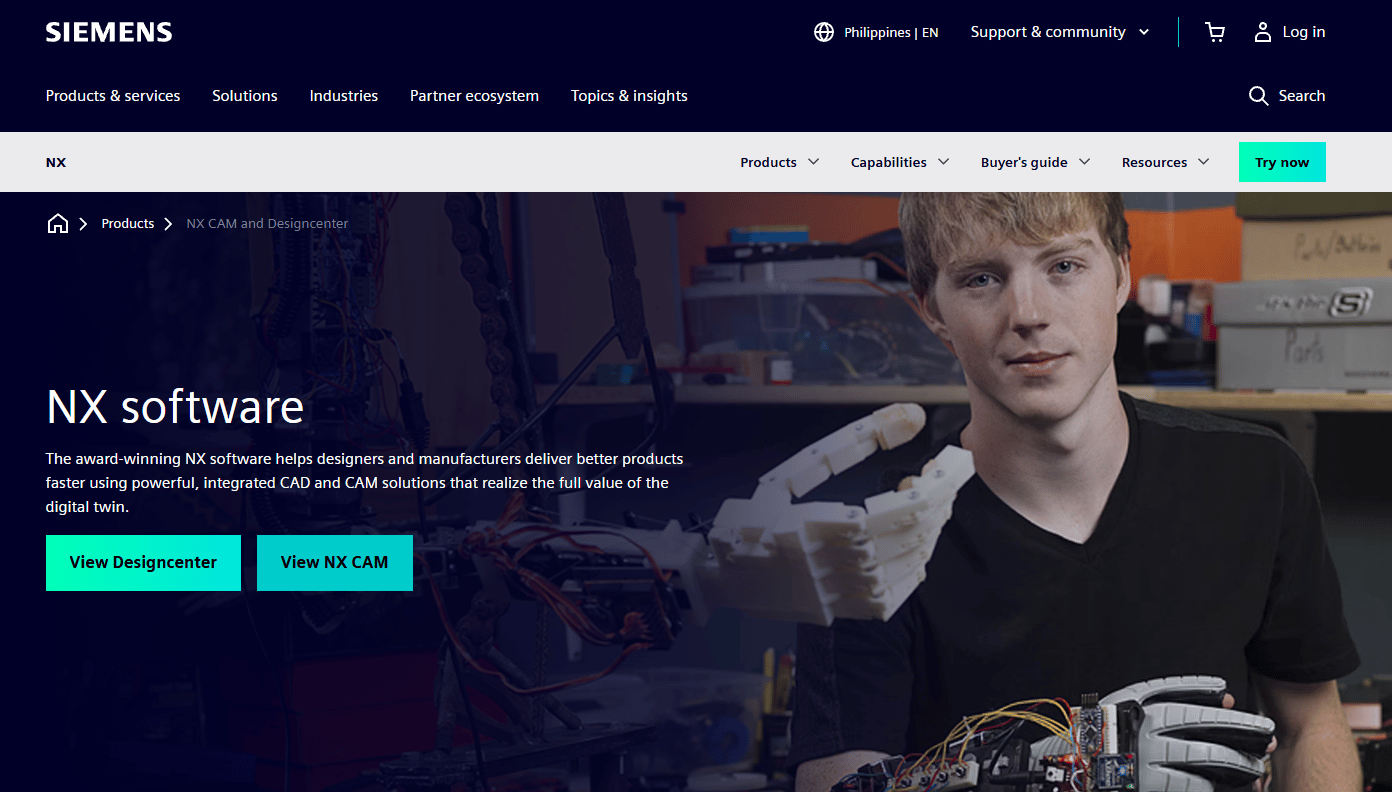
Siemens NX is an enterprise-grade CAD/CAM/CAE platform with advanced manufacturing support, connecting product design, simulation, and machining within a single integrated environment. It is particularly strong in industries such as aerospace, automotive, and industrial machinery where manufacturing data must stay aligned with engineering changes throughout the product lifecycle. The NX X cloud deployment ties CAM workflows to Siemens Xcelerator and built-in data management.
Best for: Enterprise manufacturers that need advanced multi-axis machining, complex assembly management, and strong alignment between CAM and engineering PLM data.
Key features
- Advanced multi-axis machining strategies
- AI-enabled design and machining with Design Copilot NX
- Additive manufacturing and hybrid workflows
- Tooling and fixture design integration
- PLM-connected manufacturing data via Siemens Xcelerator
Why choose Siemens NX: Choose it when CAM must operate inside a governed engineering data environment and where manufacturing changes need to trace back to the design model. It is overbuilt for small shops or router-only workflows.
Siemens NX pricing: Pricing is quote-based through Siemens sales. Subscription licensing is available across Designcenter X tiers (Essentials, Standard, Advanced, and Premium). Contact Siemens directly for current package pricing.
4. SolidCAM
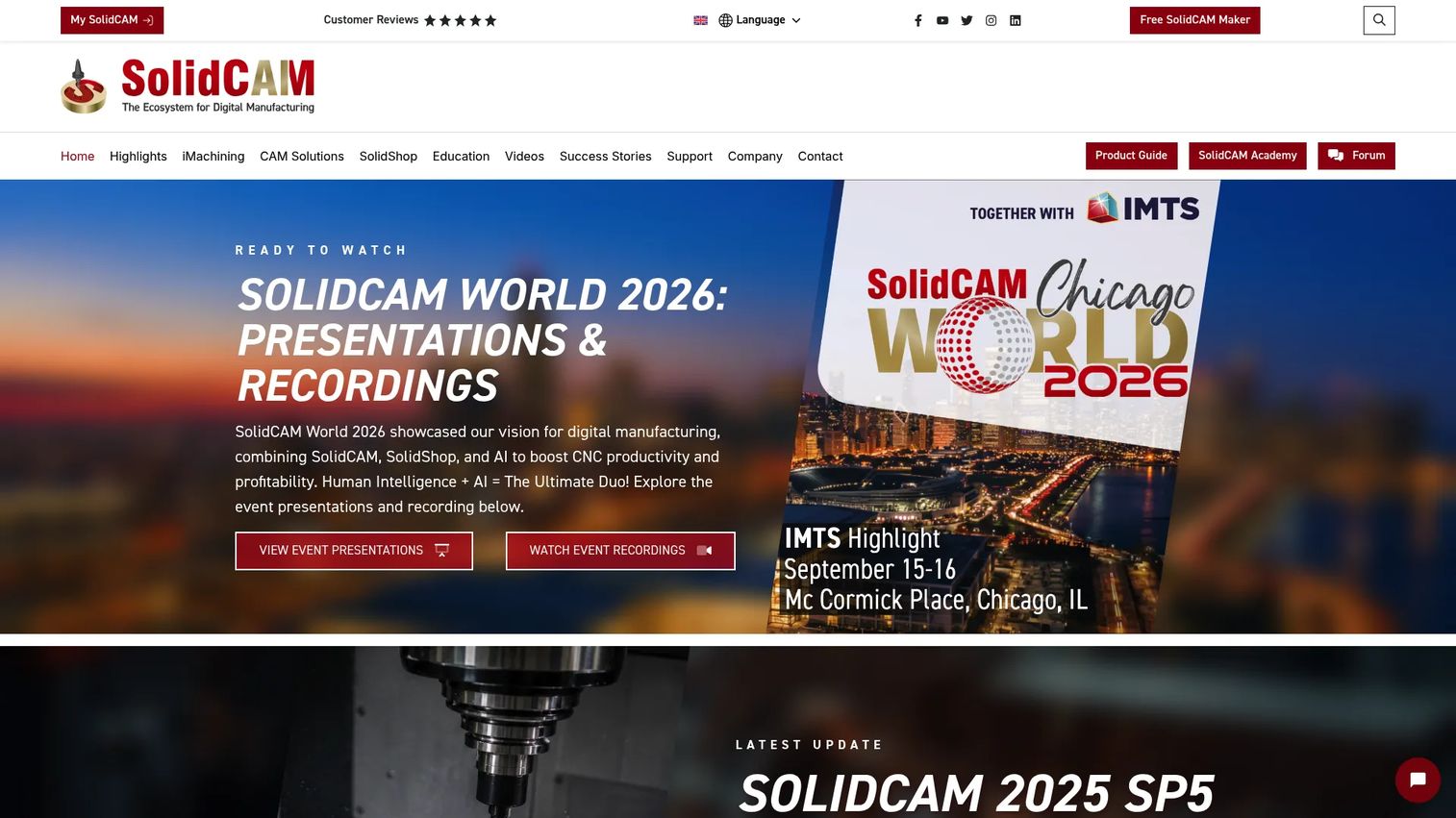
SolidCAM is an integrated CAM platform for CNC programming that runs directly inside SolidWorks, Autodesk Inventor, and Solid Edge. Because it works inside the CAD environment rather than alongside it, geometry changes in the design propagate automatically to the machining operations. The iMachining technology generates optimized toolpaths that adapt to cutting conditions, reducing cycle times on milling operations.
Best for: SolidWorks-heavy shops that want CAM embedded inside their existing design workflow, keeping toolpaths associative with geometry from the start.
Key features
- Integration with SolidWorks, Autodesk Inventor, and Solid Edge
- iMachining technology for optimized milling toolpaths
- Milling, turning, mill-turn, and Swiss machining
- Machine simulation and collision detection
- Wire EDM and probing support
Why choose SolidCAM: It fits teams that build production geometry in SolidWorks and want to avoid the translation step that standalone CAM introduces. Verify supported machines and post configurations with SolidCAM before purchasing, since post coverage varies by reseller and region.
SolidCAM pricing: Pricing is customized based on machining modules, license type, and support package. Request a quote through SolidCAM sales. A 30-day trial license and a free Maker version for private and educational use are both available.
G2 rating: 4.3/5
5. CAMWorks
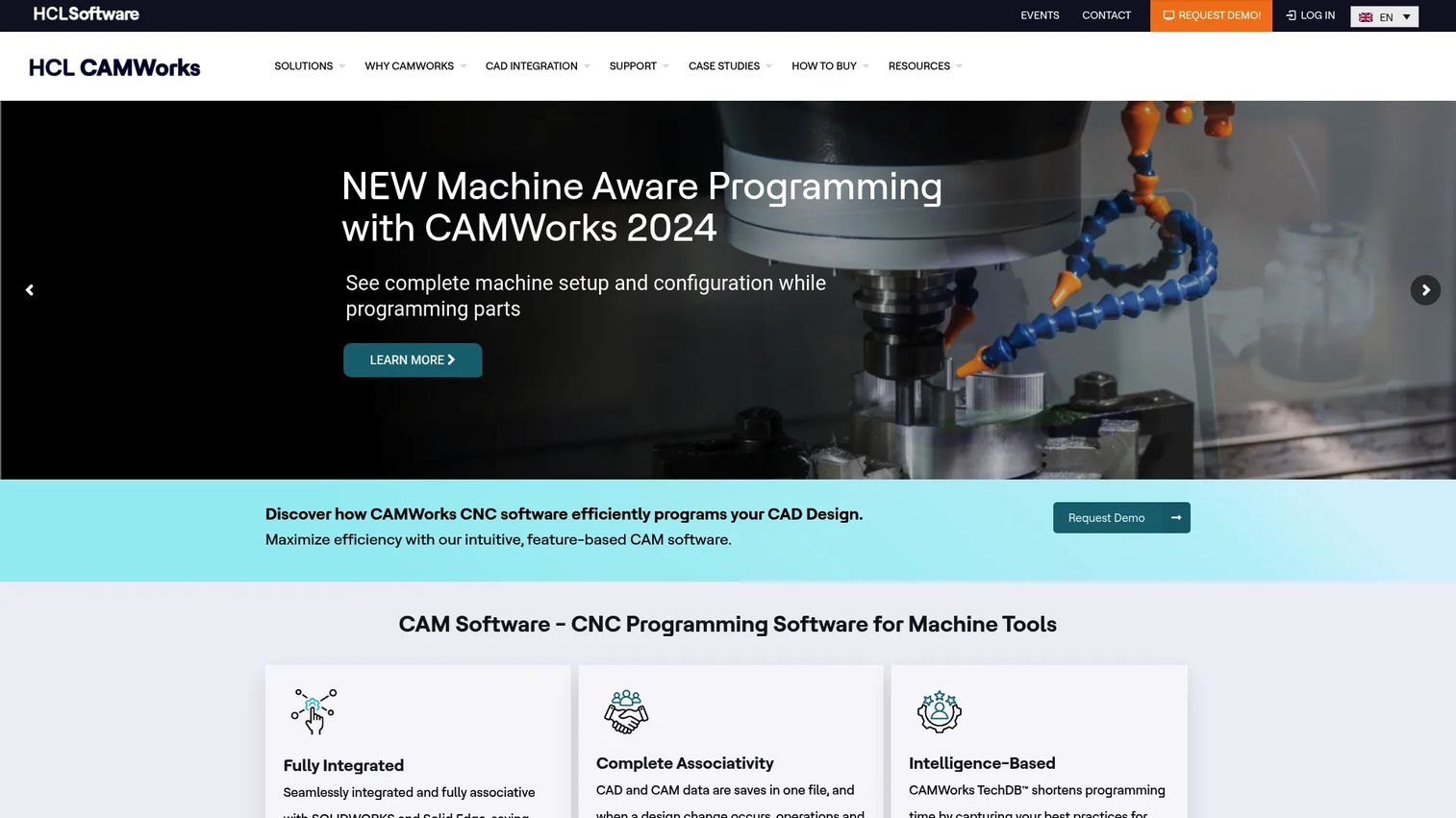
CAMWorks is CNC programming software integrated with SolidWorks and Solid Edge, built around feature-based machining and knowledge-based automation. Its Technology Database (TechDB) stores machining strategies so they can be applied automatically when the software recognizes a part feature, reducing the time spent on repetitive programming decisions for similar parts.
Best for: Shops that run high volumes of similar parts and want CAM automation that learns from established machining strategies inside a SolidWorks environment.
Key features
- Automatic Feature Recognition tied to SolidWorks and Solid Edge geometry
- Technology Database (TechDB) for reusable machining knowledge
- Tolerance Based Machining for feature-driven toolpath selection
- True G-code simulation with CAMWorks Virtual Machine
- Milling, turning, mill-turn, multi-axis, Swiss, and Wire EDM modules
Why choose CAMWorks: It is strongest when part families repeat and programming standards matter. The automation pays off fastest in shops already committed to SolidWorks-driven workflows. Test the feature recognition on your own part geometry before committing, since complex organic shapes may require manual intervention.
CAMWorks pricing: Pricing is set through CAMWorks and its reseller network. Contact CAMWorks or an authorized reseller for current module pricing and licensing terms.
G2 rating: 4.1/5
6. ENCY
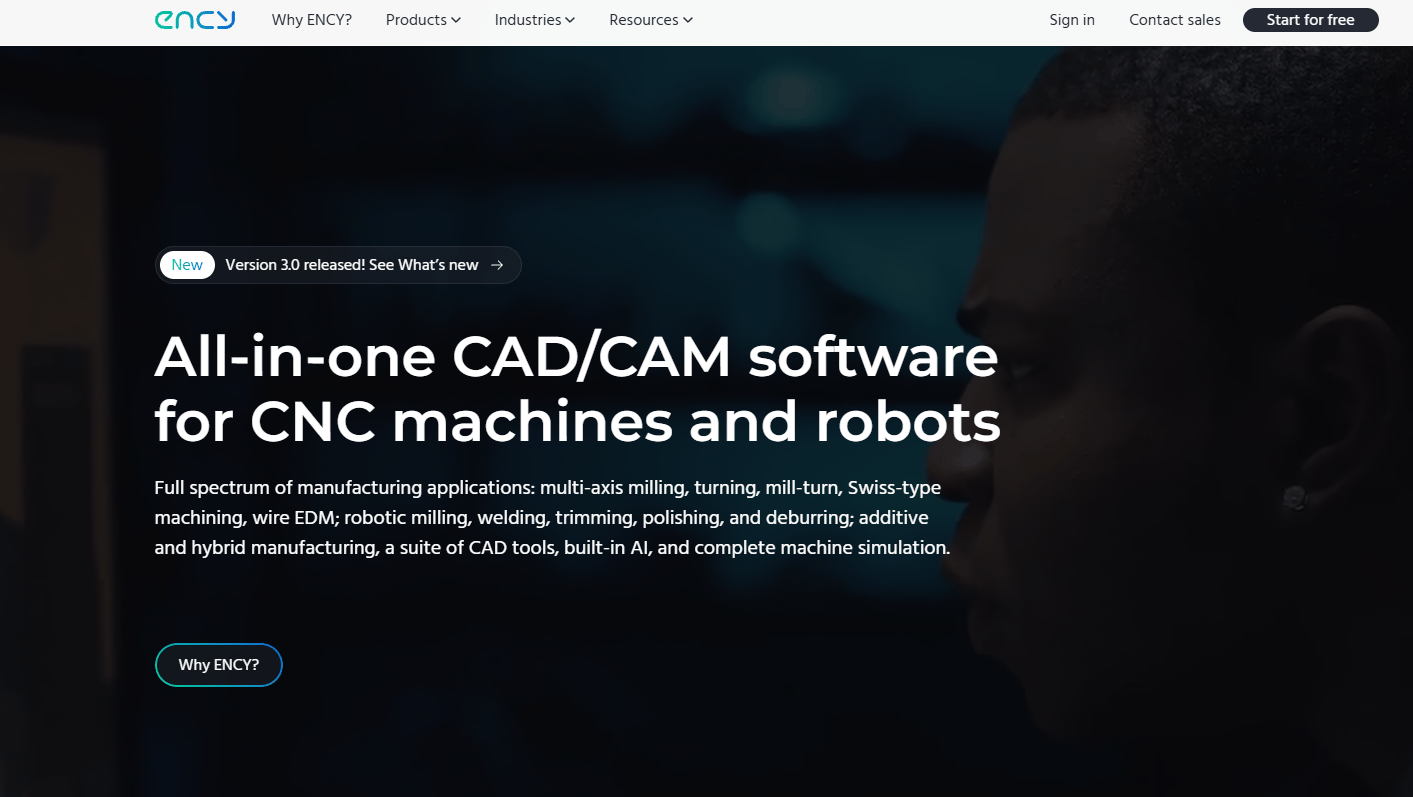
ENCY is a CAD/CAM ecosystem designed for CNC machine and industrial robot programming, simulation, NC code verification, and manufacturing collaboration. It supports machining strategies from 2D up to 5-axis, along with mill-turn, additive, and hybrid manufacturing. The machine kinematics simulation covers the full machine envelope, not just the tool on the part, which matters when validating complex multi-axis moves.
Best for: Manufacturers that need CAM, machine kinematics simulation, and NC-code verification working together in one environment, including industrial robot programming alongside CNC.
Key features
- 2D to 5-axis machining strategies with machine-aware toolpath calculation
- State-of-the-art simulation and NC-code verification
- Mill-turn, additive, and hybrid manufacturing support
- Parametric CAD and open API for customization
- Cloud collaboration through ENCY Clouds
Why choose ENCY: It fits teams that care about the full machine environment during simulation, not just toolpath appearance on the part. Validate machine library coverage for your specific controllers before purchasing; the breadth of pre-built machine models varies.
ENCY pricing: A 30-day free trial is available. Production licensing is quote-based through ENCY sales at encycam.com.
G2 rating: N/A
7. Creo
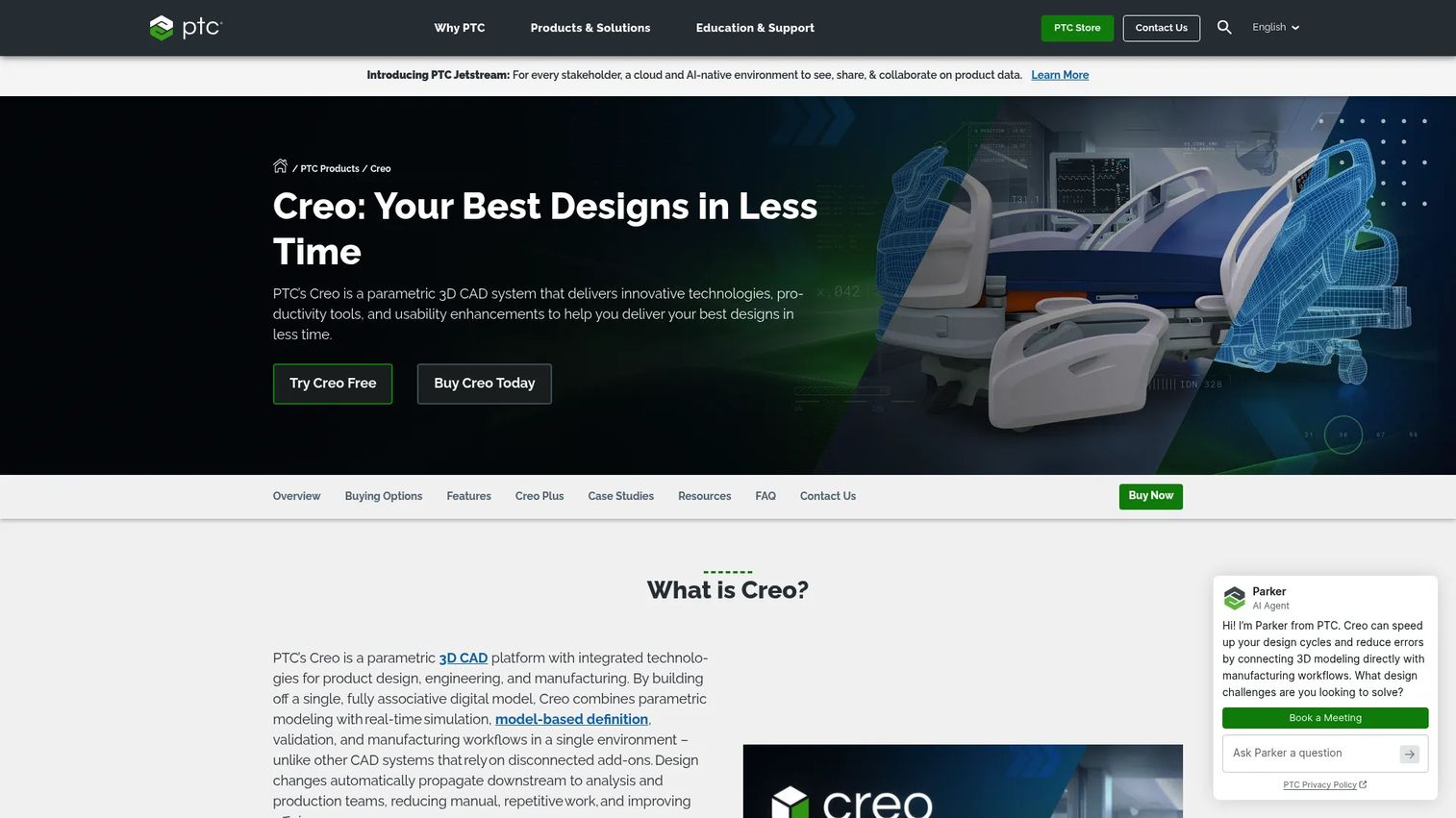
Creo is PTC's 3D CAD platform with CAM capabilities built into its manufacturing modules, covering milling, turning, sheet metal, additive manufacturing, tooling, and fixture workflows. The associativity between 3D design geometry and CAM toolpaths means that when engineering makes a change, manufacturing data reflects it without a separate import step. This makes Creo a natural fit for teams already invested in PTC's product environment.
Best for: Engineering and manufacturing teams already using PTC products that want CAD-to-manufacturing data tied together across the product development process.
Key features
- Associative CAD/CAM with automatic toolpath updates on geometry changes
- Milling and turning operations with multi-axis support
- Sheet metal and additive manufacturing workflows
- Tooling and fixture design within the same environment
- AI Assistant capabilities across design and manufacturing tasks
Why choose Creo: It is the right call when the team already designs in Creo and wants manufacturing data to stay connected to engineering changes. Manufacturing capabilities depend on the package or extension purchased, so confirm CAM module coverage before signing.
Creo pricing: Pricing is quote-based through PTC representatives. The PTC Store lists package names but does not show numeric prices. Contact PTC sales for current package and extension pricing.
G2 rating: 4.1/5
8. Onshape CAM Studio
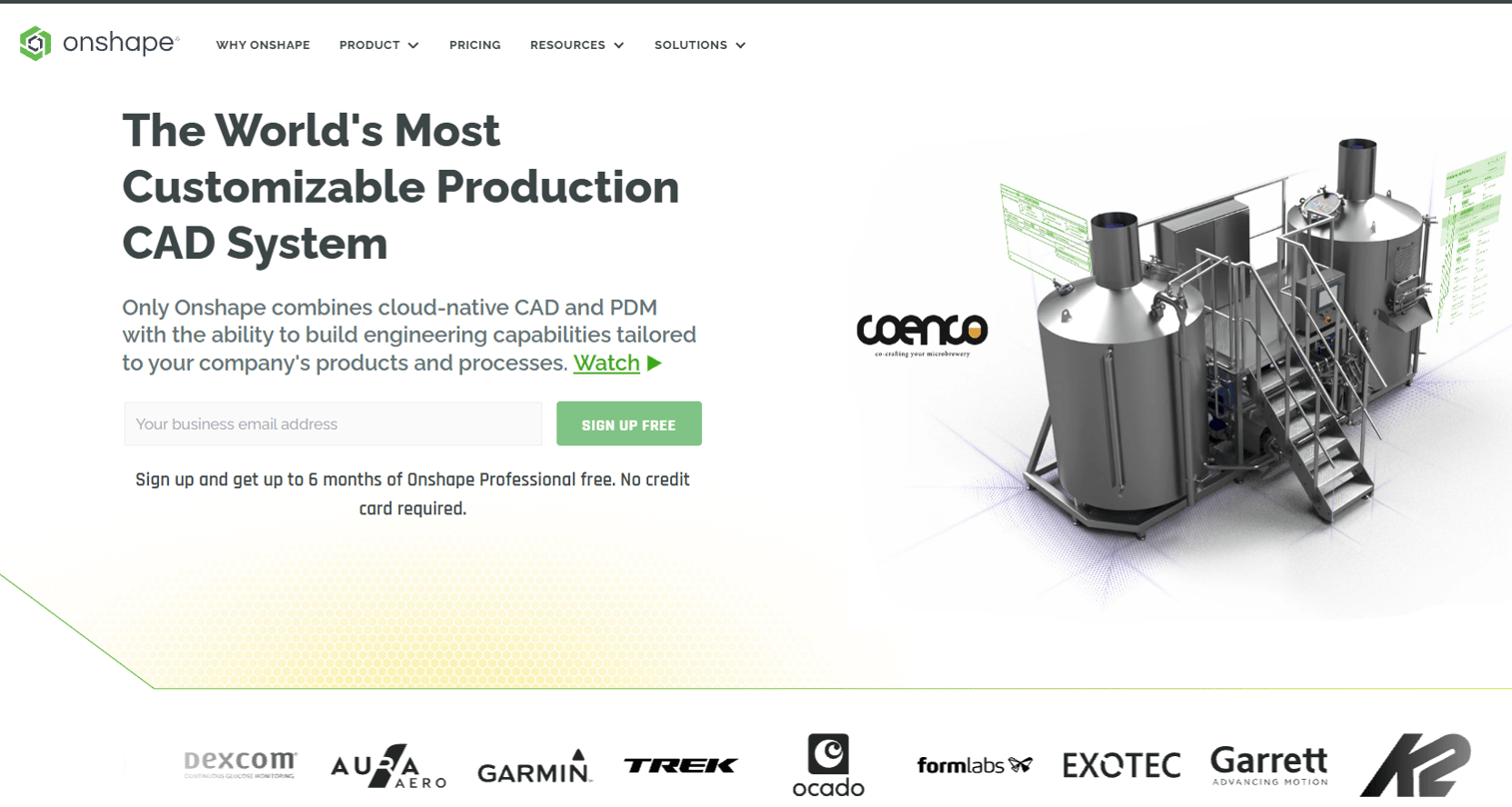
Onshape CAM Studio is cloud-native CAM integrated directly with the Onshape CAD and PDM platform, running in the browser without a desktop install. Toolpaths are versioned alongside the CAD model, so when design changes happen, machining data stays in sync. It supports 2.5-axis to 3-axis adaptive machining, machine verification with collision detection, and customizable post-processor libraries.
Best for: Distributed engineering and manufacturing teams already using Onshape that need CAD-to-CNC collaboration without desktop software or file management overhead.
Key features
- Browser-based CAM with no local installation required
- Onshape CAD and PDM integration with versioned toolpaths
- Machine verification and simulation, including collision detection
- Customizable tool, machine, and post-processor libraries
- G-code generation and post-processing
Why choose Onshape CAM Studio: It is the strongest option when multiple people need shared access to both design and manufacturing data without file sync or version conflicts. Confirm machine and post-processor coverage for your shop before committing, since the cloud model trades desktop CAM depth for collaboration and accessibility.
Onshape CAM Studio pricing: CAM Studio is included in Onshape Professional at $2,500/user/year and Enterprise plans at custom pricing. It is not available on Standard ($1,500/user/year) or Free plans. A Free plan exists for non-commercial use only.
G2 rating: 4.7/5
9. FreeCAD Path Workbench
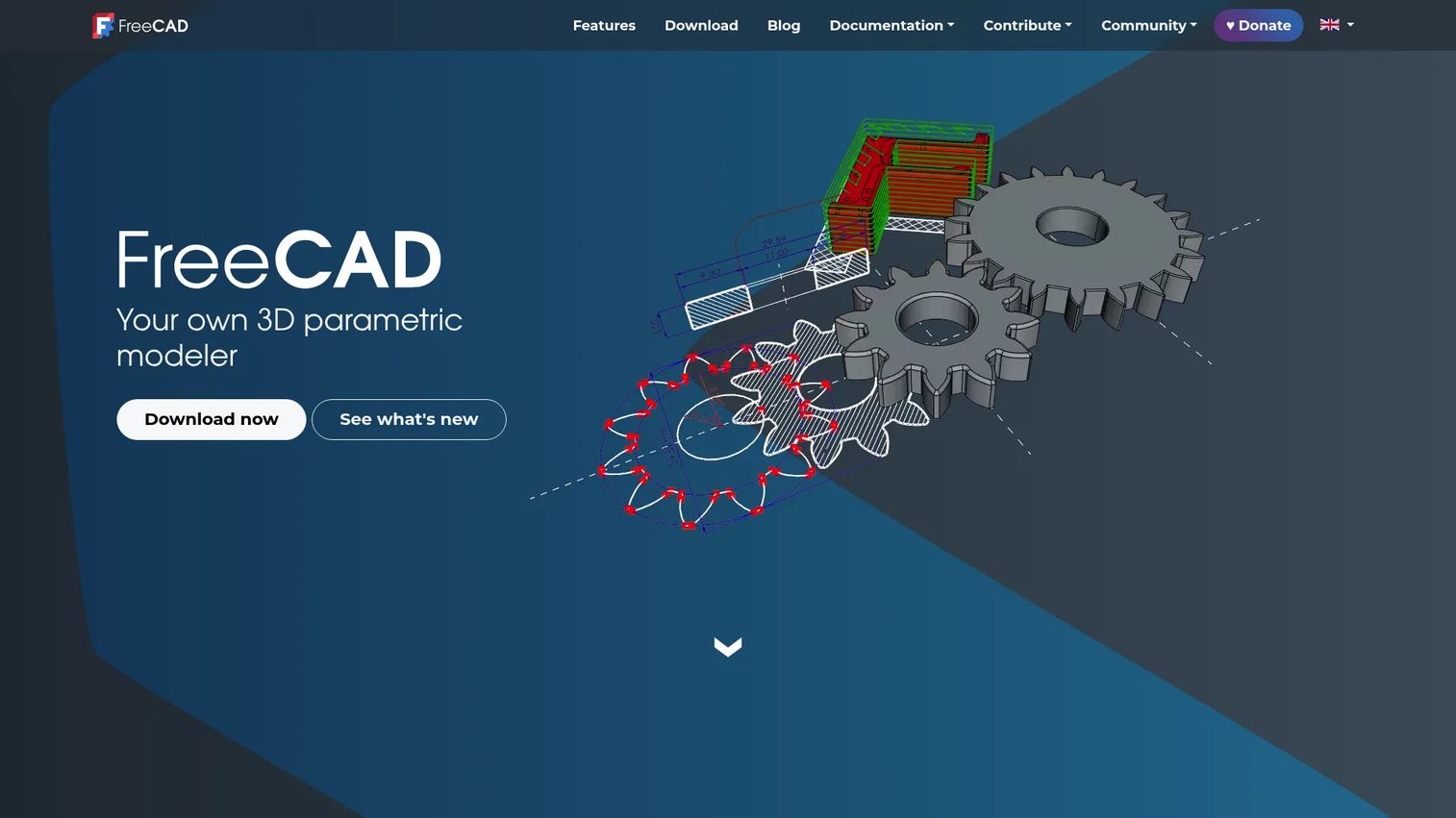
FreeCAD includes a CAM workbench (previously called Path Workbench, renamed in FreeCAD 1.0) that provides open-source CNC toolpath generation and G-code export inside the broader FreeCAD environment. It supports basic toolpath operations, custom tool libraries, and community-contributed extensions. For teams looking at additive manufacturing software alongside CAM, FreeCAD also covers mesh-based workflows.
Best for: Makers, learners, and budget-sensitive users who want open-source CAD/CAM and are comfortable with community-supported software.
Key features
- Free and open-source under LGPL
- CNC toolpath generation inside FreeCAD
- G-code export with community post-processor scripts
- Custom tool library profiles
- Community-supported extensions and scripting
Why choose FreeCAD Path Workbench: It is a strong starting point for learning CAM fundamentals without subscription cost. It also handles simpler jobs where the operator can manage configuration and community-level support. Production teams running complex multi-axis parts should validate post quality and workflow stability carefully before relying on it.
FreeCAD Path Workbench pricing: Free. FreeCAD is open-source and distributed under the LGPL with no licensing fees.
G2 rating: 4.1/5
10. Carbide Create
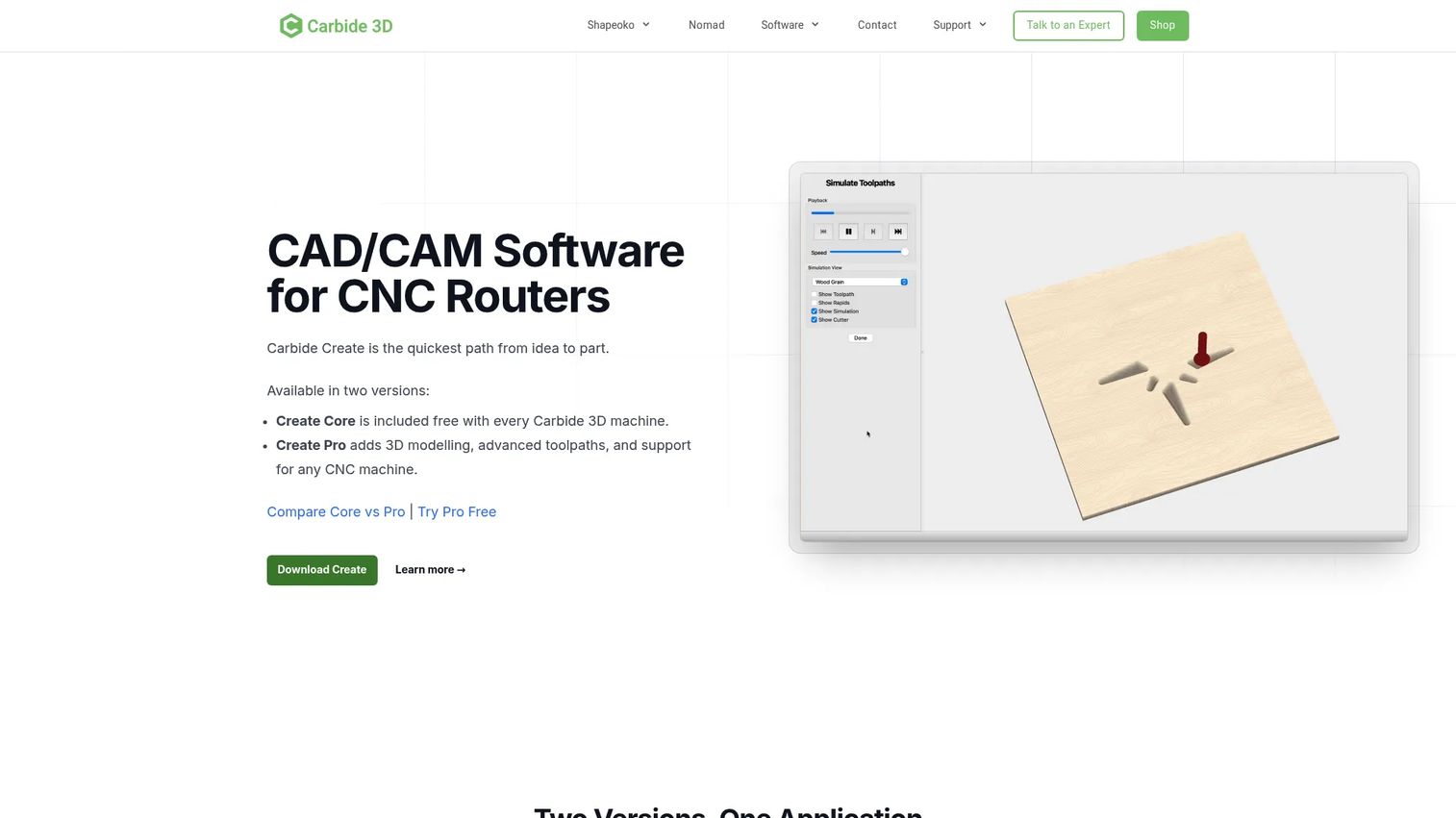
Carbide Create is a locally installed 2D CAD/CAM application for designing projects and generating CNC toolpaths, built primarily for Carbide 3D Shapeoko and Nomad machine users. The Core version is included with every Shapeoko and Nomad purchase. The Pro upgrade adds 3D modeling, STL import, advanced toolpaths, rest machining, toolpath tiling, and standard G-code output for use with other machines.
Best for: CNC router users, sign shops, makers, and beginners who want a straightforward path from design to cutting without a heavy CAD/CAM stack.
Key features
- 2D design with SVG and DXF import and image tracing
- Pocket, contour, V-carving, engraving, and drilling toolpaths
- 3D simulation for visualizing cuts before running the machine
- Mac and Windows support
- Carbide Create Pro adds 3D modeling, STL import, and advanced toolpath options
Why choose Carbide Create: It fits users who want to get router jobs running without learning a full industrial CAM suite. The Core version costs nothing if you own a Shapeoko or Nomad. Readers needing 5-axis machining or complex turning should look at the other tools in this list.
Carbide Create pricing: Core is free and included with Carbide 3D machines. Carbide Create Pro is $120/year or $360 as a perpetual license. A 14-day Pro trial is available.
11. Kiri:Moto
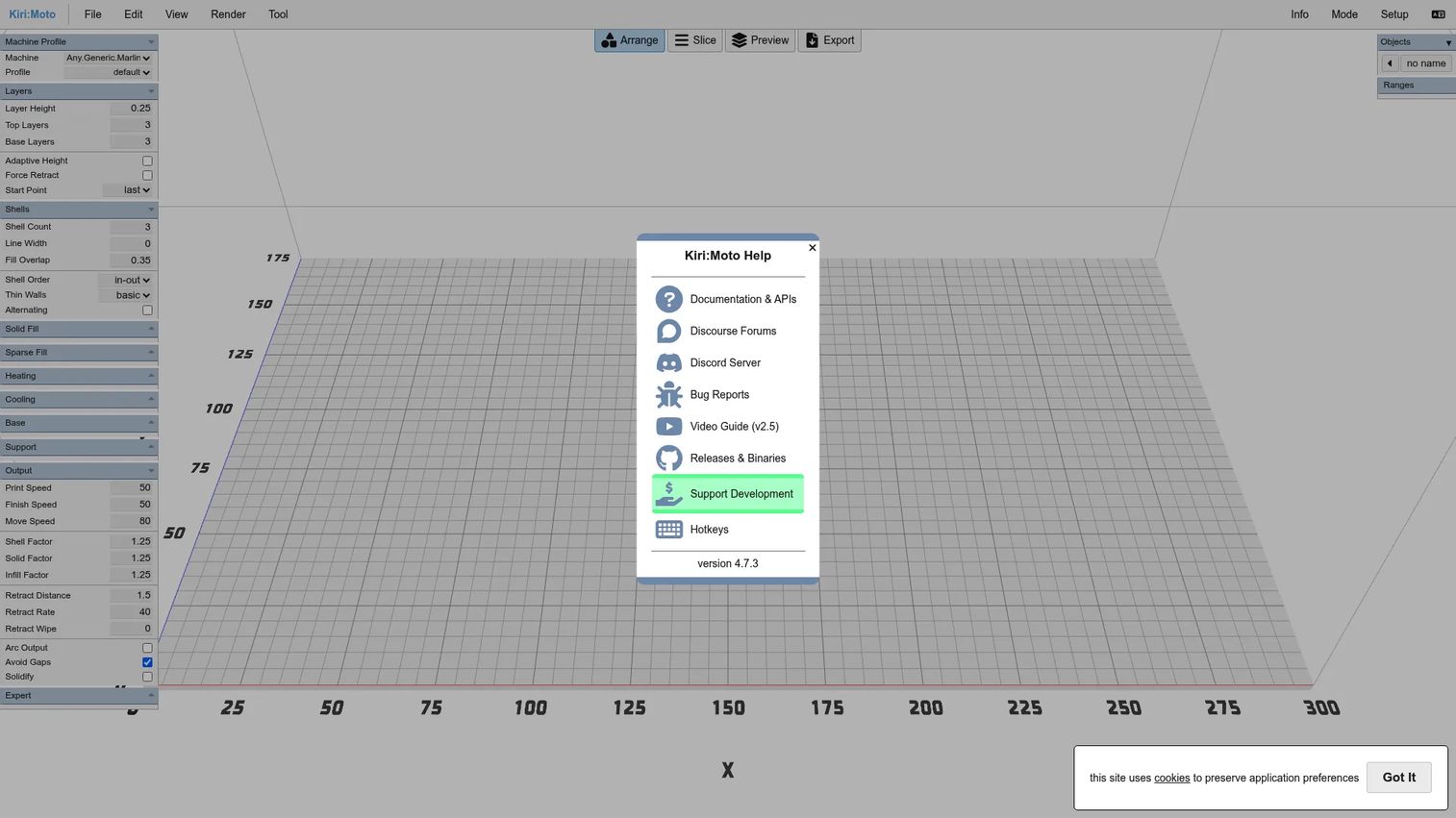
Kiri:Moto is a browser-based, free and open-source toolbox that supports FDM 3D printing, SLA printing, CNC milling, and laser cutting workflows without requiring any installation. It imports OBJ, STL, 3MF, SVG, JPG, and PNG files, generates toolpaths, and exports G-code. Because it runs entirely in the browser, there is no account requirement and no cloud dependency for basic use.
Best for: Makers, educators, hobbyists, and prosumers who want browser-based toolpath generation for CNC, 3D printing, or laser workflows without installing software.
Key features
- Browser-based with no installation, account, or cloud dependency
- CNC milling, FDM, SLA, and laser cutting workflow support
- Imports OBJ, STL, 3MF, SVG, JPG, and PNG file formats
- G-code export for use with compatible controllers
- Free and open-source
Why choose Kiri:Moto: It is useful when you want to generate toolpaths quickly from a browser on any device. It fits education, prototyping, and simpler machine workflows well. Industrial buyers should test post output and machine fit on a real job before relying on it for production.
Kiri:Moto pricing: Completely free and open-source.
12. LinuxCNC
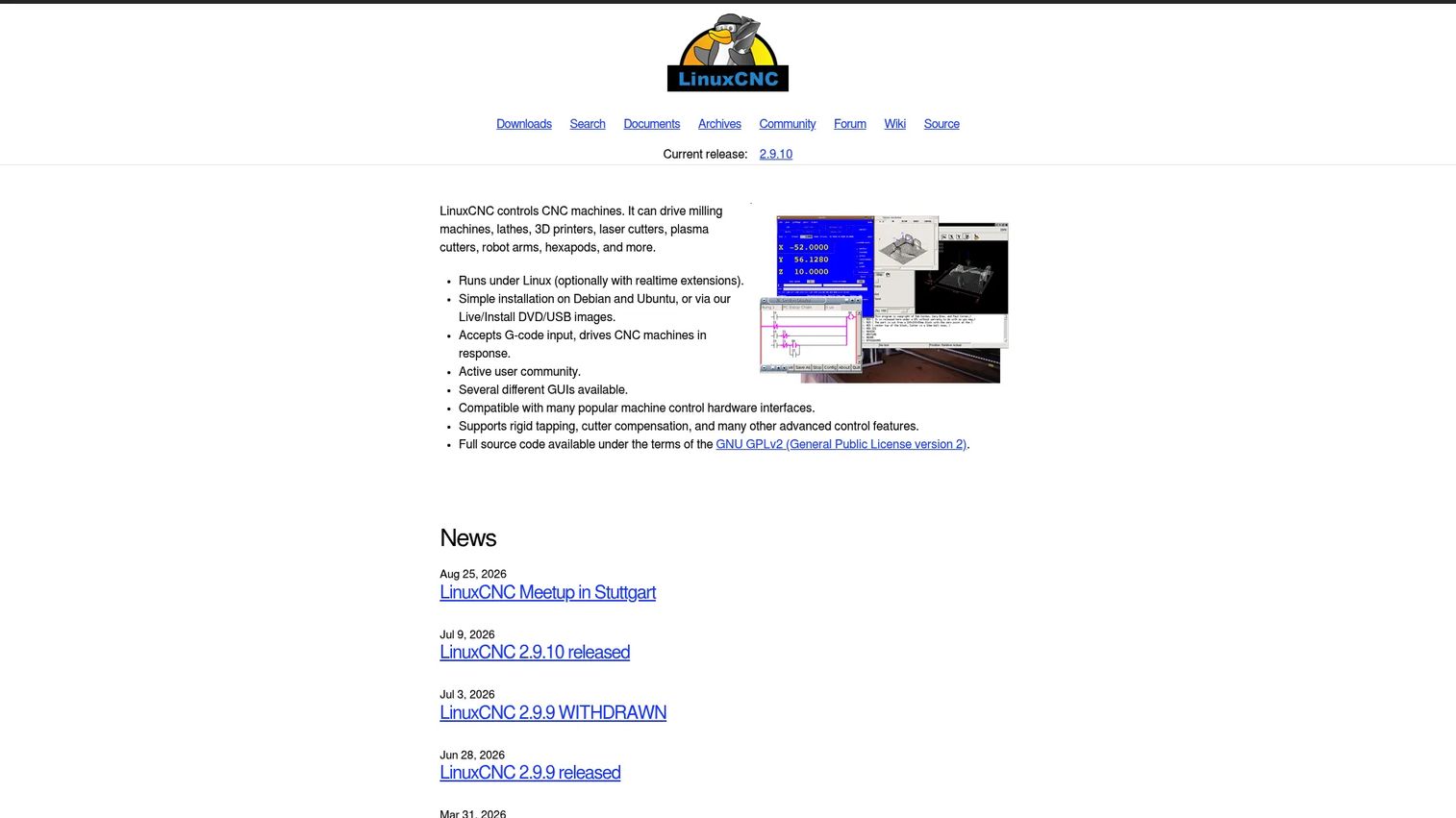
LinuxCNC is free, open-source software for controlling CNC machines and other computer-controlled machinery running on Linux. It is important to understand what LinuxCNC is and is not: It is primarily a machine controller, not a toolpath programming environment. It interprets G-code and manages real-time motion control, hardware interfaces, and machine kinematics. Users typically generate G-code in a separate CAM tool, then run it through LinuxCNC.
Best for: Advanced CNC users, machine builders, and makers who need customizable open-source machine control and are comfortable configuring hardware and Linux-based systems.
Key features
- Real-time motion control for mills, lathes, 3D printers, plasma, laser, and robot arms
- G-code interpreter with support for multiple graphical user interfaces
- Custom kinematics and advanced motion control configuration
- Hardware interface support for a wide range of controller boards
- Community-supported customization under GPL and LGPL
Why choose LinuxCNC: Choose it when machine control is the core requirement, especially for custom CNC builds, retrofits, or specialized machine types not supported by commercial controllers. It is not a replacement for CAM programming software; buyers who need to go from CAD to toolpath still need a separate CAM tool alongside it.
LinuxCNC pricing: Free. Hardware, controller components, setup time, and community or commercial support can still generate meaningful cost depending on the installation.
Considerations when choosing CAM software
Match the software to your machines first
Post processors are the highest-risk point in CAM evaluation. A tool that generates beautiful toolpaths still fails if the output code does not match your controller syntax, axis conventions, or safe-start blocks. Test with one real job on one real machine before purchasing. Ask every vendor for your specific post configuration before signing a contract.
Check the CAD handoff
Integrated CAD/CAM tools eliminate file translation but tie you to one CAD environment. Standalone CAM tools offer more flexibility but require clean STEP or native file imports, and geometry changes may not propagate automatically. Understand how your team will handle design revisions: Frequent engineering changes amplify the cost of a poor CAD-to-CAM handoff.
Price the total workflow, not just the license
License cost is the smallest line item for serious CAM implementations. Add maintenance fees, post-processor development or purchase, training, hardware upgrades for simulation performance, and productivity ramp time for new programmers. For enterprise tools like Siemens NX or Creo, also factor in implementation and integration work. The gap between the license price and the total first-year cost is frequently larger than buyers expect.
Validate simulation depth
Not all simulation is equal. Basic toolpath preview shows the cutter path on the part. Stock simulation shows material removed over time. Full machine simulation adds the fixture, spindle head, rotary tables, and tool holder, then checks for collisions between all of them. The last type is what actually catches problems before they become scrap or machine damage. Confirm what is included in your license tier, since simulation depth varies significantly across packages.
Plan for adoption on the shop floor
CAM software only produces value when programmers use it consistently. That means training time, documented standards for tool libraries and machining templates, a clear owner for post-processor updates, and a review process before new programs run on the machine. Budget for this work. Under-investment in adoption is the most common reason CAM implementations underperform.
Conclusion
The right CAM software for your shop depends on machines, CAD environment, team size, and how much implementation effort you can absorb.
Autodesk Fusion is the strongest all-around starting point for teams that want integrated CAD, CAM, and simulation without managing separate systems. Mastercam is the safe pick for shops that need programming depth and a mature post ecosystem. Siemens NX fits enterprise manufacturing environments where CAM connects to PLM and engineering governance. SolidCAM and CAMWorks are the clearest choices for SolidWorks-centered shops. ENCY stands out when machine kinematics simulation matters as much as toolpath generation. Creo and Onshape CAM Studio serve teams already committed to PTC or Onshape CAD environments. For open-source, learner, and budget-constrained workflows, FreeCAD Path Workbench and Kiri:Moto are both free; Carbide Create is the practical choice for CNC router users. LinuxCNC belongs in builds where machine control itself is the problem to solve.
Before finalizing any shortlist, test one real part on one real post processor. That test will surface compatibility issues that no feature matrix can predict.
If your team sells technical software and needs buyers to understand complex workflows faster, interactive product demos can help you show the process before a live call. Start your journey with Guideflow today!
FAQs
CAM software converts CAD geometry into toolpaths, setup instructions, and machine-specific code for CNC machining and other manufacturing processes. Common applications include milling, turning, routing, wire EDM, and additive manufacturing. The software outputs G-code or NC code through a post processor configured for the target machine controller.
CAD software creates part geometry: The shape, dimensions, and tolerances of what you want to make. CAM software defines how a machine manufactures that part, generating toolpaths, speeds, feeds, and machine-specific code from the geometry. Many modern platforms combine both in one environment to reduce translation steps.
No. CAM software generates toolpaths and G-code offline, before the machine runs. CNC control software, such as LinuxCNC or a commercial machine controller, interprets that code and drives the physical axes in real time. Most workflows use both: CAM to program, CNC control to execute.
The answer depends on the machine type. Autodesk Fusion suits beginners who want integrated CAD and CAM with a supported learning path. Carbide Create works well for CNC router users starting with simpler 2D and 2.5D work. FreeCAD Path Workbench and Kiri:Moto are both free options for learners comfortable with community documentation. Choose based on your machine type first, then on available support.
Mastercam, Siemens NX, SolidCAM, CAMWorks, ENCY, Creo, and Autodesk Fusion all fit professional environments. The decision turns on which CAD system drives your shop, which machines you run, how complex your toolpaths are, and how much post-processor support the vendor provides for your specific controllers. Test on real parts before finalizing.
Yes. FreeCAD Path Workbench, Kiri:Moto, Carbide Create Core, and LinuxCNC all generate or interpret G-code at no cost. The real question is not whether code can be generated but whether the post processor, machine setup, and verification process are reliable enough for your specific job. Free tools work well for simpler parts and lower-risk workflows.
Pricing ranges from free open-source tools to quote-based enterprise systems costing tens of thousands of dollars per year. Autodesk Fusion starts at $57/month billed annually. Onshape Professional (which includes CAM Studio) is $2,500/user/year. Carbide Create Pro is $120/year. Mastercam, Siemens NX, SolidCAM, CAMWorks, ENCY, and Creo all require quotes because pricing varies by modules, seats, support level, and reseller. Factor in post-processor costs, training, and maintenance when budgeting.
Run one real part through the complete workflow: Design or import, toolpath generation, simulation, post-processor output, and code review at the controller. Check that setup sheets look usable, tool library management fits your workflow, and the vendor or reseller can support your specific machine configurations. Also verify how the software handles a design revision mid-job, since that scenario exposes handoff weaknesses faster than any feature demo.