You inherited a channel workflow held together by manual playlists, one aging playout box, and a spreadsheet nobody wants to touch. Then someone asks you to launch a FAST channel next quarter. And an OTT feed after that. And keep the linear signal running while you do it.
That is the real problem TV broadcast software solves. Not "playing video" but running reliable, scheduled, multi-destination channels without a person babysitting the timeline at 3 a.m. The category exists because manual broadcast operations do not scale, and the gap between "we stream sometimes" and "we operate channels" is wider than most teams expect.
The market reflects that pressure. The broadcast scheduling software market is projected to grow from USD 2.94 billion in 2026 to USD 12.72 billion by 2034, at a 20.09% CAGR, according to Fortune Business Insights (2025). The broadcast automation software market alone is expected to climb from USD 2.58 billion in 2025 to USD 6.04 billion by 2030, a 18.4% CAGR, per The Business Research Company (2026). Cloud-based deployment is the fastest-growing segment in that shift.
For a product manager or operations lead, the decision is not "which tool has the most features." It is which architecture fits your distribution targets, your deployment constraints, and the workflows your team will actually maintain across releases. This guide walks through four platforms that each solve a distinct version of that problem, so you can pattern-match to your own situation before you commit budget.
What's inside
This is a buyer's guide for teams choosing television broadcasting software in 2026, written for product managers, broadcast engineers, and operations leads deciding between playout automation, cloud channel management, internet TV publishing, and live production tooling. We selected these four tools based on four criteria: workflow depth (scheduling, playlist management, media asset management), deployment model (cloud, on-prem, hybrid), distribution reach (linear, OTT, FAST, web, mobile, smart TV), and operational fit for a lean team. Each section covers core use cases, key strengths, honest fit, and pricing where it is publicly verifiable.
TL;DR
- Best for open-source station automation and alerting: OpenBroadcaster, ideal for community broadcasters running radio and TV with CAP/EAS emergency alerting.
- Best for cloud-native linear, OTT, and FAST channels: Veset Nimbus, built for broadcasters and service providers launching professional channels without on-prem hardware.
- Best for branded internet TV and VOD publishing: Viloud, strong for teams spinning up 24/7 channels with embeddable players and cross-device playback.
- Best for live production and multistreaming: XSplit Broadcaster, a desktop studio for creators and teams producing live content rather than automating linear playout.
- Bottom line: Match the tool to your distribution target and deployment model first. Feature depth matters less than architectural fit.
What is tv broadcast software?
TV broadcast software is a category of tools that schedule, automate, and distribute television content across linear, OTT, FAST, web, mobile, and smart TV endpoints, replacing manual playout and ad hoc streaming with repeatable, automated channel operations.
In practice, the category spans several overlapping jobs. Some tools focus on playout automation, running a scheduled timeline of content to air without manual intervention. Others center on channel management, letting operators build and adjust the programming grid. A growing set are cloud-based broadcasting platforms that run the entire control room in a browser, removing the need for racked hardware.
Key capabilities you will evaluate across television broadcasting software:
- Playout automation: Automated playlists, frame-accurate scheduling, and unattended airing of linear channels.
- Channel scheduling and playlist management: A programming grid where operators build, reorder, and adjust the schedule for one or many channels.
- Media asset management: Ingest, organize, and version the video library that feeds the schedule.
- Distribution and multi-platform delivery: Output to linear TV, OTT apps, FAST platforms, web embeds, and mobile via formats like HLS (M3U8) or direct HTTP.
- Deployment flexibility: Cloud, on-prem, or hybrid, with cloud growing fastest per TechSci Research (2024).
- Emergency alerting and disaster recovery: CAP/EAS alert support and failover channels for broadcasters with continuity or regulatory requirements.
- API-driven workflows: REST APIs to connect scheduling, ingest, and distribution into existing systems.
The category matters more now because distribution has fragmented. The television broadcasting service market is estimated at USD 582.07 billion in 2026 and projected to reach USD 784.47 billion by 2031, per Mordor Intelligence (2026), and much of that growth is moving toward multi-platform delivery rather than a single linear feed.
When to use tv broadcast software
Automate a linear channel that runs unattended
If your team is manually loading playlists or triggering content by hand, playout automation software removes that daily burden. You build the schedule once, and the system airs it frame-accurately without an operator watching the clock. This is the core use case for any 24/7 linear TV channel.
Launch OTT and FAST channels without new hardware
When distribution expands to streaming apps and free ad-supported TV platforms, cloud-based broadcasting software lets you spin up channels without racking new playout servers. A web-based control room means your team can manage channels from anywhere, and scaling to a second or third channel becomes a configuration change rather than a hardware purchase.
Publish branded internet TV across devices
If the goal is a branded 24/7 channel on your own site plus embeds, internet TV platforms handle linear and VOD scheduling, HTML5 playback, and cross-device delivery to web, mobile, and smart TVs. This fits media brands, publishers, and content owners who want their own channel rather than a slot on someone else's platform.
Comparison table
Here is how the four tools compare across intent, differentiation, pricing, and rating. Use it to shortlist before reading the full sections. Pricing and ratings reflect publicly verifiable values at the time of writing; where a vendor does not publish figures, the field is left open rather than estimated.
| # | Product | Intent | Key differentiation | Pricing | G2 rating |
|---|---|---|---|---|---|
| 1 | OpenBroadcaster | Open-source station automation with alerting | CAP/EAS emergency alerting and multi-station management | From CAD $49.95 (one-time setup) | 4.6/5 |
| 2 | Veset Nimbus | Cloud-native linear, OTT, and FAST playout | Frame-accurate cloud playout with REST API | Free 7-day trial; paid pricing on request | Not listed |
| 3 | Viloud | Branded internet TV and VOD channels | 24/7 linear channels with embeddable HTML5 player | 14-day free trial; paid tiers on request | 4.8/5 |
| 4 | XSplit Broadcaster | Live production and multistreaming | Multi-guest podcast integration and multi-service streaming | Free plan; Premium paid | 3.9/5 |
1. OpenBroadcaster
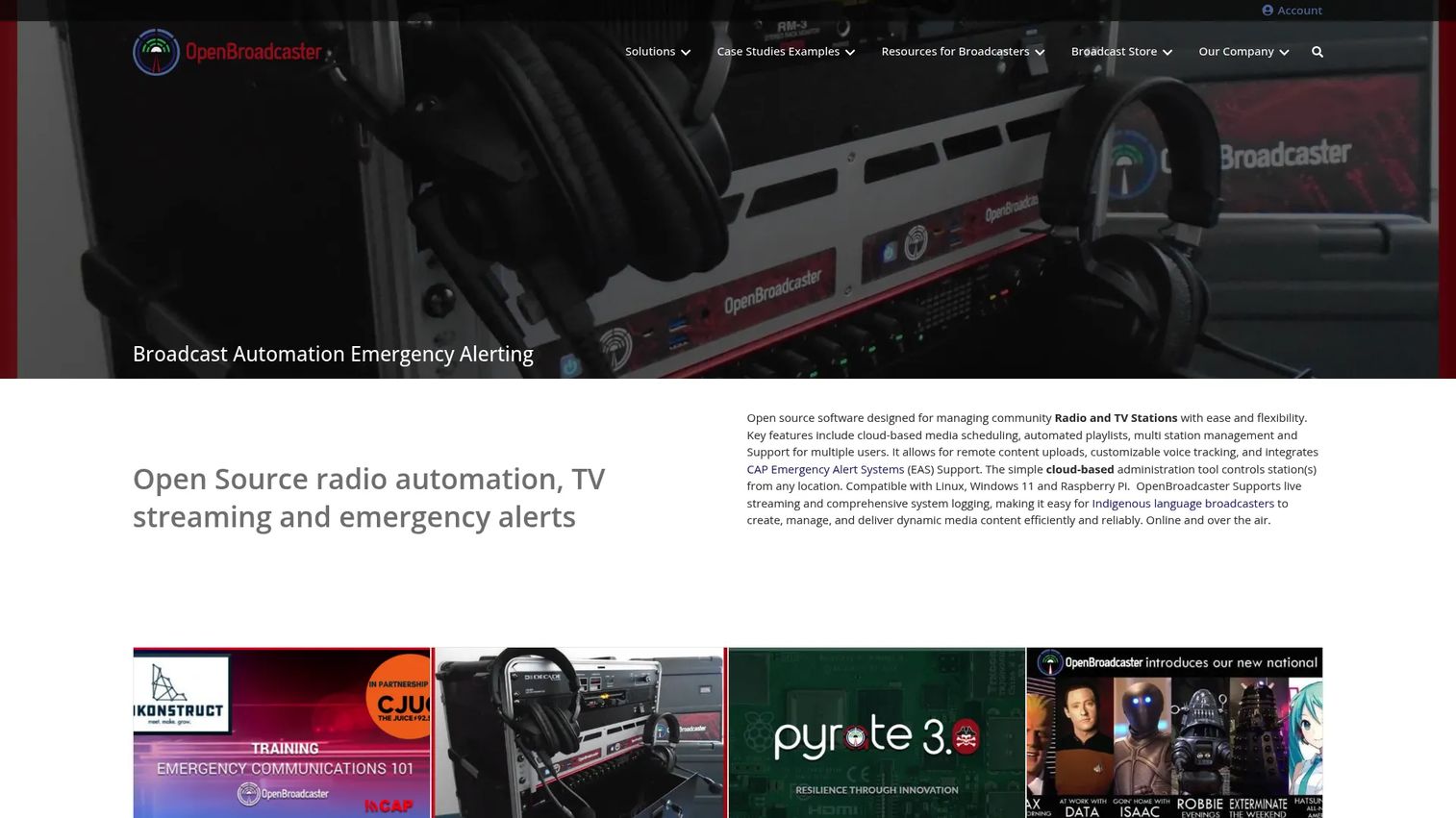
OpenBroadcaster is open-source broadcast automation software for radio, TV, and emergency alerting. It centers on cloud-based media scheduling, automated playlists, and multi-station management, which makes it a practical fit for community broadcasters and public-service operations that need dependable station automation without proprietary licensing. The alerting support is the standout piece for teams with regulatory or public-safety mandates.
Best for: Community broadcasters needing open-source radio and TV automation with emergency alerting.
Key strengths
- Cloud-based scheduling and automated playlists: Build the programming grid once and let the system run unattended playout.
- Multi-station management with multiple-user support: Operate several stations and grant access to multiple operators from one system.
- CAP/EAS emergency alerting support: Trigger and air Common Alerting Protocol and Emergency Alert System messages, which matters for public-safety and regulatory compliance.
Why choose OpenBroadcaster: If you are a community station, an educational broadcaster, or a public-service operation, the open-source model keeps you off per-seat proprietary licensing while still giving you real station automation. The emergency alerting support is genuinely rare at this price point, so teams with CAP/EAS obligations get a capability that usually costs far more elsewhere. It fits operators who value control and continuity over polish.
OpenBroadcaster pricing: The public storefront sells products and services on a one-time basis rather than monthly subscriptions. A basic setup starts at CAD $49.95 (one-time), scaling up to a "Radio Station in a Box" at CAD $19,995.00 and a "Digital TV Station in a Box" at CAD $29,995.00, both one-time. No free tier was found on the pricing pages reviewed. Because the software itself is open-source, self-hosting is an option outside the packaged offerings.
2. Veset Nimbus
Veset Nimbus is cloud-based SaaS for professional linear TV channel creation, automation, and playout. It is built around frame-accurate linear TV playout, web-based scheduling and channel management, and REST API integration, which makes it a strong candidate for broadcasters and service providers scaling channels without racking new hardware. This is the cloud-native option in the list, and it leans into that positioning.
Best for: Broadcasters and media teams launching or managing linear, FAST, or OTT channels in the cloud.
Key strengths
- Frame-accurate linear TV playout: Professional-grade timing for broadcast-quality channels, run entirely in the cloud.
- Web-based scheduling and channel management: A browser-based control room lets your team build and adjust schedules from anywhere.
- REST API integration: Connect playout to your ingest, scheduling, and distribution systems through an API-driven workflow.
Why choose Veset Nimbus: For a product manager weighing scalability and maintainability, the cloud-native model is the argument. Adding a second or third channel becomes configuration rather than capital expenditure, and the web-based control room removes the need for on-site operators. The named editions covering disaster recovery, OTT/FAST, standard, AdWise, and enterprise signal that it is built for teams whose distribution requirements will grow. It fits organizations that want linear reliability without owning the underlying infrastructure.
Veset Nimbus pricing: The public page lists a free 7-day trial and several subscription editions, but does not publish numeric paid prices on the pages reviewed. Pricing appears to follow a monthly subscription model with hourly overage on some editions, notably disaster recovery. Teams should request a quote for exact figures tied to channel count and edition. The free trial gives you a way to validate the workflow before committing.
3. Viloud
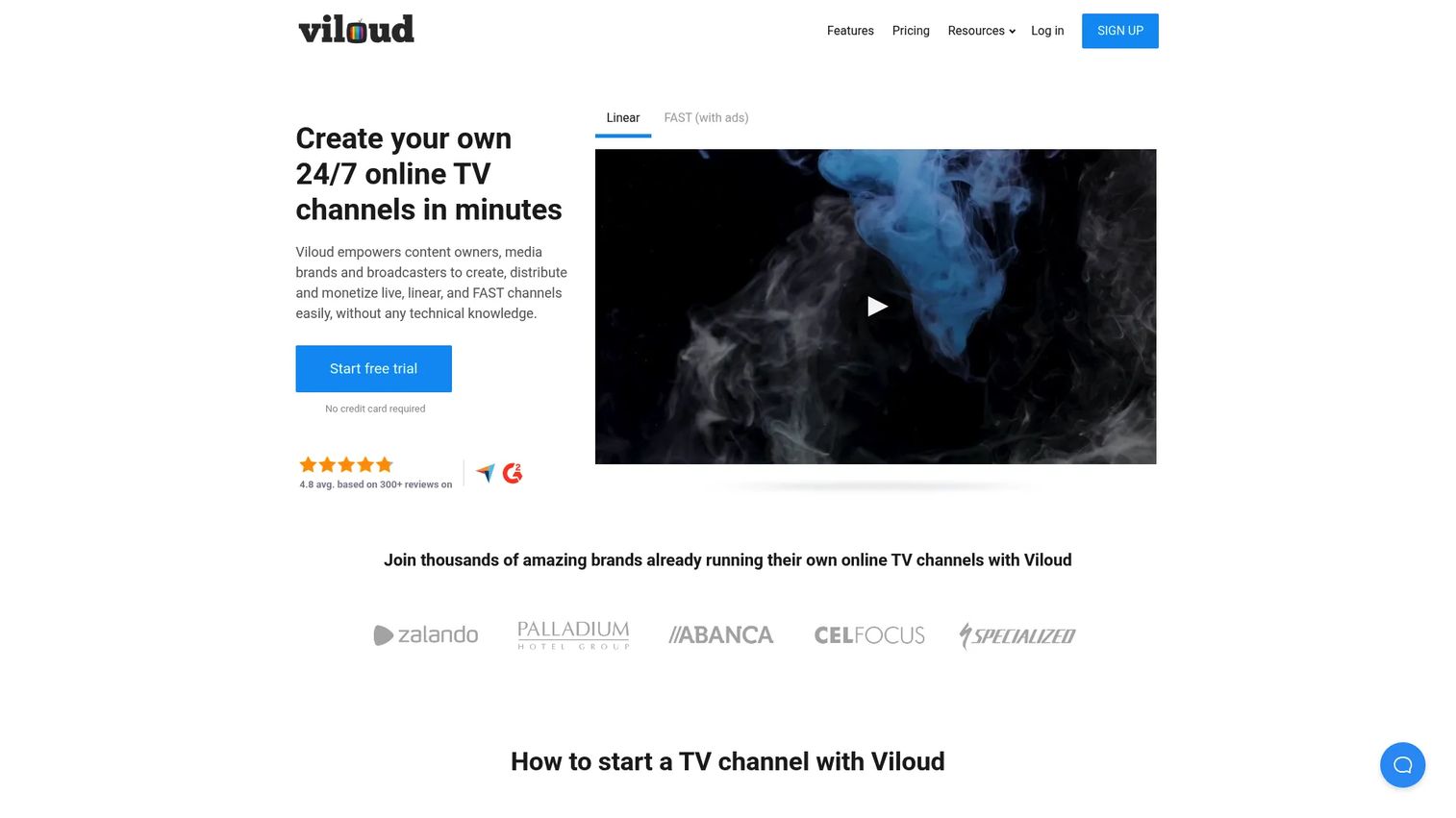
Viloud is an online video platform for creating, streaming, and monetizing live, linear, and on-demand TV channels. It focuses on 24/7 linear TV channels, live streaming with automatic recording, and an embeddable HTML5 player with branding and custom domain support. That combination makes it a fit for teams building branded internet TV rather than traditional broadcast playout, and the cross-device playback is central to its appeal.
Best for: Teams building branded online TV channels with live, linear, or on-demand video.
Key strengths
- 24/7 linear TV channels: Schedule a continuous programming grid that runs around the clock across web and connected devices.
- Live streaming and automatic recording: Stream live events and capture them automatically for later VOD reuse.
- Embeddable HTML5 player with branding and custom domain: Publish your channel on your own site under your brand, with playback that works across desktop, mobile, and smart TVs.
Why choose Viloud: If your distribution target is your own audience rather than a third-party broadcast slot, Viloud gives you a branded channel you control. The embeddable player and custom domain matter for media brands and publishers who want the channel to feel native to their site. Its 4.8/5 G2 rating from reviewers reflects satisfaction with the linear-plus-VOD workflow. It fits content owners prioritizing reach across devices over frame-accurate broadcast timing.
Viloud pricing: Viloud offers PRO, BUSINESS, PREMIUM, and CUSTOM plans, with the CUSTOM tier available on request. The pricing page confirms a 14-day free trial and annual billing, though the individual plan prices were not readable in the source reviewed. Request current figures directly for the tier that matches your channel and streaming volume. The free trial lets you validate channel creation and embed workflows before you subscribe.
4. XSplit Broadcaster
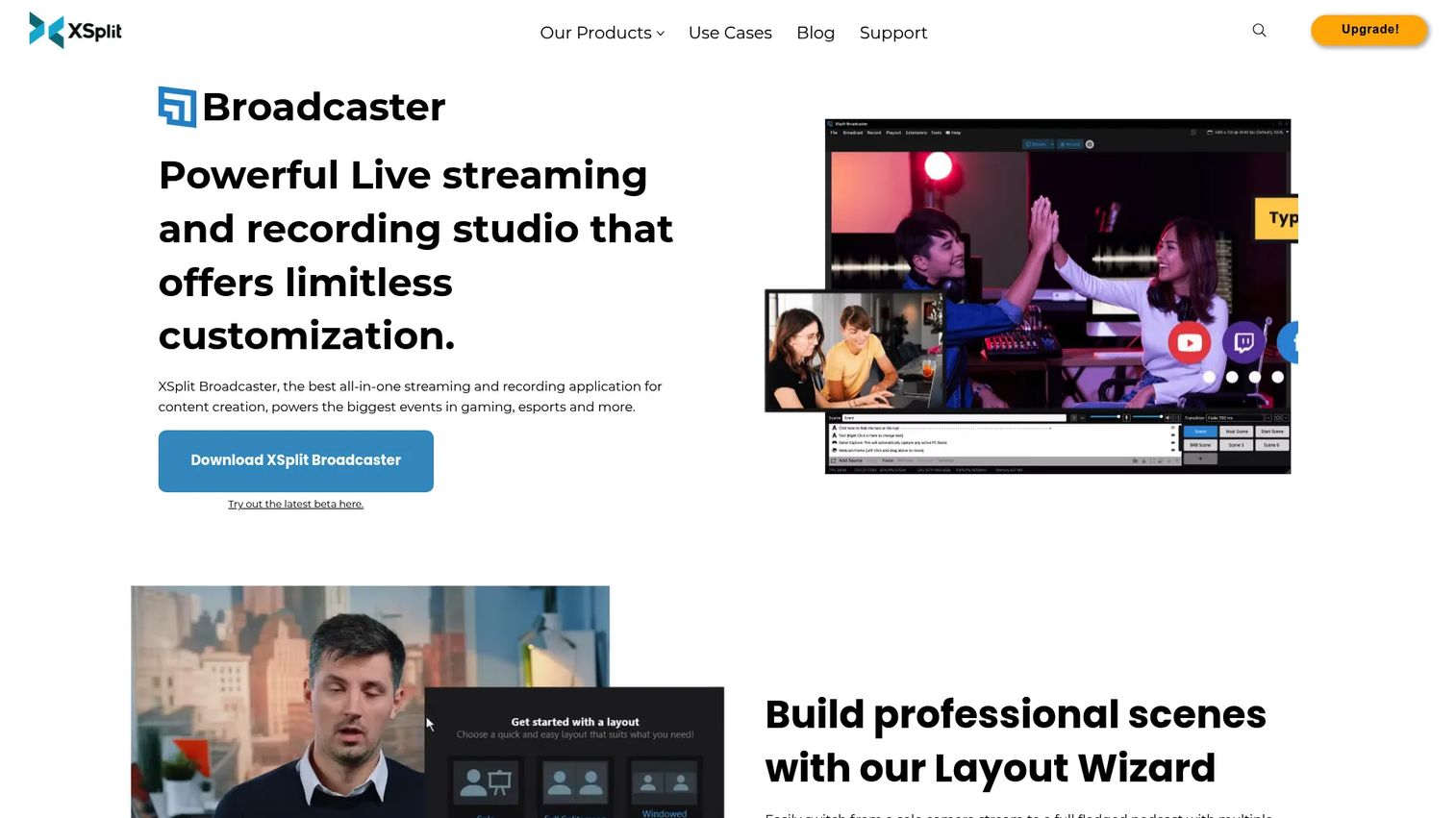
XSplit Broadcaster is live streaming and recording studio software for creating and broadcasting video content. It is built for live production rather than automated linear playout, with multiple audio track recording, multi-guest podcast integration, and simultaneous broadcasting to multiple stream services. That makes it adjacent to the broadcast automation tools above: it is where you produce live content, not where you schedule an unattended channel.
Best for: Creators and teams who want a desktop live streaming and recording studio with podcast-style guest support.
Key strengths
- Multiple audio tracks recording: Capture separate audio channels for cleaner post-production and mixing.
- Multi-guest podcast integration: Bring remote guests into a live show, useful for interview and panel formats.
- Simultaneous broadcasting to multiple stream services: Multistream one production to several destinations at once, with custom RTMP support.
Why choose XSplit Broadcaster: If your workflow is live production, XSplit sits alongside a playout tool rather than replacing it. Scene control, plugins, and multistreaming make it strong for live shows, events, and podcasts that then feed a linear or VOD channel elsewhere. It is worth understanding where it fits: this is production tooling, so pair it with automation software if you also need unattended scheduled playout. It fits teams whose primary job is going live, not running a channel around the clock.
XSplit Broadcaster pricing: XSplit offers a Free plan and a Premium plan. The Free tier is limited to 4 scenes and includes some watermarking, while Premium unlocks unlimited scenes and advanced capabilities. The Premium price was not visible on the first-party pricing page reviewed, so confirm the current figure on the vendor's buy page. The free plan is a genuine way to test the production workflow before upgrading.
Considerations before you buy
A feature checklist will not tell you which tool fits. These criteria will.
Deployment model
Decide between cloud, on-prem, and hybrid before you shortlist. Cloud-based broadcasting software removes hardware and scales channels as a configuration change, which is why it is the fastest-growing segment per TechSci Research (2024). On-prem or self-hosted, as with OpenBroadcaster's open-source model, gives you control and can suit continuity-sensitive operations. Match this to your team's operational reality, not the trend.
Distribution targets
List every endpoint you need: linear TV, OTT apps, FAST platforms, web embeds, mobile, and smart TVs. A tool that nails linear playout may not publish to web the way a branded internet TV platform does. Buy for the targets you have plus the one or two you know are coming, not for a hypothetical full stack.
Automation depth versus live production
Be honest about whether you need unattended playout automation or live production tooling. These are different jobs. Playout automation runs a schedule without a person; live production software puts a person in control of a live show. Some teams need both, in which case pair the tools rather than forcing one to do the other's job.
Continuity and alerting requirements
If you have regulatory or public-safety obligations, emergency alerting and disaster recovery move from nice-to-have to mandatory. Verify CAP/EAS support and failover channel options up front. Retrofitting continuity into a tool that was never built for it is expensive and slow.
Maintainability across releases
As a product manager, weigh the ongoing cost, not just the purchase. Web-based control rooms and API-driven workflows reduce the operational tax as your product and channel lineup change. Ask how the tool handles schedule changes, media re-ingest, and new channel launches without engineering firefighting.
Conclusion
The best TV broadcast software depends entirely on the job in front of you. OpenBroadcaster fits community and public-service broadcasters who want open-source station automation with real emergency alerting. Veset Nimbus is the cloud-native pick for broadcasters and service providers scaling linear, OTT, and FAST channels without hardware. Viloud is built for teams publishing branded internet TV and VOD across web, mobile, and smart TVs. XSplit Broadcaster is the live production and multistreaming studio for creators and teams going live rather than automating a channel.
Your next step is simple: write down your distribution targets and deployment constraints first, then use the free trials. Veset Nimbus offers a 7-day trial, Viloud a 14-day trial, and XSplit a free plan, so you can validate the actual workflow before committing budget. Architectural fit will tell you more in a week of hands-on testing than any feature comparison will.
FAQs
TV broadcast software is used to schedule, automate, and distribute television content across linear, OTT, FAST, web, mobile, and smart TV endpoints. It replaces manual playout and ad hoc streaming with automated, repeatable channel operations, so a team can run channels reliably without babysitting the timeline. Common jobs include playout automation, channel scheduling, media asset management, and multi-platform delivery.
The features that matter most are playout automation, channel scheduling and playlist management, media asset management, and multi-platform distribution. Beyond those, deployment flexibility (cloud, on-prem, or hybrid), API-driven workflows, and, for regulated broadcasters, emergency alerting and disaster recovery are decisive. Prioritize the capabilities that match your distribution targets rather than chasing the longest feature list.
Neither is universally better; the right choice depends on your constraints. Cloud-based broadcasting software removes hardware, scales channels as a configuration change, and is the fastest-growing segment per TechSci Research (2024). On-prem or self-hosted options give you direct control and can suit continuity-sensitive or bandwidth-constrained operations. Match the model to your team's operational reality and distribution needs.
Playout automation runs a scheduled timeline of content unattended, airing a linear channel without a person triggering each item. Live streaming and production software, like XSplit Broadcaster, puts a presenter in control of a live show in real time. Many teams need both: production tooling to create live content and playout automation to run scheduled channels around the clock.
Yes, most modern television broadcasting software distributes to OTT apps, FAST platforms, web embeds, mobile, and smart TVs. Tools like Veset Nimbus target linear, OTT, and FAST channels, while platforms like Viloud publish branded channels with an embeddable HTML5 player across devices. Confirm the specific delivery formats, such as HLS (M3U8) or HTTP, that each endpoint requires.
For frame-accurate cloud scheduling across linear, OTT, and FAST channels, Veset Nimbus is a strong choice. For branded 24/7 internet TV channels with linear and VOD scheduling, Viloud fits well. For open-source station automation with automated playlists and multi-station management, OpenBroadcaster is the practical pick. Match the scheduler to your deployment model and distribution targets.
Broadcasters with regulatory or public-safety obligations do need emergency alerting, typically CAP/EAS support, and often disaster recovery with failover channels. OpenBroadcaster includes CAP/EAS alerting, and Veset Nimbus offers a disaster recovery edition. If you have continuity requirements, verify these capabilities up front, because retrofitting them into a tool that was not designed for them is costly.
A product manager should evaluate deployment model, distribution targets, automation depth versus live production needs, continuity and alerting requirements, and maintainability across releases. Weigh the ongoing operational cost, not just the purchase price, and favor web-based control rooms and API-driven workflows that scale as your channel lineup changes. Use free trials to validate architectural fit before committing budget.