
It is 9 PM. The recital is six weeks out. You have a spreadsheet for enrollment, a group text thread for costume sizes, a payment app that does not talk to your class roster, and eleven parent emails asking why their autopay did not go through. Every one of those tasks is a manual handoff. Every handoff is a place where money leaks, a class fills wrong, or a family slips through.
This is the operational tax of running a dance studio on disconnected tools. And it is getting more expensive to ignore. The global dance studio software market hit USD 3.07B in 2025 and is projected to reach USD 4.88B by 2034, according to The Insight Partners. Cloud deployment already accounts for 54.7% of the market, per Future Market Report. Studios are not adopting dance studio management software because it is trendy. They are adopting it because the manual version stops scaling the moment you cross a few hundred students.
The right dance school software collapses registration, tuition collection, class scheduling, family communication, and recital planning into one system where each action updates the next automatically. The wrong choice adds another login to your pile. This guide is built to help you tell the difference before you sign anything.
If you run software comparisons for other parts of your business, the same evaluation discipline applies whether you are choosing event management software for a showcase or loyalty management software to keep families enrolled season after season.
What's inside
This guide compares seven dance studio software platforms built for studios that need better registration, scheduling, billing, family communication, and recital workflows. It is written for studio owners and operators who are past the spreadsheet stage and want a repeatable operating system instead of a pile of apps.
We evaluated each tool on five criteria: feature breadth across the full student lifecycle, pricing clarity, quality of support, ease of implementation, and fit for small or growing studios. Every entry covers what the tool does, who it fits, verified pricing where the vendor publishes it, and the specific studio type it serves best. No hype, no filler ranking.
TL;DR
- Best overall for full operations: Jackrabbit Dance, for studios that want registration, billing, and parent communication in one mature platform.
- Best for transparent pricing and support: Studio Pro, with flat monthly plans and unlimited students.
- Best for straightforward all-in-one admin: Dance Studio Manager, at a single low monthly rate.
- Best for online enrollment and timetable visibility: StudioLAB, with a family portal and embedded class timetable.
- Best for small studios wanting simpler scheduling: ChoreoDesk, a connected scheduling and payments system.
- Best for established studio management workflows: DanceStudio-Pro, with registration, payments, and recital tools.
- Best for broader studio operations coverage: DanceStudioHQ, an automation platform for leads, onboarding, and retention.
If your studio is scaling fast and admin is the bottleneck, an all-in-one studio software that handles tuition collection and recital planning together will move the needle more than any single-purpose app.
What is dance studio software?
Dance studio software is a management platform that runs the operational side of a dance school, handling registration, class scheduling, tuition billing, family communication, and recital planning from one connected system. It replaces the spreadsheets, group texts, and standalone payment apps most studios start with.
The category has a consistent core set of capabilities. When you evaluate any dance studio management software, check for these:
- Registration and enrollment: online enrollment forms, waitlists, and account creation that feed directly into class rosters.
- Class scheduling and timetable management: the class management engine that handles instructors, rooms, levels, and recurring sessions.
- Tuition and recurring billing: dance studio billing software features like stored payment methods, autopay, and defined billing cycles for tuition collection.
- Parent and family portals: a parent portal or account portal where families self-serve on balances, enrollment, and class changes.
- Communication and reminders: family communication tools for announcements, payment reminders, and schedule updates.
- Recital planning and ticketing: dance studio recital software features covering costumes, show scheduling, and ticketing.
- Reporting and business visibility: dashboards on revenue, attendance, and enrollment so you can make weekly decisions from data instead of guesses.
North America holds the largest share of this market at 38.55% in 2025, according to Cognitive Market Research, which is why most of the tools below are built around US billing, tax, and communication norms.
When to use dance studio software
Not every studio needs the same depth. Here is how to pattern-match to your situation before you scan the list.
When manual admin is slowing the studio down
If your staff spends hours each week on payment reminders, schedule edits, and enrollment emails, the math already favors software. Every manual reminder is time not spent teaching or growing. Dance studio payment automation alone, moving tuition collection to stored cards and autopay, tends to recover the most staff hours per month because it removes the single most repetitive task in the studio.
When parents need self-service access
Parents want to check a balance, swap a class, or update a card without emailing you. A parent portal turns those requests into self-serve actions. That cuts your inbox volume and gives families 24/7 access to enrollment, schedules, and payment history. The back-and-forth that eats your evenings largely disappears once families can answer their own questions.
When recital season creates operational chaos
Recital planning is where studios feel the pain most acutely. Costume sizing, show schedules, program orders, and ticket sales all pile up in the same six-week window. Dance studio recital software that handles costume management, recital scheduling, and ticketing together is a major differentiator. If recital season is the reason you are searching, weight this capability heavily.
Comparison table
Here is the shortlist at a glance. Pricing and ratings reflect each vendor's published figures where available.
| # | Product | Intent | Key use case | Pricing | G2 rating |
|---|---|---|---|---|---|
| 1 | Jackrabbit Dance | Full operations | All-in-one registration, billing, parent communication | From $49/mo | 4.2/5 |
| 2 | Studio Pro | Transparent pricing | Flat-rate management with unlimited students | From $45/mo | 4.1/5 |
| 3 | Dance Studio Manager | Simple all-in-one | Scheduling, billing, messaging, client portal | $40/mo | 4.5/5 |
| 4 | StudioLAB | Enrollment and timetable | Family portal, automated payments, class timetable | From $29/mo | Not listed |
| 5 | ChoreoDesk | Simpler scheduling | Connected scheduling, attendance, credits, payments | From 24.99 EUR/mo | Not listed |
| 6 | DanceStudio-Pro | Established workflows | Registration, payments, recital and ticketing | From $45/mo | 4.1/5 |
| 7 | DanceStudioHQ | Broader operations | Lead capture, onboarding, retention automation | From $222.50/mo | Not listed |
The 7 best dance studio software platforms
1. Jackrabbit Dance
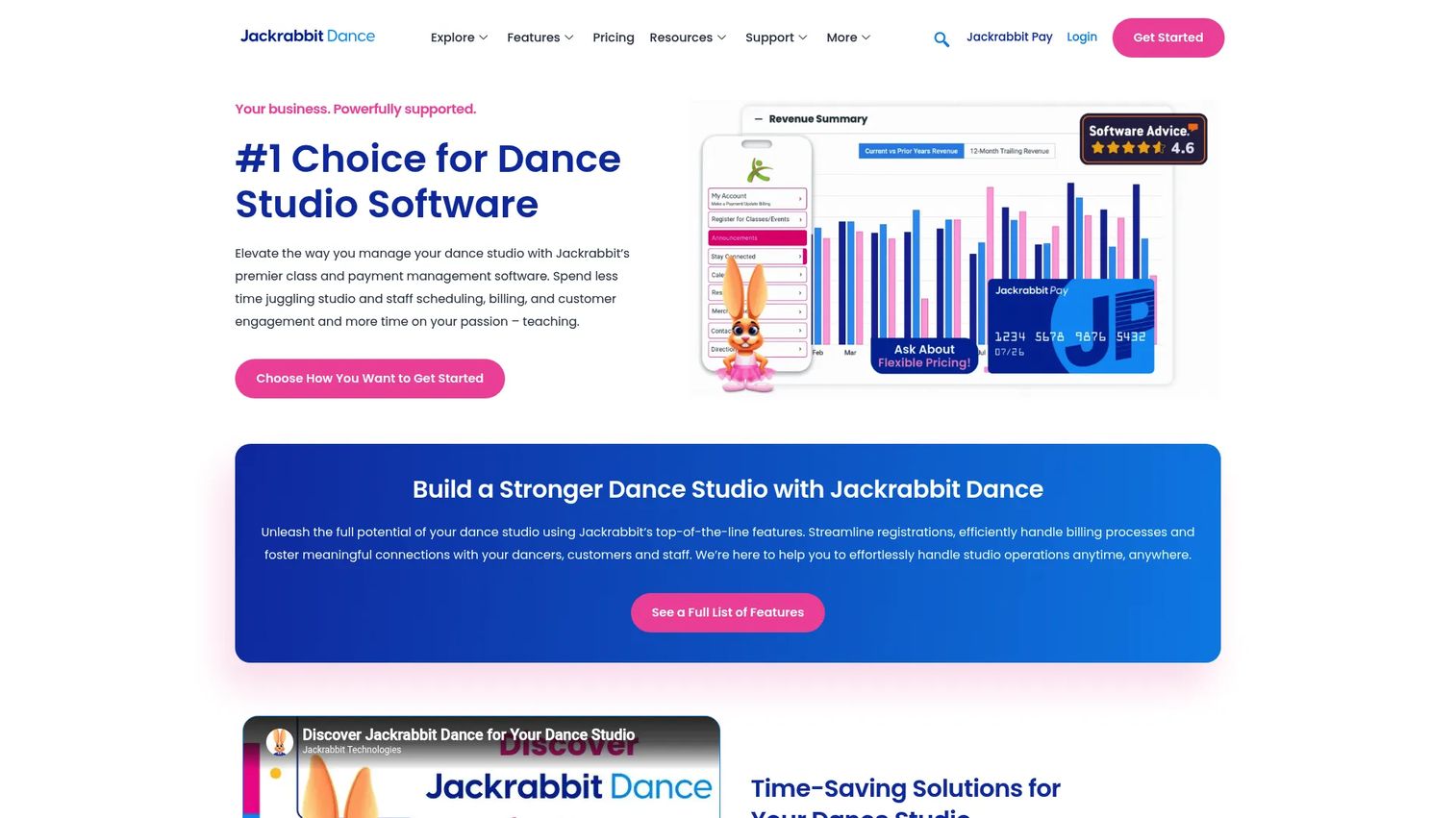
Jackrabbit Dance is cloud-based dance studio management software for enrollment, billing, scheduling, and day-to-day studio operations. It is one of the longest-running platforms in the category and leans on that maturity, with a deep feature set built to run a studio's entire student lifecycle from a single system. Studios that have outgrown lighter tools tend to land here because the platform scales without forcing a migration later.
Best for: studios that want an all-in-one class, billing, and parent communication system that grows with them.
Key strengths
- Online class registration: families enroll through online forms that feed straight into class rosters, no manual re-entry.
- Billing and payment processing: stored payment methods and recurring billing automate tuition collection and cut the payment-reminder workload.
- Studio scheduling and reporting: a full class management engine plus reporting that gives you real visibility into enrollment and revenue.
Why choose Jackrabbit Dance: it fits studios that need depth and longevity in one platform. If you are scaling and want a system that already handles the edge cases, from complex family accounts to detailed reporting, this is the mature option that will not cap your growth.
Jackrabbit Dance pricing: published pricing is student-count based and starts at $49 per month. Jackrabbit Plus starts at $93 per month, and an Enterprise plan runs $245 per month. A free trial is available, so you can test the workflows against your own class structure before committing.
2. Studio Pro
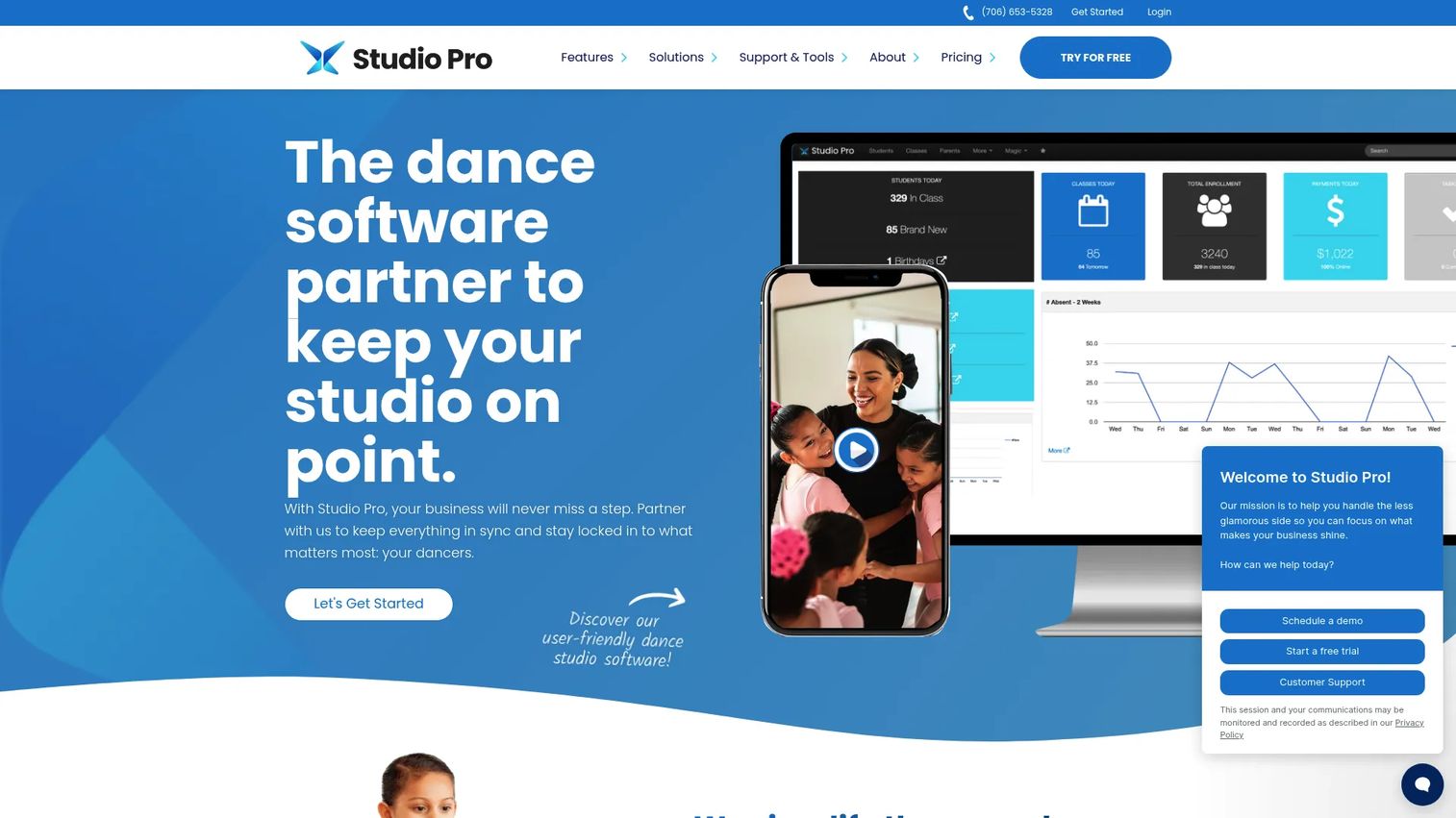
Studio Pro is dance studio management software covering registration, tuition, communication, recitals, and family management. Its pitch is transparent, flat-rate pricing paired with unlimited students and classes, which removes the guessing game that student-count pricing can introduce. For studios that want to know their monthly number regardless of how fast they grow, that predictability matters.
Best for: studios that want flat-rate dance school software with unlimited students and classes and a strong support story.
Key strengths
- Lead management: capture and track prospective families so trial classes convert into enrollments.
- Tuition and payments: recurring billing and dance studio payment automation keep tuition collection consistent month to month.
- Recitals and ticketing: built-in recital planning and ticketing handle the show-season workload that overwhelms manual systems.
Why choose Studio Pro: the combination of flat pricing and unlimited students makes budgeting simple, and the recital tooling means you are not bolting on a separate ticketing app at the worst possible time of year. It suits owners who want one predictable bill and full lifecycle coverage.
Studio Pro pricing: three flat monthly plans, all with unlimited students. Essentials is $45 per month, Premier is $75 per month, and Elite is $150 per month. Features scale by plan rather than by student count, so your bill stays flat as enrollment grows.
3. Dance Studio Manager
Dance Studio Manager is software for dance studios to manage scheduling, billing, attendance, messaging, and client portals. It keeps the model simple: one core price for the platform and a clear optional add-on if you want a branded mobile app. Studios that want operational clarity without tier-shopping tend to appreciate the straightforwardness.
Best for: studios that want an all-in-one management system with attendance, billing, and messaging at a single low rate.
Key strengths
- Class scheduling: a clean class management and scheduling engine for instructors, rooms, and recurring sessions.
- Online registration and client portal: dance studio registration software with an account portal where families self-serve on enrollment and updates.
- Payments and tuition billing: recurring payments and tuition billing keep dance studio billing running without manual chasing.
Why choose Dance Studio Manager: if you want the core operations covered without navigating multiple pricing tiers, this is the direct option. The optional white-label app lets you add a branded parent experience only when you are ready for it.
Dance Studio Manager pricing: the core software is $40 per month. A white-label iOS and Android app is an optional add-on at an extra $50 per month. A free trial is offered so you can validate the fit before paying.
4. StudioLAB
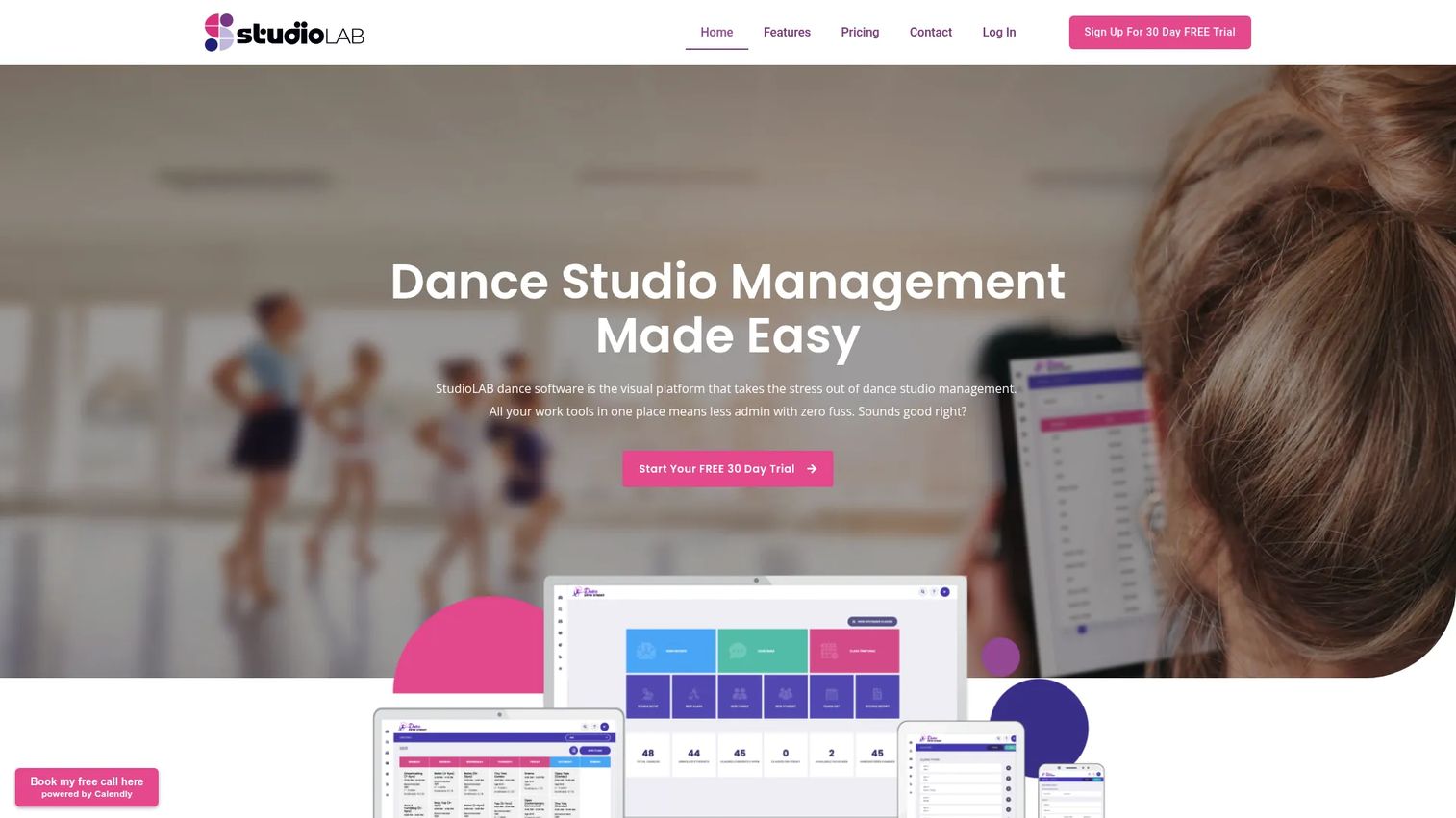
StudioLAB is dance studio management software for class charging, enrollments, timetabling, payments, and messaging. Its distinguishing angle is the embedded, integrated timetable paired with a family portal, so enrollment and scheduling visibility live in the same place families already check. That reduces the number of separate touchpoints a parent has to navigate.
Best for: studios needing an all-in-one management and billing system with strong online enrollment and timetable visibility.
Key strengths
- Family portal: a self-serve parent portal for balances, enrollment, and class information in one place.
- Automated payments: dance studio payment automation for recurring tuition collection without manual invoicing.
- Class timetable: an integrated timetable that keeps dance studio scheduling and enrollment visibility connected.
Why choose StudioLAB: the embedded timetable and family portal combination is the draw for studios that want online enrollment and schedule visibility working together. If parents constantly ask "when is my kid's class," surfacing that in the same portal they pay from cuts the noise.
StudioLAB pricing: plans are based on student count and all include the full feature set. Pricing starts at $29 per month for up to 50 students and scales up through tiers to $159 per month for 1000-plus students. A free 30-day trial is available. Pricing is in USD for countries outside Australia and in AUD, excluding GST, for Australian studios.
5. ChoreoDesk
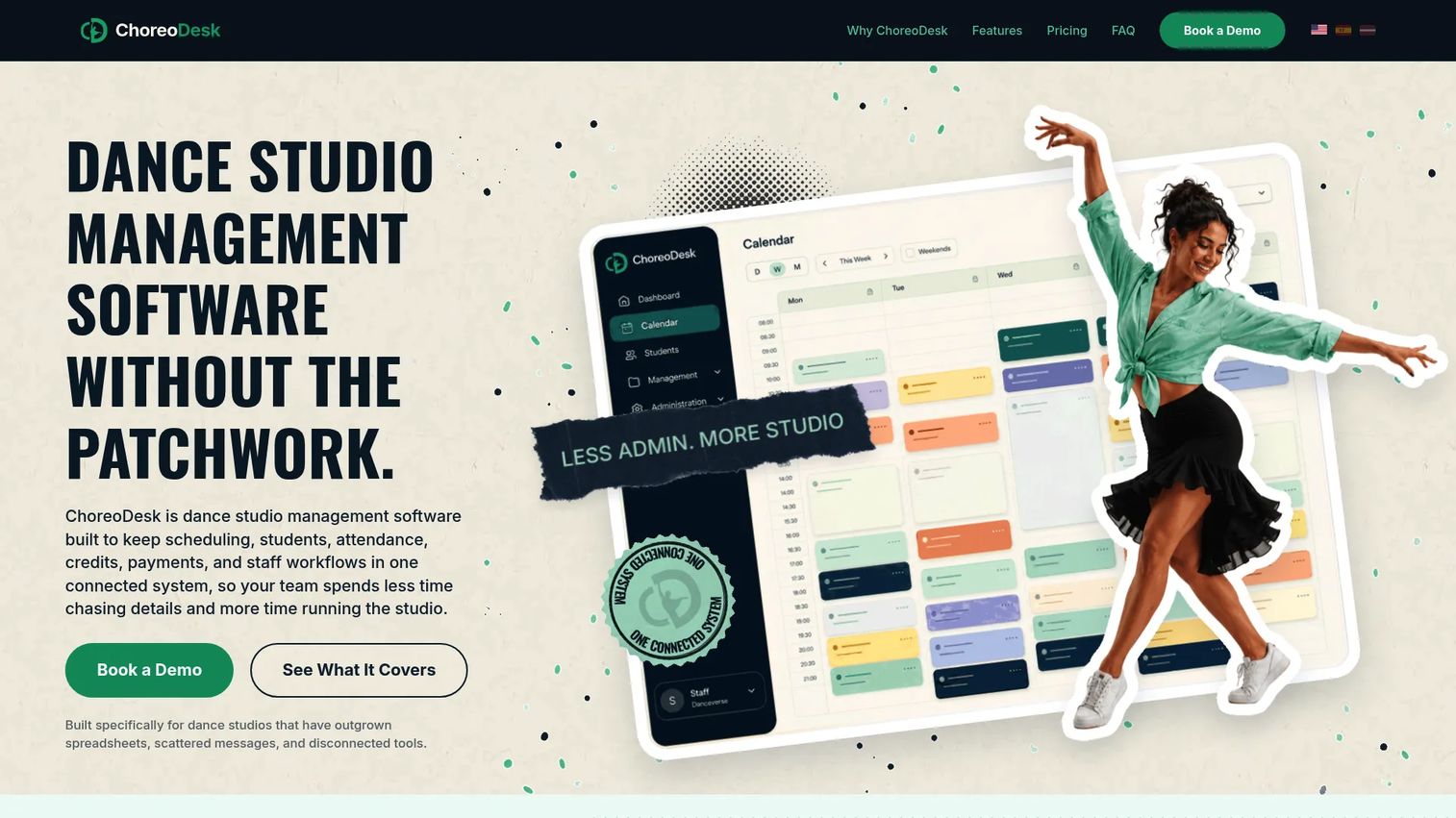
ChoreoDesk is dance studio management software for scheduling, students, attendance, credits, payments, and staff workflows. It is built specifically for studios that have outgrown spreadsheets and scattered messages but want a clean, connected operating system rather than a sprawling enterprise platform. The scheduling views and connected records make it a strong fit for smaller teams.
Best for: smaller studios that want one connected tool for scheduling, attendance, credits, and payments.
Key strengths
- Calendar and scheduling: daily, weekly, and monthly views make dance studio scheduling clear at any zoom level.
- Connected student records: student, credit, and payment records live in one system so nothing falls between tools.
- Staff roles and workflows: staff permissions and operational workflows keep a small team coordinated without confusion.
Why choose ChoreoDesk: it fits owners of smaller or growing studios who want a cleaner operating system without the weight of a large platform. The connected records mean scheduling, attendance, and payments update each other instead of living in separate silos.
ChoreoDesk pricing: two plans, Basic and Advanced. Basic is 24.99 EUR per month, or 299.88 EUR billed annually. Advanced is 49.99 EUR per month, or 599.88 EUR billed annually. Annual billing lowers the monthly-equivalent rate, and student and class-type allowances scale with the plan.
6. DanceStudio-Pro
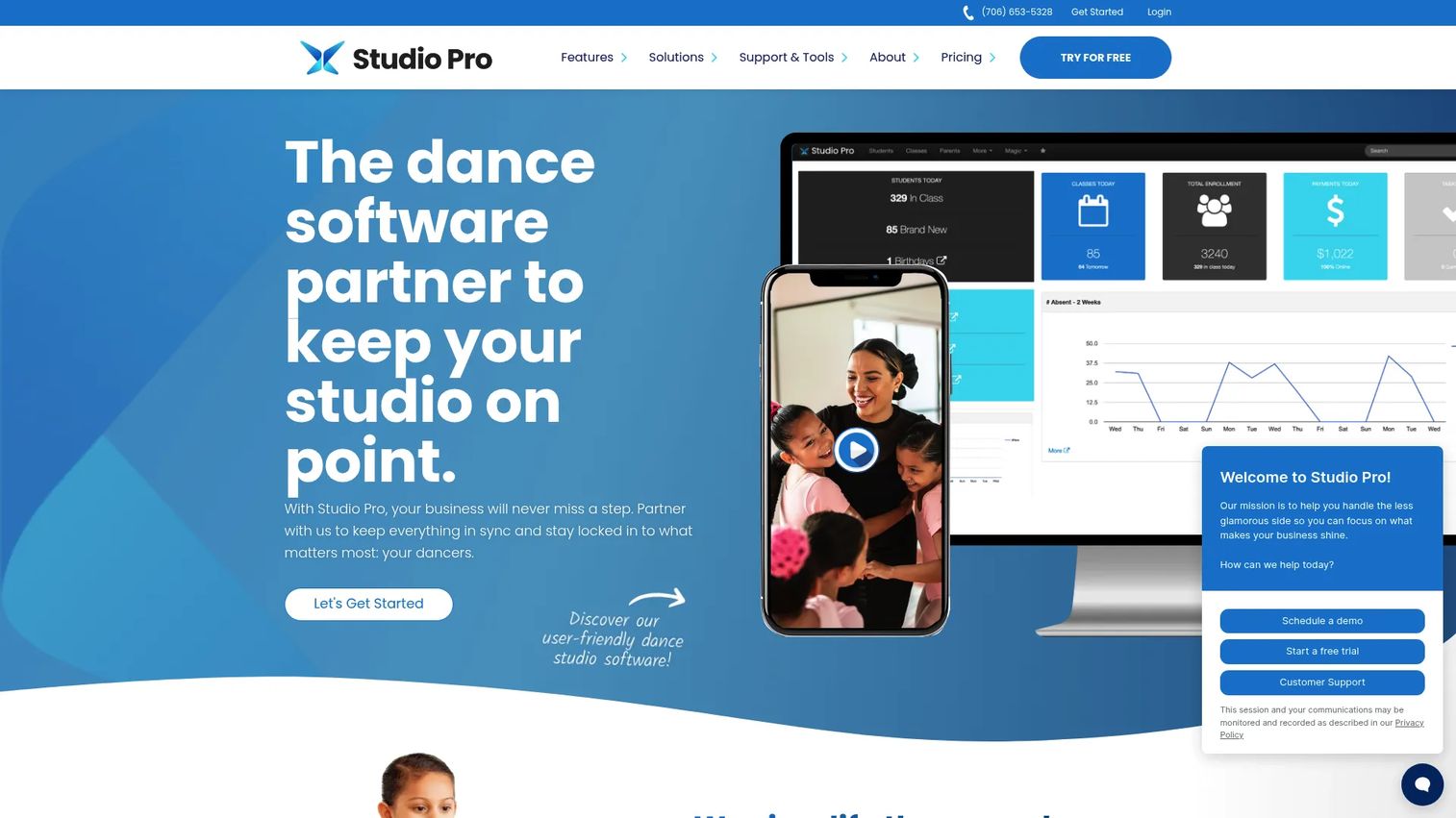
DanceStudio-Pro is a studio management platform for dance studios with registration, payments, communication, recital, and ticketing tools. It covers the full workflow most established studios run on, from lead capture through recital ticketing, in one place. Studios that want mature, all-in-one workflow coverage without piecing together separate apps find it a comfortable fit.
Best for: studios needing all-in-one class, tuition, communication, and recital management in an established platform.
Key strengths
- Lead management: track prospective families from first inquiry through enrollment.
- Registration, classes, and scheduling: dance studio registration software plus class management and scheduling in one connected system.
- Tuition and payments: recurring billing and tuition collection keep dance studio billing consistent.
Why choose DanceStudio-Pro: it suits studios that want established, all-in-one workflows including recital and ticketing tools. If recital season is a major operational event for you, having registration, payments, and ticketing under one roof removes the scramble of stitching tools together in show week.
DanceStudio-Pro pricing: flat monthly pricing with unlimited students. Plans are Essentials at $45 per month, Premier at $75 per month, and Elite at $150 per month. A public 30-day free trial is offered, so you can run the recital and billing workflows against a real season before deciding.
7. DanceStudioHQ

DanceStudioHQ is an automation platform for dance studios focused on lead capture, onboarding, retention, and marketing workflows. It approaches studio operations from the growth side, prioritizing how you attract, onboard, and keep families rather than only how you schedule and bill them. For owners whose bottleneck is retention and lead conversion, that emphasis is the differentiator.
Best for: studios that want an all-in-one automation system for leads, onboarding, and retention.
Key strengths
- Lead capture and nurture: automated capture and follow-up so prospective families do not slip away before their first class.
- Onboarding and retention: workflows that guide new families through onboarding and keep existing ones enrolled season to season.
- Integrations: Zapier-based integrations connect DanceStudioHQ with enrollment platforms so it layers onto your existing stack.
Why choose DanceStudioHQ: it covers broader studio operations by focusing on the growth engine, lead capture, onboarding, and retention, and connecting to enrollment tools you may already use. If your enrollment and scheduling are handled but your growth and retention are not, this fills that gap.
DanceStudioHQ pricing: a single automation suite with monthly and annual billing rather than confusing tiers. Monthly billing is $267 per month, and annual billing brings it to the equivalent of $222.50 per month. The site states a 60-day free trial.
Considerations before you buy
Once you have a shortlist, run each finalist through this checklist before signing.
Pricing model and how it scales
Decide whether flat-rate or student-count pricing fits your trajectory. Flat plans like Studio Pro and DanceStudio-Pro keep your bill predictable as you grow. Student-count models like Jackrabbit Dance and StudioLAB start lower and rise with enrollment. Neither is better in the abstract, it depends on your growth curve.
Billing and payment automation
Confirm the platform supports stored payment methods, autopay, and the billing cycles you actually use. Dance studio payment automation is where most studios recover the largest chunk of staff time, so test whether tuition collection runs without manual intervention during a real billing cycle.
Family communication and portal depth
Check what parents can actually do in the portal without emailing you. Balances, class changes, enrollment, and payment history should all be self-serve. A thin portal that still routes basic questions to your inbox will not deliver the time savings you are buying.
Recital and event workflows
If recital season is a major operational event, verify the tool handles costumes, scheduling, and ticketing together. Piecing recital planning across separate apps in show week is exactly the chaos you are trying to eliminate.
Implementation and support
Ask how long setup takes and what support looks like when you are stuck mid-season. Most of these vendors offer free trials. Use them to migrate real class data and test the workflows you run most, not the demo scenario the vendor hands you.
Conclusion
The right dance school software depends less on feature counts and more on where your operation hurts. If you want mature, all-in-one depth that scales without a future migration, Jackrabbit Dance is the safe anchor. If predictable budgeting matters most, Studio Pro and DanceStudio-Pro offer flat pricing with unlimited students and full recital tooling. If you want simple all-in-one admin at a single low rate, Dance Studio Manager is the direct pick. StudioLAB stands out for online enrollment and integrated timetable visibility, ChoreoDesk for smaller studios wanting cleaner scheduling, and DanceStudioHQ for studios whose real gap is lead capture and retention.
The next step is simple: pick your top two finalists based on the pain that costs you the most, whether that is billing, parent communication, or recital season, and run both free trials with your real class data. The tool that removes the most manual work in week one is the one that earns a place in your studio. Compare two finalists side by side before you commit to a full season on either.
FAQs
For small studios, prioritize setup speed and pricing simplicity over deep feature sets. ChoreoDesk suits smaller teams with connected scheduling, attendance, and payments, while Dance Studio Manager offers all-in-one admin at a single $40 per month rate. If you do not run recital-heavy operations, you can skip the platforms built around ticketing and choose a lighter, cleaner system.
Strong dance studio management software should cover registration and online enrollment, class scheduling, tuition and recurring billing, a parent portal for self-service, family communication and reminders, and reporting on enrollment and revenue. Recital planning and ticketing matter heavily if show season is a major event for your studio. The core test is whether each action, like an enrollment, automatically updates the next, like the class roster and billing.
Dance studio recital software brings costume management, show scheduling, program organization, and ticket sales into one place instead of scattered spreadsheets and text threads. It also connects recital communication to your existing family contacts, so announcements and reminders reach parents through the same system they already use. Platforms like Studio Pro and DanceStudio-Pro build recital and ticketing tools directly into the operations suite.
Yes. Studio Pro, Dance Studio Manager, StudioLAB, ChoreoDesk, DanceStudioHQ, and DanceStudio-Pro all publish pricing openly. Flat-rate options like Studio Pro and DanceStudio-Pro keep the number fixed regardless of student count, while StudioLAB and Jackrabbit Dance scale pricing with enrollment. Publishing pricing openly is common in this category, which makes budgeting easier than in software segments that gate every quote behind a sales call.
Yes. Most platforms here support dance studio payment automation through stored payment methods, autopay, and defined billing cycles. That means tuition collection runs on schedule without staff manually sending invoices or chasing late payments. Verify during a free trial that the billing cycle options match how you actually charge families, whether monthly, per session, or by term.
A parent portal is one of the highest-value features because it turns routine requests into self-serve actions. Families can check balances, change classes, view schedules, and update payment methods without emailing your front desk. That cuts inbox volume for your staff and gives parents 24/7 access, which is why nearly every platform in this guide includes a family or account portal.