Your new reps need to be ready to sell in 30 days. Onboarding content lives in four different tools. Certifications track in a spreadsheet. Managers keep asking whether the team is actually prepared, and you can't answer with anything more precise than "they completed the modules."
That gap between content and readiness is the real problem digital learning platforms are supposed to solve. The category is enormous: The global e-learning services market reached $353 billion in 2025 (Grand View Research, 2026), and it spans LMS platforms, course marketplaces, classroom coordination tools, and course creation systems. Most of them weren't built with sales enablement in mind.
This guide cuts through that sprawl. Each platform is evaluated through the lens of what enablement and L&D teams actually need: Structured learning paths, certification tracking, governance, analytics tied to behavior change, and integrations with the tools revenue teams already use.
What's inside
This guide compares 14 digital learning platforms across four platform types: LMS platforms, corporate training systems, course marketplaces, and course creation tools. It's written for enablement managers, L&D leads, education administrators, and operations teams choosing a learning system.
Selection criteria:
- Learning delivery fit: Does it match the learning job you're trying to do?
- Governance and content maintenance: Can you keep training current without heavy overhead?
- Assessment and certification support: Does it go beyond completion to measure readiness?
- Analytics and reporting: Can you tie learning data to behavior change and business outcomes?
- Pricing and scalability: Does it fit your team size and budget?
TL;DR
- Best overall LMS for structured learning: Canvas, for broad education and corporate training programs with strong admin control
- Best for enterprise academic institutions: Blackboard Learn, for complex governance and institutional reporting
- Best for K-12 classroom coordination: Google Classroom and Schoology Learning serve teachers and families well
- Best for broad skills libraries: Udemy Business (Team Plan from $360 per user per year) and LinkedIn Learning cover professional development at scale
- Best for internal corporate training: iSpring LMS, for rep onboarding, certification, and SCORM-based content
- Best for course selling: Thinkific, with plans starting at $54 per month for creators and businesses monetizing learning
What is digital learning platform software?
Digital learning platform software is a system that helps organizations deliver, manage, track, and improve learning through online content, courses, assessments, collaboration, and learner analytics.
The category contains several distinct platform types, each built for a different job:
- LMS platforms: Manage structured courses, learning paths, assignments, grading, and reporting. Examples include Canvas, Blackboard Learn, D2L Brightspace, Moodle, and Schoology Learning. These are the backbone of most sales training software programs.
- Corporate training platforms: Built for internal learning, onboarding, compliance, and certification. iSpring LMS fits here.
- Course marketplaces: Provide ready-made content libraries from external instructors or institutions. Udemy Business, LinkedIn Learning, Coursera, and edX sit in this group.
- Classroom platforms: Support teacher-student workflows day to day. Google Classroom and Google Workspace for Education are the standard.
- Course creation platforms: Help creators build, publish, and sell learning products. Thinkific is the example here.
Core capabilities to look for across any digital learning platform:
- Course delivery and structured learning paths
- Assessments, quizzes, and graded assignments
- Certification and completion tracking
- Analytics and reporting dashboards
- Collaboration tools and discussion boards
- Mobile access
- Integrations with CRM, HRIS, and SSO systems
An LMS manages structured internal learning. A course marketplace delivers external content at scale. A course creation platform is for publishing and selling. Knowing which job you need done before evaluating vendors saves months.
When to use a digital learning platform
Build repeatable onboarding programs
When a new rep joins, the first 30 days determine how quickly they contribute. Digital learning platforms let enablement teams design structured onboarding paths with required modules, knowledge checks, and certification gates. Managers get visibility into who has completed what, not just who clicked "next." Platforms with strong LMS capabilities let you assign different paths by role, region, or product line without rebuilding content from scratch.
Deliver consistent training at scale
Product launches, pricing changes, and new talk tracks cannot reach the team through Slack threads and forwarded PDFs. A learning platform creates a single source of truth for training content, with version control and automated reassignment when content updates. Every rep hears the same message, in the same sequence, with a timestamp to prove it. For sales enablement, this is how you maintain consistency without a live training session every time something changes.
Measure learning engagement and readiness
Completion rates tell you who clicked through. They do not tell you who understood or changed their behavior. Stronger platforms surface assessment scores, time spent per module, certification status, and quiz performance by rep or cohort. Connect those signals to your sales analytics software and you can start drawing a line from training completion to pipeline metrics.
Digital learning platform comparison
The 14 platforms below span fundamentally different categories. Avoid choosing based on name recognition alone. First decide whether you need an LMS for structured internal programs, a content library for skills development, a classroom tool for educators, or a course-selling system. The table reflects the full range, so use it to narrow your category before comparing vendors within it.
| # | Product | Best for | Key differentiator | Pricing | G2 rating |
|---|---|---|---|---|---|
| 1 | Canvas | Broad LMS programs | Flexible LMS for education and structured learning | Contact sales (free teacher plan) | N/A |
| 2 | Blackboard Learn | Enterprise academic institutions | Mature higher education LMS workflows | Contact sales | 4.0 |
| 3 | Google Classroom | Simple classroom coordination | Easy assignment and class management | Free (Education Fundamentals) | N/A |
| 4 | Google Workspace for Education | Collaborative learning environments | Productivity suite for education workflows | Free to $6/user/year | N/A |
| 5 | D2L Brightspace | Competency-based learning | Adaptive learning and outcomes tracking | Custom pricing | 4.4 |
| 6 | Moodle | Open-source LMS control | Self-hosted and customizable LMS | Free (self-hosted) | 4.1 |
| 7 | Schoology Learning | K-12 LMS programs | Instruction, assessment, and parent communication | Contact sales | N/A |
| 8 | iSpring LMS | Internal corporate training | Fast LMS setup with authoring ecosystem | From \~£3.10/user/month | 4.6 |
| 9 | Udemy Business | Employee skills libraries | Large business course catalog | From $360/user/year | 4.5 |
| 10 | LinkedIn Learning | Professional skills development | Course library tied to professional profiles | Contact sales (via LinkedIn Premium) | N/A |
| 11 | Coursera | University-backed online courses | Certificates and degree-linked learning paths | From $49/month | 4.5 |
| 12 | edX | Academic and professional credentials | University and institution-led course catalog | Free audit; from \~$50/verified course | 4.5 |
| 13 | Khan Academy | Free foundational learning | Free standards-aligned learning resources | Free (district plans from $10/student/year) | N/A |
| 14 | Thinkific | Selling online courses | Creator-friendly course commerce tools | From $54/month | 4.5 |
Best 14 digital learning platforms for 2026
1. Canvas
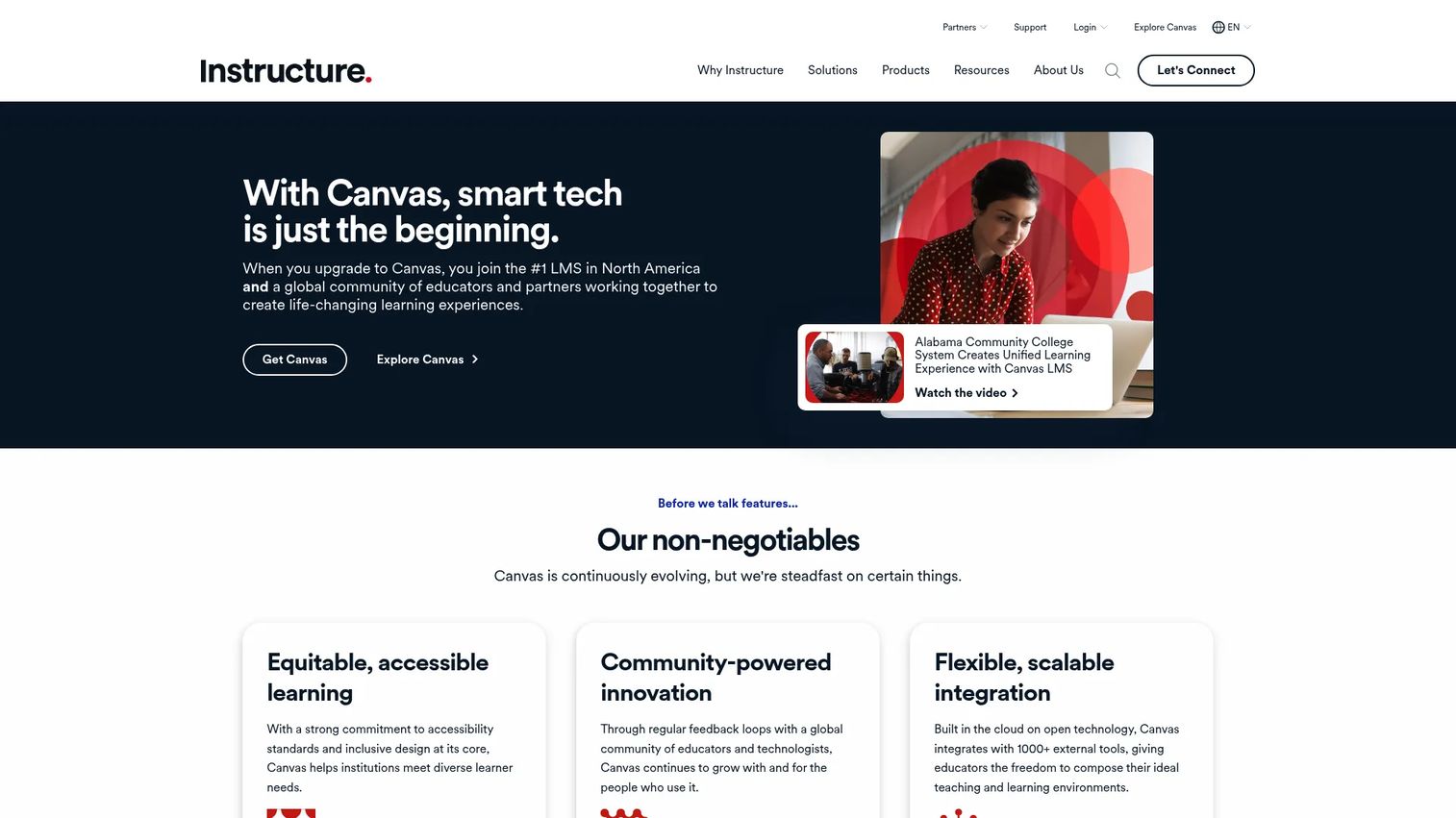
Canvas is a cloud-based learning management system built for course delivery, assessments, grading, and learner communication across education and corporate training. Developed by Instructure, it runs across K-12, higher education, and enterprise organizations. For enablement teams, Canvas is most relevant when you need structured learning paths with strong admin control, gradebook visibility, and a deep integration library. Its IgniteAI tools add AI-assisted features to content creation and learner support.
Best for: Education teams and organizations that need a full LMS with course management, integrations, and scalable governance.
Key features
- Course modules with structured content delivery
- Assignments, quizzes, and SpeedGrader with rubrics
- Gradebook and learner analytics
- Discussion boards and learner communication tools
- LTI integrations and Canvas Data for external system connectivity
Why choose Canvas: Canvas works best when your team needs formal learning infrastructure with strong admin controls, not just a content library. The integration ecosystem means it plugs into HR systems, video tools, and CRMs without custom development.
Canvas pricing: Canvas offers Core, Plus, and Next tiers, all priced through a personalized quote from Instructure. A free-for-teacher account is available at no cost for individual educators who want to get started independently.
2. Blackboard Learn
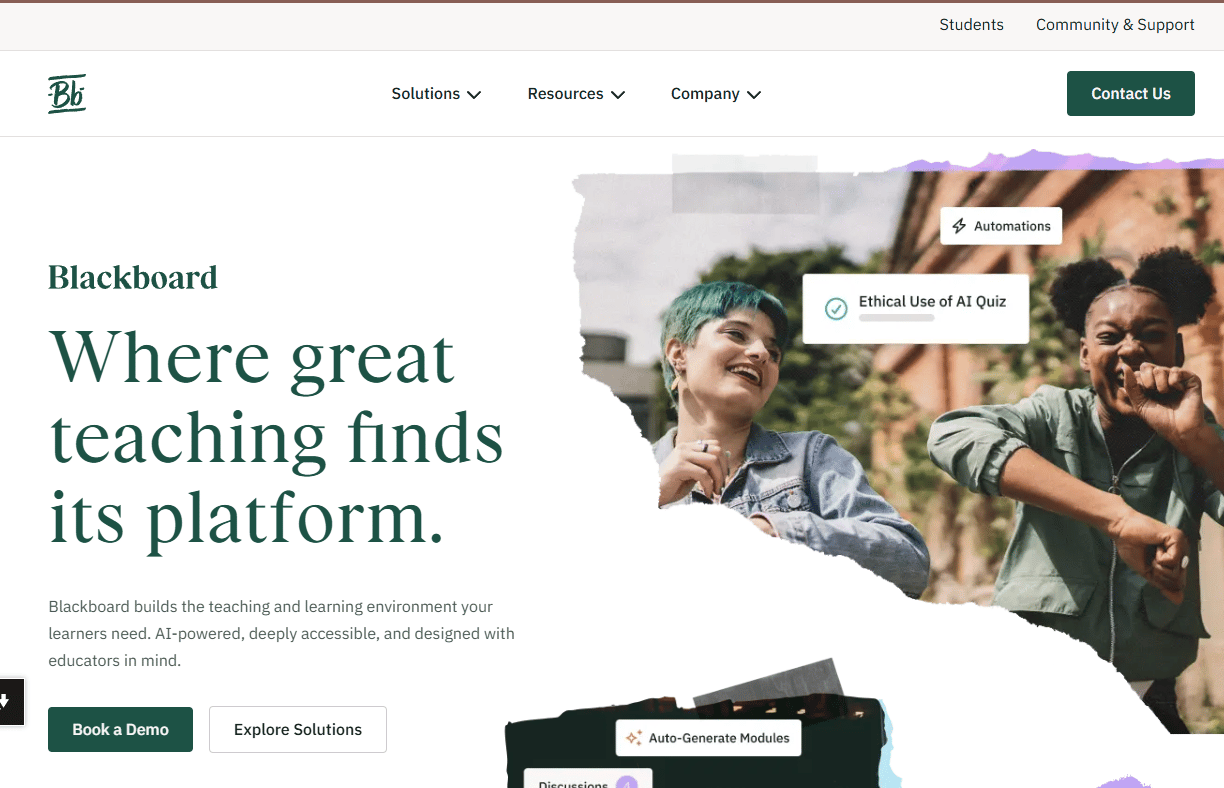
Blackboard Learn is a long-standing LMS for higher education and large institutions, covering course management, graded assessments, virtual classroom support, and institutional reporting. For enablement professionals evaluating platforms, Blackboard Learn serves as a reference point for what deep academic governance looks like: Content lifecycle controls, role-based permissions, and administrative workflows built for thousands of users. Its AI Design Assistant surfaces learning insights and helps automate some content workflows.
Best for: Large academic institutions and training teams with complex administrative requirements.
Key features
- Course management and academic workflow support
- Flexible grading and assessment tools
- Native mobile app for learners and instructors
- Accessibility Checker for content compliance
- Progress tracking and learner insights dashboards
Why choose Blackboard Learn: Choose Blackboard Learn when governance, institutional scale, and academic workflow depth matter more than a lightweight user experience. It fits organizations with IT infrastructure and dedicated LMS administrators.
Blackboard Learn pricing: Blackboard Learn uses a contact-sales model. Buyers request a demo and pricing conversation directly with Anthologies sales team. No self-serve pricing is displayed.
G2 rating: 4.0/5
3. Google Classroom
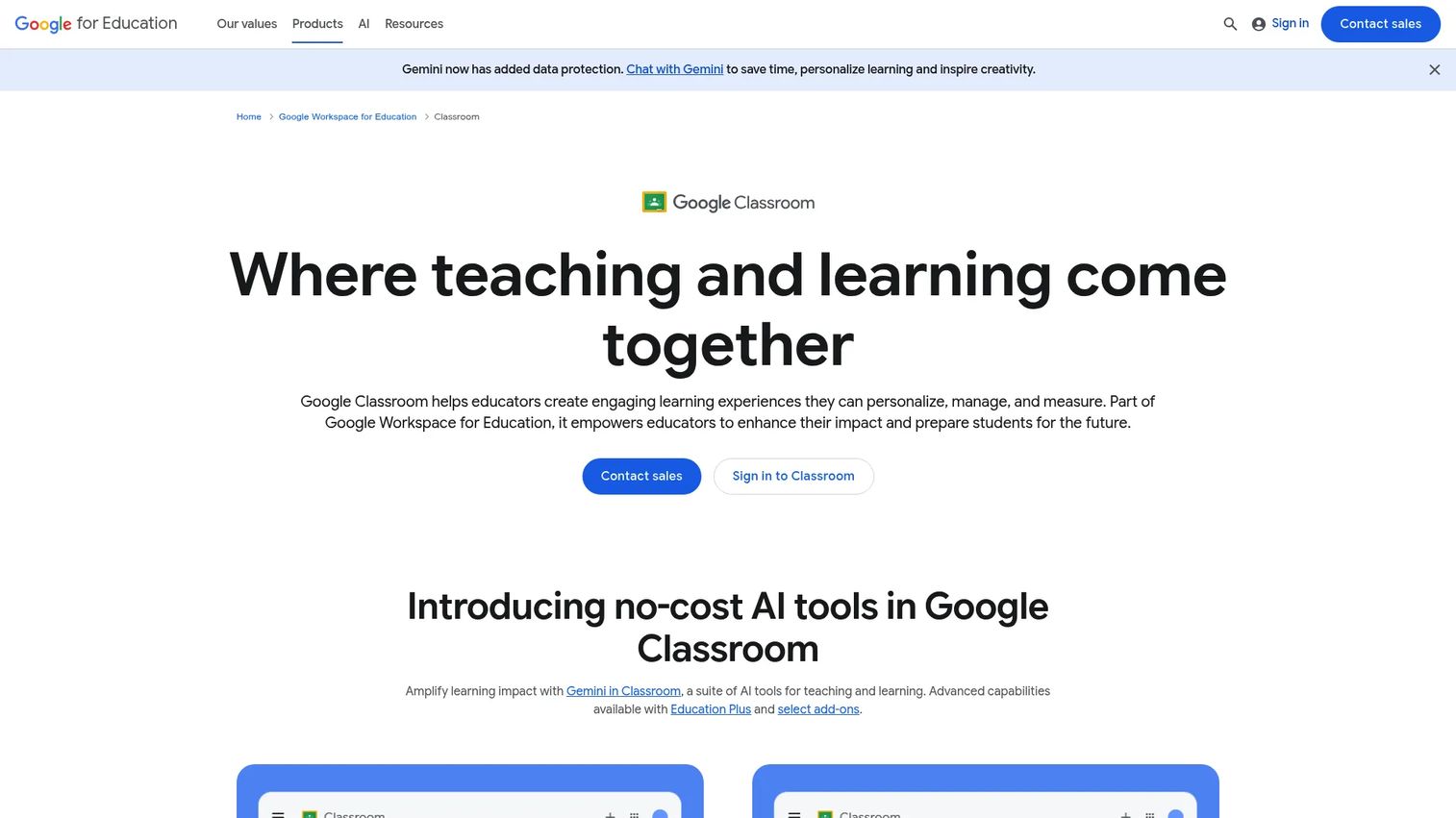
Google Classroom is a classroom management platform for creating assignments, posting class materials, collecting student submissions, and providing teacher feedback, all connected to Google Drive and the broader Workspace suite. It is lighter than a full corporate LMS and is not designed for complex learning path management or certification workflows. For enablement teams, it is most relevant as a mental model for what "low overhead" classroom coordination looks like, or when evaluating Google Workspace as a broader infrastructure choice.
Best for: Teachers and schools that want quick digital classroom setup within an existing Google environment.
Key features
- Assignment posting and student submission collection
- Class stream for announcements and discussions
- Teacher feedback and originality reports
- Google Drive and Meet integration
- Student to-do lists and teacher-review queues
Why choose Google Classroom: Choose Google Classroom when simplicity and Google Workspace integration are the primary requirements. It is not the right tool for corporate certification programs or structured sales onboarding paths.
Google Classroom pricing: Google Classroom is included in Google Workspace for Education. Education Fundamentals is available at no cost to qualifying institutions. Education Plus adds advanced features at $6 per user per year.
4. Google Workspace for Education
Google Workspace for Education is a collaboration and productivity suite for schools and institutions, covering Gmail, Drive, Docs, Sheets, Meet, Sites, and admin controls, all under a single managed environment. It is not a standalone LMS. Instead, it provides the collaboration infrastructure that sits underneath classroom tools and LMS platforms. For enablement teams evaluating cloud-based collaboration for distributed training programs, this suite handles document sharing, video meetings, and access management at scale.
Best for: Schools and institutions that want a managed productivity suite for collaborative learning environments.
Key features
- Gmail, Meet, Drive, Docs, and Sheets for institution-wide collaboration
- Google Classroom and Assignments integration
- Security administration, data loss prevention, and endpoint management
- Two-step verification and investigation tools
- Gemini AI tools and Vids for content creation
Why choose Google Workspace for Education: It pairs well with a dedicated LMS rather than replacing one. Choose it when collaborative infrastructure is the priority and when your institution already runs on Google tools.
Google Workspace for Education pricing: Education Fundamentals is free to qualifying institutions. Education Plus costs $6 per user per year. The Google AI Pro for Education add-on starts at $15 per user per month with a one-year commitment.
5. D2L Brightspace
D2L Brightspace is a cloud-based LMS designed for personalized, competency-based learning across K-12, higher education, and corporate training environments. Its core strength is outcomes tracking: The platform maps learning activities to specific competencies, shows individual learner progress against those benchmarks, and surfaces analytics for administrators and managers. For enablement teams, Brightspace is relevant when measuring readiness at the individual level matters more than delivering content at scale.
Best for: Institutions and training teams that need personalized learning paths tied to specific competency or readiness outcomes.
Key features
- Competency tracking with outcomes-based reporting
- Personalized learning paths per learner
- Assessment tools, quizzes, and evaluation workflows
- Accessibility features and WCAG compliance support
- Learning analytics and course-level reporting
Why choose D2L Brightspace: Choose Brightspace when your program requires measurable skill development rather than simple completion tracking. It performs well for teams that need to show managers exactly where a rep stands against a defined readiness standard.
D2L Brightspace pricing: D2L uses custom pricing across its Brightspace Core, Achievement+, Creator+, and D2L Lumi plans. Contact D2L sales for a quote.
G2 rating: 4.4/5
6. Moodle
Moodle is an open-source LMS used by schools, universities, nonprofits, and corporate training teams worldwide. The platform is free to download and self-host, which makes it attractive for organizations with technical resources and a need for full configuration control. A managed MoodleCloud hosted option also exists for teams that want to skip server management. For enablement teams, Moodle is most relevant when customization requirements exceed what commercial LMS platforms offer, or when budget constraints make a proprietary LMS difficult to justify.
Best for: Teams with technical resources that need an open-source LMS with full customization control and self-hosting flexibility.
Key features
- Open-source codebase with plugin architecture
- Course modules, quizzes, and assignment workflows
- Forums, wikis, and collaborative learning activities
- Progress tracking, reporting, and gradebook
- Broad integration and authentication options via plugins
Why choose Moodle: Moodle gives technically capable teams full ownership of their learning environment. The trade-off is maintenance: Self-hosted Moodle requires IT support, plugin management, and ongoing administration. MoodleCloud reduces that burden but adds subscription cost.
Moodle pricing: The Moodle LMS software is free to download and self-host with no licensing fee. Self-hosting still requires server infrastructure and administration costs. MoodleCloud is a paid hosted option; contact MoodleCloud for current plan pricing.
G2 rating: 4.1/5
7. Schoology Learning
Schoology Learning, now part of PowerSchool, is a K-12 LMS for centralized instruction, assessment, and family communication. It supports personalized learning pathways, SIS integrations, embedded AI assistance through PowerBuddy, and parent-facing communication tools. For enablement professionals, Schoology represents a reference point for how structured K-12 learning management looks, with assignment workflows, gradebook systems, and stakeholder communication baked in.
Best for: K-12 schools and districts that need a centralized LMS for coursework, assessment, communication, and family engagement.
Key features
- Personalized learning pathways and assignment workflows
- Grading, assessment, attendance, and gradebook tools
- Family engagement through web and mobile access
- SIS integration for roster and data management
- Multilingual localization and embedded AI assistance
Why choose Schoology Learning: Choose Schoology Learning when K-12 instruction management and family communication need to live in a structured, district-managed system. It is purpose-built for that context, not for corporate training programs.
Schoology Learning pricing: Schoology Learning uses a quote-based model. Schools and districts contact PowerSchool sales for pricing.
8. iSpring LMS
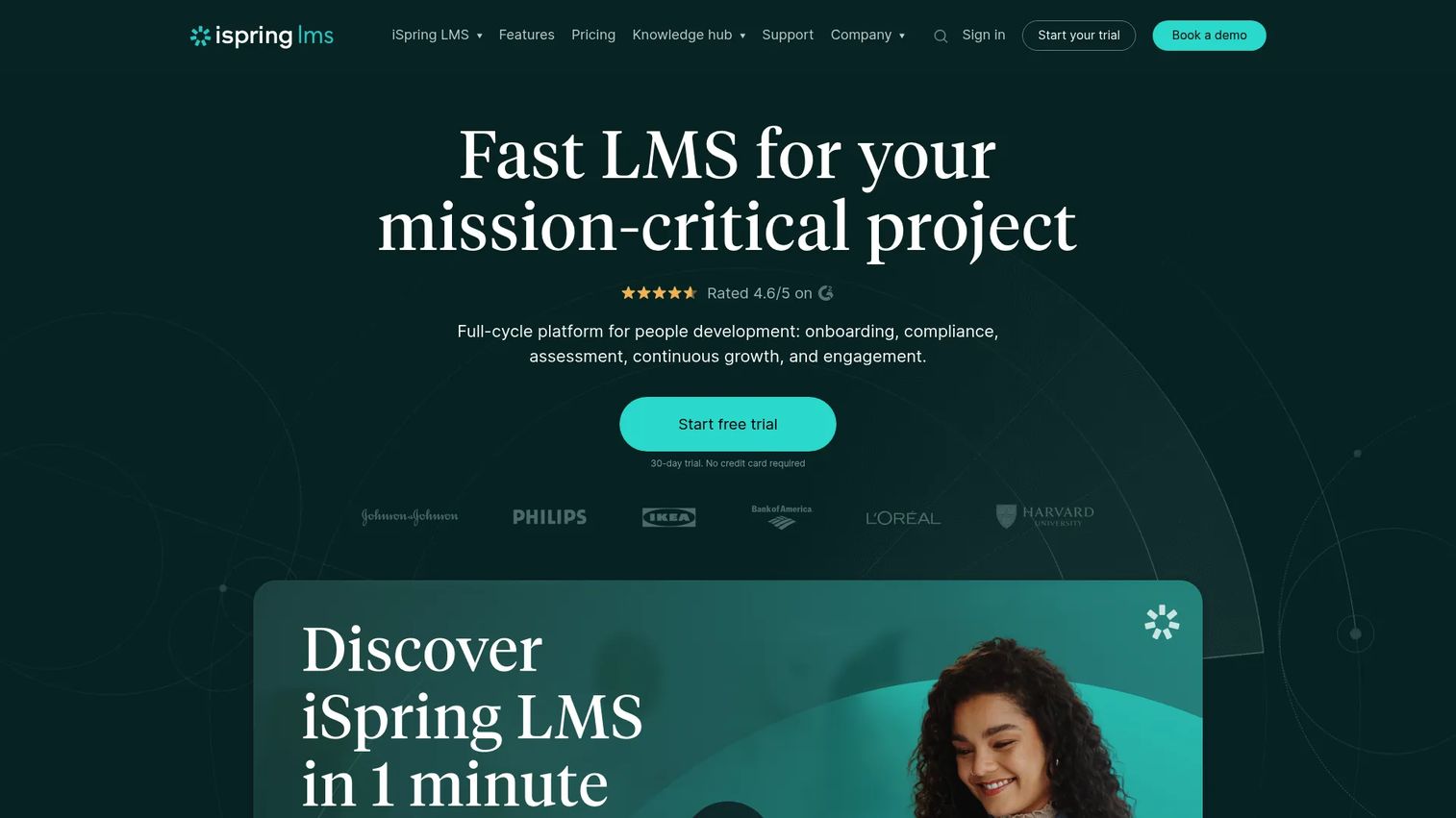
iSpring LMS is a corporate learning management system designed for employee onboarding, compliance training, product knowledge, and certification programs. Built with speed of deployment in mind, it pairs with the iSpring authoring suite for creating SCORM-compatible courses, quizzes, and simulations without developer involvement. For sales enablement teams, iSpring hits the practical checklist: Learning paths by role, quiz tracking, certification tools, and reporting dashboards that show manager-level progress visibility. It is among the stronger options on this list for teams running structured rep onboarding and product training refreshes.
Best for: Enablement and L&D teams that need to launch structured internal training quickly, especially when SCORM content and certification matter.
Key features
- Learning paths with structured course assignment
- Quiz tracking and knowledge assessment tools
- Certification management and completion records
- Reporting dashboards with learner and cohort views
- Mobile apps with offline learning support
Why choose iSpring LMS: For sales enablement, iSpring's combination of learning path control, certification workflows, and authoring compatibility makes it a practical choice. It fits teams that need to operationalize onboarding and product training without a long implementation runway.
iSpring LMS pricing: Plans are priced per active user per month, billed annually. The Business plan is published at £5.41/user/month for 100 users, £3.48/user/month for 300 users, and £3.10/user/month for 500 users. Enterprise pricing requires a conversation with iSpring sales. A free trial is available.
G2 rating: 4.6/5
9. Udemy Business
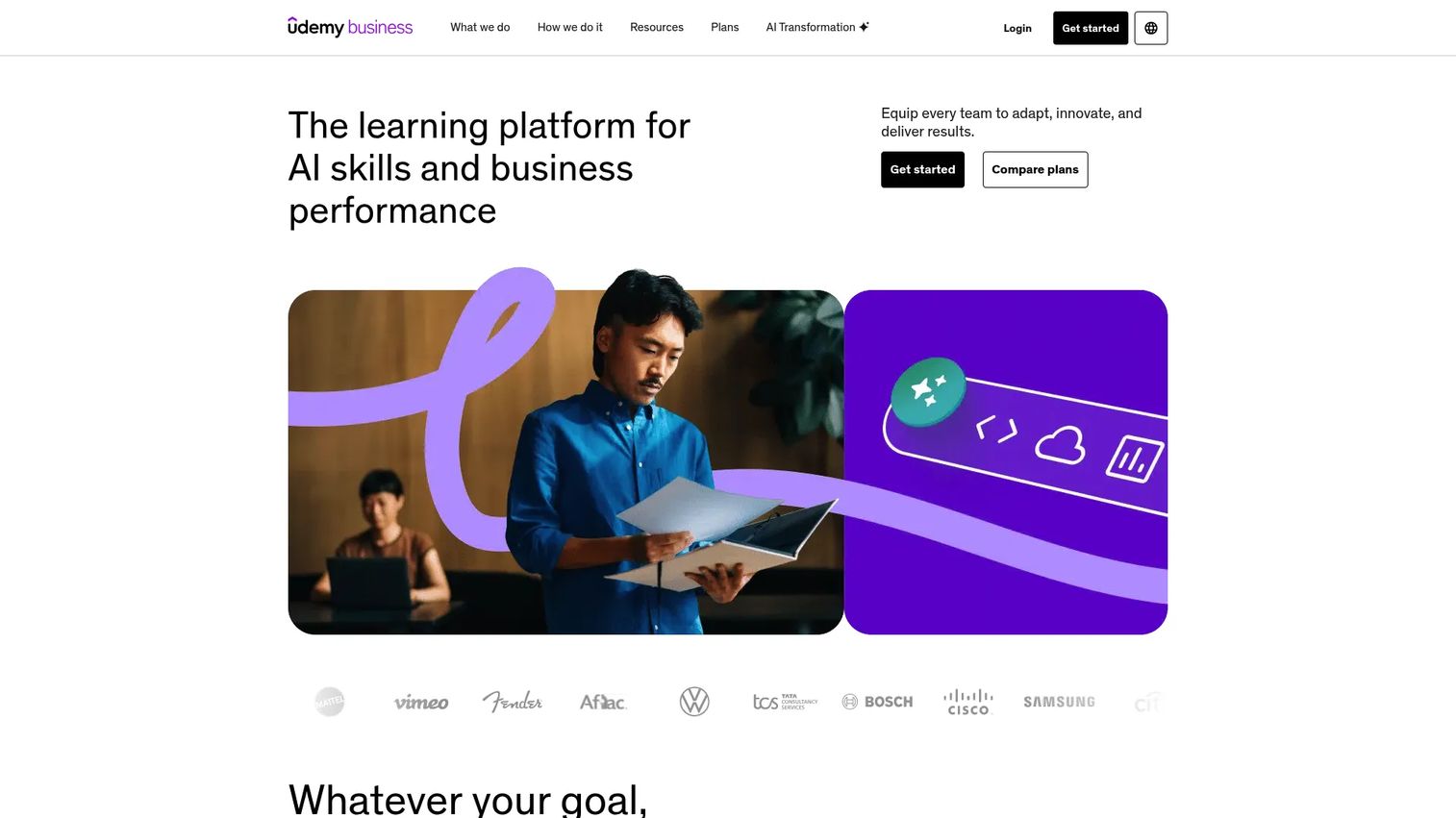
Udemy Business is a corporate learning platform built around a large course catalog covering business skills, technology, leadership, and AI readiness. Rather than asking L&D teams to build every course internally, it gives employees access to external content on demand. The platform also includes AI-powered role play practice, coding exercises, and hands-on labs for technical skill development. For employee engagement software stacks, Udemy Business integrates with HRIS tools and provides admin reporting and skills insights dashboards.
Best for: Organizations that need broad skills training at scale without building every course internally.
Key features
- On-demand business course catalog with multilingual content
- AI-powered role-play practice and hands-on labs
- Learning paths and custom course builder
- Skills insights and admin reporting
- Team plans and HRIS integrations
Why choose Udemy Business: Choose Udemy Business when your fastest path to broad skill development is curated external content. It covers leadership, technical skills, and professional development well. For custom sales certification or product-specific training, you will likely need an LMS alongside it.
Udemy Business pricing: The Team Plan starts at $360 per user per year for teams of 2 to 50 people, billed annually. Enterprise plans for larger organizations use custom pricing through sales.
G2 rating: 4.5/5
10. LinkedIn Learning
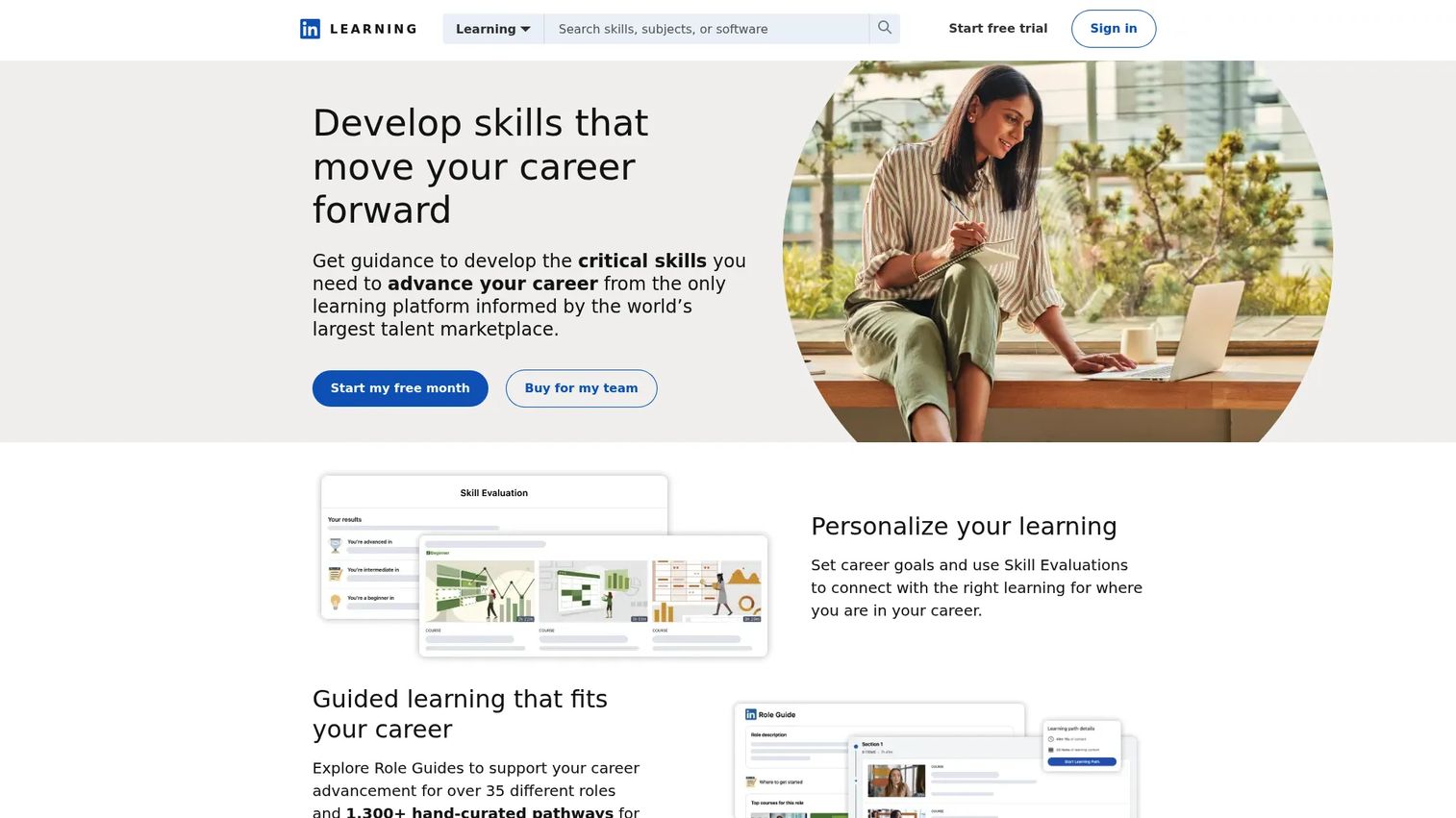
LinkedIn Learning is a professional development platform offering expert-led courses across business, technology, and creative disciplines. It connects course completions directly to LinkedIn profiles, making it useful for career-development programs where professional visibility matters. The platform includes AI-powered coaching, skills evaluations, role guides, and curated learning paths. For enablement teams, LinkedIn Learning works well for leadership development and general professional skills, though it does not replace a custom internal LMS for sales certification or product knowledge programs.
Best for: Organizations that want broad professional development content tied to career progression and employee skill growth.
Key features
- Expert-led course library across business and technology topics
- Skills recommendations and role-based learning paths
- AI-powered coaching and role-play practice
- Completion certificates linked to LinkedIn profiles
- Admin insights and skills dashboards
Why choose LinkedIn Learning: Choose LinkedIn Learning for professional development and career growth programs where external credential value and employee satisfaction are the primary goals. For custom sales onboarding and certification, most teams use a dedicated LMS alongside it.
LinkedIn Learning pricing: Individual access comes through eligible LinkedIn Premium subscriptions. Business and enterprise plans require contacting LinkedIn sales for custom pricing.
11. Coursera
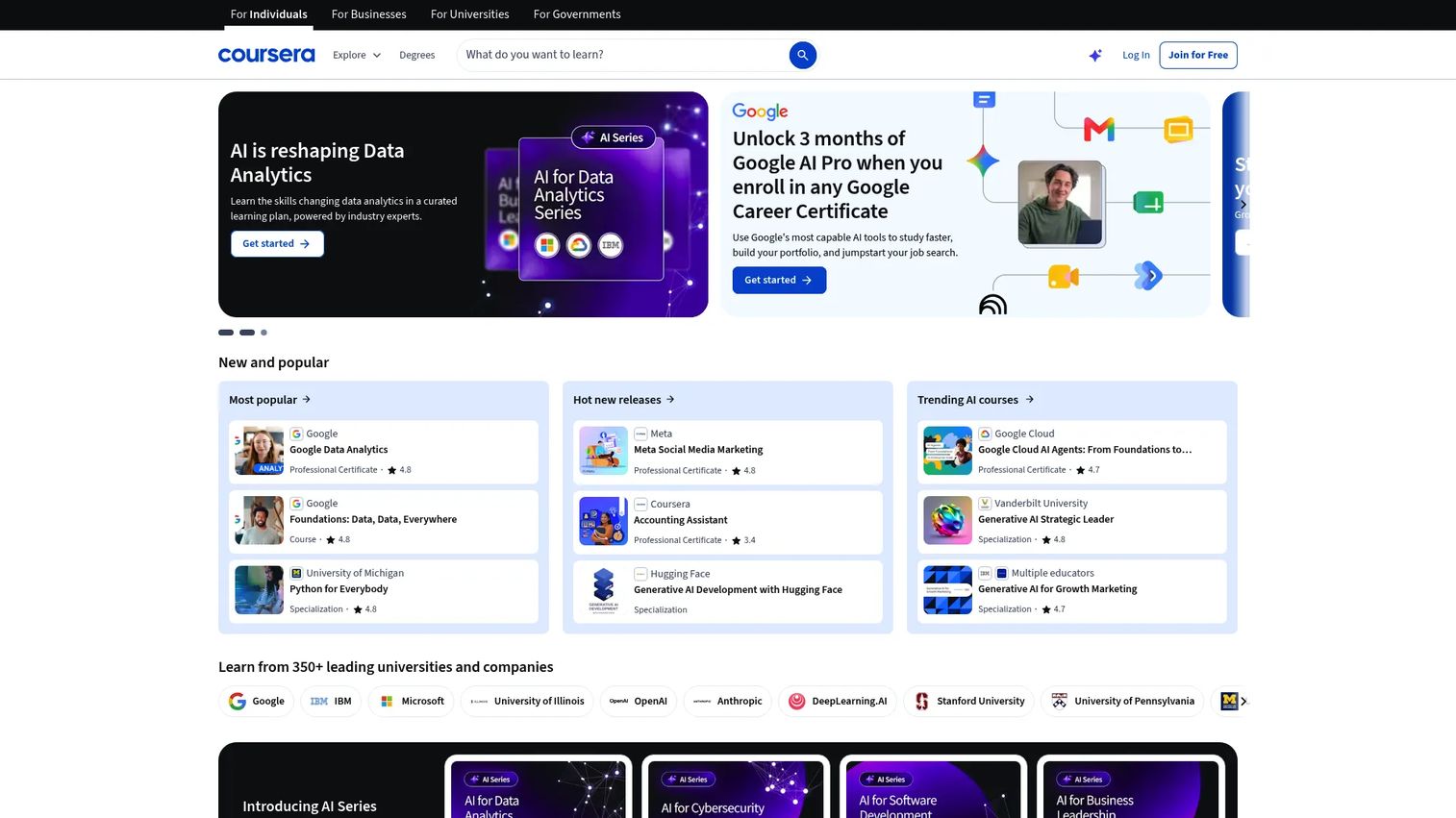
Coursera is an online learning platform offering courses, professional certificates, specializations, guided projects, and degree programs from universities and major companies. Coursera for Business adds team-level admin tools, skills dashboards, and managed learning paths for corporate programs. For sales enablement and L&D teams, Coursera is most relevant for structured upskilling programs in data, technology, or business domains where recognized credentials from institutions like Google, IBM, or leading universities carry weight.
Best for: Organizations and individuals seeking credentialed learning backed by universities and recognized companies.
Key features
- 10,000+ courses from universities and companies
- Professional certificates and specializations
- Guided projects and hands-on labs
- AI-powered learning assistance
- Skills dashboards and team admin reporting
Why choose Coursera: Choose Coursera when the credential behind a course matters to learners or to your organization's talent development story. It works well for technical upskilling programs that benefit from institutional backing.
Coursera pricing: Individual programs start at $49 to $79 per month. Coursera Plus gives access to thousands of courses at $59 per month or $399 per year. Enterprise pricing for teams uses a custom quote model.
G2 rating: 4.5/5
12. edX
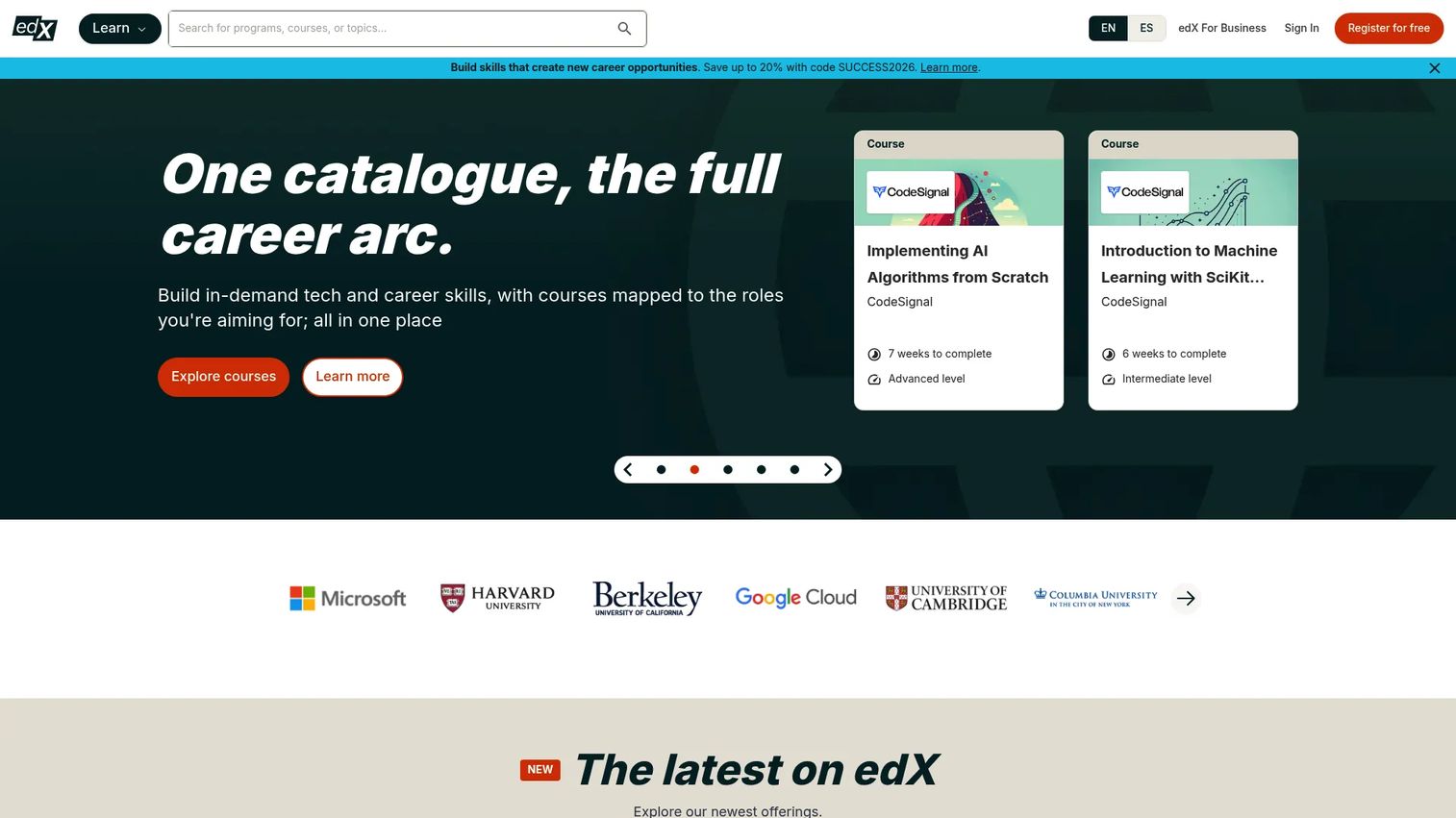
edX is an online learning platform offering courses, professional certificates, executive education, microcredentials, and degree programs from universities and institutions. Most open courses can be audited for free, while verified certificates require payment. For corporate teams, edX provides a library of university-backed content for technical and business skill development, with self-paced options that fit working professionals.
Best for: Learners and organizations seeking academic-style courses and institution-backed credentials for professional development.
Key features
- University and institution-led courses and programs
- Professional certificates and executive education
- Free course audit with optional verified certificates
- Self-paced and cohort-based options
- Business learning pathways
Why choose edX: Choose edX when academic rigor and institutional course brands carry weight in your organization's development programs. It fits career upskilling more than day-to-day sales enablement workflows.
edX pricing: Most courses can be audited at no cost. Verified certificate access starts at around $50 per course, with pricing varying by course and program length. Business pricing is custom.
G2 rating: 4.5/5
13. Khan Academy
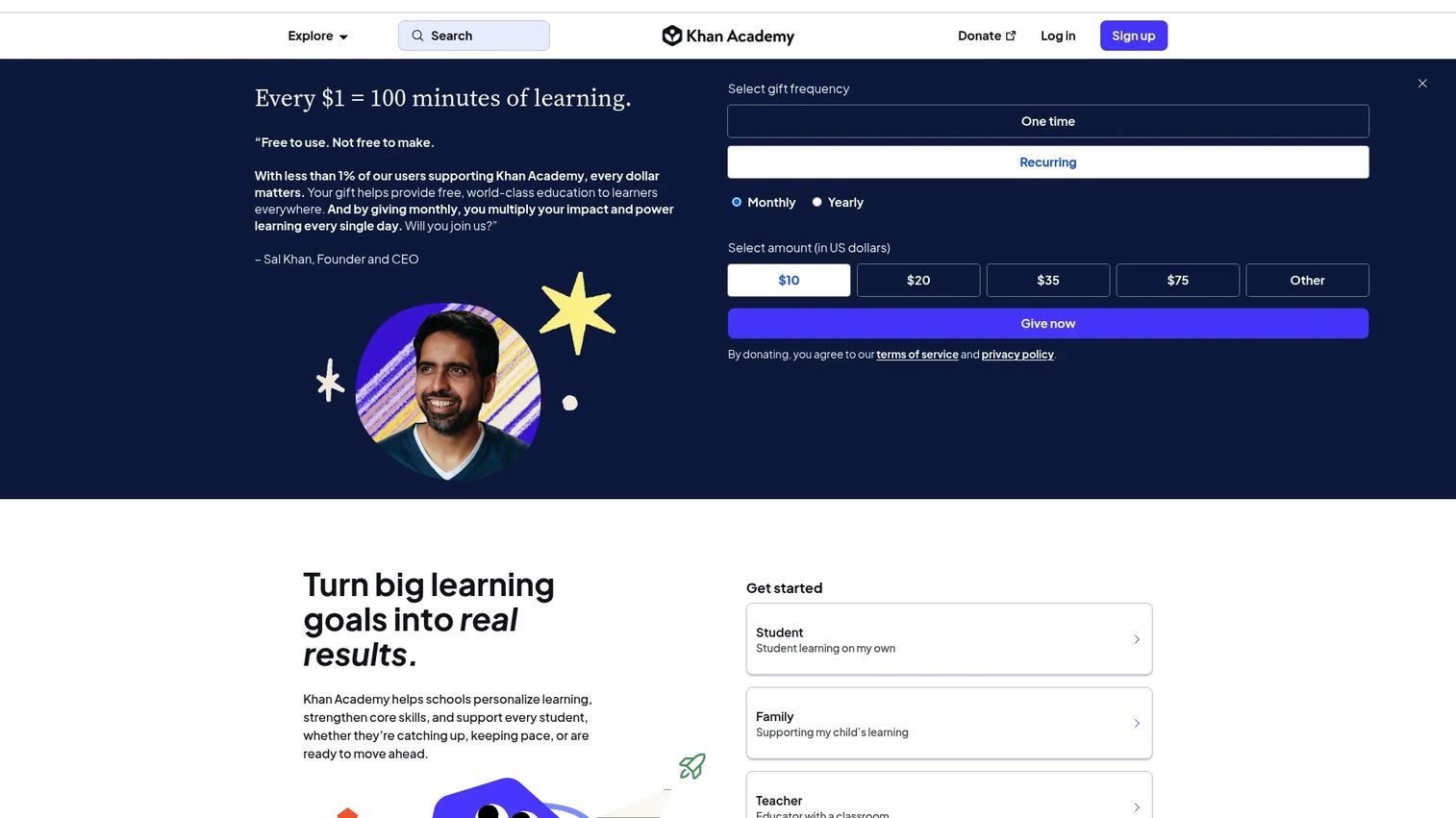
Khan Academy is a nonprofit online learning platform providing free, standards-aligned instruction across math, science, reading, history, and test preparation. It includes personalized, mastery-based learning, practice exercises, teacher dashboards, and AI-powered tutoring through Khanmigo. Khan Academy is not a corporate LMS. It is strongest for academic support, remediation, and foundational learning, and it gives schools and families a free alternative to expensive tutoring.
Best for: Students, teachers, and independent learners who need free foundational learning support across core academic subjects.
Key features
- Free courses, videos, and interactive exercises
- Mastery-based, personalized learning paths
- Teacher dashboards and assignment tools
- Test-prep resources for SAT, LSAT, and other exams
- AI tutoring through Khanmigo
Why choose Khan Academy: Khan Academy is the strongest free option when foundational academic learning is the job to be done. It does not offer enterprise training governance, certification workflows, or CRM integrations, so it is not the right fit for corporate enablement programs.
Khan Academy pricing: Free for all independent learners, teachers, and families. District plans start at $10 per student per year for up to 1,000 licenses (Enterprise Starter). Enterprise district pricing is available through sales.
14. Thinkific
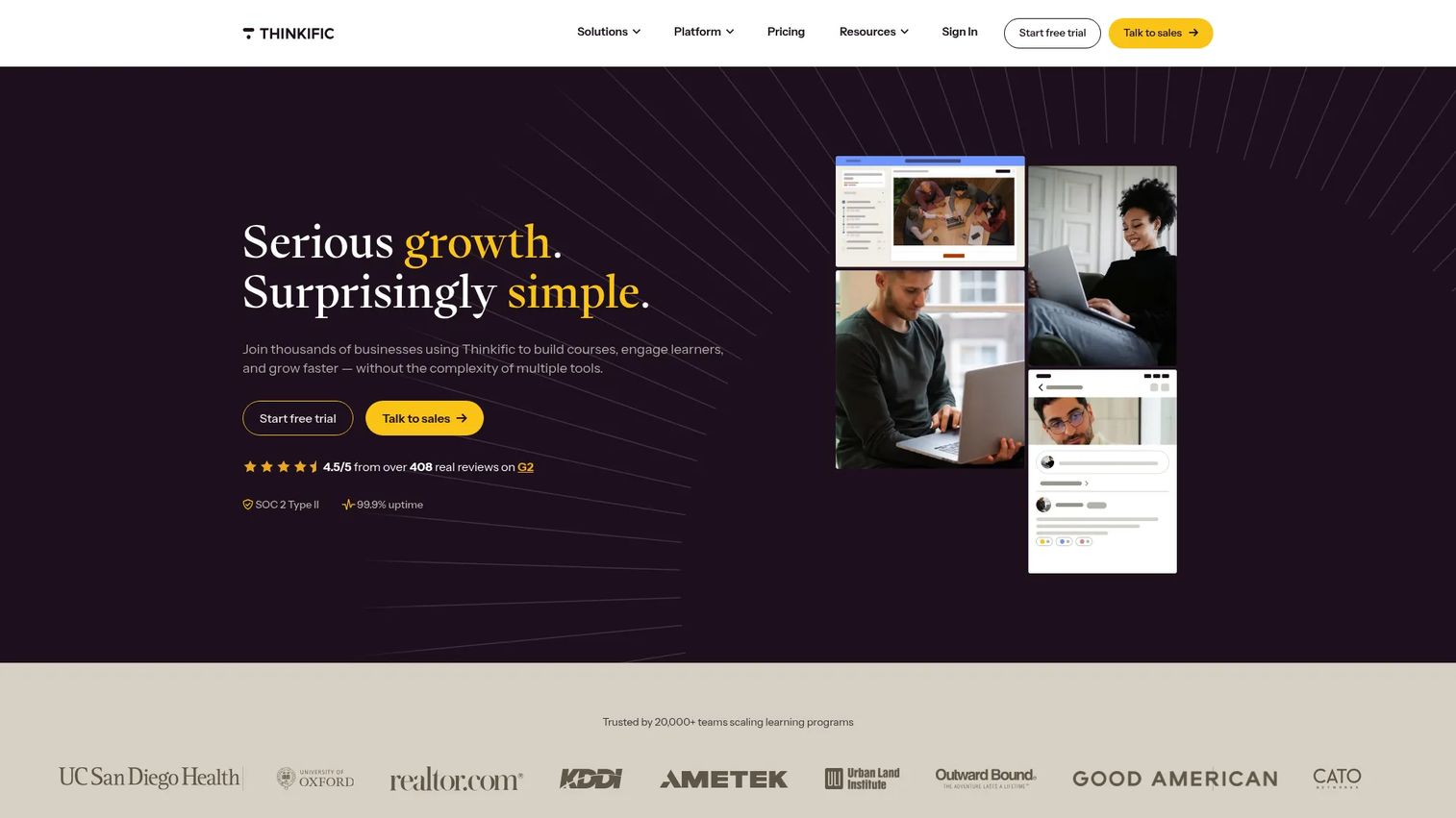
Thinkific is an online learning commerce platform for creating, publishing, selling, and managing courses, communities, and other learning products. It is built for coaches, subject matter experts, and businesses that want to monetize knowledge, not for internal corporate training administration. Thinkific includes a drag-and-drop course builder, payment and checkout tools, community features, and sales pages. For enablement teams, it is relevant when building a customer education product or external certification program rather than an internal rep training system.
Best for: Creators and businesses that want to build and sell online courses or external learning products as a revenue stream.
Key features
- Drag-and-drop course builder with video, quizzes, and assignments
- Communities with discussions, live events, and direct messaging
- Commerce tools including checkout, subscriptions, coupons, and payment plans
- Sales pages and abandoned-cart email automation
- Student progress tracking and completion certificates
Why choose Thinkific: Choose Thinkific when monetizing learning is the primary goal. It is purpose-built for course commerce rather than internal training governance or sales rep certification programs.
Thinkific pricing: Basic starts at $54 per month billed monthly (or $40 per month billed annually). Start is $109 per month, and Grow is $219 per month. Plus uses custom pricing. No permanent free tier; a free trial is available.
G2 rating: 4.5/5
Considerations when choosing a digital learning platform
Match the platform to the learning job
Start with the behavior you need learners to complete, not the platform with the best brand recognition. An LMS runs structured programs with governance. A course marketplace delivers external content at scale. A course creation platform is for building and selling. Mixing these up is the most common reason platform investments disappoint.
Check governance and content freshness
For enablement teams, stale training content is a credibility problem. When a product changes, the training has to change with it. Evaluate whether the platform supports versioning, content ownership assignment, expiration dates, and automated reassignment workflows. A platform that makes updating one module a 30-minute task is better than one that requires rebuilding the entire course.
Evaluate assessment and certification depth
Completion rates are an activity metric, not a readiness metric. Look for quiz engines, practical assessments, and certification workflows that include manager visibility and reassignment for failed attempts. Platforms like iSpring LMS and D2L Brightspace go deeper here than most course marketplaces.
Review integrations and data flow
A learning platform that does not connect to your CRM, HRIS, SSO provider, or sales engagement tools creates manual reporting work. Before committing, confirm which integrations are available at each pricing tier. Some platforms gate CRM connectivity behind enterprise plans. You can also look at how learning insights connect to your sales coaching software stack.
Compare analytics against business outcomes
The question is not just "who completed the module?" It is "did completion change their behavior, and can I prove it?" Strong platforms give you assessment scores, cohort comparisons, time-to-completion, and certification status at the individual and team level. Connect that data to ramp time and win rate, and you have something worth showing leadership.
Conclusion
The right digital learning platform depends on what you're actually trying to accomplish.
For structured internal programs with governance and certification, Canvas, iSpring LMS, and D2L Brightspace are the strongest options. For broad skills development at scale, Udemy Business and Coursera provide ready-made content libraries with admin reporting. Blackboard Learn and Moodle serve organizations with deep technical requirements and institutional complexity. Google Classroom and Google Workspace for Education are the default starting point for schools already inside the Google ecosystem. Schoology Learning handles K-12 instruction and family communication in one platform. edX and Khan Academy are best for credentialed upskilling and free foundational learning respectively. Thinkific belongs in your evaluation if selling courses, not running internal training, is the goal.
For Sales Enablement Managers specifically: Start with iSpring LMS if internal certification and onboarding structure are the priority. Add Udemy Business or LinkedIn Learning when your team needs broader professional development content without building every course from scratch.
Sales enablement does not stop when a course is complete. Reps still need to see the product, practice the story, and share clear experiences with buyers. If your team needs interactive product education alongside your learning platform, Guideflow helps you create guided, clickable demos for onboarding, product training, and sales follow-up. You can also use it to build sandbox environments for hands-on product practice, or organize all your demo assets in a demo center.
Start your journey with Guideflow today!
FAQs
A digital learning platform is a software system for delivering, managing, and tracking learning through online content, courses, assessments, and analytics. The category includes LMS platforms, course marketplaces, corporate training tools, classroom coordination software, and course creation platforms. Each type is built for a different job, so the right choice depends on whether you need structured course management, external content access, or a tool for selling learning products.
An LMS (learning management system) is a specific type of digital learning platform designed to manage structured courses, assignments, learner progress, and reporting. Digital learning platform is a broader term that also includes course marketplaces like Udemy Business, self-service tools like Khan Academy, and course creation platforms like Thinkific. All LMS platforms are digital learning platforms, but not all digital learning platforms are LMS systems.
For custom internal programs with certification, iSpring LMS is the strongest starting point in this list. Udemy Business and LinkedIn Learning work well when you need broad skills development without building courses internally. Coursera and edX fit teams that want credentialed programs backed by universities. The right choice depends on whether your training is custom-built, bought externally, or a combination of both.
Canvas, Blackboard Learn, D2L Brightspace, Moodle, Schoology Learning, Google Classroom, and Google Workspace for Education all serve educational institutions. Canvas and D2L Brightspace cover both K-12 and higher education. Blackboard Learn is strongest for large universities with complex governance needs. Schoology Learning fits K-12 districts that need family communication tools. Google Classroom is the lowest-friction option for schools already in the Google ecosystem.
For individual learners, teachers, or small programs, free platforms like Khan Academy and Google Classroom cover a lot of ground. As soon as you need certification tracking, admin reporting, CRM integrations, content governance, or multi-team administration, free tiers typically fall short. Paid platforms exist because the infrastructure for managing learning at organizational scale requires it.
Enablement teams need structured onboarding paths, certification workflows, manager visibility into individual progress, content versioning, and analytics tied to behavior change rather than just completion. CRM and HRIS integrations reduce manual reporting work. Look also at how easy it is to update content when products change, and whether the platform supports role-based learning paths without requiring a rebuild for each new cohort.
Most platforms track course completion, time spent, quiz scores, and assessment results. Stronger platforms add certification status, skill progression over time, cohort comparisons, and manager-level dashboards. The best ones let you export or sync that data into your analytics stack so you can connect learning activity to downstream outcomes like ramp time or certification pass rates.
A learning platform can replace most repetitive, information-delivery training, freeing up live sessions for coaching, roleplay, objection handling, and complex discussion. For onboarding, a platform with structured paths and certifications reduces the number of live calls needed before a rep is cleared to sell. Coaching, manager feedback, and skill practice still benefit from human interaction that no platform fully replaces.