You picked managed hosting because you wanted to stop babysitting servers. Patch cycles, backup windows, midnight uptime alerts, someone chasing a firewall rule at 2am. Managed hosting takes that off your plate. But it introduces a quieter decision: which responsibilities do you actually hand over, and which ones do you keep?
That decision matters more than most buyers realize. The aggregate managed services market sat just under $60 billion in 2021 and was forecast to reach nearly $100 billion by 2026, according to S&P Global / 451 Research (2022). The same research found 87% of cloud managed services users agreed these services grow more important as technical skills get harder to hire and retain. Translation: you are not the only team choosing to offload infrastructure work. You are joining a majority.
Here is the split that trips up buyers. With managed hosting versus unmanaged hosting, the provider owns the operating system, patching, monitoring, backups, and security hardening. With unmanaged (self hosted) infrastructure, that work stays with your team. Managed hosting vs self hosting is really a question of where your engineering hours go: into your product, or into keeping the lights on.
If you sit in presales or sales engineering, this maps directly to how you help prospects evaluate infrastructure fit, run security reviews, and plan migrations. The same lens applies whether you are choosing hosting for your own stack or advising a buyer. If you build product walkthroughs to support technical validation, tools like Guideflow and roundups such as application performance monitoring tools and best ai security posture management tools sit adjacent to this decision in most infrastructure stacks.
What's inside
This guide covers eight managed hosting providers chosen for operational scope, support quality, infrastructure options, security posture, and buyer fit. We included entry-level options for smaller sites and enterprise-leaning providers built for regulated, high-traffic workloads, so you can match the provider to your workload instead of your budget alone. Each entry covers who it fits, key strengths, and verified pricing where public. The goal is a shortlist you can defend in a technical review, not a ranking of logos.
TL;DR
- Best for enterprise and regulated workloads: Rackspace or DataBank, for managed dedicated hosting, compliance posture, and hybrid reach.
- Best for performance-focused WordPress: Kinsta, for speed, staging, and support quality.
- Best for flexible managed cloud hosting and agencies: Cloudways, for multi-cloud choice without low-level ops.
- Best for WordPress-first teams needing strong support: WP Engine, for mature workflows across many sites.
- Best for simple, all-in-one managed website hosting: WordPress.com.
- Best for budget-conscious buyers: Hostinger.
- Best for control-heavy or VPS-style environments: ScalaHosting.
- Best for a broader managed infrastructure conversation: Rackspace.
What managed hosting is and what providers handle
Managed hosting is a service model where a provider operates the server and infrastructure layer for you, handling setup, patching, monitoring, backups, recovery, security, and support, while you focus on your application and content. It is the difference between renting a car with a driver and mechanic on call versus buying a car and doing all the maintenance yourself.
The category spans several shapes. Managed web hosting typically targets websites and CMS platforms like WordPress. Managed cloud hosting runs your workload on public cloud infrastructure with the provider managing the operational layer. Managed dedicated hosting gives you single-tenant physical servers with the provider handling the operations. Enterprise managed hosting bundles all of this with deeper SLAs, compliance support, and hybrid environments.
Most managed hosting services include a consistent set of features:
- Provider-managed infrastructure: server provisioning, OS patching, and stack configuration handled for you.
- 24/7 support and monitoring: proactive performance monitoring and live help around the clock.
- Security and compliance support: firewall management, DDoS protection, security hardening, and audit-ready controls.
- Backups and disaster recovery: scheduled backups plus documented recovery processes.
- Scaling and migration help: capacity adjustments and hands-on migration and onboarding support.
- Dashboard or portal access: a control panel so your team keeps visibility and control without touching the OS.
The value proposition is operational overhead reduction with predictable costs. You trade a variable, unpredictable ops burden for a defined service scope and a monthly bill.
When managed hosting makes sense
Offload infrastructure management without losing control
Managed hosting fits teams with one foot in IT and one foot in the business. You want uptime, security, and patching handled, but you still want a portal, root-level visibility where it matters, and clear responsibility boundaries. The sweet spot is when reliability and security outrank the need for full admin control over every layer of the stack.
Support high-traffic or mission-critical applications
If your revenue depends on the site staying up, managed hosting earns its cost. E-commerce stores, customer portals, database-backed apps, and content-heavy media sites cannot tolerate slow response times or outages. A strong uptime guarantee, proactive monitoring, and 24/7 support turn a potential outage into a non-event handled by someone whose whole job is keeping it running.
Reduce technical burden during scaling or migration
Growing teams often move to managed hosting when internal ops work starts crowding out product work. When you are scaling traffic, consolidating environments, or moving from one platform to another, migration and onboarding support and built-in scalability remove a lot of risk. You get better reliability and fewer internal ops tasks without hiring a dedicated infrastructure team.
Comparison table
The table below summarizes each provider by intent, primary use case, verified starting price, and G2 rating where available. Pricing reflects publicly listed first-party figures as of mid-2026. Use it as a shortlist filter, then read the section that matches your workload before you commit to a contract or SLA.
| # | Provider | Intent | Key use case | Pricing | G2 rating |
|---|---|---|---|---|---|
| 1 | Rackspace | Enterprise managed cloud and hybrid | Managed dedicated, private, and public cloud operations | From $0.001/hr (Rackspace Spot) | 4.1/5 |
| 2 | DataBank | Compliance-forward infrastructure | Colocation, cloud, and bare metal for regulated workloads | From $650/mo (bare metal) | Not rated |
| 3 | Kinsta | Performance-first managed WordPress | High-performance WordPress sites | From $35/mo | 4.8/5 |
| 4 | Cloudways | Flexible managed cloud hosting | Agencies and developers on multi-cloud | From $35/mo | Not listed |
| 5 | WP Engine | Premium managed WordPress | Agencies and multi-site portfolios | From $30/mo | 4.6/5 |
| 6 | Hostinger | Budget-conscious managed web hosting | Small sites and fast setup | From $2.99/mo | Not listed |
| 7 | WordPress.com | All-in-one managed website hosting | Low-friction publishing and hosting | Free, paid from $9/mo | 4.4/5 |
| 8 | ScalaHosting | Managed cloud VPS with control panel | Control-heavy, VPS-style environments | From $2.95/mo | 4.8/5 |
1. Rackspace
Rackspace is the enterprise-heavy, infrastructure-broad option on this list. It provides managed cloud and hosting services across hybrid, multicloud, and private cloud environments, with managed dedicated hosting available across bare metal, private cloud, and public cloud. If your evaluation involves compliance-heavy systems, dedicated environments, or a managed partner across multiple layers of the stack, Rackspace is built for that conversation.
Best for: Enterprises needing managed hybrid or private cloud operations with hands-on expert support.
Key strengths
- Managed infrastructure breadth: coverage spanning compute, private cloud, and public cloud, including OpenStack and VMware-based offerings.
- Enterprise support model: 24x7x365 expert management and hands-on operational help across the stack.
- Hybrid and multicloud options: built for complex, multi-region deployments rather than a single narrow hosting niche.
Why choose Rackspace
Choose Rackspace when operational coverage and infrastructure breadth matter more than a tidy WordPress plan. It fits buyers whose internal teams want a managed partner across compute, networking, storage, and connectivity, not just a place to park a website. For regulated organizations and complex hybrid environments, the appeal is having experts operate layers your team would otherwise staff internally. It is often the right call for a broader managed infrastructure conversation.
Rackspace pricing
Rackspace Spot uses usage-based pricing, with compute auction-priced from a $0.001/hr base. Fixed-price add-ons include persistent storage from $0.02/GB-month (SATA) and $0.06/GB-month (SSD), load balancers at $10/month, and an HA control plane at $40/month. Broader managed-services pricing is typically quote-based, so plan on a scoping conversation for anything beyond Spot. Its G2 rating sits at 4.1/5.
2. DataBank
DataBank is the compliance-forward option, a provider of data center, cloud, interconnection, and managed infrastructure services. It fits enterprises that want colocation, cloud, or bare metal infrastructure from a single provider, with resiliency and regulatory fit front and center. When security and compliance drive the decision, DataBank speaks the right language.
Best for: Enterprises needing colocation, cloud, or bare metal infrastructure from one provider with strong compliance coverage.
Key strengths
- Compliance and security posture: cloud platforms including private, multi-tenant, government, and FedRAMP options for regulated buyers.
- Operational overhead reduction: managed infrastructure that frees internal teams from data center and hardware operations.
- Resiliency and single-provider scope: colocation, cloud, and bare metal under one roof for consistent operations.
Why choose DataBank
Choose DataBank when the buyer wants hosting plus trust signals. For workloads where uptime, compliance, and support responsiveness carry weight, especially in government or regulated sectors, having colocation, cloud, and bare metal available from one provider simplifies both procurement and the security review. It is a fit when infrastructure decisions have to survive an audit, not just a launch.
DataBank pricing
DataBank publishes bare metal pricing starting at $650/month for the c1.small configuration, rising to $1,160/month for c1.medium and $2,575/month for s1.large. Other product lines, including colocation and managed cloud, are generally quote-based, so expect a scoping conversation for a full deployment. A public G2 rating was not available at the time of writing.
3. Kinsta
Kinsta is the performance-first managed WordPress host. It pairs speed and reliability with developer-friendly workflows, giving businesses and agencies managed WordPress hosting without the operational grind. If your priority is a fast, well-supported WordPress site rather than a broad infrastructure menu, Kinsta is purpose-built for it.
Best for: Businesses and agencies that want managed WordPress hosting with strong performance and support.
Key strengths
- Performance focus: Cloudflare CDN and edge caching plus an APM tool for diagnosing slow queries and bottlenecks.
- Managed WordPress workflow: staging environments and free migrations that keep operations simple.
- Security and support: WAF and DDoS protection paired with a support reputation that shows up in reviews.
Why choose Kinsta
Choose Kinsta when reliability and performance outrank a wide infrastructure catalog. It fits WordPress-heavy teams that want staging, backups, and a fast stack managed for them, so developers ship instead of tuning servers. The free migrations lower the switching cost, and the APM tooling gives technical evaluators real visibility into what is slow and why. For WordPress buyers who treat speed as a feature, it is a strong pick.
Kinsta pricing
Kinsta's managed WordPress plans start at $35/month (or $350 billed annually) for the Single 20GB plan. The WP 2 plan runs $70/month, and agency plans like Agency 20 reach $340/month, with annual billing available across tiers and some plans offering a first month free. A higher-tier enterprise offering starts around $500/month. Kinsta holds a 4.8/5 rating on G2.
4. Cloudways
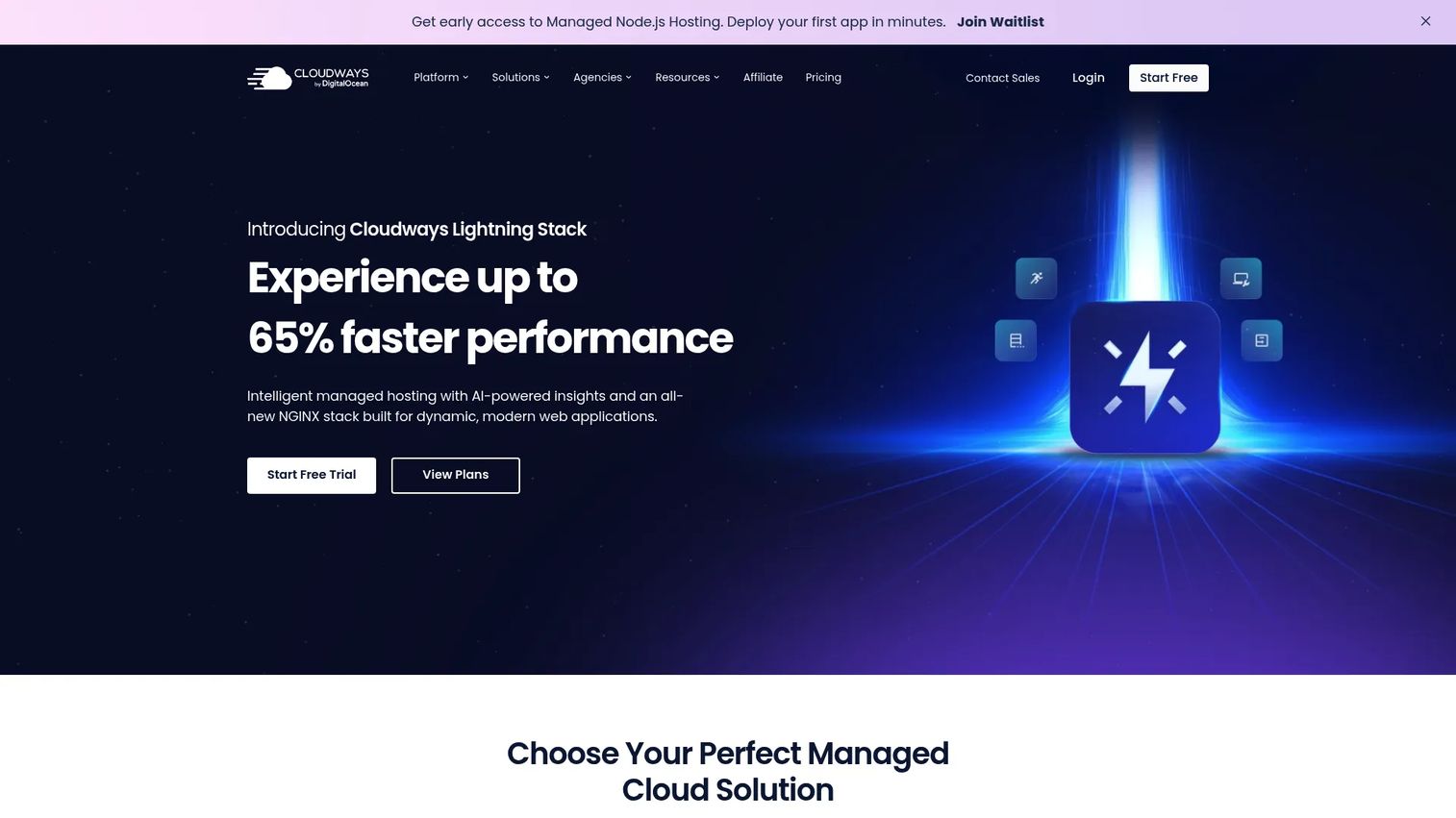
Cloudways is the flexible managed cloud hosting option for agencies, developers, and teams that want their choice of cloud provider without managing low-level operations. It deploys and manages web applications on major cloud infrastructure while handling the operational layer, so you get cloud flexibility without a DevOps hire.
Best for: Teams wanting managed cloud hosting with minimal server administration.
Key strengths
- Managed cloud hosting on major providers: deploy on leading cloud infrastructure without owning server administration.
- Developer-friendly operations: free migration, staging, and cloning that fit real deployment workflows.
- Performance and security tooling: Lightning Stack optimization plus built-in security and backup features.
Why choose Cloudways
Choose Cloudways when you want managed cloud hosting without committing to a single rigid stack. It suits agencies juggling client sites and developers who want deployment convenience with room to pick underlying infrastructure. The staging, cloning, and free migration features keep operational flexibility high, which is why it shows up so often on agency shortlists. If you value choice of cloud and low admin overhead together, it earns a look.
Cloudways pricing
Cloudways lists both a trial and paid plans. The smallest paid plan, Small, starts at $35/month, with Growth at $99/month and Scale at $199/month. A 3-day free trial is available with no upfront payment. Pricing can vary by the underlying cloud provider and environment you select, so confirm the final rate for your chosen stack. A current numeric G2 rating was not clearly listed at the time of writing.
5. WP Engine
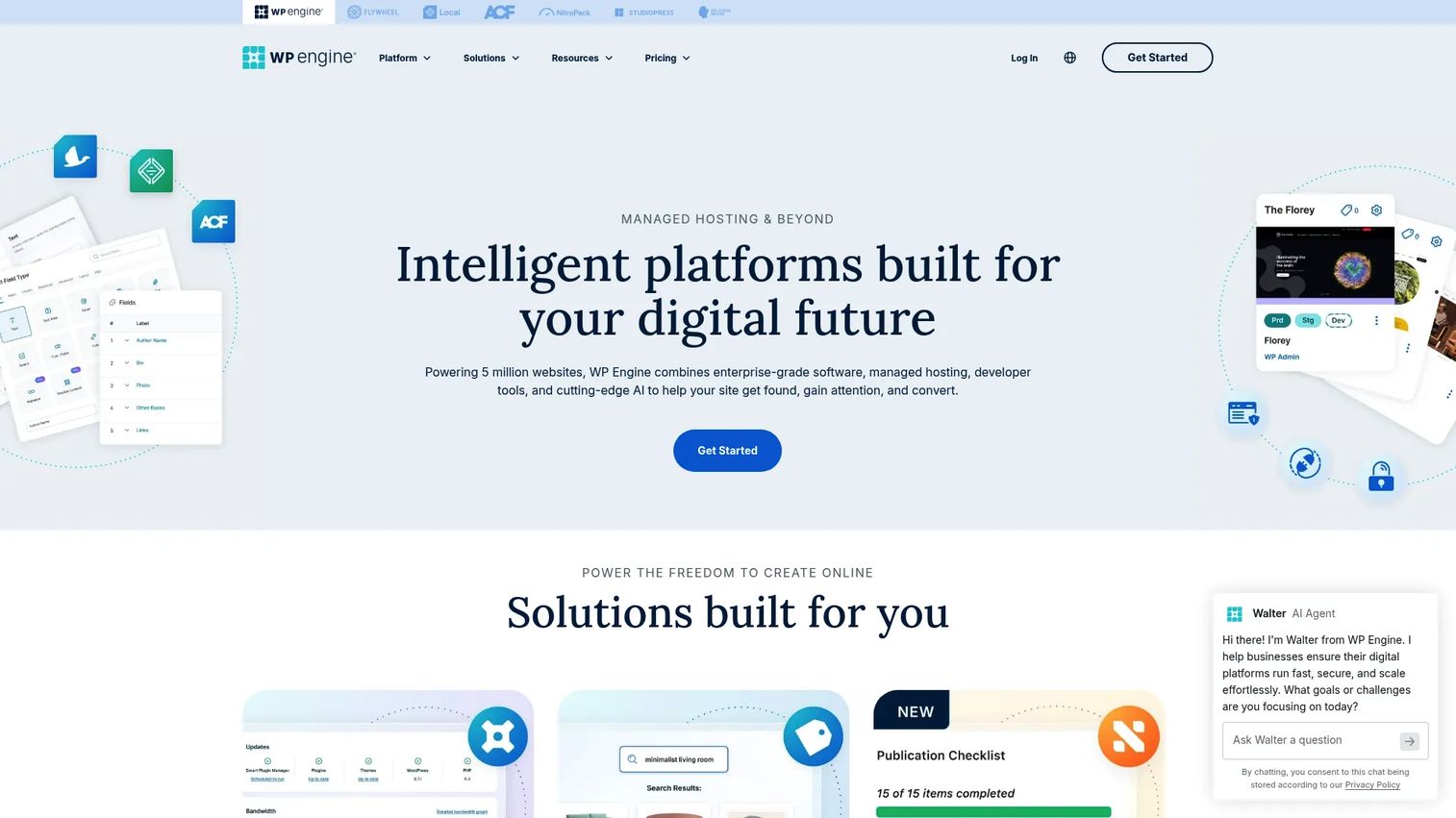
WP Engine is a premium managed WordPress host built for businesses, agencies, and enterprises. Beyond core hosting, it offers an ecommerce solution and a newsroom platform, making it a strong fit for teams managing multiple client or brand sites with mature operational tooling and premium support.
Best for: Teams needing managed WordPress hosting with premium support and scaling options.
Key strengths
- WordPress specialization: a managed hosting platform tuned specifically for WordPress-first workflows.
- Agency and multi-site fit: scaling options and plans that support portfolios of client and brand sites.
- Operational tooling: staging, backups, and support that reduce day-to-day maintenance work.
Why choose WP Engine
Choose WP Engine when you want managed WordPress hosting with mature operations and premium support, especially across multiple sites. Agencies and in-house teams managing several brands benefit from the platform's tooling and scaling tiers. For presales and account teams evaluating hosting for client portfolios, the multi-site management story and support depth are the differentiators worth pressure-testing during a trial.
WP Engine pricing
WP Engine's Startup plan starts at $30/month, with Professional at $55/month, Growth at $109/month, and Scale at $276/month, all shown as first-year pricing for new customers. A Core Hosting tier starts at $400/month. Renewal pricing, taxes, and overage charges can vary, so confirm the ongoing rate before committing. WP Engine holds a 4.6/5 rating on G2.
6. Hostinger
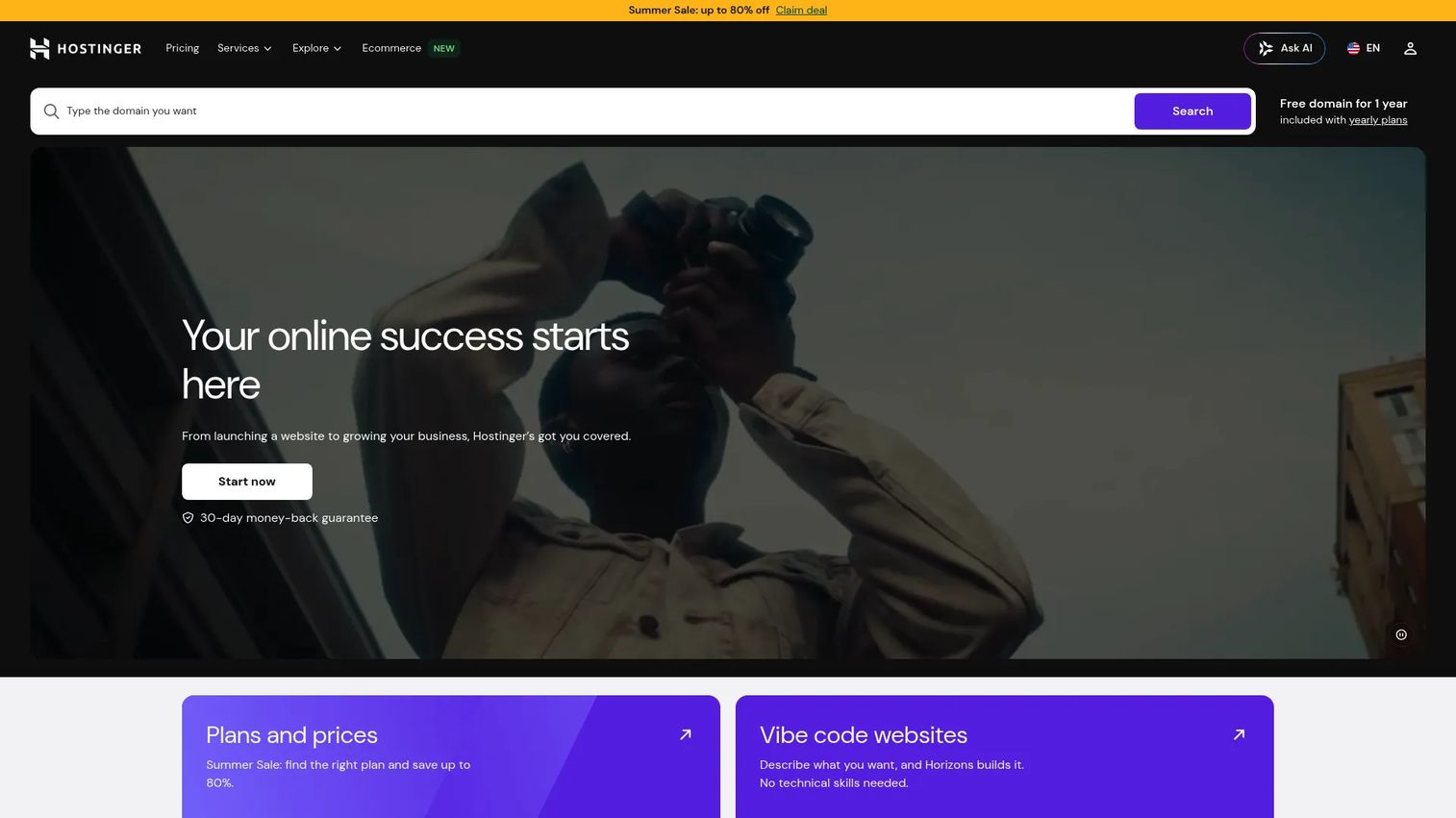
Hostinger is the budget-conscious managed web hosting option, pairing affordable plans with AI-assisted tools and a drag-and-drop site builder. It fits individuals and small businesses that need managed hosting and quick setup without enterprise complexity. If your requirements are a solid small site up fast, Hostinger is honest value.
Best for: Individuals and small businesses wanting affordable managed web hosting and site building.
Key strengths
- Accessible pricing: entry plans that fit small budgets without sacrificing managed hosting basics.
- Broad website support: web hosting plus a drag-and-drop builder that covers many simple use cases.
- AI-assisted setup: AI tools and AI SEO features that speed up getting a site live.
Why choose Hostinger
Choose Hostinger when you need managed hosting without enterprise complexity. It suits smaller sites, personal projects, and small business teams that want fast setup and low cost over deep infrastructure control. Be honest with yourself about fit here: this is the right tool for simpler infrastructure needs, not for regulated, high-traffic, or multi-cloud workloads. For that job, it delivers real value.
Hostinger pricing
Hostinger's public pricing shows plans billed upfront over longer terms. Premium starts at $2.99/month, Business at $3.79/month, and Cloud Startup at $7.99/month, each quoted on a 48-month term. The lowest advertised rates depend on committing to the long billing cycle, so factor renewal pricing into your total cost. A current overall G2 star rating was not clearly available at the time of writing.
7. WordPress.com
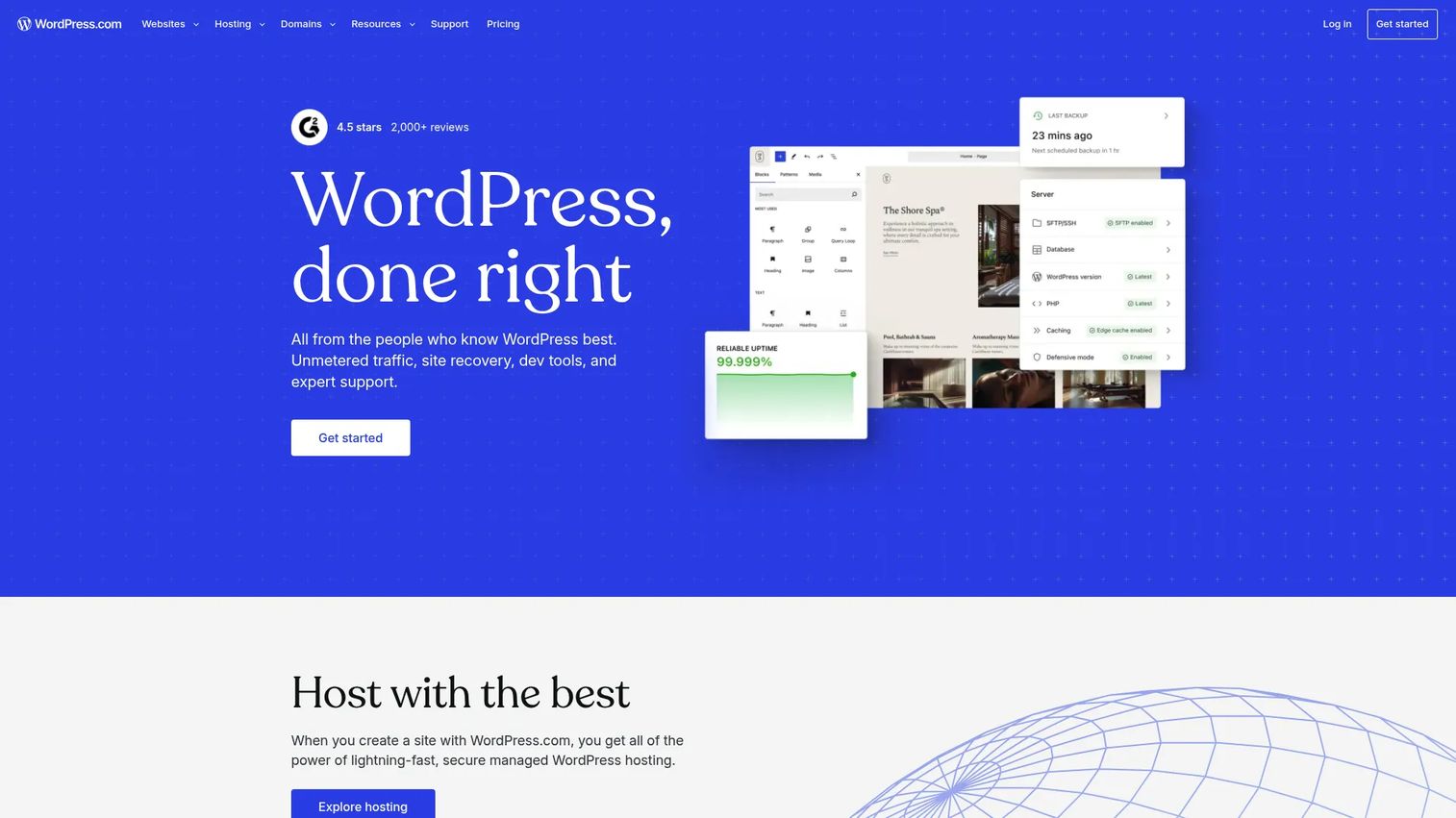
WordPress.com is the simplest all-in-one managed WordPress option, a fully hosted website and blogging platform with hosting, design tools, plugins, and ecommerce built in. It fits creators and small teams that want low-friction publishing without managing infrastructure. If you want to write and ship rather than administer servers, this is the lowest-overhead path.
Best for: Individuals and businesses wanting a fully hosted WordPress site with upgrade paths for growth.
Key strengths
- All-in-one simplicity: managed WordPress hosting bundled with design, stats, and security in one place.
- Low admin burden: the block editor and customizable themes remove most infrastructure and setup work.
- WordPress-native workflow: plugins, security, and ecommerce tools that fit naturally into the WordPress ecosystem.
Why choose WordPress.com
Choose WordPress.com when ease of use and a bundled website experience matter more than deep infrastructure customization. It suits creators, marketers, and small teams who want to publish quickly and grow through upgrade tiers rather than manage a stack. The clear path from a free plan to paid tiers makes it easy to start small and scale spend as the site earns its keep.
WordPress.com pricing
WordPress.com offers a free plan at $0, with paid tiers of Personal at $9, Premium at $18, Business at $40, and Commerce at $70, each billed every 12 months. The most relevant managed hosting and plugin features unlock on the higher paid tiers, so match the plan to whether you need custom plugins, ecommerce, or advanced hosting controls. WordPress.com holds a 4.4/5 rating on G2.
8. ScalaHosting

ScalaHosting is the managed cloud VPS option with a control-panel-led experience. It offers shared hosting, WordPress hosting, reseller hosting, and managed cloud VPS, all built around its own SPanel control panel. For buyers who want more server-level control than a simple hosted plan, without adopting cPanel, it hits a useful middle ground.
Best for: Businesses that want managed hosting with strong support and a built-in alternative to cPanel.
Key strengths
- Managed cloud VPS focus: VPS-style architecture that gives more control and room to scale than shared plans.
- Bundled control panel: the SPanel control panel offers operational convenience and a cPanel alternative.
- Security and migration tooling: SShield security protection, free SSL, free website migration, and NVMe SSD hosting.
Why choose ScalaHosting
Choose ScalaHosting when you want managed hosting with server-level control and headroom to grow, especially where VPS-style architecture matters. It fits teams outgrowing simple shared plans that still want managed support and a bundled control panel rather than raw, unmanaged infrastructure. The SPanel alternative to cPanel and free migration lower the friction of moving in and taking more control of the environment.
ScalaHosting pricing
ScalaHosting's public shared-hosting plans start at $2.95/month for Mini, $5.95/month for Start, and $9.95/month for Advanced, with 36-month, 12-month, and 1-month billing options. Introductory pricing is shown separately from renewal pricing, so confirm the renewal rate before committing to a long term. ScalaHosting holds a 4.8/5 rating on G2.
What to check before you commit
Use this checklist to pressure-test any managed hosting provider before signing. These criteria apply across every provider on this list.
SLA and uptime guarantee
Read the SLA closely. A headline uptime guarantee means little without defined remedies, measurement windows, and credits when the provider misses. Confirm what counts as downtime, how it is measured, and what you actually get back when the number slips.
Security and compliance scope
Verify what security posture the provider owns versus what stays with you. Check firewall management, DDoS protection, patching cadence, and any compliance certifications your industry requires, such as SOC 2, ISO 27001, or FedRAMP for regulated workloads.
Backups and disaster recovery
Backups and disaster recovery scope varies widely by tier. Confirm backup frequency, retention period, where copies are stored, and the documented recovery process. Ask for the recovery time and recovery point objectives in writing, not just a "backups included" line.
Support model and responsiveness
Confirm the support scope behind the 24/7 support label. Check response time commitments, escalation paths, and whether help covers your application layer or stops at the infrastructure. Support quality is where managed hosting either earns or loses its premium.
Migration, onboarding, and scalability
Ask how migration and onboarding work, whether migrations are free, and what downtime to expect. Then confirm how scalability works: can you scale resources without a rebuild, and what does that cost? Predictable scaling protects you from surprise bills during growth.
How to choose the right provider
The shortlist sorts cleanly by workload and team capacity. For enterprise and regulated environments where compliance, dedicated infrastructure, and hybrid reach matter, Rackspace and DataBank are built for the conversation. For performance-focused WordPress, Kinsta leads on speed and support, while WP Engine wins for agencies and multi-site portfolios that need mature tooling. Cloudways is the pick when you want managed cloud hosting with your choice of underlying provider.
For simpler needs, WordPress.com offers the lowest-friction all-in-one experience, Hostinger delivers honest value for small sites, and ScalaHosting fits teams that want VPS-style control with a bundled control panel.
Filter by the four things that actually matter: support scope, security posture, performance, and operational fit. Start with the provider that matches your workload and your team's real capacity, not the one with the flashiest homepage. Then treat migration planning as your next concrete step: map your current environment, confirm the migration path and expected downtime, and validate backups and recovery before you cut over. The provider that fits your workload today is the one that will keep your uptime and your sanity intact tomorrow.
FAQs
Managed hosting is a service model where the provider operates the server and infrastructure layer for you, including setup, OS patching, monitoring, backups, disaster recovery, security hardening, and support. You focus on your application and content while the provider handles the operational work. It trades an unpredictable internal ops burden for a defined service scope and a predictable monthly cost.
The difference is the responsibility split. With managed hosting, the provider owns patching, monitoring, backups, and security. With unmanaged hosting, that work stays with your team, and you get raw infrastructure to configure yourself. Managed hosting suits teams that would rather spend engineering hours on their product than on keeping servers healthy.
It depends on the cost of your alternatives. Managed hosting carries a higher sticker price than unmanaged infrastructure, but it removes the labor, uptime risk, and security exposure of running everything yourself. If a single outage costs you revenue or a breach costs you trust, the managed premium usually pays for itself in avoided incidents and reclaimed engineering time.
Focus on the SLA and uptime guarantee, support scope and responsiveness, security and compliance coverage, backups and disaster recovery detail, scalability, and migration help. Also weigh contract flexibility and how transparent the provider is about what it owns versus what stays with you. Get the responsibility boundaries in writing before you sign.
Yes, especially when uptime, performance, staging, backups, and support matter. Managed WordPress hosts optimize the stack for WordPress specifically, handle updates and security, and provide staging environments so you test changes safely. For business-critical or high-traffic WordPress sites, the performance and support usually justify the cost over generic shared hosting.
Managed hosting is common in e-commerce, SaaS, regulated industries like finance and healthcare, media and publishing, and among agencies managing client sites. It also fits small and mid-sized businesses without a dedicated operations team. The common thread is a need for reliability and security without the staff to run infrastructure in-house.
Yes. Enterprise-focused providers offer managed hybrid environments and multi-cloud operations, combining private cloud, public cloud, and dedicated infrastructure under one managed service. If this is a requirement, verify the specifics: connectivity between environments, how much control you retain, and how integrations and monitoring work across the different layers before you commit.
Usually yes, but the scope varies by provider and tier. Most managed hosting includes scheduled backups and a documented recovery process, but backup frequency, retention, storage location, and recovery objectives differ widely. Confirm the exact coverage, including recovery time and recovery point objectives, rather than relying on a general "backups included" claim.