
Your audience expects fresh, relevant content every day. But creating original material at that pace burns out even the best marketing teams.
Content curation tools solve this by helping you discover, organize, and share third-party content that positions your brand as a trusted resource. This guide covers 13 of the best curation platforms for marketers, with honest breakdowns of features, pricing, and the specific use cases where each one excels.
What's inside
This guide covers what content curation tools are, the key features to evaluate when choosing one, and when to use different platforms for your marketing goals. We'll explore 13 of the top tools, selected based on discovery capabilities, distribution options, and integrations, complete with pricing and specific use cases.
TL;DR
- Best for content discovery: Feedly, BuzzSumo, Scoop.it
- Best for social media curation: Quuu, Buffer, ContentStudio
- Best for newsletters: Curated, UpContent, Elink.io
- Best free curation tools: Flipboard, Pocket, Pinterest
- Best enterprise curation software: Curata, Anders Pink
- Best for product content curation: Guideflow centralizes interactive demos and product experiences in one hub
What are content curation tools
Content curation tools allow users to discover, organize, and share relevant third-party content to build authority and engage audiences. Popular options include Pocket and Flipboard for saving and visualizing content, Scoop.it and UpContent for finding niche content, and Curata for business-grade, AI-powered curation.
Unlike content creation, which involves producing original material like blog posts or videos, curation is about filtering the web for existing valuable content and sharing it with your audience. Curation platforms perform three core functions: discovery (finding new content), organization (saving and categorizing it), and distribution (sharing it across your channels).
The best curation software uses AI to scan millions of sources, score content for relevance, and suggest articles based on your chosen topics. This saves hours of manual browsing while ensuring you always have fresh, relevant material to share.
Why marketers rely on content curation software
Cut content discovery time
Curation tools aggregate countless sources into a single dashboard, so you no longer browse dozens of websites manually. Features like RSS feeds, keyword tracking, and AI recommendations automatically surface relevant content.
Scale thought leadership without adding headcount
By consistently sharing curated industry insights, you position your brand as a go-to resource. With 58% of content marketers citing lack of resources as a top challenge, curation tools help you filter the signal from the noise for your audience, establishing trust without needing a large content creation team.
Keep publishing consistent across channels
Curation fills gaps in your content calendar. When you don't have an original blog post or video ready, sharing a high-quality curated article maintains audience engagement and keeps your social media presence active.
Boost engagement with relevant third-party content
Audiences value helpful resources, not just constant self-promotion. With 65% of effective B2B teams citing content relevance as the top driver of results, mixing curated content with original material builds trust and drives higher engagement.
Feed demand generation campaigns with curated resources
Curated content is a powerful asset for nurture sequences, newsletters, and resource hubs. For demand generation teams, curation provides a steady stream of valuable touchpoints without the production overhead of original content.
Key features to look for in a content curation platform
AI-powered discovery and recommendations
Modern curation tools use AI to scan millions of sources, score content for relevance, and suggest articles based on your chosen topics and past selections. Natural Language Processing helps the AI understand intent and sentiment, ensuring recommendations are highly accurate.
Source management and quality filtering
Source management gives you control over content quality. The ability to whitelist trusted sources, blacklist low-quality or competitor sites, and set keyword filters ensures all curated content is brand-safe and relevant.
Multi-channel distribution options
Look for tools that allow you to publish curated content directly to your social media profiles, email newsletters, website, or content hubs from one central platform. Strong integration with scheduling tools is crucial for an efficient workflow.
Team collaboration and approval workflows
For marketing teams, features like shared content libraries, role-based permissions, and approval queues are essential. Collaboration workflows prevent off-brand sharing and ensure all curated content meets editorial standards before publication.
Analytics and engagement tracking
To prove ROI, you want to track the performance of your curated content. Look for tools that provide analytics on clicks, shares, comments, and time on page.
Integrations with your marketing stack
A great curation tool fits seamlessly into your existing workflows. Check for native integrations with your CRM, marketing automation software, social media schedulers, and CMS.
When to use different types of curation tools
Social media content curation
Use social curation tools when your primary goal is to fill your social media calendars with relevant, engaging industry content. Platforms like Quuu and Buffer excel here, offering features like automatic scheduling and category-based suggestions.
Newsletter and email curation
With 81% of B2B marketers relying on email newsletters as their primary content distribution channel, tools like UpContent, Curated, and Elink.io are specifically designed for email-first workflows. Email curation platforms emphasize integration with email service providers and easy-to-use formatting.
News curation and industry monitoring
To stay current with industry news, trends, and competitor activity, use tools built for tracking sources in real-time. Feedly and ContentGems are excellent for monitoring RSS feeds and keywords.
Internal knowledge sharing
Curation isn't just for external marketing. Tools like Anders Pink help you curate and share learning resources for internal teams. Internal curation is highly relevant for sales enablement, employee training, and professional development.
Product content and demo curation
When you want to organize and share product-related content like interactive demos, tutorials, and case studies, a specialized curation hub is key. Creating a demo center centralizes all your product experiences in one place.
Top 13 content curation tools for marketing teams
1. Feedly
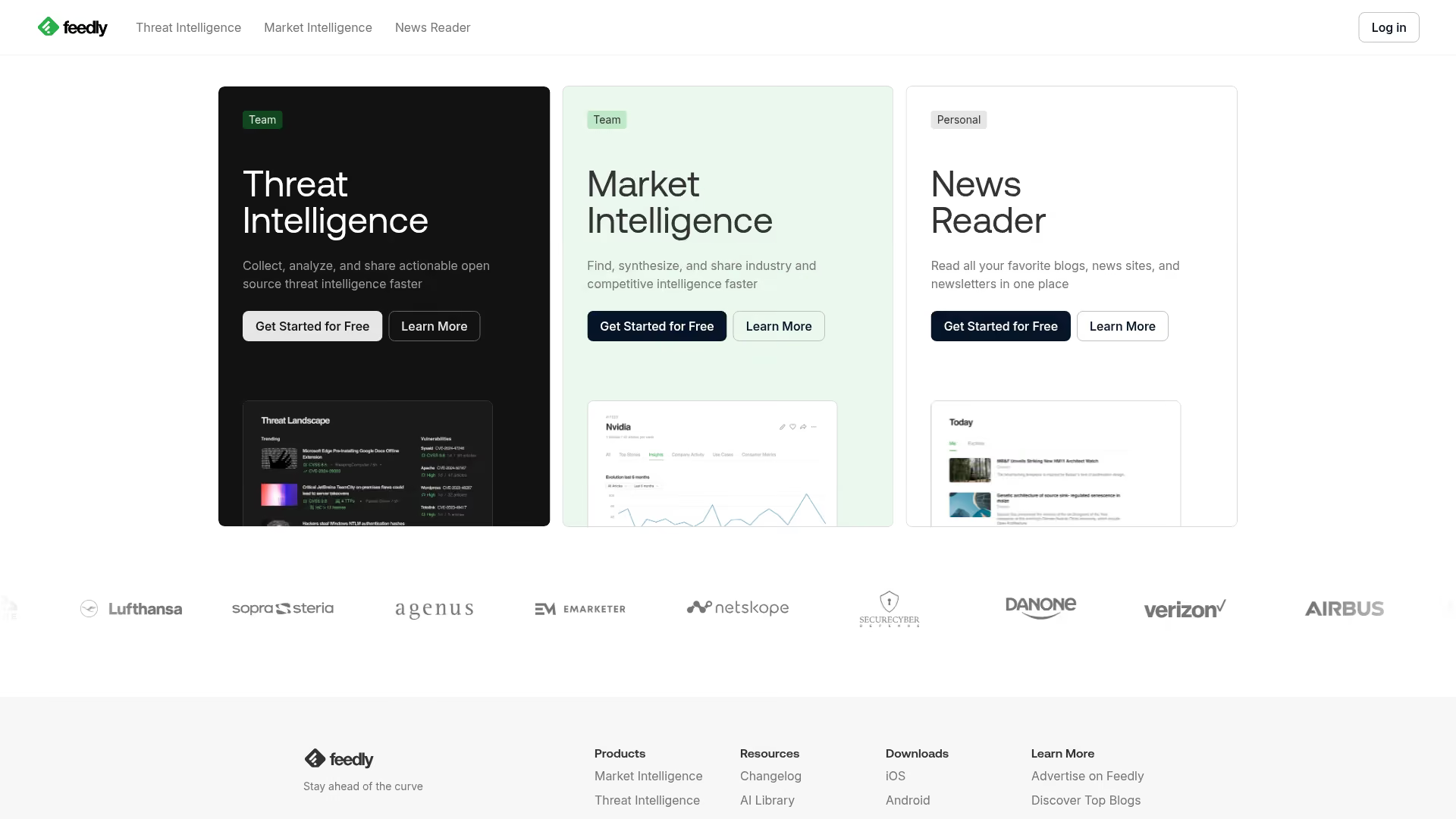
Feedly is a powerful RSS-based news curation platform perfect for industry monitoring. It helps marketers track industry news, competitor content, and keywords in an organized way.
Best for: Marketers tracking industry news and competitor content.
Pricing: Free tier available, with Pro and Enterprise plans for advanced features.
Key strengths
- AI assistant (Leo): Automatically filters and prioritizes content based on your topics
- Organized feeds: Group sources by topic, project, or client for easy management
- Team sharing: Collaborate with team members on shared feeds and boards
- Integrations: Connects with Buffer, Hootsuite, Zapier, and other tools
2. Scoop.it
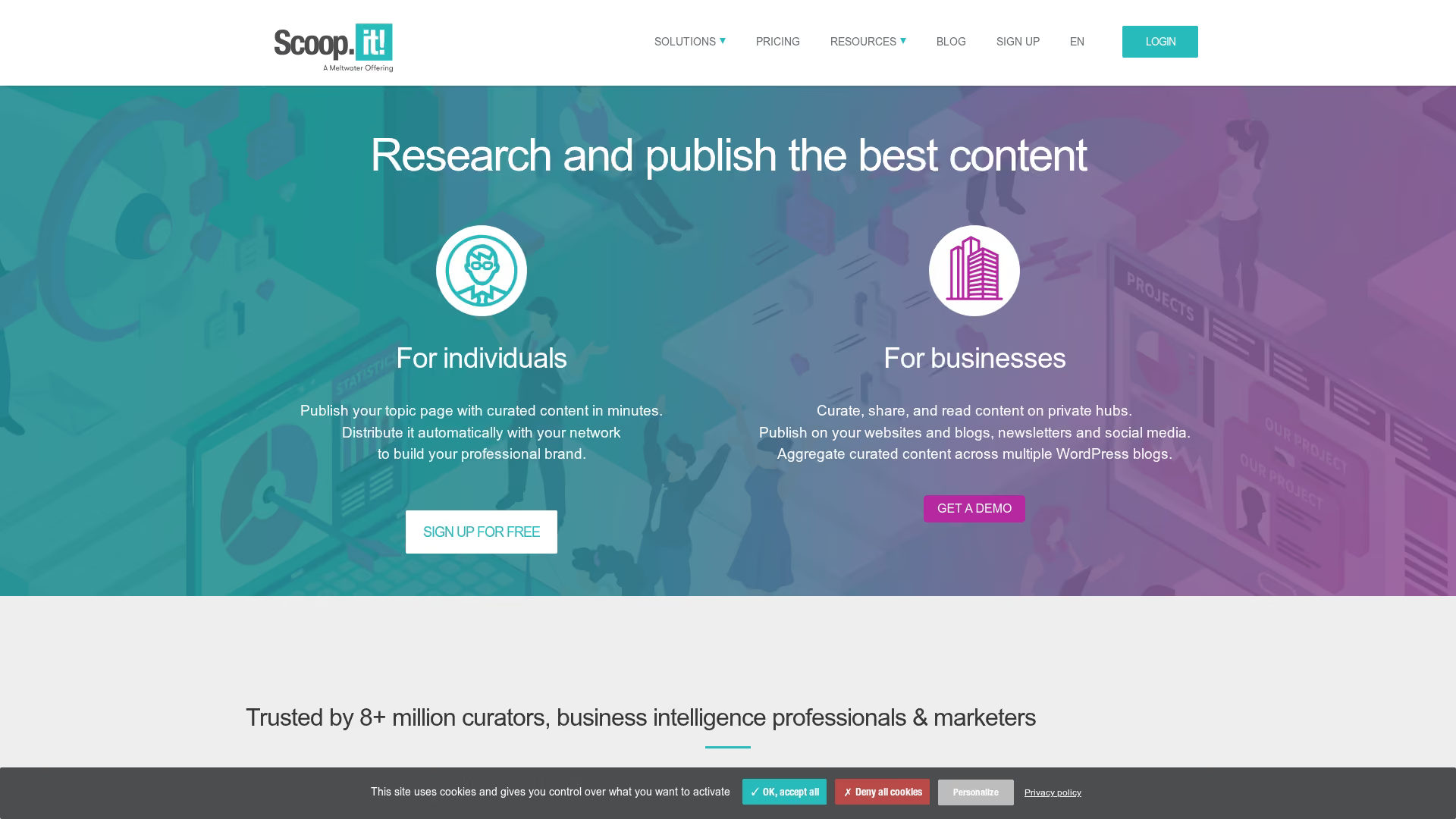
Scoop.it combines content discovery with a publishing platform, making it ideal for building thought leadership. It helps you find relevant content and publish it to curated topic pages.
Best for: Thought leadership and content hub building.
Pricing: Free basic plan, with paid plans for teams and enterprises.
Key strengths
- Keyword-based discovery: Smart engine suggests content based on your keywords
- Curated topic pages: Create magazine-style pages for your curated content
- Social sharing: Easily share content to your social media channels
- Content suggestions: Provides recommendations to keep your topic pages fresh
3. BuzzSumo
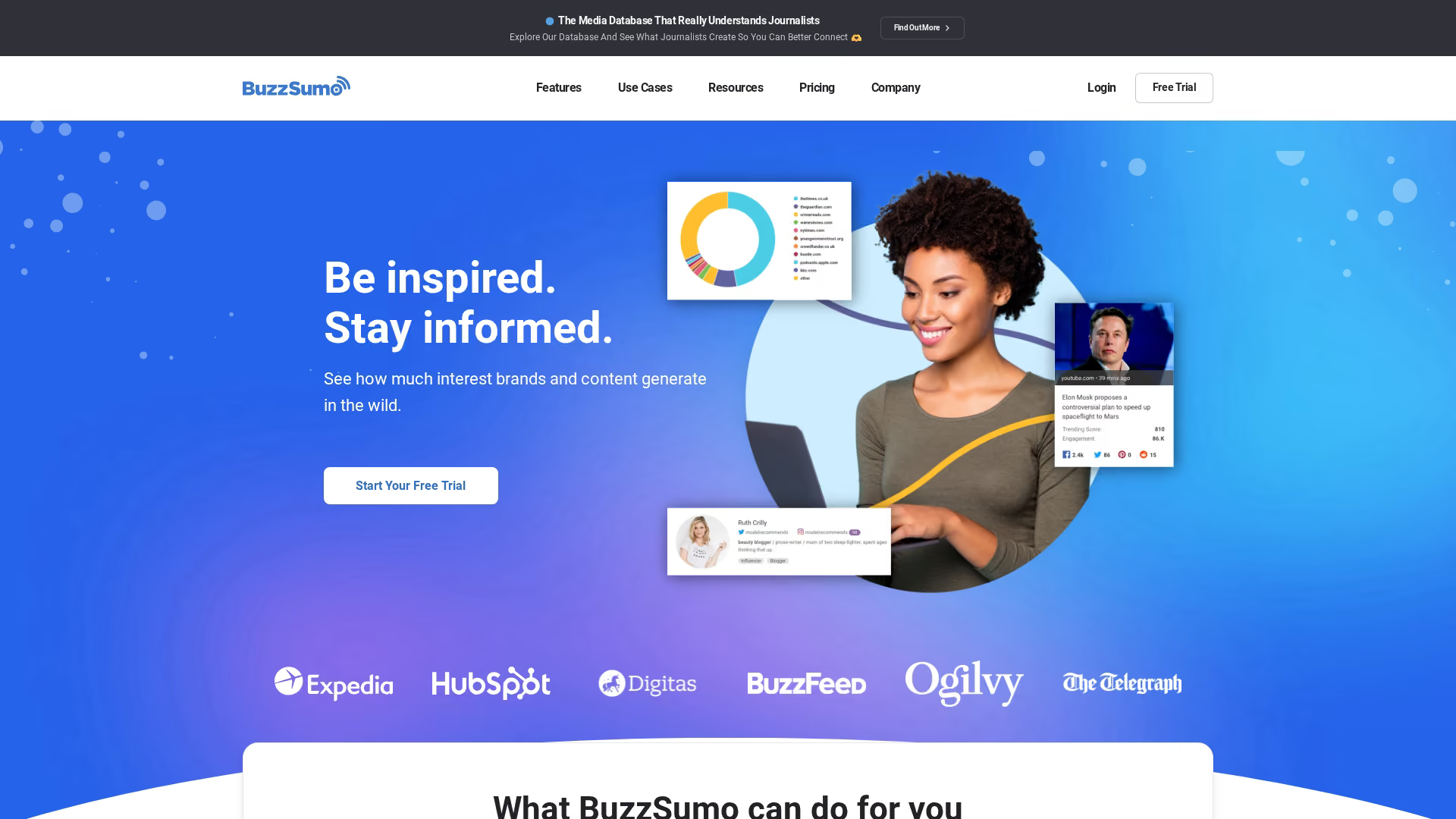
BuzzSumo is a powerful tool for discovering trending content and key influencers in your niche. It focuses on performance data, showing you what content gets the most shares and engagement.
Best for: Finding high-performing content and influencers in your niche.
Pricing: Paid plans only, starting at $199/month.
Key strengths
- Content performance data: See which articles and topics are trending across social media
- Influencer identification: Find key influencers sharing content in your industry
- Brand mention alerts: Get notified when your brand or keywords are mentioned online
- Competitor content tracking: Analyze what content is working for your competitors
4. Quuu
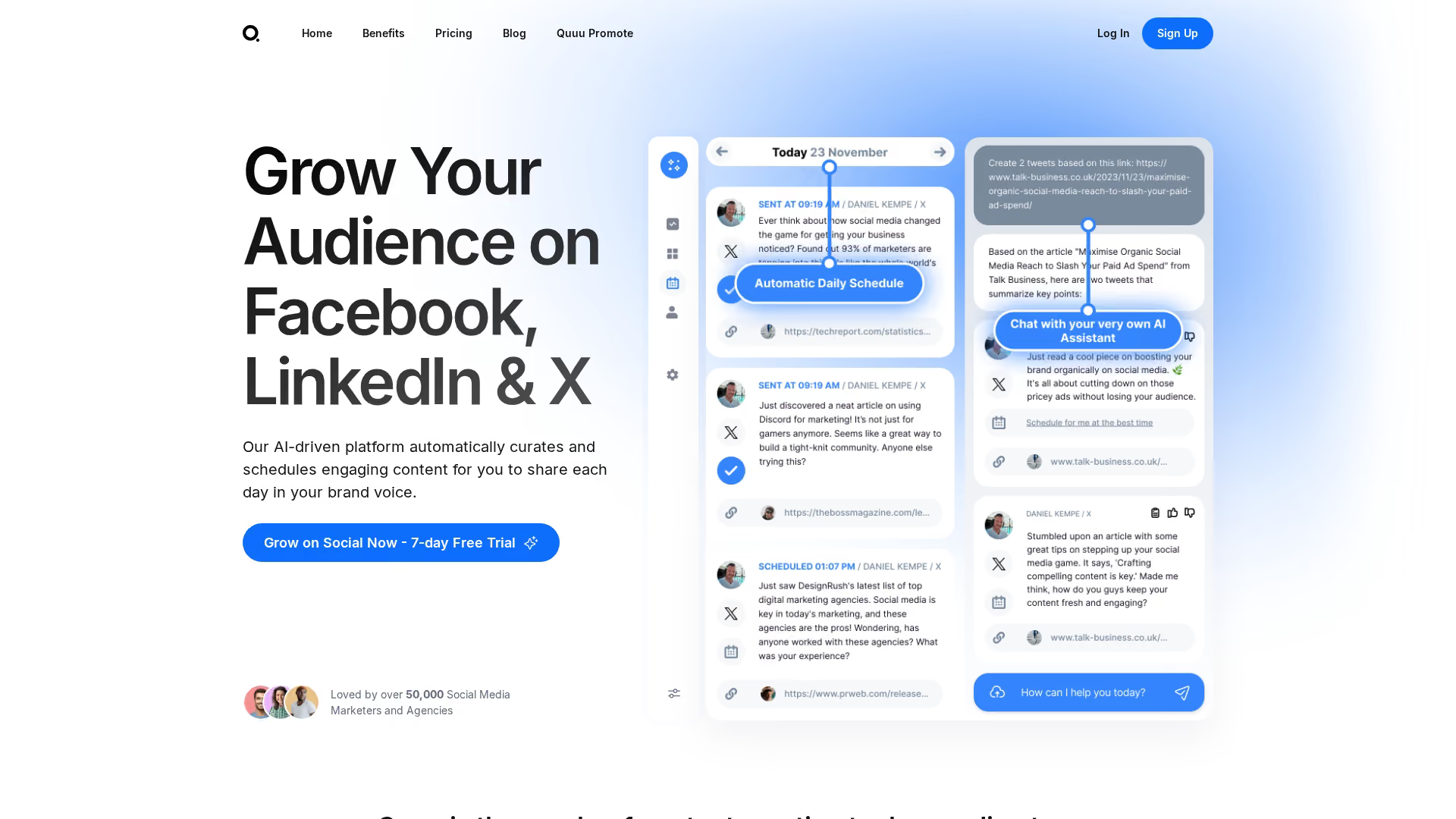
Quuu is an AI-powered social media curation tool designed for hands-off scheduling. Its AI assistant, Robin, finds hand-reviewed content in your chosen categories and adds it to your social media queue.
Best for: Hands-off social content scheduling.
Pricing: Free tier available, with paid plans for more suggestions and profiles.
Key strengths
- AI assistant (Robin): Curates content from a library of hand-reviewed sources
- Direct integrations: Works seamlessly with Buffer, HubSpot, Socialbee, and more
- Category-based suggestions: Choose from over 500 interest categories
- Quality control: All suggested content is reviewed by a human team
5. Curata
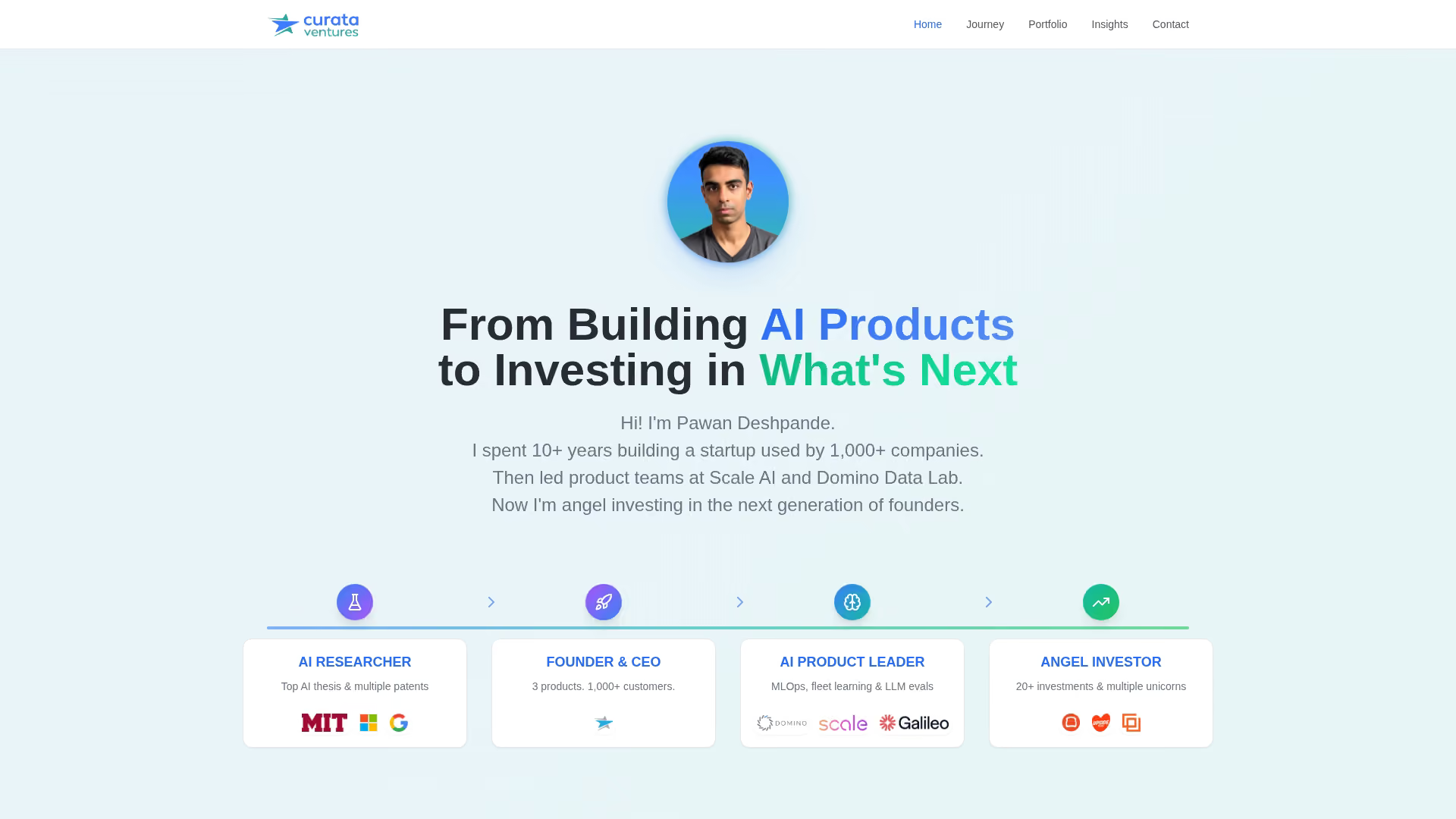
Curata is enterprise-grade content curation software built for large marketing teams that require robust editorial workflows. It uses AI to discover and score content for publishing across channels.
Best for: Large marketing teams with editorial workflows and advanced analytics requirements.
Pricing: Enterprise pricing, contact for a quote.
Key strengths
- AI-powered discovery: Self-learning engine finds relevant content and improves over time
- Content scoring: Ranks content based on relevance to your audience
- Editorial calendar: Plan and manage curated and created content in one place
- CMS integration: Integrates with WordPress, HubSpot, and other systems
6. ContentGems
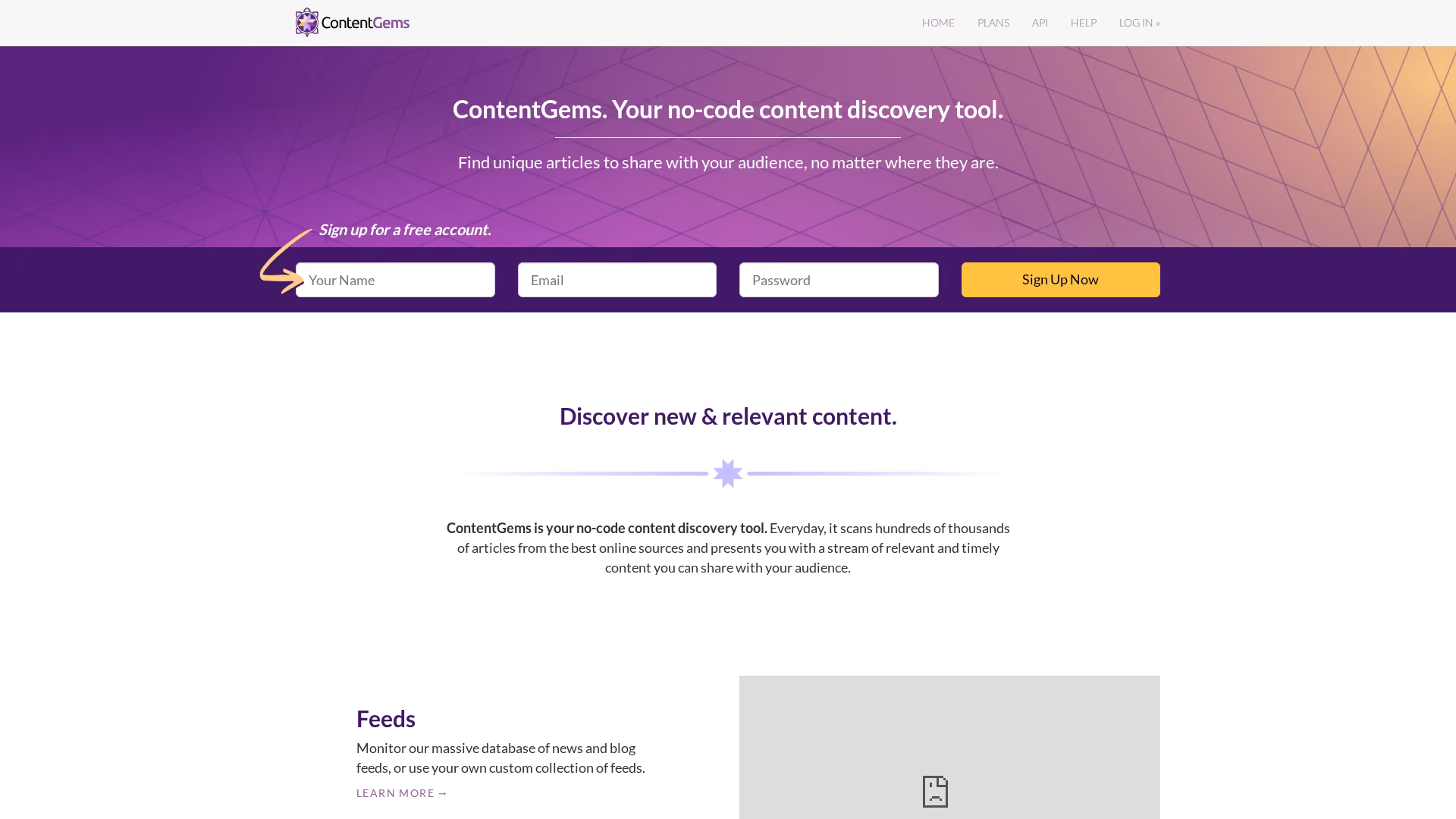
ContentGems is a keyword-based content discovery engine that provides daily recommendations. It's a straightforward and affordable tool for marketers who want a steady stream of curated content.
Best for: Marketers who want daily curated recommendations via email or RSS.
Pricing: Free tier available, with affordable paid plans.
Key strengths
- Keyword and filter-based tracking: Monitor any source for content matching your criteria
- Email digests: Receive a daily email with the top content for your topics
- Social sharing: Share content directly to your social media accounts
- Affordable pricing: Powerful features at a lower price point than many competitors
7. Flipboard
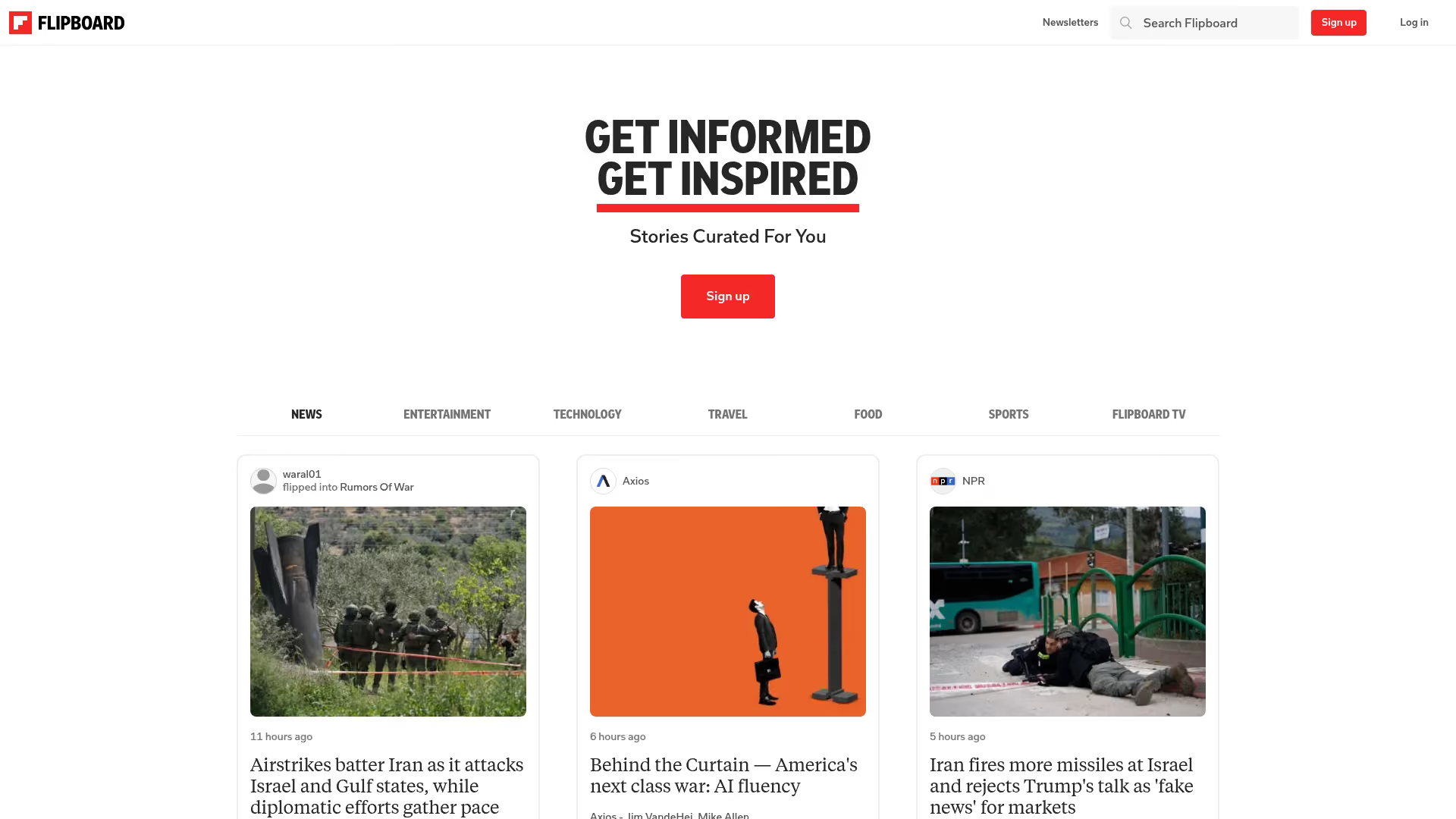
Flipboard is a popular visual curation app that lets you create and share "magazines" of content. It's highly mobile-friendly and presents content in a beautiful, engaging format.
Best for: Creating shareable content magazines and visual curation.
Pricing: Free.
Key strengths
- Visual presentation: Displays content in a magazine-style layout
- Mobile-friendly: Excellent app experience for curating on the go
- Topic following: Follow thousands of topics to get a personalized content feed
- Easy sharing: "Flip" content into your own magazines for others to follow
8. Buffer
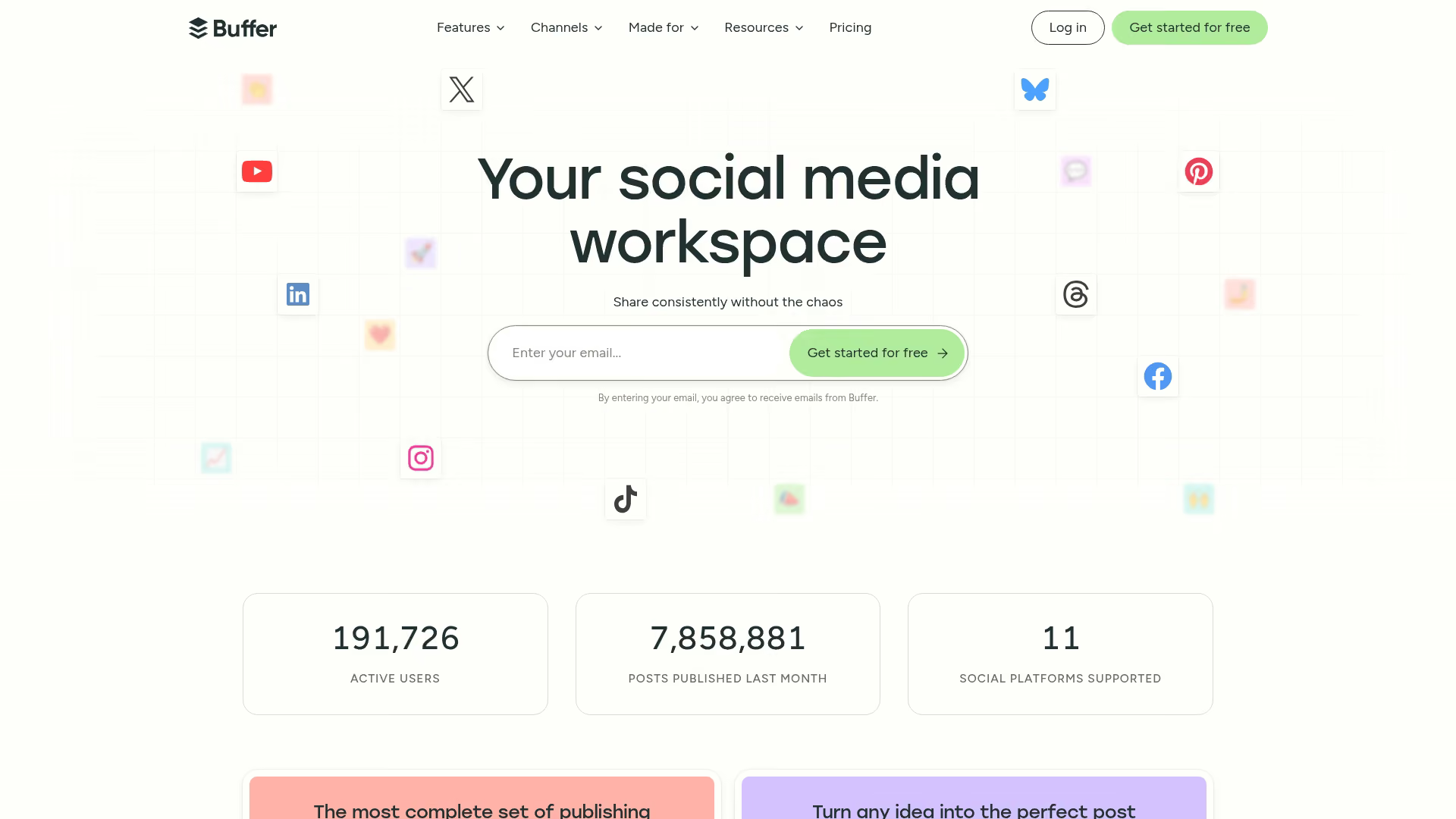
While primarily a social media scheduler, Buffer includes useful curation features. Its Content Inbox provides suggestions, making it a great choice for teams already using Buffer for scheduling.
Best for: Teams already using Buffer for social media scheduling.
Pricing: Free tier available, with paid plans for teams and advanced features.
Key strengths
- Content Inbox: Add RSS feeds to get content suggestions in your dashboard
- All-in-one scheduling: Schedule curated and original content across all major platforms
- Team collaboration: Work with team members on drafting and approving posts
- Analytics: Track the performance of your shared content
9. UpContent
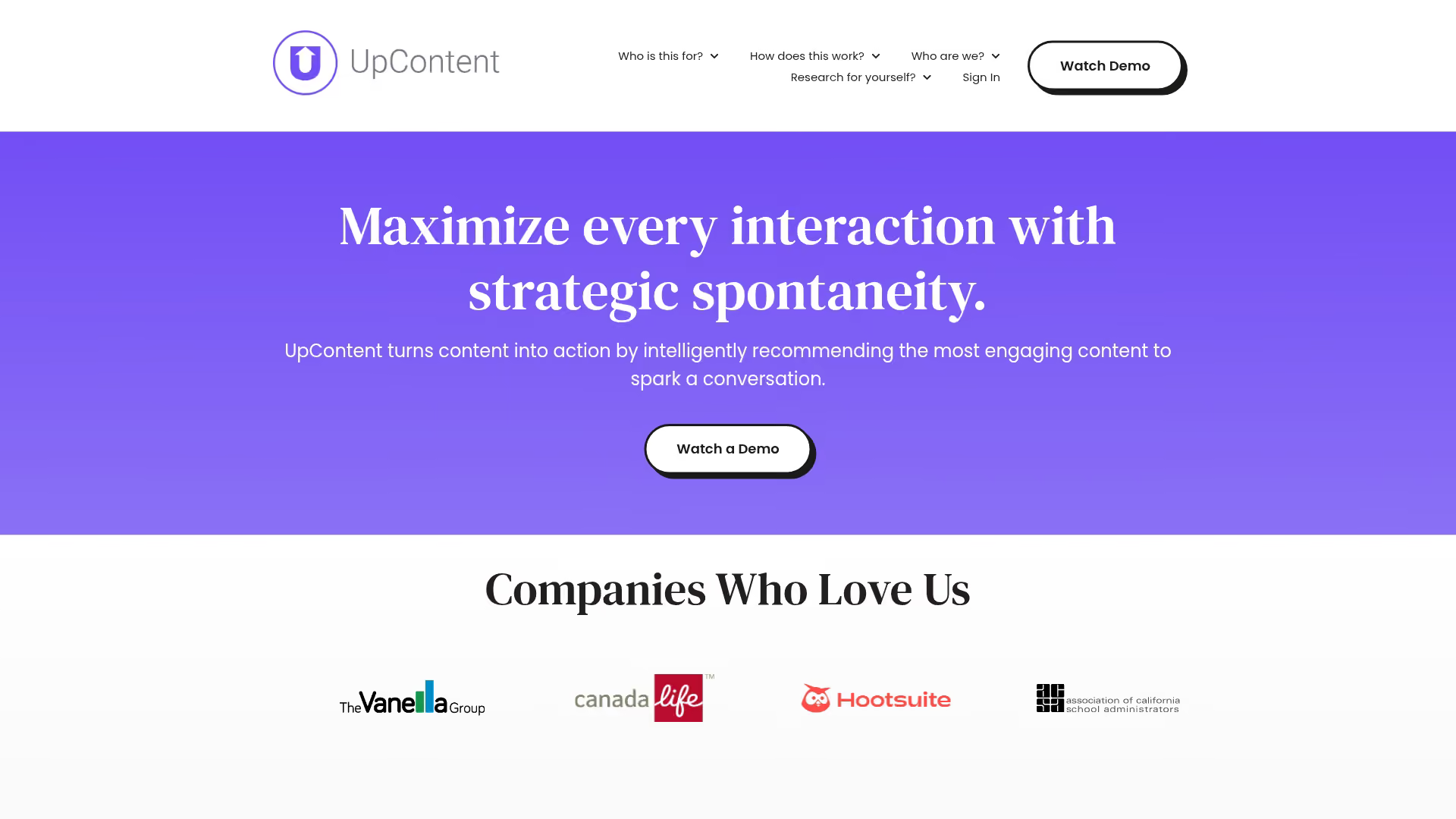
UpContent is a topic-based curation platform designed for driving engagement through email and social media. It places a strong emphasis on brand safety and compliance.
Best for: Newsletter curation and brand-safe content discovery.
Pricing: Paid plans with a free trial available.
Key strengths
- Topic collections: Create collections of articles based on advanced queries
- Compliance filtering: Set rules to ensure curated content meets brand guidelines
- Direct email integration: Works with Mailchimp, Constant Contact, and other platforms
- Team collaboration: Approve or reject articles suggested by team members
10. Anders Pink
Anders Pink is a curation platform focused on learning and development. It's designed for internal teams to curate and share training materials and enablement content.
Best for: Internal teams curating training and enablement content.
Pricing: Paid plans for teams.
Key strengths
- AI briefings: Creates dynamic, up-to-date briefings on any topic
- Team channels: Share content in specific channels for different teams or projects
- Slack integration: Share and discuss curated content directly within Slack
- Learning-focused: Designed to support continuous learning and professional development
11. Curated
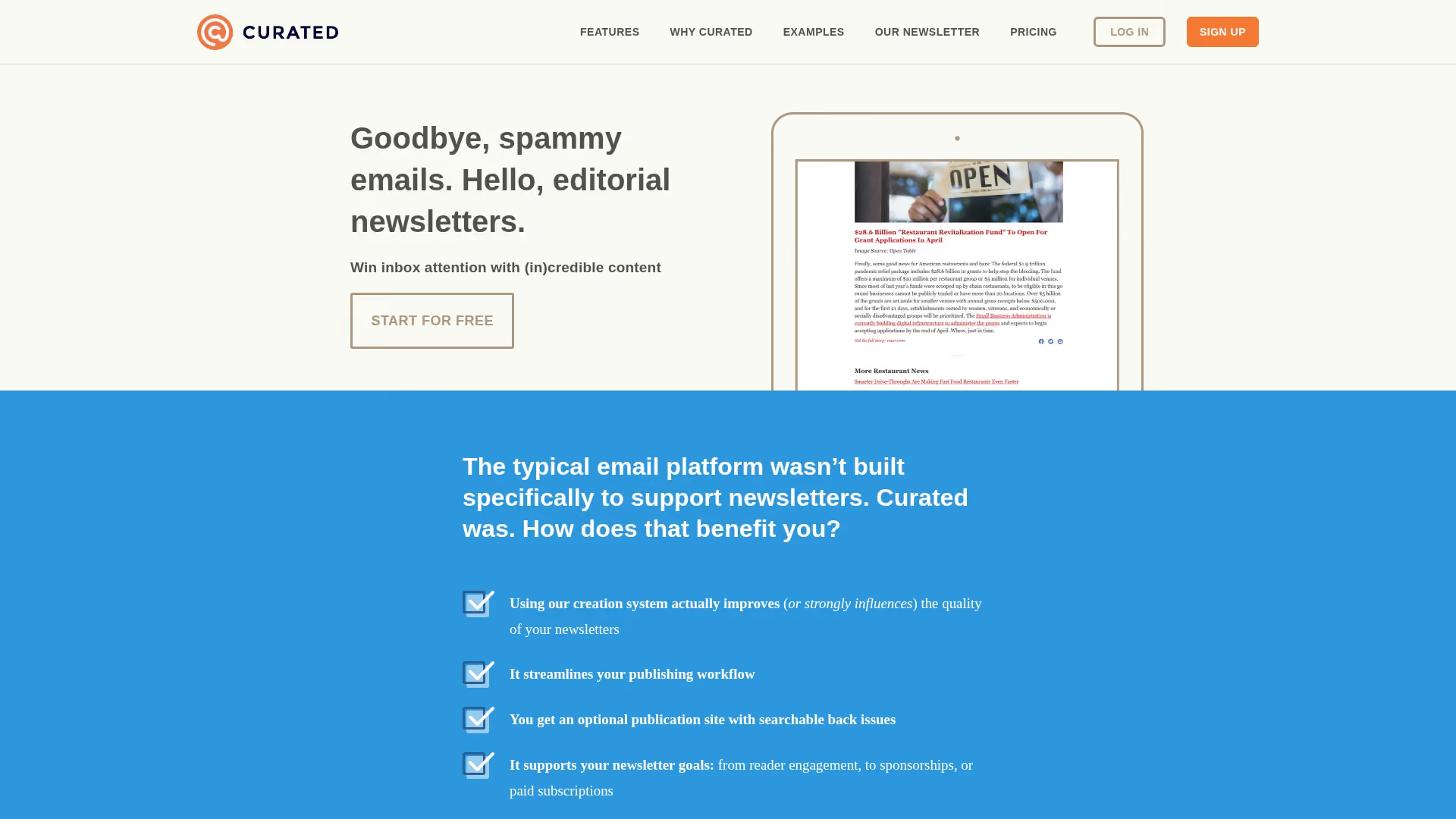
Curated is a newsletter-first curation tool built specifically for creating high-quality email digests. It simplifies collecting links and formatting them into a beautiful newsletter.
Best for: Creating curated email digests and roundups.
Pricing: Free tier available, with paid plans based on subscriber count.
Key strengths
- Email-first design: The entire workflow is optimized for newsletter creation
- Clean templates: Choose from professional, mobile-friendly templates
- Subscriber management: Manage your email list directly within the platform
- Easy link collection: Use a bookmarklet to save links for your next issue
12. ContentStudio
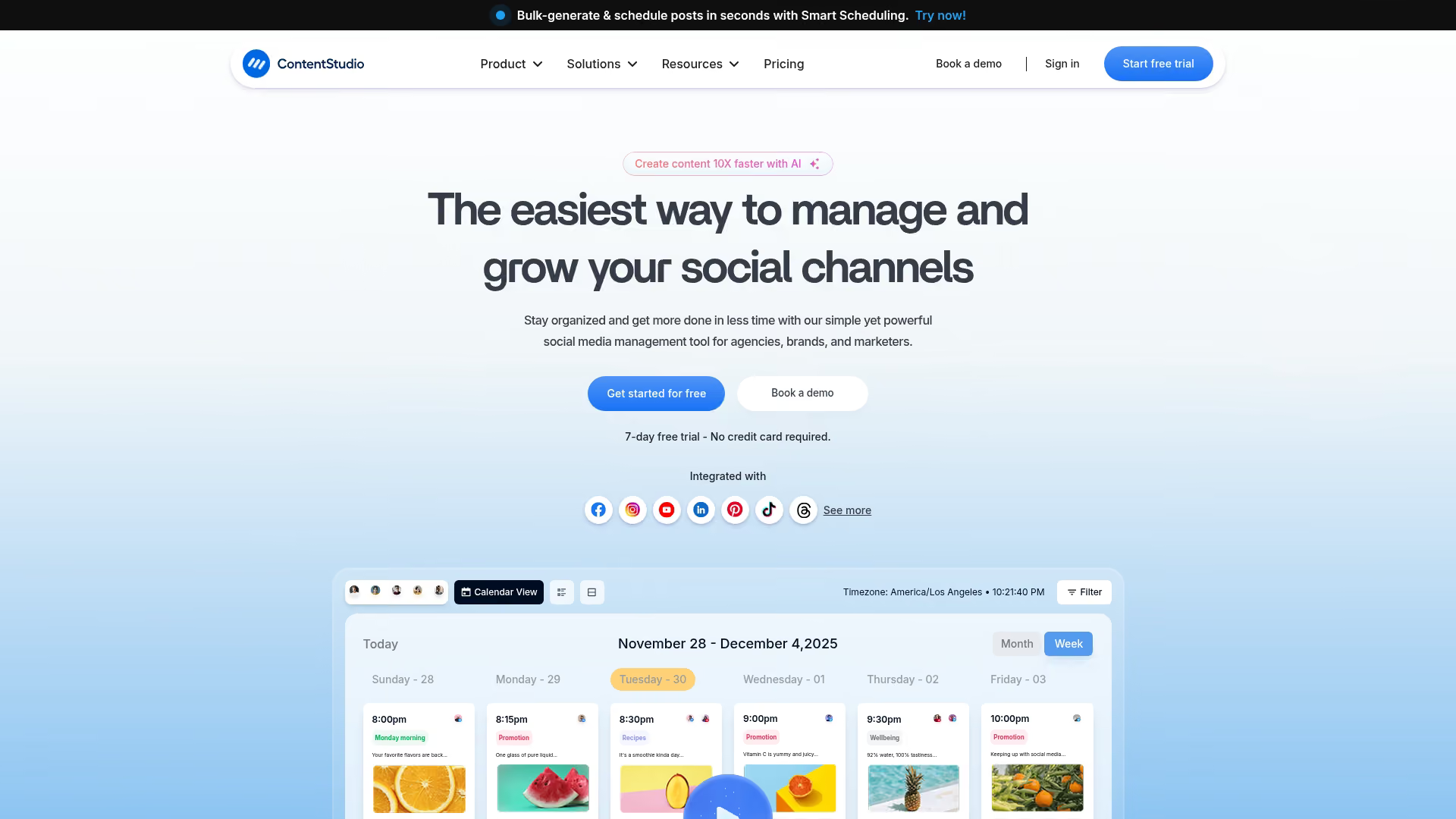
ContentStudio is an all-in-one content marketing platform that includes discovery, planning, and publishing features. It's a good fit for teams who want a single tool to manage their entire content workflow.
Best for: Teams wanting discovery, planning, and publishing in one tool.
Pricing: Paid plans with a free trial available.
Key strengths
- Content discovery: Find trending content with advanced search and filtering
- Editorial calendar: Plan, schedule, and manage all your content in one place
- Automation recipes: Set up rules to automatically publish content from favorite sources
- Multi-channel publishing: Post to blogs, social media, and more from one dashboard
13. Elink.io
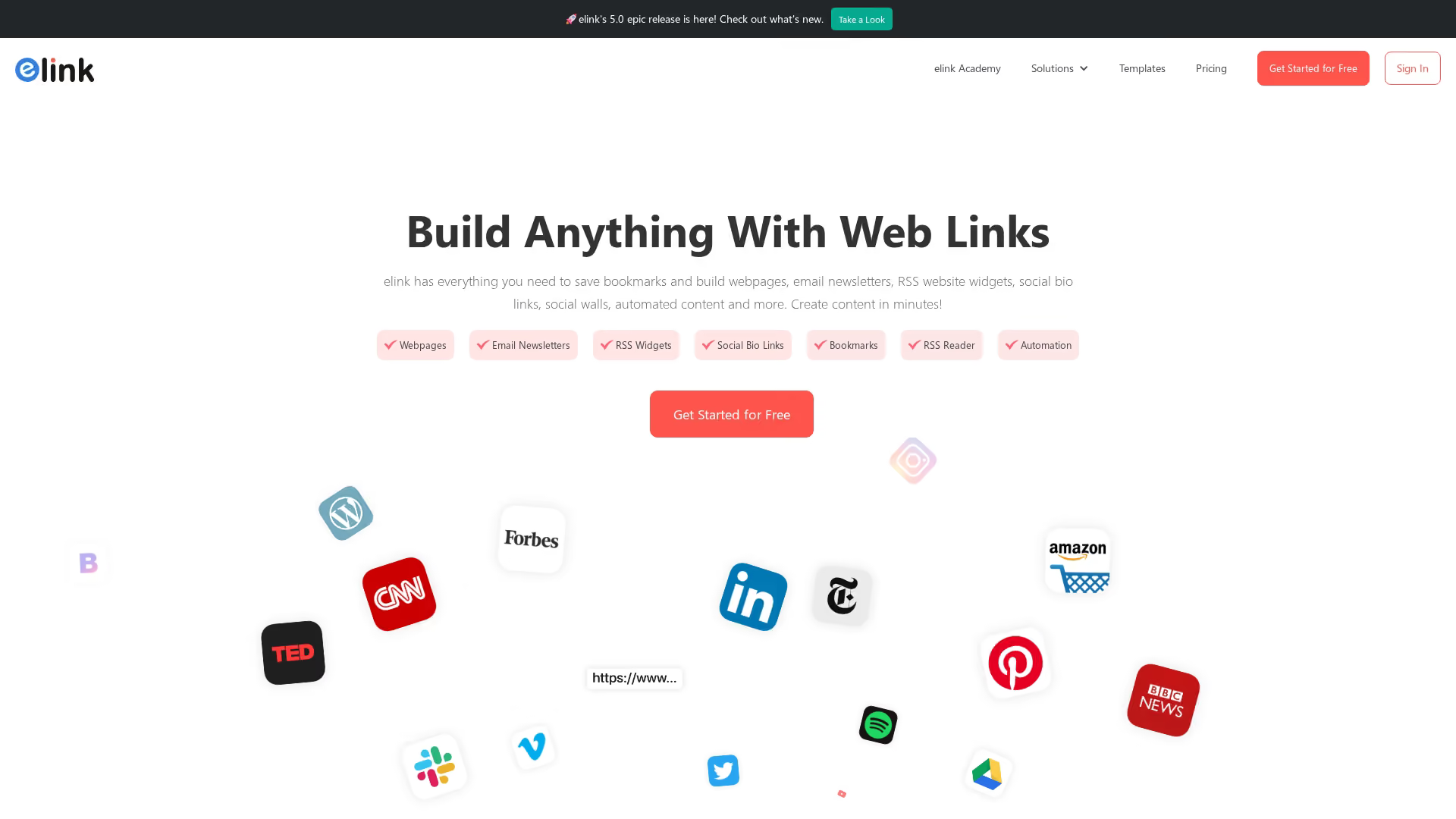
Elink.io is a visual content curation tool that helps you create embeddable web pages and email newsletters from links. It's great for quickly building resource pages and visual roundups.
Best for: Creating curated link pages and email newsletters.
Pricing: Free tier available, with paid plans for advanced features.
Key strengths
- Visual layouts: Choose from over 50 responsive layouts to display your links
- Embeddable pages: Embed your curated content collections on any website or blog
- Newsletter templates: Quickly turn link collections into email newsletters
- Chrome extension: Collect links from anywhere on the web
Content curation tools comparison table
How to choose the right curation tool for your team
Match features to your primary use case
Start with your main goal. Social media curation has different requirements than newsletter curation, and product content curation requires different capabilities than news monitoring. Choose a tool that excels at what you do most.
Evaluate integration requirements
Check for compatibility with your existing marketing stack: your CRM, email platform, social scheduler, and CMS. Avoid tools that create workflow silos and choose one that fits seamlessly with tools you already use.
Consider team size and collaboration needs
Solo marketers can get by with simpler tools. However, teams require features like shared content libraries, role-based permissions, and approval workflows to collaborate effectively. Enterprise organizations require advanced admin controls and security features.
Weigh pricing against expected value
Free tools work for basic use cases, but paid tools often justify their cost through significant time savings, better content performance, and advanced analytics. Consider the total cost of ownership, including the number of team seats you'll require.
Build a content curation strategy that converts
The right content curation platform ultimately depends on your primary use case, whether it's news monitoring, social sharing, newsletters, or product content. For teams looking to curate product demos and interactive contentusing product marketing software, a demo center approach keeps everything organized, measurable, and ready to convert.
By centralizing your most valuable product content, you create a powerful resource for both marketing and sales. The combination of curated third-party content and your own interactive product experiences gives prospects everything they want to self-educate and move forward.
Start your journey with Guideflow today!