



The network looks fine on the dashboard. Green across the board. Then a floor of users can't join, a conference room drops calls, and three tickets land in the queue before lunch.
That gap between "looks healthy" and "actually works" is the whole problem with managing wifi. A ping test tells you a device is up. It tells you nothing about weak signal in the northeast corner, an access point saturated at peak, or the rogue hotspot someone plugged in under a desk.
The market has caught up to how much this matters. The WLAN management software market hit $4.8 billion in 2025 and is projected to reach $10.2 billion by 2034, according to MarketIntelo (2025). Large enterprises drove 68.4% of that spend, which tells you where the pressure is coming from.
For presales and technical evaluators, the job is validation. You need to prove a tool can see what your buyer's network actually does before an objection stalls the deal. This guide compares eight tools across monitoring depth, coverage diagnostics, and guest access, so you can shortlist by use case instead of feature lists.
What's inside
This guide is for IT, network, and presales teams evaluating software to monitor, control, and troubleshoot wireless networks. We picked tools that cover distinct jobs, from enterprise-wide monitoring to focused Wi-Fi analysis and guest access, so you can match a tool to a real problem.
We selected and compared each tool on:
- Monitoring and troubleshooting depth across access points, routers, and clients
- Access control and guest management
- Visibility into connected devices, signal strength, and traffic
- Coverage, capacity, and heat map support
TL;DR
- Best for enterprise monitoring: SolarWinds Network Performance Monitor, for hybrid IT environments that need broad performance visibility.
- Best for mixed infrastructure visibility: Paessler PRTG Network Monitor, sensor-based coverage of networks, servers, and connected devices.
- Best for network operations view: Progress WhatsUp Gold, discovery plus alert-driven troubleshooting on one map.
- Best for Wi-Fi analysis and heat maps: MetaGeek Complete, spectrum analysis and interference hunting in one workflow.
- Best for field diagnostics: netAlly AirMagnet Wi-Fi Analyzer PRO, client-side wireless troubleshooting.
- Best for site surveys and coverage planning: TamoGraph Pro, predictive and passive surveys with heatmaps.
- Best for guest Wi-Fi management: Antamedia, captive portals and guest engagement for venues.
- Best for PC hotspot control: Connectify Hotspot, share one connection across many devices.
What is wifi management software
Wifi management software is a category of tools that monitor, control, and optimize wireless networks by tracking access points, routers, clients, signal strength, traffic, and alerts in one place. It gives IT teams visibility into what the wireless network is doing and why users experience problems.
The category spans two broad jobs. Some tools focus on wide network monitoring, watching many device types and surfacing performance issues. Others focus on Wi-Fi specifics, like RF analysis, coverage planning, and guest access. Cloud-based deployment now leads the market, accounting for 62.8% of WLAN management software revenue in 2025, according to MarketIntelo (2025).
Core capabilities you will find across wifi network management tools:
- Device and infrastructure visibility across access points, routers, and switches
- Coverage and signal diagnostics, including heat maps
- Traffic and capacity monitoring for bandwidth pressure
- Access control and session management for guest and internal users
- Rogue access point detection and unauthorized device alerts
- Usage analytics and troubleshooting workflows
The best wifi monitoring software connects these views so you are not stitching signal data, traffic data, and client data together by hand. When a room goes dark, you want one screen that shows whether it is a coverage gap, a saturated access point, or interference from a neighboring network.
For presales teams, this category matters because wireless problems surface late and stall technical validation. If you can show a buyer exactly what a tool sees on their network, you shorten the path from "we think this fits" to "this fits." The same principle drives how modern buyers evaluate any technical product. They want to experience capability, not read about it, which is why teams increasingly turn to Guideflow and other self-serve demo approaches to prove value before a call.
When to use
Monitor wireless performance before users complain
Waiting for a ticket means the problem already spread. Wifi monitoring software watches signal strength, channel congestion, and access point load continuously, so you catch a saturated AP or a degrading channel before a floor of users notices. Threshold alerts turn a slow creep into an early warning, which is the difference between a quiet fix and a firefight.
Control guest access without manual work
Hotels, cafes, and venues can't hand out credentials by hand at scale. Guest wifi management uses captive portals, authentication, and session controls to onboard visitors automatically. You set the rules once, then the system handles logins, time limits, and bandwidth caps, freeing staff from repetitive access requests.
Diagnose coverage and rogue devices fast
Some problems are invisible without the right lens. Heat maps show dead zones and weak coverage across a floor plan. Rogue access point detection flags unauthorized devices before they become a security incident. Together, wifi troubleshooting software lets you isolate whether a complaint is coverage, interference, or an unexpected device on the network.
Comparison table
These eight tools split into clear camps. Enterprise monitoring platforms watch broad infrastructure and include wireless. Wi-Fi specialists dig into RF, spectrum, and coverage. Guest and hotspot tools handle access rather than monitoring. Use the table to match a tool to the job in front of you, then read the section for depth.
| # | Product | Best for | Key differentiator | Pricing | G2 rating |
|---|---|---|---|---|---|
| 1 | SolarWinds Network Performance Monitor | Hybrid network monitoring | NetPath critical path visualization | Starts at $2,829 per product | 4.5/5 |
| 2 | Paessler PRTG Network Monitor | Mixed infrastructure monitoring | Sensor-based scaling with auto-discovery | From $200/mo billed annually | 4.7/5 |
| 3 | Progress WhatsUp Gold | Network operations visibility | Interactive topology map | Free Edition; paid plans by quote | 4.4/5 |
| 4 | MetaGeek Complete | Wi-Fi analysis and heat maps | All-in-one spectrum and packet workflow | $4,399 one-time | 4.5/5 |
| 5 | netAlly AirMagnet Wi-Fi Analyzer PRO | Field Wi-Fi diagnostics | Client-side wireless troubleshooting | $3,850 one-time MSRP | 4.4/5 |
| 6 | TamoGraph Pro | Site surveys and coverage planning | Predictive, passive, and active surveys | From $499 for 6 months | Not published |
| 7 | Antamedia | Guest Wi-Fi management | Captive portal and guest engagement | From €59/year | 3.7/5 |
| 8 | Connectify Hotspot | PC hotspot and sharing | Turns a PC into a virtual router | From $19.98/year | 4.2/5 |
Best 8 wifi management software tools for 2026
1. SolarWinds Network Performance Monitor
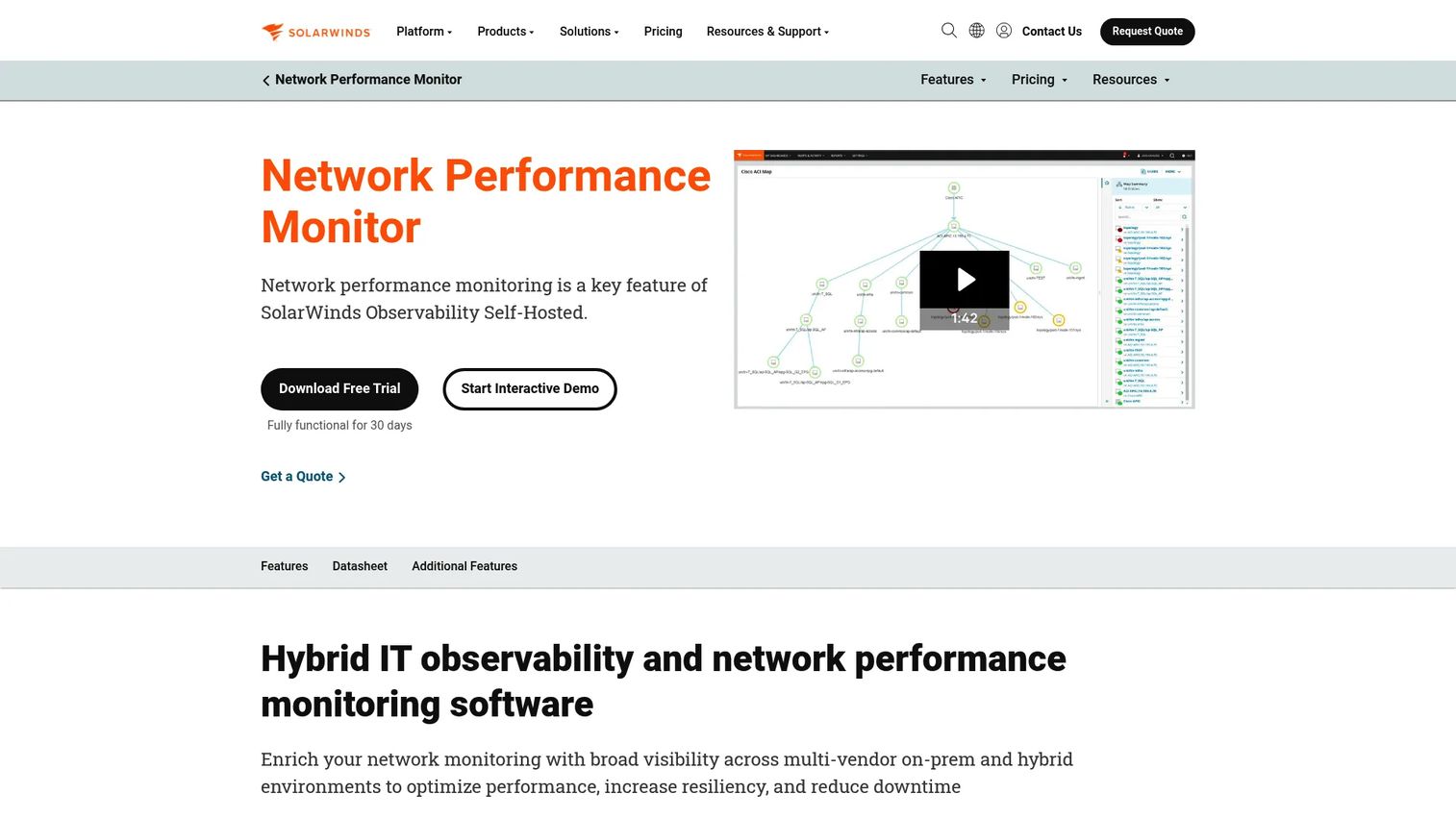
SolarWinds Network Performance Monitor is built for teams managing hybrid IT environments where wireless is one piece of a larger picture. It monitors multi-vendor infrastructure and includes wireless oversight alongside servers, switches, and links, so you get one view instead of separate silos. NetPath and PerfStack help you trace where a problem lives across the path a packet takes.
This is a monitoring platform first, not a niche Wi-Fi analyzer. Teams reach for it when the mandate is broad visibility and alerting across the whole network, with wireless folded in.
Best for: IT teams needing hybrid network monitoring and troubleshooting across many device types.
Key features
- Multi-vendor network monitoring
- NetPath critical path visualization
- PerfStack performance analysis dashboard
- Alerting across infrastructure and wireless
- Hybrid environment support
Why choose SolarWinds Network Performance Monitor: Choose it when wireless is part of a much bigger network you already need to watch, and you want alerting and path analysis in one console rather than a Wi-Fi-only tool.
SolarWinds Network Performance Monitor pricing: Starts at $2,829 per product, with a quote flow for larger deployments. A 30-day free trial is available, and there is no free tier on the product page.
On ratings, SolarWinds Network Performance Monitor holds a 4.5/5 on Capterra.
2. Paessler PRTG Network Monitor
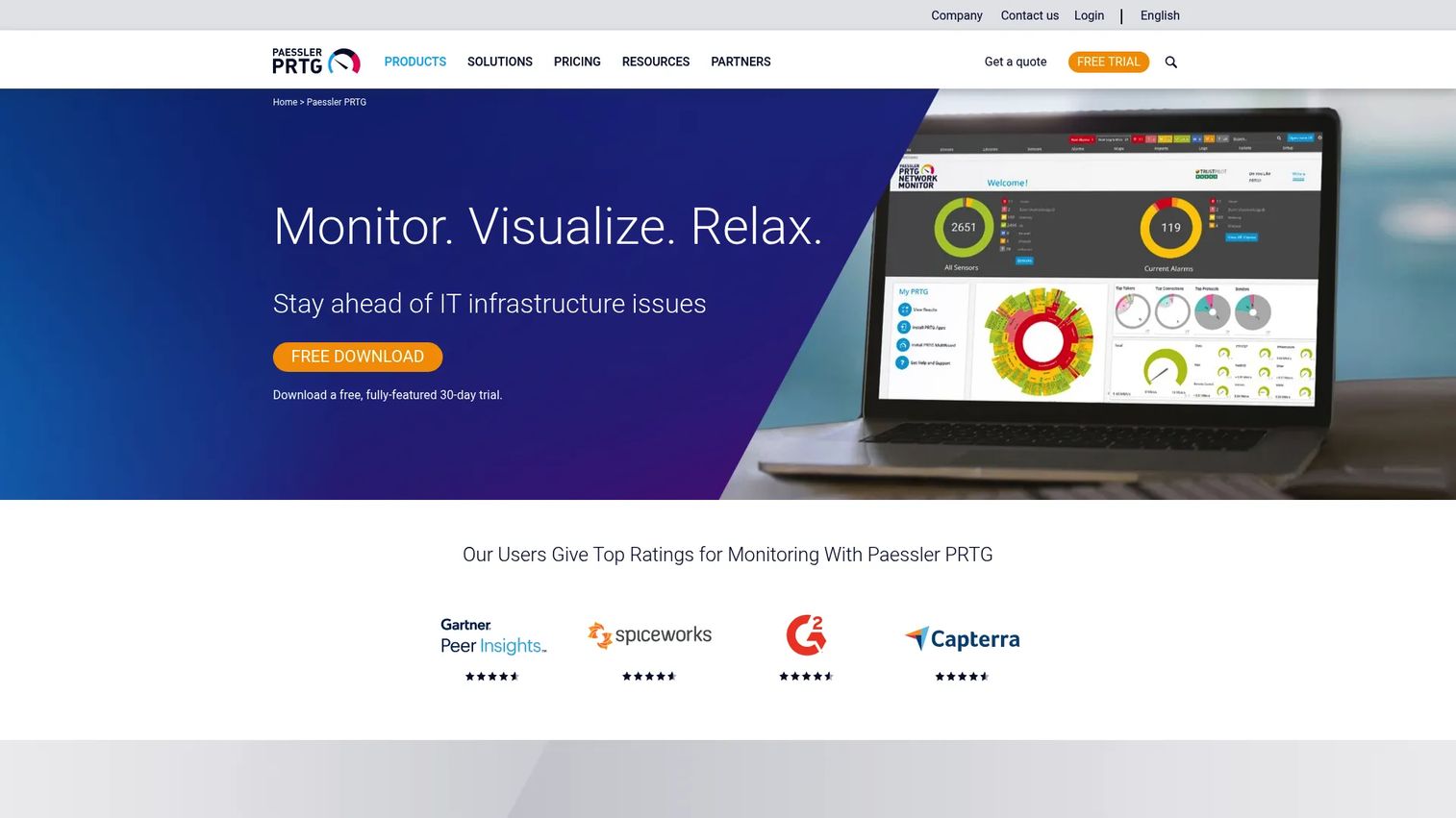
Paessler PRTG Network Monitor uses a sensor-based model to monitor networks, servers, and connected infrastructure from one on-premises install. You add sensors for the things you care about, whether that is an access point, a router interface, bandwidth on a link, or client activity. Automatic discovery maps what is on the network, and custom dashboards keep the view yours.
For teams that want a single tool spanning wired and wireless plus everything attached, PRTG scales by sensor count rather than forcing separate products.
Best for: Teams needing on-premises monitoring of networks, servers, and connected infrastructure with sensor-based scaling.
Key features
- Automatic network discovery
- Custom dashboards and network mapping
- Real-time alerts and customizable reports
- Sensor-based monitoring across device types
- Bandwidth and client activity tracking
Why choose Paessler PRTG Network Monitor: Pick it when you want one on-premises tool for routers, access points, bandwidth, and client activity, and you prefer scaling by sensor rather than buying multiple point tools.
Paessler PRTG Network Monitor pricing: Subscriptions start at $200 per month billed annually for PRTG 500, scaling up to $1,642 per month for PRTG 10000. A free edition covers up to 100 sensors, and an unrestricted 30-day trial is available.
On ratings, Paessler PRTG Network Monitor holds a 4.7/5 on G2.
3. Progress WhatsUp Gold

Progress WhatsUp Gold gives IT teams a network operations view, combining discovery, performance monitoring, and alert-driven troubleshooting. Its interactive topology map shows how devices connect, so when something fails you can see the blast radius rather than guessing. Wireless tracking sits inside that broader picture of devices, systems, applications, and cloud services.
It suits teams that want one console for network operations, with wireless included as part of overall infrastructure health rather than a standalone analysis tool.
Best for: IT teams needing on-prem network and infrastructure monitoring with alerting and topology visibility.
Key features
- Interactive topology map
- Monitor, report, alert, action workflows
- Log management and distributed monitoring
- Device, system, and application visibility
- Alert-driven troubleshooting
Why choose Progress WhatsUp Gold: Reach for it when you want a broad network operations view with wireless folded in, and a topology map that makes dependencies obvious during an outage.
Progress WhatsUp Gold pricing: A Free Edition is available for smaller environments. Paid plans run through a quote, with reviewer-reported figures around $3,469 per year for an Enterprise Plus subscription.
On ratings, Progress WhatsUp Gold holds a 4.4/5 on G2.
4. MetaGeek Complete
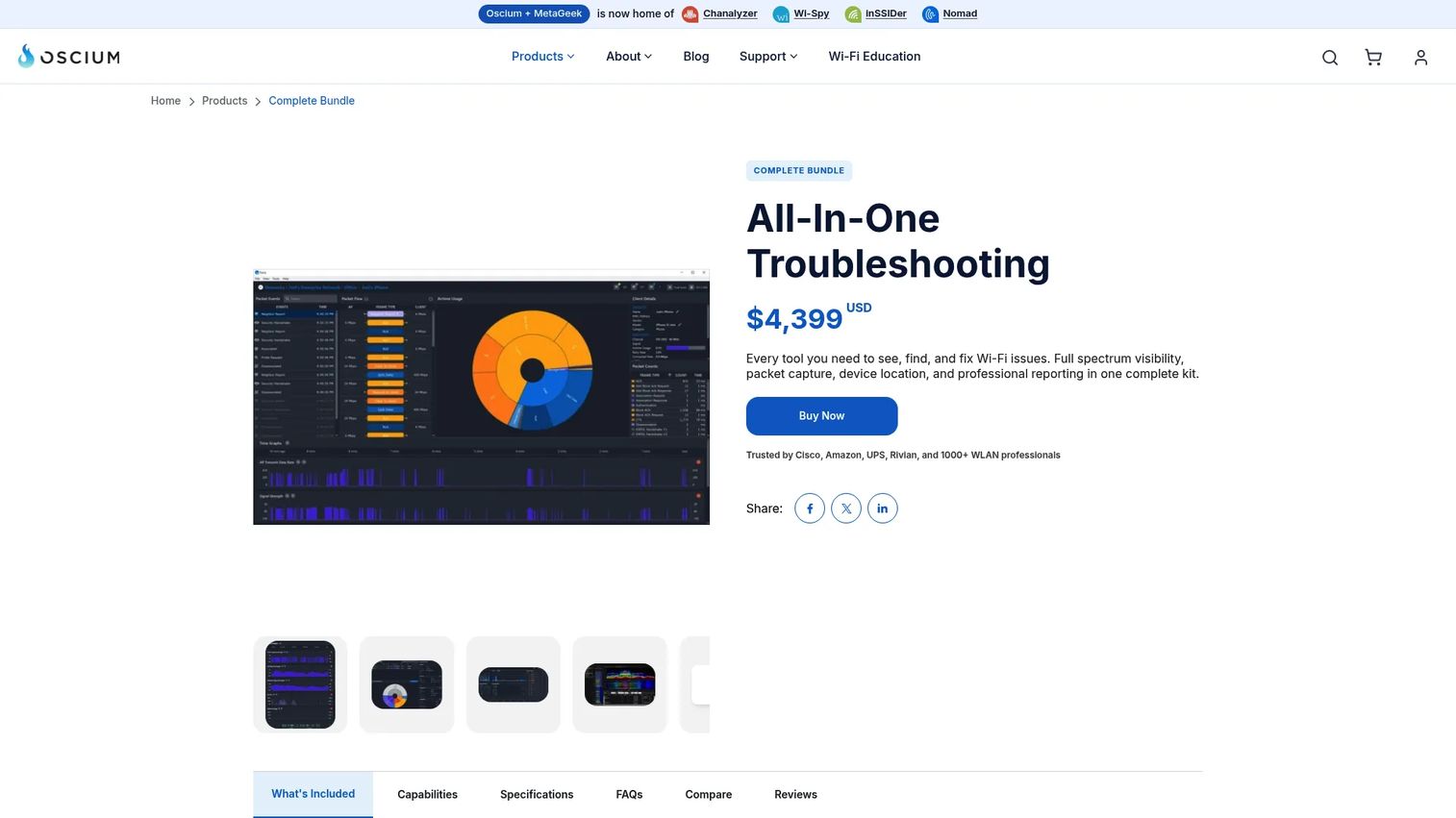
MetaGeek Complete is a Wi-Fi troubleshooting bundle built for people who live in the RF layer. It pairs the Wi-Spy Lucid tri-band spectrum analyzer with Chanalyzer and packet analysis, so you can see interference, dead zones, and channel congestion visually. When a room has trouble and the wired side looks clean, this is the toolkit that shows why.
It is a specialist workflow, not a broad network monitor. Wi-Fi professionals choose it for strong visual troubleshooting and spectrum visibility in a single package.
Best for: Wi-Fi professionals who need an all-in-one troubleshooting workflow with spectrum and packet analysis.
Key features
- Wi-Spy Lucid tri-band spectrum analyzer
- Chanalyzer with Report Builder
- MetaGeek App and Oscium Nomad packet analysis
- Interference and dead zone diagnostics
- Visual RF troubleshooting
Why choose MetaGeek Complete: Choose it when Wi-Fi analysis and heat maps are the core job, and you want spectrum plus packet analysis in one bundle rather than a general monitoring platform.
MetaGeek Complete pricing: The Complete Bundle is a one-time purchase at $4,399, using perpetual licenses. MetaCare is an optional annual renewal after the first year, and there is no free tier.
On ratings, MetaGeek Complete holds a 4.5/5 on G2.
5. netAlly AirMagnet Wi-Fi Analyzer PRO
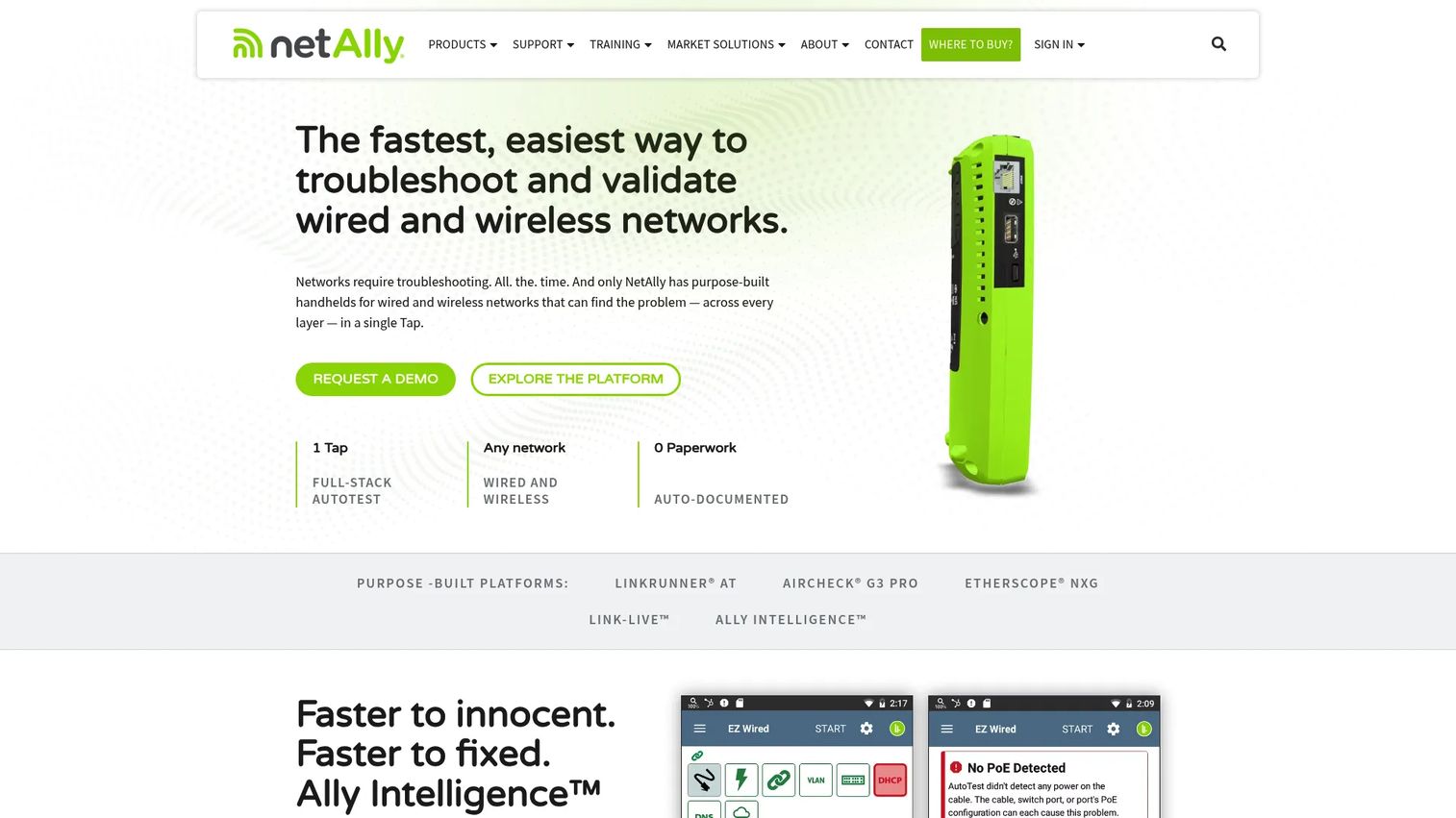
netAlly AirMagnet Wi-Fi Analyzer PRO is a wireless analyzer aimed at field engineers who need client-side troubleshooting. It captures and analyzes Wi-Fi traffic, diagnoses roaming and interference issues, and helps hunt down connectivity and coverage problems on site. This is the tool a technical troubleshooter reaches for when a laptop keeps dropping and the cause is not obvious.
netAlly has stated the product is discontinued and supported through the end of 2025, so weigh that against a longer evaluation horizon. For teams with existing deployments or short-term diagnostic needs, its capability is well proven.
Best for: IT and field teams needing legacy Wi-Fi troubleshooting and client-side analysis.
Key features
- Client-side wireless troubleshooting
- Wi-Fi traffic capture and analysis
- Roaming and interference diagnostics
- Coverage and connectivity issue hunting
- Security issue detection
Why choose netAlly AirMagnet Wi-Fi Analyzer PRO: Pick it when field engineers need deep client-side diagnostics and you already run it or need short-term coverage, keeping the discontinued support timeline in mind.
netAlly AirMagnet Wi-Fi Analyzer PRO pricing: Listed at $3,850 one-time MSRP in netAlly partner materials. There is no free tier, and the product page notes it is now support-only.
On ratings, netAlly AirMagnet Wi-Fi Analyzer PRO holds a 4.4/5 on G2 under the parent seller profile.
6. TamoGraph Pro
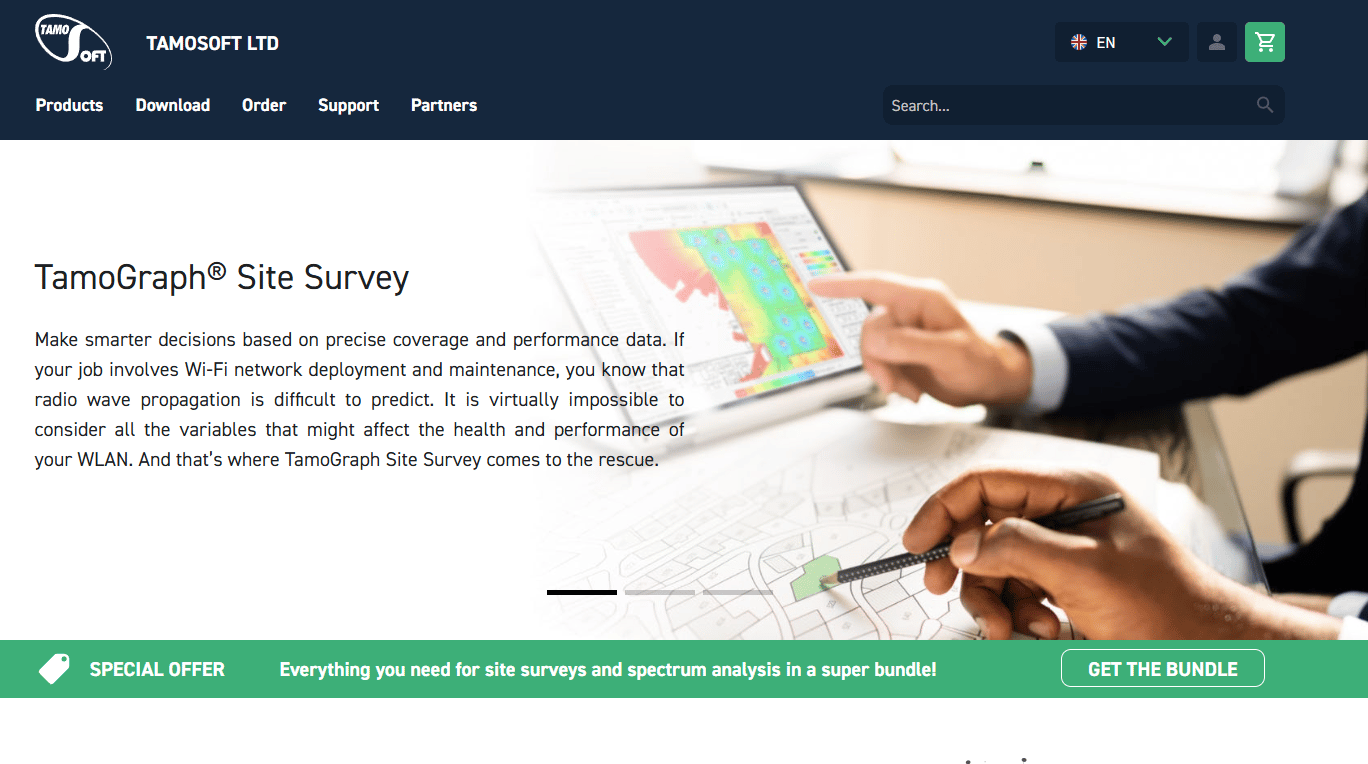
TamoGraph Pro is site survey and RF planning software for teams that design, validate, and optimize wireless coverage. It runs passive, active, and predictive surveys, then generates heatmaps that show signal strength, interference, and coverage gaps across a floor plan. Use it before deployment to model coverage, and after deployment to confirm the real network matches the plan.
It sits apart from live monitoring tools. This is where you plan and prove coverage, not where you watch alerts day to day.
Best for: Wi-Fi teams that need site surveys, RF planning, and heatmaps for coverage design.
Key features
- Passive, active, and predictive surveys
- Spectrum analysis
- GPS-assisted outdoor surveys
- Heatmaps for signal and coverage
- RF modeling for pre-deployment planning
Why choose TamoGraph Pro: Choose it when coverage planning is the goal, and you need to model a deployment before rollout and validate it afterward with real survey data.
TamoGraph Pro pricing: A 6-month time-limited Pro license starts at $499, a 1-year license is $999, and a perpetual Pro license is $1,999. The Pro tier includes RF modeling, GPS support, and report customization; there is no free tier.
A verified G2 rating for TamoGraph Pro was not published at the time of writing.
7. Antamedia

Antamedia is the guest network specialist in this list. It manages guest Wi-Fi through captive portals, authentication, and session controls, and adds guest engagement features like a digital guide and kiosk management. Hotels, cafes, ISPs, and venues use it to onboard visitors, apply time and bandwidth limits, and collect guest data, with both cloud and on-premise deployment options.
This is not a general network monitor. It solves the access and experience side of wifi management, where the job is getting guests online cleanly and controlling what they can do.
Best for: Hotels, cafes, ISPs, and venues needing guest WiFi and guest engagement tools.
Key features
- Guest WiFi and captive portal management
- Digital Guide and guest services
- Kiosk and public computer control
- Authentication and session controls
- Cloud and on-premise deployment
Why choose Antamedia: Pick it when the problem is guest access and hospitality experience, not infrastructure monitoring, and you want portals plus engagement in one platform.
Antamedia pricing: Cloud plans start at €59 per year, scaling through Business tiers from €499 per year and Enterprise tiers up to €4,490 per year, with a custom enterprise option. Pricing displays in mixed currencies on the pricing page.
On ratings, Antamedia holds a 3.7/5 on G2.
8. Connectify Hotspot
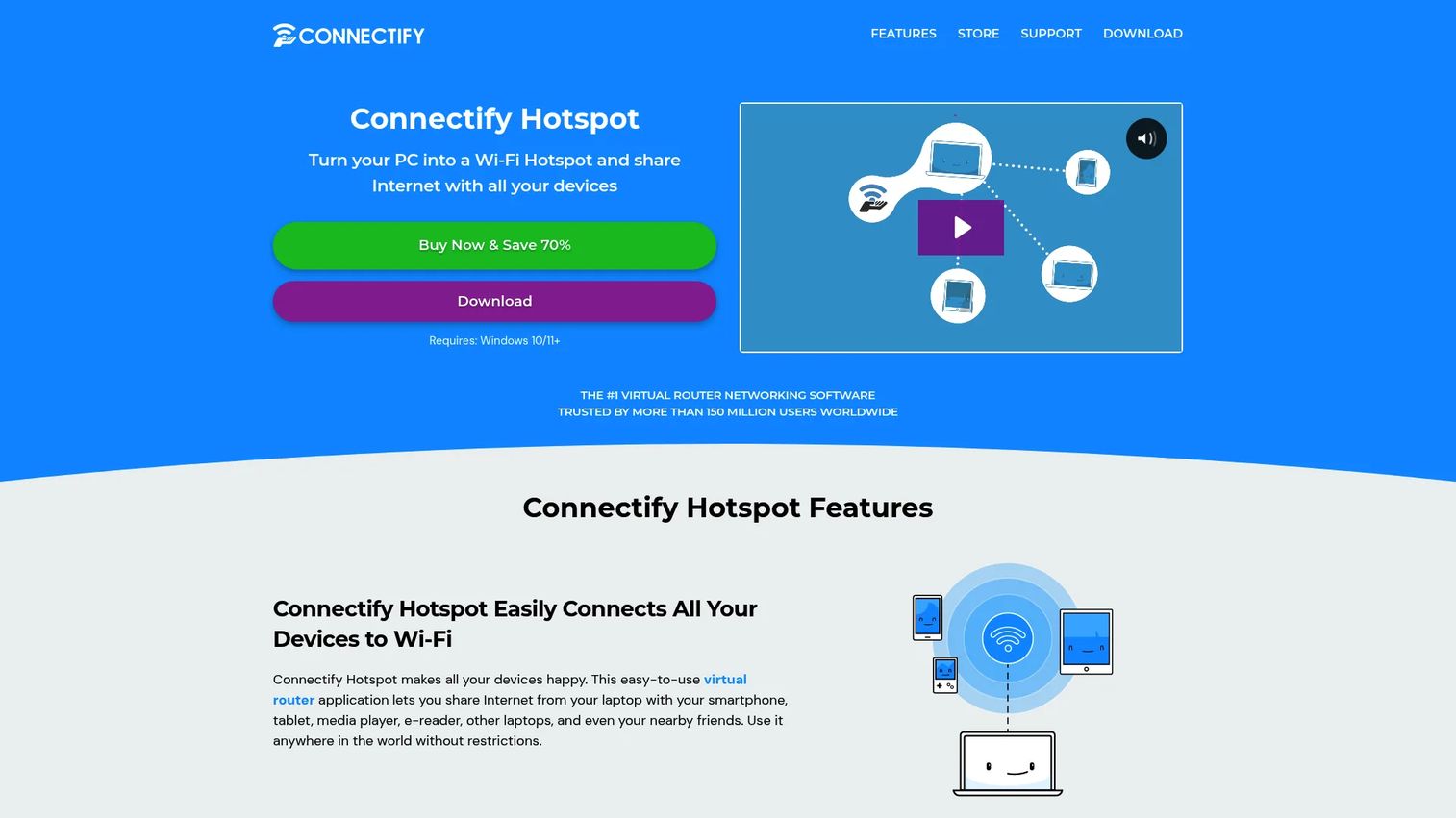
Connectify Hotspot is the lightweight option, turning a Windows PC into a Wi-Fi hotspot or virtual router. It shares one internet connection from Wi-Fi, Ethernet, 4G/5G, tethered, or VPN sources across multiple devices. For small environments or a quick sharing need, it skips the enterprise console entirely.
This is router management at the PC level rather than network-wide monitoring. It fits situations where you need connectivity shared fast, not deep visibility across access points.
Best for: Windows users who need to share one internet connection across multiple devices.
Key features
- Share internet from Wi-Fi, Ethernet, 4G/5G, tethered, and VPN
- Built-in universal ad blocker
- Wi-Fi Repeater Mode and Bridging Mode (MAX)
- Custom hotspot naming and firewall controls
- Simple setup for small environments
Why choose Connectify Hotspot: Choose it when you need to share a single connection across devices quickly on a PC, rather than monitor or plan a full wireless network.
Connectify Hotspot pricing: Hotspot PRO is $19.98 per year and Hotspot MAX is $34.98 per year, with a 3x Hotspot MAX lifetime bundle at $99.97. A free version is available, with some PRO and MAX features paid-only.
On ratings, Connectify Hotspot holds a 4.2/5 on G2.
Considerations
Before you shortlist, pressure-test each tool against how your network actually behaves and how your buyer will scrutinize it.
Monitoring depth
Check whether the tool can see access points, routers, clients, sessions, and traffic together, or only a slice. A tool that shows AP load but not client behavior leaves you guessing during a live issue. For presales, the deeper the integrated view, the easier it is to prove fit on a buyer's real network.
Coverage and heat map support
If dead zones and physical layout drive your complaints, heat maps and survey capability matter more than raw monitoring. Ask whether the tool models coverage before deployment, validates it after, or both. Environments with dense floor plans or outdoor space need this more than a small office does.
Access control and guest experience
For hospitality, retail, and venues, evaluate captive portals, authentication methods, and session management. The real question is whether guests get online without staff involvement, and whether you can cap time and bandwidth. Weigh cloud versus on-premise against your data and control requirements.
Alerts and troubleshooting workflow
Look at how threshold alerts fire and how fast you can isolate a root cause once one does. A topology map or path-analysis view shortens the hunt. The best wifi troubleshooting software turns a vague complaint into a specific cause quickly.
Deployment model
Decide whether cloud, on-premise, appliance, or PC-based fits your environment and security posture. Cloud leads adoption, but on-premise still wins where control and data residency are non-negotiable.
Conclusion
The right pick comes down to the job in front of you, not a feature count.
For broad enterprise monitoring where wireless is one layer among many, SolarWinds Network Performance Monitor and Paessler PRTG Network Monitor give you wide visibility and alerting, with PRTG scaling by sensor. Progress WhatsUp Gold suits teams that want a network operations view with a strong topology map.
For Wi-Fi specifics, MetaGeek Complete and netAlly AirMagnet Wi-Fi Analyzer PRO handle deep RF and client-side troubleshooting, while TamoGraph Pro owns site surveys and coverage planning. For guest access, Antamedia is the hospitality specialist, and Connectify Hotspot covers quick PC-based sharing.
Next step: shortlist by the specific problem you are solving, whether that is monitoring, coverage, or guest access. Then validate integrations, deployment fit, and how each tool sees your actual network before you commit. The tool that proves itself on your environment, not a generic demo, is the one worth buying.
Start your journey with Guideflow today!
FAQs
It monitors, controls, and optimizes wireless networks from one place. That means tracking access points, routers, clients, signal strength, traffic, and alerts, so IT teams can see network health and troubleshoot problems. Depending on the tool, it may also handle guest access, coverage planning, and rogue device detection.
Monitoring is the watching part: signal, traffic, client activity, and alerts in real time. Management is broader and includes control, like access policies, guest sessions, coverage planning, and configuration. Most wifi network management tools combine both, but pure analyzers lean monitoring while guest platforms lean management.
Yes, many tools include rogue access point detection and unauthorized device alerts. They flag devices that appear on the network without approval, which is a common security risk. Enterprise monitoring platforms and dedicated Wi-Fi analyzers both offer versions of this, though the depth of detection varies by tool.
MetaGeek Complete is strong for visual RF troubleshooting and spectrum analysis, while TamoGraph Pro leads on survey-based heatmaps for coverage planning. Choose MetaGeek Complete when you are diagnosing interference and dead zones live, and TamoGraph Pro when you are designing or validating coverage across a floor plan.
Look for captive portals, flexible authentication, and session controls that cap time and bandwidth, so guests get online without staff help. Analytics and guest engagement features add value in hospitality. Antamedia is built for exactly this, with cloud and on-premise options for hotels, cafes, and venues.
Cloud leads adoption, driving 62.8% of WLAN management software revenue in 2025 according to MarketIntelo, because it is easier to deploy and scale. On-premise still wins where data residency and control are non-negotiable, such as regulated environments. Match the model to your security posture and the size of the network.
Start by checking whether the cause is coverage, capacity, or interference. Wifi troubleshooting software surfaces signal strength, channel congestion, and access point load, so you can tell a weak-signal room from a saturated AP. Spectrum analysis and heat maps then pinpoint interference or dead zones a ping test would miss.
Signal strength, channel utilization, access point load, client count, and throughput are the core metrics. Track them together, because one alone misleads: strong signal on an overloaded AP still means slow Wi-Fi. Threshold alerts on these metrics let you catch a degrading network before users file tickets.










