A contractor needs access to Salesforce, your product admin console, and customer billing data. They're working from a personal laptop. Giving them a standard login creates data exposure you can't audit. Provisioning a full managed device takes two weeks and a budget conversation.
This is the gap secure enterprise browsers fill. They let you enforce data controls, access policies, and session visibility at the browser level, without requiring a corporate device or routing every session through a heavy virtual desktop.
According to Omdia (2026), 32% of users now access corporate applications from unmanaged devices. The same report found that 85% of organizations are increasing investment in browser security. The market reflects that pressure: G2 tracks 53 products in the secure enterprise browser category as of September 2026.
This guide helps you build a shortlist you can hand to your Head of IT or security lead on day one.
What's inside
This guide covers the 10 leading secure enterprise browser tools for 2026, evaluated for the SaaS founder who needs a control layer that works without creating a new administrative burden.
- Who it's for: SaaS founders, IT leads, security owners, and infrastructure teams at companies with 30 to 150 employees
- Selection criteria: Security controls and DLP depth, unmanaged device and BYOD support, centralized management, identity and endpoint integrations
- Pricing and G2 ratings were verified in October 2026 from each vendor's pricing page and current G2 listing
- Format: Definition, use cases, comparison table, per-tool sections, buying criteria, and FAQs
TL;DR
- Best dedicated enterprise browser: Island Enterprise Browser, for granular in-browser controls across employees, contractors, and high-risk workflows
- Best for Google-aligned teams: Chrome Enterprise, with a free management tier and a $6/user/month premium security package
- Best for browser-agnostic protection: CrowdStrike Falcon Seraphic, which covers Chrome, Edge, Safari, and Firefox without switching browsers
- Best for SSE or SASE buyers: Netskope One Enterprise Browser or Prisma Browser, for teams already in those platforms
- Best for Microsoft-centered operations: Microsoft Edge for Business, which uses existing Entra ID and Intune policies
- Best for isolation-first security: Menlo Secure Enterprise Browser, built on a cloud isolation architecture
What is a secure enterprise browser?
A secure enterprise browser is a managed browser or browser security layer that gives IT and security teams centralized control over how users access web applications, handle data, and use browser extensions, across managed and unmanaged devices.
What secure enterprise browsers control
- Identity-aware access: Policies that adapt based on user identity, device posture, network, and location
- Data controls: Restrictions on copy, paste, downloads, uploads, printing, screenshots, and clipboard use
- Threat protection: URL filtering, phishing defense, malware blocking, and zero-day prevention
- Extension governance: Discovery, allowlisting, risk scoring, and blocking of browser extensions
- Browser telemetry: Session logging, event visibility, and SIEM integration for investigation and audit trails
- Central policy management: Consistent enforcement across desktop and mobile, managed and unmanaged
How they differ from consumer browsers
Standard browsers prioritize individual user experience. Enterprise browser products add centralized governance, contextual access rules, data safeguards, and security visibility that IT teams can configure and audit.
How they relate to VDI, SASE, and browser isolation
| Approach | Primary job | Best fit | What it does not replace |
|---|---|---|---|
| Secure enterprise browser | Browser-level control and SaaS access | Distributed work, contractors, BYOD | Full application virtualization |
| VDI | Isolated desktop delivery | Legacy apps and high-sensitivity workflows | Native browser controls across every device |
| SASE or SSE | Network and cloud security policy | Broad traffic and app access | In-browser controls for every user action |
| Remote browser isolation | Isolate browsing activity in the cloud | High-risk web destinations | Full employee browser management |
Keep the distinction architectural. A secure enterprise browser handles what happens inside the session. SASE handles what traffic reaches the application. VDI handles the entire desktop. Most mature security programs use more than one layer.
When to use a secure enterprise browser
Secure contractor and BYOD access
When the company cannot provision a corporate device but still needs controlled access to product admin tools, CRM data, billing systems, or internal SaaS, a secure enterprise browser enforces policy at the application layer. Contractors get access. You get audit evidence. No device enrollment required.
Control sensitive SaaS workflows
Customer support tools, finance dashboards, developer consoles, and generative AI web applications all handle data that should not leave uncontrolled. Browser-level data loss prevention controls copy, paste, download, and screenshot actions in those sessions, regardless of the device underneath.
Reduce VDI dependency for browser-first work
If the work happens entirely in SaaS and web applications, routing it through a full virtual desktop adds latency and cost without proportional security gain. A browser control layer covers the same data-handling risks for those workflows. It does not replace VDI for legacy applications or environments that require full desktop isolation.
Secure enterprise browser comparison
The right choice depends on whether you need a dedicated enterprise browser, browser-agnostic runtime security, isolation architecture, or a browser capability embedded in your existing security platform. Use this table to map each tool to your current stack.
| # | Product | Best for | Key differentiator | Pricing | G2 rating |
|---|---|---|---|---|---|
| 1 | Island Enterprise Browser | Dedicated browser with granular workforce controls | In-browser conditional access based on identity, device, and context | Custom pricing | 4.7/5 |
| 2 | Chrome Enterprise | Google-aligned browser management and security | Free Core tier; Premium adds DLP and threat protection at $6/user/month | Free / $6 per user/month | 4.7/5 |
| 3 | Prisma Browser | Palo Alto Networks SASE and zero trust buyers | 1,000+ AI-driven DLP classifiers with granular data-action controls | Custom pricing | 4.3/5 |
| 4 | CrowdStrike Falcon Seraphic Enterprise Browser | Browser-agnostic runtime protection | Covers Chrome, Edge, Safari, Firefox without requiring a browser switch | Custom pricing | 4.9/5 |
| 5 | Netskope One Enterprise Browser | SSE and SASE platform buyers | Hardened Chromium browser tied to Netskope One data and access controls | Custom pricing | 4.4/5 |
| 6 | Menlo Secure Enterprise Browser | Isolation-first browser security | Cloud isolation architecture with AI-powered threat prevention | Custom pricing | 4.6/5 |
| 7 | Check Point Browser Security | Check Point ecosystem buyers | Browser extension that integrates with existing Check Point policies | Custom pricing | 4.3/5 |
| 8 | Microsoft Edge for Business | Microsoft 365 and Intune-centered teams | Work/personal profile separation with Purview and Entra ID controls | Included with Microsoft 365 licensing | 4.3/5 |
| 9 | Akamai Workforce Protector | Distributed teams needing interaction-level governance | AI and shadow-app discovery across managed and unmanaged devices | Custom pricing | N/A |
| 10 | Citrix Enterprise Browser | Citrix Workspace environments | VPN-less secure access to internal web and SaaS apps within Citrix | Custom pricing | N/A |
Pricing and G2 ratings verified in October 2026 from each vendor's pricing page and current G2 listing.
Best 10 secure enterprise browser tools for 2026
1. Island Enterprise Browser
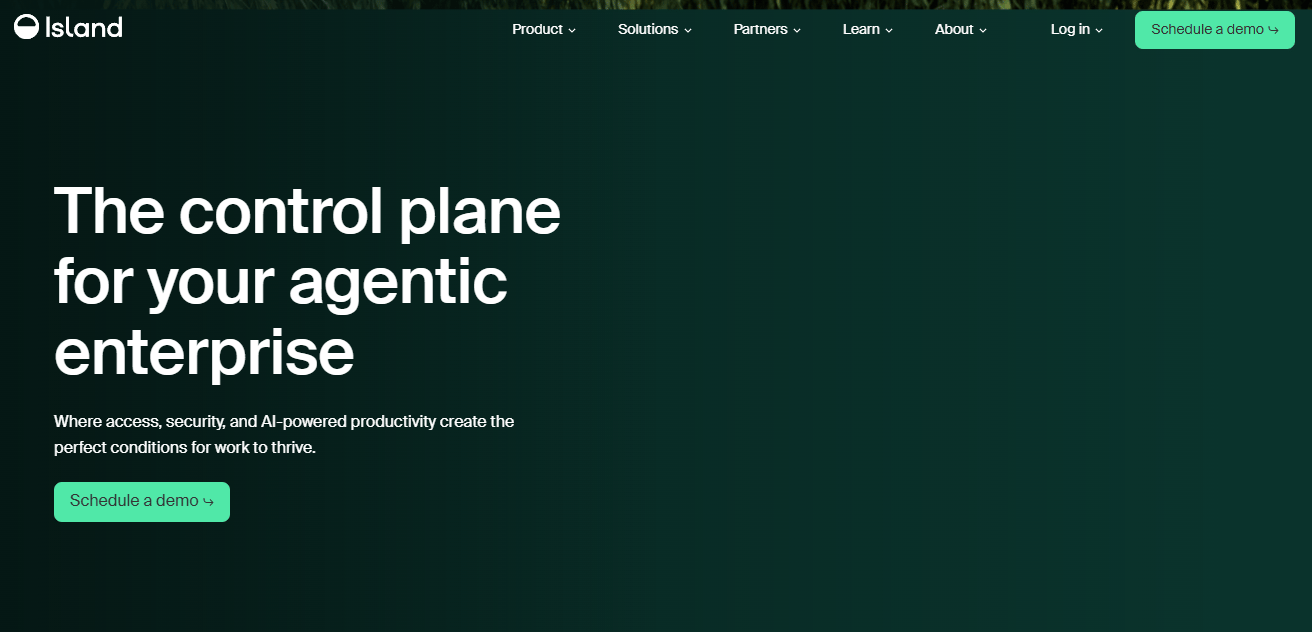
Island Enterprise Browser is a Chromium-based browser built from the ground up for enterprise security, governance, and productivity. It embeds identity-aware access, data loss prevention, and behavior controls directly into the browsing experience, so policy travels with the user rather than relying on network controls to catch problems downstream. Organizations use it for employee fleets, contractor access, M&A onboarding, privileged admin workflows, and reducing VDI for browser-first work.
Best for: SaaS companies that need a dedicated browser with granular controls across employees, contractors, and high-risk workflows.
Key features
- Conditional access based on identity, device, network, location, and application context
- Granular controls on copy, paste, downloads, uploads, printing, and screenshots
- Zero Trust access to private applications without VPN complexity
- Browser telemetry and session logging for security investigation
- Broad operating system support for managed and unmanaged devices
Why choose Island: Island fits organizations that want a single browser to replace a stack of point controls. It performs best when security teams want to enforce consistent policy across employees and contractors from one administrative console.
Island Enterprise Browser pricing: Island directs prospects to request a quote; no tiers are posted publicly. Contact the sales team to understand minimum contract expectations and pilot availability.
Island holds a 4.7/5 rating on G2. During a pilot, test how long it takes to configure a policy exception and whether the security team can manage it without opening support tickets.
2. Chrome Enterprise
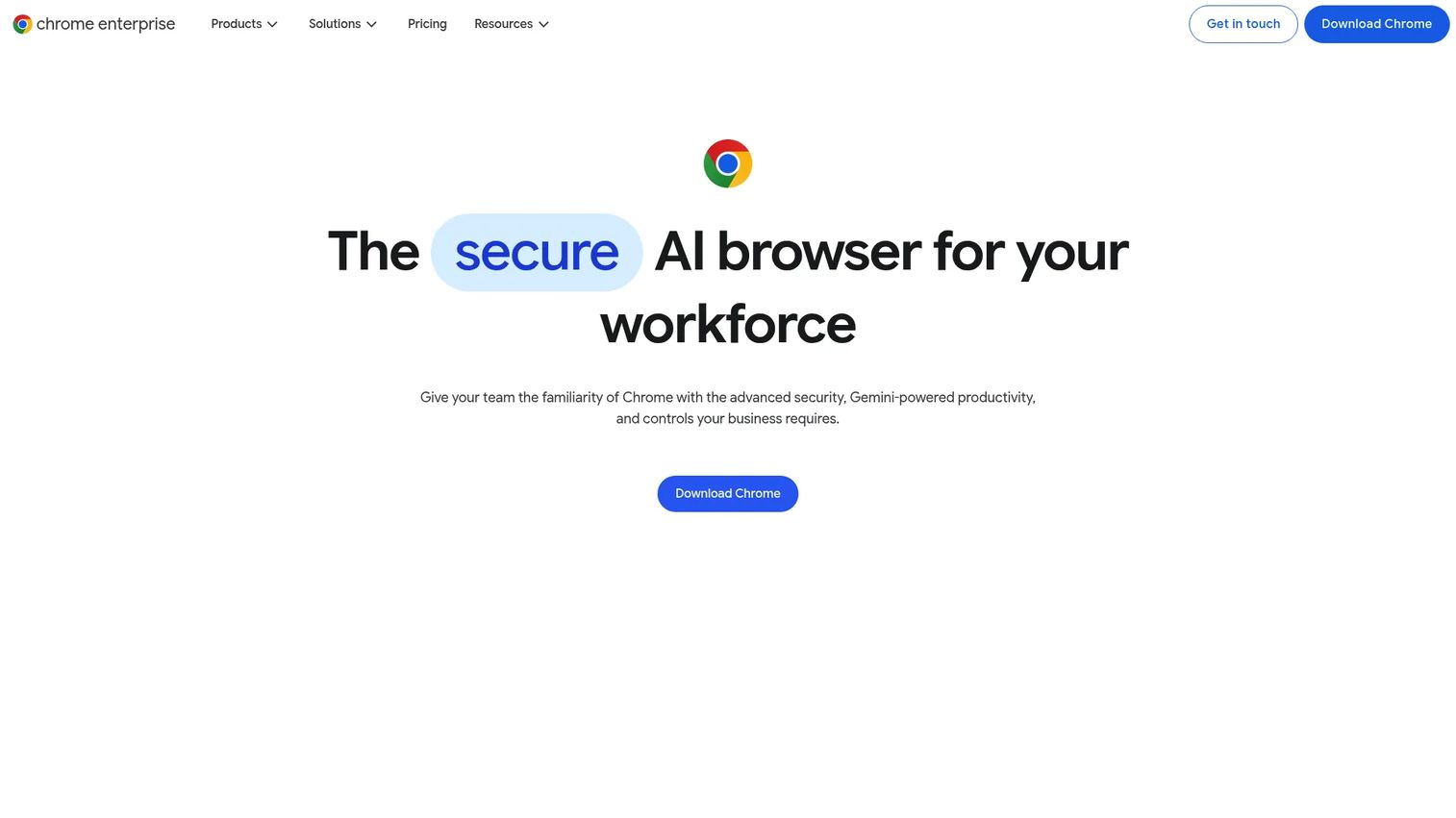
Chrome Enterprise is Google's enterprise browser offering with centralized management, security controls, reporting, and productivity features built on the Chrome browser organizations already use. It comes in two tiers: Core provides browser management and reporting at no cost, while Premium adds advanced security, data loss prevention, context-aware access, and enhanced threat protections.
Best for: Organizations already standardized on Chrome, Google Workspace, ChromeOS, or Google endpoint administration.
Key features
- Cloud-based policy management and update controls across managed and unmanaged devices
- Extension security, allowlisting, and reporting
- Malware, phishing, and ransomware protection
- Data loss prevention and context-aware access controls
- Browser version, app, and security-event reporting
Why choose Chrome Enterprise: If the team already runs Google Workspace and Chrome is the de facto browser, Core costs nothing and covers policy management and reporting. Premium adds the security controls that enterprise reviews require, at a price point most companies can approve without a lengthy procurement cycle.
Chrome Enterprise pricing: Chrome Enterprise Core is free. Chrome Enterprise Premium is $6 per user per month, billed monthly.
Chrome Enterprise holds a 4.7/5 rating on G2. During evaluation, verify how much security coverage comes from existing Google licensing versus the Premium tier, so there are no surprises at renewal.
3. Prisma Browser
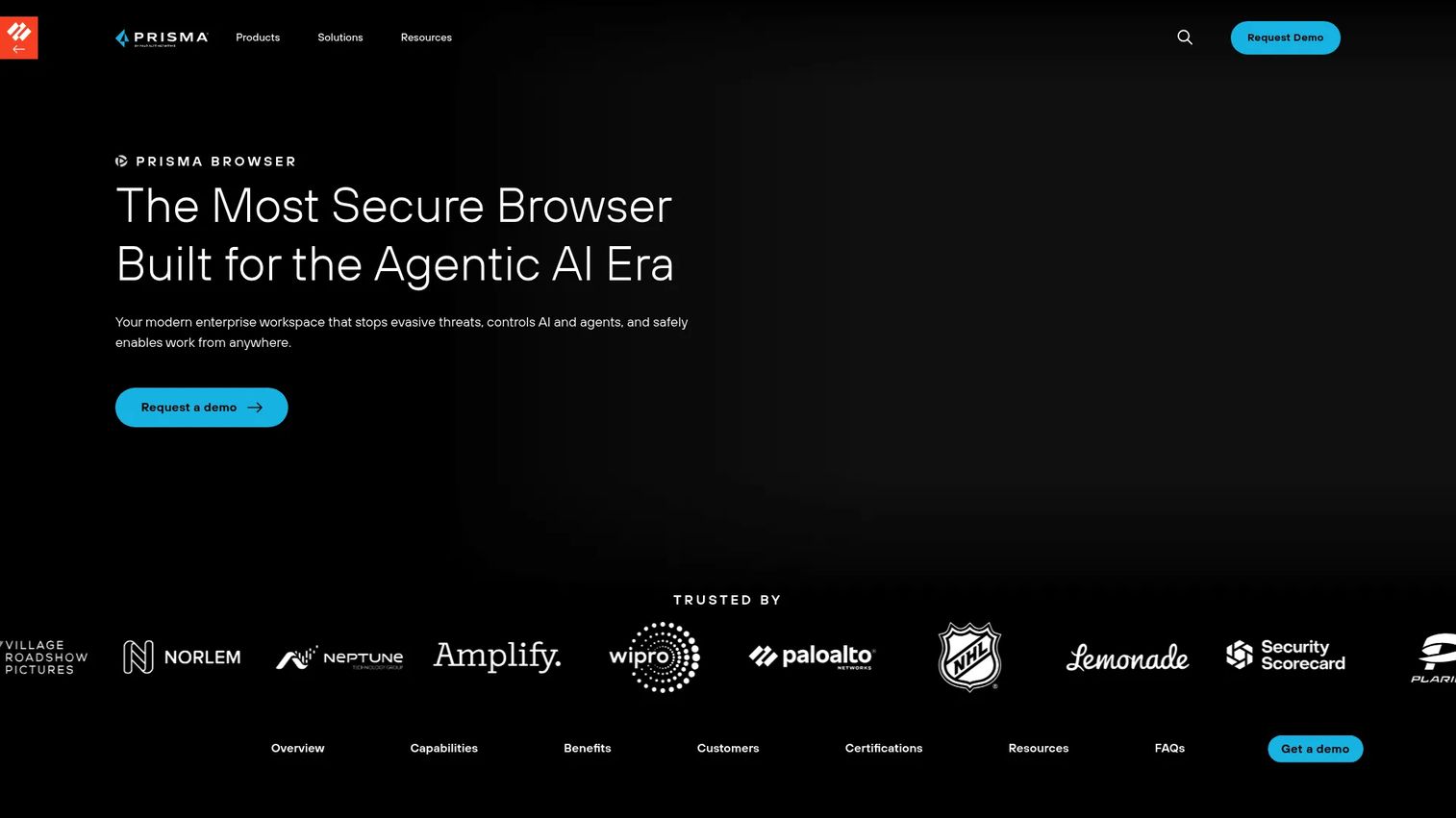
Prisma Browser is Palo Alto Networks' dedicated secure enterprise browser, designed to protect browser-based work across managed devices, unmanaged endpoints, BYOD users, and contractors. It ships with over 1,000 AI-driven DLP classifiers and controls data actions at a granular level, including screenshots, printing, file saving, uploads, downloads, and clipboard. The product is available as a dedicated browser, a browser extension, and a mobile application.
Best for: Teams running Palo Alto Networks for zero trust access, SASE, or cloud security who want browser controls that integrate with their existing policy infrastructure.
Key features
- Advanced malware and web-threat protection with real-time webpage scanning
- Native Enterprise DLP with 1,000+ AI-driven classifiers
- Zero Trust access controls, identity governance, and audit trails for SaaS and private applications
- Coverage for high-risk browsing and sensitive application access
- Deployment as a dedicated browser, extension, or mobile app
Why choose Prisma Browser: Prisma Browser is most effective for teams already inside the Palo Alto Networks platform. Policy administration aligns with existing network, cloud, and identity configurations rather than adding a separate console.
Prisma Browser pricing: Pricing requires a sales conversation. The product page directs prospects to request a demo. Cross-check the Palo Alto Networks sales team for packaging details and whether the browser is standalone or bundled.
Prisma Browser holds a 4.3/5 rating on G2 based on 46 reviews. During a pilot, test how browser DLP policies integrate with existing Prisma Access or network policy configurations.
4. CrowdStrike Falcon Seraphic Enterprise Browser
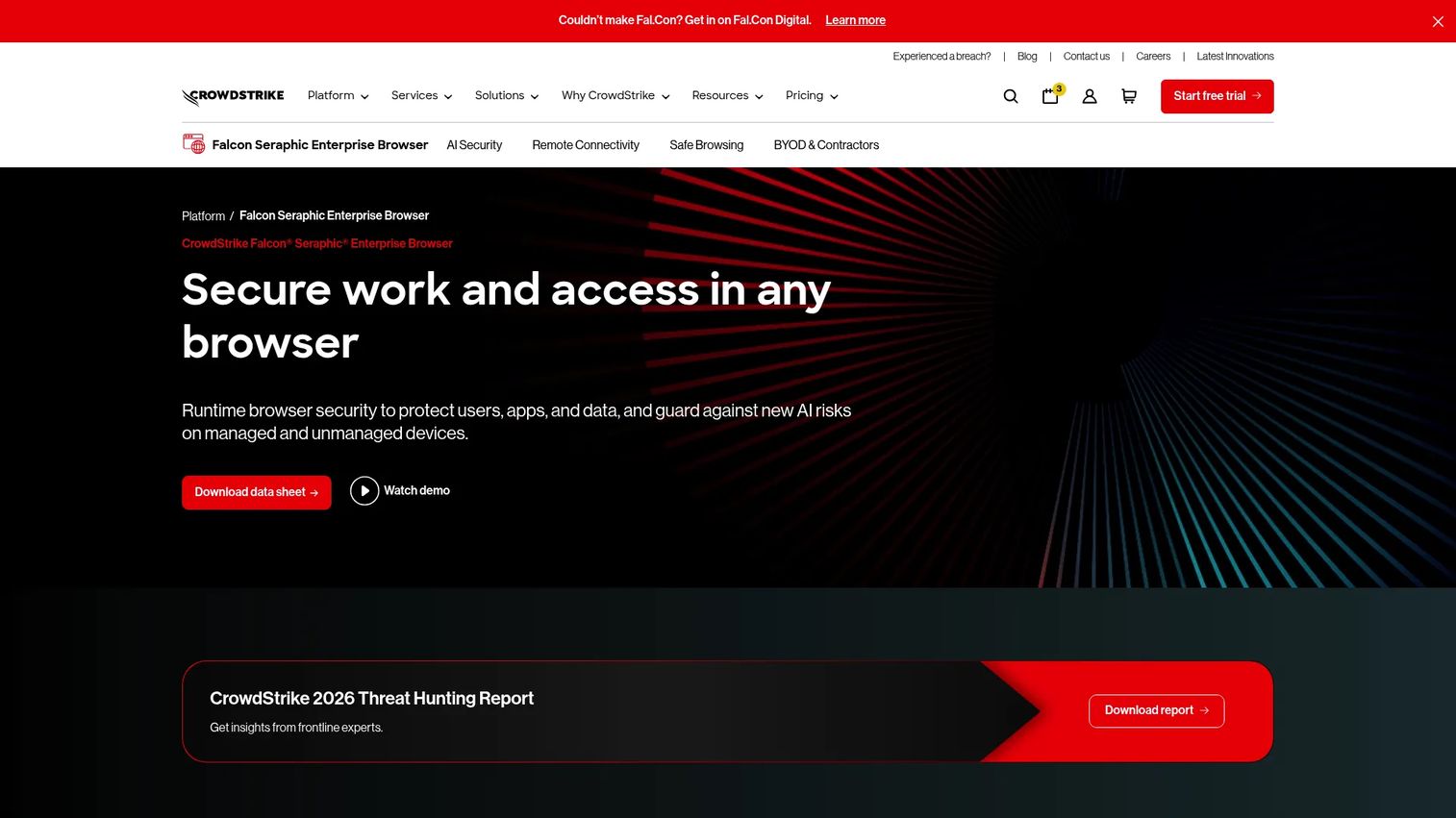
CrowdStrike Falcon Seraphic Enterprise Browser takes a different approach from dedicated browser products. Rather than replacing the user's browser, it applies runtime security across Chrome, Edge, Safari, Firefox, Chromium-based browsers, and emerging agentic browsers. That means users keep the browser they already use while the organization gains session-level visibility, dynamic access controls, and threat protection across managed and unmanaged devices.
Best for: Organizations that want browser security across existing browsers, rather than requiring adoption of a single dedicated browser.
Key features
- Browser-agnostic runtime protection across Chrome, Edge, Safari, Firefox, and agentic browsers
- Continuous identity verification and context-aware real-time access controls
- Secure browser-based access to private applications, RDP, SSH, and Telnet without VPN or VDI
- AI governance controls to discover AI usage and prevent sensitive-data exposure
- Phishing, zero-day, malicious JavaScript, risky extension, and session-hijacking protection
Why choose Falcon Seraphic: The browser-agnostic model removes the adoption barrier that dedicated browsers face. For organizations with a mixed browser environment or contractors who won't switch browsers, Falcon Seraphic enforces policy without requiring a behavior change. CrowdStrike customers benefit from event data flowing into the existing Falcon workflow.
CrowdStrike Falcon Seraphic pricing: Pricing requires a sales conversation; the product page links to pricing but does not publish tier amounts. A 15-day free trial is available. Check with the CrowdStrike account team for module packaging and minimum contract terms.
Falcon Seraphic holds a 4.9/5 rating on G2. During a pilot, validate how browser events surface in the existing Falcon console and whether policy reach covers the browsers contractors actually use.
5. Netskope One Enterprise Browser
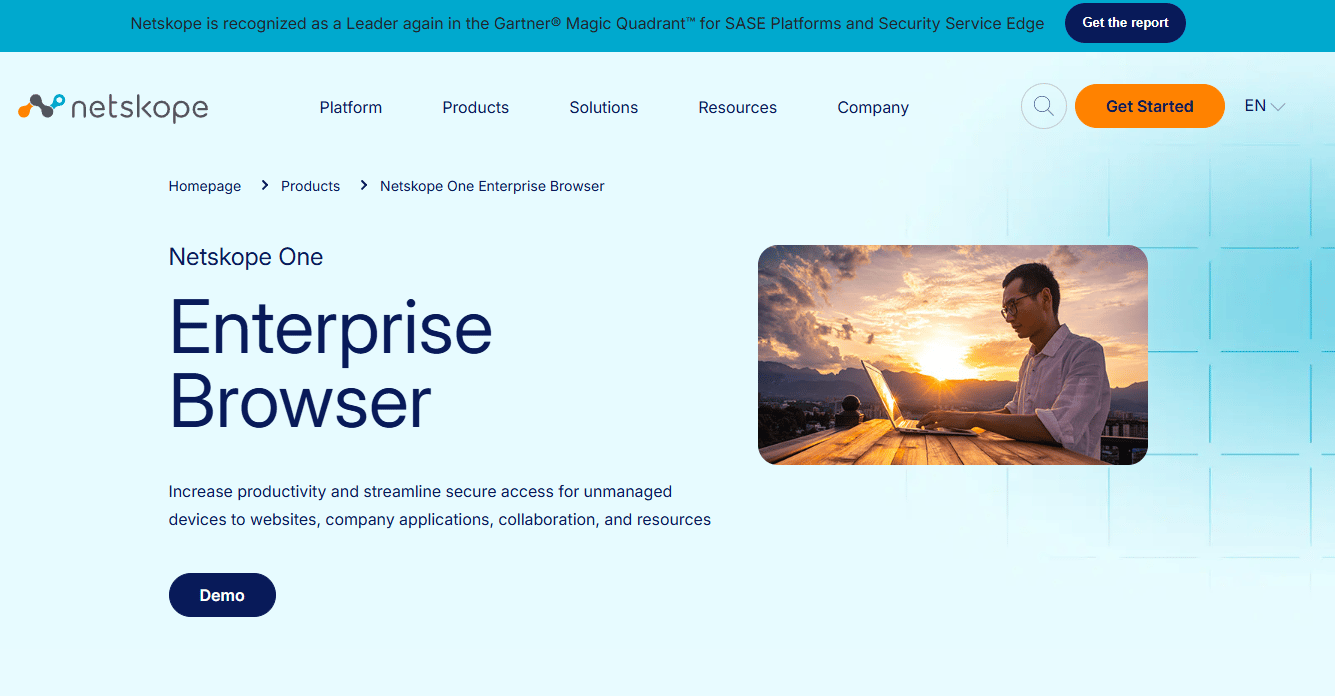
Netskope One Enterprise Browser is a managed, hardened Chromium-based browser that extends Netskope One SSE security and data-protection controls to unmanaged devices, BYOD users, and contractors. It provides a secure corporate workspace on personal devices, with browser hardening that includes browser impersonation protection, encrypted assets, and restricted extensions. Traffic is steered through Netskope One policy controls, so DLP, threat protection, and access policies apply without requiring full device management.
Best for: Security teams already evaluating Netskope One, SSE, SASE, CASB, SWG, or ZTNA, and needing a browser-based access path for unmanaged devices.
Key features
- Hardened Chromium browser with browser impersonation protection and encrypted assets
- Controls for copy, paste, print, screenshots, screen sharing, clipboard, and watermarking
- Secure access to websites, SaaS, and private applications through Netskope One policy
- DLP and threat protection applied via the Netskope SSE platform
- Contractor and third-party access without device enrollment
Why choose Netskope One Enterprise Browser: It fits teams that are already licensing Netskope and want browser-level access for unmanaged endpoints without adding another vendor. The browser inherits the data and access policies already configured in the platform.
Netskope One Enterprise Browser pricing: Netskope operates on a user-based licensing model, but pricing is not published and requires a sales conversation. Verify whether the browser is included in an existing Netskope One agreement or sold separately.
Netskope's overall platform holds a 4.4/5 rating on G2. During a pilot, test how well users can separate personal browsing from corporate access without generating support requests.
6. Menlo Secure Enterprise Browser
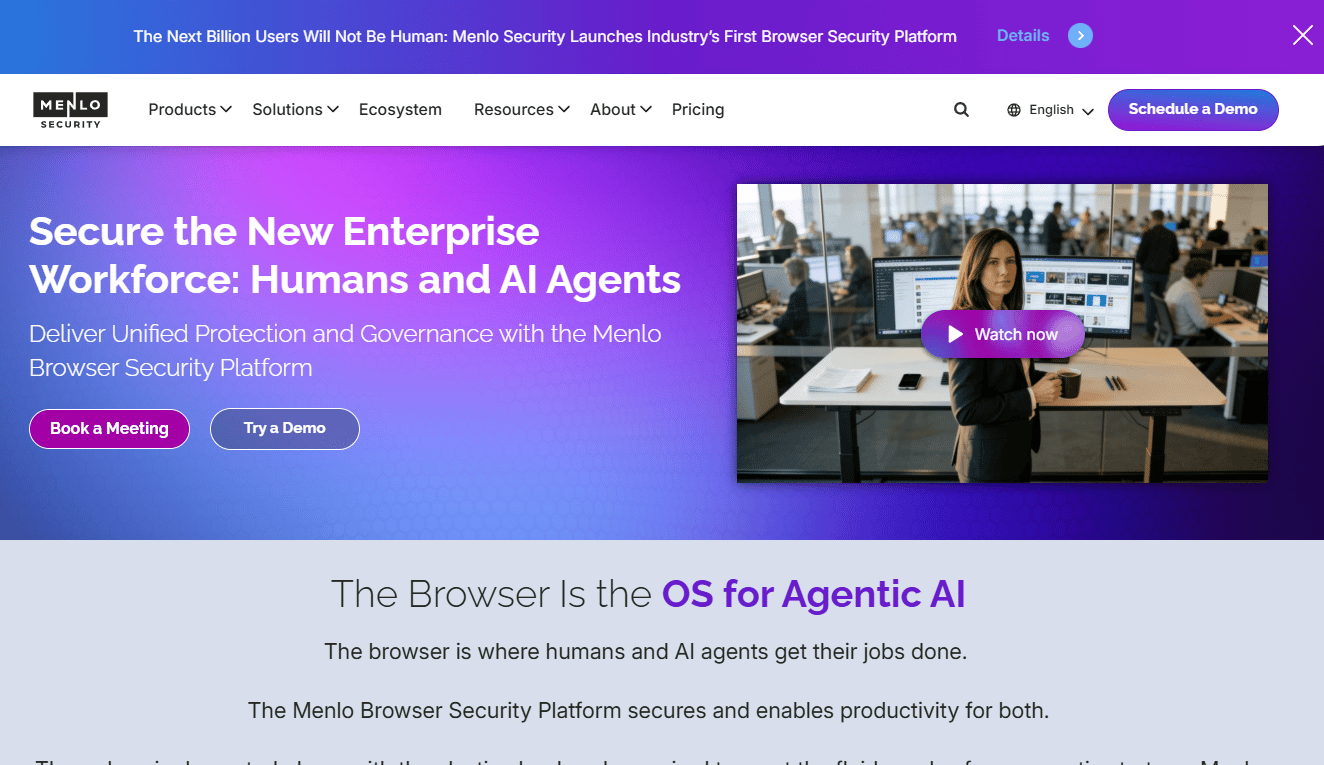
Menlo Secure Enterprise Browser uses a cloud isolation architecture combined with browser-agent controls to deliver threat prevention, data protection, and secure application access. It supports mainstream browsers including Chrome and Edge, adding security through a combination of a browser agent and cloud-based isolation. The platform includes AI-powered zero-day threat prevention, AI Adaptive DLP with real-time data masking, and Browsing Forensics for investigation.
Best for: Large enterprises and organizations that prioritize isolation-first browser security for high-risk workflows, regulated environments, or contractor access.
Key features
- Cloud isolation architecture with browser-agent security
- AI Adaptive DLP with real-time data masking
- AI-powered zero-day threat prevention
- File Security with real-time malware removal
- Browsing Forensics and unified observability for investigation
- Secure clientless access to SaaS, private, and legacy applications
Why choose Menlo: Menlo performs best when isolation is the primary architectural requirement, not just an add-on. It suits organizations where security teams want to ensure no active web content executes locally, while still delivering a functional browser experience.
Menlo Secure Enterprise Browser pricing: Menlo offers self-service estimates and custom quotes, but the pricing page does not publish specific amounts. License cost varies by products deployed and user count. Contact sales for a quote.
Menlo holds a 4.6/5 rating on G2. During a pilot, measure user experience across common SaaS workflows including file handling and video conferencing, since isolation architectures can introduce latency on certain content types.
7. Check Point Browser Security
Check Point Browser Security is an enterprise browser extension that protects managed and unmanaged devices against web threats, phishing, malware, and data leakage. It is part of the Check Point Harmony product family and ships with Browse Basic and Browse Advanced packages. The extension deploys across major browsers and is managed through Check Point's cloud console, making it accessible to organizations already operating Check Point security infrastructure.
Best for: Existing Check Point customers that want browser-level controls aligned with their broader security program.
Key features
- Real-time zero-phishing protection
- DLP and GenAI access controls
- Malware blocking with sandboxing and content disarm and reconstruction
- URL filtering and safe-search indicators
- Centralized cloud management across major browsers
Why choose Check Point Browser Security: The extension model means users keep their existing browsers, and security teams manage it from the same Check Point console they already operate. For organizations consolidating tooling around Check Point, adding browser controls without a new vendor relationship has practical appeal.
Check Point Browser Security pricing: Check Point documents Browse Basic and Browse Advanced packages, but pricing requires a sales conversation. A 30-day free trial is available. Check with your existing Check Point account team about bundling with active Harmony licenses.
Check Point Browser Security holds a 4.3/5 rating on G2. During a pilot, confirm that browser event data surfaces in the operational consoles security teams already use daily.
8. Microsoft Edge for Business
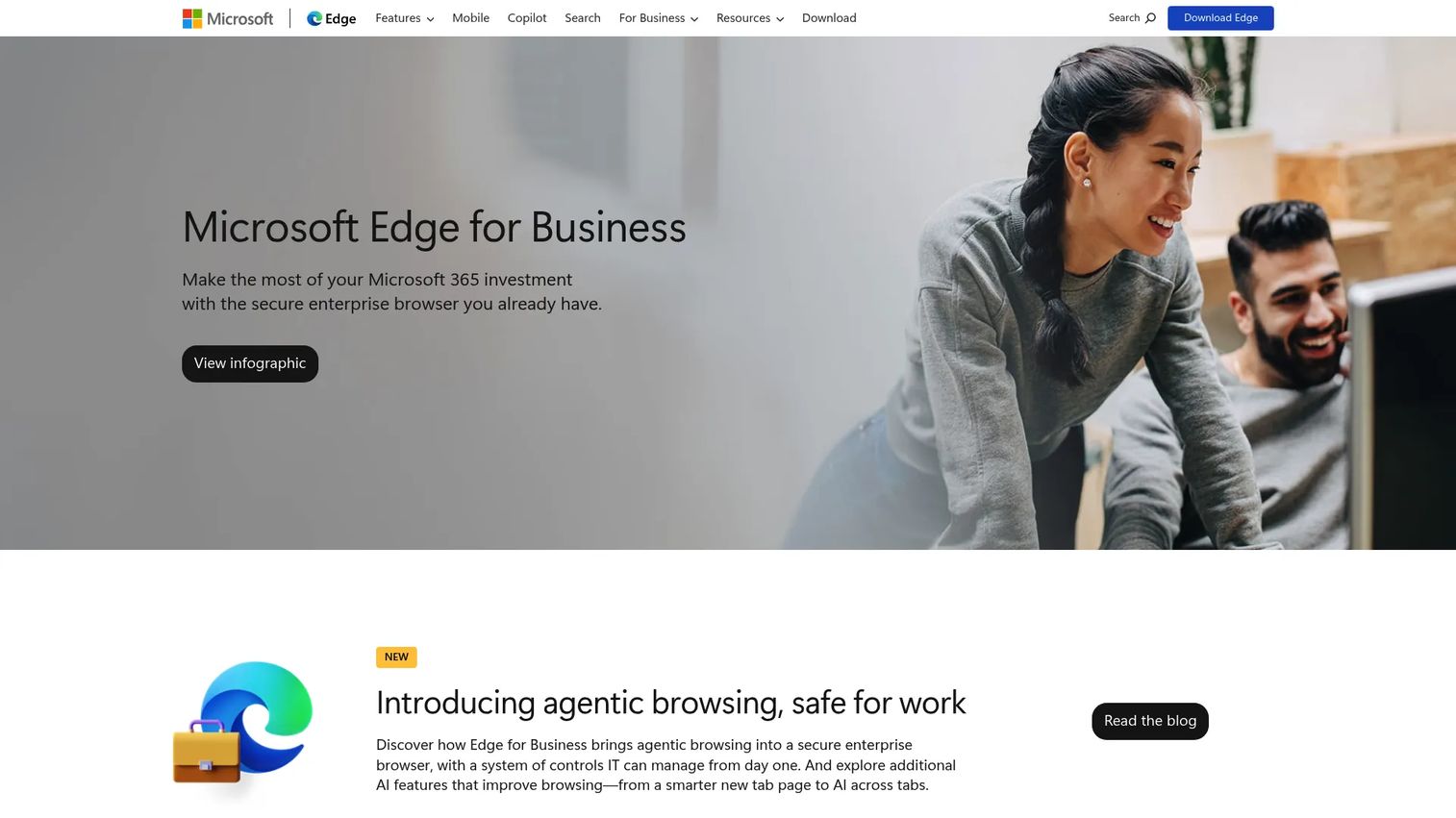
Microsoft Edge for Business is a secure enterprise browser optimized for Microsoft 365 environments, with built-in work and personal profile separation, Copilot integration, and centralized policy management through Intune and Entra ID. It delivers enterprise security controls including data loss prevention via Microsoft Purview, usage-rights restrictions, and protection for managed and unmanaged devices without requiring a separate browser vendor.
Best for: Companies already running Microsoft 365, Entra ID, Intune, and Windows-centered endpoint operations.
Key features
- Work and personal browsing separation with dedicated windows, profiles, storage, and caches
- DLP via Microsoft Purview and usage-rights restrictions
- Centralized management of browser policies, extensions, AI features, and updates through Intune
- Microsoft 365 and Copilot integration for AI assistance and productivity workflows
- Protection for both managed and unmanaged devices
Why choose Edge for Business: If the company is already paying for Microsoft 365, Edge for Business adds browser governance without a new vendor contract. The administrative model aligns with existing Intune and Entra ID configurations, so the security team doesn't learn a new console.
Microsoft Edge for Business pricing: Edge for Business is included as part of Microsoft 365 licensing. Specific governance and security capabilities may require certain Microsoft 365 license tiers. Verify which features are covered by existing licenses before evaluating a separate browser security purchase.
Microsoft Edge holds a 4.3/5 rating on G2. During evaluation, audit the current Microsoft 365 license tier to confirm which browser security controls are already available.
9. Akamai Workforce Protector
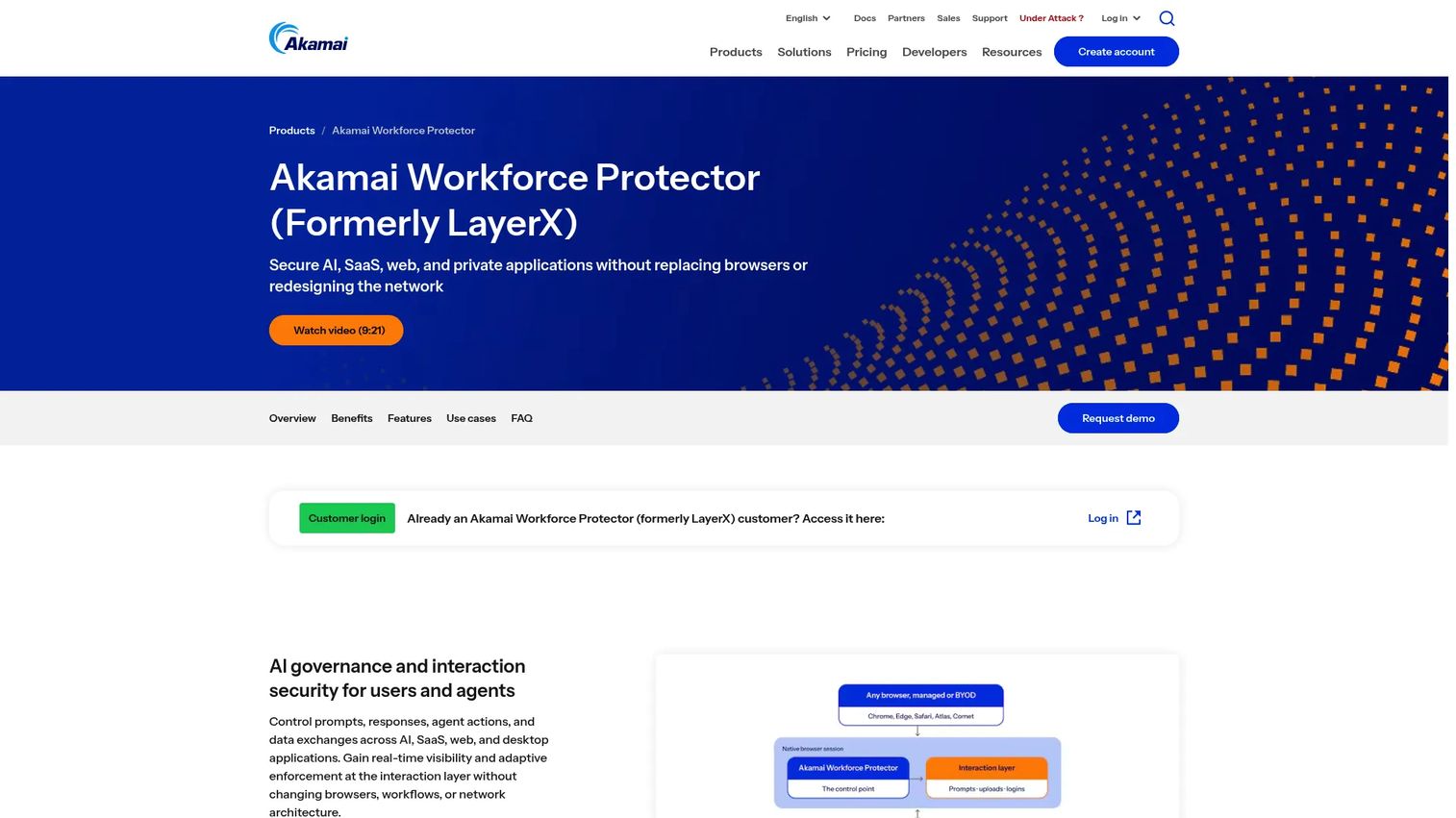
Akamai Workforce Protector is an interaction security platform that governs employee and AI-agent interactions with AI tools, SaaS, web, private, and desktop applications. It operates through a browser extension across Chrome, Edge, Firefox, and Safari without requiring browser replacement or network architecture changes. The platform provides real-time visibility into prompts, responses, and data flows, with shadow-AI discovery and adaptive policy enforcement.
Best for: Distributed teams and enterprise security programs that need governance over employee and AI-agent browser interactions across managed and unmanaged devices.
Key features
- Real-time visibility into prompts, responses, and AI interactions
- Sensitive-data protection before information reaches AI applications
- Browser extension monitoring and risk reduction
- Shadow-AI discovery across web applications, browsers, and desktop tools
- Adaptive, context-aware policy enforcement
- Support for Chrome, Edge, Firefox, and Safari on managed and unmanaged devices
Why choose Akamai Workforce Protector: Akamai's platform is differentiated by its focus on AI interaction governance alongside standard browser security. For teams where shadow AI usage, unsanctioned AI tools, and data exposure through web-based AI prompts are the primary risk concern, Workforce Protector addresses those specifically.
Akamai Workforce Protector pricing: Pricing is not published and requires a sales conversation. Cross-check with Akamai's account team for packaging details and whether the product integrates with existing Akamai edge security agreements.
10. Citrix Enterprise Browser
Citrix Enterprise Browser is a Chromium-based browser integrated with the Citrix Workspace application, providing secure access to internal web and SaaS applications without requiring a VPN. It encrypts browser data including cache, cookies, history, bookmarks, autofill data, passwords, and settings, and is administered through Citrix's Global App Configuration Service. The product is designed for organizations already operating Citrix Workspace, Citrix DaaS, or Citrix-based application delivery.
Best for: Organizations already running Citrix Workspace or Citrix DaaS that want secure browser-based access to internal applications within their existing Citrix environment.
Key features
- VPN-less access to internal web applications through Citrix Secure Private Access
- Browser data encryption for cache, cookies, history, bookmarks, and settings
- Browser administration through the Global App Configuration Service
- Microphone and webcam support for Microsoft Teams, Google Meet, Zoom, and Cisco Webex
- Tabs, multiple windows, tab grouping, bookmarks, and Progressive Web Apps
- Secure access to SaaS applications through Citrix Workspace
Why choose Citrix Enterprise Browser: For Citrix-based environments, this browser extends secure access controls to web and SaaS applications without provisioning a separate VPN or adding a new security vendor. It fits organizations reducing friction between application delivery and browser-based SaaS access within an existing Citrix footprint.
Citrix Enterprise Browser pricing: Citrix directs customers to sales or partners for pricing. Verify product availability within current Citrix subscription terms before evaluating it as a standalone purchase.
Considerations when choosing a secure enterprise browser
Choose the deployment model first
Decide whether you need a dedicated enterprise browser, browser-agnostic security, cloud isolation, or a browser capability inside an existing platform. That decision shapes which products even qualify. Mixing models mid-evaluation wastes time and creates mismatched comparison criteria.
Map controls to the data flows that matter
Start by identifying the specific actions that create risk: Copy and paste out of the CRM, downloading customer data to a personal device, pasting sensitive content into a web-based AI tool, or a contractor capturing screenshots. The controls you need should match those actions, not a generic checklist.
Test identity and endpoint integration before committing
Verify compatibility with the company's identity provider, endpoint management platform, SIEM, and existing security operations workflow before a full pilot. A browser tool that doesn't surface events where the security team already investigates creates more work, not less.
Measure user and administrator friction separately
Pilot with real workflows across finance, customer support, and at least one contractor. Track policy exceptions, support tickets opened by users, and time to onboard a new contractor. A tool that generates five support tickets per contractor per week has a real operating cost beyond the license.
Price the total operating model
A lower license price can cost more if the platform creates significant exception-handling overhead or requires a dedicated administrator. Ask vendors what replaces in your current stack, whether that's VDI sessions, a separate browser extension tool, or manual contractor provisioning work.
Conclusion
No single secure enterprise browser fits every SaaS organization. The right choice tracks the identity stack, device strategy, and the specific data actions that create risk.
For a dedicated control layer with the broadest workforce controls, Island Enterprise Browser is the strongest starting point. Chrome Enterprise is the practical choice for Google-aligned teams, particularly given the free Core tier. Prisma Browser and Netskope One Enterprise Browser suit teams already invested in those platforms, where browser controls should inherit existing policies rather than run parallel to them. CrowdStrike Falcon Seraphic fits organizations with mixed browser environments where user adoption of a new browser isn't feasible. Menlo is the right call when isolation is a hard architectural requirement. Microsoft Edge for Business is the obvious pick if Microsoft 365 and Intune already manage the endpoint estate. Check Point, Akamai, and Citrix each make most sense for buyers extending an existing platform relationship.
The practical next step: Pick two tools that match the current identity, endpoint, and SaaS stack. Run the same contractor or BYOD workflow in both. Measure policy coverage, onboarding time, and the support burden before expanding access to a broader group.
Start your journey with Guideflow today!
FAQs about secure enterprise browsers
A secure enterprise browser is a managed browser or browser security layer that gives IT and security teams centralized control over how users access web applications, handle data, and use browser extensions. It adds identity-aware access policies, data loss prevention, threat protection, and session visibility that standard consumer browsers do not provide. Some products are dedicated browsers that replace the user's existing browser; others are extensions or agents that add security controls to browsers already in use.
The terms overlap but are not identical. A managed browser focuses primarily on policy, configuration, and administrative control, such as setting homepages, blocking extensions, and managing updates. An enterprise browser typically adds stronger runtime threat protection, data action controls, identity-aware access, and session telemetry on top of that management layer. Some products combine both; others specialize in one dimension.
It can reduce VDI use for workflows that run entirely in SaaS and web applications. If the work happens in a browser, browser-level controls address the same data risks without the latency and cost of a full virtual desktop. It does not replace VDI for legacy applications with specialized operating system dependencies, regulated environments that require full desktop isolation, or workflows that involve locally installed software.
Many products in this category support contractor and BYOD scenarios. The implementation details vary: Some require a lightweight agent or extension install, others need the user to launch a dedicated browser application. Before deploying, verify the device posture checks required, how personal and work browsing are separated, and what data controls apply when the device is not enrolled in endpoint management.
Protection happens at the session layer. Controls can block or restrict copy and paste, downloads, uploads, printing, screenshots, and clipboard actions within specific applications or for specific user groups. Session cookies can be scoped to prevent credential theft or session hijacking. Some platforms also apply watermarking to viewed content and log browser activity for investigation. Capabilities vary by vendor and operating system, so test the specific actions that matter to your data workflows.
SASE or SSE provides a broader network and cloud security architecture covering traffic inspection, cloud access security, zero trust network access, and secure web gateway controls. A secure enterprise browser focuses on what happens inside the browser session, including user data actions, extension behavior, and session context. The two are complementary. Several products in this guide, including Netskope and Prisma, offer both SASE and an enterprise browser as part of an integrated platform.
Browser-level controls can restrict access to specific web-based AI tools, block data from being pasted into AI prompts, and log AI-related browser activity for visibility. Several products in this guide include specific AI governance features. These controls do not replace an organization-wide AI governance policy, a data classification program, or employee training on appropriate AI use. Treat browser controls as one layer of an AI risk management approach, not a complete solution.
Start with a limited pilot focused on one high-risk workflow, such as contractors accessing production-adjacent systems or employees accessing customer data from personal devices. Track onboarding time for the first five users, the number of blocked actions versus policy exceptions requested, and the support load generated during the first two weeks. Compare two tools against the same workflow before selecting one. A tool that passes a security review but generates three support tickets per user per week has a real cost the license price doesn't capture.