
You published the event page three weeks out. Registrations trickled in through a form, a few DMs, and one spreadsheet a teammate keeps "just in case." Then the day arrives, and nobody knows who paid, who is on the waitlist, or whether the room is over capacity.
That is the real cost of stitching event booking together by hand. It is not the missed ticket. It is the attendee data that never lands in one place, the reminders that never send, and the no-shows nobody saw coming.
The market has grown up around this problem. The event booking software market was valued at USD 11.25 billion in 2024 and is projected to reach USD 24.35 billion by 2032, according to Future Market Report (2024). Buyers are consolidating booking, ticketing, payments, and reporting into one system instead of five.
This guide compares seven event booking platforms on the criteria that actually decide the purchase: booking workflow, payments, attendee management, capacity control, integrations, and reporting.
What's inside
This guide is for marketers, event operators, and teams that run ticketing, registration, or reservations and want to stop coordinating events manually.
We picked the seven tools below on four criteria:
- Booking and ticketing workflow, including checkout and confirmations
- Payments, capacity control, and attendee management
- Integrations with your existing marketing and CRM stack
- Reporting depth and pricing transparency
Every pricing figure and rating here was verified against each vendor's live pricing page and G2 listing.
TL;DR
- Best for scheduling plus marketing surfaces: Appointy, for booking pages that distribute across Google, social, and website embeds.
- Best for low-fee ticketing: TicketSpice, with flat per-ticket pricing and no monthly fee.
- Best for recurring events and capacity control: SimplyBook.me, for classes, sessions, and multi-provider scheduling.
- Best for enterprise resource booking: Accruent, when event booking is part of facilities and space management.
- Best for hybrid and virtual events: Eventify, for conferences that span in-person and digital.
- Best for transparent ticketing: EventBookings, with free events for the first 300 tickets.
- Best for self-serve event sites: Eventsmart, for organizers who want registration control.
What is event booking software?
Event booking software is a platform that lets organizers publish events, sell tickets or take registrations, collect payments, and manage attendees from one system instead of manual spreadsheets and email threads.
Most tools in this category share a core capability set. The strong ones go deeper on capacity control, reminders, and attendee data, which is where manual processes usually break.
Key features to expect from an event booking system:
- Registration and ticketing: public event pages, multiple ticket types, discount codes
- Scheduling: one-time, recurring, and multi-session events with time slots
- Payments: online checkout, payment processors, and automated confirmations
- Capacity management: seat limits, waitlists, and overbooking prevention
- Reminders: automated email or SMS to reduce no-shows
- Attendee data: registrant records, check-in status, and exportable reports
- Reporting: ticket sales, revenue, and attendance analytics
The difference between event ticketing software and a full event management booking system usually comes down to depth. Ticketing tools focus on selling and checking in. Booking systems add scheduling, capacity, and resource coordination on top.
When to use event booking software
Sell tickets and take payments online
If you run public events, paid workshops, classes, or ticketed experiences, manual invoicing does not scale. Online event booking software handles checkout, connects to a payment processor, and fires a confirmation email the moment someone pays.
That removes the back-and-forth. The attendee pays, gets their ticket, and lands in your attendee list without anyone touching a spreadsheet.
Manage recurring events and capacity
Yoga classes, training cohorts, and multi-session programs share one problem: the same event repeats, and each instance has its own seat count. A booking software for events built for recurring schedules lets you set open slots, reserve seats, and stop overbooking automatically.
This is where a proper event reservation system earns its price. It tracks who booked which session and blocks the slot once it fills.
Coordinate attendees across channels
Registrations come from everywhere: your website, an email, a social post, a Google search. The tools that convert best let you embed booking on your site, share links in campaigns, and surface events where people already look.
The point is discoverability. The easier it is to book from wherever the attendee finds you, the fewer registrations leak out of the funnel.
Comparison table
Here is how the seven tools compare on best-fit use case, differentiator, pricing, and rating. Read it top to bottom by relevance to general event booking, then jump to the section that matches your event type.
| # | Product | Best for | Key differentiator | Pricing | G2 rating |
|---|---|---|---|---|---|
| 1 | Appointy | Scheduling plus marketing surfaces | Booking pages across Google, social, and embeds | Free; paid from USD 19.99/mo | 4.5/5 |
| 2 | EventBookings | Low-fee ticketing | Free events for first 300 tickets | Free; 30¢ + 1% per paid ticket | 5.0/5 |
| 3 | SimplyBook.me | Recurring events and capacity | Multi-provider scheduling with custom features | Free; paid from $13.9/mo | 4.4/5 |
| 4 | Accruent | Enterprise resource booking | Space and facilities management at scale | From US $110/user/mo | 3.9/5 |
| 5 | Eventify | Hybrid and virtual events | White-label event app and networking | From $249/year | 4.8/5 |
| 6 | TicketSpice | Ticketing-first checkout | Flat per-ticket fee, no monthly cost | $0.99/ticket | 4.8/5 |
| 7 | Eventsmart | Self-serve event sites | Own-branded event website with ticketing | Free; paid from $50/mo | Not listed |
Best event booking tools for 2026
1. Appointy

Appointy is online scheduling software for appointments, classes, events, and resource booking. It leans hard into distribution, giving you booking pages that surface on Google, Instagram, Facebook, and your own website. For teams that treat event booking as part of a growth motion, that reach matters as much as the checkout.
Best for: Businesses that need a flexible booking system spanning appointments, classes, and multi-location events.
Key features
- Online booking and scheduling
- Automated reminders and notifications
- Calendar sync and integrations
- Multi-location and resource booking
- Branded booking pages across social and Google
Why choose Appointy: If your events live alongside recurring classes and appointments, Appointy keeps them in one calendar and pushes booking pages to the channels where people already search. It fits teams that want scheduling and discoverability without a separate marketing tool.
Appointy pricing: Free plan available. Growth starts at USD 19.99/mo billed annually or USD 29.99/mo monthly. Professional is USD 49.99/mo annually, and Enterprise is USD 79.99/mo annually. A free trial is available with no contract or card required.
2. EventBookings
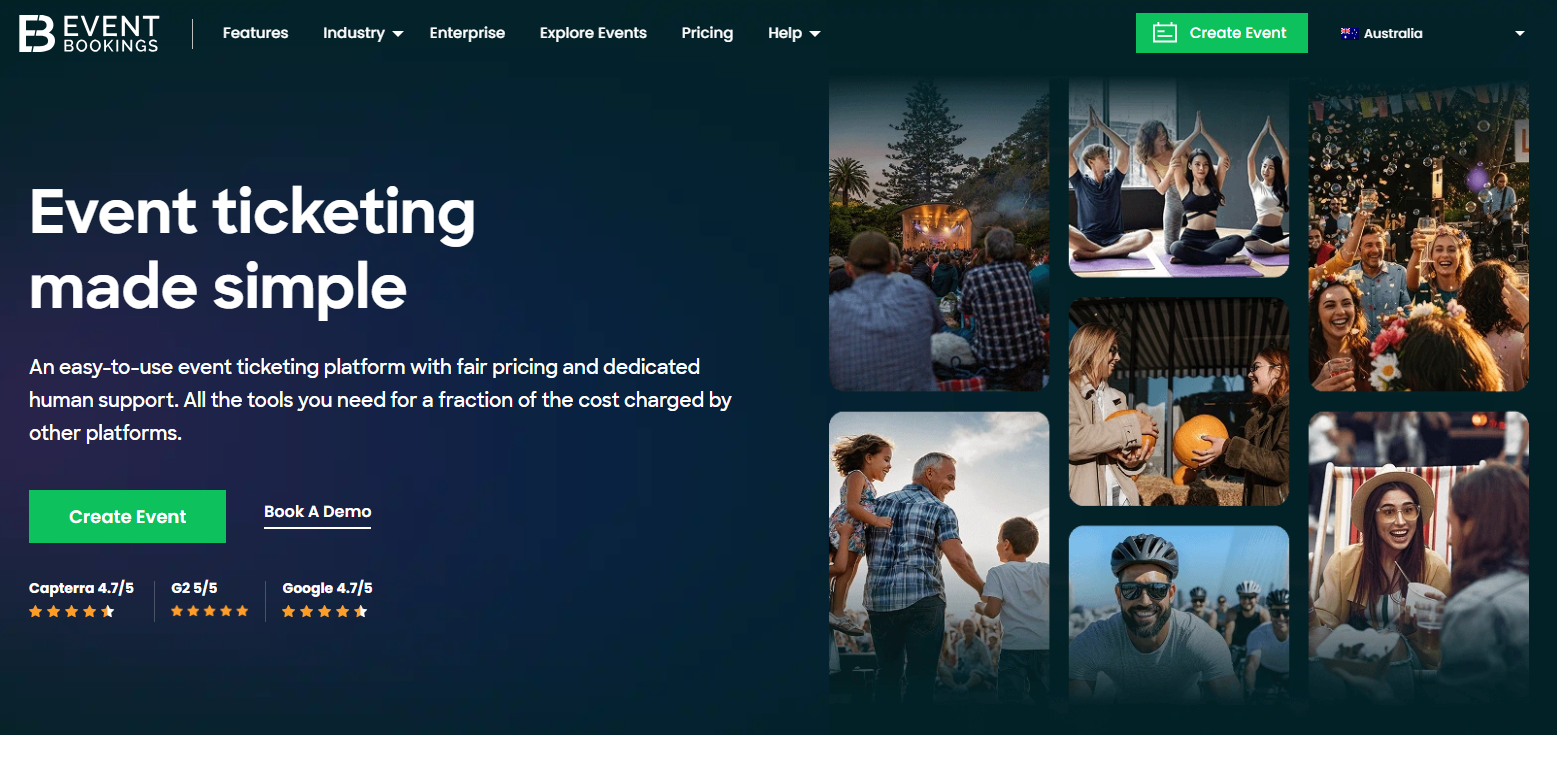
EventBookings is an online event ticketing and registration platform for selling tickets, managing events, and checking in attendees. It keeps pricing transparent, which is rare in this category. Free events run at no cost for the first 300 tickets, and paid events carry a simple per-ticket fee.
Best for: Organizations that want low-cost event ticketing with built-in registration and attendee check-in.
Key features
- Event pages and ticketing
- Mobile ticket scanning and check-in
- Customizable registration forms
- Email campaigns and customization
- Reporting and event analytics
Why choose EventBookings: The pricing model favors organizers who run a mix of free and paid events. You are not paying a monthly subscription to keep a free event live, and the per-ticket fee on paid events stays predictable. That makes budgeting a single ticketed event simple.
EventBookings pricing: Free plan available. Free events are free for the first 300 tickets. Paid events are charged 30¢ + 1% per ticket sold, plus Stripe processing fees. A Premium plan adds advanced features.
3. SimplyBook.me
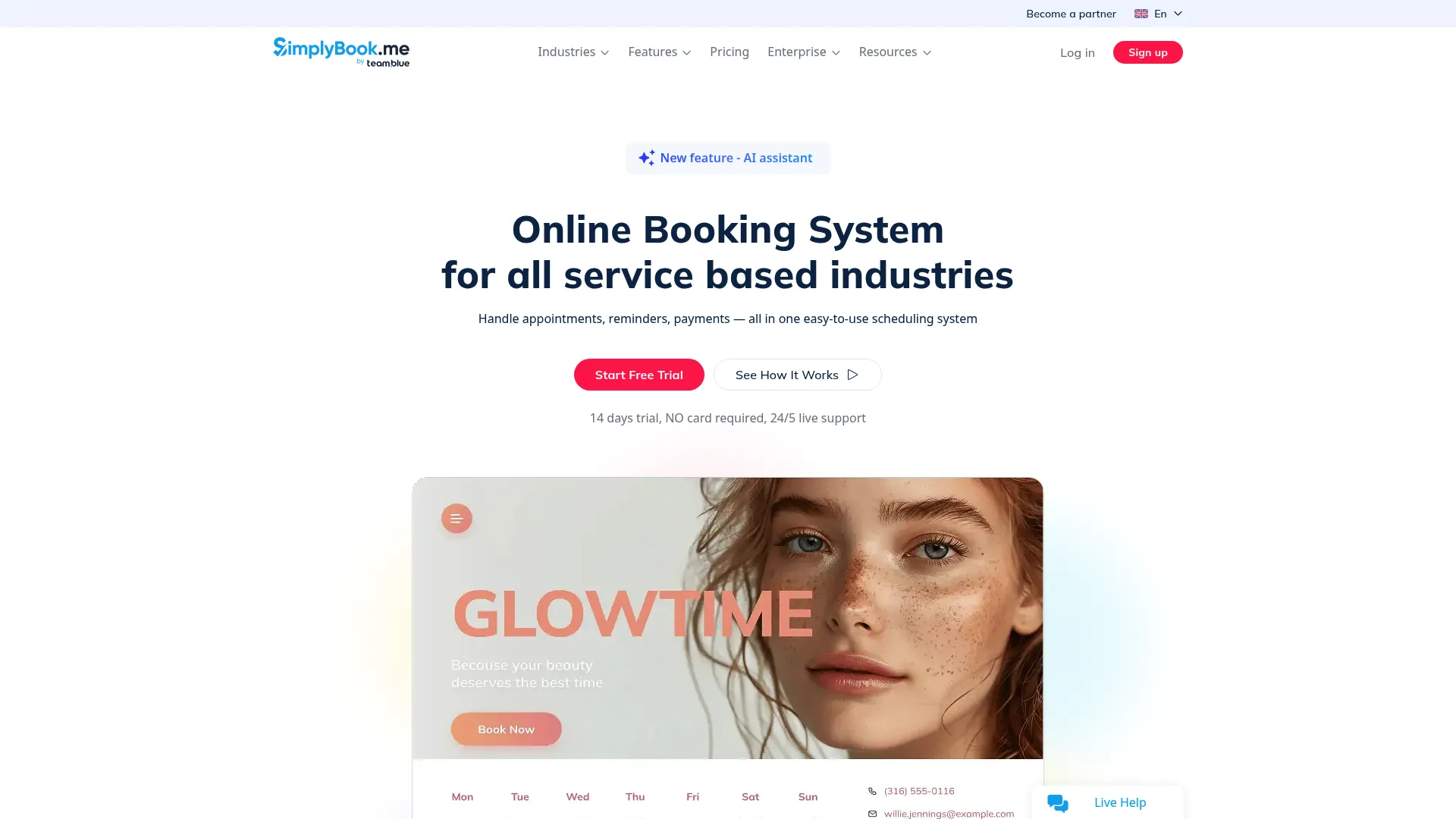
SimplyBook.me is an online booking and appointment scheduling platform built for service businesses. It handles one-time and recurring events, group bookings, and capacity controls, with 24/7 booking across your website, social profiles, and Google Business Profile. For classes and multi-session programs, its scheduling depth stands out.
Best for: Service businesses that need customizable booking, staff scheduling, and recurring event capacity.
Key features
- 24/7 online booking via website, social, and Google
- Automated reminders and calendar syncing
- Payments, deposits, tips, and custom features
- Group bookings and capacity controls
- Multi-provider scheduling
Why choose SimplyBook.me: If your events repeat and each session has its own seat count, SimplyBook.me tracks capacity per instance and syncs calendars automatically. It suits teams running classes, trainings, and sessions rather than one-off ticketed shows.
SimplyBook.me pricing: Free plan available. Basic is $13.9/mo, Standard is $29.9/mo, and Premium is $59.9/mo. Paid plans scale by booking volume, custom features, and included providers. Enterprise is custom-priced.
4. Accruent
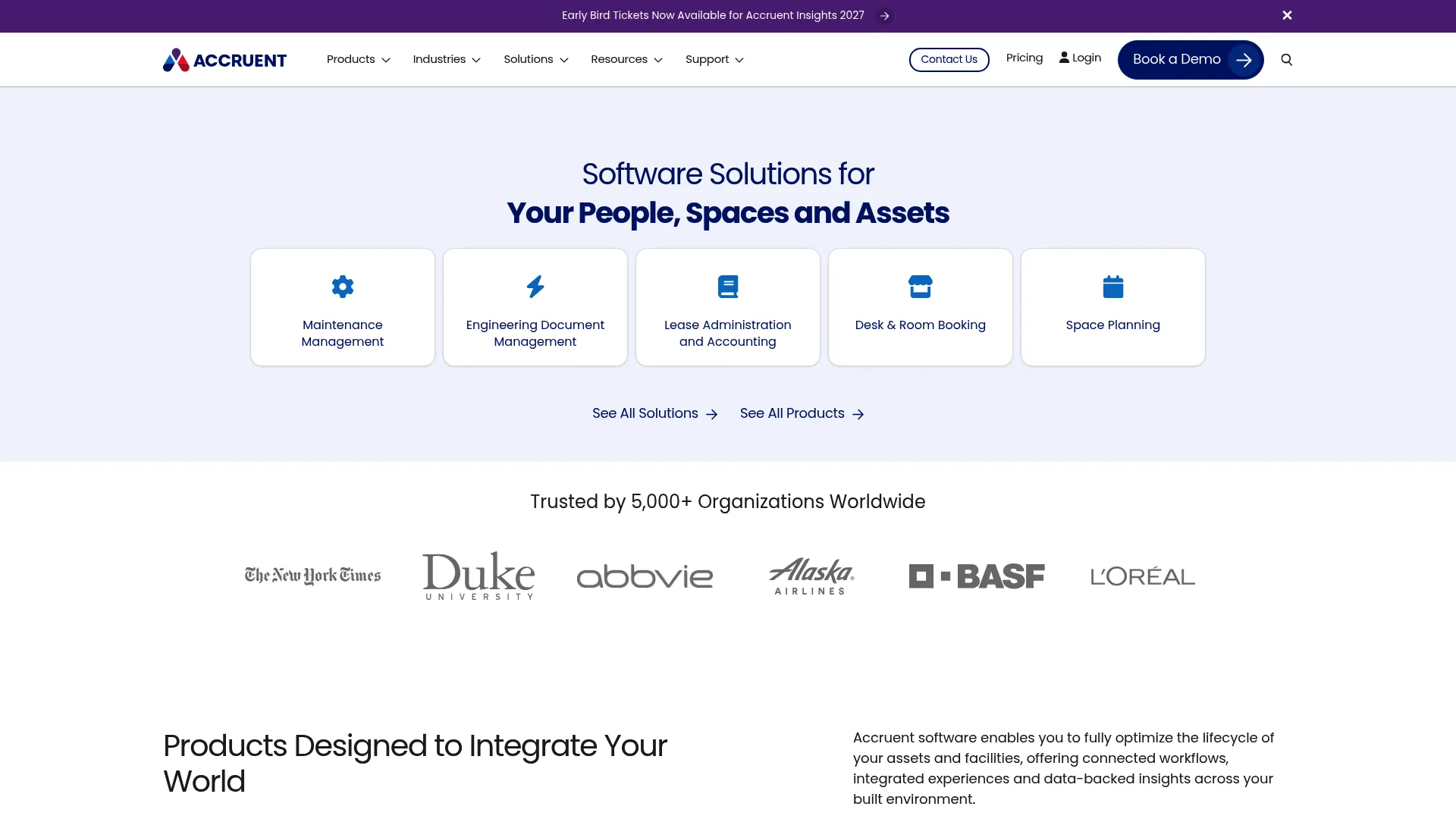
Accruent is enterprise software for workplace, facilities, asset, and real estate management. Here, event booking is one piece of a larger space-management system: room scheduling, desk booking, and resource coordination across a portfolio of locations. It is the right fit when your "events" are internal bookings tied to facilities.
Best for: Organizations needing an enterprise vendor for facilities, space, asset, or maintenance management.
Key features
- Work order and preventive maintenance management
- Space, desk, and room scheduling
- Asset, reporting, and analytics capabilities
- Compliance and workflow integration
- Portfolio-wide dashboards
Why choose Accruent: This is not a ticketing tool. It is the better choice when event booking means coordinating rooms, resources, and facilities across a large organization with compliance and reporting requirements. Complex internal operations are where it earns its keep.
Accruent pricing: Maintenance Connection Professional starts at US $110/user/month or US $1,325/user/year. A Mobile Add-on is US $58/user/month. Enterprise is a custom quote, and a free trial is available.
5. Eventify
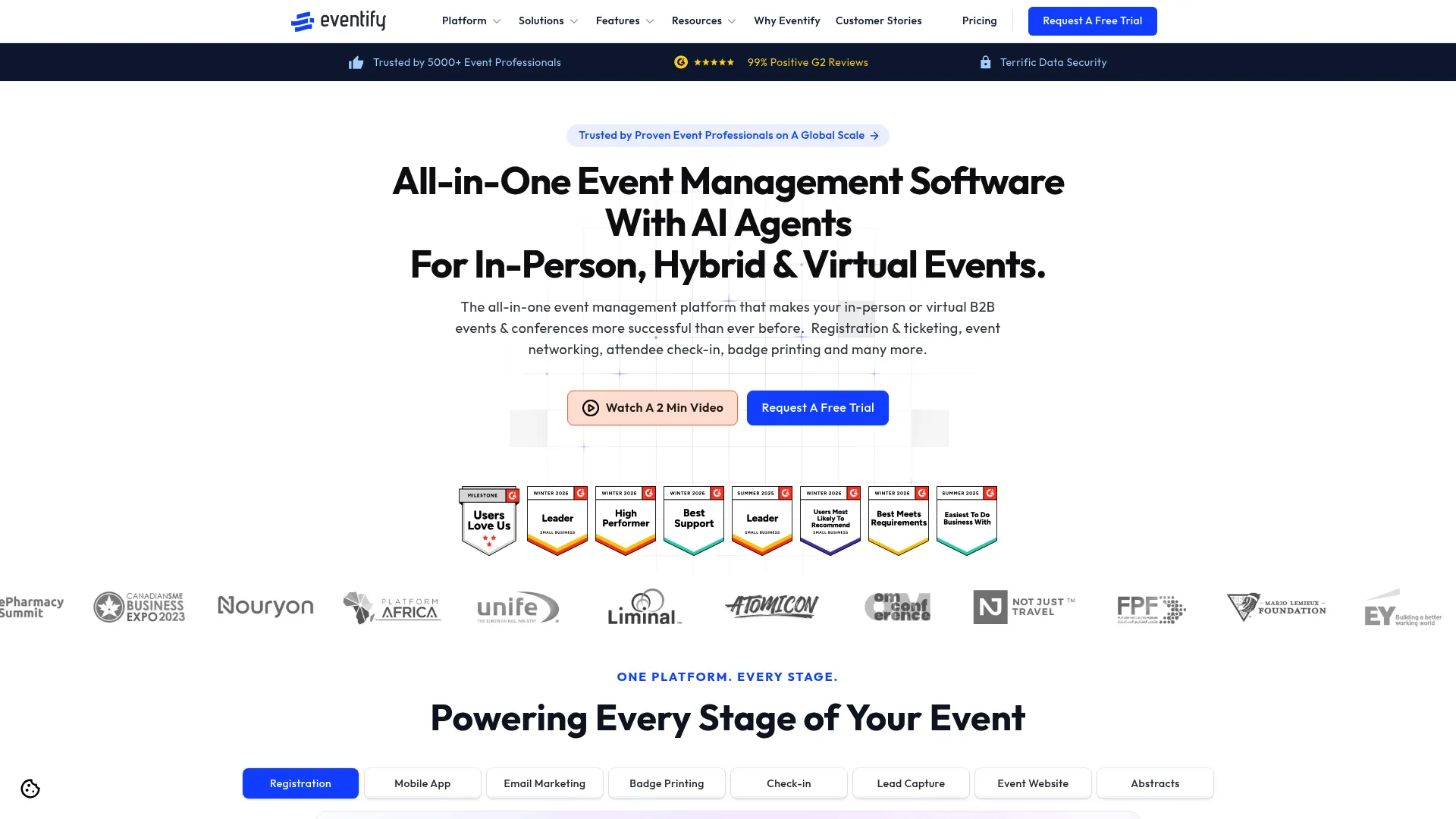
Eventify is all-in-one event management software for in-person, hybrid, and virtual events. It pairs registration and ticketing with an event app, web app, and attendee networking. For conferences and multi-format events, that combination of booking plus engagement is the draw.
Best for: Teams needing a white-label event platform with registration, networking, and on-site tools.
Key features
- Registration and ticketing
- Event app and web app
- Matchmaking and networking
- White-label branding
- On-site event operations
Why choose Eventify: If you run conferences that span physical and digital, Eventify keeps registration, engagement, and networking in one branded platform. It fits teams managing both in-person and online attendees rather than simple ticket sales.
Eventify pricing: Register starts at $249/year. Engage is $799/year, and Advance is $1,199.99/year. All public plans are billed annually. The Ultimate plan is a custom quote. No free tier is listed.
6. TicketSpice
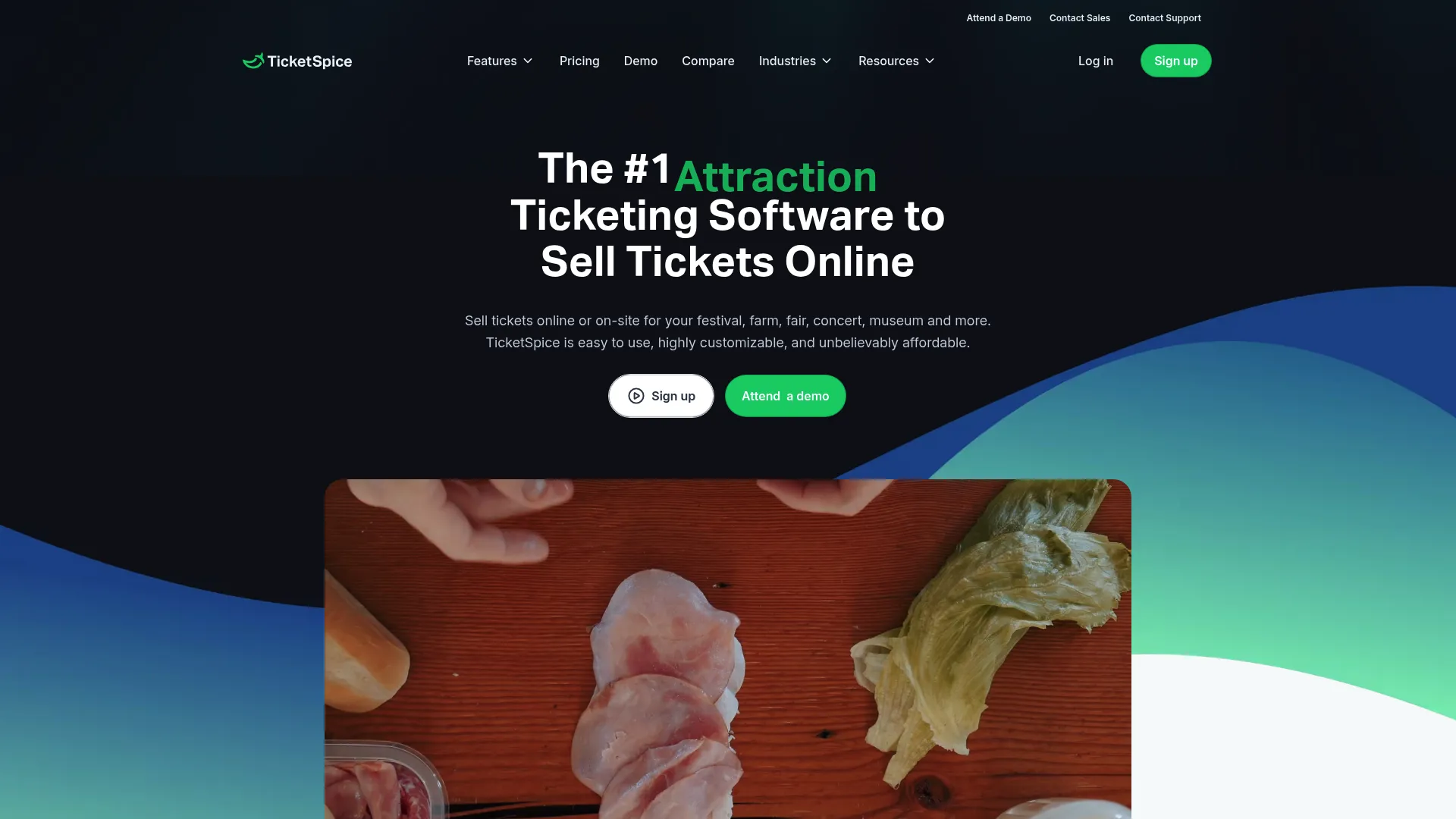
TicketSpice is an event ticketing platform for selling tickets online with page building, attendee management, and on-site scanning. Its pricing is the headline: a flat per-ticket fee, no monthly cost, and no setup fee. For high-volume ticketed events, that structure keeps costs predictable.
Best for: Event organizers who need low-cost ticketing with strong customization and on-site operations.
Key features
- Ticketing page builder
- Reserved seating and timed entry
- Text messaging and attendee communication
- On-site scanning and check-in
- Custom checkout pages
Why choose TicketSpice: The flat per-ticket fee makes it easy to model costs for a large event before you sell a single ticket. It suits organizers who want checkout customization and on-site tools without a recurring subscription.
TicketSpice pricing: $0.99 per ticket when the ticket costs $5 or more, and $0.49 per paid ticket when the ticket costs under $5. The box office app is $0.49 per paid ticket. There are no monthly or setup fees, plus standard credit card processing fees apply.
7. Eventsmart
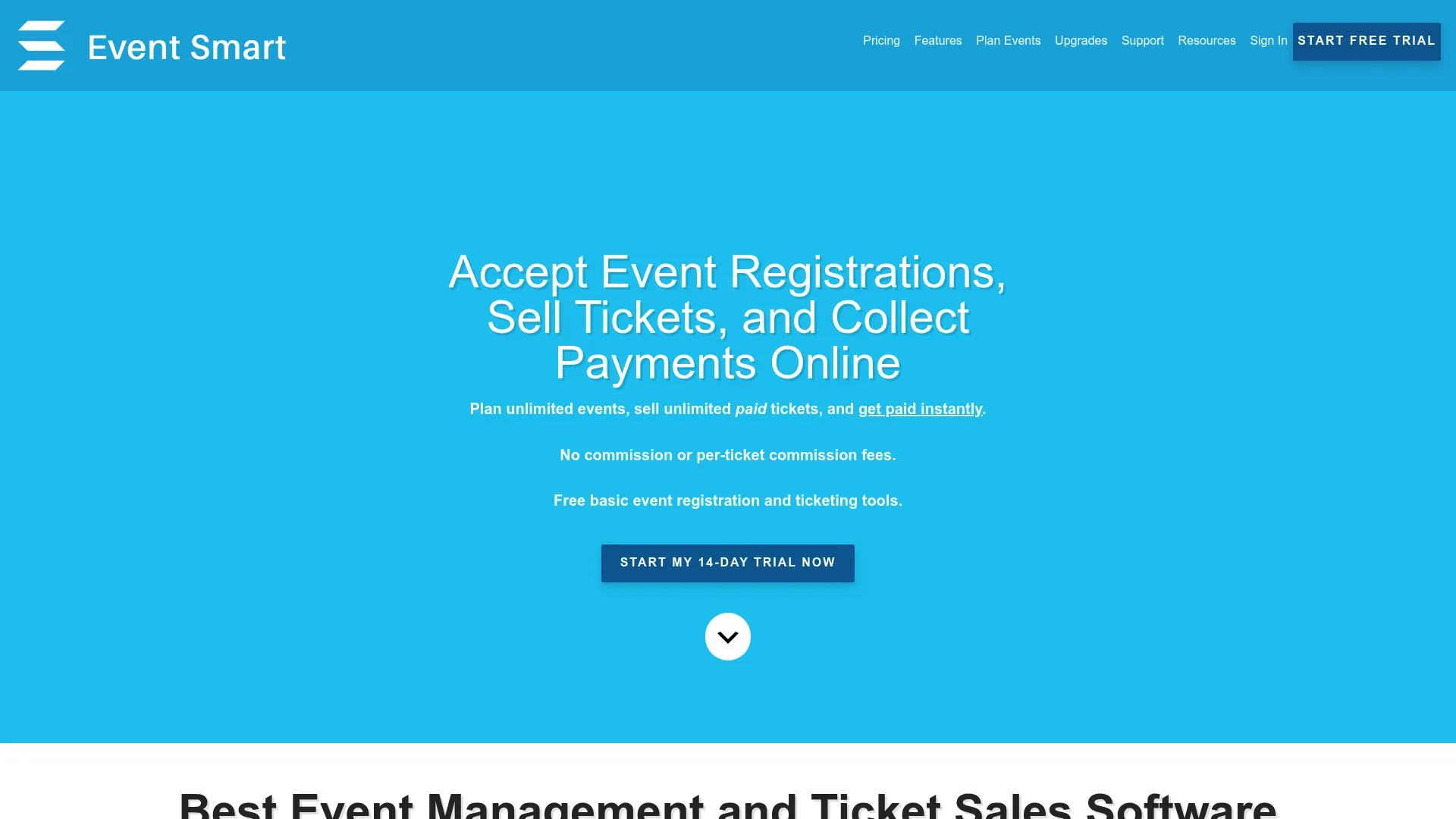
Eventsmart is event registration and ticketing software for building event websites, selling tickets, and managing attendee registrations. It gives organizers a self-serve, branded event site with multiple ticket types, recurring events, and QR check-in. For teams that want setup control, it rounds out the list.
Best for: Organizations that need self-serve event websites with ticketing and registration management.
Key features
- Multiple ticket types and registration options
- Event calendars, grids, and table views
- QR and barcode tickets with check-in
- Recurring events
- Custom registration forms
Why choose Eventsmart: If you want to own the event website and control registration details yourself, Eventsmart gives you that setup flexibility. It fits organizers who prefer hands-on configuration over a locked template.
Eventsmart pricing: Basic is free. Personal is $50/month, and Business is $100/month. An online payment upgrade is $10/month, and annual plans get a 15% discount.
Considerations
Before you commit to a platform, run through this checklist against your actual event calendar.
Pricing model
Decide whether a subscription or per-ticket fee fits your volume. Per-ticket pricing like TicketSpice suits occasional high-volume events. A monthly plan makes sense when you run events constantly. Model both against a real event before choosing.
Capacity and attendee experience
Check how the tool handles seat limits, waitlists, and overbooking. If you run recurring sessions, confirm capacity tracks per instance, not per event. The booking flow should feel simple to the attendee, since friction at checkout is where registrations drop.
Integrations
Your booking data is only useful if it reaches your CRM, email tool, and analytics. Verify native integrations before you buy, not after. A booking system that traps attendee data in its own dashboard creates the exact reporting problem you are trying to solve.
Reporting depth
Look past ticket counts. The reporting that matters shows revenue, attendance versus registration, and where drop-off happens. That is the data that tells you which events to repeat and which channels convert.
Support quality
Read recent reviews for response times, not just star ratings. When a checkout breaks the morning of an event, support quality is the only thing that matters.
Conclusion
The right event booking software depends on your event type and workflow. For scheduling plus marketing reach, Appointy distributes booking pages where people search. For low-fee ticketing, TicketSpice and EventBookings keep costs predictable. For recurring events and capacity, SimplyBook.me tracks each session. For hybrid conferences, Eventify pairs booking with engagement. For enterprise facilities, Accruent handles space and resources. For a self-serve event site, Eventsmart gives you control.
Your next step: list your event types, your monthly volume, and your must-have integrations. Then trial the two tools that match closest. Most of the platforms here offer a free plan or trial, so you can test the booking flow with a real event before you pay.
FAQs
Event ticketing software focuses on selling tickets and checking attendees in, like TicketSpice or EventBookings. Event booking software usually adds scheduling, capacity control, and resource coordination on top, like SimplyBook.me or Appointy. If you only sell tickets, ticketing is enough. If you manage recurring sessions or seats, you want a full booking system.
SimplyBook.me is built for recurring events, with capacity tracked per session and calendar syncing across providers. Appointy also handles recurring classes and appointments well. Both let you set open slots and prevent overbooking automatically, which matters for classes, trainings, and multi-session programs.
Confirm the tool tracks seat limits per event instance, not just per event, and supports waitlists once a slot fills. Test it with a recurring event during a trial. SimplyBook.me, Appointy, and Eventsmart all offer capacity controls, so check which handles your specific seat and waitlist rules.
Yes. Most tools here connect to a payment processor and send an automated confirmation on purchase. EventBookings uses Stripe, TicketSpice charges a flat per-ticket fee plus standard processing, and SimplyBook.me supports payments, deposits, and tips. Always check which processors a tool supports before committing.
Yes. EventBookings and TicketSpice offer mobile ticket scanning, and Eventsmart uses QR or barcode tickets for check-in. On-site scanning turns your attendee list into a live check-in record, so you know who arrived without a paper roster or manual tally.
Small teams do well with low-cost, self-serve tools like EventBookings, TicketSpice, or Eventsmart, which need little setup. Enterprises coordinating rooms and resources across locations fit Accruent, built for facilities and space management. Match the tool to your operational complexity, not just your event count.