VR content is not one market. It splits across headset ecosystems, PC storefronts, professional training catalogs, creator platforms, 360 video libraries, and venue licensing portals. That fragmentation creates a real PM problem: You can have excellent content and still lose users at discovery because they landed on the wrong store, faced the wrong license type, or found their headset wasn't supported.
The global VR content market reached $7.19 billion in 2024, according to Grand View Research, and 53 million U.S. adults owned a VR system as of 2025, per Security.org. The audience exists. Getting them to the right content, on the right platform, is the activation problem worth solving.
The "best" VR marketplace depends entirely on the user job: Buying PC games, discovering Quest apps, sourcing training simulations, licensing arcade content, or distributing immersive video. This guide maps each platform to its actual fit so you can choose by user journey, not catalog size.
What's inside
This guide compares 10 VR marketplaces and VR content platforms across consumer, professional, creator, developer, and location-based use cases.
- Who it's for: Product managers, platform strategists, and teams evaluating VR content distribution, marketplace strategy, or immersive product adoption
- How items were chosen: SERP visibility, marketplace relevance, catalog breadth, and use-case clarity across the full VR content spectrum
- Selection criteria: Platform and headset fit, content category depth, licensing clarity, and measurable discovery quality
- Note: Not every entry is a traditional app store. Several are content marketplaces, developer platforms, media hubs, or social worlds
TL;DR
- Best for consumer VR discovery: Meta Quest for Quest-native headset users browsing games and apps directly on device
- Best for PC VR gaming: Steam for the widest PC VR catalog, user reviews, and SteamVR integration
- Best for professional VR training: SimLab VR Store for education, medical, and vocational simulation content
- Best for VR arcades and venues: SpringboardVR for location-based operators managing licensed commercial titles
- Best for immersive video and media: Littlstar (now Rad TV) for 360 video streaming; YouTube for sheer distribution reach
- Best for open VR development: OSVR for developers researching hardware-independent VR infrastructure
What is a VR marketplace?
A VR marketplace is a digital platform where users discover, access, buy, sell, download, license, or distribute virtual reality content, including games, apps, videos, 3D experiences, training simulations, and developer resources.
VR marketplaces are not interchangeable. They split across several distinct categories.
Consumer app stores focus on games, apps, ratings, and headset compatibility. Discovery happens through categories, popularity charts, and user reviews. Meta Quest and Steam are the two dominant examples at opposite ends of the headset spectrum.
Professional content marketplaces prioritize training, education, simulations, and multi-user licensing. Content is organized by industry vertical and purchased through credits or institutional agreements. SimLab VR Store is the clearest example.
Arcade and venue platforms serve commercial operators who need licensed, hardware-ready titles they can deploy across multiple stations. SpringboardVR falls into this category.
Developer platforms provide SDKs, runtime support, and hardware compatibility layers for teams building VR applications. OSVR and VRWorks belong here, not alongside consumer storefronts.
Immersive media platforms distribute 360 video, spatial content, and creator-led experiences. Littlstar, Svrf, and YouTube all serve this space with different reach and specialization levels.
Social VR platforms like VRChat blur the marketplace concept entirely by centering on user-generated worlds, avatar identity, and community discovery rather than transactional content.
Key capabilities to look for in any VR marketplace:
- Search filters by headset, genre, and content type
- Product detail pages with ratings, reviews, and screenshots
- Purchasing models: Paid, free, subscription, credits, or licensing
- Creator publishing or content submission workflows
- Headset and runtime compatibility documentation
- Enterprise or classroom access controls
- Content freshness signals and update cadence
For product managers, the marketplace UX shapes activation directly. A confusing taxonomy, missing headset filters, or an absent trial path all create friction that kills time-to-first-relevant-experience before a user ever loads content.
When to use a VR marketplace
Find content users can access immediately
Consumer-facing VR marketplaces reduce time-to-value by surfacing popular, well-reviewed content at the headset level. Meta Quest's headset-native store and Steam's SteamVR category filter handle this well for different hardware segments. If your team is evaluating which platform supports faster content activation, start here.
Source professional training or simulation content
VR training procurement works differently from consumer purchasing. Licensing terms, multi-seat access, and content fidelity matter more than catalog breadth. SimLab VR Store and SpringboardVR both serve this need, though for different deployment contexts: Institutional training versus commercial venue operations.
Distribute or validate immersive content
Creators and platform teams use marketplaces to reach audiences, test distribution models, and understand engagement patterns. YouTube offers the largest distribution surface for 360 content. Littlstar targets viewers who already own VR hardware and want a dedicated streaming experience. Understanding where your audience already is should drive the distribution decision.
VR marketplace comparison
The table below maps all 10 platforms by primary use case, key differentiator, pricing model, and G2 rating. Pricing cells reflect the access model as verified on each vendor's official pages. G2 ratings reflect current listings; N/A indicates no verifiable rating exists for that platform.
| # | Product | Best for | Key differentiator | Pricing | G2 rating |
|---|---|---|---|---|---|
| 1 | Steam | PC VR games and apps | Largest PC storefront with SteamVR integration and user reviews | Free to use; games priced individually | N/A |
| 2 | Meta Quest | Quest headset users | First-party Quest app store with headset-native browsing | Hardware from $349.99; apps priced individually | N/A |
| 3 | SimLab VR Store | Professional VR training | Buy and sell professional VR experiences with credit-based access | Credit-based; free viewer app | N/A |
| 4 | SpringboardVR | VR arcades and venues | Location-based VR content marketplace for commercial operators | From $10/station/year (billed annually) | N/A |
| 5 | OSVR | Open VR development | Open-source VR platform supporting hundreds of devices | Free (Apache 2.0) | 4.0/5 |
| 6 | Svrf | Immersive media discovery | Search and genre filtering for AR/VR content | N/A (pricing unverified) | 4.3/5 |
| 7 | VRWorks | VR developers and graphics teams | NVIDIA SDK toolkit for rendering performance and headset compatibility | Free developer access | N/A |
| 8 | Littlstar | VR video and immersive media | 360 video streaming with AI upscaling and personal media storage | Free; Premium $6.99/mo; Premium+ $29.99/mo | N/A |
| 9 | VRChat | Social VR worlds | User-generated social VR with cross-platform access | Free; VRC+ $9.99/mo or $99.99/year | 4.2/5 |
| 10 | YouTube | 360 video reach | Broadest video discovery surface for VR and 360 content | Free to upload; Premium pricing not publicly listed | N/A |
Best 10 VR marketplaces for 2026
1. Steam
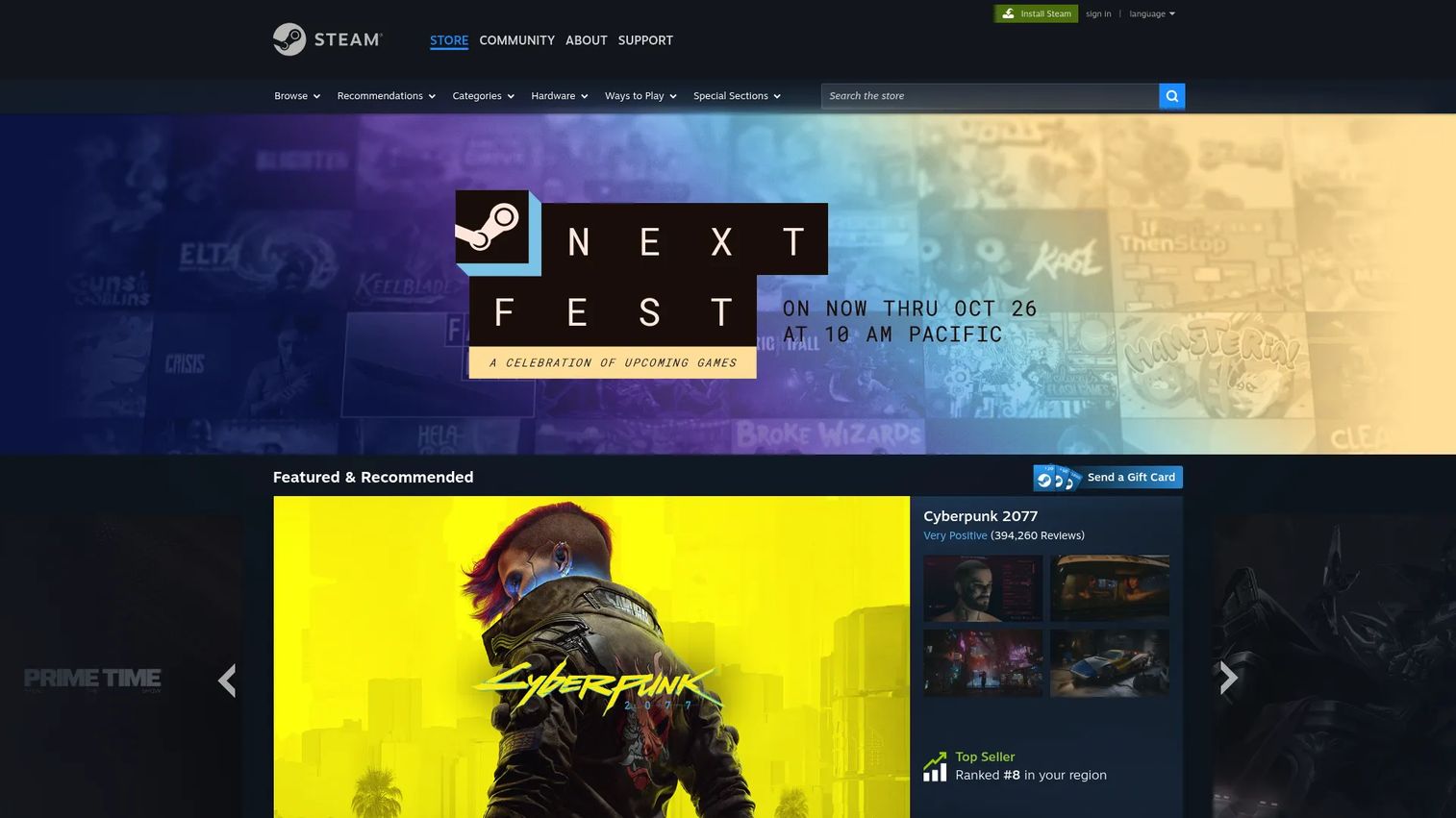
Steam is the dominant PC game distribution platform, and its SteamVR integration makes it the default starting point for anyone evaluating PC VR content. The storefront hosts titles from major studios down to solo indie developers, all filterable by VR compatibility. User reviews, community discussions, wish lists, and discount events create a discovery environment that no other PC VR platform matches in depth.
Best for: PC VR users and product teams researching consumer demand signals across the full PC VR catalog.
Key features
- SteamVR category with headset compatibility filtering
- User reviews, ratings, and community discussion boards
- Wish list and recommendation engine
- Early Access program for pre-release titles
- Steam Workshop for player-created mods and content
Why choose Steam: Choose Steam when your audience is on PC VR hardware and you need access to the widest possible catalog with genuine community review data. It is not a useful surface for Quest-only or mobile VR strategies.
Steam pricing: Steam is free to use as a platform. Individual games and apps carry their own prices, with free titles, paid releases, and seasonal discount events all common on the storefront.
2. Meta Quest
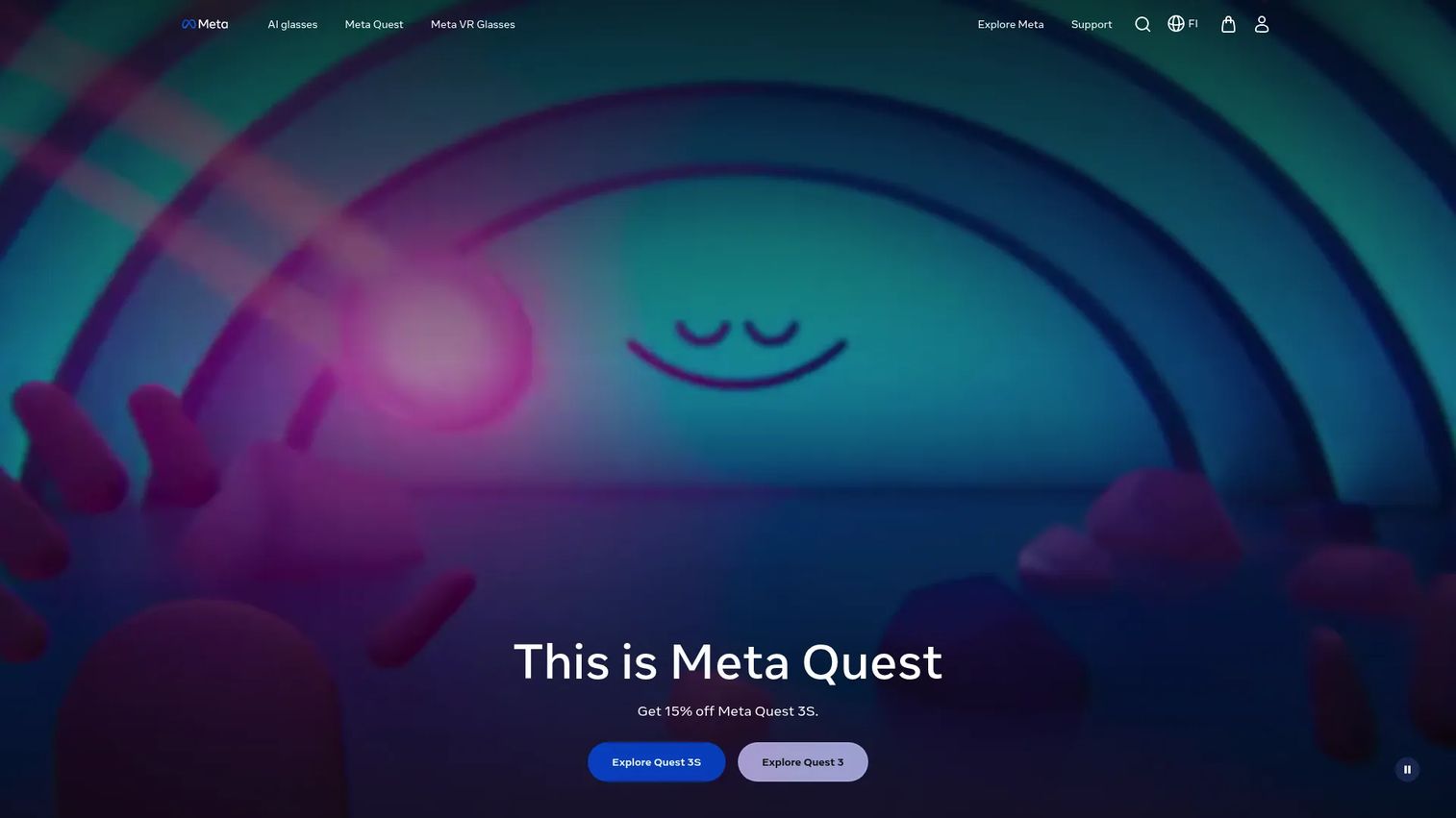
Meta Quest is the first-party VR marketplace for Quest headset owners. App browsing, ratings, wishlists, and subscription content all live inside the headset-native experience, which means discovery happens directly on the device rather than through a browser. The platform covers gaming, fitness, entertainment, social experiences, and productivity apps, with Quest-optimized detail pages that include screenshots and user ratings.
Best for: Teams building for Quest-first audiences or evaluating consumer VR adoption patterns within the Meta headset segment.
Key features
- Headset-native app browsing and search
- Ratings and reviews on app detail pages
- Wishlist and curated category pages
- Meta Horizon+ subscription for access to select titles
- PC VR support through Meta Quest Link
Why choose Meta Quest: Choose Meta Quest when your user base already owns Quest devices or when your platform strategy centers on standalone VR without PC dependency. Outside the Meta headset segment, its marketplace is not a neutral comparison surface.
Meta Quest pricing: Quest 3S hardware starts at $349.99 for 128GB and $449.99 for 256GB. Quest 3 is $599.99. Individual apps are priced separately. The optional Meta Horizon+ subscription runs $7.99/month or $59.99/year.
3. SimLab VR Store
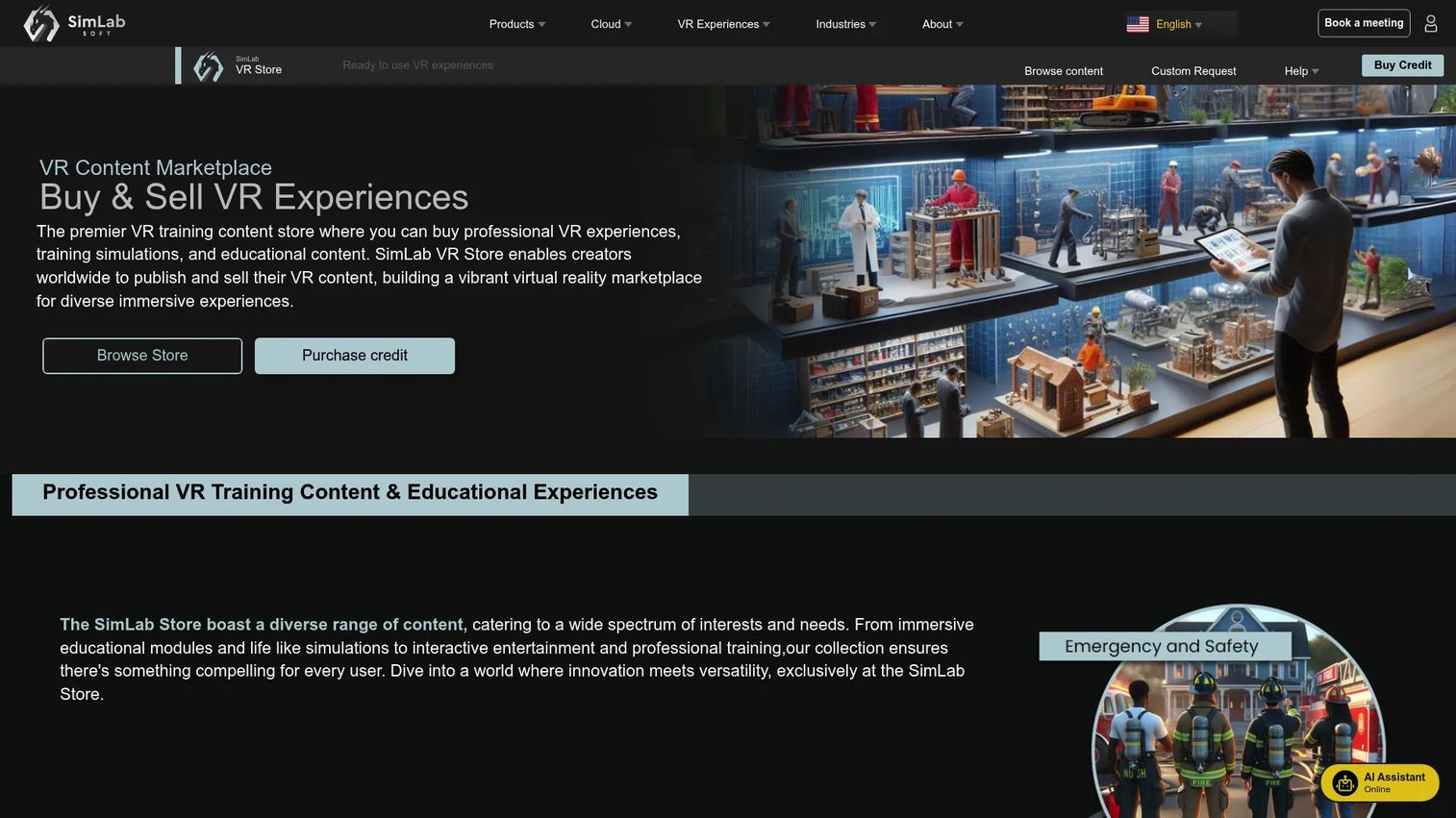
SimLab VR Store is a professional VR content marketplace focused on training simulations, educational experiences, medical training, and vocational content. Organizations purchase store credits to access content; creators worldwide can publish and sell their VR experiences through the platform. The SimLab VR Viewer is free, which keeps viewer deployment costs low for institutional buyers.
Best for: Training coordinators, L&D teams, and enterprise buyers sourcing ready-made VR experiences for education, health, or vocational programs.
Key features
- Professional VR experiences across training categories
- Creator publishing and content submission workflow
- Credit-based purchasing model
- Multi-user collaboration support
- Voice commands and hand tracking in supported experiences
Why choose SimLab VR Store: Choose SimLab VR Store when the requirement is professional or vocational content beyond entertainment. The credit model fits institutional procurement better than per-user subscription billing, and the taxonomy supports vertical-specific search by industry.
SimLab VR Store pricing: Content is purchased using store credits. The SimLab VR Viewer is free. Institutional and multi-user licensing requires contacting SimLab directly for pricing terms.
4. SpringboardVR
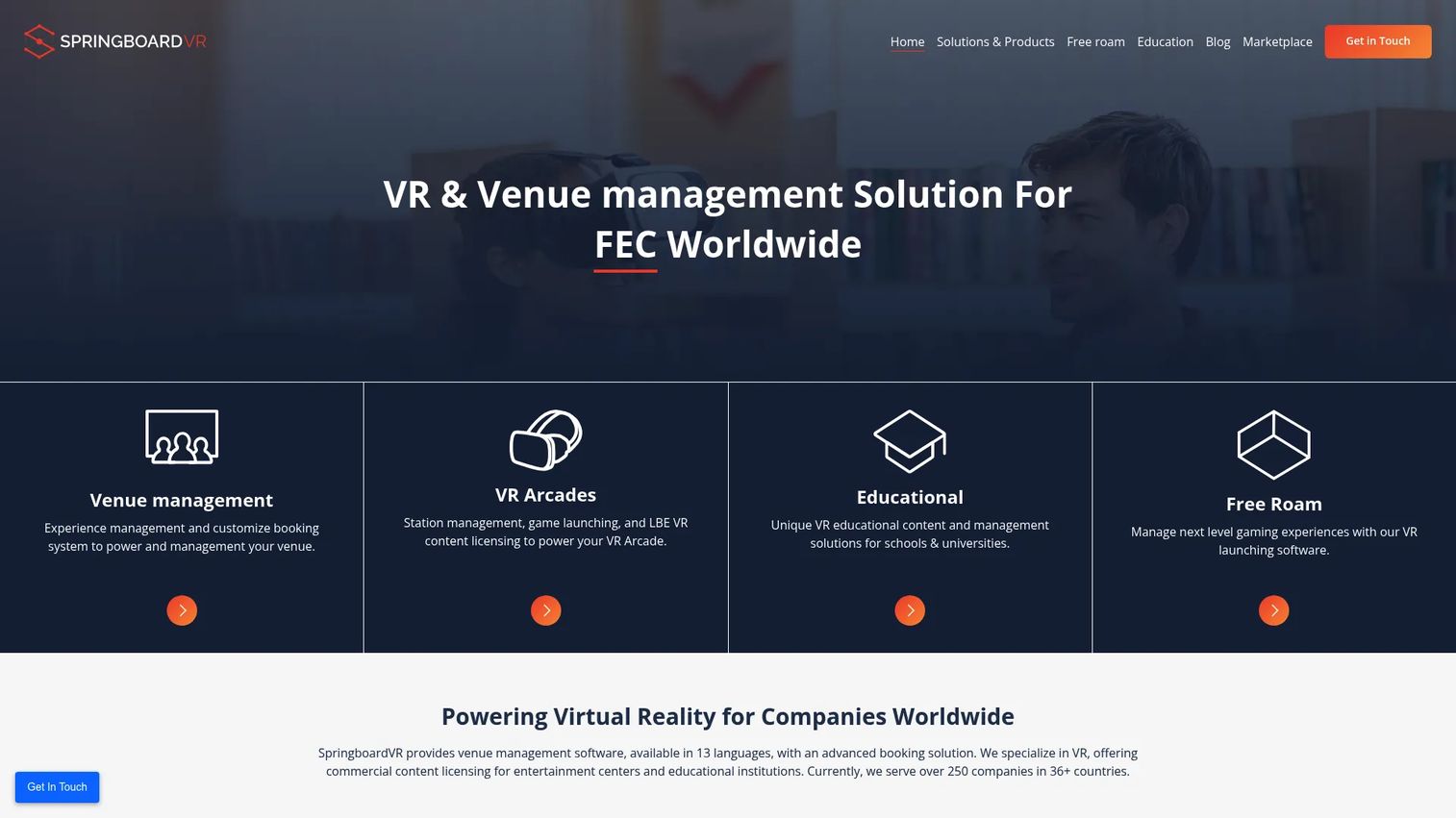
SpringboardVR is venue management and VR content distribution software built specifically for location-based VR operators. The platform offers a curated catalog of over 300 titles with one-click installation, plus station management, reservation integrations, and venue analytics. It serves entertainment centers, educational institutions, and free-roam VR venues, currently operating across more than 250 companies in 36+ countries.
Best for: VR arcade operators, entertainment venue managers, and educational institutions running PC-based VR stations.
Key features
- Curated catalog with genre and popularity filtering
- One-click title installation across all stations
- Station, device, and time management with batch launching
- Online reservation integrations (Square, Stripe, FareHarbor, Checkfront)
- Venue analytics and session tracking
Why choose SpringboardVR: Choose SpringboardVR when the use case is commercial venue operation, not home consumption. The licensing model is built for multi-station, multi-location deployment, which consumer app stores do not accommodate.
SpringboardVR pricing: Plans are billed annually per station. All Features runs $30/station/year, and Custom Experiences runs $10/experience/year. Free-roam pricing uses a flat fee or pay-per-play structure; contact SpringboardVR for specific figures.
5. OSVR
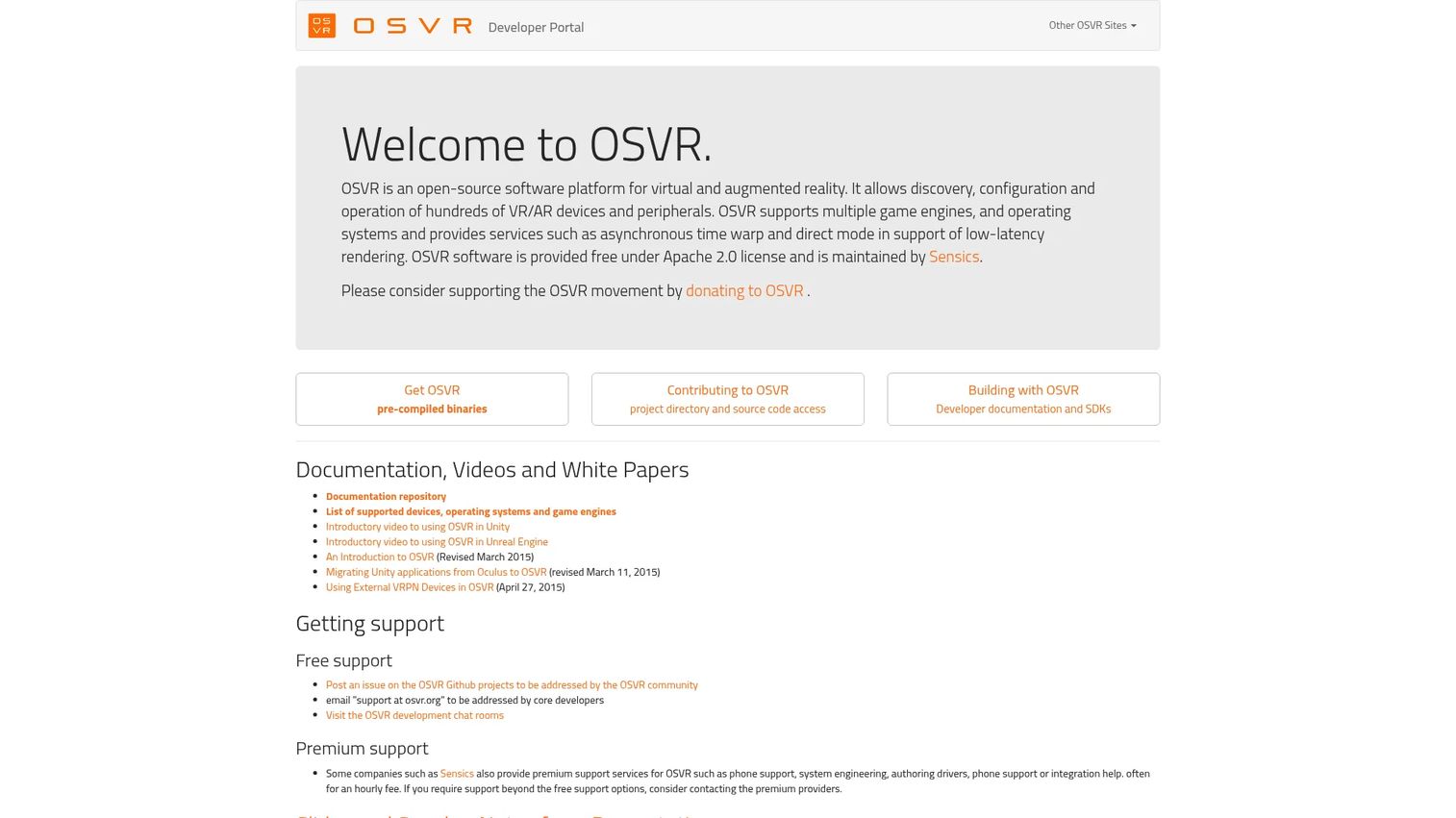
OSVR is an open-source VR platform designed to support hundreds of VR and AR devices without locking developers into a single hardware or runtime dependency. It integrates with game engines including Unity and Unreal Engine, and supports multiple operating systems. OSVR is not a consumer storefront; it is developer infrastructure for teams who need hardware-agnostic VR compatibility.
Best for: Developers and organizations researching open VR platform infrastructure or building for multi-device compatibility.
Key features
- Supports hundreds of VR/AR devices and peripherals
- Unity and Unreal Engine integration
- Asynchronous time warp for low-latency rendering
- Direct Mode for headset plug-and-play compatibility
- Apache 2.0 open-source license
Why choose OSVR: Choose OSVR when the requirement is open, hardware-independent VR development rather than content distribution or consumer discovery. Note that the platform's active maintenance cadence should be verified before committing to it for production use.
OSVR pricing: OSVR software is free under the Apache 2.0 license. Premium support from third-party providers such as Sensics may carry an hourly fee.
G2 rating: 4.0/5 on G2.
6. Svrf
Svrf is a search and discovery platform for augmented reality and virtual reality content, letting users filter experiences by genre and supported platform including Quest and PlayStation VR. It functions more like a curated content directory than a transactional storefront, making it useful for teams mapping what immersive content exists across the AR/VR space.
Note: Svrf's official site returned a 502 error during research. Verify current availability and access model before including it in a production marketplace strategy.
Best for: Teams researching immersive media discovery patterns or evaluating the AR/VR content landscape by genre and platform.
Key features
- Search and filtering across AR and VR experiences
- Genre-based content categorization
- Platform filtering, including Quest and PlayStation VR
- Creator content indexing
- Visual browsing interface
Why choose Svrf: Choose Svrf when the goal is content discovery research rather than direct purchasing. Given the current availability uncertainty, teams should verify access before building any workflow dependency on it.
G2 rating: 4.3/5 on G2.
7. VRWorks
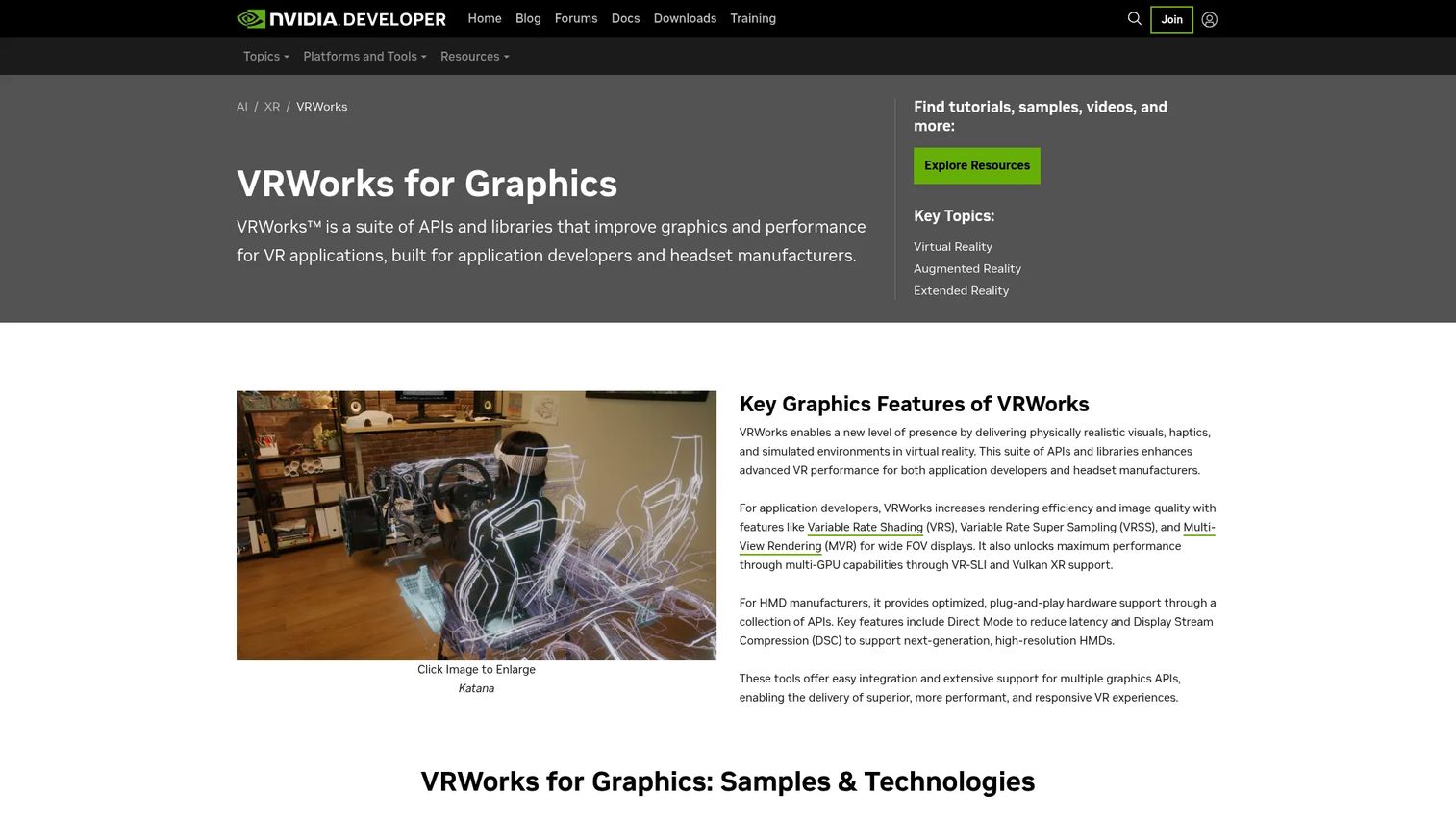
VRWorks is NVIDIA's suite of APIs and libraries for improving VR graphics performance, image quality, and headset compatibility. It includes Variable Rate Shading, Multi-View Rendering, VR-SLI, and Display Stream Compression. VRWorks is a developer toolkit, not a content storefront. It appears in VR marketplace research because software directories sometimes categorize it alongside VR platforms, but its actual function is rendering performance for application developers.
Best for: VR application developers and headset manufacturers building high-performance, GPU-accelerated VR experiences.
Key features
- Variable Rate Shading and Variable Rate Super Sampling
- Multi-View Rendering for up to four projections simultaneously
- Direct Mode for reduced-latency headset compatibility
- Display Stream Compression up to 3:1 ratio
- Vulkan XR and VR-SLI multi-GPU support
Why choose VRWorks: Choose VRWorks when the question is rendering performance and headset compatibility for developers, not catalog access or content purchasing. Teams evaluating VR content marketplaces should treat this as infrastructure research rather than a distribution option.
VRWorks pricing: Access is free through NVIDIA's developer program.
8. Littlstar
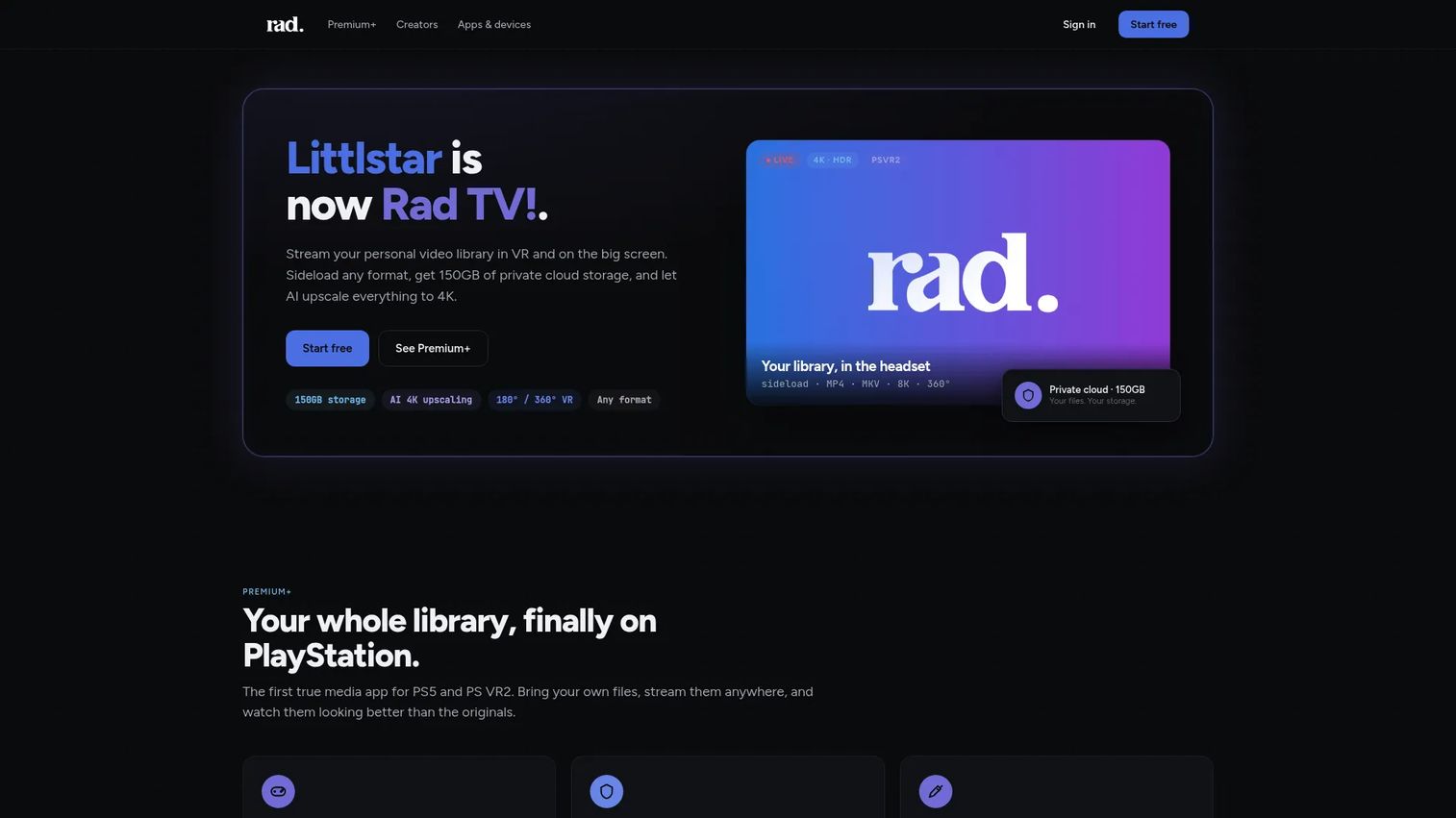
Littlstar, now rebranded as Rad TV, is a video platform for streaming personal media libraries, VR content, and live or on-demand programming across multiple devices. It supports 180-degree and 360-degree VR video, AI upscaling to 4K, sideloading of MP4, MKV, HEVC, and AV1 formats, and 150GB of private cloud storage on paid plans. For teams distributing VR video rather than interactive apps, it fills a gap that generic streaming platforms do not address well.
Best for: VR video creators, immersive media producers, and viewers who want cross-device 360 video streaming with dedicated VR playback.
Key features
- 180-degree and 360-degree VR video streaming
- AI upscaling to 4K
- 150GB private cloud storage (paid plans)
- Sideloading support for MP4, MKV, MOV, HEVC, AV1, and 8K
- Live TV and on-demand content library
Why choose Littlstar: Choose Littlstar when the product experience is video-led rather than app-led, and the audience expects a dedicated VR media player rather than a general-purpose platform. Verify current device compatibility before distribution commitments.
Littlstar pricing: A free tier is available. Premium costs $6.99/month and Premium+ costs $29.99/month.
9. VRChat
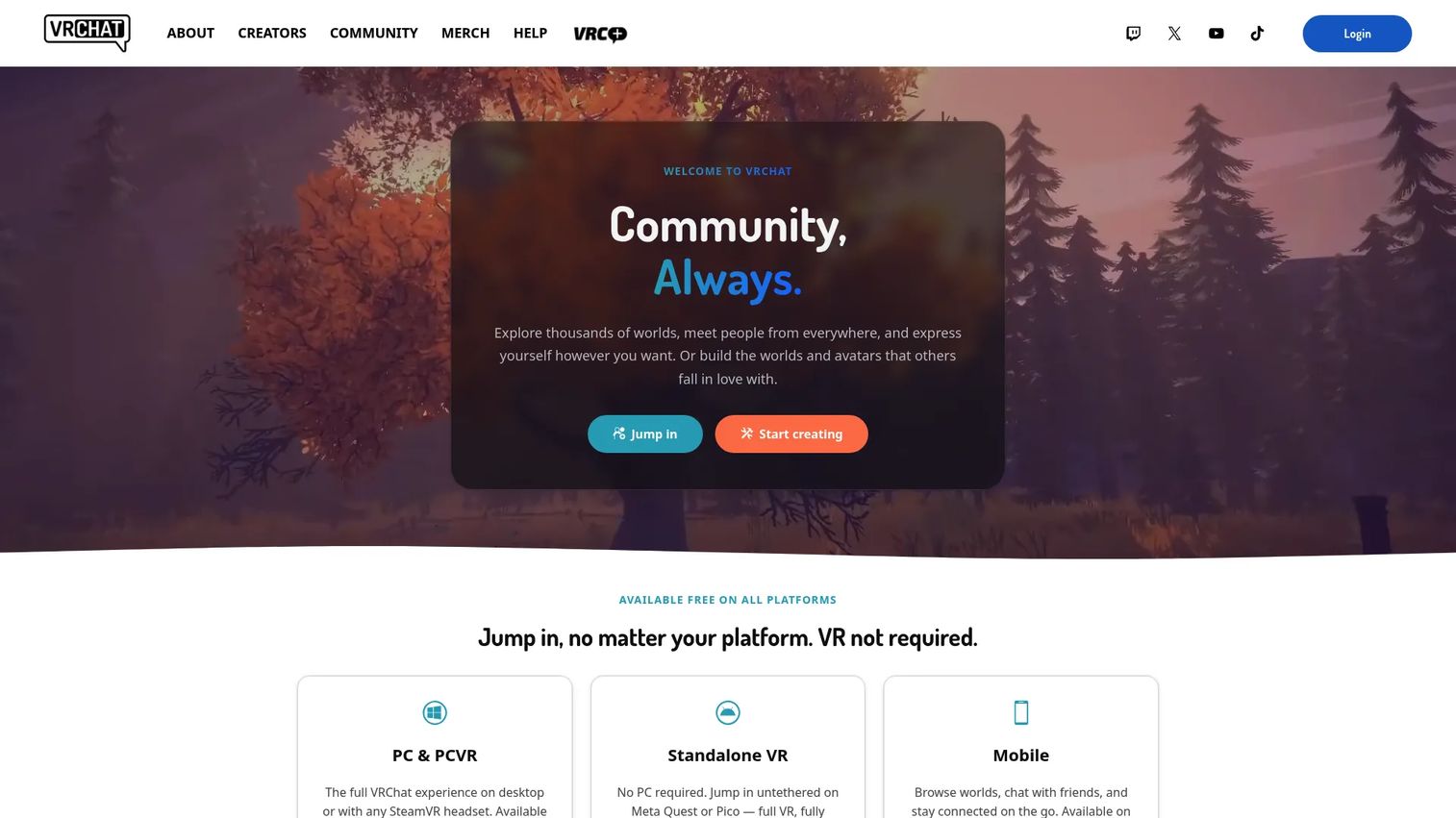
VRChat is a free, cross-platform social virtual world where users explore community-created worlds, customize avatars, and socialize in real time. It runs on desktop, VR headsets, standalone VR, and mobile devices. Creators build and upload worlds and avatars using the Unity-based VRChat SDK. The Creator Economy allows limited marketplace monetization. For PMs, VRChat is interesting as a study in user-generated content loops and social retention mechanics, not as a transactional content store.
Best for: Social VR research, community-led world building, avatar culture, and understanding user-generated content dynamics in immersive environments.
Key features
- User-created worlds and avatar customization
- Cross-platform access: Desktop, VR, standalone, and mobile
- Unity-based VRChat SDK for world and avatar creation
- Voice chat and community event support
- Creator Economy and marketplace features
Why choose VRChat: Choose VRChat when the user job is social presence and identity exploration rather than purchasing structured content. It is not a paid content storefront, and its taxonomy reflects community curation rather than editorial selection.
VRChat pricing: Core VRChat access is free. VRC+, an optional subscription, runs $9.99/month or $99.99/year and adds features such as custom nameplate icons, increased favorites, camera tools, and custom emoji.
G2 rating: 4.2/5 on G2.
10. YouTube
YouTube is not a dedicated VR marketplace, but it remains the largest discovery surface for 360 video and VR-adjacent content. Creators upload 360-degree videos, VR tours, and spatial content that viewers can access on desktop, mobile, or VR headsets. The recommendation engine and search reach are unmatched at scale. For teams distributing immersive video content to broad audiences, YouTube's sheer reach makes it a practical distribution layer even without native VR commerce features.
Best for: Teams distributing VR and 360 video content who prioritize audience reach and search discoverability over headset-native commerce.
Key features
- 360-degree and VR video hosting and playback
- Personalized recommendations and broad search reach
- Creator channels, subscriptions, and playlists
- VR viewing support on compatible devices
- Creator analytics and monetization tools
Why choose YouTube: Choose YouTube when distribution scale and search discovery matter more than headset-specific app commerce. Teams needing enterprise licensing, seat-based access, or structured app purchasing should pair YouTube with a dedicated VR marketplace rather than relying on it alone.
YouTube pricing: YouTube is free to upload and watch. Premium membership tiers exist but numerical prices were not displayed on the official pages reviewed.
Considerations when choosing a VR marketplace
Platform and headset fit
Map each marketplace to the headset your users actually own. Meta Quest content does not transfer to PC VR, and SteamVR titles require compatible PC hardware. Verify controller, runtime, and device compatibility before committing to a distribution strategy. Platform dependency is an opportunity cost; a marketplace with great content taxonomy is useless if your audience's hardware is not supported.
Discovery and taxonomy
Evaluate search quality, category filters, genre tags, and popularity signals. A marketplace with poor taxonomy creates activation friction even when the right content exists. Look for headset-specific filtering, rating visibility on browse pages, and product detail page completeness. Time-to-first-relevant-experience is a metric worth tracking before and after any marketplace change.
Licensing and purchasing model
Consumer purchases, credit bundles, commercial venue licenses, and institutional multi-seat agreements all carry different approval and procurement workflows. Verify whether the platform supports the purchasing model your organization actually uses. SimLab VR Store requires credit acquisition before content access; SpringboardVR bills per station annually; Steam bills per title.
Content quality and freshness
Stale listings damage trust and waste user time. Check update cadence, review recency, and whether the platform surfaces abandoned content. A marketplace that prominently features outdated titles without clear last-updated signals will hurt activation metrics. Editorial curation signals, community review activity, and publisher responsiveness all factor into content freshness.
Analytics and operational visibility
Confirm what you can actually measure: Installs, session starts, purchases, wishlist adds, or referral traffic. Most consumer storefronts offer creator dashboards; professional and venue platforms vary widely. Teams making data-driven content decisions need to verify instrumentation coverage before selecting a marketplace, not after launch.
How to choose the right VR marketplace for your team
If you are building for consumer VR
Start with Meta Quest for Quest-exclusive or Quest-first products. Move to Steam when the audience is on PC VR hardware and you need access to community reviews and SteamVR ecosystem depth. Most consumer VR strategies require both; the platforms serve different hardware segments with almost no overlap at the catalog level.
If you need professional training content
SimLab VR Store fits institutional buyers sourcing training, medical, and vocational simulation content. SpringboardVR fits commercial venue operators who need licensed titles they can deploy across multiple physical stations. The two address different procurement contexts and should not be evaluated as direct substitutes.
If you are validating discovery patterns
YouTube provides the broadest signal on what immersive video content resonates at scale. VRChat surfaces user-generated world discovery and social retention patterns. Svrf and Littlstar narrow the lens to dedicated VR media audiences. For best site search software or best enterprise search software parallels, think about what taxonomy, filtering, and personalization cues drive users to content quickly.
If you are building VR infrastructure
OSVR and VRWorks address different parts of the developer stack. OSVR handles device abstraction and hardware compatibility across operating systems. VRWorks handles rendering performance and GPU-level optimization. Neither belongs in a consumer marketplace evaluation, but both are worth understanding before choosing a VR content distribution architecture.
Conclusion
VR marketplaces span a wider range than most category guides acknowledge. Steam and Meta Quest anchor the consumer end of the spectrum, serving PC VR and Quest headset users respectively through fundamentally different hardware ecosystems. SimLab VR Store and SpringboardVR address professional and venue needs with licensing models that consumer storefronts cannot replicate. Littlstar and YouTube cover immersive video distribution for creators whose output is spatial video rather than interactive apps. OSVR and VRWorks serve developers building the infrastructure layer, not buyers browsing content.
For product managers, the selection question is not "which marketplace is biggest?" It is "which marketplace fits the user job I am solving for?" Map your audience's headset segment, your content type, and your licensing requirements before choosing a platform. Platform fit drives activation; taxonomy quality drives retention; licensing clarity drives institutional adoption.
If your team sells software into immersive, creative, or technical markets and needs to show that product before a sales call, static screenshots rarely explain the workflow. Guideflow lets you turn your product into an interactive demo buyers can explore on their own terms, across sales, marketing, onboarding, and support use cases.
Start your journey with Guideflow today!
FAQs
A VR marketplace is a digital platform where users discover, access, buy, sell, download, license, or distribute virtual reality content. That content can include games, apps, immersive videos, training simulations, 360-degree experiences, and developer resources. Not all VR marketplaces are app stores; some are professional training catalogs, venue licensing platforms, social VR worlds, or developer SDKs.
Steam is the strongest option for PC VR games, with the widest catalog and the deepest community review data across the SteamVR ecosystem. Meta Quest is the right choice for Quest-native users who browse and purchase directly from the headset. The best option depends entirely on which hardware your users own.
SimLab VR Store is the clearest choice for organizations sourcing education, medical, or vocational VR simulations with institutional licensing. SpringboardVR is the better fit when deployment happens in a commercial venue or arcade context rather than a corporate or classroom environment. Verify device compatibility and licensing terms before committing to either.
App stores are one type of VR marketplace, but the broader category is wider. VR marketplaces also include professional training content libraries, SDK and developer ecosystems, 360 video platforms, social world directories, creator monetization platforms, and location-based venue licensing systems. Meta Quest and Steam fit the app store definition; most other entries on this list do not.
Yes, though terms vary significantly by platform. SimLab VR Store explicitly supports creator publishing and revenue from sold experiences. VRChat offers a Creator Economy with monetization features. Steam requires an application process through Steamworks. Revenue share percentages, submission moderation, content standards, and exclusivity requirements differ across platforms and should be verified before publishing.
Focus on five factors: Platform and headset fit for your target audience, discovery quality including search filters and taxonomy, the licensing model and purchasing workflow, content freshness and update cadence, and the analytics visibility available to measure activation and engagement. A marketplace that scores well on catalog breadth but lacks headset filtering or instrumentation will create measurement gaps that are expensive to fix after launch.
A VR marketplace typically distributes full applications, experiences, or interactive content that runs inside a VR environment. A VR model store focuses on 3D assets, scenes, or objects that developers or designers import into their own projects. SimLab VR Store covers full experiences; a platform like Sketchfab or TurboSquid covers 3D assets. Some platforms blur the boundary by offering both categories under one catalog.
Some do. SimLab VR Store supports institutional and multi-user purchasing, with the SimLab VR Viewer available at no cost to reduce deployment friction. SpringboardVR is built for commercial venue licensing across multiple stations. Steam and Meta Quest are consumer-oriented and do not offer enterprise seat management or device control at an institutional level. Teams with classroom or enterprise requirements should contact SimLab or SpringboardVR directly to verify seat counts, device management options, and support terms.