Your engineering team says it needs a container engine. The shortlist comes back with a runtime, a Kubernetes platform, and two cloud services. Those are not interchangeable decisions.
The confusion is common and expensive. According to the CNCF Annual Cloud Native Survey (2025), 56% of organizations already run containers for most or all production workloads. That share is growing, and so is the cost of standardizing on the wrong infrastructure layer. A developer-friendly local engine may not match what production operations demand. A managed cloud service can cut cluster ownership but changes portability and cost controls in ways that matter two quarters from now.
For a product manager, the real risk is committing engineering resources to a choice before the ownership model is clear. This guide separates the layers so you can ask the right questions before the architecture is set.
What's inside
This guide covers container engine software for product managers and platform decision-makers evaluating deployment infrastructure. Tools were selected to represent the full range of options: Local engines, Kubernetes runtimes, enterprise platforms, and managed cloud services.
Selection criteria:
- Operational ownership model (what your team must maintain after launch)
- Security posture, including rootless operation and image controls
- Kubernetes compatibility and OCI standards alignment
- Pricing transparency and total cost visibility, including compute and engineering time
TL;DR
- Best for familiar developer workflows: Docker Engine for teams standardizing local builds and image pipelines
- Best for rootless local development: Podman for Linux-focused teams that want daemonless container management
- Best Kubernetes runtime foundation: containerd for platform teams operating Kubernetes distributions
- Best for enterprise hybrid operations: Mirantis Container Runtime for runtime continuity, Red Hat OpenShift for a broader application platform
- Best for minimizing cluster operations: Amazon ECS, Google Cloud Run, or Azure Container Instances, depending on your cloud and workload shape
Pick by ownership model before picking by feature count.
What is container engine software?
Container engine software builds, runs, manages, and distributes containerized applications by coordinating images, storage, networking, lifecycle actions, and an underlying runtime.
That definition covers several distinct layers, and product managers should understand the differences before evaluating specific tools. Choosing a runtime when you need an application platform, or a managed service when you need a local development standard, creates avoidable rework.
| Layer | What it does | Examples |
|---|---|---|
| Container engine | Developer and operator CLI for building and running containers | Docker Engine, Podman |
| Container runtime | Creates and runs containers using OCI-compatible components | containerd, CRI-O |
| Application platform | Adds enterprise Kubernetes operations, policy, and developer workflows | Red Hat OpenShift |
| Managed container service | Runs containers using cloud provider infrastructure | Amazon ECS, Google Cloud Run, Azure Container Instances |
Core capabilities to evaluate
- OCI image compatibility (Open Container Initiative standards for portability)
- Build pipeline and image lifecycle controls
- Container networking and storage management
- Rootless or least-privilege operation
- Kubernetes integration path
- Security policy and image signing support
- Observability and audit tooling
- Cloud, on-premises, or hybrid deployment fit
The Kubernetes relationship
Kubernetes orchestrates containers at cluster scale. It connects to a container runtime through the Container Runtime Interface (CRI), not to a developer-facing engine. Kubernetes is not a direct substitute for a local build environment, and product managers should distinguish orchestration decisions from runtime decisions.
OCI portability in practice
OCI-compatible images reduce migration friction when moving between tools or clouds. They do not eliminate differences in networking, identity, storage, observability, or managed-service behavior. Assume portability at the image level and plan migration work at the application level. For more on cloud migration software and how infrastructure decisions intersect with deployment planning, that guide covers the adjacent decision space.
When to use container engine software
Standardize local development and CI builds
Use Docker Engine or Podman when engineering needs a repeatable way to build images and run local dependencies aligned with CI jobs. Consistent local environments reduce environment-specific defects and make release handoffs more predictable. This is typically the first container decision a product team faces.
Operate Kubernetes workloads with the right runtime layer
Use containerd or CRI-O when the organization owns Kubernetes infrastructure or needs a runtime designed for Kubernetes operations. This decision usually sits with platform engineering, but product managers should understand its implications for deployment reliability and on-call ownership.
Reduce infrastructure ownership with managed containers
Use a managed cloud service when the product needs to ship APIs, workers, or event-driven services without operating cluster control planes. The tradeoff: Less operational work, with provider-specific limits on networking, observability, portability, and pricing. Modeling total cost before committing avoids surprises when usage scales.
Container engine software comparison
The right choice depends less on feature count and more on who owns the infrastructure after deployment.
| # | Product | Best for | Key differentiator | Pricing | G2 rating |
|---|---|---|---|---|---|
| 1 | Docker Engine | Local development and image workflows | Familiar CLI, Dockerfile tooling, broad ecosystem | Free (open source); Docker Desktop plans from $9/user/month | 4.6/5 |
| 2 | Podman | Rootless Linux container workflows | Daemonless architecture and pod support | Free (open source) | N/A |
| 3 | containerd | Kubernetes runtime infrastructure | CNCF runtime foundation for production execution | Free (open source) | 4.7/5 |
| 4 | CRI-O | Kubernetes-first runtime deployments | Built specifically around Kubernetes CRI requirements | Free (open source) | 4.3/5 |
| 5 | Mirantis Container Runtime | Enterprise runtime operations | Commercial support, FIPS 140-2, Docker-compatible | From $1,125/node/year | N/A |
| 6 | Red Hat OpenShift | Enterprise application platforms | Kubernetes platform with governance and lifecycle layers | From $0.076/hour (cloud services) | 4.5/5 |
| 7 | Amazon Elastic Container Service | AWS-native production workloads | AWS-managed control plane with Fargate and EC2 options | Usage-based; no ECS control-plane fee on Fargate/EC2 | N/A |
| 8 | Google Cloud Run | Serverless container deployment | Deploy containers without cluster management | From $0.00001800/vCPU-second; free monthly tier | 4.6/5 |
| 9 | Azure Container Instances | Fast Azure container execution | Run containers without VMs or clusters | Per-second billing by vCPU and memory | 4.0/5 |
Best 9 container engine software tools for 2026
1. Docker Engine
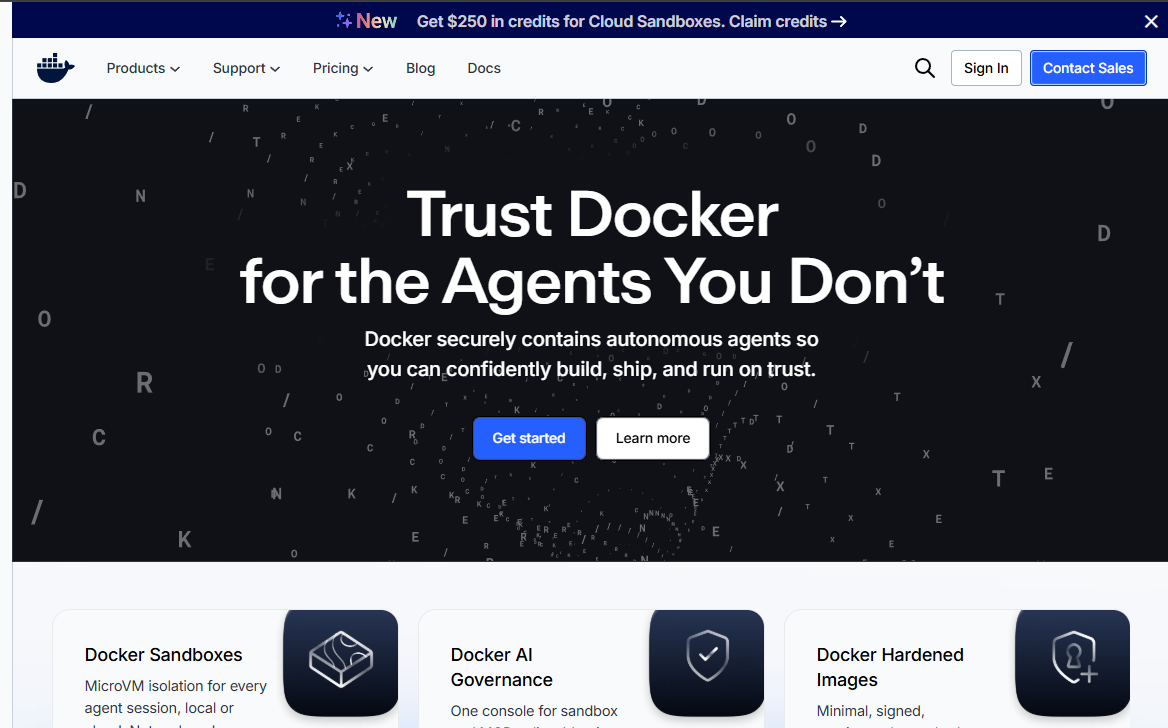
Docker Engine is the most widely adopted container engine for building, packaging, and running containerized applications. It pairs a daemon, REST API, and CLI into a complete local container environment that most developers already know. The engine uses BuildKit for image builds and containerd as its runtime foundation, and it produces OCI-compatible images that work across the container ecosystem.
Best for: Product and engineering teams that need a shared local development standard with broad tooling compatibility and deep documentation.
Key features
- Dockerfile-based image builds with BuildKit integration
- Docker daemon, REST API, and CLI for container lifecycle management
- Docker Compose for local multi-service workflows
- Swarm mode for lightweight cluster management
- Rootless mode for reduced-privilege operation
- OCI-compatible image output
Why choose Docker Engine: Docker Engine is the practical baseline when your team needs shared conventions across developer machines, CI jobs, and release pipelines. Onboarding new engineers is faster because Docker familiarity is near-universal in SaaS product teams.
Docker Engine pricing: The engine itself is open source under the Apache License 2.0. Commercial use of Docker Desktop in organizations with more than 250 employees or over $10 million in annual revenue requires a paid subscription. Plans run from $9 per user per month (Pro) to $24 per user per month (Business), billed annually.
G2 rating: 4.6/5
2. Podman
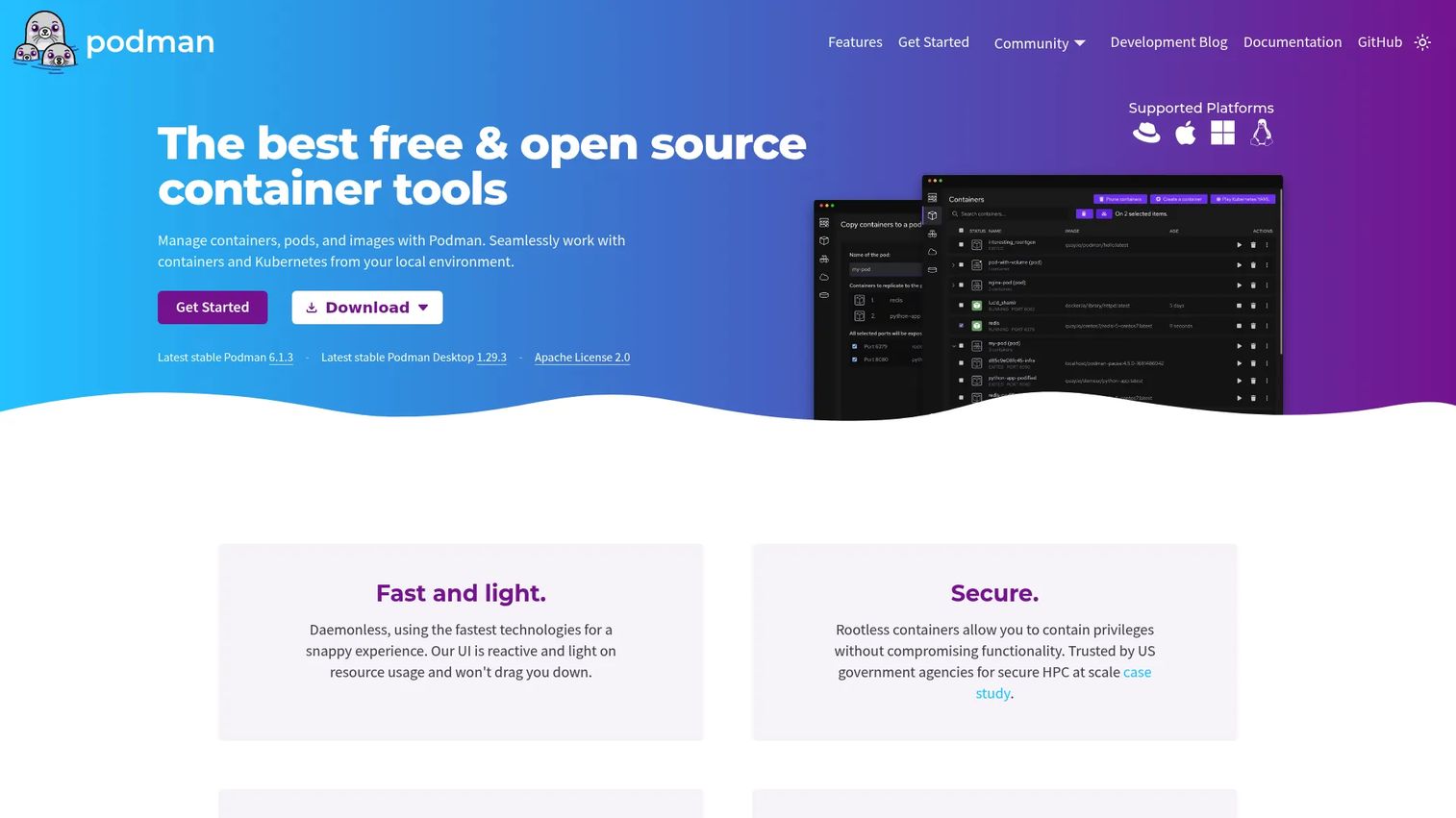
Podman is a free, open-source container engine that manages containers, pods, images, volumes, and networks without running a background daemon. It supports rootless containers out of the box, meaning engineers can run container workloads without elevated system privileges. The CLI mirrors Docker's command patterns for most common operations, and Podman Desktop provides a graphical interface for teams that prefer one.
Best for: Linux-focused teams that want daemonless, rootless container management and a familiar command experience.
Key features
- Daemonless container architecture (no persistent background process)
- Rootless containers for least-privilege local workflows
- Docker-compatible CLI commands for common operations
- Pod management and Kubernetes YAML generation
- OCI image compatibility
- Podman Desktop for graphical multi-engine management
Why choose Podman: When your security review flags privileged local daemons, Podman gives platform and developer teams a governance-friendly alternative without forcing a full workflow rewrite. Teams should validate existing scripts, CI integrations, and desktop tooling for compatibility before standardizing.
Podman pricing: Podman is free and open source under the Apache License 2.0. Red Hat offers enterprise support for Podman as part of Red Hat Enterprise Linux subscriptions; verify current terms on Red Hat's site.
3. containerd
containerd is a CNCF-graduated container runtime that manages the complete container lifecycle for Linux and Windows environments. It handles image transfer, storage, execution, and lifecycle management as a foundation layer. Most major Kubernetes distributions use containerd as their default runtime, and Docker Engine uses it internally for container execution.
Best for: Platform teams operating Kubernetes infrastructure who need a production-oriented, CNCF-governed runtime layer.
Key features
- OCI Image Spec and OCI Runtime Spec support
- Image push, pull, and storage management
- Container runtime and lifecycle services
- Snapshotter-based storage architecture
- Kubernetes CRI integration
- Multi-tenant content-addressable storage for images
Why choose containerd: Most product managers interact with containerd's effects rather than its commands. It sits beneath the orchestration layer, handling what Kubernetes tells it to execute. Platform teams choose it for runtime stability, broad distribution support, and CNCF governance. Understanding containerd's role helps product managers set accurate support and ownership boundaries.
containerd pricing: Open source under the Apache License 2.0. No paid tiers.
G2 rating: 4.7/5
4. CRI-O
CRI-O is a lightweight, open-source container runtime purpose-built for Kubernetes through the Container Runtime Interface. It focuses narrowly on the execution path Kubernetes needs, pulling OCI images from any compliant registry and managing container lifecycle without the broader feature surface of a full developer engine. CRI-O supports runc, Kata Containers, and CNI-based pod networking.
Best for: Kubernetes-focused organizations that want a runtime aligned tightly with CRI requirements and minimal additional surface area.
Key features
- Kubernetes CRI implementation
- OCI-compatible container runtime and image management
- runc and Kata Containers runtime support
- CNI-based pod networking
- Container monitoring through conmon
- SELinux, capabilities, and seccomp security controls
Why choose CRI-O: CRI-O fits teams that want fewer layers between Kubernetes and the underlying execution environment. It is a platform-engineering choice, not a replacement for a developer-facing container engine. Product managers should treat it as an infrastructure decision with implications for release reliability and Kubernetes version support.
CRI-O pricing: Open source. Community-driven, with no paid tiers on the official site.
G2 rating: 4.3/5
5. Mirantis Container Runtime
Mirantis Container Runtime is a commercially supported container runtime built for enterprise operations across Linux and Windows Server environments. It offers Docker-compatible APIs, FIPS 140-2 validated cryptography, and compatibility with both Kubernetes CRI and Docker Swarm orchestration. Commercial packages cover support levels from business-hours Basic to 24x7 Enterprise.
Best for: Enterprises that need commercially supported, security-certified container runtime operations across regulated, hybrid, or edge environments.
Key features
- Containerd-based engine with Docker-compatible workflows
- FIPS 140-2 validated cryptography
- OCI-certified and CRI-conformant runtime
- Kubernetes and Docker Swarm orchestration support
- Linux and Windows Server support
- Commercial support at Basic and Enterprise tiers
Why choose Mirantis Container Runtime: When runtime support agreements, certification requirements, or operational policy affect procurement, Mirantis provides a commercially backed path. It fits organizations that depend on Docker-compatible tooling and need a supported runtime for regulated workloads. For product managers, the key question is whether the engineering team needs vendor support on the runtime itself, or whether an open-source runtime with internal expertise is sufficient. Review current support scope and feature roadmap on the Mirantis site before purchase.
Mirantis Container Runtime pricing: Basic 8x5 support runs $1,125 per node per year. Enterprise 24x7 support runs $2,250 per node per year. Three-year contracts are available at $3,037.50 and $6,075 per node respectively. Windows Server options have separate pricing; verify current rates at store.mirantis.com.
6. Red Hat OpenShift
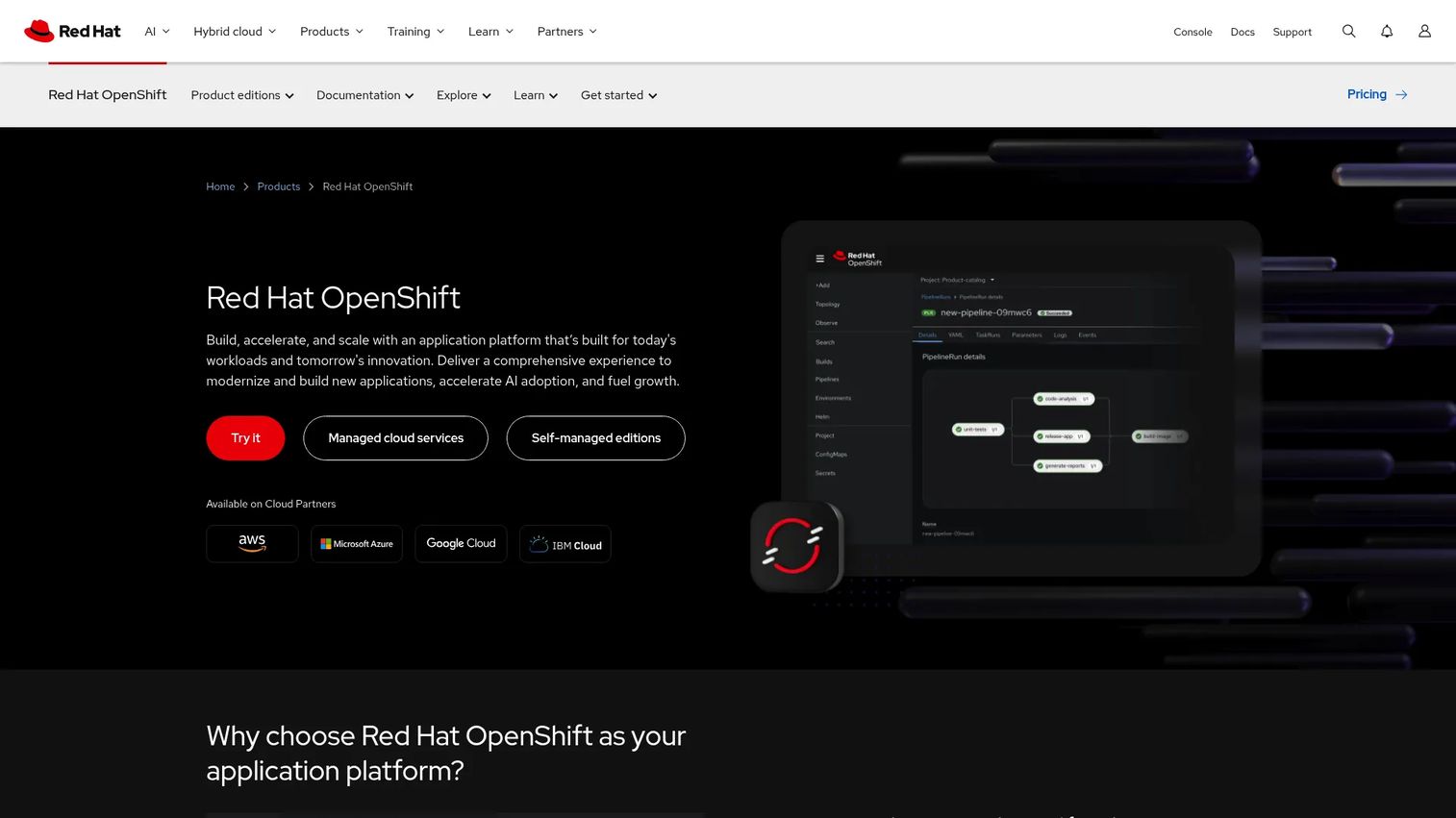
Red Hat OpenShift is broader than a container engine or runtime. It is an enterprise Kubernetes application platform that adds developer workflows, lifecycle management, governance, and integrated security tooling on top of a supported Kubernetes distribution. OpenShift supports on-premises, public cloud, hybrid cloud, and edge deployments from a single platform.
Best for: Enterprises standardizing Kubernetes operations across multiple teams, product lines, or deployment locations that need a supported platform rather than a runtime component.
Key features
- Kubernetes-based hybrid cloud application platform
- Built-in CI/CD, GitOps, Helm, serverless, and service mesh capabilities
- Operator-based lifecycle management for automated upgrades and scaling
- Enterprise security with access controls, vulnerability scanning, and policy management
- Support for on-premises, public cloud, and edge deployments
Why choose Red Hat OpenShift: OpenShift fits organizations where cross-team alignment on deployment standards, policy controls, and release processes matters more than keeping the platform minimal. Product managers can use it to standardize release pipelines across engineering groups. The tradeoff is real: More platform capability requires more architectural planning and operational ownership than a bare runtime. Verify self-managed subscription pricing with Red Hat sales, as that tier is not displayed on the public pricing page.
Red Hat OpenShift pricing: Cloud services reserved instances start at $0.076 per hour on a three-year contract (4 vCPU baseline, minimum worker-node requirements apply). Self-managed subscription pricing varies by edition and requires a quote from Red Hat.
G2 rating: 4.5/5
7. Amazon Elastic Container Service
Amazon Elastic Container Service is a fully managed AWS container orchestration service that removes the need to operate a Kubernetes control plane. It uses task definitions to describe containerized workloads and supports two main compute options: AWS Fargate for serverless execution and EC2 for direct instance control. ECS integrates with IAM, VPC, CloudWatch, and the broader AWS service catalog, making it a natural choice for teams already standardized on AWS.
Best for: AWS-native teams that want managed container orchestration with Fargate or EC2 compute, without the overhead of a self-managed Kubernetes cluster.
Key features
- AWS-managed control plane with no cluster setup required
- Fargate launch type for serverless task execution
- EC2 launch type for direct instance and capacity control
- Blue/green deployments and container auto-recovery
- IAM and VPC integration for access and network control
- CloudWatch integration for logging and observability
Why choose Amazon Elastic Container Service: ECS reduces operational ownership for AWS-centric product teams. Release pipelines can deploy directly through CodePipeline or GitHub Actions without managing a Kubernetes API server. The tradeoff against Kubernetes is portability: ECS workloads depend on AWS-specific task definitions, IAM roles, and networking constructs, which creates migration work if cloud strategy shifts. Model task duration, autoscaling events, and CloudWatch logging costs before committing to Fargate at scale.
Amazon Elastic Container Service pricing: No ECS orchestration fee applies to Fargate or EC2 launch types. You pay for underlying compute and resources. ECS Anywhere adds $0.01025 per registered on-premises instance per hour. Fargate compute pricing varies by vCPU, memory, and region; verify current rates at aws.amazon.com/ecs/pricing.
8. Google Cloud Run
Google Cloud Run is a fully managed serverless platform that runs OCI container images without requiring the team to manage Kubernetes clusters or virtual machines. It scales automatically to demand and scales to zero when idle, making it well-suited for stateless APIs, web services, batch jobs, and event-driven workloads. GPU support for AI inference workloads is also available.
Best for: Teams deploying stateless APIs, web services, or event-driven workloads that want managed infrastructure and automatic scaling without cluster operations.
Key features
- Automatic scaling to and from zero
- Revision-based deployments with traffic splitting
- Support for HTTP and event-driven services
- GPU support for AI inference workloads
- Direct VPC connectivity for private networking
- Batch job execution for workloads that run to completion
Why choose Google Cloud Run: Cloud Run shortens the path from approved feature to deployed service when the application fits its execution model. Product managers can accelerate experimentation cycles because deployment requires no cluster provisioning. Review startup behavior, cold-start patterns, state management requirements, and request concurrency limits before committing. Workloads with persistent connections or long-running background processing may fit EC2-backed ECS or a Kubernetes deployment better.
Google Cloud Run pricing: Pay-per-use with a permanent free monthly tier. CPU billing starts at $0.00001800 per vCPU-second, with the first 240,000 vCPU-seconds per month free. Memory billing starts at $0.00000200 per GiB-second, with the first 450,000 GiB-seconds per month free. Regional pricing varies; verify current rates at cloud.google.com/run/pricing.
G2 rating: 4.6/5
9. Azure Container Instances
Azure Container Instances runs Linux or Windows containers without requiring virtual machine management or a Kubernetes cluster. It suits fast-launch workloads where the application needs Azure networking, storage, and identity integration but does not require the full scheduling and autoscaling model of Kubernetes. ACI supports confidential container deployments, managed identities, and persistent storage through Azure Files.
Best for: Azure-centered teams running burst workloads, automation jobs, development environments, or isolated services that need direct Azure integration and fast startup.
Key features
- Fast container startup with no VM management
- Linux and Windows container support in the same service
- Custom CPU and memory sizing with per-second billing
- Persistent storage through Azure Files
- Multi-container groups for co-located workloads
- Virtual network deployment and managed identity support
Why choose Azure Container Instances: ACI reduces infrastructure work for narrow, well-defined workloads in Azure environments. It is a useful fit for jobs that run and terminate, internal tools, and prototypes that need to ship quickly. Validate networking architecture, scaling requirements, and workload duration before treating ACI as a general application platform. For workloads that need autoscaling, complex routing, or long-running services, Azure Kubernetes Service handles those needs at the cost of higher operational ownership.
Azure Container Instances pricing: Billing is per second at the container-group level, determined by requested vCPU, memory, and operating system. Azure savings plans offer lower rates on one-year or three-year commitments. Verify current numeric rates at azure.microsoft.com/en-us/pricing/details/container-instances, as the public pricing table reflects regional variation.
G2 rating: 4.0/5
Considerations when choosing container engine software
Choose the layer before choosing the tool
A local developer engine, a Kubernetes runtime, and a managed cloud service are not substitutes for each other. Start by defining the operating model your team needs: Local development standardization, platform runtime infrastructure, application platform governance, or managed execution. Comparing tools across layers without stating the ownership model produces a shortlist that cannot be evaluated fairly.
Match security controls to your release process
Evaluate rootless operation, image signing, registry policies, secrets handling, and network isolation before committing to a runtime or engine. Ask who owns each security control and how exceptions get approved. This matters for application security testing software decisions that sit adjacent to container runtime choices. For teams subject to compliance frameworks, also review cloud compliance tools to understand how runtime selection intersects with audit requirements.
Test portability at the application level, not the image level
OCI compatibility means images move between tools without reformatting. Application behavior still depends on cloud identity, storage mounts, network configuration, and observability instrumentation. Run the full deployment path in a staging environment before declaring a migration low risk.
Model total operating cost, not just compute cost
A lower runtime cost can be erased by the engineering hours required to maintain clusters, respond to incidents, and manage image upgrades. Managed services shift compute costs into usage fees but also shift some operational labor to the provider. Factor both compute billing and ongoing engineering time when comparing options. Cloud cost optimization software can help model actual usage patterns once initial estimates are in place.
Define ownership and support boundaries before launch
Clarify whether your developer platform team, SRE function, security team, or application team owns the runtime, the cluster, the policies, and incident response. Undefined ownership shows up as delayed incidents and unclear escalation paths. A one-page ownership map built before architecture is set will eliminate half the wrong options from the shortlist.
Conclusion
Container engine software spans several distinct layers, and the right pick depends almost entirely on what your team will own after deployment.
Docker Engine is the baseline for standardizing local builds and CI pipelines. Podman fits teams that need rootless, daemonless Linux workflows. containerd and CRI-O both belong in Kubernetes runtime decisions, with containerd the more broadly adopted choice and CRI-O the tighter Kubernetes-specific option. Mirantis Container Runtime suits enterprises with commercial support requirements. Red Hat OpenShift fits organizations that need a governed application platform rather than a runtime component.
For teams that want to minimize cluster operations, the cloud-managed path makes sense. Amazon ECS fits AWS-native workloads well. Google Cloud Run accelerates experimentation for stateless services. Azure Container Instances handles fast-launch isolated jobs in Azure environments.
Before selecting a tool, write down which team owns the runtime, the orchestrator, the security policy, and on-call operations. That ownership map will make the right choice obvious, and it will surface the organizational questions that tool selection cannot answer.
For related infrastructure decision guides, see our coverage of AI model deployment software and cloud data security software, both of which intersect with container deployment decisions at the platform layer.
FAQs
A container engine provides a developer and operator interface for building, running, and managing containers, including image creation, networking, and volume management. A runtime sits beneath that interface and handles the low-level work of creating and executing containers against OCI specifications. Docker Engine and Podman are engines; containerd and CRI-O are runtimes. Kubernetes talks to runtimes through the Container Runtime Interface, not to developer-facing engines.
No. Kubernetes is a container orchestrator that schedules and manages containerized workloads across clusters. It relies on a container runtime through the Container Runtime Interface to actually start and stop containers on individual nodes. Kubernetes orchestration decisions and container engine decisions sit at different layers of the stack.
Docker Engine is the most common choice for its broad compatibility, documentation depth, and near-universal familiarity among SaaS engineering teams. Podman is a strong option for Linux-focused teams that need rootless or daemonless workflows. Before standardizing on either, test existing CI scripts, Docker Compose configurations, and developer tooling for compatibility.
Podman replaces Docker for many local container workflows because it supports similar CLI patterns and produces OCI-compatible images. Compatibility is high but not universal: Some Docker Compose features, desktop integrations, and third-party tools behave differently or require configuration adjustments. Validate your full local development and CI pipeline before committing the team to Podman as a standard.
Most teams do not interact with containerd directly. It operates as a runtime foundation beneath Kubernetes or Docker Engine, managed by platform infrastructure rather than application developers. Platform engineering teams working on Kubernetes distributions configure it; product managers and application engineers rarely need to. Understanding its role helps set accurate support boundaries when production incidents occur.
Managed services fit teams that want less cluster ownership, a narrower operational surface, and tight integration with a specific cloud provider. Kubernetes fits organizations that need broader scheduling control, portability across clouds, and a shared platform serving multiple teams or product lines. The tipping point is usually team size and the number of independent workloads: Small teams with well-defined services often benefit from managed services, while larger engineering organizations running many services benefit from Kubernetes consistency.
OCI compatibility ensures that image formats and runtime interfaces are consistent, which removes one class of migration friction. Application behavior still depends on cloud-specific identity systems, storage backends, networking constructs, secrets management, and observability tooling. Expect migration planning work at the application layer even when images move cleanly between registries. Cloud migration software can help scope that work.
Focus on four dimensions: Release velocity (how does this choice affect time-to-production), operating ownership (which team maintains it and handles incidents), security requirements (what controls are required and who approves exceptions), and total cost (compute billing plus engineering hours). Conduct that evaluation jointly with platform engineering, security, and finance rather than as a solo product decision. The answers will differ significantly between a ten-person startup and a fifty-person engineering org.