Your site search bar is probably losing you money. Visitors who search convert 2.4x to 6x more than browsers, but most default search tools return irrelevant results or nothing at all, and those visitors leave.
Site search software replaces basic keyword matching with intelligent query processing, semantic understanding, and ranked results that actually help people find what they came for. This guide covers 11 tools across content sites, ecommerce, and enterprise use cases, with feature criteria and a practical selection process to help you pick the right one.
TL;DR
- Site search software powers the search bar on your website, helping visitors find products or content in seconds instead of clicking through endless pages.
- Speed and relevance separate good search from bad. Sub-100ms response times and AI-powered semantic understanding are table stakes for serious tools.
- Ecommerce teams benefit most from merchandising controls and personalization. Content sites prioritize document indexing and zero-result tracking.
- Open source options like Elasticsearch and Meilisearch offer flexibility but require engineering resources. SaaS tools trade customization for faster setup.
- Analytics matter as much as search itself. Tracking what visitors search for (and what they don't find) reveals content gaps and conversion opportunities.
What's inside
This guide covers what site search software actually does, why it matters for conversion, and how to evaluate 11 tools across different use cases. You'll find a comparison table, detailed breakdowns of each platform, feature criteria to prioritize, and a practical selection process.
The tools here were chosen based on market adoption, feature depth, and fit across content sites, ecommerce, and enterprise scenarios.
What is site search software
Site search software is the technology that powers the search bar on websites and applications. When a visitor types a query, the software interprets what they're looking for, searches through your indexed content, and returns ranked results.
Most content management systems and ecommerce platforms ship with basic search functionality even though 41% of ecommerce sites miss key query types. The problem? Default search typically relies on simple keyword matching.
If someone searches "running shoes for flat feet" and your product is titled "stability trainers," basic search returns nothing.
Modern site search software closes that gap. Here's what separates dedicated tools from built-in options:
- Indexing engine: Crawls and catalogs your site's content so it's searchable in milliseconds.
- Query processing: Interprets what users actually mean, not just what they type. This includes handling typos, synonyms, and natural language phrasing.
- Results ranking: Determines which results appear first based on relevance signals, popularity, or custom business rules.
- User interface layer: The search bar, autocomplete suggestions, filters, and results display that visitors interact with directly.
Advanced tools add semantic search (understanding meaning, not just keywords), personalization (tailoring results based on user behavior), and merchandising controls (letting business users promote or bury specific results without code changes).
Why site search matters for conversion and retention
Visitors who use site search are already looking for something specific. They've moved past browsing and into active intent. When search fails them, whether through zero results, irrelevant matches, or slow load times, they leave.
Here's what good site search actually impacts:
- Reduced bounce rates: Visitors find what they came for instead of giving up after two failed searches.
- Higher conversion rates: Search users convert at higher rates than non-search users because they arrive with intent.
- Improved customer experience: Fast, accurate results build trust. Slow or broken search erodes it.
- Operational insights: Search queries reveal what customers want, including products you don't stock or content you haven't created yet.
The bottom line is straightforward: poor search puts over 40% of revenue at risk. Good search captures demand that's already on your site.
Comparison table
Use this table to shortlist tools by use case before diving into detailed evaluations below.
# | Product | Best for | Key differentiation | Pricing model | G2 rating |
|---|---|---|---|---|---|
1 | Algolia | Developer-led teams | Sub-50ms speed, extensive APIs | Usage-based | 4.5/5 |
2 | Elasticsearch | Maximum flexibility | Open source, scales to billions | Free self-hosted or cloud tiers | 4.4/5 |
3 | Meilisearch | Fast setup without complexity | Lightweight, typo-tolerant by default | Free self-hosted or cloud | 4.6/5 |
4 | AddSearch | Content sites without dev support | No-code JavaScript snippet | Tiered by pages indexed | 4.8/5 |
5 | Coveo | Enterprise unified search | AI personalization across properties | Enterprise custom | 4.4/5 |
6 | Bloomreach | Ecommerce merchandising | Visual merchandising for business users | Enterprise by GMV | 4.6/5 |
7 | Site Search 360 | SMBs wanting customization | Drag-and-drop result tuning | Tiered plans | 4.7/5 |
8 | Swiftype | Elastic power without ops overhead | Managed Elasticsearch service | By documents indexed | 4.3/5 |
9 | Searchspring | Shopify/BigCommerce stores | Native ecommerce integrations | By catalog size | 4.6/5 |
10 | Fast Simon | Shopify visual search | AI visual similarity matching | Tiered, free tier available | 4.8/5 |
11 | Sitecore Search | Sitecore ecosystem | Deep DXP integration | Enterprise platform licensing | 4.2/5 |
Best site search software
Each tool below serves different scenarios, from lightweight content search to enterprise ecommerce product discovery.
1. Algolia
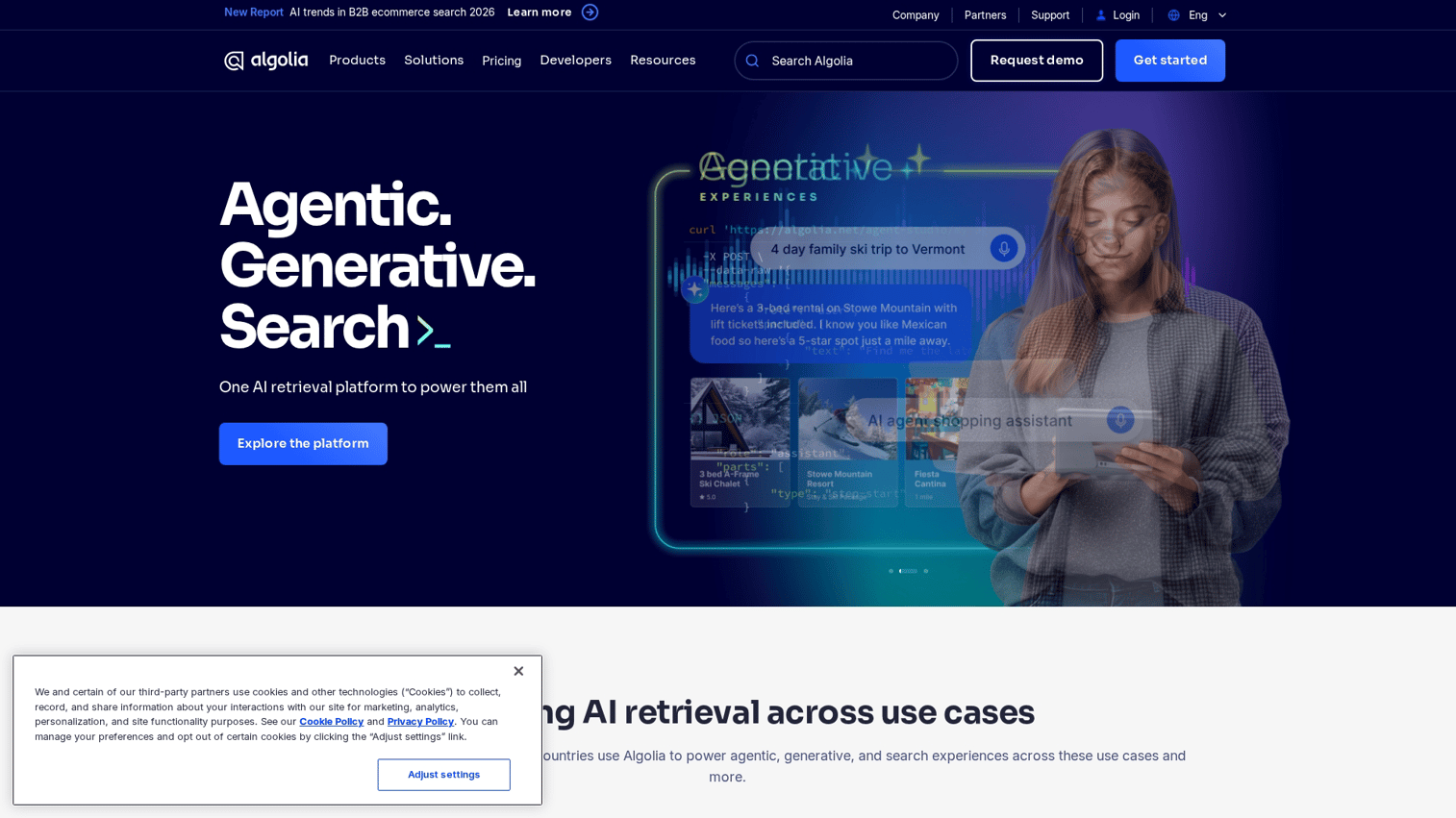
Algolia is a hosted search-as-a-service platform known for speed and developer experience. It powers search for companies like Stripe, Slack, and Medium.
Best for: Developer-led teams needing fast implementation and extensive API customization.
Key strengths
- Sub-50ms response times out of the box with globally distributed infrastructure
- Extensive SDKs and front-end libraries for React, Vue, Angular, iOS, and Android
- Built-in A/B testing for search relevance tuning
- InstantSearch UI components that drop into existing sites
Why choose Algolia: When you want a fully managed solution with strong developer documentation and don't want to manage infrastructure. The tradeoff is cost at scale, as usage-based pricing can climb quickly for high-traffic sites.
Pricing: Usage-based model (queries plus records). Free tier available for small projects. Paid plans scale with volume.
2. Elasticsearch
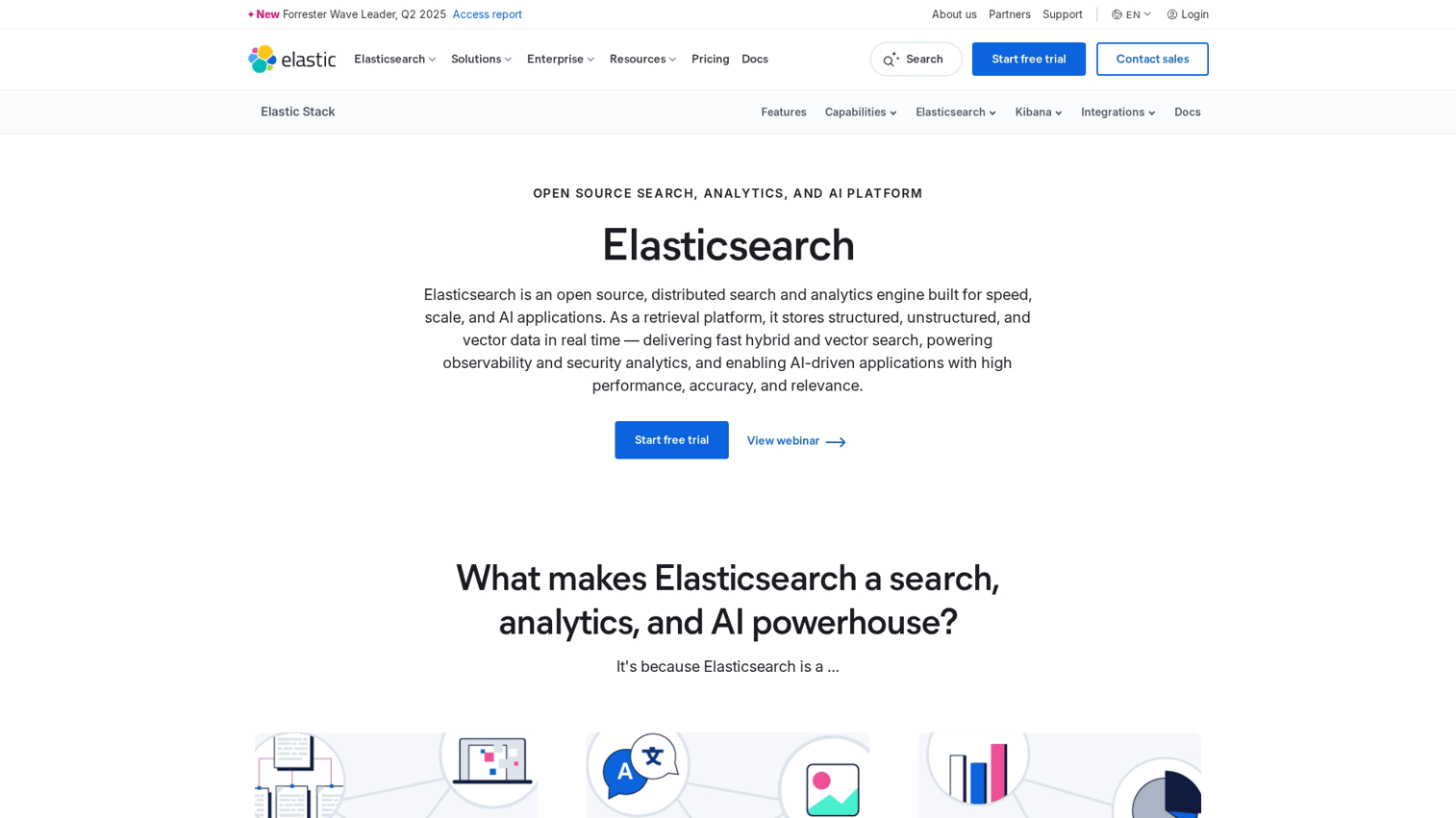
Elasticsearch is the open-source search engine that powers many custom search implementations. It requires self-hosting or a managed service like Elastic Cloud.
Best for: Teams with engineering resources who want maximum flexibility and control over search logic.
Key strengths
- Highly customizable query logic with full control over ranking algorithms
- Scales to billions of documents across distributed clusters
- Strong ecosystem of plugins, integrations, and community support
- Handles structured and unstructured data, including logs and documents
Why choose Elasticsearch: When you want full control over search logic, have dedicated engineering resources, and want to avoid vendor lock-in. The tradeoff is operational complexity. Running Elasticsearch well requires expertise.
Pricing: Open source (free self-hosted). Elastic Cloud managed hosting starts at tiered pricing based on cluster size.
3. Meilisearch
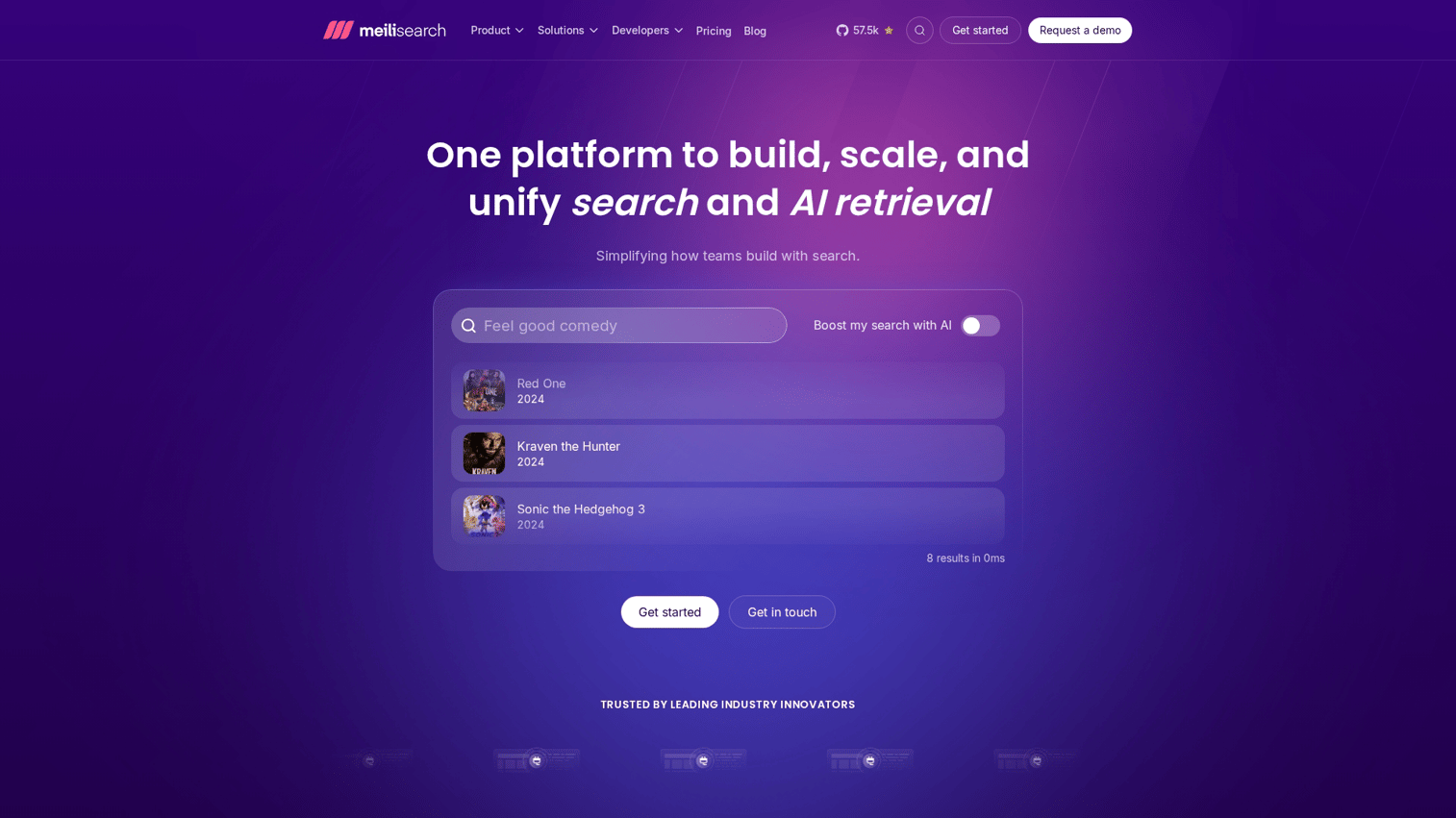
Meilisearch is an open-source, lightweight search engine designed for simplicity and speed. It's a developer-friendly alternative to heavier solutions.
Best for: Startups and small teams wanting fast setup without infrastructure complexity.
Key strengths
- Instant search with typo tolerance enabled by default
- Simple REST API with minimal configuration required
- Self-hosted or cloud options with straightforward deployment
- Hybrid search combining full-text and semantic capabilities
Why choose Meilisearch: When speed to implementation matters more than enterprise features, and you want open-source flexibility without the operational weight of Elasticsearch.
Pricing: Open source (free self-hosted). Meilisearch Cloud pricing starts at $30/month for small projects.
4. AddSearch
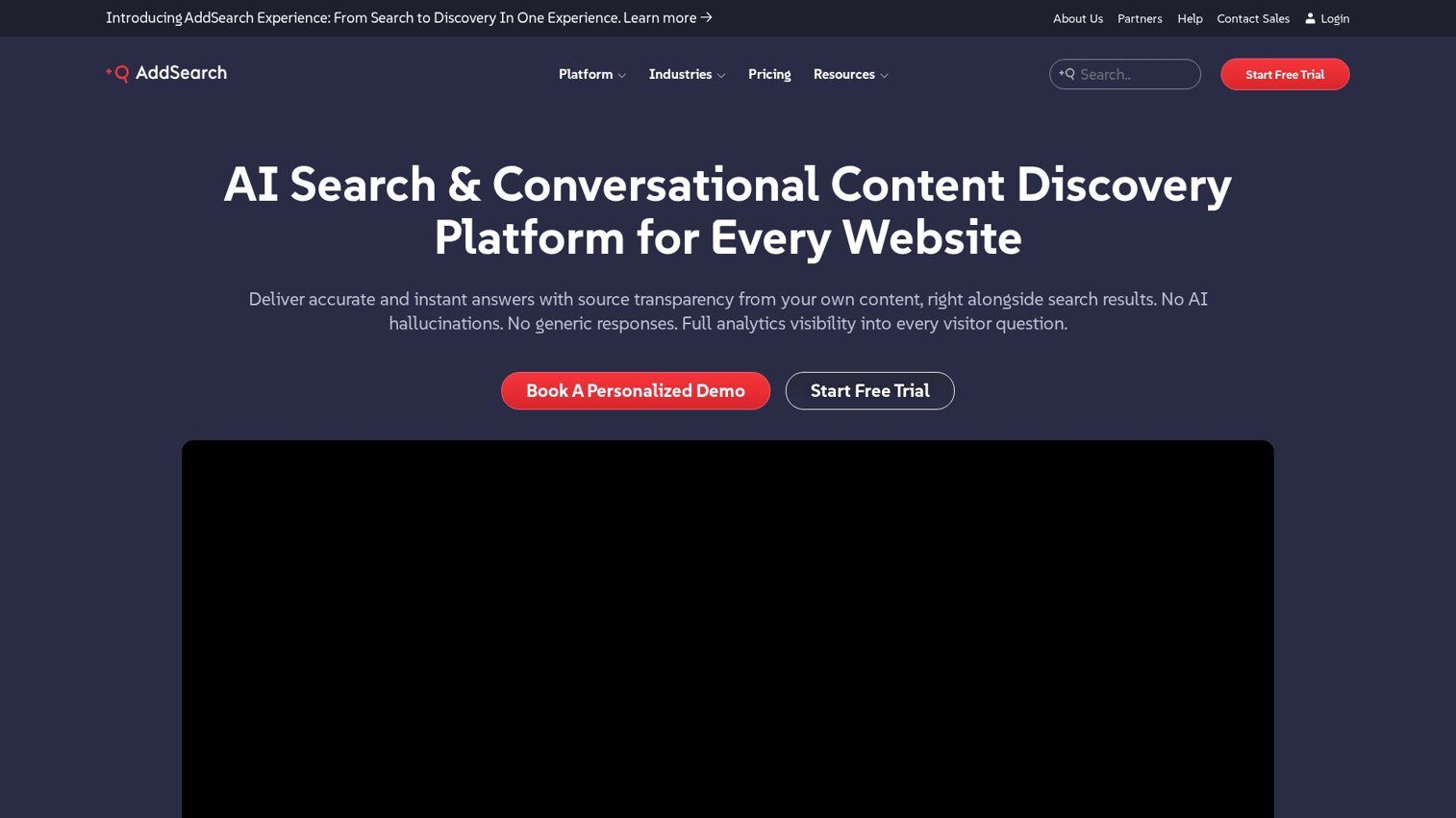
AddSearch is a SaaS site search tool focused on content-heavy websites like publishers, documentation sites, and corporate sites.
Best for: Marketing teams managing content sites without dedicated developer support.
Key strengths
- No-code setup with a JavaScript snippet, live in minutes
- Customizable UI components that match your site's design
- Search analytics dashboard showing top queries, zero results, and click patterns
- Supports PDF and document indexing for knowledge bases
Why choose AddSearch: When you want simple, fast deployment on a content site and don't have engineering bandwidth for custom implementation.
Pricing: Tiered plans based on indexed pages and search volume. Starter plans begin around $59/month.
5. Coveo
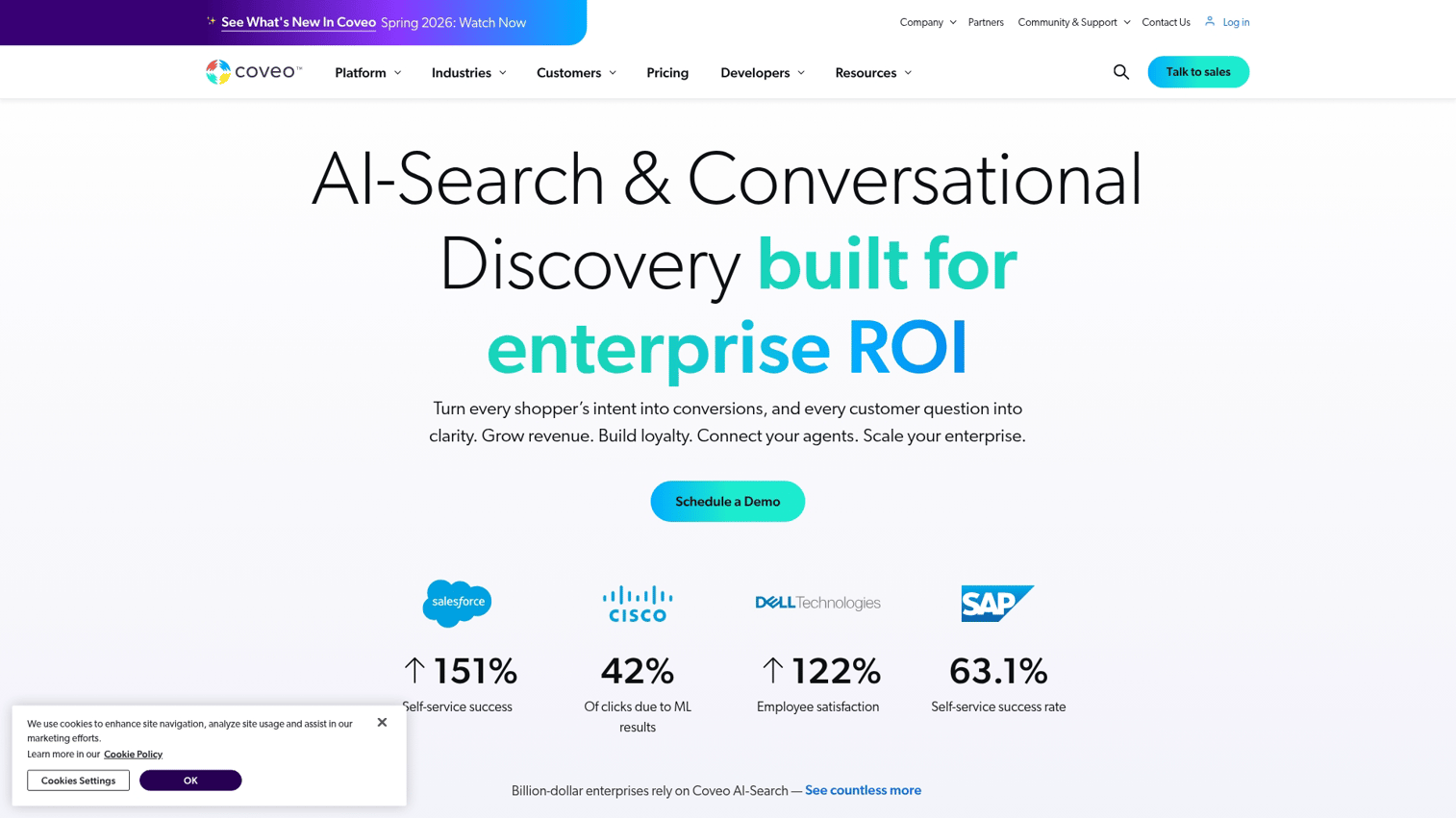
Coveo is an enterprise AI search platform that spans website, ecommerce, workplace, and service applications.
Best for: Large enterprises wanting unified search across multiple properties and data sources.
Key strengths
- AI-driven relevance tuning and personalization that learns from user behavior
- Connectors to Salesforce, ServiceNow, and enterprise systems
- Supports case deflection for customer service (reducing support tickets)
- Advanced analytics and A/B testing for search optimization
Why choose Coveo: When you want enterprise-grade search with deep integrations across your tech stack and can invest in implementation. Coveo is not a quick-start tool.
Pricing: Enterprise pricing with custom quotes based on scope.
6. Bloomreach

Bloomreach is an ecommerce-focused product discovery platform combining search, merchandising, recommendations, and content personalization.
Best for: Mid-market to enterprise ecommerce teams focused on product discovery and merchandising.
Key strengths
- AI-powered product rankings that optimize for conversion
- Visual merchandising tools for business users (no code required)
- Personalization based on shopper behavior and segment
- Strong integration with ecommerce platforms like Shopify Plus and Magento
Why choose Bloomreach: When product discovery and merchandising are core to your revenue and you want business-user controls alongside AI optimization.
Pricing: Enterprise pricing based on GMV or traffic.
7. Site Search 360
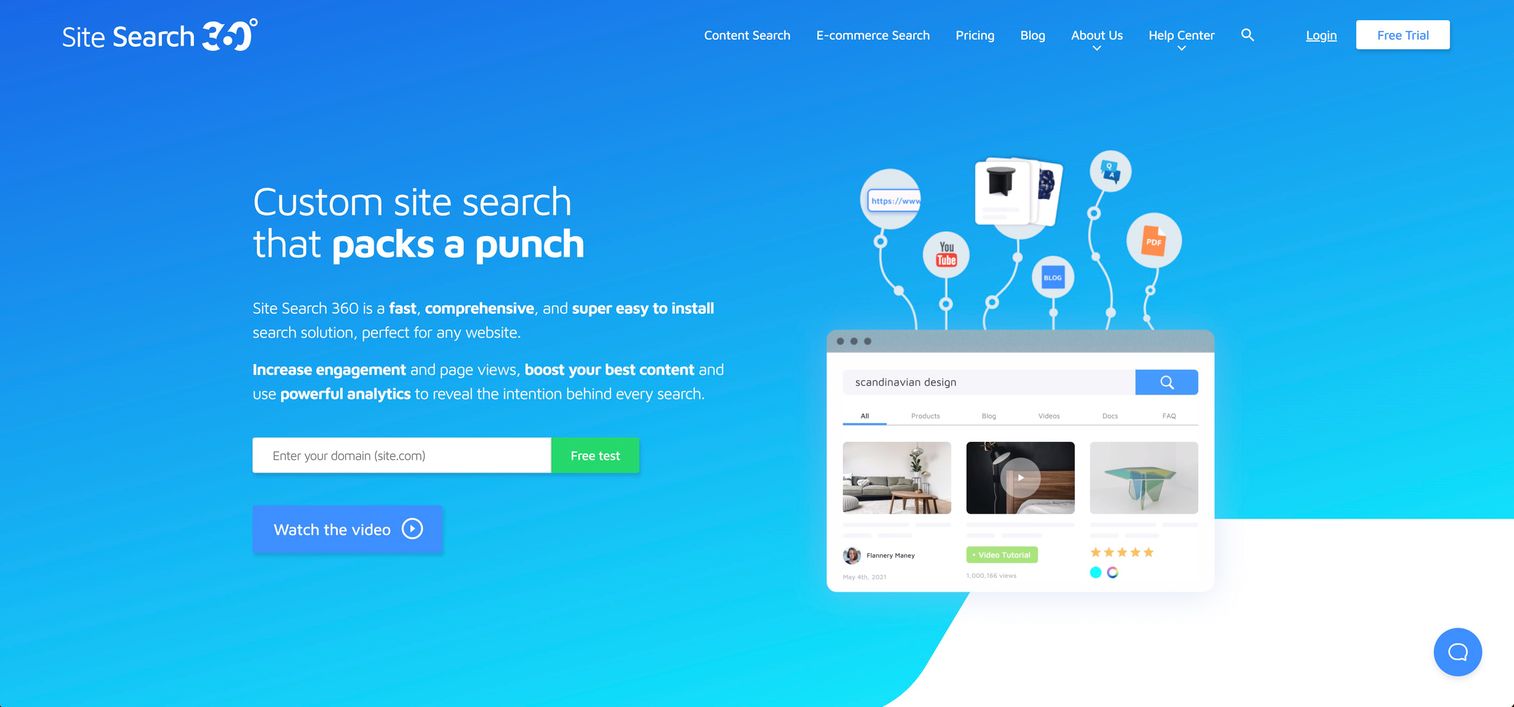
Site Search 360 is a mid-market site search tool balancing ease of use with customization.
Best for: Small to mid-sized businesses wanting customization without enterprise complexity or pricing.
Key strengths
- Drag-and-drop result customization for non-technical users
- Synonym management and query suggestions
- Supports multiple site types (content, ecommerce, documentation)
- Reasonable price point compared to enterprise alternatives
Why choose Site Search 360: When you want more control than basic tools offer but don't want (or can't afford) enterprise platforms.
Pricing: Tiered plans based on indexed content and features, starting around $49/month.
8. Swiftype
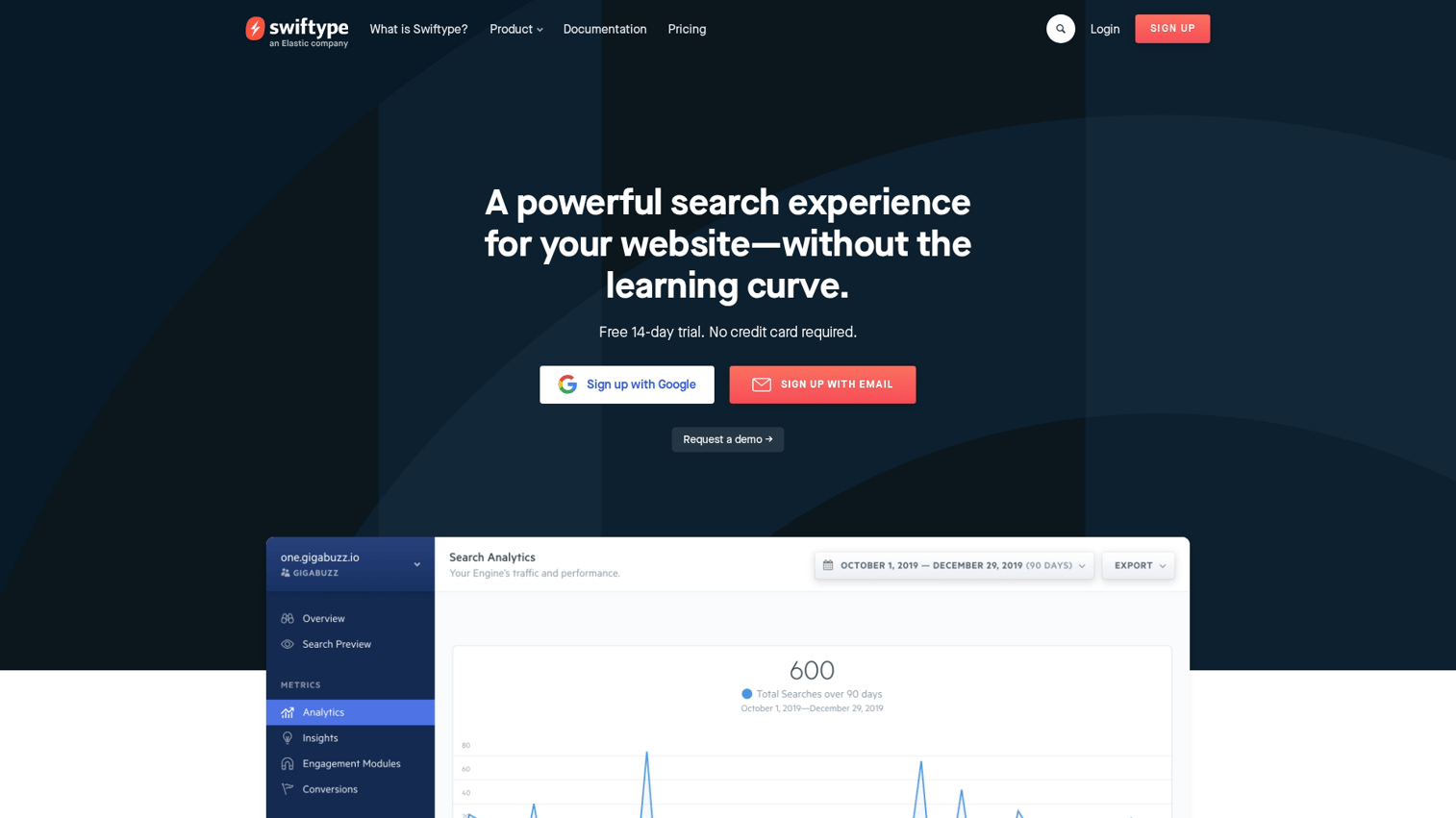
Swiftype is an Elastic-owned site search product designed for simpler deployments than raw Elasticsearch.
Best for: Teams wanting Elastic's power without managing the infrastructure themselves.
Key strengths
- Managed service with no infrastructure to maintain
- Relevance tuning dashboard for non-technical users
- Crawler handles indexing automatically
- API access for customization when needed
Why choose Swiftype: When you want Elasticsearch-quality search without the operational overhead of running clusters yourself.
Pricing: Plans based on documents indexed and API operations, starting around $79/month.
9. Searchspring
Searchspring is an ecommerce search and merchandising platform focused on Shopify, BigCommerce, and Magento stores.
Best for: Ecommerce teams on major platforms wanting quick wins in product search and merchandising.
Key strengths
- Native integrations with popular ecommerce platforms
- Merchandising rules and boosting for business users
- Autocomplete with product images and pricing
- Reporting on search-driven revenue attribution
Why choose Searchspring: When you run an ecommerce store on a major platform and want purpose-built product search without heavy implementation.
Pricing: Plans based on product catalog size and traffic.
10. Fast Simon
Fast Simon is an AI-powered ecommerce search and personalization platform with a strong presence in the Shopify ecosystem.
Best for: Shopify merchants wanting AI-driven product discovery without heavy implementation.
Key strengths
- Visual similarity search (find products that look like an uploaded image)
- AI merchandising and personalization
- Quick Shopify integration with minimal setup
- Collections and filters optimization
Why choose Fast Simon: When visual search and AI personalization are priorities and you're on Shopify.
Pricing: Tiered plans with a free tier for small stores. Paid plans start around $39/month.
11. Sitecore Search
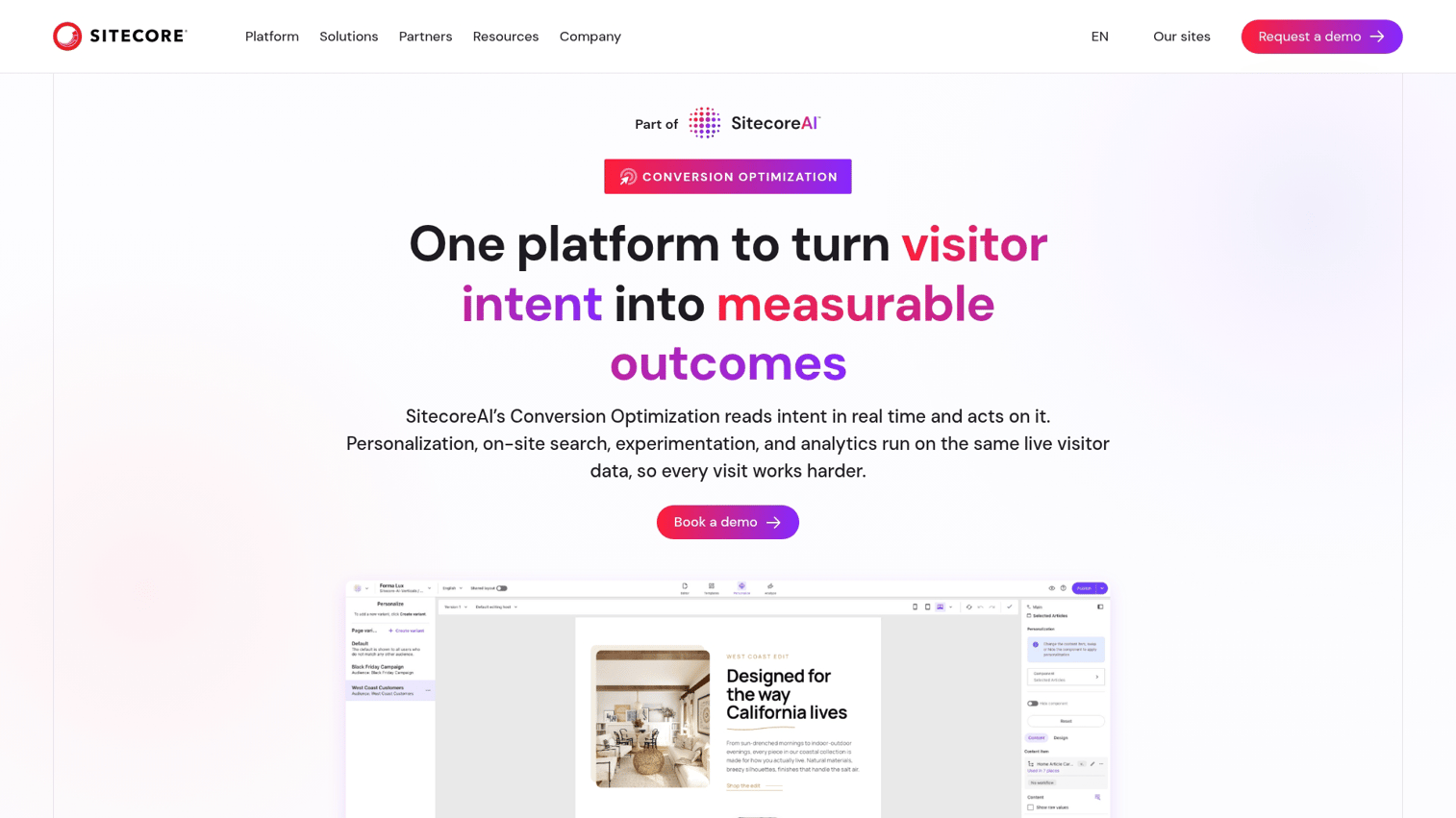
Sitecore Search is enterprise search from the Sitecore digital experience platform.
Best for: Sitecore customers or enterprises wanting headless, composable search architecture.
Key strengths
- Deep integration with Sitecore CMS and CDP
- Supports headless and composable architectures
- AI-driven personalization tied to Sitecore's customer data
- Multi-language and multi-site support
Why choose Sitecore Search: When you're already invested in Sitecore or building a composable DXP and want search that fits natively.
Pricing: Enterprise pricing as part of Sitecore platform licensing.
Key features to look for in site search software
The right features depend on your use case, but certain capabilities separate modern site search from basic search bars.
AI and semantic search capabilities
Semantic search understands the meaning behind queries, not just keywords. Instead of requiring exact matches, it interprets intent. A search for "comfortable work from home chair" returns ergonomic office chairs even if "comfortable" isn't in the product title.
This works through natural language processing, synonym detection, and vector embeddings that represent concepts mathematically. The practical benefit? Fewer zero-result queries and better matches for how real people actually search.
Speed and performance at scale
Search latency directly impacts user experience since 1-second delay cuts conversions 7%. Sub-100ms response times are the standard expectation for modern site search.
When evaluating tools, consider index size (how many products or pages you have), concurrent queries (how many searches happen simultaneously during peak traffic), and geographic distribution (whether you want search infrastructure close to users globally).
Analytics and search behavior insights
Search analytics reveal what users want, including things you might not offer yet. Pairing search data with marketing analytics software can deepen your understanding of user intent. Key metrics to look for:
- Top queries: What are visitors searching for most frequently?
- Zero-result queries: What searches return nothing? This signals content gaps or configuration issues.
- Click-through patterns: Which results get clicked? Low CTR suggests relevance problems.
- Conversion attribution: Which searches lead to purchases or desired actions?
Personalization and behavioral learning
Personalization in search means tailoring results based on user behavior, location, segment, or history. A returning customer who previously bought running shoes might see running gear prioritized in search results. Explore personalization software platforms for broader context on how personalization works across channels.
Advanced tools learn from user interactions to improve relevance over time without manual tuning.
Merchandising and business user controls
For ecommerce specifically, merchandising means the ability to promote, bury, or pin products in search results. Want to boost high-margin items? Bury out-of-stock products? Feature seasonal collections?
Business-user dashboards let non-technical teams control search without code changes.
Integration with your existing tech stack
Connectors and APIs determine how easily search fits into your workflow. Common integrations include CMS platforms (WordPress, Drupal, headless CMS), ecommerce platforms (Shopify, Magento, BigCommerce), analytics tools (Google Analytics, Segment), and marketing automation systems.
Implementation complexity varies wildly between tools. A JavaScript snippet is different from a full API integration requiring developer resources. If you use WordPress, see our guide on how to add a search bar in WordPress.
How to choose the right site search tool
Most failed implementations come from skipping requirements definition or rushing to RFP. Here's a practical selection process.
1. Audit your current search performance
Before shopping, measure what you have. Key metrics to capture include current search usage rate, zero-result rate, bounce rate from search results pages, and qualitative feedback from customer support or user research. Session replay tools can surface qualitative search behavior patterns.
2. Define requirements by use case
Answer a few questions before evaluating vendors: Is this primarily content search or product search? How large is your index? Do you want personalization or merchandising controls?
What's your technical capacity for implementation and maintenance? What integrations are non-negotiable?
3. Shortlist vendors and request trials
Narrow to 3-4 vendors based on fit. Most tools offer free trials or sandbox environments. Test with real data, not demo datasets.
Your actual content reveals edge cases that generic demos hide.
4. Run a proof of concept
The POC tests three things: relevance (does search return good results for your actual content?), implementation (how complex is setup with your specific stack?), and performance (does it handle realistic load?).
Involve both technical and business stakeholders in evaluation.
5. Plan for implementation and ongoing optimization
Search is not "set and forget." Ongoing work includes relevance tuning based on analytics, synonym management as your catalog evolves, new content indexing, and regular analytics review.
Factor maintenance into total cost of ownership.
How to measure site search ROI
Measuring ROI requires tracking the right metrics before and after implementation.
Search conversion rate
The percentage of search sessions that result in a desired action (purchase, signup, content engagement). Calculate by dividing conversions from search sessions by total search sessions. Compare this to non-search session conversion rates.
Zero-result query rate
The percentage of searches returning no results. This metric reveals content gaps and search configuration issues. Lower is better. Track over time.
Click-through rate from search
The percentage of searches where users click at least one result. Low CTR suggests relevance problems or poor result presentation.
Revenue per search session
For ecommerce: total revenue attributed to sessions that included a search, divided by number of search sessions. Compare to overall revenue per session.
Time to first result
The latency from query submission to results display. Slow search drives abandonment. Sub-200ms is a common target.
When open source site search makes sense
Open source options like Elasticsearch, Meilisearch, and OpenSearch offer flexibility but require different tradeoffs than SaaS solutions.
Open source fits when you have engineering resources for implementation and maintenance, want maximum customization of ranking logic, care about vendor lock-in or data sovereignty, or find that cost at scale becomes prohibitive with SaaS pricing.
SaaS fits better when speed to implementation matters most, you lack dedicated search engineering resources, you want managed infrastructure and support, or predictable pricing is preferred over variable hosting costs.
The hidden cost of open source is operational. Running Elasticsearch well requires expertise in cluster management, index optimization, and query tuning.
How AI is changing site search
The shift from keyword matching to semantic understanding is the biggest change in site search over the past five years.
- Vector search: Represents queries and content as mathematical vectors to find conceptual matches, not just keyword overlaps.
- Natural language processing: Understands queries phrased as questions or conversational language.
- Query expansion: Automatically includes synonyms and related terms without manual configuration.
- Personalization models: Learn from user behavior to improve relevance over time.
AI-powered search reduces the need for manual synonym lists and relevance tuning, but still requires oversight. Models can learn the wrong patterns from biased data.
Build a better site search evaluation process
The key decision points come down to understanding your use case (content vs. product), assessing your technical capacity, defining non-negotiable features, and testing with real data.
The best site search tool is the one your team can actually implement and maintain. A powerful platform that sits half-configured helps no one.
Search is a continuous improvement area, not a one-time project. Plan for ongoing optimization from the start, and choose tools that give you the analytics to know what's working.
When evaluating complex software like site search, showing stakeholders how tools actually work beats static feature comparisons. Interactive demos let buying committees explore options on their own time, which speeds up consensus and reduces evaluation cycles.
Start your journey with Guideflow today!
FAQs about site search software
Pricing varies widely based on index size, query volume, and feature tier. Open-source options are free to self-host but require engineering resources. SaaS tools range from free tiers for small sites to hundreds per month for mid-market, and tens of thousands annually for enterprise platforms like Coveo or Bloomreach.
Migration involves re-indexing your content, which most tools handle automatically via crawlers or API imports. Custom configurations like synonyms, boosts, and relevance rules typically require manual rebuilding in the new platform.
SOC 2 Type II is the baseline for SaaS tools handling customer data. GDPR compliance matters for EU visitors. Enterprise buyers often look for ISO 27001 and evaluate data residency options.
Most modern tools support multi-language indexing with language-specific analyzers for stemming and tokenization. Look for tools with built-in language detection if your site serves visitors in multiple languages automatically.
Site search focuses on helping users find specific content or products they're already looking for. Product discovery platforms add merchandising, recommendations, and browsing optimization to help users find products they didn't know they wanted.
Implementation complexity varies significantly. Some tools offer JavaScript snippets requiring minimal technical work. Others require API integration and custom front-end development. Evaluate your team's capacity before selecting a tool.
Most modern site search tools are API-first, making them compatible with headless and composable setups. Look for tools with robust REST or GraphQL APIs and SDKs for your front-end framework.
Semantic search and NLP capabilities allow modern tools to interpret conversational phrasing. Most tools handle longer, natural-language queries through query expansion and intent detection rather than explicit voice features.