The roadmap says "move to the cloud." Engineering asks which workloads go first. Security asks how data is encrypted in transit. The data team asks whether replication is required before cutover. Leadership asks when the old environment can be retired.
That sequence is familiar to most product managers coordinating a cloud program. The right migration tooling reduces manual work, supports workload discovery, automates transfers, and validates cutover. What it cannot do is replace architecture decisions or establish clear ownership across your teams.
Cloud adoption has reached a tipping point: 88% of organizations have completed or are actively engaged in cloud infrastructure initiatives, according to Ekco (2025). The global cloud migration services market reached $12.75 billion in 2025 (Fortune Business Insights, 2026). Picking the wrong tool for your workload type compounds every downstream decision. This guide connects each tool to the migration job it actually handles, so you can build a defensible shortlist before your planning sprint begins.
For further context on adjacent tooling, see our guides on change data capture software, application performance monitoring tools, and cloud cost optimization software.
What's inside
This guide covers 19 cloud migration tools selected for workload coverage, source and target compatibility, migration controls, implementation fit, and relevance to product managers coordinating cross-functional programs. Each entry answers what the tool migrates, who owns implementation, and what to verify before committing.
Selection criteria:
- Workload fit: Does it cover applications, databases, files, email, collaboration data, or cloud-to-cloud moves?
- Source and target compatibility: Which platforms, versions, and identity systems does it support?
- Cutover model: Does it support batch transfer, continuous replication, change data capture, or rollback?
- Operational ownership: Can your team run it, or does it require a managed migration service?
TL;DR
- Best for Microsoft 365 and office migrations: MigrationWiz covers mailboxes, documents, Teams, and tenant-to-tenant scenarios with workload-specific license pricing
- Best for Microsoft content and SharePoint: ShareGate Migrate handles SharePoint, Teams, and Google Workspace moves with annual subscription pricing
- Best for cross-cloud data integration: Integrate.io provides low-code pipelines with transformation at $1,999/month
- Best for continuous replication: Striim and Qlik Replicate handle change data capture for database workloads
- Best for Azure discovery and workload planning: Azure Migrate is free for discovery; server migration charges begin after 180 days
- Best for managed data pipelines into warehouses: Fivetran automates schema handling with a free tier and usage-based paid plans
What is cloud migration software?
Cloud migration software helps teams assess, move, transform, synchronize, and validate applications, infrastructure, databases, files, or collaboration workloads between environments.
The category covers several distinct product types, and the right tool for a database replication project differs substantially from the right tool for an office tenant migration.
Workload discovery and planning
These tools inventory assets, map dependencies, assess readiness, estimate cloud cost, and recommend migration wave sequencing. Product managers use them to establish scope before committing engineering resources.
Application and infrastructure migration
Covers virtual machines, physical servers, containers, VMware environments, and Windows workloads. Typically involves rehosting or replatforming rather than rewriting.
Data and database migration
Covers batch transfer, continuous replication, change data capture, schema conversion, data transformation, and validation. Downtime tolerance is the key differentiator between tool types here.
Office and collaboration migration
Covers email, calendars, files, permissions, SharePoint, Teams, OneDrive, Microsoft 365, and Google Workspace. Often involves tenant consolidation during mergers or divestitures.
Core features to evaluate
- Source and target platform compatibility
- Dependency mapping and readiness assessment
- Replication, batch transfer, and synchronization modes
- Migration wave planning and scheduling
- Encryption and access control during transfer
- Testing, validation, and rollback support
- Cost estimation and post-migration monitoring
- Professional migration support options
Cloud migration software provides tooling. Cloud migration services add architecture, project management, and managed execution on top of that tooling. The two are priced and scoped separately.
When to use cloud migration software
Move workloads in planned waves
Migration software supports asset discovery, dependency grouping, pilot waves, and phased cutovers. For a product manager coordinating multiple engineering squads and release windows, wave planning tools create a shared view of sequencing, dependencies, and go or no-go criteria before each batch.
Reduce downtime during data cutovers
Batch transfer, replication, change data capture, and final synchronization each address downtime differently. Zero downtime migration is a project design goal, not an automatic product outcome. Replication and CDC tools let you synchronize continuously, then cut over with a narrow window. Validate the gap between the final sync and cutover before scheduling a date.
Consolidate cloud or office environments
Mergers, divestitures, and tenant consolidations create cloud-to-cloud migration requirements. Office migration specialists handle user mapping, permissions, metadata, and coexistence so collaboration data stays intact during the move. Application portfolio management software can help you rationalize which workloads to consolidate before migration begins.
Validate the migration before retiring the source
Run test environments, reconciliation checks, access verification, and application health tests before decommissioning. Post-migration monitoring should cover performance, data completeness, dependency resolution, and cloud cost variance against your estimate.
Cloud migration software comparison
The table below groups 19 tools by their primary migration job. A database replication engine and an office tenant migration platform address fundamentally different workloads. Evaluate each tool against the specific migration you are running, not against a generic feature checklist.
Pricing and G2 ratings verified from vendor pricing pages and G2 listings, October 2026.
| # | Product | Best for | Key differentiator | Pricing | G2 rating |
|---|---|---|---|---|---|
| 1 | MigrationWiz | Office and tenant migrations | Workload-specific license model | From $14/user (one-time) | 4.7/5 |
| 2 | CloudFuze Migrate | Cross-cloud file and collaboration | 40+ platform support with permission preservation | From $9.99/month (self-service) | 4.2/5 |
| 3 | ShareGate Migrate | Microsoft 365 and SharePoint | Annual subscription with concurrent migration controls | From $5,995/year | 4.6/5 |
| 4 | Quest On Demand Migration | Enterprise Microsoft tenant and directory | AI-powered diagnostics for complex M365 estates | Contact Quest | 5.0/5 |
| 5 | AvePoint Confidence Platform | Enterprise governance plus migration | Migration combined with post-migration governance | Custom pricing | 4.5/5 |
| 6 | Metalogix Content Matrix | Granular SharePoint migration | High-fidelity metadata and permissions transfer | Contact Quest | 4.4/5 |
| 7 | CloudM Migrate | Google Workspace and M365 migration | 20+ sources, unlimited catch-up migration runs | Contact CloudM | 4.6/5 |
| 8 | DryvIQ Platform | Policy-based enterprise file migration | AI-driven classification and governance controls | Custom pricing | 4.5/5 |
| 9 | Integrate.io | Cloud data pipelines and integration | Low-code ETL/ELT with fixed-fee pricing | From $1,999/month | 4.4/5 |
| 10 | Striim | Real-time data replication | CDC with streaming SQL and schema evolution | Free developer tier; cloud and platform pricing on request | 5.0/5 |
| 11 | Qlik Replicate | Database replication and CDC | Agentless architecture with broad database connectivity | Contact Qlik; free trial available | 4.3/5 |
| 12 | AWS Migration Services | AWS-native migration programs | Portfolio spanning discovery, rehosting, and database migration | Usage-based per service | N/A |
| 13 | Azure Migrate | Azure discovery and workload planning | Free discovery and assessment; pay-per-migrated-instance | Free discovery; $25/month per instance after 180 days | 4.4/5 |
| 14 | Google Cloud BigQuery Data Transfer Service | Warehouse and SaaS data transfers | Managed scheduled transfers into BigQuery | From $0.06/slot-hour | 4.6/5 |
| 15 | Oracle Cloud Migration | Oracle workload and database migration | Automated VMware and EC2 replication to OCI; no service charge | Free service; OCI resource billing applies | N/A |
| 16 | Snowflake | Cloud data warehouse modernization | Consumption-based destination platform with governed data sharing | Consumption-based; 30-day trial with $400 in credits | N/A |
| 17 | Carbonite Migrate | Server and workload migration | Byte-level replication with automated cutover and failback | Contact vendor (now OpenText Migrate) | N/A |
| 18 | Talend | Data integration, quality, and transformation | Multi-modal integration with data quality and governance | Contact Qlik (four editions: Starter through Enterprise) | 4.3/5 |
| 19 | Fivetran | Managed data pipeline migration | 900+ connectors with automated schema handling | Free tier to 500K MAR; paid plans from $5/connection/month | 4.4/5 |
Best 19 cloud migration software tools for 2026
1. MigrationWiz
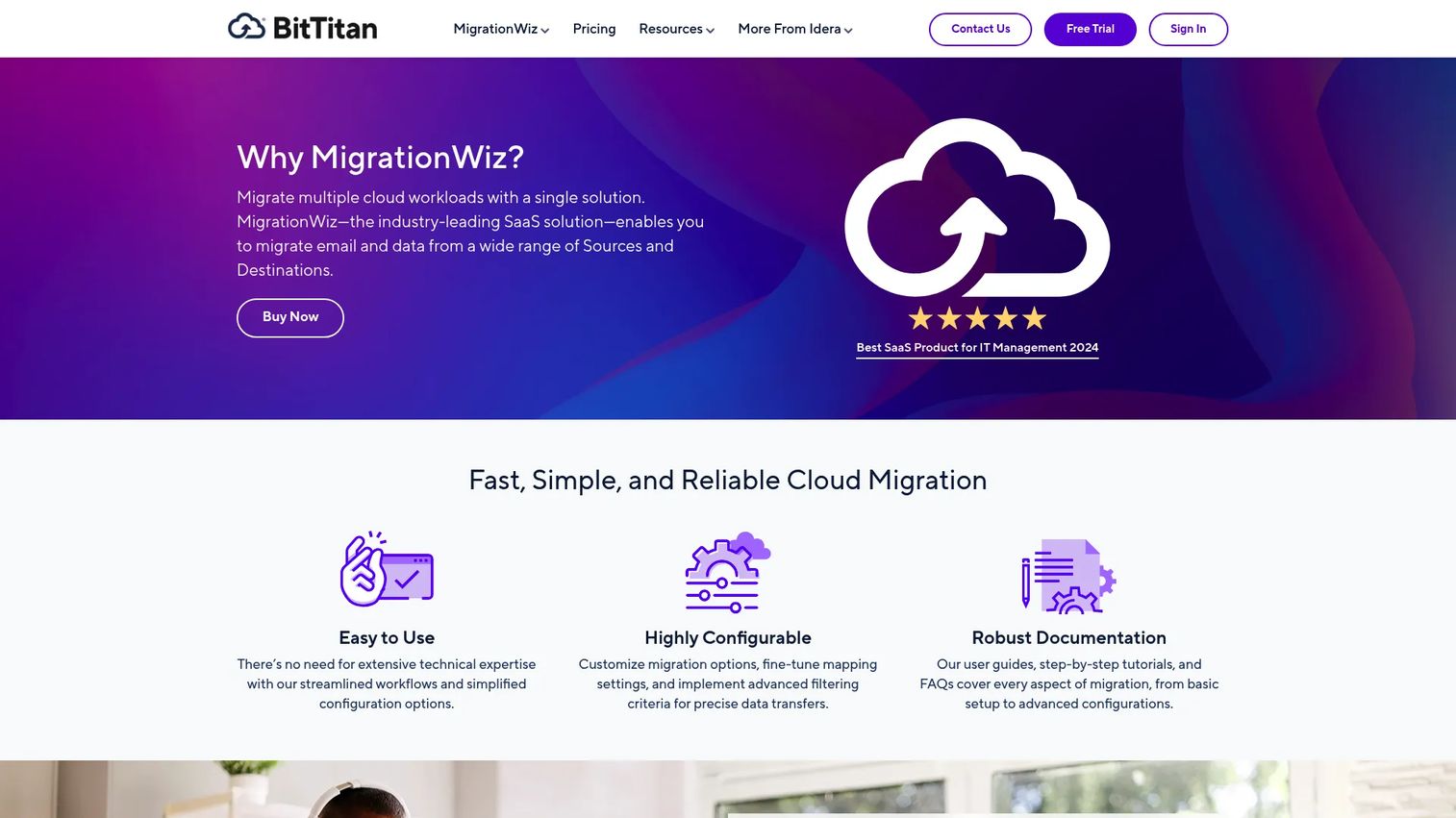
MigrationWiz is a SaaS platform for migrating mailboxes, documents, Teams conversations, SharePoint, and OneDrive workloads between cloud environments. It operates entirely through a browser with no infrastructure to deploy on your end. Teams commonly use it during Microsoft 365 tenant-to-tenant migrations, mergers, and acquisitions where collaboration data must move without losing permissions or history.
Best for: IT teams and MSPs running scalable cloud office and tenant-to-tenant migrations across Exchange, SharePoint, OneDrive, and Teams.
Key features
- Mailbox migration supporting up to 50 GB per user
- Tenant-to-tenant moves across Exchange, OneDrive, SharePoint, and Teams
- Teams private chat migration including history and rich content
- User document, permissions, and metadata migration
- Browser-based SaaS, no agent deployment required
Why choose MigrationWiz: The workload-specific license model lets you pay for exactly the workloads you are moving. For a product manager coordinating a merger integration, this means you can scope and price each wave before committing.
MigrationWiz pricing: Licenses are priced per workload and charged as a one-time fee rather than a recurring subscription. Mailbox migration starts at $14 per user. The User Migration Bundle (mailbox plus documents, archive, and Teams private chat) is $17.50 per user. A Tenant Migration Bundle runs $57 per user. Teams Collaboration is $48 per team, and Shared Documents licenses start at $25 for up to 50 GB per library.
G2 rating: 4.7/5
2. CloudFuze Migrate
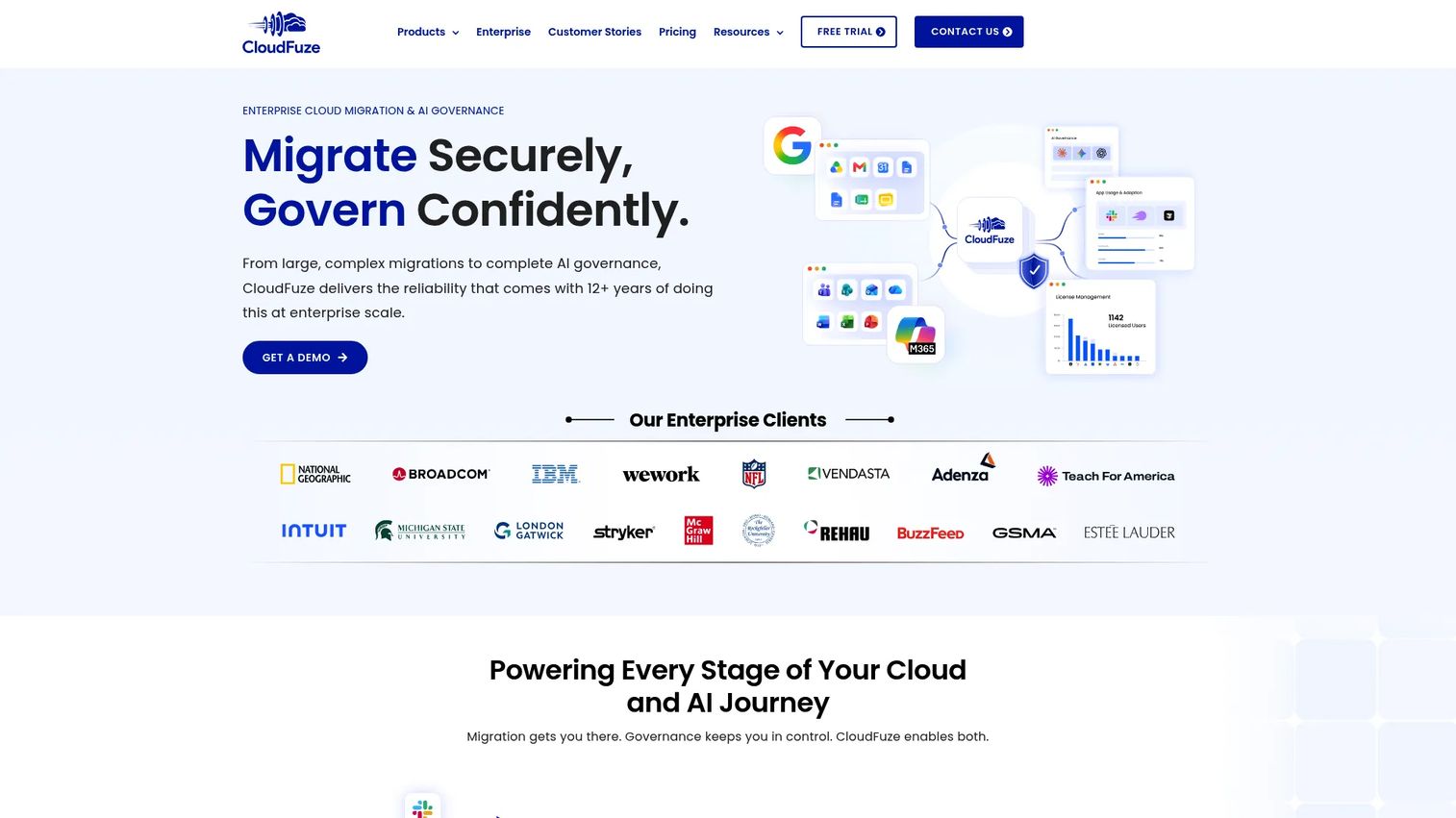
CloudFuze Migrate handles cross-cloud file, folder, chat, email, calendar, and tenant migrations while preserving permissions, hyperlinks, timestamps, external shares, and metadata. The platform supports more than 40 cloud platforms and offers both automated and CSV-based user mapping. On-premises deployment and dedicated instances are available for organizations with data residency requirements.
Best for: Enterprises, SMBs, and MSPs conducting complex cloud or tenant migrations that require full permission and collaboration context preservation.
Key features
- Migration across 40+ cloud platforms
- Preserves permissions, hyperlinks, timestamps, and external shares
- Automated and CSV-based user mapping
- One-time and delta migration support
- On-premises deployment and dedicated instances available
Why choose CloudFuze Migrate: When your migration involves multiple source platforms and permission structures that cannot be rebuilt manually, CloudFuze reduces the risk of access errors post-cutover. The fully managed migration option transfers operational responsibility if your engineering team cannot own the migration directly.
CloudFuze Migrate pricing: Self-service plans start at $9.99/month for 50 GB of migration capacity, with additional data at $0.75 per GB. The PRO plan covers 200 GB/month at $34.99. Enterprise and business migrations involve tailored pricing based on user count, data volume, and project scope; contact CloudFuze directly.
G2 rating: 4.2/5
3. ShareGate Migrate
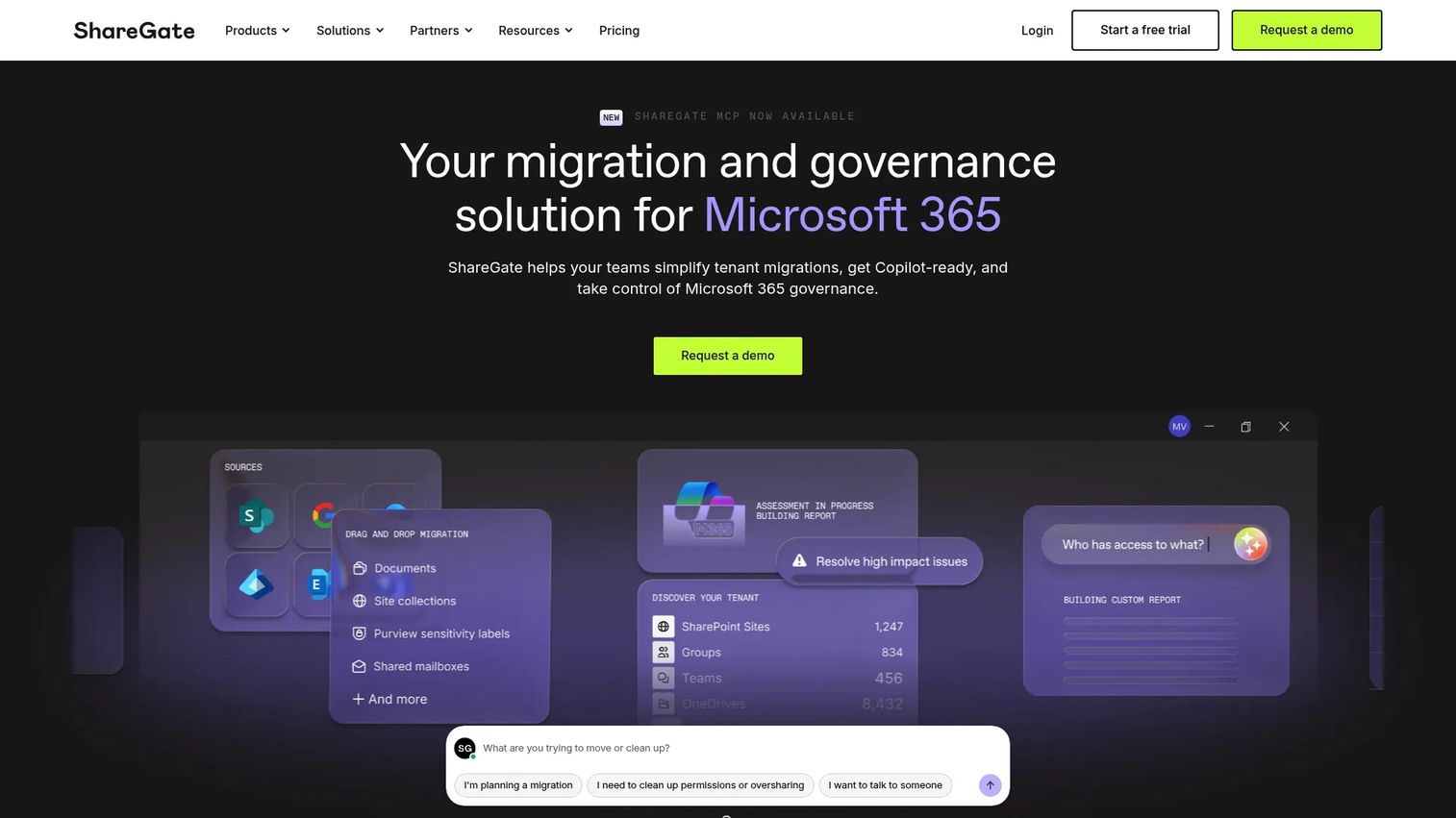
ShareGate Migrate focuses on Microsoft 365, SharePoint, Teams, OneDrive, and Google Workspace content migrations. It covers SharePoint site collections, Teams content and Planner data, Exchange Online mailboxes, Entra ID identity (in preview), and Google Drive, Gmail, and Calendar workloads. PowerShell automation and incremental migration runs make it practical for large organizations managing content cleanup alongside migration.
Best for: Organizations migrating or restructuring Microsoft 365 and related collaboration workloads, particularly tenant-to-tenant or large-scale SharePoint moves.
Key features
- SharePoint, Teams, and Planner migration
- Google Workspace migration covering Drive, Gmail, and Calendar
- Exchange Online mailbox migration
- PowerShell automation for migration scripting
- Pre-migration analysis, permissions management, and reporting
Why choose ShareGate Migrate: Microsoft-centric teams benefit from its content analysis and cleanup capabilities before migration. The concurrent migration controls let you manage how many workloads run in parallel, which matters when you are coordinating across departments with different cutover windows.
ShareGate Migrate pricing: Three annual subscription tiers cover organizations by size and migration volume. Migrate Essentials supports one concurrent migration for tenants up to 250 employees at $5,995/year. Migrate Pro supports five concurrent migrations for tenants up to 1,000 employees at $9,995/year. Migrate Enterprise supports 25 concurrent migrations for larger tenants at $17,995/year. A 15-day free trial is available.
G2 rating: 4.6/5
4. Quest On Demand Migration
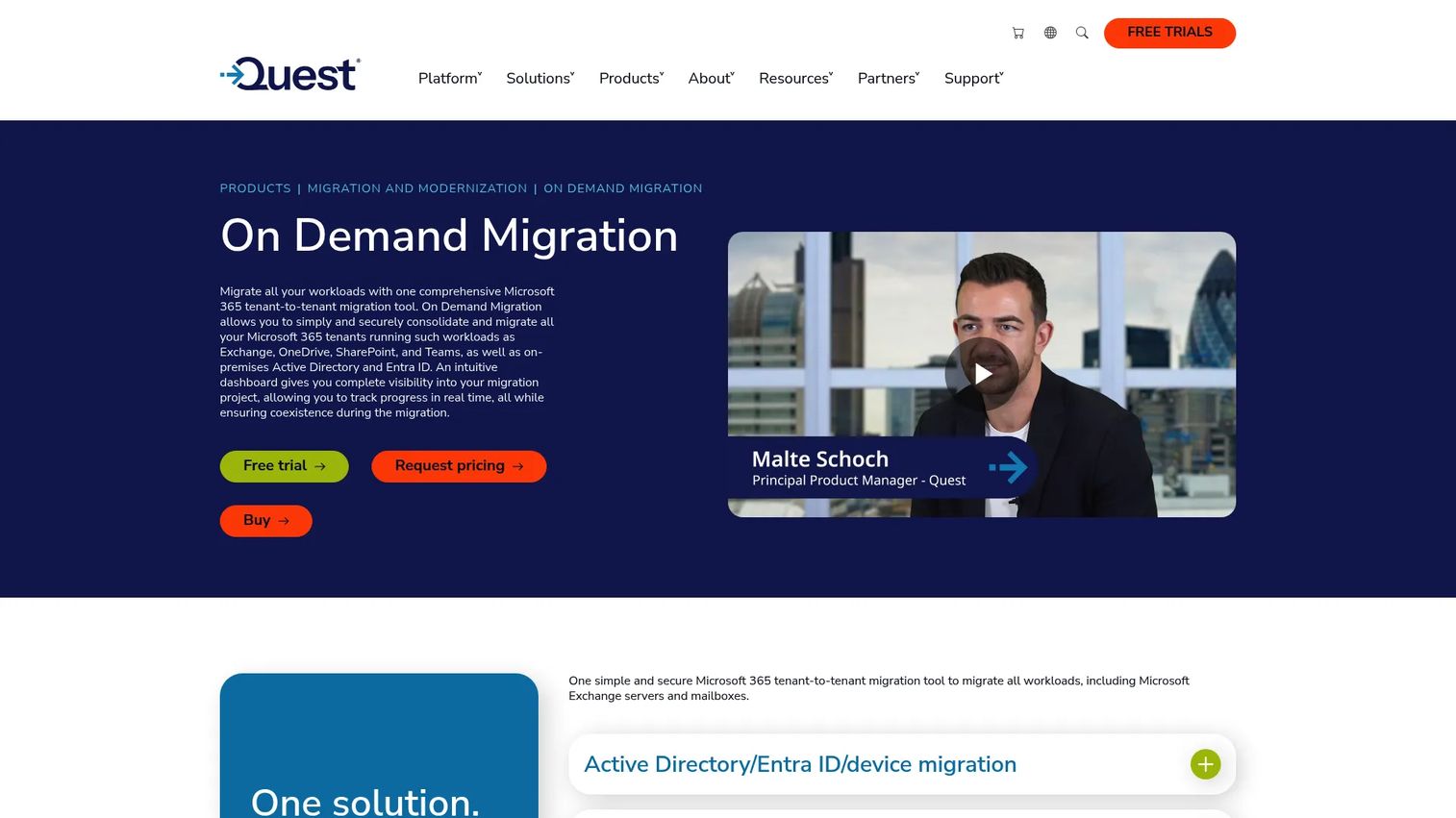
Quest On Demand Migration is a cloud-based platform for migrating Microsoft 365 tenants, Active Directory, Entra ID, Exchange Online, OneDrive, SharePoint, Teams, and Groups. It includes domain move and coexistence capabilities, which matter when organizations are consolidating identities during a merger without a hard cutover. AI-powered migration diagnostics and summaries help teams identify and resolve issues without deep escalation.
Best for: Organizations migrating or consolidating Microsoft 365 and Active Directory environments during mergers, acquisitions, or modernization programs.
Key features
- Microsoft 365 tenant-to-tenant migration
- Active Directory and Entra ID migration
- Coexistence and domain move capabilities
- AI-powered diagnostics and migration summaries
- Automation, monitoring, and rollback reporting
Why choose Quest On Demand Migration: The identity migration coverage sets it apart from office-only migration tools. For a PM managing a merger where both directory consolidation and collaboration data migration must stay coordinated, a single platform reduces the coordination surface.
Quest On Demand Migration pricing: Available through Secure Migration subscription plans. Quest does not display numeric prices on the product page; contact Quest for a scoped quote. A 30-day trial is available to validate the environment before committing.
G2 rating: 5.0/5 (based on limited reviews)
5. AvePoint Confidence Platform
AvePoint Confidence Platform combines data governance, security, compliance, resilience, and migration across Microsoft 365, Google Workspace, and other cloud environments. Migration is one capability within a broader governance platform that covers backup, restore, data lifecycle management, access governance, and AI-agent oversight. Organizations that need post-migration governance alongside the move itself find this integrated approach reduces tool sprawl.
Best for: Organizations that need migration plus ongoing governance, compliance, and data protection across multiple cloud platforms.
Key features
- Cross-platform data migration with granular controls
- Automated backup and granular restore across SaaS applications
- Unified access governance and real-time risk monitoring
- Data lifecycle management and ROT-data reduction
- AI-agent governance covering ownership, usage, and data access
Why choose AvePoint Confidence Platform: When the migration is a step in a longer cloud adoption program, not a one-time event, this platform provides the governance infrastructure that survives the initial cutover. Avoid treating its governance features as a substitute for migration architecture decisions.
AvePoint Confidence Platform pricing: Subscription pricing is customized by product, user count, and data volume. Contact AvePoint for a quote through their pricing page.
G2 rating: 4.5/5
6. Metalogix Content Matrix
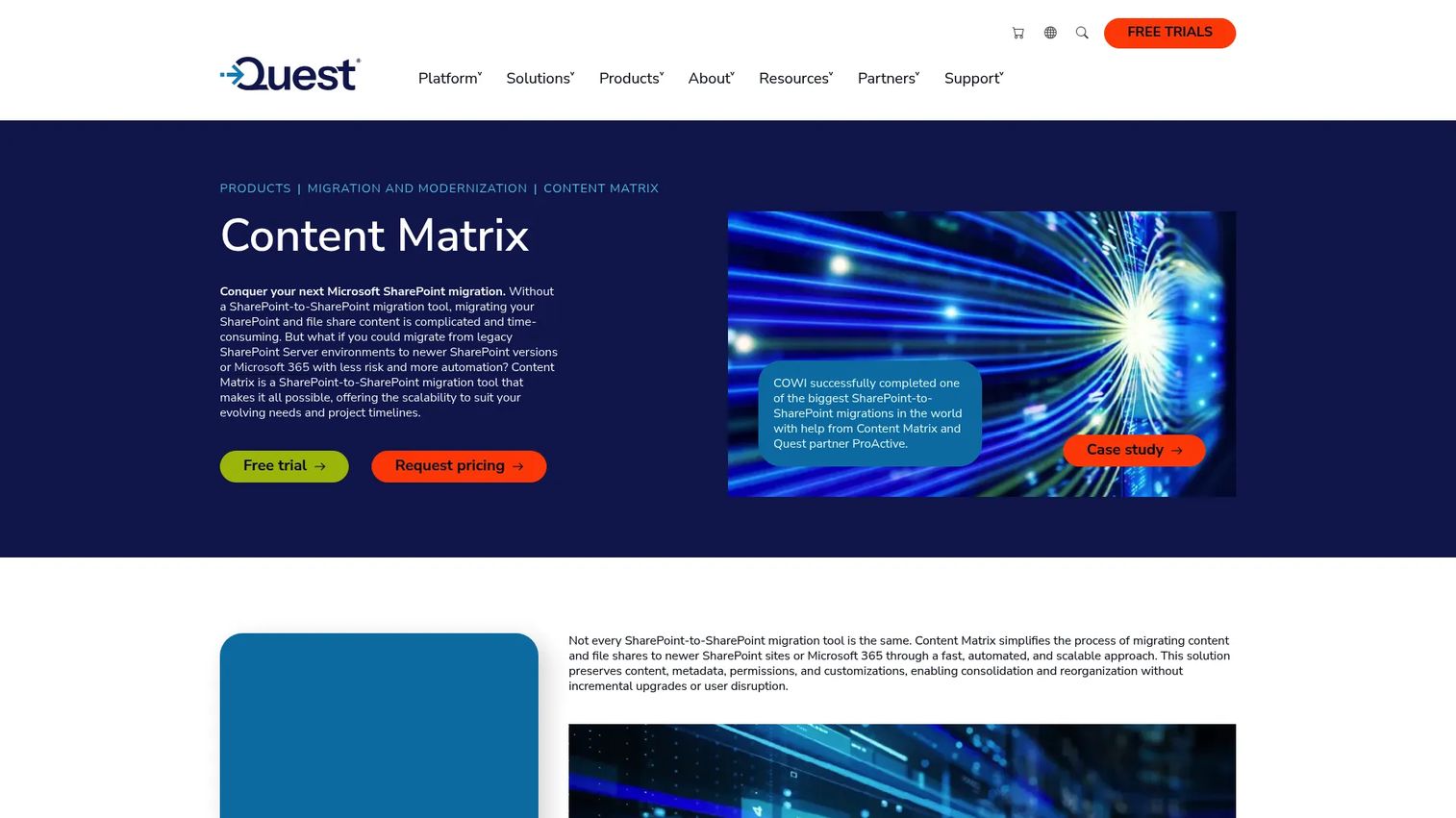
Metalogix Content Matrix handles SharePoint-to-SharePoint migration and consolidation, including site collections, lists, document libraries, metadata, permissions, customizations, Nintex forms, and workflows. Distributed migration across multiple machines accelerates high-volume projects, and pre- and post-migration reorganization tools let you restructure content during the move rather than after.
Best for: Organizations migrating or consolidating large SharePoint environments into newer SharePoint versions or Microsoft 365.
Key features
- Comprehensive SharePoint migration and site consolidation
- Migration of metadata, permissions, Nintex forms, and workflows
- Distributed migration across multiple machines
- Pre- and post-migration content reorganization
- Incremental migration with high-speed transfers
Why choose Metalogix Content Matrix: For teams with complex SharePoint content structures, it handles the granular detail that general-purpose migration tools often miss. Metadata mapping and workflow migration reduce the manual cleanup typically required after a SharePoint upgrade.
Metalogix Content Matrix pricing: Quest does not display a numeric price on the product page. Contact Quest through the request pricing form to receive a scoped quote.
G2 rating: 4.4/5
7. CloudM Migrate
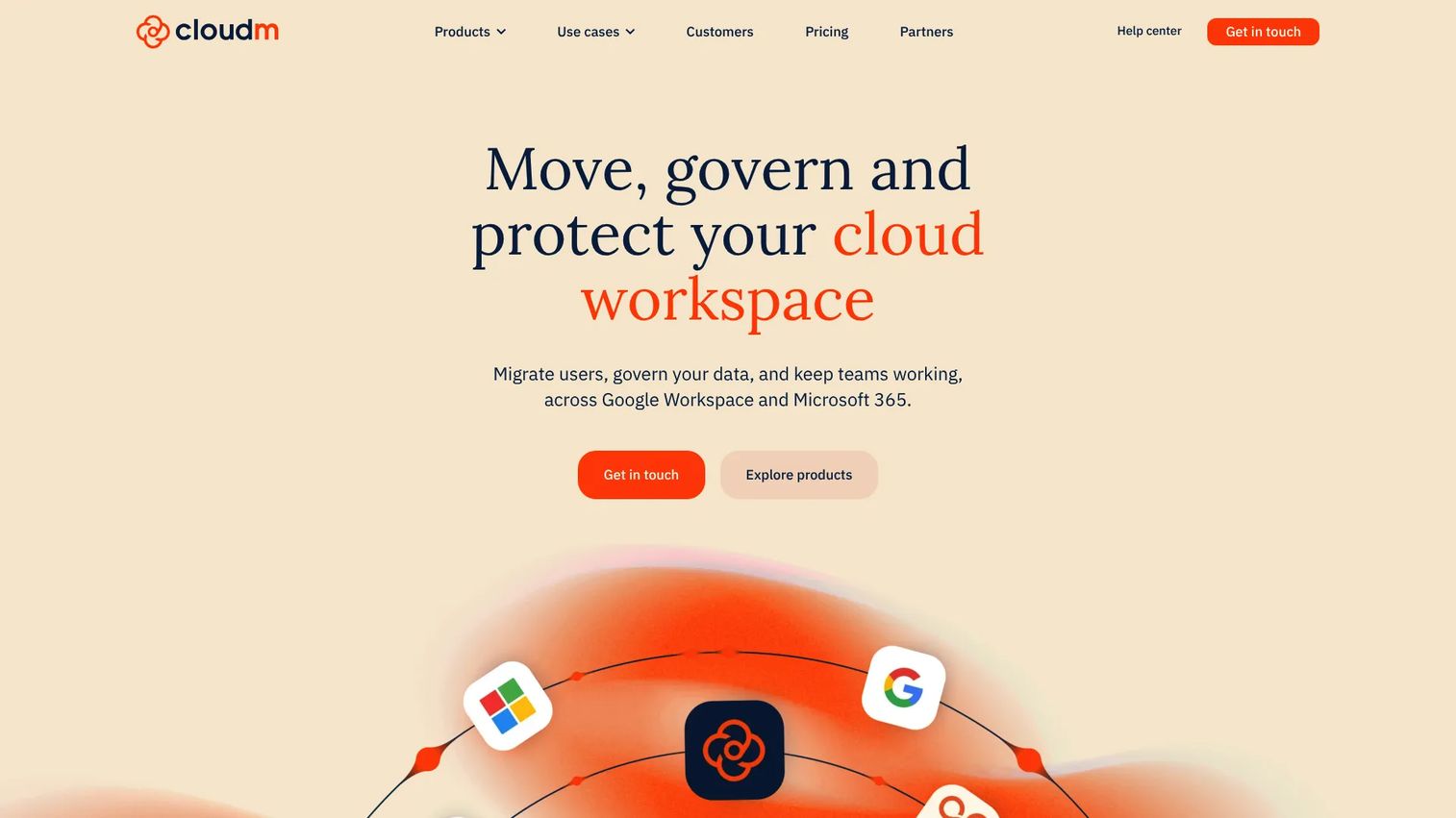
CloudM Migrate moves mail, files, calendars, contacts, tasks, chat, and shared workspaces to Google Workspace or Microsoft 365 from more than 20 source platforms. The environment scanning feature estimates migration scope and identifies permission issues before the first batch runs. Hosted or self-hosted deployment gives organizations flexibility based on data residency and security requirements.
Best for: Organizations conducting large or complex migrations to Google Workspace or Microsoft 365, including tenant consolidations and platform changes.
Key features
- Migration from 20+ source platforms
- Environment scan for scope estimation and permission issue detection
- Hosted or self-hosted deployment options
- Unlimited catch-up migration runs
- Migration of mailbox, calendar, contacts, tasks, chat, and shared workspaces
Why choose CloudM Migrate: The unlimited catch-up runs matter when you need to keep migrated accounts synchronized with the source during a long-running migration program. For a PM managing a phased cutover, this removes the time pressure on individual wave completions.
CloudM Migrate pricing: Licenses are priced per user for full migrations and per 10 GB or 100 GB for shared drives, depending on the destination. CloudM does not display numeric prices on the pricing page; contact CloudM for a quote. Standard and enterprise serviced migration options are also available.
G2 rating: 4.6/5
8. DryvIQ Platform
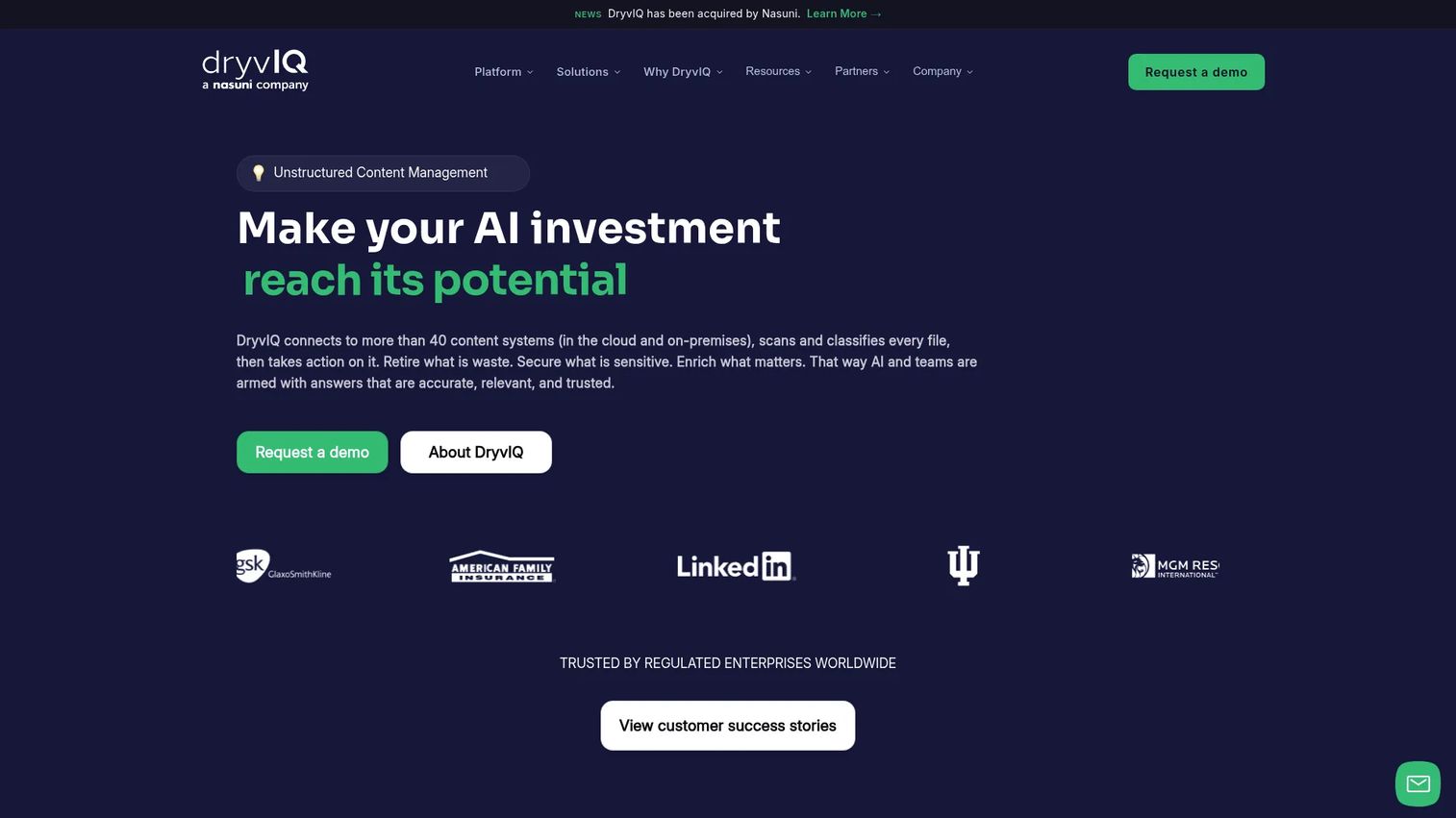
DryvIQ Platform provides access, classification, governance, migration, and synchronization of unstructured content across more than 40 cloud and on-premises repositories. AI-driven discovery classifies content automatically, and automated metadata enrichment, redaction, encryption, and anonymization apply before migration. DryvIQ was acquired by Nasuni, which now oversees continued development.
Best for: Large, regulated enterprises managing complex unstructured-content estates where migration rules and governance requirements drive the project design.
Key features
- Content access and management across 40+ repositories
- AI-driven discovery and automated classification
- Metadata enrichment, redaction, encryption, and anonymization
- Access-control enforcement and high-risk content quarantine
- Intelligent content migration, synchronization, and archiving
Why choose DryvIQ Platform: When migration rules are as important as migration speed, this platform's policy-based approach reduces the risk of moving sensitive content to the wrong destination. It suits regulated industries where access controls and audit trails must be verified before and after the move.
DryvIQ Platform pricing: Pricing is based on content volume under management. Contact DryvIQ through the platform's website for a tailored assessment and annual quote.
G2 rating: 4.5/5
9. Integrate.io
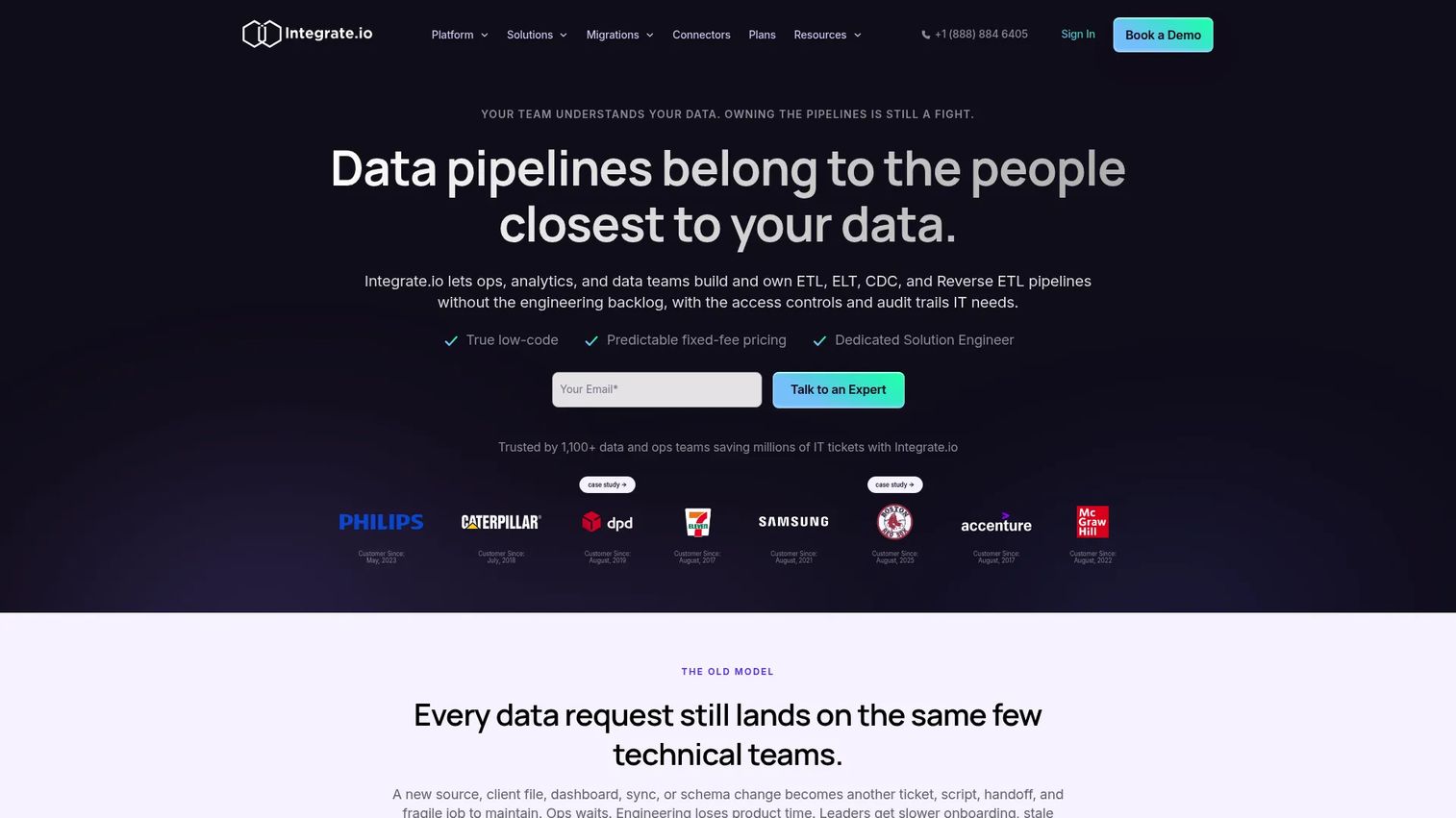
Integrate.io is a low-code data pipeline platform covering ETL, ELT, CDC, and reverse ETL workflows. It provides 220+ visual transformations and connects to a broad set of SaaS, database, and warehouse sources. The Core plan includes unlimited data volumes, pipelines, connectors, and 60-second pipeline frequency, which makes the fixed monthly cost predictable for data teams migrating at scale.
Best for: Data, analytics, and operations teams needing managed, low-code pipelines with transformation logic and predictable fixed-fee pricing.
Key features
- ETL, ELT, CDC, and Reverse ETL pipelines
- 220+ visual transformations and functions
- Low-code pipeline builder with AI agent support
- Fixed-fee monthly pricing with unlimited data volumes
- 30-day onboarding included in Core plan
Why choose Integrate.io: For product managers overseeing a data migration with transformation requirements, the fixed-fee model removes volume-based billing surprises. Teams without deep data engineering capacity benefit from the low-code interface and the included onboarding support.
Integrate.io pricing: The Core plan starts at $1,999/month and includes unlimited data, pipelines, connectors, and full platform access. Custom plans with HIPAA readiness, advanced security, and tailored support are available on request. A 14-day free trial is offered.
G2 rating: 4.4/5
10. Striim
Striim is a real-time data integration and streaming platform built around change data capture, continuous replication, and streaming SQL. It handles ingestion, processing, and delivery across databases, applications, and cloud targets with intelligent schema evolution and pipeline monitoring. Teams use it to keep source and target databases synchronized during extended migration programs before final cutover.
Best for: Organizations needing scalable, real-time data integration, change data capture, and cross-cloud data pipelines with minimal downtime during cutover.
Key features
- Change data capture and real-time data streaming
- Hundreds of connectors for databases, applications, and warehouses
- Streaming SQL with continuous query support
- Intelligent schema evolution
- Pipeline monitoring and alerting
Why choose Striim: When your cutover window is measured in minutes rather than hours, continuous replication with a final synchronization step reduces the risk compared to batch-only approaches. The streaming SQL layer also supports in-flight transformation, not only raw data movement.
Striim pricing: The Striim Developer tier is free and includes up to 25 million events per month. Striim Cloud uses usage-based pricing. Striim Platform and Validata are enterprise tiers priced on request; contact Striim for a quote.
G2 rating: 5.0/5 (based on limited reviews)
11. Qlik Replicate
Qlik Replicate handles enterprise data replication across databases, data warehouses, cloud platforms, streaming environments, and mainframes. Its log-based CDC and agentless architecture minimize the performance impact on source systems. The no-code web interface lets database and data engineers configure replication tasks without writing custom scripts, which reduces the engineering opportunity cost for migration projects.
Best for: Large enterprises needing scalable, low-impact replication and real-time CDC across heterogeneous on-premises, cloud, and mainframe environments.
Key features
- Log-based CDC with near-real-time replication
- Zero-footprint, agentless architecture
- No-code web-based graphical interface
- Support for databases, warehouses, cloud platforms, streaming, SAP, and mainframes
- Full-load, batch, transactional, and message-oriented replication patterns
Why choose Qlik Replicate: The agentless architecture matters when your source systems cannot accept additional software agents. Broad mainframe support also makes it relevant for organizations modernizing legacy estates, not only cloud-to-cloud moves.
Qlik Replicate pricing: Qlik does not display numeric prices on the product page. A free trial is available. Contact Qlik for enterprise pricing and licensing terms.
G2 rating: 4.3/5
12. AWS Migration Services
AWS Migration Services is a portfolio of tools and programs covering discovery, planning, application rehosting, database migration, and data transfer for organizations targeting AWS. Core services include AWS Migration Hub for centralized tracking, AWS Transform MGN for automated server rehosting, AWS Database Migration Service for continuous database replication, and AWS DataSync for file and object transfers.
Best for: Organizations planning large-scale migration or modernization of applications, databases, servers, and data to AWS.
Key features
- Centralized discovery, planning, and progress tracking with AWS Migration Hub
- Automated server rehosting with AWS Transform MGN
- Database migration and continuous replication with AWS Database Migration Service
- File and object data transfer using AWS DataSync and AWS Transfer Family
- Broad partner and professional services ecosystem
Why choose AWS Migration Services: Teams standardizing on AWS gain tight integration between migration tooling and the target environment. Discovery, planning, and execution tools share a single control plane, reducing the coordination overhead across migration waves.
AWS Migration Services pricing: Individual AWS services within the portfolio use usage-based pricing. Some components, including AWS Migration Hub, are available at no additional charge. Compute, storage, data transfer, and service-specific fees apply based on usage. Check the pricing page for each service within the portfolio.
G2 rating: N/A (portfolio of services, no unified G2 listing verified)
13. Azure Migrate
Azure Migrate is Microsoft's platform for discovering, assessing, migrating, and modernizing applications, infrastructure, and data targeting Azure. It provides automated discovery with dependency visualization, workload readiness assessments, 6R migration option guidance, sizing recommendations, and cost estimates. Orchestration spans server, application, and database migration paths and integrates with third-party ISV tools.
Best for: Organizations assessing and migrating on-premises servers, databases, applications, and data to Microsoft Azure.
Key features
- Automated infrastructure, application, and data discovery with dependency insights
- Workload assessments with 6R guidance, sizing, and cost estimates
- Migration and modernization orchestration across Microsoft and third-party tools
- Server migration free for the first 180 days per machine
- Dependency visualization for mapping migration sequencing
Why choose Azure Migrate: For a product manager building a migration business case, the cost estimation and readiness assessment output gives leadership a concrete basis for prioritization decisions. The free discovery period lets you validate assumptions before committing migration budgets.
Azure Migrate pricing: Azure Migrate tools are available at no additional charge. Server migration is free for the first 180 days per machine; after that, $25/month per replicated instance applies. Azure Storage, storage transactions, and data transfer charges also apply. Third-party ISV tool fees vary by tool.
G2 rating: 4.4/5
14. Google Cloud BigQuery Data Transfer Service
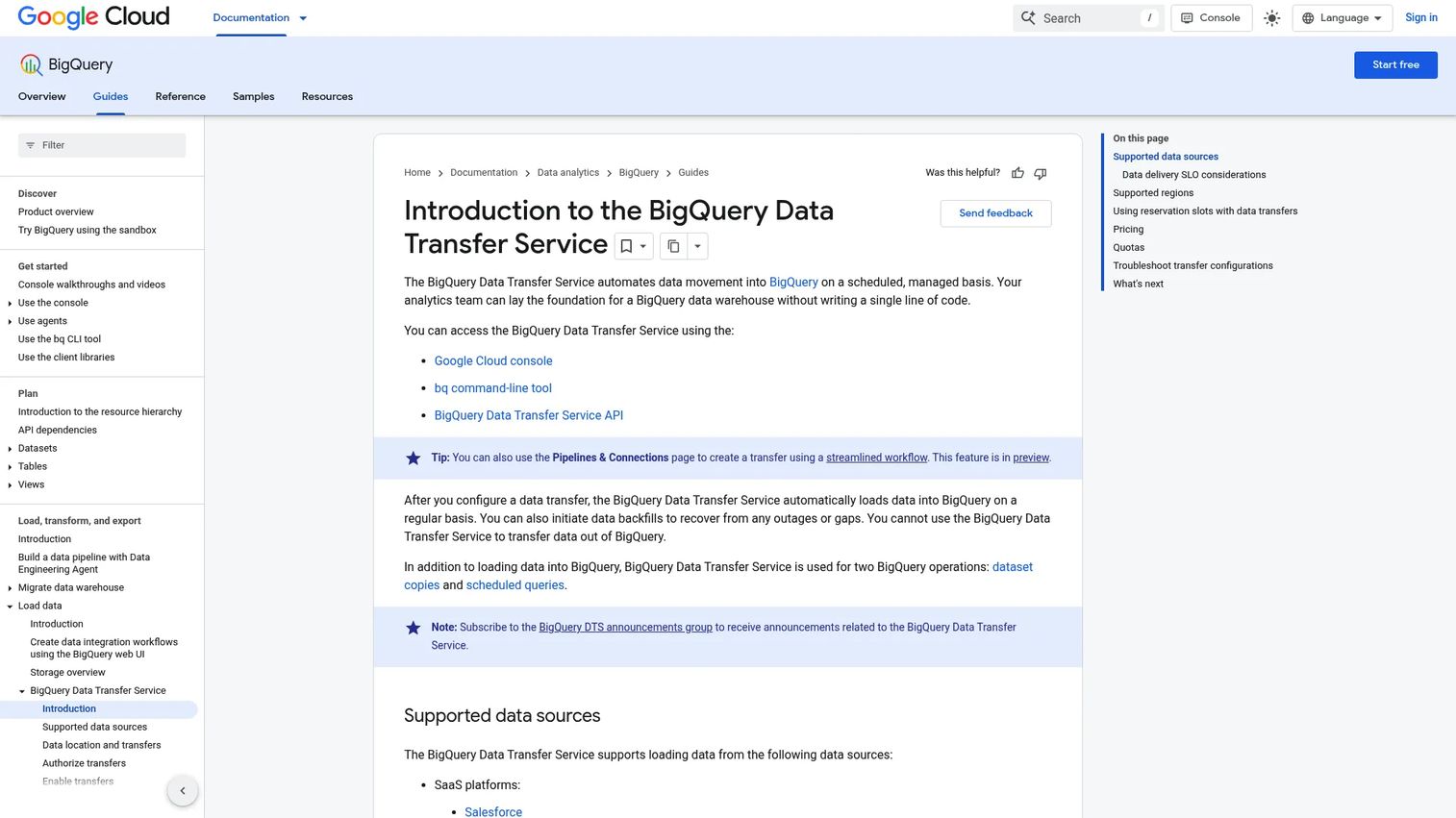
Google Cloud BigQuery Data Transfer Service automates scheduled data movement into BigQuery from supported external sources including SaaS applications, marketing platforms, payment providers, databases, and other Google services. It handles backfills to recover from outages or data gaps and manages transfer configuration directly from the Google Cloud console.
Best for: Analytics teams migrating or continuously loading data from multiple supported sources into BigQuery for warehouse modernization.
Key features
- Scheduled, managed data transfers into BigQuery
- Backfill support for recovering from outages or data gaps
- Connectors for SaaS, marketing, payment, database, warehouse, and Google-service sources
- Transfer configuration and monitoring through the Google Cloud console
- Usage-based pricing by slot-hour
Why choose Google Cloud BigQuery Data Transfer Service: For analytics teams already using BigQuery as the destination warehouse, this service removes the need to build and maintain custom ingestion pipelines for supported sources. Clarify that it is not a general application migration platform; it is a managed ingestion layer for analytics data.
Google Cloud BigQuery Data Transfer Service pricing: Pricing is consumption-based. Transfer orchestration starts at $0.06 per slot-hour. Committed use discounts reduce rates to $0.054/slot-hour for one-year commitments and $0.048/slot-hour for three-year commitments. Standard BigQuery storage and query charges apply after transfer.
G2 rating: 4.6/5
15. Oracle Cloud Migration
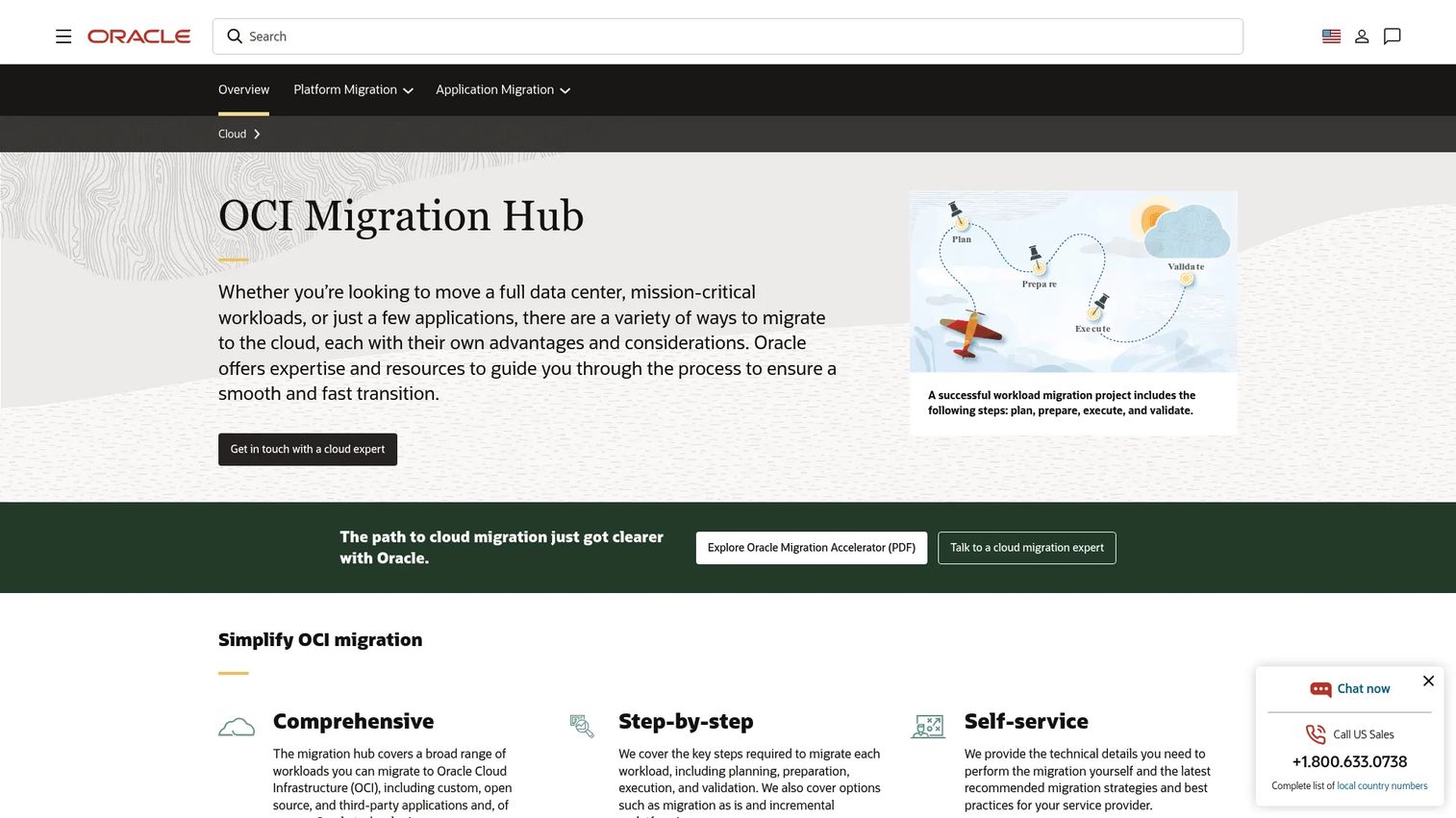
Oracle Cloud Migration helps organizations migrate VMware virtual machines and AWS EC2 instances to Oracle Cloud Infrastructure, including automated discovery, migration planning with cost estimates, scheduled replication of workload data to OCI, and deployment workflows. Access runs through the OCI Console, REST API, and CLI.
Best for: Organizations migrating VMware or AWS workloads and Oracle databases to Oracle Cloud Infrastructure with automated discovery, replication, and deployment.
Key features
- Automated discovery of external virtual machines and instances
- Migration planning with target-configuration recommendations and monthly cost estimates
- Scheduled replication of workload data to OCI
- Migration of VMware VMs and AWS EC2 instances to OCI
- Access through OCI Console, REST API, and CLI
Why choose Oracle Cloud Migration: The Oracle Cloud Migrations service itself carries no additional charge. Organizations with Oracle-heavy estates or Exadata dependencies benefit from the tight integration with OCI services during planning and execution. Separate professional services fees apply if you engage Oracle's migration support team.
Oracle Cloud Migration pricing: The Oracle Cloud Migrations service has no cost. Temporary OCI resources used during migration are billed at normal tenancy rates. Oracle's migration hub also includes access to OCI Free Tier services and $300 in trial credits for new accounts.
G2 rating: N/A (no standalone G2 listing verified for Oracle Cloud Migration specifically)
16. Snowflake
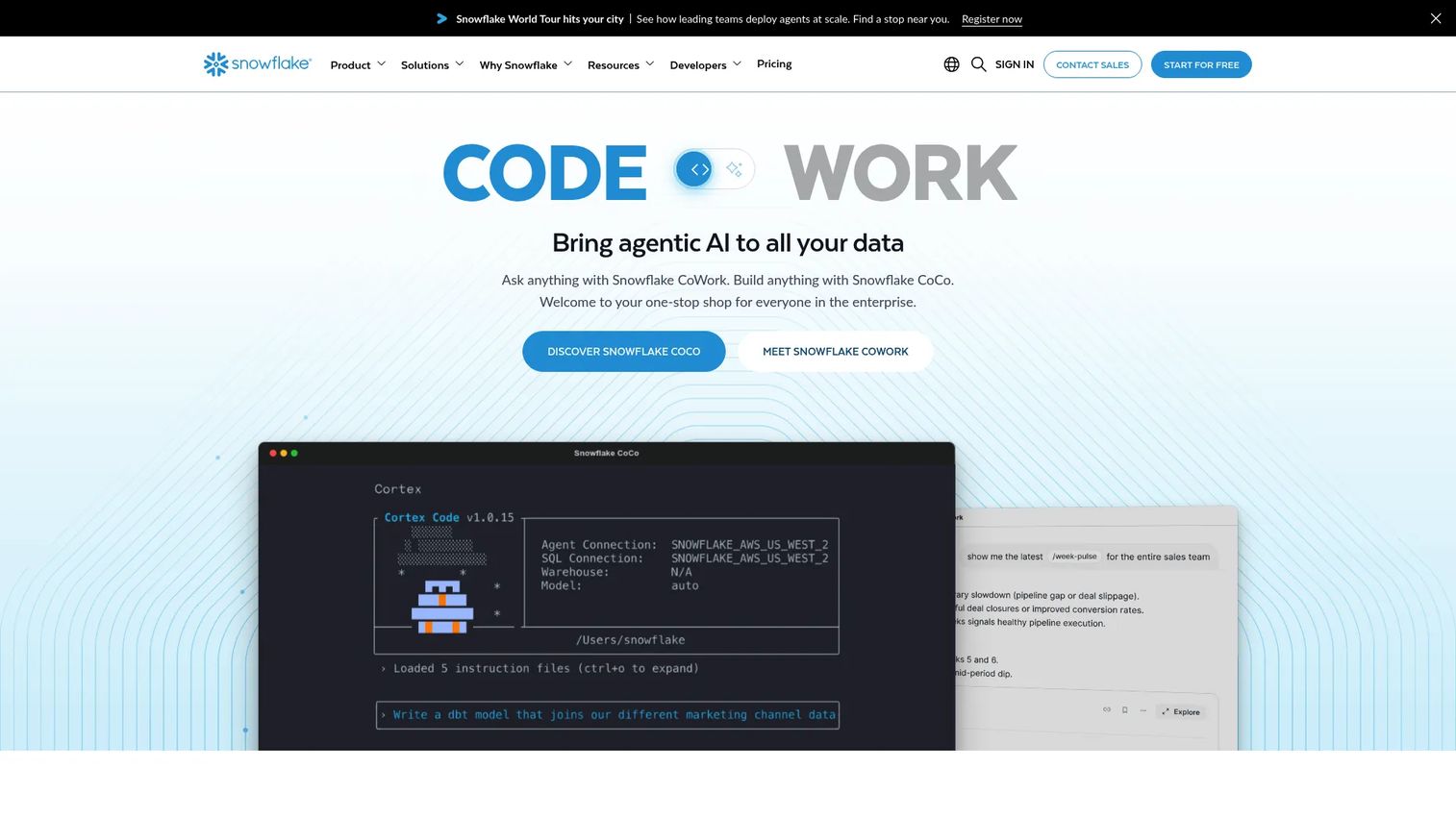
Snowflake is a fully managed, enterprise-ready data and AI platform covering analytics, data engineering, AI, applications, and secure data sharing. In a migration context, Snowflake serves as the destination warehouse. Data loading, schema modernization, governance, and data sharing capabilities make it a strong target for teams consolidating from on-premises or legacy cloud warehouses.
Best for: Organizations modernizing their data warehouse to a scalable, managed cloud platform with consumption-based pricing and secure data sharing.
Key features
- Fully managed elastic compute and cloud data platform
- Data engineering, analytics, and AI/ML capabilities
- Secure data sharing and cross-cloud collaboration
- Consumption-based pricing for compute, storage, and data transfer
- 30-day free trial with $400 in credits
Why choose Snowflake: Snowflake is primarily a destination and data platform, not a migration orchestration engine. You will need complementary extraction and transformation tooling, such as Fivetran or Talend, to move data into it. For product managers building a warehouse modernization program, Snowflake as the target simplifies governance, access control, and cost tracking after migration.
Snowflake pricing: Snowflake uses consumption-based pricing for compute, storage, and data transfer. Pricing varies by cloud provider, region, and edition (Standard, Enterprise, Business Critical, or Virtual Private Snowflake). A 30-day free trial includes $400 in credits to validate the platform before committing.
G2 rating: N/A (Capterra reports 4.7/5; no G2 standalone rating verified for this article)
17. Carbonite Migrate
Carbonite Migrate (now rebranded as OpenText Migrate) handles physical, virtual, and cloud server migration with byte-level continuous replication, AES 256-bit in-flight encryption, and automated cutover and failback. It supports AWS, Microsoft Azure, Google Cloud, Hyper-V, and VMware as both sources and targets.
Best for: Organizations migrating server workloads across on-premises, virtual, and cloud environments while minimizing downtime and cutover risk.
Key features
- Real-time byte-level replication across physical, virtual, and cloud sources
- AES 256-bit encryption in transit
- Automated cutover and non-disruptive testing before the switch
- Failback support for recovery scenarios
- Support for AWS, Azure, Google Cloud, Hyper-V, and VMware
Why choose Carbonite Migrate: Continuous byte-level replication means the cutover window can be reduced to minutes rather than hours. Non-disruptive testing lets you validate the migrated environment while the source remains live, which reduces the risk of an unrecoverable cutover for production workloads.
Carbonite Migrate pricing: Contact the vendor through the official product page for current licensing and per-workload pricing. The product is now marketed under the OpenText Migrate brand.
G2 rating: N/A (limited G2 reviews found for the product under both the Carbonite and OpenText naming)
18. Talend
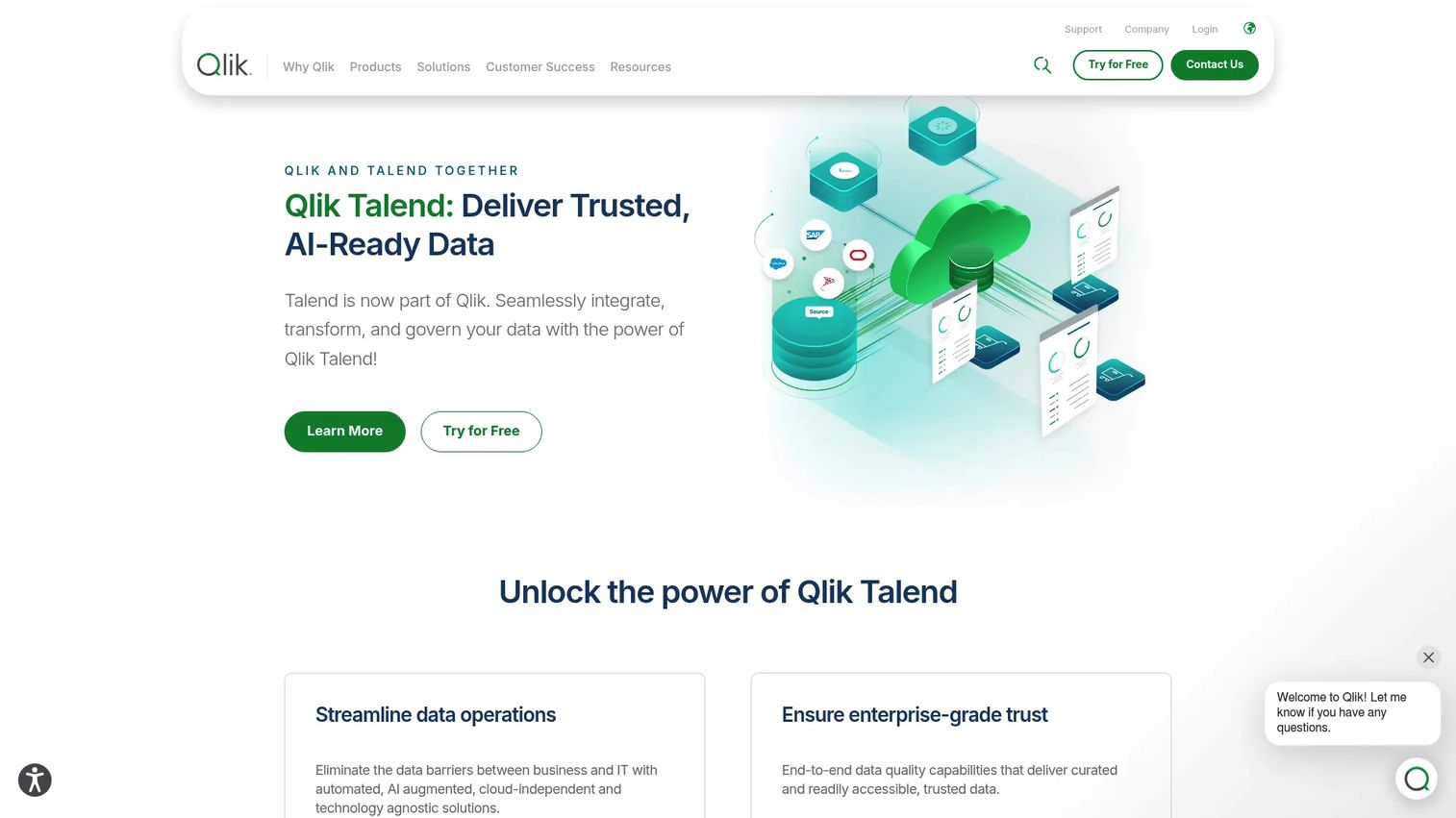
Talend, now part of Qlik, provides data integration, transformation, data quality, governance, and related data management capabilities. It supports batch, real-time, ETL, ELT, and API-based integration patterns with both visual low-code and full-code authoring. AI-augmented no-code pipelines reduce the authoring burden for teams without deep data engineering capacity.
Best for: Organizations needing scalable enterprise data integration with transformation, data quality workflows, governance, and hybrid deployment options.
Key features
- Multi-modal integration supporting batch, real-time, ETL, ELT, and APIs
- Data quality, governance, data products, and lineage
- Visual low-code and full-code transformation authoring
- AI-augmented no-code pipeline construction
- Cloud, on-premises, and hybrid deployment
Why choose Talend: For a product manager overseeing a migration program that will continue as an ongoing integration capability after cutover, Talend's data quality and governance layer reduces the risk of migrating dirty data and creates reusable pipelines that survive beyond the migration project itself.
Talend pricing: Qlik Talend Cloud offers four editions: Starter, Standard, Premium, and Enterprise. Pricing is based on subscribed usage capacity measured by data volume, job executions, and execution duration. Contact Qlik for a quote.
G2 rating: 4.3/5
19. Fivetran
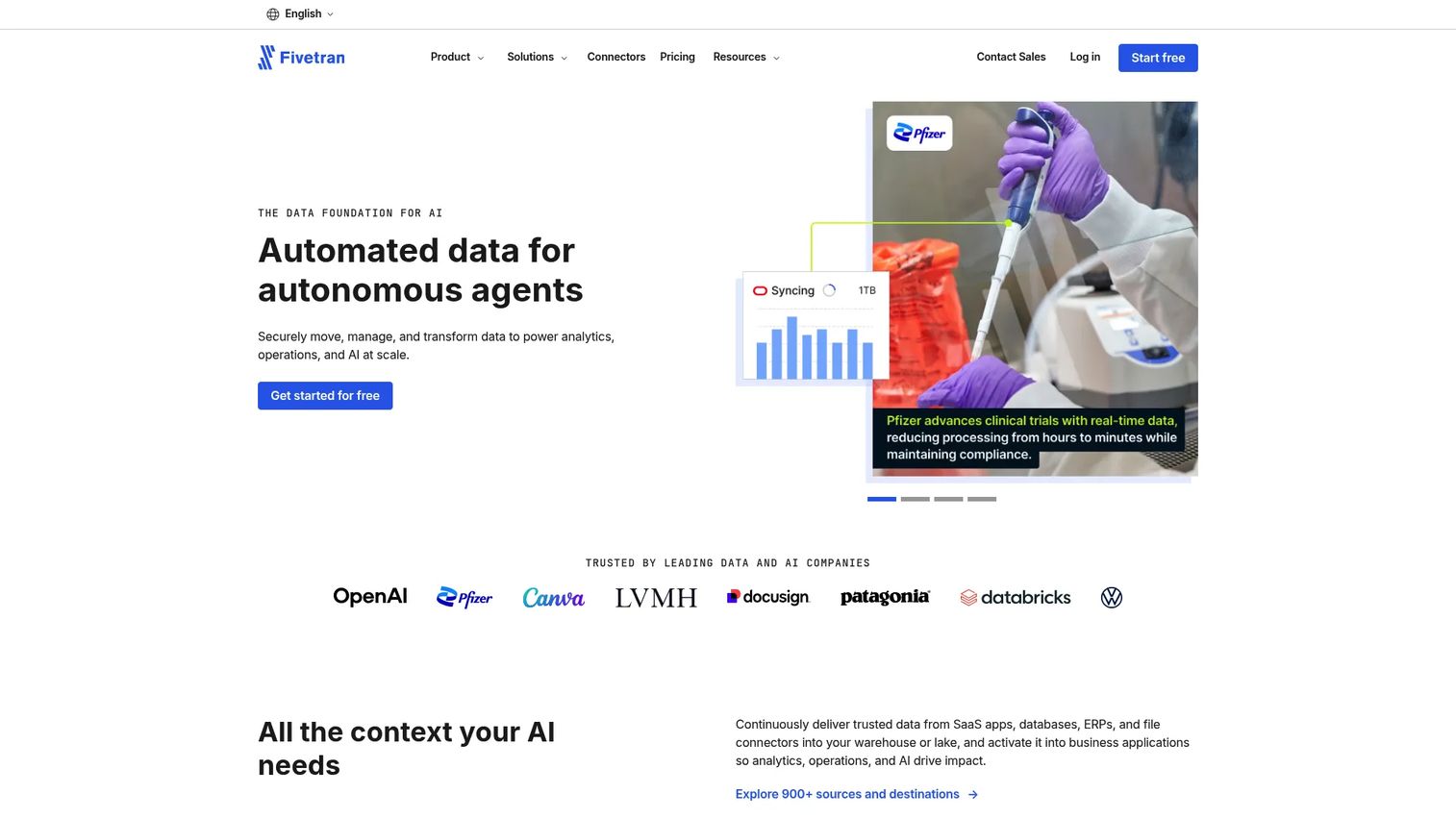
Fivetran is a managed data movement platform with 900+ connectors that moves data from sources into warehouses, lakes, and applications. Automated schema detection and handling, incremental syncing, automatic retries, and pre-built dbt-compatible data models reduce the pipeline maintenance burden compared to custom ETL. Enterprise security features include private networking, column hashing, and regional failover.
Best for: Organizations needing reliable, low-maintenance, managed data pipelines across many SaaS, database, warehouse, and application sources.
Key features
- 900+ sources and destinations
- Automated incremental syncing with automatic retries
- Pre-built dbt-compatible data models
- Managed data lake delivery in Iceberg and Delta Lake formats
- Enterprise security with private networking and column hashing
Why choose Fivetran: For data teams that want to migrate pipeline infrastructure without writing and maintaining custom connectors, Fivetran's managed approach shifts the maintenance burden to the platform. The free tier lets small teams validate connector coverage before committing to a paid plan.
Fivetran pricing: The Free plan covers up to 500,000 connector Monthly Active Rows (MAR), 3,500 activation MAR, and 5,000 model runs per month at no cost. Paid tiers (Standard, Enterprise, Business Critical) are usage-based. Standard connections start with a $5/month per-connection minimum charge. Annual contracts are available alongside monthly pay-as-you-go.
G2 rating: 4.4/5
Considerations when choosing cloud migration software
Workload fit
Confirm whether the tool supports your exact workload: Application, VM, database, data warehouse, file, email, collaboration, or cloud-to-cloud. A database replication product cannot substitute for an office tenant migration platform. Define the workload type before evaluating any tool.
Source and target compatibility
Check supported source versions, connector availability, operating system coverage, cloud regions, identity systems, and destination services. Platform support listed on a product page does not always match the version or configuration in your environment. Request a compatibility confirmation during evaluation.
Downtime and synchronization model
Ask whether the tool supports batch transfer, continuous replication, change data capture, final synchronization, rollback, and validation. For production systems, the gap between the last replication cycle and cutover determines the downtime window. This is a project design decision, not an automatic product feature.
Security and governance
Evaluate encryption in transit and at rest, access control during migration, audit log availability, data residency options, secrets handling, and permission mapping. Avoid accepting compliance assertions from vendor documentation alone. Validate against your organization's security requirements and the specific cloud region you are targeting. For related tooling, see our guide on application security testing software.
Ownership and support model
Clarify who operates the tool during migration, who handles errors between batches, and what cloud migration support actually includes. Separate product licensing costs from professional services fees and post-migration monitoring arrangements before finalizing the total cost. Cloud cost optimization after migration is a separate discipline; see our cloud cost optimization software guide for that phase.
How to choose the right cloud migration software for your team
If you are migrating Microsoft 365 or collaboration data: Start with office migration specialists. For tenant-to-tenant moves with complex directory requirements, Quest On Demand Migration covers identity alongside collaboration workloads. For Microsoft content and SharePoint, ShareGate Migrate provides content analysis and concurrent migration controls. For cross-cloud file and collaboration moves across multiple platforms, CloudFuze Migrate handles the breadth. MigrationWiz suits organizations that want workload-specific per-user licensing without an annual subscription commitment.
If you are migrating databases with limited downtime tolerance: Prioritize tools with CDC, continuous replication, and schema compatibility. Striim suits teams that need streaming SQL alongside real-time replication. Qlik Replicate's agentless architecture suits teams that cannot deploy agents on source systems. Both support full-load plus incremental synchronization workflows. Test the final synchronization cycle in a non-production environment before scheduling a production cutover date.
If you are moving data into a cloud warehouse: Evaluate source coverage, transformation needs, and destination cost separately. Fivetran handles managed pipelines with low maintenance overhead and suits teams without dedicated data engineering capacity. Talend suits teams that need transformation, data quality, and governance built into the pipeline. Snowflake is the destination platform; you will need extraction and loading tooling alongside it. Google Cloud BigQuery Data Transfer Service works for analytics ingestion from supported sources directly into BigQuery.
If you are coordinating a multi-workload cloud program: Start with workload discovery and dependency mapping. Azure Migrate is the single representative Microsoft migration platform here, combining free discovery with assessment, cost estimation, and migration orchestration. AWS Migration Services fills the same role for AWS-targeted programs. For Oracle-heavy estates, Oracle Cloud Migration covers VMware and EC2-to-OCI paths at no service charge. Assign technical owners to each workload type, document assumptions, run pilot migrations, and establish rollback conditions before the first production wave. For related planning tooling, see our guide on asset discovery software.
Conclusion
The best cloud migration software for your program is the tool that matches your specific workload, cutover model, source systems, and target platform.
For office and tenant migrations, MigrationWiz and ShareGate Migrate cover the Microsoft 365 estate with different pricing models. For database replication with minimal downtime, Striim and Qlik Replicate handle CDC and continuous synchronization. For managed data pipelines into warehouses, Fivetran and Integrate.io reduce the custom engineering overhead. Azure Migrate and AWS Migration Services serve teams standardizing on a single cloud provider and wanting native discovery integrated with migration execution.
Start with a workload inventory and a pilot wave before committing to production migration. Assign a technical owner to each workload type. Define rollback conditions and post-migration monitoring criteria before the first cutover.
Start your journey with Guideflow today!
FAQs
Cloud migration software helps teams assess, move, transform, synchronize, and validate applications, infrastructure, databases, files, or collaboration workloads between environments. It provides tooling for discovery, transfer, replication, and validation. It differs from cloud migration services, which add architecture, project management, configuration, and managed execution on top of that tooling.
The main types are office and collaboration migration tools (covering email, SharePoint, Teams, and tenant moves), application and infrastructure migration tools (covering VMs, servers, and containers), database replication and change data capture tools, cloud data integration and ETL platforms, cloud provider native migration services, and destination data platforms. Each type addresses a different workload and cutover model.
Start with workload type: Office data, databases, files, applications, or data warehouse ingestion. Then check source and target compatibility for your specific platform versions and regions. Assess your downtime tolerance to determine whether batch transfer or continuous replication is required. Factor in security requirements, internal engineering capacity, and the total cost across licensing, data transfer, compute, and professional services.
Replication, change data capture, staged cutovers, and final synchronization can reduce downtime substantially. No product guarantees zero downtime for every workload. The cutover window depends on the gap between the last replication cycle and the production switch, how complex the dependency validation is, and how quickly rollback can be initiated if an issue surfaces.
Software provides the platform and tooling: Discovery, transfer, replication, and validation capabilities. Services add architecture design, project management, configuration, migration execution, and ongoing support by a provider or partner. Many migration projects use both: The software handles the technical execution, while a services engagement handles planning, risk management, and escalation.
Cloud data migration tools fall into several categories: CDC and replication platforms for databases (Striim, Qlik Replicate), low-code integration and ETL platforms for transformed pipelines (Integrate.io, Talend), managed pipeline services for warehouse ingestion (Fivetran, Google Cloud BigQuery Data Transfer Service), and provider-native database migration services within AWS and Azure portfolios. The right choice depends on source systems, transformation requirements, and the target warehouse. See our dedicated change data capture software guide for deeper coverage of CDC tooling.
Verify data completeness against the source, permissions and access control in the target environment, application dependencies and integration endpoints, performance under expected load, monitoring and alerting configuration in the new environment, rollback procedures and the time required to execute them, and user acceptance against defined success criteria. Run these checks in a non-production environment first before scheduling a production cutover date.
Track migration completion rate by workload, critical defects found during validation, actual downtime versus the planned window, data validation pass rate, dependency resolution status, cloud cost variance against the pre-migration estimate, post-migration application performance, user adoption of migrated services, and post-migration incidents in the first 30 days. Establish baselines for each metric before the first production wave so you have a comparison point at the end of the program.