You quoted the driveway job three days ago. The lead went cold. Meanwhile, an invoice from last week is still unpaid, two crews are double-booked on Saturday, and the review request you meant to send after the last job never went out. None of these are big failures on their own. Together, they bleed revenue quietly, week after week.
Most pressure washing owners run their business across a phone, a notebook, a spreadsheet, and three apps that do not talk to each other. That gap is where money leaks. The U.S. pressure washing services market hit $1.2B in 2024 across 32,193 active businesses, according to IBISWorld. The operators pulling ahead in that field are not washing faster. They are running a tighter operating system: quote instantly, schedule without friction, get paid on time, and follow up automatically.
That is what pressure washing software does. It pulls quoting, scheduling, invoicing, payments, CRM, and customer communication into one place so jobs stop slipping through the cracks. The category matters more every year: 78% of high-performing field service businesses already run on field service management software, per Jobber industry data cited by Service Business Academy in 2026.
This guide ranks the six best power washing software tools for 2026, from pressure washing native platforms to broader field service systems. We look at real workflows, verified pricing, and where each tool actually fits, so you can pick one and stop stitching apps together.
What's inside
This is a buyer's guide for pressure washing owners and operators choosing one system to run quotes, scheduling, dispatch, invoices, payments, customer communication, and crew management. It is written for solo operators and growing crews alike, not for a generic software shopper.
We chose the six tools on this list against five criteria:
- Pressure washing fit: how well the tool handles washing-specific workflows like photo documentation and property measurement.
- Workflow breadth: whether it covers the full job lifecycle in one place.
- Mobile usability: how usable it is in the field, on a phone, mid-job.
- Automation depth: reminders, review requests, follow-up, and reactivation.
- Pricing transparency: whether you can see what you will pay before booking a call.
TL;DR
- Best all-in-one for growing service teams: Servgrow, broad CRM, scheduling, and payments with a strong mobile app.
- Best for web, phone, and ops under one roof: PowerWashOffice, with booking, payments, CRM, and website tools.
- Best broad field service platform: Jobber, mature and polished, with a customer client hub and clean invoicing.
- Best for multi-service home businesses: Housecall Pro, if you also do window cleaning, gutters, or other home services.
- Best for larger operations: ServiceTitan for bigger teams with real process and reporting needs; Workiz for teams that want strong call handling and dispatch.
What is pressure washing software?
Pressure washing software is business software that helps washing contractors quote, schedule, invoice, collect payments, manage customers, and communicate, all from one system instead of separate apps.
The best pressure washing business software works as an all-in-one operating system for the job lifecycle. A lead comes in, you quote it fast, you schedule the crew, the work gets documented with photos, the invoice goes out, the card gets charged, and a review request follows automatically. Every step feeds the next without manual re-entry.
Here are the core capabilities you should expect from any serious platform:
- Quoting and estimates: fast on-site or remote quotes, often with photos and property measurement.
- Scheduling and dispatch: calendar views, crew assignment, recurring jobs, and route planning.
- Invoicing and payments: invoices, card payments, deposits, and automated reminders.
- CRM: customer history, job records, notes, and segmentation for follow-up.
- Customer communication: text and email updates, appointment reminders, and confirmations.
- Automation: review requests, reactivation campaigns, and follow-up sequences.
- Mobile access: a field app for crews to see jobs, add notes, capture photos, and update status.
- Integrations: accounting sync (QuickBooks integration is the common one), payments, and marketing tools.
Think of it less as a single app and more as an all-in-one business operating system for your washing company. The tighter these pieces connect, the less revenue leaks between them.
When to use pressure washing software
If you are still juggling texts, sticky notes, and a spreadsheet, the question is not whether you need a system. It is which workflow is costing you the most right now. These three scenarios cover where the software pays for itself first.
Quote faster than your competitors
Speed wins washing jobs. The homeowner who requests three quotes usually books the first pro who responds with a clear number. Pressure washing quoting software lets you send a professional estimate from your phone in minutes, sometimes using map-based property measurement so you are not guessing square footage. Instant quotes plus automated estimate follow-up mean fewer leads go cold while you are up a ladder. This is where high-intent inbound and field estimate workflows either convert or leak.
Schedule crews without chaos
Double-bookings and missed appointments erode trust fast. Pressure washing scheduling software gives you a shared calendar, crew assignments, recurring job setup for commercial accounts, and route optimization so crews are not crisscrossing the county. Clustering nearby jobs into dense routes cuts drive time and fuel, which means more jobs per day with the same crew. Recurring scheduling also locks in repeat commercial work without re-entering it every month.
Get paid and follow up automatically
The job is done. Now the slow part begins. Pressure washing invoicing software sends the invoice the moment work is marked complete, accepts card payments on the spot, and chases late balances with automatic reminders. Then automation takes over: a review request goes out while the customer is still happy, and a reactivation message lands months later before the grime returns. The payoff is concrete: fewer late invoices, more five-star reviews, and more repeat work without lifting a finger.
Comparison table
Here is how the six tools compare on intent, differentiation, verified pricing, and G2 rating. Pricing reflects each vendor's public pricing page as of July 2026. Sort is by relevance to pressure washing buyers, not alphabetical.
| # | Product | Intent | Key differentiation | Pricing | G2 rating |
|---|---|---|---|---|---|
| 1 | Servgrow | All-in-one service ops | Broad CRM, scheduling, payments, mobile app | From $19/mo | Not enough reviews |
| 2 | PowerWashOffice | Web, phone, and ops in one | Booking, payments, CRM, website tools | Free plan; Teams $30/mo | Not listed |
| 3 | Jobber | Broad field service platform | Client hub, polished quoting and invoicing | From $21/mo | 4.6/5 |
| 4 | Housecall Pro | Multi-service home businesses | Home service breadth, strong field ops | From $59/mo | 4.3/5 |
| 5 | ServiceTitan | Enterprise-grade contractor ops | Deep dispatch, pricebook, reporting | Request pricing | 4.5/5 |
| 6 | Workiz | Ops-heavy service teams | Built-in phone, text, call tracking | Free plan; paid from $225/mo | 4.5/5 |
1. Servgrow
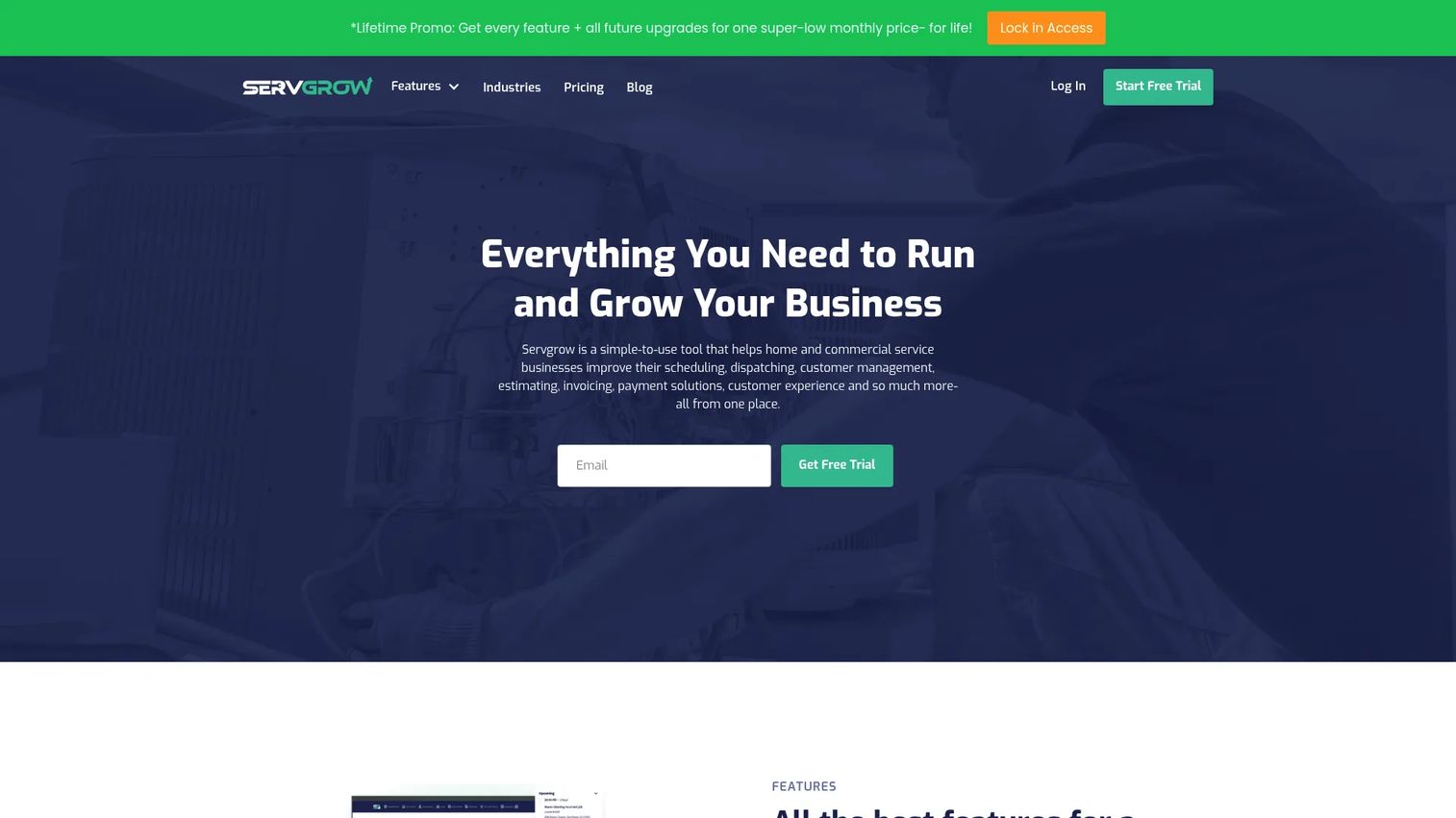
Servgrow is an all-in-one field service management platform for home service businesses, with pressure washing support built into its workflows. It brings customer management, scheduling and dispatching, invoicing, payments, and follow-ups together, arranged by job phase so your team always knows what comes next. For operators who want breadth without piecing together tools, it is a strong pick.
Its appeal is the combination of a full CRM with a capable mobile app and self-service options. Customers can book and pay through a customer portal, crews work from their phones, and automated follow-ups keep the pipeline warm after each job.
Best for: Home service companies that want an all-in-one CRM, scheduling, invoicing, and payment platform with strong mobile support.
Key strengths
- Full CRM: customer management with history and segmentation for targeted follow-up.
- Scheduling and dispatch: assign crews, manage the calendar, and keep the field in sync.
- Payments and follow-ups: invoicing, online payments, and automated reminders in one flow.
Why choose Servgrow: Servgrow suits teams that want a broad field service platform they can grow into rather than a narrow washing tool. The combination of CRM depth, mobile access, and self-service booking makes it a fit for operators scaling past solo work. If you value a wide feature set across the whole job lifecycle, it earns a look.
Servgrow pricing: Servgrow offers a 14-day free trial with no credit card required and no permanent free tier. Its public pricing page shows a PRO plan around $19/month, a PLUS plan around $32/month, and a GROW plan around $139/month, with alternate monthly figures shown in different sections of the page. Check the current Servgrow pricing page before you commit, since tiers shift.
2. PowerWashOffice
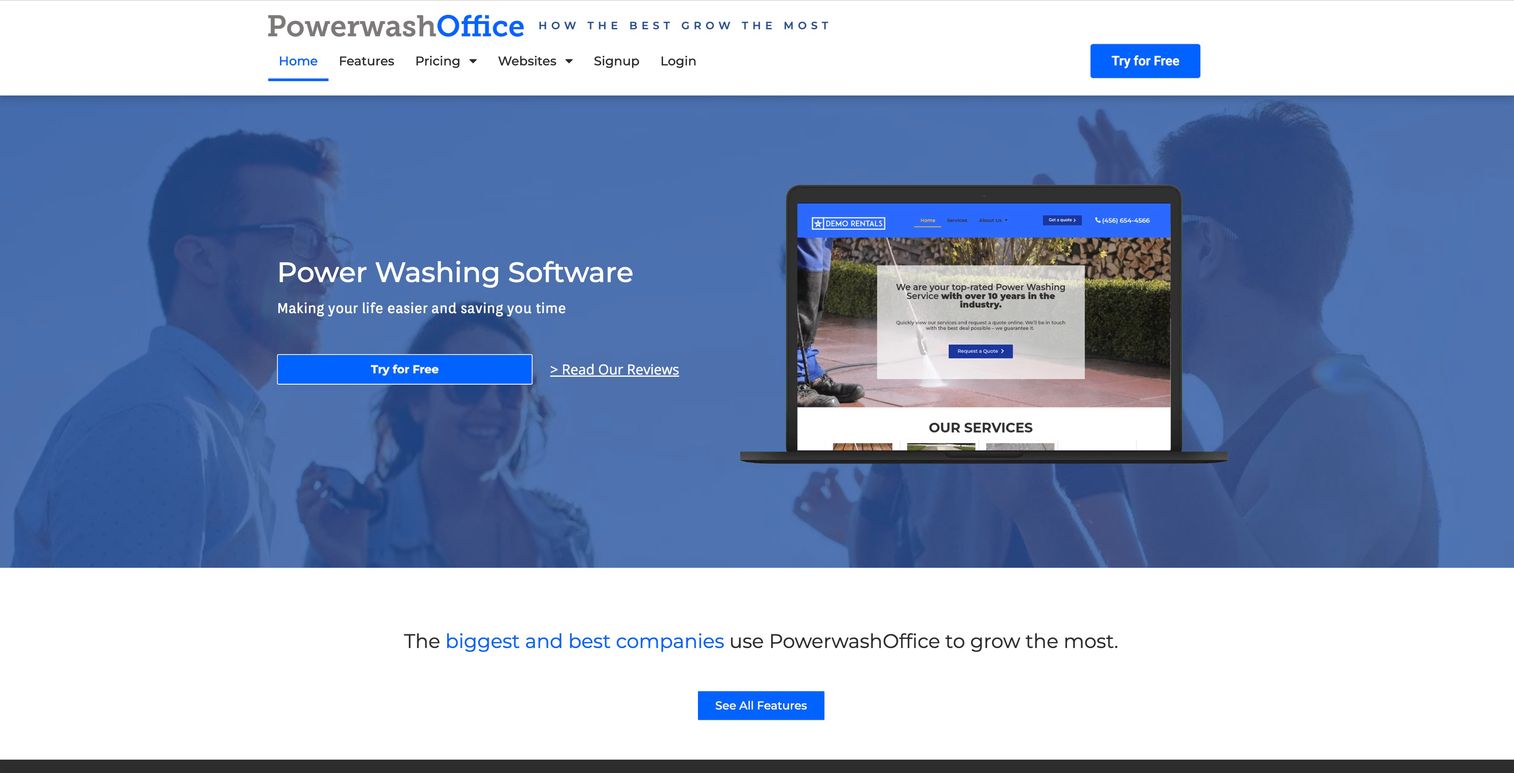
PowerWashOffice is pressure washing business management software that pulls booking, payments, CRM, inventory, and website tools under one umbrella. It is built specifically for washing companies, with a focus on getting web, phone, and operations working together. If you want your website, booking flow, and back office in the same system, this is the one designed around that idea.
The strength here is operational simplicity for service businesses. Online quotes, booking, and payments run through the platform, while automated emails, reviews, and surveys handle the follow-up. Native integrations connect QuickBooks, Google, PayPal, Square, and more, so your accounting and payments stay in sync.
Best for: Pressure washing companies that want booking, payments, CRM, and website integration in one connected system.
Key strengths
- Web and booking: online quotes, booking, and payments tied directly to your website.
- Automation: automated emails, review requests, and customer surveys after each job.
- Integrations: QuickBooks integration plus Google, PayPal, and Square connections.
Why choose PowerWashOffice: PowerWashOffice fits owners who see their website and phone as part of the operation, not separate line items. The review automation and survey tools help build reputation without manual chasing, and the integration list keeps your existing accounting and payment tools connected. It is a management software choice for teams that want the front end and back office joined up.
PowerWashOffice pricing: PowerWashOffice starts with a free Owner Operator plan and a Teams plan at $30 per month. Add-ons are priced separately, including WordPress and API access at $65/mo, CRM at $65/mo, Multi-Location at $50/mo, and a built-in phone system at $65/mo. Payment processing rates vary. Full pricing is public on the PowerWashOffice site.
3. Jobber
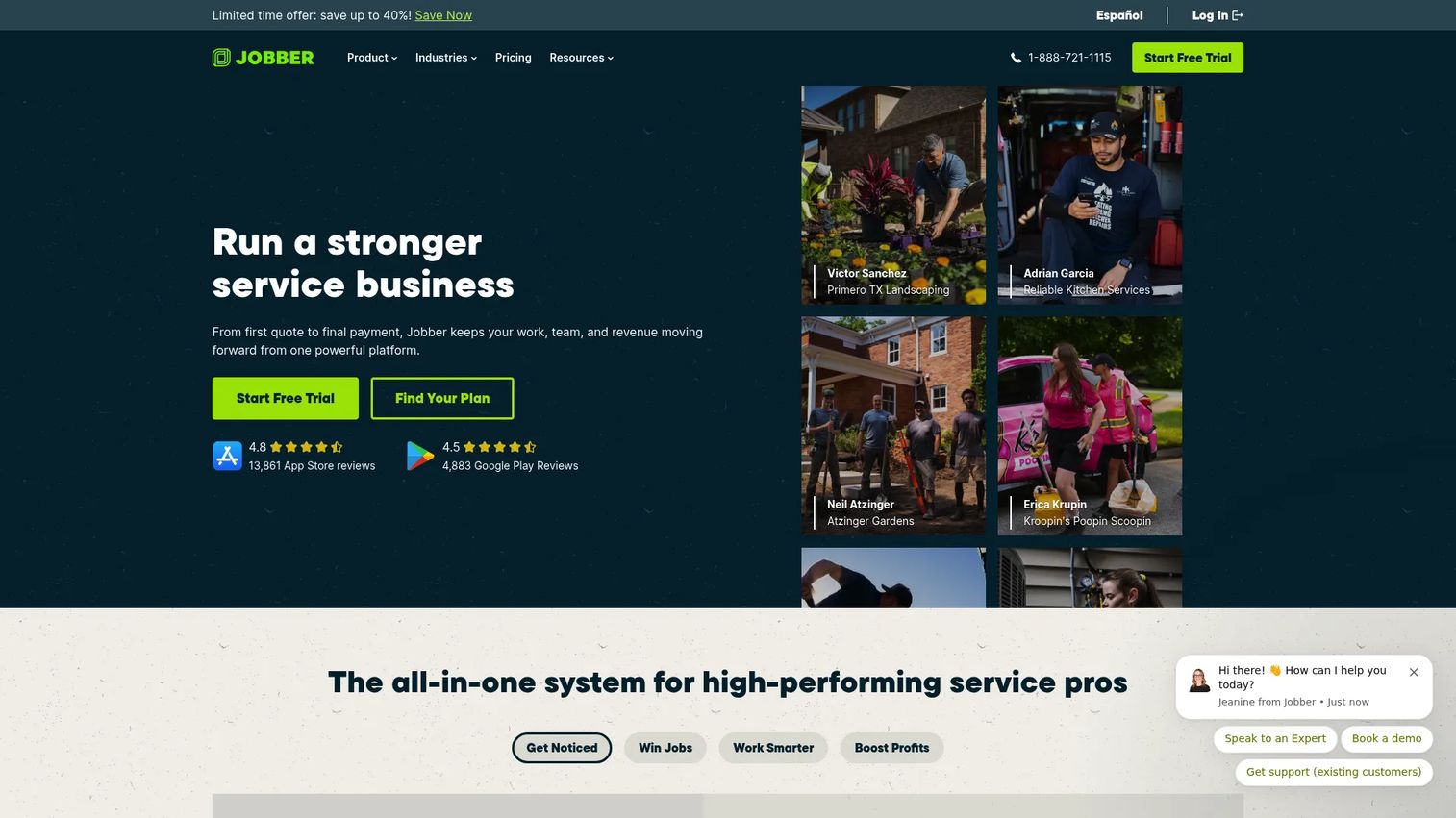
Jobber is a mature home service platform that pressure washing businesses adapt easily. It handles quoting, scheduling, invoicing, payments, and customer communication with a level of polish that shows its maturity in the field service space. For operators who want a proven, general-purpose platform rather than a washing-only tool, Jobber is a safe and capable choice.
Its standout is the customer experience. The Client Hub gives homeowners a self-service portal to approve quotes, view appointments, and pay invoices. Online booking, job scheduling, reminders, and workflow automation round out a system that feels reliable from first quote to final payment.
Best for: Home service teams needing an all-in-one field service management platform with a strong customer-facing experience.
Key strengths
- Client Hub: a customer portal for quote approval, scheduling, and online payment.
- Quotes and invoices: clean, professional quoting and invoicing with online payments.
- Automation: reminders, follow-ups, and workflow automation across the job lifecycle.
Why choose Jobber: Jobber earns its place through maturity and a polished customer experience. If you want a platform that has been refined across thousands of service businesses and gives your customers a clean self-service portal, it delivers. The trade-off is that it is a generalist, so washing-specific features like map measurement come from workarounds rather than native tools.
Jobber pricing: Jobber offers Core, Connect, Grow, and Plus plans with a free trial and no credit card required. Core starts at $21/mo, Connect at $70/mo, Grow at $105/mo, and Plus at $280/mo on annual billing. Monthly billing is also available. See the Jobber pricing page for current figures.
4. Housecall Pro
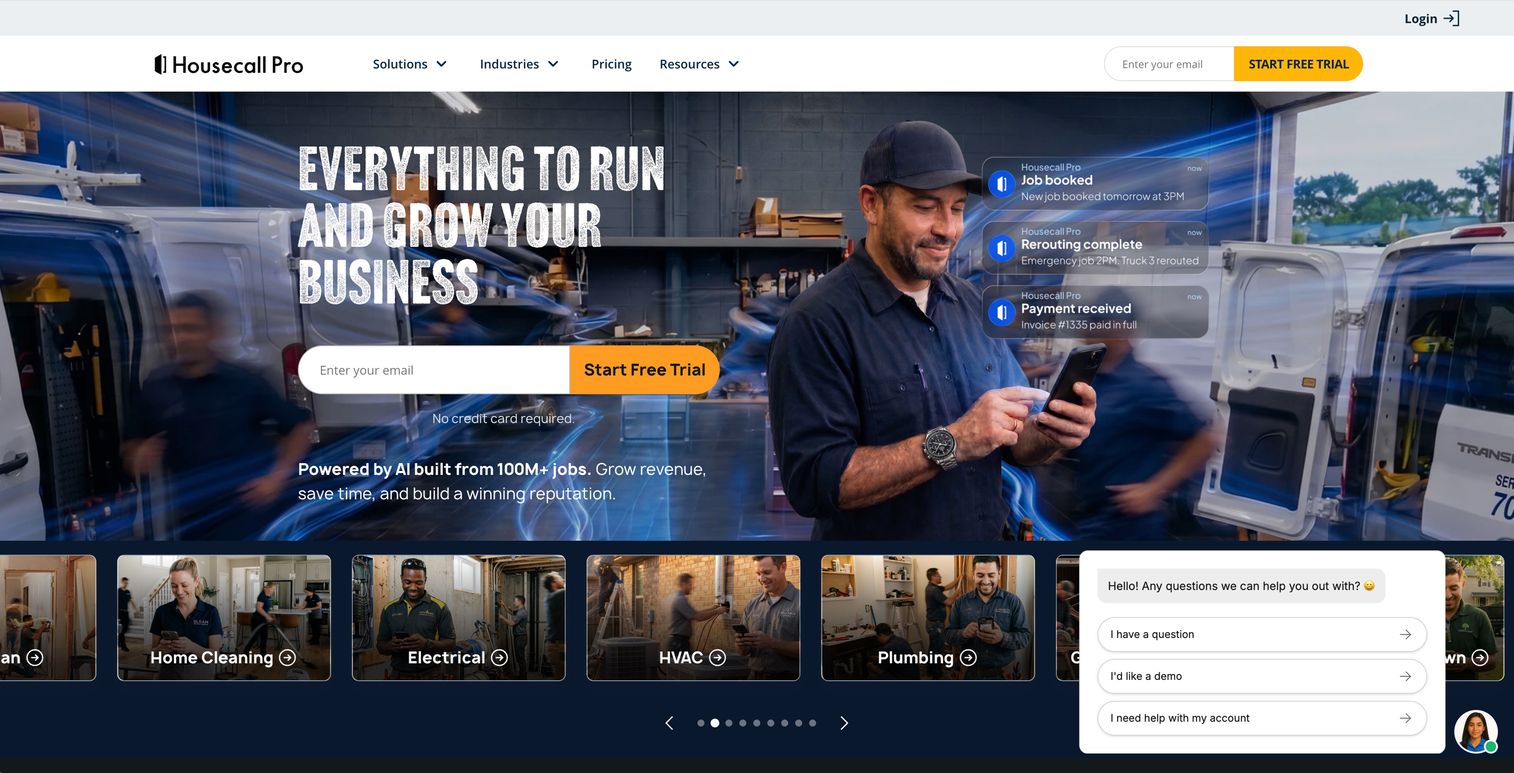
Housecall Pro is field service management software for home service businesses, covering online booking, scheduling and dispatching, invoicing, and payments. Its breadth across home service trades makes it a strong fit for pressure washing businesses that also handle window cleaning, gutter work, or other services under one roof.
The platform is built for field operations. Scheduling and dispatch keep crews organized, quoting and invoicing move deals forward, and reminders plus customer communication tools keep homeowners in the loop. For a multi-service operation, having every trade run through one system reduces the app sprawl that slows growing businesses down.
Best for: Home service teams needing scheduling, invoicing, dispatch, and customer communication in one system across multiple trades.
Key strengths
- Online booking: customers schedule directly, reducing back-and-forth calls.
- Scheduling and dispatch: organize crews and jobs across services from one calendar.
- Invoicing and payments: send invoices and collect card payments with built-in tools.
Why choose Housecall Pro: Housecall Pro fits growing pressure washing businesses that have expanded beyond washing alone. If you run several home service lines, its breadth means one system for everything instead of a separate tool per trade. The field ops depth and customer communication features suit teams focused on scale and repeat business.
Housecall Pro pricing: Housecall Pro offers a 14-day free trial with no permanent free tier. Basic starts at $59/mo billed annually, Essentials at $149/mo billed annually, and Max at $299/mo billed annually. Pricing is public on the Housecall Pro site.
5. ServiceTitan
ServiceTitan is cloud-based business management software for residential and commercial contractors, built for scale and process depth. It handles dispatching, scheduling, call booking, invoicing, pricebook management, and mobile estimates with the kind of reporting larger operations need. For a pressure washing business running multiple crews with real complexity, it brings enterprise-grade structure.
This is a platform for teams that have outgrown lightweight tools. The dispatching and scheduling engine, the centralized pricebook, and the depth of reporting are aimed at operations managing serious volume and process. Solo operators will find it heavier than they need; larger teams will find the structure they have been missing.
Best for: Trade contractors and larger pressure washing operations needing an all-in-one field service platform with deep reporting.
Key strengths
- Dispatching and scheduling: robust crew coordination built for high job volume.
- Pricebook and estimates: centralized pricing with mobile estimates in the field.
- Reporting: detailed operational and financial reporting for data-driven decisions.
Why choose ServiceTitan: ServiceTitan is the pick when your operation has grown past the point where simpler tools keep up. If you run multiple crews, need call booking at scale, and want reporting that stands up to real analysis, it delivers enterprise-grade capability. It is explicitly a fit for larger teams rather than solo operators just starting out.
ServiceTitan pricing: ServiceTitan lists three packages, Starter, Essentials, and The Works, priced per technician. It does not publish numeric pricing and instead directs prospects to request pricing or a demo. Contact ServiceTitan directly for a quote tailored to your team size.
6. Workiz
Workiz is field service management software for scheduling, dispatching, invoicing, payments, and communications, with especially strong call handling built in. For pressure washing teams that live on the phone and need tight operational coordination, its built-in phone, text, and call tracking set it apart.
The platform is a practical all-in-one for service businesses with broader needs. Every plan includes scheduling, automations, invoices and estimates, online payments, a local number, and client management. The built-in phone system and call tracking mean inbound leads are captured and attributed, which matters when phone calls drive most of your bookings.
Best for: Field service businesses that want an all-in-one operations platform with strong built-in call handling.
Key strengths
- Built-in phone: phone, text, and call tracking capture and attribute every inbound lead.
- Scheduling and dispatch: coordinate crews and jobs from one operations hub.
- Invoicing and payments: estimates, invoices, and online payments in every plan.
Why choose Workiz: Workiz fits teams that need strong operational coordination and treat inbound calls as a core channel. The call tracking and communication tools give you visibility into where leads come from, and the all-in-one scope covers the rest of the job lifecycle. It is a practical option for service businesses with needs beyond quoting alone.
Workiz pricing: Workiz offers a free Lite plan for up to two members. Paid plans include Kickstart at $225/mo, Standard at $275/mo, and Pro at $325/mo, with an Ultimate tier that requires contacting sales. All plans include core scheduling, invoicing, and payment features. See the Workiz pricing page for current details.
Considerations before you buy
Before you commit to any pressure washing software, run through these criteria against your actual business. The right tool depends on how you work, not on the longest feature list.
Pressure washing fit versus general breadth
Decide whether you want a washing-native tool or a broad platform. PowerWashOffice is built for washing workflows like photo documentation and map measurement. Jobber, Housecall Pro, ServiceTitan, and Workiz are broader field service systems that adapt well but rely on general features. If you also run other home services, breadth may win.
Mobile and field usability
Your crews live on their phones. Test the mobile app before buying. Can a crew member see the day's jobs, add notes, capture before and after photos, and mark a job complete without calling the office? A pressure washing app that stalls in the field costs you more than it saves. Run a real job through the trial.
Automation depth
Manual follow-up is where repeat revenue dies. Look for automatic invoice reminders, review requests triggered after job completion, and reactivation campaigns for past customers. Review automation alone can lift your local reputation and inbound leads without any extra work from you.
Integrations and pricing transparency
Check whether the tool has a QuickBooks integration if you run accounting there, plus payment processing and any marketing tools you use. Also weigh pricing honestly. Some tools publish clear tiers; others require a sales call. For pressure washing software for small business budgets, a transparent starting price and a real free trial matter.
Conclusion
The right pressure washing software depends on your size and where your revenue leaks today. If you want a broad all-in-one with strong mobile and CRM, look at Servgrow. Teams that want web, phone, and ops joined up should test PowerWashOffice.
For a proven generalist platform with a polished customer experience, Jobber is hard to beat. Multi-service home businesses will get the most from Housecall Pro. Larger operations with real process and reporting needs belong on ServiceTitan, while phone-driven teams that want tight coordination should evaluate Workiz.
Your next step is simple. Pick the two tools closest to your workflow, start a free trial with each, and run a real job through both from quote to payment. The one that removes the most friction in that single cycle is the one worth paying for.
FAQs
Pressure washing software is business software that helps washing contractors quote, schedule, invoice, collect payments, manage customers, and communicate from one system. It replaces scattered spreadsheets and apps with a single operating system for the full job lifecycle, from first quote to review request.
For most growing operators, yes. A pressure washing CRM software system stores customer history, past jobs, and notes so you can follow up, schedule recurring work, and reactivate old customers. Among U.S. pressure washing contractors with three or more employees, 60 to 75% report using CRM or marketing automation tools, per Southeast Softwash's 2026 analysis, versus 15 to 25% of solo operators. Repeat work is where CRM pays off.
The core features are fast quoting, scheduling and dispatch, invoicing, card payments, automated reminders, and a mobile app for crews. A customer portal for self-service booking and payment is increasingly standard. Beyond that, review automation and photo documentation give washing businesses an edge on reputation and proof of work.
Yes. Several tools are built for lightweight, affordable, fast-start use. Servgrow starts around $19/mo, and both PowerWashOffice and Workiz offer free entry plans. For pressure washing software for small business needs, look for a real free trial, transparent pricing, and a mobile-first workflow you can run solo.
Yes. Many platforms include route optimization or route planning that clusters nearby jobs into efficient sequences. Grouping jobs by location cuts drive time and fuel, and it lets a crew fit more jobs into a day. Combined with recurring scheduling for commercial accounts, dense routing directly improves daily revenue per crew.
Many do. A QuickBooks integration syncs invoices, payments, and customer data so you are not double-entering into your accounting system. PowerWashOffice lists QuickBooks among its native integrations, and several broader field service platforms support it too. If you run books in QuickBooks, confirm the integration before you buy, since depth varies by tool.
The best pressure washing app for crews is one that works reliably on a phone mid-job. Look for the ability to view the day's schedule, add job notes, capture before and after photos, update job status, and collect payment on-site. Test the mobile experience during the free trial with a real job, since field usability varies more than marketing pages suggest.
Pricing ranges widely. Entry plans start free with PowerWashOffice and Workiz, and around $19/mo for Servgrow. Broader platforms like Jobber start at $21/mo and Housecall Pro at $59/mo billed annually, while ServiceTitan uses request-only per-technician pricing. Tiers and features change often, so check each vendor's current public pricing page before deciding.