



You finish a sculpt. Millions of polygons, beautiful detail, completely unusable downstream. It won't deform, it won't bake cleanly, and no rigger will touch it. So you retopologize.
The trap is picking a tool that's fast at the mesh stage and weak everywhere the mesh actually goes. Clean quads mean nothing if the UV handoff is painful or the normal bake breaks. Retopo is never a standalone step. It's the hinge between high-poly work and everything that ships.
The digital sculpture software market hit USD 850M in 2025 and is projected to grow at a 12% CAGR through 2033, according to Archive Market Research (2025). More sculpting means more meshes that need clean topology before animation, baking, and export.
If you own a pipeline, the real question isn't "which tool draws quads fastest." It's "which tool survives contact with the rest of my stack." This guide answers that.
What's inside
This guide is for 3D artists, technical artists, and game asset teams comparing retopology software in 2026. If you're evaluating a retopo tool that has to hold up across sculpt cleanup, baking, and export, this is built for you.
We picked and ranked tools against four criteria:
- Manual retopo quality: How precise and fast is hand-drawn edge flow
- Auto retopo quality: How usable is the automatic output without heavy cleanup
- Bake and export support: Normals, maps, UVs, and format compatibility
- Ecosystem fit: How well it plugs into your existing DCC and pipeline
TL;DR
- Best overall for dedicated retopo: TopoGun, built purely for topology and maps baking
- Best integrated sculpt-to-bake environment: 3DCoat, one app for sculpting, retopo, UVs, and PBR
- Best Blender add-on for hands-on topology: PolyQuilt, fast manual retopo inside Blender
- Best flexible low-cost core DCC: Blender, free and open source with a deep add-on ecosystem
- Best manual quad-based Blender workflow: RetopoFlow, sketch-based retopo in Edit Mode
- Best hard-surface CAD-to-game path: MOI3D, accurate NURBS-to-poly conversion
- Best procedural pipeline-heavy workflow: Houdini, node-based retopo and cleanup automation
What is retopology software
Retopology software rebuilds dense geometry into cleaner, lighter topology with usable edge flow. You run it after sculpting, 3D scanning, or CAD conversion, when the source mesh is too heavy to animate, bake, or ship.
The high-poly to low-poly move is the whole point. A sculpt captures detail. A retopologized mesh captures that detail in a form that deforms well and bakes down to a normal map. Manual retopology gives you precise control over where edges land. Auto retopology gives you a fast starting mesh you refine later.
For a product manager, the mental model is familiar. Think of the high-poly sculpt as raw signal and the retopo mesh as the shipped artifact. The tool that produces clean, maintainable output without constant rework is the one that lowers your real cost.
Core capabilities to expect from retopo software:
- Manual polygon placement: Draw quads and control edge flow by hand
- Auto retopology: Generate a lower-poly mesh automatically from the source
- Reference mesh snapping: New geometry sticks to the high-poly surface
- Baking and map generation: Normals, displacement, AO, and curvature maps
- UV and export handoff: Clean unwraps and formats your engine reads
- Symmetry and subdivision support: Mirror work and control density
Retopo software sits between two markets that keep expanding. The reality capture software market reached USD 4.8B in 2025 and is projected to hit USD 14.5B by 2034, per Growth Market Reports (2025). More scanned and captured geometry flows into pipelines every year, and almost none of it ships without a retopology pass. Edge flow, game ready meshes, and reliable UV workflow are what separate a usable asset from a slow one.
When to use retopology software
Clean up a sculpt before animation
A sculpted mesh carries far more geometry than any rig needs. Dense triangulated surfaces deform badly and tank viewport performance. Retopologize the sculpt into a lighter quad mesh with edge loops that follow muscle and joint lines, so the model animates without pinching or collapse.
Convert CAD or hard-surface models for games
Hard surface retopo is its own problem. CAD and NURBS surfaces convert into meshes with ugly, uneven triangulation that games can't use well. You need topology cleanup, normals preparation, and a UV pass before the asset is engine ready. The right tool turns a precise CAD part into a game-usable low-poly mesh.
Prepare a model for baking and texturing
Baking normals from high poly to low poly only works when the low-poly mesh is clean. Bad topology produces skewed bakes and stretched UVs. Retopo is often the step that makes normal map baking and a predictable UV workflow reliable, so texturing starts from a solid mesh instead of a fragile one.
Comparison table
Here's the side-by-side. Pricing reflects each vendor's live listing as of August 2026, and G2 ratings match current listings where a verified rating exists. Some retopo tools are niche enough that no G2 profile is live, which is noted directly.
| # | Product | Best for | Key differentiator | Pricing | G2 rating |
|---|---|---|---|---|---|
| 1 | TopoGun | Dedicated retopo plus baking | Standalone topology app with one-pass maps baking | Perpetual license (see pricing) | Not listed |
| 2 | 3DCoat | Integrated sculpt-to-bake | One app for sculpting, retopo, UVs, and PBR | From €279 one-time | 4.3/5 |
| 3 | PolyQuilt | Manual retopo inside Blender | Fast low-poly modeling add-on for Blender | Free | Not listed |
| 4 | Blender | Flexible low-cost core DCC | Full 3D suite, free and open source | Free | 4.6/5 |
| 5 | RetopoFlow | Sketch-based Blender retopo | Retopo tools inside Blender Edit Mode | Paid add-on (via Superhive) | Not listed |
| 6 | MOI3D | Hard-surface CAD to game | CAD-accurate NURBS-to-poly conversion | $295 one-time | 5.0/5 |
| 7 | Houdini | Procedural pipeline workflows | Node-based retopo and cleanup automation | Free to $4,495/yr | 4.5/5 |
Best 7 tools for retopology
1. TopoGun
TopoGun is a standalone retopology and maps baking app for Windows and macOS. It does one job and does it deeply: Rebuild clean topology over high-res meshes, then bake the detail down. If you want a focused retopo tool that isn't buried inside a larger suite, this is the purist's pick.
Best for: 3D artists and studios that need dedicated retopology plus texture-map baking in one place.
Key features
- Dedicated tools for editing and creating topology
- Manual retopology over high-res meshes
- Automatic retopology and remeshing
- One-pass baking: Normals, displacement, AO, color, curvature, transmission, cavity
Why choose TopoGun: Pick it when retopo and baking are the core of your day and you'd rather run a lean, purpose-built app than a general 3D suite. It fits artists who value a tight, repeatable workflow over feature breadth.
TopoGun pricing: TopoGun sells perpetual Standalone and Floating (per-seat) licenses on its site, with VAT excluded and student pricing available by contacting the team. Check the live pricing section for current figures before you buy, since the displayed amounts are the source of truth.
I could not confirm a current G2 rating for TopoGun from an accessible listing on this run, so treat it as unlisted rather than low-rated.
2. 3DCoat
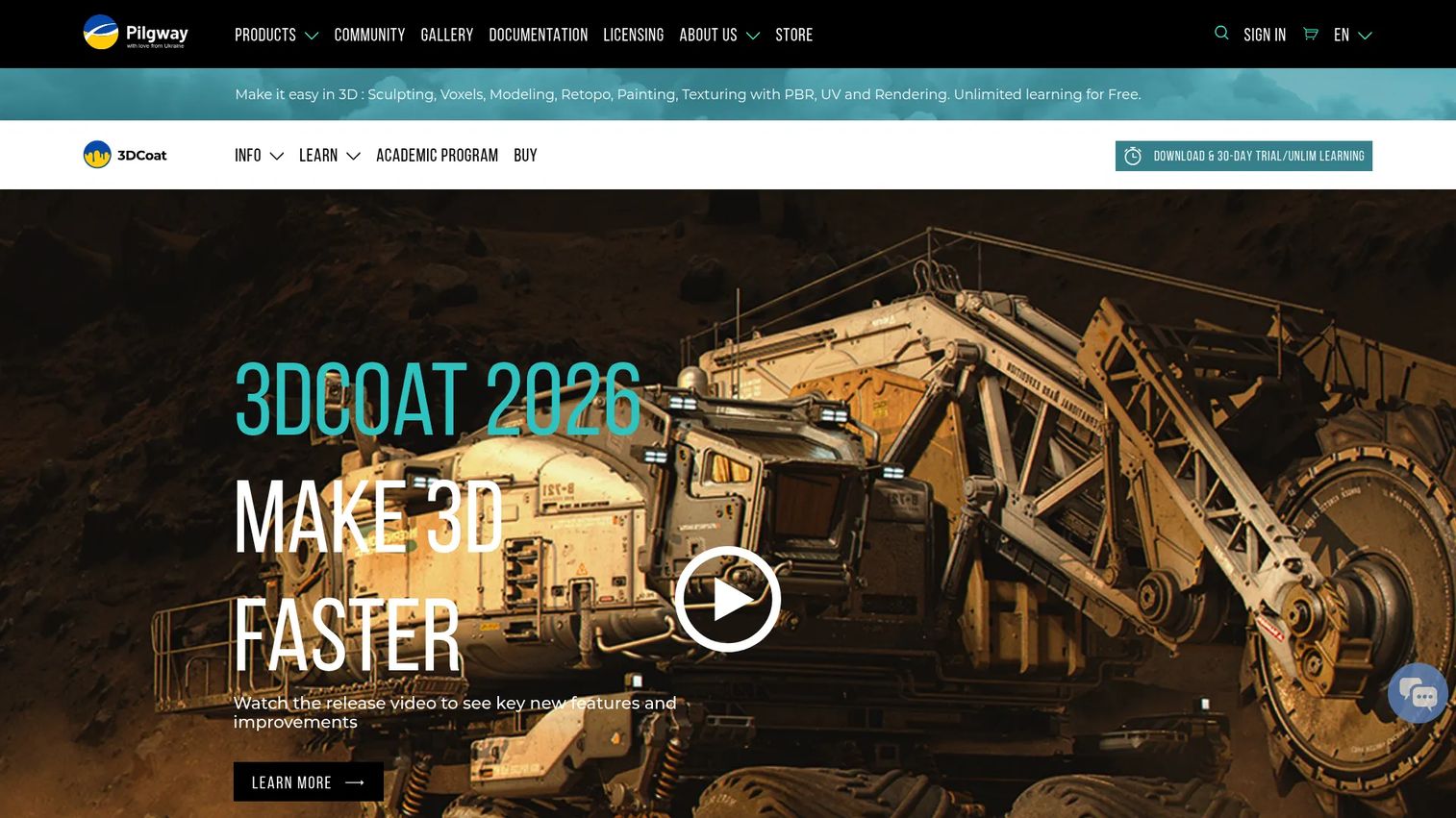
3DCoat is a full 3D app spanning voxel sculpting, retopology, UV mapping, PBR texturing, and rendering. The appeal for a pipeline owner is consolidation: Sculpt, retopologize, unwrap, and bake in one environment instead of bouncing between apps and losing data on every hop.
Best for: 3D artists who want an all-in-one sculpting-to-texturing workflow under one roof.
Key features
- Voxel sculpting for high-poly source meshes
- Manual and auto retopology tools
- Reference mesh snapping in the retopo room
- UV mapping and PBR texturing
- Rendering built in
Why choose 3DCoat: Choose it when moving between separate sculpt, retopo, and bake tools costs you time and introduces errors. One app means fewer handoffs and less onboarding overhead for new team members learning the workflow.
3DCoat pricing: The personal license for 3DCoat 2026 (node-locked) is a one-time purchase listed at €379, with a discounted rate of €279, and it includes 12 months of free updates. There's a free 30-day trial with unlimited learning use, plus a free 3DCoatPrint version.
On G2, 3DCoat holds a 4.3/5 rating across 21 reviews, so the score reflects a modest but real review base.
3. PolyQuilt
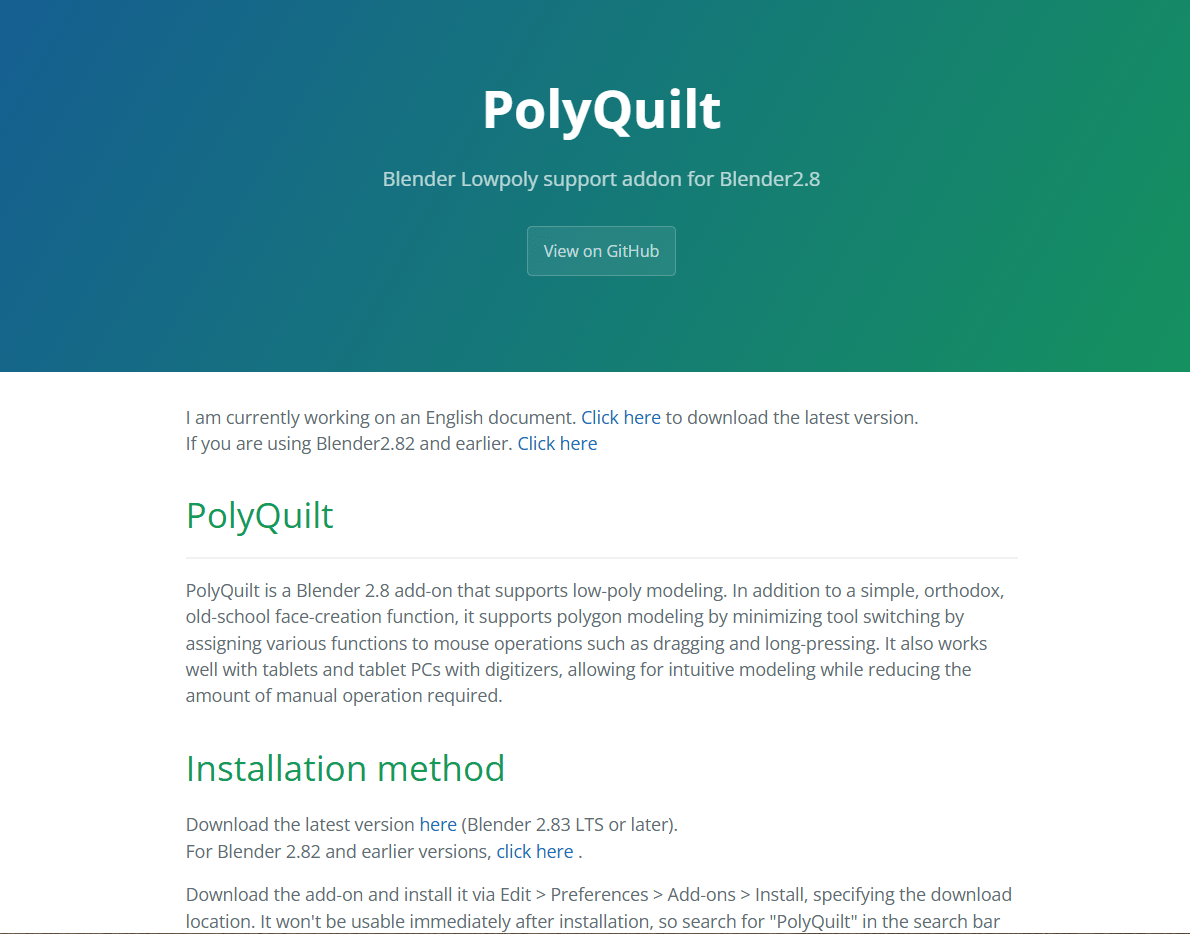
PolyQuilt is a Blender add-on for low-poly modeling and retopology. It streamlines the click-heavy parts of manual retopo, letting you build faces and place vertices with fewer steps, all without leaving Blender. For Blender-native teams, that matters more than any standalone feature list.
Best for: Blender users who want fast manual retopology inside their existing modeling workflow.
Key features
- Vertex creation with quick placement
- Face building for manual retopo
- Loop cut tools
- Knife tools for topology edits
Why choose PolyQuilt: Reach for it when you already live in Blender and want to speed up hands-on topology work without adding a separate app. It's a low-commitment way to make manual retopo less tedious.
PolyQuilt pricing: PolyQuilt is available free from its project page, so there's no license cost to start using it. Since it isn't a commercial SaaS product, expect community support rather than a vendor support desk.
PolyQuilt has no verifiable G2 listing, which is typical for open Blender add-ons rather than a mark against it.
4. Blender
Blender is a free, open-source 3D creation suite covering modeling, sculpting, UVs, animation, and rendering. On its own it handles retopo-adjacent modeling, and its add-on ecosystem (including PolyQuilt and RetopoFlow) turns it into a full retopology platform without a licensing bill.
Best for: Individuals and studios that want a full-featured 3D creation tool without licensing cost.
Key features
- Modeling, sculpting, and UV tools
- Animation, rigging, and motion tracking
- Rendering, compositing, and video editing
- Add-on ecosystem for specialized retopo
Why choose Blender: Choose it as your core DCC when budget and flexibility outrank vendor support guarantees. It scales from solo artists to studios, and the add-on layer lets you assemble the exact retopo workflow you need.
Blender pricing: Blender is free and open source, so it costs nothing to download and use commercially. Paid retopo add-ons run on top of it if you want more than the native tools.
Blender carries a 4.6/5 rating on G2, backed by a large review population across many use cases.
5. RetopoFlow
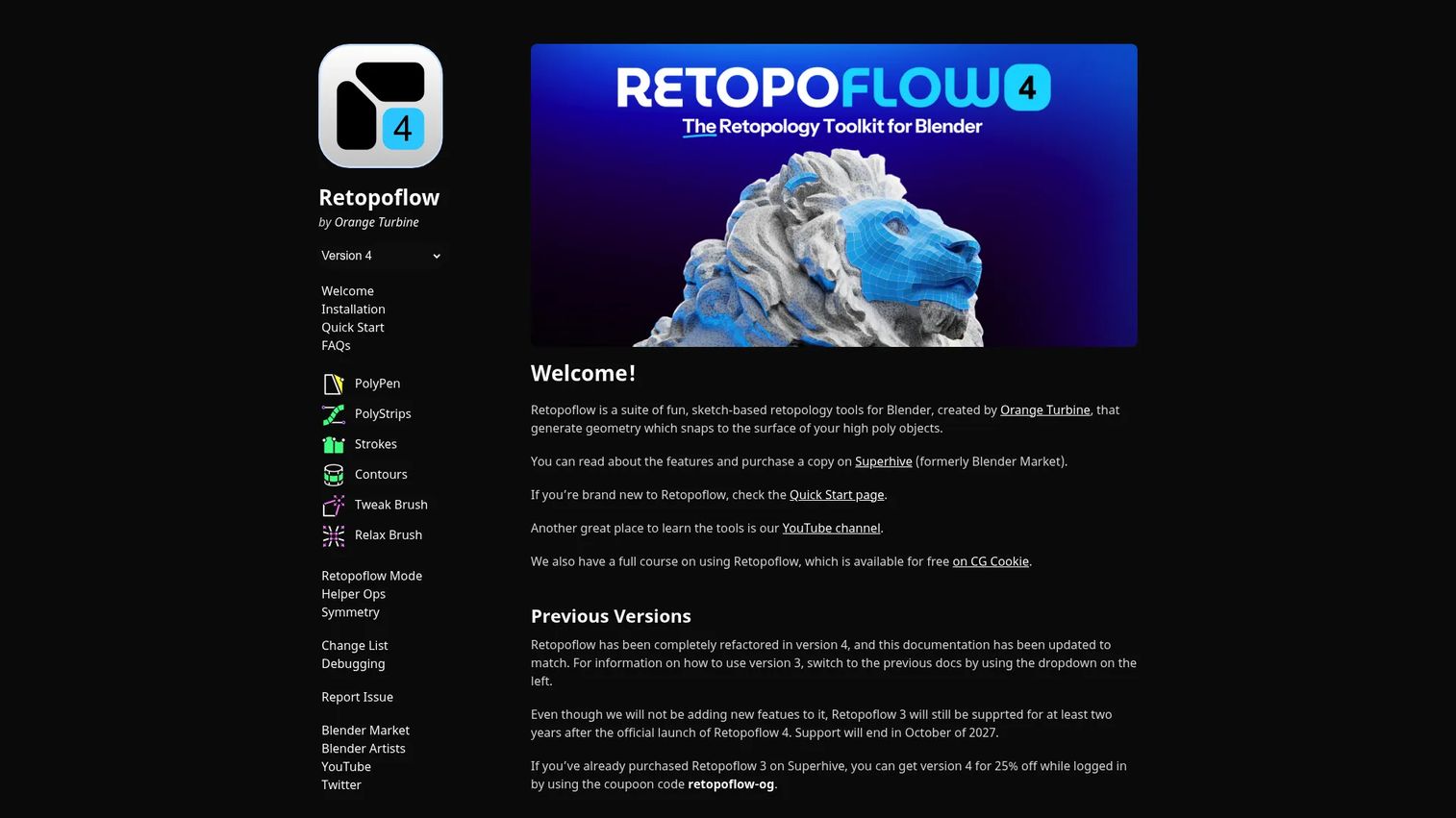
RetopoFlow from Orange Turbine is a suite of sketch-based retopology tools that live inside Blender's Edit Mode. You draw geometry that snaps to the source mesh, using contours, strokes, and loops instead of placing every vertex by hand. It's built for manual retopo on high-poly meshes.
Best for: Blender users doing manual retopology on dense sculpts who want speed without losing control.
Key features
- Retopo tools inside Blender Edit Mode
- Sketch-based geometry that snaps to source meshes
- Contours, strokes, and loops for fast edge flow
- Tweak and relax tools for cleanup
Why choose RetopoFlow: Pick it when hand retopo is your priority and PolyQuilt's lighter toolset isn't enough for complex sculpt cleanup. The sketch-based approach speeds up clean edge flow while keeping manual control.
RetopoFlow pricing: RetopoFlow is a paid Blender add-on sold through Superhive (Blender Market) rather than a subscription. Check its current Superhive listing for the live price, since that marketplace is where the purchase happens.
RetopoFlow has no confirmed G2 rating, so lean on Blender Market reviews when you evaluate it.
6. MOI3D
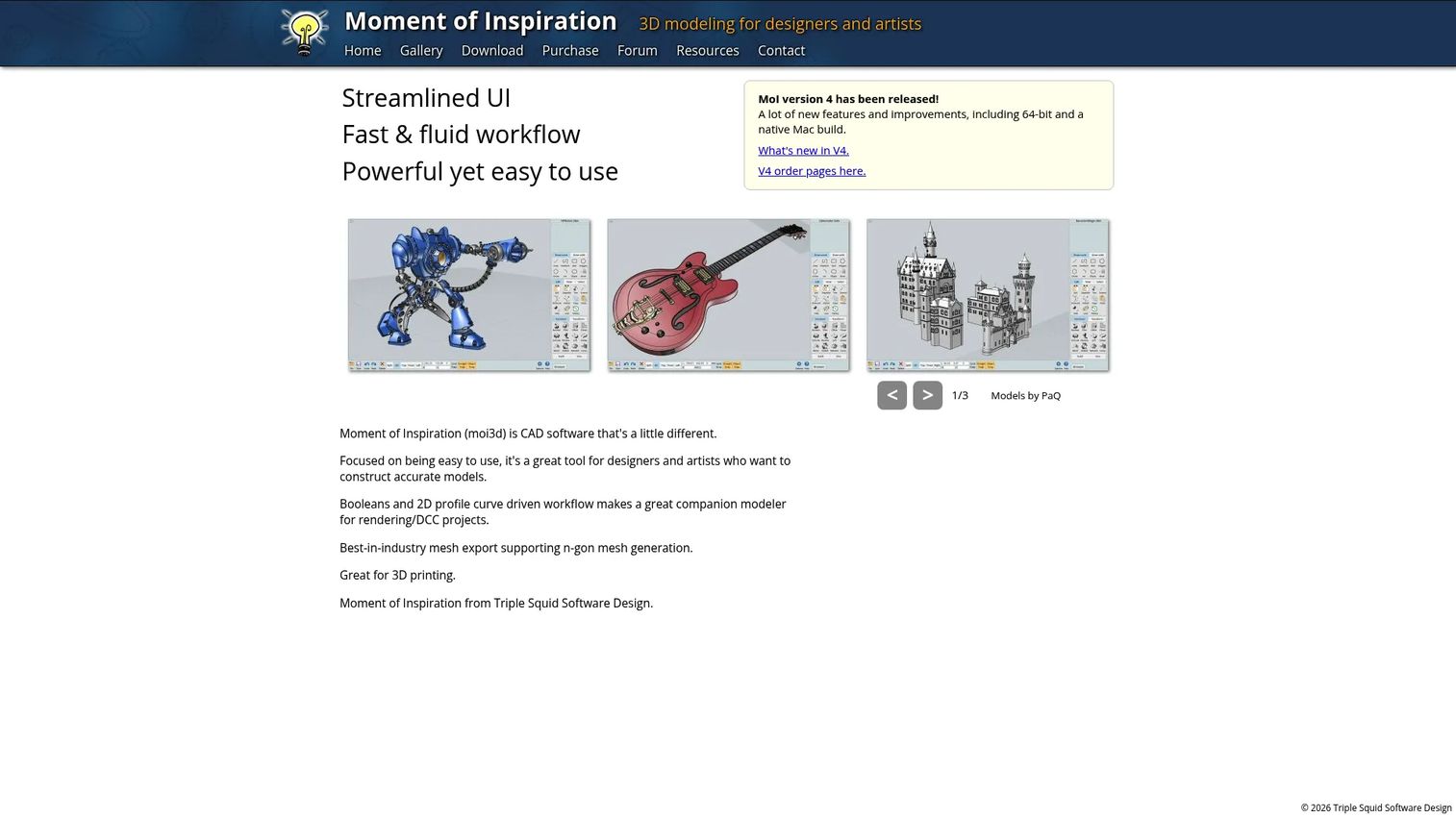
MOI3D (Moment of Inspiration) is CAD-focused 3D modeling software built for accurate, hard-surface work. Its strength for retopo pipelines is conversion: It turns NURBS and CAD surfaces into clean meshes with predictable output, which is exactly where hard surface retopo usually breaks.
Best for: Designers and artists converting CAD or NURBS surfaces into game-usable hard-surface assets.
Key features
- CAD-accurate 3D modeling
- Boolean and curve-driven workflow
- Mesh export with controllable density
- Formats: 3DM, IGES, STEP, SAT, OBJ, STL, FBX
Why choose MOI3D: Choose it when your source is industrial or product CAD and you need clean poly output for games or rendering. It fills the gap organic retopo tools leave open on precise hard-surface geometry.
MOI3D pricing: The full version of Moment of Inspiration v4 is a one-time purchase at $295 USD, and an upgrade from a v3 license costs $100 USD. There's no free tier, though a trial is available from the site.
MOI3D shows a 5.0/5 rating on G2, but only from a single review, so read that score as very early signal rather than broad consensus.
7. Houdini
Houdini from SideFX is a procedural, node-based 3D suite known for VFX and simulation. For retopo, its value is automation: You can build node graphs that remesh, clean up, and UV assets repeatably, which pays off when you process many models through the same pipeline.
Best for: Studios and technical artists building repeatable, procedural asset systems.
Key features
- Procedural node-based workflow
- VFX simulation for pyro, fluids, destruction, crowds, cloth
- Modeling, animation, lighting, and rendering
- Houdini Engine plugin support for other DCCs
Why choose Houdini: Reach for it when you're standardizing asset processing at scale and want retopo, cleanup, and UV steps codified as reusable graphs. It rewards technical teams and asks more upfront learning than a point retopo tool.
Houdini pricing: SideFX offers a free Apprentice tier, Education at $95/yr, and an Indie subscription at $299/yr. Commercial Core is $1,995/yr and FX is $4,495/yr, both node-locked on the compare page.
Houdini holds a 4.5/5 rating on G2 from its reviewer base.
Considerations
Before you standardize on any retopo tool, run it through the same buying checklist you'd apply to any part of your stack. The mesh stage is rarely where the cost hides.
Downstream bake and UV fit
A tool that draws clean quads but stumbles on UVs or baking will cost you more than one that's average at both but solid end to end. Test the full high-poly to low-poly path, then bake normals and unwrap before you commit. That's where pipeline breakage shows up.
Ecosystem interoperability
Check which formats the tool exports and whether they land cleanly in your engine and other DCCs. A retopo tool that forces manual re-fixing on every export adds hidden opportunity cost. Match the tool to the stack you already run.
Manual versus auto retopo balance
Decide how much you'll rely on auto retopology versus hand work. Auto output is a fast starting point, rarely a finished game-ready mesh. If your assets need controlled edge flow for deformation, weight manual quality higher.
Maintainability and release cadence
Tools tied to a DCC can break when that DCC updates. Confirm the tool tracks recent releases of your core app, since onboarding decay hits when an add-on lags a major version. For a PM, that's the same rot you fight in product onboarding.
Licensing model and total cost
Perpetual, subscription, add-on, and free all carry different long-term costs. A free core plus a paid add-on can beat a full suite, or the reverse, depending on team size. Price the whole workflow, not the entry line.
Conclusion
The best retopology software depends on what breaks your pipeline today. Want a lean, dedicated retopo and baking app? TopoGun. Want one environment for sculpting through texturing? 3DCoat. Live in Blender already? PolyQuilt for quick manual work, RetopoFlow for heavier sketch-based retopo, both on top of free Blender as your core DCC.
For hard surface and CAD-derived assets, MOI3D handles the NURBS-to-poly conversion organic tools fumble. For studios standardizing asset processing at scale, Houdini turns retopo, cleanup, and UVs into repeatable node graphs.
Start with the tool that matches the DCC stack you already run, then validate the downstream UV and bake behavior before you standardize. The mesh looking clean in the viewport tells you almost nothing about how it ships. Test the full path first.
If your work also involves showing product experiences rather than modeling them, Start your journey with Guideflow today!
FAQs
Remeshing regenerates a surface into a uniform mesh automatically, usually to keep sculpting or reduce density fast. Retopology rebuilds topology with intentional edge flow for animation, baking, and UVs. Remeshing prioritizes speed and even distribution; retopology prioritizes control and downstream usability.
For some cases, yes, especially static props or a fast base mesh you refine later. For characters and anything that deforms, auto output usually needs manual cleanup so edge loops follow joints and muscles. Treat auto retopology as a starting point, not a finished game-ready mesh.
For manual work inside Blender, PolyQuilt speeds up quick low-poly modeling and RetopoFlow handles sketch-based retopo on dense meshes. Both run on top of Blender itself, which is free. Your choice depends on how much complex hand retopo you do versus lighter cleanup.
Often yes, because CAD and NURBS surfaces convert into meshes with uneven triangulation that games handle poorly. A tool like MOI3D produces cleaner poly output from CAD, reducing the manual hard surface retopo you'd otherwise do. Whether you still need cleanup depends on your engine's tolerance for the raw export.
Yes, and that's the standard order. You sculpt to capture detail, then retopologize the finished high-poly source into a clean low-poly mesh with reference mesh snapping. The sculpt's detail transfers to the new mesh through normal map baking, so nothing is lost.
Confirm clean quad topology, non-overlapping UVs, and enough polygon density to hold silhouette without wasting geometry. Check that the low-poly mesh sits close to the high-poly surface so the cage captures detail without skewing. Bad UVs or gaps are the usual cause of broken normal bakes.










