
You manage cameras across five sites. Footage lives on three different recorders, two of which nobody can reach remotely. When an incident happens at the warehouse, someone drives over, plugs in a monitor, and scrubs through hours of recording. By the time they find the clip, the moment to act has passed.
That friction is exactly what cloud video surveillance software removes. Instead of footage trapped on a local box, video moves to the cloud where any authorized user can pull it up from a browser or phone. A cloud video surveillance system centralizes storage, remote access, AI analytics, and administration into one place, so a security manager overseeing one building or fifty branches works from a single pane of glass.
The market reflects that shift. The global video surveillance as a service (VSaaS) market is projected to grow from $9.59B in 2026 to $32.34B by 2034, a 16.41% CAGR, according to Straits Research (2025). Buyers are moving toward cloud-based video surveillance because it cuts on-site maintenance, scales without new hardware racks, and turns footage into searchable, taggable data.
This guide compares the best cloud video surveillance software for 2026. We weigh deployment model, cloud storage and retention, remote access, AI analytics, security, integrations, and migration path from legacy CCTV. If you also evaluate adjacent stacks, our roundups of AI security posture management tools, AI governance tools, and audit management software cover the compliance side that often rides alongside a surveillance purchase.
What cloud video surveillance software is
Cloud video surveillance software is a platform that captures video from cameras, stores it in the cloud, and lets authorized users view, search, and manage that footage from any browser or mobile device.
It differs from traditional CCTV in where the intelligence lives. A classic setup records to a local DVR or NVR that sits in a closet. A cloud security camera system pushes footage offsite, runs analytics in the cloud, and exposes everything through a web and mobile interface.
The core pieces of a modern stack:
- Cameras or connectors capture video. Cloud-native cameras stream directly. For existing analog or IP cameras, a cloud adapter or bridge handles the camera-to-cloud upload.
- Cloud storage holds recordings with configurable retention windows, so you keep 30, 60, or 90 days of footage without buying disks.
- The video management system (VMS) is the software layer where you view live feeds, replay recordings, configure alerts, and manage users.
- AI analytics run detection, search, and tagging so teams find relevant footage in seconds instead of hours.
- Remote access delivers all of it through web and mobile viewing, gated by user permissions and authentication.
In one sentence: cloud video surveillance software moves recording, storage, analytics, and access off the local recorder and into a managed cloud platform you reach from anywhere.
What's inside
This roundup is built from the current cloud surveillance landscape and organized around how buyers actually shop. Each platform was chosen for category fit, deployment-model relevance (cloud, hybrid deployment, and camera-to-cloud), AI or analytics depth, remote viewing quality, security posture, integration breadth, and scalability across sites.
We focused on platforms that serve real business and enterprise buyers, not consumer doorbell cameras. The list spans full-stack physical security suites, hybrid VMS options for teams migrating off legacy NVR and DVR systems, and compatibility-first platforms that work with cameras you already own. If you run one site or fifty, at least one option here fits your operational reality.
TL;DR
- Best overall full-stack platform: Avigilon, for teams that want video, access control, and AI analytics in one cloud-native or on-prem environment.
- Best for cloud-managed simplicity: Verkada, for organizations that want centralized administration, AI search, and an integrated security platform.
- Best for hybrid deployment and legacy CCTV migration: Videoloft, for teams backing up and extending existing cameras to the cloud through adapters.
- Best for deployment flexibility: Milestone XProtect with Arcules, for buyers who want open-platform VMS plus cloud VSaaS across on-prem, hybrid, and cloud-managed models.
- Best for compatibility-heavy environments: Eagle Eye Networks, for multi-site monitoring across mixed camera ecosystems.
- Best for enterprise access control and unified security: Genetec Security Center SaaS, for organizations running video, access control, and intrusion together.
Background
Cloud video surveillance is the practice of capturing camera footage and recording, storing, analyzing, and accessing it through cloud infrastructure rather than a local recorder. That single shift separates it cleanly from traditional CCTV, local DVR/NVR systems, and generic security camera setups.
The modern cloud stack has a clear architecture. Cameras capture video. Cloud-native cameras upload directly, while existing analog or IP cameras connect through a cloud adapter, bridge, or virtual adapter. Footage lands in cloud storage with retention you configure per camera. The video management system handles live and recorded playback, alerting, and user administration. AI analytics layer on detection, object and person search, license plate reading, and motion events. Web and mobile viewing exposes all of it from anywhere.
Here is how cloud and local models compare at a glance:
| Factor | Cloud video surveillance | Local DVR/NVR |
|---|---|---|
| Storage | Offsite, scales on demand | On-site disks, fixed capacity |
| Remote access | Browser and mobile by default | Often requires VPN or port forwarding |
| Maintenance | Vendor-managed updates | Manual firmware and disk upkeep |
| Scalability | Add cameras and sites in software | Add hardware per location |
| Resilience | Outage buffering at the edge | Footage lost if the box fails |
Security features matter as much as the camera feed. Look for MFA, end-to-end encryption in transit and at rest, role-based permissions, and audit logs. Many platforms also support hybrid deployment and camera-to-cloud models, so you can keep some footage local for bandwidth resilience while syncing the rest to the cloud. For teams formalizing the compliance layer, our guides to analytics platforms that drive ROI and AI governance tools pair well with a surveillance rollout.
When cloud video surveillance software makes sense
Cloud surveillance is not the right call for every single-camera shop. But a few operational triggers push buyers toward it fast.
Manage multiple locations from one place
If you oversee branch offices, retail stores, warehouses, or distributed facilities, cloud surveillance centralizes oversight. Every camera across every site shows up in one interface. You get live access, shared visibility across teams, and simpler administration without driving to a closet to pull footage. Multi-site monitoring is where cloud platforms earn their keep, because adding a location is a software task, not a hardware project.
Replace or reduce dependency on local NVRs and DVRs
Fragmented local recording is hard to manage and harder to access. Cloud platforms support buyers who want to move away from that, often through a hybrid transition. You back up existing NVR or DVR hardware to the cloud first, prove the workflow, then replace boxes on your own timeline. Legacy CCTV migration does not have to be a rip-and-replace event.
Add AI search and faster investigation workflows
When an incident happens, scrubbing hours of footage manually is the slow path. Cloud-native AI analytics let you search by object, person, vehicle, or motion event and jump straight to relevant clips. AI search, detection, and tagging turn a multi-hour investigation into a few-minute query. That is a practical workflow improvement, not a gimmick, and it compounds across every incident your team handles.
Comparison table
Here is a fast side-by-side of the seven platforms. Pricing for physical security is often hardware-plus-license and quote-based, so confirm figures with each vendor against your camera count and retention needs.
| # | Product | Intent | Key use case | Pricing | G2 rating |
|---|---|---|---|---|---|
| 1 | Avigilon | Full-stack physical security | Video, access control, and AI analytics in one suite | Quote-based; 30-day Alta Visitor trial | 4.5/5 |
| 2 | Verkada | Cloud-managed platform | Centralized administration and AI search | MSRP per product and license; quote flow | 4.7/5 |
| 3 | Videoloft | Hybrid cloud over existing CCTV | Cloud backup and migration via adapters | Per camera per month; 30-day trial | 4.8/5 |
| 4 | Milestone XProtect with Arcules | Open-platform VMS plus VSaaS | Flexible on-prem, hybrid, and cloud models | Reseller-set, flexible licensing | 4.5/5 |
| 5 | Rhombus Systems | Cloud-managed security | Unified cameras and access control | From $149 license; hardware priced per device | 4.6/5 |
| 6 | Eagle Eye Networks | Cloud VMS | Multi-site monitoring across mixed cameras | Varies by resolution and retention; via resellers | 4.8/5 |
| 7 | Genetec Security Center SaaS | Unified enterprise security | Video, access control, and intrusion together | From $99 per connection/year | 4.4/5 |
Read the table as a starting shortlist, not a ranking. The right pick depends on your existing camera ecosystem, retention requirements, and whether you need access control unified with video.
1. Avigilon
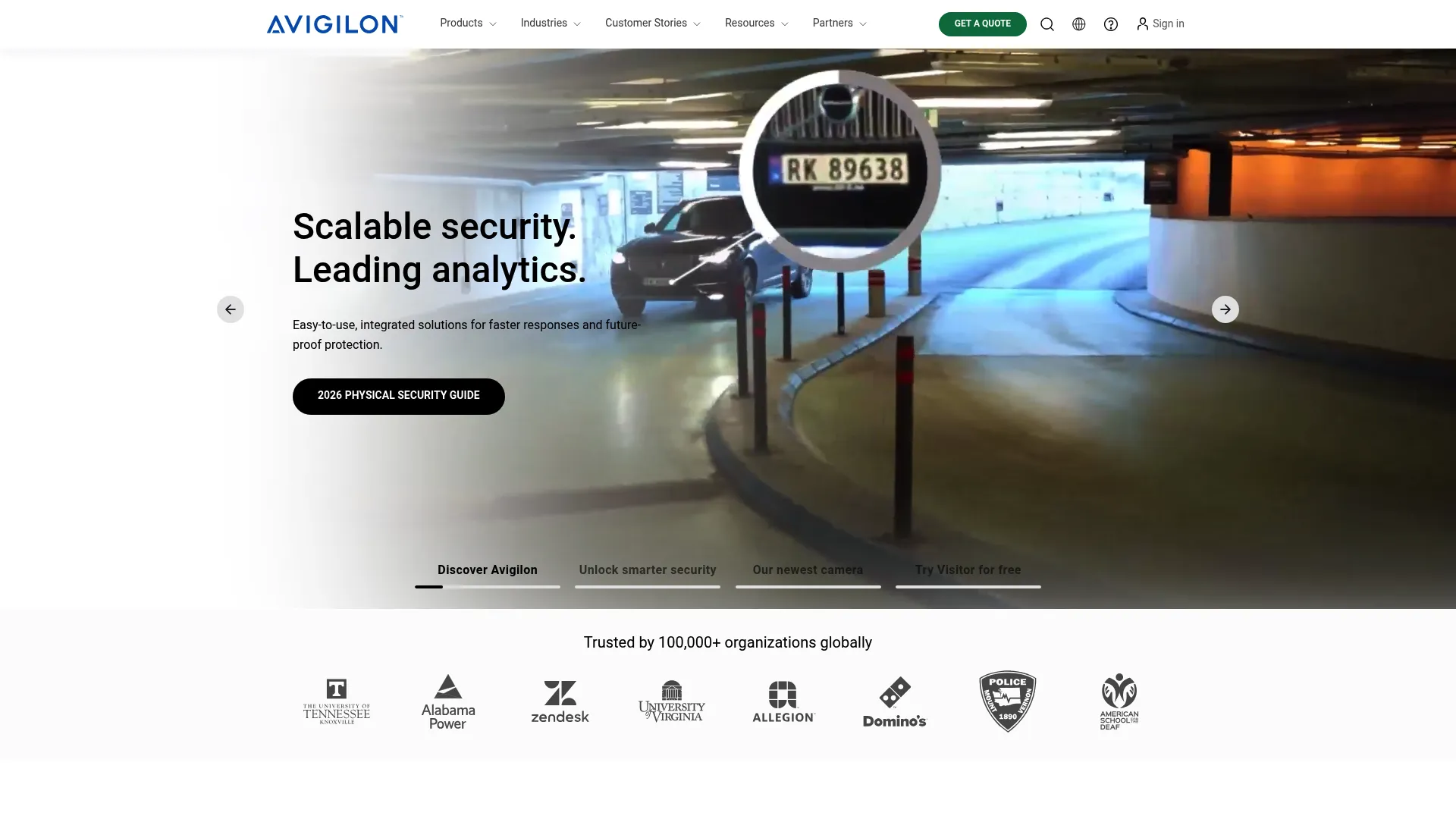
Avigilon is a physical security suite spanning video surveillance, access control, analytics, and related systems. It offers both cloud-native (Avigilon Alta) and on-premise (Avigilon Unity) paths, which makes it a strong fit for teams that want a full security environment rather than just a camera feed. AI-powered analytics and remote management sit at the center of the platform.
Best for: Enterprises needing integrated physical security across video, access control, and analytics in one stack.
Key strengths
- Cloud-native and on-prem options: Choose Alta for cloud or Unity for on-premise, so deployment matches your infrastructure.
- Integrated access control: Door hardware and software live alongside video, giving you unified physical security.
- AI-powered analytics: Detection and remote management help teams investigate and respond faster across sites.
Why choose Avigilon: If your mandate covers more than cameras, Avigilon consolidates video, access, and analytics under one roof. That unification suits security teams who do not want to stitch together separate vendors for doors and footage. The cloud-or-on-prem flexibility also matters for organizations with strict data residency or bandwidth constraints.
Avigilon pricing: Avigilon does not publish list pricing for its core product families. The site directs buyers to a quote for Avigilon Alta, Avigilon Unity, cameras, and access control. A 30-day free trial is available for Avigilon Alta Visitor. Expect pricing to scale with camera count, retention, and the access control footprint you add.
2. Verkada
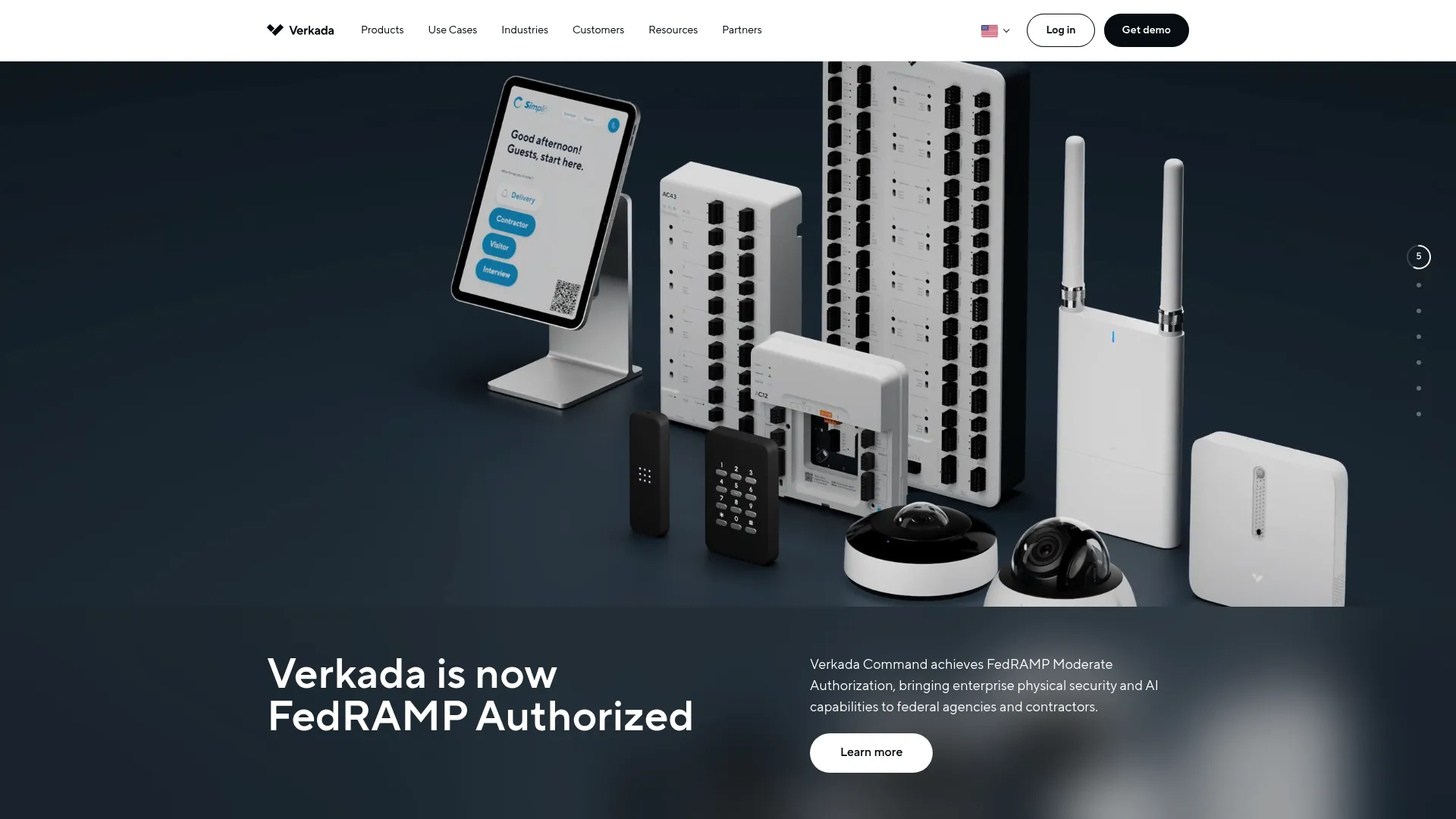
Verkada is a cloud-based physical security platform covering video, access control, alarms, workplace, intercom, and air quality. Everything runs through Verkada Command, a single cloud management layer. The platform leans hard into cloud-managed simplicity and AI search, which is why ease-of-administration shows up in most buyer conversations about it.
Best for: Organizations needing an integrated, cloud-managed physical security system with minimal on-site infrastructure.
Key strengths
- Verkada Command: One cloud console manages cameras, doors, alarms, and sensors across every location.
- AI search: Find people, vehicles, and events quickly without scrubbing raw footage.
- Broad device family: Cameras, access control, alarms, intercom, and environmental sensors extend beyond video alone.
Why choose Verkada: Verkada fits teams that want centralized cloud management and a clean administration experience over assembling components themselves. The single-platform approach reduces the operational load of managing separate systems, which appeals to lean security and IT teams. If your priority is fast deployment and easy day-to-day administration, it lands well.
Verkada pricing: Verkada publishes per-product MSRP rather than a single subscription tier. The pricing page lists individual hardware and license items, such as a Workplace License at $3,600 USD MSRP for one year, alongside a quote flow for full deployments. Because pricing is product-by-product, build your estimate from the specific cameras and licenses your sites require.
3. Videoloft
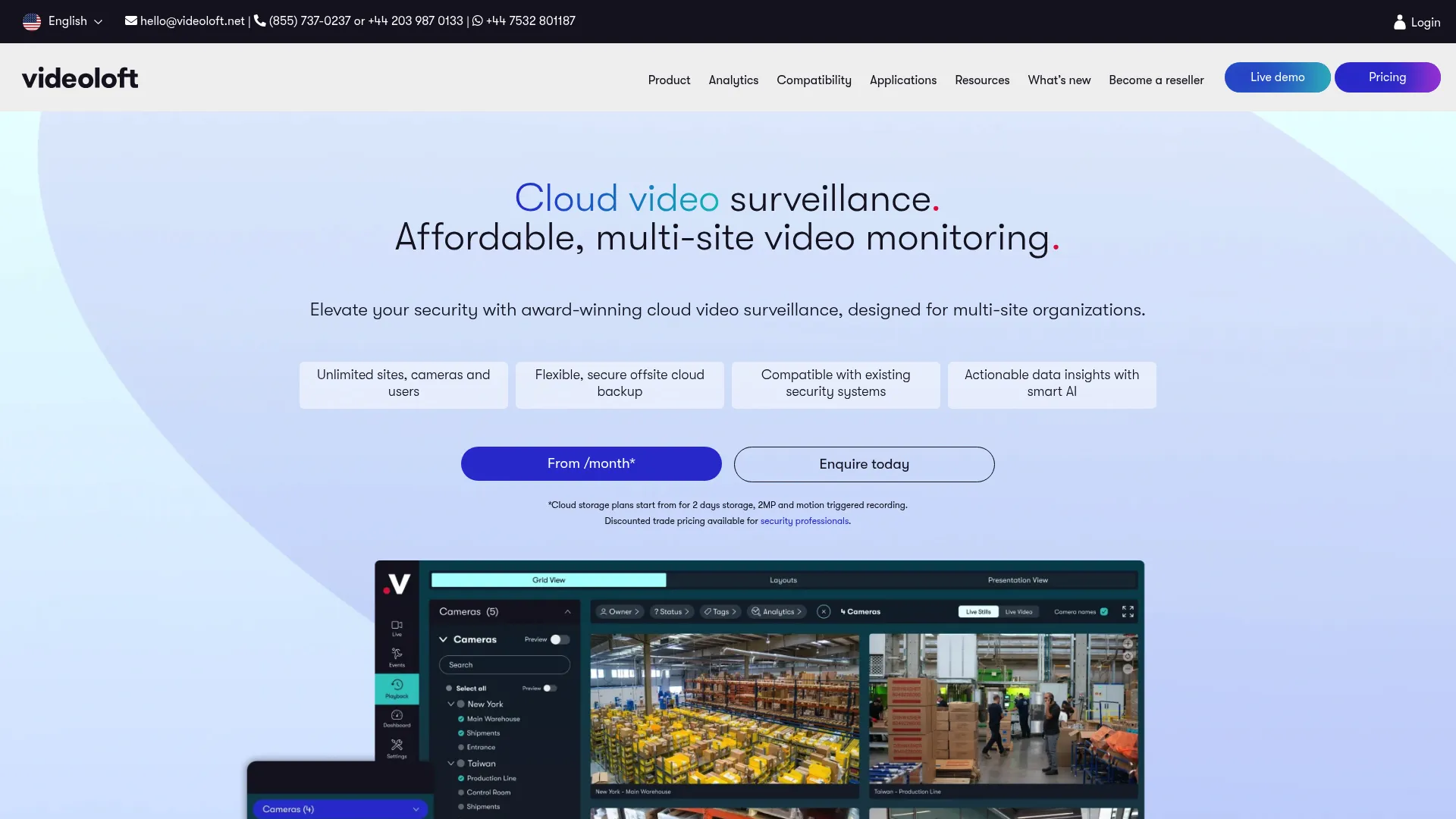
Videoloft is an AI-driven cloud video management system built to add cloud surveillance over existing CCTV and security cameras. Its core strength is hybrid deployment: rather than replacing your cameras, it layers cloud storage, remote access, and analytics on top of the hardware you already run. That makes it a natural fit for migration-minded buyers.
Best for: Businesses that want cloud video surveillance and backup over existing CCTV without ripping out current cameras.
Key strengths
- Cloud adapter architecture: Physical and virtual adapters connect existing cameras to the cloud, so migration is incremental.
- Flexible cloud storage: Configure retention per camera with motion-triggered or 24/7 continuous recording.
- Centralized multi-site viewing: Remote access and remote camera control bring distributed sites into one interface.
Why choose Videoloft: If you have an existing camera fleet and want cloud benefits without a full replacement, Videoloft is purpose-built for that path. It also adds AI features like people counting, license plate recognition, and motion detection on top of legacy hardware. Connectivity resilience with offline buffering helps footage survive a network blip, which matters for bandwidth-constrained sites.
Videoloft pricing: Videoloft prices per camera per month, with plans for motion-triggered recording and 24/7 continuous recording, each starting at example retention levels like two days of cloud storage. Enterprise and reseller pricing is custom. A 30-day free trial is available. Confirm the exact per-camera rate and retention tiers against your site count.
4. Milestone Systems XProtect with Arcules
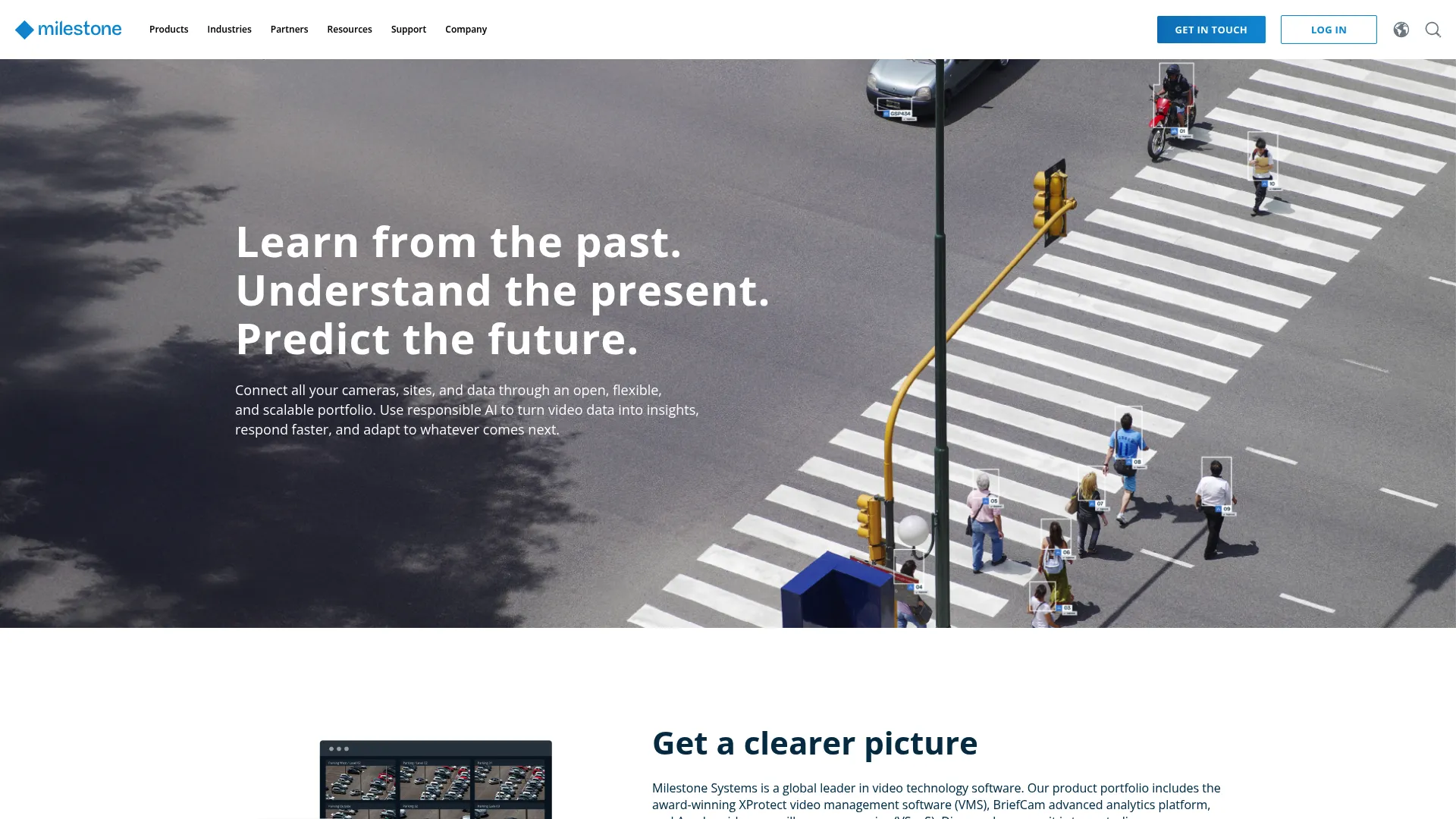
Milestone Systems XProtect is an open-platform video management system, and Arcules is its cloud-based VSaaS offering. Together they give architecture-minded buyers flexibility across deployment models. You can run XProtect on-prem, extend remote sites with Arcules in the cloud, or operate a hybrid mix, all while tapping a large third-party integration ecosystem.
Best for: Organizations needing a scalable, open-platform VMS with on-prem, hybrid, and cloud-managed options.
Key strengths
- Open platform: Over 1,000 third-party app integrations let you extend the VMS to your specific needs.
- Hybrid deployment: XProtect on-prem pairs with Arcules VSaaS for remote sites under one approach.
- Core video depth: Live and recorded playback, forensic search, and AI alerts cover the investigation workflow.
Why choose Milestone XProtect with Arcules: This pairing suits teams that value deployment flexibility and an open integration model over a closed, single-vendor stack. If you have varied sites, some that should stay on-prem and others that belong in the cloud, the hybrid model adapts. The open API and large integration library also future-proof the system as your needs evolve.
Milestone pricing: Milestone states XProtect pricing is not listed publicly because it uses a flexible licensing model with reseller-set prices. Arcules pricing was not publicly shown on the reviewed pages. Work with a Milestone reseller to scope licensing against your camera count, deployment mix, and retention requirements.
5. Rhombus Systems
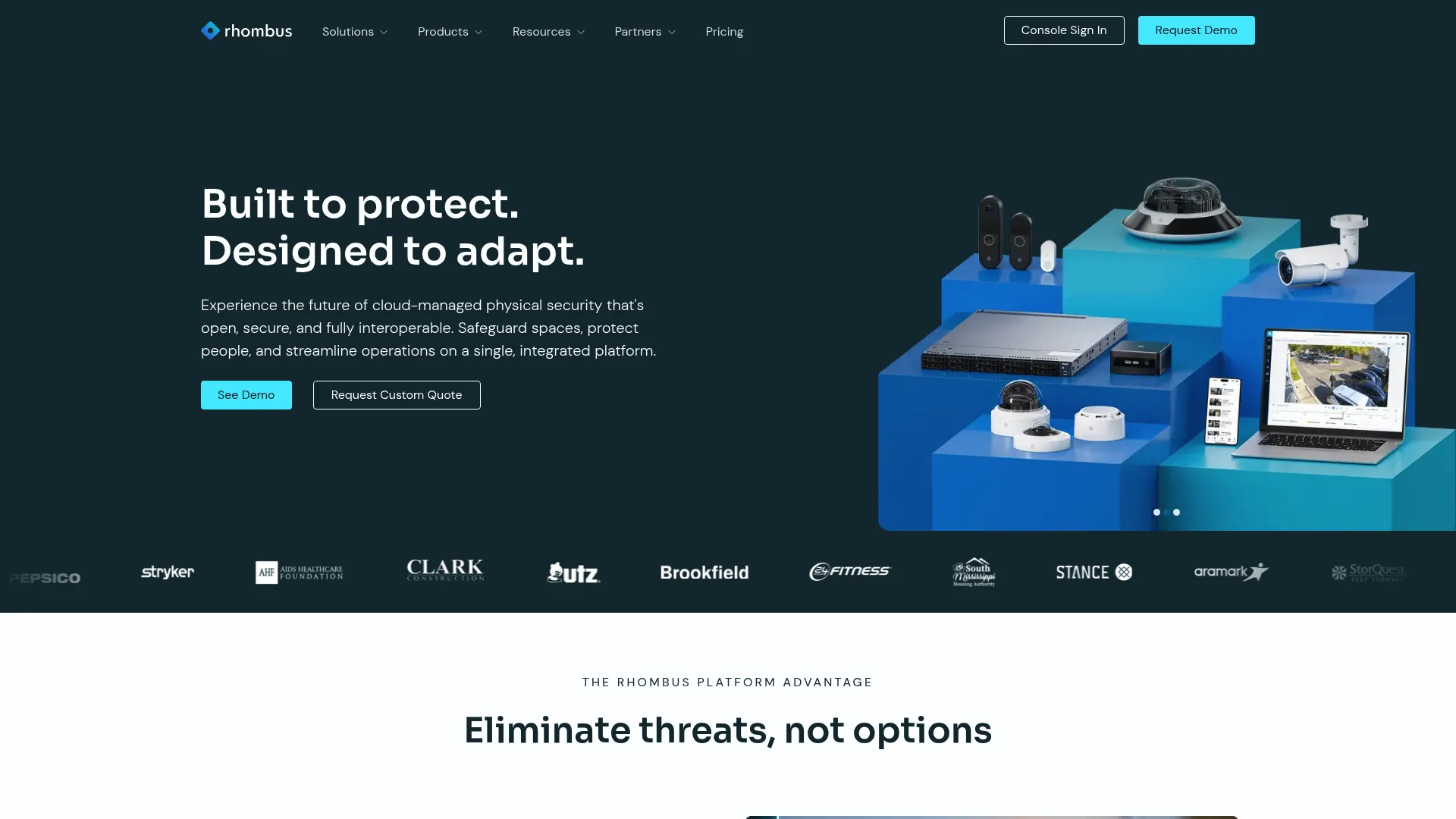
Rhombus Systems is a cloud-managed physical security platform covering cameras, access control, sensors, and alarm monitoring. Its cloud-edge architecture centralizes administration while keeping processing efficient. AI-powered search and review, plus business-friendly deployment, make it a clean option for teams that want unified cloud management without heavy infrastructure.
Best for: Organizations wanting a unified cloud physical security system across cameras and access control.
Key strengths
- Cloud-edge platform: Centralized cloud management with edge processing balances control and performance.
- AI search and review: Surface relevant events quickly with AI-powered search across footage.
- Unified access control: Door controllers, readers, and intercoms run alongside cameras in one system.
Why choose Rhombus Systems: Rhombus fits teams that want straightforward cloud-managed administration and remote monitoring across cameras and doors. The unified approach reduces the number of consoles your team logs into daily. For mid-market and enterprise security teams scaling administration across sites, the cloud-first model keeps overhead low.
Rhombus pricing: Rhombus publishes hardware-plus-license pricing for select devices. Cameras such as the R120 Mini Dome 2MP run $399 plus a $149 license, while the R200 Mini Dome 5MP runs $599 plus the same license, billed for one year. Access control hardware like the DC20 4-Door Controller is $1,399 plus a $199 door license. A free trial is available, and Rhombus also offers a custom quote path.
6. Eagle Eye Networks
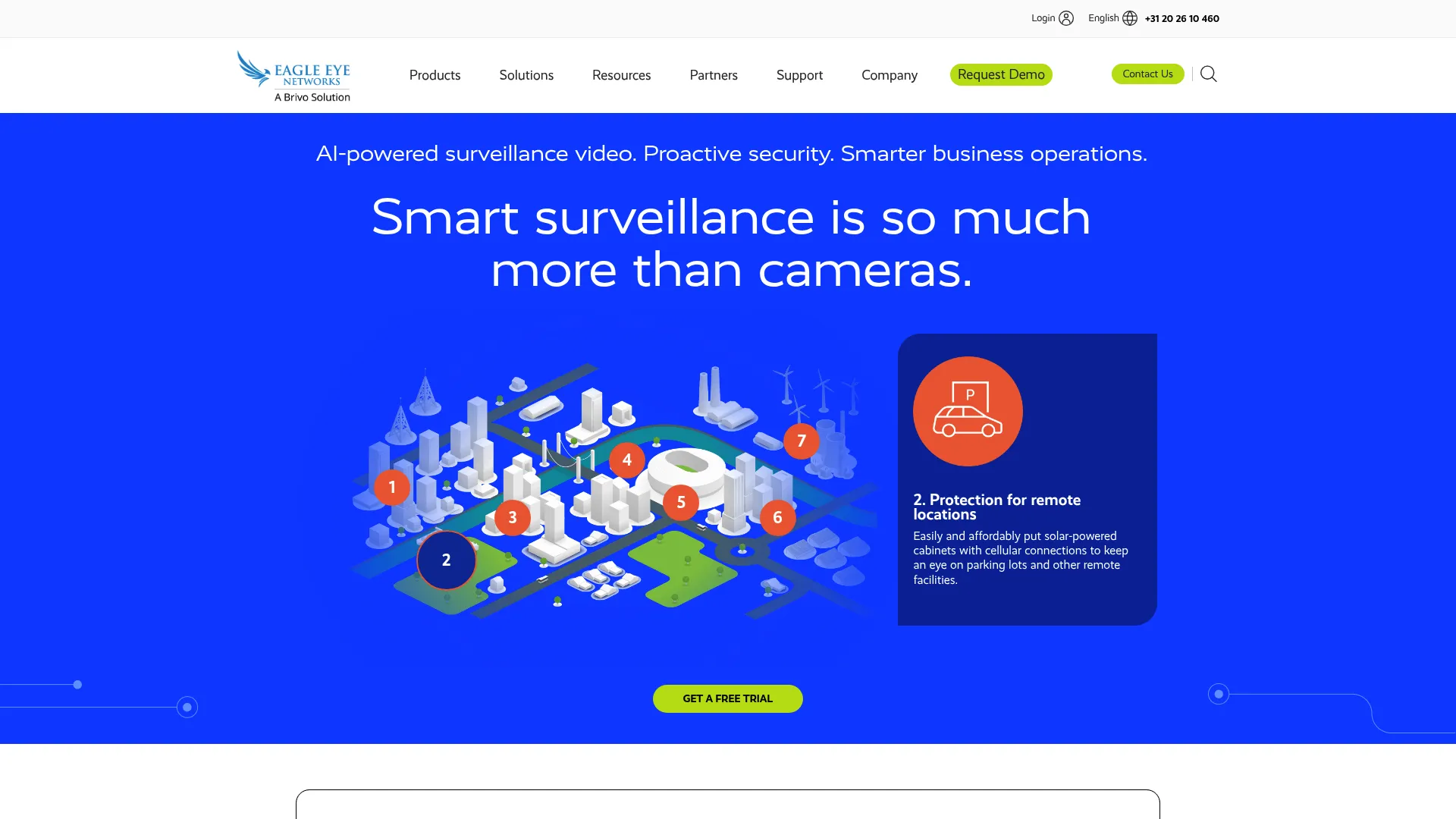
Eagle Eye Networks is a cloud video surveillance and video management platform built for businesses with multiple locations. Buyers often evaluate it when compatibility, central monitoring, and cloud recording need to work together. Its cloud VMS handles remote multi-location camera access, AI detection and smart search, and automations across a mixed camera ecosystem.
Best for: Businesses needing cloud-based video surveillance across multiple locations with varied camera hardware.
Key strengths
- Cloud VMS: Remote multi-location camera access centralizes monitoring across distributed sites.
- AI detection and search: Object and person detection plus smart video search speed investigations.
- Automations and two-way audio: Configure event-driven automations and communicate through supported cameras.
Why choose Eagle Eye Networks: Interoperability is the headline. If your sites run a mix of camera brands and you want one cloud layer over all of them, Eagle Eye is designed for that reality. It supports migration and hybrid use cases, so teams can bring legacy cameras into the cloud while standardizing monitoring and recording in a single VMS.
Eagle Eye Networks pricing: Eagle Eye does not publish public pricing figures on its site. First-party materials note that pricing varies by camera resolution and retention period, and that subscriptions are sold through resellers. Scope a quote around your resolution mix, retention windows, and the number of cameras per location.
7. Genetec Security Center SaaS
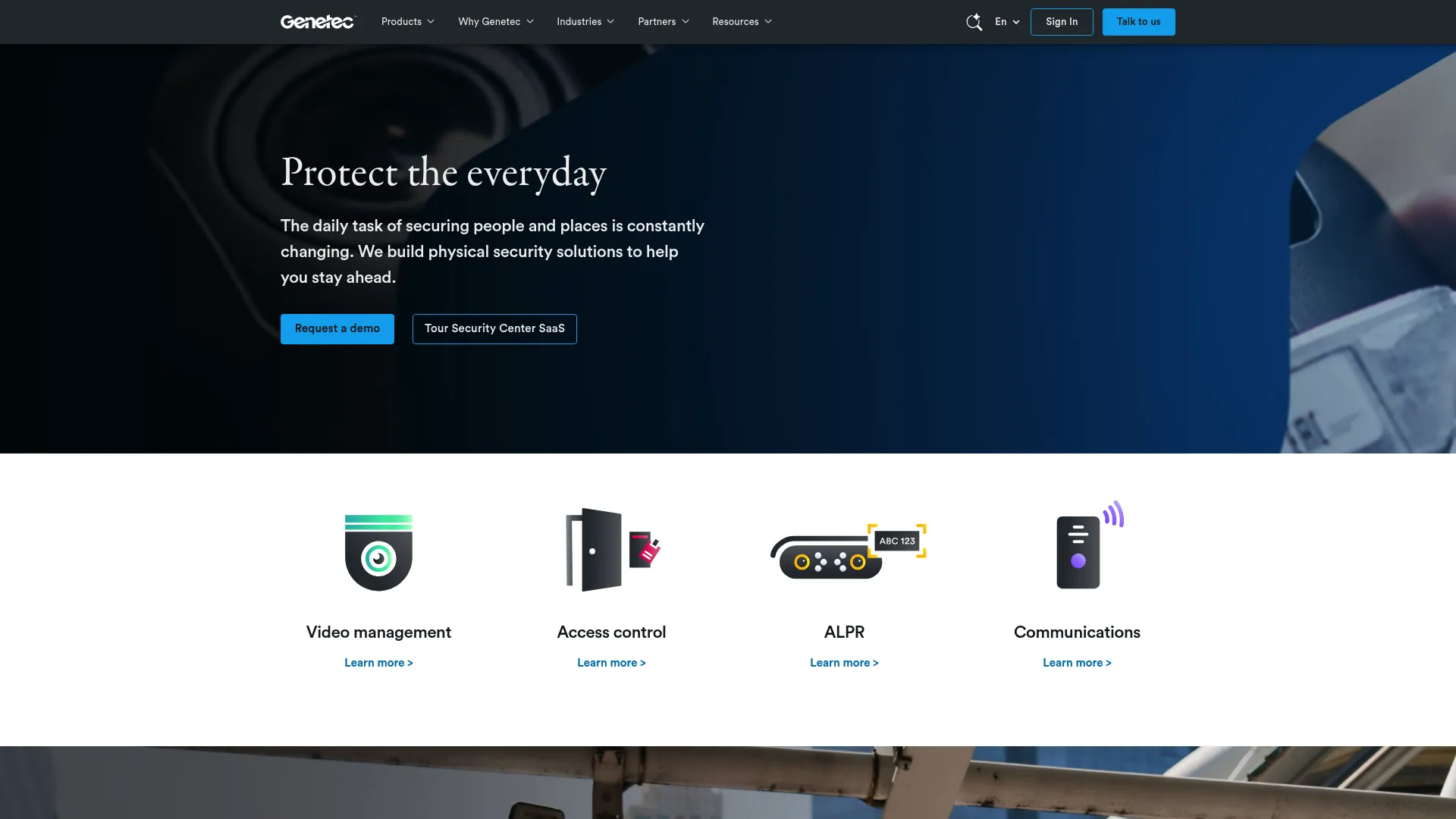
Genetec Security Center SaaS is a cloud-native or hybrid unified physical security platform that combines video surveillance, access control, intrusion, communications, and investigation tools. It is built for organizations that run security operations at scale and want video and access control managed as one system rather than two. Per-connection SaaS pricing keeps the model predictable.
Best for: Enterprises needing a unified cloud or hybrid physical security system with video, access control, and intrusion in one platform.
Key strengths
- Unified security: Video, access control, and intrusion live in one platform instead of separate tools.
- Cloud or hybrid: Run cloud-native or hybrid deployment to match data residency and bandwidth needs.
- Investigation tools: Built-in investigation workflows support security operations across large estates.
Why choose Genetec Security Center SaaS: Genetec suits enterprises where access control integration is a first-class requirement, not an afterthought. Unifying video and access under one platform tightens security operations and simplifies audits. For organizations comparing this against a pure hybrid deployment, the per-connection SaaS model scales cleanly as you add cameras, doors, and intrusion points.
Genetec pricing: Genetec publishes per-connection SaaS pricing. The Standard plan runs $99 USD per connection per year, and Premium runs $149 USD per connection per year, with pricing shown for access control, video, intrusion, and intercom or speaker connections. There is no free tier listed, so size your estimate by total connections across video and access control.
What to look for before you buy
Feature lists blur together fast. Use this checklist to compare vendors on the criteria that actually shape daily use.
Cloud storage and retention
Confirm retention windows before you commit. Ask how long footage is kept, whether retention is configurable per camera, and who owns the data. Check export workflows too, because pulling a clip for law enforcement or an insurance claim should take seconds, not a support ticket.
Remote access and device support
Verify browser and mobile access work the way your team operates. Ask about user permissions, whether the platform supports multiple viewing roles, and how cross-device usability holds up. Multi-location access from a single login is the baseline for any serious cloud video surveillance system.
Security, encryption, and MFA
Treat security as a must-check, not a nice-to-have. Confirm encryption in transit and at rest, MFA on every account, role-based permissions, and audit logs that record who viewed or exported footage. Implementation quality matters more than a feature checkbox, so ask how each control is enforced. Our roundups of AI security posture management tools and AI customer service software cover adjacent layers worth evaluating alongside.
AI analytics and search quality
Compare search, detection, tagging, and alert configuration directly. The real test is speed: how fast can you find a specific person, vehicle, or event in last week's footage? Run a sample investigation during a trial and time it. Good AI analytics turn hours into minutes.
Integrations and interoperability
Camera compatibility, access control, open API support, and third-party connections determine long-term flexibility. Confirm which cameras the platform supports, whether it integrates with your access control, and what the API exposes. Camera ecosystem compatibility is the difference between an incremental migration and a forced replacement.
Cloud vs local video surveillance
The cloud-versus-local decision drives most of the differences between platforms. Here is how the two models compare across the criteria buyers weigh most.
| Criterion | Cloud | Local (DVR/NVR) | Hybrid |
|---|---|---|---|
| Storage | Offsite, elastic | On-site, fixed | Split, local plus cloud |
| Remote access | Native browser and mobile | VPN or port forwarding | Native with local fallback |
| Maintenance | Vendor-managed | Self-managed | Mostly vendor-managed |
| Scalability | Software-driven | Hardware-driven | Software with local edge |
| Security | Encryption, MFA, audit logs | Depends on local setup | Cloud controls plus local |
| Cost model | Subscription | Capex upfront | Subscription plus hardware |
Cloud wins on remote access, scalability, and maintenance. Local can appeal where bandwidth is tight or data must stay on-site. Hybrid deployment splits the difference: keep some footage local for bandwidth resilience and outage buffering, sync the rest to the cloud for remote access and analytics.
For most multi-site buyers, hybrid is the pragmatic starting point. You back up legacy hardware to the cloud, prove the workflow, and replace local recorders on your own timeline instead of all at once.
Conclusion
The right cloud video surveillance software depends on what you already own and what you need it to do.
- Full-stack physical security: Avigilon, for video, access control, and AI analytics unified in one cloud or on-prem suite.
- Cloud-managed simplicity: Verkada and Rhombus Systems, for centralized administration with minimal on-site infrastructure.
- Hybrid migration over existing CCTV: Videoloft, for adding cloud backup and analytics to cameras you already run.
- Deployment flexibility: Milestone XProtect with Arcules, for open-platform VMS across on-prem, hybrid, and cloud.
- Compatibility-first multi-site: Eagle Eye Networks, for one cloud layer over mixed camera ecosystems.
- Enterprise unified security: Genetec Security Center SaaS, for video, access control, and intrusion in one platform.
Your next step is concrete: take your shortlist, map each option against your current camera infrastructure, your required retention windows, and your security requirements like MFA, encryption, and audit logs. Run a trial where one exists, time a sample investigation with the AI search, and confirm the migration path from your existing NVR or DVR. The platform that fits your hardware and your retention needs, not the one with the longest feature list, is the one to pick.
FAQs
Cloud video surveillance software captures camera footage, stores it in the cloud, and lets authorized users view, search, and manage it from any browser or mobile device. The main differences from local CCTV are cloud storage, remote access, and centralized management. You reach footage from anywhere instead of plugging into a local recorder.
An NVR or DVR records footage to local disks in a closet, and you usually need to be on-site or set up a VPN to access it. Cloud video surveillance pushes recording and storage offsite, so access is browser-based by default and software handles updates and scaling. The practical result is easier remote access, less hardware maintenance, and simpler multi-site administration.
It depends on the platform and deployment model. Many systems use edge buffering, recording locally during an outage and uploading once connectivity returns, so footage is not lost. Hybrid deployment adds a local fallback that keeps recording on-site even when the cloud link is down. Confirm outage buffering and local storage behavior with each vendor before you commit.
Look for MFA on every account, end-to-end encryption in transit and at rest, role-based permissions, and audit logs that record who viewed or exported footage. Secure remote access matters too, since the whole point is reaching footage from anywhere. Implementation quality counts more than the feature name, so ask how each control is enforced and audited.
Yes, and it is a major evaluation point for enterprise and multi-site buyers. Platforms like Avigilon, Verkada, Rhombus Systems, and Genetec Security Center SaaS unify video with access control so doors and cameras are managed together. Unified security tightens incident response, simplifies audits, and reduces the number of consoles your team manages daily.
There is no single winner; the right pick depends on deployment complexity, your existing camera ecosystem, security needs, and remote management requirements. Compatibility-heavy environments often favor Eagle Eye Networks, hybrid migrations suit Videoloft, and enterprises needing unified access control lean toward Genetec or Avigilon. Match the platform to your hardware and retention needs rather than chasing a label.
Yes. Hybrid migration paths let you keep existing cameras and add cloud capabilities through adapters or bridges, so you avoid a rip-and-replace project. Platforms like Videoloft and Eagle Eye Networks are built to connect legacy cameras to the cloud, then let you replace hardware on your own timeline. Confirm camera ecosystem compatibility before you buy so your current fleet is supported.