Your launch calendar is not the problem. The intake layer is.
Requests arrive through Slack threads, meeting notes, side conversations, and email chains with no required fields, no clear owner, and no way to track what actually happened. By the time a PMM tries to defend a prioritization decision, the original ask has been paraphrased twice and lives in four different places. According to Grand View Research (2026), the global project management software market reached $7.9 billion in 2025 and is projected to grow at an 11.1% CAGR through 2033. Teams are spending, but many are still routing requests manually.
The real gap is upstream. Without a structured project intake process, even a well-planned launch turns into reactive firefighting. The intake layer is what separates a repeatable GTM system from a scramble.
What's inside
This guide covers 12 project request software tools for 2026, evaluated across four criteria:
- Structured intake: Does the tool capture context up front with forms, conditional fields, and required fields?
- Routing and automation: Can requests move to the right owner without manual follow-up?
- Visibility and reporting: Do stakeholders see status without asking in Slack?
- Integration fit: Does the tool connect to the stack your team already uses?
The guide is built for PMMs, marketing operations, creative operations, and IT teams replacing ad hoc intake with governed work request software.
TL;DR
- Best overall for structured project intake: Asana combines request forms, routing, approvals, and cross-functional work tracking for marketing and ops teams
- Best for software and IT requests: Jira handles issue tracking, agile boards, and development workflows
- Best for enterprise service workflows: ServiceNow fits large organizations where request intake connects to IT service management and procurement
- Best for marketing and creative operations: Wrike's dynamic request forms and proofing tools suit content, campaign, and localization work
- Best for spreadsheet-style tracking: Smartsheet gives governance and automation to teams that think in grids and Gantt charts
- Best free option: ClickUp's free plan covers forms, automations, and multiple views for teams getting started
What is project request software?
Project request software is a tool that captures, routes, prioritizes, and tracks incoming work requests from intake through execution.
It differs from general project management software in one key way: The focus is on what happens before work begins. A project management tool handles planning, scheduling, and delivery. Project request software handles the moment a stakeholder asks, "Can you do this?" and makes sure that ask arrives with enough context to act on.
Here is what the category covers:
- Request forms and intake templates: Structured forms that collect requester name, team, deadline, business goal, required assets, priority, and approvals before work starts
- Conditional fields: Questions that change depending on previous answers, reducing form clutter for different request types
- Approval workflows: Routing a submitted request to the right approver before it enters a team's queue
- Automated routing: Rules that assign requests to owners, teams, or queues based on type, priority, or project
- Task and project creation: Converting an approved request into an actionable task or project with no manual copy-paste
- Prioritization fields: Scoring or labeling that helps teams decide what moves now and what waits
- Status tracking: A shared view of where every request stands, visible to requesters and assignees
- Workload views: Capacity data that shows whether a team can absorb new work
- Dashboards and reporting: Aggregate views of request volume, cycle time, backlog health, and outcomes
- Integrations: Connections to chat tools, email, CRM, help desks, and development trackers
For a PMM, the relevant request types include launch support, sales enablement asks, content briefs, analyst requests, website update requests, customer proof requests, and campaign intake. The goal is to turn incomplete asks into governed work your team can prioritize, assign, track, and defend.
When to use project request software
Standardize cross-functional intake
When requests arrive from product, sales, demand gen, customer success, and leadership all at once, the form is the filter. A structured project intake form forces requesters to supply deadline, goal, priority, and dependencies before the work enters your queue. This matters most when launch frequency is increasing and the same PMM team handles sales enablement requests, competitive intel asks, and website update requests in the same week.
Route requests without manual follow-up
The right tool should move a complete request to the correct owner without anyone chasing it. Conditional routing, assignment rules, labels, and notifications handle this automatically. If a request is labeled "urgent" and tagged "legal review required," approval workflow software can send it to the right path without a human making that call each time.
Track request volume and team capacity
Request intake must connect to dashboards and workload views, not just a task list. PMMs need to show leadership why some work moves now and other work waits. A tool that captures request volume over time, shows cycle time by request type, and flags when a team is at capacity turns intake data into prioritization evidence. This is how you defend the backlog without a 30-minute Slack thread every quarter.
Project request software comparison
The table below summarizes all 12 tools by ideal use case, key differentiator, pricing, and G2 rating. Pricing reflects each vendor's current pricing page. G2 ratings are current as of November 2026.
| # | Product | Best for | Key differentiator | Pricing | G2 rating |
|---|---|---|---|---|---|
| 1 | Asana | Cross-functional intake and approvals | Forms, rules, portfolios, and workload in one platform | Free; from $10.99/user/mo (annual) | 4.4/5 |
| 2 | Jira | Software and IT request tracking | Issue tracking with agile boards and dev integrations | Free; from $7.91/user/mo | 4.3/5 |
| 3 | Wrike | Marketing and creative operations | Dynamic request forms with proofing and approvals | Free; from $10/user/mo (annual) | 4.2/5 |
| 4 | ServiceNow | Enterprise service request management | AI-powered enterprise platform with ITSM and service catalogs | Custom pricing | 4.4/5 |
| 5 | ClickUp | Flexible all-in-one work hub | Forms, docs, automations, and dashboards in a single workspace | Free; from $9/user/mo (annual) | 4.6/5 |
| 6 | Monday.com | Visual request intake and department workflows | Visual boards with automation recipes and status tracking | Free; from $9/seat/mo (annual) | 4.7/5 |
| 7 | Smartsheet | Spreadsheet-style request tracking with governance | Grid, Gantt, and dashboards with enterprise controls | From $9/member/mo (annual) | 4.4/5 |
| 8 | Zoho Projects | Budget-conscious teams in the Zoho ecosystem | Blueprints, task tracking, and time tracking at low cost | Free; from $4/user/mo (annual) | 4.4/5 |
| 9 | Trello | Lightweight visual request queues | Kanban boards with Butler automation and simple cards | Free; from $5/user/mo (annual) | 4.4/5 |
| 10 | Notion | Request tracking connected to docs and briefs | Databases and wikis in a flexible connected workspace | Free; from $10/member/mo (monthly) | 4.6/5 |
| 11 | OpenProject | Open-source and self-hosted teams | Community edition is free; on-premises deployment supported | Free Community; from €5.95/user/mo | 3.8/5 |
| 12 | Linear | Product and engineering request triage | Triage inbox, cycles, and native Git integrations | Free; from $10/user/mo (annual) | 4.6/5 |
Best 12 project request software tools for 2026
1. Asana
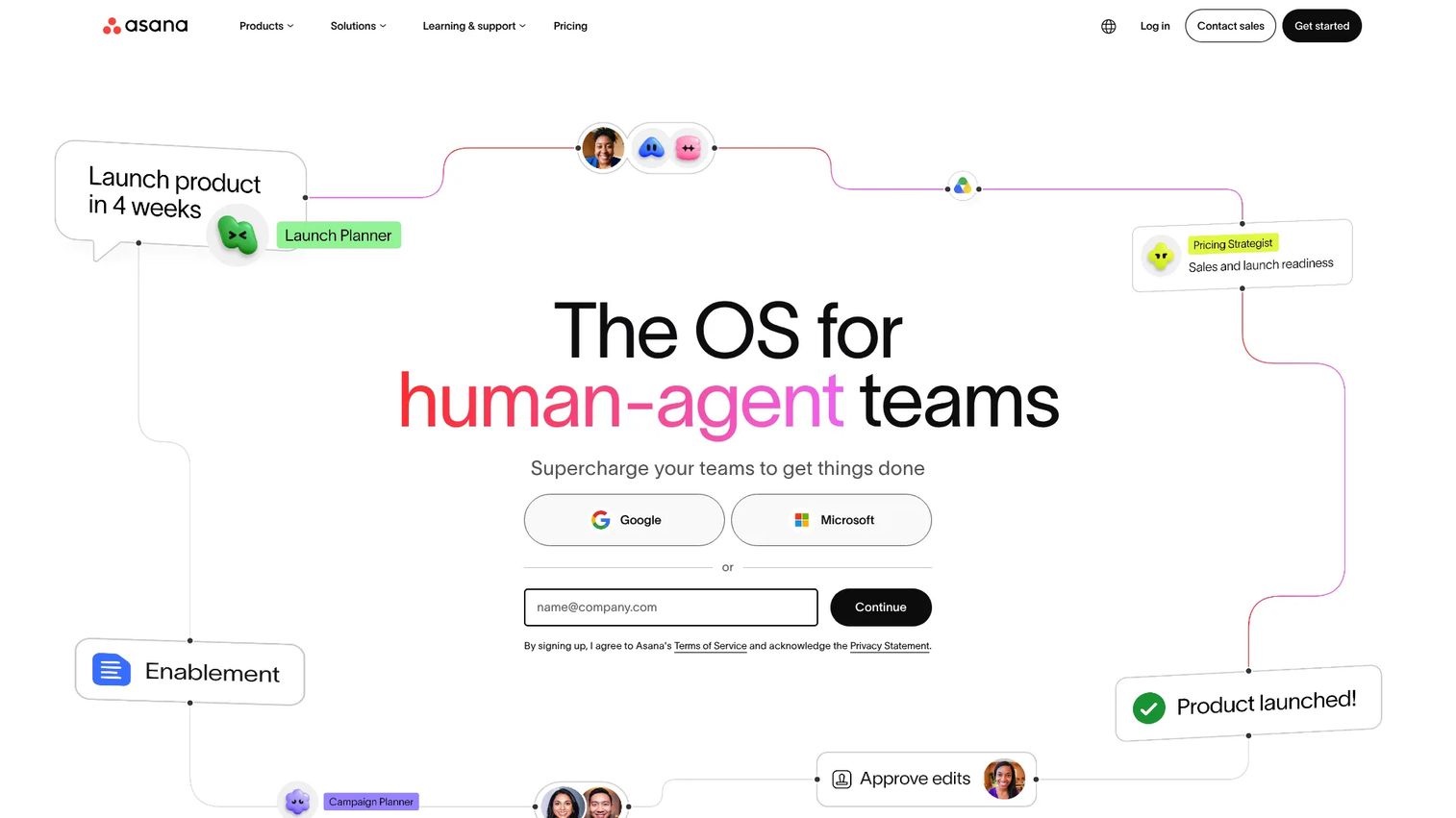
Asana is a work management platform that covers the full arc from request intake to portfolio reporting. Its Forms feature captures structured project intake with conditional fields, required responses, and automatic rule-triggered routing. Approved requests convert into tasks or projects without manual rebuilding, and stakeholders can track status through shared views and dashboards.
Best for: Cross-functional teams managing launch requests, sales enablement asks, creative briefs, and stakeholder approvals.
Key features
- Request forms with conditional fields and required responses
- Workflow rules for automated routing and task creation
- Approvals and proofing built into the task flow
- Portfolio views for reporting across multiple projects
- Workload and capacity planning for resource visibility
Why choose Asana: Asana is the safest first pick for PMM and marketing ops teams moving from ad hoc intake to a repeatable cross-functional request process. The combination of forms, rules, approvals, and portfolio reporting covers the full request-to-delivery cycle without requiring separate tools.
Asana pricing: The Personal plan is free forever. Starter runs $10.99 per user per month billed annually ($13.49 monthly). Advanced costs $24.99 per user per month billed annually and adds portfolios, goals, resource management, and time tracking. Enterprise and Enterprise+ pricing requires a conversation with sales.
Asana G2 rating: 4.4/5
2. Jira
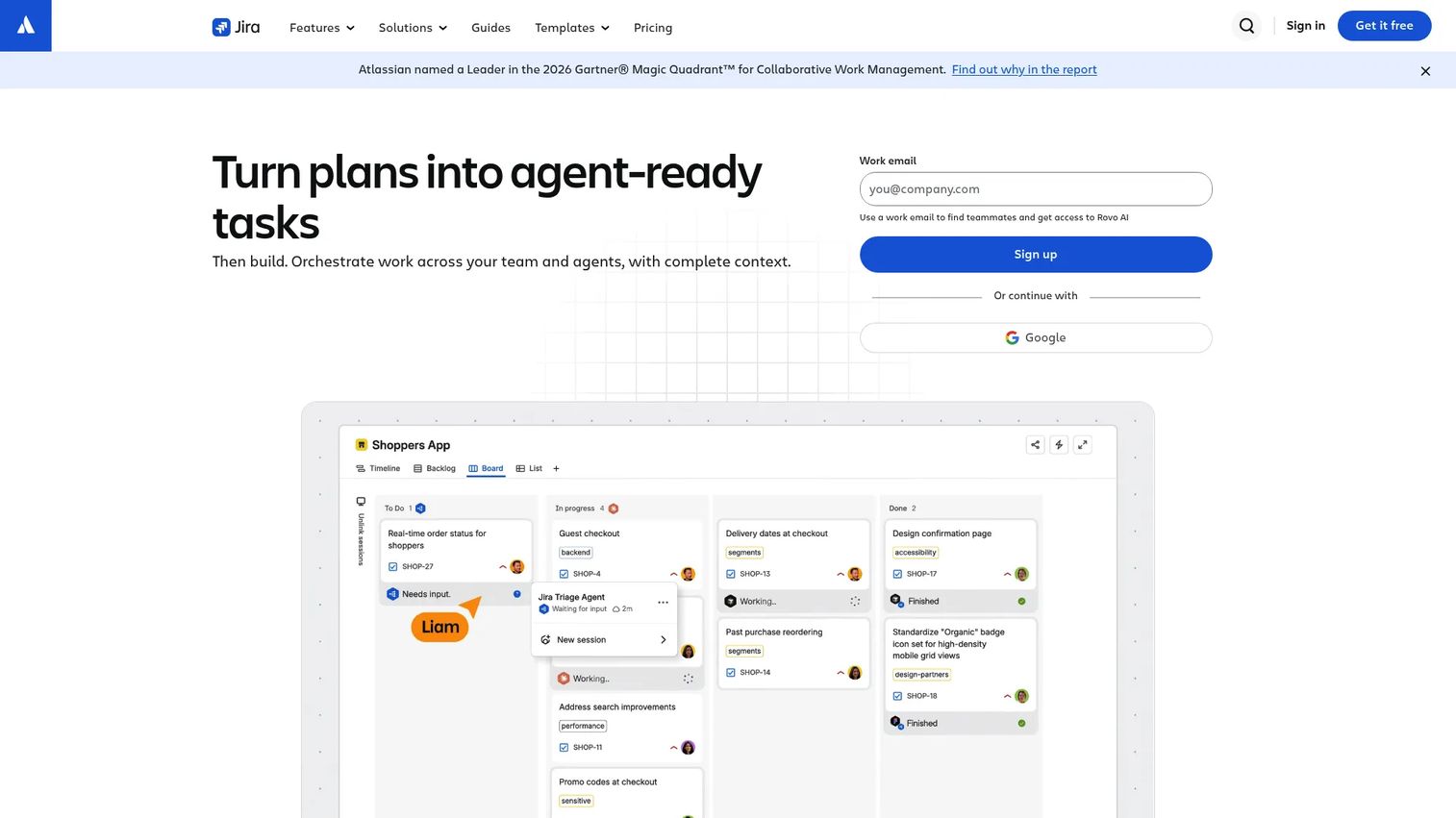
Jira is Atlassian's project management and issue tracking platform, purpose-built for teams that work in sprints, backlogs, and customizable workflows. It handles request-to-ticket workflows, letting teams submit issues through forms, triage them in a backlog, and track them through custom statuses. Its IT request management capabilities make it a natural fit for technical intake.
Best for: Software, product, and IT teams managing technical requests, sprint planning, and development-linked work.
Key features
- Issue tracking with custom workflows and statuses
- Scrum and Kanban boards for agile planning
- Backlog management and dependency tracking
- Forms for structured request submission
- Automation rules and Rovo AI capabilities
Why choose Jira: Choose Jira when incoming requests need engineering visibility, sprint assignment, or issue-level traceability. For PMMs partnering with product and engineering on launch blockers, documentation gaps, or integration requests, Jira keeps technical work visible alongside marketing timelines.
Jira pricing: The Free plan covers up to 10 users. Standard is $7.91 per user per month, and Premium is $14.54 per user per month, both available on monthly billing with annual options. Enterprise pricing requires contacting Atlassian.
Jira G2 rating: 4.3/5
3. Wrike
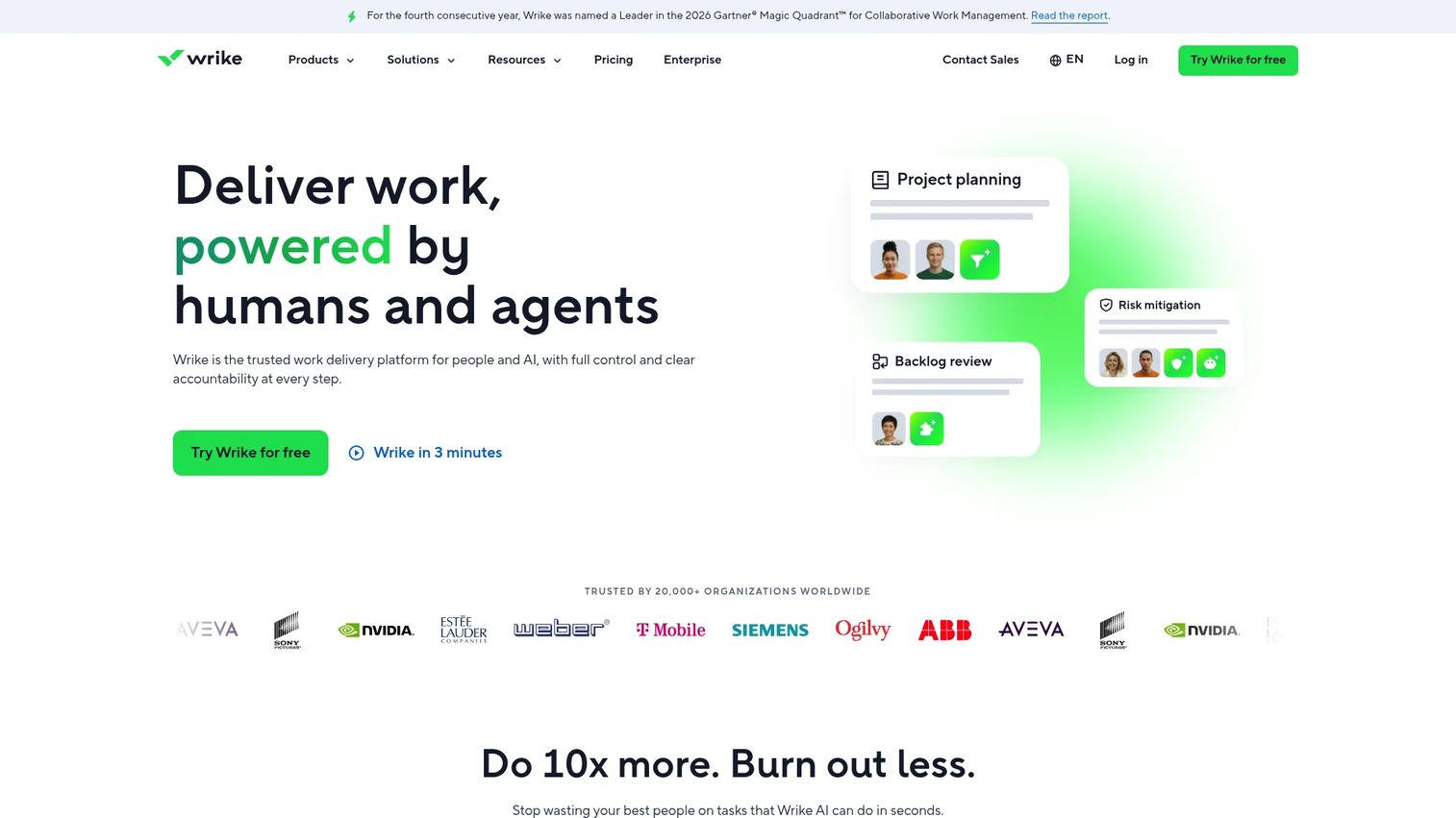
Wrike is an enterprise work management platform with a strong focus on marketing and creative operations. Its dynamic request forms adapt questions based on request type, funneling intake into the right workflow automatically. Built-in proofing and approval tools handle asset review cycles, and workload charts show whether creative teams can absorb new requests.
Best for: Marketing operations, creative teams, and PMMs managing content localization, campaign requests, and enablement collateral.
Key features
- Dynamic request forms with conditional logic
- Proofing and approval tools for asset review
- Cross-tagging to organize work across multiple teams
- Workload and resource management charts
- Marketing-specific templates and dashboards
Why choose Wrike: Choose Wrike when project requests require formal review cycles, asset proofing, and cross-functional visibility across marketing operations. The combination of dynamic intake and built-in approval workflows reduces the back-and-forth that slows campaign and content delivery.
Wrike pricing: The Free plan is available. Team runs $10 per user per month billed annually, and Business costs $25 per user per month billed annually. Pinnacle and Apex tiers require contacting Wrike for a quote.
Wrike G2 rating: 4.2/5
4. ServiceNow
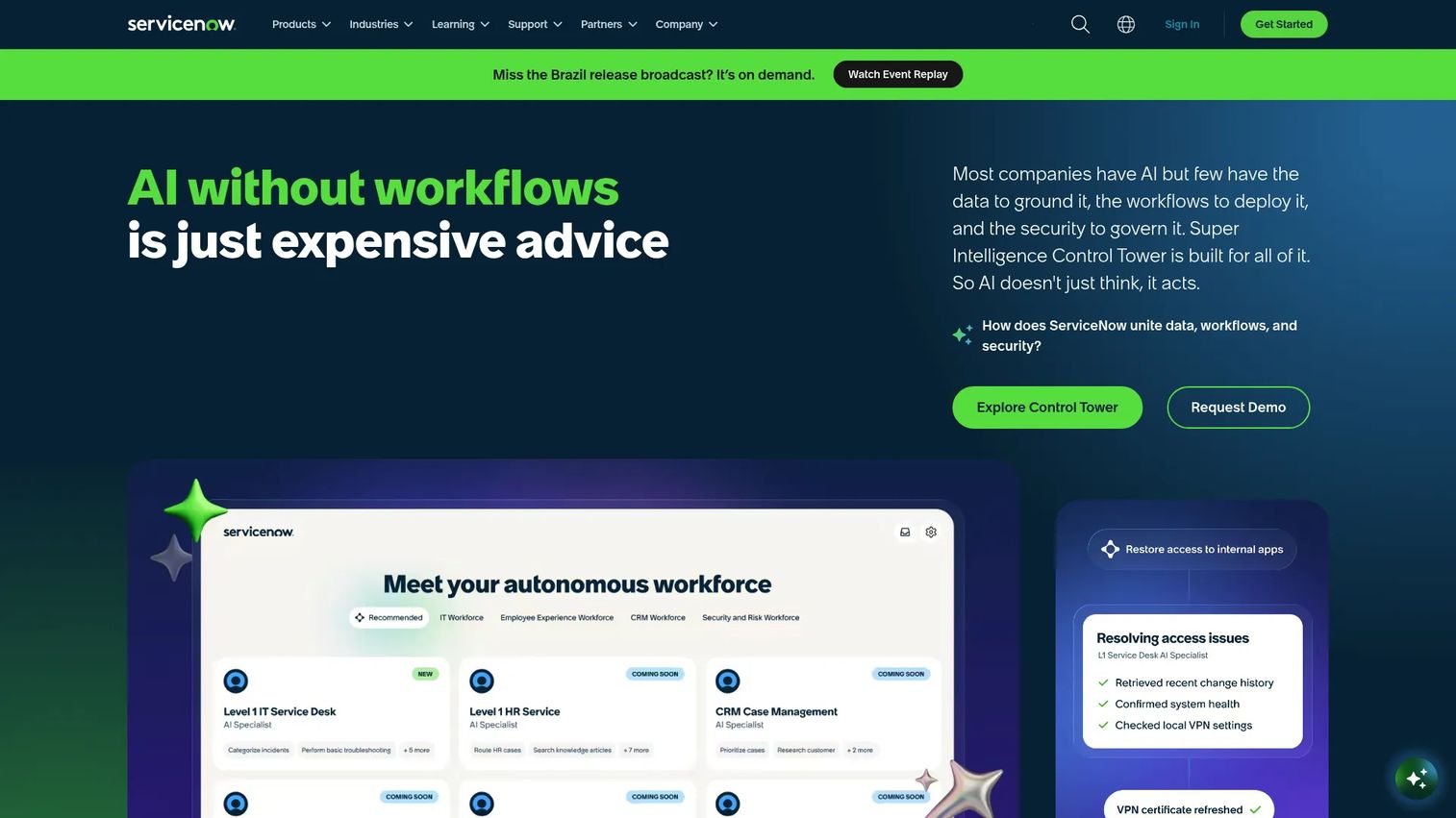
ServiceNow is an enterprise platform built around connecting people, processes, and systems through AI-powered workflows. Its request catalog lets employees submit structured requests that route automatically through approval chains, IT service management workflows, and cross-department queues. For large organizations, it replaces fragmented intake channels with a single governed service portal.
Best for: Large and midsize enterprises where project request management connects to IT service management, procurement, compliance, or HR workflows.
Key features
- Service catalog for structured request submission
- Approval routing with multi-stage workflows
- ITSM workflows and incident management
- AI agents for automated resolution and routing
- Enterprise reporting and analytics dashboards
Why choose ServiceNow: Choose ServiceNow when request intake is part of a broader enterprise service management motion, not a standalone project board. For PMMs, it becomes relevant when marketing work depends on IT provisioning, vendor procurement, system access, or compliance sign-off.
ServiceNow pricing: ServiceNow prices by custom quote. Buyers request pricing through sales based on organization size, modules, and configuration.
ServiceNow G2 rating: 4.4/5
5. ClickUp
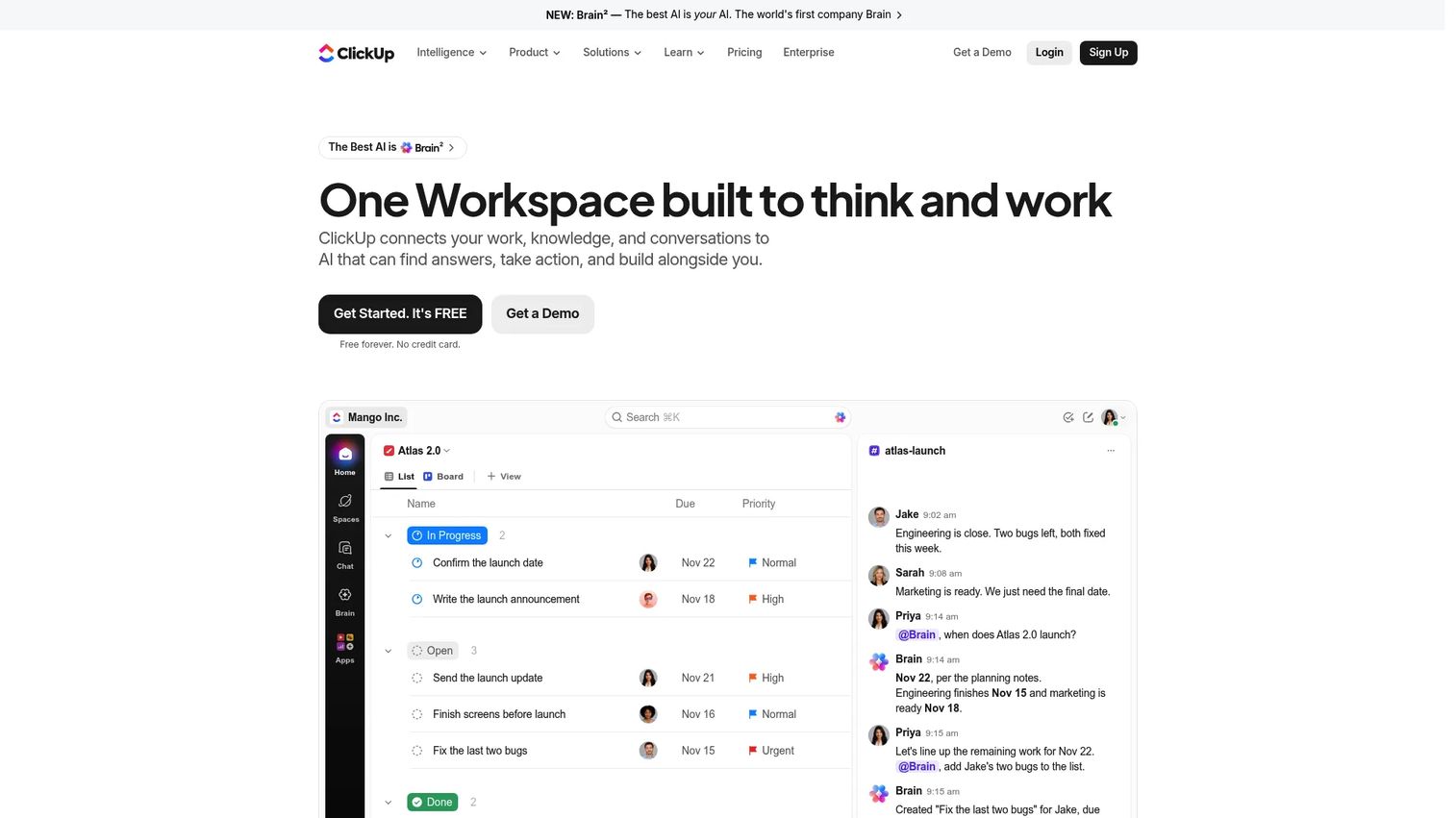
ClickUp is an all-in-one work platform combining project management, docs, forms, chat, dashboards, and AI in a single workspace. Its Forms feature captures structured requests with custom fields and conditional logic, and automations route submissions to the right owner or project. Multiple views, including boards, lists, Gantt, and calendar, let teams track work in whatever format fits their process.
Best for: Teams that want to consolidate launch planning, request intake, docs, and execution tracking without operating multiple tools.
Key features
- Custom forms with conditional fields for request intake
- Automations for routing, assignment, and notifications
- Multiple views: List, board, Gantt, calendar, and workload
- Docs and wikis connected to task context
- Dashboards for request volume and team reporting
Why choose ClickUp: Choose ClickUp when flexibility matters more than rigid enterprise governance. It suits PMMs who need to combine brief creation, intake, and execution tracking and are willing to invest setup time to configure the platform for their workflow.
ClickUp pricing: Free Forever is available at no cost. Core runs $9 per user per month billed annually, and Business costs $17 per user per month billed annually. Max is $100 per user per month. Enterprise pricing is custom.
ClickUp G2 rating: 4.6/5
6. Monday.com
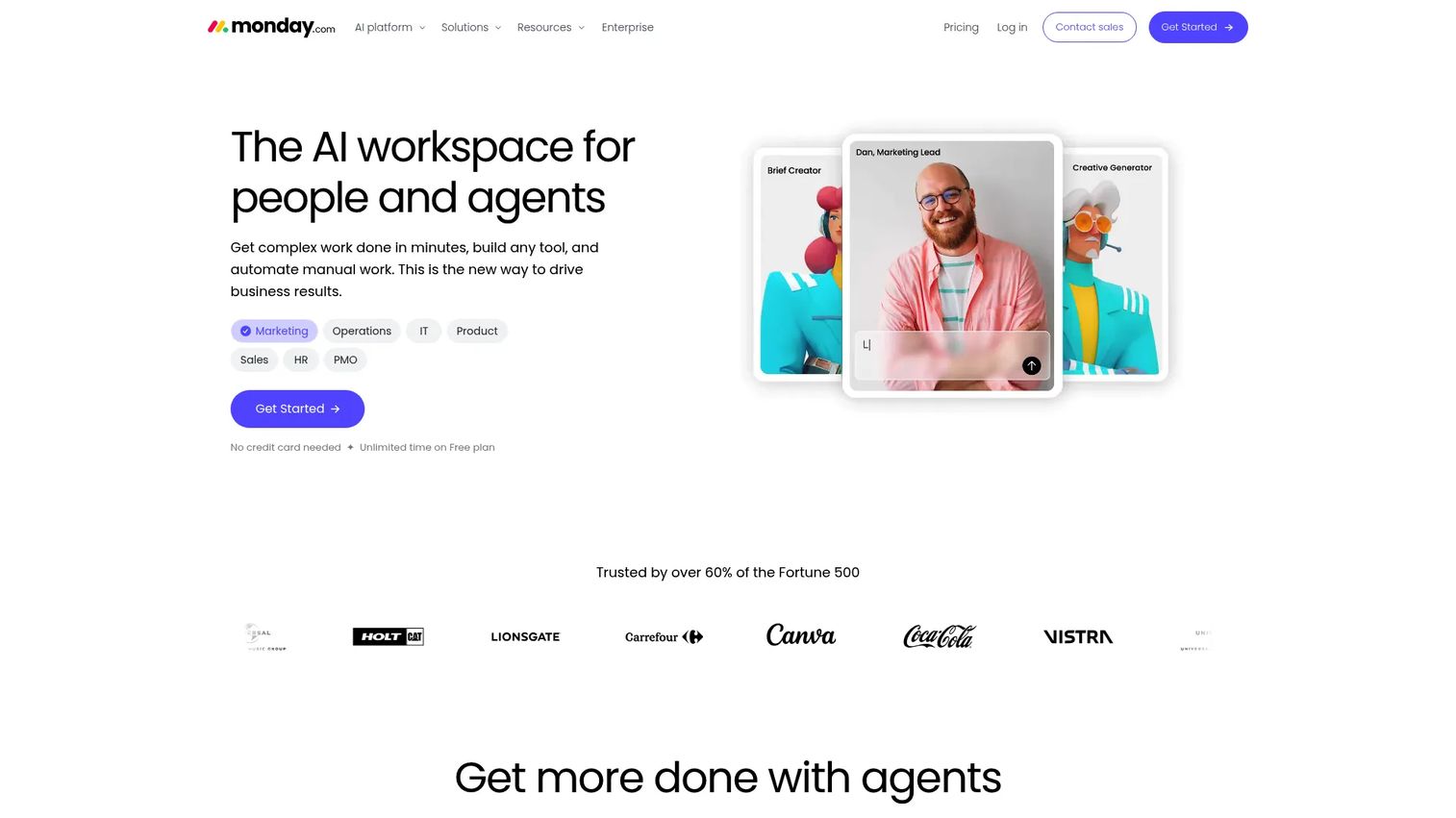
Monday.com is a visual work management platform that makes request intake and status tracking approachable for non-technical stakeholders. Its Forms create structured intake points that feed directly into boards, with automation recipes handling assignment, notifications, and status changes. Department-specific templates accelerate setup for marketing, creative, and operations teams.
Best for: Teams that need a visual workflow layer with request intake that stakeholders outside the core team will actually use.
Key features
- Work forms feeding directly into project boards
- Automation recipes for routing and status updates
- Visual boards with customizable status columns
- Dashboard widgets for reporting and pipeline visibility
- Docs and Files for connected context
Why choose Monday.com: Choose Monday.com when the people submitting requests are not project managers and need an interface that feels closer to a form than a ticketing system. The visual board layout makes status visible to anyone with a link, reducing the number of "where does this stand?" messages.
Monday.com pricing: The Free plan covers up to 2 seats. Basic starts at $9 per seat per month billed annually. Standard is $12 and Pro is $19 per seat per month, both billed annually. Enterprise uses custom pricing.
Monday.com G2 rating: 4.7/5
7. Smartsheet
Smartsheet is an AI-powered work management platform that layers governance, automations, and reporting on top of a spreadsheet-style grid interface. Its Forms capture project intake and feed directly into sheets, Gantt views, and dashboards. For PMMs managing launch calendars or campaign request logs in spreadsheets, Smartsheet provides a natural upgrade path with stronger controls and visibility.
Best for: PMM and marketing ops teams that already manage work in spreadsheets and need better automation, governance, and dashboards without abandoning the grid format.
Key features
- Intake forms feeding into grid, Gantt, card, and calendar views
- Automated alerts, reminders, and approval workflows
- Executive dashboards and cross-sheet reporting
- Resource and workload management
- Enterprise controls: SSO, activity logs, and data retention
Why choose Smartsheet: Choose Smartsheet when stakeholders are comfortable with spreadsheet workflows but the team needs stronger governance, automated routing, and dashboard reporting. The grid interface reduces adoption friction for teams migrating from Excel-based request tracking.
Smartsheet pricing: Pro starts at $9 per member per month billed annually ($12 monthly). Business is $19 per member per month billed annually ($24 monthly). Enterprise and Advanced Work Management use custom pricing.
Smartsheet G2 rating: 4.4/5
8. Zoho Projects
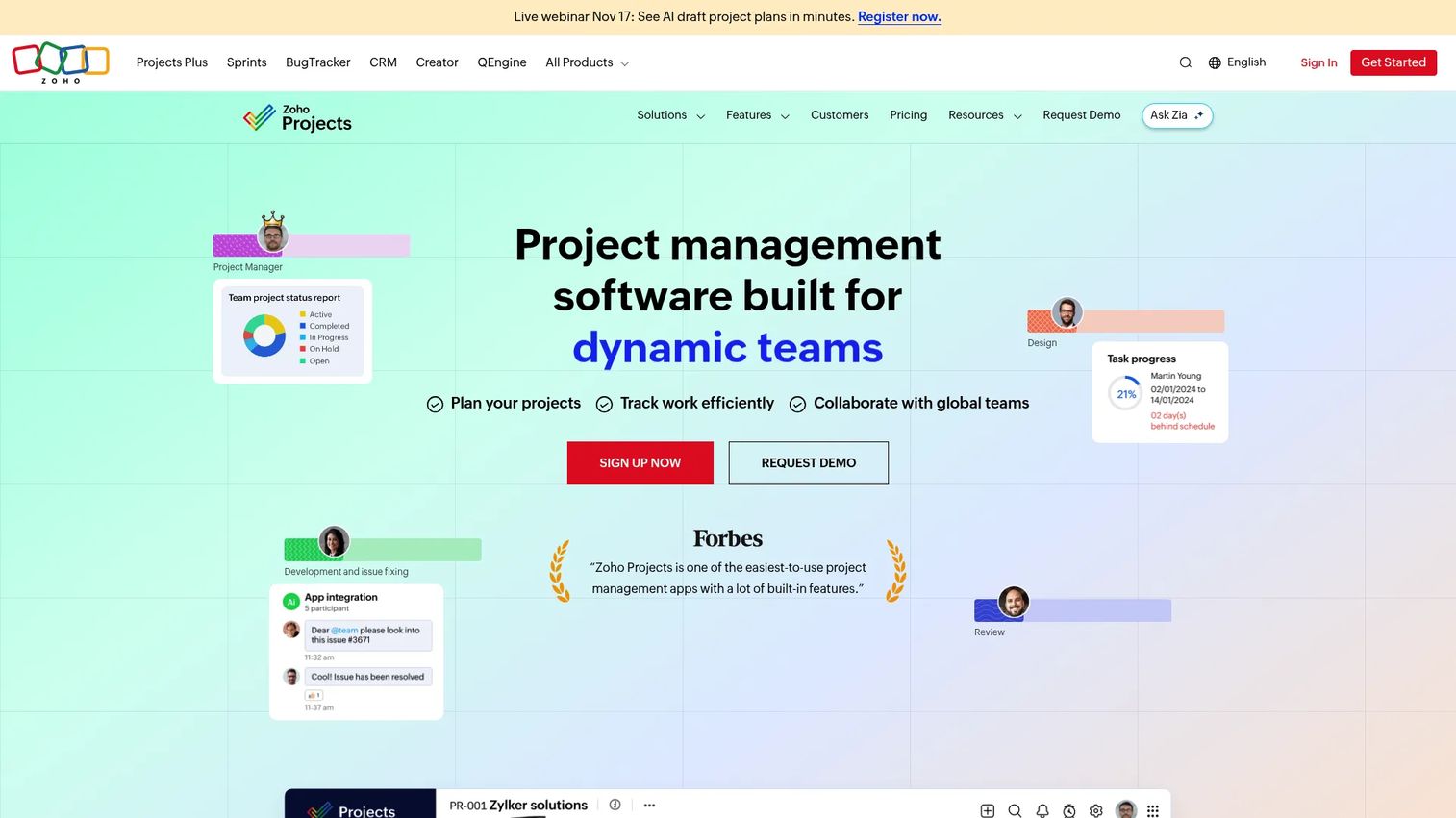
Zoho Projects is online project management software covering task tracking, Gantt charts, time tracking, issue management, and workflow automation. Its Blueprints feature defines repeatable process flows for request types, moving tasks through predefined stages with assigned owners and transition conditions. For teams already using Zoho CRM, Desk, or Books, the ecosystem integration reduces tool switching.
Best for: Small and midsize teams with budget constraints that want structured task tracking and workflow automation, especially within the Zoho ecosystem.
Key features
- Task lists with subtasks, dependencies, and recurring tasks
- Blueprints for repeatable workflow processes
- Gantt charts and milestone tracking
- Issue and bug tracking for technical request types
- Time tracking and timesheets with invoicing integrations
Why choose Zoho Projects: Choose Zoho Projects when price sensitivity is a primary driver and the team already uses Zoho apps. At $4 per user per month on the Premium plan, it covers most project intake and task management needs at a significantly lower cost than alternatives.
Zoho Projects pricing: The Free plan covers up to 5 users. Premium is $4 per user per month billed annually. Enterprise is $9 per user per month billed annually, and Ultimate is $14 per user per month billed annually.
Zoho Projects G2 rating: 4.4/5
9. Trello
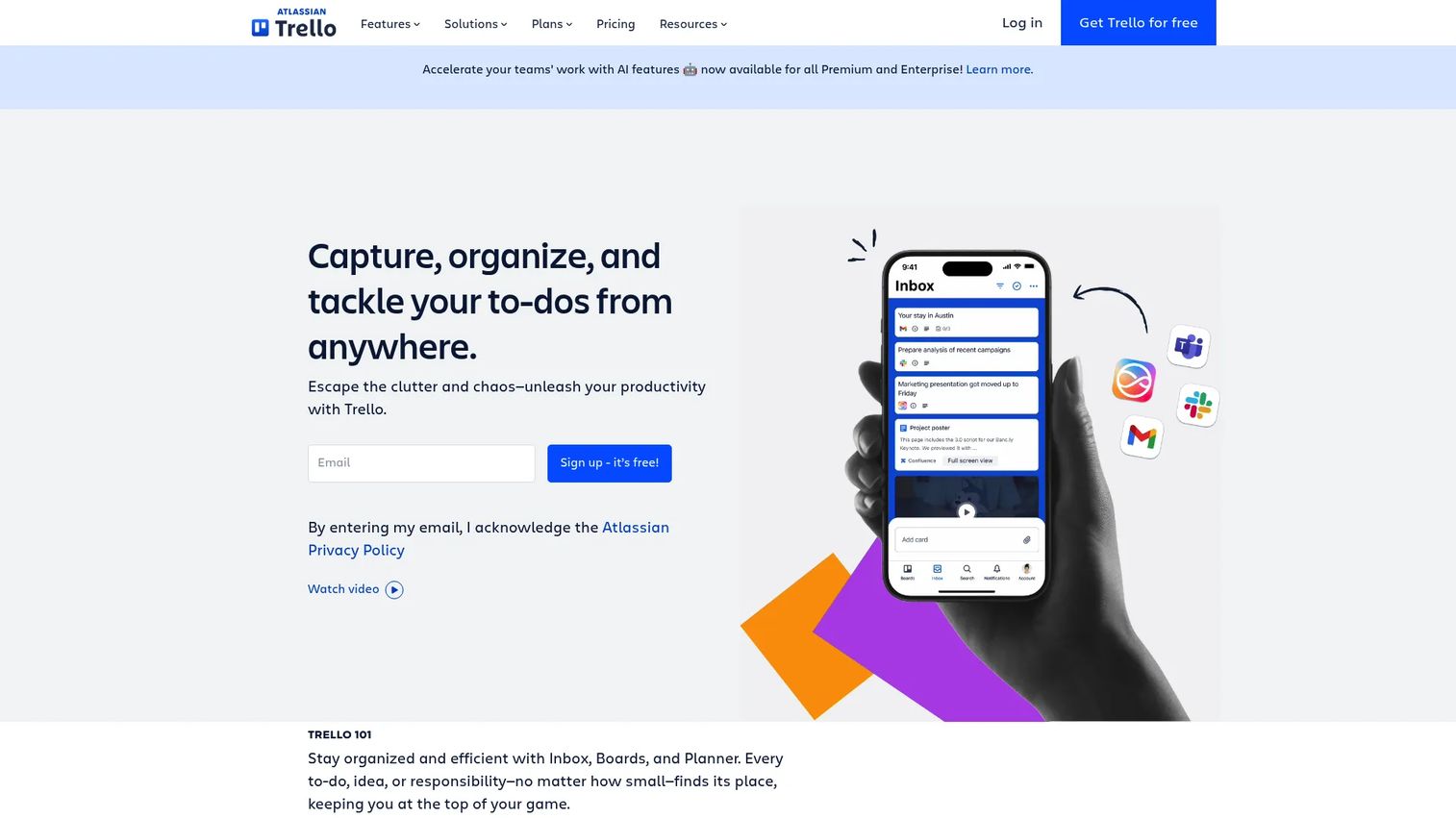
Trello is a visual work management tool built on boards, lists, and cards. It is the simplest option in this list and suits teams with low request volume that want a quick visual queue without configuration overhead. Butler, Trello's built-in automation engine, handles repetitive actions like card creation, label assignment, and due date setting based on triggers.
Best for: Small PMM teams managing basic content requests, launch tasks, or simple campaign boards without complex approval chains.
Key features
- Kanban boards with customizable lists and cards
- Butler automation for rule-based actions
- Checklists, labels, custom fields, and attachments
- Calendar and table views for broader task visibility
- Power-Ups for extended integrations and functionality
Why choose Trello: Choose Trello when you need a simple visual queue, not a formal intake system. It is the right starting point for a team of two or three managing predictable, low-complexity requests before moving into a heavier platform.
Trello pricing: The Free plan is available for up to 10 collaborators per workspace. Standard costs $5 per user per month billed annually ($6 monthly). Premium is $10 per user per month annually ($12.50 monthly). Enterprise runs $17.50 per user per month billed annually.
Trello G2 rating: 4.4/5
10. Notion
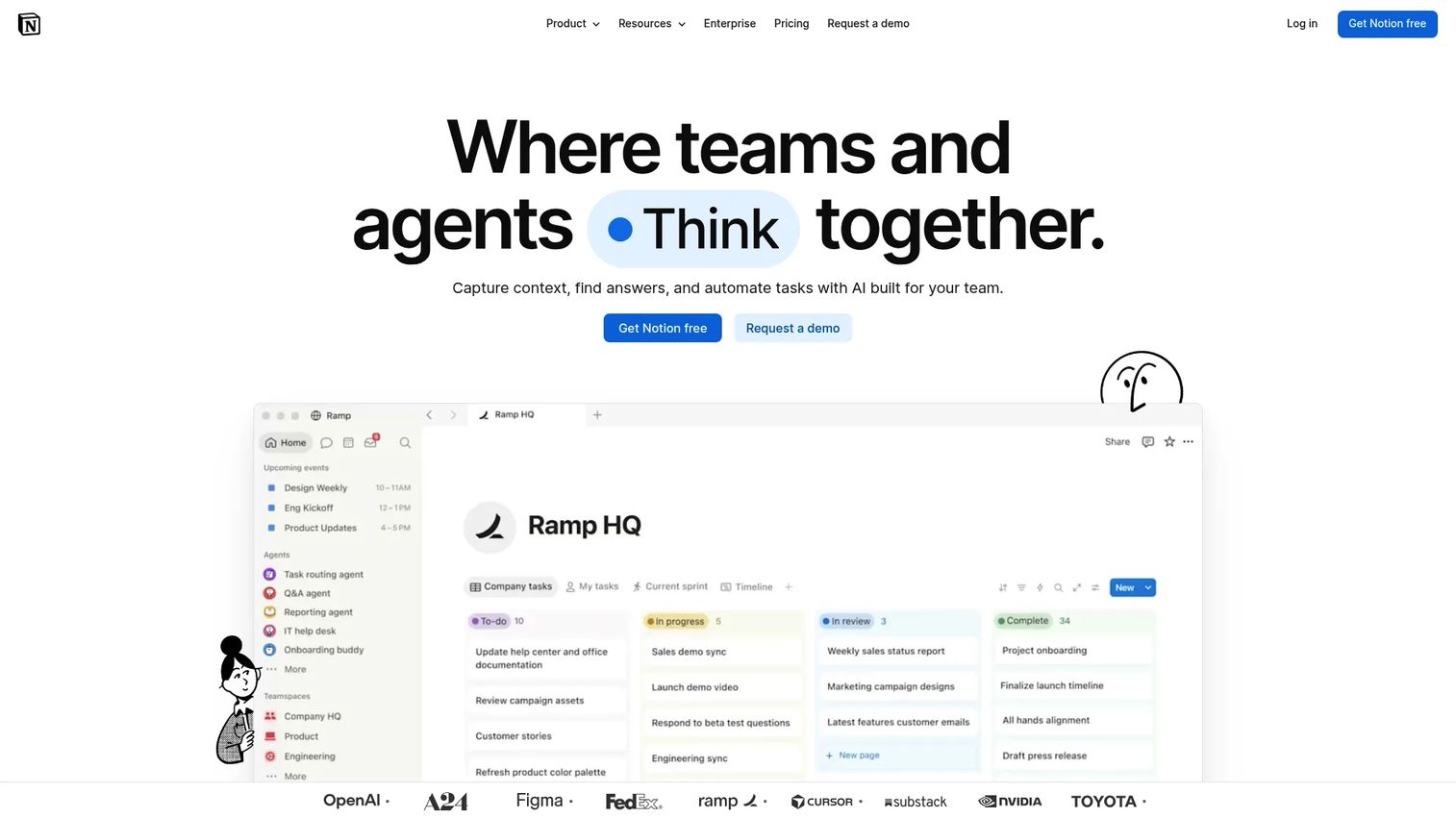
Notion is a connected workspace combining docs, databases, wikis, forms, and AI-powered search. Teams use Notion databases as lightweight request trackers by creating structured intake views, adding custom properties, and embedding request forms directly into team wikis. The strength is context: A submitted request can sit next to the brief, the messaging doc, and the launch plan in the same workspace.
Best for: PMMs who want request tracking connected to briefs, messaging docs, and stakeholder notes without maintaining a separate project management tool.
Key features
- Databases with custom properties, filters, and views
- Forms that submit directly into databases
- Docs and wikis for connected brief and context storage
- AI-powered search and answers across connected content
- Multiple views: Table, board, calendar, gallery, and timeline
Why choose Notion: Choose Notion when the context around a request matters as much as the task itself. For launch briefs, messaging docs, and stakeholder notes that need to live alongside the work, Notion avoids the disconnect that happens when requests live in one tool and documentation lives in another.
Notion pricing: The Free plan covers individual use. Plus is $10 per member per month (monthly billing) and Business is $20 per member per month. Enterprise uses custom pricing. Annual billing reduces these costs by roughly 20%.
Notion G2 rating: 4.6/5
11. OpenProject
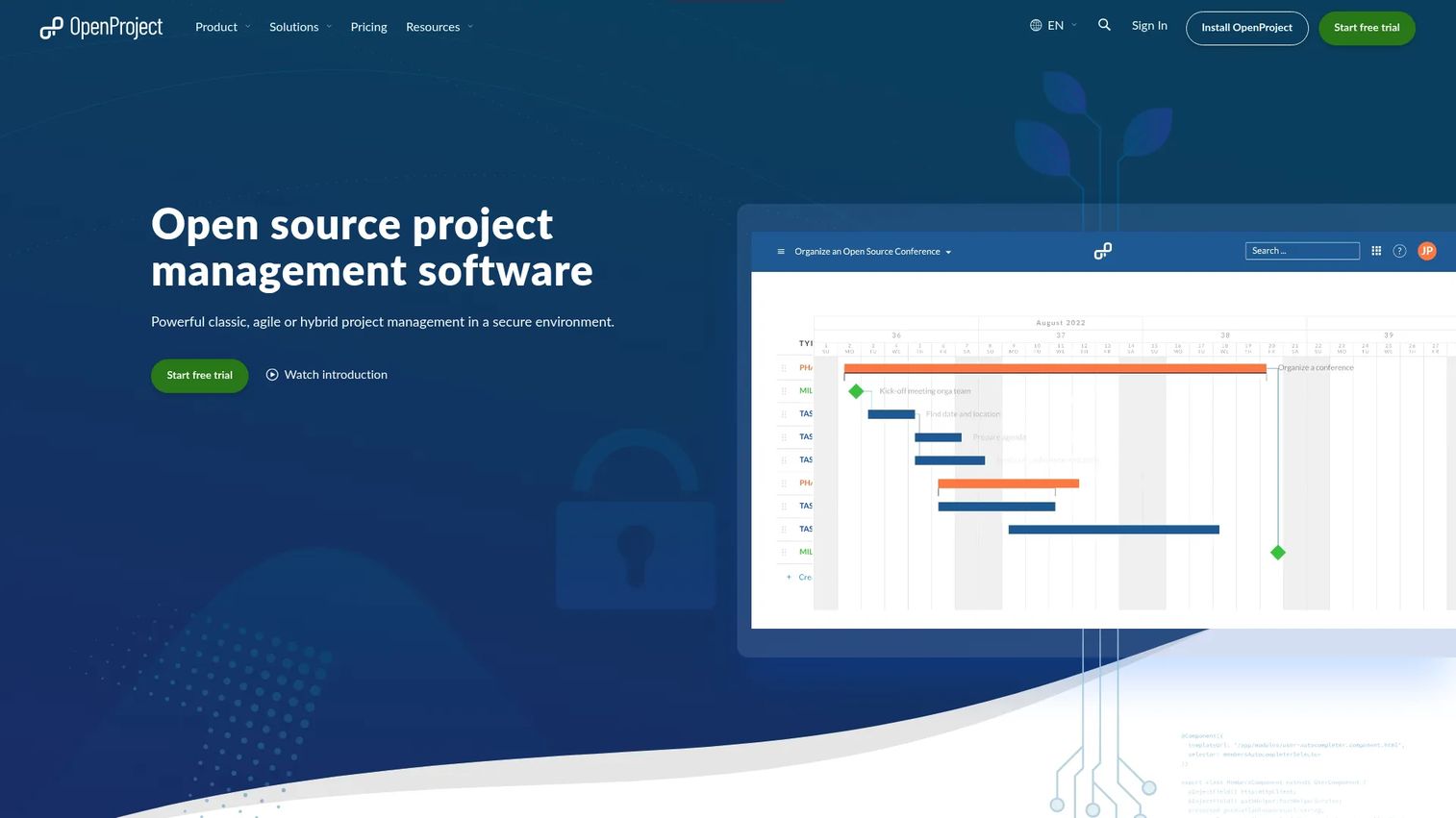
OpenProject is open-source project management software that runs on classic, agile, or hybrid methodologies. Its Community edition is free and self-hosted, making it the only option in this list with full on-premises deployment. Work packages serve as the core unit for tracking requests, with Gantt charts, Kanban boards, time tracking, and budgeting built in. Enterprise cloud and on-premises paid plans add extended support and administration.
Best for: Organizations with data sovereignty requirements, privacy-sensitive workflows, or IT policies that require self-hosted deployment.
Key features
- Work packages for request and task tracking
- Gantt charts and agile Kanban boards
- Time tracking, budgeting, and cost reporting
- Self-hosting on Community edition at no cost
- Enterprise Cloud and on-premises plans for extended support
Why choose OpenProject: Choose OpenProject when open-source control, data ownership, or on-premises deployment matters more than polished marketing workflows. For most PMM and marketing ops teams, the other tools in this list will fit better, but OpenProject is the right answer when deployment flexibility is non-negotiable.
OpenProject pricing: The Community edition is free with no user minimum. Paid cloud plans start at €5.95 per user per month (25-user minimum) for Basic, rising to €10.95 for Professional and €15.95 for Premium. Corporate plans require a request.
OpenProject G2 rating: 3.8/5
12. Linear
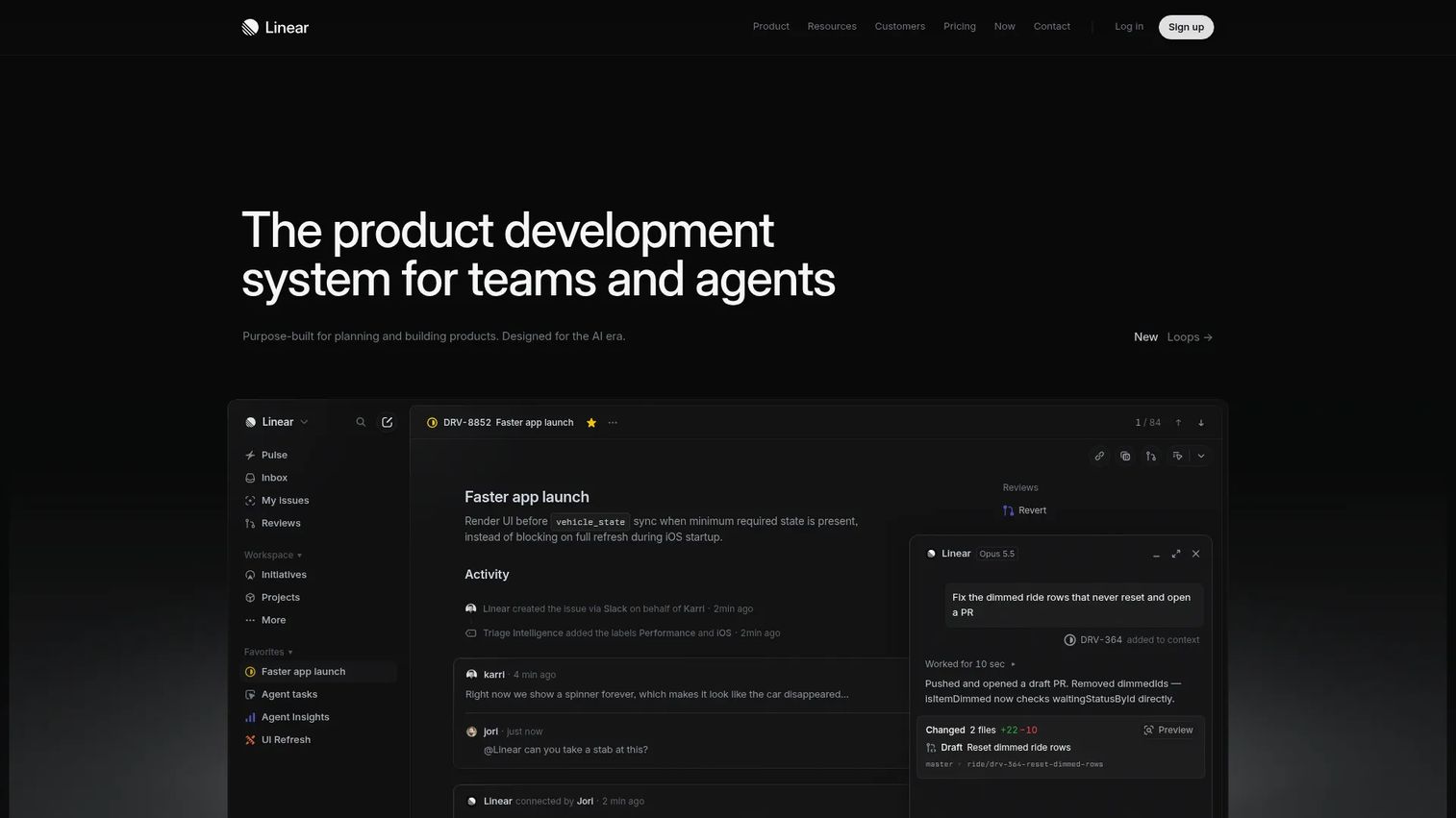
Linear is a product development system built for software and product teams. Its Triage inbox surfaces incoming requests and issues for quick assessment before they enter a team's active workload. Cycles provide time-boxed planning periods similar to sprints, and native integrations with GitHub, GitLab, and Slack keep technical and communication context connected to the work.
Best for: Product and engineering teams managing technical requests, bug triage, and roadmap-linked work with tight development integration.
Key features
- Triage inbox for assessing incoming requests before assignment
- Issue tracking with custom workflows and priorities
- Cycles for sprint-style planning periods
- Roadmap and initiative planning
- Integrations with GitHub, GitLab, Slack, and Microsoft Teams
Why choose Linear: Choose Linear when request intake belongs inside a fast-moving product and engineering workflow. For PMMs, it becomes useful when coordinating technical requests tied to launches, documentation gaps, or roadmap dependencies where engineering visibility is essential.
Linear pricing: The Free plan includes unlimited members, 2 teams, and 250 issues. Basic costs $10 per user per month billed annually and adds 5 teams and unlimited issues. Business is $16 per user per month annually. Enterprise pricing is custom.
Linear G2 rating: 4.6/5
Considerations when choosing project request software
Intake structure
The form is the first gate. Look for conditional fields that change based on request type, required fields that prevent incomplete submissions, and templates tailored to different intake categories. A launch support request should ask different questions than an IT access request. For marketing teams, the approval workflow software layer matters as much as the intake form itself.
Routing and ownership
A tool should move a submitted request to the right owner without someone manually making that call. Evaluate how each platform handles assignment rules, label-based routing, approval chains, and notifications. Poor routing means work sits in a queue until someone notices, which defeats the purpose of structured intake.
Visibility for stakeholders
Requesters should see status without pinging anyone. Look for shared views, request portals, and status columns that update automatically. For business process management teams managing high-volume intake, public-facing status views reduce inbound status checks significantly.
Reporting and prioritization
Request volume data tells you where bottlenecks form. Cycle time by request type reveals which workflows are slow. Backlog depth shows whether the team is under-resourced or over-committed. PMMs need this data to defend prioritization decisions with leadership, not just intuition.
Integration fit
The right platform connects to Slack for notifications, your CRM for customer context, your help desk for IT requests, and your calendar for deadline visibility. Check which integrations are native versus requiring a third-party connector, and whether the data flowing between tools is bidirectional. For teams comparing marketing resource management software, integration depth often determines long-term adoption.
Conclusion
Better project request software does not just collect requests. It turns incomplete asks into governed work your team can prioritize, assign, track, and defend.
For most PMM and marketing ops teams, Asana covers the widest range of cross-functional intake needs with forms, rules, approvals, and portfolio reporting. Wrike is the stronger fit when creative production and asset proofing are central to the workflow. Monday.com wins on stakeholder adoption because the interface is approachable for people who do not live in project tools.
For IT and technical workflows, Jira handles development-linked requests and sprint planning, while ServiceNow suits organizations where intake connects to enterprise service management. Linear covers product and engineering triage with tight Git integration.
Smaller teams can start with ClickUp on the free plan, Trello for a simple visual queue, or Notion when request context needs to live alongside briefs and docs. Zoho Projects is the most affordable option for teams already in the Zoho stack, and OpenProject serves any team with on-premises deployment requirements.
Pick the tool that matches your intake volume, governance requirements, and stack, then run one real request workflow through it before you commit.
If your team also needs to show software workflows clearly to buyers or internal stakeholders, Start your journey with Guideflow today!
FAQs
Project request software captures, routes, prioritizes, and tracks incoming work requests from intake through execution. It sits upstream of project management, handling the structured submission, approval, and assignment of work before a project officially begins. Common features include intake forms, conditional fields, approval workflows, automated routing, and dashboards showing request volume and status.
Project request software focuses on what happens before work starts: Capturing context, routing the request to the right owner, and securing approval. Project management software handles what happens after: Planning, scheduling, task assignment, collaboration, and delivery tracking. Many platforms cover both, but tools like ServiceNow and Linear are purpose-built for one or the other.
A strong project intake form should collect the requester's name and team, submission deadline, business goal, required assets or deliverables, priority level, known dependencies, approvers, and any supporting links or references. Conditional fields help by showing or hiding questions based on request type, keeping the form short for simple requests and comprehensive for complex ones.
The answer depends on the type of marketing work. Asana handles cross-functional launch and enablement requests with forms, rules, and approvals. Wrike fits content production and campaign workflows that need proofing and asset review. Monday.com suits teams where non-technical stakeholders submit and track requests. Smartsheet works for teams that already manage work in grid views. ClickUp and Notion suit smaller teams wanting flexibility over formal governance.
Jira handles technical issue tracking, sprint planning, and development-linked request workflows. ServiceNow suits large organizations managing IT service requests, procurement, and compliance workflows through a service catalog. OpenProject provides open-source self-hosting for teams with data sovereignty requirements. Linear covers product engineering triage with native Git integrations and cycle-based planning.
Yes. Start with the free plans available on ClickUp, Trello, Notion, or Zoho Projects before committing to a paid platform. These tools handle basic request intake, task tracking, and status visibility without enterprise overhead. The goal is to build the habit of structured intake before adding governance and automation.
Evaluate five things in order: Intake quality (do forms capture enough context?), routing logic (does the tool assign work without manual intervention?), stakeholder visibility (can requesters see status without asking?), reporting depth (can you show request volume and cycle time?), and integration fit (does it connect to Slack, your CRM, and your help desk?). Run one real request workflow through the platform before buying.
No. Project request software does not replace communication channels. It reduces request chaos by converting Slack messages and email threads into structured, trackable work. Slack and email remain useful for notifications, context-sharing, and collaboration. The goal is to stop requests from living only in those channels, where they get lost and lack required context.