A piping change in the 3D model should be a controlled update. In too many projects, it triggers a cascade: Equipment nozzle positions shift, pipe supports need rechecking, isometrics go stale, and the construction team works from drawings that no longer match the model. The rework is expensive, and it almost always traces back to one decision made early in the project: Choosing a design environment that couldn't keep the engineering data connected.
The global plant design software market reached $6.8 billion in 2025 and is forecast to grow at 7.2% annually through 2034, according to DataIntelo (2025). That growth reflects how much capital-intensive industries are investing to close exactly this gap. The real cost of a bad platform choice isn't a missing feature. It's disconnected deliverables, coordination loops that consume engineering hours, and asset data that arrives at handover half-complete.
This guide helps you build a shortlist based on project type, workflow depth, and lifecycle requirements, not feature checklists.
What's inside
This guide compares 9 3D plant design software tools for EPC firms, plant owners, factory planners, and engineering leaders selecting a platform for new-build or brownfield industrial projects.
Tools were chosen based on:
- Specialist relevance to process plant, factory layout, or multidisciplinary engineering workflows
- Workflow depth across P&ID creation, 3D modeling, clash detection, and deliverable generation
- Interoperability with common CAD formats and project-data systems
- Current review signals and pricing transparency
TL;DR
- Best for P&ID and 3D process design: AutoCAD Plant 3D, the practical starting point for AutoCAD-centered teams
- Best for multidisciplinary connected models: OpenPlant Modeler, built for spec-driven plant projects across disciplines
- Best for large process and power projects: AVEVA E3D Design, now delivered within AVEVA Unified Engineering
- Best for brownfield work and production documentation: CADMATIC 3D Plant Design, with strong point-cloud and deliverable workflows
- Best for SolidWorks-based teams: Smap3D Plant Design or SolidPlant 3D, depending on piping scope
- Best for fabrication-ready outputs: M4 Plant, with transparent monthly pricing and detailed production documentation
What is plant design software?
Plant design software is engineering software used to plan, model, document, coordinate, and maintain industrial facilities such as process plants, power facilities, manufacturing sites, water-treatment operations, and chemical plants.
Unlike general CAD, which handles geometry and drafting, plant design platforms add intelligent component data, discipline-specific catalogs, P&ID relationships, design rules, structured deliverables, and engineering data management continuity across the project lifecycle.
Core workflows plant design software supports
- P&ID creation and intelligent process data with tag management
- 3D modeling across piping, equipment, structural steel, HVAC, electrical, and cableways
- Plant clash detection and design-rule checking
- Isometrics, pipe spools, bills of materials, and fabrication outputs
- Multidisciplinary coordination and shared model review
- Brownfield plant design using scans and point-cloud data
- Interoperability with DWG, DGN, IFC, and STEP formats
- Connected asset data for digital twin or operational handover initiatives
How plant design software differs from general CAD
| Software type | Primary job | Typical outputs | Best-fit user |
|---|---|---|---|
| General CAD | Drafting and geometry | 2D drawings, basic 3D models | Designers with flexible drafting needs |
| Plant design software | Intelligent process-plant engineering | P&IDs, 3D models, isometrics, reports | EPCs, plant engineers, process designers |
| Factory planning software | Layout and flow planning | Layout concepts, space plans, material-flow views | Manufacturing planners and operations teams |
Factory planning tools prioritize spatial layout and material flow. A full process-plant engineering platform adds piping specifications, intelligent components, and construction-ready deliverables. Knowing which category your project actually needs is the first decision.
When to use plant design software
Design a new process plant with linked engineering data
Use dedicated plant design software when P&IDs, piping specs, equipment data, and construction deliverables must remain connected across detailed engineering. Re-entering data between disconnected systems creates errors that surface when changes are most expensive to fix.
Modernize a brownfield facility without rebuilding from scratch
Retrofit projects need reality capture, point-cloud import, model checks against existing conditions, and disciplined revision control. A platform without brownfield workflows forces manual reconciliation between field conditions and the design model.
Coordinate disciplines before construction or fabrication starts
Clash detection, shared model review, isometric generation, pipe spool data, and material takeoffs all feed directly into construction planning. Catching coordination issues in the model costs a fraction of what the same issue costs on site.
Choose plant design software when:
- Your P&IDs must stay synchronized with the 3D model
- Engineering deliverables feed fabrication or construction workflows
- Multiple disciplines share a common model
- Design changes must propagate to drawings and reports automatically
Plant design software comparison
The table below gives a fast orientation across all 9 tools. Use it to identify your two or three closest candidates, then run a pilot on a real project workflow before committing. Pricing and G2 ratings are verified from vendor pricing pages and live G2 listings as of October 2026.
| # | Product | Best for | Key differentiator | Pricing | G2 rating |
|---|---|---|---|---|---|
| 1 | AutoCAD Plant 3D | P&ID and 3D process-plant teams in AutoCAD environments | AutoCAD toolset with plant-specific P&ID and piping workflows | From $175/month | 4.4/5 |
| 2 | OpenPlant Modeler | Multidisciplinary connected plant models | Spec-driven 3D plant modeling with iTwin integration | From $5,839/year | Not listed on G2 |
| 3 | AVEVA E3D Design | Large process, marine, and power projects | Multidiscipline design within AVEVA Unified Engineering | Contact AVEVA | 4.6/5 |
| 4 | CADMATIC 3D Plant Design | Brownfield modeling and production-ready deliverables | Point-cloud workflows and multi-user collaborative modeling | Contact Cadmatic | 4.7/5 |
| 5 | Hexagon Smart 3D | Major capital projects with complex governance | Data-centric design with rule enforcement and global concurrent engineering | Contact Hexagon | Not listed on G2 |
| 6 | Smap3D Plant Design | SolidWorks, Inventor, or Solid Edge-based plant engineering | CAD-integrated piping and P&ID with isometric generation | Contact Smap3D | Not listed on G2 |
| 7 | SolidPlant 3D | Piping layout and plant modeling in SolidWorks | Specification-driven 3D piping native to SolidWorks | Contact vendor | Not rated on G2 |
| 8 | CADISON 3D Designer | Data-driven P&ID and multidiscipline engineering | Engineering database shared across P&ID, 3D, and documentation | Contact Cadison | 2.5/5 |
| 9 | M4 Plant | Fabrication-oriented piping and steelwork projects | Published monthly pricing with integrated 2D/3D plant design | From €230/month | Not listed on G2 |
Best 9 plant design software tools for 2026
1. AutoCAD Plant 3D
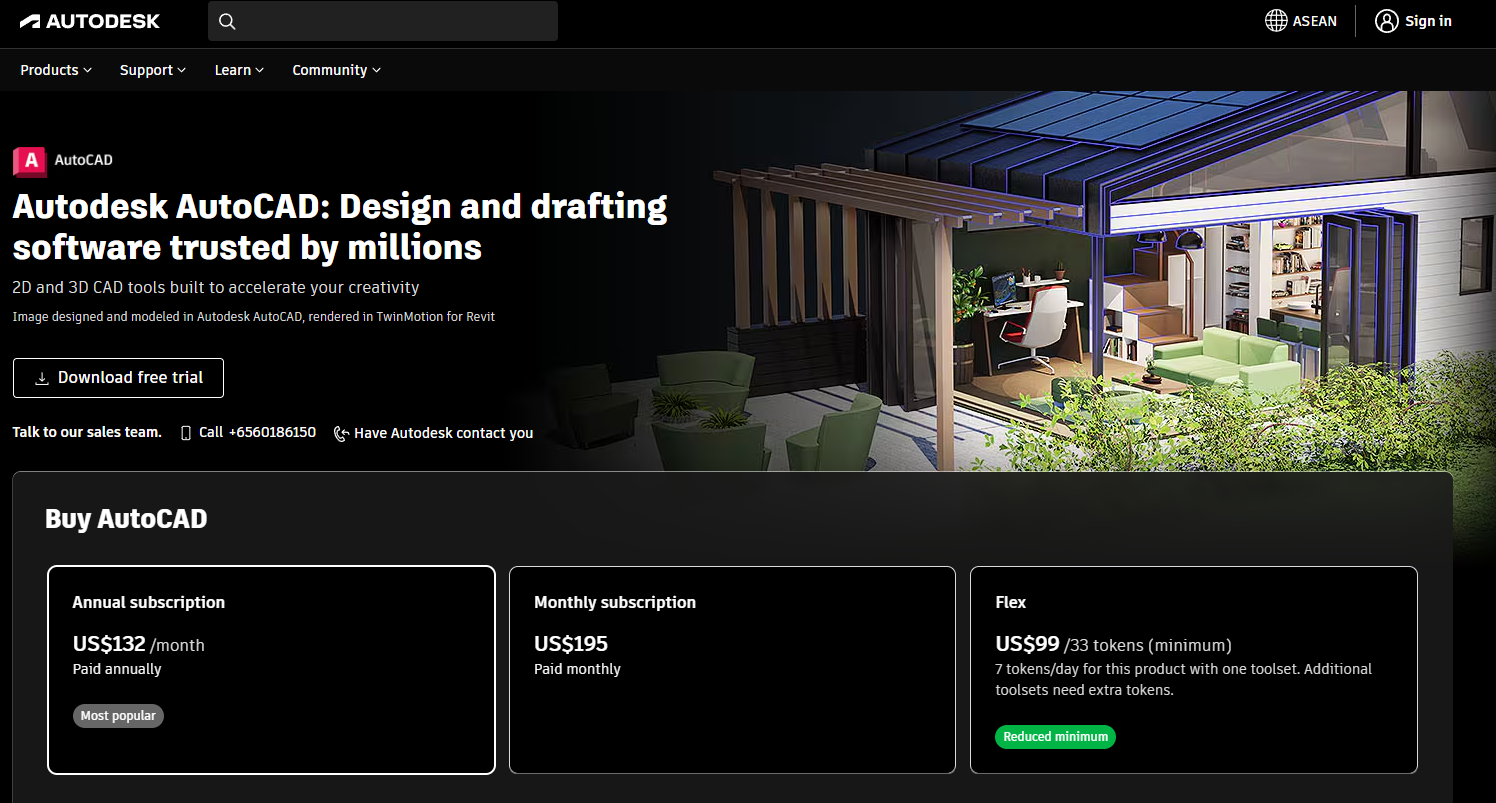
AutoCAD Plant 3D is an industry-specific toolset included with an AutoCAD subscription. It covers P&ID drafting, spec-driven 3D piping, equipment and structural modeling, and automatic generation of orthographic and isometric drawings. Teams already standardized on AutoCAD can adopt it without a full workflow change, which matters when training time and change management are budget line items.
Best for: Engineering teams that need specialized plant workflows without leaving an AutoCAD-centered design environment.
Key features
- P&ID drafting with data management and tag tracking
- Spec-driven piping components and library management
- 3D equipment and piping models from parametric inputs
- Automatic orthographic and isometric drawing generation
- AutoCAD-based customization tools and standards management
Why choose AutoCAD Plant 3D: The organizational path is shorter for teams with established Autodesk skills. Validate collaboration scope, data-management requirements, and large-project performance before standardizing across a program.
AutoCAD Plant 3D pricing: AutoCAD subscriptions start at $175 per month (monthly billing) or $2,095 per year (annual billing). Plant 3D is included as a toolset within that subscription, so there is no separate per-tool fee. Free trials are available through Autodesk's site.
G2 rating: 4.4/5 (AutoCAD product listing on G2, verified October 2026).
2. OpenPlant Modeler
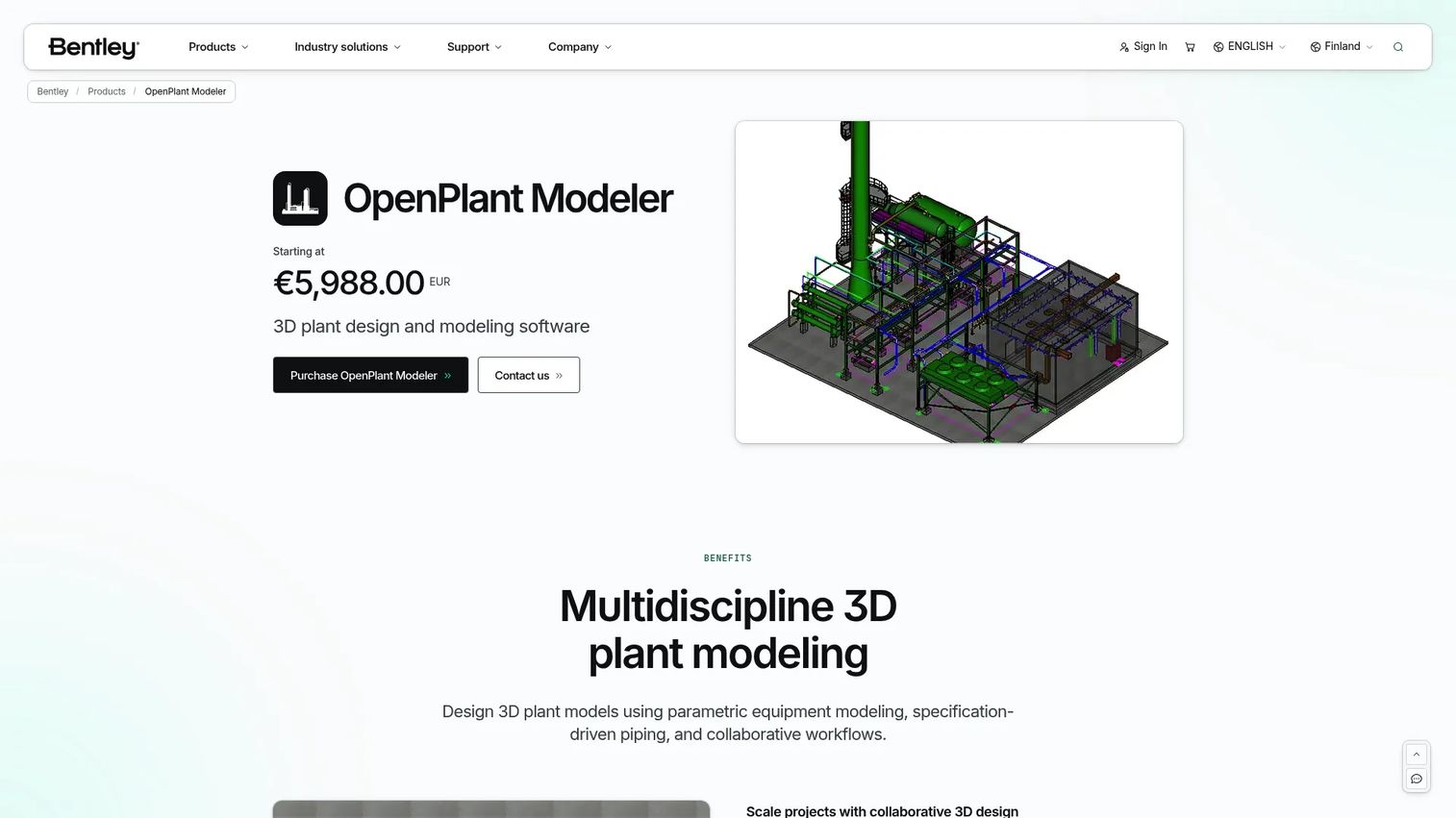
OpenPlant Modeler is Bentley's 3D plant design and modeling platform, built for multidisciplinary, specification-driven projects across process, power, mining, and water industries. It handles parametric equipment modeling, specification-driven piping, and discipline coverage across HVAC, electrical, instrumentation, structural, and supports. The platform integrates with Bentley's iTwin, PlantSight, and ProjectWise stack, which matters for organizations where plant design must connect to broader cloud content collaboration and asset information workflows.
Best for: EPCs and owner-operators that need multidisciplinary modeling with strong engineering-data continuity across project delivery and operations.
Key features
- Parametric equipment modeling and specification-driven piping
- Multidiscipline modeling: Piping, equipment, HVAC, electrical, instrumentation, structural, and supports
- Collaborative workflows with iTwin and PlantSight integration
- ProjectWise integration for project document and data management
- Open data standards support for interoperability
Why choose OpenPlant Modeler: Prioritize it when data exchange, common engineering standards, and model continuity across multiple disciplines matter more than a lightweight drafting experience. It fits organizations already invested in Bentley's project delivery stack.
OpenPlant Modeler pricing: A 12-month Virtuoso subscription is listed at $5,839, which includes one license and two training keys. Enterprise and academic options are also available, and Bentley offers free access for students and educators. Contact Bentley for multi-seat or enterprise packaging.
3. AVEVA E3D Design

AVEVA E3D Design is no longer sold as a standalone product. It is now available as part of AVEVA Unified Engineering, AVEVA's integrated engineering platform for large-scale process, marine, power, and industrial projects. The platform covers multidiscipline 3D design, AI-assisted design tools including an industrial assistant and predictive design, automatic clash detection, laser-scan import, and model-based generation of drawings and reports. For organizations managing high-complexity programs, the centralized data environment reduces cross-discipline coordination overhead.
Best for: Large engineering, procurement, and construction organizations designing complex process, marine, or power assets with formal engineering controls.
Key features
- AI-assisted design tools: Industrial assistant, predictive and generative design
- Multidiscipline collaboration in a centralized, data-centric project environment
- Automatic cross-discipline clash detection and change notifications
- Laser-scan import and design verification against point-cloud data
- Rule-based design with configurable standards and change management
- Drawing, report, and BOM generation directly from the 3D model
Why choose AVEVA E3D Design: It fits programs with complex project controls, large model scope, and long-lived operational requirements where data governance is as important as 3D geometry. Smaller teams should assess training investment and implementation timeline before committing.
AVEVA E3D Design pricing: AVEVA uses a Flex credits-based subscription program. E3D Design is sold through AVEVA Unified Engineering, and no numeric price is available on AVEVA's pricing pages. Contact AVEVA directly for project or enterprise packaging.
G2 rating: 4.6/5 (AVEVA E3D Design listing on G2, verified October 2026).
4. CADMATIC 3D Plant Design
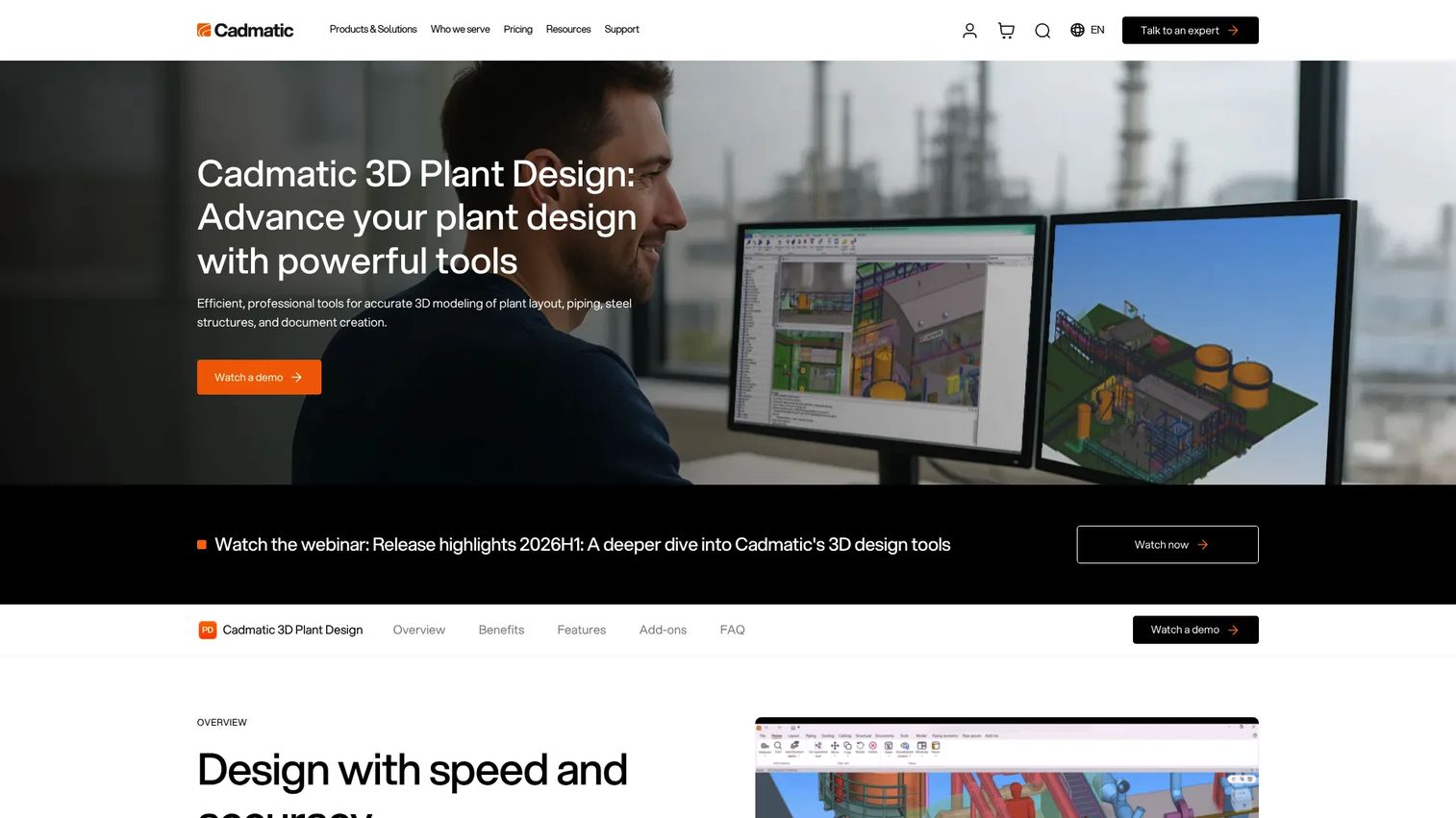
CADMATIC 3D Plant Design covers piping, ducting, cable trays, structural steel, equipment layouts, and P&ID integration in a multi-user collaborative environment. Its strength in brownfield plant design is concrete: Point-cloud import, reference-project reuse, parametric component libraries, and automatic generation of pipe spools, isometrics, material takeoffs, and support drawings. The platform integrates with Cadmatic's P&ID, Electrical, and eShare tools, and connects to third-party systems through a Web API.
Best for: Plant engineering teams managing retrofit or brownfield projects where the model must feed detailed isometrics, pipe spools, and material reports.
Key features
- Multi-user collaborative 3D environment with synchronized project databases
- Multi-discipline modeling: Piping, ducting, cable trays, steel structures, and equipment
- Point-cloud import and brownfield condition workflows
- Automatic pipe spool, isometric, support drawing, and material takeoff generation
- Integration with Cadmatic P&ID and third-party systems via Web API
Why choose CADMATIC 3D Plant Design: Strong fit when existing field conditions shape the design and when production-ready deliverables determine whether construction and fabrication handoffs go cleanly.
CADMATIC 3D Plant Design pricing: Cadmatic uses token-based Cadmatic One License subscriptions with monthly or annual terms, plus perpetual license options. Contact Cadmatic for pricing, as no numeric figure is shown on their pricing page.
G2 rating: 4.7/5 (CADMATIC 3D Plant Design listing on G2, verified October 2026).
5. Hexagon Smart 3D

Hexagon Smart 3D is a data-centric 3D plant design environment built for large industrial facilities with formal engineering governance requirements. It covers multi-discipline design, design-rule enforcement, automated change-impact notifications, global concurrent engineering across distributed teams, real-time data connectivity, and model-based drawing and report generation. Organizations managing capital programs where engineering data quality is a board-level concern, not just a project delivery concern, tend to standardize on platforms at this tier.
Best for: Large EPCs and owner-operators managing complex, long-duration capital programs in process, power, marine, or mining sectors.
Key features
- Multi-discipline 3D design environment for large-scale industrial facilities
- Design-rule enforcement with automated change-impact notifications
- Global concurrent engineering and data reuse across distributed teams
- Real-time data connectivity for live project and asset data
- Model-based drawing and report generation
Why choose Hexagon Smart 3D: Frame it for programs where capital-project governance and engineering data integrity are first-order requirements. Implementation timelines and organizational change management are significant commitments to assess before starting.
Hexagon Smart 3D pricing: No pricing page or numeric figure is available from Hexagon for Smart 3D. Contact Hexagon directly for commercial terms.
6. Smap3D Plant Design
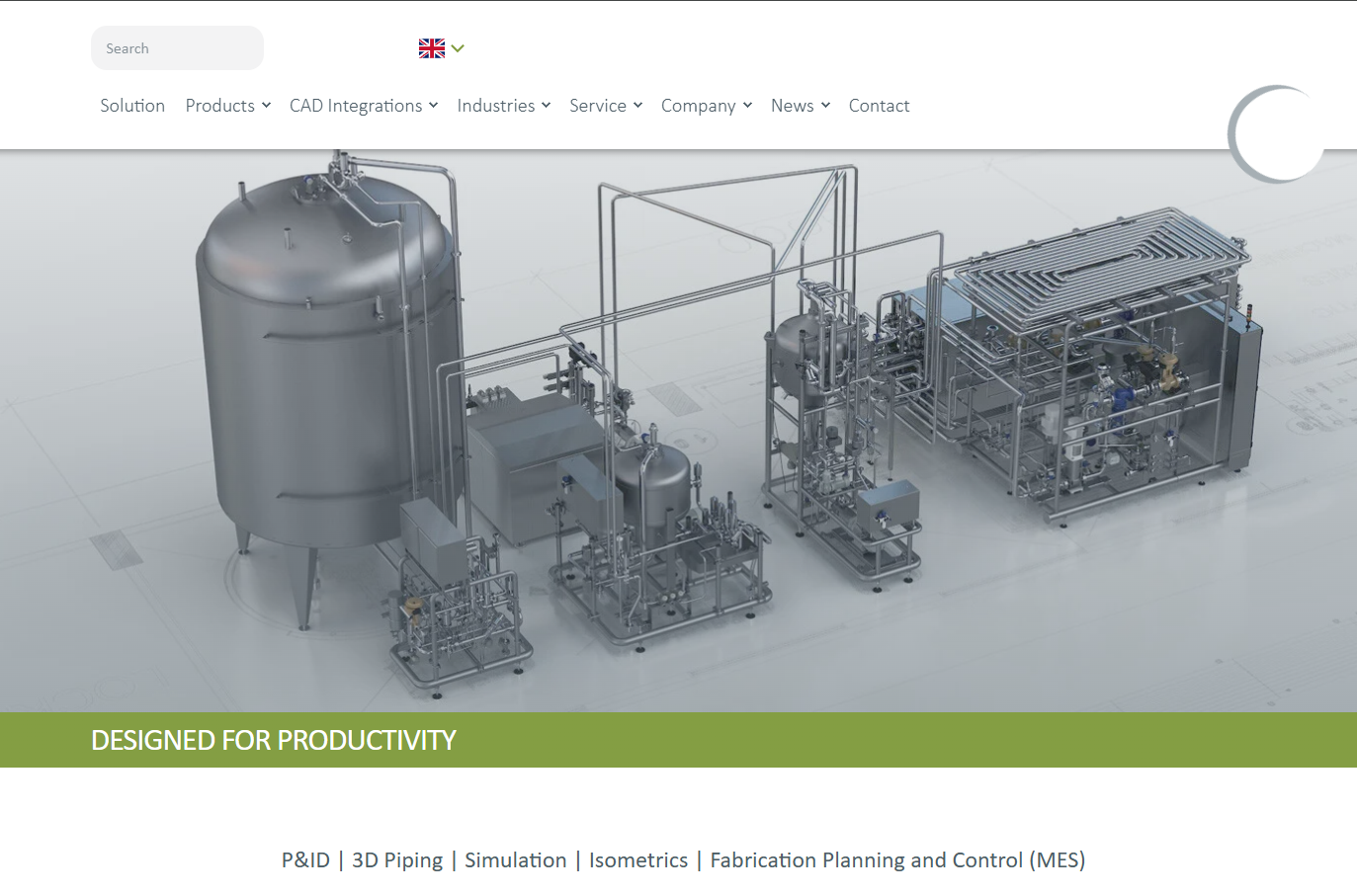
Smap3D Plant Design is a CAD-integrated software suite for 2D P&ID creation, 3D piping design, isometric drawing generation, and pipeline fabrication workflows. It runs inside SolidWorks, Inventor, and Solid Edge, which makes it relevant for mechanical engineering teams that need to extend into plant piping and equipment layout without adopting a separate design environment. Centralized pipe-specification management and bill-of-materials generation connect the piping model directly to procurement and fabrication workflows.
Best for: Mechanical engineering teams using SolidWorks, Inventor, or Solid Edge that need to add plant piping and equipment layout without a full workflow change.
Key features
- 2D P&ID and flow-diagram creation
- CAD-integrated 3D piping design for SolidWorks, Inventor, and Solid Edge
- Automated isometric drawing generation
- Centralized pipe-specification management
- Bill-of-materials generation connected to the piping model
Why choose Smap3D Plant Design: The ecosystem fit is the primary reason to consider it. Teams already invested in SolidWorks, Inventor, or Solid Edge avoid a full platform change and can extend their existing CAD investment into plant piping workflows.
Smap3D Plant Design pricing: Smap3D does not publish software license pricing on their site. An optional update service is listed at EUR 350 per year. Contact Smap3D for license pricing and module costs.
7. SolidPlant 3D
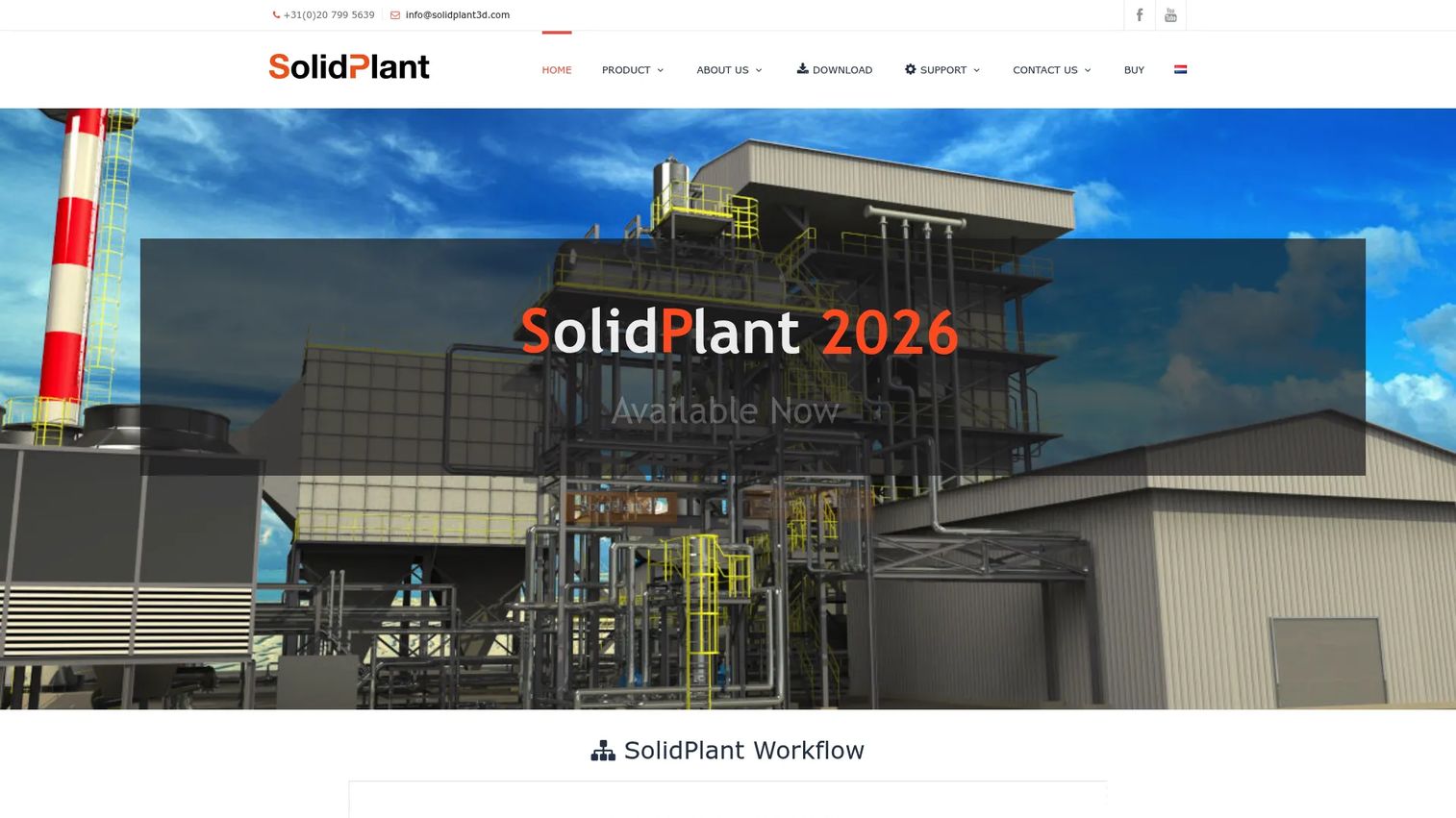
SolidPlant 3D is specification-driven 3D process-plant design software integrated natively with SolidWorks. It handles manual, smart, and automated pipe routing, P&ID and tag-data import, equipment and steel-structure modeling, clash detection, PCF import and export, and isometric drawing generation. For smaller plant-design teams already running a SolidWorks-based mechanical design stack, it extends the existing environment rather than requiring a separate plant-design platform and its associated training overhead.
Best for: SolidWorks teams that need 3D piping and plant layout without moving to a separate, standalone plant-design environment.
Key features
- Specification-driven piping with database-generated components
- P&ID and tag-data import for equipment, pipes, valves, and instruments
- Manual, smart, and automated pipe routing options
- Clash detection and steel-structure modeling
- PCF import and export with isometric drawing generation
Why choose SolidPlant 3D: Keeping mechanical design and plant-layout work in a familiar system reduces training time and keeps the team in a single workflow. Test fit carefully for large, multi-discipline programs before committing.
SolidPlant 3D pricing: Pricing is not available from SolidPlant 3D's site or verified third-party sources. Contact SolidPlant 3D directly for commercial terms and trial options.
G2 rating: SolidPlant 3D carries a 0.0/5 average on G2, based on zero reviews (verified October 2026).
8. CADISON 3D Designer
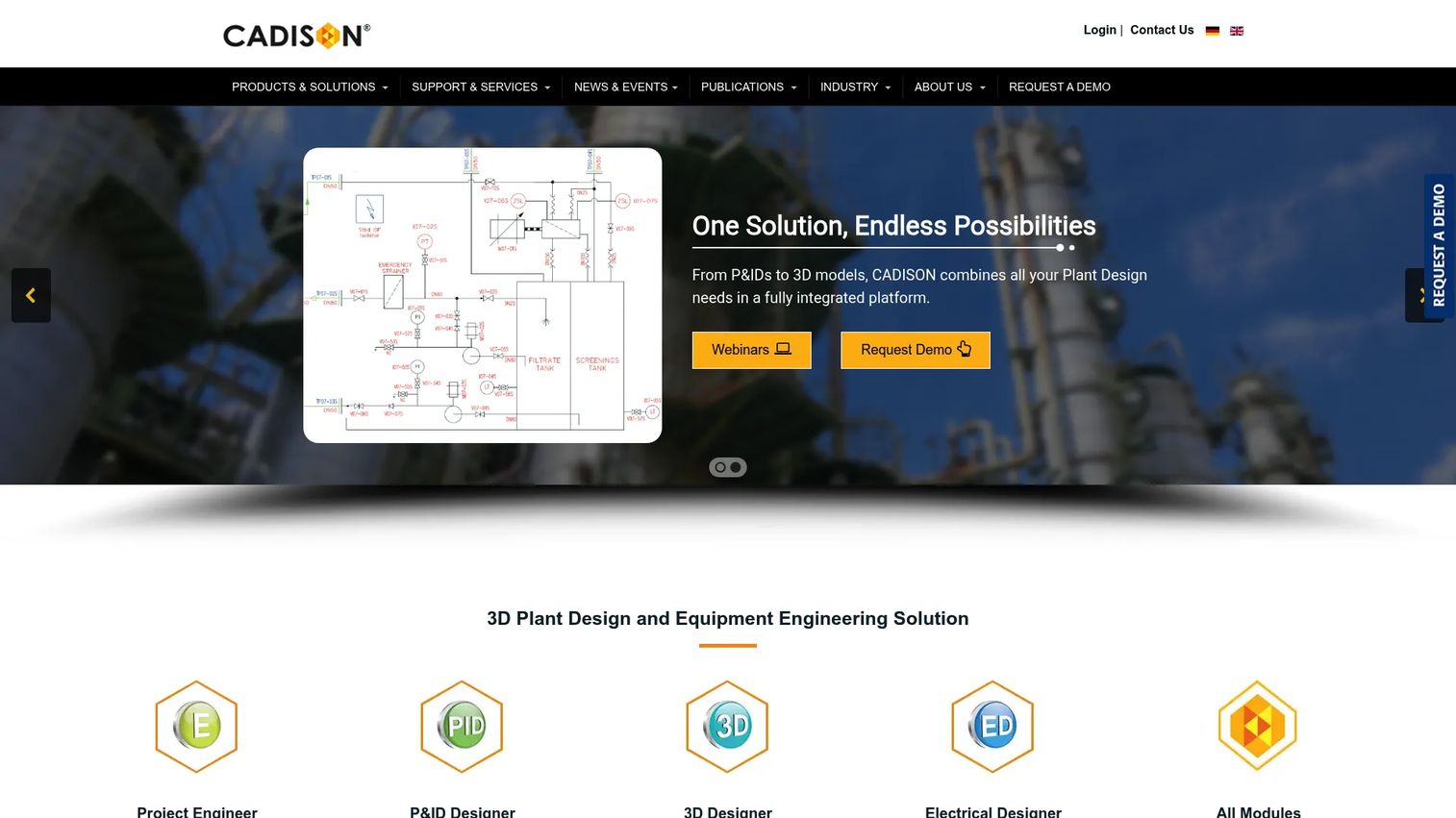
CADISON 3D Designer is an integrated 3D plant design and equipment engineering tool built around a shared engineering database that connects plant layout, pipeline routing, equipment modeling, P&ID data, and documentation in a single data structure. Tank and Nozzle Assistants accelerate equipment engineering. Automatic isometric and general arrangement drawing generation, clash detection, and interfaces for Autodesk Inventor, AutoCAD, SolidWorks, Navisworks, and pipe-stress tools round out the workflow coverage.
Best for: Engineering organizations that need a shared project data model linking P&IDs, 3D design, and documentation to reduce duplicate data entry across departments.
Key features
- 3D plant layout and pipeline routing with clash detection
- Equipment modeling using Tank and Nozzle Assistants
- Automatic isometric and general arrangement drawing generation
- Integrated reports, BOMs, and material takeoffs from the engineering database
- Interfaces for Autodesk Inventor, AutoCAD, SolidWorks, Navisworks, and pipe-stress analysis tools
Why choose CADISON 3D Designer: The database-centric approach benefits teams whose biggest pain is maintaining consistency between P&IDs, 3D models, and documentation. If data re-entry between systems is costing engineering hours, this architecture addresses the root cause.
CADISON 3D Designer pricing: Perpetual and annual subscription licenses are both available. Pricing varies by licensing option and is not published on their site. Contact Cadison for commercial terms.
G2 rating: 2.5/5 (CADISON listing on G2, verified October 2026). Note that the G2 rating covers the broader CADISON platform, not the 3D Designer module specifically.
9. M4 Plant
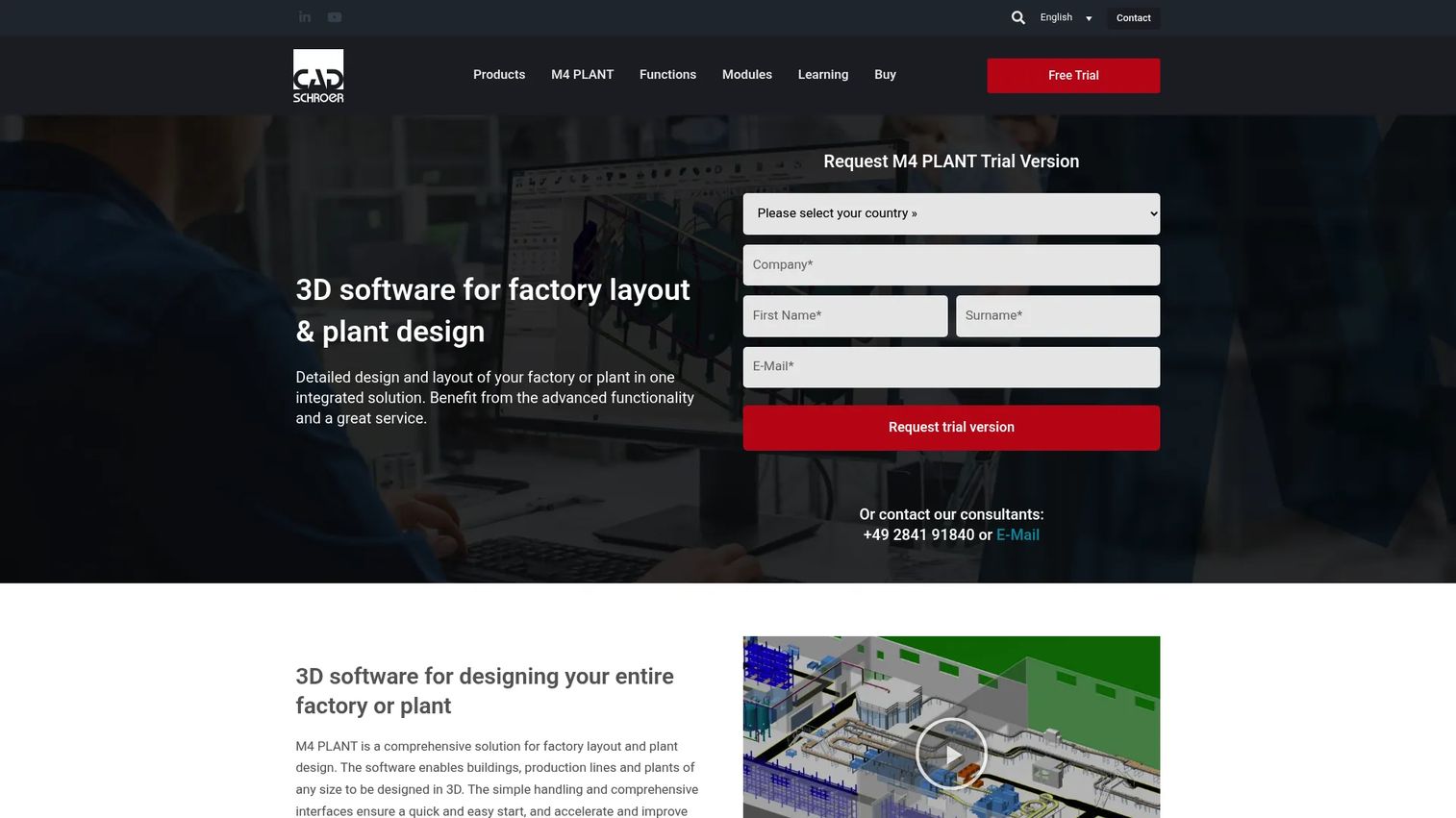
M4 Plant from CAD Schroer is 3D software for integrated factory layout and plant design. It covers piping, P&ID, structural steel, cable tray, ducting, and piping-isometric modules alongside factory layout, with 2D/3D integration and configurable component catalogues. Collision checking, collaboration management, and quality assurance workflows round out the platform. The monthly pricing published on their site makes it one of the few tools in this category where buyers can assess cost without a sales conversation first.
Best for: Plant-design and fabrication teams that need detailed piping, steelwork, and production documentation with transparent, published pricing.
Key features
- 3D factory layout and plant design in an integrated environment
- Piping, P&ID, structural steel, cable tray, ducting, and isometric modules
- Collision checking and quality assurance workflows
- Collaboration management and configurable component catalogues
- 2D/3D integration with standard format interfaces
Why choose M4 Plant: The combination of published pricing and integrated factory-plus-plant capability makes it worth evaluating for teams that need both layout and detailed piping without opaque commercial conversations. Test the deliverable quality against your fabrication standards before committing.
M4 Plant pricing: M4 PLANT is listed at €230 per month on a 12-month single-user license, billed annually. M4 PIPING is listed at €188 per month, and M4 FACTORY at €188 per month, both on the same annual terms. Prices apply to the euro zone as listed on their pricing page (verified October 2026).
Considerations when choosing plant design software
Match the platform to your engineering deliverable
Start by identifying what the model must produce: Conceptual layouts, detailed piping design, isometrics, pipe spools, fabrication drawings, construction coordination packages, or operational asset data. A platform that excels at early-stage layout may create gaps when the project moves into detailed engineering and construction handover. Define the end deliverable before evaluating the tools.
Check P&ID-to-3D continuity before committing
Process tags, equipment data, piping specifications, and line information should stay linked across P&IDs, 3D models, drawings, and material reports. "Integration" can mean anything from a reference link to a shared engineering database. Run a change scenario during the evaluation: Update a pipe class in the P&ID and track whether the 3D model and isometrics update automatically or require manual intervention.
Test interoperability with your actual files
Require a working test using the formats and systems your team already operates with. DWG, DGN, IFC, STEP, point clouds, and legacy project-data files are the practical test cases. A platform that handles neutral formats cleanly but struggles with your specific CAD standards will create friction throughout the project lifecycle.
Evaluate brownfield readiness separately
Retrofit and brownfield plant design adds requirements that new-build evaluations often miss: Point-cloud import quality, existing-condition modeling accuracy, clash workflows against surveyed data, and controlled update processes for uncertain field conditions. Run a pilot using actual scan data from a representative site before selecting a platform for brownfield programs.
Price the full operating model
The entry license is rarely the complete cost. Training, implementation services, modular add-ons, collaboration seats, data migration from legacy systems, and ongoing support all contribute to the total. For enterprise-scale programs, the difference between a $5,000 annual license and a $500,000 implementation commitment can both sit under the same product name depending on deployment scope.
Conclusion
The decision framework for plant design software comes down to one question: Which engineering handoffs can you not afford to break? For most process-plant teams, that answer points to P&ID-to-3D continuity, piping specification control, and construction-ready deliverable generation.
AutoCAD Plant 3D is the natural starting point for AutoCAD-centered process-design teams. OpenPlant Modeler and AVEVA E3D Design fit organizations running larger multidisciplinary programs that need data-centric engineering environments. CADMATIC 3D Plant Design stands out for brownfield work and production documentation where point clouds and detailed deliverables define the workflow.
Smap3D Plant Design and SolidPlant 3D serve engineering teams already standardized on SolidWorks or Inventor. CADISON 3D Designer suits teams prioritizing engineering database continuity across disciplines. M4 Plant offers published pricing and integrated factory-plus-plant capability for fabrication-oriented teams.
Build a two-to-three-tool shortlist, then run a pilot on one real project workflow. Use an existing P&ID, a design change scenario, a brownfield constraint, and a required deliverable as the evaluation test.
Start your journey with Guideflow today!
FAQs
The right choice depends on existing CAD standards and the deliverables your project requires. AutoCAD Plant 3D suits teams already in an Autodesk environment. OpenPlant Modeler and CADMATIC 3D Plant Design fit multidisciplinary programs where P&ID continuity and collaborative modeling matter. Smap3D Plant Design and SolidPlant 3D extend SolidWorks into plant piping workflows.
General CAD creates geometry and drafting. Plant design software adds intelligent component data, piping specifications, process data from P&IDs, discipline-specific rules, model coordination across engineering teams, and structured deliverables such as isometrics, pipe spools, and material takeoffs. The distinction matters most when a design change needs to propagate automatically to drawings, reports, and procurement outputs.
Several platforms connect P&ID data to 3D objects and reports. The degree of synchronization varies considerably across products. Some maintain a shared engineering database where a tag change in the P&ID updates the 3D model and drawings automatically. Others link the two via reference but require manual updates. Validate the synchronization depth during a pilot using a real change scenario before selecting a platform.
Brownfield projects require point-cloud import, existing-condition modeling, clash detection against surveyed data, and controlled revision workflows. CADMATIC 3D Plant Design and OpenPlant Modeler both address these requirements directly. Run an evaluation using actual scan data from a representative project area to test how each platform handles uncertain field conditions and controlled updates.
Pricing ranges from AutoCAD's published subscription starting at $2,095 per year (with Plant 3D included) to M4 Plant's €230 per month annual license, through to contact-only pricing for CADMATIC, Hexagon Smart 3D, and AVEVA. Total cost also includes implementation, training, data migration, discipline-specific module add-ons, collaboration seats, and ongoing support. The entry license figure rarely reflects the full program cost.
Most dedicated plant-design platforms generate isometrics, bills of materials, spool data, and related reports directly from the 3D model. The quality and configurability of those outputs vary. Test whether the generated isometrics match your fabrication standards and whether the bill-of-materials format integrates with your procurement system before finalizing selection.
At minimum, evaluate DWG, DGN, IFC, and STEP support for model exchange. Point-cloud formats matter for brownfield work. PCF format support is relevant where pipe stress analysis connects to the design model. Use a real project file during evaluation, not a sample dataset, to surface format-handling issues before they become project problems.
Connected design data can support asset handover documentation, maintenance planning, operational procedures, and 3D visualization for digital twin initiatives. The value at operations stage depends entirely on how well data governance was maintained during design and construction. Platforms that enforce engineering data standards throughout the project lifecycle produce handover packages that operations teams can actually use.
A plant digital twin combines 3D geometry with live or historical operational data to support ongoing facility management, predictive maintenance, and process optimization. Plant design software produces the foundational geometry and engineering data for that twin. The quality of the digital twin at operations stage reflects the discipline of the data model during design, which is why P&ID-to-3D continuity and structured deliverables matter well beyond project completion.