



A single leaked API key can drain a cloud account before your on-call engineer finishes their coffee. The credential does not need to sit in your live app. It just needs to sit somewhere a scanner can read it: an old commit, a forgotten branch, a support ticket, a build log.
That is the real problem with hardcoded secrets. They do not stay where you put them. A developer pastes a token into a config file, deletes it in the next commit, and assumes it is gone. It is not. It lives in Git history forever, readable by anyone who clones the repo.
The secrets scanning market was valued at $1.8 billion in 2025, projected to reach $10.4 billion by 2034 at a 24.5% CAGR, according to MarketIntelo (2025). That growth tracks a simple truth: manual review does not catch secrets at the speed teams ship code. You need automated secrets detection watching every commit, every branch, every pull request.
This guide breaks down seven secret scanning tools, explains how the category actually works, and helps you choose based on the breadth of your SDLC and the speed of your remediation workflow.
What's inside
This guide is for security engineers, AppSec teams, DevSecOps leads, and presales teams evaluating security tooling. It also serves anyone who runs technical validation on tools, since the evaluation lens here (coverage, integrations, proof) mirrors how buyers assess most software. If your own presales motion depends on hands-on evaluation, an interactive demo can shorten that same validation cycle.
We selected the seven tools based on:
- Detection coverage across code, Git history, and non-code artifacts
- CI/CD integration and developer workflow fit
- False positive handling and validation quality
- Remediation workflow and repository scanning depth
The list includes both broad security platforms and focused specialist scanners.
TL;DR
- Best overall coverage: GitHub Secret Scanning, the baseline for teams living inside GitHub
- Best for broad SDLC visibility: Cycode, which scans beyond source code into docs, tickets, and logs
- Best for enterprise security teams: SentinelOne, secret scanning inside a wider platform
- Best for contextual remediation: Check Point Spectral, developer-first code and IaC scanning
- Best for developer workflow integration: GitGuardian, real-time detection across repos and pipelines
- Best for CLI and open-source scanning: TruffleHog and Gitleaks, engineering-led and automation-friendly
A secret scanner is only as useful as the remediation workflow it feeds. Pick for coverage and speed, not just detection count.
What is secret scanning software
Secret scanning software automatically detects exposed credentials such as API keys, passwords, tokens, certificates, and connection strings inside code and related artifacts, then alerts teams so they can revoke and rotate them before attackers do.
The category exists because secrets leak in predictable places, and humans do not review those places fast enough.
What it detects:
- API keys and access tokens
- Passwords and connection strings
- Private keys and certificates
- OAuth tokens and cloud provider credentials
- Generic high-entropy secrets that match no known pattern
Where it scans:
- Git history across all branches, not just the latest commit
- Pull requests, issues, discussions, and wikis
- Public and private repositories
- Docs, build logs, ticketing systems, and messaging tools
- Container images and configuration files
How it works:
- Pattern matching against known credential formats
- Entropy analysis to catch secrets that fit no fixed pattern
- Validity checks that call the provider to confirm a secret is still live
- Custom patterns for internal token formats
- AI and ML models that reduce false positives using code context
Why it matters:
- Prevents fraudulent use of stolen credentials
- Reduces breach blast radius by catching leaks early
- Speeds up remediation with active, prioritized alerts
Here is how coverage differs across common surfaces.
| Surface | Repository-focused scanners | Broad SDLC platforms |
|---|---|---|
| Source code | Yes | Yes |
| Git history and branches | Yes | Yes |
| Docs and wikis | Partial | Yes |
| Build and CI logs | Partial | Yes |
| Ticketing and messaging | Rare | Yes |
When to use secret scanning software
Scan before secrets reach production
The cheapest secret to fix is one that never gets committed. Pre-commit hooks and CI/CD integration catch credentials at the point of entry. A secret blocked at push never enters Git history, so there is nothing to revoke later. Wire scanning into pull request checks so a leak fails the build instead of shipping.
Catch secrets hidden outside source code
Secrets do not only live in code. They end up in support tickets, Slack messages, internal wikis, and build logs. A developer pastes a token into a bug report to reproduce an issue, and now it sits in your ticketing system. Broad repository scanning that reaches non-code artifacts closes these gaps that pure code scanners miss.
Prioritize secrets that are still active
Not every detected secret is a live risk. Validity checks confirm whether a credential still works by testing it against the provider. An expired key is noise. An active production database password is an incident. Risk-based remediation lets your team fix the dangerous secrets first instead of drowning in a flat alert queue.
Comparison table
Here is a side-by-side view of the seven secret scanning tools, sorted by relevance to GitHub-centric and SDLC-wide teams. Pricing and ratings reflect verified values at publication; confirm current figures before you buy.
| # | Product | Best for | Key differentiator | Pricing | G2 rating |
|---|---|---|---|---|---|
| 1 | GitHub Secret Scanning | GitHub-native teams | Git history scanning across all branches with validity checks | Free for public repos; $19/committer/mo for private | N/A |
| 2 | Cycode | Broad SDLC visibility | Secrets detection beyond code into docs, tickets, logs | Free trial; based on developer count | 4.0/5 |
| 3 | SentinelOne | Enterprise security teams | Secret scanning inside a wider security platform | From $69.99/endpoint/yr | 4.7/5 |
| 4 | Check Point Spectral | Developer-first AppSec | Secret and IaC scanning in CI/CD | Custom pricing | N/A |
| 5 | GitGuardian | Developer workflow fit | Internal and public secrets monitoring | Free up to 25 devs; paid by quote | 4.8/5 |
| 6 | TruffleHog | Engineering-led CLI scanning | Credential verification to cut false positives | Free open-source; enterprise by quote | N/A |
| 7 | Gitleaks | Lightweight pipeline scanning | Fast open-source scanning with custom rules | Free; free org license key | N/A |
Best 7 secret scanning tools for 2026
1. GitHub Secret Scanning
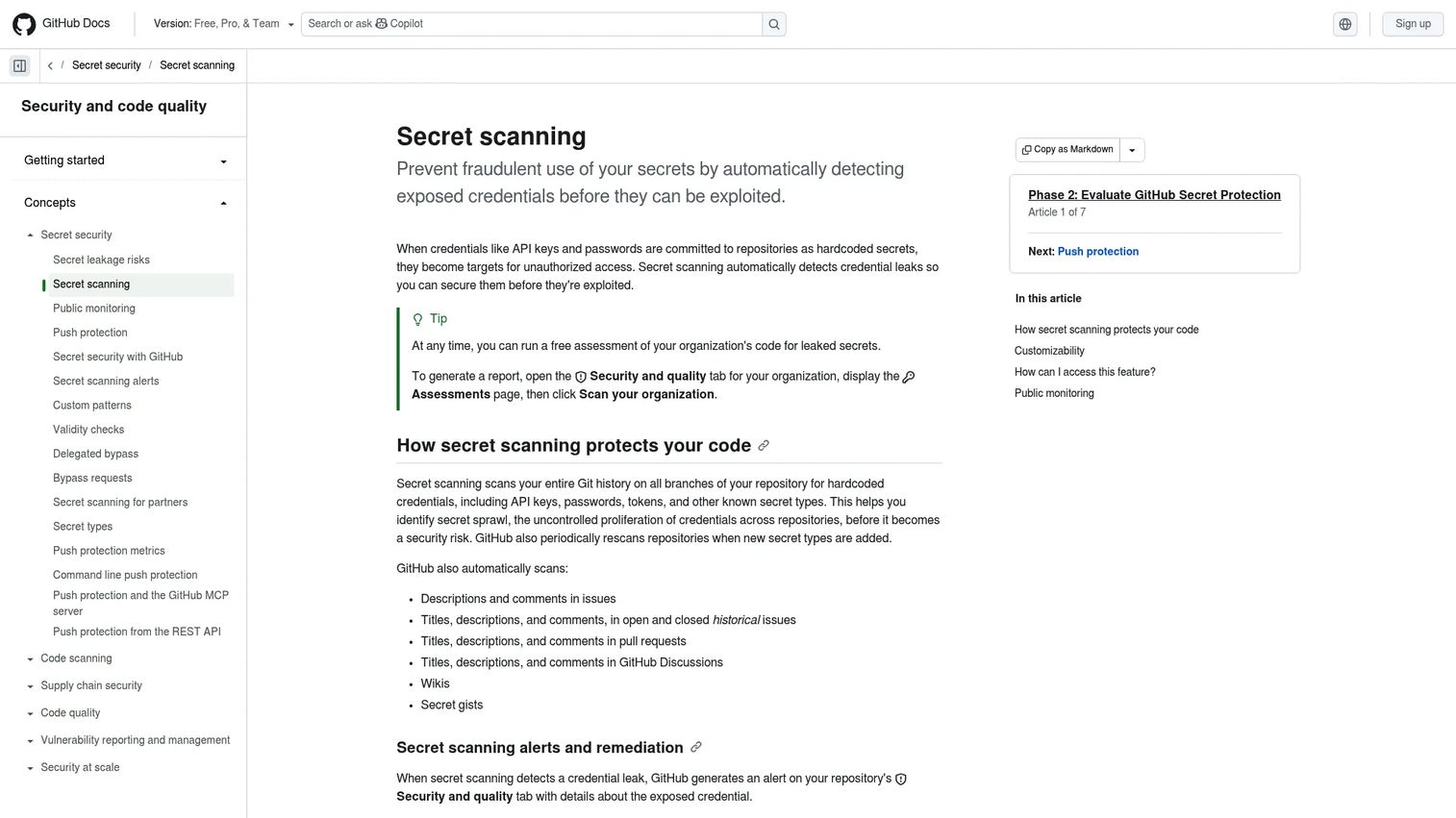
GitHub Secret Scanning is the baseline every other tool gets measured against. If your code lives in GitHub, this is where secrets detection starts. It scans Git history across all branches, watches issues, pull requests, discussions, wikis, and secret gists, and surfaces alerts in the repository Security tab.
The distinction that matters here is partner secrets versus user alerts. When a leaked credential matches a partner provider pattern, GitHub notifies that provider directly so they can revoke it. That closes the loop faster than an internal alert alone.
Best for: Organizations that need automated detection of leaked secrets in GitHub repositories and related collaboration content.
Key features
- Git history scanning across all branches
- Alerts in the repository Security and quality tab
- Public and private repository coverage
- Validity checks and extended metadata checks
- Custom patterns and AI-detected secrets
Why choose GitHub Secret Scanning: For teams already committed to GitHub, native scanning removes an integration step and covers Git history, branches, and collaboration content in one place. Push protection blocks secrets before they enter the repo.
GitHub Secret Scanning pricing: Free for public repositories. GitHub Secret Protection covers private and internal repositories at $19 USD per active committer per month, available on GitHub Team and GitHub Enterprise Cloud.
2. Cycode
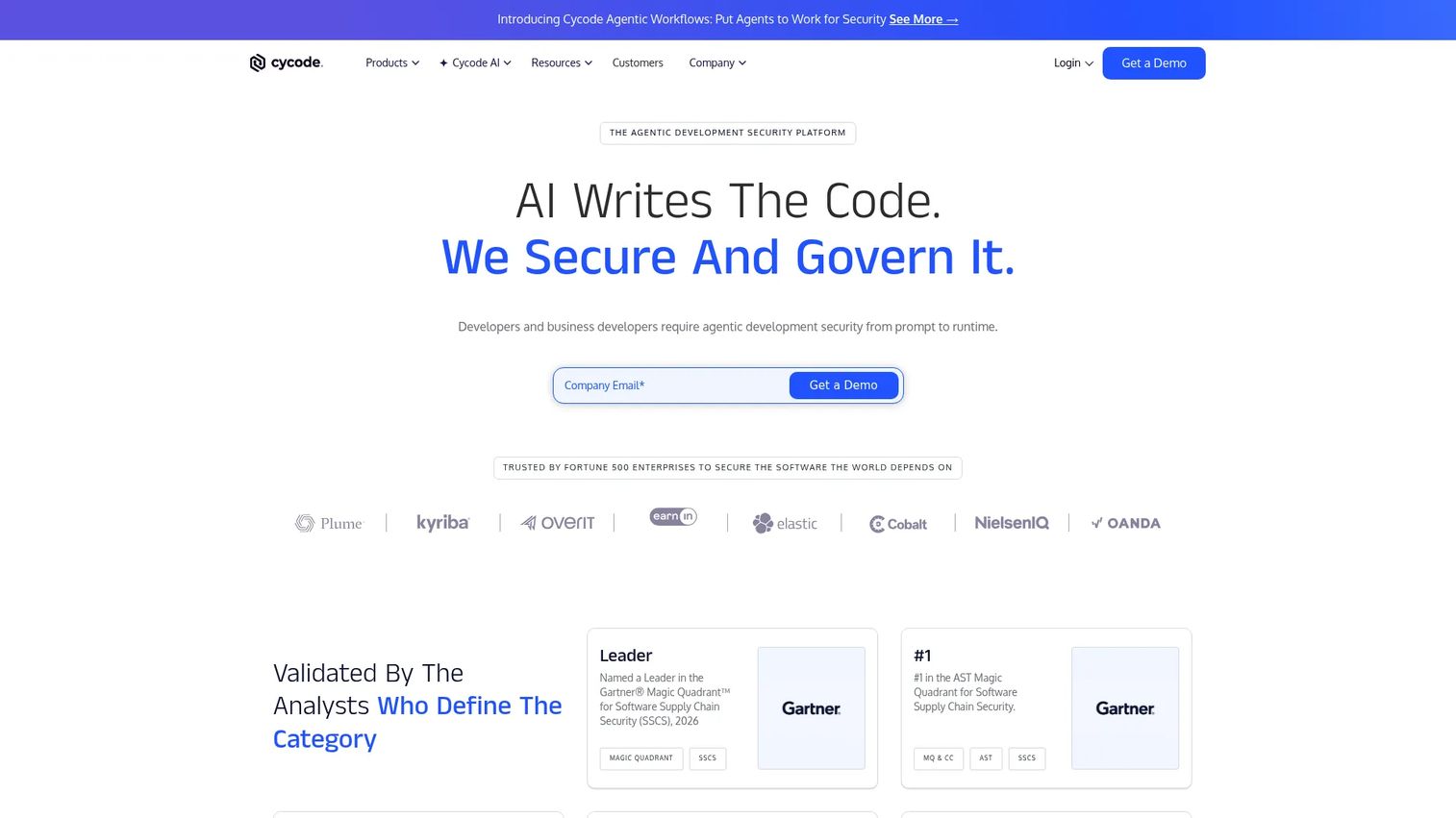
Cycode takes secrets detection past the repository. It scans across the software development lifecycle, reaching into docs, ticketing systems, messaging tools, and build logs where secrets quietly accumulate. That breadth is the gap most repository-only scanners leave open.
Cycode leans on AI-powered detection and code context to reduce false positives, then applies risk-based prioritization so your team fixes the live, dangerous secrets first. Remediation happens where developers already work: IDE, pull request, CI/CD, and CLI.
Best for: Enterprises wanting a unified AI, code, and supply-chain application security platform with SDLC-wide visibility.
Key features
- AI visibility across the development lifecycle
- AI governance and guardrails
- Secrets detection beyond code into docs, tickets, and logs
- Risk-based prioritization of active secrets
- Developer remediation in IDE, PR, CI/CD, and CLI
Why choose Cycode: If your secrets sprawl past the codebase into the tools your team uses daily, a platform that scans the whole SDLC catches leaks a code-only scanner never sees.
Cycode pricing: Cycode offers a free trial. Pricing is based on active developer count and AI usage across its product areas, including Code Security and Software Supply Chain Security. Contact Cycode for a quote.
3. SentinelOne
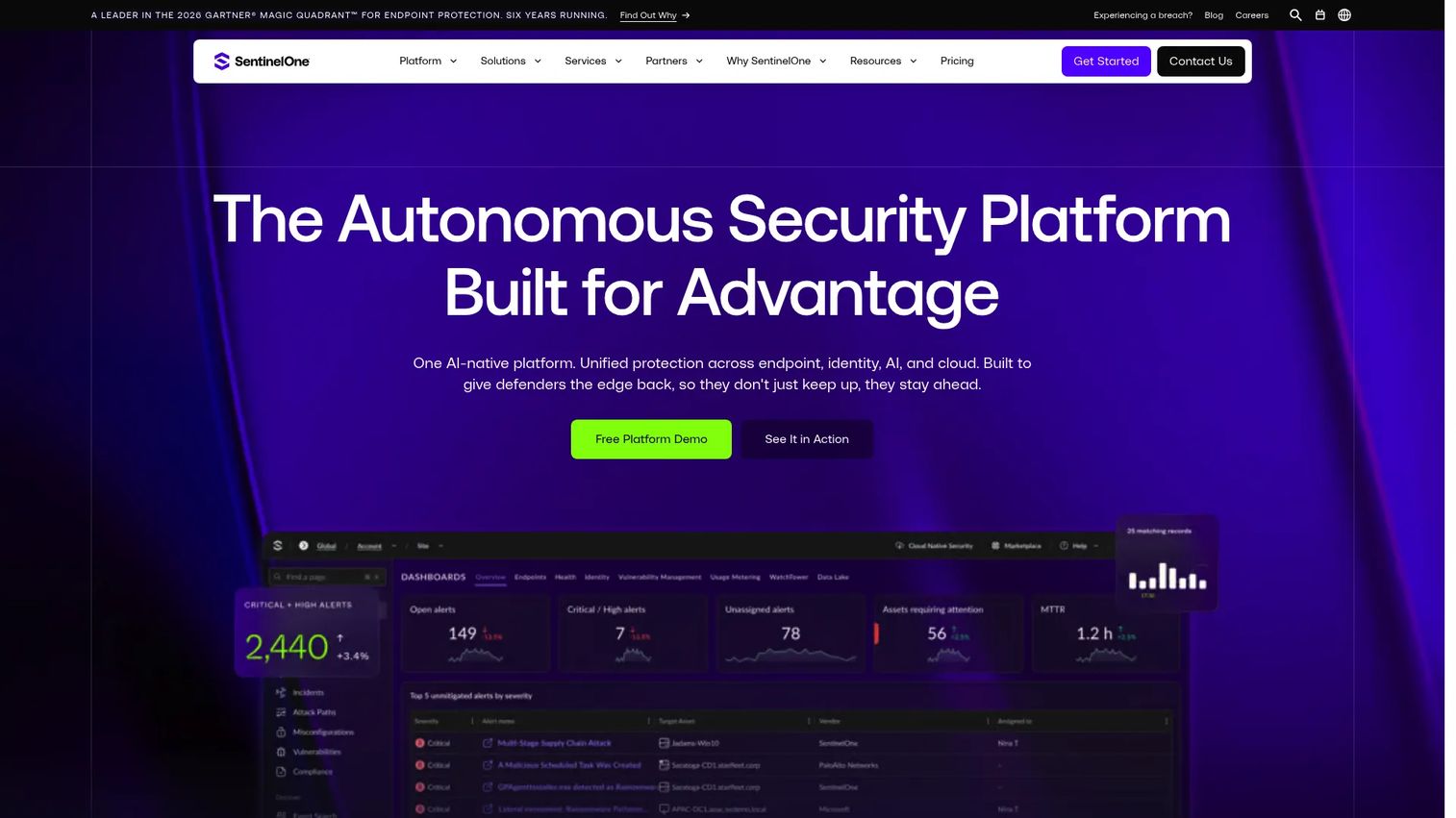
SentinelOne approaches secret scanning as one piece of a broader security platform. Teams already running SentinelOne for endpoint, cloud, and identity protection can fold code and credential exposure into the same operational picture rather than bolting on a separate tool.
The appeal here is consolidation. Security teams that want AI-driven detection, investigation, and automated remediation across their whole surface evaluate SentinelOne so secret exposure sits alongside every other signal, not in a silo.
Best for: Organizations seeking autonomous endpoint and extended detection and response across endpoints, cloud, and identity, with code security in the same platform.
Key features
- Autonomous endpoint and cloud workload protection
- Identity threat detection and response
- AI-driven detection, investigation, and automated remediation
- CI/CD integration for code and pipeline coverage
- Consolidated view across endpoints, cloud, and identity
Why choose SentinelOne: Security teams that already standardize on a platform benefit from folding secret exposure into one console instead of correlating alerts across separate tools.
SentinelOne pricing: Singularity Core starts at $69.99 per endpoint annually. Singularity Complete is $179.99 per year, and Singularity Commercial is $229.99 per year. Singularity Enterprise pricing is available by contacting sales. Listed pricing covers 5 to 100 workstations.
4. Check Point Spectral
Check Point Spectral is a developer-first code security tool built to catch secrets and infrastructure-as-code misconfigurations early. It scans code and cloud workflows, with detection methods and customization aimed at fitting into how developers already ship.
Spectral integrates with CI/CD pipelines and source control management, so secret detection runs where engineers work instead of forcing a context switch. For AppSec teams that want code and secret scanning tied into modern DevSecOps tooling, that developer-centric fit is the draw.
Best for: Teams wanting developer-centric code and secret scanning wired into CI/CD.
Key features
- Secret detection in code and cloud workflows
- Infrastructure-as-code scanning
- CI/CD and SCM integrations
- Customizable detection methods
- Developer workflow fit
Why choose Check Point Spectral: AppSec teams that want secret scanning to live inside the pipeline, paired with IaC misconfiguration detection, get both in a single developer-first tool.
Check Point Spectral pricing: Check Point Spectral uses custom, quote-based pricing. Contact Check Point for details tied to your environment and team size.
5. GitGuardian
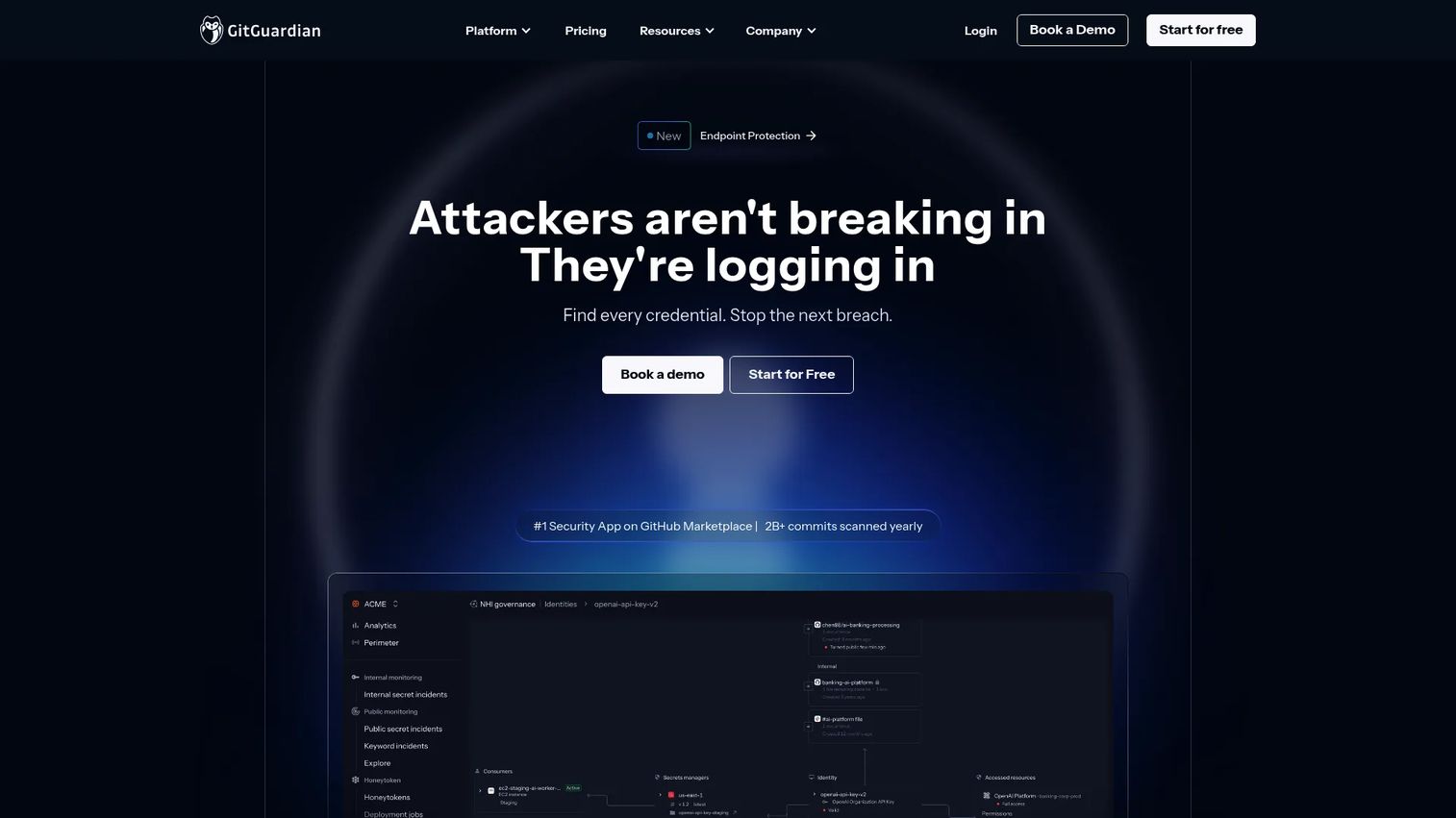
GitGuardian is a dedicated secrets detection platform built around developer and security team workflows. It monitors repositories, delivers real-time security alerts, and covers both internal secrets and public sources, so a credential leaked to a public repo gets flagged fast.
What sets GitGuardian apart for many teams is its focus. It does not try to be a full platform. It does secrets detection and non-human identity governance, with enterprise governance and integrations to match. That focus shows in its 4.8/5 G2 rating.
Best for: Teams that need to detect and remediate exposed secrets across repositories and developer workflows.
Key features
- Internal secrets monitoring
- Public secrets monitoring
- Non-human identity governance
- Real-time detection and remediation
- Enterprise governance and integrations
Why choose GitGuardian: Teams that want a specialist tool focused entirely on secrets detection, rather than a broad platform, pick GitGuardian for its depth and its coverage of public leaks.
GitGuardian pricing: The Starter plan is free for up to 25 developers. The Teams plan covers up to 200 developers, and the Custom plan serves teams above 200 developers. Both paid tiers are quote-based, so contact GitGuardian for pricing.
6. TruffleHog
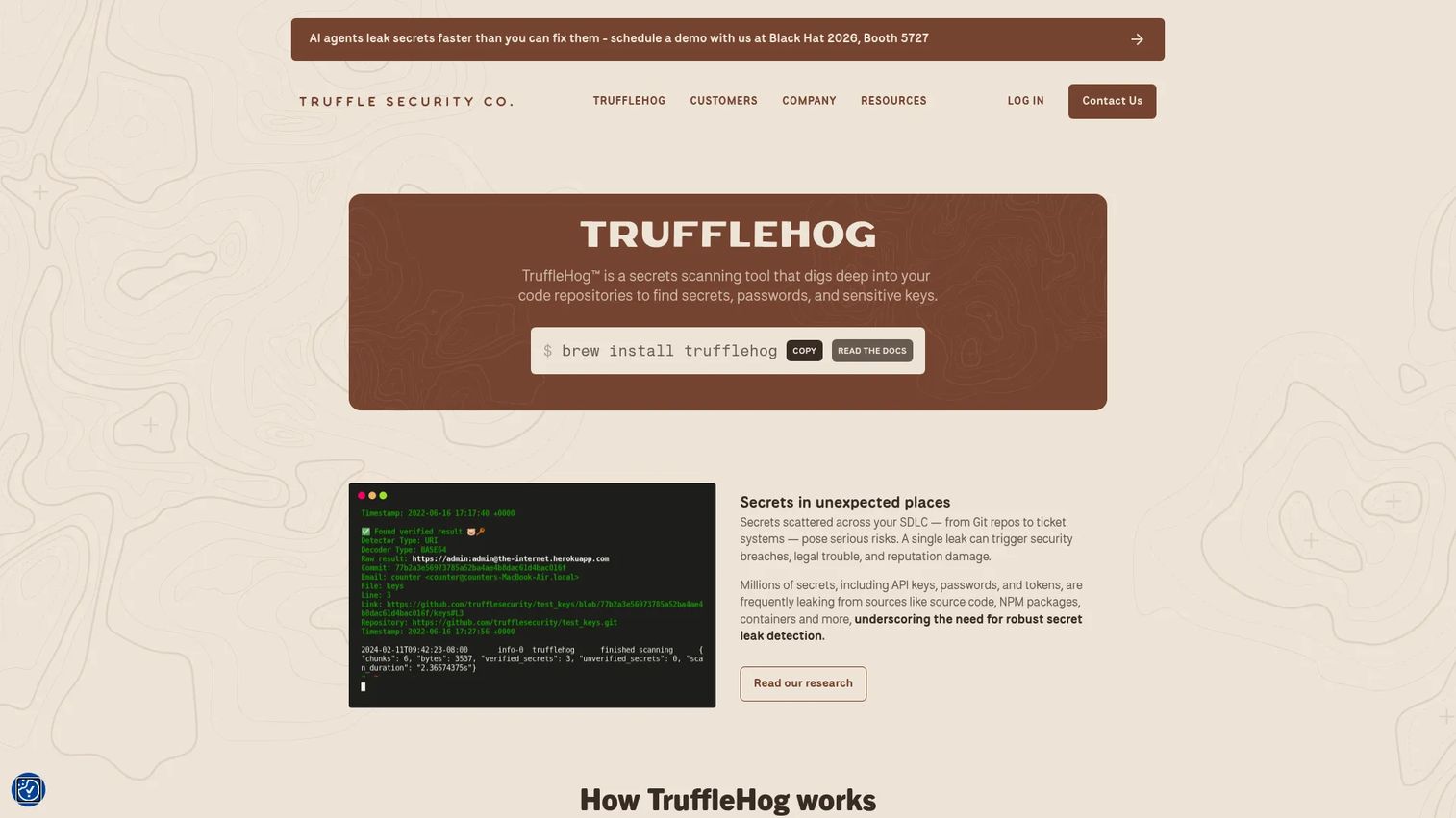
TruffleHog is known for deep secret discovery. It scans version history and reaches beyond code repositories into sources like S3, GCS, Docker, and directories to find hidden secrets, passwords, and sensitive keys wherever they hide.
Its standout is verification. TruffleHog automatically checks detected credentials to confirm whether they are live, which cuts false positives sharply. It runs as a CLI tool with pre-commit and pre-receive hook support, making it a natural fit for engineering-led teams that want scanning built into automation.
Best for: Teams that need secret detection and verification across source code, connected data sources, and developer workflows.
Key features
- Scans version history and beyond code repositories
- Automatic credential verification to reduce false positives
- Pre-commit and pre-receive hook support
- Broad source coverage including S3, GCS, and Docker
- CLI-driven for automation and CI/CD
Why choose TruffleHog: Engineering-led teams that value depth and want verified detections built into their own automation reach for TruffleHog. The open-source tier keeps it accessible.
TruffleHog pricing: The open-source plan is free. An Enterprise plan and add-ons such as TruffleHog Analyze for SaaS and Cloud are available, with enterprise pricing provided on request.
7. Gitleaks
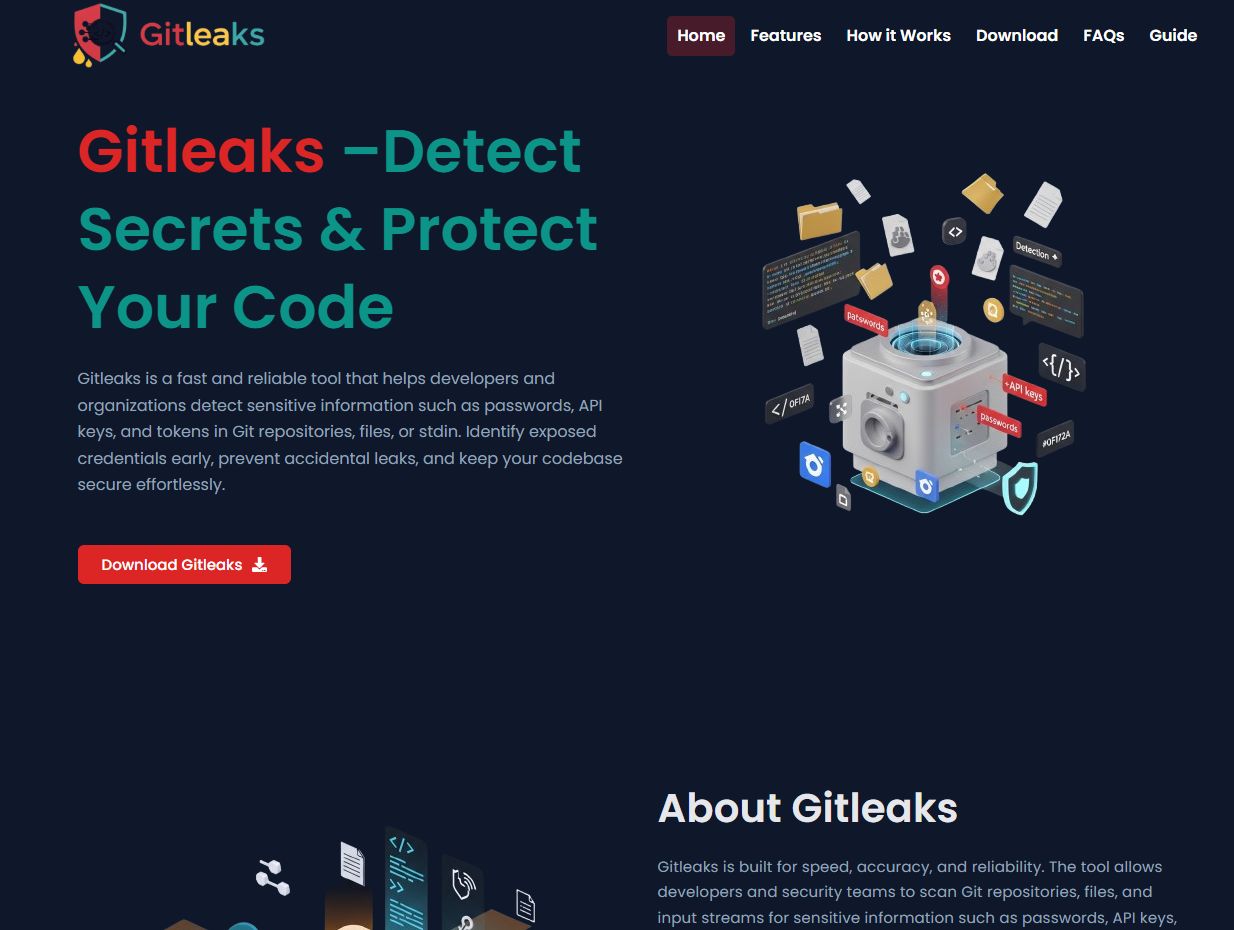
Gitleaks is the lightweight, developer-friendly scanner that shows up in countless open-source stacks. It scans Git repositories, files, and directories for secrets, and it does so fast enough to sit comfortably inside a CI pipeline without slowing builds.
Its rulesets are customizable, so teams can add custom patterns for internal token formats. The official Gitleaks GitHub Action makes pull request and commit scanning simple to wire up, and a free organization license key covers GitHub organization repos.
Best for: Teams and developers needing open-source secret detection in codebases and CI.
Key features
- Scans Git repositories, files, and directories
- Official GitHub Action for PR and commit scanning
- Customizable rulesets and custom patterns
- Free organization license key for GitHub org repos
- Fast enough for pipeline use
Why choose Gitleaks: Smaller teams and engineering-led security setups pick Gitleaks for a fast, free, scriptable scanner they can drop into any pipeline and tune to their own rules.
Gitleaks pricing: Gitleaks is free. GitHub personal account scanning needs no license key, and GitHub organization accounts can get a free organization license key.
Considerations
Before you commit to a secret scanner, run this checklist against your environment and workflow.
Git history and branch coverage
A secret deleted from the latest commit still lives in Git history. Confirm the tool scans full history across all branches, not just the current HEAD. A scanner that only checks the tip of main will miss credentials sitting in old commits and stale feature branches, which is exactly where attackers look.
False positives and validation quality
Detection precision decides whether developers trust the tool or ignore it. A scanner that floods the queue with expired or fake secrets trains your team to dismiss alerts. Look for validity checks and code-context reasoning that confirm a secret is live before it pages anyone. High precision is what keeps adoption alive.
CI/CD and developer workflow fit
The best place to catch a secret is before it lands. Check for pre-commit hooks, pull request checks, and pipeline integration so scanning runs at every stage of the developer workflow. Push protection that blocks a secret at commit time saves the revoke-and-rotate scramble later.
Repository and artifact coverage
Secrets escape source code. They show up in docs, wikis, build logs, ticketing tools, and messaging apps. Decide whether you need pure repository scanning or broad SDLC coverage that reaches non-code artifacts. Your answer depends on where your team actually pastes credentials.
Remediation and ownership
Detection is step one. What happens next decides the outcome. Evaluate how the tool handles alerts, revocation, rotation, and collaboration. A clear remediation workflow with assigned ownership turns a detected secret into a closed ticket instead of an ignored notification.
Conclusion
The right secret scanning software depends on two things: how broad your SDLC is and how fast your remediation workflow moves.
If your code lives in GitHub, GitHub Secret Scanning is the natural baseline, with Git history scanning and validity checks built in. For secrets that sprawl past code into docs, tickets, and logs, Cycode delivers the SDLC-wide coverage that repository scanners miss. Enterprise teams standardizing on a platform look at SentinelOne to keep secret exposure alongside every other signal.
For developer-first pipelines, Check Point Spectral pairs secret and IaC scanning inside CI/CD. GitGuardian is the specialist pick, focused entirely on secrets detection with strong public monitoring and a 4.8/5 G2 rating. Engineering-led teams that want depth and automation reach for TruffleHog and Gitleaks, both free to start and CLI-driven.
Your next step: shortlist two tools by environment and workflow. Map your repositories, non-code artifacts, and remediation process, then run a scan against a real repo to compare false positive rates. The scanner your developers actually trust is the one that gets used.
CTA
Start your journey with Guideflow today!
FAQs
Secret scanning finds credentials that were exposed by accident, in code, Git history, logs, or tickets, and alerts you to revoke them. Secrets management stores and controls credentials on purpose, using vaults and access policies. Scanning is detection; management is prevention and storage. Most teams need both.
Good scanners do. A secret deleted in a later commit still lives in Git history, readable by anyone who clones the repo. Tools like GitHub Secret Scanning and TruffleHog scan full history across all branches, not just the current commit, which is where the real exposure hides.
Broad SDLC platforms can. Secrets leak into docs, wikis, build logs, ticketing systems, and messaging tools when developers paste credentials to debug or share. Cycode is built to scan these non-code artifacts, closing gaps that pure repository scanning leaves open. Repository-focused scanners concentrate on code and Git history.
Validity checks test a detected secret against its provider to confirm whether it still works. An expired key is noise; a live production credential is an incident. By separating active secrets from dead ones, validity checks let your team fix the dangerous leaks first instead of triaging a flat alert queue.
False positives come from strings that look like secrets but are not: example keys in documentation, test fixtures, placeholder tokens, or high-entropy values that match no real credential. Tools that add code-context reasoning, validity checks, and custom patterns cut this noise, which keeps developers trusting the alerts instead of ignoring them.
Both. Pre-commit hooks catch secrets before they ever enter Git history, which is the cheapest place to fix them. CI/CD integration acts as a safety net, catching anything that slips past local checks and failing the build. Layering both gives you prevention at the developer's machine and enforcement in the pipeline.
For teams fully inside GitHub, it covers a lot: Git history, branches, pull requests, wikis, validity checks, and partner alerts. Enterprises with secrets spread across docs, tickets, messaging, and non-GitHub systems often add a broad platform like Cycode or a specialist like GitGuardian for coverage GitHub-native scanning does not reach.
Match the tool to your surface. If secrets sprawl across your whole SDLC, a platform like Cycode or SentinelOne consolidates coverage and alerts. If your exposure is concentrated in repositories and pipelines, a specialist like GitGuardian, TruffleHog, or Gitleaks gives you depth and precision. Start by mapping where credentials actually leak.










