Your enterprise security review is two weeks out. The procurement checklist arrives. One line stops everything: "How do you block malicious destinations at the DNS layer, and what logging do you produce?"
DNS disappears into infrastructure until a moment like that exposes the gap. According to a 2025 EfficientIP and Forrester Consulting study, 95% of organizations experienced DNS-related incidents in the past year. The same research found that 67% lacked visibility into DNS traffic and deep DNS analytics. For product managers preparing a launch, an enterprise deal, or a new market segment, that gap is an incident risk and a deal risk at the same time.
DNS security covers a wide surface: Blocking phishing domains before a device connects, detecting tunneling used to exfiltrate data, encrypting queries so they cannot be intercepted, and keeping resolution available when an outage or attack hits. No single platform covers every layer the same way.
Which controls does your team actually need, and which platform fits the way your organization operates?
What's inside
This guide is for product managers, security leads, and infrastructure owners evaluating DNS security tools for the first time or replacing an existing control.
- Eight tools spanning enterprise platforms, DNS-focused services, and a free protective resolver
- Clear distinctions between DNS filtering, protective DNS, DNSSEC, and encrypted DNS
- Selection criteria covering threat coverage, deployment reach, visibility, policy control, and pricing
- A practical buyer checklist for product, security, and IT stakeholders
- FAQs on DNSSEC, privacy protocols, tunneling detection, and whether DNS security can replace other controls
Tools were chosen based on category coverage, deployment breadth, G2 ratings, and verified pricing from each vendor's site.
TL;DR
- Best overall for large security stacks: Cisco Umbrella offers DNS-layer security that can extend into a broader secure access architecture
- Best for flexible DNS filtering: DNSFilter suits mid-market teams and MSPs that need practical policy controls without a full platform migration
- Best for cloud-native teams: Cloudflare Gateway fits organizations already using Cloudflare or building a Zero Trust environment
- Best for advanced enterprise threat prevention: Palo Alto Networks Advanced DNS Security serves organizations standardized on Palo Alto Networks firewalls or Prisma Access
- Best free protective resolver: Quad9 provides malicious-domain blocking with no contract and no cost
- Best for granular DNS policy: Control D gives technical teams configurable filtering, routing, and encrypted resolver options at $2 per endpoint per month
What is DNS security?
DNS security is the set of controls that protect Domain Name System infrastructure and use DNS requests to block malicious destinations, detect suspicious behavior, preserve query privacy, and maintain reliable name resolution.
How DNS requests work
When a user or application accesses a domain, the request travels to a recursive resolver, which locates the answer by querying root nameservers, then top-level domain nameservers, and finally the authoritative nameserver for that domain. The resolver caches the answer to improve performance on subsequent requests. That caching layer improves speed, but it also creates an opportunity for cache poisoning if a forged response reaches the resolver first.
DNS sits at two distinct positions in your security architecture: It is infrastructure that needs protecting, and it is a control point where policy can be enforced before a connection is established.
What DNS security protects against
| Threat | What happens | Primary control |
|---|---|---|
| DNS spoofing and cache poisoning | A resolver returns a forged IP address | DNSSEC validation, resolver hardening |
| DNS hijacking | Queries or DNS records are redirected to attacker infrastructure | Access controls, registrar security, monitoring |
| DNS tunneling | DNS carries command-and-control traffic or exfiltrated data | Behavioral analytics, query logging, anomaly detection |
| DNS amplification | Open resolvers are abused to amplify DDoS traffic | Rate limiting, recursion controls |
| Malicious domains | Users resolve phishing, malware, or C2 domains | Protective DNS, threat intelligence feeds |
| DNS outages | DNS failure makes applications unreachable | Redundant resolvers, anycast infrastructure |
Core DNS security controls
- DNS filtering and category policy enforcement
- Protective DNS threat intelligence feeds
- DNS firewall rules and response policy zones
- DNSSEC signing and validation
- Encrypted DNS: DNS over HTTPS (DoH), DNS over TLS (DoT), and DNS over QUIC (DoQ)
- Query logging and anomaly detection
- Redundant resolvers and authoritative DNS infrastructure
- Access controls, hidden primaries, and registrar security
One important clarification before evaluating tools: DNSSEC validates that a DNS response is authentic and unaltered. It does not encrypt queries or independently block malicious domains. Teams often conflate DNSSEC with full DNS security, but the two are distinct layers.
When to use DNS security tools
Block malicious destinations before users connect
Protective DNS intercepts resolution requests for known phishing domains, malware delivery infrastructure, and command-and-control hosts before a device ever establishes a connection. For product managers, every prevented incident is engineering time preserved. A single ransomware event or data-exfiltration incident can consume weeks of engineering bandwidth in incident response, forensic logging, and customer notification.
Protect distributed and remote teams
Office-based network filtering fails the moment an employee opens a laptop at home or connects through a hotel network. Roaming clients, identity-based policies, and encrypted DNS support extend protection to every device regardless of location. For teams shipping features on a release cadence, a gap in remote-device coverage is an unmonitored attack surface.
Improve readiness for enterprise security reviews
Enterprise buyers increasingly require documented DNS-layer controls, logging retention policies, and evidence of availability planning. A defensible DNS security posture answers those questions before procurement asks. For PMs managing enterprise deals, DNS becomes part of the security questionnaire your organization must answer, not just a network infrastructure decision.
DNS security tools comparison
The eight tools below range from full enterprise cloud security platforms to a single-purpose free resolver. The right choice depends primarily on whether you need policy depth, endpoint roaming coverage, authoritative DNS resilience, or a budget-limited starting point.
| # | Product | Best for | Key differentiator | Pricing | G2 rating |
|---|---|---|---|---|---|
| 1 | Cisco Umbrella | Enterprise security teams | DNS-layer security within a broader secure access platform | 14-day free trial; contact sales for pricing | 4.4/5 |
| 2 | DNSFilter | Mid-market teams and MSPs | Policy-driven DNS filtering with roaming client support | From $1/license/year (annual) | 4.6/5 |
| 3 | Cloudflare Gateway | Cloud-native and distributed teams | DNS filtering inside a Zero Trust platform | Free up to 50 users; $7/user/month after | 4.6/5 |
| 4 | Palo Alto Networks Advanced DNS Security | Palo Alto Networks customers | AI-powered DNS threat prevention integrated with NGFW and Prisma Access | Contact sales | N/A |
| 5 | Akamai Secure Internet Access Enterprise | Global enterprises | DNS-layer protection with internet access policy at scale | Contact sales | N/A |
| 6 | Infoblox Threat Defense | DNS infrastructure-heavy organizations | Predictive DNS threat intelligence with DDI platform integration | Contact sales (token-based licensing) | 4.8/5 |
| 7 | Quad9 | Budget-conscious and pilot deployments | Free malicious-domain blocking with DNSSEC validation | Free | 4.8/5 |
| 8 | Control D | Technical teams needing granular DNS policy | Configurable filtering, routing, and encrypted DNS with 1,000+ blockable services | From $2/endpoint/month | 4.6/5 |
Pricing and G2 ratings verified in October 2026 from each vendor's pricing page and G2 listing.
Best DNS security tools for 2026
1. Cisco Umbrella
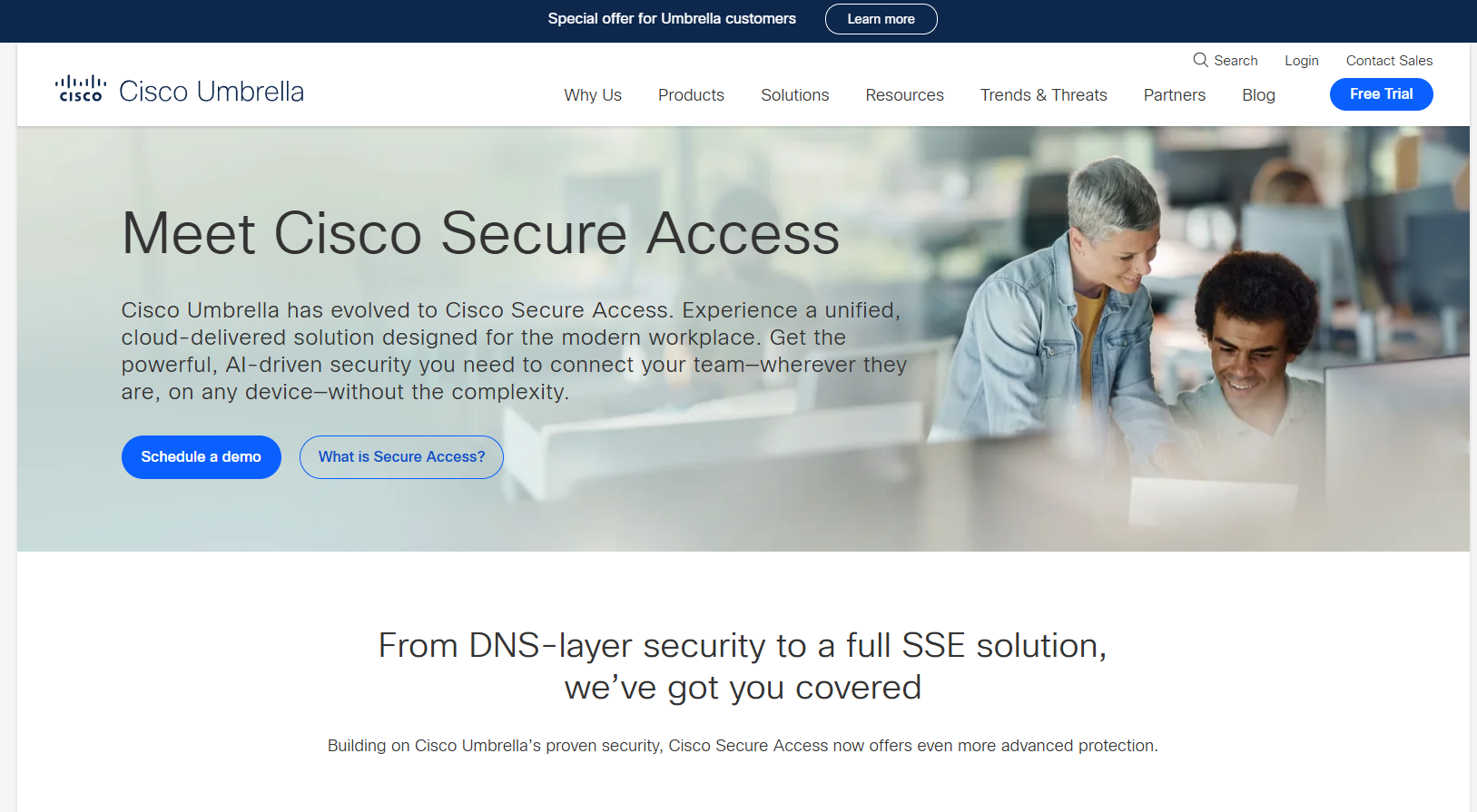
Cisco Umbrella is a cloud-delivered security platform that enforces DNS-layer controls alongside a secure web gateway, cloud-delivered firewall, CASB, and data loss prevention in a single architecture. Organizations use it to block threats before connections form, monitor internet activity across distributed users, and enforce consistent policies for on-network and off-network devices. For product managers evaluating enterprise-grade posture, Umbrella sits at the intersection of DNS security and broader secure access, which matters when security reviews ask about layered controls rather than isolated tools.
Best for: Product and security leaders at larger SaaS organizations that need DNS-layer control within a wider secure access program.
Key features
- DNS-layer threat blocking before connections form
- Roaming client protection for off-network devices
- Identity-based policy controls per user or group
- Secure web gateway integration for HTTP/S inspection
- Security event reporting and SIEM integration
Why choose Cisco Umbrella: The value compounds when a team is already using Cisco networking or identity infrastructure. Security can investigate DNS activity alongside firewall and access events rather than managing a disconnected dashboard. Ask your security team whether the existing stack already includes Cisco tooling, because operational fit matters more than feature count alone.
Cisco Umbrella pricing: Cisco advertises a 14-day free trial. Subscription pricing requires a sales conversation; no numerical tier prices were displayed on the pricing pages reviewed in October 2026.
G2 rating: 4.4/5 on G2.
2. DNSFilter
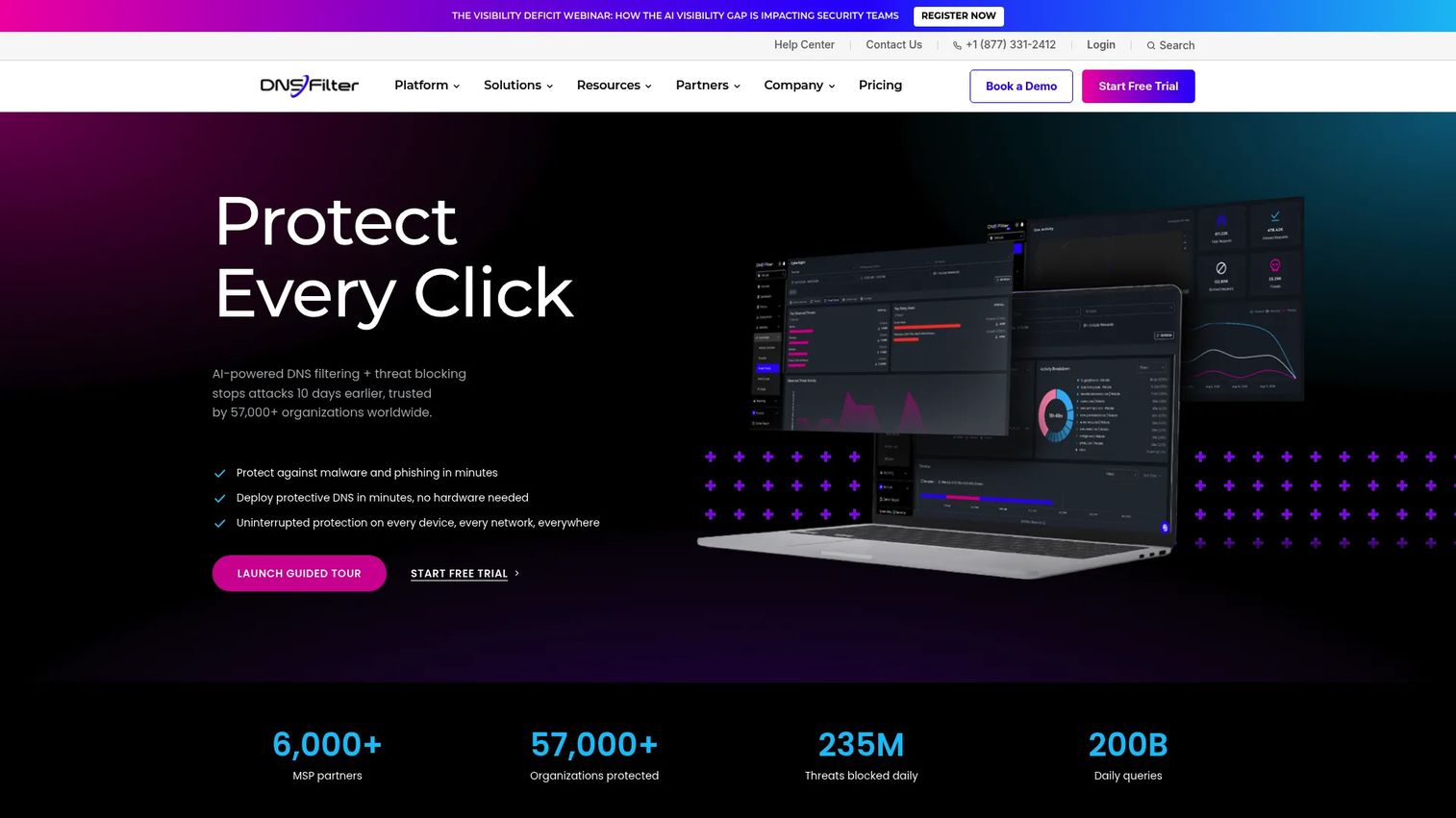
DNSFilter is an AI-powered DNS filtering platform built for organizations that need fast deployment, category-based content controls, and threat intelligence without adopting a full secure access platform. It protects on-network and remote devices through roaming clients, supports per-user policy assignment, and exports DNS query data to SIEM tools. For MSPs, a multi-tenant management layer and monthly partner pricing make it operationally practical. From a PM perspective, DNSFilter is the kind of tool a security or IT team can own and maintain without pulling in engineering for ongoing tuning.
Best for: Mid-market SaaS companies, IT teams, and MSPs that need practical DNS filtering without a full network transformation.
Key features
- Threat intelligence filtering for malware, phishing, and botnets
- AppAware application-level blocking controls
- Roaming Clients for off-network device coverage
- Per-user policy assignment and group management
- Insights Reporting with SIEM export and DNSSEC support
Why choose DNSFilter: The balance between threat prevention and operational simplicity is the differentiator here. Product teams that need to demonstrate DNS-layer protection for a security review can point to clear policy configuration, query analytics, and roaming coverage without a lengthy implementation project.
DNSFilter pricing: Core plan starts at $1 per license annually, with a $240 per year minimum. Plus plan is $2.25 per license annually with a $750 minimum. Enterprise pricing requires contacting sales. MSP partners start at $150 per month. A 14-day free trial is available.
G2 rating: 4.6/5 on G2.
3. Cloudflare Gateway

Cloudflare Gateway is a cloud-native secure web gateway that filters and inspects internet traffic at the DNS and HTTP layers. It is part of Cloudflare One, the company's Zero Trust platform, and pairs naturally with Cloudflare's edge network, identity, and access products. For engineering-led product teams, Gateway's free tier removes the cost barrier for initial rollout. Shadow IT visibility across cloud and AI applications is included, which is increasingly relevant as product teams adopt AI services that may not be sanctioned.
Best for: Cloud-native SaaS organizations already using Cloudflare or building a Zero Trust environment from the ground up.
Key features
- DNS and HTTP traffic filtering with threat intelligence
- Protection against malware, ransomware, phishing, and DNS tunneling
- Shadow IT visibility across SaaS and AI applications
- Identity-aware policy controls via Cloudflare Access integration
- Centralized activity logs with single-pass inspection architecture
Why choose Cloudflare Gateway: Teams that prioritize vendor consolidation around edge, connectivity, and security will find Gateway fits naturally rather than adding another separate platform. Product leaders should confirm that the device management and identity stack (such as Okta or Azure AD) integrates with Cloudflare One before committing, since the policy model depends on that connection.
Cloudflare Gateway pricing: Free for teams under 50 users (permanent free plan). Pay-as-you-go starts at $7 per user per month for teams exceeding 50 users. Annual contract plans use custom per-user pricing.
G2 rating: 4.6/5 on G2 (rated as Cloudflare One SASE).
4. Palo Alto Networks Advanced DNS Security

Palo Alto Networks Advanced DNS Security is a cloud-based DNS threat prevention service powered by Precision AI. It analyzes DNS requests and responses in real time to detect and block DNS hijacking, misconfigured domain abuse, DNS tunneling, command-and-control callbacks, and data exfiltration attempts. The service integrates natively with Palo Alto Networks next-generation firewalls and Prisma Access, making it a natural extension for security teams already operating within the Palo Alto ecosystem. Policy actions include allow, alert, block, and sinkhole, giving security operations granular control over how detected threats are handled.
Best for: Enterprise environments that have already standardized on Palo Alto Networks firewalls or Prisma Access for cloud security.
Key features
- Real-time DNS request and response analysis with AI-powered detection
- Protection against DNS hijacking, tunneling, and C2 callbacks
- Policy actions: Allow, alert, block, and sinkhole
- Machine learning and deep learning threat detection
- Native integration with NGFW and Prisma Access
Why choose Palo Alto Networks Advanced DNS Security: The strongest case is operational integration. Security teams can investigate DNS activity alongside other network controls in the same platform rather than correlating data across separate dashboards. For organizations outside the Palo Alto ecosystem, the onboarding overhead is higher, and other options may offer better standalone value.
Palo Alto Networks Advanced DNS Security pricing: Pricing requires a sales conversation. No numerical tier information was displayed on the vendor pages reviewed in October 2026.
5. Akamai Secure Internet Access Enterprise
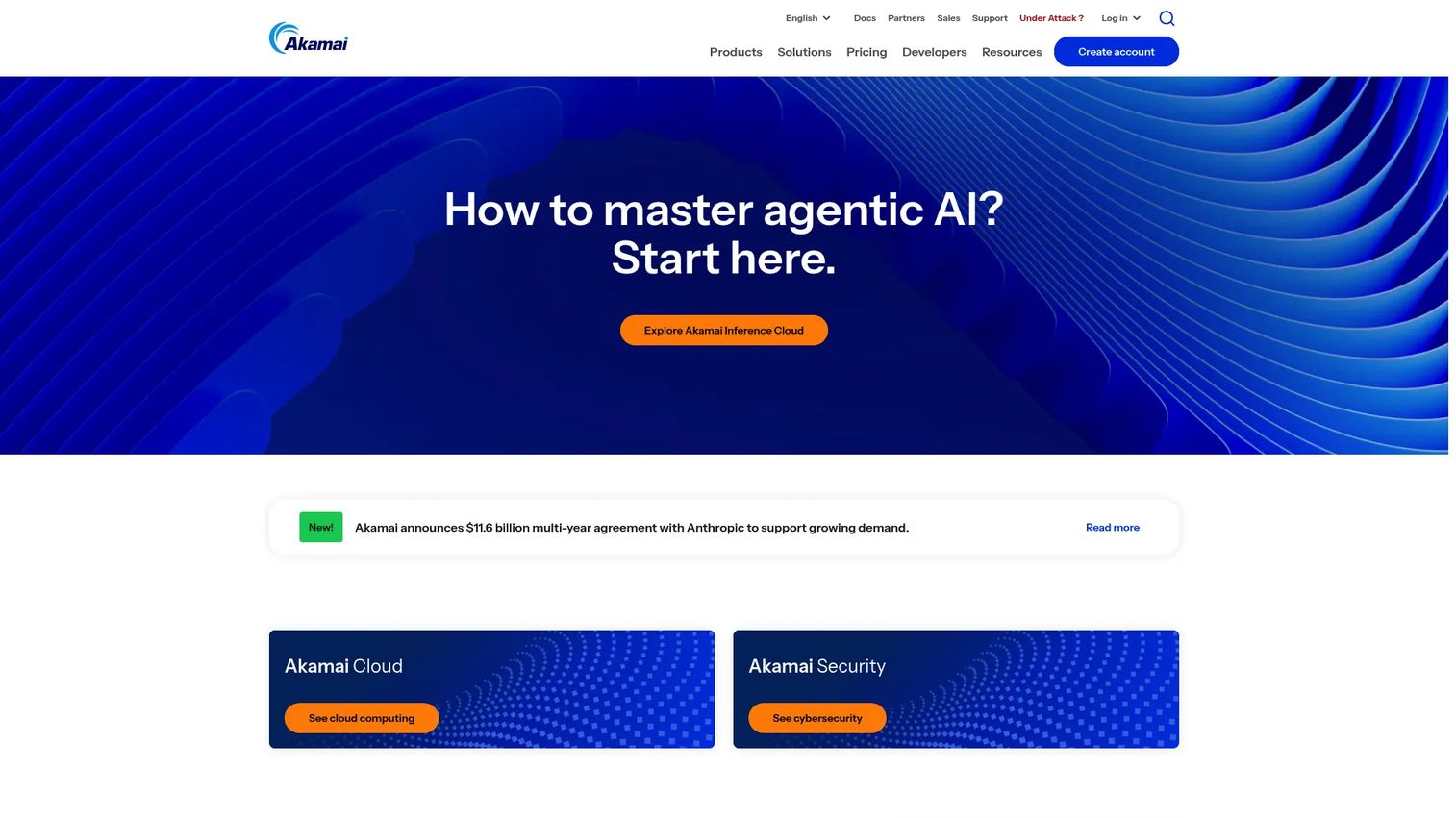
Akamai Secure Internet Access Enterprise is a cloud-based DNS firewall that blocks malicious internet activity at the DNS layer for both users and IoT devices. It enforces security policies by user, group, location, and network subnet, and supports lightweight clients across Windows, macOS, iOS, Android, and ChromeOS. Real-time threat intelligence feeds update blocking lists continuously, and the platform includes shadow IT application identification, DNS data-exfiltration blocking, and centralized reporting. Akamai's global infrastructure gives this product strong performance at scale for organizations operating across multiple regions.
Best for: Global companies with distributed workforces, complex remote access requirements, and existing Akamai infrastructure relationships.
Key features
- Real-time threat intelligence with malicious-domain blocking
- DNS data-exfiltration detection and prevention
- Policy management by user, group, location, and subnet
- Lightweight endpoint clients for major desktop and mobile platforms
- API and SIEM integrations for centralized reporting
Why choose Akamai Secure Internet Access Enterprise: The case is strongest for organizations already using Akamai for content delivery or application security, where adding DNS protection extends an existing vendor relationship rather than introducing a new one. Product managers should involve security and network teams early here. Implementation decisions may span broader access architecture, and the procurement cycle reflects that scope.
Akamai Secure Internet Access Enterprise pricing: Pricing requires contacting Akamai's sales team. No numerical tier information was displayed on the vendor pages reviewed in October 2026.
6. Infoblox Threat Defense
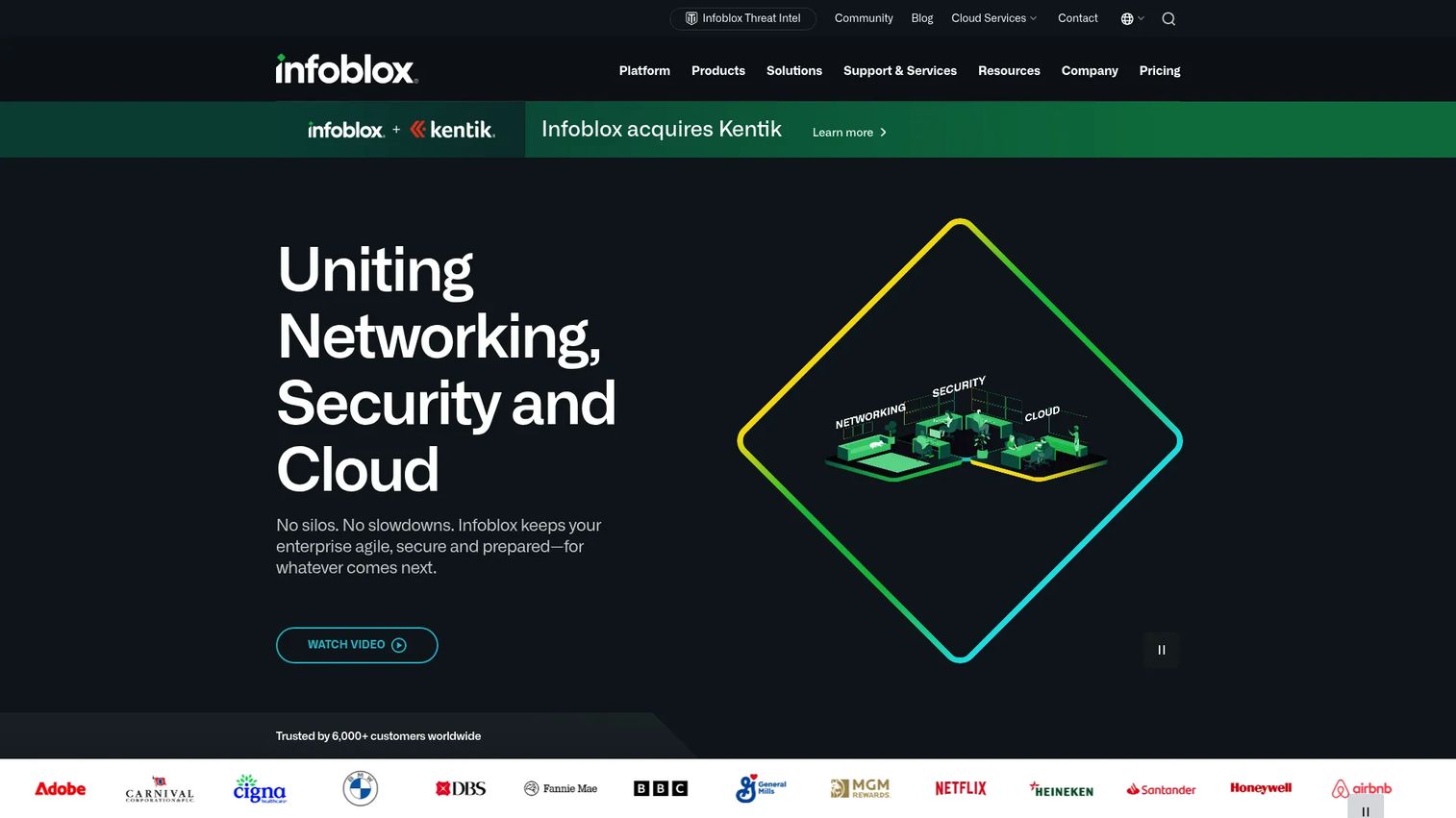
Infoblox Threat Defense is a preemptive DNS-layer security service that uses predictive threat intelligence and machine learning to block threats before they reach users, devices, or cloud workloads. It operates agentlessly across on-premises, remote, IoT, OT, and cloud environments, and integrates with Infoblox's DDI (DNS, DHCP, and IP address management) platform. For infrastructure-heavy organizations where DNS teams and security operations share ownership, the combination of DNS intelligence and network context in one data source is genuinely useful for investigation.
Best for: Infrastructure-heavy enterprises that treat DNS as a core operational layer and need security tightly connected to network management.
Key features
- Protective DNS with predictive threat intelligence
- Zero-day domain detection and DNS tunneling protection
- Lookalike-domain monitoring with takedown services
- Agentless visibility across on-premises, IoT, OT, and cloud
- Automatic network-context enrichment for users and devices
Why choose Infoblox Threat Defense: The instrumentation argument is straightforward: Security analysts gain DNS context alongside network data, which shortens investigation time. Teams that already use Infoblox DDI infrastructure will find the operational integration valuable. Organizations without existing Infoblox infrastructure should weigh the additional implementation effort against standalone alternatives.
Infoblox Threat Defense pricing: Infoblox uses a token-based licensing model with multiple packages. No specific price figures were displayed on the vendor pages reviewed in October 2026. Contact Infoblox sales for a quote.
G2 rating: 4.8/5 on G2.
7. Quad9
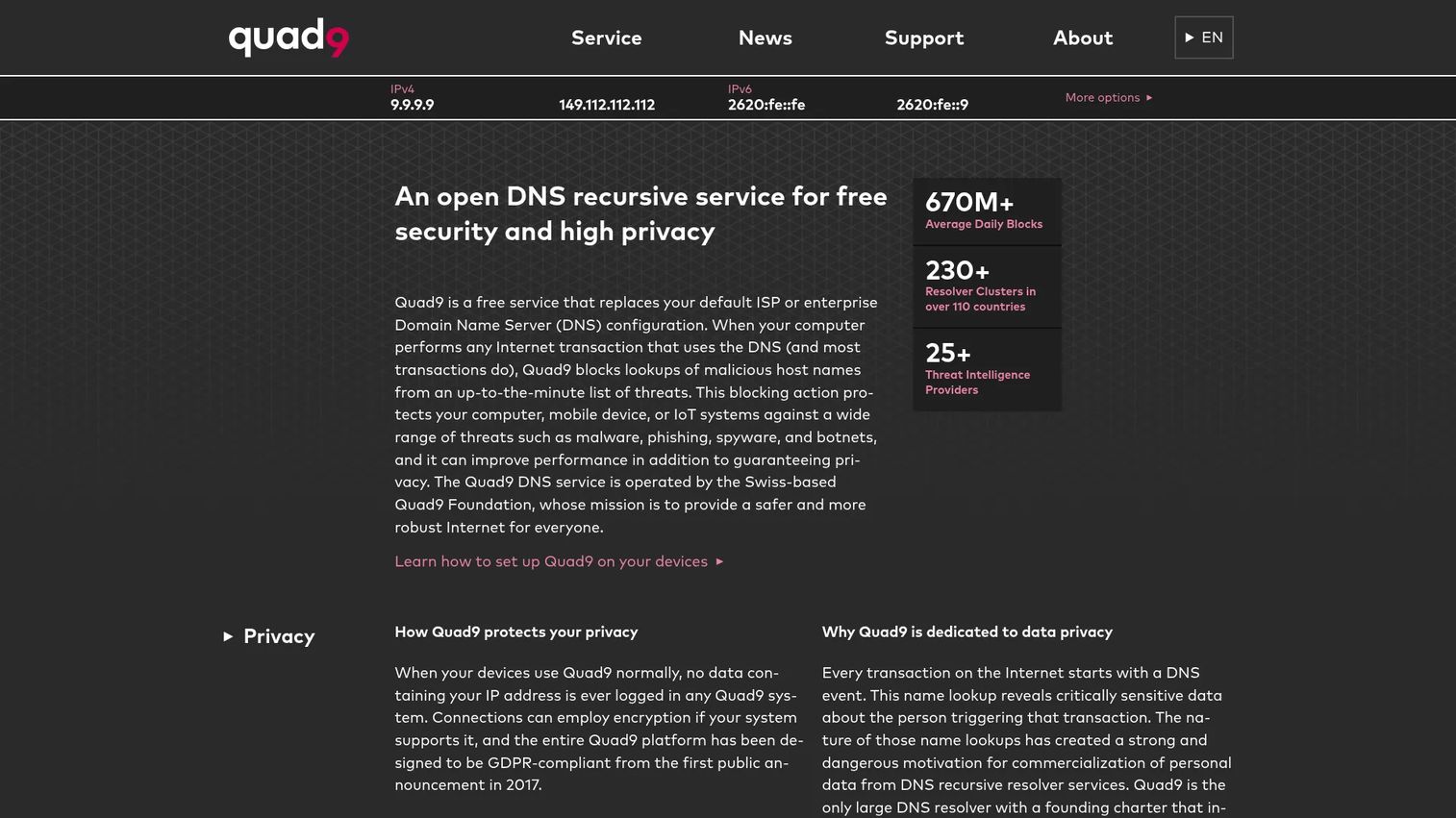
Quad9 is a free, privacy-focused recursive DNS resolver operated by a nonprofit. It blocks known malicious domains using threat intelligence from multiple security partners, performs DNSSEC validation, and supports DNS over HTTPS, DNS over TLS, and DNSCrypt for encrypted queries. Critically, Quad9 does not log end-user IP addresses, which matters for teams with strong privacy commitments. For small teams, pilot deployments, or organizations that need a protective DNS baseline immediately without a procurement cycle, it is the fastest path to basic protection.
Best for: Small teams, budget-constrained organizations, and anyone running a pilot before committing to a managed platform.
Key features
- Malicious domain blocking using multi-source threat intelligence
- DNSSEC validation on responses
- DNS over HTTPS, DNS over TLS, and DNSCrypt support
- Privacy protection with no end-user IP logging
- Anycast global resolver network
Why choose Quad9: The clearest case is speed to protection. Point devices at Quad9's resolver addresses and blocking is active without onboarding, policy configuration, or a purchase order. For teams that need per-user policy controls, detailed query logs, compliance reporting workflows, or broader acceptable-use enforcement, a managed platform will serve better. Quad9 is baseline coverage, not a substitute for enterprise DNS security controls.
Quad9 pricing: The DNS service is free with no contract or sign-up required.
G2 rating: 4.8/5 on G2.
8. Control D
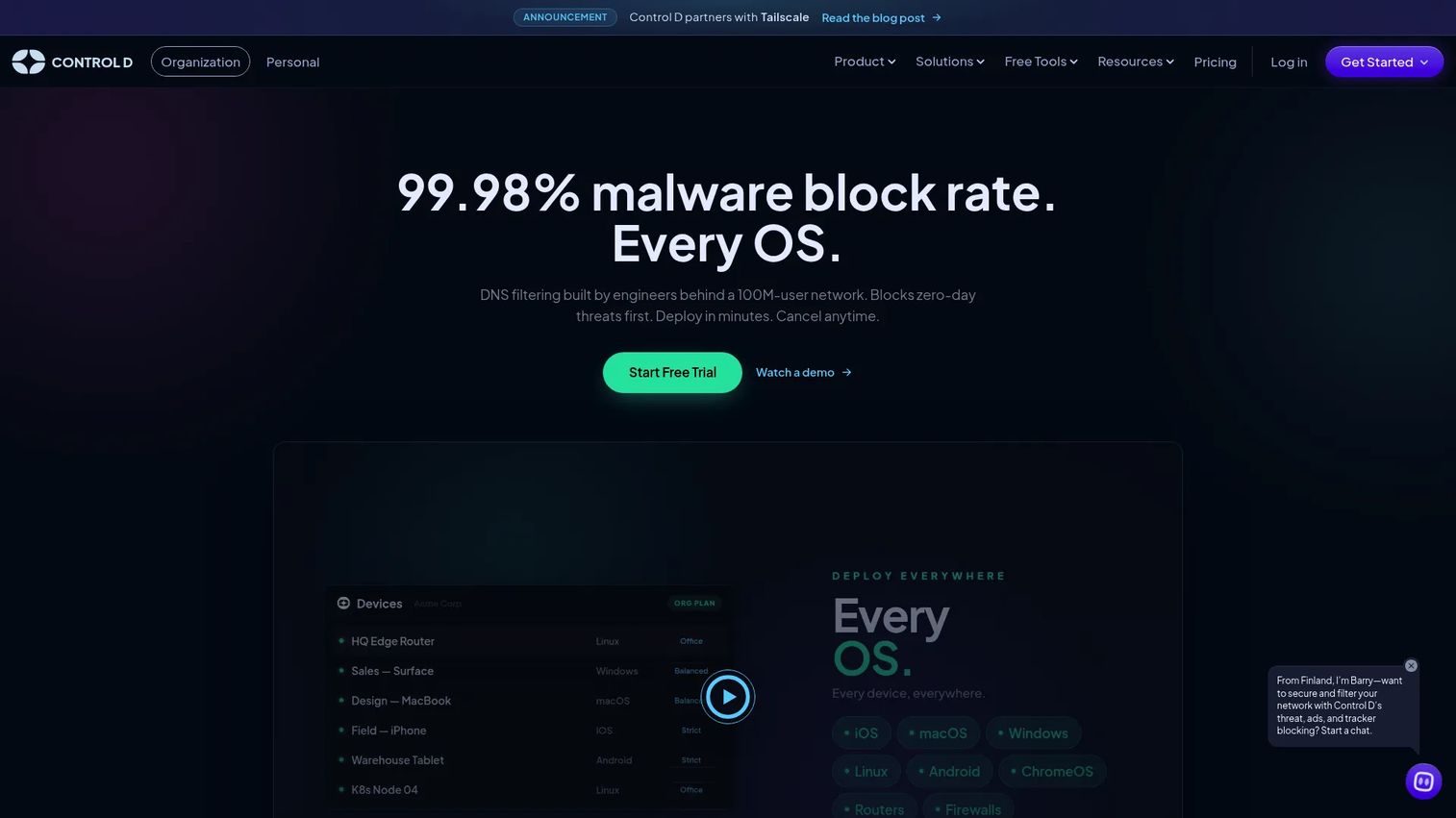
Control D is a DNS filtering and traffic-redirection platform that gives IT and security teams granular control over internet access policies. It supports over 1,000 blockable services, custom DNS profiles, query logging, and API-driven multi-tenant management. The encrypted DNS support is comprehensive: DNS over HTTPS, DNS over TLS, DNS over QUIC, and DoH/3 are all available. Traffic can be redirected through proxies in 69 countries, which is useful for routing decisions that go beyond simple allow/block. For technical teams that find standard category blocking too blunt for their environment, Control D offers a larger policy surface.
Best for: Technical teams and MSPs that need detailed DNS policy controls, custom routing, and flexible encrypted resolver configurations.
Key features
- Malware and phishing domain blocking
- 1,000+ blockable services with custom DNS profiles
- DNS over HTTPS, DNS over TLS, DNS over QUIC support
- Traffic routing through proxies in 69 countries
- Query logging, analytics, and API access
Why choose Control D: The SMB price point makes it accessible for teams that need more than a free resolver but cannot justify a full enterprise platform. Product managers should identify who owns ongoing policy tuning before deploying. The flexibility that makes Control D useful also means a larger configuration surface, and policies that nobody maintains create risk rather than reducing it.
Control D pricing: SMB plans start at $2 per endpoint per month. School, non-profit, MSP, and Enterprise plans use tailored pricing. A 14-day free trial is available.
G2 rating: 4.6/5 on G2.
Considerations when choosing DNS security tools
Define the DNS control point first
Before comparing features, clarify which DNS layer needs protection. Recursive DNS filtering blocks malicious resolution requests. Authoritative DNS protection keeps your own domains from being hijacked. Encrypted DNS prevents query interception. A tool may be strong in one layer and offer nothing for another. Map what you need before evaluating what each vendor sells.
Map policy ownership before deployment
Identify who writes, reviews, and updates DNS policies after deployment: Security operations, IT, network engineering, or an MSP. DNS controls that nobody owns after the initial rollout become stale or misconfigured. Product teams should avoid introducing controls that create ongoing maintenance debt without assigning a named owner.
Verify remote and unmanaged-device coverage
Ask each vendor whether protection extends to office networks only, managed endpoints, contractors, or BYOD devices. Remote work changes the deployment question significantly. A tool that only filters on-network traffic leaves remote engineers, field sales staff, and contractors unprotected, which is most of the attack surface for many SaaS organizations.
Test for false positives before broad enforcement
A blocked domain can look exactly like a broken product integration. Require clear query logs, exception workflows, policy versioning, and a fast rollback path before enforcing broad category blocks. Run a proof-of-value period in monitor-only mode, then escalate to block mode with an identified exception process.
Connect DNS telemetry to incident workflows
Evaluate SIEM, SOAR, EDR, and ticketing integrations before committing. DNS logs only help if the security team can investigate them without manually exporting and correlating files. For product managers, DNS telemetry that feeds into existing security instrumentation also makes it easier to distinguish a product issue from a network or security event.
Conclusion
DNS security is a layered control, not a single switch. The right tool depends on the deployment model, the threat coverage required, and who in the organization owns the policies day to day.
For large security stacks that need DNS integrated with identity and access controls, Cisco Umbrella covers the most ground. DNSFilter suits mid-market teams that want DNS filtering without a platform migration. Cloudflare Gateway fits cloud-native organizations that want Zero Trust alignment from the start. Palo Alto Networks Advanced DNS Security delivers the most value for teams already running Palo Alto Networks infrastructure. Akamai Secure Internet Access Enterprise suits global enterprises with scale and existing Akamai relationships. Infoblox Threat Defense is the strongest fit when DNS and network operations share ownership. Quad9 provides immediate baseline protection at no cost. Control D gives technical teams the most granular policy control at a predictable per-endpoint price.
The practical next step is a proof-of-value exercise: Pick two candidates that match your deployment model, run phishing-domain blocking in monitor mode for two weeks, and measure how many blocked queries would have reached users. That data makes the internal case for a funded rollout without requiring a full security team to be involved from day one.
For cybersecurity vendors looking to explain complex DNS and security architecture to buyers, see our guides on application security testing software, AI cybersecurity solutions, and attack surface management software.
Start your journey with Guideflow today!
FAQs about DNS security tools
DNS security is the combination of infrastructure hardening and DNS-layer controls that protect name resolution, block malicious destinations, preserve availability, and improve visibility into suspicious query behavior. It spans protective DNS threat feeds, DNS firewall policies, DNSSEC validation, encrypted DNS protocols, and redundant resolver infrastructure. The goal is to make DNS both resilient as infrastructure and useful as a security control point.
DNSSEC validates that a DNS response is authentic and has not been altered in transit using cryptographic signatures. It solves a specific authenticity problem. DNS security is a broader category that includes filtering, firewalls, threat intelligence, encryption, monitoring, access controls, and redundancy. DNSSEC is one component within that broader set, not a complete program on its own.
They can block many known and newly classified phishing domains before a device establishes a connection, which removes a significant share of phishing risk at the network layer. DNS security does not replace email filtering, endpoint protection, or user awareness programs. Phishing that arrives through channels other than a link click, or through domains not yet classified, still requires those additional layers.
Protective DNS uses threat intelligence feeds and policy rules to block DNS requests for domains associated with malware delivery, phishing, command-and-control infrastructure, and other risky destinations. When a user or device queries a known malicious domain, the resolver returns a blocked response instead of the actual IP address, preventing the connection before it starts. CISA has issued guidance recommending protective DNS as a foundational control for federal agencies and private organizations.
Advanced services can flag DNS tunneling by identifying unusual query volume, abnormally long subdomain strings, high-entropy domain names, and query patterns that deviate from normal resolution behavior. Detection quality depends heavily on the telemetry the service collects, the analytics model it applies, and how policies are configured. Services like Palo Alto Networks Advanced DNS Security and Infoblox Threat Defense specifically call out tunneling detection as a capability; Cloudflare Gateway also covers it. Basic resolvers do not provide this level of behavioral analysis.
Both protocols encrypt queries between a client and a resolver, preventing interception or tampering on the network path. DNS over HTTPS (DoH) sends queries over port 443 alongside regular HTTPS traffic, which makes it harder for network-based filtering to identify and inspect. DNS over TLS (DoT) uses a dedicated port (853), which makes it easier for enterprise security teams to monitor and control. The right choice depends on whether your organization prioritizes user privacy from network observers or security team visibility into encrypted DNS traffic. Many enterprise tools support both.
No. DNS security controls domain name resolution, which operates before an IP-level connection is established. Firewalls enforce policy at the network and application layers after a connection is initiated. Strong security programs use layered controls where DNS and firewall telemetry feed the same investigation workflows rather than treating either as a substitute for the other. See our guide to endpoint protection software for the adjacent layer.
Ask who owns the DNS policy after deployment, how remote and contractor devices are covered, what query logs are retained and for how long, how blocked-domain exceptions are requested and approved, and how the tool affects any privacy commitments your product has made to customers. Also ask how quickly a policy change can be rolled back if it blocks a product integration, and how DNS telemetry connects to your existing security incident workflow. These questions surface the operational overhead before it becomes an engineering interrupt. For additional context on security tooling decisions, see our roundups on AI security posture management tools and application performance monitoring tools.
Enterprise buyers increasingly include DNS-layer controls in security questionnaires during procurement. A documented DNS filtering policy, query log retention, malicious-domain blocking, and evidence of encrypted DNS support can all appear on those checklists. For product managers preparing for enterprise deals, having a clear answer to each of those questions reduces late-stage surprises and shortens the security review phase. The global DNS security market was valued at $1.6 billion in 2025 and is forecast to reach $3.7 billion by 2035, according to Future Market Insights (2025), which reflects how central this control layer has become to enterprise software procurement.