
Your hiring plan says you need 14 new reps to hit next year's number. The spreadsheet that produced that number assumes every rep ramps at the same rate, attrition holds flat, and quota attainment averages out cleanly. None of that is true.
That gap is where planning breaks. A spreadsheet counts heads. It does not model the productive selling capacity those heads actually generate once you account for ramp curves, tenure bands, territory quality, and the reps who quietly leave in month seven. So the plan looks precise and turns out wrong.
The market is moving toward tools built for this. The global capacity planning software market is projected to reach USD 3.5 billion by 2033, growing at an 8.2% CAGR from 2025 to 2033, according to Strategic Revenue Insights (2025). Cloud deployments already represent more than half of that revenue.
This guide covers eight sales capacity planning software platforms worth evaluating in 2026. The central idea running through all of it: the best sales planning software models productive capacity per rep, not just headcount.
What's inside
This guide is for RevOps, SalesOps, finance, and sales leadership teams replacing spreadsheet-driven planning with something they can trust in a board meeting.
We selected and reviewed each tool against four criteria:
- Ramp-adjusted capacity modeling that accounts for tenure, not just headcount
- Scenario and what-if analysis for testing hiring and quota decisions live
- Integration depth across CRM, HRIS, and ERP data sources
- Collaboration and usability so finance and RevOps can plan in the same model
You will also learn how capacity planning differs from forecasting, and when the switch off spreadsheets pays for itself.
TL;DR
- Best overall for capacity-aware planning: Lative, built specifically for productive capacity modeling
- Best enterprise connected planning: Anaplan, for large teams with complex structures
- Best modern scenario modeling: Pigment, for fast, collaborative model building
- Best comp-adjacent planning: Varicent, when capacity and compensation link tightly
- Best for Workday-centered finance teams: Workday Adaptive Planning
- Best CRM-native planning: Salesforce Sales Planning, for Salesforce-first orgs
- Best for quota and incentive linkage: CaptivateIQ
- Best for comp-led quota governance: Xactly
What is sales capacity planning software
Sales capacity planning software models the productive selling capacity your team can actually deliver, factoring in ramp time, quota, territory, and attrition, rather than simply counting headcount.
The distinction matters. Headcount planning tells you how many reps you have. Capacity planning tells you how much revenue those reps can realistically produce given how long each takes to ramp, how tenure affects attainment, and how many will leave before they contribute. That is the difference between a plan that survives contact with reality and one that does not.
Core features you should expect from a modern capacity planning platform:
- Ramp-adjusted capacity modeling: cohort-based ramp curves that discount new-hire capacity by tenure band
- Quota and territory linkage: quota planning and territory planning tied directly to the capacity model
- Scenario and what-if analysis: test hiring classes, ramp changes, and attrition assumptions without rebuilding the model
- CRM, HRIS, and ERP integrations: live data on pipeline, headcount, and financials feeding the plan
- Real-time recalculation and dashboards: the model updates as inputs change, no manual refresh
- Collaboration and version control: finance and RevOps working in one governed source of truth
Done well, capacity modeling connects the hiring plan to the revenue plan. You see how a delayed hiring class in Q2 compresses attainable pipeline in Q4, before you commit to the number. That is the operational payoff RevOps and enablement teams care about: predictable ramp, achievable quotas, and fewer surprises when the quarter closes.
When to use sales capacity planning software
Rapid headcount growth
When you are running multiple hiring classes a year, a spreadsheet cannot keep up. Each cohort ramps on its own curve, start dates slip, and attainment varies wildly across the class. Static headcount math treats a rep hired in January the same as one hired in September. Capacity planning software applies ramp-adjusted capacity per cohort, so your Q4 number reflects who is actually productive by then.
Multi-region or multi-product planning
Territories shift. A rep selling enterprise in one region carries a different ramp profile and productivity assumption than an SMB rep in another. Add a second product line and the model multiplies. Capacity modeling handles these varied ramp profiles and territory planning inputs in one place, instead of six disconnected tabs that nobody trusts.
High turnover or inconsistent productivity
Attrition rate is the input spreadsheets handle worst. A tool that models tenure bands and cohort ramp curves shows you the real cost of losing a rep in month seven versus month twenty. When productivity is inconsistent across the team, real-time planning lets you see attainable capacity as attrition and ramp assumptions change, rather than discovering the shortfall at quarter end.
Comparison table
The tools below differ mostly in modeling depth and team fit. Some are purpose-built for productive capacity and quota planning. Others are broad connected-planning or sales performance management platforms where capacity is one workload among many. Pricing and ratings reflect verified values at the time of writing; where a vendor does not publish pricing, we note the quote-based structure.
| # | Product | Best for | Key differentiator | Pricing | G2 rating |
|---|---|---|---|---|---|
| 1 | Lative | Live GTM planning and capacity modeling | Purpose-built productive capacity modeling | From $5,000/year | 4.8/5 |
| 2 | CaptivateIQ | Complex commission plans with planning | Planning tied to incentive operations | Custom quote | 4.7/5 |
| 3 | Anaplan | Enterprise connected planning | Deterministic engine with governance | Custom quote | 4.6/5 |
| 4 | Pigment | Modern scenario modeling | Fast, collaborative model building | Custom quote | 4.6/5 |
| 5 | Workday Adaptive Planning | Workday-centered finance teams | Continuous company-wide planning | Free 30-day trial, then quote | 4.3/5 |
| 6 | Salesforce Sales Planning | Salesforce-native orgs | Territory and quota design inside CRM | $75/user/month | Not listed |
| 7 | Varicent | Comp-adjacent capacity planning | Capacity plus incentives in one platform | Custom quote | 4.5/5 |
| 8 | Xactly | Comp-led quota governance | Incentive-anchored planning | Custom quote | 4.2/5 |
Best 8 sales capacity planning software tools for 2026
1. Lative
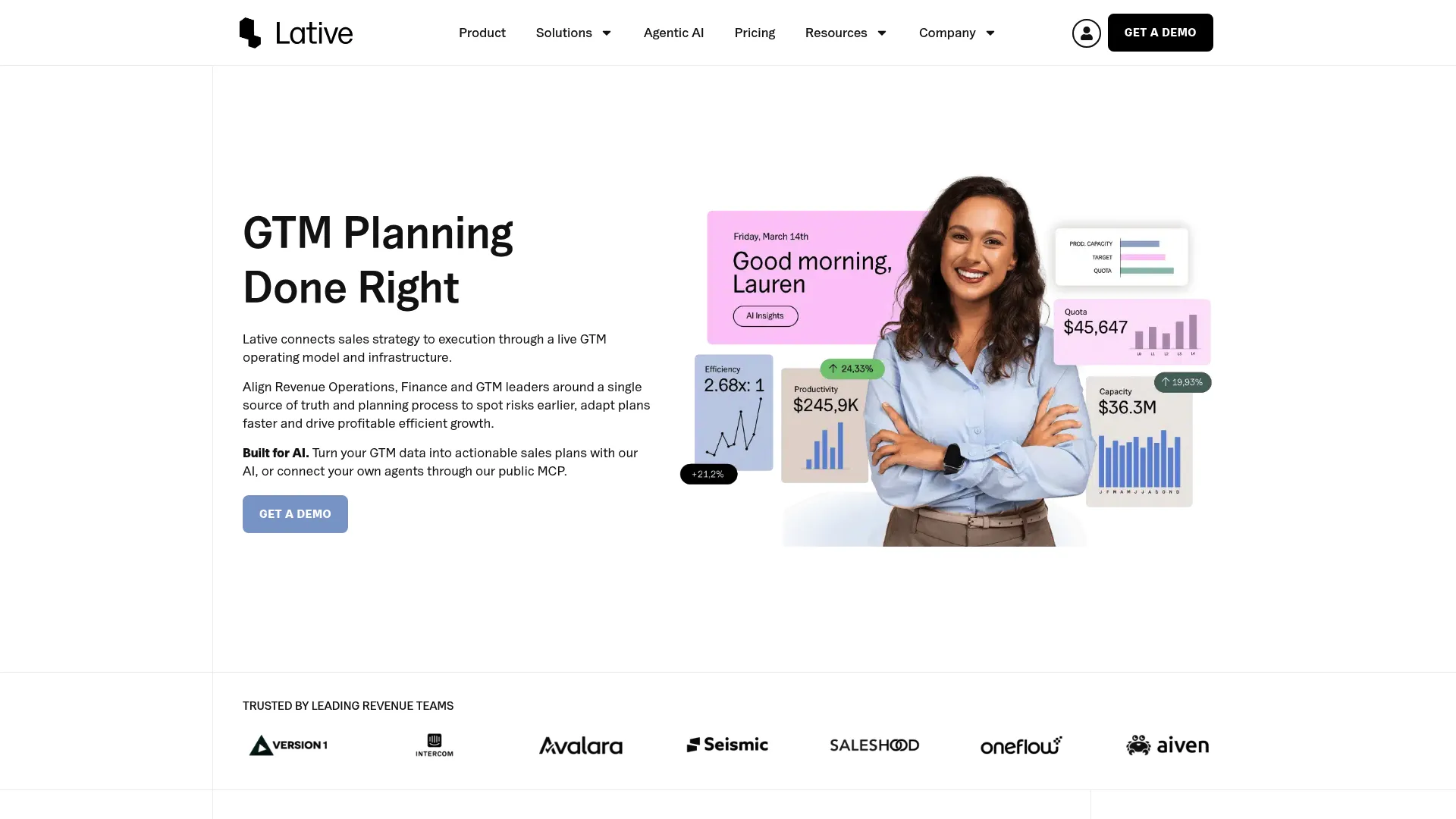
Lative is an AI-native GTM planning and decision intelligence platform built for revenue teams. Where most tools bolt capacity onto a broader planning suite, Lative treats productive capacity as the core object. It connects live GTM data to predictive models for targets, quotas, and capacity, so the plan reflects what reps can actually deliver rather than a headcount count.
Best for: Revenue teams that want live GTM planning, capacity modeling, and quota planning in one purpose-built layer.
Key strengths
- Predictive target, quota, and capacity modeling
- Sales productivity, efficiency, and revenue insights
- Execution tracking and risk monitoring across GTM data
- Live data connection across the revenue stack
Why choose Lative: If your primary problem is that spreadsheets count heads instead of modeling productive capacity, Lative is the most direct fix on this list. It is built for RevOps-led teams that want ramp-adjusted capacity and quota planning as the starting point, not an afterthought.
Lative pricing: Starter is $5,000/year for up to 20 quota-bearing reps. Growth is $10,000/year for 21 to 150 reps. Enterprise is custom pricing for 151+ reps, billed annually.
2. CaptivateIQ

CaptivateIQ is a sales commissions and sales performance management platform that automates complex compensation workflows and connects planning to incentive operations. For teams where quota planning and comp design need to stay in lockstep, keeping both in one system removes the reconciliation gap that separate tools create.
Best for: Mid-market to enterprise teams managing complex sales commission plans alongside quota and territory planning.
Key strengths
- No-code commissions automation
- Real-time data management via SmartGrid
- AI-powered assistance and forecasting
- Planning tied directly to incentive operations
Why choose CaptivateIQ: Choose it when compensation is the gravitational center of your planning motion. If quota, territory, and payout all need to move together, running them in one platform keeps the numbers consistent from plan to paycheck.
CaptivateIQ pricing: Pricing is not published publicly. The pricing page notes that cost is customized based on the number of payees, compensation plan complexity, and integrations, with a custom quote required.
3. Anaplan
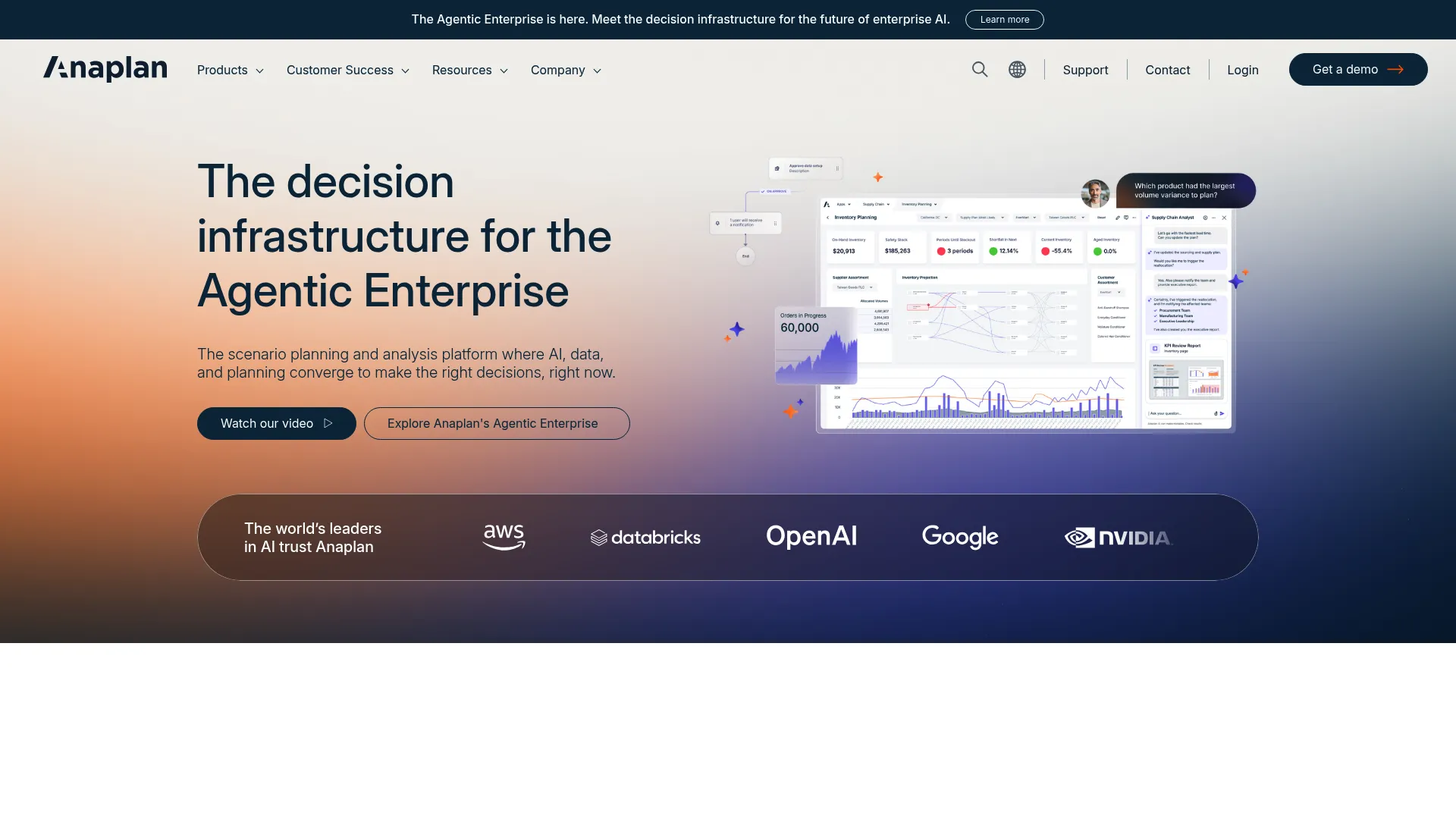
Anaplan is an AI-driven scenario planning and analysis platform for enterprise decision-making. It connects planning across finance, supply chain, sales, and workforce, so sales capacity is modeled inside the same environment as the rest of the business. For large organizations with intricate structures, that connected model is the point.
Best for: Large enterprises needing connected planning across finance, supply chain, sales, and workforce.
Key strengths
- AI-driven forecasting, optimization, and scenario analysis
- Deterministic calculation engine with auditability and traceability
- Data orchestration, governance, and lifecycle management
- Connected planning across multiple business functions
Why choose Anaplan: Choose Anaplan when your planning problem is not just sales capacity but the whole enterprise, and you need governance and auditability at scale. Large planning teams with complex hierarchies get a single connected model rather than a stack of point tools.
Anaplan pricing: Anaplan does not display public pricing on its site. Plans are quote-based and scoped to the deployment, so you will need to contact their sales team for a figure.
4. Pigment
Pigment is an AI business planning and performance management platform built for enterprise planning that feels modern rather than legacy. It handles integrated planning across finance, sales, HR, and supply chain, with scenario modeling and real-time forecasting that teams can build and change quickly.
Best for: Large enterprises needing governed, collaborative planning with fast model iteration.
Key strengths
- AI agents for modeling, analysis, and planning
- Scenario planning and real-time forecasting
- Integrated planning across finance, sales, HR, and supply chain
- Collaborative workflows for cross-team planning
Why choose Pigment: Choose Pigment when you want enterprise planning depth without the heavy, slow feel of older systems. Teams that iterate on models frequently value how fast scenarios come together and how well finance and RevOps collaborate in the same workspace.
Pigment pricing: Pigment uses quote-based pricing structured around a platform fee, licenses, and associated features. G2 lists Essentials, Professional, and Enterprise tiers, all as contact-based, with detailed plan information provided through a customer success manager.
5. Workday Adaptive Planning
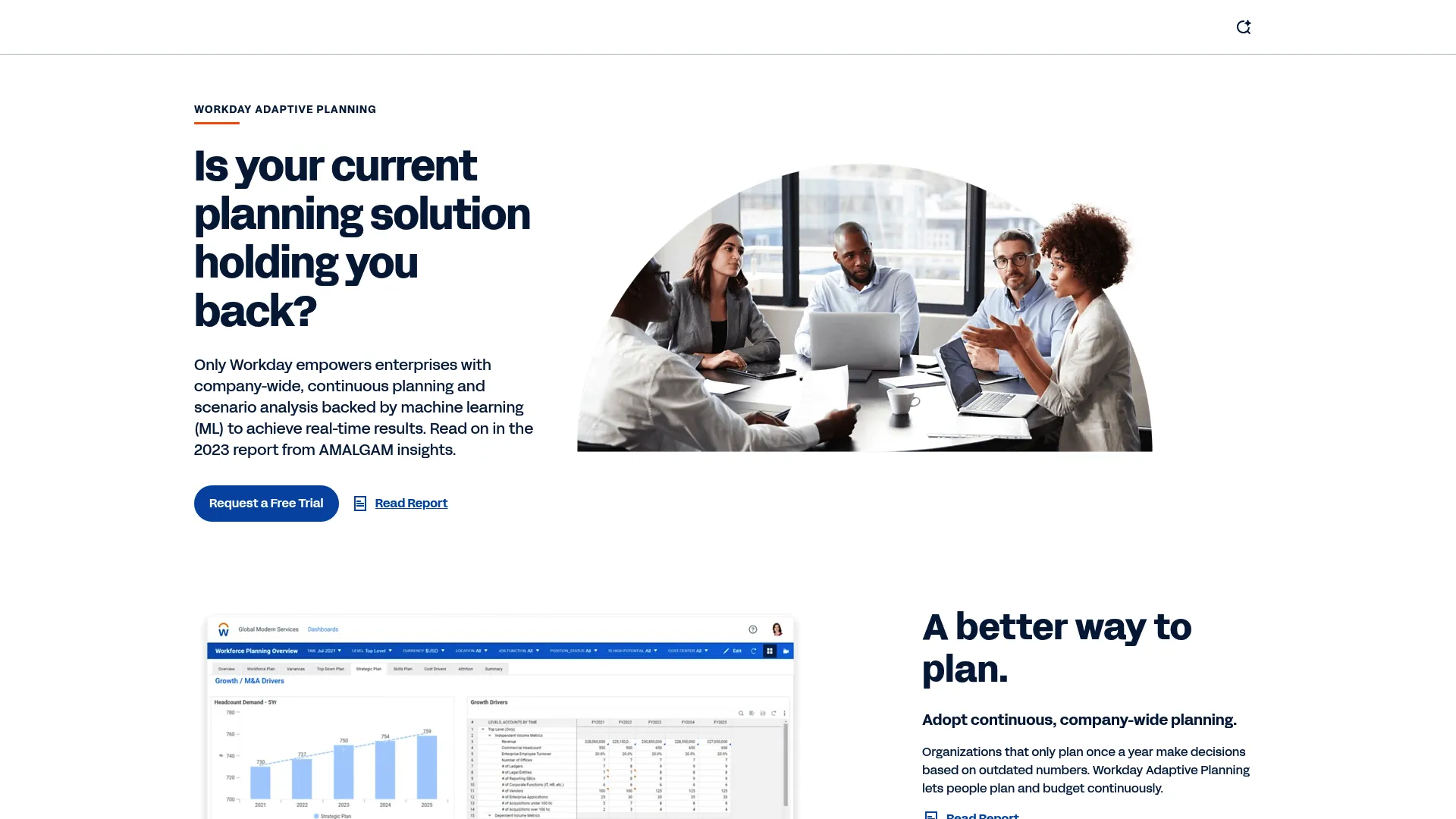
Workday Adaptive Planning is cloud planning software for continuous financial, workforce, and operational planning. It connects to ERP and GL data and supports unlimited what-if scenarios, which makes it a natural fit for finance-led capacity planning where sales is one part of a broader FP&A picture.
Best for: Mid-market and enterprise teams needing continuous planning and scenario modeling, especially those already on Workday.
Key strengths
- Continuous company-wide planning and scenario analysis
- Connects with ERP, GL, and other data sources
- Unlimited versions and what-if scenarios
- Workforce planning aligned with financial planning
Why choose Workday Adaptive Planning: Choose it when finance owns the planning motion and you are already standardized on Workday. Aligning workforce and financial planning in the same platform keeps sales capacity connected to the numbers finance already trusts.
Workday Adaptive Planning pricing: A 30-day free trial is available. Beyond that, pricing is quote-based and varies, with the standard planning product and a separate close and consolidation product both priced on request.
6. Salesforce Sales Planning
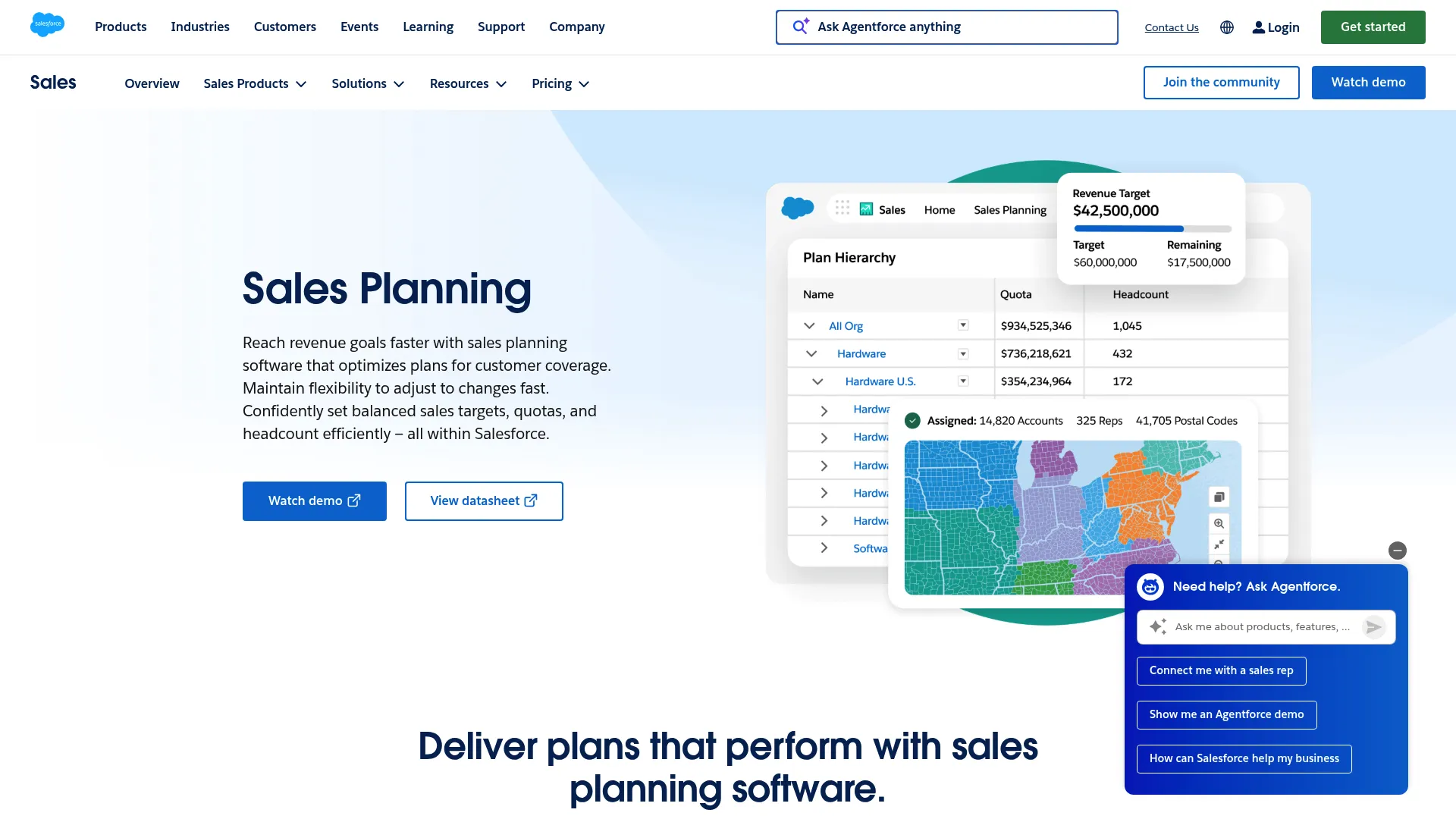
Salesforce Sales Planning is a CRM-native tool for designing and managing sales targets, quotas, territories, and headcount plans. Because it lives inside Salesforce, planning inputs draw on the same CRM data reps already work in, which keeps territory carving and quota refinement close to the source.
Best for: Sales teams needing territory, quota, and sales plan design inside Salesforce.
Key strengths
- Centralized planning hub inside Salesforce
- Segment and hierarchy design
- Territory carving and optimization
- Allocation and quota refinement with plan collaboration
Why choose Salesforce Sales Planning: Choose it when Salesforce is your system of record and you want planning to stay native to it. The tradeoff is that its strengths are tied to the Salesforce ecosystem, so it fits Salesforce-centric orgs far better than mixed stacks.
Salesforce Sales Planning pricing: Sales Planning is listed at $75 USD per user per month, billed annually. Pricing can vary by purchase path, and some editions or bundles may include it.
7. Varicent
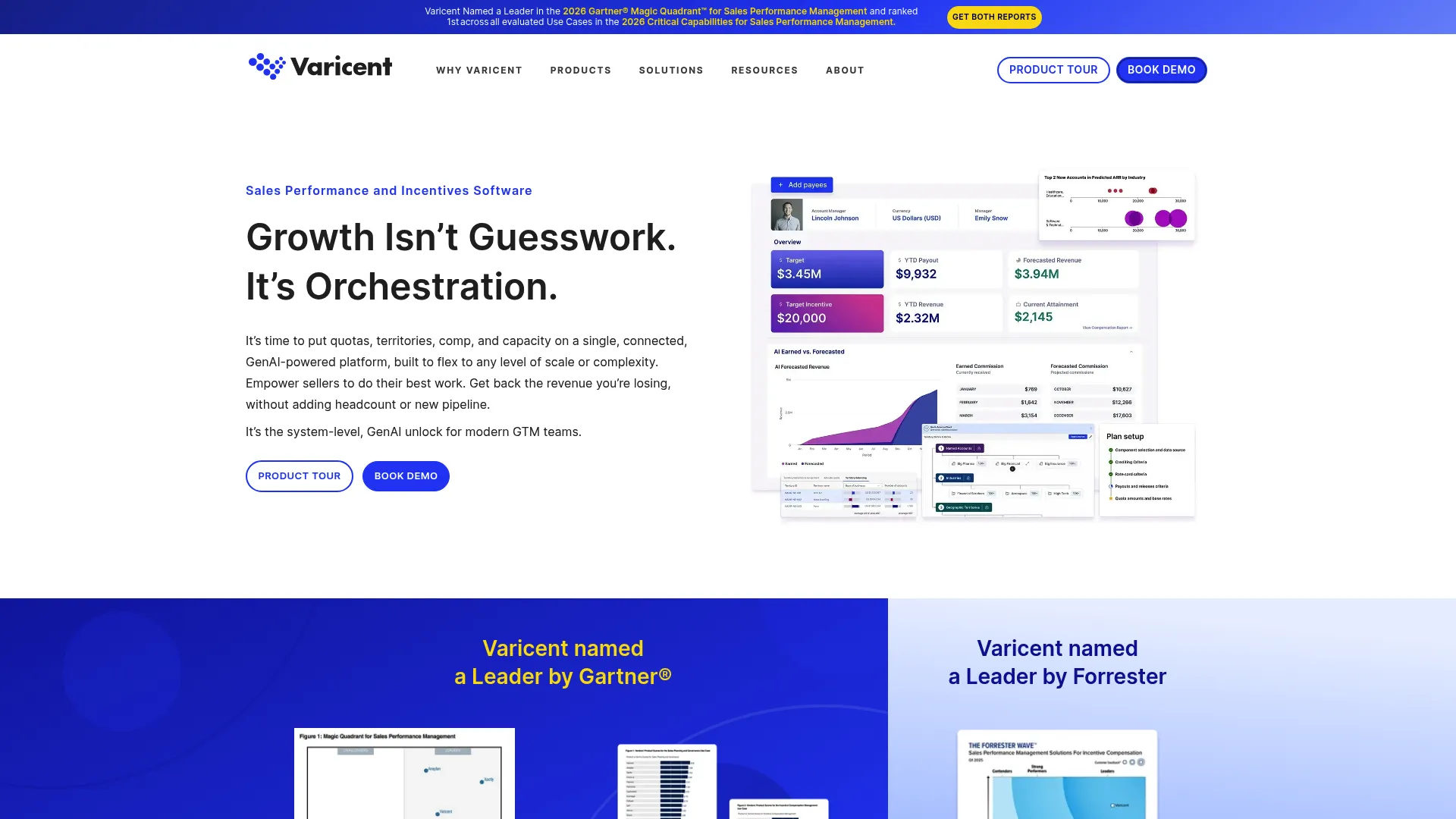
Varicent is an AI-native sales performance management platform covering planning, incentives, and analytics. It brings quota, territory, and capacity planning into the same environment as incentive compensation, which matters when sales capacity and comp are tightly linked and need to move together.
Best for: Enterprise revenue teams needing sales performance management, especially incentive compensation alongside capacity and quota planning.
Key strengths
- Incentive compensation management with AI-driven plan design
- Sales planning for quotas, territories, and capacity
- Sales performance analytics and monitoring
- Unified environment for planning and incentives
Why choose Varicent: Choose Varicent when capacity planning and compensation are inseparable in your operating model. Enterprise revenue teams that want quota, territory, and incentive design in one system avoid the drift that comes from planning capacity and comp in separate tools.
Varicent pricing: Varicent does not publish pricing on its site. The pages direct visitors to book a demo or contact sales, so pricing is scoped to your deployment through a sales conversation.
8. Xactly
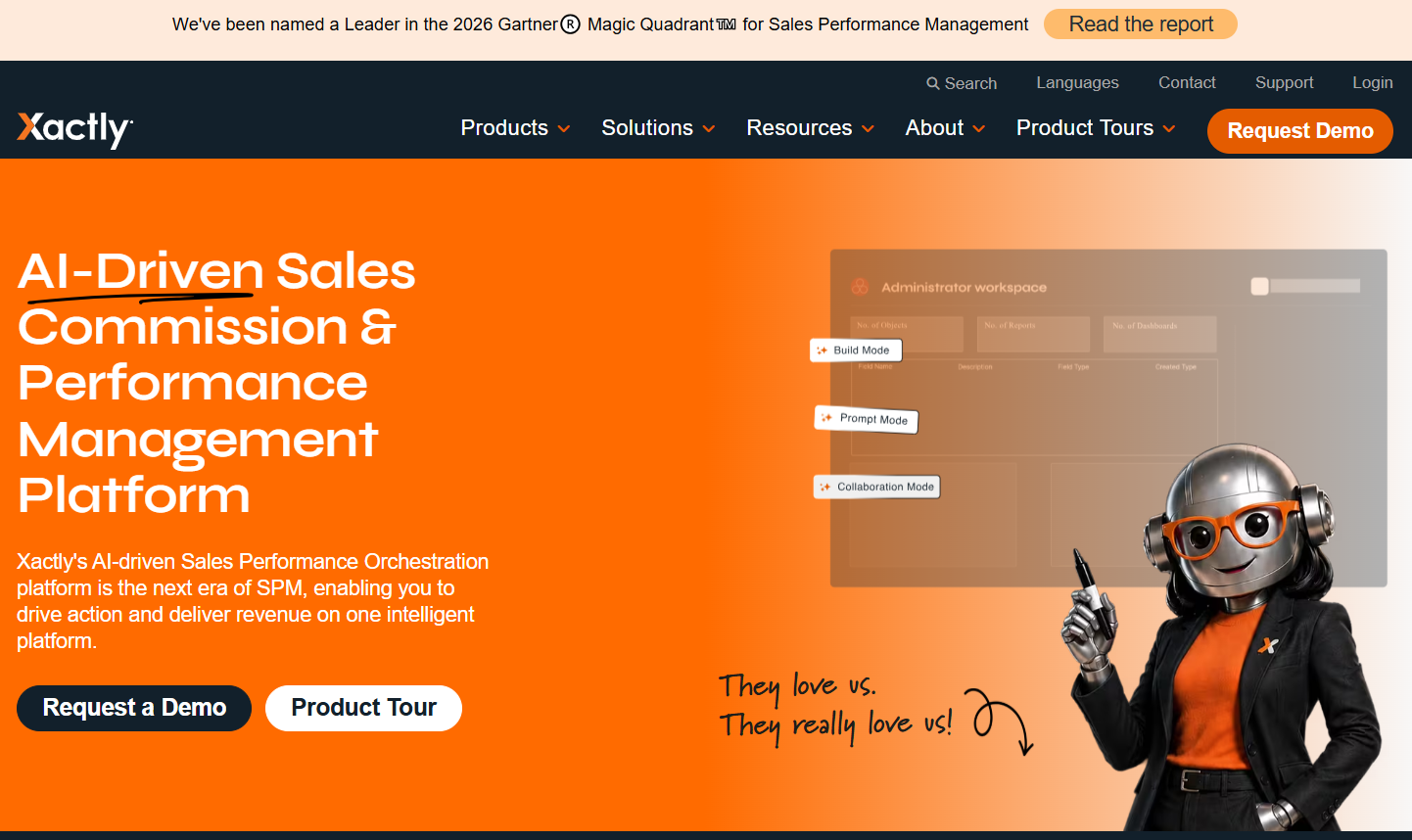
Xactly is sales performance management software for incentive compensation, forecasting, and planning. Its planning capabilities sit close to quota governance and territory management, which suits teams whose sales planning is anchored in incentive design.
Best for: Midmarket and enterprise teams needing commission automation and broader sales performance management.
Key strengths
- Incentive compensation management
- Sales planning with territory and quota management
- Forecasting and benchmarking
- Comp-anchored quota governance
Why choose Xactly: Choose Xactly when quota governance and incentive design drive your planning, and you want capacity to sit within that comp-led framework. It fits teams where the compensation model is the backbone of how sales targets get set and managed.
Xactly pricing: Pricing is quote-based across three tiers: Incent Core, Incent Plus, and Incent Ultimate. Cost depends on the number of people being paid and plan complexity, so you get a quote based on scope.
Considerations
How good is your data?
The first test of any capacity planning tool is the data feeding it. CRM integration surfaces pipeline and attainment, HRIS integration supplies headcount and start dates, and attrition data drives your tenure assumptions. If that data is dirty or incomplete, the model inherits the mess. Audit data quality before you evaluate features.
Does the tool model productive capacity?
Headcount alone is not enough. Ask whether the tool applies ramp-adjusted capacity per cohort and tenure band, or whether it just multiplies rep count by an average quota. The gap between those two approaches is the gap between a plan that holds and one that misses. Productive capacity modeling is the whole reason to leave spreadsheets.
Can finance and RevOps use it together?
Capacity planning is a shared motion. Finance owns the number, RevOps owns the assumptions, and both need to work in the same model without overwriting each other. Look for collaboration, version control, and governance that let multiple owners plan concurrently with a clear audit trail.
How much time will setup take?
Every platform carries an implementation lift, and it varies widely by tool and data readiness. Be honest about who owns the model internally after go-live. A tool with no operational owner becomes shelfware, no matter how capable it is.
Does it fit your existing stack?
Integration depth is a make-or-break criterion. Check CRM, HRIS, and ERP connections specifically, and confirm they are live syncs rather than manual imports. A tool that fits your stack keeps the plan current; one that does not becomes another spreadsheet with extra steps.
Conclusion
The right pick comes down to where capacity planning sits in your operating model. If productive capacity modeling is the core problem, Lative is the most purpose-built option on this list. For enterprise-wide connected planning, Anaplan and Pigment lead, with Pigment favoring faster, more collaborative iteration. Workday Adaptive Planning fits finance-led teams already on Workday, and Salesforce Sales Planning suits Salesforce-native orgs that want planning inside the CRM.
When capacity and compensation are tightly linked, Varicent, CaptivateIQ, and Xactly bring quota, territory, and incentive planning into one environment.
Start with the tool that matches your environment: the most capacity-aware option if modeling productive capacity is your gap, or the best stack-fit option if integration and adoption are your constraints. Shortlist two, run your real hiring and ramp data through a trial or guided evaluation, and see which model survives contact with your numbers before you commit.
FAQs
Forecasting predicts what you will close based on current pipeline and historical conversion. Capacity planning models what your team can produce based on how many productive reps you will have, adjusted for ramp and attrition. Forecasting looks at deals; capacity planning looks at the sellers behind them. You need both, but they answer different questions.
At minimum: rep headcount and start dates, ramp curves by role or segment, quota assignments, territory data, historical attainment, and attrition rate. Most of this comes from your CRM and HRIS. The quality of these inputs determines the quality of the plan, which is why data readiness matters more than any single feature.
You can, and most teams start there. The problem is that Excel counts headcount well but struggles to model ramp-adjusted capacity across multiple cohorts, territories, and attrition scenarios without breaking. As hiring accelerates and structures get complex, the spreadsheet becomes fragile and nobody trusts the number. That is the trigger to buy software.
Common triggers include running multiple hiring classes a year, planning across regions or product lines, high or unpredictable attrition, and leadership demanding a plan that survives board scrutiny. If your spreadsheet takes days to update and still produces numbers people argue about, the switch usually pays for itself quickly.
Ramp time is the lag between a rep's start date and full productivity. Ignore it and you overstate near-term capacity badly, because a rep hired in Q3 contributes little to Q4. Ramp-adjusted capacity discounts new-hire output by tenure band, so the plan reflects when reps actually become productive, not just when they join.
CRM integration feeds pipeline, quota, and attainment data into the model, while HRIS integration supplies headcount, start dates, and departures. Together they keep the capacity model current without manual updates. Live syncs mean the plan recalculates as reps join, ramp, and leave, which is the difference between real-time planning and a stale snapshot.
RevOps teams need ramp-adjusted capacity modeling, scenario and what-if analysis, live CRM and HRIS integration, and collaboration with finance in one governed model. The tool should let you test hiring and quota decisions before committing, and maintain a clear audit trail so assumptions are defensible when leadership asks how the number was built.
Track forecast and plan accuracy against actuals, quota attainment distribution across the team, ramp time by cohort, and how often the plan needs mid-quarter revision. Improvement shows up as fewer planning surprises, more realistic quotas, and hiring plans that map to attainable capacity rather than optimistic headcount math.