Your customers are telling you exactly what they want. It's buried in survey responses, support tickets, and social mentions you don't have time to read.
Text analysis software uses NLP and AI to surface patterns from the 80% of enterprise data that is unstructured, turning thousands of comments into actionable themes, sentiment trends, and entity data. This guide covers 10 tools across qualitative research, customer feedback, and social monitoring, plus a framework for choosing the right one.
What's inside
This guide covers what text analysis software actually does, 10 tools organized by use case (qualitative research, business feedback, social monitoring, and free options), the key features worth evaluating, and a practical framework for choosing the right platform. You'll also find a comparison table and answers to common questions about LLMs, SPSS, and multilingual analysis.
TL;DR
- Text analysis software uses Natural Language Processing (NLP) and AI to convert unstructured text into actionable insights like sentiment, themes, and entity extraction.
- Best for qualitative research: MAXQDA offers comprehensive coding tools and academic credibility.
- Best for business feedback: Thematic and Kapiche surface themes from customer data at scale.
- Best for social monitoring: Lexalytics provides advanced NLP with industry-specific models.
- Best free option: Voyant Tools runs in your browser with no signup required.
- Key decision factor: Match the tool to your primary use case and your team's technical skill level.
What is text analysis software
Text analysis software uses Natural Language Processing (NLP) and AI to convert unstructured text into structured insights. Think customer surveys, social media posts, support tickets, and documents. The software reads through all of it and pulls out patterns you'd never find manually.
Three core outputs define what text analysis tools actually do:
- Sentiment analysis: Determines whether text expresses positive, negative, or neutral emotion. For a practical implementation example, see how to detect sentiment using AI in Monday.com.
- Topic modeling: Automatically groups text into themes or categories without manual tagging.
- Entity extraction: Identifies specific names, companies, products, or locations mentioned in the text.
Why does this matter? Most organizations sit on mountains of text data they can't process by hand. Open-ended survey responses pile up.
Support tickets get triaged by gut feel. Social mentions go untracked. Text analysis software turns that noise into patterns you can act on.
Core capabilities of text analytics platforms
Beyond the three core outputs, most platforms include additional functionality that makes the analysis usable.
- Text preprocessing: Cleaning, tokenizing, and preparing raw text for analysis.
- Classification: Sorting text into predefined or auto-generated categories.
- Visualization: Word clouds, charts, and network graphs to surface patterns quickly.
- Reporting: Dashboards and exports for sharing findings with stakeholders who won't log into the tool.
Text analysis vs text mining vs NLP
These terms overlap, which causes confusion. Here's a quick breakdown:
Term | What it means | When to use it |
|---|---|---|
Text analysis | Examining text to extract meaning, themes, sentiment | General term for any text interpretation |
Text mining | Discovering patterns in large text datasets | Large-scale data exploration |
NLP (Natural Language Processing) | The underlying AI/ML technology powering text tools | Technical discussions about how tools work |
In practice, most commercial text analysis software uses NLP under the hood and text analytics already accounts for 31.8% of the NLP market. Vendors use all three terms interchangeably in marketing copy, so don't get hung up on the labels.
When to use text analysis software
Not every team needs dedicated text analytics. Here are the situations where it pays off.
Customer feedback and VoC programs
This is the most common B2B use case because 80% of customer feedback is unstructured. Text analysis software processes open-ended survey responses, NPS comments, reviews, and support tickets to identify recurring themes and sentiment shifts.
Product and CX teams use the insights to prioritize improvements without manually reading thousands of responses. Teams can also collect users' feedback with interactive demos to enhance the feedback gathering process itself. For a broader view of tools in this space, see the best feedback analytics software tools available in 2026.
Qualitative research and academic analysis
Researchers use text analysis for coding interview transcripts, analyzing historical documents, or processing literature reviews. Academic tools prioritize transparency and audit trails over speed, since you often need to show exactly how you arrived at your conclusions.
If you're working on a dissertation or publishing peer-reviewed research, you'll want tools that let you trace every coding decision back to the source text.
Social listening and brand monitoring
Marketing teams track brand mentions, competitor sentiment, and emerging trends across social platforms. The tools often include real-time alerts and trend detection, so you can catch a PR issue before it escalates or spot a viral moment while it's still building.
Support ticket categorization
Support teams auto-route and tag incoming tickets by topic, urgency, or product area. This reduces manual triage time and surfaces systemic issues faster. If you're seeing the same complaint across hundreds of tickets, text analysis will flag it before your agents burn out.
Text analysis software comparison table
Here's how the 10 tools stack up across use cases, pricing, and ratings:
# | Product | Best for | Key differentiator | Pricing | G2 rating |
|---|---|---|---|---|---|
1 | Thematic | Enterprise VoC | Transparent, research-grade AI with human-in-the-loop | Custom | 4.7/5 |
2 | MAXQDA | Qualitative research | Mixed methods analysis with AI integration | From $99/year | 4.6/5 |
3 | MonkeyLearn | No-code text classification | Pre-built models and drag-and-drop workflows | Free tier available | 4.5/5 |
4 | Lexalytics | Social media and brand monitoring | Advanced NLP with industry-specific models | Custom | 4.3/5 |
5 | RapidMiner | Data science teams | Full ML pipeline beyond just text | Free tier available | 4.4/5 |
6 | Voyant Tools | Academic text visualization | Free, web-based, no setup required | Free | N/A |
7 | Google Cloud Natural Language AI | Developers and API users | Pay-per-use API with entity and sentiment endpoints | Pay-per-use | 4.4/5 |
8 | Kapiche | Customer feedback without predefined categories | Unsupervised AI discovers themes automatically | Custom | 4.8/5 |
9 | Qualtrics XM Discover | Enterprise experience management | Integrated with Qualtrics survey platform | Custom | 4.4/5 |
10 | Chattermill | Product feedback loops | Predefined taxonomies for product teams | Custom | 4.5/5 |
Best text analysis software tools
1. Thematic
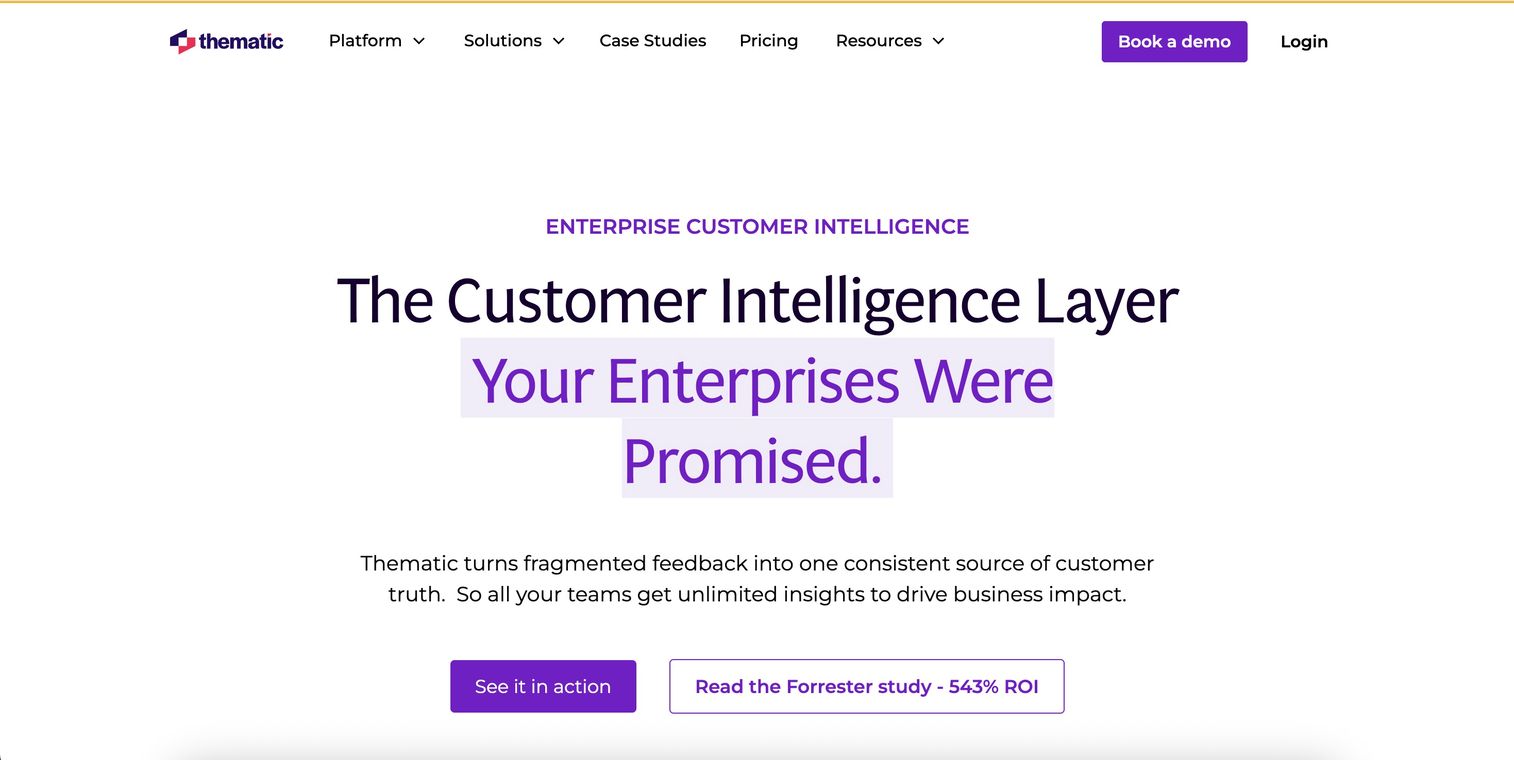
Thematic positions itself as an enterprise feedback intelligence platform built for CX and VoC teams analyzing customer feedback at scale. What sets it apart is transparent AI: you can see exactly how themes are derived, not just the output.
Best for: Enterprise VoC and CX teams who need research-grade analysis with explainable results.
Key strengths
- Research-grade analysis: The AI shows its work, so you can validate themes before acting on them.
- Human-in-the-loop validation: Review and adjust AI-generated themes to match your business context.
- Integration depth: Connects to existing CRM and feedback platforms like Salesforce, Zendesk, and Qualtrics.
- Volume-based pricing: Scales with your dataset size rather than per-seat licensing.
Why choose Thematic
Pick Thematic when you need to explain your analysis to stakeholders who will ask "how do you know that?" The transparency matters for regulated industries, board presentations, and any situation where black-box AI creates risk.
Pricing
Custom pricing based on data volume. Contact sales for a quote.
2. MAXQDA

MAXQDA has been the gold standard for qualitative and mixed-methods research since 1989. It's the tool you'll find in university research labs and UX research teams doing in-depth coding work.
Best for: Researchers, academics, and UX teams doing in-depth qualitative coding.
Key strengths
- Comprehensive coding tools: Manual and auto-coding, memo functions, and code hierarchies for complex projects.
- AI Assist: Speeds up text exploration without replacing human judgment.
- Visual analysis: Word clouds, document portraits, and code co-occurrence matrices.
- Desktop application: Works offline, which matters for sensitive data or fieldwork.
Why choose MAXQDA
Choose MAXQDA when academic rigor matters more than speed. The learning curve is steeper than business-focused tools, but the depth of analysis is unmatched for qualitative research.
Pricing
Starts at $99/year for students, with professional licenses ranging from $500 to $1,500 depending on features.
3. MonkeyLearn
MonkeyLearn is the no-code entry point for teams without data science resources. You can build text classifiers and sentiment models using a drag-and-drop interface, then connect them to your existing tools.
Best for: Marketing and support teams needing quick text classification without coding.
Key strengths
- Pre-built models: Start with sentiment, topic, and intent models that work out of the box.
- Drag-and-drop workflow builder: Create analysis pipelines without writing code.
- API access: Connect to your existing tools for automated analysis.
- Free tier: Test the platform before committing budget.
Why choose MonkeyLearn
MonkeyLearn works well when you need "good enough" analysis fast. It won't match the depth of enterprise tools, but it gets you from zero to insights in hours instead of weeks.
Pricing
Free tier available with limited usage. Paid plans start at $299/month.
4. Lexalytics
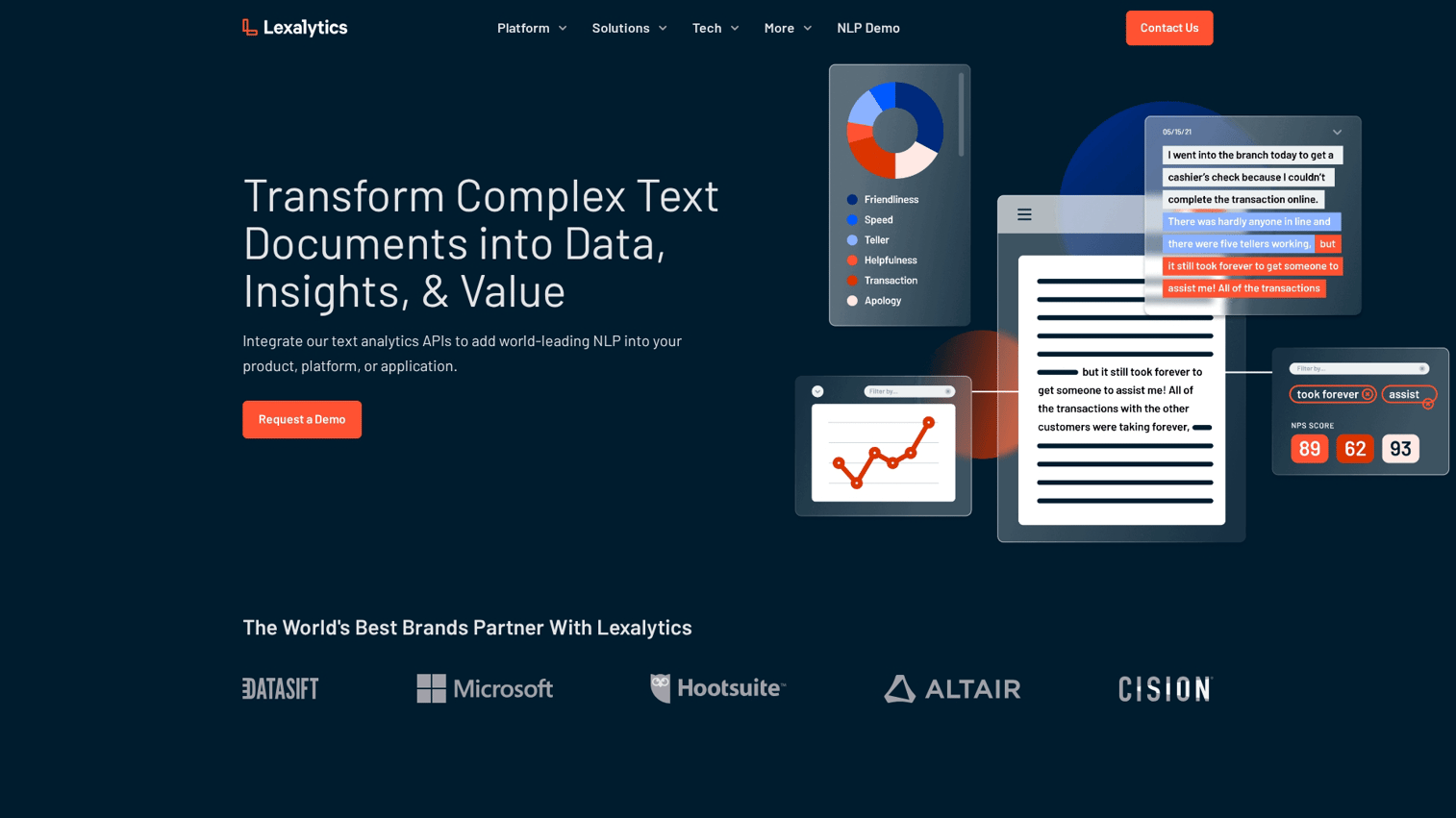
Lexalytics provides advanced NLP for enterprises needing deep linguistic analysis. It's particularly strong for social media monitoring, brand intelligence, and compliance use cases.
Best for: Social media monitoring, brand intelligence, and compliance teams.
Key strengths
- Industry-specific NLP models: Pre-trained for healthcare, finance, hospitality, and other verticals.
- On-premise deployment: Available for security-sensitive organizations that can't use cloud services.
- Multi-language support: Handles 30+ languages with native NLP, not just translation.
- Customizable entity extraction: Train the system to recognize your products, competitors, and industry terms.
Why choose Lexalytics
Lexalytics fits when you need enterprise-grade NLP with deployment flexibility. The on-premise option is increasingly rare and valuable for regulated industries.
Pricing
Custom pricing. Contact sales for a quote.
5. RapidMiner
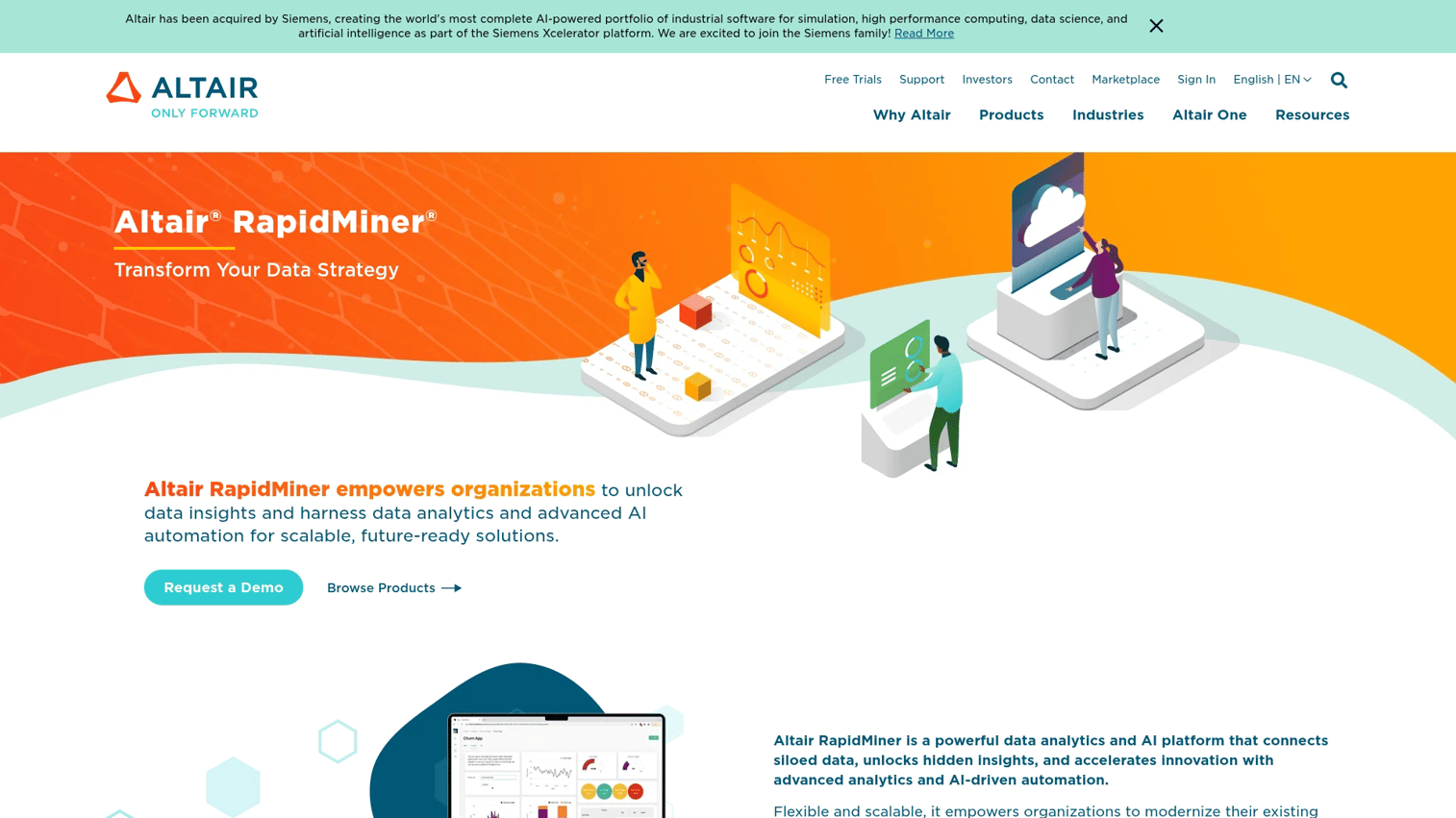
RapidMiner is a full data science platform where text analysis is one capability among many. If your team already works with structured data and wants to add text to the mix, this is a natural fit.
Best for: Data science teams building end-to-end ML pipelines.
Key strengths
- Visual workflow designer: Build analysis pipelines without coding, though coding is available.
- Extensible with Python and R: Add custom scripts when the visual tools aren't enough.
- Handles structured and unstructured data: Combine text analysis with traditional analytics.
- Community edition: Free tier for learning and small projects.
Why choose RapidMiner
Choose RapidMiner when text analysis is part of a broader data science initiative. It's overkill for teams who only need text analytics, but powerful for teams who need more.
Pricing
Free community edition available. Paid plans start at $2,500/year.
6. Voyant Tools
Voyant Tools is a free, web-based option for quick text exploration. Paste in your text or upload documents, and you'll get word frequency analysis, concordance views, and trend visualizations instantly.
Best for: Students, researchers, and anyone needing fast visualization without installation.
Key strengths
- No signup required: Open the website and start analyzing immediately.
- Paste or upload: Works with plain text, PDFs, and URLs.
- Multiple visualization types: Word clouds, frequency charts, concordance, and trend lines.
- Open source: Community-maintained and continuously improved.
Why choose Voyant Tools
Voyant is the right choice when you need quick exploration without commitment. It won't scale to enterprise needs, but it's perfect for initial analysis or teaching.
Pricing
Free. No paid tiers.
7. Google Cloud Natural Language AI
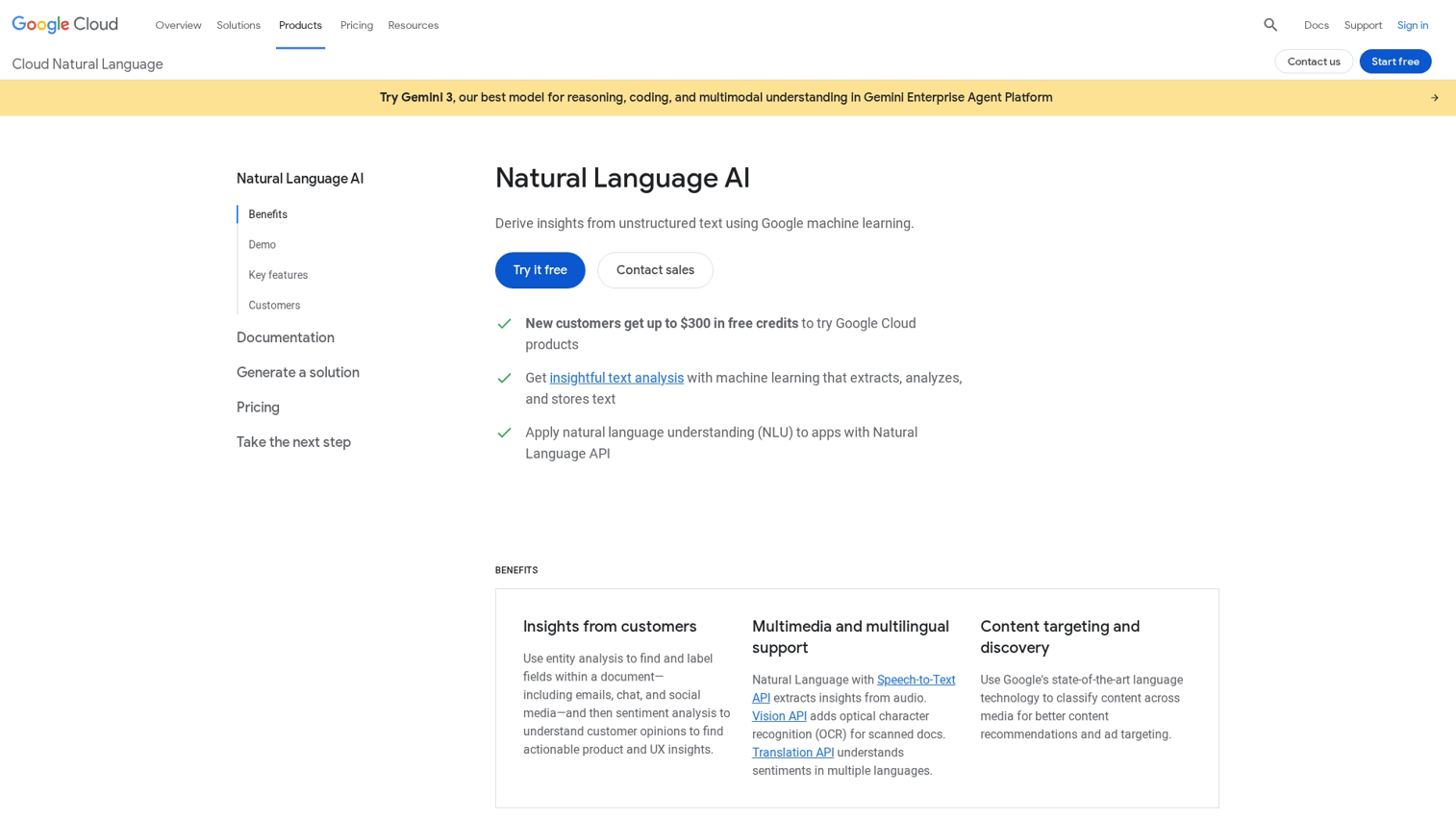
Google Cloud Natural Language AI is a developer-focused API for teams building text analysis into their own products. You send text, you get back structured data about entities, sentiment, and syntax.
Best for: Engineering teams building text analysis into custom applications.
Key strengths
- Pay-per-use pricing: Only pay for what you analyze, with no minimum commitment.
- Multiple analysis types: Entity recognition, sentiment analysis, syntax parsing, and content classification.
- Multi-language support: Works across dozens of languages.
- Google Cloud ecosystem: Integrates naturally with BigQuery, Cloud Functions, and other GCP services.
Why choose Google Cloud Natural Language AI
This is the right choice when you're building, not buying. If you have engineering resources and want to embed text analysis into your product, the API approach gives you maximum flexibility.
Pricing
Pay-per-use. First 5,000 units/month free, then $1-2 per 1,000 units depending on feature.
8. Kapiche
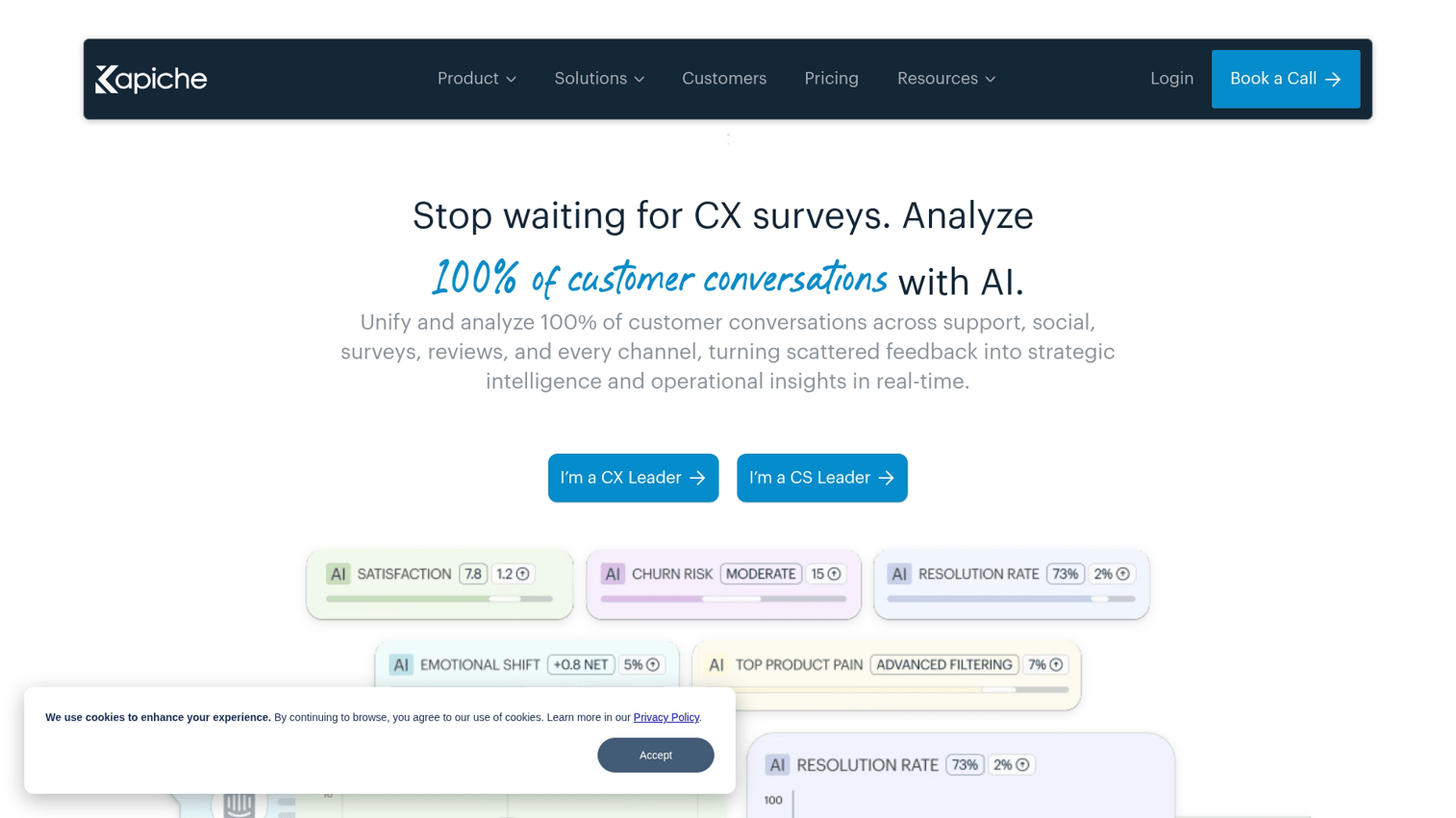
Kapiche uses unsupervised AI to find themes in customer feedback without requiring you to define categories upfront. The system discovers patterns you might not have thought to look for.
Best for: Teams wanting AI to surface unexpected insights from feedback.
Key strengths
- No taxonomy setup required: Start analyzing without defining categories first.
- Automatic theme detection: AI surfaces patterns based on what's actually in your data.
- Built for customer feedback: Optimized for surveys, reviews, and support data.
- Fast time-to-insight: Get results in hours, not weeks.
Why choose Kapiche
Kapiche works well when you don't know what you're looking for. Traditional tools require you to define categories upfront. Kapiche lets the data tell you what matters.
Pricing
Custom pricing based on data volume. Contact sales for a quote.
9. Qualtrics XM Discover
Qualtrics XM Discover is the text analytics layer for organizations already using Qualtrics for surveys. It adds sentiment, emotion, and effort detection to your existing feedback programs.
Best for: Enterprise CX teams already using Qualtrics for surveys.
Key strengths
- Native Qualtrics integration: Analyze survey responses without data export/import.
- Emotion and effort detection: Goes beyond basic sentiment to understand customer experience.
- Role-based dashboards: Different views for executives, analysts, and frontline teams.
- Enterprise security: SOC 2, GDPR, and other compliance certifications.
Why choose Qualtrics XM Discover
If you're already a Qualtrics customer, XM Discover is the path of least resistance. The integration is seamless, and you avoid the complexity of connecting separate systems.
Pricing
Custom pricing as part of Qualtrics enterprise agreements.
10. Chattermill
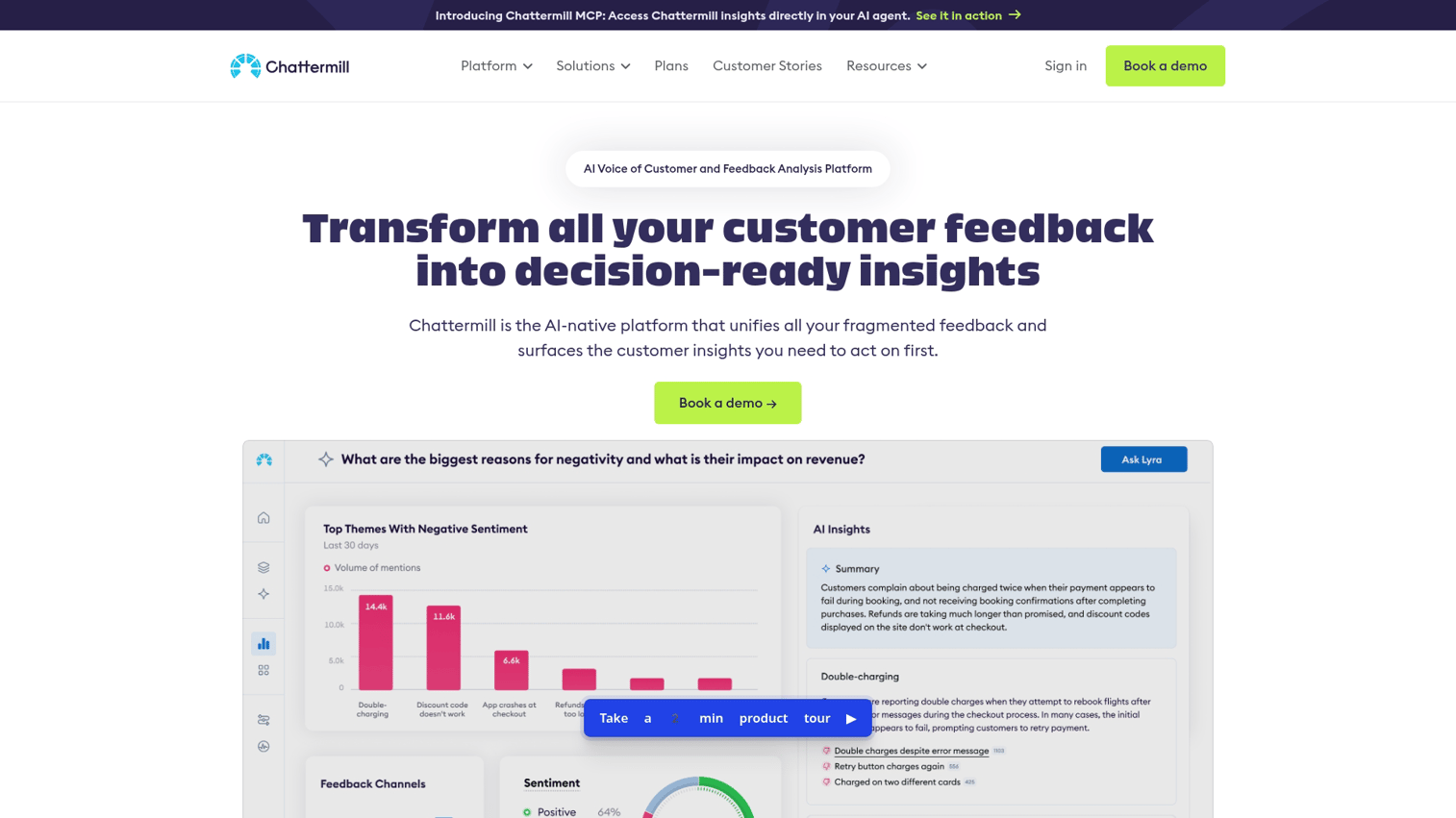
Chattermill is purpose-built for product feedback analysis. It comes with predefined taxonomies for feature requests, bug reports, and user sentiment, so product teams can start analyzing immediately.
Best for: Product teams analyzing feature requests, bug reports, and user feedback.
Key strengths
- Predefined product feedback taxonomies: Categories designed for product management use cases.
- Connects feedback to roadmap: Link insights directly to product decisions.
- Trend detection: Spot emerging issues before they become widespread.
- Product tool integrations: Connects with Jira, Productboard, and similar tools.
Why choose Chattermill
Chattermill fits when product feedback is your primary use case. The predefined taxonomies save setup time, and the integrations keep insights connected to where decisions happen.
Pricing
Custom pricing. Contact sales for a quote.
Key features to evaluate in text analysis tools
Beyond the core capabilities, several features separate good tools from great ones.
AI transparency and human-in-the-loop controls
Black-box AI creates risk. If you can't explain how the system arrived at its conclusions, you can't defend those conclusions to stakeholders, regulators, or peer reviewers.
Look for tools that let you review, adjust, and validate AI-generated themes before acting on them. This matters most for academic research, regulated industries, and any situation where "the AI said so" isn't a sufficient answer.
Data source integrations
Your text data lives in multiple systems. The best tools connect natively to where that data already exists:
- Survey platforms: Qualtrics, SurveyMonkey (you can monitor response trends in SurveyMonkey directly), Typeform
- CRM systems: Salesforce, HubSpot
- Support tools: Zendesk, Intercom, Freshdesk
- Social platforms: Twitter/X API, Facebook, review sites
- File imports: CSV, Excel, PDF, plain text
Integration depth varies. Some tools offer native connectors with real-time sync. Others require manual exports or API work.
Sentiment analysis accuracy
Sentiment accuracy depends heavily on training data and domain context. A model trained on product reviews may misread academic papers or legal documents.
Test with your actual data before committing. Most vendors offer trials or demos. Use them to evaluate whether the sentiment classifications match human judgment on your specific content.
Visualization and reporting
Different visualizations serve different purposes:
- Word clouds: Quick overview of frequent terms (useful for presentations, less useful for analysis).
- Trend lines: Track sentiment or theme shifts over time.
- Network graphs: Show relationships between concepts.
- Exportable dashboards: Share findings with stakeholders who won't log into the tool.
Multi-language support
Global teams need tools that handle multiple languages. There's an important distinction here: basic translation versus true multilingual NLP.
Translation-based approaches run text through a translator first, then analyze the English output. This loses nuance, idioms, and cultural context. True multilingual NLP understands each language natively, which produces more accurate results.
Security and compliance
For enterprise deployments, security considerations include:
- Data residency: Where is your text data stored?
- Encryption: At rest and in transit.
- Access controls: Role-based permissions for different team members.
- Compliance certifications: SOC 2, GDPR, HIPAA depending on your industry.
How LLMs compare to traditional NLP for text analysis
You might be wondering whether ChatGPT or similar large language models can replace dedicated text analysis software. The short answer: it depends on your use case.
Speed and setup differences
Traditional NLP tools require model training, taxonomy setup, and integration work. LLMs can analyze text immediately with prompts. You can paste a customer review into ChatGPT and get sentiment analysis in seconds.
However, LLMs may produce inconsistent results across repeated analyses of the same text. Run the same prompt twice, and you might get different categorizations.
Accuracy and edge case handling
Traditional NLP models excel when trained on domain-specific data. If you've built a classifier on thousands of your own support tickets, it will outperform a general-purpose LLM on similar tickets.
LLMs handle ambiguity and context better but may hallucinate categories or miss nuance. They're excellent for exploration and one-off analysis, less reliable for production workflows where consistency matters.
Cost considerations at scale
LLM API costs (measured in tokens) add up quickly at high volume. Analyzing 100,000 customer comments through GPT-4 could cost hundreds of dollars per run.
Traditional NLP has higher upfront cost but predictable ongoing costs. Estimate your monthly text volume before choosing an approach.
Tip: Use LLMs for initial exploration and hypothesis generation, then build traditional NLP pipelines for ongoing production analysis.
How to choose the right text analysis software
Here's a practical framework for making the decision.
1. Define your primary use case
Start with what you're actually trying to accomplish:
- If qualitative research: Prioritize coding tools, audit trails, and academic citations. MAXQDA is the standard.
- If customer feedback at scale: Prioritize auto-categorization and integrations. Thematic and Kapiche excel here.
- If social monitoring: Prioritize real-time alerts and trend detection. Lexalytics fits this use case.
- If exploring or learning: Start with free tools. Voyant Tools and MonkeyLearn's free tier let you experiment without commitment.
2. Assess technical requirements
Consider your team's capabilities. Does your team have coding skills, or do you need no-code?
Do you need cloud-based access or on-premise deployment? What data formats do you need to import?
3. Evaluate integration needs
List the tools already in your stack: CRM, support platform, survey tools, marketing automation software. Check that the text analysis tool connects natively or via API.
Data that doesn't flow automatically becomes data that doesn't get used.
4. Test with real data before committing
Run a pilot with actual text data from your organization. Evaluate whether themes make sense, sentiment accuracy matches human judgment, and the workflow fits your team.
Most vendors offer trials or demos. Teams evaluating multiple vendors often benefit from interactive demos to compare workflows side-by-side without scheduling multiple live calls.
Turn text insights into action
Text analysis software only creates value when insights lead to decisions. The best tools connect analysis to action: routing support tickets, informing product roadmaps, or surfacing messaging insights for marketing teams.
Start by defining one concrete question you want your text data to answer. Then select a tool that addresses that specific need. The right choice depends on your use case, technical resources, and existing stack, not on which vendor has the best marketing.
Start your journey with Guideflow today!
FAQs about text analysis software
ChatGPT can perform one-off sentiment analysis and summarization, but it lacks the consistency, audit trails, and integration capabilities required for ongoing business analysis at scale. For integrated summarization within existing tools, teams can summarize text with AI in Monday.com or similar platforms.
The Big 5 (OCEAN) framework analyzes text for personality traits: Openness, Conscientiousness, Extraversion, Agreeableness, and Neuroticism. It's commonly used in psychology research and some HR applications for candidate assessment.
SPSS includes a Text Analytics add-on that handles basic categorization and sentiment. However, most teams find dedicated text analysis platforms offer deeper NLP capabilities and easier workflows than SPSS's text module.
Setup ranges from minutes for web-based tools like Voyant to several weeks for enterprise platforms requiring custom integrations, taxonomy configuration, and team training. Budget time accordingly based on your chosen tool.
Text analytics focuses on extracting meaning and sentiment from text, while text mining emphasizes discovering patterns across large datasets. In practice, most tools combine both approaches, and vendors use the terms interchangeably.
Many platforms like MonkeyLearn and MAXQDA offer no-code interfaces suitable for non-technical users. Tools like RapidMiner and Google Cloud Natural Language AI provide more power for users comfortable with scripting or API calls.
Choose a tool with native multilingual NLP support rather than relying on translation. Translated text often loses sentiment nuance and cultural context that affects analysis accuracy. Lexalytics and Google Cloud Natural Language AI both offer strong multilingual capabilities.