How to detect sentiment using Autofill with AI in Monday.com
Here is how to detect sentiment using autofill with ai in monday.com
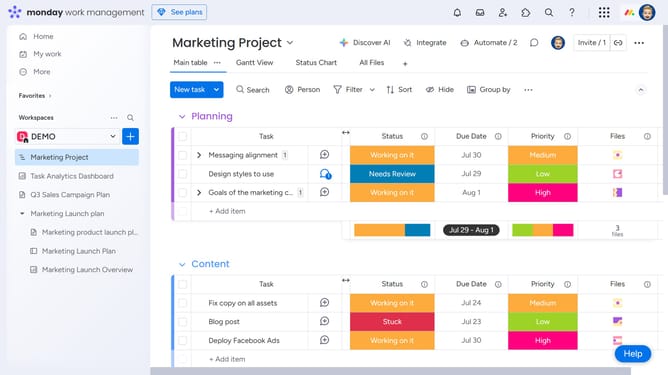
- First, open the board that contains the text you want to analyze
- Next locate the "Text" column
- Click on the "More" menu button (three dots) in the column header
- Then cick the "Autofill with AI" from the column menu options
- Next click "See more actions" in the AI actions menu
- Select "Detect sentiment" from the expanded AI actions list
- Click on the "Choose text" dropdown menu
- Then, select the column containing the text you want to detect sentiment from
- Enter additional instructions in the text field provided if needed
- Finally click the "Save & apply" button in the bottom right corner
Why should you detect sentiment using Autofill with AI in Monday.com
Monday.com is a versatile work operating system designed to streamline project management and collaboration.
Detecting sentiment using Autofill with AI in Monday.com allows teams to quickly understand the emotional tone of inputs, enhancing communication dynamics. This feature leverages advanced AI to analyze text and automatically suggest sentiment insights, facilitating a more intuitive workflow.
Using this smart functionality aids in identifying issues early, tailoring responses appropriately, and ensuring that team interactions remain positive and productive, ultimately boosting project outcomes.
Last update