How to add the Files Gallery to a Dashboard in Monday.com
Here is how to add the files gallery to a dashboard in monday.com
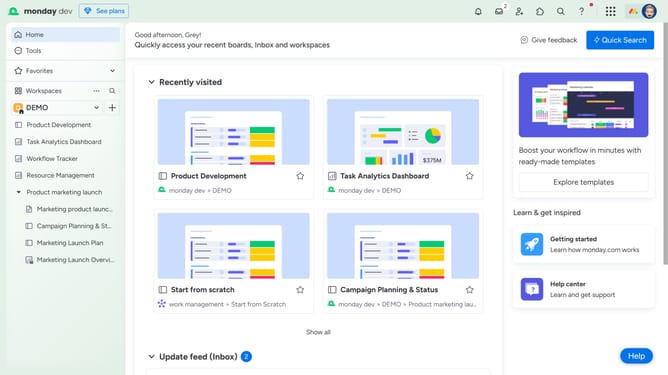
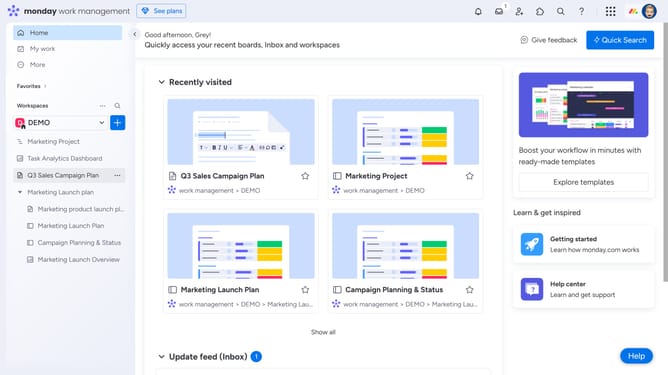
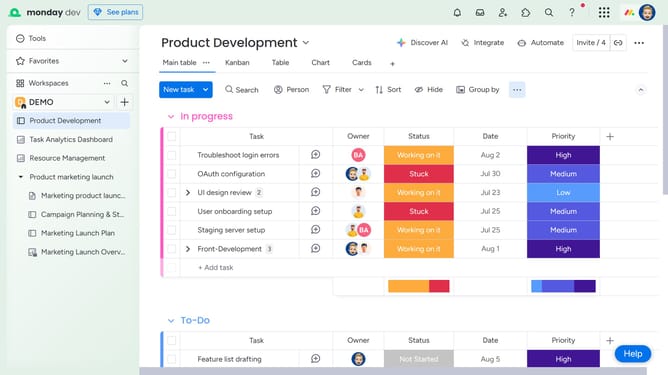
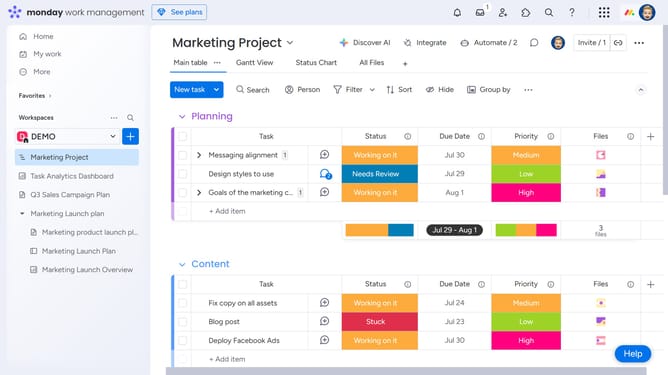
- First, in the left sidebar, click on the dashboard where you want to add the widget
- Then click on the "Add widget" button in the top toolbar
- Finally select the "Files Gallery" widget option from the menu
- The Files Gallery widget will now display all files from the selected boards
Why should you add the Files Gallery to a Dashboard in Monday.com
Monday.com is a dynamic work platform designed to simplify team collaboration and workflow management.
Adding the Files Gallery to a Dashboard in Monday.com enhances your workspace by visually organizing all project-related documents in one accessible location.
This feature allows for seamless file management and swift retrieval, ensuring team members stay aligned and informed without sifting through lengthy email threads or multiple storage solutions.
Ultimately, it boosts productivity and streamlines communication within your team, fostering an efficient work environment.
Last update