How to view your annotations in Monday.com
Here is how to view your annotations in monday.com
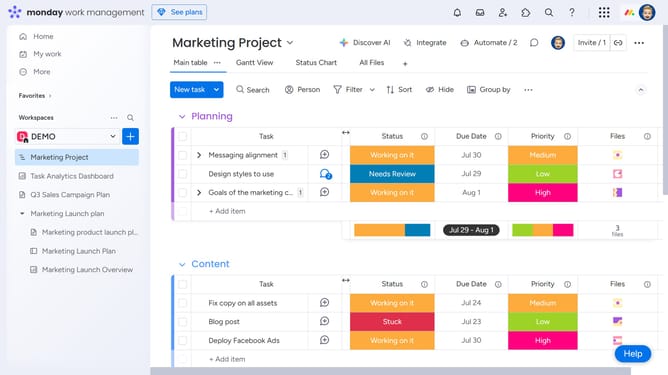
- First locate the item that contains the annotated file in the Files column
- In the Files column of that item, click on the file you want to view annotations for
- The file will open and all your annotations will appear as blue circle with a number on the file
- You can hover over a circle to preview the annotation
- Then click on a circle to open a thread showing all related updates in sequence
- From here, you can reply to, like, edit, or delete any annotation you've posted
Why should you view your annotations in Monday.com
Monday.com is a versatile work operating system designed to streamline team collaboration and enhance project management.
Viewing your annotations in Monday.com is simple and key to maintaining clarity and transparency among team members.
This feature allows you to effortlessly keep track of important notes and feedback, centralizing information for easy access.
Using annotations ensures all team members are aligned and informed, thereby boosting productivity and reducing the risk of misunderstandings.
Last update