How to change your account language in Monday.com
Here is how to change your account language in monday.com
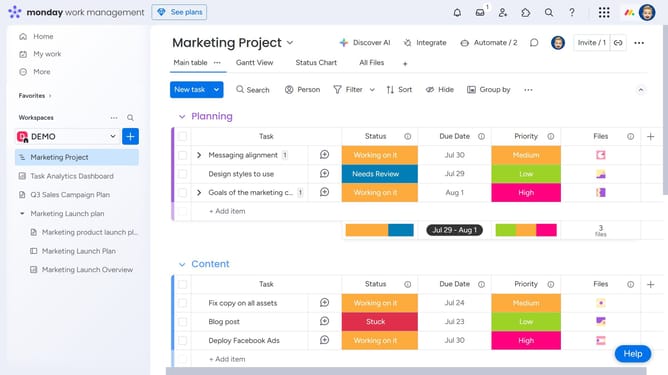
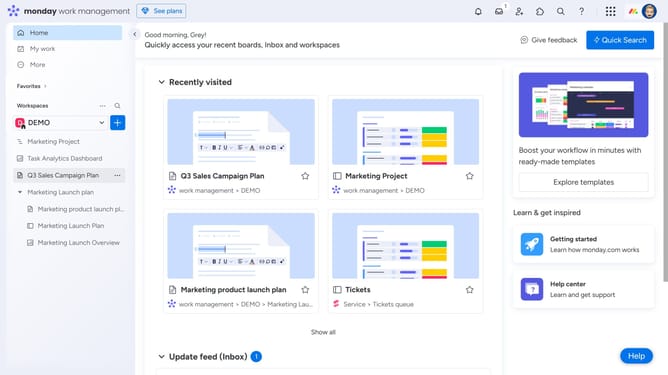
- First click on the profile picture in the top-right corner of the header
- Next click on "My profile" option in the dropdown menu
- In the pop-up window, click on "Language & region" in the left sidebar menu
- Then click on the "Language" dropdown menu
- Finally select your preferred language from the dropdown list
- Your account language will switch immediately based on the language you select
Why should you change your account language in Monday.com
Monday.com is a versatile work operating system that helps teams streamline their workflows and enhance collaboration.
An invaluable feature of Monday.com is the ability to change your account language, ensuring the platform aligns with your language preferences for seamless user experience.
Utilizing this feature not only boosts accessibility for global teams but also fosters more efficient communication by allowing users to interact in their native language, promoting inclusivity and clarity.
Last update