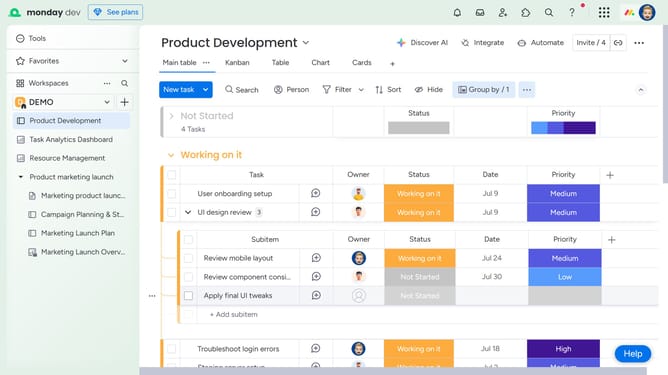
How to export a board view in Monday.com
Here is how to export a board view in monday.com
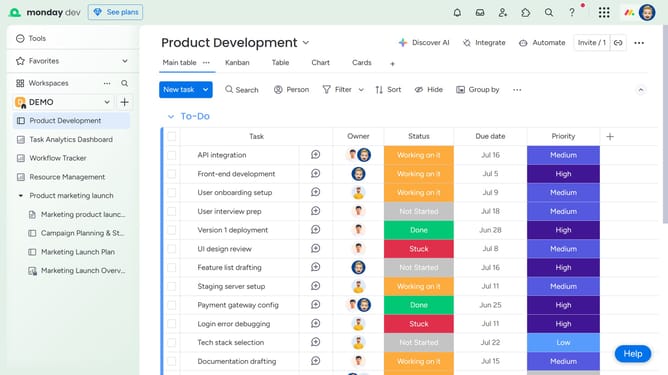
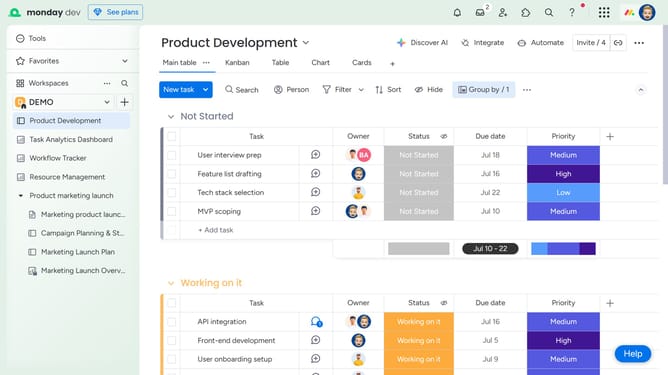
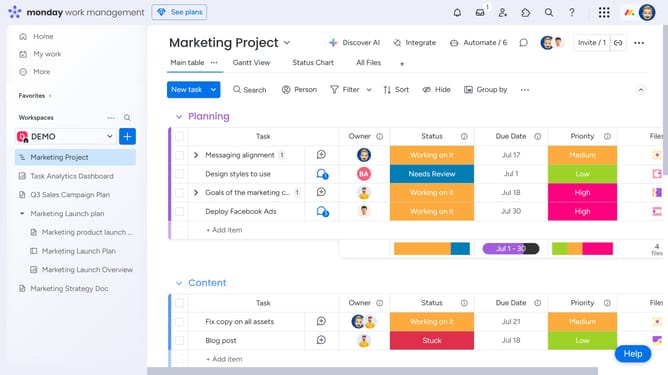
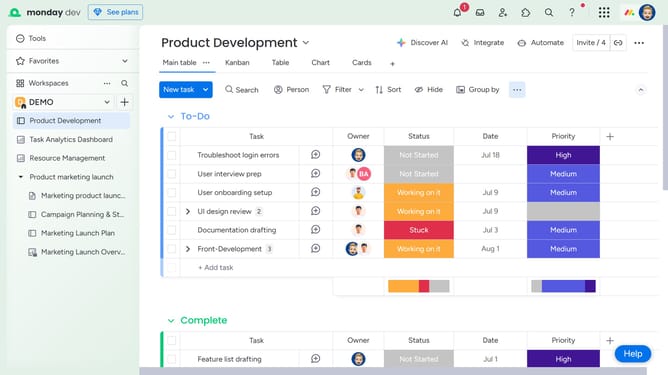
- First open the board and click the view you want to export
- Next click the more options menu (three dots) to the right of the view name
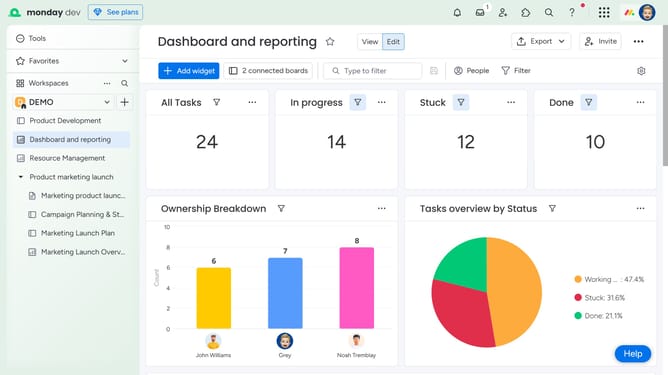
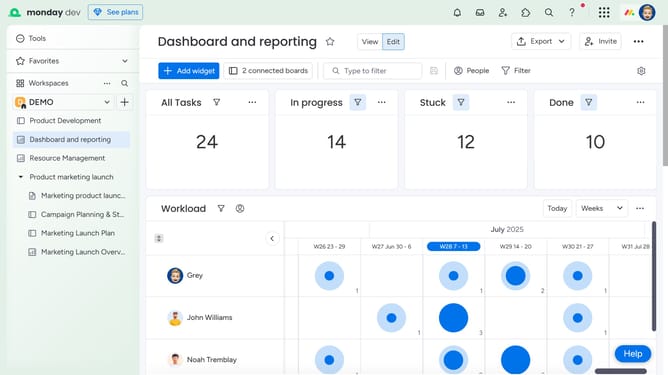
- From the dropdown menu, click on the "Export" option
- Then click on "Export to PDF" in the submenu
- In the pop-up window, choose your preferred export settings
- Finally click on the "Export" button to generate and download your PDF
Why should you export a board view in Monday.com
Monday.com is a versatile work operating system designed to simplify project management and team collaboration.
One of its most beneficial features is the ability to export a board view, allowing users to transform complex data into shareable, offline documents easily.
By exporting board views, teams can ensure seamless data presentation in meetings, generate comprehensive reports, and preserve crucial project information in accessible formats.
This functionality enhances communication and improves workflow management, making project oversight smoother and more effective.
Last update