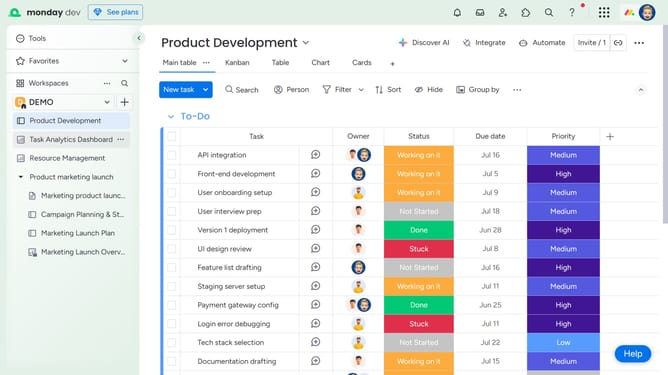
How to view all board members in Monday.com
Here is how to view all board members in monday.com
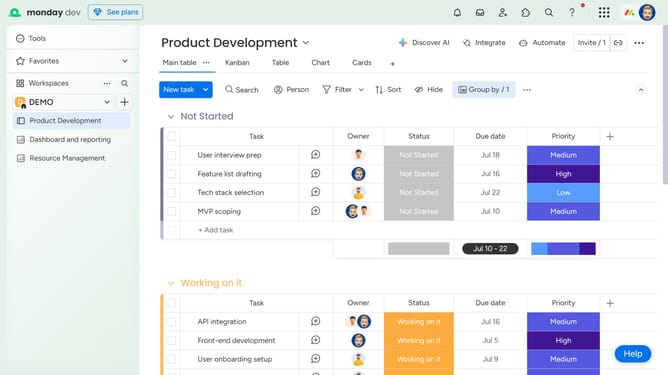
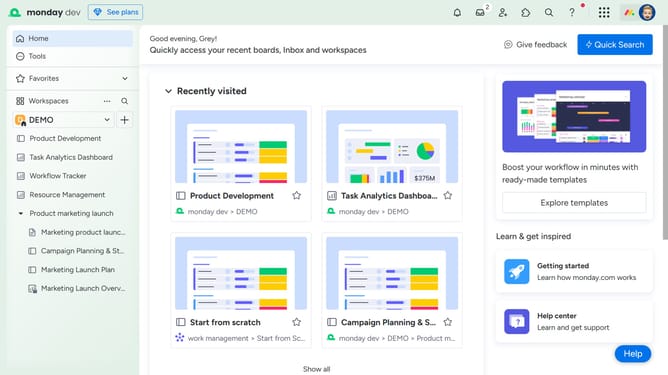
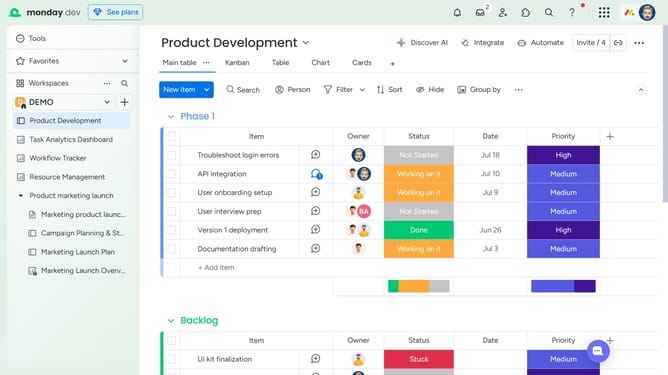
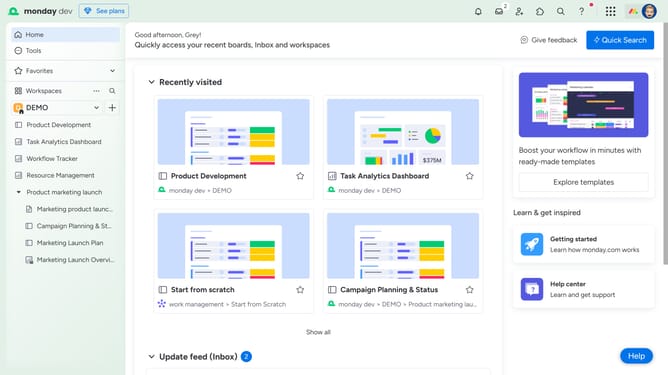
- First open the board where you want to see the list of members from the left sidebar menu
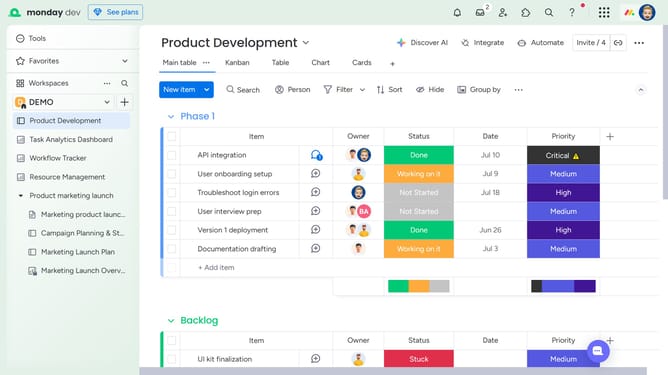
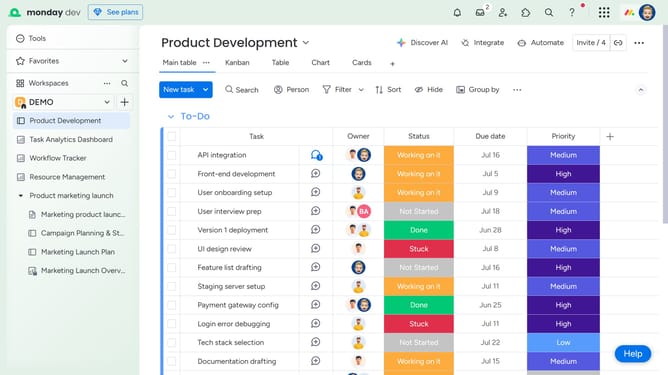
- Then click on the "Invite" button in the top menu bar
- Finally a pop-up window will appear, displaying all members who have access to the board
Why should you view all board members in Monday.com
Monday.com is a dynamic work operating system designed to simplify team collaboration and project management.
The feature of viewing all board members in Monday.com empowers teams with clear visibility over who's involved in each project.
By knowing the members of a board, users can better coordinate tasks, foster accountability, and streamline communication among team members.
This enhanced connectivity not only boosts efficiency but also encourages a stronger sense of team cohesion, leading to more successful project outcomes.
Last update