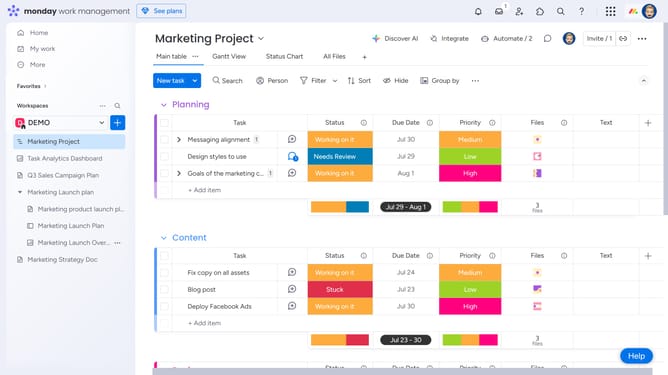
How to edit the Cards View in Monday.com
Here is how to edit the cards view in monday.com
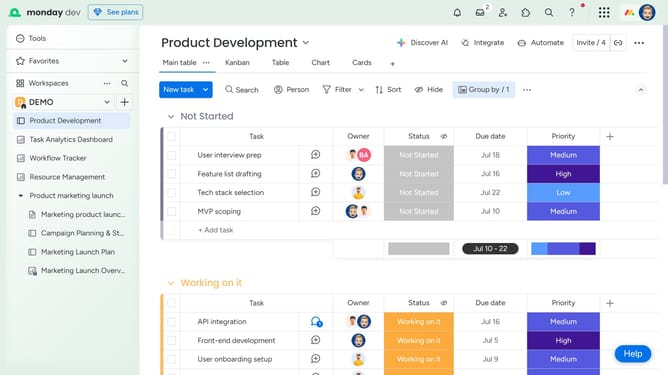
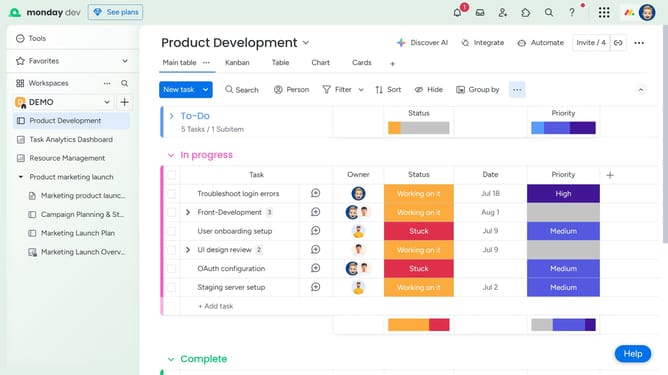
- First click on the "Cards" view option at the top of the board to open it
- Next click the more options menu (three dots) to the right of the view name
- Then from the dropdown menu, you can rename, duplicate, lock or delete the view as needed
Why should you edit the Cards View in Monday.com
Monday.com is a dynamic work operating system designed to streamline team collaboration and project management.
Editing the Cards View in Monday.com allows users to customize how project information is visually organized, making workflows more intuitive and accessible.
This feature enhances team productivity by enabling users to tailor data presentation to better suit their specific needs, improving communication and project oversight.
By optimizing the view, teams can focus on what truly matters, ensuring clarity and efficiency in task management.
Last update