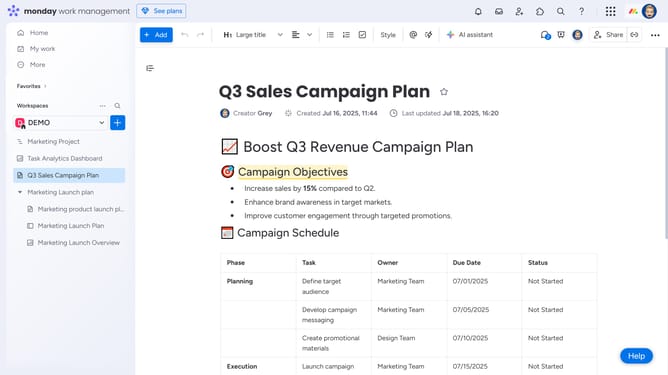
How to duplicate a Workdoc in Monday.com
Here is how to duplicate a workdoc in monday.com
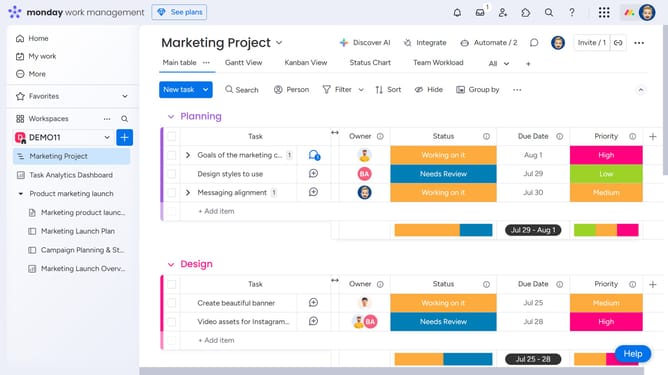
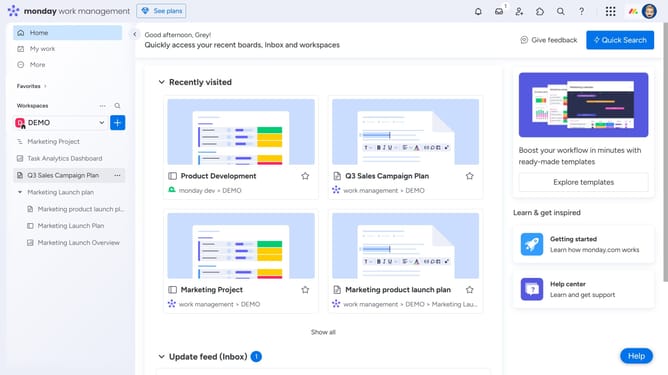
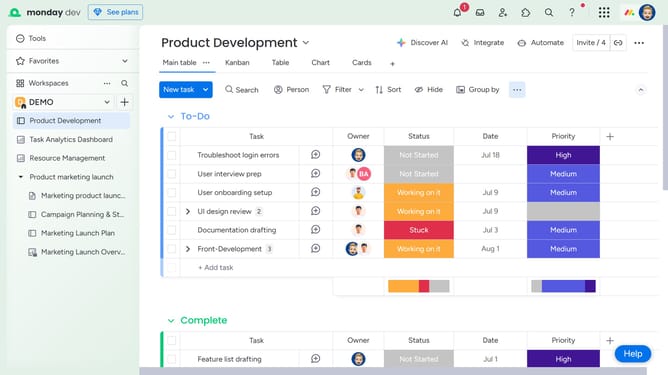
- First locate the Workdoc you want to duplicate in the left sidebar
- Next hover over its name and click on the options menu (three dots) icon next to it
- Then click on "Duplicate" option in the context menu that appears
- Alternatively, open the Workdoc you want to duplicate
- Next click on the "More options" menu (three dots) in the top-right corner of the document
- Select "Duplicate" option from the document options menu
- Enter a new name for the duplicated doc
- Next click on the "Choose what to duplicate" dropdown
- Then select "Doc content" or "Doc content and Updates" from the dropdown menu
- Check the “Keep Doc subscribers” box if you want to retain the original collaborators
- Finally, click the “Duplicate” button to confirm and create the copy
Why should you duplicate a Workdoc in Monday.com
Monday.com is a versatile work operating system designed to streamline workflow and enhance team collaboration.
One standout feature is the ability to duplicate a Workdoc effortlessly.
This feature empowers users to create exact replicas of their existing documents, saving time and ensuring consistency across projects.
By duplicating Workdocs, teams can maintain standardized processes and quickly adapt past successes to new projects. This benefits users by boosting productivity and fostering a culture of efficiency and quality.
Last update