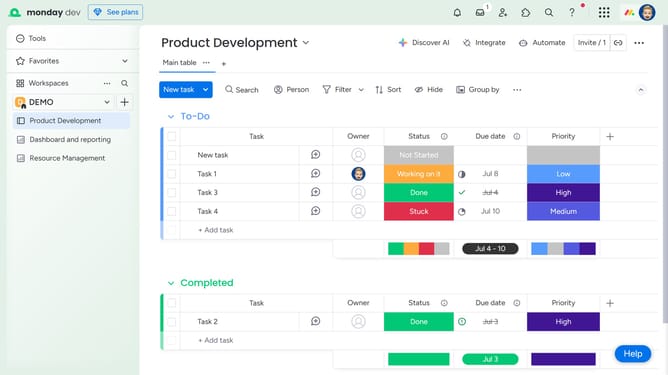
How to add a team member to your Workdoc in Monday.com
Here is how to add a team member to your workdoc in monday.com
- First open the Workdoc from the left sidebar
- Next click on "Share" button in the top-right corner of the Doc
- In the invite dialog, type the name of the team member you want to add in the search field
- Then click on the correct person from the search results
- To add a new team member, enter their email address into the search field
- Then click on "Invite a new member by email" option in the dropdown
- Finally click "Invite as a member" button to send the invitation
- The invited member will have access to view or collaborate on the Doc once they accept the invitation
Why should you add a team member to your Workdoc in Monday.com
Monday.com is a versatile work operating system designed to streamline project management and collaboration.
Adding a team member to your Workdoc enhances collaboration by allowing everyone to contribute their insights and expertise. This feature fosters a sense of ownership and encourages teamwork, making it easier to achieve common goals.
By including diverse perspectives, you enrich the quality of work and speed up project timelines. This seamless integration of team efforts leads to more efficient and successful project outcomes.
Last update