How to expand or collapse subitems in Monday.com
Here is how to expand or collapse subitems in monday.com
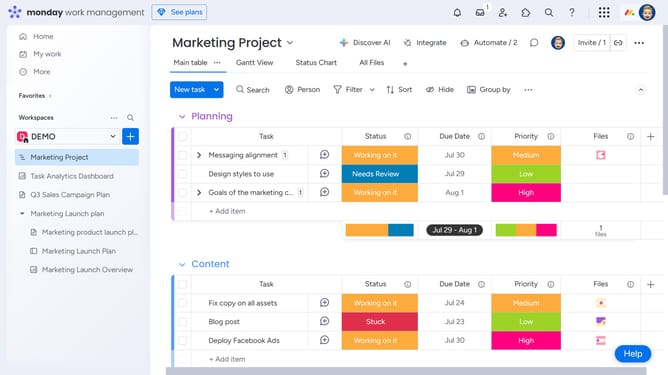
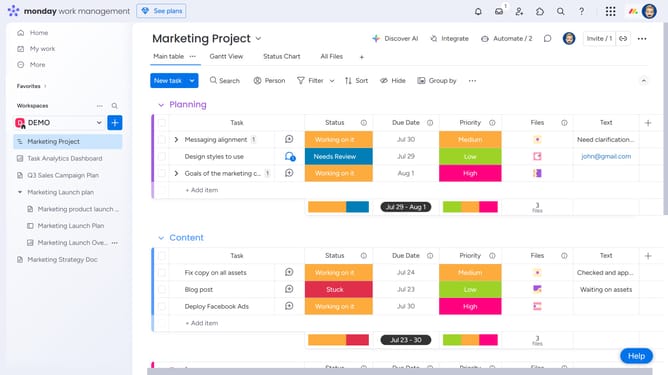
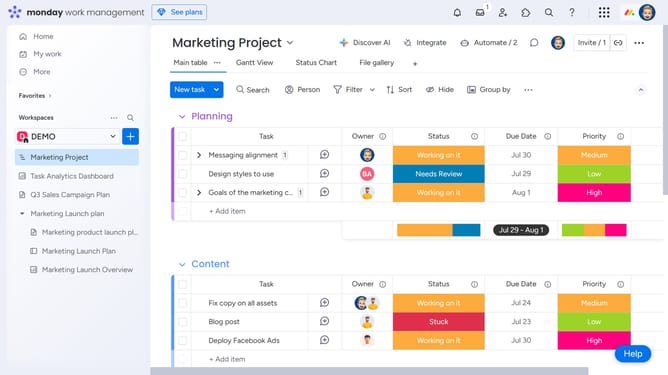
- First, locate the parent item that contains the subitems
- Then click the small arrow icon next to the item to expand its subitems
- The subitems will now appear directly beneath the parent item
- Then click the arrow icon again to collapse and hide the subitems
Why should you expand or collapse subitems in Monday.com
Monday.com is a versatile work operating system designed to streamline team collaboration and project management.
The ability to expand or collapse subitems in Monday.com is a feature that enhances clarity by helping you visualize project hierarchies at a glance.
This functionality ensures you can focus on the larger picture or dive deep into specific tasks without losing sight of overall progress.
By enabling toggling of subitems, users can manage workflows efficiently, fostering a more organized and productive work environment.
Last update