How to download a file from a board in Monday.com
Here is how to download a file from a board in monday.com
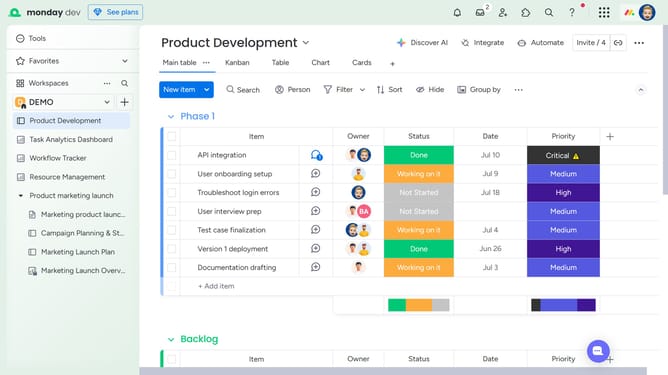
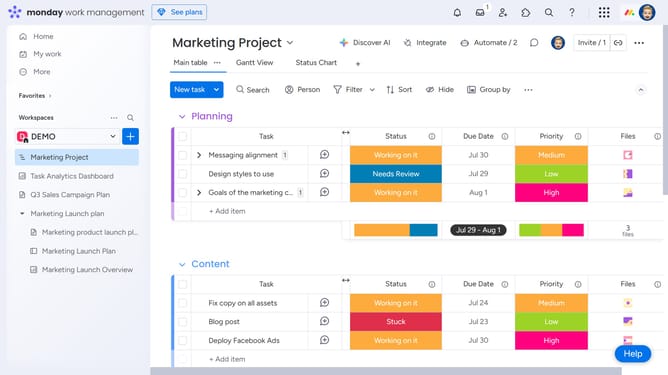
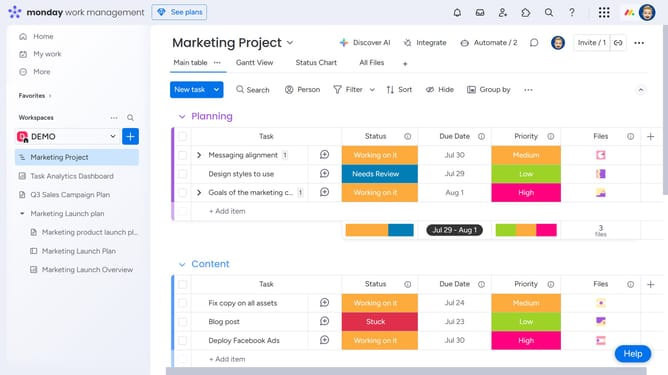
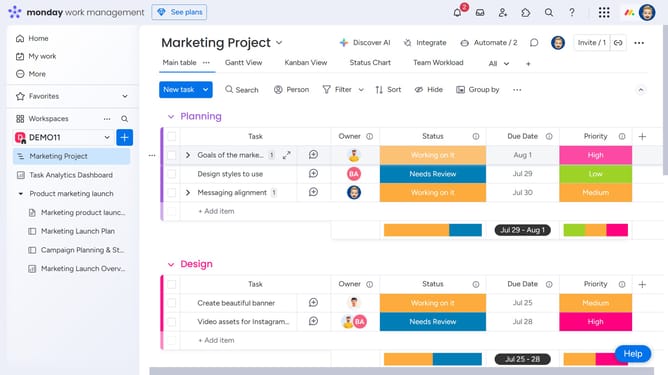
- First open the board containing the file from the left sidebar
- Next click on the "File gallery" view in the top navigation menu
- Then click on the file name or icon to open the preview
- Finally in the preview window, click on the "Download" button in the image viewer toolbar
- The file will download and save to your device
Why should you download a file from a board in Monday.com
Monday.com is a dynamic work operating system designed to streamline team collaboration and project management effortlessly.
Efficiently downloading a file from a board within Monday.com takes mere moments, thanks to its intuitive interface. It enables users to swiftly access crucial documents, ensuring valuable information is always at your fingertips.
This feature is particularly beneficial as it supports quick decision-making and enhances project workflow by keeping team members aligned and informed with up-to-date resources.
Last update