How to change your account timezone in Monday.com
Here is how to change your account timezone in monday.com
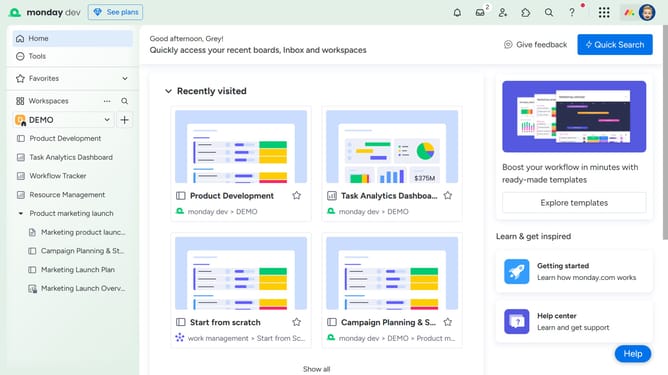
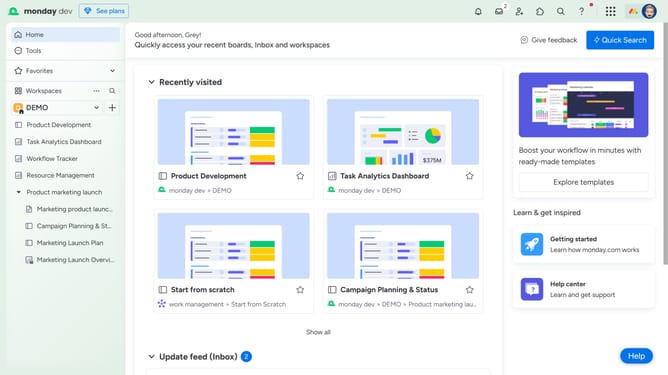
- First click on the profile picture in the top-right corner of the header
- Next click on "My profile" in the dropdown menu
- Click the "Language & region" from the left sidebar menu
- Then click on the "Timezone" dropdown menu
- Finally select your preferred timezone from the dropdown list
Why should you change your account timezone in Monday.com
Monday.com is a versatile work operating system designed to streamline teamwork and boost productivity through customizable workflows.
One of the platform's standout features is the ability to change your account timezone, allowing you to tailor the time settings to suit your specific geographical location.
This adjustment ensures that deadlines, reminders, and notifications seamlessly sync with your time zone, minimizing chances of errors or missed tasks.
Ultimately, aligning your account timezone enhances collaboration by keeping everyone in your team on the same chronological page, fostering efficiency and clarity.
Last update