How to bring task from one board to another in Monday.com
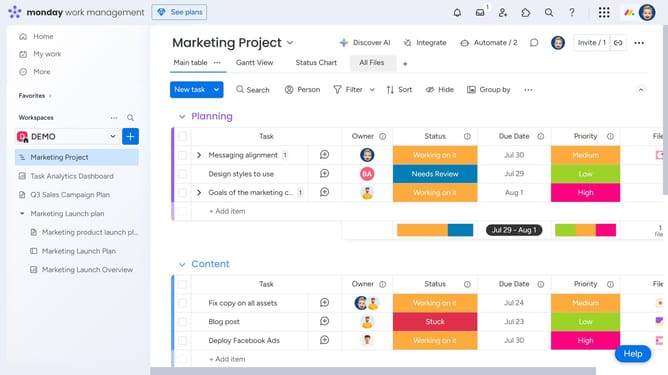
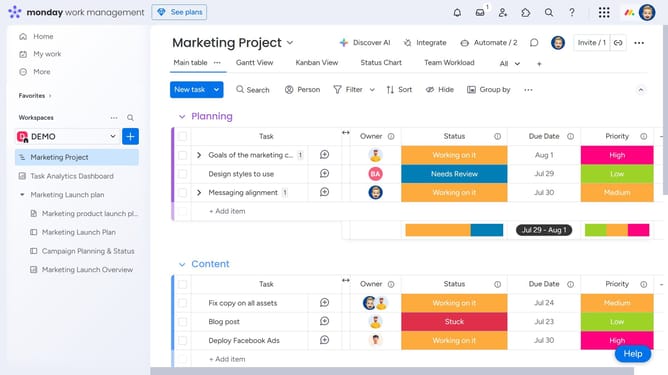
Here is how to bring task from one board to another in monday.com
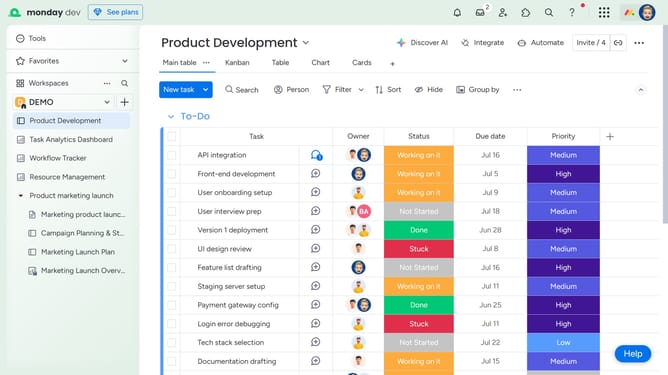
- First click on the box next to the task that you want to move
- Then click on the "Move to" button in the action menu that appears
- Next click on "Move to board" option
- Then click on the board where you want to move the task
- Finally click on the name of the group where you want to move the task
Why should you bring task from one board to another in Monday.com
Monday.com streamlines project management with dynamic workflows and collaborative features.
Moving tasks from one board to another within Monday.com enhances flexibility and ensures smooth transitions across projects.
This feature empowers teams to adapt to changing project needs effortlessly, maintaining organization and momentum effortlessly.
By simplifying task relocation, teams can achieve better coordination and efficient resource allocation, leading to optimized productivity and project outcomes.
Last update